Customer Ratings & Reviews







- Model:
- 80VF00FRUS
- SKU:
- 5723427
to a friend
Customers are saying
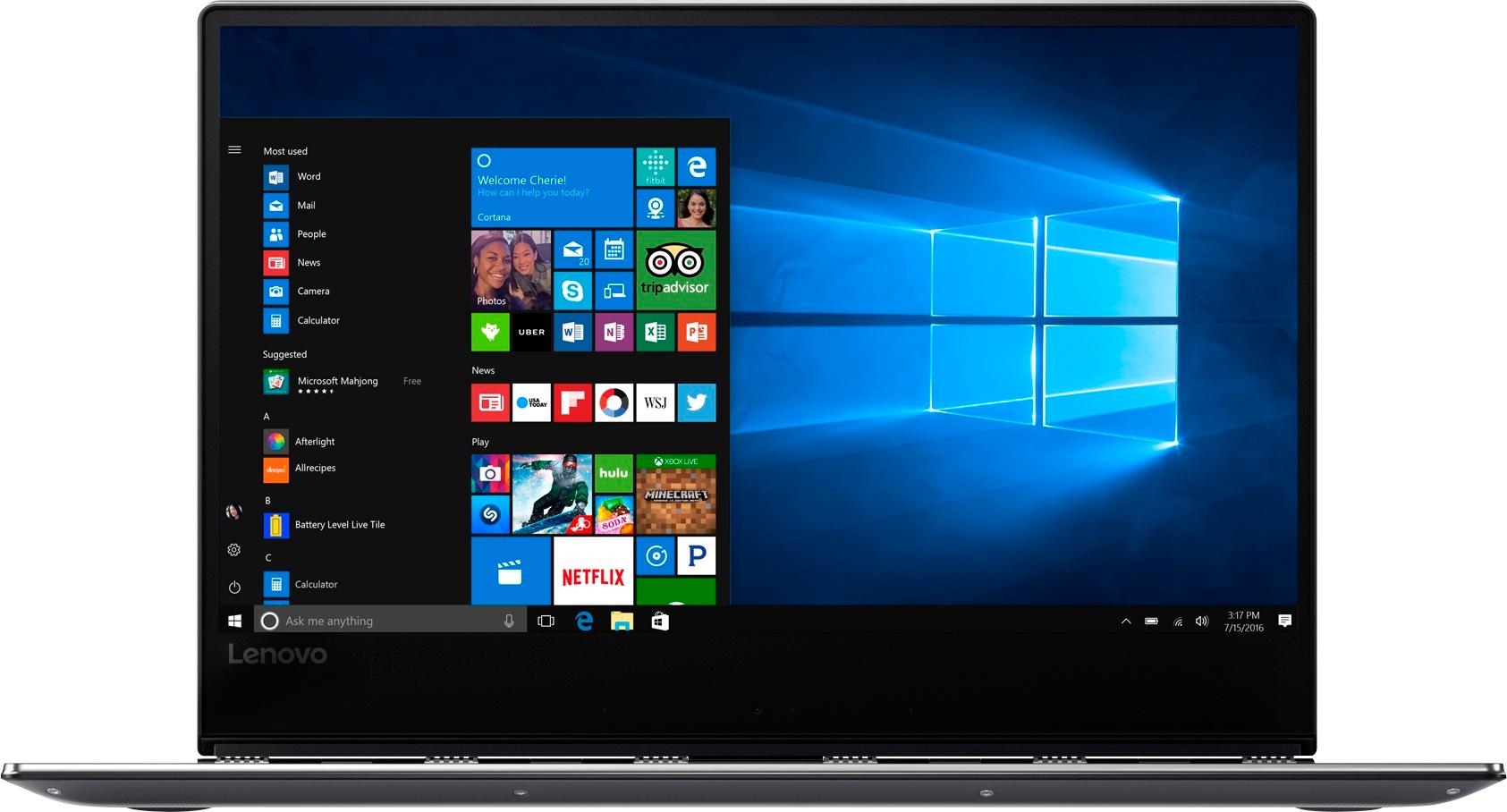
Customers appreciate the Yoga 910's fast performance, lightweight design, and long battery life. They also value the high-quality 4K touch screen and the large 1TB SSD storage. However, some customers have expressed concerns about the fan noise, the placement of the right Shift key, and the limited number of ports.
This summary was generated by AI based on customer reviews.
Too much wrong for such a high price
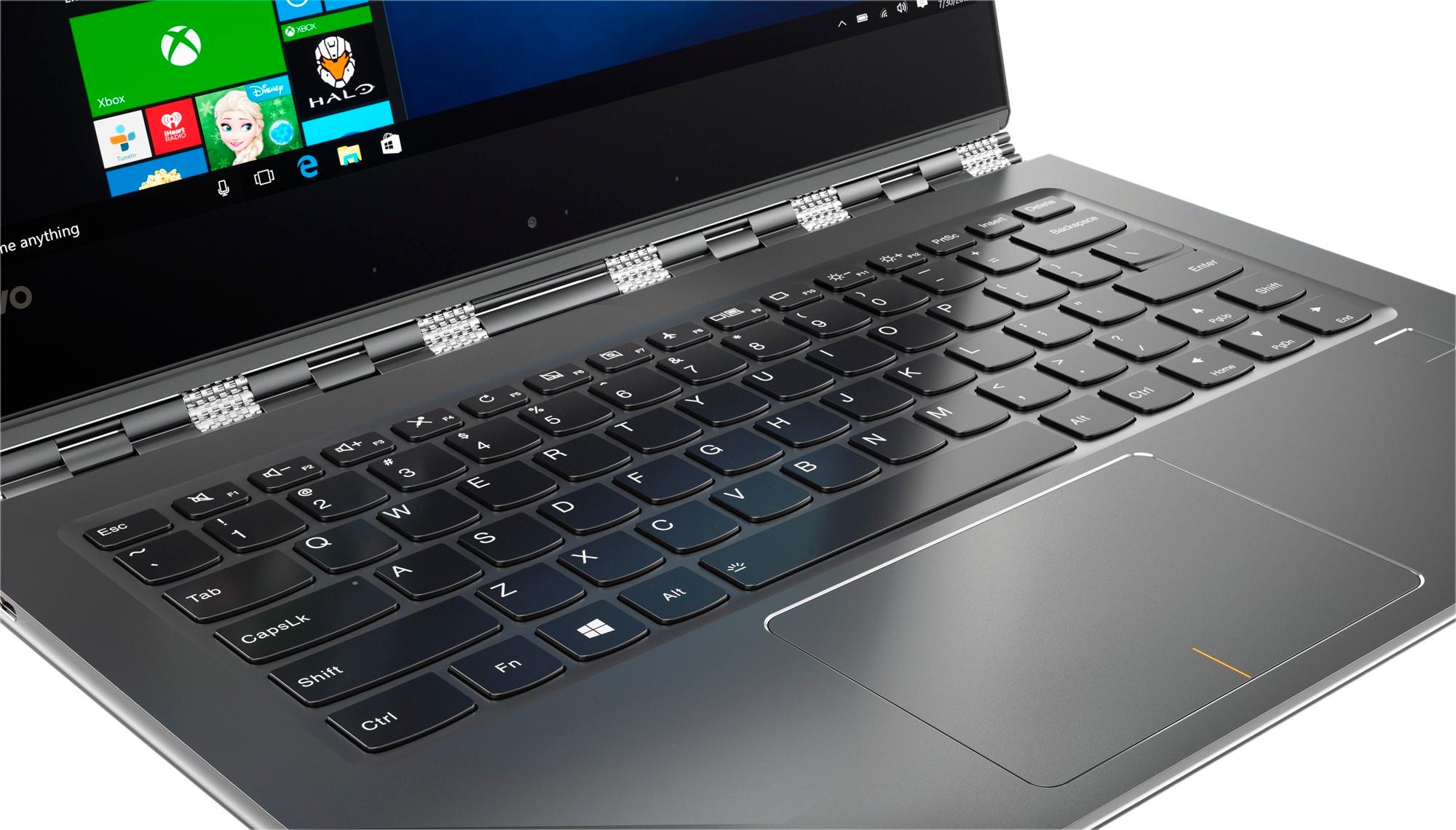
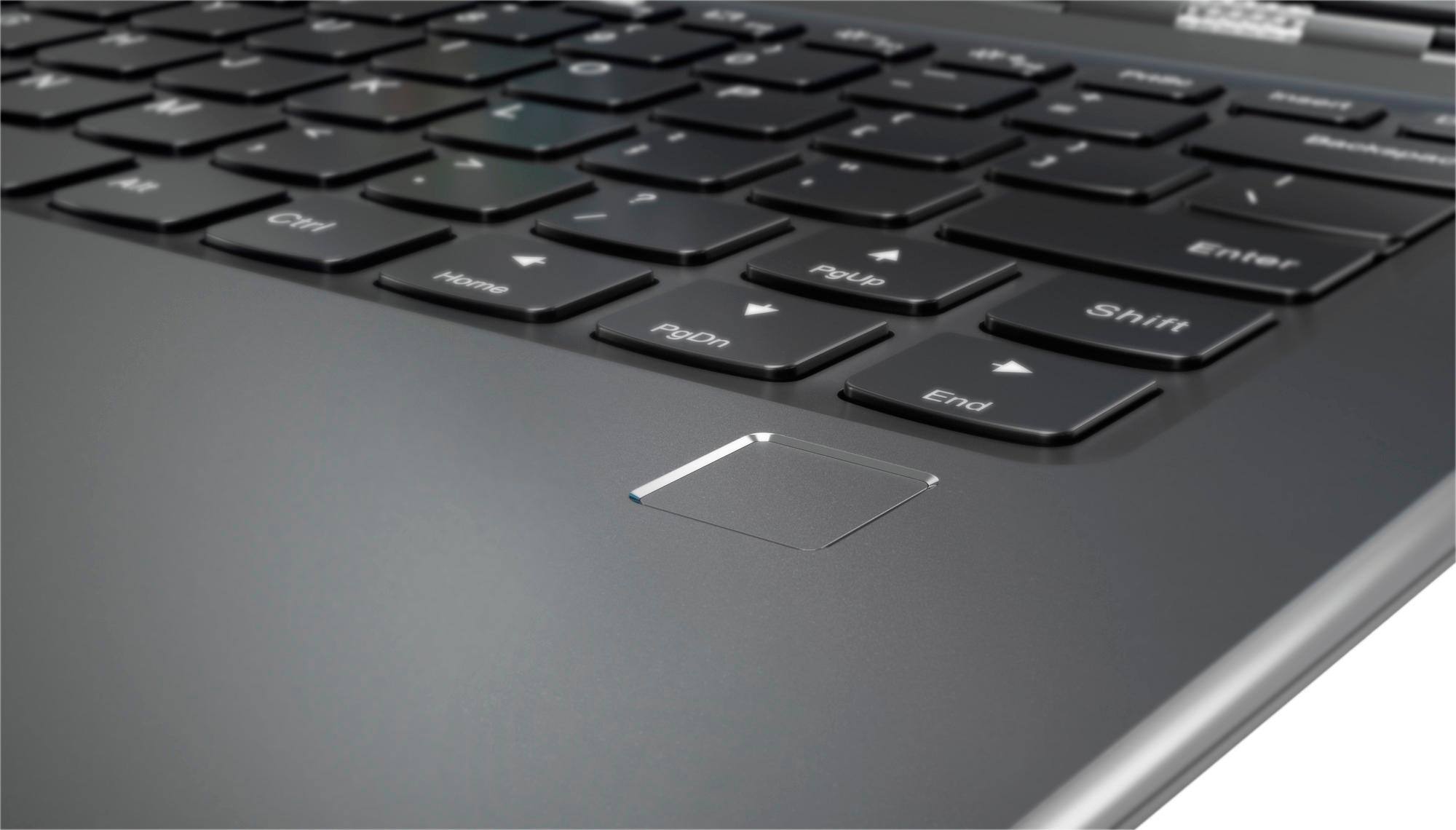
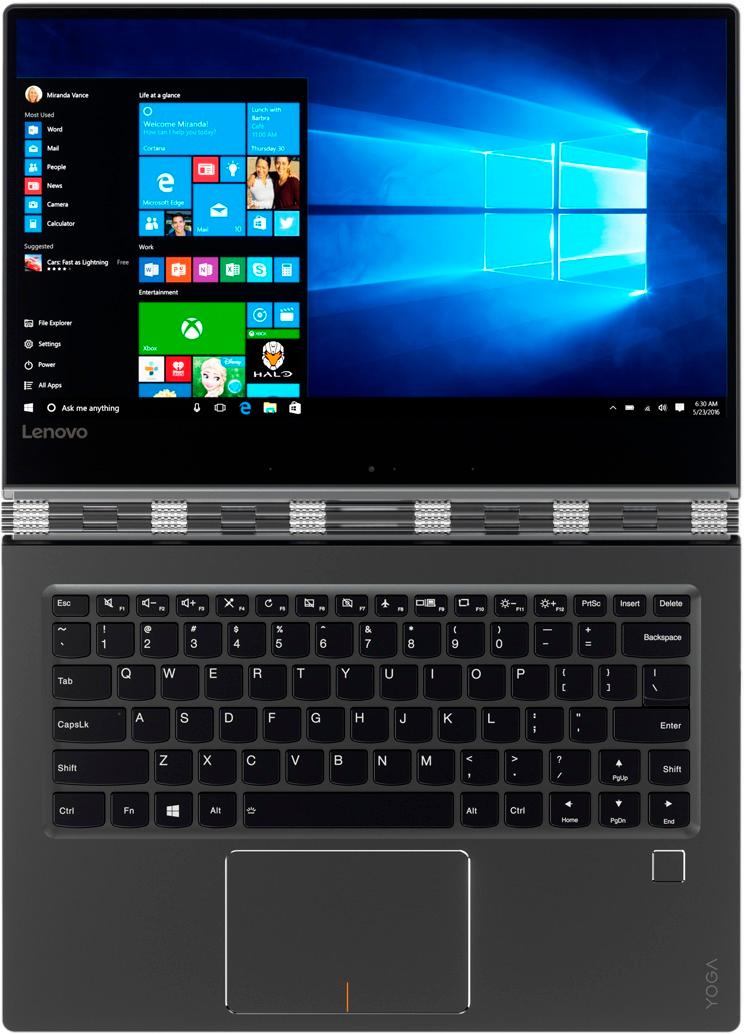
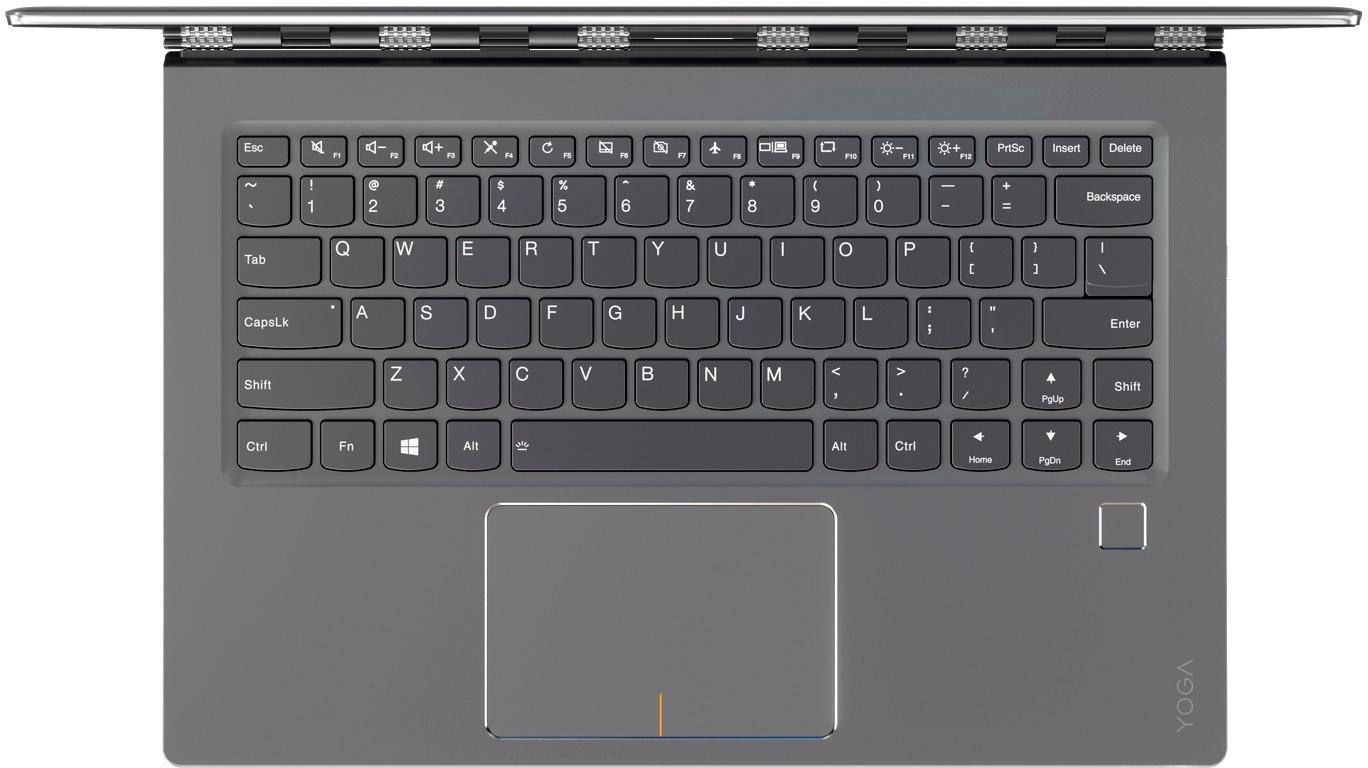
Posted .This reviewer received promo considerations or sweepstakes entry for writing a review.Pros: sleek, lightweight, fast, beautiful graphics. Cons: Horribly placed right-shift key that made routine typing virtually impossible; does NOT work with Windows Ink; battery that only charged a 2% gain in four hours. The deal-breakers for me were the weirdly placed right-shift key and that I could not use Windows Ink. The right-shift is placed too far to the right so that I had to lift my hand from the home row to reach it, which then completely messed up my flow of typing. The up-arrow key is where most keyboards place the right-shift key. So when I should have been selecting the right-shift, I was hitting the up-arrow and subsequently typing in the line above. I hated it! This is an awful design! Best Buy's site says the 910 works with Windows Ink. It does NOT - read the blogs and complaints online before purchasing. Online blogs offer work-arounds for the right-shift key and also suggest other low-quality styluses, but for this kind of money, work-arounds should not be needed! I returned this the same day I bought it and "down graded" to a Yoga 720, which I LOVE!
No, I would not recommend this to a friendBrand response from Lenovo Product Expert
Posted .The Yoga 910-14 is not compatible with Windows Ink. It is not compatible with any active/digital pen. With regard to the right shift key issue you mention, there is a free software APP called KeyTweak that may help you. You can switch the key functions of specific keys on your keyboard with this software, so you could change the right shift key with the key you hit in its place. Just Google search "KeyTweak" and you will find articles about what the software does and you will find the download location for this free APP.

- Pros mentioned:Screen
Terrible Wifi ruins an otherwise nice laptop
Posted .This reviewer received promo considerations or sweepstakes entry for writing a review.Bought this laptop to replace a Macbook. Awesome screen, lightweight, nice form factor. Wifi is terrible. Will go from my providers 75 mbps down to .1-.5 mbps. Totally unusable. Went through all of the troubleshooting steps and suggestions by Lenovo to fix it, and it still had the same problem. Google searches of the issue revealed tons of people are having the same problem, even with the latest drivers and newest Bios. Save yourself the trouble and stay far away. Returned it tonight. Will be sticking with Mac, and should have never considered leaving. They just work.
No, I would not recommend this to a friendBrand response from Lenovo Product Expert
Posted .This is a driver update issue. Follow the link below to look for new driver updates for your specific system. You can also run diagnostics from the Lenovo site as well. As always, be sure to create a restore point on your system before you make any changes. You can do this by just typing "restore point" in the search window within Cortana and follow the link to create a restore point. Here is the link:
http://pcsupport.lenovo.com/us/en/products/laptops-and-netbooks/yoga-series/yoga-910-13ikb/80vf/80vf00frus/downloads
Shut down when disconnecting power cord
Posted .This reviewer received promo considerations or sweepstakes entry for writing a review.Great specs. Loved the sharp screen resolution, sleek design, ability to fit in backpack, backlit keyboard in dim lighting, and overall build quality. Cons: -Used laptop daily for just under two weeks when it started abruptly shutting down as soon as you disconnected the power cable. Could not turn back on unless plugged in. Returned to BestBuy and GeekSquad said it was the battery which supports other user reports of similar error, however, I did not want to deal with repairs and opted to get a different machine. - Shift key layout is different and slowed down typing, caused a lot of errors Assuming a friend would not have this same manufacturer issue, I would still recommend.
I would recommend this to a friendnice but just stopped charging and won't turn on!
Posted .This reviewer received promo considerations or sweepstakes entry for writing a review.I bought this computer before being deployed to Afghanistan so I would have a reliable computer to communicate with family back home. After 6 months the charging port no longer works and the battery is completely dead. It was working perfectly one minute and within an hour it no longer worked at all. When I googled it this seems to be an issue with this laptop. So now I have to ship my system to the states for it to be repaired. Looking at over a month w/o access to my personal laptop for an issue they still have yet to fix in these machines. Was my favorite laptop to date until this issue!!
No, I would not recommend this to a friendIF you value your time & money, then DO NOT buy...
Posted .This reviewer received promo considerations or sweepstakes entry for writing a review....this or the new Yoga 920 that is coming out. They are cheaply made products internally (although very attractive), and Lenovo won't stand behind it. I have had this laptop less than 4 months and it is going back to the repair center for the 3 time. The charging port is extremely flawed and has known issues (check the forums), yet Lenovo wants to try and keep fixing it rather than replace it. I will be reviewing this unit on every site I can to try and warn people about this. Also, the money I had set aside for the new 920 coming out will definitely be going to another brand, let me know if yall have any suggestions! Time to do some research!
No, I would not recommend this to a friendBrand response from Lenovo Product Expert
Posted .The Star Wars Edition of the Yoga 910-14 has not been available for sale until July 28, 2017 - The Force Friday, 2017.
Battery has gone bad after 4 years of moderate use
Posted .This reviewer received promo considerations or sweepstakes entry for writing a review.Battery has gone bad after moderate use and needs to be replaced. Lenovo no longer makes the replacement battery available...
No, I would not recommend this to a friendDidn't work
Posted .This reviewer received promo considerations or sweepstakes entry for writing a review.Had to return the unit when it had a corrupt windows 10. Never got past start up. Best buy/Greek Squad ran me around like a fool for hours. Opted not to repurchase another unit after the after-purchase support I received. A waste of a day trying to get this thing up and running. Highly disappointing.
No, I would not recommend this to a friendBrand response from Lenovo Product Expert
Posted .This system is equipped with OneKey Recovery System. There is a very small pin hole on the right side of the device, right near the power plug port on the device. You will need a pin to push this reset button. Plug the device in. Let the battery charge for about 15 minutes. Push the reset button. The system should boot to a choice screen where you can choose "Restore To Factory Default". Select this. It will delete everything from the hard drive except the original factory install of the operating system. You will need to reinstall all programs and files after the reset. If you don't have copies of the files, try to make one before you restore by selecting "Boot to desktop" and trying to back up your files.
Poor quality laptop
Posted .This reviewer received promo considerations or sweepstakes entry for writing a review.This laptop has been a disaster. The bios issues force me to turn it on only by doing an emergency reset. Because of a small crack on the screen, Lenovo wouldn't repair this software issue even under warranty.
No, I would not recommend this to a friend