Customer Ratings & Reviews





- Model:
- 80VF002JUS
- SKU:
- 5579131
to a friend
Customers are saying
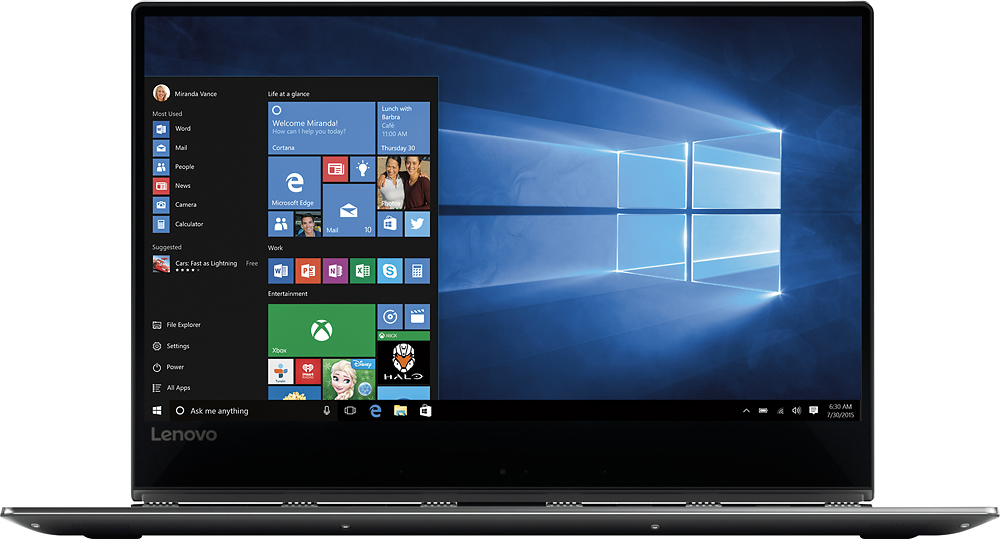
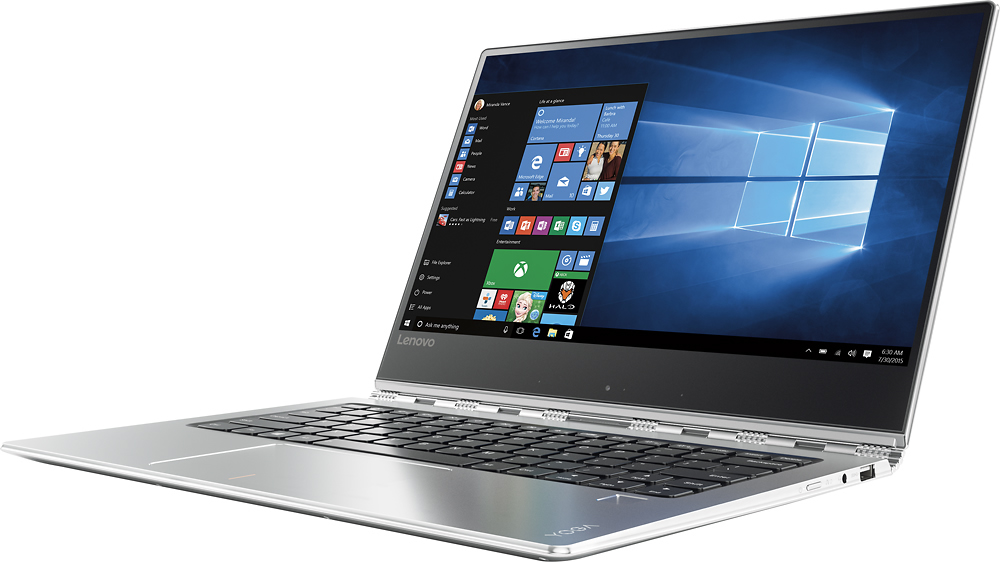
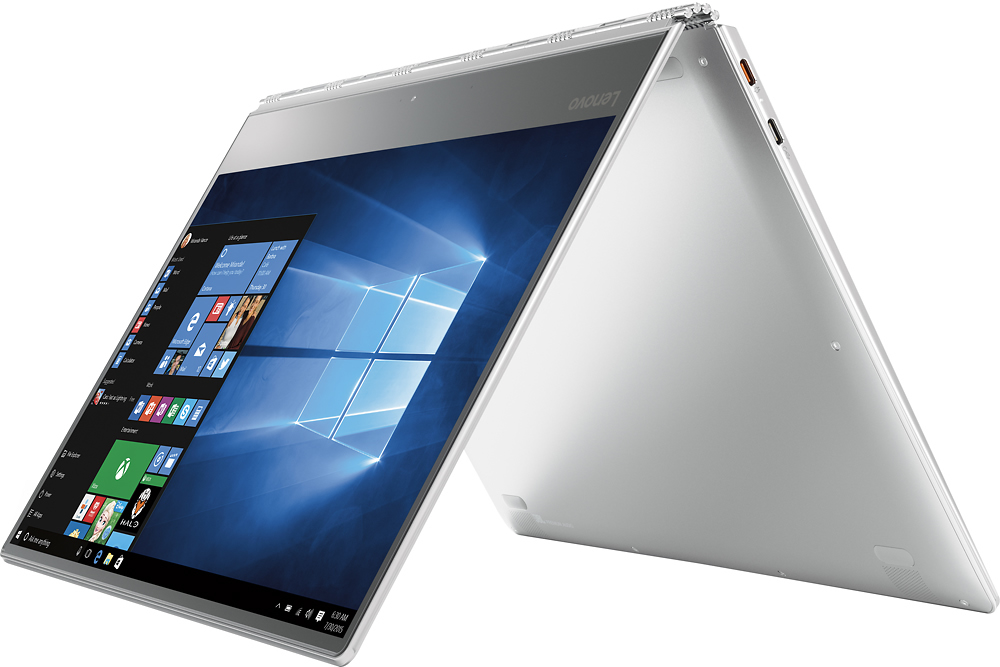
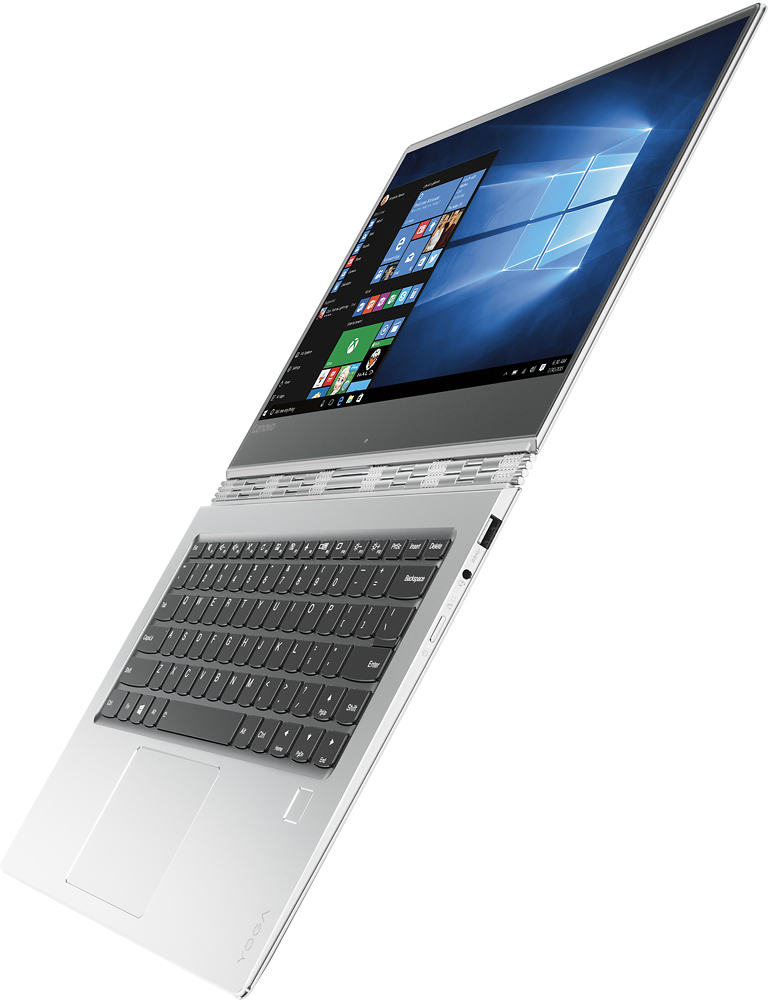
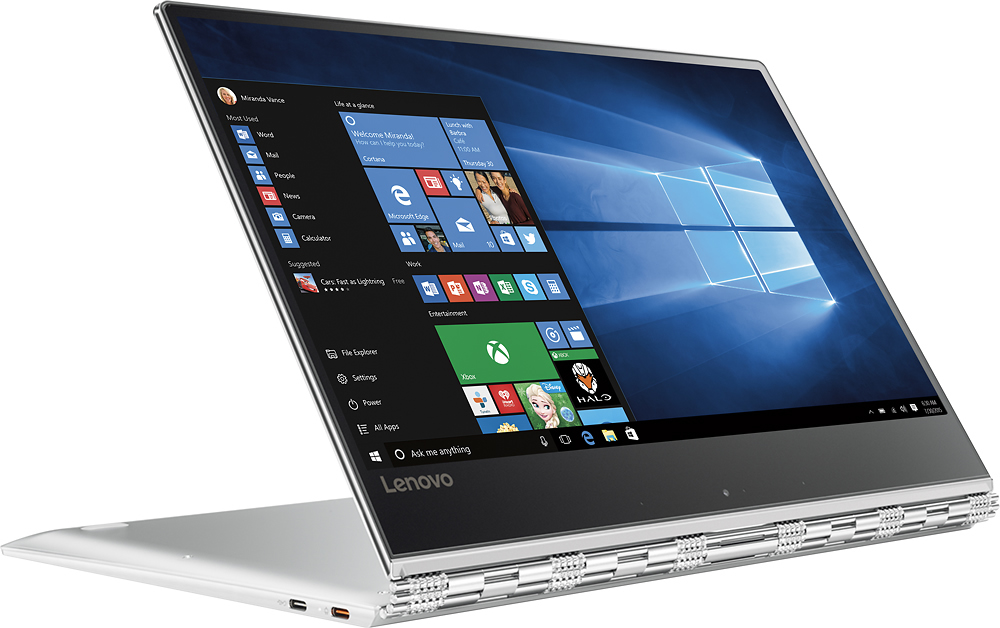
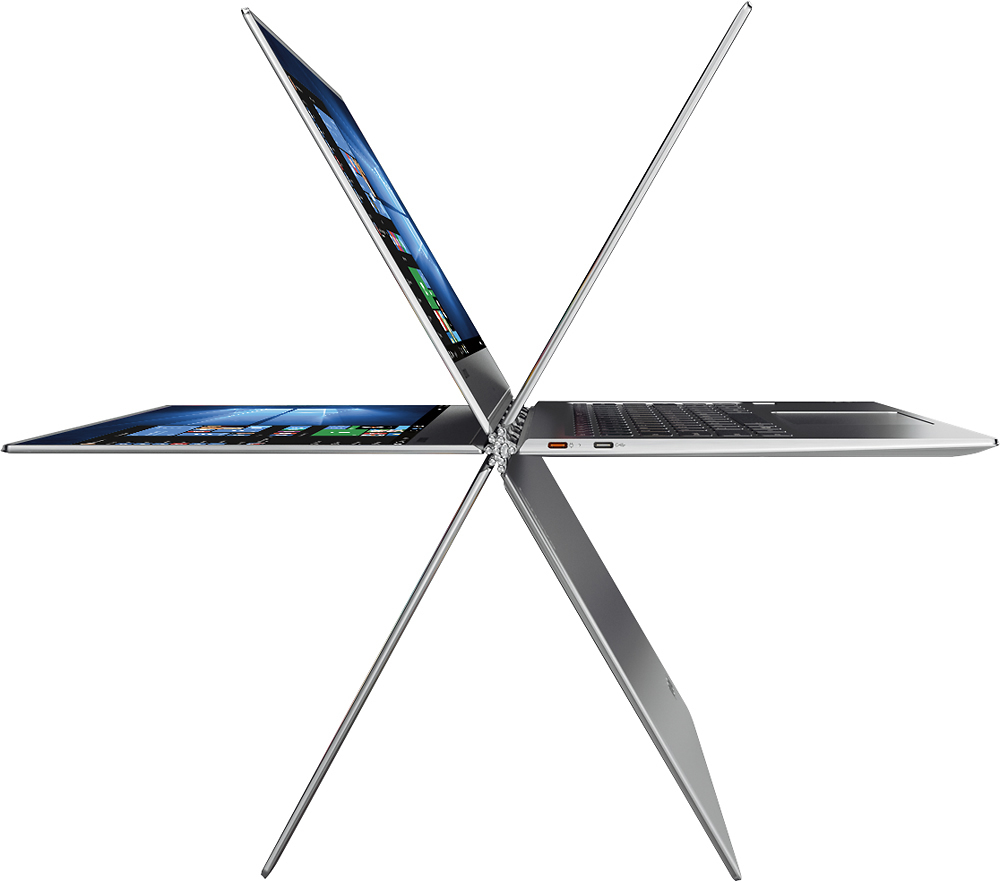
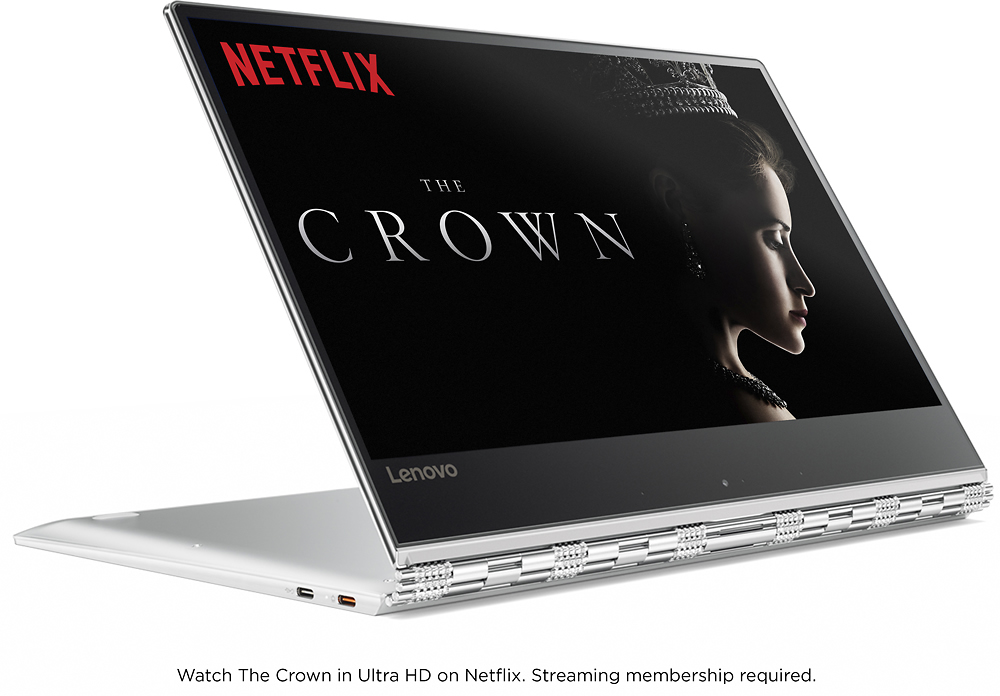
Customers are satisfied with the Yoga 910's lightweight design, long battery life, and ease of use. Many appreciate its compact size and stylish appearance, though some users noted concerns regarding the keyboard, fan noise, and limited USB ports. The hinge mechanism received positive feedback. A few customers expressed a desire for more RAM.
This summary was generated by AI based on customer reviews.
good laptop
Posted .This reviewer received promo considerations or sweepstakes entry for writing a review.very nice and slim design. Condition is very good and reach my needs
I would recommend this to a friendBrand response from Lenovo Product Expert
Posted .Thank you for choosing the Lenovo Yoga 910-14. We are pleased to hear that the features and performance of the Yoga 910-14 meets your computing needs so well.

Not all its cracked up to be
Posted .This reviewer received promo considerations or sweepstakes entry for writing a review.Overall good machine as advertised, but has a couple of REALLY annoying drawbacks. First, the battery life is about 1/4 of advertised. I'm lucky to get three hours from a full charge, even when I use it in airplane mode. Secondly, apparently Lenovo has blocked non-windows 10 access - such as Linux. The primary reason for getting this was to have the ability to download program updates to our business equipment in the field, but Lenovo has apparently blocked that option, so for $1,100, I have a nice pc that is WORTHLESS for work! A very minor drawback is the lack of a cutout or notch for your finger to pivoit open the lid/screen. The perimeter of the Yoga is fairly sharp. Would be nice if they rounded the edges a bit.
No, I would not recommend this to a friendMay Need To Return
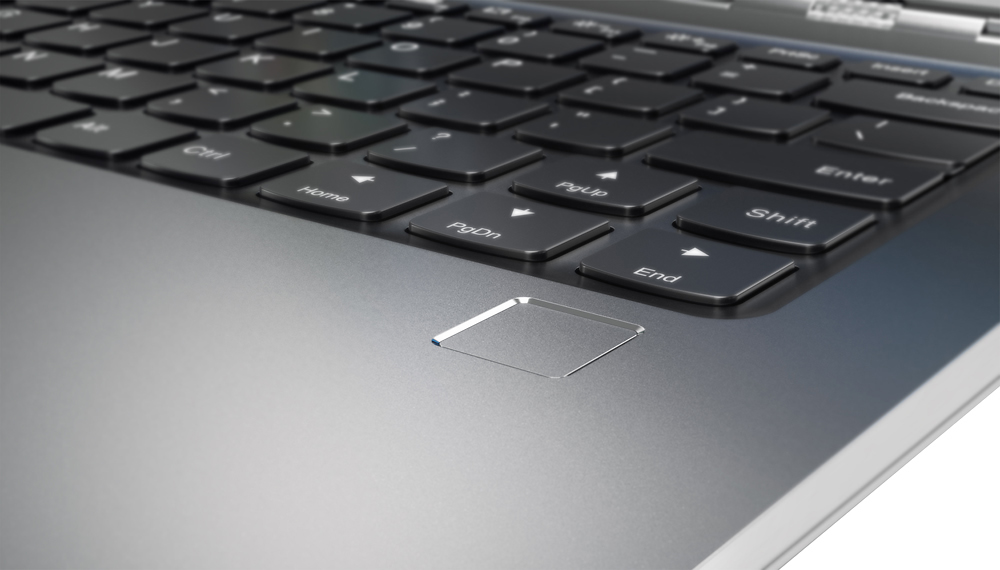
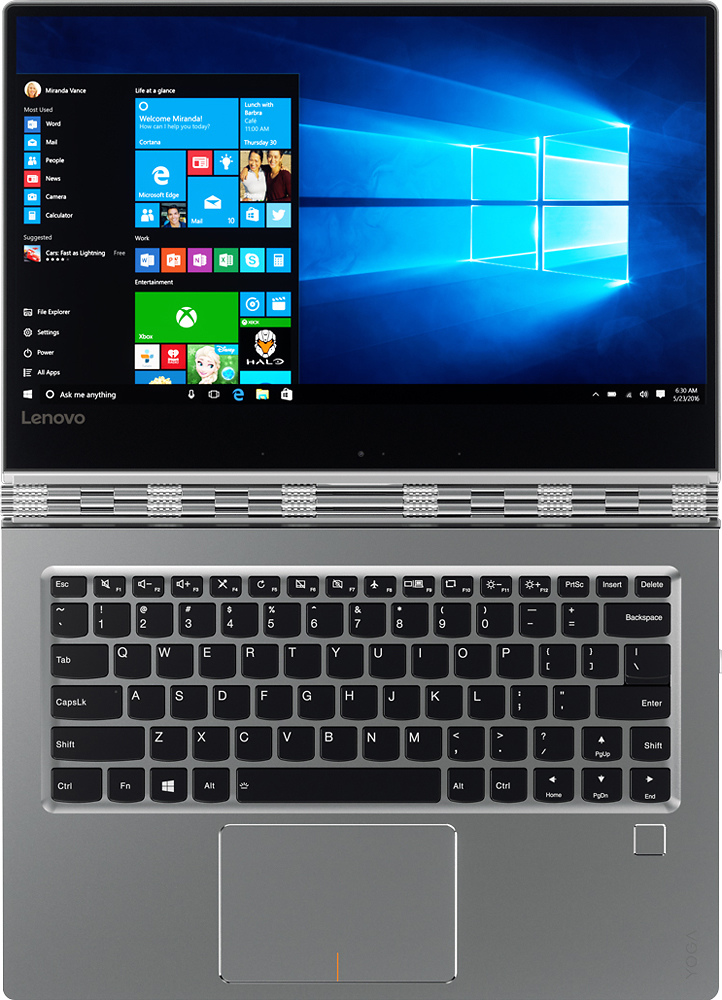
Posted .This reviewer received promo considerations or sweepstakes entry for writing a review.Purchased a few nights ago on sale. Before opening, read these reviews. Hadn't noticed the right-shift key problem. Went back to store to check it out and yes it is a major blunder. The Lenovo-suggested app will not fully address the issue as the shift key will still be kinda small and too far from the QWERTY keys. I am wondering if Lenovo is planning to fix their keyboards on the next Yoga model. Price not low enough to put up with such an imperfection. They are losing business on this otherwise great machine.
No, I would not recommend this to a friendBrand response from Lenovo Product Expert
Posted .Thank you for giving the Lenovo Yoga 910-14 a try. We're sorry to hear that the Yoga 910-14 didn't work out for you.
Great laptop...but...
Posted .This reviewer received promo considerations or sweepstakes entry for writing a review.This laptop is great in most aspects. Great screen, great speed, quiet, handsome and good battery life. The Achilles heal, at least for me, is the keyboard. The tactile feel is good but the location of the right "shift" key blows the whole deal for me. I need to do a lot of keyboarding and I've heretofore been unable to adapt; missing the key over, and over, and over. It's maddening and I have to take my eyes of the work and move my hand over to tap the "shift' key. It is for this reason alone, I would definitely not buy this computer again!
No, I would not recommend this to a friendBrand response from Lenovo Product Expert
Posted .With regard to the right shift key issue you mention, there is a free software APP called KeyTweak that may help you. You can switch the key functions of specific keys on your keyboard with this software, so you could change the right shift key with the key you hit in its place. Just Google search "KeyTweak" and you will find articles about what the software does and you will find the download location for this free APP.
Its 5 star in so many ways.
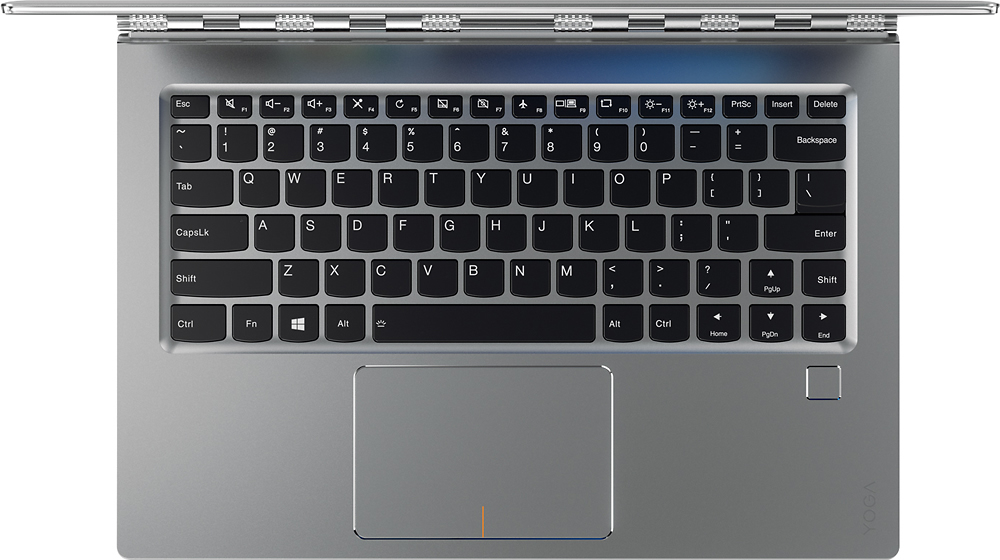
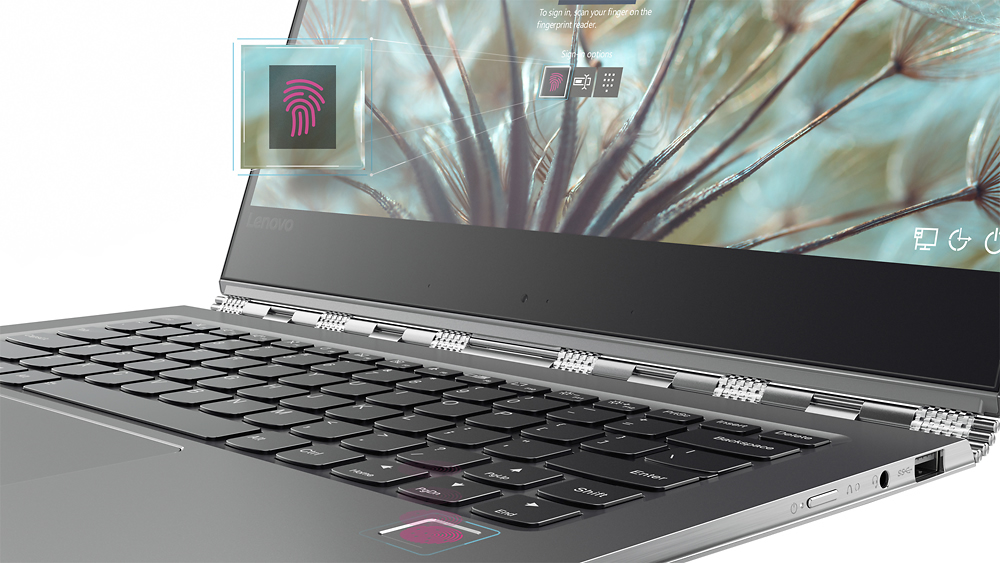
Posted .This reviewer received promo considerations or sweepstakes entry for writing a review.This computer is beautiful in many categories. The hinges are outstanding. I loved the fingerprint reader. It made logging in so much easier than an iris scanner. It was quiet and operated smoothly. The screen size was perfect. The track pad was awesome. The speakers were okay. But didn't sound as good in tablet or tent mode. All in all, the build quality is great, and very solid. But only two minor flaws made me return it. The display as nice as it is, always had a yellow tinge to it on screens that had a white background. And as others have said, the right shift key is frustrating. Trying to type something took forever. Because where the shift key usually is, is the up arrow. So you end up typing one line up. I read the reviews on the 910 prior to purchasing it. I thought the shift key issue would be something I could get use to. But every time I had typing to do, my right pinky would start to cramp. When I went to return it, I looked for another Lenovo. But all of them have that same shift key. I would gladly purchase this laptop again if those issues are ever changed. But as of now, I type my review on my second choice, the HP Spectre. At least it has a normal shift key.
No, I would not recommend this to a friend- Cons mentioned:Keyboard quality
Worst computer if you need to write sentences
Posted .This reviewer received promo considerations or sweepstakes entry for writing a review.I guess if I didn't need my computer for writing papers, emails or anything else that requires correct punctuation, the computer would be fine. However, the shift key is located in the wrong place so when writing every other sentence, the cursor arrows up instead of capitalizing the first letter. This is worse than just an ordinary design flaw. I must assume that not one single person tested this computer before it was manufactured. Who does not capitalize at least one letter every sentence? If Lenovo wanted to screw up the location of a key, I wish they chose the Z key or another key hardly used, but this is more than an inconvenience. It"s intolerable!!!! I know Lenovo responded to other customers that there is a free app where you can switch the key functions but I cannot find the free app anywhere! I responded to one of their comments but didn't receive anything back. I just spend 1 1/2 hours online with Geek Squad and they cannot come up with a solution either. So unless you are a hunt and peck typer, this problem is ridiculously annoying! It's not worth any price let alone the not so cheap price I paid.
No, I would not recommend this to a friendBrand response from Lenovo Product Expert
Posted .With regard to the right shift key issue you mention, there is a free software APP called KeyTweak that may help you. You can switch the key functions of specific keys on your keyboard with this software, so you could change the right shift key with the key you hit in its place. Just Google search "KeyTweak" and you will find articles about what the software does and you will find the download location for this free APP.
Check the hinge!
Posted .This reviewer received promo considerations or sweepstakes entry for writing a review.This is a very good computer and fast! The main issue is after 22 days there are 2 caps on the hinge that came off for no reason? There are 4 on each end holding the hinge on and this should not happen on an expensive computer. Luckily I found the caps and put them back on but I am concerned for the future with the coming off again and loosing them. If anyone else has this problem please note. I will try to contact Lenovo to get there suggestion.
I would recommend this to a friendBrand response from Lenovo Product Expert
Posted .Here is the phone number for Lenovo Tech Support about your hinge issue: 877-453-6686.
Never buy - poor quality for the cost
Posted .This reviewer received promo considerations or sweepstakes entry for writing a review.I haven't reviewed a purchase like this before but after my experience, I feel compelled to warn others not to buy this model Lenovo. I recommend avoiding Lenovo products altogether now, but if you do, the Yoga model prior to this one is at least a bit sturdier and better made (but purchase the extended warranty, just to be safe). I have had my laptop (the Yoga 910) for just over a year, and I greatly regret not returning it from the beginning. After light use over the course of a year (internet browsing at home and a few trips), my computer suddenly died unexpectedly and would not go back on or charge. I had to fix it via the BestBuy GeekSquad for nearly $300 as it turned out the motherboard had died (of course it was just outside the standard Lenovo warranty, so there was nothing Lenovo could do). Since the computer was so expensive to buy, $300 was better than having to purchase a new one completely, but it should not have been needed after only a year. There had been other glitches for awhile too, and I wish I had seen the signs sooner - suddenly shutting down and not powering back or not being able to unlock the screen. Also had issues with screen resolution changing and the auto-dimness settings going haywire. If this laptop had only cost $600, I wouldn't be surprised, but for twice that cost, I expect a laptop to last at least two years (as long as the average smartphone). Very disappointed, and I will not be purchasing a Lenovo product again.
No, I would not recommend this to a friendSexy form factor, but getting returned
Posted .This reviewer received promo considerations or sweepstakes entry for writing a review.I don't believe the 5 star reviews on this thing. IMO, it's what I would call "eye candy." It *looks* 5-star awesome, and I really like the screen size at 14", but my fan is running ALL THE TIME, and I'm getting about 2.5 hours of battery life. (Possibly less than my 1st gen Yoga from 2012.) It's usually the display that sucks up all of the power (perhaps converting it to heat, requiring the fan to run?). I'm *guessing* that the people that are happy with the battery life bought the lower resolution 1920 x 1080 (Full HD) version. I bought the 3840 x 2560 (UHD). A fan that's running all the time is the sign of a design problem, as is the 2.5 hour battery life, when 9+ hours is advertised. The keyboard design is the worst I've experienced in the 12 or so laptops I've owned since the early 90s. The right SHIFT key isn't where it's supposed to be, so you end up arrowing up all the time. To use PAGE UP, PAGE DOWN, HOME, or END, it takes two hands. The FUNCTION key is part of the process. I use those keys all the time, and this key board makes me think and use two hands for something that's much simpler on most every other laptop out there. Also, there's an extra ALT and CTRL key to the right of the space bar. (Duplicates.) That real estate would have been potentially useful for a HOME and END key. Swap the PAGE UP and SHIFT keys, and 75% of the problem is solved, I'd guess. (Only HOME and END would be a hassle at that point.) Anyway, I don't know why they didn't just use the same keyboard they had on the 1st gen Yoga. (I'd love to talk to the designers.) They need to do a 2nd generation of this particular laptop with these problems fixed before it's worthy of more than 2 stars. I gave it one because the fan running ALL THE TIME and the 2.5 hour battery life are fatal flaws - given the other options in the market. It's unfortunate because the form factor is so nice ... I hope they do fix it.
No, I would not recommend this to a friendBrand response from Lenovo Product Expert
Posted .Here is the latest driver update from Lenovo addressing the fan issue:
http://support.lenovo.com/us/en/products/Laptops-and-netbooks/Yoga-Series/yoga-910-13ikb/80VF/007TUS/downloads/DS119202
With regard to the right shift key issue you mention, there is a free software APP called KeyTweak that may help you. You can switch the key functions of specific keys on your keyboard with this software, so you could change the right shift key with the key you hit in its place. Just Google search "KeyTweak" and you will find articles about what the software does and you will find the download location for this free APP.
Concerning the battery life, check for any programs running in the background. Battery life should be at least 8 to 10 hours under normal use.
Great
Posted .This reviewer received promo considerations or sweepstakes entry for writing a review.Great computer I like how it has keys and a screen
I would recommend this to a friendRight Shift key in the wrong place- Seriously???
Posted .This reviewer received promo considerations or sweepstakes entry for writing a review.One would think a computer manufacturer would get the very basics correct. After 100 + years of the standard QWRTY keyboard, some bright engineer decided to put an "up arrow" where the right shift key is supposed to be. If you know how to type, DO NOT buy this computer. You will fantasize about hitting it with a sledge hammer every time you use it. It will move up a line and screw up what you are working on. I am taking it back. Otherwise a good computer
No, I would not recommend this to a friendBrand response from Lenovo Product Expert
Posted .With regard to the right shift key issue you mention, there is a free software APP called KeyTweak that may help you. You can switch the key functions of specific keys on your keyboard with this software, so you could change the right shift key with the key you hit in its place. Just Google search "KeyTweak" and you will find articles about what the software does and you will find the download location for this free APP.
Worst Laptop I've ever owned
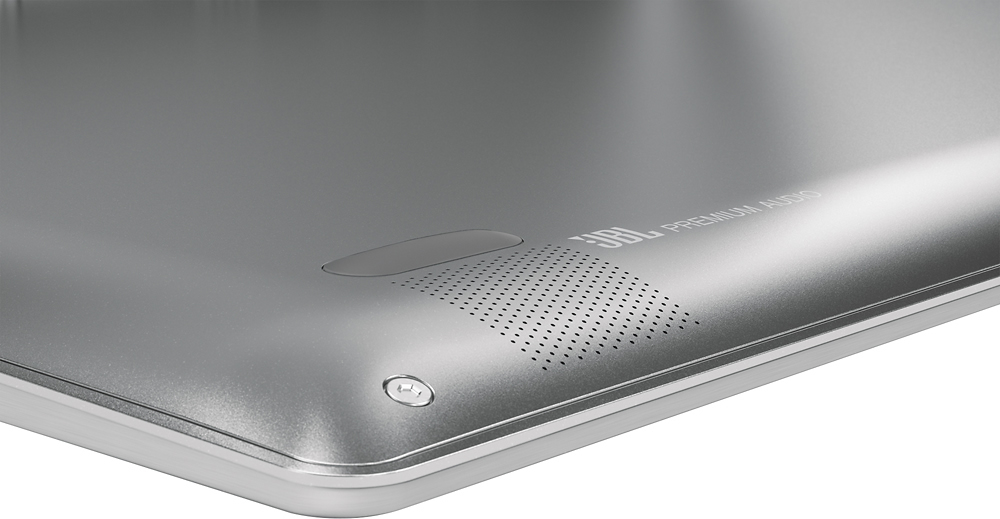
Posted .This reviewer received promo considerations or sweepstakes entry for writing a review.Had this laptop for two years, so this is not an off the cuff review. The Yoga line of laptops is the worst computers I've ever owned. Speakers continually go out, (known problem by Lenova, but they don't do anything to fix)..screen flickers, and will give you a headache. As much as I hate to pay the price, I'm going back to Apple...at least their products work.
No, I would not recommend this to a friendBrand response from Lenovo Product Expert
Posted .This model, the Yoga 910-14, was introduced in November of 2016.