Customer Ratings & Reviews




- Model:
- 80VF00FQUS
- SKU:
- 5723422
to a friend
Customers are saying
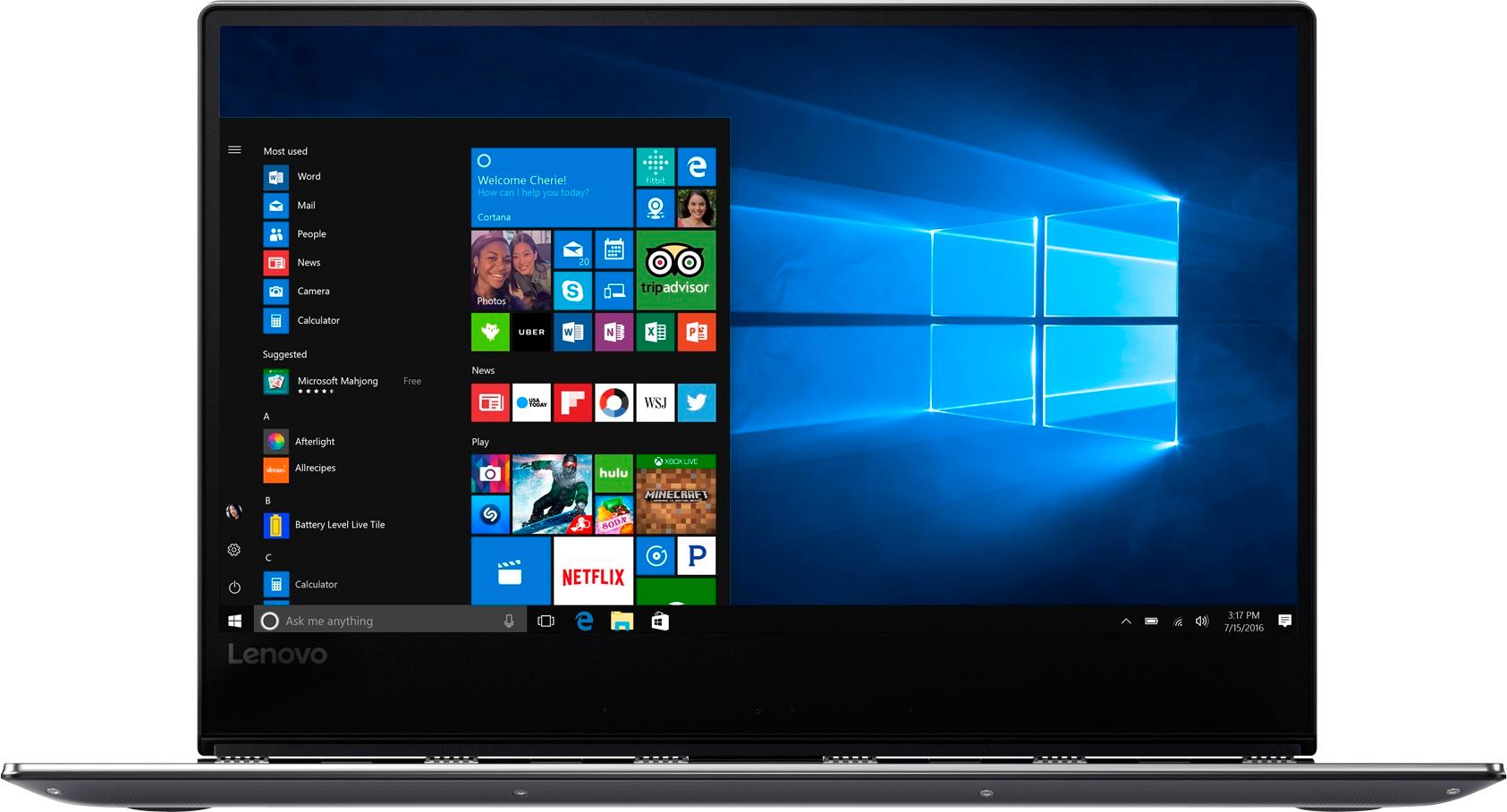
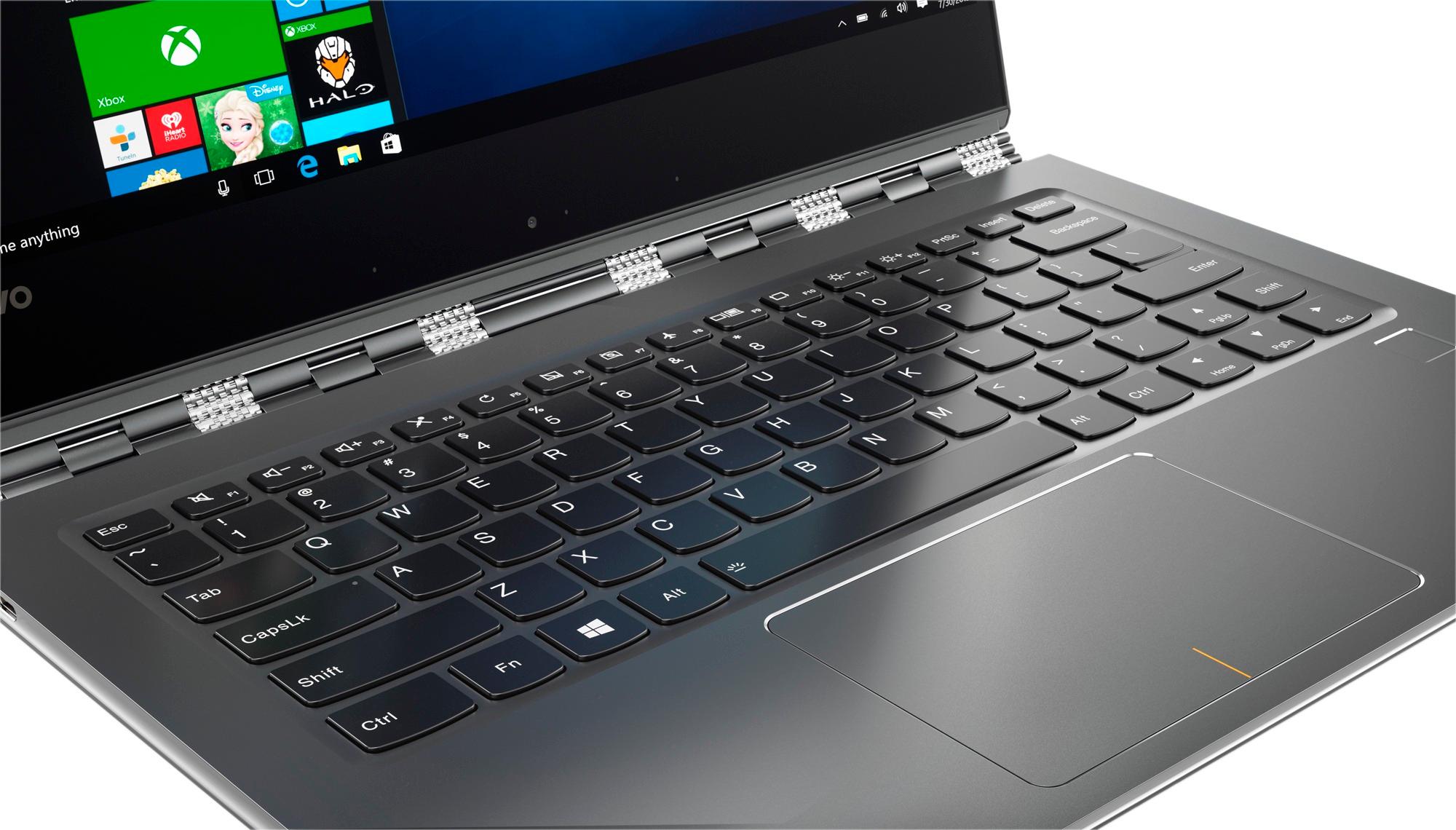
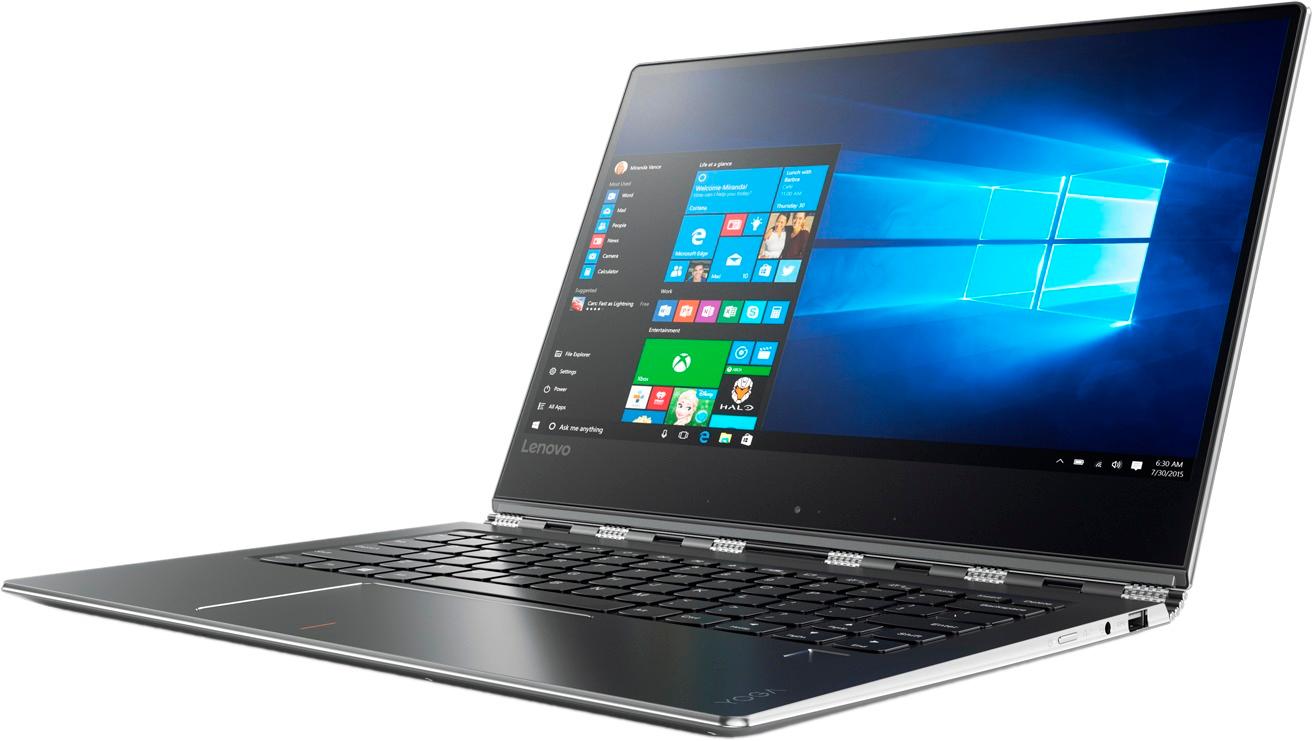
Customers admire the Yoga 910 2-in-1 laptop for its lightweight design, touchscreen capabilities, and extended battery life. They appreciate the overall performance, sleek design, and reasonable price point. However, some users have expressed concerns about fan noise, the size of the right shift key, limited port selection, and occasional freezing issues.
This summary was generated by AI based on customer reviews.
Whaaaaat?
Posted .This reviewer received promo considerations or sweepstakes entry for writing a review.960 dollars for a 7th gen mobile processor in a Lenovo? I wouldn't buy this for literally half the price. These are not reliable long term, and to top it off they have so much bloatware on them you'll be trying to figure out how to uninstall it for weeks as it sucks up operating system resources and causing overall instability. If want a decent laptop in this kind of config just get the DELL XPS 13. Much better.
No, I would not recommend this to a friendBrand response from Lenovo Product Expert
Posted .This model ships with a Microsoft Windows 10 Signature Image. There is no other software on device.

Disappearing cursor
Posted .This reviewer received promo considerations or sweepstakes entry for writing a review.The mouse cursor disappears every few weeks. Updated the drivers, contacted Lenovo who suggested an entire reboot back to factory default settings. Very frustrating since this was meant to be a business traveling laptop and this has happened 3 times! I cannot reboot my laptop on business trips every few weeks.
No, I would not recommend this to a friendBrand response from Lenovo Product Expert
Posted .There was a recent Windows 10 Creator's Update that may be the cause of the cursor driver incompatibility. There may be updated drivers for your specific system, that have been added since the new Windows 10 update. Follow the link below to look for new driver updates for your specific system. You can also run diagnostics from the Lenovo site as well. As always, be sure to create a restore point on your system before you make any changes. You can do this by just typing "restore point" in the search window within Cortana and follow the link to create a restore point. Here is the link:
https://pcsupport.lenovo.com/us/en/products/laptops-and-netbooks/yoga-series/yoga-910-13ikb/80vf/80vf00fqus/downloads?linkTrack=Caps%3ABody_SearchProduct&searchType=5&keyWordSearch=80VF00FQUS
best battery life and best performance
Posted .This reviewer received promo considerations or sweepstakes entry for writing a review.best laptop i have used till now and battery is best
I would recommend this to a friendBrand response from Lenovo Product Expert
Posted .Thank you for choosing the Lenovo Yoga 910-14. We are pleased to hear that the performance of the Yoga 910-14 meets your computing needs so well.
Not For the Price
Posted .This reviewer received promo considerations or sweepstakes entry for writing a review.This laptop is powerful and can do a lot. However, it heats up very easily! The fans are very loud so if you hate fan noise, do not buy this! The fan will turn on when the laptop is not hot either. It turns on during normal web surfing and is annoying. Also, sometimes when i shut it, the display stays on so it drains the battery and leaves the laptop hot. Charging and battery life are pretty good though. I can work most of the day without charging it. However, when i am doing 3D rendering the battery dies quickly and it gets very hot (almost like i cant touch it hot!), but that is to be expected while rendering. Buy a mac or other device around the same price.
No, I would not recommend this to a friendBrand response from Lenovo Product Expert
Posted .The normal operating temperature of the Intel Core I-7-7500U processor is approximately 150-degrees Fahrenheit. The fan will operate on this device to maintain the operating temperature within the normal range. With regard to fan noise, here is the latest driver update from Lenovo addressing the fan noise issue:
http://support.lenovo.com/us/en/products/Laptops-and-netbooks/Yoga-Series/yoga-910-13ikb/80VF/007TUS/downloads/DS119202
Terrible
Posted .This reviewer received promo considerations or sweepstakes entry for writing a review.I really enjoyed this laptop at first but after 4 months the screen completely stopped working. Fortunately, I do have a warranty so I sent it into Geek Squad and they sent it out. They told me it wouldn't be more than 3 weeks and it's been over 4 weeks now. I understand that it's not Geek Squad's fault what happens after they ship it out but I am a little frustrated that it took only 4 months for this laptop to stop working, especially after spending $1,200+. I honestly don't even want the laptop anymore, just a refund but I know that's not possible after the 30 days. Anyway, 10/10 would NOT recommend.
No, I would not recommend this to a friendnice but noisy laptop
Posted .This reviewer received promo considerations or sweepstakes entry for writing a review.bought a few months ago, the 14'' with 500 g ssd,i7,16gig. Had read a lot of reviews before i decided to get one. most of em negative, but i wanted to gamble for i liked the look of this machine. Its so beautiful to look at. but very very noisy..meaning its fan's sound bothers all my co workers and so i stopped using this laptop. Checked all drivers and everything -updated. problem still exists. I wish i could return. This is my third Lenovo laptop but also seems the last one. ANY SUGGESTIONS TO RESOLVE THIS PROBLEM.
No, I would not recommend this to a friendBrand response from Lenovo Product Expert
Posted .Here is the latest driver update from Lenovo addressing the fan noise issue:
http://support.lenovo.com/us/en/products/Laptops-and-netbooks/Yoga-Series/yoga-910-13ikb/80VF/007TUS/downloads/DS119202
Too many problems
Posted .This reviewer received promo considerations or sweepstakes entry for writing a review.This product was really great at first, but I’m glad I bought the warranty because so many things went wrong with it. First, the usb didn’t work, next the computer randomly fried one day, and it’s latest problem was not be able to factory reset with the keys or on screen. It is currently in a blue screen setting and does not reset in any way possible.
No, I would not recommend this to a friendsound
Posted .This reviewer received promo considerations or sweepstakes entry for writing a review.thought this would be a great computer. It had everything. I assumed given the price and operating system that the sound would be up to par. nope it is ridiculous.i cant even tell where the sound is coming from. I will be boxing it up to return first thing in the morning.
No, I would not recommend this to a friendBrand response from Lenovo Product Expert
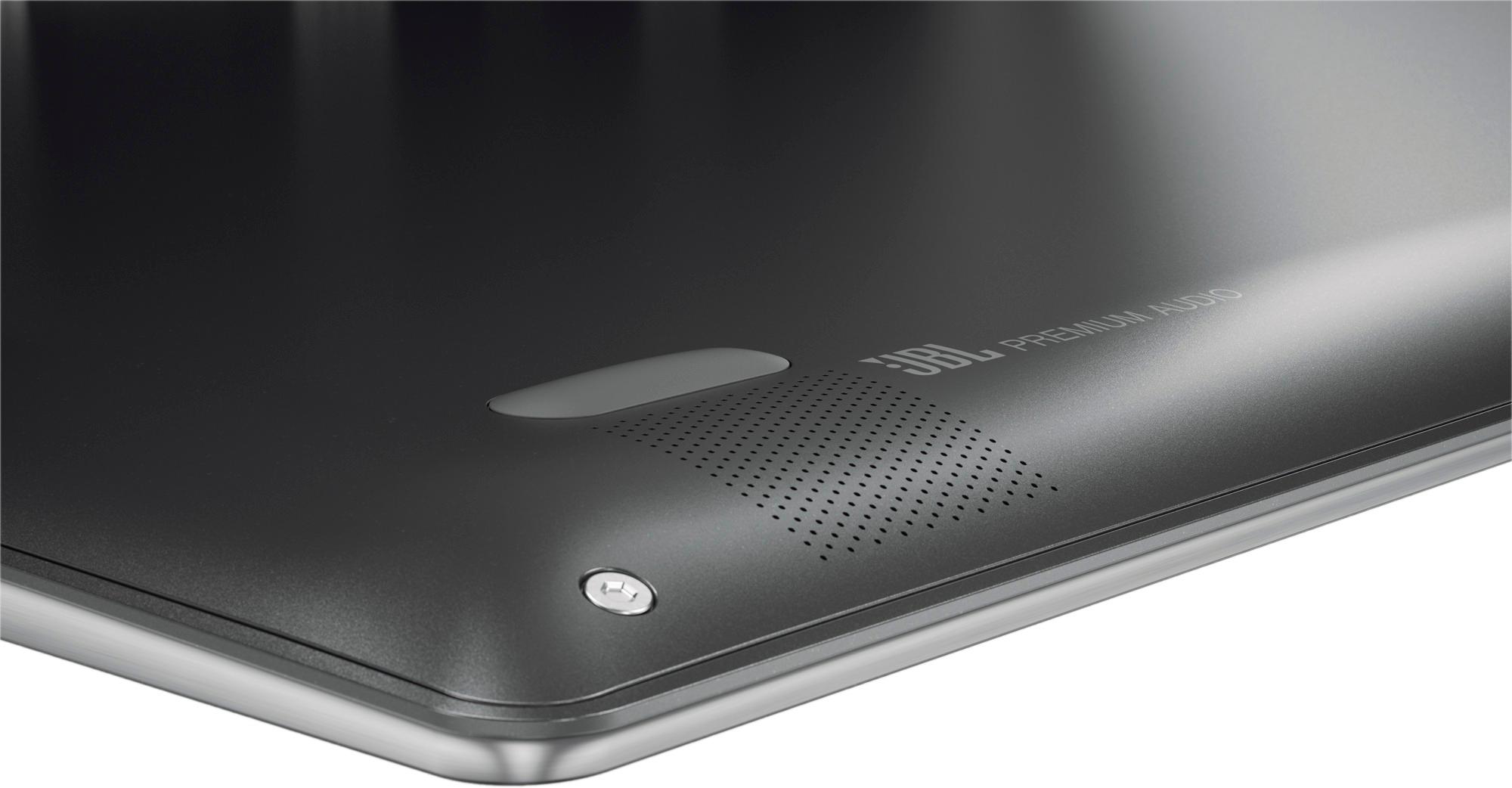
Posted .This system has stereo JBL speakers with Dolby Sound enhancement software. It sounds like your equalizer is set for "surround sound effect". Click on the speaker icon at the bottom right of your Windows 10 screen to make adjustments to the Dolby Equalizer software.
Kids toy! Don't buy this laptop
Posted .This reviewer received promo considerations or sweepstakes entry for writing a review.I'd give this machine a zero rating if possible. This machine is not a laptop! It's a kids toy! A very fancy one at that. Looks great and up to date but it's only a mean way to trick you into buying. Doesn't take most applications. More limited than a tablet! Save your money and don't buy this!!
No, I would not recommend this to a friend