Customer Ratings & Reviews


- Model:
- 80Y70012US
- SKU:
- 6132407
Rating by feature
- Value
Rating 3.7 out of 5 stars
- Quality
Rating 4.1 out of 5 stars
- Ease of Use
Rating 4.2 out of 5 stars
Customers are saying
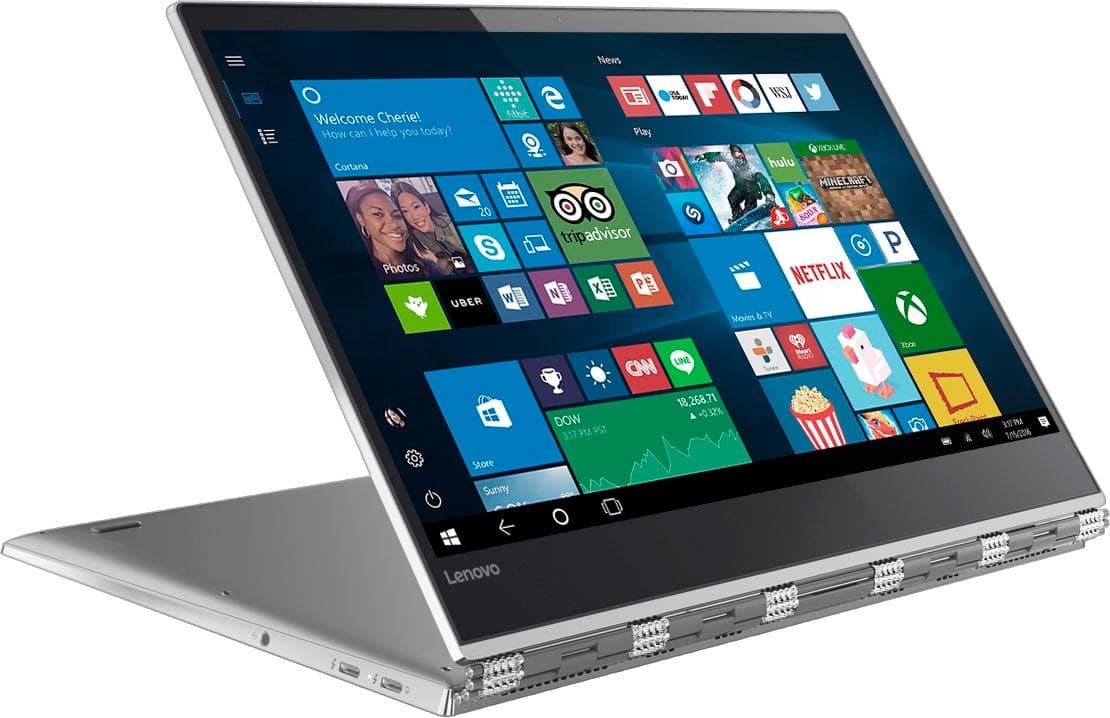
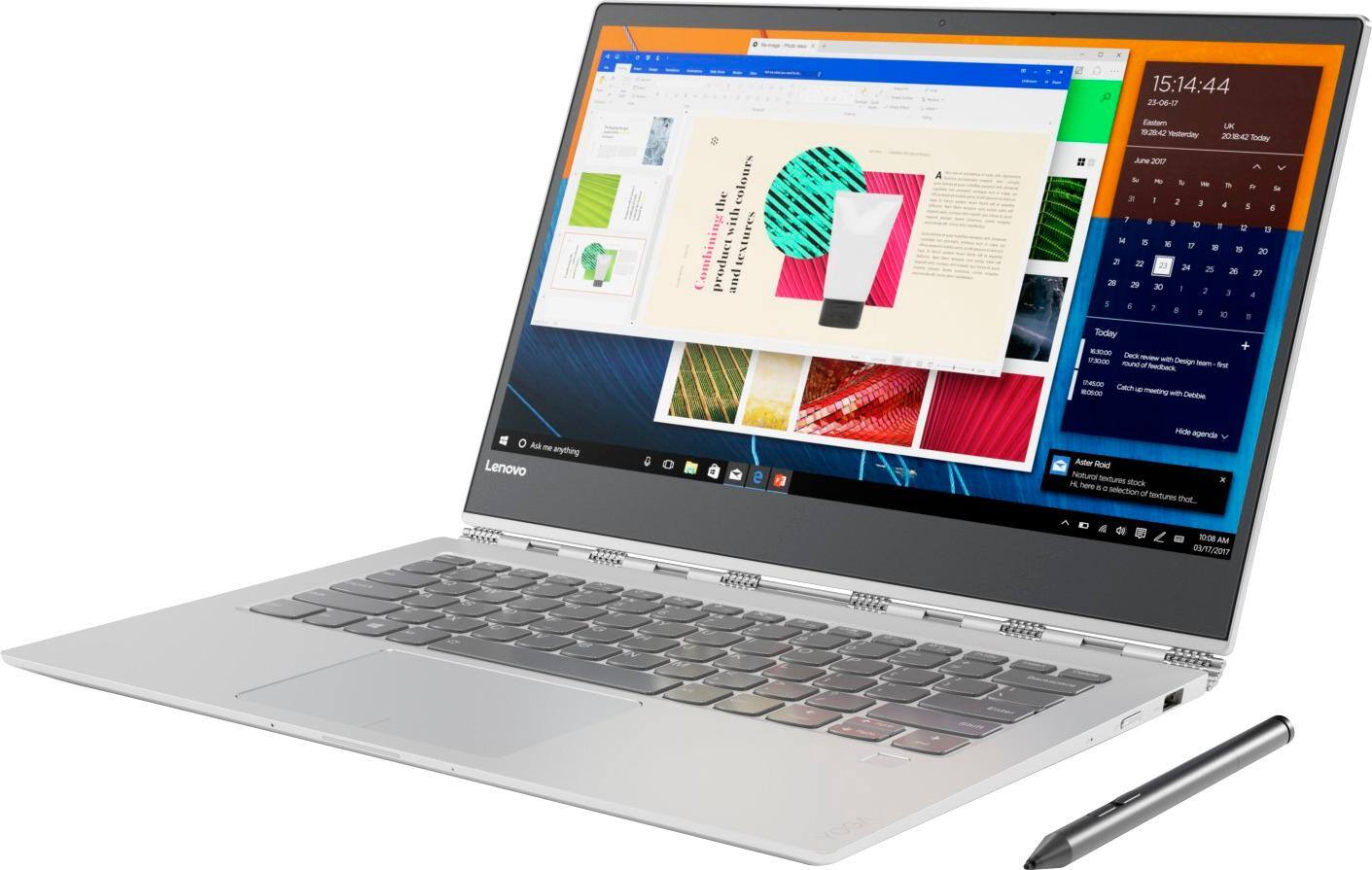
Customers highly value the Yoga 920's touch screen, long battery life, lightweight design, and reasonable price. They appreciate its performance and weight. However, some customers have concerns about overheating, fan noise, limited storage, pre-installed software, and non-upgradeable RAM.
This summary was generated by AI based on customer reviews.
- Cons mentioned:Overheating
Too Hot
||Posted .This reviewer received promo considerations or sweepstakes entry for writing a review.This machine does okay if you use it for normal use, but if toy use it for work/productivity this machine gets way too hot. Design, size and everything else is great, but I gave it a 2 star because with such a processor, one would think the rest of the hardware would be optimized to handle more.
No, I would not recommend this to a friendBrand response from Lenovo Product Expert
Posted .The Lenovo Yoga 920-14 is a high performance system with its powerful Quad-Core/Eight-Thread Intel Core i7-8550U processor, supported by 8GB of DDR4-2400MHz RAM and a 256GB solid state hard drive. It will generate heat whenever it is turned on, even at idle, this is normal. The onboard fan will maintain the proper operating temperature for the device. You will hear the fan whenever it runs, this too is normal. This configuration can handle many of today's most demanding software. If you are looking for an ultra portable, light-weight, 2 in 1 computing system, the Yoga 920-14 is a great choice.

Excellent laptop for the price
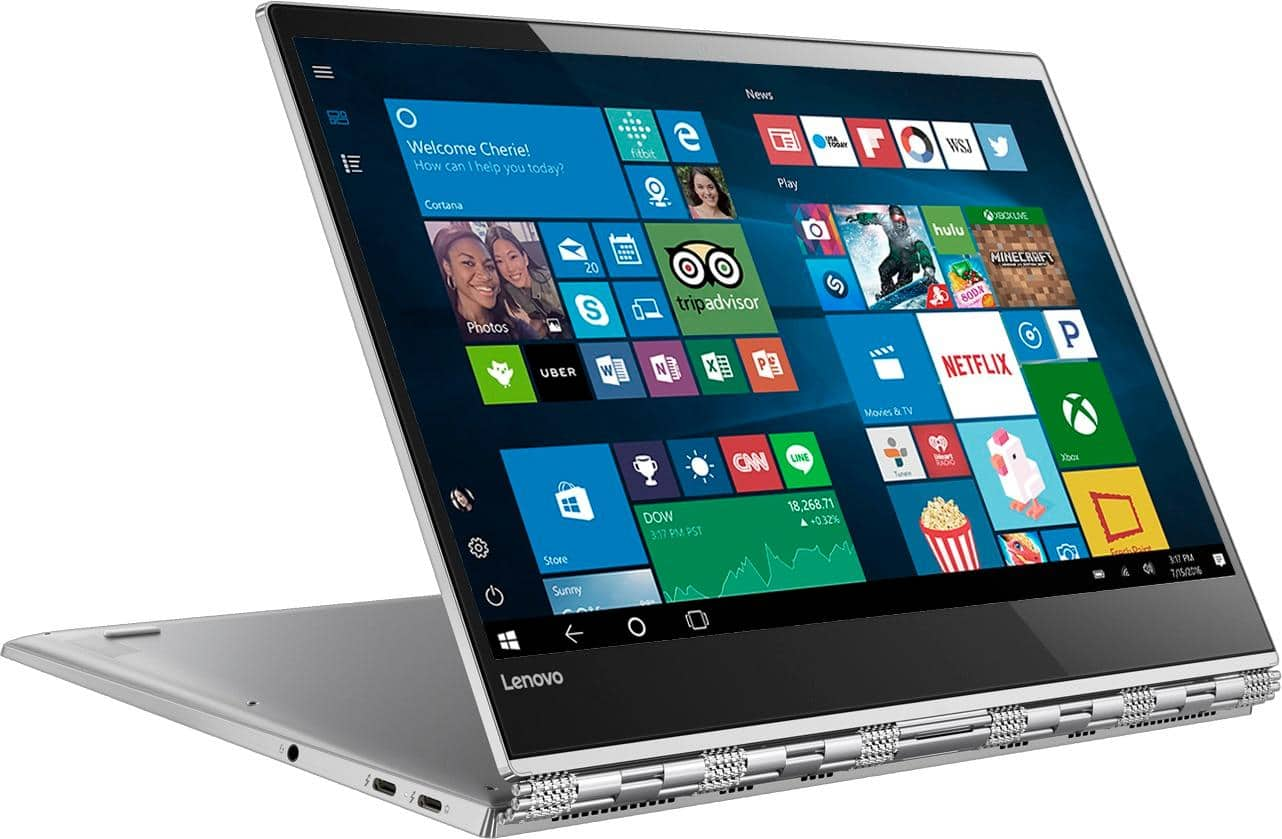
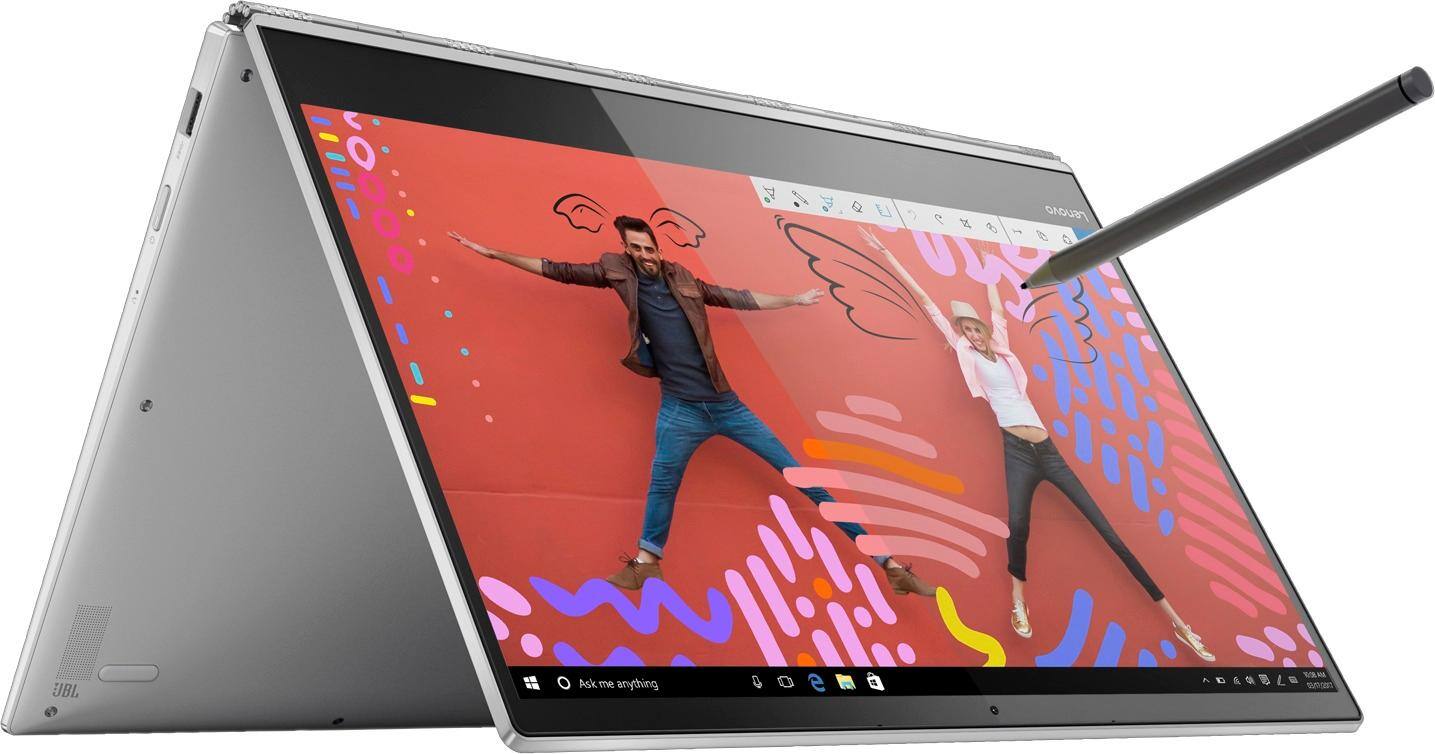
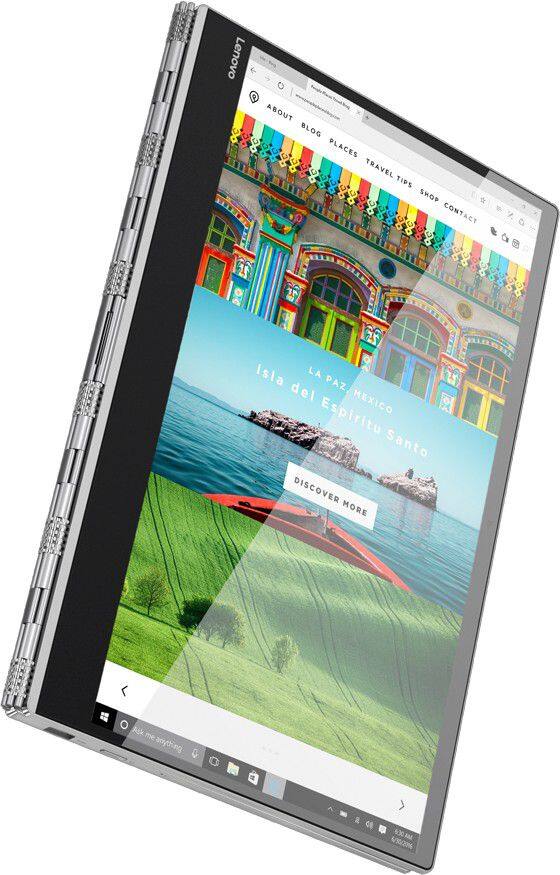
||Posted .This reviewer received promo considerations or sweepstakes entry for writing a review.I love all the features. Not only is this a laptop but converts to a tablet for easy use. Very durable and reliable.
I would recommend this to a friendBrand response from Lenovo Product Expert
Posted .Thank you for choosing the Lenovo Yoga 920-14. We are pleased to hear that the features and performance of the Yoga 920-14 meets your computing needs so well.

Worst Electronic Purchase
||Posted .This reviewer received promo considerations or sweepstakes entry for writing a review.Here is the problem, I purchased this laptop/convertible from a recommendation from a friend that owned the 720. He convinced me to spring for the 920. I owned a couple think pads in the past and thought that Lenovo was a good brand. Well, in just over 60 days from the purchase, the screen would not work. I did some quick research and found that this was a well documented problem. Unfortunately for me, the quick fixes did not work. I had to send in the laptop to Lenovo to get a warranty fix, which they quoted 9 business days to fix. Imagine having to wait 2 weeks to get your computer back while you travel for work. Unfortunately there was no faster option. Once I received the computer, I turned it on and received the blue screen with a frowning face. THEY DIDNT FIX THE COMPUTER! I called and they had to send me a recovery USB. Unfortunately I travel a lot for work, and I gave them my address for my hotel. They sent it to the wrong address, they sent it to my home address in another state. So I had to make another call. I finally received my USB and tried to load my computer again... But this time it failed on that. It got hung up about 95% of the way of the install. I call again and they want me to send my laptop back in to the main shop, another 2 weeks. So I ask you, why would you ever buy this laptop if out of the first 3 months, it didn't work for 1 month? WORST SERVICE, WORST LAPTOP. DO NOT BUY!
No, I would not recommend this to a friendBrand response from Lenovo Product Expert
Posted .We are sorry to hear that you are having issues with your Yoga 920-14. Obviously, this is a top of the line, high quality system, it currently has a Best Buy reviewer rating that is almost perfect at 4.6. This system has Lenovo utilities installed to help maintain the health of the device and keep the operating system software up to date. Type "Lenovo Vantage" in the Cortana Search window (if Lenovo Vantage is not installed on your device, you can download the APP and install it now). Select Lenovo Vantage from the list. In the window that opens, click on "Health and Support". In the expanded menu, select "Hardware Scan" In the window that opens, select "Run Quick Tests". This will scan your entire system for errors. Follow any directions that may pop up. If the problem continues after this scan, now click on "System Update". First select Windows update from the menu. Scan your system to be sure you have the latest version of Windows 10. Once that scan is complete, select "Additional Updates". This will scan your device to be sure there are no new BIOS/Driver updates needed. Follow any instructions that may pop up. Additionally, if you ever need to restore the device to factory install original settings of the Windows 10 Operating System, this computer is equipped with OneKey Recovery System. There is a very small pin hole on the right side of the device, right near the power button on the device. You will need a pin to push this reset button. Plug the device in. Let the battery charge for about 15 minutes. Push the reset button. The system should boot to a choice screen where you can choose "Restore To Factory Default". Select this. It will delete everything from the hard drive except the original factory install of the operating system. You will need to reinstall all programs and files after the reset. If you don't have copies of the files, try to make one before you restore by selecting "Boot to desktop" and trying to back up your files. If the problem persists after the factory reset, we recommend you contact Lenovo Tech Support at: 877-453-6686.
Highly Productive
||Posted .This reviewer received promo considerations or sweepstakes entry for writing a review.I am super productive when using my computer. I will surely be highly organized with my laptop in law school.
I would recommend this to a friendBrand response from Lenovo Product Expert
Posted .Thank you for choosing the Lenovo Yoga 920-14. We are pleased to hear that the features and performance of the Yoga 920-14 meets your computing needs so well.
Lightweight and flexible
||Posted .This reviewer received promo considerations or sweepstakes entry for writing a review.Nice option for a college student, but possible security risks make it concerning for business use.
I would recommend this to a friendBrand response from Lenovo Product Expert
Posted .The Lenovo Yoga 920-14 ships with a 30-day trial of McAfee virus protection software activated at the time of initial startup. The user can choose to keep McAfee, use the free Windows Defender Software that comes with Windows 10 Home 64-bit or uninstall McAfee and choose their own 3rd party virus protection software. You can also upgrade Windows 10 Home 64-bit to Windows 10 Pro 64-bit and install Bitlocker for heightened security. For 2018, Lenovo retained its place for a second year as the best laptop vendor:
https://www.laptopmag.com/articles/laptop-brand-ratings
Terrific Laptop, Notebook, super versatile
||Posted .This reviewer received promo considerations or sweepstakes entry for writing a review.I bought this as a gift for my sister and she loves it! It goes everything well...you won't be disappointed.
I would recommend this to a friendBrand response from Lenovo Product Expert
Posted .Thank you for choosing the Lenovo Yoga 920-14 for your sister. We are pleased to hear that the Yoga 920-14 meets your sister's computing needs so well.
Not dope
||Posted .This reviewer received promo considerations or sweepstakes entry for writing a review.The speakers are pretty bad on this model, the 930 is better.
No, I would not recommend this to a friendToo many issues too early
||Posted . Owned for 1 year when reviewed.This reviewer received promo considerations or sweepstakes entry for writing a review.I did a lot of research before deciding on this computer, so to have even a couple of major issues around the one year point, is not acceptable. The main issue is the inability to type certain letters without having them type more than once. Also, the “r” button doesn’t type at all, unless you hold it down, let it type a bunch of letters and then back up until you only have one. The other issue is constant freezing, with the “oops” error message and having to push the reload button. I never know when it’s going to break down. Unfortunately, the Lenovo warranty was up a short time ago and I didn’t think I needed the Best Buy plan. Plus, the only way to fix the computer is to send it somewhere and wait a while for repairs and then get it shipped back. There is no local place to bring it for Lenovo repair, even if it was still under warranty. I wish I could get my money back. I am very disappointed. Yoga has not been a relaxing purchase.
No, I would not recommend this to a friendGreat laptop for school work
||Posted .This reviewer received promo considerations or sweepstakes entry for writing a review.Satisfied with the Lenovo Yoga 920. Lots of memory and great for my school projects. Highly recommend!
I would recommend this to a friendBrand response from Lenovo Product Expert
Posted .Thank you for choosing the Lenovo Yoga 920-14. We are pleased to hear that the performance of the Yoga 920-14 meets your computing needs so well.
Returned it
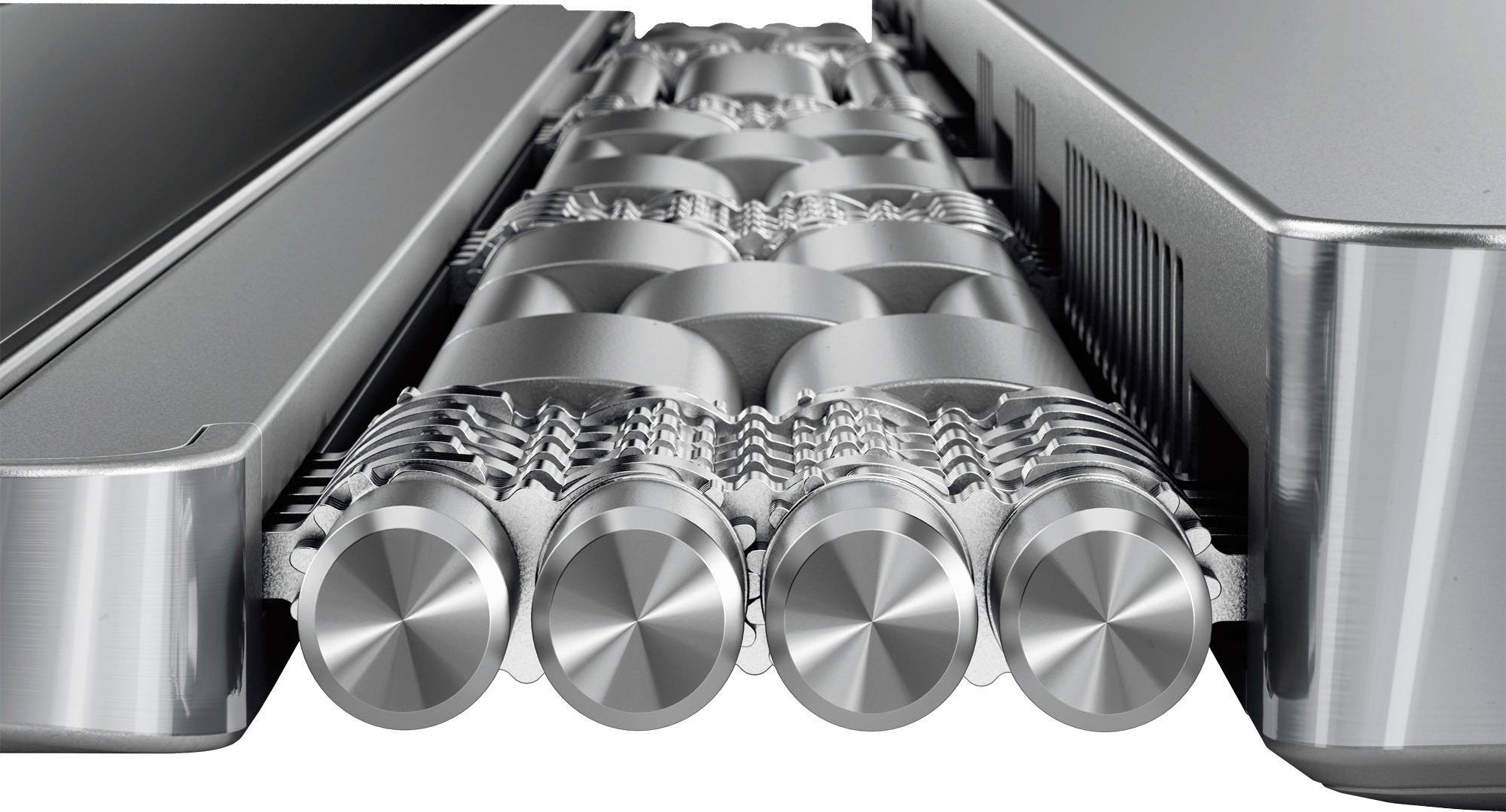
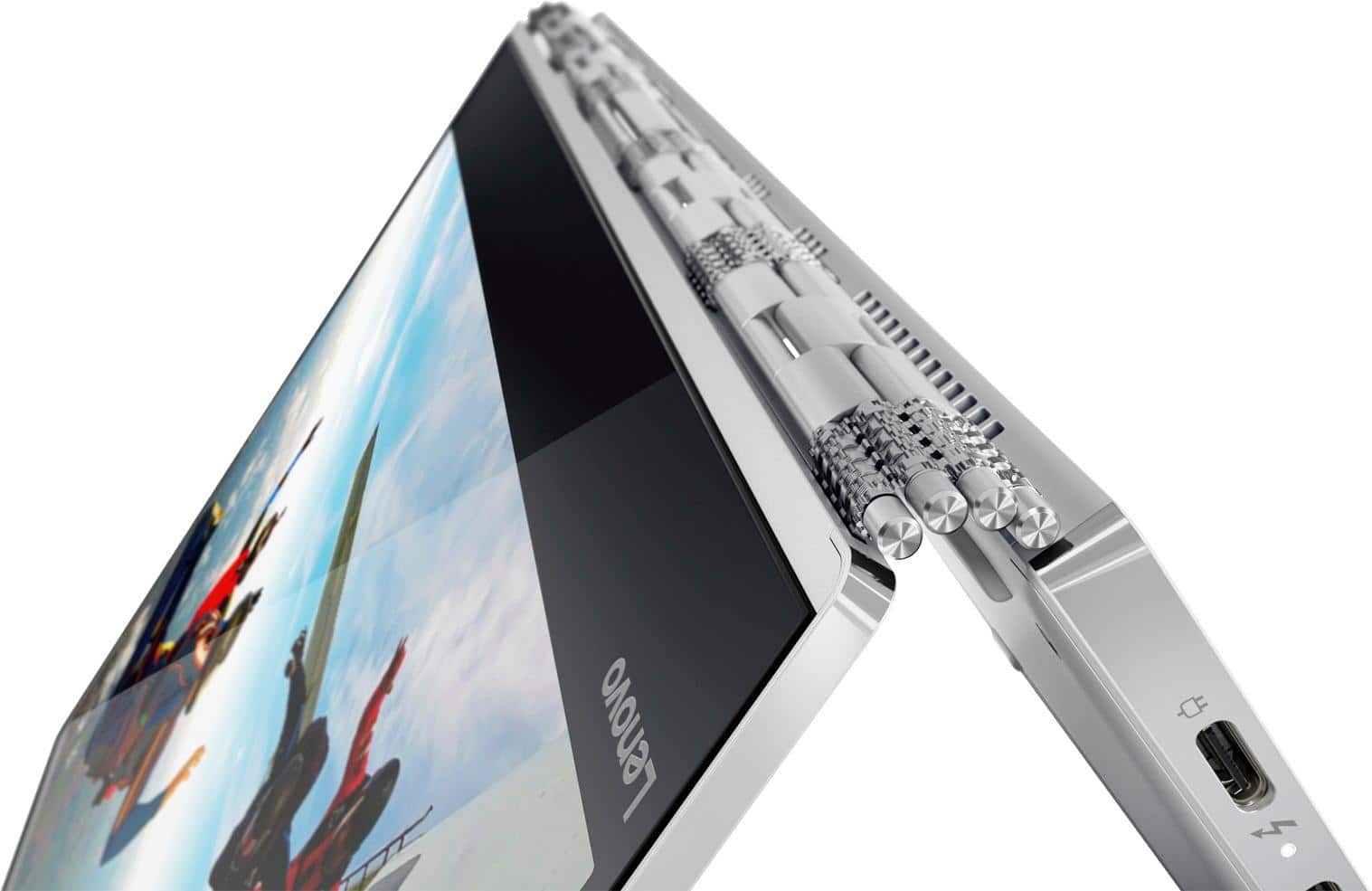
||Posted .This reviewer received promo considerations or sweepstakes entry for writing a review.The laptop is superb in all aspects but for those weird looking and protruding hinges, so returned it.
No, I would not recommend this to a friendGreat First Computer for my Wife
||Posted .This reviewer received promo considerations or sweepstakes entry for writing a review.She is using it and is getting help from the geek squad. They have the patience for her questions.
I would recommend this to a friendBrand response from Lenovo Product Expert
Posted .Thank you for choosing the lenovo Yoga 920-14 for your wife. The hard of the Yoga 920-14 is the Windows 10 Operating System. With regard to learning your way around Windows 10, you may want to try YouTube.com (just type that address in your browser address window). There are hundreds for free instructional videos there about Windows 10. Just type Windows 10 Introduction in to the YouTube search window. You can watch free videos there that will show you the basics all the way up to tips and tricks videos and they're all free.
Lenovo Yoga
||Posted .This reviewer received promo considerations or sweepstakes entry for writing a review.This computer has been awesome so far. The screen and performance are perfect for my daily tasks.
I would recommend this to a friendBrand response from Lenovo Product Expert
Posted .Thank you for choosing the Lenovo Yoga 920-14. We are pleased to hear that the features and performance of the Yoga 920-14 meets your computing needs so well.
Known issues - avoid
||Posted .This reviewer received promo considerations or sweepstakes entry for writing a review.The machine is overall pretty good. Like the construction and the flip / tablet capabilities. However, there are known driver issues that cause the machine to crash with Google Chrome. Additionally, the machine has driver issues with Excel and Display Link, causing Excel to crash whenever you open it in protected mode. These are well documented online.
No, I would not recommend this to a friendBrand response from Lenovo Product Expert
Posted .You can easily update any older drivers on this system through the Lenovo Utilities on the device. This system has Lenovo utilities installed to help maintain the health of the device and keep the operating system software up to date. Type "Lenovo Vantage" in the Cortana Search window (if Lenovo Vantage is not installed on your device, you can download the APP and install it now). Select Lenovo Vantage from the list. In the window that opens, click on "Health and Support". In the expanded menu, select "Hardware Scan" In the window that opens, select "Run Quick Tests". This will scan your entire system for errors. Follow any directions that may pop up. If the problem continues after this scan, now click on "System Update". First select Windows update from the menu. Scan your system to be sure you have the latest version of Windows 10. Once that scan is complete, select "Additional Updates". This will scan your device to be sure there are no new BIOS/Driver updates needed. Follow any instructions that may pop up. The issue with Chrome Browser is an issue within Windows 10. Here is a link to an article with tips for fixing this issue: https://newsstand.google.com/articles/CAIiEBv-zpF8O1RJ3WeypJKu1fsqFwgEKg4IACoGCAow3O8nMMqOBjCP1egF
LENOVO THUMBS UP!
||Posted .This reviewer received promo considerations or sweepstakes entry for writing a review.i have never owned a Lenovo prior and now i would never switch back. MY wife and I love this computer.
I would recommend this to a friendBrand response from Lenovo Product Expert
Posted .Thank you for choosing the Lenovo Yoga 920-14. We are pleased to hear that the Yoga 920-14 meets the computing needs of both you and your wife so well.
Like the 'active pen'
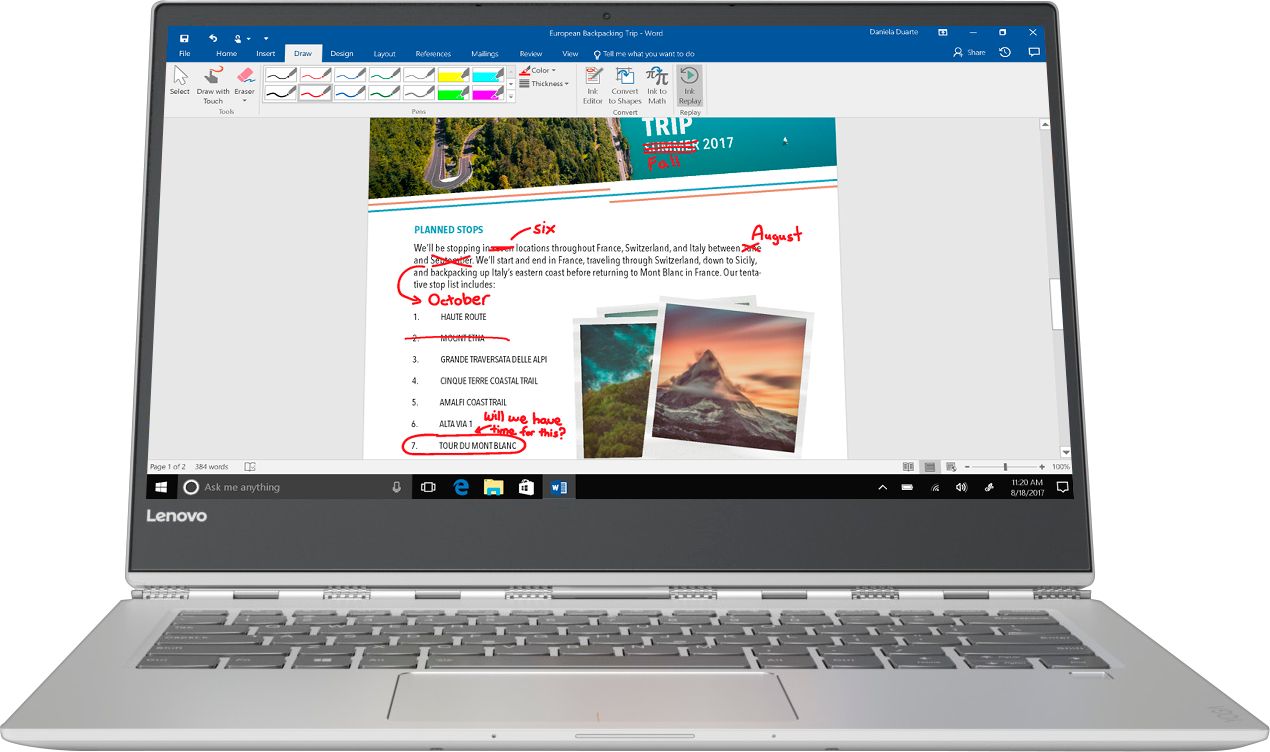
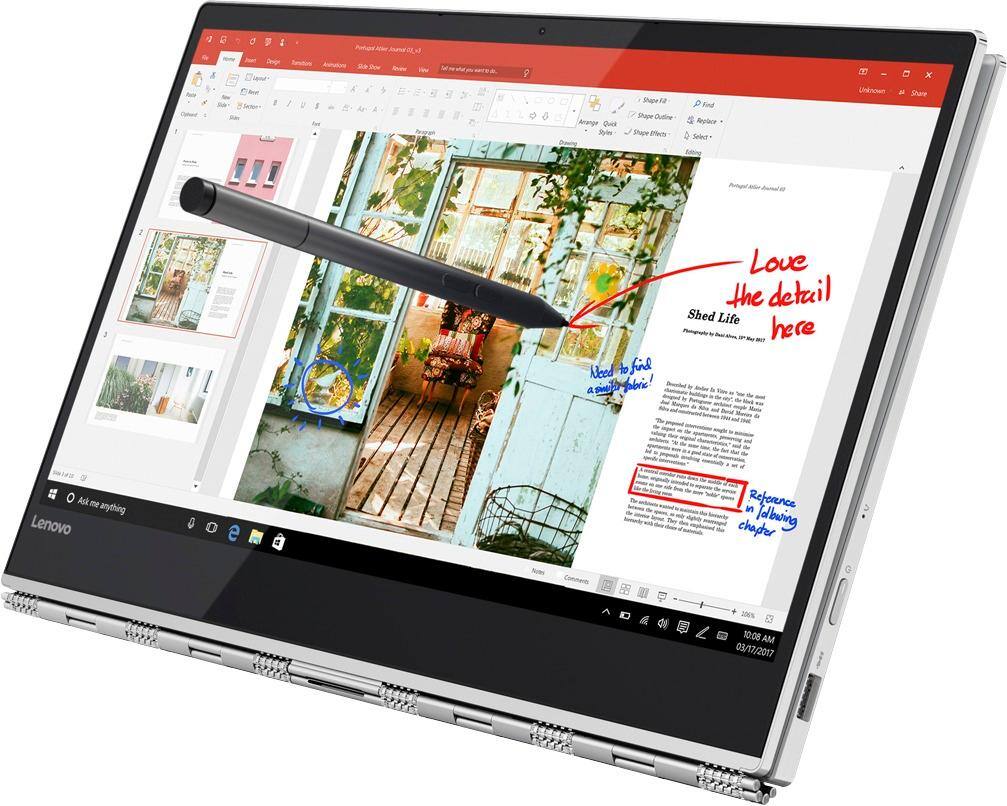
||Posted .This reviewer received promo considerations or sweepstakes entry for writing a review.I didn't realize this came with an active pen to use the touch screen. I very much like that feature.
I would recommend this to a friendBrand response from Lenovo Product Expert
Posted .Thank you for choosing the Lenovo Yoga 920-14. We are pleased to hear that the features and performance of the Yoga 920-14 meets your computing needs so well.
Love the Lenovo products.
||Posted . Owned for 1.5 years when reviewed.This reviewer received promo considerations or sweepstakes entry for writing a review.Great laptop perfect for my home business. We will definitely purchase again.
I would recommend this to a friendGreat price for a top notch system.
||Posted .This reviewer received promo considerations or sweepstakes entry for writing a review.Bought a open box Lenovo Yoga. Geek squad loaded all apps and provided excellent technical support.
I would recommend this to a friendBrand response from Lenovo Product Expert
Posted .Thank you for choosing the Lenovo Yoga 920-14. We are pleased to hear that the Yoga 920-14 is working out so well for you.
Good
||Posted .This reviewer received promo considerations or sweepstakes entry for writing a review.It is really great. I received the laptop on time and in great condition. Thank you best bu.
I would recommend this to a friendBrand response from Lenovo Product Expert
Posted .Thank you for choosing the lenovo Yoga 920-14. We are pleased to hear that the Yoga 920-14 is working out so well for you.
Great computer
||Posted .This reviewer received promo considerations or sweepstakes entry for writing a review.Purchased this to replace my daughter's laptop for School. Just what she needed! Loves the color..
I would recommend this to a friendBrand response from Lenovo Product Expert
Posted .Thank you for choosing the Lenovo Yoga 920-14 for your daughter. We are pleased to hear that the Yoga 920-14 is working out so well for your daughter.
GREAT COMPUTER
||Posted .This reviewer received promo considerations or sweepstakes entry for writing a review.Flexible, powerful, fast and great size. Pen is Great tool as well. HIGHLY RECOMMEND!
I would recommend this to a friend