Customer Ratings & Reviews






- Model:
- 82BG0002US
- SKU:
- 6434676
to a friend
- Cons mentioned:Freezes
DO NOT GET THIS
Posted .This reviewer received promo considerations or sweepstakes entry for writing a review.To be honest I dont know if I got a bad batch or what but I bought this laptop twice only to be disappointed. The first laptop had a paper like thing that was coming out the hinge and the other one would freeze on me MULTIPLE TIMES A DAY, I had it freeze on me 3 times during 1 class where I had to manually turn it off and on. It is a beautiful laptop but this was getting ridiculous, I had one laptop for a week and the other for 3 days and only used it for class work, I am an education majors so I dont run large projects on my laptops. You are welcomed to try the laptop but honestly it was not worth 3rd try for me.
No, I would not recommend this to a friendBrand response from Lenovo Product Expert
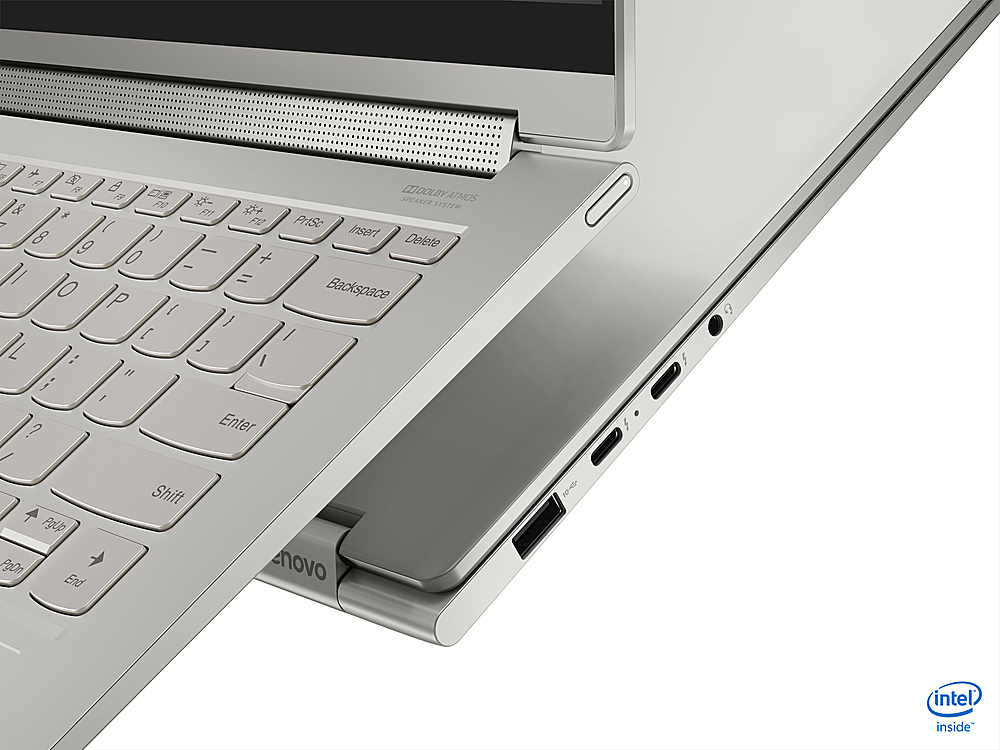
Posted .We are sorry to hear that you are having issues with your Intel Evo-Certified, Lenovo Yoga 9i 14 model number 82BG0002US. The plastic film on the hinges of the Yoga 9i 14 are to prevent against scratching during shipping and the initial unboxing of the laptop. The film is easily removed. The Yoga 9i 14 ships with Windows 10 Home 64-bit Operating System and should not freeze. Be sure any software you installed is compatible with Windows 10. There is no need to install Microsoft Office software. The software is already part of the operating system, you just need to activate the software with a purchased product key. If you have installed a copy of Microsoft Office, this is conflicting with the existing copy on the system and this will slow your system down. If you have installed a 3rd party anti-virus program, be sure that Windows Defender is turned off and that the trial version of McAfee Anti-Virus software is uninstalled. There can only be one anti-virus program on the system. You may need to restore your system to original factory default settings if any of the programming errors have occurred. You can do that by typing "restore" in the Cortana search window. Just click on the magnifying glass icon at the bottom left of your Windows 10 Desktop. Click on "Reset This PC" Then click on "Get Started" and follow the on screen directions to restore to factory defaults. If the problem persists, we recommend you contact Lenovo Tech Support at: 877-453-6686.

- Pros mentioned:Adequate
adequate
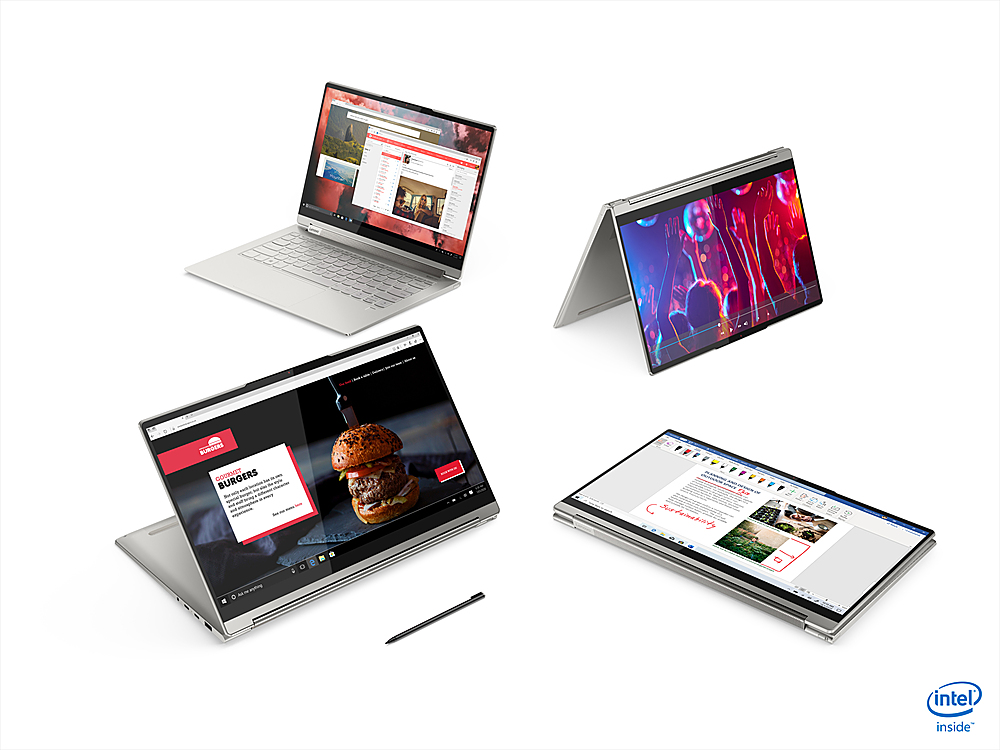
||Posted . Owned for 1 year when reviewed.This reviewer received promo considerations or sweepstakes entry for writing a review.adequate laptop for consult jobs. Like the touch screen
No, I would not recommend this to a friend - Cons mentioned:Screen flickering
Going to try something different
||Posted . Owned for 3 weeks when reviewed.This reviewer received promo considerations or sweepstakes entry for writing a review.Ended up returning it. One time the screen flickered with horizontal lines for no apparent reason. Didn't really have any trouble after that but i didn't want to chance spending that kind of money to have a future problem.
I would recommend this to a friendBrand response from Lenovo Product Expert
Posted .We are sorry to hear that you had an issue with your Intel Evo-Certified, Lenovo Yoga 9i 14, model number 82BG0002US. You can make sure that your Yoga 9i 14 is always running at its best by using the Lenovo Vantage Utilities installed on the Yoga 9i 14. First, check to be sure you have the latest version of Windows 11 on the computer. Then update all BIOS files and drivers up to that latest version of Windows 11, including the BIOS files and driver that control the screen image. You can easily accomplish this by scanning the computer with the Lenovo Utility software available on this computer. This system has Lenovo utilities installed to help maintain the health of the device and keep the operating system software up to date. Type "Lenovo Vantage" in the Cortana Search window (if Lenovo Vantage is not installed on your device, you can download the APP and install it now). Select Lenovo Vantage from the list. In the window that opens, click on "Health and Support". In the expanded menu, select "Hardware Scan" In the window that opens, select "Run Quick Tests". This will scan your entire system for errors. Follow any directions that may pop up. If the problem continues after this scan, now click on "System Update". First select Windows update from the menu. Scan your system to be sure you have the latest version of Windows 11. Once that scan is complete, select "Additional Updates". This will scan your device to be sure there are no new BIOS/Driver updates needed. Follow any instructions that may pop up. If the issue continues after these updates, we recommend you call Lenovo Premium Care for additional help at: 888-278-9707.
- Pros mentioned:Fast
Right up there with the Apple MacBook Pro
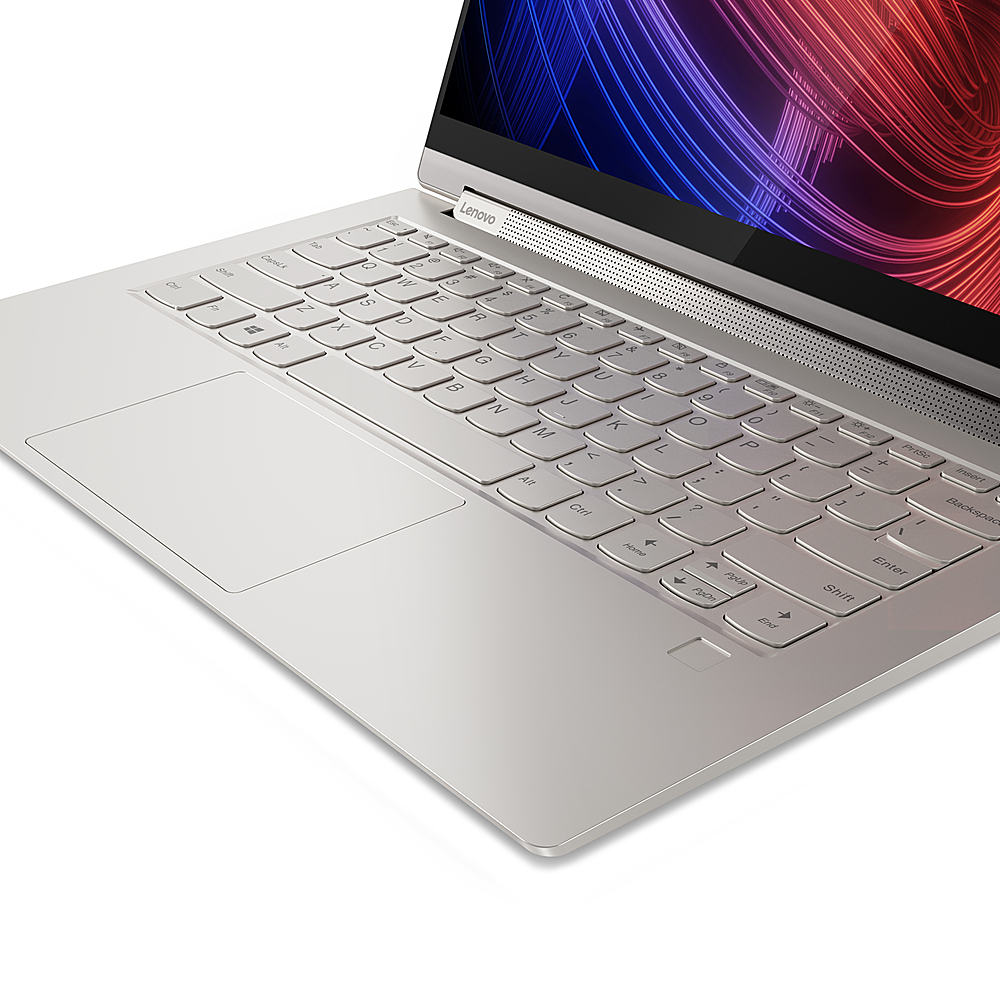
||Posted . Owned for less than 1 week when reviewed.This reviewer received promo considerations or sweepstakes entry for writing a review.Best laptop next to an Apple MacBook Pro. Great display, quick fingerprint sensor snd fast!!! Highly recommend.
I would recommend this to a friendBrand response from Lenovo Product Expert
Posted .Thank you for choosing the Intel Evo-Certified, Lenovo Yoga 9i 14. We are pleased to hear that the features and performance of the Yoga 9i 14 meets your computing needs so well.
- Cons mentioned:Freezes, Hibernation mode, Useless support
DO NOT WASTE YOUR MONEY
Posted .This reviewer received promo considerations or sweepstakes entry for writing a review.TLDR: Terrible product with a ton of issues in the first 2 months and useless support from Lenovo. Do not buy this laptop. Got this computer in September 2021, and in the 2 months that I've had this computer, I've had so many issues with the laptop: - It freezes all the times resulting in having to force restart the laptop. At one point I had to restart the computer 3 times in one hour because it kept freezing. - The computer shows the wrong time, and I have to manually sync the time. - When the laptop goes into hibernation mode, it stops reacting, I can't wake the computer up and have to force restart. - The windows explorer is messed up: when you try to create a folder or delete a file, you don't see the result until you refresh the folder, so it looks like your action was never completed. I have spent an unreasonable amount of hours trying updates and troubleshooting with Lenovo support with no result. At one of the calls with Lenovo support, it was confirmed that this was a hardware issue, not a software one. I am currently studying abroad, and Lenovo told me that they can't help me until I come back to the US, even with "premium care". They did offer for me to buy more international care to get more support - what a joke. I got this laptop specifically for my studies, and if I knew what a mess this would be and how useless Lenovo support would be, I would have never bought it. I used to be a loyal Lenovo customer, but I will NEVER purchase another Lenovo product. I have a Lenovo yoga from 2013 that never had this many problems and doesn't cause so many issues to this day. It is unbelievable that a laptop I got 2 months ago has all these issues.
No, I would not recommend this to a friendBrand response from Lenovo Product Expert
Posted .We are sorry to hear that you are having issues with your Intel Evo-Certified, Lenovo Yoga 9i 14, model number 82BG0002US. Use the Lenovo Vantage Utility software installed on your Yoga 9i 14 to check to be sure you have the latest version of Windows 11 on the computer. Then update all BIOS files and drivers up to that latest version of Windows 11. You can easily accomplish this by scanning the computer with the Lenovo Utility software available on this computer. This system has Lenovo utilities installed to help maintain the health of the device and keep the operating system software up to date. Type "Lenovo Vantage" in the Cortana Search window (if Lenovo Vantage is not installed on your device, you can download the APP and install it now). Select Lenovo Vantage from the list. In the window that opens, click on "Health and Support". In the expanded menu, select "Hardware Scan" In the window that opens, select "Run Quick Tests". This will scan your entire system for errors. Follow any directions that may pop up. If the problem continues after this scan, now click on "System Update". First select Windows update from the menu. Scan your system to be sure you have the latest version of Windows 10. Once that scan is complete, select "Additional Updates". This will scan your device to be sure there are no new BIOS/Driver updates needed. Follow any instructions that may pop up. If the issue continues after these updates and you are still out of the USA, you can use this web site to check for Lenovo Premium Care coverage that is available within the Country you are currently in. Here is a link to the web site, just input the Yoga 9i 14 model number into the available box at the web site - Model Number: 82BG0002US. Select the Country you are currently in from the dropdown menu for information about the available Lenovo Tech Support for that Country. Here is a link to the International Lenovo Tech Support Web Site: https://pcsupport.lenovo.com/us/en/iwslookup#/ideapad
- Pros mentioned:Exceptional video, Great specs
Great for anyone
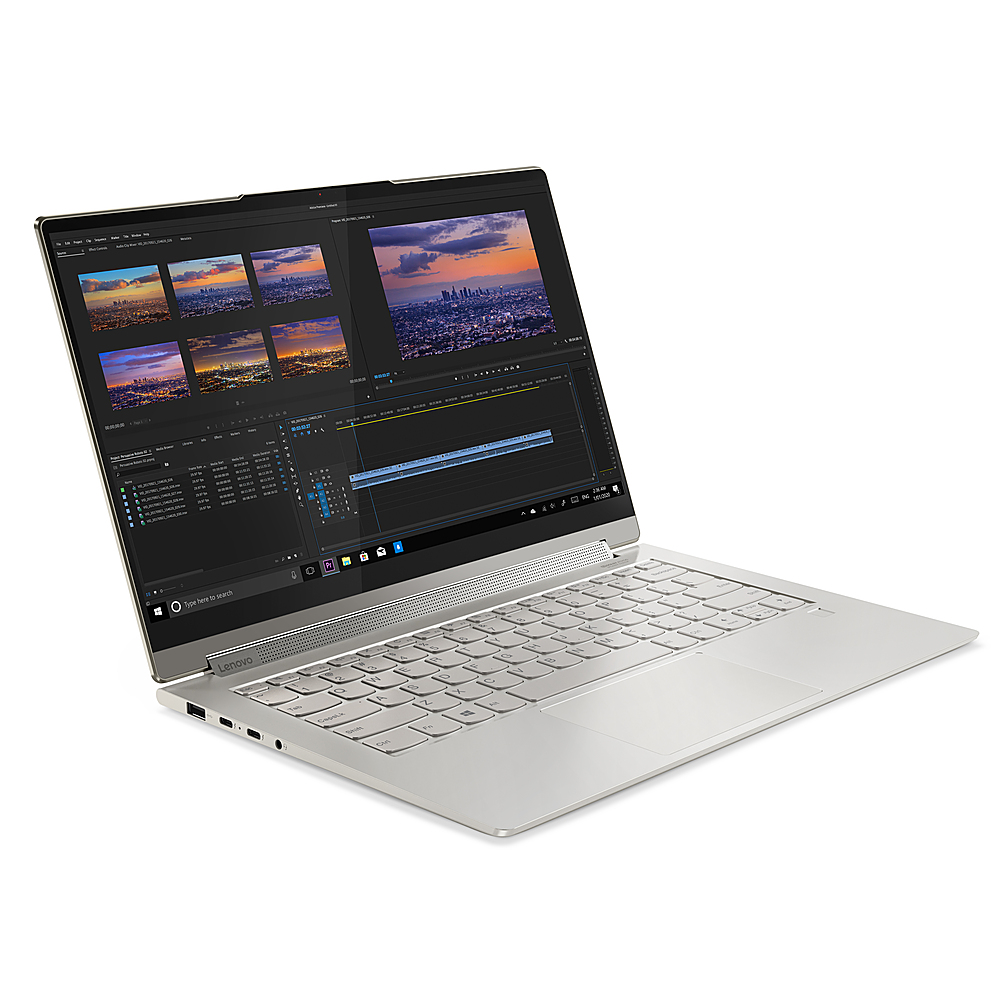
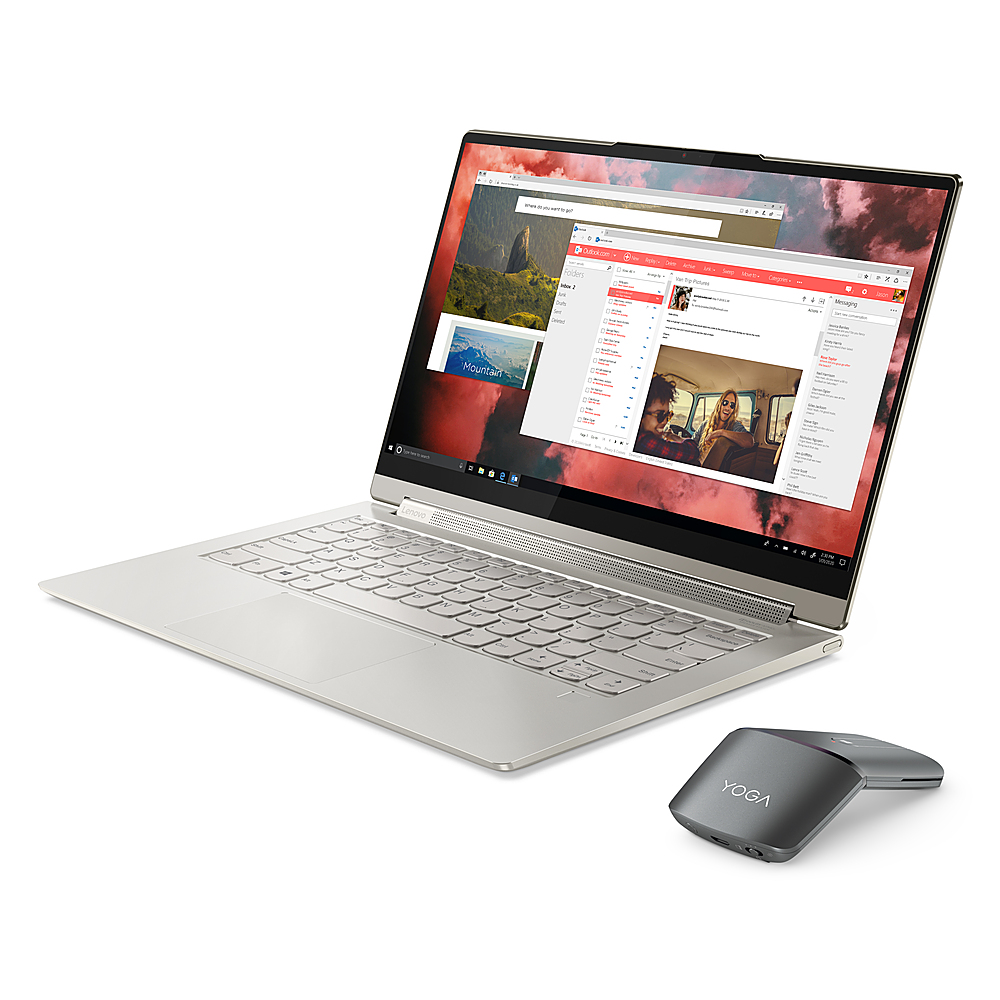
Posted .This reviewer received promo considerations or sweepstakes entry for writing a review.It’s a 14” with the weight of a 13” model. The specs couldn’t get any better for the average user. Great for entertainment purposes with exceptional audio and video.
I would recommend this to a friendBrand response from Lenovo Product Expert
Posted .Thank you for choosing the Intel Certified, Lenovo Yoga 9i 14. We are pleased to hear that the features and performance of the Yoga 9i 14 meets your computing needs so well.
- Pros mentioned:Battery lifeCons mentioned:Upgradability
Nice easy, efficient 4k computer
Posted .This reviewer received promo considerations or sweepstakes entry for writing a review.Noteworthy product and at $300 discount, this is really worth it. Had trouble upgrading it as it would not do a proper USB boot. But you can upgrade on the widows interface and delete the existing installation. Download 4k back grounds and screens and this small laptop looks amazing as you log in and work with it. Super fast down loading of pages as are all other things. May not be great gaming computer, but for all else, this will be your dream come true. Very efficient, crystal clear and fast every day computer. Battery lasts 9-10 hours
I would recommend this to a friendBrand response from Intel team
Posted .Hello there. Thank you for your great review on this Lenovo - Yoga 9i 14 2-in-1 touch-screen laptop. For us, it is very important the fact you can move freely and stay productive wherever you are. Continue to enjoy the remarkable responsiveness, battery life and fast connectivity our Intel® Evo™ Platform and the latest 11th Generation Intel® Core™ i7 Processors can offer you.
Thank you for choosing Intel!
- Cons mentioned:Screen flickering
DO NOT waster your money, Buy from other company
Posted .This reviewer received promo considerations or sweepstakes entry for writing a review.So, I could have bought a MacBook, but I was a little dumb deciding to buy a Lenovo laptop. The screen keeps flickering with lines. It has been around a month and a half and I am totally regretting spending all that amount of money on this low-quality laptop!!!!!
No, I would not recommend this to a friendBrand response from Lenovo Product Expert
Posted .We are sorry to hear that you are having issues with your Intel Evo-Certified, lenovo Yoga 9i 14, model number 82BG0002US. You can insure that your Yoga 9i 14 is always running at its best by using the Lenovo Vantage Utility Software installed on your Yoga 9i 14. With Vantage you can first
check to be sure you have the latest version of Windows 11 on the computer. Then update all BIOS files and drivers up to that latest version of Windows 11, including those BIOS files and drivers that control the screen image. You can easily accomplish this by scanning the computer with the Lenovo Utility software available on this computer. This system has Lenovo utilities installed to help maintain the health of the device and keep the operating system software up to date. Type "Lenovo Vantage" in the Cortana Search window (if Lenovo Vantage is not installed on your device, you can download the APP and install it now). Select Lenovo Vantage from the list. In the window that opens, click on "Health and Support". In the expanded menu, select "Hardware Scan" In the window that opens, select "Run Quick Tests". This will scan your entire system for errors. Follow any directions that may pop up. If the problem continues after this scan, now click on "System Update". First select Windows update from the menu. Scan your system to be sure you have the latest version of Windows 11. Once that scan is complete, select "Additional Updates". This will scan your device to be sure there are no new BIOS/Driver updates needed. Follow any instructions that may pop up. If the issue continues after these updates, we recommend you call Lenovo Premium Care for additional help at: 888-278-9707.