Customer Ratings & Reviews

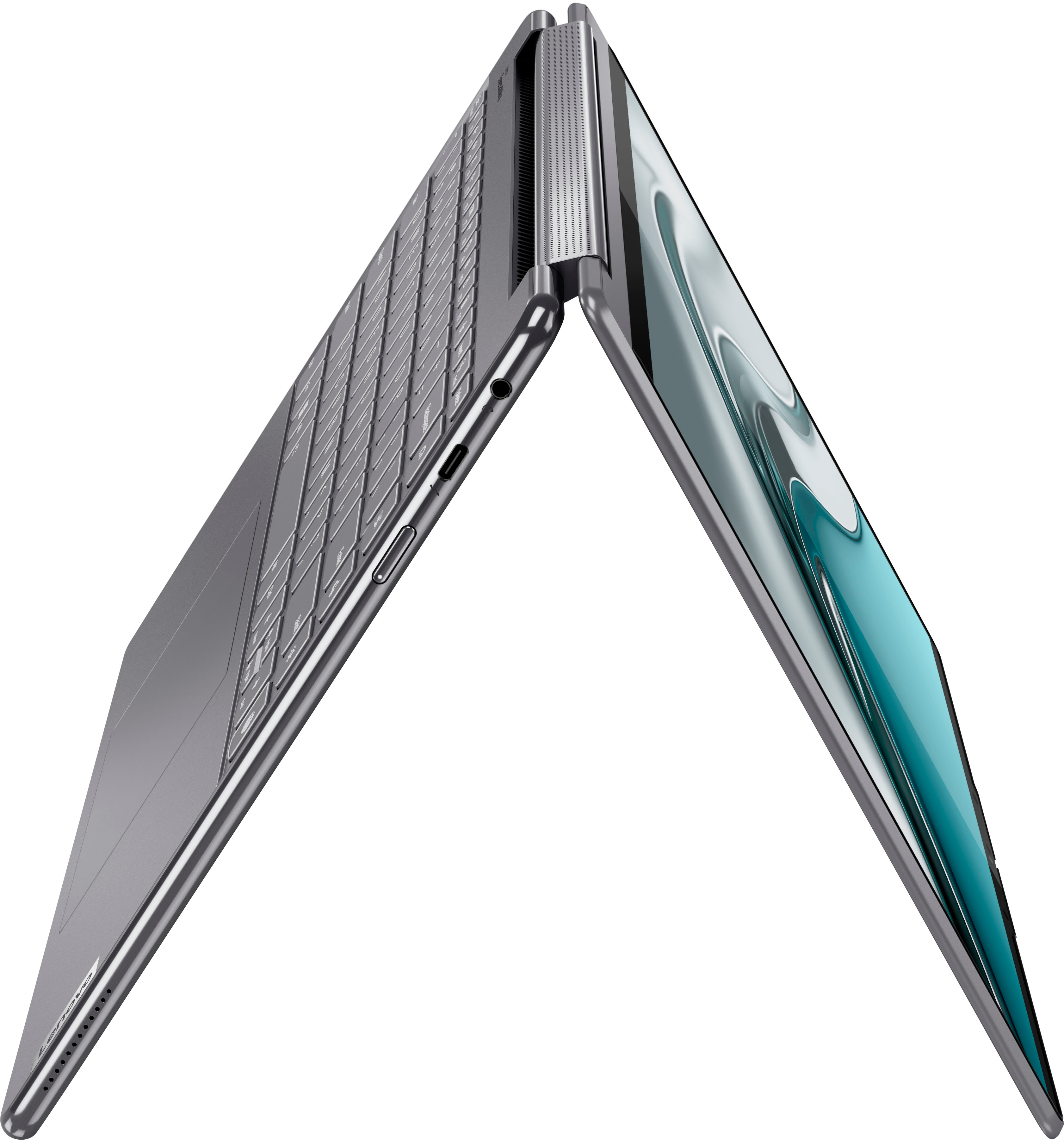
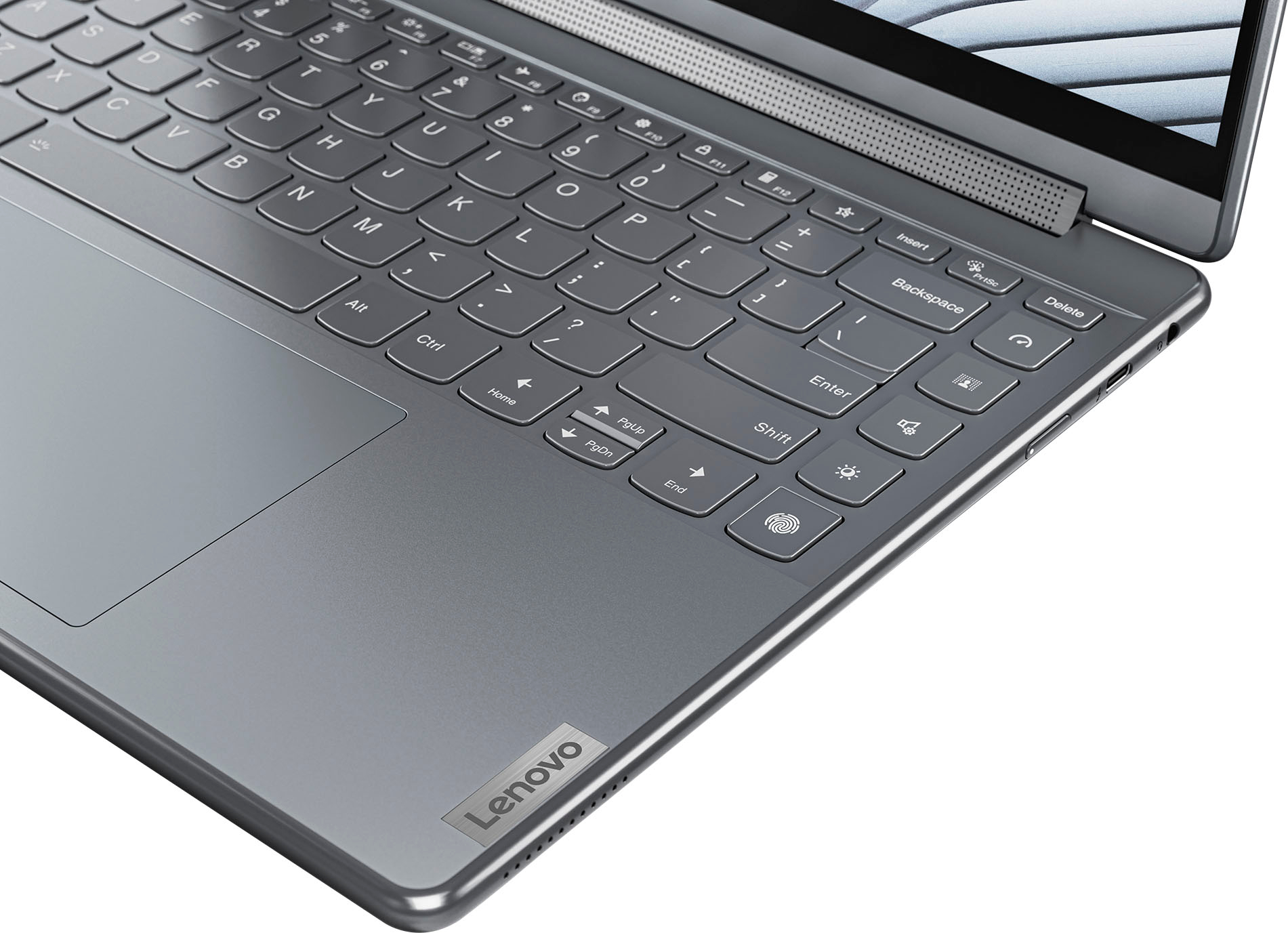

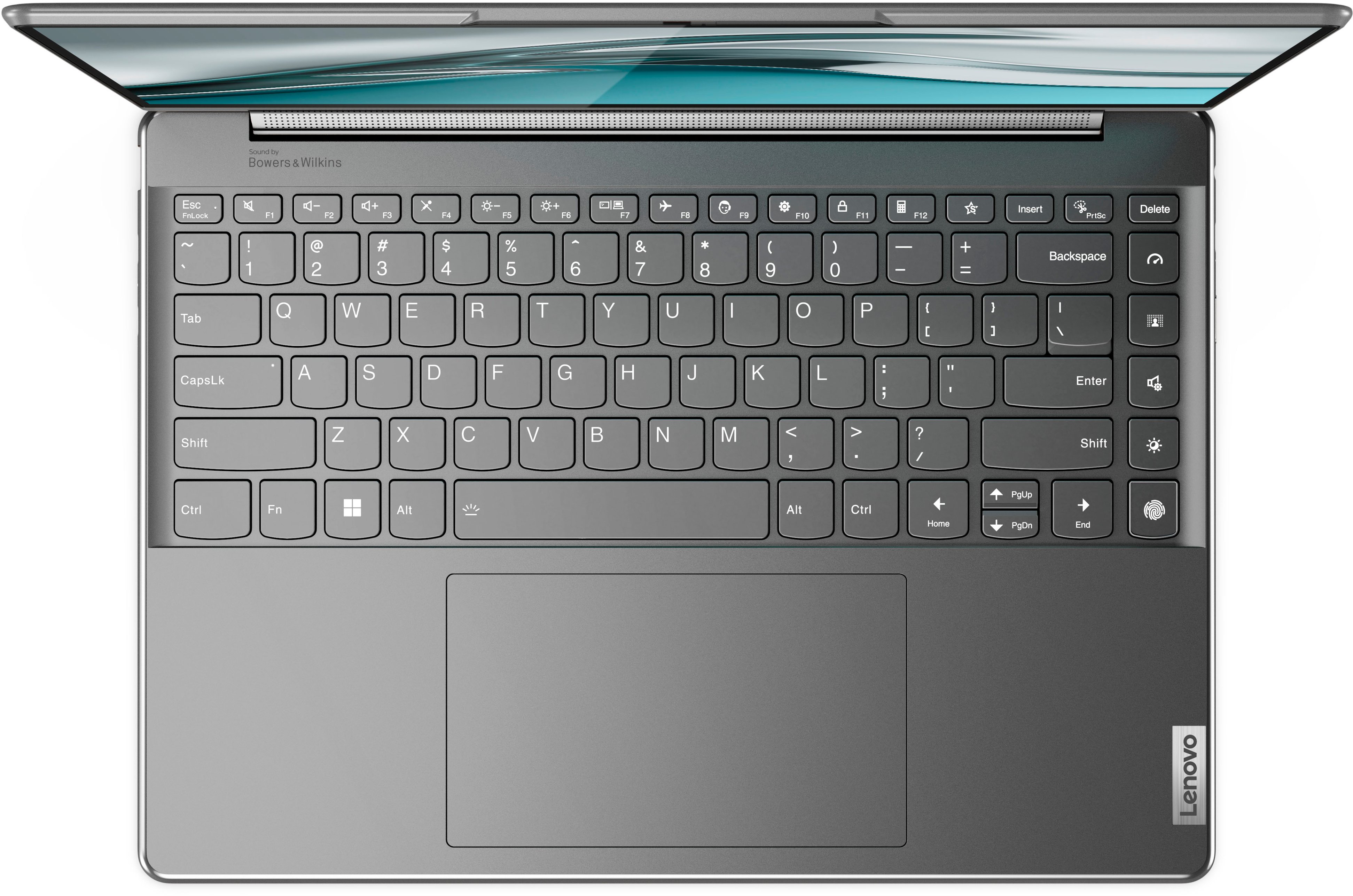

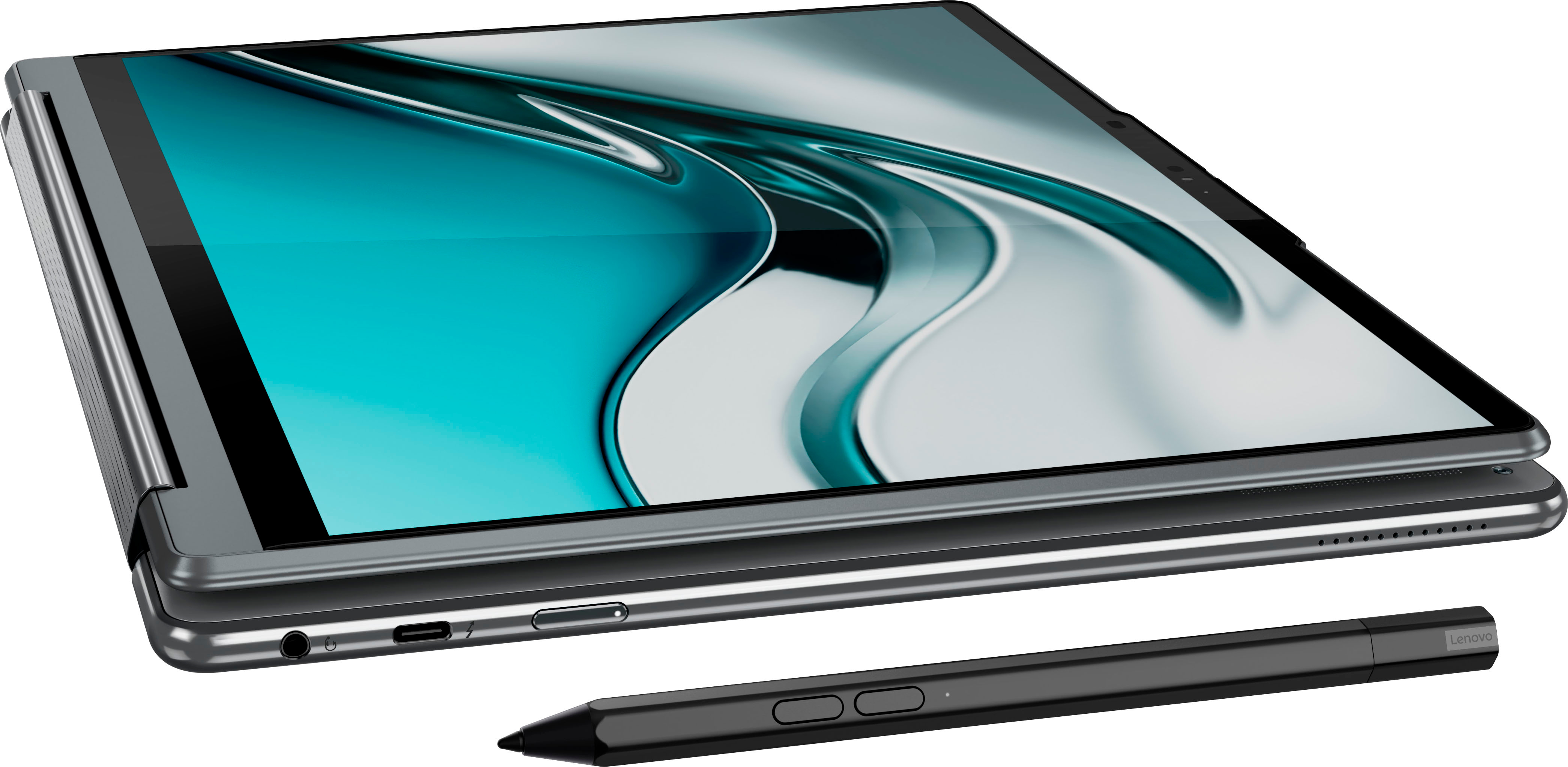





- Model:
- 82LU0000US
- SKU:
- 6502231
Rating by feature
- Battery Life
Rating 4.2 out of 5 stars
- Speed
Rating 4.6 out of 5 stars
- Display
Rating 4.7 out of 5 stars
Customers are saying
Customers love the Yoga 9i's performance, stunning OLED display, and lightweight design, praising its speed, vibrant colors, and ease of portability. However, some users express concerns regarding battery life and occasional issues with the included pen. The graphics capabilities also receive positive feedback. A few customers mentioned some noise from the fan.
This summary was generated by AI based on customer reviews.
- Pros mentioned:Performance
Lenovo Yoga
||Posted . Owned for 1 month when reviewed.This reviewer received promo considerations or sweepstakes entry for writing a review.Love my Lenovo Yoga! Such a step up from my previous laptop!
I would recommend this to a friendBrand response from Lenovo Product Expert
Posted .Thank you for choosing the Intel Evo-Certified, Lenovo Yoga 9i 14. We are pleased to hear that the performance of the Yoga 9i 14 meets your computing needs so well.

- Pros mentioned:Performance
Lenovo Yoga
||Posted . Owned for 1 month when reviewed.This reviewer received promo considerations or sweepstakes entry for writing a review.Device works amazing. It does everything I need it to do.
I would recommend this to a friendBrand response from Lenovo Product Expert
Posted .Thank you for choosing the Intel Evo-Certified, Lenovo Yoga 9i 14. We are pleased to hear that the Yoga 9i 14 meets your computing needs so well.
- Pros mentioned:Processor speed
Lenovo Does It Again!
||Posted . Owned for 1 month when reviewed.This reviewer received promo considerations or sweepstakes entry for writing a review.Wonderful computer. Lightning fast. Great price too!
I would recommend this to a friend - Cons mentioned:Battery life
Battery gone!
||Posted . Owned for 2 months when reviewed.This reviewer received promo considerations or sweepstakes entry for writing a review.Battery becomes out of order in just two months. No international warranty found. Now I am flying to North America to fix it. What a joke!
No, I would not recommend this to a friendBrand response from Lenovo Product Expert
Posted .We are sorry to hear that you are having issues with your Intel Evo-Certified, Lenovo Yoga 9i 14 model number 82LU0000US. This model ships with a Intel Evo-Certified All-Day-Battery-Life, Integrated 75Wh, Lithium-Polymer Battery, which within this model configuration, has a battery life of up to 10 hours, depending on the work the device is performing. If you are getting substantially less battery life first, set your screen brightness at less than 100-percent - try 80-percent to start with. Then, be sure Battery Charge Threshold is turned off. This power management setting should only be used when the laptop is plugged in all the time. It will prolong overall battery life by only charging the battery to 60-percent of capacity. You can turn off Battery Charge Threshold within the Lenovo Vantage APP installed on this computer. In Vantage select Battery Settings and turn off Battery Charge Threshold, if turned on. Also check what programs are running in the background on the computer. Be sure only the programs you want running in the background are. These programs will drain the battery. Here is a link to information about how to find out what programs are running in the background on your Windows 11 computer and how to manage them for better system performance: https://websiteforstudents.com/how-to-find-what-is-running-in-windows-11/. Then, finally, be sure any software you installed is compatible with Windows 11. Incompatible software will drain the battery at a faster rate. There is no need to install Microsoft Office software. The software is already part of the operating system, you just need to activate the software with a purchased product key. If you have installed a copy of Microsoft Office, this is conflicting with the existing copy on the system and this will slow your system down. If you have installed a 3rd party anti-virus program, be sure that Windows Defender is turned off and that the trial version of McAfee Anti-Virus software is uninstalled. There can only be one anti-virus program on the system. You may need to restore your system to original factory default settings if any of the programming errors have occurred. You can do that by typing "restore" in the Cortana search window. Just click on the magnifying glass icon at the bottom of your Windows 11 Desktop. Click on "Reset This PC" Then click on "Get Started" and follow the on screen directions to restore to factory defaults. If the issue continues and you are out of the USA, there may be International Warranty Coverage for your Lenovo Yoga 9i 14, depending on the Country you are in. You can check for coverage at this web site: https://pcsupport.lenovo.com/us/en/iwslookup#/noproduct. Just input the model number (82LU0000US) into the box provided, then select the Country you are in from the dropdown menu to confirm what if any coverage is available in the Country you are in.
DON'T TRUST OPEN BOX ITEMS, even Certified!!
||Posted . Owned for 1 month when reviewed.This reviewer received promo considerations or sweepstakes entry for writing a review.Bought this item as an open box and have a problem with the keyboard one week outside the return period. Will NEVER buy anything OPEN BOX at Best Buy again.
No, I would not recommend this to a friendBrand response from Lenovo Product Expert
Posted .Hello, TracyD, we are sorry to hear that you have encountered an issue with your Yoga 9i 14. To help resolve your issue, first, we recommend checking for updates through Windows Update settings. These updates can help resolve issues from operating system bugs to driver software improvements. To navigate there, select start on the taskbar (windows logo) or press the windows key on the keyboard then select Settings. In Settings, select Windows Update, and then select the Check For Updates button. Install any available updates and restart your PC if required. If you didn’t have any updates that required a restart, it’s still a good idea to restart your device to make sure any pending updates are installed. Additionally, check for updates in the Lenovo Vantage application that is preinstalled on Windows devices. You can check by opening the app, navigating to the device tab, and selecting the “check for updates” option. If there are updates to install, follow the onscreen directions to finalize those updates. If your issues persists after these steps, we also recommend that you reach out to our Premium Care Team at this number for additional assistance: 888-278-9707.
misinformed
||Posted .This reviewer received promo considerations or sweepstakes entry for writing a review.The salesman sold me the totaltech support by saying there is no warranty available even from lenovo. i asked him 2-3 times to make sure what i was hearing was right. because i have been using lenovo for over 10 yrs and i always got the default warranty.after reaching home i realized lenovo does have 1 yr warranty support. so i was lied knowingly. i would request to train your salesperson properly so that other customers who are not aware of this doesnt fall into this trap
I would recommend this to a friendBrand response from Lenovo Product Expert
Posted .The Lenovo Yoga 9i 14, model number 82LU0000US, does come with 1 year of Premium Care warranty support, covering parts and labor, 'get started' and 'how-to' assistance, onsite support (the service levels may vary between carry-in, pickup & return, or depot in specific geographic locations) and fast repair, support for software and hardware, and preventative PC health check.
Just do not buy Lenovo
||Posted . Owned for 11 months when reviewed.This reviewer received promo considerations or sweepstakes entry for writing a review.Don’t touch Lenovo products they just a headache this has overheated for the last year and I was ready to throw it out but thought I’d pay the $44 to Lenovo for the repair as they come on site. Tech support log into my computer and try to install 3rd party software Cupid.com looks like a scam web site to me
No, I would not recommend this to a friendFind a better model
||Posted . Owned for 2 months when reviewed.This reviewer received promo considerations or sweepstakes entry for writing a review.Had to return after a few days. Not good enough for business functions.
No, I would not recommend this to a friendLots of issues with the software, better buy a HP
||Posted . Owned for 1 month when reviewed.This reviewer received promo considerations or sweepstakes entry for writing a review.Lots of issues with the software, better buy a HP spectre... I will change it as soon as i can... unfortunately im stuck with it for 6 month in a asia work trip... Also my screen in the right corner is lose from the frame...?! Chinese brand i guess... -Sounds like a space ship when fans kick when laptop is not on flat surface -Fans kick in very heavily and loud out of no where sometimes. Unacceptable loud noise... -Screen turn/ off when you plugin in power. -System freezing of screen from time to time. -Screen don't get bright enough on battery mode -Battery drain on sleep mode -Audio sounds like your in a bathroom -had to install costume software to keep Backlight keyboard always on. No support from lenovo for this basic functionality... + Only new 4k touch screen laptop (For those with good vision, you can see the thouch screen pixel lines in screen clearly though, much more visible then my old spectre 4k) +Nice convertible disgin +build quality, (accept for my screen almost falling out the frame right hand corner, product defect i can't change because im on buisness trip in Asia..)
No, I would not recommend this to a friendBrand response from Lenovo Product Expert
Posted .We are sorry to hear that you are having issues with your Intel Evo-Certified, Lenovo Yoga 9i 14, model number 82LU0000US. This model ships with Windows 11 Home, 64-bit Operating System installed. Regarding fan noise: You can use Lenovo Smart Power to manually control fan and system performance: ( Fn + Q ) option to change the fan speed by undervolting the processor. For screen brightness settings while plugged in or on battery power, check your settings for Power Management: https://support.microsoft.com/en-us/windows/change-the-power-mode-for-your-windows-pc-c2aff038-22c9-f46d-5ca0-78696fdf2de8. For more help with the issues you are having while you are out of the USA, we recommend you contact Lenovo Tech Support through Live-Chat here: https://support.lenovo.com/us/en/livechat
would not recommend
||Posted .This reviewer received promo considerations or sweepstakes entry for writing a review.endless power problems, and motherboard died 2 years after owning it.
No, I would not recommend this to a friendLenovo Yoga 9i 14" 4K OLED touch laptop with pen
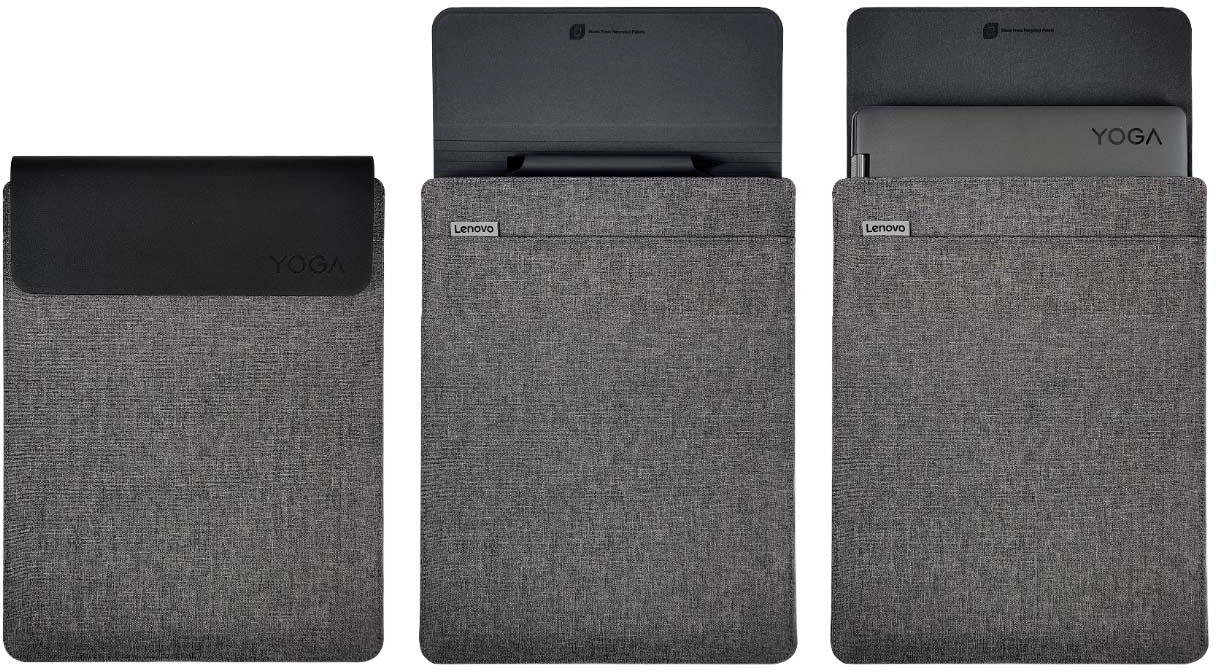
||Posted . Owned for 2 weeks when reviewed.This reviewer received promo considerations or sweepstakes entry for writing a review.Perfect fit for my work. All the bells and whistles I needed and it fits in the handy cloth case I use for paperwork.
I would recommend this to a friendBrand response from Lenovo Product Expert
Posted .Thank you for choosing the Intel Evo-Certified, lenovo Yoga 9i 14. We are pleased to hear that the features and performance of the Yoga 9i 14 meets your computing needs so well.
Nice Laptop
||Posted . Owned for less than 1 week when reviewed.This reviewer received promo considerations or sweepstakes entry for writing a review.Fast, great screen and good sound; like the computer but dislike Windows
I would recommend this to a friendCollege companion
||Posted . Owned for 1 month when reviewed.This reviewer received promo considerations or sweepstakes entry for writing a review.Perfectly designed to accompany my daughter through her college experience.
I would recommend this to a friendBrand response from Lenovo Product Expert
Posted .Thank you for choosing the Intel Evo-Certified, Lenovo Yoga 9i 14 for your daughter. We are pleased to hear that the Yoga 9i 14 meets your daughter's computing needs so well.
Great laptop
||Posted . Owned for 2 weeks when reviewed.This reviewer received promo considerations or sweepstakes entry for writing a review.Loving this laptop. Does everything I need it to do. Screen is perfect and vivid. Speakers are fantastic.
I would recommend this to a friendBrand response from Lenovo Product Expert
Posted .Thank you for choosing the Intel Evo-Certified, Lenovo Yoga 9i 14. We are pleased to hear that the features and performance of the Yoga 9i 14 meets your computing needs so well.
- Cons mentioned:Battery life
Short battery life
||Posted . Owned for 1 month when reviewed.This reviewer received promo considerations or sweepstakes entry for writing a review.The screen is clear, but it sucks the battery life. The battery lasts about 2 hours when you are using the computer. They said it takes 15 minutes to charge but it’s more like an hour.
No, I would not recommend this to a friendBrand response from Lenovo Product Expert
Posted .This Intel Evo-Certified, Lenovo Yoga 9i 14, model number 82LU0000US, ships with Intel Evo-Certified, All-Day-Battery-Life, thanks to its Integrated 75Wh, Lithium-Polymer Battery, which within this model configuration, has a battery life of up to 10 hours. This Integrated Li-Polymer 75Wh battery, supports Rapid Charge Boost (get 2 hours of runtime with a 15-minute charge). If you are getting substantially less battery life, first, set your screen brightness at less than 100-percent - try 80-percent to start with. Then, be sure Battery Charge Threshold is turned off. This power management setting should only be used when the laptop is plugged in all the time. It will prolong overall battery life by only charging the battery to 60-percent of capacity. You can turn off Battery Charge Threshold within the Lenovo Vantage APP installed on this computer. In Vantage select Battery Settings and turn off Battery Charge Threshold, if turned on. Also check what programs are running in the background on the computer. Be sure only the programs you want running in the background are. These programs will drain the battery. Here is a link to information about how to find out what programs are running in the background on your Windows 11 computer and how to manage them for better system performance: https://websiteforstudents.com/how-to-find-what-is-running-in-windows-11/. Then, finally, be sure any software you installed is compatible with Windows 11. Incompatible software will drain the battery at a faster rate. There is no need to install Microsoft Office software. The software is already part of the operating system, you just need to activate the software with a purchased product key. If you have installed a copy of Microsoft Office, this is conflicting with the existing copy on the system and this will slow your system down. If you have installed a 3rd party anti-virus program, be sure that Windows Defender is turned off and that the trial version of McAfee Anti-Virus software is uninstalled. There can only be one anti-virus program on the system. You may need to restore your system to original factory default settings if any of the programming errors have occurred. You can do that by typing "restore" in the Cortana search window. Just click on the magnifying glass icon at the bottom of your Windows 11 Desktop. Click on "Reset This PC" Then click on "Get Started" and follow the on screen directions to restore to factory defaults. If the problem persists, we recommend you contact Lenovo Premium Care for additional help at: 888-278-9707.
Best laptop on market
||Posted . Owned for 3 weeks when reviewed.This reviewer received promo considerations or sweepstakes entry for writing a review.One of the best laptops on the market. Excellent battery life and screen is one of the best.
I would recommend this to a friendLaptop
||Posted . Owned for 1 month when reviewed.This reviewer received promo considerations or sweepstakes entry for writing a review.Love everything about this laptop. I purchased it for work and night classes.
I would recommend this to a friendBrand response from Lenovo Product Expert
Posted .Thank you for choosing the Intel Evo-Certified, Lenovo Yoga 9i 14. We are pleased to hear that the Yoga 9i 14 is working out so well for you.
Great computer!
||Posted . Owned for 1 month when reviewed.This reviewer received promo considerations or sweepstakes entry for writing a review.Perfect for school and daily use. Sleek style and a great case comes with it.
I would recommend this to a friendBrand response from Lenovo Product Expert
Posted .Thank you for choosing the Intel Evo-Certified, Lenovo Yoga 9i 14. We are pleased to hear that the features and performance of the Yoga 9i 14 meets your computing needs so well.
Lenovo 9i 14" Laptop
||Posted . Owned for 1 month when reviewed.This reviewer received promo considerations or sweepstakes entry for writing a review.I wanted a bigger, faster Lenovo and this one fits my needs.
I would recommend this to a friendExcellent
||Posted . Owned for 3 weeks when reviewed.This reviewer received promo considerations or sweepstakes entry for writing a review.Excellent laptop. I really love it. My daughter is using at college.
I would recommend this to a friendBrand response from Lenovo Product Expert
Posted .Thank you for choosing the Intel Evo-Certified, Lenovo Yoga 9i 14. We are pleased to hear that the Yoga 9i 14 is working out so well.