Customer Ratings & Reviews
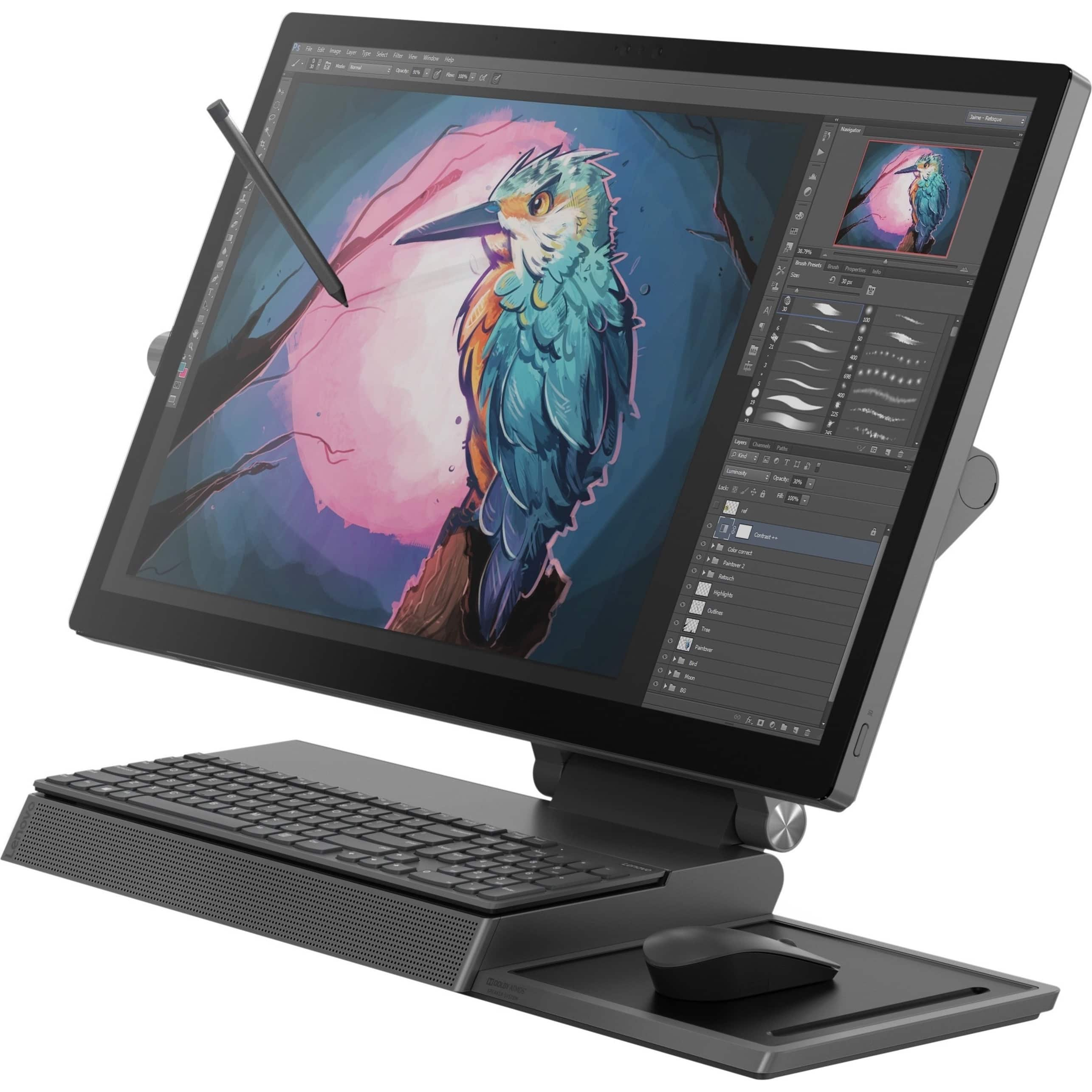
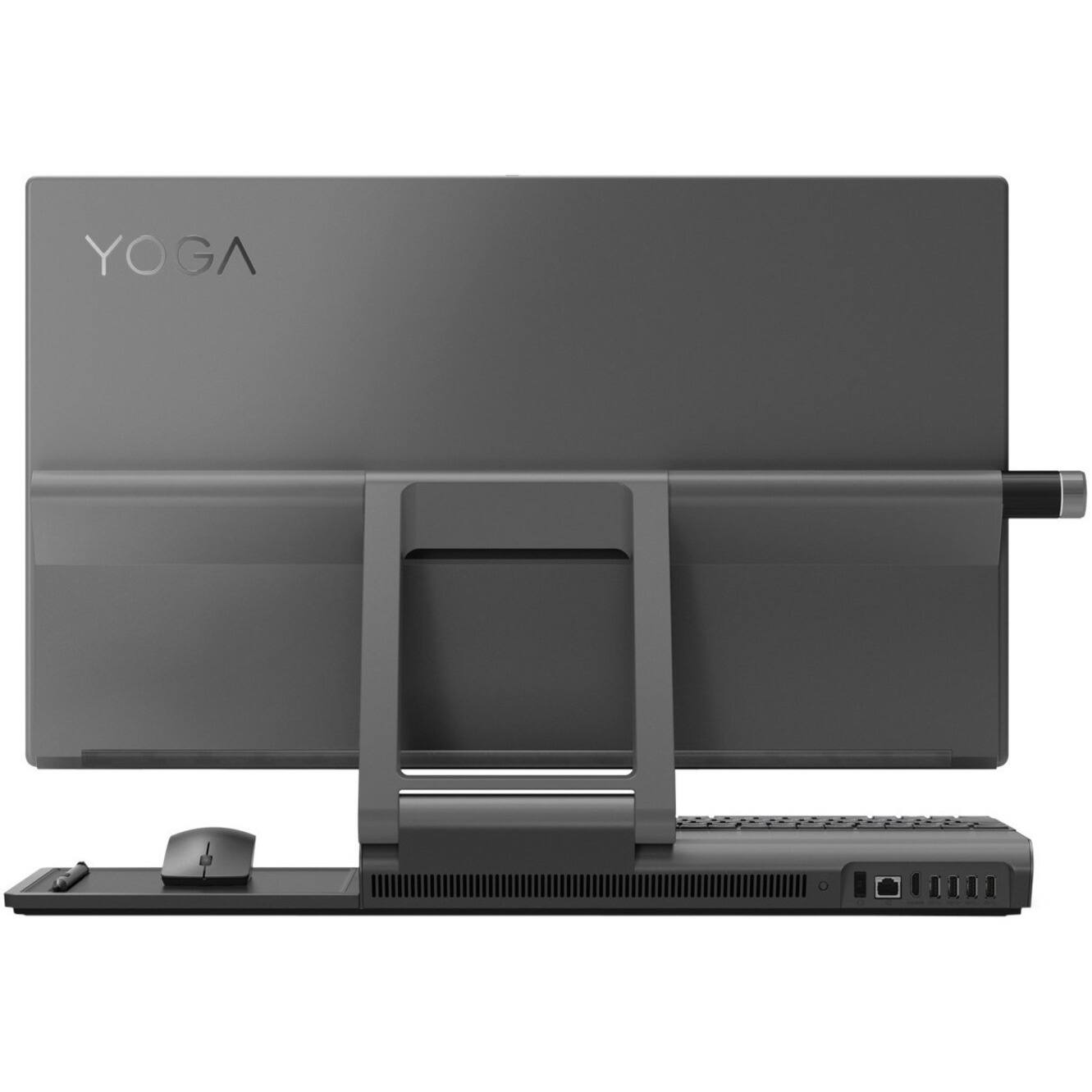
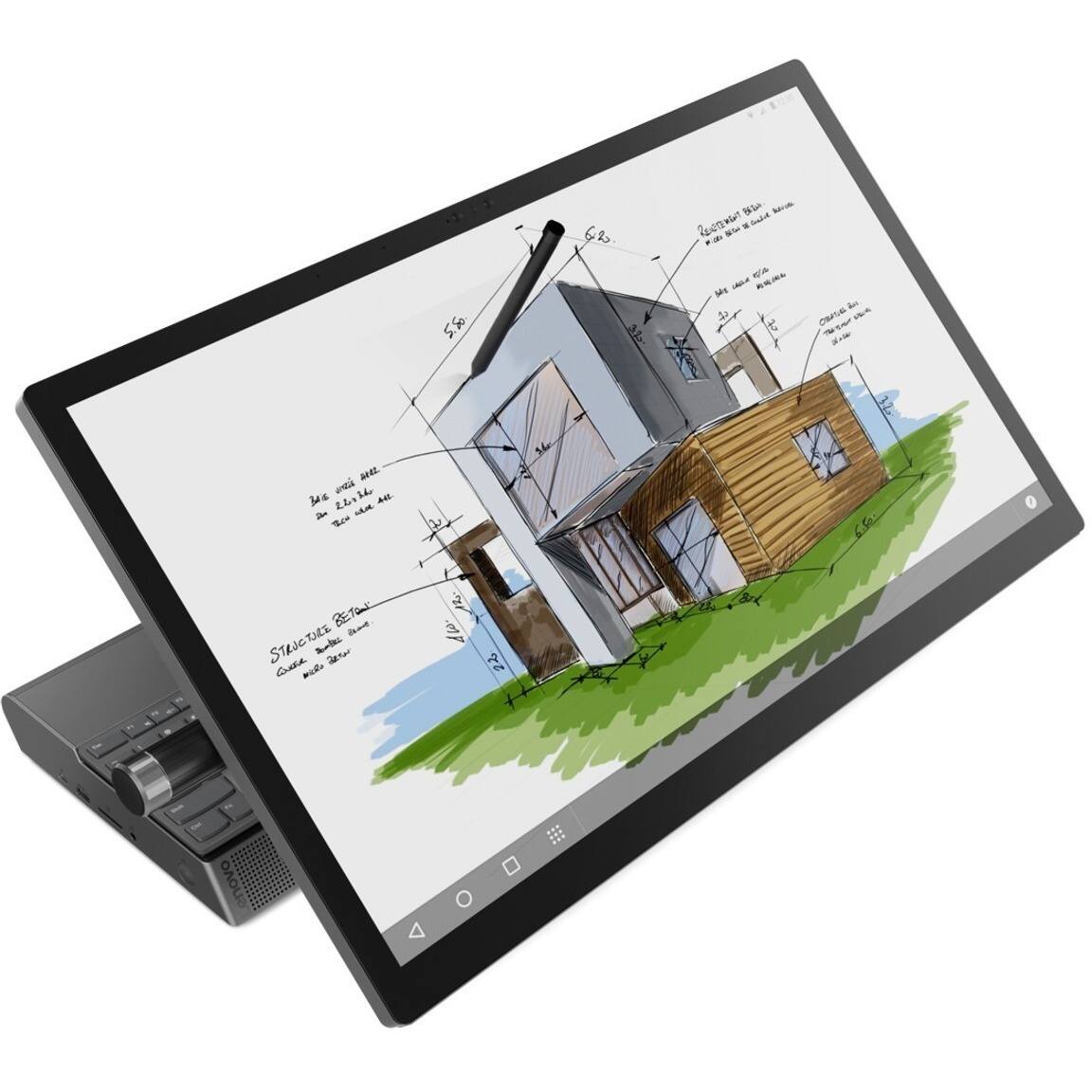
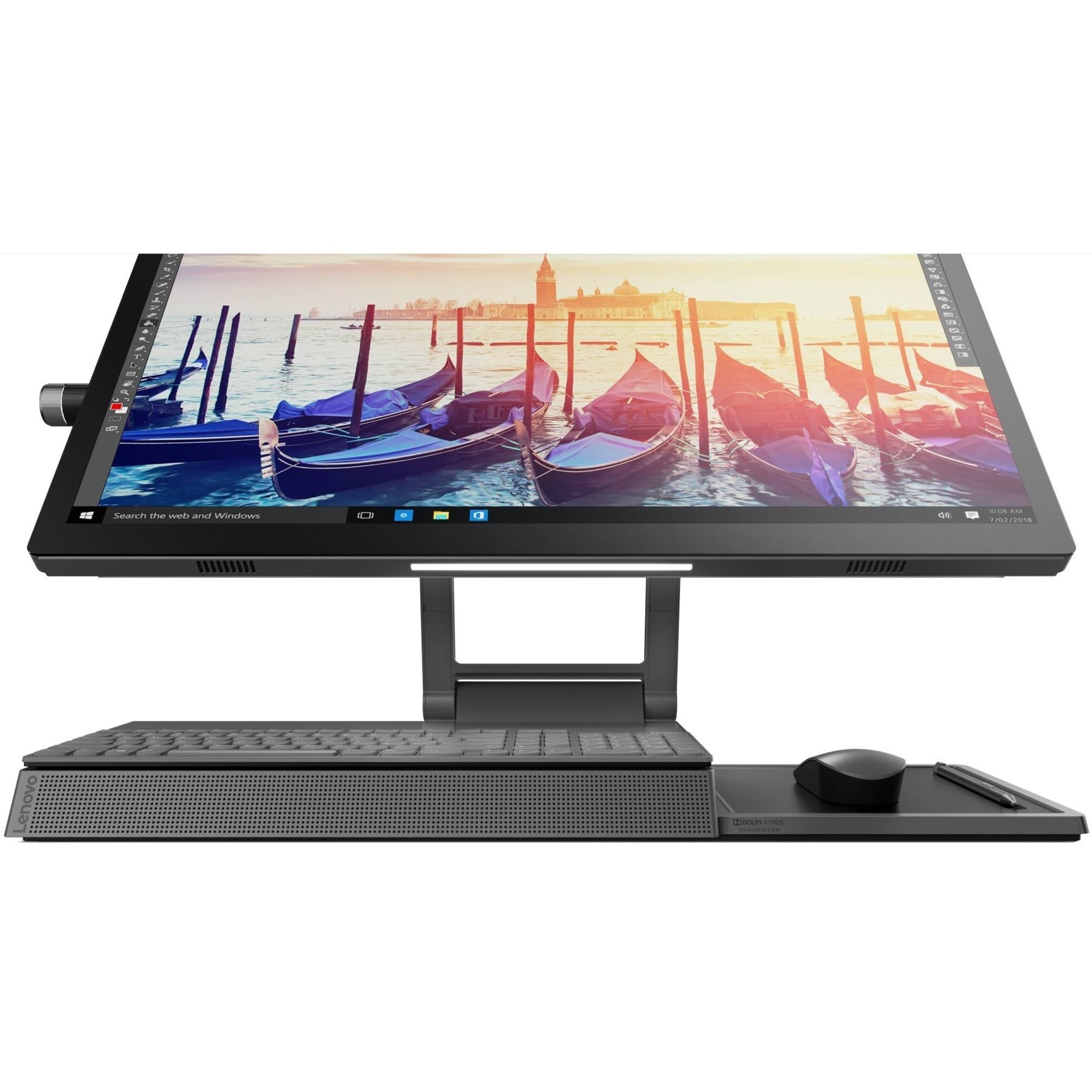

- Model:
- F0E5003BUS
- SKU:
- 6424475
Rating by feature
- Value
Rating 4.1 out of 5 stars
- Quality
Rating 4.3 out of 5 stars
- Ease of Use
Rating 4.4 out of 5 stars
Customers are saying
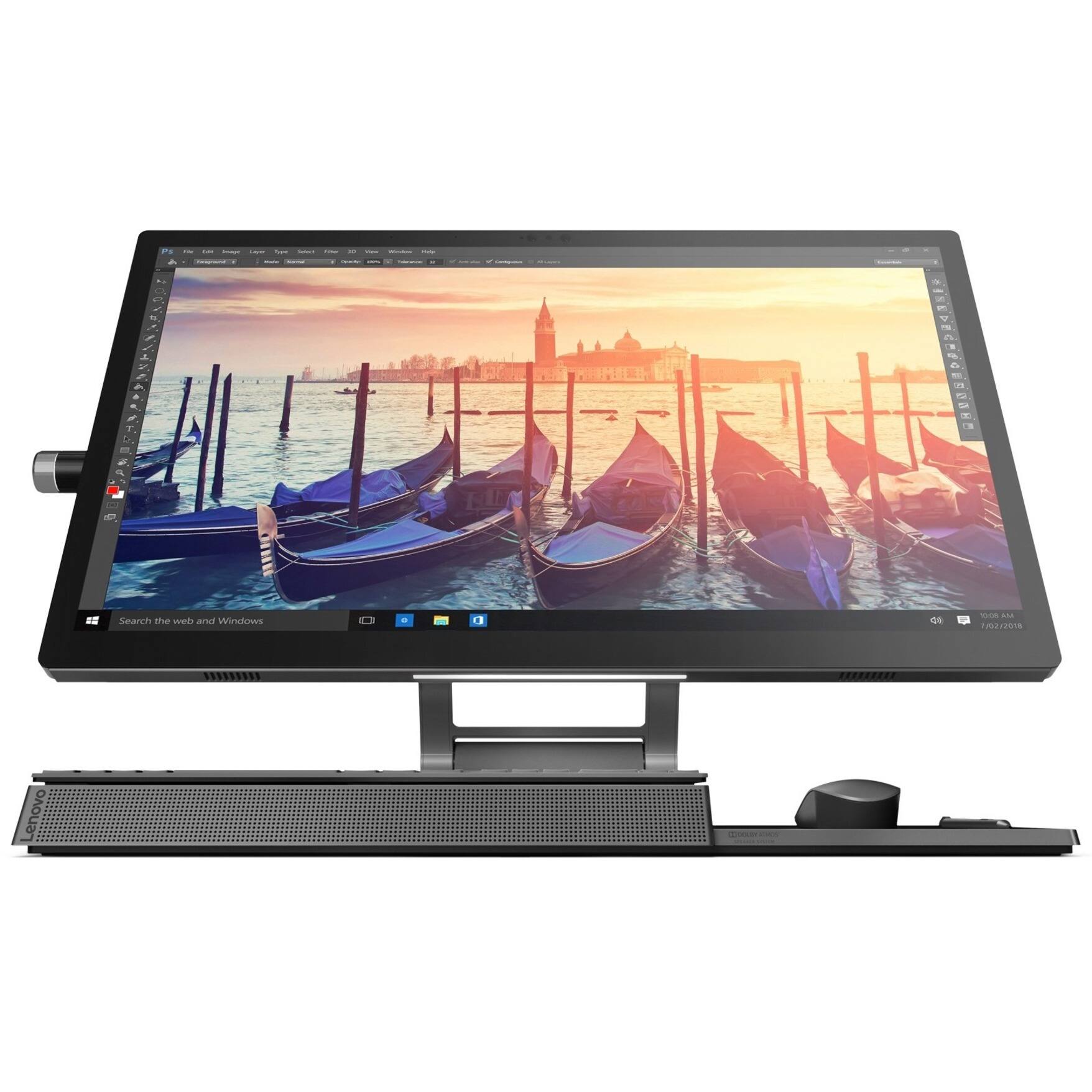
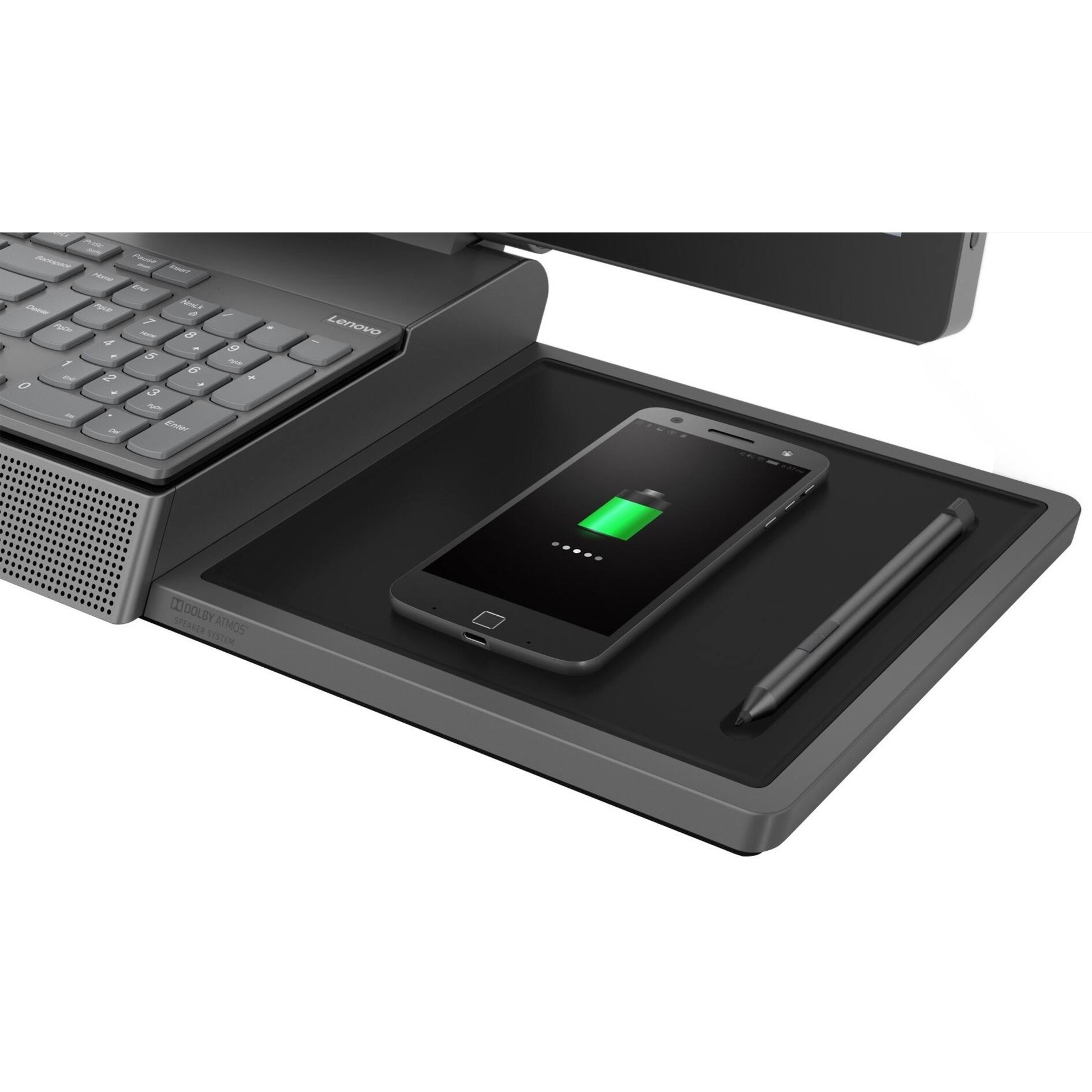
Customers recognize the Yoga A940's large screen size and strong performance as significant advantages, frequently praising its ease of use and the convenient wireless charging feature. However, some users have noted that the fan can be noisy at times and that the included pen could be improved. Concerns were also raised regarding the device's tendency to overheat.
This summary was generated by AI based on customer reviews.
- Pros mentioned:Screen size
Awesome AIO!!!
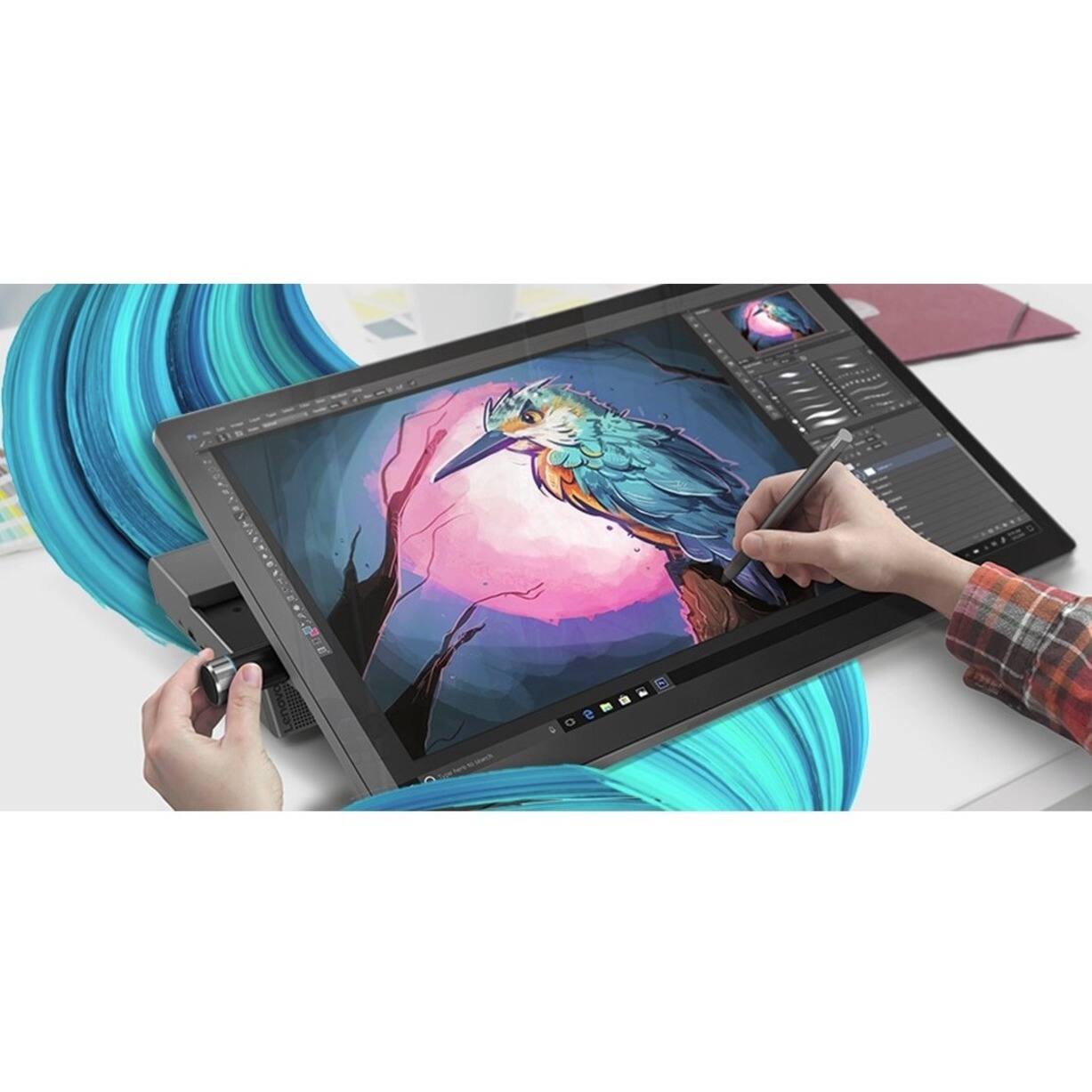
Posted .This reviewer received promo considerations or sweepstakes entry for writing a review.I bought this machine about a month ago and have loved it since opening it. I had a little issue with the creative content dial, but a quick call to Lenovo support took care of that. I'm a photographer so post processing is a breeze with the touch screen. And to work in detail on Photoshop is HUGE with the pen, and the tilting screen. Try folliwing a line with a mouse. I would absolutely recommend this computer.
I would recommend this to a friendBrand response from Lenovo Product Expert
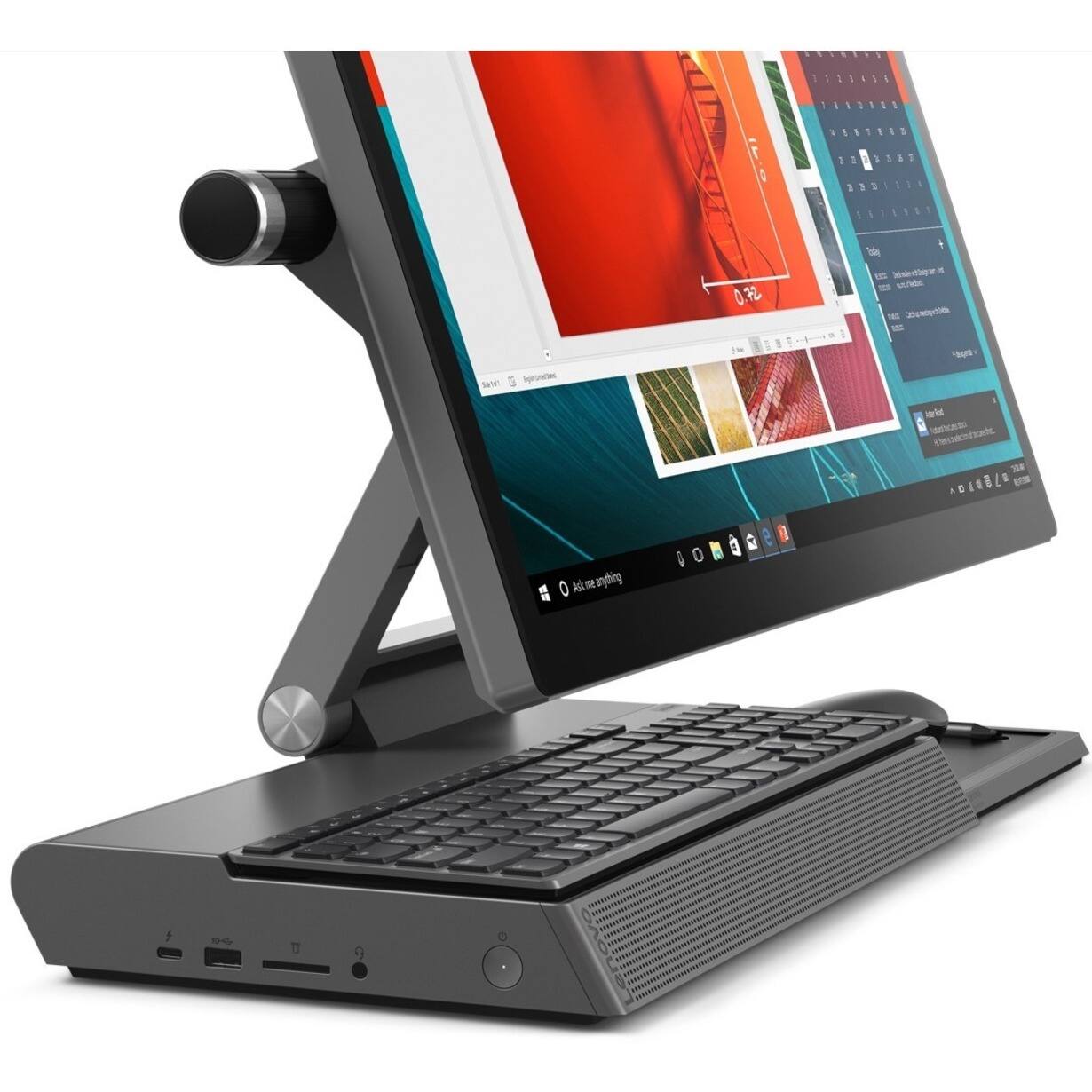
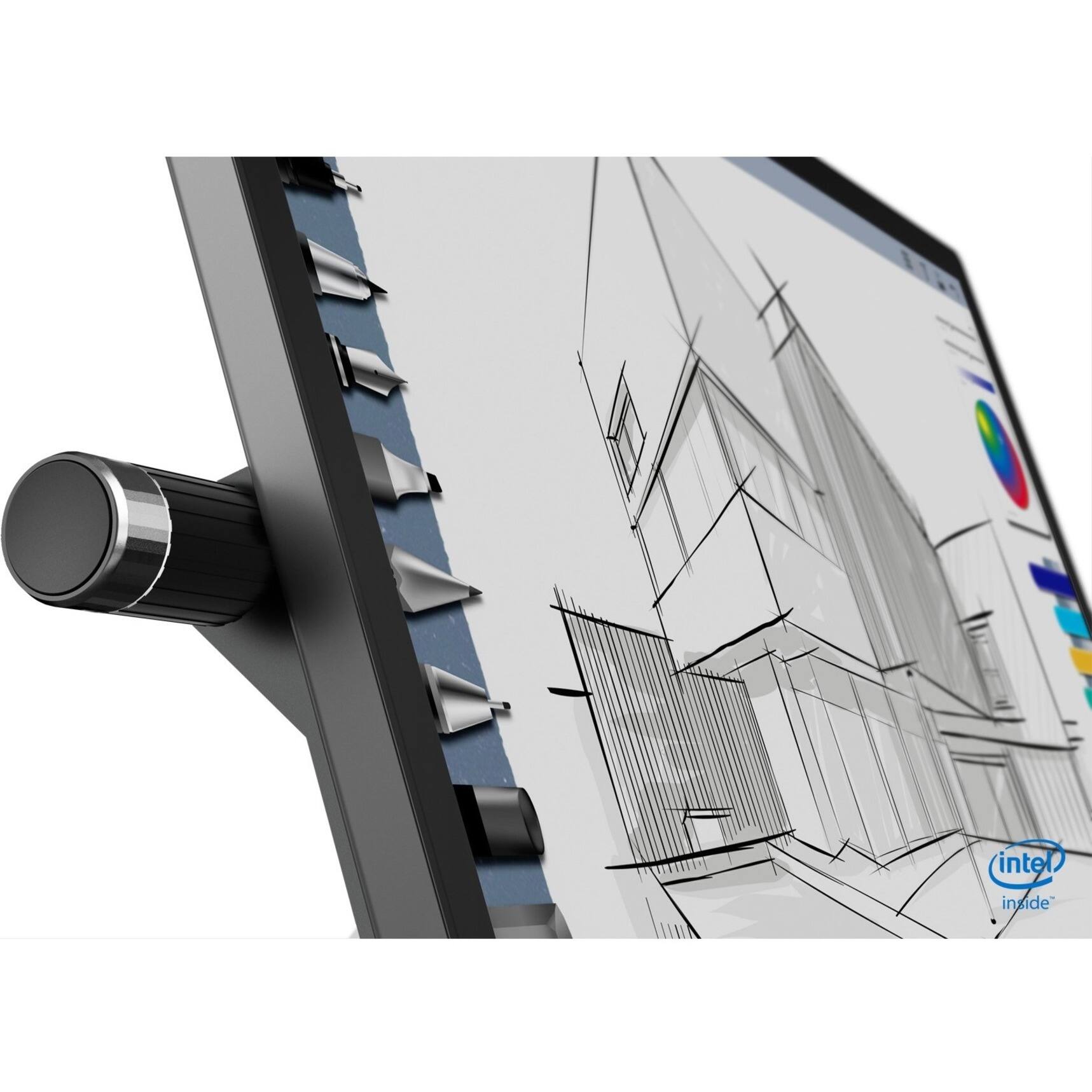
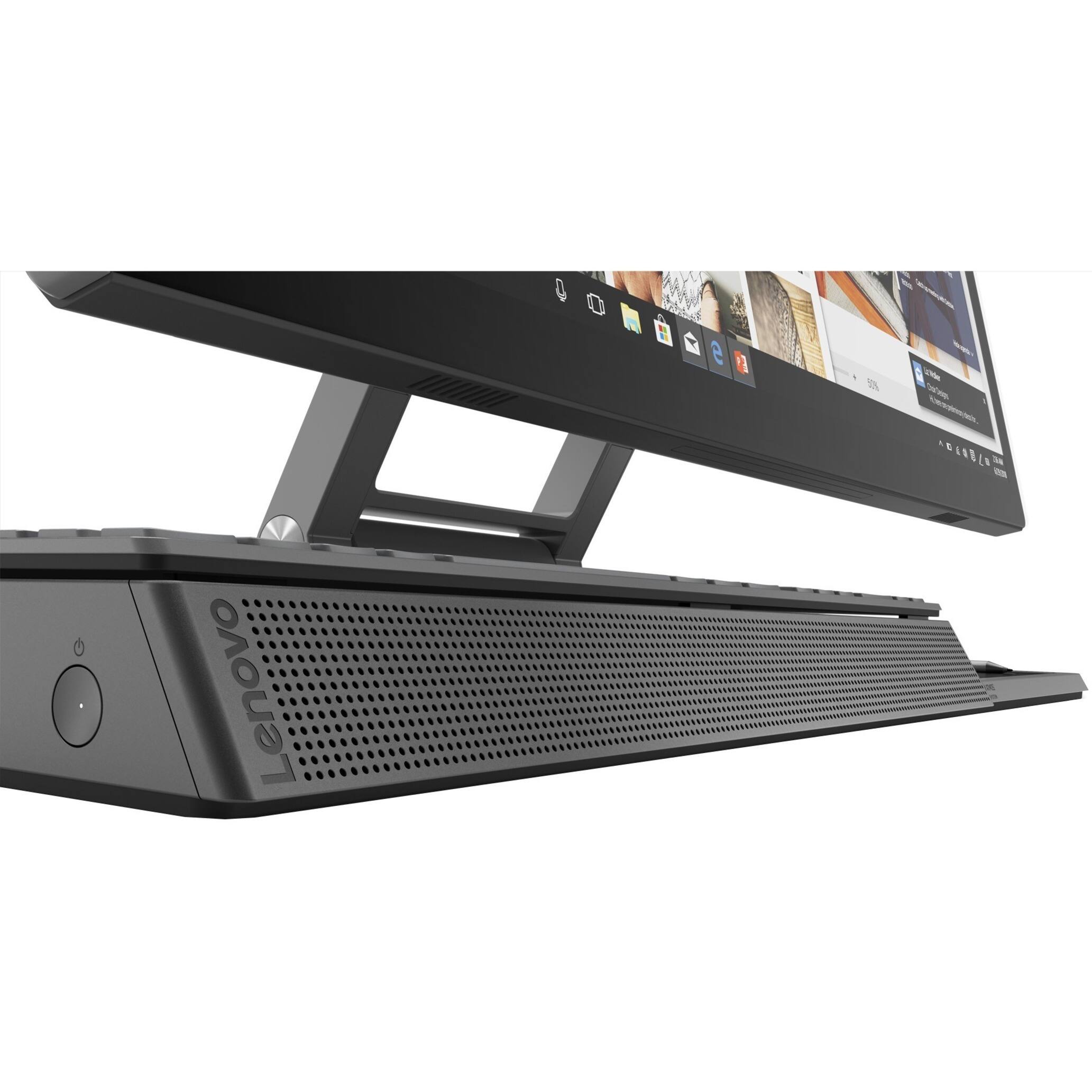
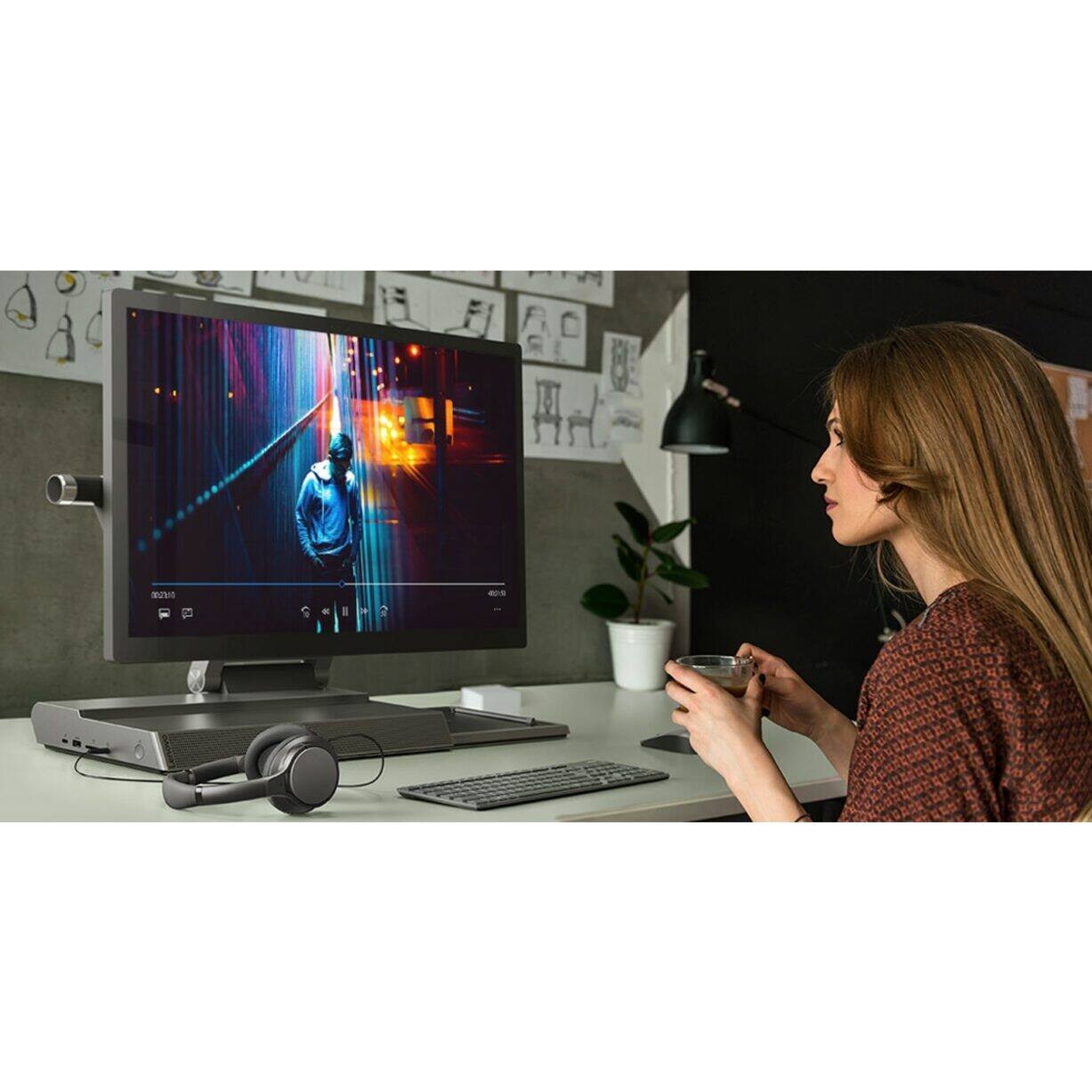
Posted .Thank you for choosing the Lenovo Yoga A940-27 All-In-One system. We are pleased to hear that the features and performance of the Yoga A940-27 AIO meets your computing needs so well. Tilt the Yoga A940's 27-inch display to 25-degrees with a rotating hinge that provides stability for drawing and writing with a digital pen. The innovative dual hinge design makes it easier to slide into drafting mode with one hand- and palm-rejection technology provides a pen-to-paper experience whether you’re sketching out your next project or tweaking details in Lightroom. Scroll, calibrate, and make precise adjustments to your work with a twist of the Yoga A940's content creation dial. Use it to assign settings and features in Adobe Illustrator, Photoshop, Lightroom and more. Better yet, the dial can be placed on either the left or right side of the display to ensure maximum comfort for left-handed, right-brained creators. Experience stunning color, contrast, and detail in 4K resolution on a 27-inch wide-angle display optimized with Dolby Vision HDR. The Yoga A940 also offers powerful sound in every mode, with the user-facing Dolby Atmos Speaker System. Encased underneath the display is a second set of speakers, designed to maximize sound even when the display is tilted into drafting mode. The Yoga A940 offers premium 8th Generation Intel Core processing with six processor cores for intelligent, ultrafast performance. Combined with powerful AMD Radeon RX560 discrete graphics, this all-in-one PC delivers lightning-fast responsiveness whether you’re editing or creating content.

- Cons mentioned:Fan noise, Heat
Stay away
Posted .This reviewer received promo considerations or sweepstakes entry for writing a review.Works great as an art station, but came with a stylus that was incompatible with the computer, I pretty much had to by an updated lenovo stylus that actually worked with the pressure sensitivity. It would've been fine if that was the least of its problems. But this computer has some major heat issues. Fan sounds like an airplane taking off whether on start up or idle, and watching a youtube video will send cpu temperatures over 60 C.
No, I would not recommend this to a friendBrand response from Lenovo Product Expert
Posted .The Lenovo Yoga A940-27 All-In-One system model number F0E50000US, ships with an included Lenovo Active Pen, with 2,048 levels of pressure sensitivity. If you are experiencing high fan RPM at idle or low workload, first, check to be sure any software you installed is compatible with Windows 10. There is no need to install Microsoft Office software. The software is already part of the operating system, you just need to activate the software with a purchased product key. If you have installed a copy of Microsoft Office, this is conflicting with the existing copy on the system and this will slow your system down. If you have installed a 3rd party anti-virus program, be sure that Windows Defender is turned off and that the trial version of McAfee Anti-Virus software is uninstalled. There can only be one anti-virus program on the system. You may need to restore your system to original factory default settings if any of the programming errors have occurred. You can do that by typing "restore" in the Cortana search window. Just click on the magnifying glass icon at the bottom left of your Windows 10 Desktop. Click on "Reset This PC" Then click on "Get Started" and follow the on screen directions to restore to factory defaults. If there is no incompatible software installed, now check what processes are running in the background on your computer. Make sure only those processes you want running are as this increases system workload. Here is a link to instructions for checking background processes within Windows 10: https://www.onmsft.com/how-to/how-to-see-what-programs-are-running-in-windows-10#:~:text=The%20best%20place%20to%20start,are%20running%20on%20your%20desktop. Finally, you can use Lenovo Q-Control to manually control fan and system performance: ( Fn + Q ) option to change the fan by undervolting the processor. If the issue continues, we recommend you call Lenovo Tech Support at: 877-453-6686.
Great All-In-One for the money
Posted .This reviewer received promo considerations or sweepstakes entry for writing a review.Bought this computer from Best Buy a couple of weeks ago and everything works great so far! I believe it is a lot of computer for the money and what you can do with it. One drawback is that the SSD is only 256GB, but this is something that can be easily upgraded at a later time.
I would recommend this to a friendBrand response from Lenovo Product Expert
Posted .Thank you for choosing the Lenovo Yoga A940-27. Model number F0E50000US with two installed hard drives: a 256GB solid state hard drive for fast boot up and access to key programs and files and a second, 1TB standard 5400 RPM hard drive for archiving files and less used programs. Featuring a 27" tilting 4K display with pen support (pen included), a content creation dial, and other innovative solutions, it's an all-in-one PC engineered to provide the ultimate workspace for your creativity. Lenovo is the number #1 manufacturer of computers in the World:
https://venturebeat.com/2019/01/10/gartner-and-idc-hp-and-lenovo-shipped-the-most-pcs-in-2018-but-total-numbers-fell/
Underwhelming
Posted .This reviewer received promo considerations or sweepstakes entry for writing a review.So underwhelming... "4K" display ? It's a joke, picture quality not up to standards by all means...and not bright at all. In other words, the Microsoft Surface Studio and Apple 27 iMac's displays BLOW this out of the water. Speakers are a joke. I think my iPhone 11 has more bass and better sound quality. Look elsewhere. This was basically Lenovo trying hard but failing.
No, I would not recommend this to a friendBrand response from Lenovo Product Expert
Posted .The Lenovo Yoga A940-27 All-In-One system, model number F0E5003BUS, ships with a 27 Inch (screen size measured diagonally) IPS - UHD (3840x2160) 10-point Multi-touch Screen, with a brightness level of 350nits. The audio within this model is: High Definition (HD) Audio, Realtek ALC274 codec, through four (4) system speakers: 3Wx2 + 5Wx2.