Customer Ratings & Reviews




- Model:
- F0G7001MUS
- SKU:
- 6476234
Rating by feature
- Value
Rating 4.5 out of 5 stars
- Quality
Rating 4.8 out of 5 stars
- Ease of Use
Rating 4.7 out of 5 stars
Customers are saying
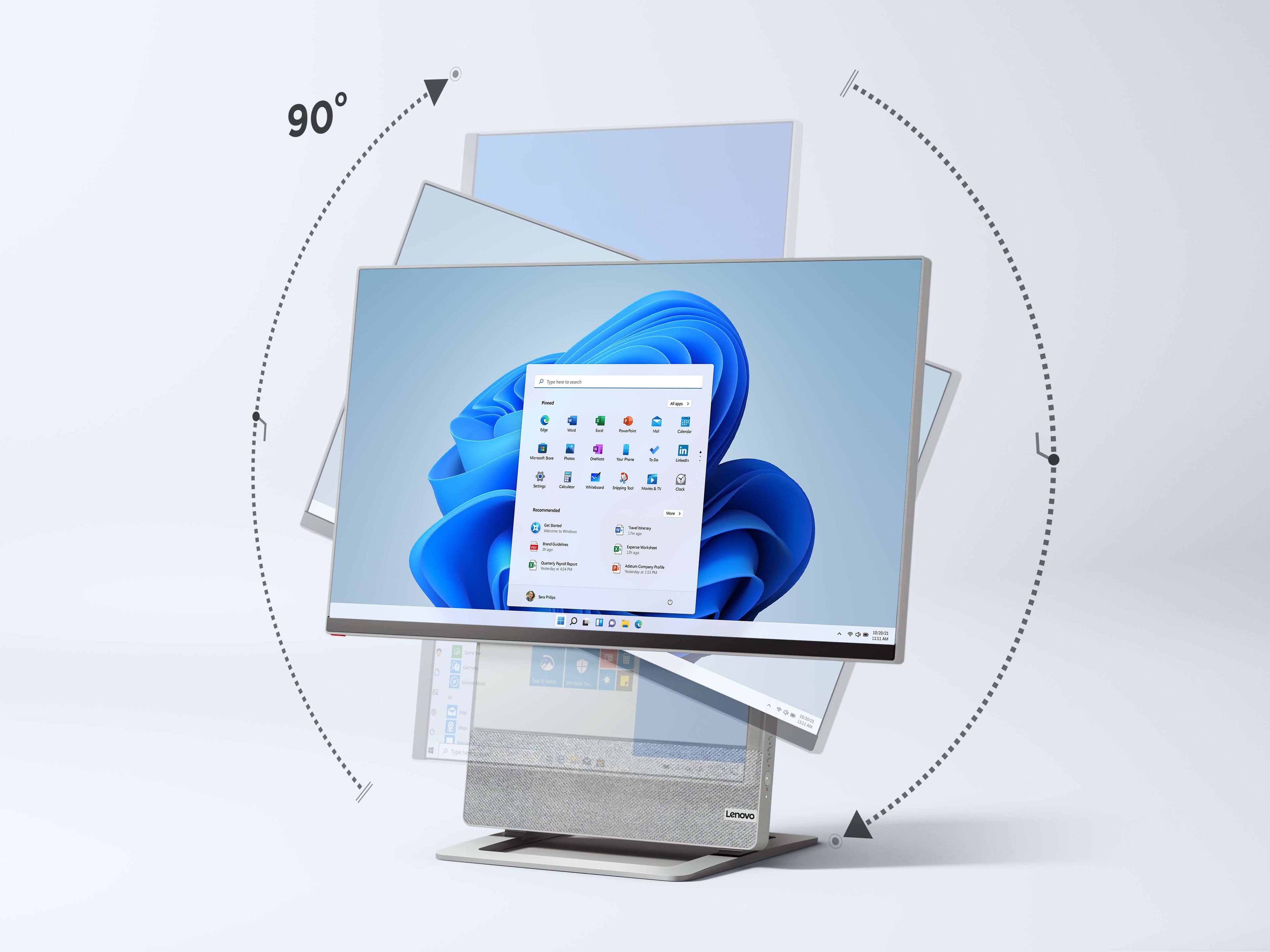
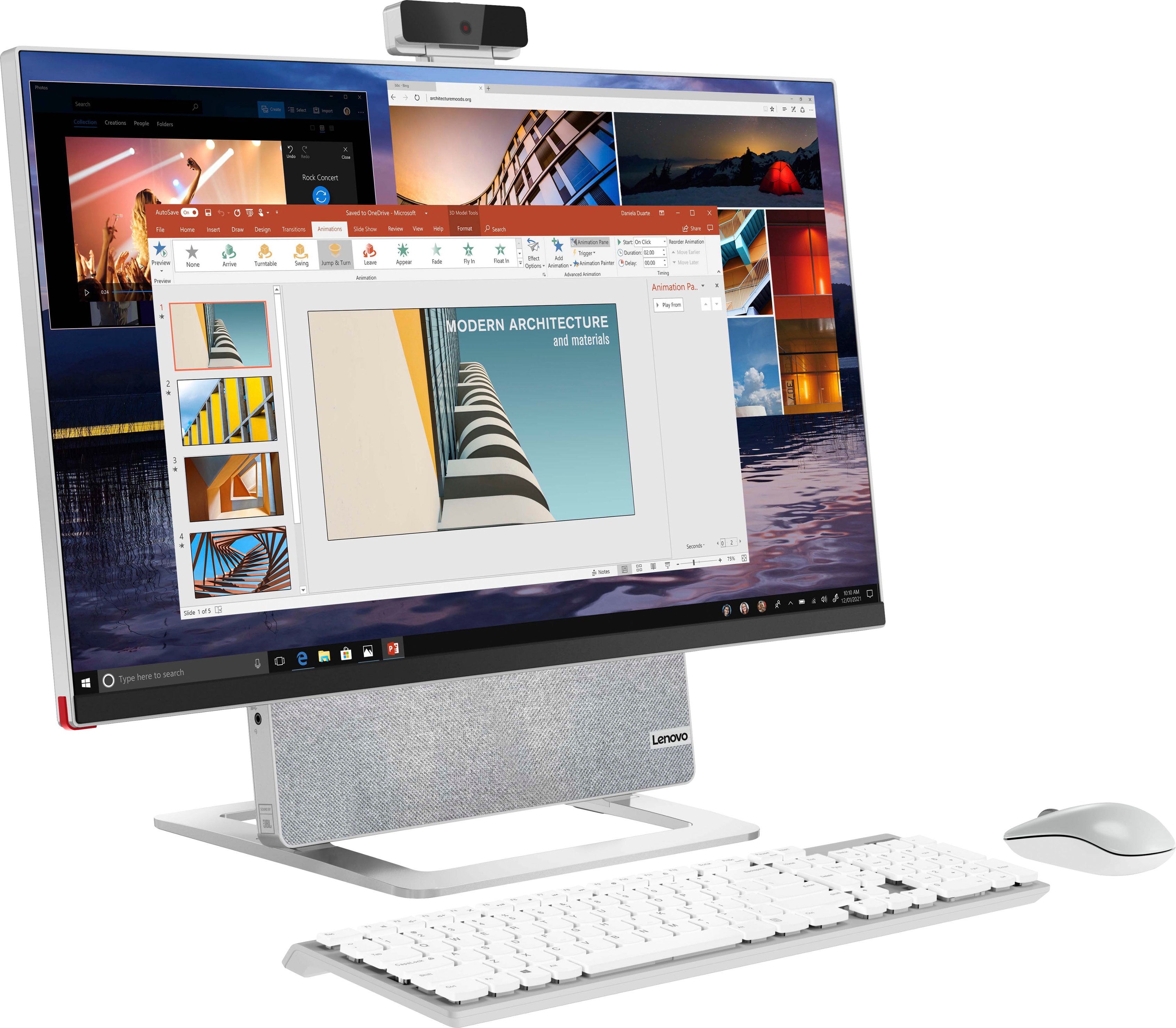
Customers are pleased with the Yoga AIO 7's screen rotation option, ease of use, and design. Many appreciate its strong performance and high-quality speakers. The all-in-one's sleek design and user-friendly interface are frequently praised. Positive feedback consistently highlights the device's overall functionality and aesthetic appeal.
This summary was generated by AI based on customer reviews.
Computer review
||Posted . Owned for 3 weeks when reviewed.This reviewer received promo considerations or sweepstakes entry for writing a review.Best computer I have ever owned. Love the size of the screen and the speed of the computer.
I would recommend this to a friendMrs
||Posted . Owned for 1 week when reviewed.This reviewer received promo considerations or sweepstakes entry for writing a review.I haven't hooked it up yet. Looking forward to it after Christmas.
I would recommend this to a friendGreat computer
||Posted . Owned for 1 week when reviewed.This reviewer received promo considerations or sweepstakes entry for writing a review.Love it what a fantastic value. Recommend to anyone.
I would recommend this to a friendGreat product
||Posted . Owned for 1 week when reviewed.This reviewer received promo considerations or sweepstakes entry for writing a review.Great product and is as advertised. Would recommend.
I would recommend this to a friendBrand response from Lenovo Product Expert
Posted .Thank you for choosing the Lenovo Yoga 7 27 All-In-One System. We are pleased to hear that the Yoga 7 27 AIO is working out so well for you.

Best Purchase
||Posted .This reviewer received promo considerations or sweepstakes entry for writing a review.Great, Amazing, the kids Love all the new games...
I would recommend this to a friendBrand response from Lenovo Product Expert
Posted .Thank you for choosing the Lenovo Yoga 7 27 All-In-One System. We are pleased to hear that the Yoga 7 27 AIO is working out so well for your family.
PC is poor..
||Posted . Owned for 1 month when reviewed.This reviewer received promo considerations or sweepstakes entry for writing a review.The sound is terrible and graphics card low quality...
No, I would not recommend this to a friendBrand response from Lenovo Product Expert
Posted .Hello, JoseH, we are sorry to hear that your Yoga All-In-One 7 did not meet your expectations. This model Yoga AIO 7 features two 5W, JBL speakers and an AMD Radeon RX 6600M 8GB GDDR6 graphics card. If you have encountered an issue with your Yoga AIO, we recommend reaching out to Lenovo Tech Support at this phone number to work with a representative for help resolving your problem: 866-426-0911.
bad computer
||Posted . Owned for 7 months when reviewed.This reviewer received promo considerations or sweepstakes entry for writing a review.i got this computer was very expensive and is not worth one year after stopped working completely. Almost one month Im with out my computer. Still waiting to be fix. Was send out to be fix. NEVER BUY AGAIN THIS COMPUTER BAD BAD
No, I would not recommend this to a friendDon't buy it
||Posted . Owned for 1 week when reviewed.This reviewer received promo considerations or sweepstakes entry for writing a review.High-end on the outside, apparently poor ccmponents on the inside. It showed up a week ago and today is the 3rd visit to Geek Squad. It's cost me hundreds and it still doesn't work. I'm returning it.
No, I would not recommend this to a friendBrand response from Lenovo Product Expert
Posted .We are sorry to hear that you are having issues with your Lenovo Yoga 7 27 All-In-One System, model number F0G7001MUS. This model ships with Windows 11 Home 64-bit Operating System installed. Be sure any software you installed is compatible with Windows 11, this includes any legacy software and/or files you may be transferring from an old computer. Also, there is no need to install Microsoft Office software. The software is already part of the operating system, you just need to activate the software with a purchased product key. If you have installed a copy of Microsoft Office, this is conflicting with the existing copy on the system and this will slow your system down. If you have installed a 3rd party anti-virus program, be sure that Windows Defender is turned off and that the trial version of McAfee Anti-Virus software is uninstalled. There can only be one anti-virus program on the system. You may need to restore your system to original factory default settings if any of the programming errors have occurred. You can do that by typing "restore" in the Cortana search window. Just click on the magnifying glass icon at the bottom left of your Windows 11 Desktop. Click on "Reset This PC" Then click on "Get Started" and follow the on screen directions to restore to factory defaults. If the problem persists, we recommend you contact Lenovo Tech Support at: 877-453-6686.
- Pros mentioned:Processor speed
A+
Posted .This reviewer received promo considerations or sweepstakes entry for writing a review.Great all around system! Video quality, processing speed, memory, etc. etc.
I would recommend this to a friend - Pros mentioned:Processor speed, Screen rotation
Great system - but can't connect external monitor?
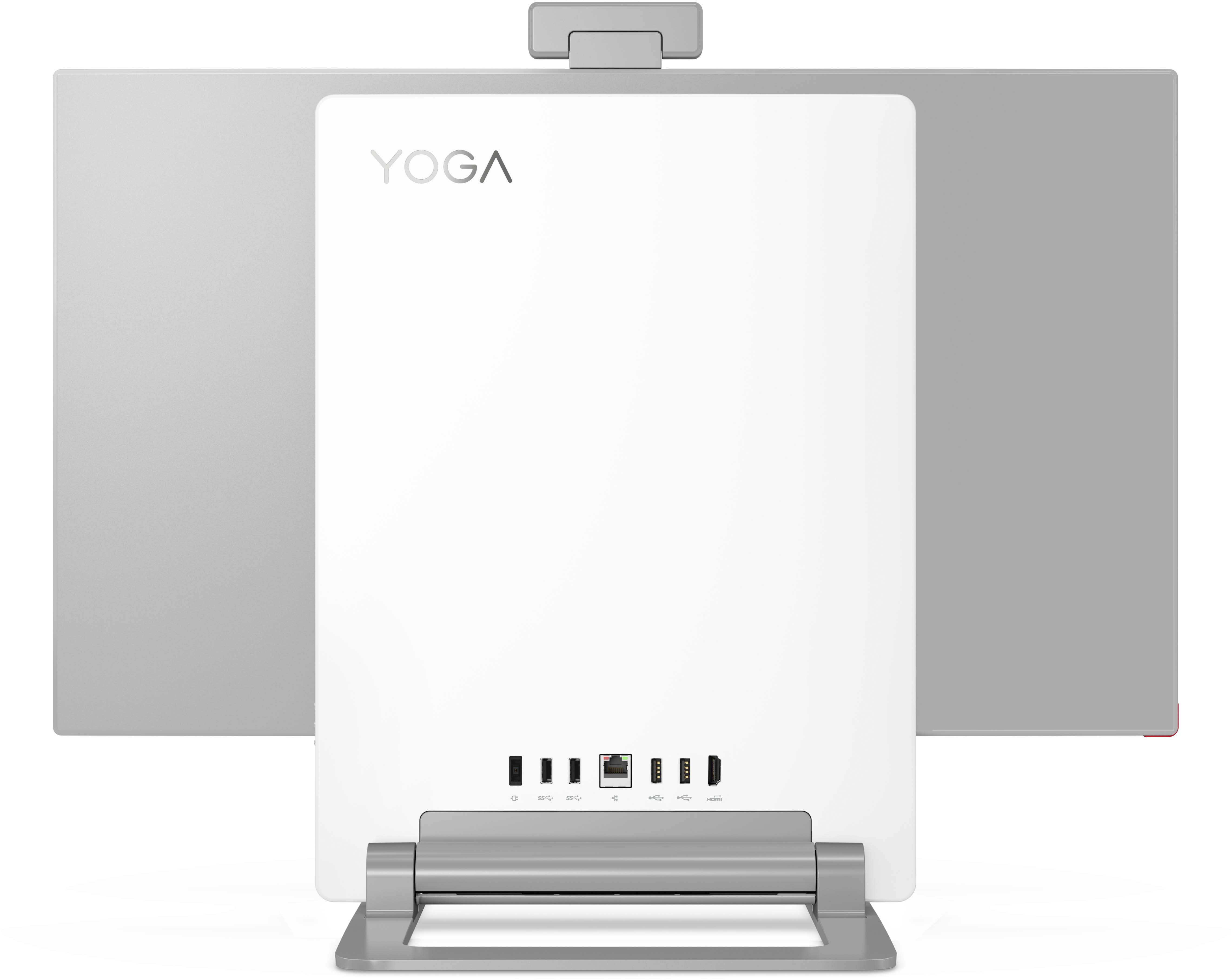
Posted .This reviewer received promo considerations or sweepstakes entry for writing a review.PRO: Awesome screen, super fast, and great keyboard. CON: apparently you CANNOT CONNECT an EXTERNAL MONITOR to this system out of the box! I bought the $500 ThinkVision 5k monitor to go with it. But there is no HDMI connector on the Yoga system. And the supplied USB cable does not work; when connected, the 4k monitor is not detected by Windows. I had a 2016 Lenovo AIO, and I was able to add a second monitor. So this is very, very disappointing. The User Guide refers to external monitors, but no details are provided. I have called Lenovo tech support and get mixed messages: 1) you can't do it 2) you can do it - if you buy an accessory 3) it should work out of the box. Lenovo - any guidance on this?
I would recommend this to a friend - Pros mentioned:Screen rotation
My favorite computer.
Posted .This reviewer received promo considerations or sweepstakes entry for writing a review.This is the best computer ever. I love everything about it. I love the rotating monitor, speakers, touch screen and software. Great for dreaming movies. So pleased with my purchase.
I would recommend this to a friendBrand response from Lenovo Product Expert
Posted .Thank you for choosing the Lenovo Yoga 7 27 All-In-One System. We are pleased to hear that the features and performance of the Yoga 7 27 AIO meets your computing needs so well.
- Pros mentioned:Processor speed
Cool
Posted .This reviewer received promo considerations or sweepstakes entry for writing a review.Awesome, fast , very cool and it missed a mouse and keyboard is hard to figure out how to use
I would recommend this to a friend Not a fan of 4k 27 display.I prefer 4k 24 or 5k 27
Posted .This reviewer received promo considerations or sweepstakes entry for writing a review.I just wish this would offer an option with 4k 24'' display if it could make it more affordable. Plus 24'' screen in 4K would have higher PPI density
I would recommend this to a friendAudio Issues
Posted .This reviewer received promo considerations or sweepstakes entry for writing a review.A little disappointed in the audio issues I am having with this computer. Many crackling noises with the audio in general and overall issues with the computer mic. I am unsuccessful with trouble shooting issues and unable to find more information on this anywhere.
I would recommend this to a friendBrand response from Lenovo Product Expert
Posted .We are sorry to hear that you are having issues with the system audio of your Lenovo Yoga 7 27 All-In-One System, model number F0G7001MUS. This model ships with the High Definition (HD) Audio, Realtek ALC274 codec Audio Chip, which powers the stereo, 5Wx2, JBL Brand system speakers. If you are getting less than expected audio quality, first, check to be sure you have the latest version of Windows 11 on the computer. Then update all BIOS files and drivers up to that latest version of Windows 11. You can easily accomplish this by scanning the computer with the Lenovo Utility software available on this computer. This system has Lenovo utilities installed to help maintain the health of the device and keep the operating system software up to date. Type "Lenovo Vantage" in the Cortana Search window (if Lenovo Vantage is not installed on your device, you can download the APP and install it now). Select Lenovo Vantage from the list. In the window that opens, click on "Health and Support". In the expanded menu, select "Hardware Scan" In the window that opens, select "Run Quick Tests". This will scan your entire system for errors. Follow any directions that may pop up. If the problem continues after this scan, now click on "System Update". First select Windows update from the menu. Scan your system to be sure you have the latest version of Windows 11. Once that scan is complete, select "Additional Updates". This will scan your device to be sure there are no new BIOS/Driver updates needed. Follow any instructions that may pop up. If the issue continues after these updates, we recommend you call Lenovo Tech Support at: 877-453-6686 for additional help.