Customer Ratings & Reviews










- Model:
- 81JX0000US
- SKU:
- 6295998
Rating by feature
- Value
Rating 4.4 out of 5 stars
- Quality
Rating 4.6 out of 5 stars
- Ease of Use
Rating 4.5 out of 5 stars
Customers are saying
Customers find value in the Yoga C630's large screen size, ease of use, and long battery life. Many appreciate its performance and lightweight design, along with its competitive price point and ample RAM. The positive feedback highlights its overall quality and suitability for various tasks. However, a common complaint centers on the lack of a backlit keyboard.
This summary was generated by AI based on customer reviews.
Computer
||Posted .This reviewer received promo considerations or sweepstakes entry for writing a review.ComputerI got the computer for my father for a gift he’s really enjoying it very easy to use
I would recommend this to a friendBrand response from Lenovo Product Expert
Posted .Thank you for choosing the Lenovo Yoga C630 Chromebook for your father. We are pleased to hear that the ease of use and performance of the Yoga C630 Chromebook meets your father's computing needs so well. The Yoga C630 Chromebook is engineered for powerful performance both now and in the future as its designed to improve over time with future Chrome OS enhancements. Key features include the 8th Generation Intel Core i5 processor with integrated graphics for seamless processing and 128 GB of flash storage for wickedly fast boot-up times and app launching. For 2018, Lenovo retained its place for a second year as the best laptop vendor:
https://www.laptopmag.com/articles/laptop-brand-ratings
Not so easy to restarting
||Posted . Owned for 1 month when reviewed.This reviewer received promo considerations or sweepstakes entry for writing a review.Not as easy to get started but so far ok. There still are challenges.
I would recommend this to a friendBrand response from Lenovo Product Expert
Posted .We hope you have successfully worked through the issues you were initially having with your Lenovo Yoga C630-15 Chromebook. Here is a link to tips for keeping your Chromebook running at its best: https://www.computerworld.com/article/3333005/chromebook-tune-up.html. If you ever need additional help with your Chromebook, we recommend you call Lenovo Tech Support for Chromebooks at: 800-426-7378.
Great Chromebook!
||Posted . Owned for 3 weeks when reviewed.This reviewer received promo considerations or sweepstakes entry for writing a review.We bought this for our daughter, and she really loves the speed and the touch screen.
I would recommend this to a friendBrand response from Lenovo Product Expert
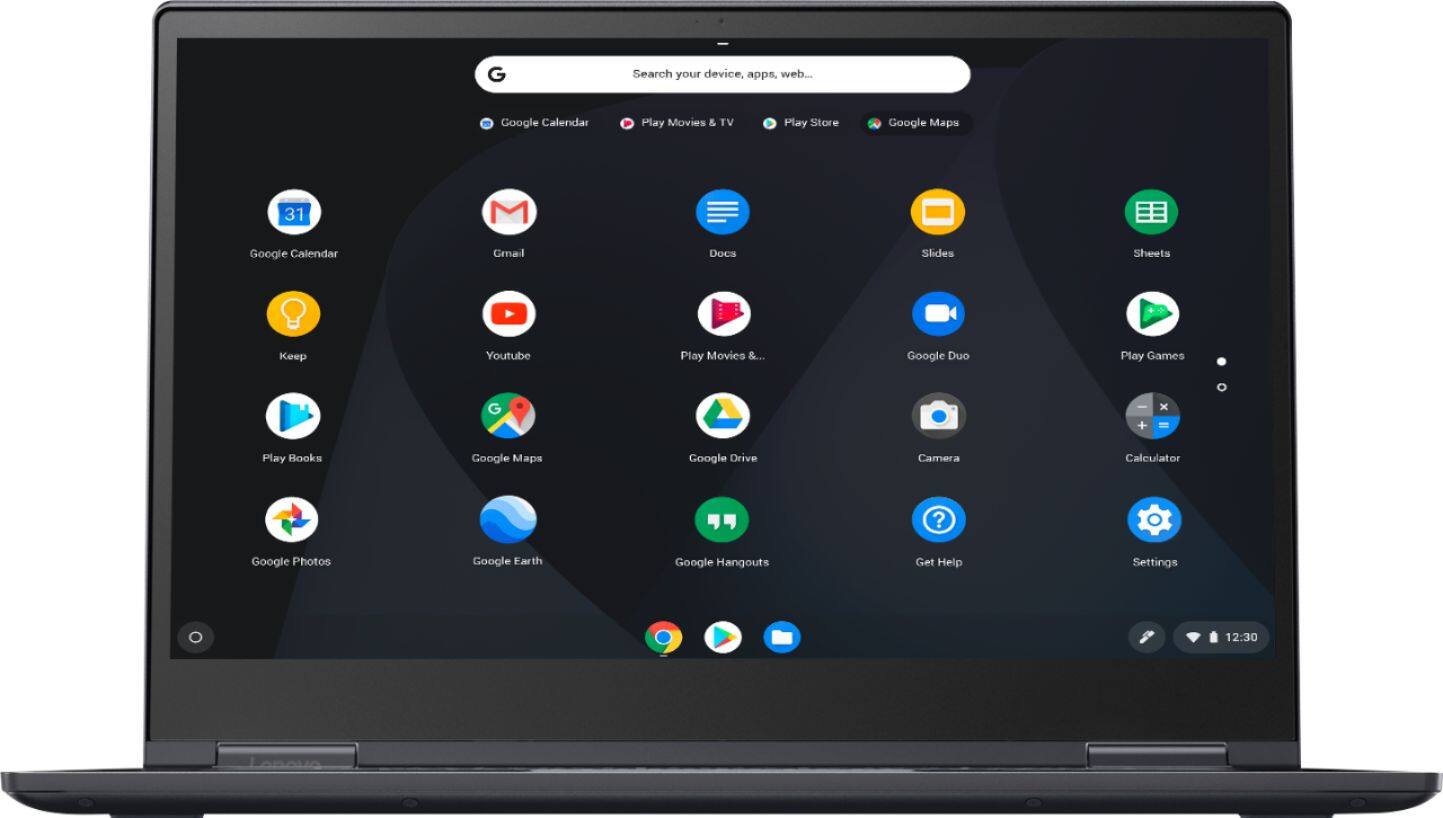
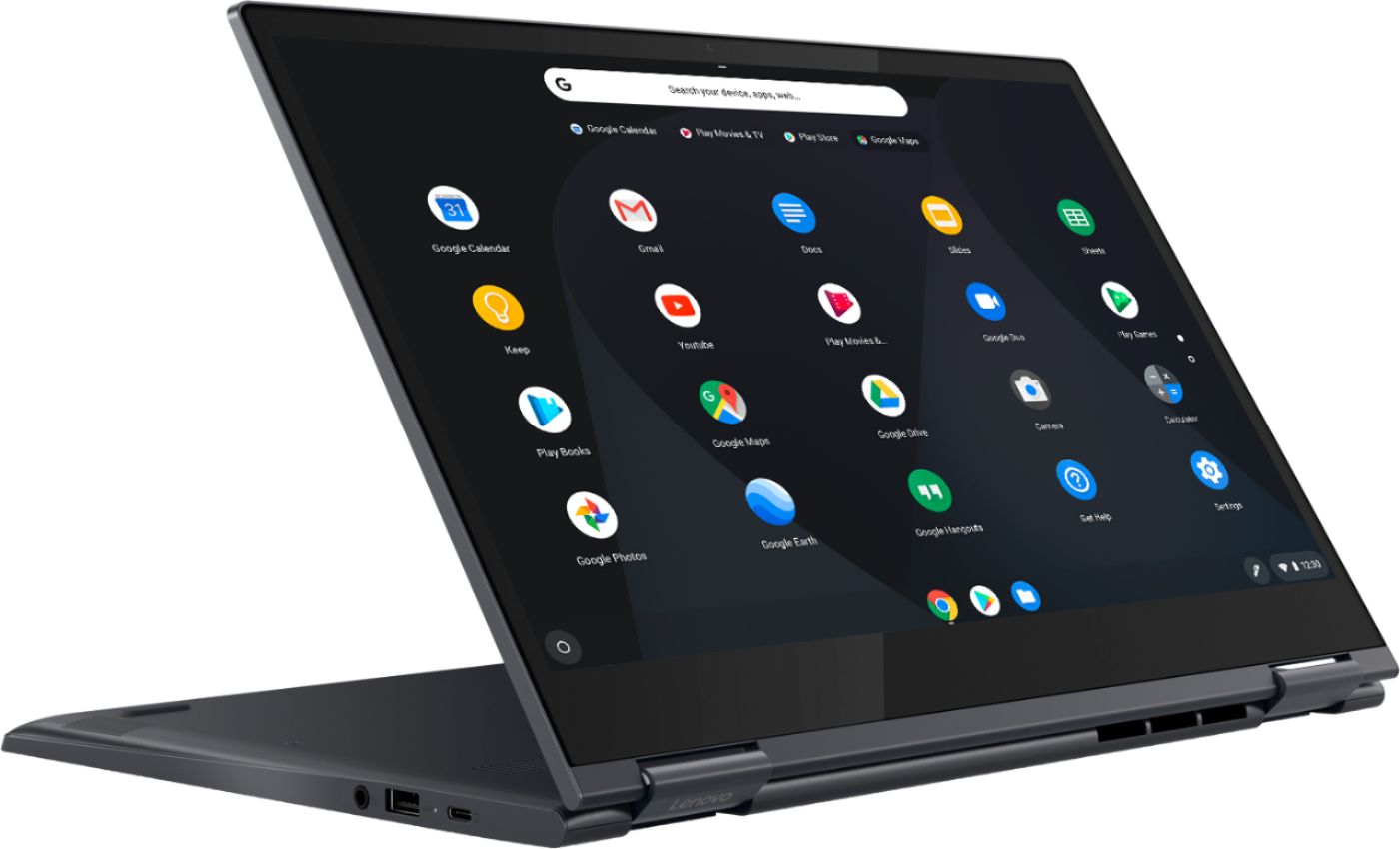
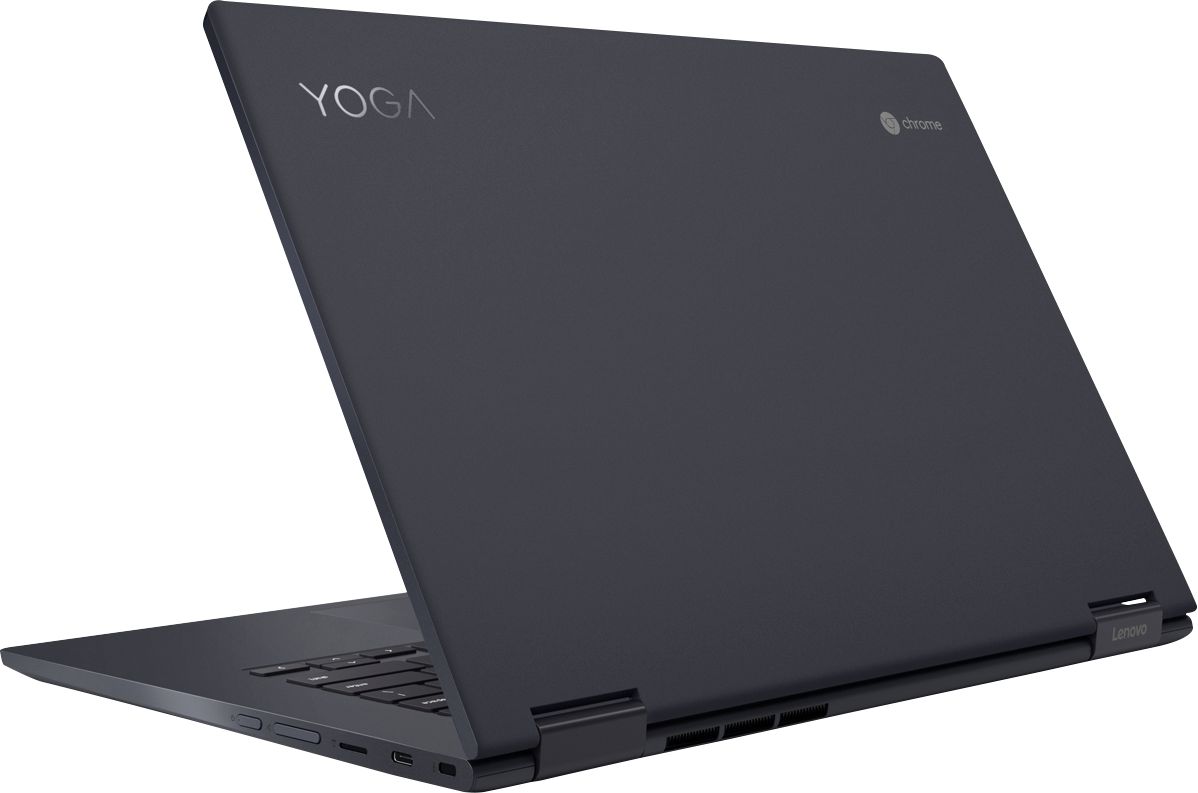
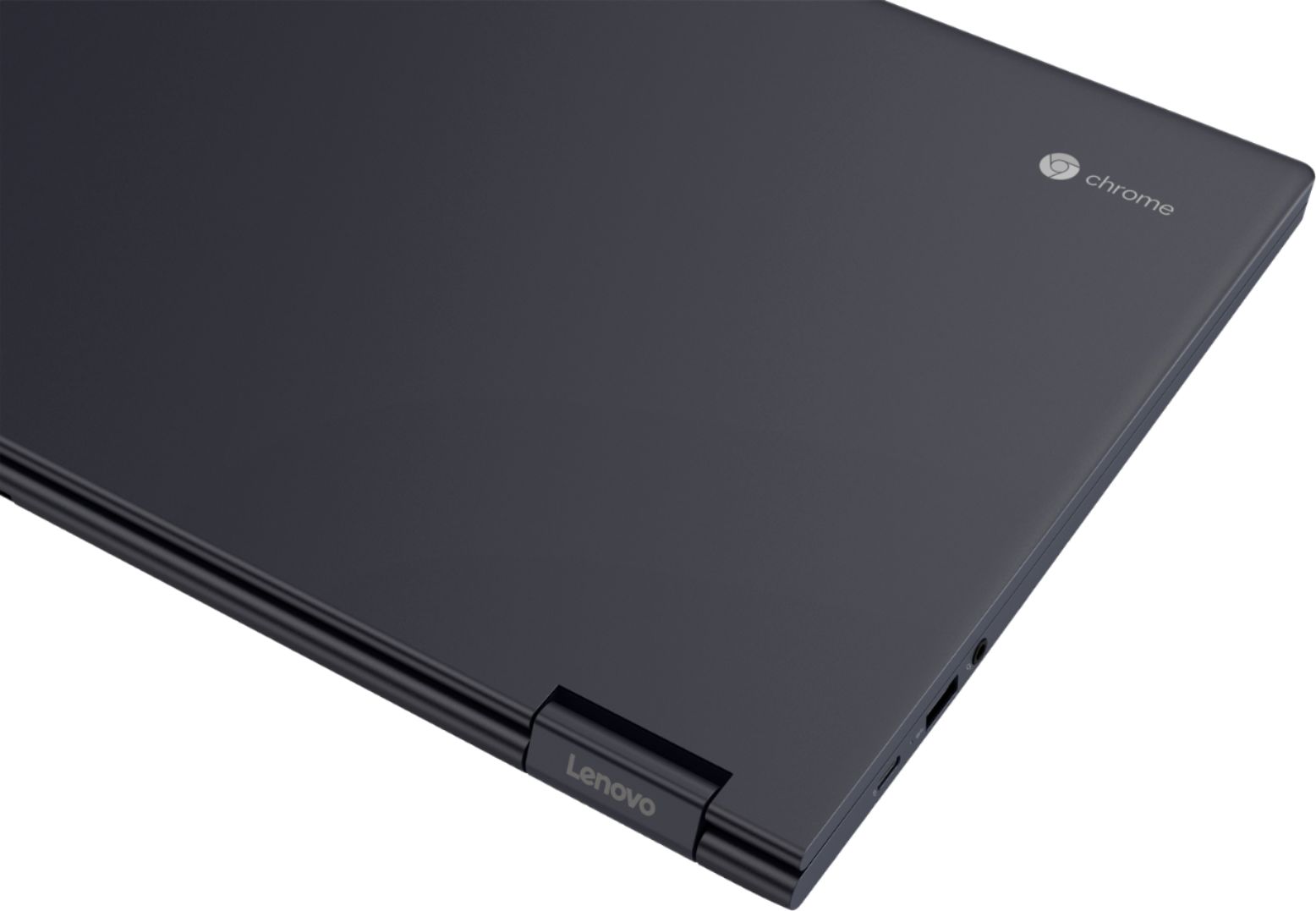
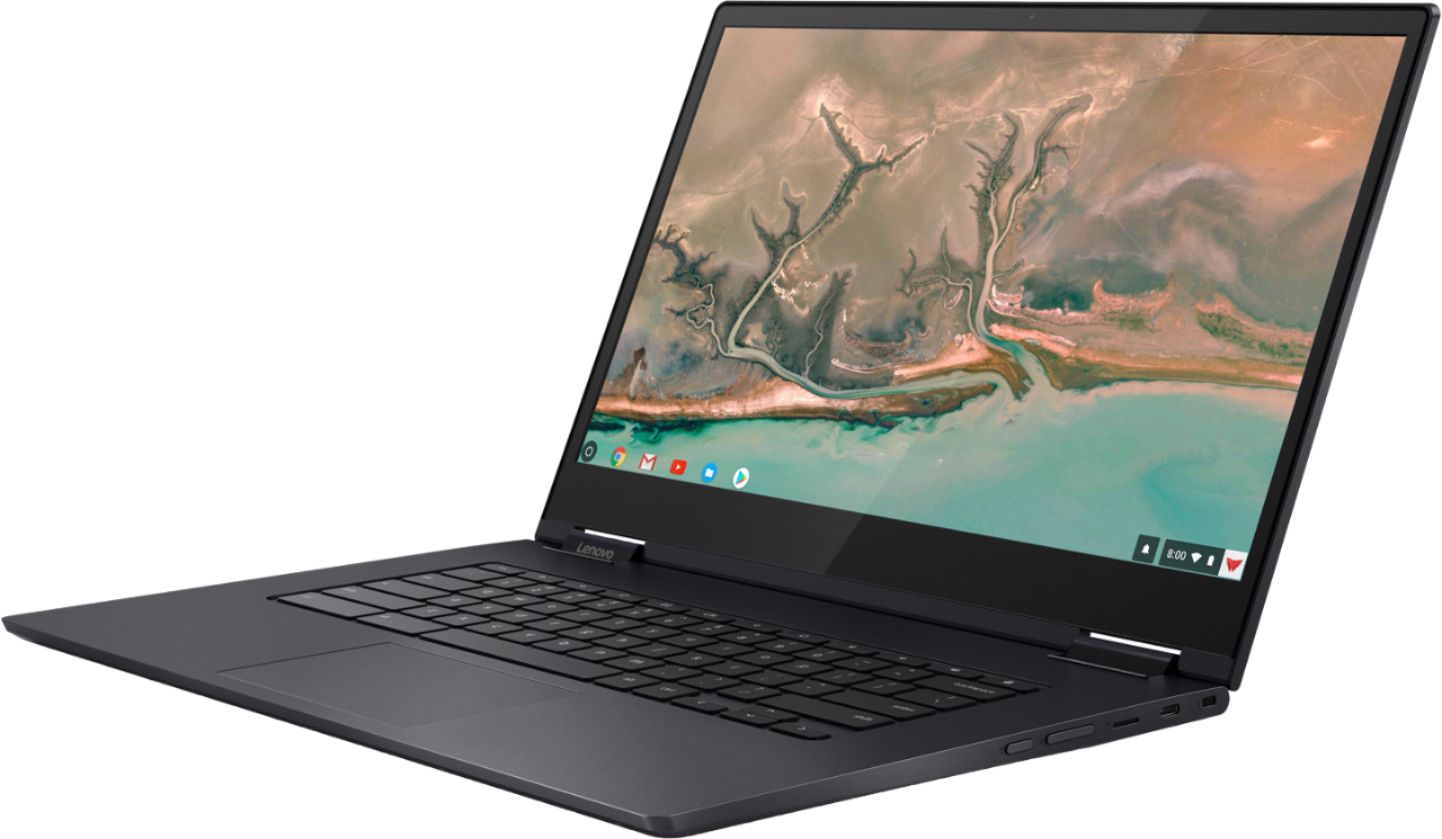
Posted .Thank you for choosing the Lenovo Yoga C630 Chromebook for your daughter. We are pleased to hear that the features and performance of the Yoga C630 Chromebook meets your daughter's computing needs so well. From tablet to tent, to stand to laptop mode, the Yoga Chromebook is a 360-degree convertible 2-in-1. Wrapped in an anodized aluminum, Midnight Blue finish, it's elegantly thin at .70-inch and surprisingly light at 4.2lbs. As well as a 15.6-inch near-edgeless, 10-point touchscreen display. It also places the latest, streamlined Chrome OS interface at your fingertips—including the Google Play Store, custom Google Maps wallpapers, images, and more.
Early observations
||Posted . Owned for 1 month when reviewed.This reviewer received promo considerations or sweepstakes entry for writing a review.Just received it. So far so good! I will revisit this review I. A couple of months.
I would recommend this to a friendBrand response from Lenovo Product Expert
Posted .Thank you for choosing the Lenovo Yoga C630 Chromebook. From tablet to tent, to stand to laptop mode, the Yoga Chromebook is a 360-degree convertible 2-in-1. Wrapped in an anodized aluminum, Midnight Blue finish, it's elegantly thin at .70-inch and surprisingly light at 4.2lbs. As well as a 15.6-inch near-edgeless, 10-point touchscreen display. It also places the latest, streamlined Chrome OS interface at your fingertips—including the Google Play Store, custom Google Maps wallpapers, images, and more.
Functional for student and small business owner al
||Posted . Owned for 1 month when reviewed.This reviewer received promo considerations or sweepstakes entry for writing a review.Easy to use, versatile and very capable. Lightweight makes. For ease of portability.
I would recommend this to a friendBrand response from Lenovo Product Expert
Posted .Once again, thank you for choosing the Lenovo Yoga C630-15 Chromebook. Here is a link to tips for keeping your Chromebook running at its best: https://www.computerworld.com/article/3333005/chromebook-tune-up.html. If you ever need additional help with your Chromebook, we recommend you call Lenovo Tech Support for Chromebooks at: 800-426-7378.
Great notebook
||Posted . Owned for 1 month when reviewed.This reviewer received promo considerations or sweepstakes entry for writing a review.Never expected it to be this easy to use, since this is my first notebook purchase.
I would recommend this to a friendBrand response from Lenovo Product Expert
Posted .Thank you for choosing the lenovo C330 Chromebook. We are pleased to hear that the ease of use and the performance of the C33 Chromebook meets your computing needs so well. No setup needed—just log in with your Google account to experience a new type of 2-in-1 laptop for everything you love to do. The Lenovo Chromebook C330 is easy to use, offers built-in virus protection, and keeps going with long battery life. Stay synced with your Android phones and tablets, and everywhere you’re signed in with your Google account, so your stuff stays with you even when your laptop doesn’t.
Love the versatility!
||Posted . Owned for 10 months when reviewed.This reviewer received promo considerations or sweepstakes entry for writing a review.Love it. I love the versatility. The touch screen is awesome.
I would recommend this to a friendLove it!
||Posted . Owned for 1 month when reviewed.This reviewer received promo considerations or sweepstakes entry for writing a review.I teach high school and I think this will greatly benefit me with my job/home use!
I would recommend this to a friendBrand response from Lenovo Product Expert
Posted .Thank you for choosing the Lenovo Yoga C630 Chromebook. The Yoga C630 Chromebook is engineered for powerful performance both now and in the future as its designed to improve over time with future Chrome OS enhancements. Key features include up an 8th Generation Intel Core i5 processor with integrated graphics for seamless processing and 128 GB of flash storage for wickedly fast boot-up times and app launching.
Good enough
||Posted . Owned for 3 weeks when reviewed.This reviewer received promo considerations or sweepstakes entry for writing a review.The screen is clear and fast enough for all that I have to do
I would recommend this to a friendBrand response from Lenovo Product Expert
Posted .Once again, thank you for choosing the Lenovo Yoga C630-15 Chromebook. Here is a link to tips for keeping your Chromebook running at its best: https://www.computerworld.com/article/3333005/chromebook-tune-up.html. If you ever need additional help with your Chromebook, we recommend you call Lenovo Tech Support for Chromebooks at: 800-426-7378.
Getting use to the operating system
||Posted .This reviewer received promo considerations or sweepstakes entry for writing a review.1st. time for a chrome book still learning the operating system
I would recommend this to a friendBrand response from Lenovo Product Expert
Posted .Thank you for choosing the Lenovo Yoga C630 Chromebook. Here is a link to some tips for using a Chromebook: https://www.laptopmag.com/articles/chromebook-tutorials. For 2018, Lenovo retained its place for a second year as the best laptop vendor:
https://www.laptopmag.com/articles/laptop-brand-ratings
Lenovo chromebook
||Posted . Owned for 1.5 years when reviewed.This reviewer received promo considerations or sweepstakes entry for writing a review.This product works fine and it has no issues and plenty of space
I would recommend this to a friendBrand response from Lenovo Product Expert
Posted .Hey there! Thanks for choosing the Lenovo Yoga C630 Laptop. We are pleased to hear the value, performance, and features of the C630 Laptop are meeting your computing needs so well!
Liking the Chromebook, first time using one.
||Posted . Owned for 1 month when reviewed.This reviewer received promo considerations or sweepstakes entry for writing a review.The staff at local Best Buy were knowledgeable and helpful.
I would recommend this to a friendBrand response from Lenovo Product Expert
Posted .Once again, thank you for choosing the Lenovo Yoga C630-15 Chromebook. Here is a link to tips for keeping your Chromebook running at its best: https://www.computerworld.com/article/3333005/chromebook-tune-up.html. If you ever need additional help with your Chromebook, we recommend you call Lenovo Tech Support for Chromebooks at: 800-426-7378.
Great Computer. Grads Choose!
||Posted .This reviewer received promo considerations or sweepstakes entry for writing a review.Picked this up for my daughter who's going off to college this year and she loved it.
I would recommend this to a friendBrand response from Lenovo Product Expert
Posted .Thank you for choosing the Lenovo Yoga C630 Chromebook for your daughter. We are pleased to hear that the Yoga C630 Chromebook meets your daughter's computing needs so well.
speed is much faster , touch screen is nice
||Posted .This reviewer received promo considerations or sweepstakes entry for writing a review.this product seems ok, learning curve for laptop will take time
I would recommend this to a friendBrand response from Lenovo Product Expert
Posted .Thank you for choosing the Lenovo Yoga C630 Chromebook. Here is a link to some tips for using a Chromebook: https://www.laptopmag.com/articles/chromebook-tutorials
Good product
||Posted . Owned for 3 weeks when reviewed.This reviewer received promo considerations or sweepstakes entry for writing a review.Very happy with the computer, my son uses the same one in school.
I would recommend this to a friendBrand response from Lenovo Product Expert
Posted .Once again, thank you for choosing the Lenovo Yoga C630-15 Chromebook. Here is a link to tips for keeping this Chromebook running at its best: https://www.computerworld.com/article/3333005/chromebook-tune-up.html. If you ever need additional help with your Chromebook, we recommend you call Lenovo Tech Support for Chromebooks at: 800-426-7378.
- Pros mentioned:Battery life, Performance, Screen size
Detailed Look
Posted .This reviewer received promo considerations or sweepstakes entry for writing a review.I've been looking through different Chrome Books trying to find a replacement for my old chrome book as it is over 3 years old and won't get some of the new features that I want out of the Chrome OS. With this said, I read many reviews before taking the chance on this particular Chrome Book. The initial review that sparked my interest is how the review compared this Pixel Book which is a high comparison given Google's dedication to the platform shown in that system. I have not owned a Pixel Book, but have read many reviews on it. With this said, let's go into the review: 1) Look and Feel: Compared to the Chrome Books I have owned in the past and many I have seen, I love the premium feel of it. It has a great smooth alloy feel to the outside. It has that industrial look that I love and not the cheaper feel of the plastic used on some of the Chrome Books. I have had it for over a week and opened it in various positions and tested the different modes. In each of the Yoga positions, the device looks wonderful. It switches positions with an ease I expect, but is sturdier in each position than I originally anticipated given it's weight. It is much lighter than my old Chrome Book. I have had no issues with any defects on the device. 2) Screen/Touch: The touch screen has been very responsive in all of the tests. This includes on Linux Apps, Android Apps, and Chrome Apps. The screen is much larger than my previous chrome book and is beautiful. The resolution of this device is amazing. You can definately tell it is a high definition screen and the crispness of it impresses me. I saw on a review earlier a complaint about being able to see pixels on browsing. I've used both the native Chrome and Android web Apps like Firefox Focus and have no idea what they were complaining about. The only issue I can see is that some of the Android Apps do not full screen well which is a known issue on any Chrome Book. Other than that, resolution makes the text a bit small at times, but it is typical of HD screens at this resolution. I've used the magnify feature on Chrome to help with this on some pages and the crispness has been great. 3) Performance: I have opened Linux Apps, Android Apps, and Chrome Apps simultaneously and the experience has been smooth. Minus the expected time to load multiple apps at the same time, it all runs quickly and is very responsive. There is no unexpected delays in it's performance 4) Battery Life: When you run the laptop continuously with apps running from all 3 platforms it will drain the battery quicker, but this should be expected. I've drained the battery in this device multiple times and the running time has been 8+ hours on each attempt with me multi-tasking. The charging for this device is a USB C plug which is very convenient as it is also the same as the LG V20 phone I have. 5) Wifi Connectivity: Some of the devices I have owned over time has struggled in this component. I was not expecting LTE (and it's not included) so I won't make any comments on that. I didn't buy this for LTE. The Wifi was able to quickly pick up both on the 2G and the 5G bands of common wifi systems. The signal strength has been excellent no matter where I have been in relation. It has exceeded my expectations in this category. For example, in my bedroom which is at the opposite side of the house from my Wifi Router normally gets about 2 bars for my other wifi enabled devices including my phone and other Android/Google devices. The Wifi Modem in this device allows it to be "strong" even in there. Overall: To get a good feel of any device, it is always recommended to spend more than 30 minutes with it especially if you want to know the ins and outs of something. Having taken a week of use with me using it as my primary computing device and trying to find faults, this device is one that I think will exceed your expectations of what a Chrome Book will be if you have been using others Chrome Books other than the Pixel Book. Will this device be able to compete against the Pixel Book? Short answer. Yes. For me, it was between this 2 in 1 and the Pixel book. The price comparison gives this one the edge and given how much I love this Chrome Book, it is hard for me to justify the extra money on what might be. It does what I want, what I might want to do, and what I need to do. Lenovo has done well making this device and impressed me. I am happy to say that I have found my new Chrome Book for years to come. I would highly recommend this to anyone who is looking for a performance computer at a fair value. Will it kill the Pixel Book? No. But why should it? It competes nicely and for that I am glad. Keep up the good work Lenovo!
I would recommend this to a friendBrand response from Lenovo Product Expert
Posted .Thank you for choosing the Lenovo C630 Chromebook. We are pleased to hear that the features and performance of the C630 Chromebook meets your computing needs so well.

Well built
||Posted . Owned for 1 month when reviewed.This reviewer received promo considerations or sweepstakes entry for writing a review.I bought this for my daughter. She is using it all the time and loves it.
I would recommend this to a friendBrand response from Lenovo Product Expert
Posted .Thank you for choosing the Lenovo Yoga C630 Chromebook for your daughter. The Yoga C630 Chromebook is engineered for powerful performance both now and in the future as its designed to improve over time with future Chrome OS enhancements. Key features include the 8th Generation Intel Core i5 processor with integrated graphics for seamless processing and 128 GB of flash storage for wickedly fast boot-up times and app launching.
Great labtap Chrom
||Posted .This reviewer received promo considerations or sweepstakes entry for writing a review.A great labtap chrom plus touch screen, nice graphics resolution, I love it!
I would recommend this to a friendBrand response from Lenovo Product Expert
Posted .Thank you for choosing the lenovo Yoga C630 Chromebook. We are pleased to hear that the features and performance of the Yoga C630 Chromebook meets your computing needs so well.
College bound
||Posted . Owned for 1 month when reviewed.This reviewer received promo considerations or sweepstakes entry for writing a review.Good product ...college student...great college aide
I would recommend this to a friendBrand response from Lenovo Product Expert
Posted .The Yoga C630 Chromebook is engineered for powerful performance both now and in the future as its designed to improve over time with future Chrome OS enhancements. Key features include the 8th Generation Intel Core i5 processor with integrated graphics for seamless processing and 128 GB of flash storage for wickedly fast boot-up times and app launching.
My sister loves it..
||Posted . Owned for 1 month when reviewed.This reviewer received promo considerations or sweepstakes entry for writing a review.She needed a upgrade. The features are just what she needed.
I would recommend this to a friendBrand response from Lenovo Product Expert
Posted .Once again, thank you for choosing the Lenovo Yoga C630-15 Chromebook. Here is a link to tips for keeping this Chromebook running at its best: https://www.computerworld.com/article/3333005/chromebook-tune-up.html. If you ever need additional help with your Chromebook, we recommend you call Lenovo Tech Support for Chromebooks at: 800-426-7378.