Customer Ratings & Reviews






- Model:
- 81TD0005US
- SKU:
- 6367802
Rating by feature
- Battery Life
Rating 4.1 out of 5 stars
- Speed
Rating 4.3 out of 5 stars
- Display
Rating 4.5 out of 5 stars
Customers are saying
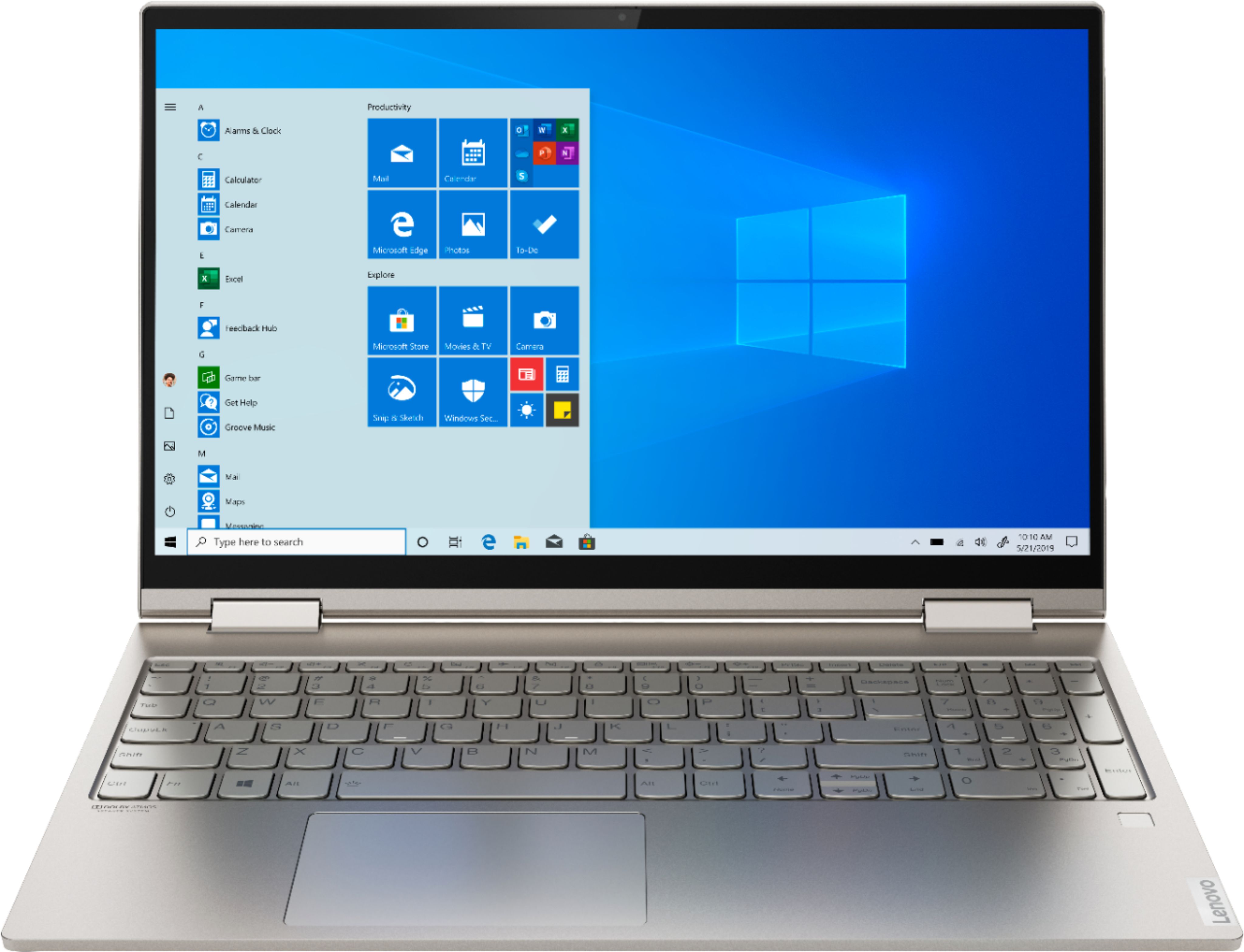
Customers often highlight the responsive touch screen, ease of use, and lightweight design as significant advantages. Positive feedback also frequently mentions strong performance and good battery life. However, some users reported issues with the device overheating and occasional excessive fan noise. A few customers also commented on the price point being higher than expected.
This summary was generated by AI based on customer reviews.
- Pros mentioned:Performance
Lenovo yoga
||Posted . Owned for 1 month when reviewed.This reviewer received promo considerations or sweepstakes entry for writing a review.Excellent computer.. great design and perfomance
I would recommend this to a friend - Pros mentioned:Touch screen
Good purchase
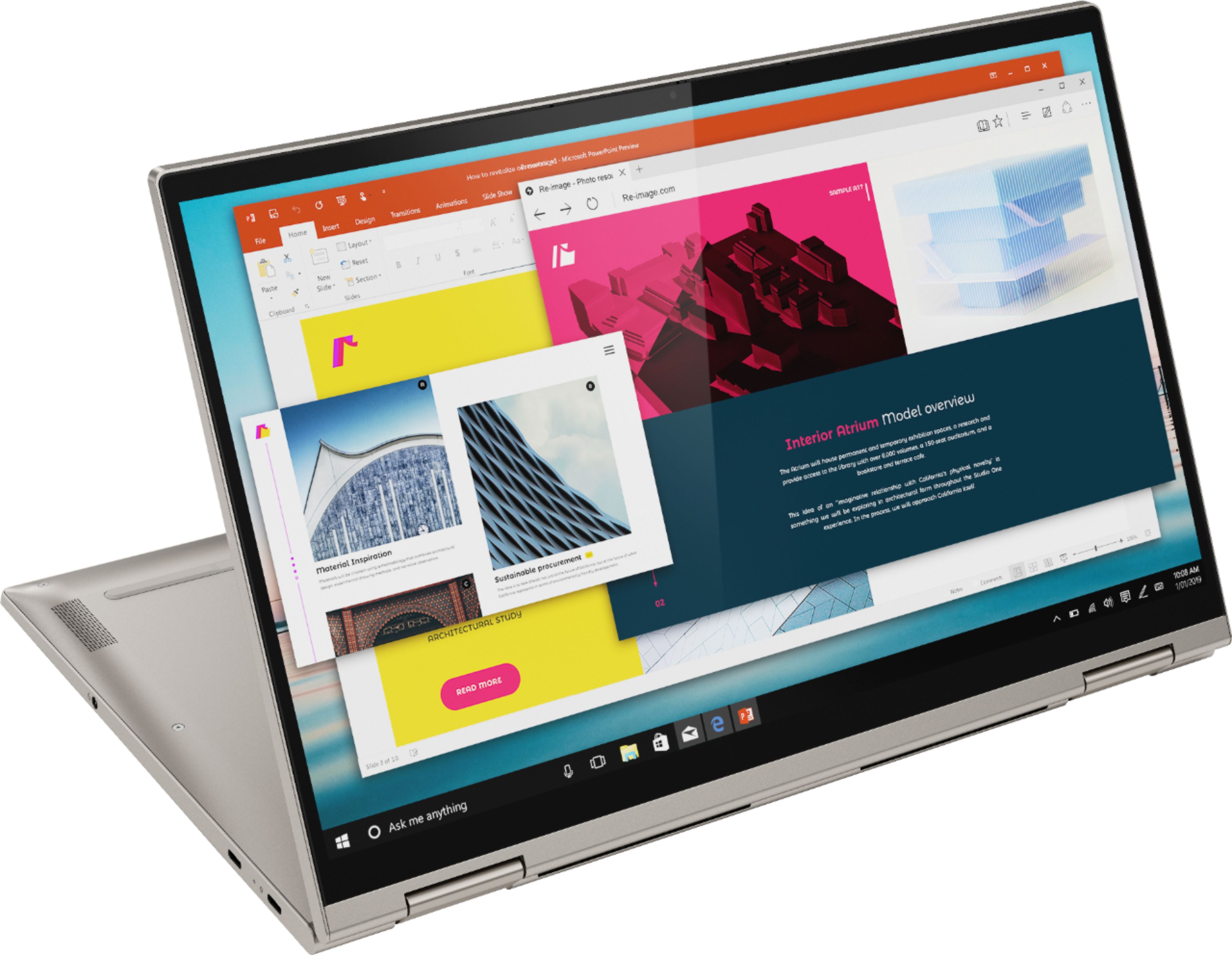
||Posted . Owned for 8 months when reviewed.This reviewer received promo considerations or sweepstakes entry for writing a review.Great flexibility as a tablet and laptop hybrid. The screen is extremely vivid and colorful and also responds to the touch exactly as I want it to. The only downside is it can get a little slow or glitchy when I switch it from a laptop to a tablet (which is honestly rare). So all in all it has been a good purchase for sure!
I would recommend this to a friend - Pros mentioned:Speed
My new Lenovo was purchased as a replacement.
||Posted . Owned for 3 weeks when reviewed.This reviewer received promo considerations or sweepstakes entry for writing a review.My new Lenovo was purchased as an eventual replacement for my seven year old Lenovo. Oldie has worked flawlessly. Time for an update: first choice another Lenovo. After some research to seek out any reason to change, Lenovo became my go to. New Lenovo working super. Faster, more memory. Update success and at a good price. Totally satisfied.
I would recommend this to a friendBrand response from Lenovo Product Expert
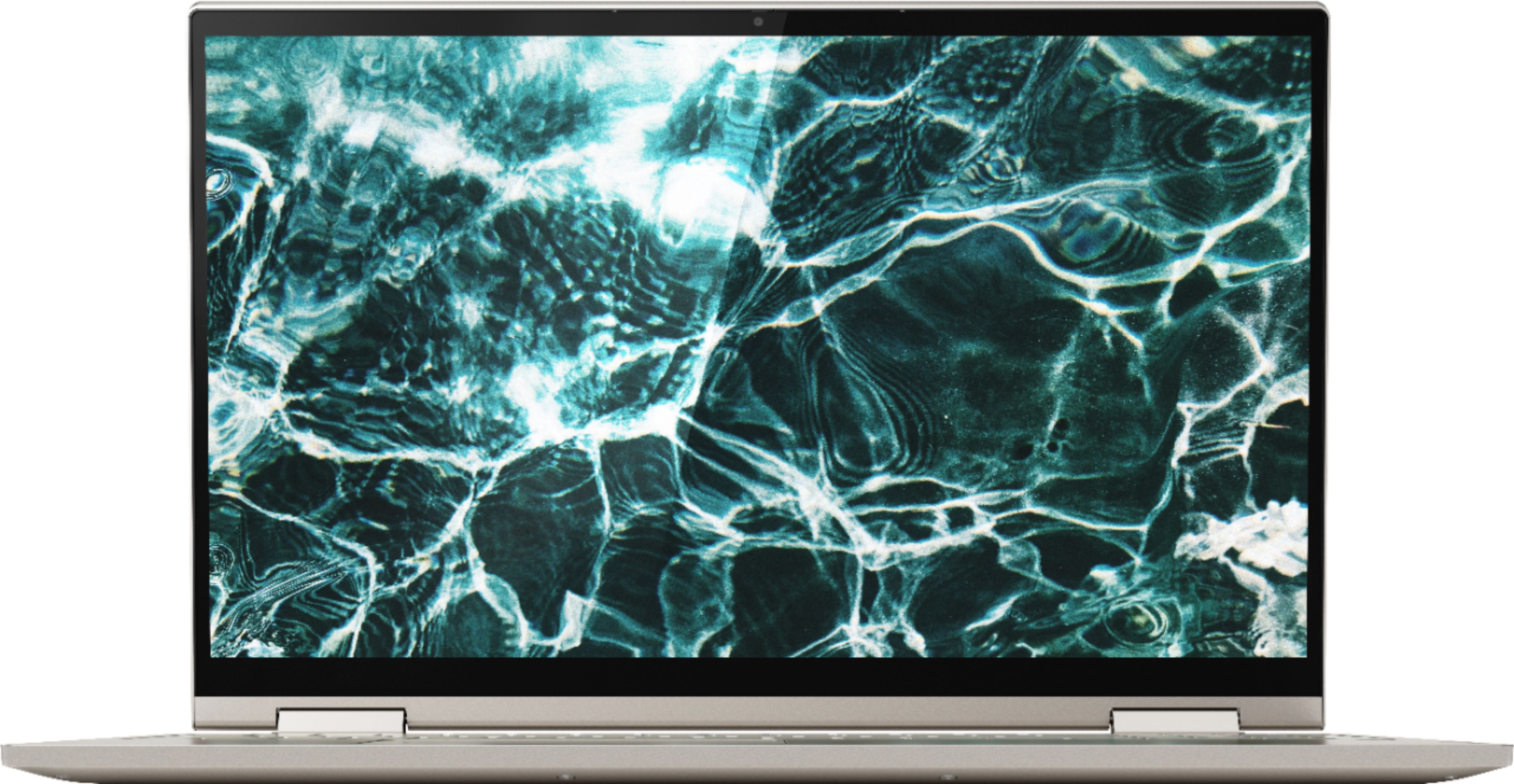
Posted .Thank you for choosing the Lenovo Yoga C740-15. We appreciate your loyalty to the Lenovo Brand and we are pleased to hear that the features and performance of the Yoga C740-15 meets your computing needs so well. Combining heavyweight performance with lightweight portability, the Yoga C740’s 10th Gen Intel Core i7 processor enables longer battery life, high-speed connectivity, and ultra-responsive multi-tasking performance in a sleek package. Packing a one-two punch of stunning audio and visual experience, the Yoga C740 is the perfect companion for streaming your favorite videos or playing games. With a 15.6-inch FHD HDR wide-angle display with 500 nits brightness, this laptop delivers millions of colors to your screen. To match the tantalizing visuals, the Yoga C740’s Dolby Atmos speaker system creates an audio experience in which sound flows above and around you. Yoga is committed to protecting your privacy. Log in with your fingerprint or slide the Yoga C740’s TrueBlock Privacy Shutter closed for true peace of mind when you’re not using your webcam.

Good Start...Still having issues with wifi
||Posted . Owned for 3 weeks when reviewed.This reviewer received promo considerations or sweepstakes entry for writing a review.So far so good on this device. Got a great deal on it, and loved the memory on it so trying out gaming on it. But I keep getting kicked off WiFi. Checked driver, and looking in the future to get a new network driver since this is most likely the issue. Would recommend for daily use, but if you need constant wifi then not your device.
No, I would not recommend this to a friendBrand response from Lenovo Product Expert
Posted .We are sorry to hear that you are having issues with WiFi connectivity with your Lenovo Yoga C740-15 model number 81TD001YUS. This model ships with the latest 5G, Wide-Range/High Speed - Intel 9560 11ac, 2x2 WiFi chip. Be sure you have the latest version of Windows 10 on the computer, then update all of the BIOS files and drivers up to that latest version of Windows 10. You can easily accomplish this by scanning the computer with the Lenovo Utility software available on this computer. This system has Lenovo utilities installed to help maintain the health of the device and keep the operating system software up to date. Type "Lenovo Vantage" in the Cortana Search window (if Lenovo Vantage is not installed on your device, you can download the APP and install it now). Select Lenovo Vantage from the list. In the window that opens, click on "Health and Support". In the expanded menu, select "Hardware Scan" In the window that opens, select "Run Quick Tests". This will scan your entire system for errors. Follow any directions that may pop up. If the problem continues after this scan, now click on "System Update". First select Windows update from the menu. Scan your system to be sure you have the latest version of Windows 10. Once that scan is complete, select "Additional Updates". This will scan your device to be sure there are no new BIOS/Driver updates needed. Follow any instructions that may pop up. If the issue still continues after these updates, we recommend you call Lenovo Tech Support at: 877-453-6686 for additional help.
- Pros mentioned:Speed, Weight
Love my new laptop.
||Posted . Owned for 1 month when reviewed.This reviewer received promo considerations or sweepstakes entry for writing a review.It is very light weight, fast to respond and good graphics.
I would recommend this to a friendBrand response from Lenovo Product Expert
Posted .Thank you for choosing the Lenovo Yoga C740-15. We are pleased to hear that the features and performance of the Yoga C740-15 meets your computing needs so well. Combining heavyweight performance with lightweight portability, the Yoga C740’s 10th Gen Intel Core i7 processor enables longer battery life, high-speed connectivity, and ultra-responsive multi-tasking performance in a sleek package. Packing a one-two punch of stunning audio and visual experience, the Yoga C740 is the perfect companion for streaming your favorite videos or playing games. With a 15.6-inch FHD HDR wide-angle display with 500 nits brightness, this laptop delivers millions of colors to your screen. To match the tantalizing visuals, the Yoga C740’s Dolby Atmos speaker system creates an audio experience in which sound flows above and around you. Yoga is committed to protecting your privacy. Log in with your fingerprint or slide the Yoga C740’s TrueBlock Privacy Shutter closed for true peace of mind when you’re not using your webcam.
- Pros mentioned:Speed
Laptop
||Posted . Owned for 1 month when reviewed.This reviewer received promo considerations or sweepstakes entry for writing a review.This is my first laptop!! I bought it last month ! My husband and kiddos have one! I kept my Monitor for over a decade! Decided to change things up and I’m glad I did!! The LENOVO is wonderful! It works great, it’s quick and looks nice too! The rose color is very pretty! I am happy about my purchase!
I would recommend this to a friendBrand response from Lenovo Product Expert
Posted .Thank you for choosing the lenovo Yoga C740-15, model number 81TD0005US. The color of this model is MICA. Combining heavyweight performance with lightweight portability, the Yoga C740’s 10th Gen Intel Core i7 processor enables longer battery life, high-speed connectivity, and ultra-responsive multi-tasking performance in a sleek package. Packing a one-two punch of stunning audio and visual experience, the Yoga C740 is the perfect companion for streaming your favorite videos or playing games. With a 15.6-inch FHD HDR wide-angle display with 500 nits brightness, this laptop delivers millions of colors to your screen. To match the tantalizing visuals, the Yoga C740’s Dolby Atmos speaker system creates an audio experience in which sound flows above and around you. Yoga is committed to protecting your privacy. Log in with your fingerprint or slide the Yoga C740’s TrueBlock Privacy Shutter closed for true peace of mind when you’re not using your webcam.
Great Laptop!
||Posted . Owned for 4 months when reviewed.This reviewer received promo considerations or sweepstakes entry for writing a review.Top Quality Laptop. I use this Laptop as my Main PC at Home and when I travel. At Home I use a Targus DOCK190 Docking Station with a 4K Monitor, Keyboard and Mouse / Just the Laptop when I Travel; I have not had to break out the Power Supply while away from home. The Battery Lasts All Day Long when I Travel.
I would recommend this to a friendBrand response from Lenovo Product Expert
Posted .Thank you for choosing the Lenovo Yoga C740-15, model number 81TD0005US. This model ships with a 3CELL_60.3WH_INTERNAL, Lithium Polymer Battery, with a battery life of up to 15 hours, depending on the work the device is performing. Combining heavyweight performance with lightweight portability, the Yoga C740’s 10th Gen Intel Core i7 processor enables longer battery life, high-speed connectivity, and ultra-responsive multi-tasking performance in a sleek package. Packing a one-two punch of stunning audio and visual experience, the Yoga C740 is the perfect companion for streaming your favorite videos or playing games. With a 15.6-inch FHD HDR wide-angle display with 500 nits brightness, this laptop delivers millions of colors to your screen. To match the tantalizing visuals, the Yoga C740’s Dolby Atmos speaker system creates an audio experience in which sound flows above and around you. Yoga is committed to protecting your privacy. Log in with your fingerprint or slide the Yoga C740’s TrueBlock Privacy Shutter closed for true peace of mind when you’re not using your webcam.
- Pros mentioned:Ease of use
Love it. Easy to use, lightweight, looks good.
||Posted . Owned for 1 month when reviewed.This reviewer received promo considerations or sweepstakes entry for writing a review.This is the first new laptop I’ve bought in years. It was incredibly easy to set up. The transfer of old files was made easy by a tutorial that popped up early in the set up process. For someone not so familiar with computers, it was a breeze.
I would recommend this to a friendBrand response from Lenovo Product Expert
Posted .Thank you for choosing the Lenovo Yoga C740-15. We are pleased to hear that the easy setup and performance of the Yoga C740-15 meets your computing needs so well. Combining heavyweight performance with lightweight portability, the Yoga C740’s 10th Gen Intel Core i7 processor enables longer battery life, high-speed connectivity, and ultra-responsive multi-tasking performance in a sleek package. Packing a one-two punch of stunning audio and visual experience, the Yoga C740 is the perfect companion for streaming your favorite videos or playing games. With a 15.6-inch FHD HDR wide-angle display with 500 nits brightness, this laptop delivers millions of colors to your screen. To match the tantalizing visuals, the Yoga C740’s Dolby Atmos speaker system creates an audio experience in which sound flows above and around you. Yoga is committed to protecting your privacy. Log in with your fingerprint or slide the Yoga C740’s TrueBlock Privacy Shutter closed for true peace of mind when you’re not using your webcam.
- Pros mentioned:Speed
AMAZING!
||Posted . Owned for 3 weeks when reviewed.This reviewer received promo considerations or sweepstakes entry for writing a review.Lenovo - Yoga C740 2-in-1 15.6" Touch-Screen Laptop - Intel Core i7 - 12GB Memory - 512GB Solid State Drive - Mica is a fantastic laptop that blows my mind in style and options. It is fast and fully functional. It was a great value, easy to set up, and a great quality product. I love this laptop.
I would recommend this to a friendBrand response from Lenovo Product Expert
Posted .Once again, thank you for choosing the Lenovo Yoga C740-15. You can keep your computer running at its best by keeping the Windows 10 Operating System and all supporting BIOS files and drivers up to date. You can easily accomplish this by scanning the computer with the Lenovo Utility software available on this computer. This system has Lenovo utilities installed to help maintain the health of the device and keep the operating system software up to date. Type "Lenovo Vantage" in the Cortana Search window (if Lenovo Vantage is not installed on your device, you can download the APP and install it now). Select Lenovo Vantage from the list. In the window that opens, click on "Health and Support". In the expanded menu, select "Hardware Scan" In the window that opens, select "Run Quick Tests". This will scan your entire system for errors. Follow any directions that may pop up. If the problem continues after this scan, now click on "System Update". First select Windows update from the menu. Scan your system to be sure you have the latest version of Windows 10. Once that scan is complete, select "Additional Updates". This will scan your device to be sure there are no new BIOS/Driver updates needed. Follow any instructions that may pop up. If you ever need additional help with your Lenovo computer, we recommend you call Lenovo Tech Support at: 877-453-6686 for additional help.
- Pros mentioned:Performance
Lenovo rocks!
||Posted . Owned for 2 months when reviewed.This reviewer received promo considerations or sweepstakes entry for writing a review.This is my 2nd Lenovo laptop. I decided to upgrade since my old one is almost 10 years old. It's still going strong. I'm planning on doing a reset and giving it to my granddaughter to learn how to keyboard. I've been very pleased with Lenovo products and would definitely recommend!
I would recommend this to a friendBrand response from Lenovo Product Expert
Posted .Thank you for choosing the Lenovo Yoga C740-15. We appreciate your loyalty to the Lenovo Brand. Combining heavyweight performance with lightweight portability, the Yoga C740’s 10th Gen Intel Core i7 processor enables longer battery life, high-speed connectivity, and ultra-responsive multi-tasking performance in a sleek package. Packing a one-two punch of stunning audio and visual experience, the Yoga C740 is the perfect companion for streaming your favorite videos or playing games. With a 15.6-inch FHD HDR wide-angle display with 500 nits brightness, this laptop delivers millions of colors to your screen. To match the tantalizing visuals, the Yoga C740’s Dolby Atmos speaker system creates an audio experience in which sound flows above and around you. Yoga is committed to protecting your privacy. Log in with your fingerprint or slide the Yoga C740’s TrueBlock Privacy Shutter closed for true peace of mind when you’re not using your webcam.
Fast, sharp screen, long battery life
||Posted . Owned for 3 weeks when reviewed.This reviewer received promo considerations or sweepstakes entry for writing a review.I knew I wasn't getting the absolute latest model. I was, however, looking for long battery life and a readable screen. This one is it. The only con I have for this laptop is I need to get accustomed to the keyboard. The keyboard is flatter than the keyboards I have used in the past.
I would recommend this to a friendBrand response from Lenovo Product Expert
Posted .Once again, thank you for choosing the Lenovo Yoga C740-15. You can keep your computer running at its best by keeping the Windows 10 Operating System and all supporting BIOS files and drivers up to date. You can easily accomplish this by scanning the computer with the Lenovo Utility software available on this computer. Just type "Lenovo Vantage" in the Cortana Search window (if Lenovo Vantage is not installed on your device, you can download the APP and install it now). Select Lenovo Vantage from the list. In the window that opens, click on "Health and Support". In the expanded menu, select "Hardware Scan" In the window that opens, select "Run Quick Tests". This will scan your entire system for errors. Follow any directions that may pop up. If the problem continues after this scan, now click on "System Update". First select Windows update from the menu. Scan your system to be sure you have the latest version of Windows 10. Once that scan is complete, select "Additional Updates". This will scan your device to be sure there are no new BIOS/Driver updates needed. Follow any instructions that may pop up. If you ever need additional help with your Lenovo computer, we recommend you call Lenovo Tech Support at: 877-453-6686 for additional help.
- Pros mentioned:Performance
well built laptop with fast CPU
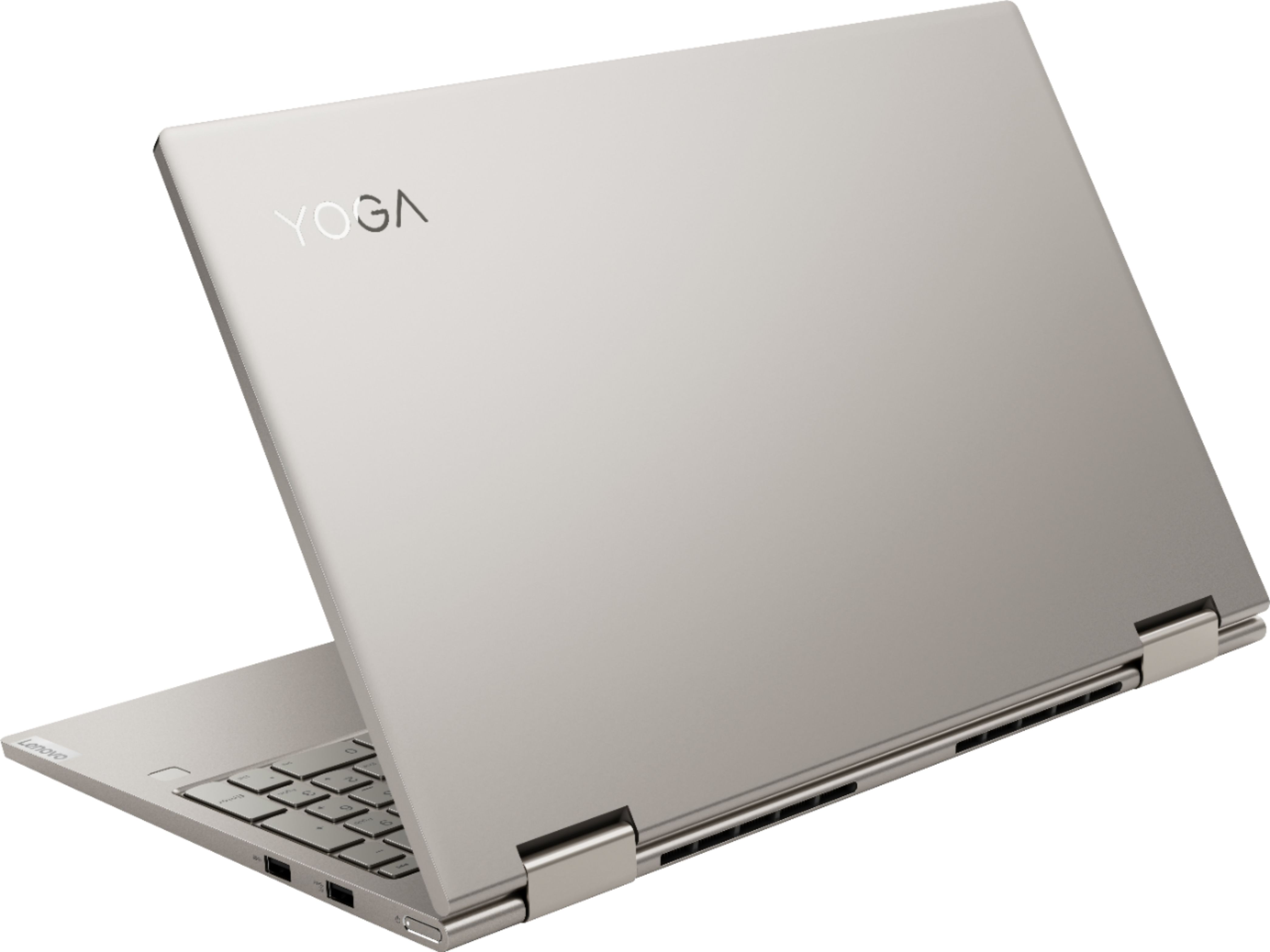
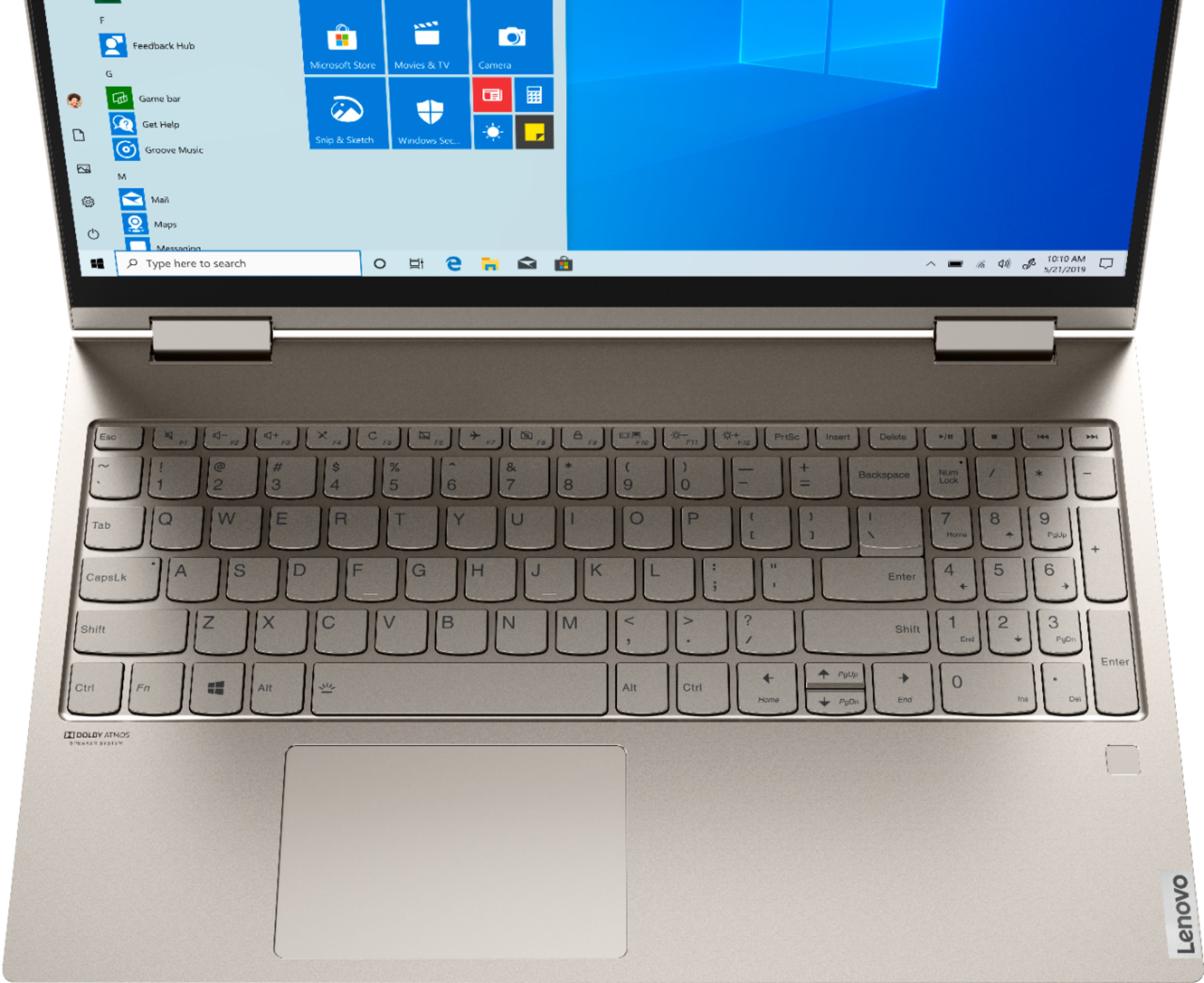
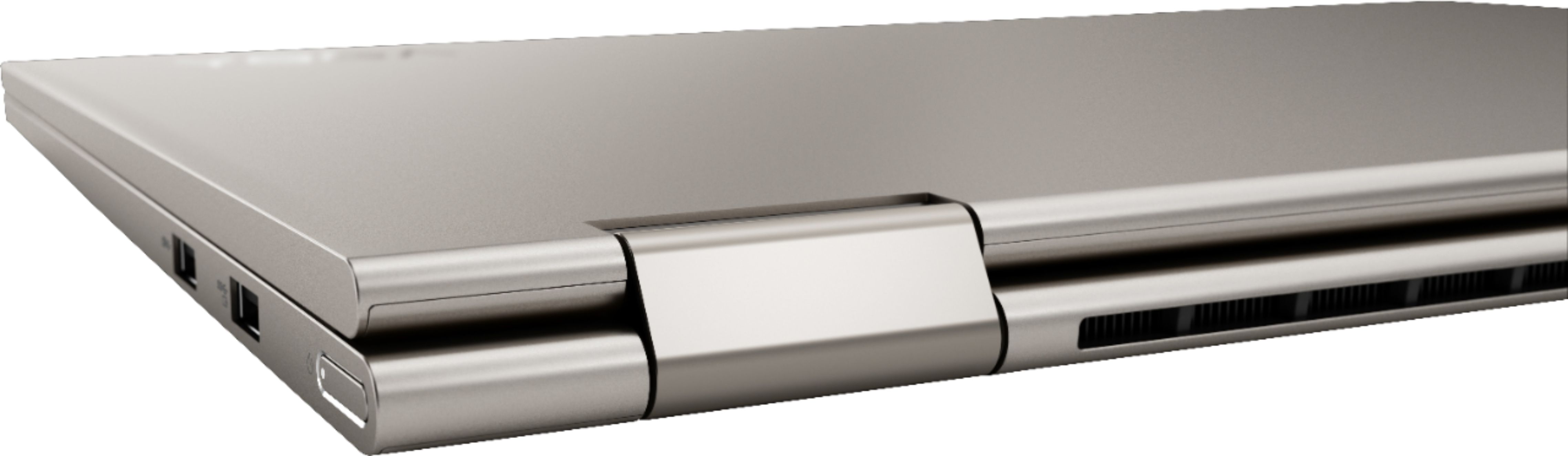
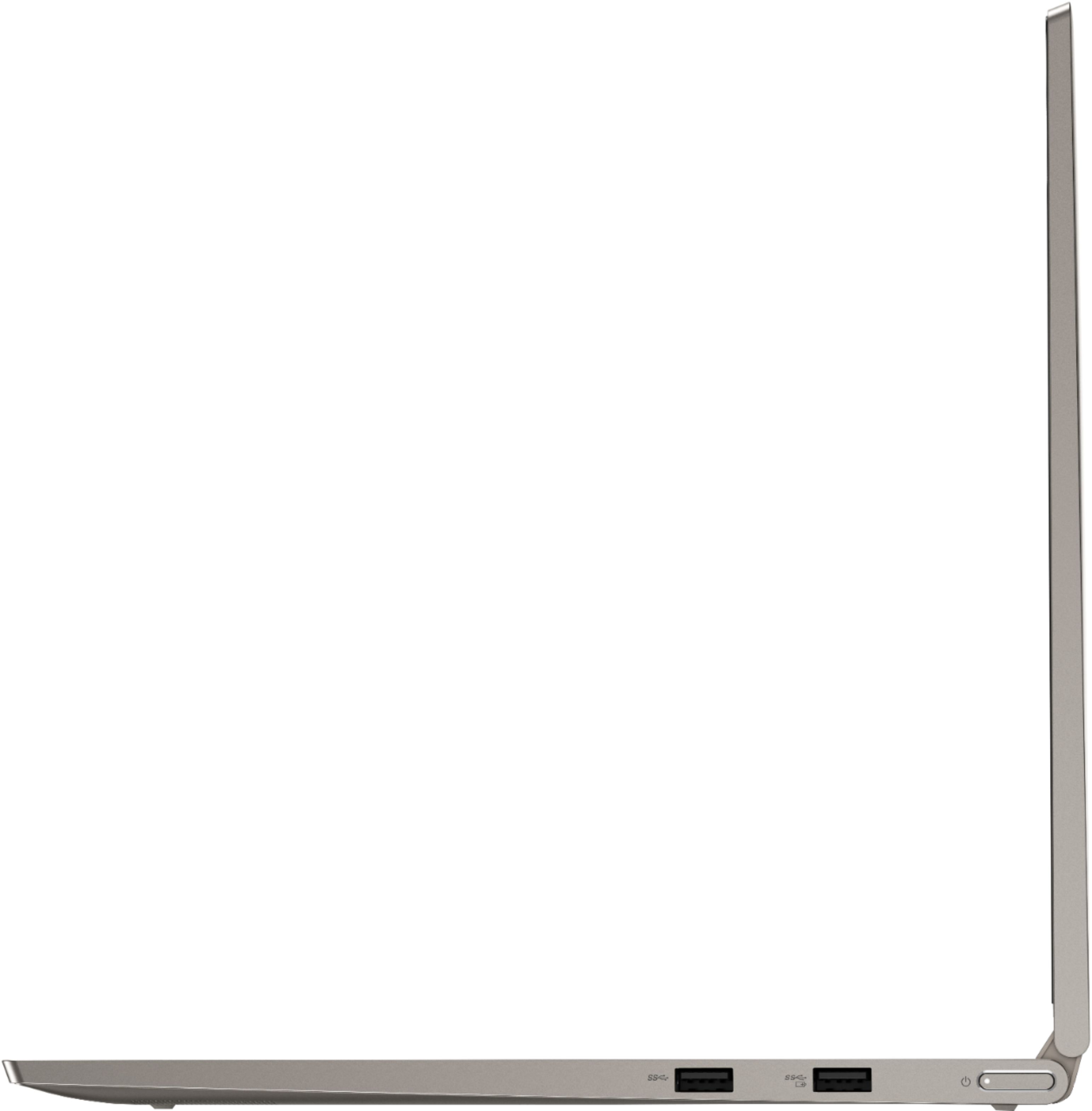
||Posted . Owned for 1 month when reviewed.This reviewer received promo considerations or sweepstakes entry for writing a review.This is a well built laptop. The premium metal case feels upscale. Starting and shut down are super fast. Applications run fairly smoothly. Screen display is clear and vibrant. Privacy shutter is a nice touch. The power button on the side is awkward and prone to accidental hit.
I would recommend this to a friendBrand response from Lenovo Product Expert
Posted .Thank you for choosing the Lenovo Yoga C940-15. We are pleased to hear that the features and performance of the Yoga C940-15 meets your computing needs so well. Every component of Yoga C940 was engineered with your experience in mind. That’s why the Yoga C940 offers the brilliant color and clarity with ultra-narrow bezels, with 500 nits brightness, it’s 50-percent brighter than standard SDR displays. You’ll enjoy amazing realism that's vivid, nuanced, and powerful. Capture your ideas the moment inspiration hits with a garaged digital pen. Featuring an in-body charging compartment, the Yoga C940 ensures you’ll never lose a thought—or your digital pen—again. The convertible hinge hides a powerful Dolby Atmos Speaker System that immerses you in 3D sound in every mode. Combined with two sets of speakers featuring powerful subwoofers, custom tweeters, and unique vibration buffers that reduce unwanted noise, your audio will sound bigger, deeper, and more accurate. Experience how the Yoga C940 embodies world-class craftsmanship, innovative solutions, and elevated design. Log into your Yoga C940 in less than two seconds with an integrated fingerprint reader. That’s three times faster than the average time it takes to type a password. Forget your password.
- Pros mentioned:Speed
Really Good 2 in 1
||Posted . Owned for 3 weeks when reviewed.This reviewer received promo considerations or sweepstakes entry for writing a review.Glad we picked this out for the price. We wanted something fast, & this definitely is. We do a lot of streaming which it has no problem with, our daughter uses it for homeschooling classes. I have been learning animation on it as well, & it is absolutely wonderful for that as well.
I would recommend this to a friendBrand response from Lenovo Product Expert
Posted .Once again, thank you for choosing the Lenovo Yoga C740-15. You can keep your computer running at its best by keeping the Windows 10 Operating System and all supporting BIOS files and drivers up to date. You can easily accomplish this by scanning the computer with the Lenovo Utility software available on this computer. This system has Lenovo utilities installed to help maintain the health of the device and keep the operating system software up to date. Type "Lenovo Vantage" in the Cortana Search window (if Lenovo Vantage is not installed on your device, you can download the APP and install it now). Select Lenovo Vantage from the list. In the window that opens, click on "Health and Support". In the expanded menu, select "Hardware Scan" In the window that opens, select "Run Quick Tests". This will scan your entire system for errors. Follow any directions that may pop up. If the problem continues after this scan, now click on "System Update". First select Windows update from the menu. Scan your system to be sure you have the latest version of Windows 10. Once that scan is complete, select "Additional Updates". This will scan your device to be sure there are no new BIOS/Driver updates needed. Follow any instructions that may pop up. If you ever need additional help with your Lenovo computer, we recommend you call Lenovo Tech Support at: 877-453-6686 for additional help.
Lightening fast shipping and excellent laptop
||Posted . Owned for 1 month when reviewed.This reviewer received promo considerations or sweepstakes entry for writing a review.First, the laptop was expected to arrive within about a week, which was totally fine; especially during Covid-19. However, it arrived the next day after ordering! Amazing! The laptop itself is excellent. Thin, light, fast, has all the bells and whistles my son needs for school. Love the fingerprint login; hate entering passwords all the time so the fingerprint login is wonderful. If I have to be picky, I'd like the letters on the keyboard to be easier to read. The backlit keys are great at night, but I sometimes can't see the letters clearly in certain light. It's not bothering my son and I touch type so it doesn't bother me too much either; just one thing that I think could use an engineering review. That's it! Love everything else. The screen produces beautiful images; camera and sound work well for meetings. Great laptop and service from Best Buy! I actually want to buy one more for my other child as soon as the next sale happens!
I would recommend this to a friendBrand response from Lenovo Product Expert
Posted .Thank you for choosing the Lenovo Yoga C740-15 for your son. We are pleased to hear that the Yoga C740-15 is working out so well. Combining heavyweight performance with lightweight portability, the Yoga C740’s 10th Gen Intel Core i7 processor enables longer battery life, high-speed connectivity, and ultra-responsive multi-tasking performance in a sleek package. Packing a one-two punch of stunning audio and visual experience, the Yoga C740 is the perfect companion for streaming your favorite videos or playing games. With a 15.6-inch FHD HDR wide-angle display with 500 nits brightness, this laptop delivers millions of colors to your screen. To match the tantalizing visuals, the Yoga C740’s Dolby Atmos speaker system creates an audio experience in which sound flows above and around you. Yoga is committed to protecting your privacy. Log in with your fingerprint or slide the Yoga C740’s TrueBlock Privacy Shutter closed for true peace of mind when you’re not using your webcam.
- Pros mentioned:Touch screen
Pleased with purchase
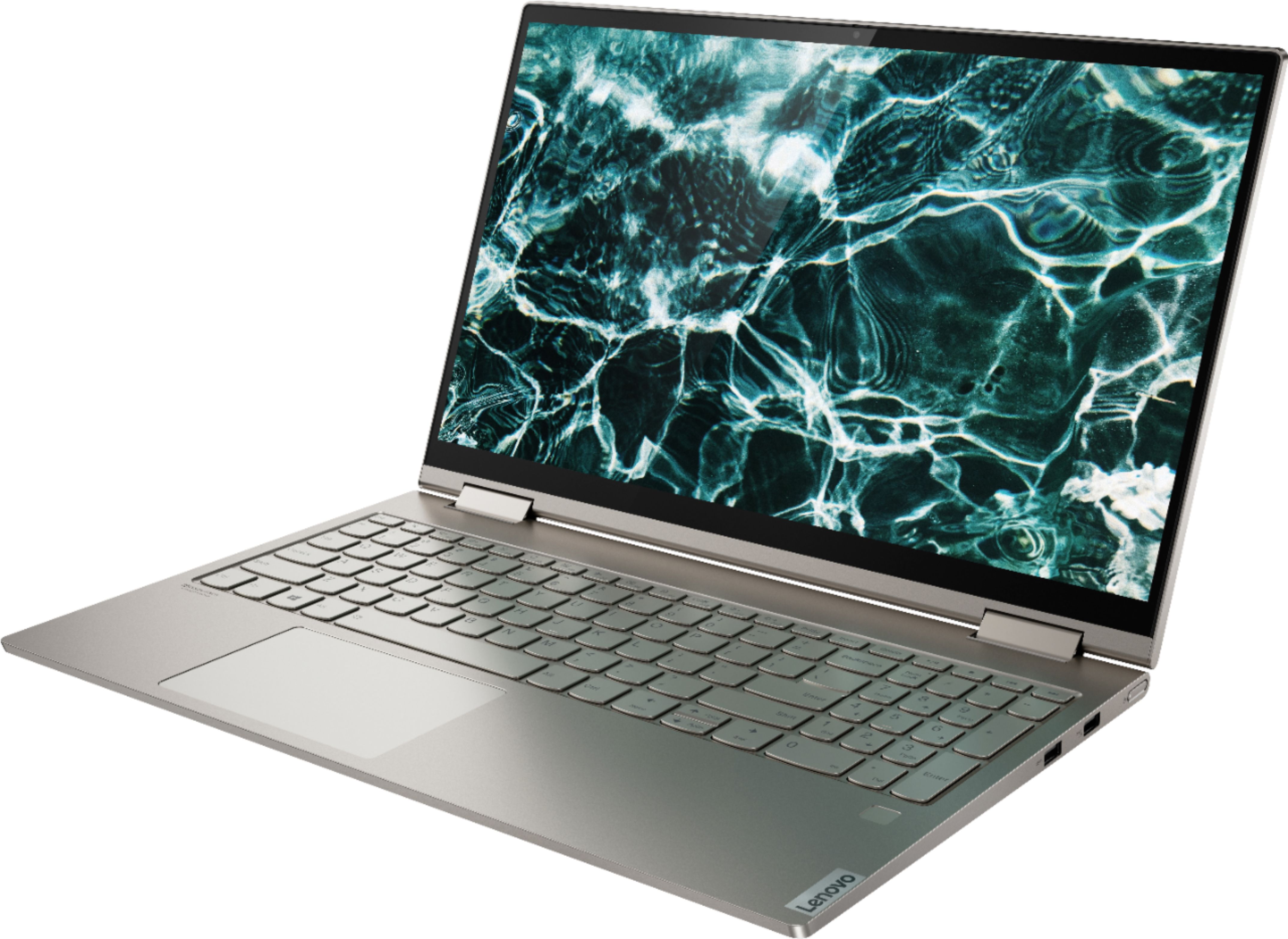
||Posted . Owned for 4 months when reviewed.This reviewer received promo considerations or sweepstakes entry for writing a review.Love my Lenovo laptop, especially the touch screen. The only thing I wish they had done better is the placement of the mouse pad, it is too far to the left. The mouse pad should have been placed in the center.
I would recommend this to a friendBrand response from Lenovo Product Expert
Posted .Thank you for choosing the Lenovo Yoga C740-15. This model ships with a standard QWERTY keyboard with 10-key numeric pad included. The touchpad is centered under the QWERTY keys so when the typist's hands are in the Home Position on the keyboard, the typist's hands are centered directly over the touchpad for easy access.
- Pros mentioned:Touch screen
Great computer for anything
||Posted . Owned for 3 weeks when reviewed.This reviewer received promo considerations or sweepstakes entry for writing a review.This is my first laptop and it seems to have everything I need as I start loading new applications. No worries so far as of two months later. I would recommend this laptop. Ease in using. Just need more experience on how to install items to laptop. Love the touch screen!
I would recommend this to a friendBrand response from Lenovo Product Expert
Posted .Once again, thank you for choosing the Lenovo IdeaPad 3 17 Laptop. You can keep your computer running at its best by keeping the Windows 10 Operating System and all supporting BIOS files and drivers up to date. You can easily accomplish this by scanning the computer with the Lenovo Utility software available on this computer. Just type "Lenovo Vantage" in the Cortana Search window (if Lenovo Vantage is not installed on your device, you can download the APP and install it now). Select Lenovo Vantage from the list. In the window that opens, click on "Health and Support". In the expanded menu, select "Hardware Scan" In the window that opens, select "Run Quick Tests". This will scan your entire system for errors. Follow any directions that may pop up. If the problem continues after this scan, now click on "System Update". First select Windows update from the menu. Scan your system to be sure you have the latest version of Windows 10. Once that scan is complete, select "Additional Updates". This will scan your device to be sure there are no new BIOS/Driver updates needed. Follow any instructions that may pop up. If you ever need additional help with your Lenovo computer, we recommend you call Lenovo Tech Support at: 877-453-6686 for additional help.
- Pros mentioned:Touch screen
Good Budget-friendly Laptop
||Posted .This reviewer received promo considerations or sweepstakes entry for writing a review.This laptop has a relatively bright display with a functioning touch screen. So far, my experience with it has been mostly positive. The main issue that I have noticed is that the track pad can be very sensitive, but it's not a deal-breaker. It's a good, budget-friendly laptop.
I would recommend this to a friendBrand response from Lenovo Product Expert
Posted .The Lenovo Yoga C740-15 model number 81TD0005US, ships with a beautiful HDR, IPS LCD w/LED Backlight screen, with a resolution of 1920 x 1080 (FHD) and a brightness level of 500 nits. With regard to the touchpad, you can make adjustments to the touchpad in your system settings. You can get there by clicking on the magnifying glass at the bottom left of your Windows 10 screen. Type "touchpad" in the search window. Select "Mouse & touchpad settings" from the list of choices. You can make general adjustments to the touchpad there. You can also select "Additional mouse options" for more detailed adjustments to the touchpad sensitivity by increasing the delay of the touchpad.
- Pros mentioned:Touch screen
Nice computer
||Posted . Owned for 3 weeks when reviewed.This reviewer received promo considerations or sweepstakes entry for writing a review.I like the lighter weight of unit and the touch screen. I always used a mouse as I never got the hang of touch pad. Screen is much easier to work with. Still getting used to the new programs and trying to get files from old computer to new one. Am not exactly computer savvy.
I would recommend this to a friendBrand response from Lenovo Product Expert
Posted .Thank you for choosing the lenovo Yoga C740-15. Here is a link to Lenovo Migration Assistant software to help you easily transfer files from your old computer to your new one: https://www.lenovo.com/us/en/software/lenovomigrationassistant/
Super fast processor
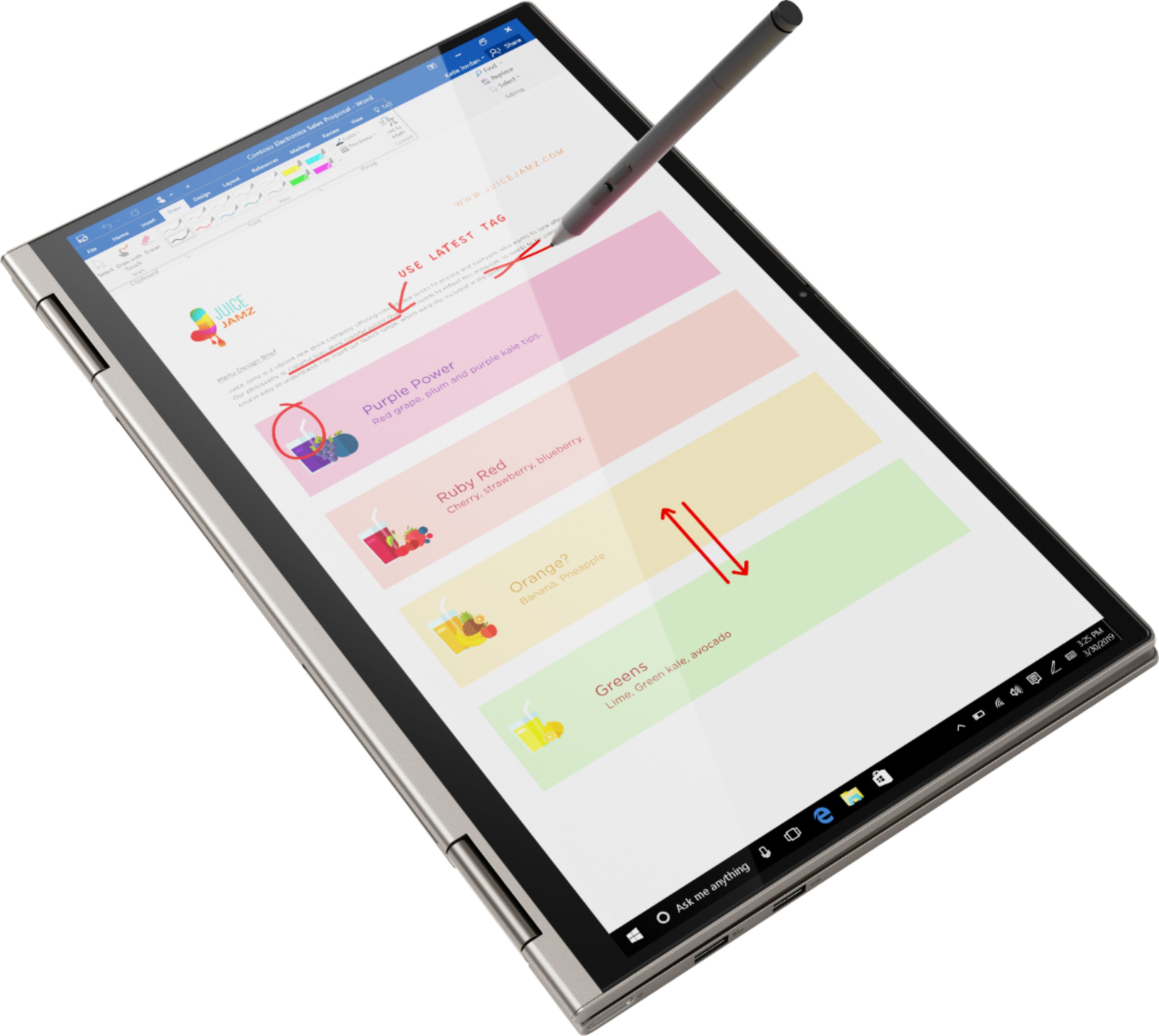
||Posted . Owned for 1 month when reviewed.This reviewer received promo considerations or sweepstakes entry for writing a review.Bought this for my wife as her old HP from 6 years ago died. Wasn't too sure about Lenovo, only knew they used to be IBM. I wanted to make sure it had a number pad as she needs it for excel and her accounting work. She picked out the color, light pink or rose; and I picked out the specs. It starts fast, less than 10 seconds, sound quality is good, could be a little louder, but works fine for Skype with her professors. Display is super clear. It flips into a tablet, but was too big for that use, stick with the iPad if you want a tablet computer. Best reason for the flip feature is watching movies or YouTube videos. We don't game , so I don't know if it is good for that. I guess simple games should be fine, but without a dedicated graphics card, I wouldn't expect much. Overall good computer with good build quality. Would recommend for the professional who has a lot of work want to watch videos from time to time. There's tons of storage and RAM is fast.
I would recommend this to a friendBrand response from Lenovo Product Expert
Posted .The Lenovo IdeaPad Yoga C740-15 model number 81TD0005US, is MICA color, there is no rose or pink color for the Yoga C740-15. Combining heavyweight performance with lightweight portability, the Yoga C740’s 10th Gen Intel Core i7 processor enables longer battery life, high-speed connectivity, and ultra-responsive multi-tasking performance in a sleek package. Packing a one-two punch of stunning audio and visual experience, the Yoga C740 is the perfect companion for streaming your favorite videos or playing games. With a 15.6-inch FHD HDR wide-angle display with 500 nits brightness, this laptop delivers millions of colors to your screen. To match the tantalizing visuals, the Yoga C740’s Dolby Atmos speaker system creates an audio experience in which sound flows above and around you. Yoga is committed to protecting your privacy. Log in with your fingerprint or slide the Yoga C740’s TrueBlock Privacy Shutter closed for true peace of mind when you’re not using your webcam.
Great all around Laptop, minor issues
||Posted . Owned for 1 month when reviewed.This reviewer received promo considerations or sweepstakes entry for writing a review.This laptop meets my current needs, it transitions well between laptop and tablet modes. My only real issue is the interface with Hangouts, the microphone does not work. No idea why as it works just fine in Zoom. It's annoying and I currently don't have a working headset so I can't meet with friends on the platform they are using. Other than that, the laptop boots up quickly and easily meets my needs for a lightweight computer I can use on the go. I love the backlit keyboard, especially that it has two levels of light or can be turned off.
I would recommend this to a friendBrand response from Lenovo Product Expert
Posted .We are sorry to hear that you are having issues with the microphone on your Lenovo Yoga C740-15 and a specific APP. Since the microphone will work with other APPs, be sure you have the latest version of the APP. Uninstall the APP then reinstall it. Here is a link to some more troubleshooting tips for fixing microphone issues with Hangouts APP: https://appuals.com/how-to-fix-google-hangouts-microphone-not-working/