Customer Ratings & Reviews


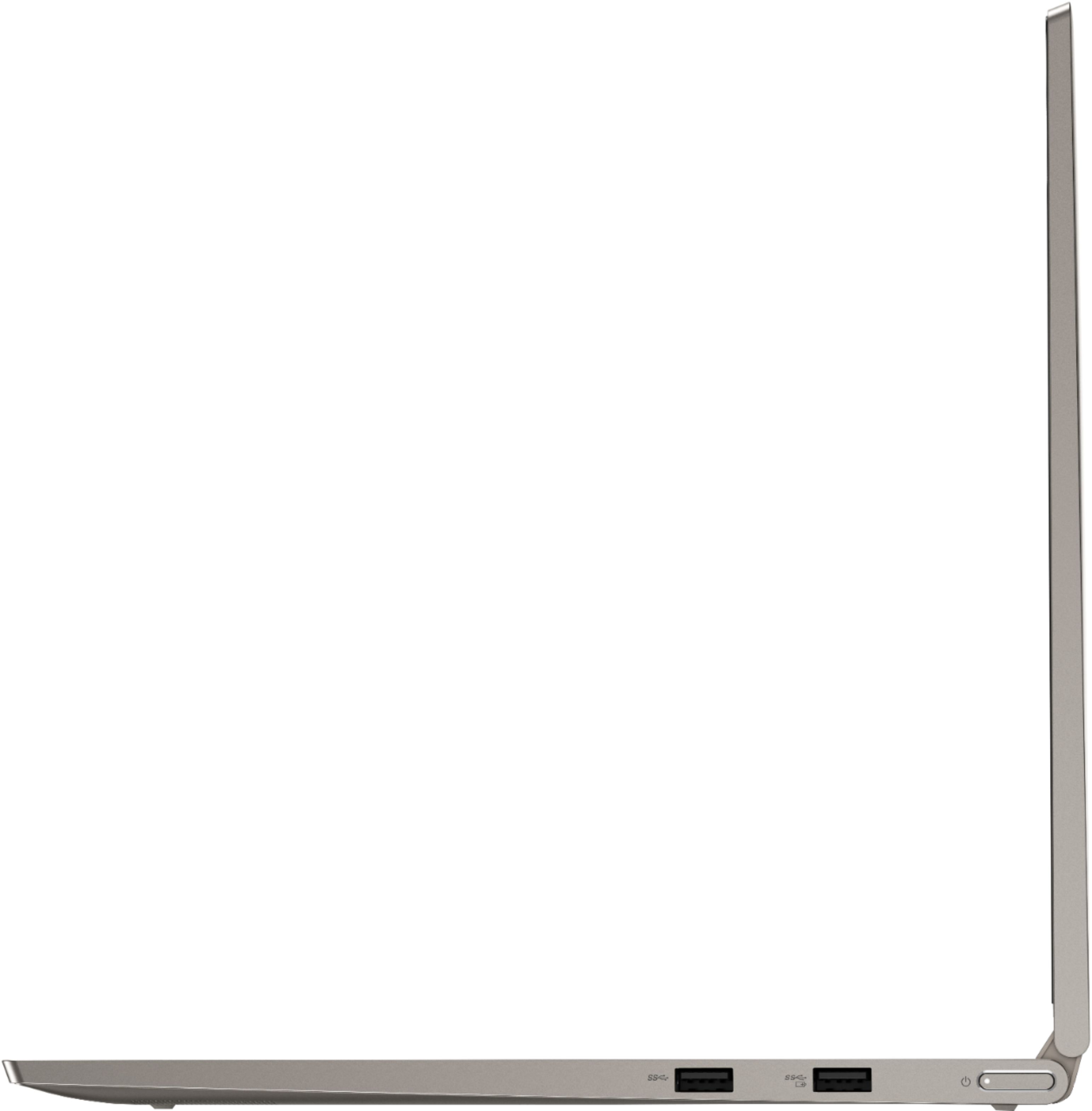




- Model:
- 81TD0005US
- SKU:
- 6367802
Rating by feature
- Battery Life
Rating 4.1 out of 5 stars
- Speed
Rating 4.3 out of 5 stars
- Display
Rating 4.5 out of 5 stars
Customers are saying
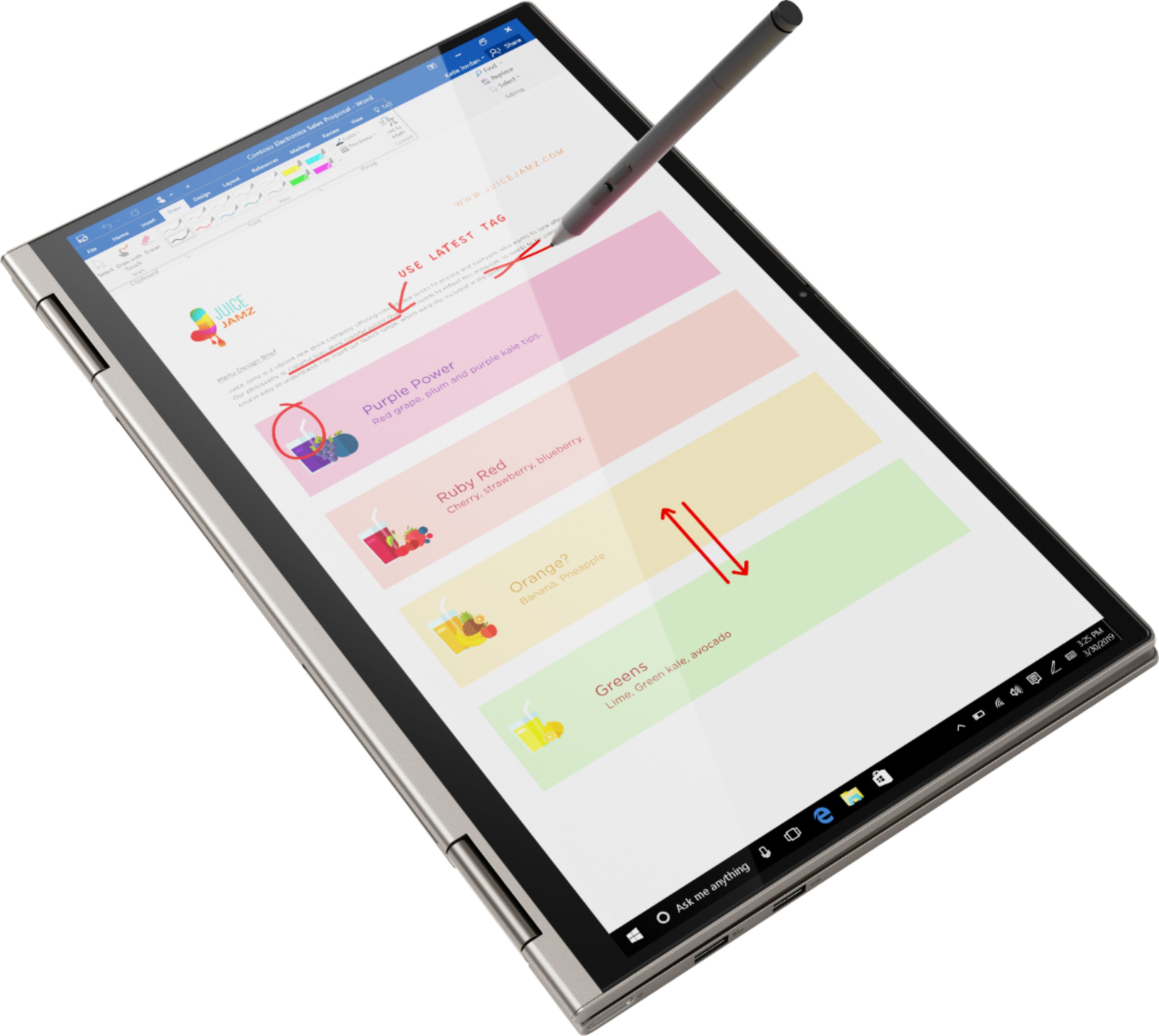
Customers often highlight the responsive touch screen, ease of use, and lightweight design as significant advantages. Positive feedback also frequently mentions strong performance and good battery life. However, some users reported issues with the device overheating and occasional excessive fan noise. A few customers also commented on the price point being higher than expected.
This summary was generated by AI based on customer reviews.
Not too fancy, but very functional
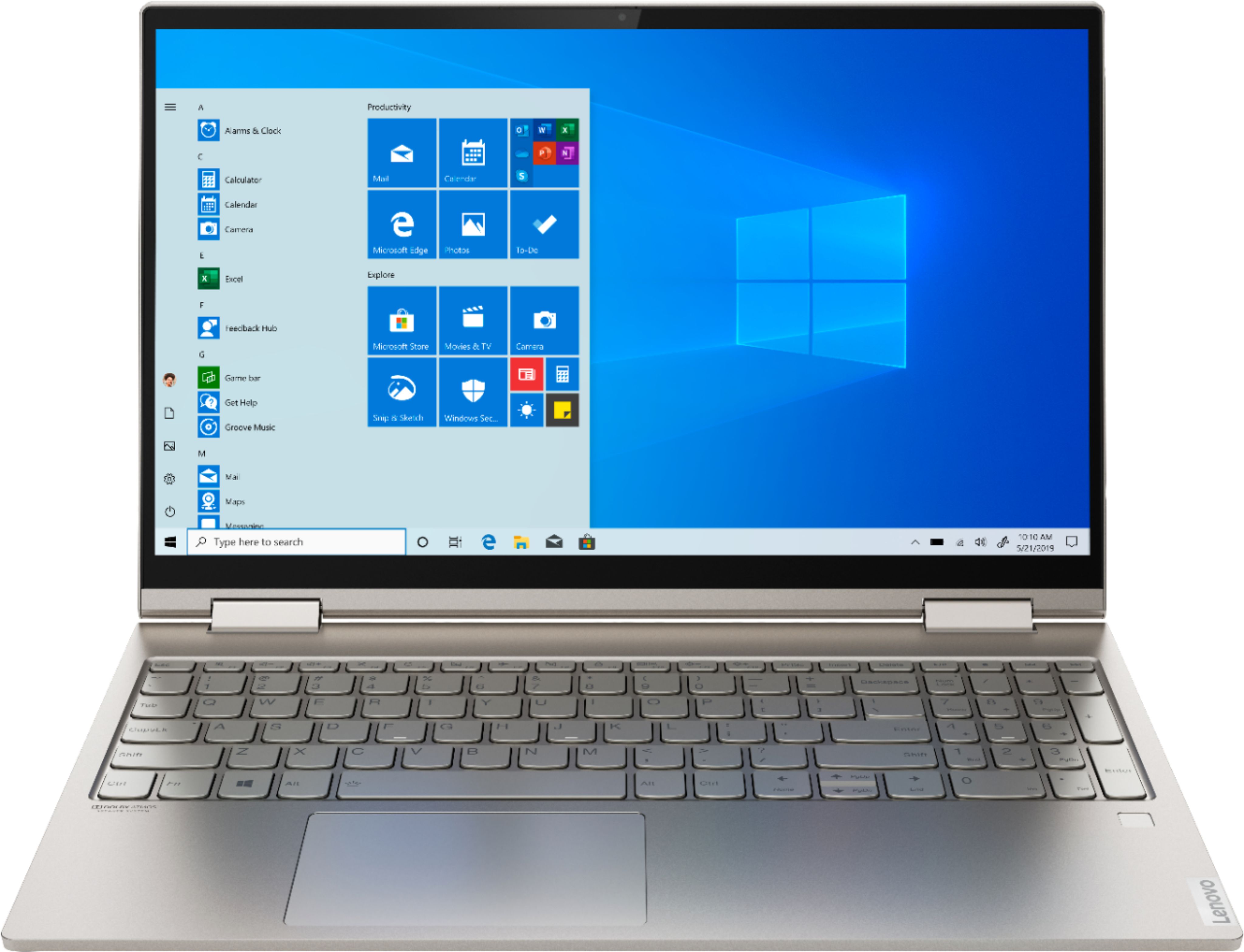
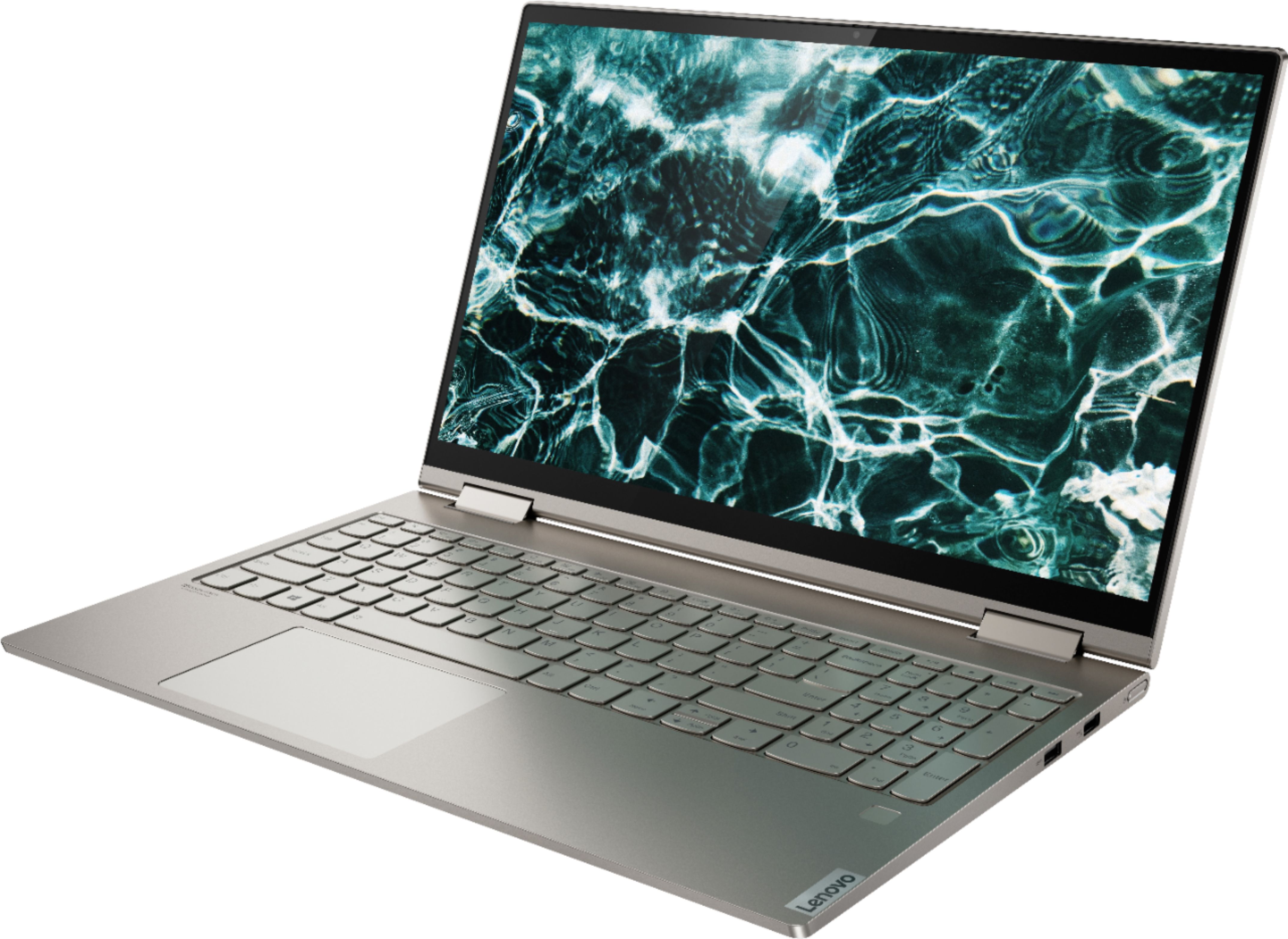
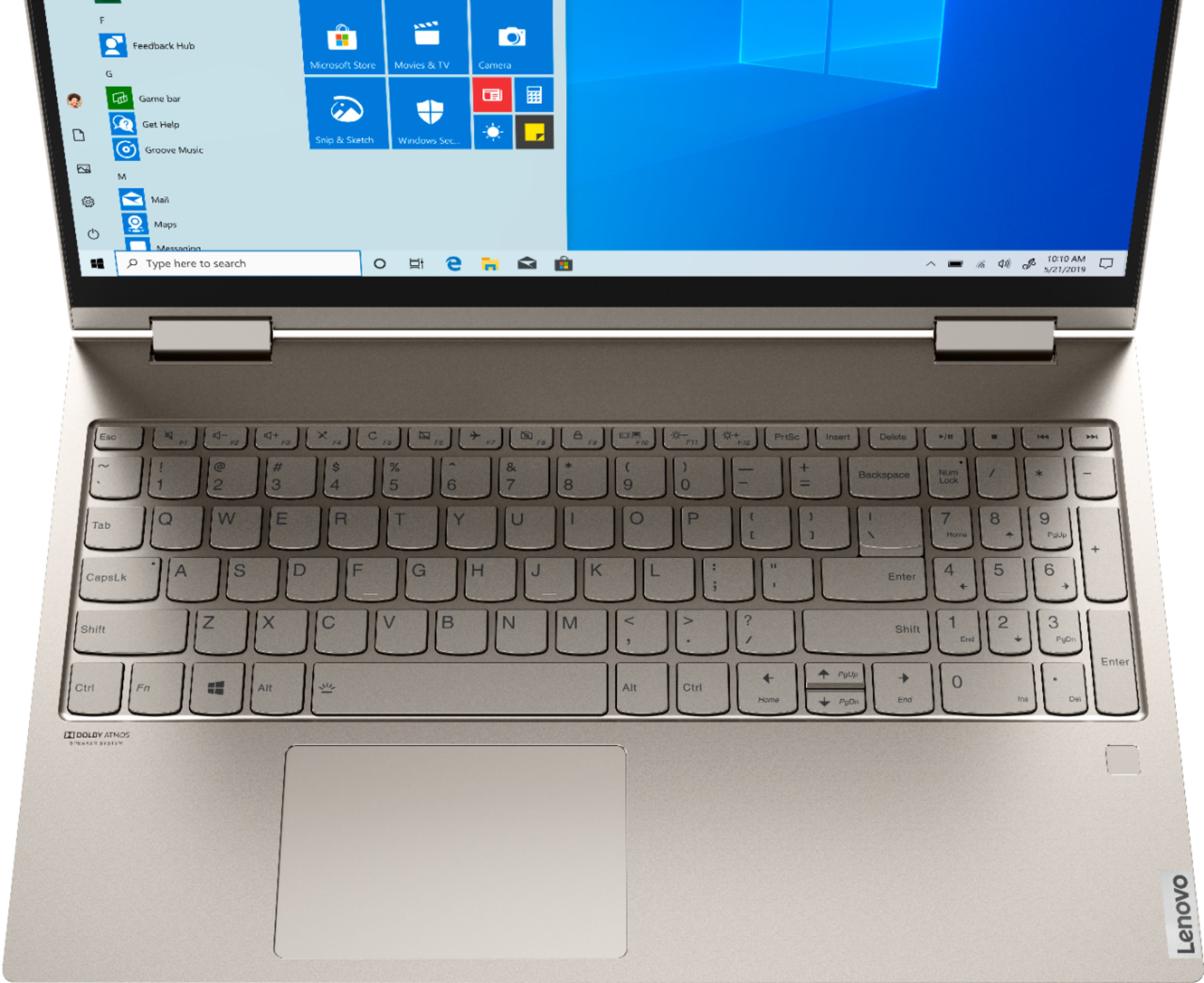
||Posted . Owned for less than 1 week when reviewed.This reviewer received promo considerations or sweepstakes entry for writing a review.I returned the HP Envy 360 and opted to buy this one. I am very glad I did. It isn't especially fancy, but it is very functional, and the display is very nice. It is a lot like the Yoga 720, but there are a few upgrades that make it a little nicer. They added the 10 key without any real shrinkage of the keyboard. The power button is recessed now, so it is not as easy to accidentally turn it off while you are working. This model is slimmer that the 720, and a little easier to handle, though it doesn't really seem to weigh any less. Overall it is a great computer at a great price.
I would recommend this to a friendBrand response from Lenovo Product Expert
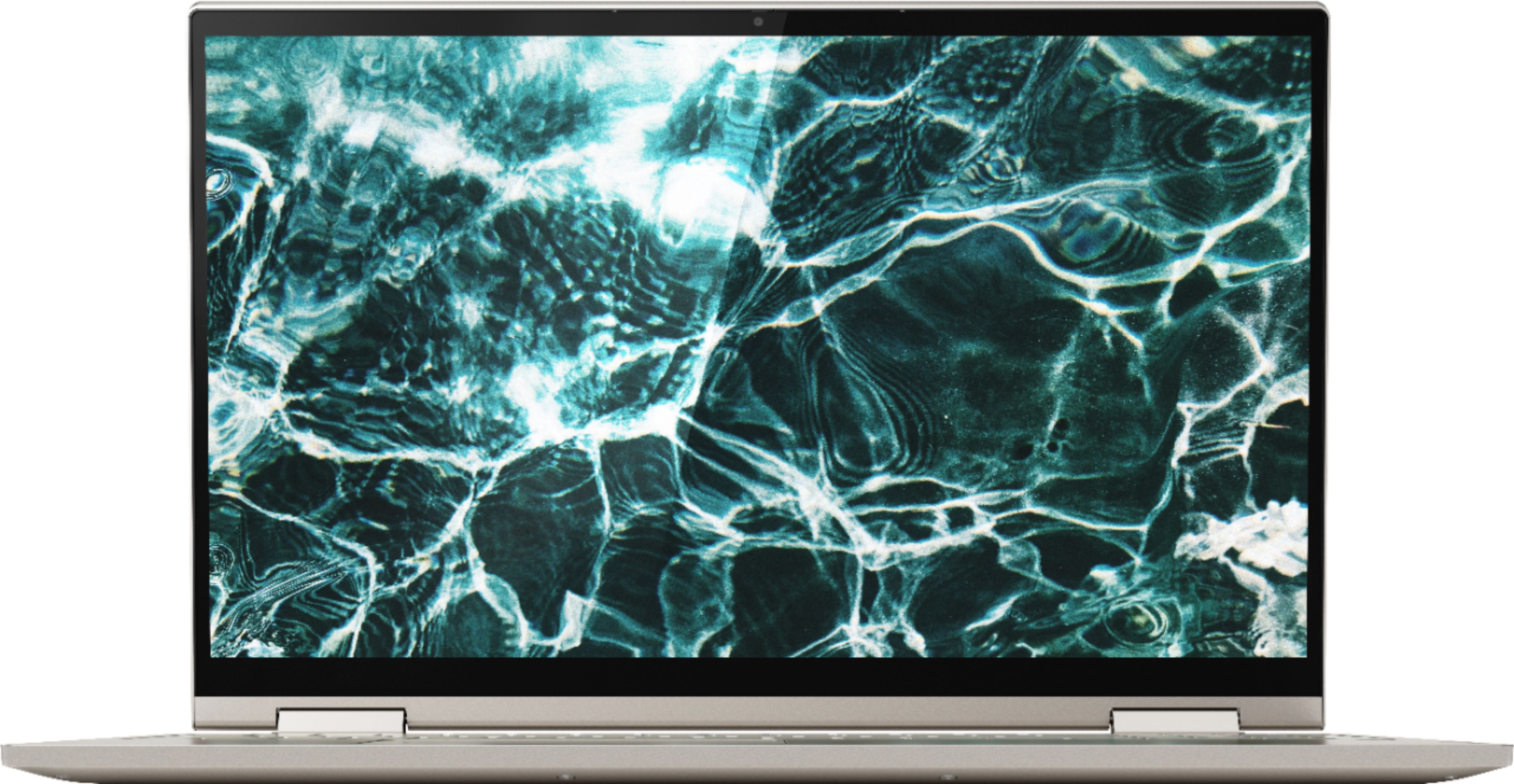
Posted .Thank you for choosing the Lenovo Yoga C740-15. Combining heavyweight performance with lightweight portability, the Yoga C740’s 10th Gen Intel Core i7 processor enables longer battery life, high-speed connectivity, and ultra-responsive multi-tasking performance in a sleek package. Packing a one-two punch of stunning audio and visual experience, the Yoga C740 is the perfect companion for streaming your favorite videos or playing games. With a 15.6-inch FHD HDR wide-angle display with 500 nits brightness, this laptop delivers millions of colors to your screen. To match the tantalizing visuals, the Yoga C740’s Dolby Atmos speaker system creates an audio experience in which sound flows above and around you. Yoga is committed to protecting your privacy. Log in with your fingerprint or slide the Yoga C740’s TrueBlock Privacy Shutter closed for true peace of mind when you’re not using your webcam.

- Pros mentioned:Speed
Happy with this purchase
||Posted . Owned for 3 weeks when reviewed.This reviewer received promo considerations or sweepstakes entry for writing a review.So far, so good. Bought this at the advice of the Best Buy employee as it has more memory than the laptop I was looking at. We moved a lot of photos on to the laptop right away and it still runs quickly.
I would recommend this to a friend - Pros mentioned:Speed
So far excellent!
||Posted . Owned for 3 weeks when reviewed.This reviewer received promo considerations or sweepstakes entry for writing a review.Is fast ,I am very happy with this purchase .just one concern last laptop I bought in Best buy also and last only 3 years so the warranty wasn't enough to get it fix.hopefully this time will last for longer time.
I would recommend this to a friendBrand response from Lenovo Product Expert
Posted .Once again, thank you for choosing the Lenovo Yoga C740-15. You can keep your computer running at its best by keeping the Windows 10 Operating System and all supporting BIOS files and drivers up to date. You can easily accomplish this by scanning the computer with the Lenovo Utility software available on this computer. This system has Lenovo utilities installed to help maintain the health of the device and keep the operating system software up to date. Type "Lenovo Vantage" in the Cortana Search window (if Lenovo Vantage is not installed on your device, you can download the APP and install it now). Select Lenovo Vantage from the list. In the window that opens, click on "Health and Support". In the expanded menu, select "Hardware Scan" In the window that opens, select "Run Quick Tests". This will scan your entire system for errors. Follow any directions that may pop up. If the problem continues after this scan, now click on "System Update". First select Windows update from the menu. Scan your system to be sure you have the latest version of Windows 10. Once that scan is complete, select "Additional Updates". This will scan your device to be sure there are no new BIOS/Driver updates needed. Follow any instructions that may pop up. If you ever need additional help with your Lenovo computer, we recommend you call Lenovo Tech Support at: 877-453-6686 for additional help.
- Pros mentioned:Performance
Great performance!
||Posted . Owned for 3 weeks when reviewed.This reviewer received promo considerations or sweepstakes entry for writing a review.This laptop is amazing for conducting my daily office requirements. Incredibly fast except the battery isn’t as long lasting as I’d want it to be. Overall a great computer, will definitely recommend.
I would recommend this to a friendBrand response from Lenovo Product Expert
Posted .Hey there! Thanks for choosing the Lenovo Yoga C740 Laptop. We are pleased to hear the value, performance, and features of the C740 Laptop are meeting your computing needs so well!
Pretty decent, pretty design, great touchscreen
||Posted . Owned for 1 month when reviewed.This reviewer received promo considerations or sweepstakes entry for writing a review.I've had this for about a month now, and I'm happy with this laptop overall. Everything works great and only a couple things bother me: 1. The battery doesn't last as long as my previous laptops, even on battery saver. 2. It charges pretty slow. When the laptop is off it's faster, but if it's on while charging it takes HOURS to charge. Way too long. 3. If the laptop is on while plugged in, the battery also gets way too hot and burns my skin, so if it's on my lap I have to be wearing long pants or have something in between the laptop and my skin. Probably because it's made of metal and not plastic. I was disappointed about these things, but overall it was a great deal and works really well. I'm satisfied with my purchase.
I would recommend this to a friendBrand response from Lenovo Product Expert
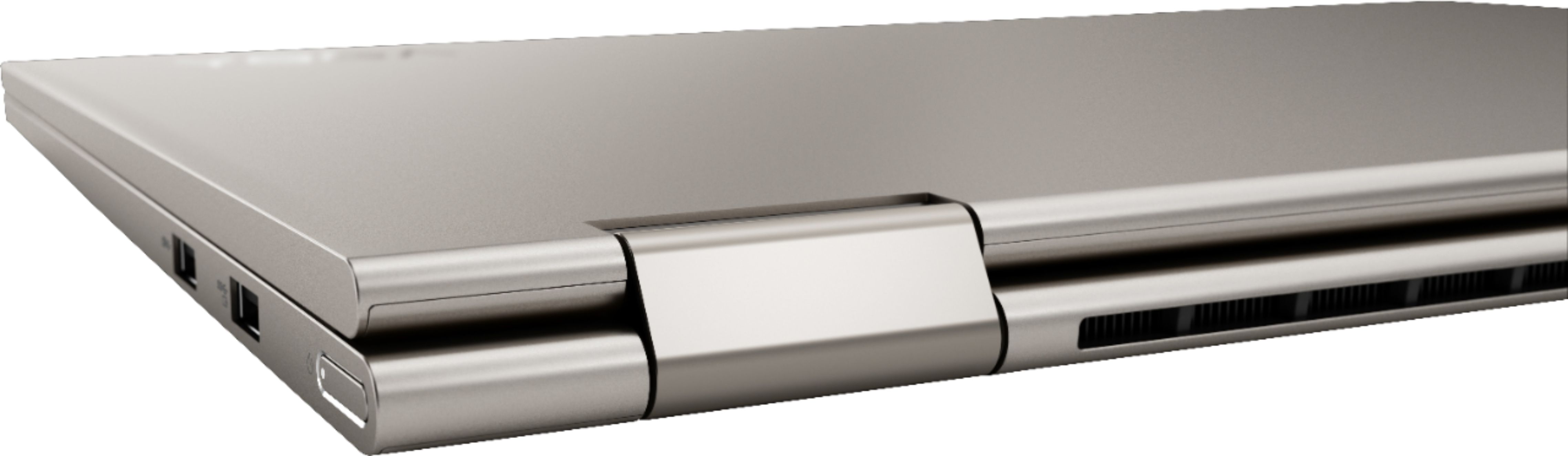
Posted .The Lenovo Yoga C740-15, model number 81TD0005US, ships with a 3CELL_60.3WH_INTERNAL, Lithium Polymer Battery, with a battery life of up to 15 hours, depending on the work the device is performing. The Lenovo Yoga C740-15 has Quick Charge Technology that, when using the accompanying charger, with charge the Yoga C740-15 in less than an hour. While charging, the internal battery will be warm, this is normal and the internal fan will maintain proper operating temperatures if the cooling vent is kept clear. The Yoga C740-15 has an aluminum case which dissipates heat every efficiently. If you have questions about the performance of your Yoga C740-15, we recommend you call Lenovo Tech Support for additional information at: 877-453-6686.
Fast and Beautiful
||Posted . Owned for 1 month when reviewed.This reviewer received promo considerations or sweepstakes entry for writing a review.I replaced my old Dell laptop with this great laptop. This laptop is fast, clear and I LOVE IT. Randy (tech) was amazing. I told him I was a freight broker and he asked a few questions. He told me what would work well for what I do. He then asked Jhon (sales) to show me a couple options that would work for me. Great guys both very knowledgeable and helpful. I run 2 27" gaming monitors with it and its lightening fast! Even though I ended up spending a little more than I wanted to, I am happy with my choice and it makes my job so much easier. Thank you Randy and Jhon!
I would recommend this to a friendBrand response from Lenovo Product Expert
Posted .Thank you for choosing the Lenovo Yoga C740-15. We are pleased to hear that the features and performance of the Yoga C740-15 meets your computing needs so well. Combining heavyweight performance with lightweight portability, the Yoga C740’s 10th Gen Intel Core i7 processor enables longer battery life, high-speed connectivity, and ultra-responsive multi-tasking performance in a sleek package. Packing a one-two punch of stunning audio and visual experience, the Yoga C740 is the perfect companion for streaming your favorite videos or playing games. With a 15.6-inch FHD HDR wide-angle display with 500 nits brightness, this laptop delivers millions of colors to your screen. To match the tantalizing visuals, the Yoga C740’s Dolby Atmos speaker system creates an audio experience in which sound flows above and around you. Yoga is committed to protecting your privacy. Log in with your fingerprint or slide the Yoga C740’s TrueBlock Privacy Shutter closed for true peace of mind when you’re not using your webcam.
- Pros mentioned:Performance
Excellent
||Posted . Owned for less than 1 week when reviewed.This reviewer received promo considerations or sweepstakes entry for writing a review.Pros: I received my laptop yesterday around noon, and spent the whole day looking at the specks, loading over 3k songs and a few videos, playing games etc the speed is great. Best laptop I've had so far.
I would recommend this to a friendBrand response from Lenovo Product Expert
Posted .Thank you for choosing the Lenovo Yoga C740-15. We are pleased to hear that the Yoga C740-15 meets your computing needs so well. Combining heavyweight performance with lightweight portability, the Yoga C740’s 10th Gen Intel Core i7 processor enables longer battery life, high-speed connectivity, and ultra-responsive multi-tasking performance in a sleek package. Packing a one-two punch of stunning audio and visual experience, the Yoga C740 is the perfect companion for streaming your favorite videos or playing games. With a 15.6-inch FHD HDR wide-angle display with 500 nits brightness, this laptop delivers millions of colors to your screen. To match the tantalizing visuals, the Yoga C740’s Dolby Atmos speaker system creates an audio experience in which sound flows above and around you. Yoga is committed to protecting your privacy. Log in with your fingerprint or slide the Yoga C740’s TrueBlock Privacy Shutter closed for true peace of mind when you’re not using your webcam.
- Pros mentioned:Touch screen
Love it easy to use great screen.
||Posted . Owned for 3 weeks when reviewed.This reviewer received promo considerations or sweepstakes entry for writing a review.Would recommend to family or friends. Like the large display screen. Took a day or so to get used to the layout with numbers on the right side as my other laptop was narrower and didn't have that option.
I would recommend this to a friendBrand response from Lenovo Product Expert
Posted .Once again, thank you for choosing the Lenovo Yoga C740-15. You can keep your computer running at its best by keeping the Windows 10 Operating System and all supporting BIOS files and drivers up to date. You can easily accomplish this by scanning the computer with the Lenovo Utility software available on this computer. This system has Lenovo utilities installed to help maintain the health of the device and keep the operating system software up to date. Type "Lenovo Vantage" in the Cortana Search window (if Lenovo Vantage is not installed on your device, you can download the APP and install it now). Select Lenovo Vantage from the list. In the window that opens, click on "Health and Support". In the expanded menu, select "Hardware Scan" In the window that opens, select "Run Quick Tests". This will scan your entire system for errors. Follow any directions that may pop up. If the problem continues after this scan, now click on "System Update". First select Windows update from the menu. Scan your system to be sure you have the latest version of Windows 10. Once that scan is complete, select "Additional Updates". This will scan your device to be sure there are no new BIOS/Driver updates needed. Follow any instructions that may pop up. If you ever need additional help with your Lenovo computer, we recommend you call Lenovo Tech Support at: 877-453-6686 for additional help.
- Pros mentioned:Speed
Great for zoom and running a large meeting
||Posted .This reviewer received promo considerations or sweepstakes entry for writing a review.Enjoyed the i7 processors abilities to multi task was able to run a meeting with 109 participants . Linked up to 32” monitor and was able to easily see and have productive meeting with all participants,
I would recommend this to a friendBrand response from Lenovo Product Expert
Posted .Thank you for choosing the Lenovo Yoga C740-15. Combining heavyweight performance with lightweight portability, the Yoga C740’s 10th Gen Intel Core i7 processor enables longer battery life, high-speed connectivity, and ultra-responsive multi-tasking performance in a sleek package. Packing a one-two punch of stunning audio and visual experience, the Yoga C740 is the perfect companion for streaming your favorite videos or playing games. With a 15.6-inch FHD HDR wide-angle display with 500 nits brightness, this laptop delivers millions of colors to your screen. To match the tantalizing visuals, the Yoga C740’s Dolby Atmos speaker system creates an audio experience in which sound flows above and around you. Yoga is committed to protecting your privacy. Log in with your fingerprint or slide the Yoga C740’s TrueBlock Privacy Shutter closed for true peace of mind when you’re not using your webcam.
- Pros mentioned:Speed
Worth the $$$$
||Posted . Owned for 3 weeks when reviewed.This reviewer received promo considerations or sweepstakes entry for writing a review.Dependable laptop for Remote Learning at the Highschool level. The camera/sound quality is also great for streaming live classes and it runs fast with various windows opened at the same time.
I would recommend this to a friend - Pros mentioned:Speed
good value
||Posted . Owned for 3 weeks when reviewed.This reviewer received promo considerations or sweepstakes entry for writing a review.nice, quick computer. the only complaint is that the letters on the keyboard can be difficult to see as they're white on grey. Not a wise design choice. So, not recommended for two finger typers.
No, I would not recommend this to a friendBrand response from Lenovo Product Expert
Posted .Hey there! Thanks for choosing the Lenovo Yoga C740 Laptop. We are pleased to hear the value, performance, and features of the C740 Laptop are meeting your computing needs so well! Please try adjusting the settings on the backlit keyboard to help you see the keys. This can be done by holding the "Fn" + "Spacebar"
- Pros mentioned:Performance
Great Upgrade for the Wife
||Posted . Owned for 5 months when reviewed.This reviewer received promo considerations or sweepstakes entry for writing a review.My wife is a teacher and with distance learning we decided to upgrade her laptop with our stimulus money. This unit is great. She loves the finger ID and how it just functions flawlessly.
I would recommend this to a friend Best computer I have ever owned
||Posted . Owned for 1 month when reviewed.This reviewer received promo considerations or sweepstakes entry for writing a review.LOVE this laptop. This is my first Lenovo. I don't think I could go back to another manufacturer. It's lightning fast and has a great screen (500 nits). People rave about the battery life, but I lose about 25% after about an hour. I don't know if that's normal or not. I plan on calling Lenovo. It could be PokerStars application I've downloaded. Other than that, I can't say enough good things about it. I Love that there isn't any bloatware I have to uninstall. Buy this if you need to good laptop, you won't regret it. I've had Dell and HP, this is superior, no doubt. I also did a ton of research on laptops in this price range ( 1000.00 and under). This is definitely a winner.
I would recommend this to a friendBrand response from Lenovo Product Expert
Posted .Thank you for choosing the Lenovo Yoga C740-15 model number 81TD0005US. This model ships with a 3CELL_60.3WH_INTERNAL, Lithium Polymer Battery, with a battery life of up to 15 hours, depending on the work the device is performing. If you are getting less than expected battery life, be sure the Battery Conservation Mode Power Management Setting is turned off. This power setting is to be used for laptops that are plugged in all the time. It will only charge the battery to 60-percent, to prolong the overall battery life. Here is a link to instructions for turning off Battery Conservation Mode:
https://support.lenovo.com/us/en/solutions/ht103159
- Pros mentioned:Touch screen
For my daughter
||Posted . Owned for 3 weeks when reviewed.This reviewer received promo considerations or sweepstakes entry for writing a review.My daughter has been a Mac computer person for sometime now, but she really loves his computer as it’s easier to work for COLLEGE projects, homework and writing plus the touch screen is great.
I would recommend this to a friendBrand response from Lenovo Product Expert
Posted .Thank you for choosing the Lenovo Yoga C740-15 for your daughter. We are pleased to hear that the features and performance of the Yoga C740-15 meets your daughter's computing needs so well. Combining heavyweight performance with lightweight portability, the Yoga C740’s 10th Gen Intel Core i7 processor enables longer battery life, high-speed connectivity, and ultra-responsive multi-tasking performance in a sleek package. Packing a one-two punch of stunning audio and visual experience, the Yoga C740 is the perfect companion for streaming your favorite videos or playing games. With a 15.6-inch FHD HDR wide-angle display with 500 nits brightness, this laptop delivers millions of colors to your screen. To match the tantalizing visuals, the Yoga C740’s Dolby Atmos speaker system creates an audio experience in which sound flows above and around you. Yoga is committed to protecting your privacy. Log in with your fingerprint or slide the Yoga C740’s TrueBlock Privacy Shutter closed for true peace of mind when you’re not using your webcam.
- Pros mentioned:Performance
Lightning Fast
||Posted . Owned for 3 weeks when reviewed.This reviewer received promo considerations or sweepstakes entry for writing a review.My Lenovo is light years faster than my last laptop. Additionally, the graphics are sharper, the keyboard friendlier and the overall package is really appealing. Very happy with my decision...
I would recommend this to a friendBrand response from Lenovo Product Expert
Posted .Thank you for choosing the Lenovo Yoga C740-15. Combining heavyweight performance with lightweight portability, the Yoga C740’s 10th Gen Intel Core i7 processor enables longer battery life, high-speed connectivity, and ultra-responsive multi-tasking performance in a sleek package. Packing a one-two punch of stunning audio and visual experience, the Yoga C740 is the perfect companion for streaming your favorite videos or playing games. With a 15.6-inch FHD HDR wide-angle display with 500 nits brightness, this laptop delivers millions of colors to your screen. To match the tantalizing visuals, the Yoga C740’s Dolby Atmos speaker system creates an audio experience in which sound flows above and around you. Yoga is committed to protecting your privacy. Log in with your fingerprint or slide the Yoga C740’s TrueBlock Privacy Shutter closed for true peace of mind when you’re not using your webcam.
- Pros mentioned:Speed
Yoga C740
||Posted .This reviewer received promo considerations or sweepstakes entry for writing a review.This is a very good laptop. Using Zoom is good. The processor is not the latest. It is Intel's 10th edition but it does the job. The 11th version is about two hundred dollars more.
I would recommend this to a friendBrand response from Lenovo Product Expert
Posted .Hello, thank you for choosing the Lenovo Yoga C740. We are so happy to hear the performance, features, and sleek modern design of the Lenovo Yoga C740 is meeting your computing needs so well.
- Cons mentioned:Heat, Price
Not worth the financial investment.
||Posted . Owned for 7 months when reviewed.This reviewer received promo considerations or sweepstakes entry for writing a review.It Makes a lot of noise. Truly disappointing . It makes so much noise that it I sometimes wonder if the machine is going to stop working. It also gets really hot. After I bought it I read about this problem and noticed a lot of buyers were going through the same issues. If I could go back in time, I would definitely buy something else. It is an expensive machine , I do not think it is worth the financial investment.
No, I would not recommend this to a friendBrand response from Lenovo Product Expert
Posted .We are sorry to hear that you are having issues with your Lenovo Yoga C740-15. The internal fan runs to manage the system temperature. Heat will be generated based on the system workload. If the fan is running when the computer is at idle or under light workload, check to be sure that there are no unwanted programs running in the background. Here is a link to information about how to find out what programs are running in the background on your Windows 10 computer and how to manage them for better system performance: https://www.windowscentral.com/how-prevent-apps-running-background-windows-10. Also, be sure any software you installed is compatible with Windows 10. Incompatible software can increase system workload which will generate more heat, making the fan run at maximum RPMs more often. There is no need to install Microsoft Office software. The software is already part of the operating system, you just need to activate the software with a purchased product key. If you have installed a copy of Microsoft Office, this is conflicting with the existing copy on the system and this will slow your system down. If you have installed a 3rd party anti-virus program, be sure that Windows Defender is turned off and that the trial version of McAfee Anti-Virus software is uninstalled. There can only be one anti-virus program on the system. You may need to restore your system to original factory default settings if any of the programming errors have occurred. You can do that by typing "restore" in the Cortana search window. Just click on the magnifying glass icon at the bottom left of your Windows 10 Desktop. Click on "Reset This PC" Then click on "Get Started" and follow the on screen directions to restore to factory defaults. You can also manually control fan and system performance. You can use Lenovo Q-Control to manually control fan and system performance: ( Fn + Q ) option to change the fan by undervolting the processor. If the issue continues, we recommend you call Lenovo Tech Support at: 877-453-6686.
Great Job Lenovo
||Posted . Owned for 1 month when reviewed.This reviewer received promo considerations or sweepstakes entry for writing a review.Birthday gift fir my wife and she loves it, after 10 or so years of using a MacBook Pro... we thought we would be disappointed.... but to our surprise .... Happy Wife Happy Life :-)
I would recommend this to a friend- Pros mentioned:Touch screen
Great Computer!!
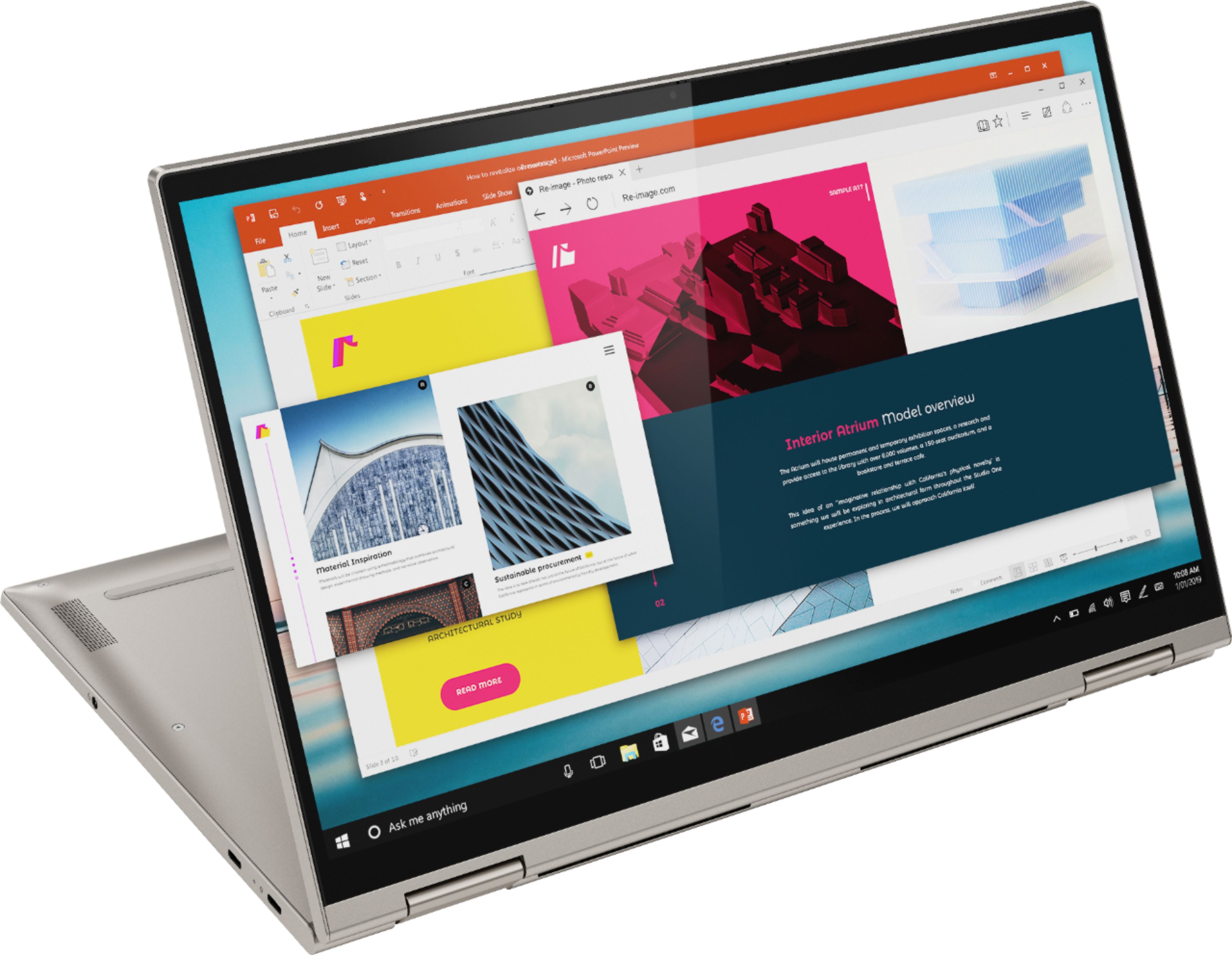
||Posted . Owned for 1 month when reviewed.This reviewer received promo considerations or sweepstakes entry for writing a review.This computer boots up quickly, has a great touchscreen and seems very fast in general. The computer is a little heavy, but that's probably normal for a laptop with this size screen.
I would recommend this to a friendBrand response from Lenovo Product Expert
Posted .The Lenovo Yoga C740-15 is an ultra portable, 2 in 1 system but it still provides a full-size 15.6-Inch (screen size measured diagonally) screen, but still only measures 14.09 x 9.27 x 0.72 inches and weighs just 4.18 lbs., while providing a full-size QWERTY keyboard with a 10-key numeric pad. Combining heavyweight performance with lightweight portability, the Yoga C740’s 10th Gen Intel Core i7 processor enables longer battery life, high-speed connectivity, and ultra-responsive multi-tasking performance in a sleek package. Packing a one-two punch of stunning audio and visual experience, the Yoga C740 is the perfect companion for streaming your favorite videos or playing games. With a 15.6-inch FHD HDR wide-angle display with 500 nits brightness, this laptop delivers millions of colors to your screen. To match the tantalizing visuals, the Yoga C740’s Dolby Atmos speaker system creates an audio experience in which sound flows above and around you. Yoga is committed to protecting your privacy. Log in with your fingerprint or slide the Yoga C740’s TrueBlock Privacy Shutter closed for true peace of mind when you’re not using your webcam.
- Pros mentioned:Speed
Very dependable and looks nice.
||Posted . Owned for 1 month when reviewed.This reviewer received promo considerations or sweepstakes entry for writing a review.I bought this for my wife and she loves it. This laptop is very fast and it works great. It helps her get all of her college school work completed as she is an IT student.
I would recommend this to a friendBrand response from Lenovo Product Expert
Posted .Hello, thank you for choosing the Lenovo Yoga C740. We are so happy to hear the performance, features, and sleek modern design of the Lenovo Yoga iC740 is meeting your computing needs so well.