Customer Ratings & Reviews


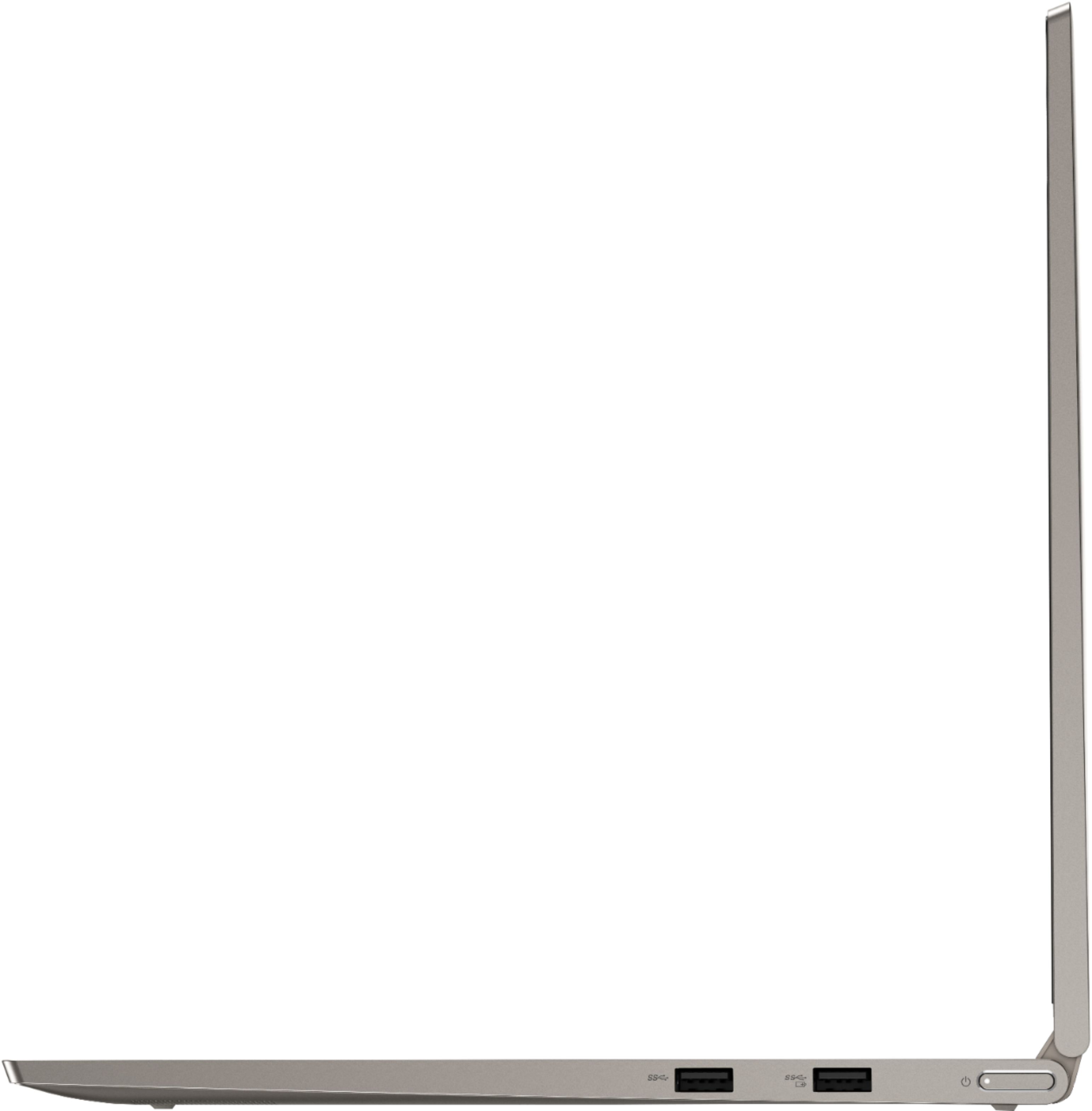




- Model:
- 81TD0005US
- SKU:
- 6367802
Rating by feature
- Battery Life
Rating 4.1 out of 5 stars
- Speed
Rating 4.3 out of 5 stars
- Display
Rating 4.5 out of 5 stars
Customers are saying
Customers often highlight the responsive touch screen, ease of use, and lightweight design as significant advantages. Positive feedback also frequently mentions strong performance and good battery life. However, some users reported issues with the device overheating and occasional excessive fan noise. A few customers also commented on the price point being higher than expected.
This summary was generated by AI based on customer reviews.
Glitch free
||Posted . Owned for 3 weeks when reviewed.This reviewer received promo considerations or sweepstakes entry for writing a review.the online purchase was cumbersome and cancelled sometime between my order and driving to the Lake Worth store. No email. Non notification. The employee didn't know why but in any case I used another card and made the pericias in store. So 5 stars for the product and in store purchase. Zilch for the online experience.
I would recommend this to a friendBrand response from Lenovo Product Expert
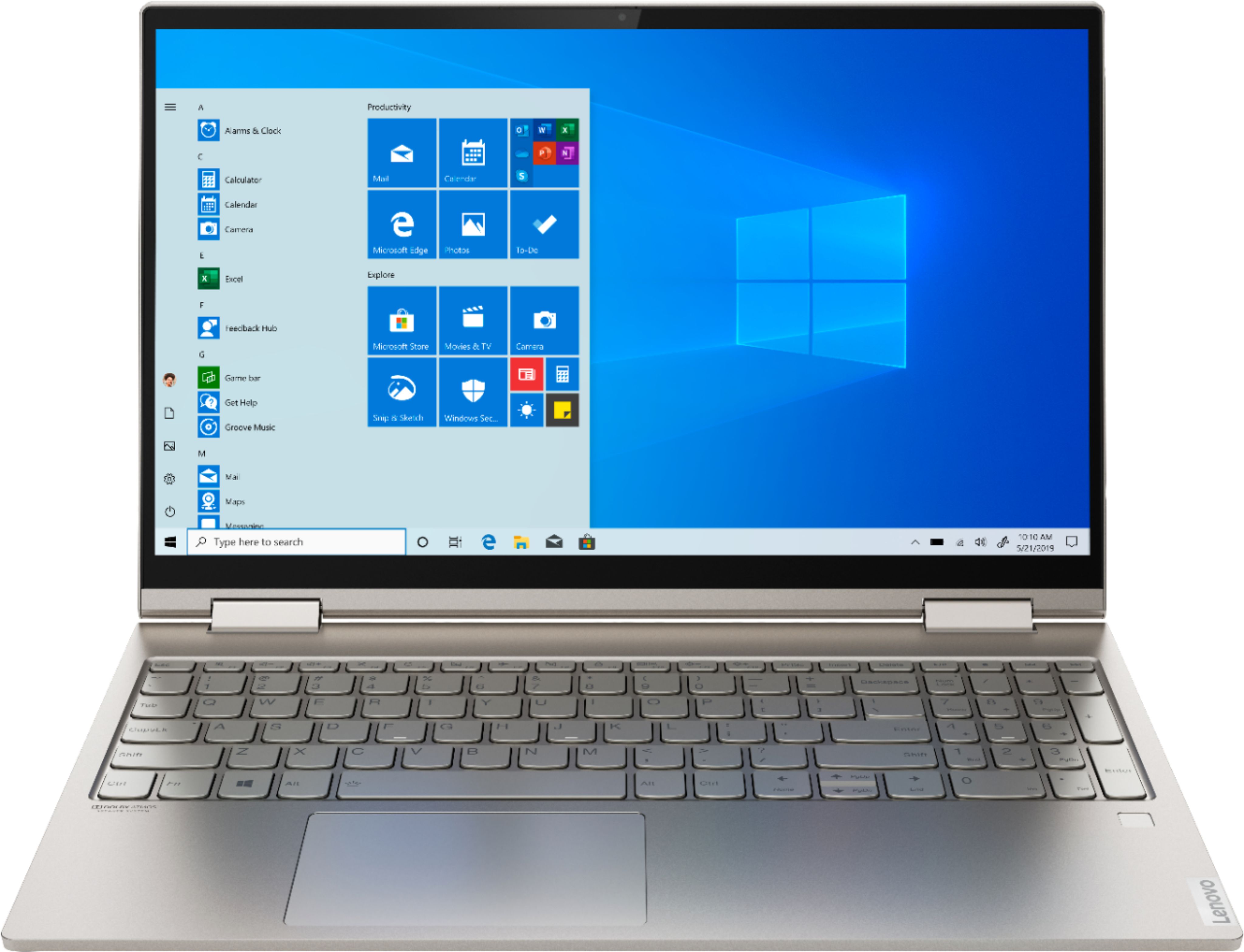
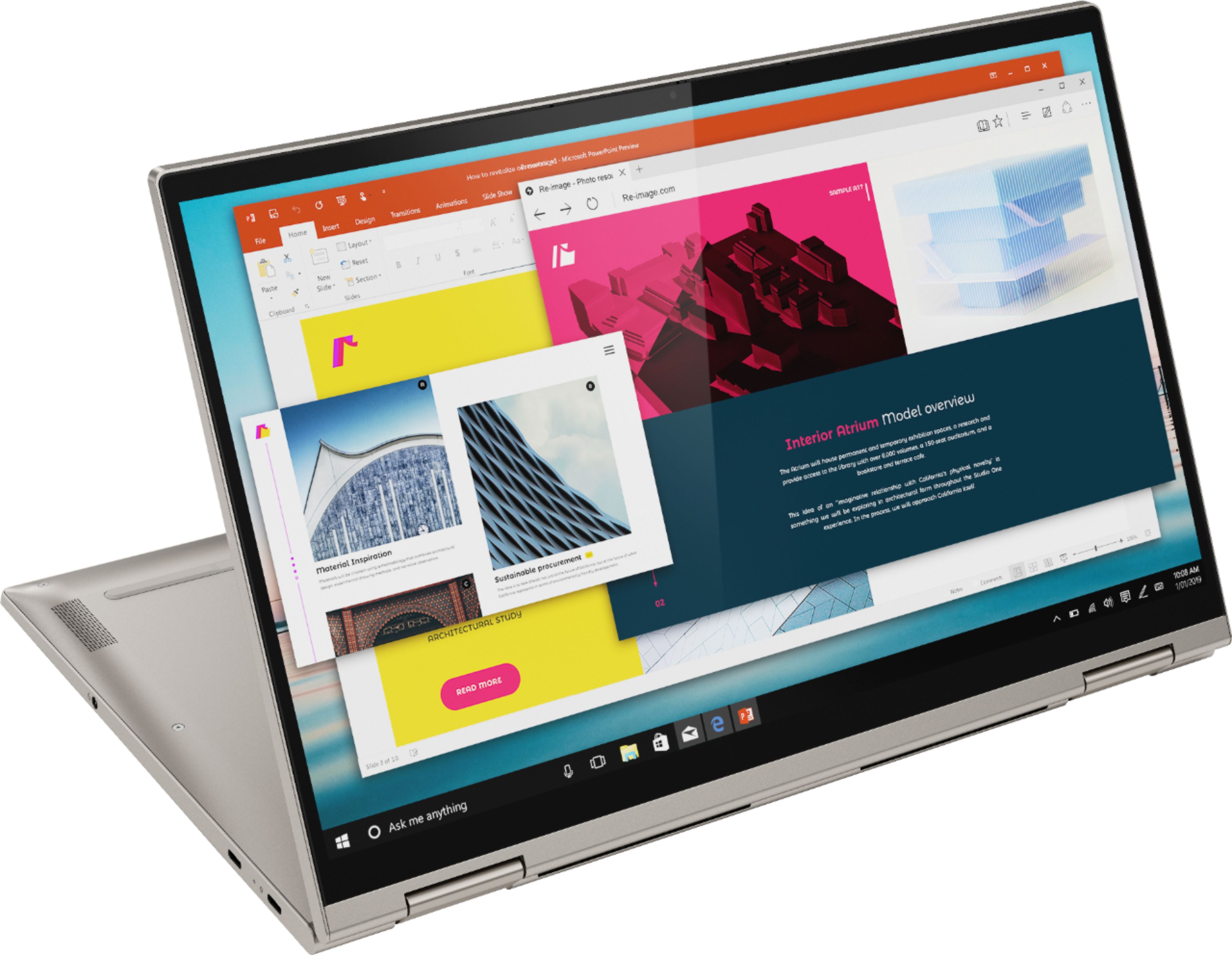
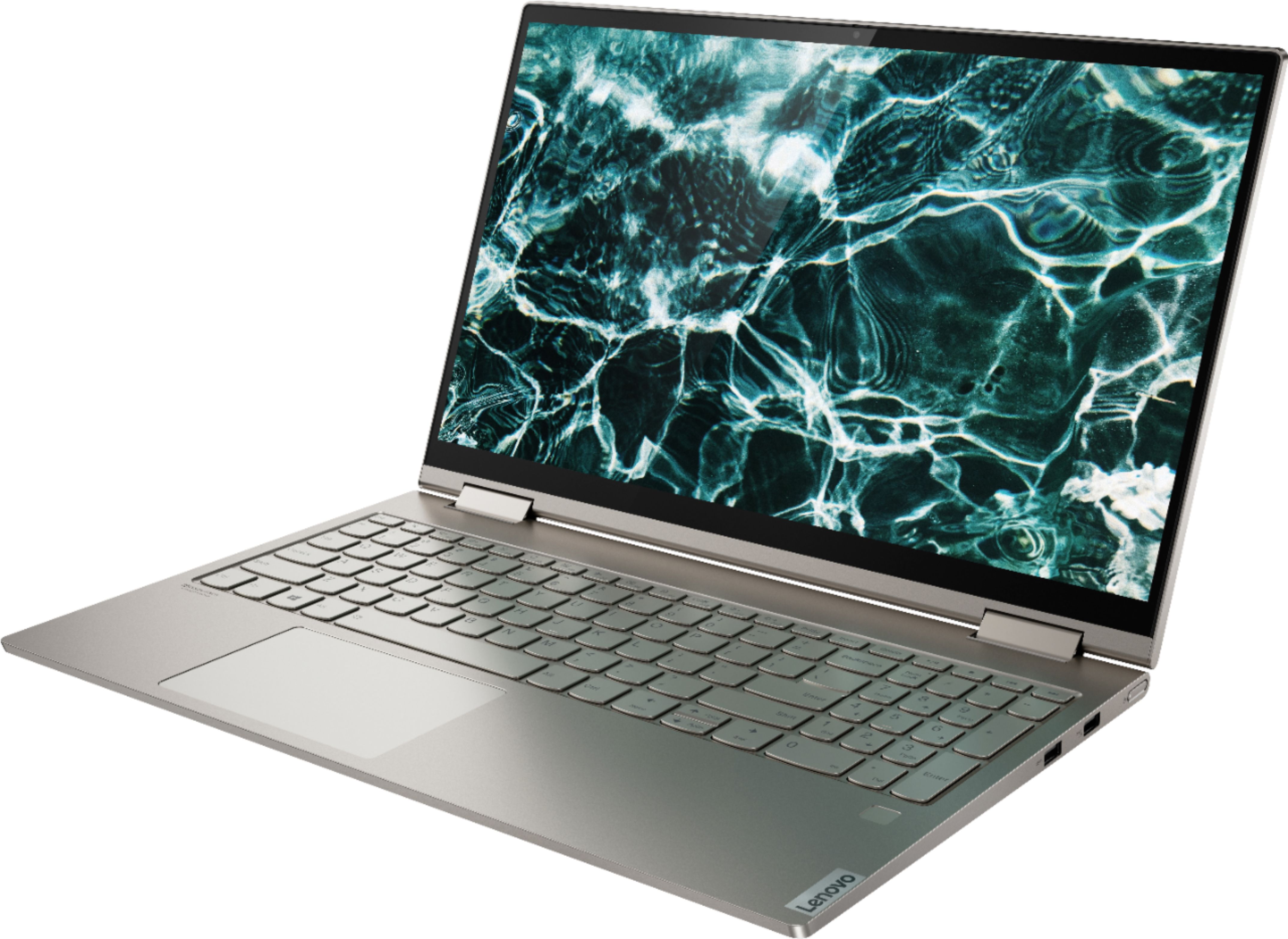
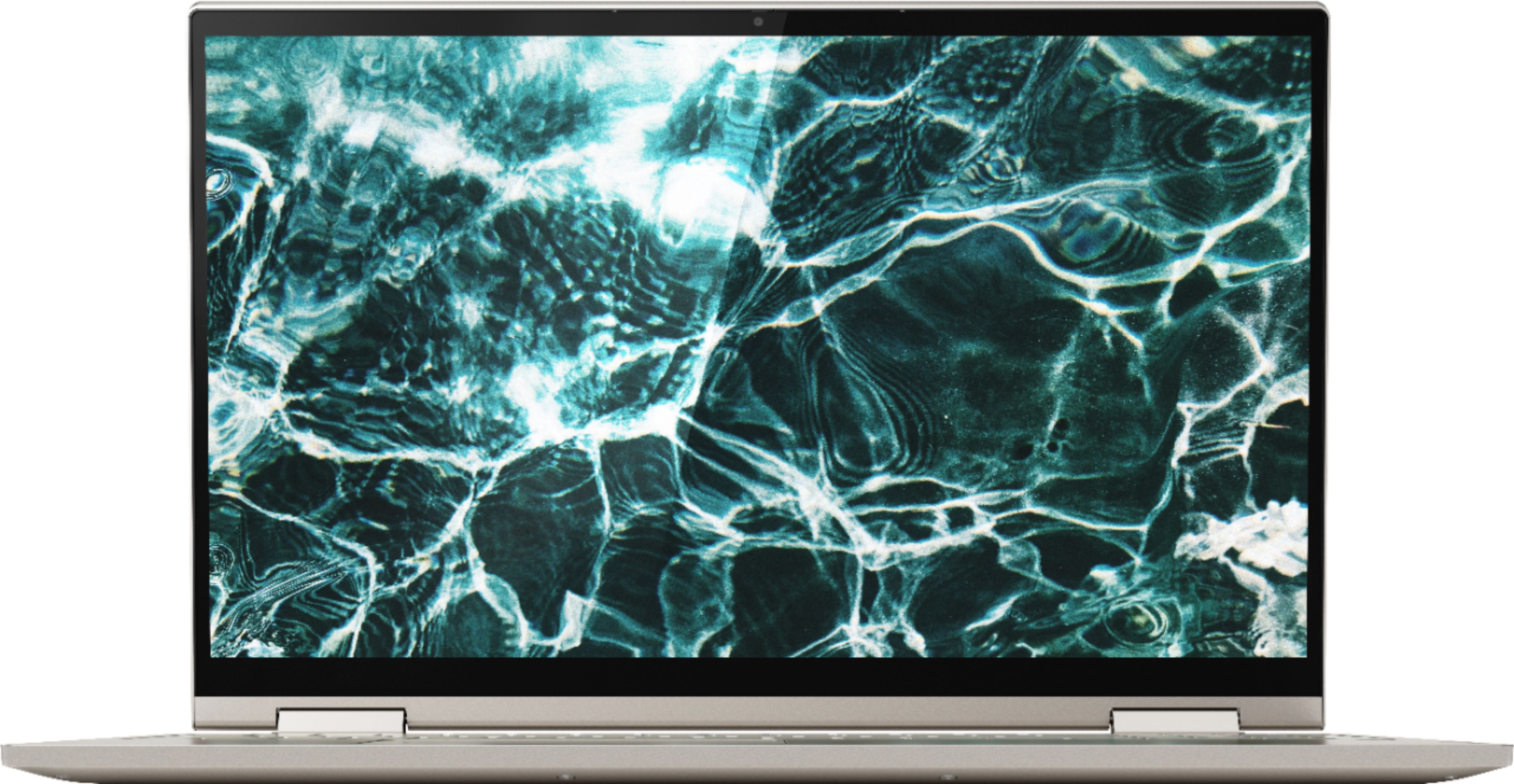
Posted .Thank you for choosing the Lenovo Yoga C740-15. Combining heavyweight performance with lightweight portability, the Yoga C740’s 10th Gen Intel Core i7 processor enables longer battery life, high-speed connectivity, and ultra-responsive multi-tasking performance in a sleek package. Packing a one-two punch of stunning audio and visual experience, the Yoga C740 is the perfect companion for streaming your favorite videos or playing games. With a 15.6-inch FHD HDR wide-angle display with 500 nits brightness, this laptop delivers millions of colors to your screen. To match the tantalizing visuals, the Yoga C740’s Dolby Atmos speaker system creates an audio experience in which sound flows above and around you. Yoga is committed to protecting your privacy. Log in with your fingerprint or slide the Yoga C740’s TrueBlock Privacy Shutter closed for true peace of mind when you’re not using your webcam.

Great 2 in 1 for a student
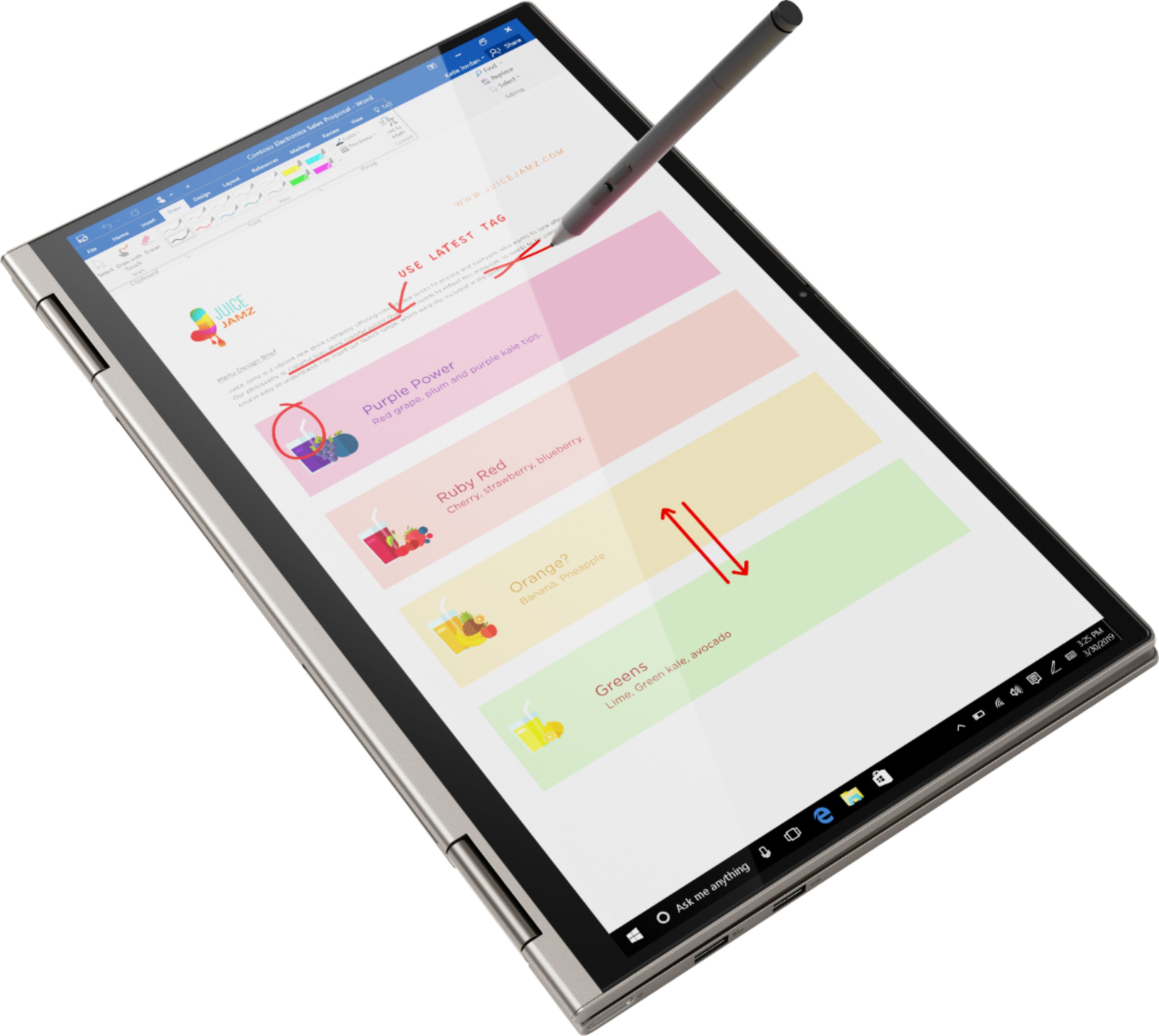
||Posted . Owned for 3 weeks when reviewed.This reviewer received promo considerations or sweepstakes entry for writing a review.Bought a Yoga for my son a few years ago when he headed off to college and he loves it, so my daughter wanted a similar machine. For the $, there's not much out there with the power and functionality that the Yoga has. Great 2 in 1 usage with a very good touch screen, nice SSD hard drive, and good memory capabilities.
I would recommend this to a friendBrand response from Lenovo Product Expert
Posted .Once again, thank you for choosing the Lenovo Yoga C740-15 for your daughter. We appreciate your loyalty to the Yoga Product Family and the Lenovo Brand. You can keep your computer running at its best by keeping the Windows 10 Operating System and all supporting BIOS files and drivers up to date. You can easily accomplish this by scanning the computer with the Lenovo Utility software available on this computer. Just type "Lenovo Vantage" in the Cortana Search window (if Lenovo Vantage is not installed on your device, you can download the APP and install it now). Select Lenovo Vantage from the list. In the window that opens, click on "Health and Support". In the expanded menu, select "Hardware Scan" In the window that opens, select "Run Quick Tests". This will scan your entire system for errors. Follow any directions that may pop up. If the problem continues after this scan, now click on "System Update". First select Windows update from the menu. Scan your system to be sure you have the latest version of Windows 10. Once that scan is complete, select "Additional Updates". This will scan your device to be sure there are no new BIOS/Driver updates needed. Follow any instructions that may pop up. If you ever need additional help with your Lenovo computer, we recommend you call Lenovo Tech Support at: 877-453-6686 for additional help.
- Pros mentioned:Touch screen
Good and amazing
||Posted . Owned for 3 weeks when reviewed.This reviewer received promo considerations or sweepstakes entry for writing a review.Perfect product and quick delivery..good service .
I would recommend this to a friendBrand response from Lenovo Product Expert
Posted .Once again, thank you for choosing the Lenovo Yoga C740-15. You can keep your computer running at its best by keeping the Windows 10 Operating System and all supporting BIOS files and drivers up to date. You can easily accomplish this by scanning the computer with the Lenovo Utility software available on this computer. Just type "Lenovo Vantage" in the Cortana Search window (if Lenovo Vantage is not installed on your device, you can download the APP and install it now). Select Lenovo Vantage from the list. In the window that opens, click on "Health and Support". In the expanded menu, select "Hardware Scan" In the window that opens, select "Run Quick Tests". This will scan your entire system for errors. Follow any directions that may pop up. If the problem continues after this scan, now click on "System Update". First select Windows update from the menu. Scan your system to be sure you have the latest version of Windows 10. Once that scan is complete, select "Additional Updates". This will scan your device to be sure there are no new BIOS/Driver updates needed. Follow any instructions that may pop up. If you ever need additional help with your Lenovo computer, we recommend you call Lenovo Tech Support at: 877-453-6686 for additional help.
- Pros mentioned:Speed
Fast, lightweight
||Posted . Owned for 1 month when reviewed.This reviewer received promo considerations or sweepstakes entry for writing a review.Great computer, does everything I need and is so fast!
I would recommend this to a friendBrand response from Lenovo Product Expert
Posted .Thank you for choosing the Lenovo Yoga C740-15. We are pleased to hear that the Yoga C740-15 meets your computing needs so well. Combining heavyweight performance with lightweight portability, the Yoga C740’s 10th Gen Intel Core i7 processor enables longer battery life, high-speed connectivity, and ultra-responsive multi-tasking performance in a sleek package. Packing a one-two punch of stunning audio and visual experience, the Yoga C740 is the perfect companion for streaming your favorite videos or playing games. With a 15.6-inch FHD HDR wide-angle display with 500 nits brightness, this laptop delivers millions of colors to your screen. To match the tantalizing visuals, the Yoga C740’s Dolby Atmos speaker system creates an audio experience in which sound flows above and around you. Yoga is committed to protecting your privacy. Log in with your fingerprint or slide the Yoga C740’s TrueBlock Privacy Shutter closed for true peace of mind when you’re not using your webcam.
- Pros mentioned:Ease of use
Like the fingerprint login.
||Posted .This reviewer received promo considerations or sweepstakes entry for writing a review.Great computer. Very easy to use. Great monitor color.
I would recommend this to a friendBrand response from Lenovo Product Expert
Posted .Thank you for choosing the Lenovo Yoga C740-15. Combining heavyweight performance with lightweight portability, the Yoga C740’s 10th Gen Intel Core i7 processor enables longer battery life, high-speed connectivity, and ultra-responsive multi-tasking performance in a sleek package. Packing a one-two punch of stunning audio and visual experience, the Yoga C740 is the perfect companion for streaming your favorite videos or playing games. With a 15.6-inch FHD HDR wide-angle display with 500 nits brightness, this laptop delivers millions of colors to your screen. To match the tantalizing visuals, the Yoga C740’s Dolby Atmos speaker system creates an audio experience in which sound flows above and around you. Yoga is committed to protecting your privacy. Log in with your fingerprint or slide the Yoga C740’s TrueBlock Privacy Shutter closed for true peace of mind when you’re not using your webcam.
- Pros mentioned:Ease of use
love this laptop
||Posted . Owned for 3 weeks when reviewed.This reviewer received promo considerations or sweepstakes entry for writing a review.Excellent laptop - very easy to use, great graphics.
I would recommend this to a friendBrand response from Lenovo Product Expert
Posted .Once again, thank you for choosing the Lenovo Yoga C740-15. You can keep your computer running at its best by keeping the Windows 10 Operating System and all supporting BIOS files and drivers up to date. You can easily accomplish this by scanning the computer with the Lenovo Utility software available on this computer. This system has Lenovo utilities installed to help maintain the health of the device and keep the operating system software up to date. Type "Lenovo Vantage" in the Cortana Search window (if Lenovo Vantage is not installed on your device, you can download the APP and install it now). Select Lenovo Vantage from the list. In the window that opens, click on "Health and Support". In the expanded menu, select "Hardware Scan" In the window that opens, select "Run Quick Tests". This will scan your entire system for errors. Follow any directions that may pop up. If the problem continues after this scan, now click on "System Update". First select Windows update from the menu. Scan your system to be sure you have the latest version of Windows 10. Once that scan is complete, select "Additional Updates". This will scan your device to be sure there are no new BIOS/Driver updates needed. Follow any instructions that may pop up. If you ever need additional help with your Lenovo computer, we recommend you call Lenovo Tech Support at: 877-453-6686 for additional help.
- Pros mentioned:Ease of use
Great computer
||Posted . Owned for 3 weeks when reviewed.This reviewer received promo considerations or sweepstakes entry for writing a review.Really like the computer and it was easy to set up.
I would recommend this to a friendBrand response from Lenovo Product Expert
Posted .Once again, thank you for choosing the Lenovo Yoga C740-15. You can keep your computer running at its best by keeping the Windows 10 Operating System and all supporting BIOS files and drivers up to date. You can easily accomplish this by scanning the computer with the Lenovo Utility software available on this computer. This system has Lenovo utilities installed to help maintain the health of the device and keep the operating system software up to date. Type "Lenovo Vantage" in the Cortana Search window (if Lenovo Vantage is not installed on your device, you can download the APP and install it now). Select Lenovo Vantage from the list. In the window that opens, click on "Health and Support". In the expanded menu, select "Hardware Scan" In the window that opens, select "Run Quick Tests". This will scan your entire system for errors. Follow any directions that may pop up. If the problem continues after this scan, now click on "System Update". First select Windows update from the menu. Scan your system to be sure you have the latest version of Windows 10. Once that scan is complete, select "Additional Updates". This will scan your device to be sure there are no new BIOS/Driver updates needed. Follow any instructions that may pop up. If you ever need additional help with your Lenovo computer, we recommend you call Lenovo Tech Support at: 877-453-6686 for additional help.
Laptop packaging
||Posted . Owned for less than 1 week when reviewed.This reviewer received promo considerations or sweepstakes entry for writing a review.I love the laptop, and it was a great price. The only downside was the packaging was poor. The manufacturer's box was simply wrapped in brown shrink wrap that did not cover the entire box. I had it delivered to my house. It would be very easy for someone to discern what was delivered to the house.
I would recommend this to a friendLenovo Yoga - Good laptop
||Posted . Owned for 3 weeks when reviewed.This reviewer received promo considerations or sweepstakes entry for writing a review.Very impressed with the physical features of this laptop. My only dissatisfaction was that since it was open box, the charger didn’t work and the software drivers were missing. Otherwise, it’s a great choice for a brand new laptop with great specifications that allow for so much multitasking.
I would recommend this to a friendNew replacement
||Posted . Owned for 3 weeks when reviewed.This reviewer received promo considerations or sweepstakes entry for writing a review.So far this laptop has proven to be an adequate replacement for my previous laptop. It was recommended by somebody who currently uses a Lenovo laptop and holds the same opinion I do. The only flaw I have found is that it does not Bluetooth transfer songs to my iPhone like it does to android devices.
I would recommend this to a friendBrand response from Lenovo Product Expert
Posted .Hey there! Thanks for choosing the Lenovo Yoga C740 Laptop. We are pleased to hear the design, performance, and features of the C740 Laptop are meeting your computing needs so well! The transfer issue is due to an incompatibility between Windows 10 an iOS. You can still transfer your songs wirelessly over wifi (or wired) through I-tunes.
Good laptop
||Posted . Owned for 4 months when reviewed.This reviewer received promo considerations or sweepstakes entry for writing a review.It's a great laptop. The specs and price are definitely fair and I can't complain about that. What I did find a bit unfortunate after using it for some time, it can get a bit noisy but on the upside, the noise does not continue for too long. It's a good laptop for school or just to watch videos.
I would recommend this to a friendUsed this to work from home. Great functionality.
||Posted . Owned for 1 month when reviewed.This reviewer received promo considerations or sweepstakes entry for writing a review.My co-worker bought one a year ago to "stay connected" while traveling in Europe and recommended it for its functionality. It is light weight yet durable. Bought it for myself to use for everyday on-line college instruction and communication. Works great! Very pleased. Would recommend it to anyone.
I would recommend this to a friendBrand response from Lenovo Product Expert
Posted .Thank you for choosing the Lenovo Yoga C740-15. We are pleased to hear that the features and performance of the Yoga C740-15 meets your computing needs so well. Combining heavyweight performance with lightweight portability, the Yoga C740’s 10th Gen Intel Core i7 processor enables longer battery life, high-speed connectivity, and ultra-responsive multi-tasking performance in a sleek package. Packing a one-two punch of stunning audio and visual experience, the Yoga C740 is the perfect companion for streaming your favorite videos or playing games. With a 15.6-inch FHD HDR wide-angle display with 500 nits brightness, this laptop delivers millions of colors to your screen. To match the tantalizing visuals, the Yoga C740’s Dolby Atmos speaker system creates an audio experience in which sound flows above and around you. Yoga is committed to protecting your privacy. Log in with your fingerprint or slide the Yoga C740’s TrueBlock Privacy Shutter closed for true peace of mind when you’re not using your webcam.
Not impressed
||Posted . Owned for 3 months when reviewed.This reviewer received promo considerations or sweepstakes entry for writing a review.Bought this for my father who didn't like it.....unfortunately he kept it just long enough for me to not be able to return it....So I decided to keep it for myself and use it as a back up to my Mac. The difference between the two computers is significant but manageable except for the touch pad. I don't understand the rational for skewing the touch pad to the left side of the keyboard. Every time I try to quickly thumb a left click on the touch pad I end up bringing down the right click menu. Probably just because I use two different types of computers but it is enough of an issue for me. Keep it in mind if you are going to be going between this computer and a Mac.
No, I would not recommend this to a friendBrand response from Lenovo Product Expert
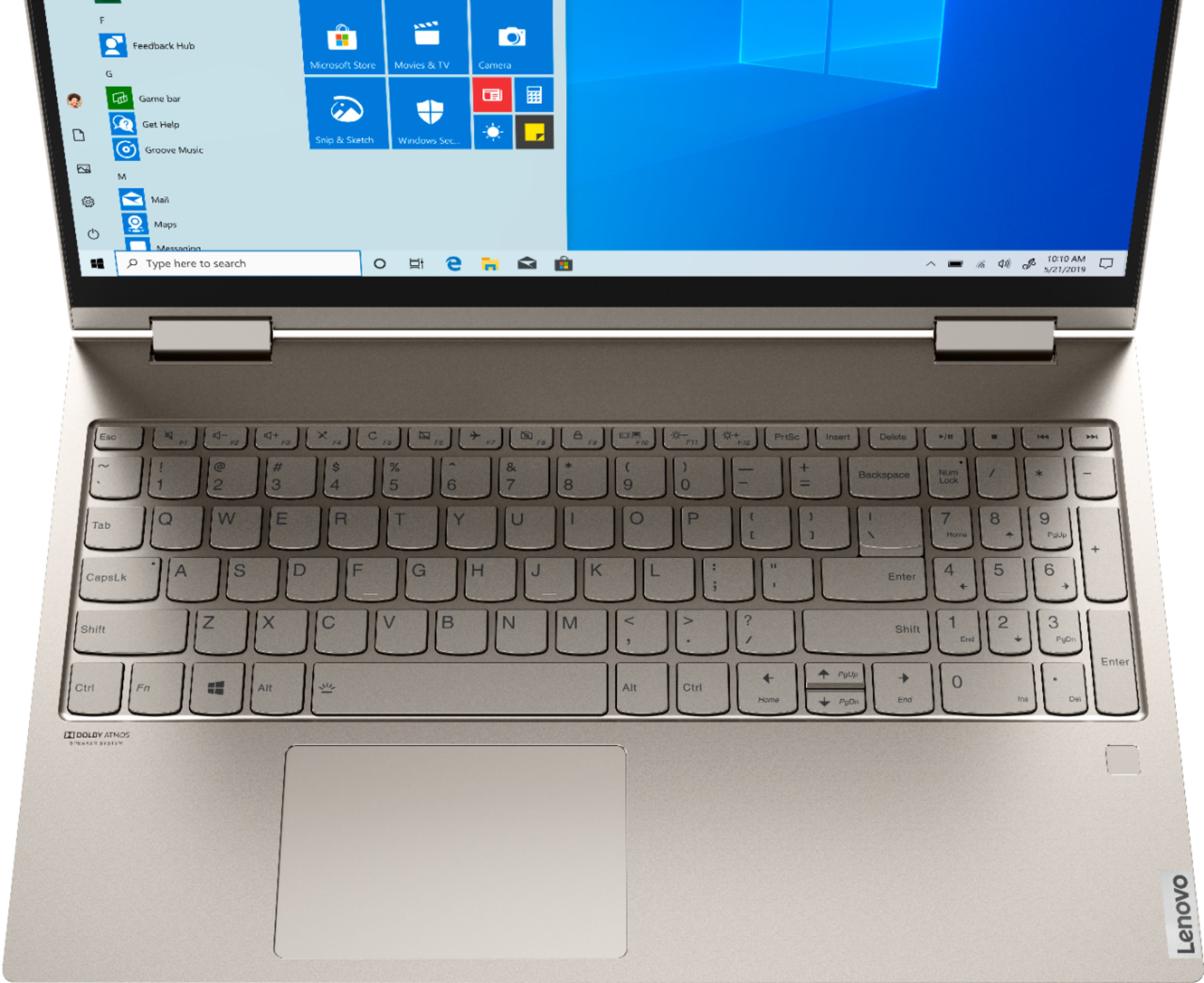
Posted .The Lenovo Yoga C740-15 model number 81TD0005US, ships with a standard QWERTY keyboard with 10 key numeric pad. The Touchpad on the Yoga C740-15 is centered under the QWERTY keys so when the typist's hands are in the Home Position on the keyboard, the Touchpad is centered directly under the typist's hands for quick and easy access.
Fantastic laptop and great buy
||Posted . Owned for 1 week when reviewed.This reviewer received promo considerations or sweepstakes entry for writing a review.Best and latest configuration laptop at this price. I love the laptop and the specs with I7 and 512 ssd. It looks perfect. Doesnt get overheated runs smooth and display is great. Best laptop I got in ages. Very good laptop even for heavy users or gaming. Lenovo laptops last longer and are durable!!!
I would recommend this to a friendBrand response from Lenovo Product Expert
Posted .Thank you for choosing the Lenovo Yoga C740-15. We are pleased to hear that the performance of the Yoga C740-15 meets your computing needs so well. We always recommend you check the requirements and compatibility of any software/games you will be installing on your new computer, before you invest in any computer. Be sure your new computer can support the software/games you will need to use.
lenova laptop
||Posted . Owned for 3 weeks when reviewed.This reviewer received promo considerations or sweepstakes entry for writing a review.this is the computer I had to settle for as I did not get the one I ordered and this was all they had in stock in the store after I was shipped a Chromebook instead of the laptop I ordered. It's a laptop and it works. Bigger than I wanted, but needed one immediately for on line school this year.
I would recommend this to a friendGreat laptop, bad battery, low speakers
||Posted . Owned for 3 weeks when reviewed.This reviewer received promo considerations or sweepstakes entry for writing a review.The laptop is awesome. It looks awesome, it feels awesome. The keyboard is great, the track pad has an amazing click that I love but, the battery is not very good. I use it for zoom and after 2 hours I'll have lost more than half the battery from full. Idk, maybe that's realistic and my expectations are not. Recently it gave me a bug where I had to hard reset it with the power button because the screen froze. I wouldn't expect that out of a computer at this price, with these specs. What was i doing? Using zoom. Shut it down and I lost the ability to click anything on the screen. Also the sound is amazing, but very low. I turned on spotify and was blown away with the sound quality. When i went to turn it up further i was disappointed to realize it was at max. Why boast Dolby Atmos speakers when my smartphone can drown it out.
No, I would not recommend this to a friendBrand response from Lenovo Product Expert
Posted .We are sorry to hear that you are having issues with your Lenovo Yoga C740-15 model number 81TD0005US. This model ships with a 3CELL_60.3WH_INTERNAL, Lithium Polymer Battery, with a battery life of up to 15 hours, depending on the work the device is performing. This model also has Stereo 2W, Dolby Atmos Speaker System audio. You mention also that the Windows 10 Operating System recently froze. This should not happen normally. Be sure any software you installed is compatible with Windows 10. There is no need to install Microsoft Office software. The software is already part of the operating system, you just need to activate the software with a purchased product key. If you have installed a copy of Microsoft Office, this is conflicting with the existing copy on the system and this will slow your system down. If you have installed a 3rd party anti-virus program, be sure that Windows Defender is turned off and that the trial version of McAfee Anti-Virus software is uninstalled. There can only be one anti-virus program on the system. You may need to restore your system to original factory default settings if any of the programming errors have occurred. You can do that by typing "restore" in the Cortana search window. Just click on the magnifying glass icon at the bottom left of your Windows 10 Desktop. Click on "Reset This PC" Then click on "Get Started" and follow the on screen directions to restore to factory defaults. If the problem persists, we recommend you contact Lenovo Tech Support at: 877-453-6686.
It does what it says it does
||Posted . Owned for 1 month when reviewed.This reviewer received promo considerations or sweepstakes entry for writing a review.This laptop does exactly what it says it will do. I have no complaints other than the sound sometime can be low when people are trying to hear me or I them via video platforms (Google Meet, Zoom, etc.) It is also heaver than I imagined. Other than that, I am content with my purchase.
I would recommend this to a friendBrand response from Lenovo Product Expert
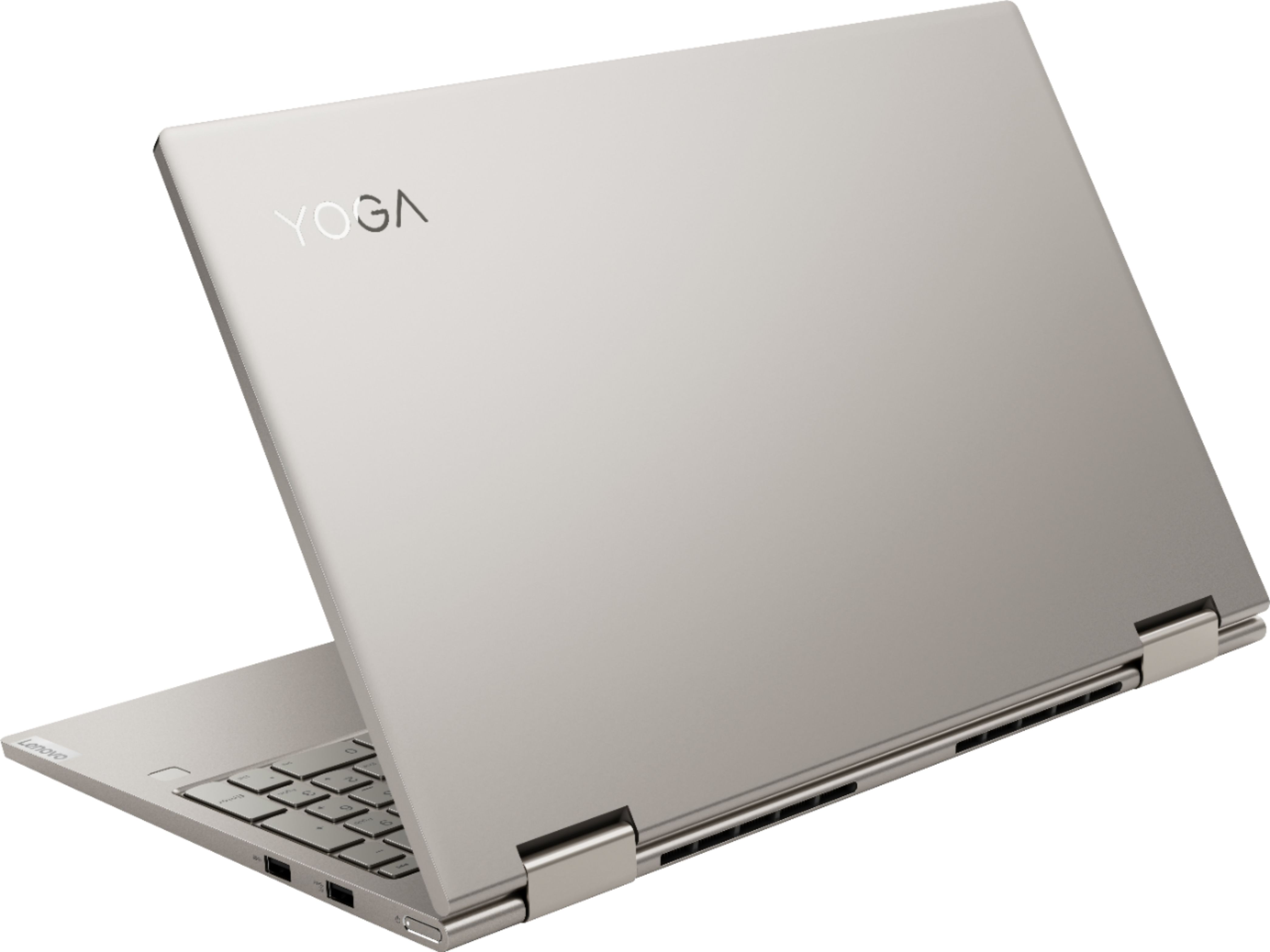
Posted .The Lenovo Yoga C740-15 ships with Dual Array microphones in support of the 720p (HD) webcam. If you are having audio issues while in a video conferencing APP, be sure your computer microphone volume is set to your preference, then also check the audio settings within the APP. The default audio setting in most video conferencing APPs is automatic. Meaning the APP sets the volume based on your speaking volume and the volume of the speakers on the call. Manually adjust the audio settings if you can no hear or be heard. The Yoga C740-15 is an ultra portable 2 in 1 system that provides a full size 15.6-inch screen (screen size measured diagonally) but still only measures 14.09 x 9.27 x 0.72 inches and weighs just 4.18 lbs. If you continue to have issues we recommend you call Lenovo Tech Support at: 877-453-6686.
HP laptop purchase experience
||Posted .This reviewer received promo considerations or sweepstakes entry for writing a review.This was an open box purchase. I explicitly asked if Best Buy performs a quality check on returned products and was told yes. I purchased late December 2020. I did not need to open until January for an online test where a camera was required. Up on powering on the system, it was discovered, previous owner closed the lid and damaged the camera. It does not work, and a small scuff was noticed where the lid closed and the camera is located. Unfortunately I had to purchase a USB Camera and could not return the laptop as I missed my window. Not a good purchase if Best Buy re-sells damaged product costing $500 - $600 but explains to their customers a quality check was performed and all components are working.
No, I would not recommend this to a friendGreat laptop
||Posted . Owned for 2 weeks when reviewed.This reviewer received promo considerations or sweepstakes entry for writing a review.Since I already had an older Lenovo yoga laptop I knew that this would be an exceptional laptop. I really like the Lenovo laptops compared to Dell and HP and I would not hesitate to recommend this particular laptop. It has everything that I need and is built to last.
I would recommend this to a friendBrand response from Lenovo Product Expert
Posted .Thank you for choosing the Lenovo Yoga C740-15. We appreciate your loyalty to the Yoga Product Family and the Lenovo Brand. We are pleased to hear that the Yoga C740-15 is working out so well for you.
Lenovo Computer review
||Posted . Owned for 8 months when reviewed.This reviewer received promo considerations or sweepstakes entry for writing a review.This computer is great. The only issue is with the printing. The background is black, and I haven't been able to figure out hoe to adjust the printer settings. I have to print all of my documents from a different computer. Otherwise, this computer is fantastic.
I would recommend this to a friendBrand response from Lenovo Product Expert
Posted .Hello, thank you for choosing the Lenovo Yoga C740. We are so happy to hear the performance, features, and sleek modern design of the Lenovo Yoga iC740 is meeting your computing needs so well. We recommend to re-install the printer driver manually. You can do this by visiting the printer manufacture's website directly and looking for their support/driver section. If you need further assistance please don't hesitate to reach out to Lenovo Tech Support at 866-426-6686