Customer Ratings & Reviews





Rating by feature
- Value
Rating 4.2 out of 5 stars
- Quality
Rating 4.5 out of 5 stars
- Ease of Use
Rating 4.6 out of 5 stars
Customers are saying
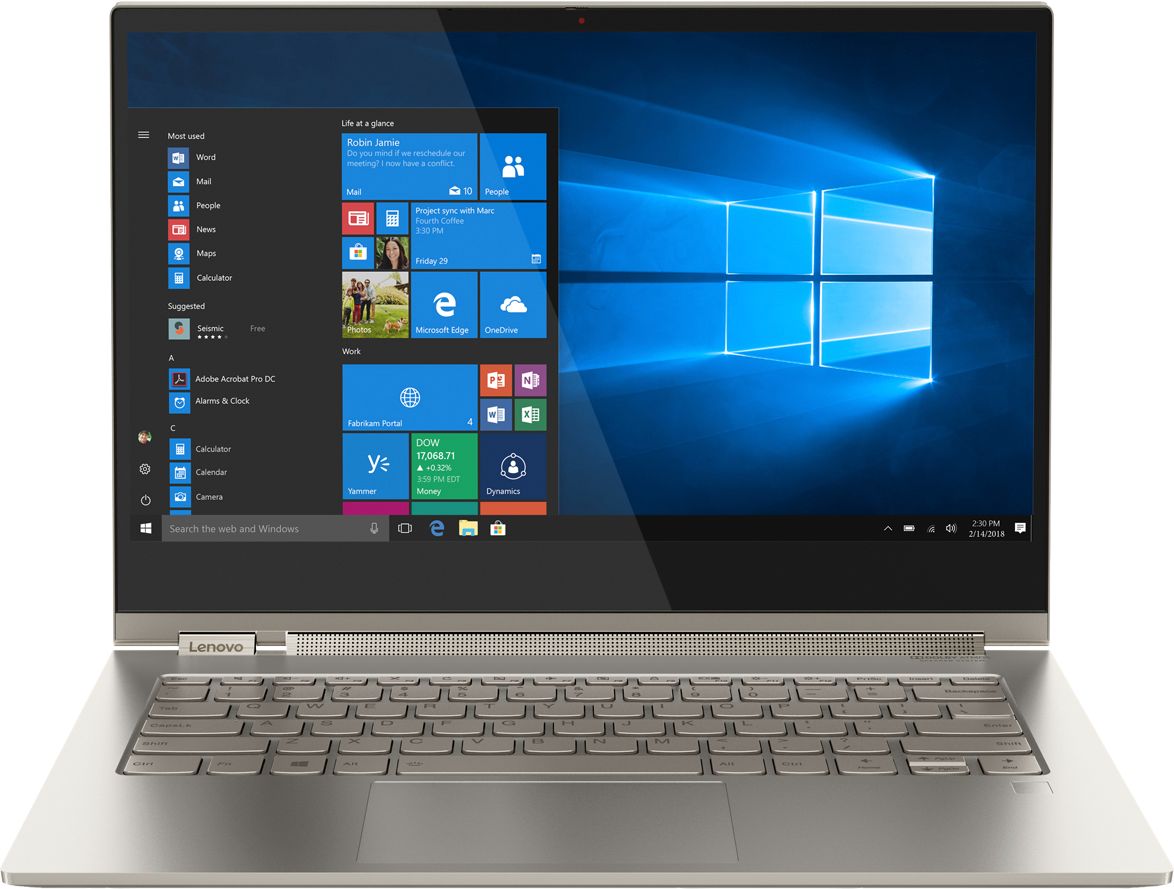
Customers are positive about the Yoga C930's touch screen, weight, 4k display, sound quality, and price. They appreciate its lightweight design, easy-to-use features, and vibrant display. However, customers are negative about its battery life, limited ports, heating issues, and occasional fan noise. Some users have even reported receiving defective units.
This summary was generated by AI based on customer reviews.
Certified excellent
||Posted .This reviewer received promo considerations or sweepstakes entry for writing a review.I purchased the certified excellent condition but had to return due to the comma key needed to be depressed harder than other keys.
No, I would not recommend this to a friendBrand response from Lenovo Product Expert
Posted .We are sorry to hear that you had issues with your refurbished Lenovo Yoga C930-14. For 2018, Lenovo retained its place for a second year as the best laptop vendor:
https://www.laptopmag.com/articles/laptop-brand-ratings
Laptop is good but don't buy it from Bestbuy
||Posted . Owned for 3 weeks when reviewed.This reviewer received promo considerations or sweepstakes entry for writing a review.The laptop is good, but bestbuy might sell you a broken laptop. I was sold a laptop with a dead battery and the pen was missing. Also, when I saw the specification, I found out that they charged me for a higher spec. version and sold me a lower spec. model. I bought it from Bestbuy Fullerton. Try not to buy laptops from Bestbuy.
No, I would not recommend this to a friendBe Very Careful with BestBuy's "Open Box" Products
||Posted . Owned for 3 months when reviewed.This reviewer received promo considerations or sweepstakes entry for writing a review.Purchased it in "Open-Box Excellent – Certified" condition and got a laptop with flickering screen right out of the box. Discovered the installed Windows 10 version was not original when trying to reset the laptop. Seemed to be a heavily used and poorly refurbished laptop. Returned it.
No, I would not recommend this to a friendLots of features do not work
||Posted . Owned for 1 month when reviewed.This reviewer received promo considerations or sweepstakes entry for writing a review.I've had this laptop for only a month. The camera does NOT work. It sometimes doesn't even have an option to connect to the internet. It constantly deletes my saved files. It crashes at least once a day. I would not reccomend this laptop.
No, I would not recommend this to a friendBrand response from Lenovo Product Expert
Posted .We are sorry to hear that you are having issues with your Lenovo Yoga C930-14. From the description you provide, of the issues you are experiencing, it sounds as though there may be incompatible software installed on the computer. Resetting the computer back to original factory settings may correct your issues. Here is a link to instructions for resetting your Windows 10 computer back to original factory settings: https://support.microsoft.com/en-us/help/17085/windows-8-restore-refresh-reset-pc. Once you have the computer back to original settings, be sure any software you installed is compatible with Windows 10. There is no need to install Microsoft Office software. The software is already part of the operating system, you just need to activate the software with a purchased product key. If you have installed a copy of Microsoft Office, this is conflicting with the existing copy on the system and this will slow your system down. If you have installed a 3rd party anti-virus program, be sure that Windows Defender is turned off and that the trial version of McAfee Anti-Virus software is uninstalled. There can only be one anti-virus program on the system. You can update Windows 10 to the latest version, then update the BIOS files and drivers on the computer to that latest Windows 10 version, by scanning the computer with the Lenovo Utility software installed on the computer. This system has Lenovo utilities installed to help maintain the health of the device and keep the operating system software up to date. Type "Lenovo Vantage" in the Cortana Search window (if Lenovo Vantage is not installed on your device, you can download the APP and install it now). Select Lenovo Vantage from the list. In the window that opens, click on "Health and Support". In the expanded menu, select "Hardware Scan" In the window that opens, select "Run Quick Tests". This will scan your entire system for errors. Follow any directions that may pop up. If the problem continues after this scan, now click on "System Update". First select Windows update from the menu. Scan your system to be sure you have the latest version of Windows 10. Once that scan is complete, select "Additional Updates". This will scan your device to be sure there are no new BIOS/Driver updates needed. Follow any instructions that may pop up. If the issue still continues after these updates, we recommend you call Lenovo Tech Support at: 877-453-6686 for additional help.
Noise and screen flickering
||Posted . Owned for 2 weeks when reviewed.This reviewer received promo considerations or sweepstakes entry for writing a review.After a weeks, heard some noise and screen constantly flickers. BestBuy suggested to contact Manufacturer for repair. It's a new laptop, no replacement BestBuy!
No, I would not recommend this to a friendBrand response from Lenovo Product Expert
Posted .We are sorry to hear that you are having issues with your Lenovo Yoga C930-14 4K model. Since the issues you are experiencing took time to develop, first, be sure any software you installed is compatible with Windows 10. There is no need to install Microsoft Office software. The software is already part of the operating system, you just need to activate the software with a purchased product key. If you have installed a copy of Microsoft Office, this is conflicting with the existing copy on the system and this will slow your system down. If you have installed a 3rd party anti-virus program, be sure that Windows Defender is turned off and that the trial version of McAfee Anti-Virus software is uninstalled. There can only be one anti-virus program on the system. You may need to restore your system to original factory default settings if any of the programing errors have occurred. You can do that by typing "restore" in the Cortana search window. Just click on the magnifying glass icon at the bottom left of your Windows 10 Desktop. Click on "Reset This PC" Then click on "Get Started" and follow the on screen directions to restore to factory defaults. Second, be sure you have the latest version of Windows 10 on the computer. Then update all of the BIOS files and drivers. You can easily accomplish this by scanning the computer with the Lenovo Utility software on the computer. This system has Lenovo utilities installed to help maintain the health of the device and keep the operating system software up to date. Type "Lenovo Vantage" in the Cortana Search window (if Lenovo Vantage is not installed on your device, you can download the APP and install it now). Select Lenovo Vantage from the list. In the window that opens, click on "Health and Support". In the expanded menu, select "Hardware Scan" In the window that opens, select "Run Quick Tests". This will scan your entire system for errors. Follow any directions that may pop up. If the problem continues after this scan, now click on "System Update". First select Windows update from the menu. Scan your system to be sure you have the latest version of Windows 10. Once that scan is complete, select "Additional Updates". This will scan your device to be sure there are no new BIOS/Driver updates needed. Follow any instructions that may pop up. If the issue still continues after these updates, we recommend you call Lenovo Tech Support at: 877-453-6686 for additional help.
Did not came with pen
||Posted . Owned for 3 weeks when reviewed.This reviewer received promo considerations or sweepstakes entry for writing a review.Give this computer to my parents for Christmas and did not came with the pen. My parents went to Best Buy at El Paso, TX. supervisor told them that they can exchange the computer if only they pay a $600 difference or "Just buy another pen for $60". They haven't give us a viable solution so far.
No, I would not recommend this to a friendBrand response from Lenovo Product Expert
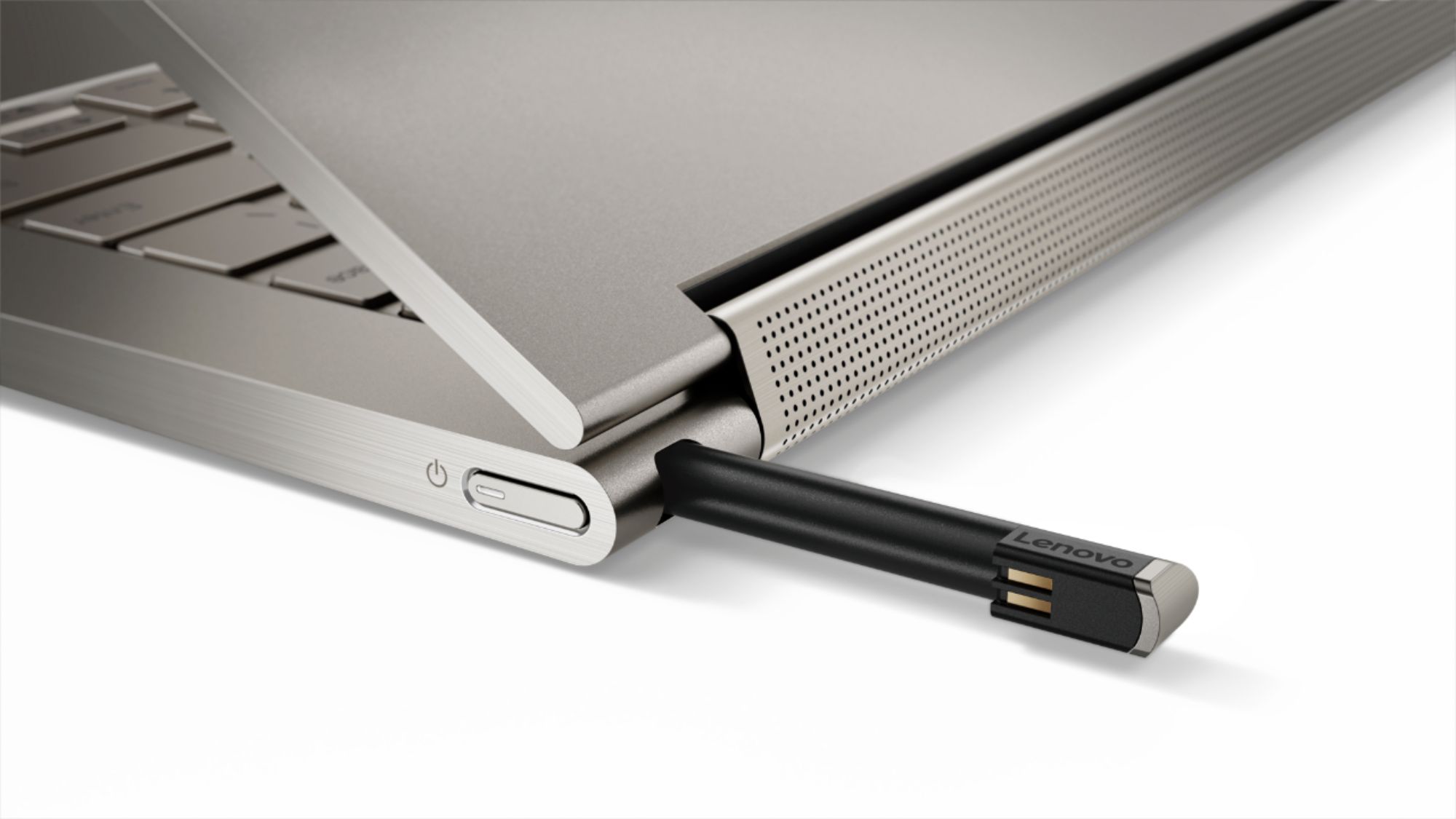
Posted .The pen is shipped within the computer, in the Pen Garage on the back of the computer.
Beautiful but tragic
||Posted . Owned for 2 weeks when reviewed.This reviewer received promo considerations or sweepstakes entry for writing a review.I have been using Yogas for about 6 years as personal laptops. This particular one fried it’s network card after 3 days. Swapped it out for a new one — that lasted 4 days and went into a looping cycle of blue screens. A shame. Ergonomics and design were perfect
No, I would not recommend this to a friendBrand response from Lenovo Product Expert
Posted .We are sorry to hear that you are having issues with the Lenovo Yoga C930-14. We recommend you contact Lenovo Tech Support for help with your specific issues at: 877-453-6686.
overheating
||Posted .This reviewer received promo considerations or sweepstakes entry for writing a review.Had to return, purchased open box certified, because the machine was defective, it got extremely hot when running
No, I would not recommend this to a friendFlashy, but not reliable
||Posted . Owned for 1 year when reviewed.This reviewer received promo considerations or sweepstakes entry for writing a review.My completely died at 18 months. Lenovo does not stand behind their products and told me I had to buy another one. Awesome because I need the computer to work remotely and everything is shut down.
No, I would not recommend this to a friendBrand response from Lenovo Product Expert
Posted .We are sorry to hear that you are having issues with your Lenovo Yoga C930-14 4K model. It is possible that restoring the computer back to original factory settings may correct the issues you are having. Since you can not boot the computer any longer, this model ships with a Novo Button System for entering the BIOS mode. For the Yoga C930-14: Press Fn + Power button to open the Novo Button Menu. The Novo Button Menu provides four options: Normal Startup, BIOS Setup, Boot Menu and System Recovery. Once in the System Recovery menu follow the instructions for resetting the computer back to original factory settings. Once you have the computer restored to original settings, be sure any software you installed is compatible with Windows 10. There is no need to install Microsoft Office software. The software is already part of the operating system, you just need to activate the software with a purchased product key. If you have installed a copy of Microsoft Office, this is conflicting with the existing copy on the system and this will slow your system down. If you have installed a 3rd party anti-virus program, be sure that Windows Defender is turned off and that the trial version of McAfee Anti-Virus software is uninstalled. There can only be one anti-virus program on the system. You may need to restore your system to original factory default settings if any of the programming errors have occurred. You can do that by typing "restore" in the Cortana search window. Just click on the magnifying glass icon at the bottom left of your Windows 10 Desktop. Click on "Reset This PC" Then click on "Get Started" and follow the on screen directions to restore to factory defaults. If the problem persists, we recommend you contact Lenovo Tech Support at: 877-453-6686.
Lenovo Yogo
||Posted .This reviewer received promo considerations or sweepstakes entry for writing a review.Returned because Microsoft Word symbols would not display correctly and Lenovo blamed Microsoft and Microsoft blamed Lenovo.
I would recommend this to a friendBrand response from Lenovo Product Expert
Posted .We are sorry to hear that you had issues with Microsoft Office on your Lenovo C930-14 4K model. The issue you are describing may be due to an outdated version of Windows 10 operating system on this device. This system has Lenovo utilities installed to help maintain the health of the device and keep the operating system software up to date. Type "Lenovo Vantage" in the Cortana Search window (if Lenovo Vantage is not installed on your device, you can download the APP and install it now). Select Lenovo Vantage from the list. In the window that opens, click on "Health and Support". In the expanded menu, select "Hardware Scan" In the window that opens, select "Run Quick Tests". This will scan your entire system for errors. Follow any directions that may pop up. If the problem continues after this scan, now click on "System Update". First select Windows update from the menu. Scan your system to be sure you have the latest version of Windows 10. Once that scan is complete, select "Additional Updates". This will scan your device to be sure there are no new BIOS/Driver updates needed. Follow any instructions that may pop up. If the issue still continues after these updates, we recommend you call Lenovo Tech Support at: 877-453-6686 for additional help.
Glitchy system
||Posted .This reviewer received promo considerations or sweepstakes entry for writing a review.Mouse pad kept turning off. Very slow to load pages and noisy. Took it back for more RAM.
No, I would not recommend this to a friendBrand response from Lenovo Product Expert
Posted .The Lenovo Yoga C930-14 ships with 16GB of RAM. The Processor within this configuration is the Quad-Core/Eight-Thread Intel Core i7-8550U processor. Be sure any software you installed is compatible with Windows 10. There is no need to install Microsoft Office software. The software is already part of the operating system, you just need to activate the software with a purchased product key. If you have installed a copy of Microsoft Office, this is conflicting with the existing copy on the system and this will slow your system down. If you have installed a 3rd party anti-virus program, be sure that Windows Defender is turned off and that the trial version of McAfee Anti-Virus software is uninstalled. There can only be one anti-virus program on the system. You may need to restore your system to original factory default settings if any of the programing errors have occurred. You can do that by typing "restore" in the Cortana search window. Just click on the magnifying glass icon at the bottom left of your Windows 10 Desktop. Click on "Reset This PC" Then click on "Get Started" and follow the on screen directions to restore to factory defaults. If the problem persists, we recommend you contact Lenovo Tech Support at: 877-453-6686.
Best Lenovo laptop I've owned
Posted .This reviewer received promo considerations or sweepstakes entry for writing a review.My first Lenovo laptop. I've been impressed of it since I've held it. Well built and frankly best laptop I've ever owned. To this day, I'm still using and I've never had any issue with it. It's by far best most expensive purchased I did. The screen, the power and the design is very pleasing and just works. Awesome job Lenovo
I would recommend this to a friend- Pros mentioned:Touch screen
Just what I needed
Posted .This reviewer received promo considerations or sweepstakes entry for writing a review.I wanted to update my older laptop with one more suitable for work. Although my older laptop has plenty of memory and is also a touchscreen, the screen was too dim for customer presentations and the touchscreen got a little glitchy when signing PDFs. So that's what I wanted when I started looking for a laptop, I wanted a better screen, good battery life, ease of showing customers my screen, sufficient memory for saving files and a simple way to get my contracts signed. I considered the MacbookPro and this one. I visited Best Buy for my comparison and hands down, this one won. The screen is amazing. Flipping the screen is seamless and quick... and when I flip it to tablet mode the contracts are easy to view and the pen makes it SO easy to sign. I was looking for this in reviews to make my decision, but nobody mentioned it so hopefully this helps someone. I am extremely happy with this purchase. I am aware that I could watch videos in 4k and that it'd be nice, but I didn't buy it for that. I also don't care about the sound and still haven't listened to anything. Get this laptop, you won't regret it.
I would recommend this to a friendBrand response from Lenovo Product Expert
Posted .Thank you for choosing the Lenovo Yoga C930-14 4K model. We are pleased to hear that the features and performance of the Yoga C930-14 4K model meets your computing needs so well.
- Pros mentioned:4k display, Touch screen
Very Fine Laptop
Posted .This reviewer received promo considerations or sweepstakes entry for writing a review.I am enjoying the lovely silvery finish, lightweight, superior 4k display, crisp sound, snappy response, tent positioning, touch screen etc. that this laptop offers.
I would recommend this to a friendBrand response from Lenovo Product Expert
Posted .Thank you for choosing the Lenovo Yoga C930-14 4K model. We are pleased to hear that the features and performance of the Yoga C930-14 4K model meets your computing needs so well.
- Pros mentioned:4k display
1 month and so far so good
Posted .This reviewer received promo considerations or sweepstakes entry for writing a review.I was hesitant to pay this much for a laptop, but I decided to stick with my gut feeling. It has been a little over a month and so far I have been content with my decision. The computer is sleek, fast, and has a great 4k display and sound. I've tested its limits by installing Fortnite and a video editing software (Davinci Resolve). As expected, the laptop gets a bit warm, but does not lose it's power. It has had a few glitches. Once, the wifi was lost and wasn't picking up any signal, and twice it's lost sound completely. Luckliy, a simple restart fixed these issues.
I would recommend this to a friendBrand response from Lenovo Product Expert
Posted .Thank you for choosing the lenovo Yoga C930-14 4K model. Concerning the glitches you report, this system has Lenovo Utility software to help maintain the health of the device. This system has Lenovo utilities installed to help maintain the health of the device and keep the operating system software up to date. Type "Lenovo Vantage" in the Cortana Search window (if Lenovo Vantage is not installed on your device, you can download the APP and install it now). Select Lenovo Vantage from the list. In the window that opens, click on "Health and Support". In the expanded menu, select "Hardware Scan" In the window that opens, select "Run Quick Tests". This will scan your entire system for errors. Follow any directions that may pop up. If the problem continues after this scan, now click on "System Update". First select Windows update from the menu. Scan your system to be sure you have the latest version of Windows 10. Once that scan is complete, select "Additional Updates". This will scan your device to be sure there are no new BIOS/Driver updates needed. Follow any instructions that may pop up. If the issue still continues after these updates, we recommend you call Lenovo Tech Support at: 877-453-6686 for additional help.
Went from Happy to Disappointed
Posted .This reviewer received promo considerations or sweepstakes entry for writing a review.I was really excited to upgrade and use this computer after reading the good reviews and also having my Toshiba for 7 years. The laptop has a nice look, the most battery I have got on this laptop is about 7 hours, and a great screen although it does not get too bright, the tablet feature comes in handy, the volume and sound is also really loud....BUT after only 2 months of regular use the screen randomly started to flicker uncontrollably, to where I was not able to use the computer at all, i had to send the laptop to Lenovo, they said it was some type of malfunction with the wires to the screen but it did not sound like she knew exactly what was happening with the repair status, it took them a little over a month for them to return the laptop to me, which made it very difficult for me to do my work, considering I purchased this laptop for school, when I got the lap top back after getting it repaired for over a month, The very first time I started it up, there was a small line in the middle of the screen that looked like fuzzy screen glitch/malfunction, it went away after clicking to the next screen, but now I'm even more upset that even after having to wait for my lap top (that I spent over $1500 for) to be repaired, the first thing i see is another malfunction? Are you serious? I really wanted this computer to work because it looked really nice and worked well at first but, At this point I'm thinking I should send this product back to avoid a future malfunction when i'm in critical need for a laptop. I researched this issue and found that many other Lenovo users have experience this issue. I'm not sure if this is just a defective product but it's extremely frustrating to have to deal with these issues with a product that is so expensive and is supposed to be "the best of the best". At this point I'm thinking of switching over to an HP or even Apple, this is really disappointing
No, I would not recommend this to a friendBrand response from Lenovo Product Expert
Posted .We are sorry to hear that you continue to have an issue with your Lenovo Yoga C930-14 4K model. We recommend you stay in touch with Lenovo Tech Support at: 877-453-6686. For 2018, Lenovo retained its place for a second year as the best laptop vendor:
https://www.laptopmag.com/articles/laptop-brand-ratings
- Cons mentioned:Battery life
Pretty but poor battery life and very dim screen
Posted .This reviewer received promo considerations or sweepstakes entry for writing a review.Issues I had with this laptop: 1.)Extremely poor battery life. I reached out to Lenovo and they told me typical use on battery is 3-4 hours, with 5-7 hours max idle. Nowhere near the advertised 9 hours. 2.)4k screen is way too dim even at max brightness, which eats further into the battery. 3.)Lenovo has absolutely terrible customer service. 4.)No SD card slot. Pros: Looks pretty. Nice build. Sound bar is incredible for a laptop this size. Internal pen dock is nice. Minimal bloatware. Overall, I returned this for the comparable HP Spectre x360. The HP has a MUCH nicer screen, SD card slot, sturdier build and significantly better battery life. Like, the Yoga c930 is not even in the same league as the HP Spectre x360 when it comes to battery life.
No, I would not recommend this to a friendBrand response from Lenovo Product Expert
Posted .The Lenovo Yoga C930-14 4K model ships with a 4CELL_60WH, Lithium Polymer battery, with a battery life of up to 10 hours. This configuration ships with a IPS LCD w/LED Backlight RGB screen, with a resolution of 3840 x 2160 (UHD) and a brightness level of 300 nits. For maximum brightness, be sure you have "Auto-brightness" turn off. Here is a link to instructions for turning off auto-brightness within Windows 10: https://www.itsupportguides.com/knowledge-base/windows-10/windows-10-how-to-disable-automatic-brightness-adjustments/.
- Pros mentioned:Speed
Great for the price
Posted .This reviewer received promo considerations or sweepstakes entry for writing a review.I work in the controls engineering field programming automated equipment. The software use to program takes up a lot of space and can bog down a computer. This laptop was bought to be a temporary solution until we get the actual programming laptops. So far I am impressed with the speed of the laptop and the functionality. The cons I have is not hardy and no ethernet port.
I would recommend this to a friendBrand response from Lenovo Product Expert
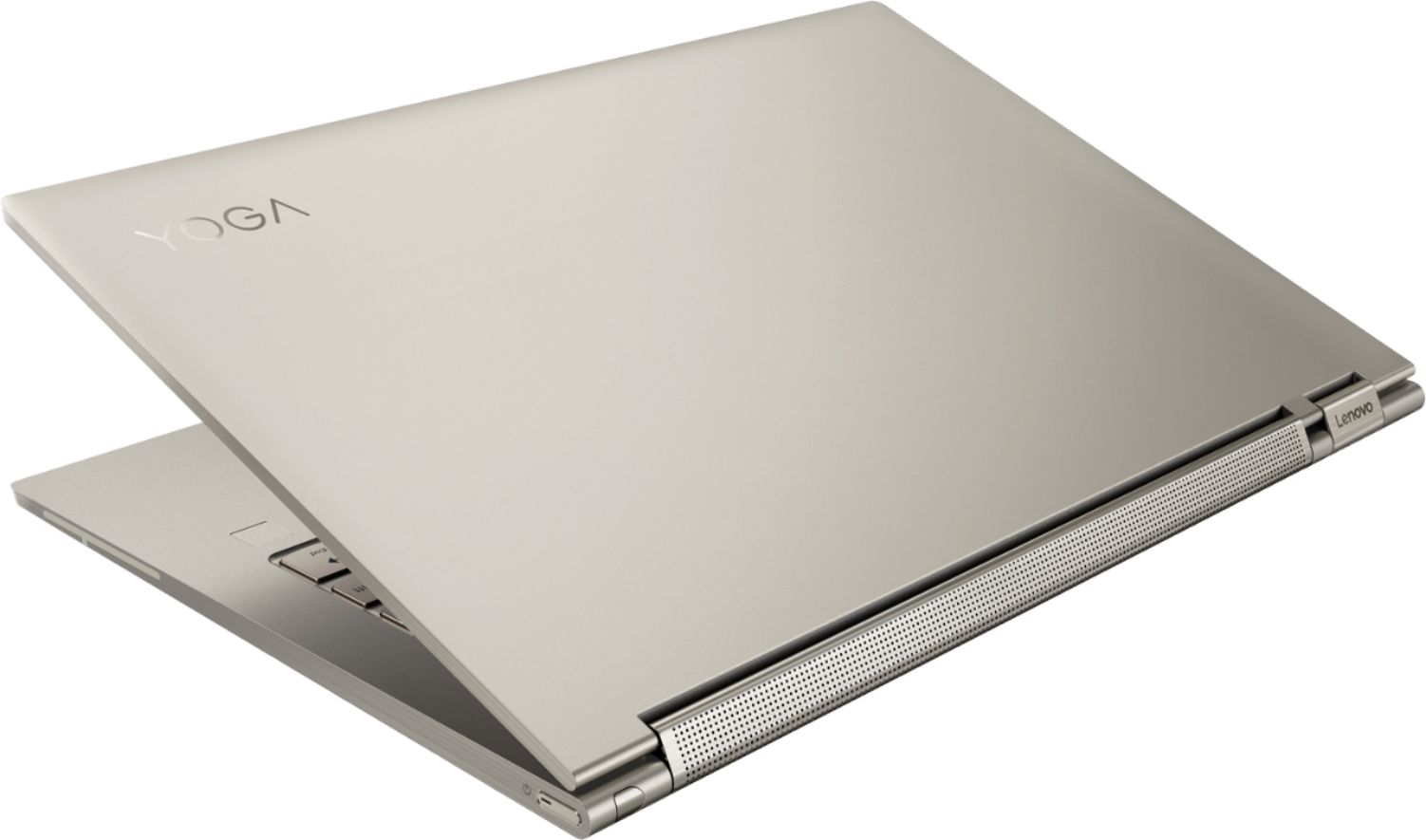
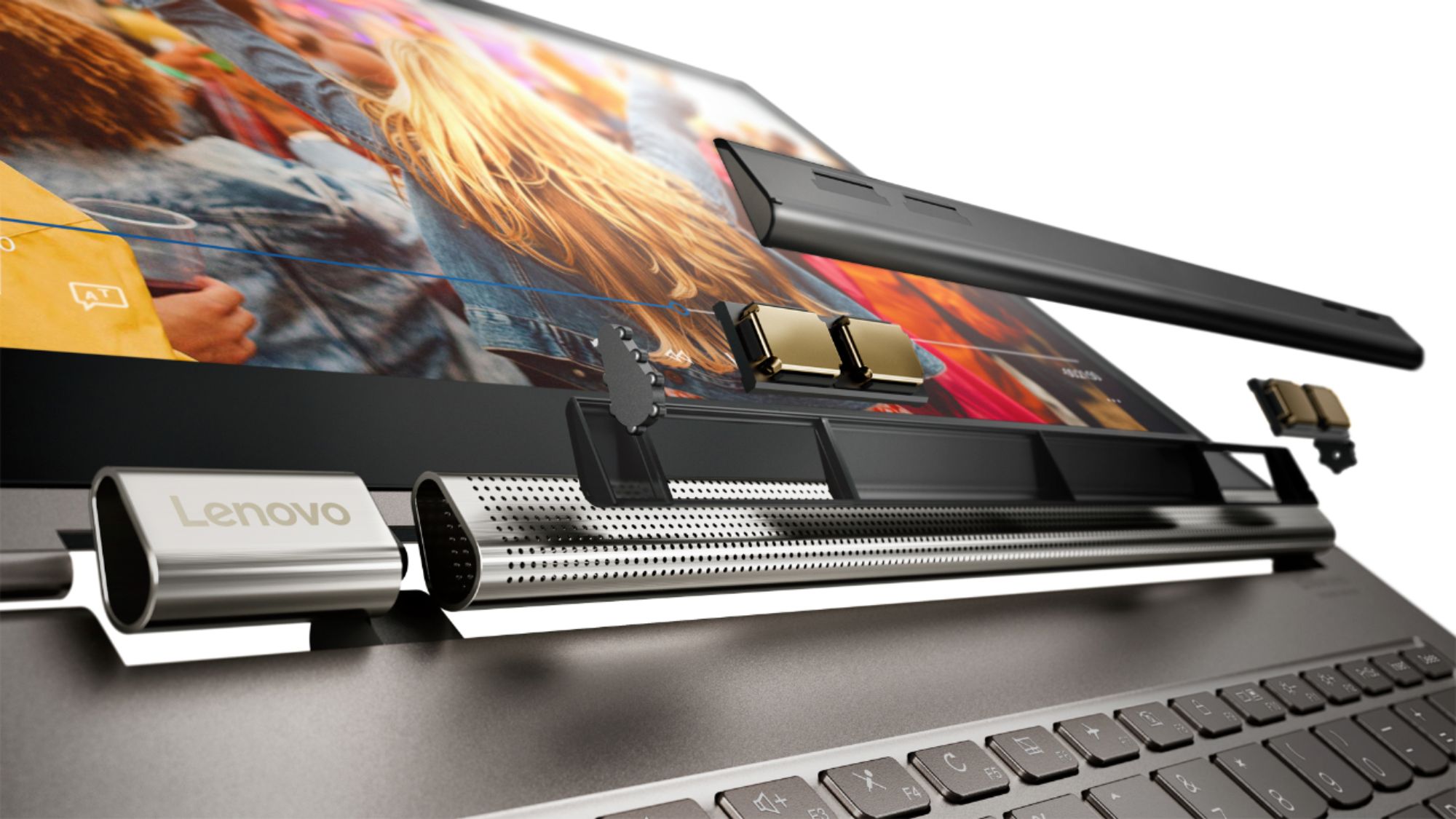
Posted .The Lenovo Yoga C930-14 4K model is designed to be equally stylish in every position, the Yoga C930 is crafted from premium aluminum with high-precision drills and polished twice for a luxurious feel. Not only will you have a sleek looking 2-in-1 laptop, you’ll also have a marvelous feat in engineering. Working hand-in-hand with Dolby, we created the word's first speakers that fit into a convertible hinge via a rotating sound bar, delivering powerful immersive sound in every mode. The Yoga C930's Rotating Sound Bar with Dolby Atmos Speaker System is truly revolutionary, as the audio sound will be just as amazing whatever mode you're in: tent, stand, tablet, or laptop. Dolby Atmos delivers breathtaking, three-dimensional audio that flows above and around you with depth and precision. Combining two sets of speakers - featuring powerful down-firing woofers, custom tweeters, and unique vibration buffers that reduce unwanted noise - your audio will sound bigger, deeper, and more accurate. It’s sound you can feel. Combine 4K clarity with the ultra vivid imaging of Dolby Vision. Experience brighter brights, darker blacks, and colors never before seen on standard displays—the true red of an English double-decker bus, or the sharp blue of a summer sky. By shifting components, we were able to edge the screen with razor-thin 4.95 mm vertical bezels that will make the absolute most of your visuals. You can connect the Yoga 930 to an ethernet cable by using a USB to ethernet adapter. For 2018, Lenovo retained its place for a second year as the best laptop vendor:
https://www.laptopmag.com/articles/laptop-brand-ratings
- Pros mentioned:4k display
keyboard is eh
Posted .This reviewer received promo considerations or sweepstakes entry for writing a review.love the sound and image of the 4K. the only thing i don't like is some of the keyboard letters are hard to see depending on the lighting because both the keys and letters are light so they clash. Using the backlight for the keyboard solved the issue so hopefully it doesn't die out soon.
I would recommend this to a friendBrand response from Lenovo Product Expert
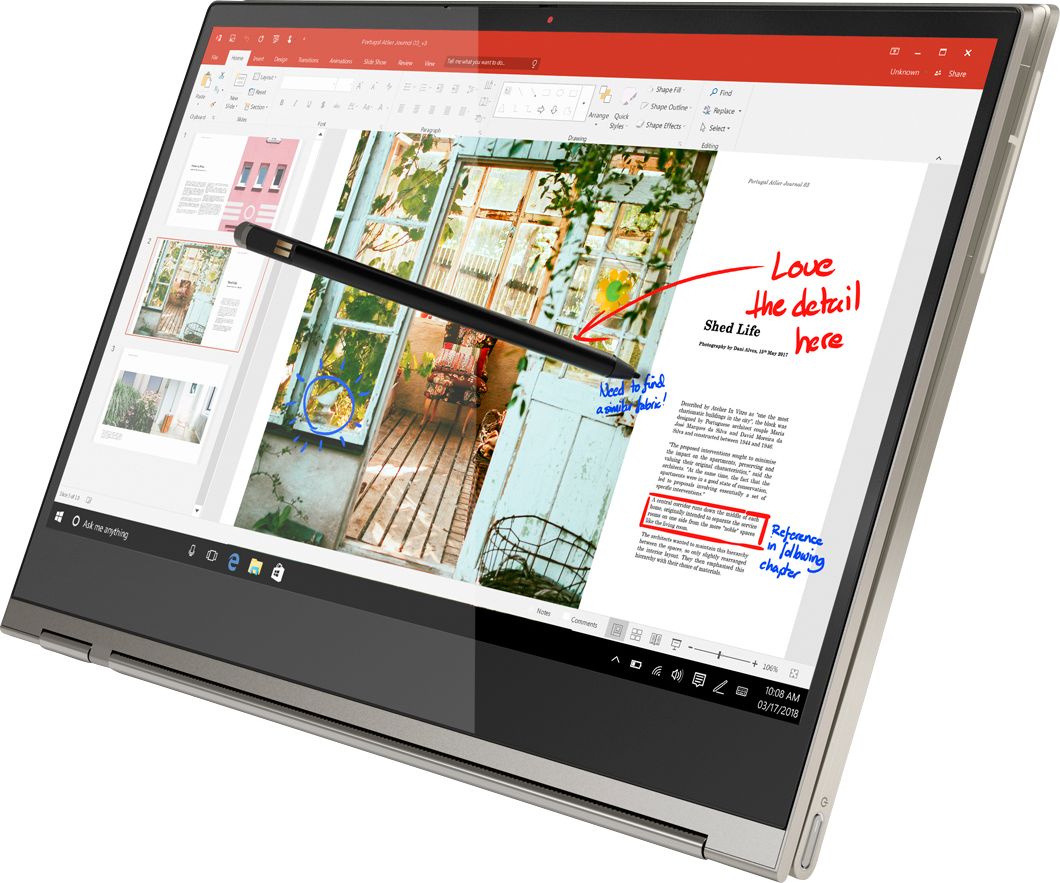
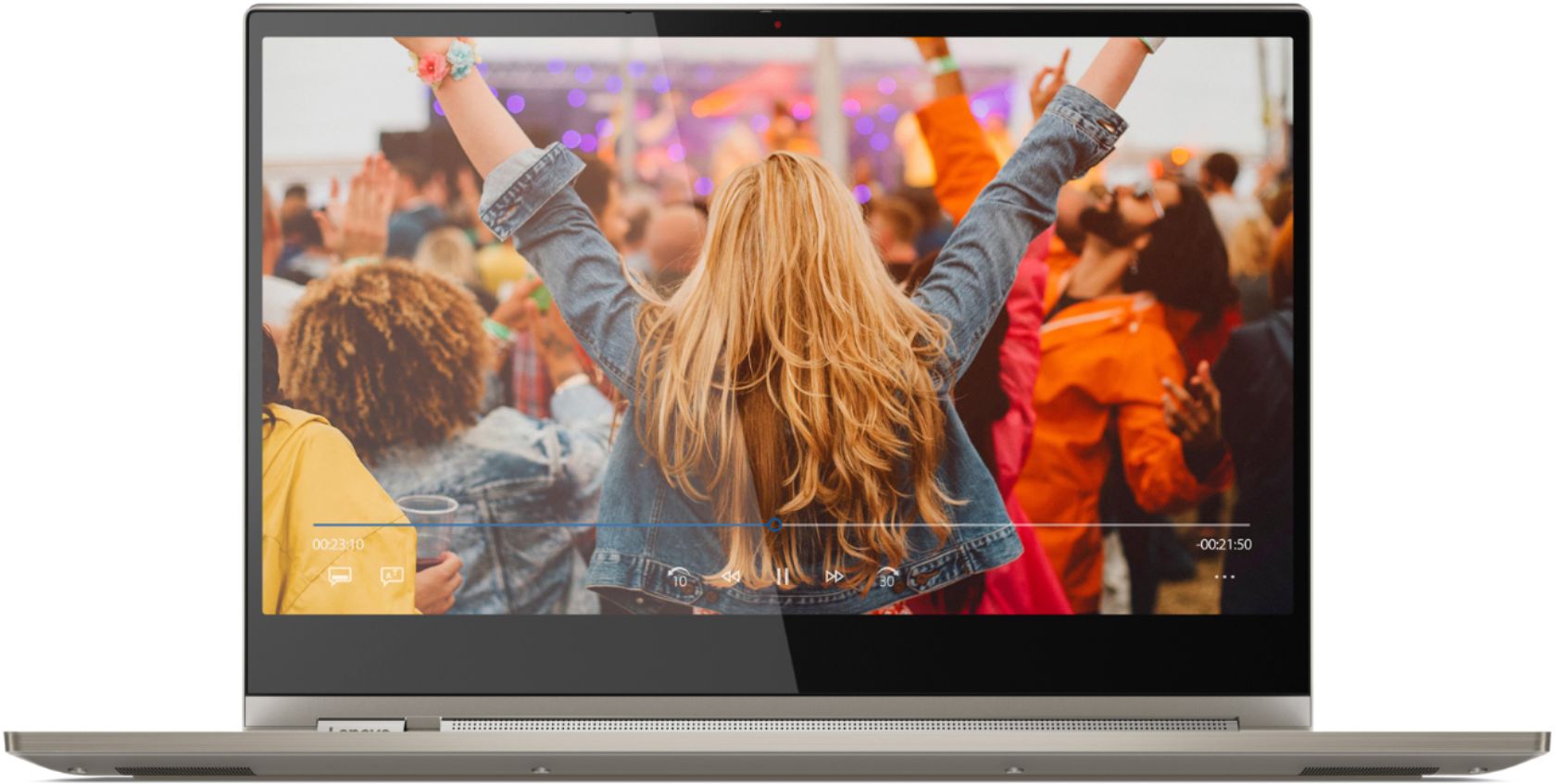
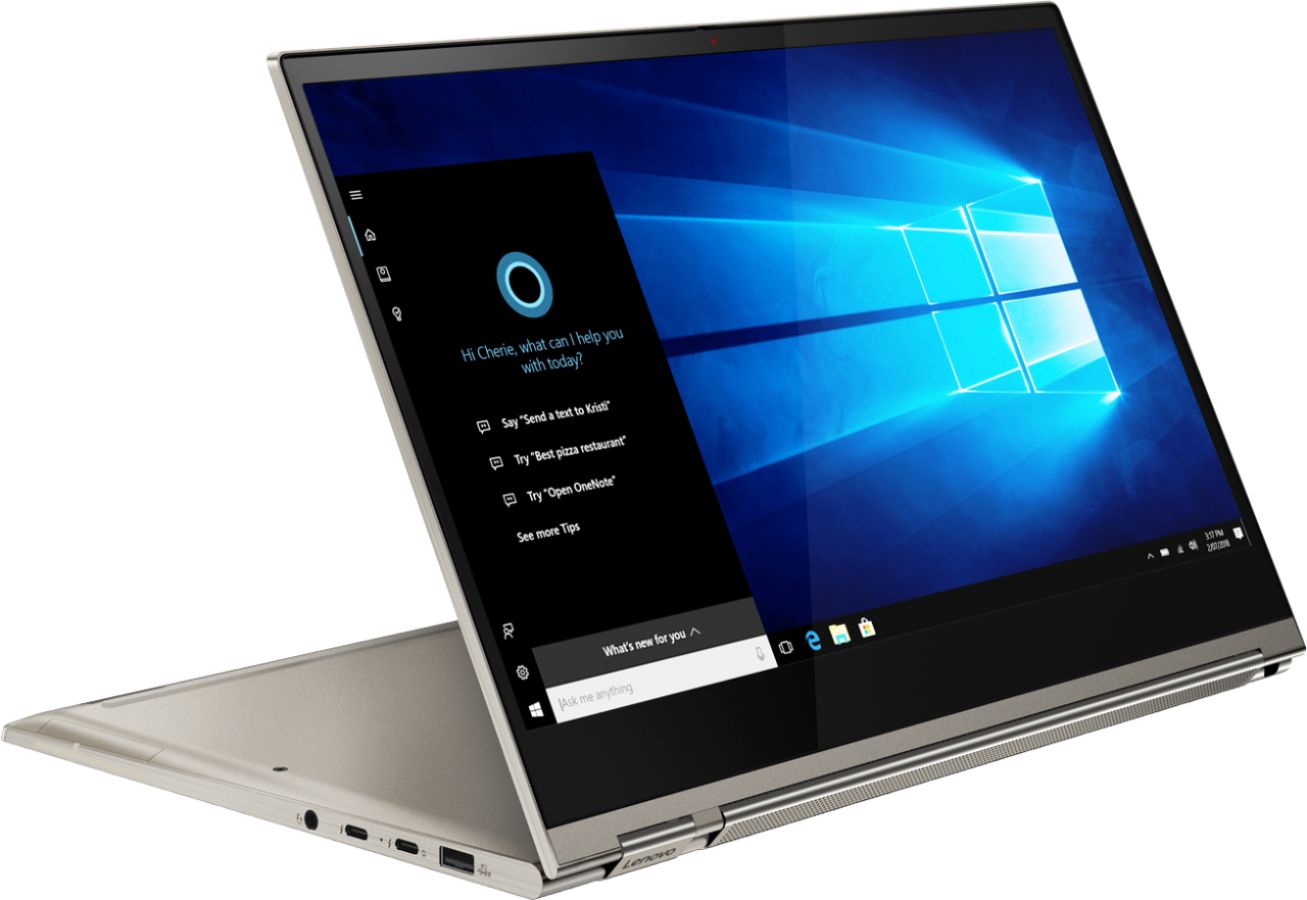
Posted .Designed to be equally stylish in every position, the Yoga C930 is crafted from premium aluminum with high-precision drills and polished twice for a luxurious feel. Not only will you have a sleek looking 2-in-1 laptop, you’ll also have a marvelous feat in cutting edge computer engineering. The Yoga C930 offers 16GB of DDR4-2400MHz RAM, 512GB SSD PCIe of super-fast storage, as well as 8th Generation Intel Core i7 processing. So you'll have a system engineered for powerful responsiveness and speed in a razor-thin convertible. Combine 4K clarity with the ultra vivid imaging of Dolby Vision. Experience brighter brights, darker blacks, and colors never before seen on standard displays—the true red of an English double-decker bus, or the sharp blue of a summer sky. By shifting components, we were able to edge the screen with razor-thin 4.95 mm vertical bezels that will make the absolute most of your visuals. Working hand-in-hand with Dolby, we created the word's first speakers that fit into a convertible hinge via a rotating sound bar, delivering powerful immersive sound in every mode. The Yoga C930's Rotating Sound Bar with Dolby Atmos Speaker System is truly revolutionary, as the audio sound will be just as amazing whatever mode you're in: tent, stand, tablet, or laptop. Dolby Atmos delivers breathtaking, three-dimensional audio that flows above and around you with depth and precision. Combining two sets of speakers - featuring powerful down-firing woofers, custom tweeters, and unique vibration buffers that reduce unwanted noise - your audio will sound bigger, deeper, and more accurate. It’s sound you can feel. We've heard from you that keeping track of a digital pen can be a pain. With a garaged pen (included) that fits flush into the chassis, you won't have to worry about looking for your pen when you need it. The Yoga C930 ensures you'll be able to capture your thoughts the moment they occur because it charges while in its compartment and is ready to go. With its 4,096 points of pressure sensitivity in the tip of the pen, it provides the natural feel of a pen-on-paper experience, with twice the accuracy of competitors' pens.
Great Looking - Poor Quality and Support
Posted .This reviewer received promo considerations or sweepstakes entry for writing a review.I'm not new to tablets, I've used them since Microsoft's Beta Program for Tablet-XP and own both a first gen tablet and a Surface Pro 3. I like the design of the Yoga and wanted something with the performance of this chipset and I am a frequent user of "Ink" in Microsoft Applications. The Yoga C930 includes an integrated pen (similar to the Samsung Note products) - which does not work on the unit I purchased. I read the reviews here and Lenovo's comments on items to try. None resolved the issue. Contacted Lenovo Support and initiated a chat session. Very basic Tier 1 Support that kept me on hold (researching the answer - read, handling multiple sessions) and they read back to me "everything I told them I already did" (leads to Lenovo engineer not maintaining a complete session with me). I will be returning this system and not likely to return to Lenovo. Great when they were IBM Thinkpads, but Support via HP, Dell, and other systems I've owned blow this, albeit limited, experience away. If you're lucky to get a system that works, it looks like a very interesting system (hence 3 stars). I just do not have the time to deal with a computer that has issues "right out of the box".
No, I would not recommend this to a friendBrand response from Lenovo Product Expert
Posted .We are sorry to hear that you had issues with the Active Pen working on your Yoga C930-14 4K model. First, if you tried the Active Pen "right out of the box" after initial setup, the pen might not have been charged. Although the pen should charge as long as there is a charge left in the system battery, if the system battery drops below a minimum level, the pen will not be charged. If the Active Pen is Charged but still does not work, be sure you are using the Active Pen within a program that accepts input from an active pen, like Microsoft Ink, Microsoft Word, or Windows Paint APPs. Finally, if you have tried the pen within an APP that accepts Active Pen input and the Active Pen still does not work, try scanning the computer with the Lenovo Utility software installed on this computer. Lenovo Vantage Software will find and fix software issues on the computer. This system has Lenovo utilities installed to help maintain the health of the device and keep the operating system software up to date. Type "Lenovo Vantage" in the Cortana Search window (if Lenovo Vantage is not installed on your device, you can download the APP and install it now). Select Lenovo Vantage from the list. In the window that opens, click on "Health and Support". In the expanded menu, select "Hardware Scan" In the window that opens, select "Run Quick Tests". This will scan your entire system for errors. Follow any directions that may pop up. If the problem continues after this scan, now click on "System Update". First select Windows update from the menu. Scan your system to be sure you have the latest version of Windows 10. Once that scan is complete, select "Additional Updates". This will scan your device to be sure there are no new BIOS/Driver updates needed. Follow any instructions that may pop up. If the issue still continues after these updates, we recommend you call Lenovo Tech Support at: 877-453-6686 for additional help.