Customer Ratings & Reviews





Rating by feature
- Value
Rating 4.2 out of 5 stars
- Quality
Rating 4.5 out of 5 stars
- Ease of Use
Rating 4.6 out of 5 stars
Customers are saying
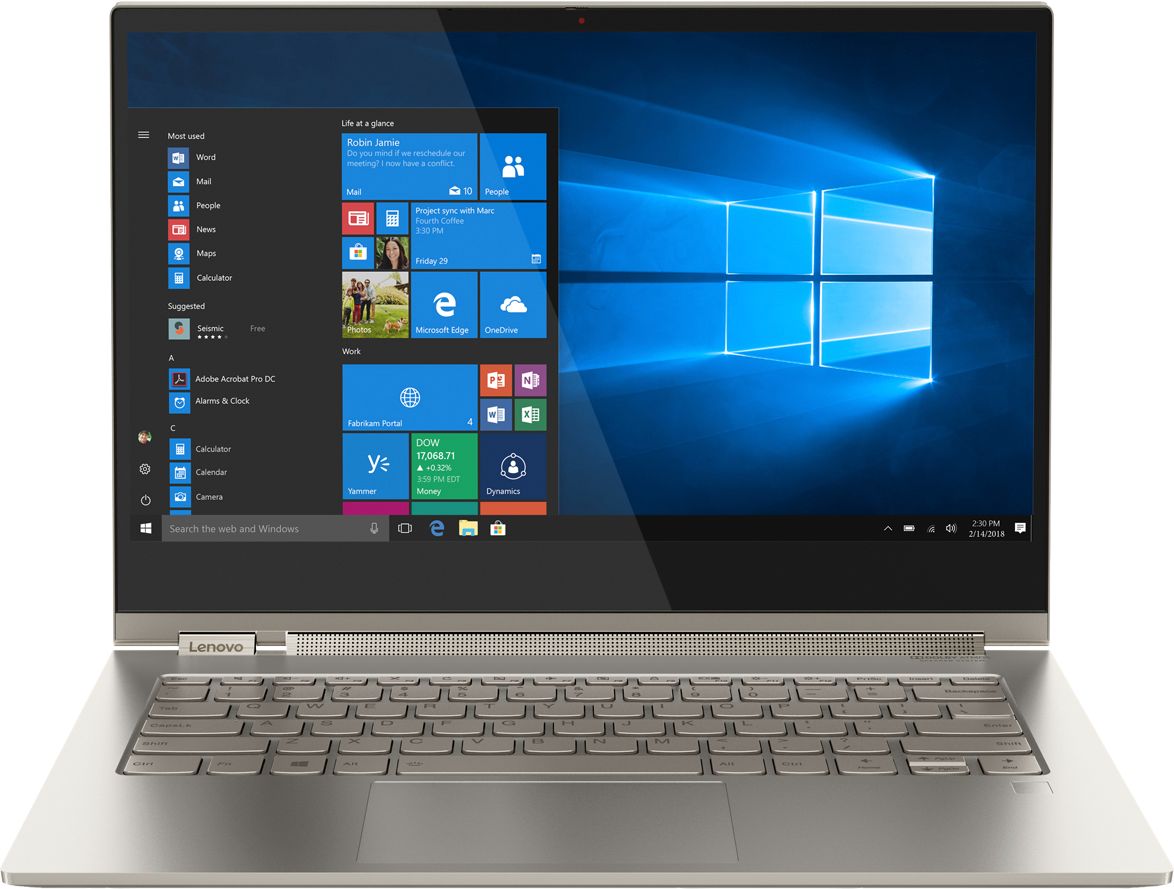
Customers are positive about the Yoga C930's touch screen, weight, 4k display, sound quality, and price. They appreciate its lightweight design, easy-to-use features, and vibrant display. However, customers are negative about its battery life, limited ports, heating issues, and occasional fan noise. Some users have even reported receiving defective units.
This summary was generated by AI based on customer reviews.
- Cons mentioned:Defective
Not charging at first use!!!
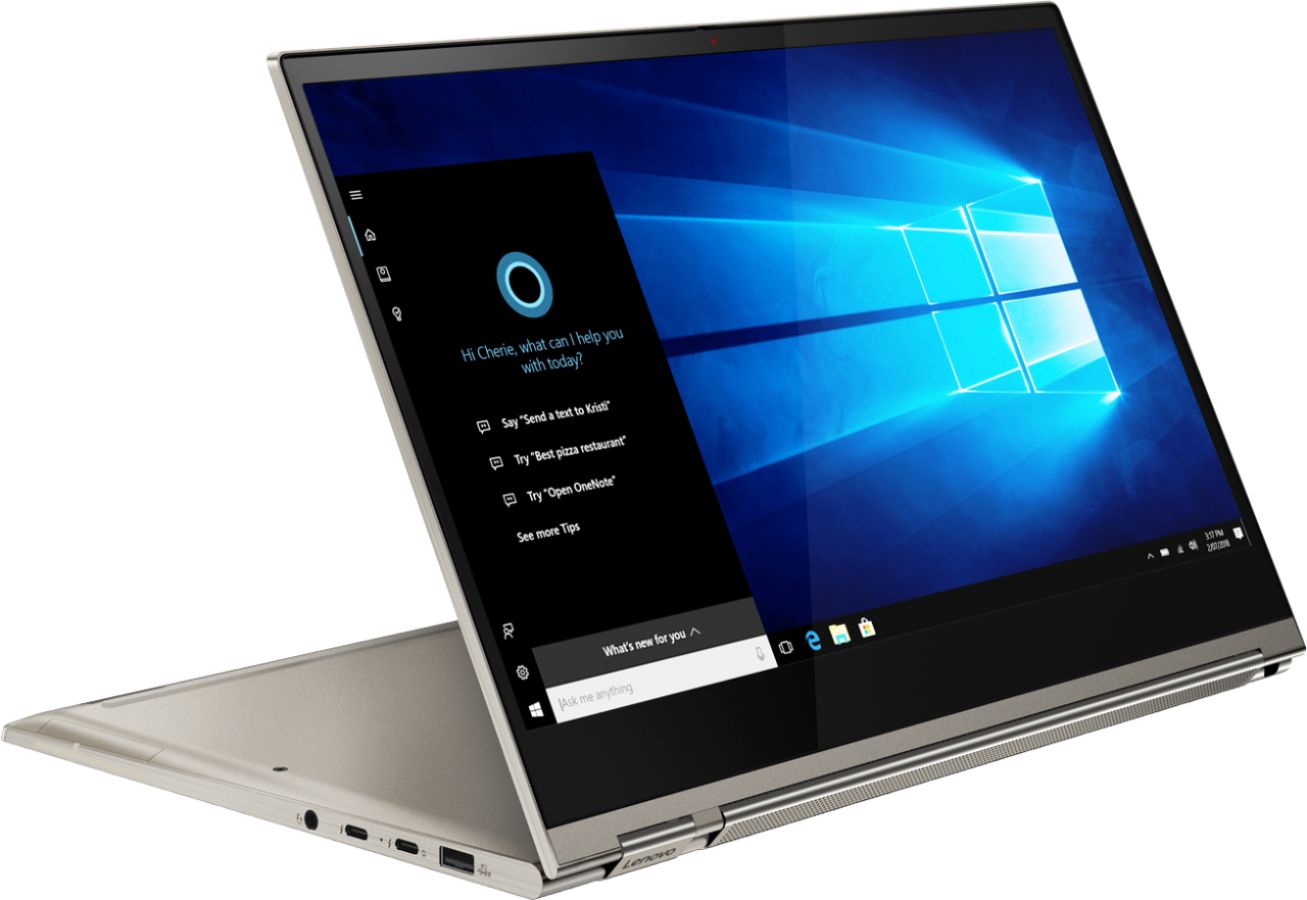
Posted .This reviewer received promo considerations or sweepstakes entry for writing a review.My daughter will be freshmen in high school this year, so we went to Best Buy for laptop shopping. She was so excited when she saw this beautiful looking device, she probably fell in love on the first moment she sees it. We bought it. She was bagging me the whole evening if she can open it, to show that beauty to the rest of the family. So, we gently. like holding a baby opened it, she signed in, following all Cortana`s instructions, into the Windows, then we run all necessary updates to the point that it is said, it is up to date. Then, as it's showing 48% of the battery, we decided to charge it, and on this point - it is FAILED. It was showing that the charger connected, on a small battery icon, located on the right bottom of the screen, little bars starting moving on indicating charging - and it last for about 30 seconds, and then it stopped. We were waiting, with the charger plugged, for another 3 hours, and the machine was showing the same 48% of charge, despite it saying that it is charging. Imagine mine and my daughter disappointment, she was so happy and now she is so sad. The brand new device, top of the line, premium quality - and it FAILED, in first use, in first minutes. Then, I started researching the issue on Google, and guess what, tonnes of complaints about the same issue, but for the previous year model YOGA C920, many times it has happened after few months of use, here I was smiling and said thank you to the machine for letting me know that it is indeed defective on the first use. Some of the folks were suggesting to hold power button for about good 30 seconds to kinda release static electricity that might be accumulated on the battery and maybe will fix the issue, and I said to myself - hack big NO here, I am not going to do this on the brand new machine. So for a conclusion here, despite all of the premium look, feel and touch I would not recommend buying this device. You might be luckier than me, but before making the decision of buying, make a research first. To me obviously, the same issue persisted on previous year model and the exact same issue is following this new model as well. Now, it is up to you, but later on, do not tell that I did not warn you. Sorry, for such a long review, hoping it helps some of the potential buyers and thanks for reading. Good luck. P.S. It went back to Best Buy next very morning.
No, I would not recommend this to a friendBrand response from Lenovo Product Expert
Posted .We are sorry to hear that you had an issue charging your Lenovo C930-14 4K model. To keep your device running at its best and check for any hardware issues, scan the computer regularly with the Lenovo Utility software installed on the computer, including the BIOS files and drivers that control the charging system within this computer. This system has Lenovo utilities installed to help maintain the health of the device and keep the operating system software up to date. Type "Lenovo Vantage" in the Cortana Search window (if Lenovo Vantage is not installed on your device, you can download the APP and install it now). Select Lenovo Vantage from the list. In the window that opens, click on "Health and Support". In the expanded menu, select "Hardware Scan" In the window that opens, select "Run Quick Tests". This will scan your entire system for errors. Follow any directions that may pop up. If the problem continues after this scan, now click on "System Update". First select Windows update from the menu. Scan your system to be sure you have the latest version of Windows 10. Once that scan is complete, select "Additional Updates". This will scan your device to be sure there are no new BIOS/Driver updates needed. Follow any instructions that may pop up. If the issue still continues after these updates, we recommend you call Lenovo Tech Support at: 877-453-6686 for additional help.

Developing issues too quickly
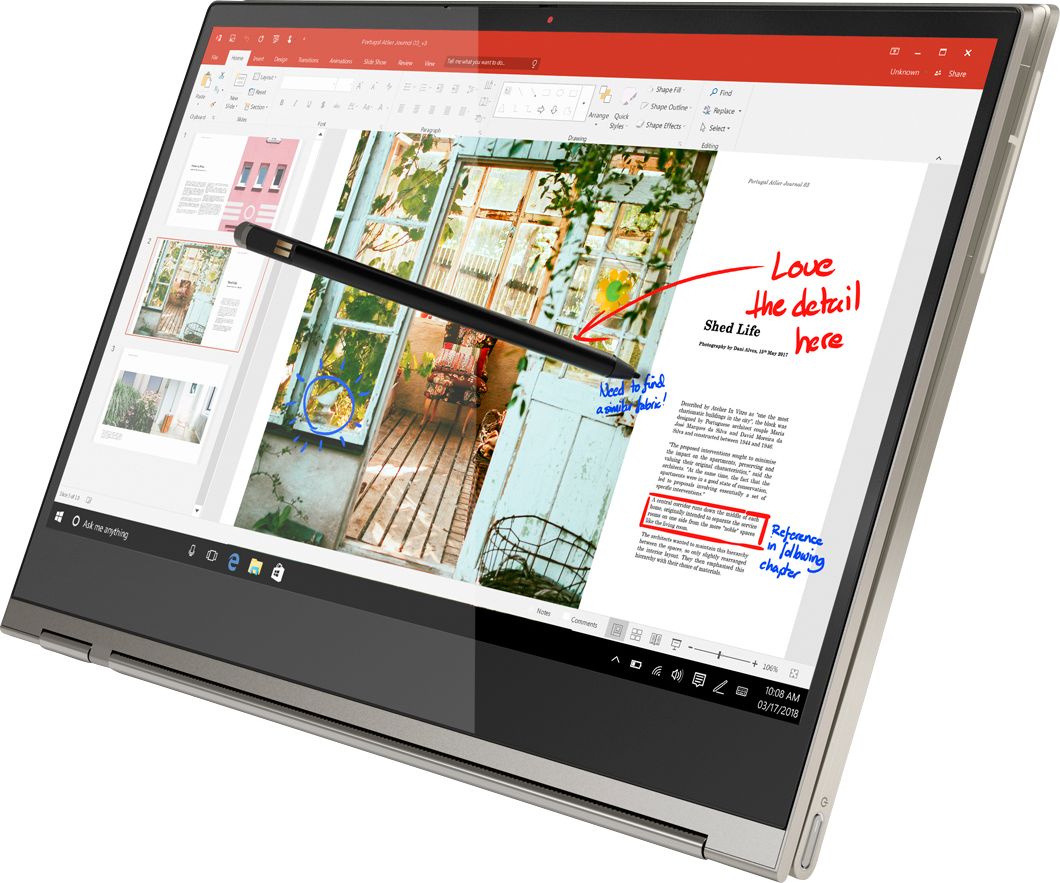
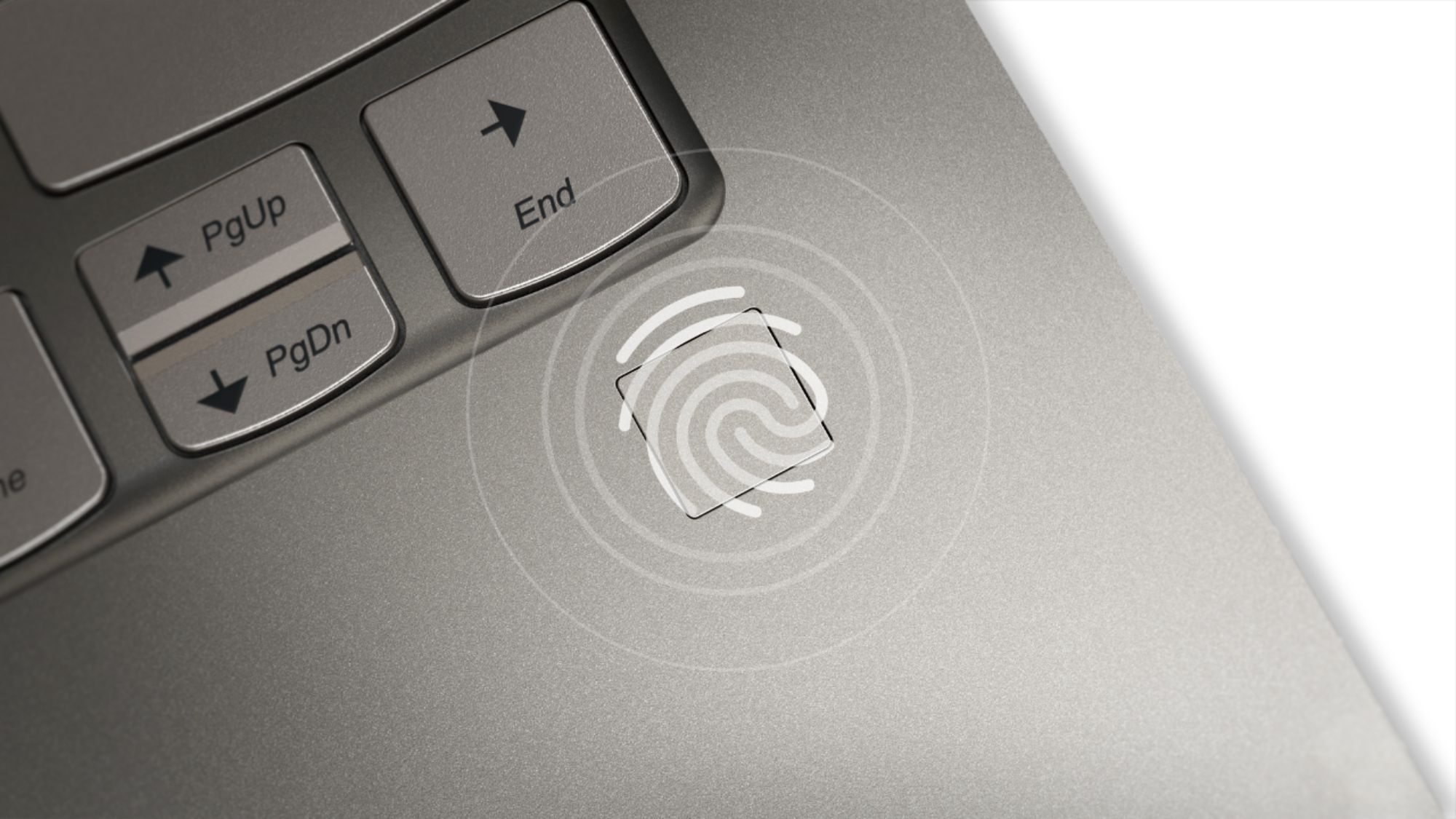
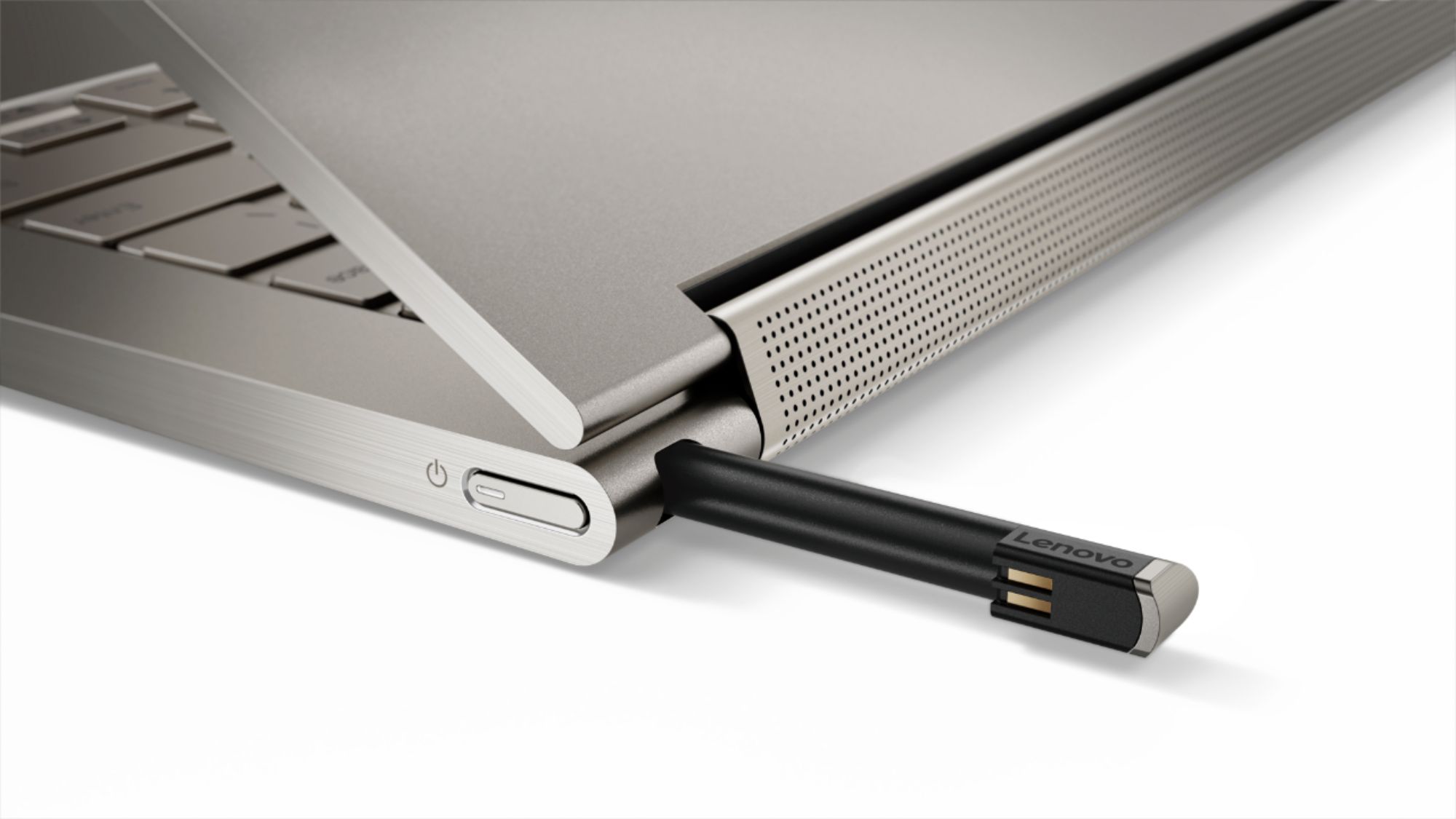
Posted .This reviewer received promo considerations or sweepstakes entry for writing a review.I did a lot of research before purchasing this product and had truly thought it would be the best choice I could make. I purchased mine from Best Buy -- Open-Box Excellent Certified -- back in January and within four months it's already developed some issues. The keyboard lags frequently, oftentimes to the point where my typing takes at least half a minute to catch up for seemingly no reason. The screen sometimes doesn't reach full brightness, and I had to reinstall drivers the very same day I got it in order to fix the issue myself, though it still occurs at times. The pen, which is garaged in the back of the laptop, has fallen out on a few occasions when transporting the device despite minor usage of such. The touch pad sensitivity isn't reliable, and the fingerprint scanner rarely works despite calibrating it to my finger multiple times. The laptop itself does run well for my needs, and the battery is super impressive, as is the sound quality. It's a great size and weight, and it's a powerful device. I have no issue keeping two dozen tabs open while writing and researching papers for college, and it handles Minecraft pretty well (at least for my standards, and that being the only game I have downloaded onto this device). But the numerous issues it has continued to developed has made me regret my purchase, and I would have returned it at least a month ago if not for the short return policy. Being a full-time college student with only a part-time job, it was difficult for me to shell out nearly $1,000 to get a new laptop after my previous one became unusable, but it was a necessity in order to be able to complete assignments, and I had hoped this would last me through graduation and into the beginnings of a career. Now I'm not so sure based on how quickly it has deteriorated. Without these issues, it would be a fantastic, near-perfect laptop, but at this moment, I'm really quite disappointed.
No, I would not recommend this to a friendBrand response from Lenovo Product Expert
Posted .We are sorry to hear that you are having issues with your Lenovo Yoga C930-14 4K model. First, be sure any software you installed is compatible with Windows 10. There is no need to install Microsoft Office software. The software is already part of the operating system, you just need to activate the software with a purchased product key. If you have installed a copy of Microsoft Office, this is conflicting with the existing copy on the system and this will slow your system down. If you have installed a 3rd party anti-virus program, be sure that Windows Defender is turned off and that the trial version of McAfee Anti-Virus software is uninstalled. There can only be one anti-virus program on the system. You may need to restore your system to original factory default settings if any of the programming errors have occurred. You can do that by typing "restore" in the Cortana search window. Just click on the magnifying glass icon at the bottom left of your Windows 10 Desktop. Click on "Reset This PC" Then click on "Get Started" and follow the on screen directions to restore to factory defaults. If there is no incompatible software installed on the computer, next, check to be sure you have the latest version of Windows 10 on the computer, then update all of the BIOS files and drivers up to that latest version of Windows 10. You can easily accomplish this by scanning the computer with the Lenovo Utility software installed on the computer. This system has Lenovo utilities installed to help maintain the health of the device and keep the operating system software up to date. Type "Lenovo Vantage" in the Cortana Search window (if Lenovo Vantage is not installed on your device, you can download the APP and install it now). Select Lenovo Vantage from the list. In the window that opens, click on "Health and Support". In the expanded menu, select "Hardware Scan" In the window that opens, select "Run Quick Tests". This will scan your entire system for errors. Follow any directions that may pop up. If the problem continues after this scan, now click on "System Update". First select Windows update from the menu. Scan your system to be sure you have the latest version of Windows 10. Once that scan is complete, select "Additional Updates". This will scan your device to be sure there are no new BIOS/Driver updates needed. Follow any instructions that may pop up. If the issue still continues after these updates, we recommend you call Lenovo Tech Support at: 877-453-6686 for additional help.
- Cons mentioned:Battery life
Battery is Terrible
Posted .This reviewer received promo considerations or sweepstakes entry for writing a review.I’ve had this laptop for 3 years and it worked pretty well in the beginning. Then once I started college, I had to use powerful programs like Blender, Unreal Engine, and Maya. I’m not a computer expert; I’m not sure if running these programs has worn down the laptop drastically but last year was when it started to have battery problems. It wouldn’t stay charged long and would die when it said 80% battery. So I had to get a new battery. And that didn’t last long. Every time I unplug the laptop from the battery cord it shuts down completely and I lose everything. Now, it won’t even turn on.
No, I would not recommend this to a friend Great 4K display and good speed
Posted .This reviewer received promo considerations or sweepstakes entry for writing a review.I bought this laptop one week back and really loving it. Hardly I hear the fan speed even I open lots of applications in parallel. The display is super crystal clear with amazing sound clarity. Till now I have owned various laptops from Apple to other Windows laptops but this laptop has the best sound.
I would recommend this to a friendBrand response from Lenovo Product Expert
Posted .Thank you for choosing the Lenovo C930-14 4K model. We are pleased to hear that that Dolby Atmos sound through the exclusive Sound bar on the C930-14 meets your computing needs so well.
- Cons mentioned:Battery life
Very Poor battery life
Posted .This reviewer received promo considerations or sweepstakes entry for writing a review.The C930 is very nice and had much potential. The battery life is terrible - and isn't that one of the main features for a laptop! In addition some programs do not display in a readable fashion apparently due to the high screen resolution. Neither of these should be problems - to begin with - with a tech company product - and efforts to solve them with Lenovo have not been successful; and arguably have not been given attention - for me. To Lenovo: fix it.
No, I would not recommend this to a friendBrand response from Lenovo Product Expert
Posted .The Lenovo Yoga C930-14 ships with a 4CELL_60WH, Lithium Polymer battery, with a battery life of up to 10 hours depending on the work that the device is performing. With regard to specific software not being compatible with 4K resolution, you are correct, older versions of some software programs are not compatible with 4K resolution. We recommend you check with the specific software publisher for the compatibility of their software with 4K resolution. You may need to upgrade to a newer version of the specific software for 4K compatibility.
all around great
Posted .This reviewer received promo considerations or sweepstakes entry for writing a review.a premium product all around perfect. Only reason I am giving it four stars, just found out that Lenovo has a YOGA 930 glass. the BestBuy guy did not inform me, nor knew about the product at all.
I would recommend this to a friendUsed for 3 years
Posted .This reviewer received promo considerations or sweepstakes entry for writing a review.Great laptop. Used it for 3 years and served well.
I would recommend this to a friendthis is the best little laptop ever
Posted .This reviewer received promo considerations or sweepstakes entry for writing a review.the speakers on this little skinny laptop are INSANE. unreal.
I would recommend this to a friendBrand response from Lenovo Product Expert
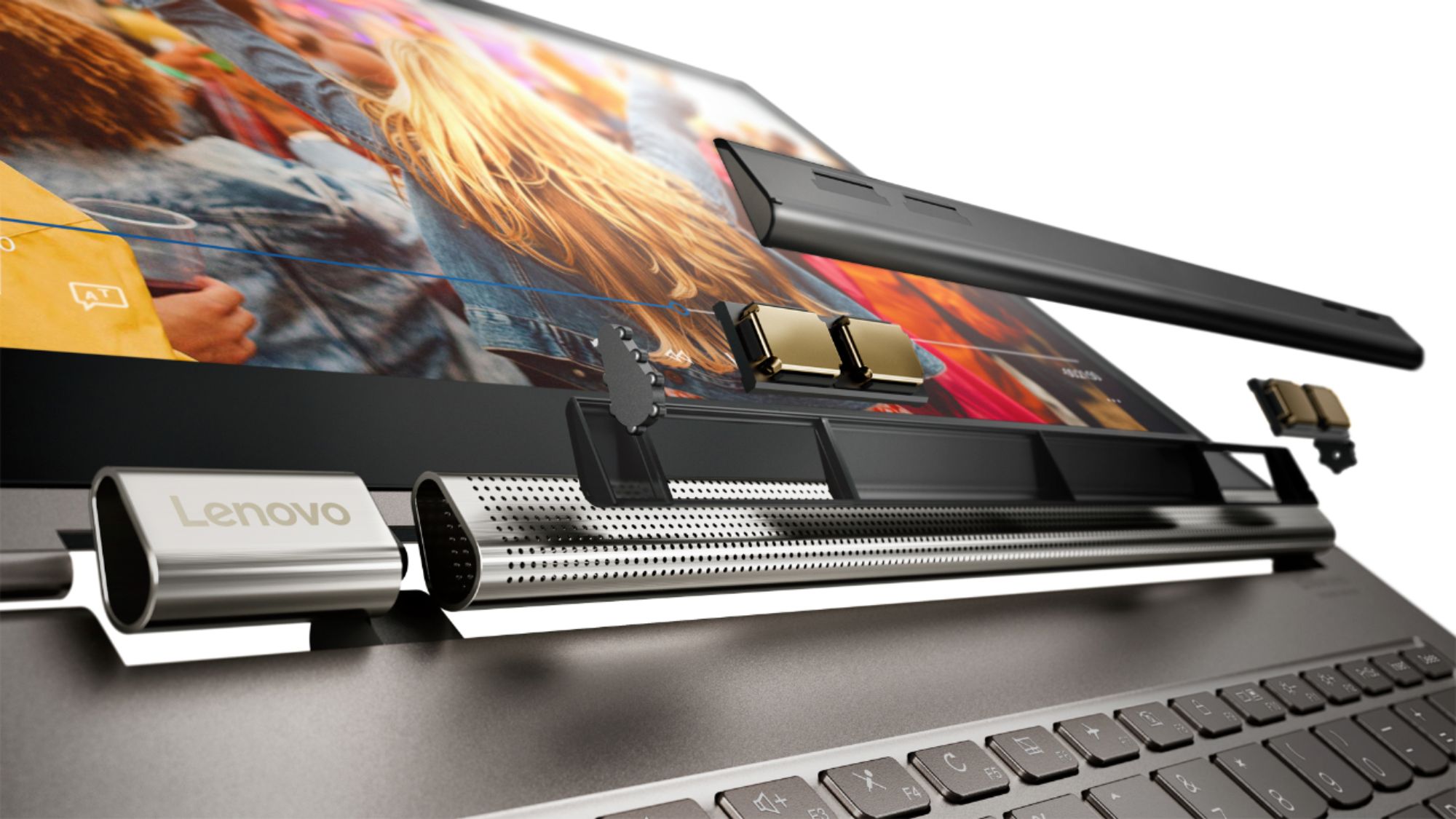
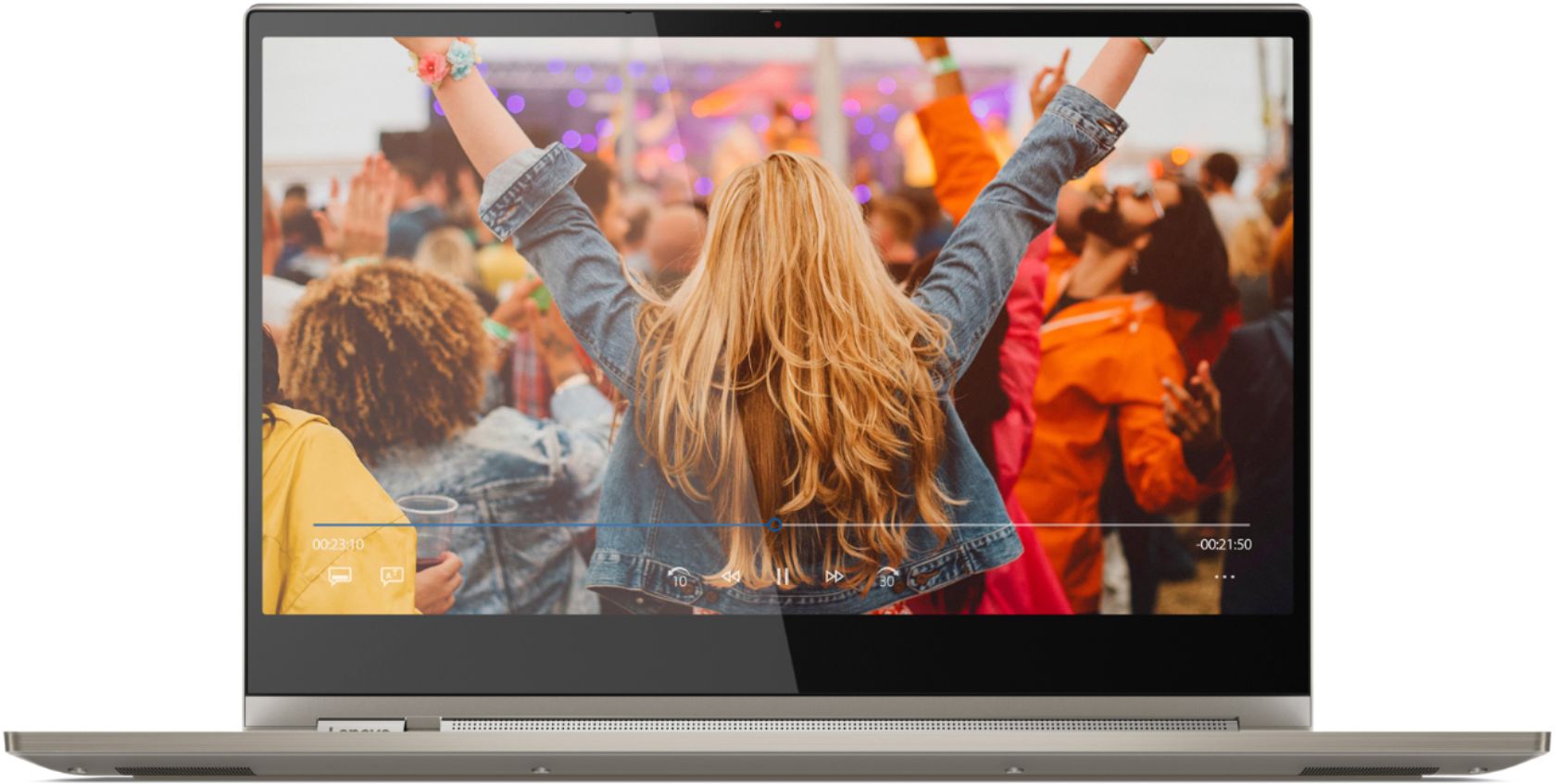
Posted .Thank you for choosing the Lenovo Yoga C930-14 4K model. Working hand-in-hand with Dolby, we created the word's first speakers that fit into a convertible hinge via a rotating sound bar, delivering powerful immersive sound in every mode. The Yoga C930's Rotating Sound Bar with Dolby Atmos Speaker System is truly revolutionary, as the audio sound will be just as amazing whatever mode you're in: tent, stand, tablet, or laptop. Dolby Atmos delivers breathtaking, three-dimensional audio that flows above and around you with depth and precision. Combining two sets of speakers - featuring powerful down-firing woofers, custom tweeters, and unique vibration buffers that reduce unwanted noise - your audio will sound bigger, deeper, and more accurate. It’s sound you can feel. Combine display clarity with the ultra vivid imaging of Dolby Vision. Experience brighter brights, darker blacks, and colors never before seen on standard displays—the true red of an English double-decker bus, or the sharp blue of a summer sky. By shifting components, we were able to edge the screen with razor-thin 4.95 mm vertical bezels that will make the absolute most of your visuals.
Excitement turned to headache
Posted .This reviewer received promo considerations or sweepstakes entry for writing a review.I was excited to purchase this model but it's been nothing but a headache since I opened it. I have had this laptop for about 2 weeks and for the first week, I spent about 10 hours dealing with Microsoft customer support - 1 hour was within 90 minutes of first use. I have had two Windows profiles created due to "corruption" issues and I still have issues. O365 installs and creates shelled icons that cannot be deleted/uninstalled. Microsoft responded with "it's not causing any problems so don't worry about it." I have two monitors hooked up through a hub and I find there is lag when moving between windows and a blue line at the top of Chrome from time to time. The intel wireless driver refuses to update. I also shouldn't receive a blue screen of death 5 different times or do a force reset because the laptop freezes multiple times in the middle of a timed project. I'm just at the end of my rope with Lenovo. It's a shame it's such a nice laptop. I'm better off getting something that's 50% of the price with the same specs.
No, I would not recommend this to a friendBrand response from Lenovo Product Expert
Posted .We are sorry to hear that you are having issues setting up your Lenovo Yoga C930-14. We recommend you call Lenovo Tech Support for specific help with your issue at: 877-453-6686.
not the best
Posted .This reviewer received promo considerations or sweepstakes entry for writing a review.there are way better options to buy now especially with new intel chips
No, I would not recommend this to a friendBroke
Posted .This reviewer received promo considerations or sweepstakes entry for writing a review.It broke 1 month after purchase. The WiFi chip no longer works. I purchased the warranty and they are exchanging it, but I have to waste multiple hours of my life to fix a month old computer. Sincerely hope this doesn’t happen to anyone else.
No, I would not recommend this to a friendBrand response from Lenovo Product Expert
Posted .We are sorry to hear that you had an issue with your WiFi on the Lenovo Yoga C930-14. It is possible updating the BIOS and communications drivers will fix this issue. You can easily try this by scanning the computer with the Lenovo Utility software on the device. This system has Lenovo utilities installed to help maintain the health of the device and keep the operating system software up to date. Type "Lenovo Vantage" in the Cortana Search window (if Lenovo Vantage is not installed on your device, you can download the APP and install it now). Select Lenovo Vantage from the list. In the window that opens, click on "Health and Support". In the expanded menu, select "Hardware Scan" In the window that opens, select "Run Quick Tests". This will scan your entire system for errors. Follow any directions that may pop up. If the problem continues after this scan, now click on "System Update". First select Windows update from the menu. Scan your system to be sure you have the latest version of Windows 10. Once that scan is complete, select "Additional Updates". This will scan your device to be sure there are no new BIOS/Driver updates needed. Follow any instructions that may pop up. If the issue still continues after these updates, we recommend you call Lenovo Tech Support at: 877-453-6686 for additional help.
Not a fan!
Posted .This reviewer received promo considerations or sweepstakes entry for writing a review.Not a fan. This device gave us hell. It constantly crashed and the screen would go out. We had repaired by geek squad multiple times but in the end they ended up refunding it.
No, I would not recommend this to a friendNever Lenovo again.
Posted .This reviewer received promo considerations or sweepstakes entry for writing a review.Bought 2. Worst, flakey, inconsistent laptops ever. Can't even pair with a surface pen, which is better that the silly included drawing stick. Constant issues...never Lenovo again.
No, I would not recommend this to a friendExtremely poor support from Lenovo
Posted .This reviewer received promo considerations or sweepstakes entry for writing a review.I do not recommend this computer. There is a hardware compatibility that stops it from being updated to the latest version of Windows. Lenovo offered absolutely no assistance other than to recommend calling Microsoft. Support is absolutely terrible.
No, I would not recommend this to a friendBrand response from Lenovo Product Expert
Posted .We are sorry to hear that you are having issues updating Windows 10 on your Lenovo Yoga C930-14 4K model. You can easily update to the latest version of Windows 10 currently available for this specific model, by scanning the computer with the Lenovo Utility software installed on the computer. Please note, the current available version of Windows 10 for this specific model, may not be the latest version of Windows 10. This is due to the release of the specific BIOS files and drivers for this specific model. Use the Lenovo Utility software to be sure you update to the latest compatible version of Window 10 for this specific model. You can check back at a later date for newer versions of Windows 10 for this specific model. This system has Lenovo utilities installed to help maintain the health of the device and keep the operating system software up to date. Type "Lenovo Vantage" in the Cortana Search window (if Lenovo Vantage is not installed on your device, you can download the APP and install it now). Select Lenovo Vantage from the list. In the window that opens, click on "Health and Support". In the expanded menu, select "Hardware Scan" In the window that opens, select "Run Quick Tests". This will scan your entire system for errors. Follow any directions that may pop up. If the problem continues after this scan, now click on "System Update". First select Windows update from the menu. Scan your system to be sure you have the latest version of Windows 10. Once that scan is complete, select "Additional Updates". This will scan your device to be sure there are no new BIOS/Driver updates needed. Follow any instructions that may pop up. If the issue still continues after these updates, we recommend you call Lenovo Tech Support at: 877-453-6686 for additional help.