Customer Ratings & Reviews
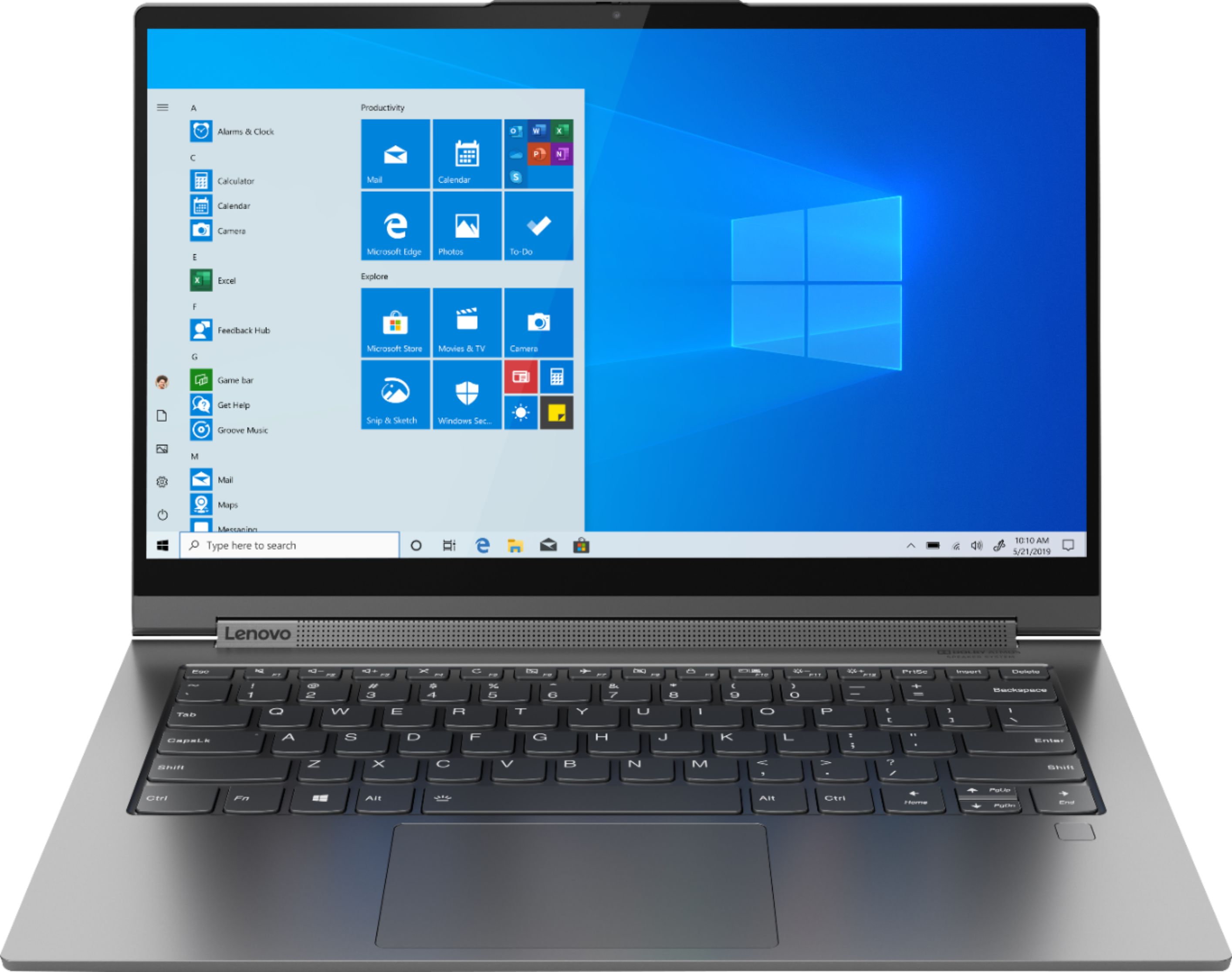
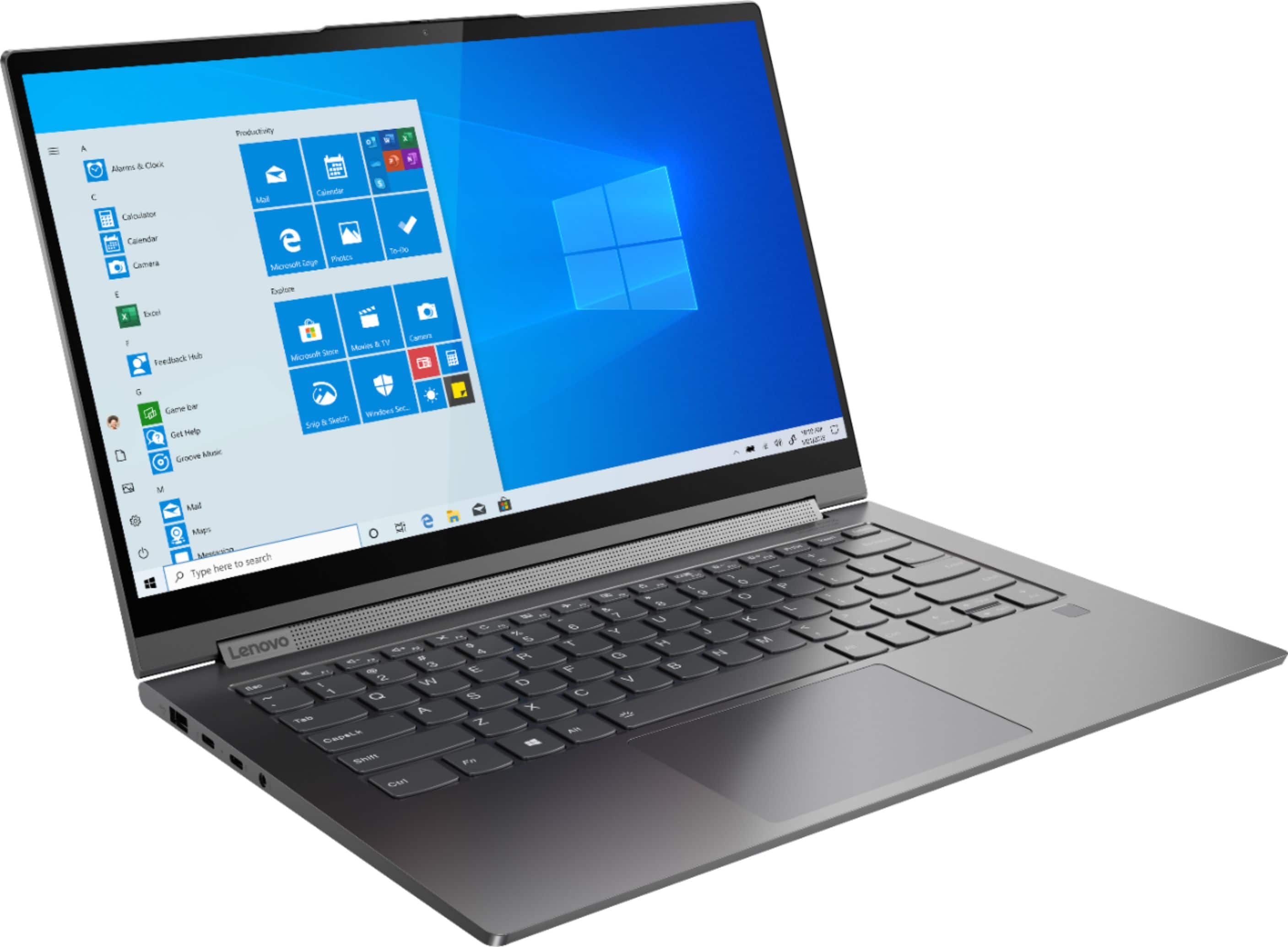
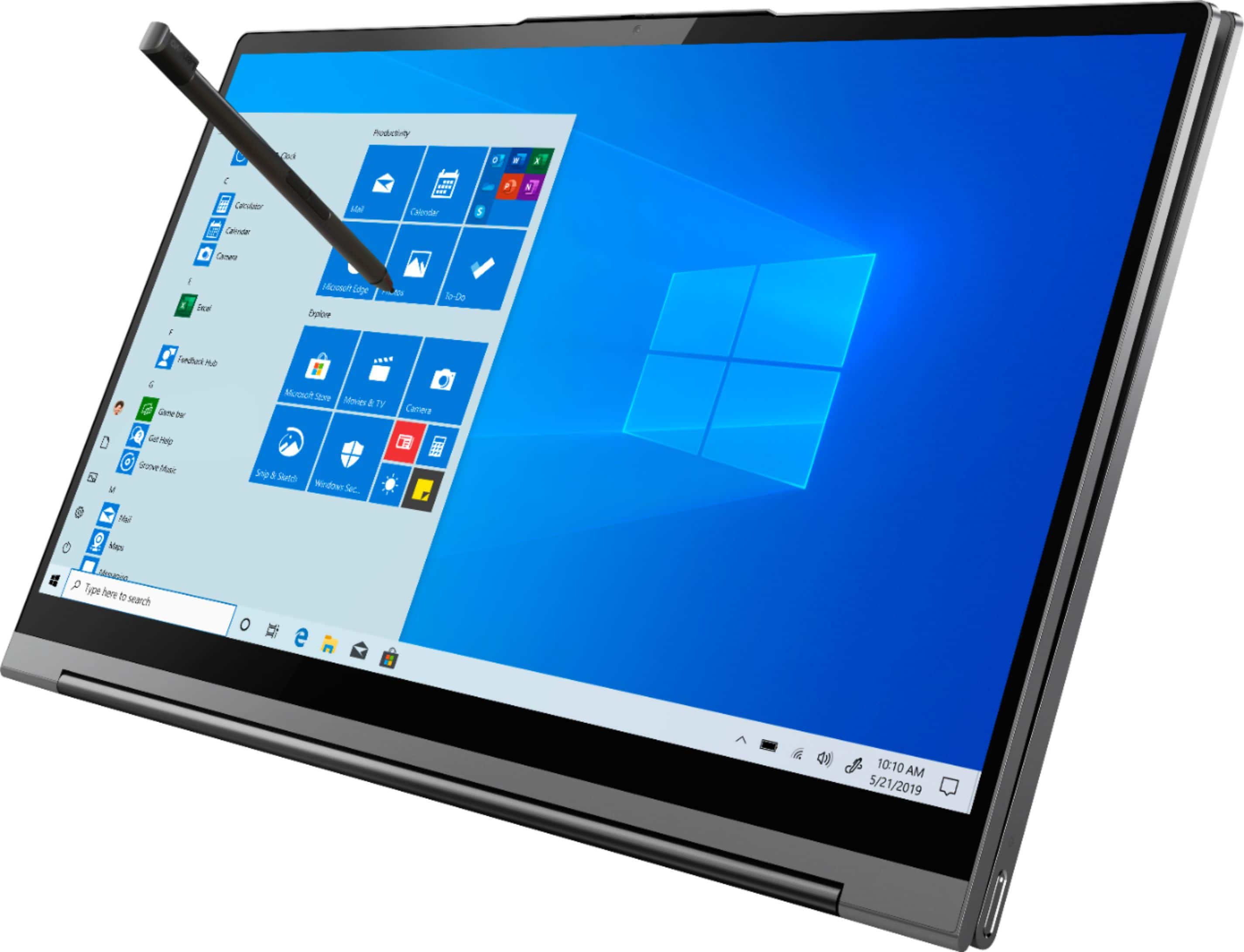

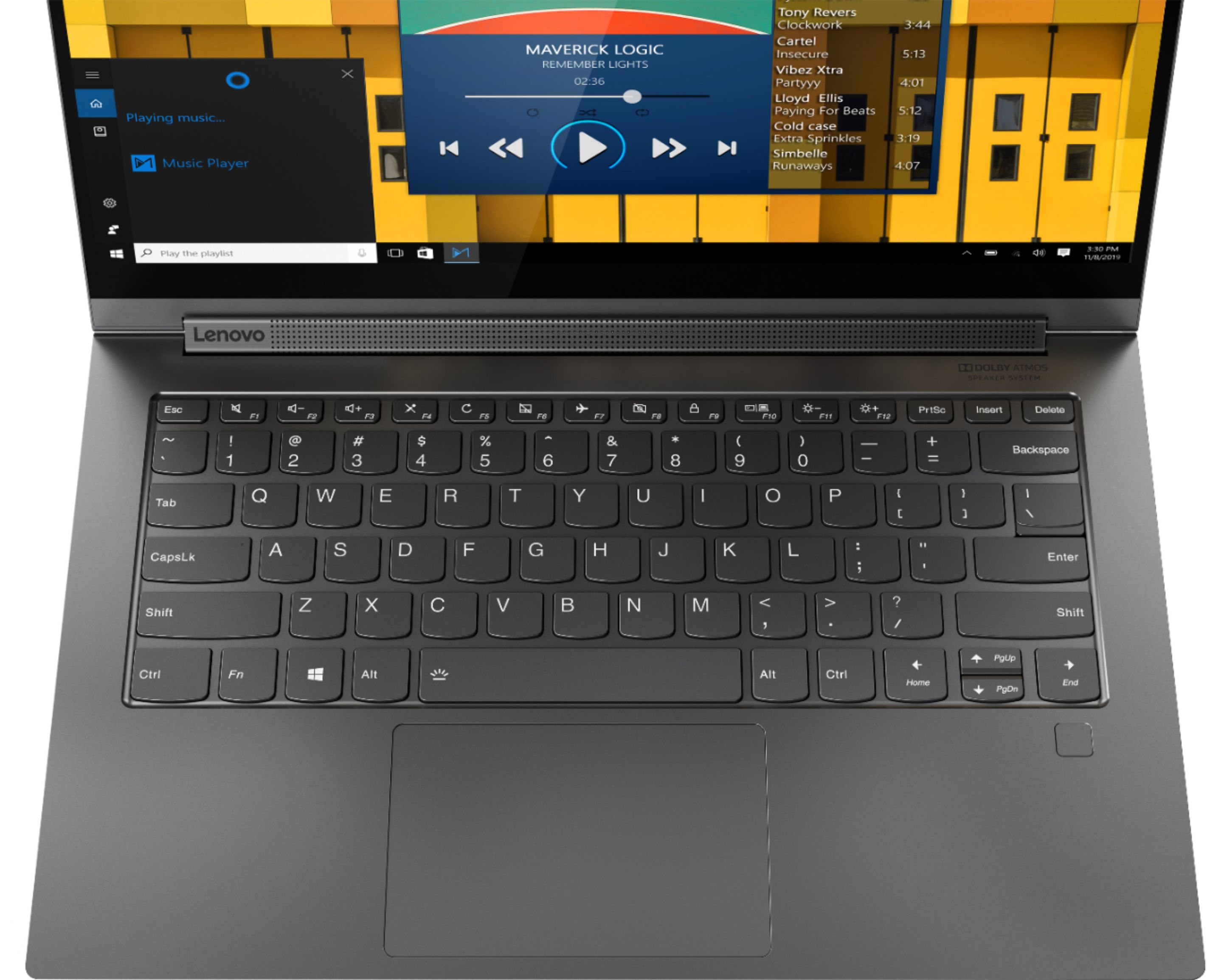

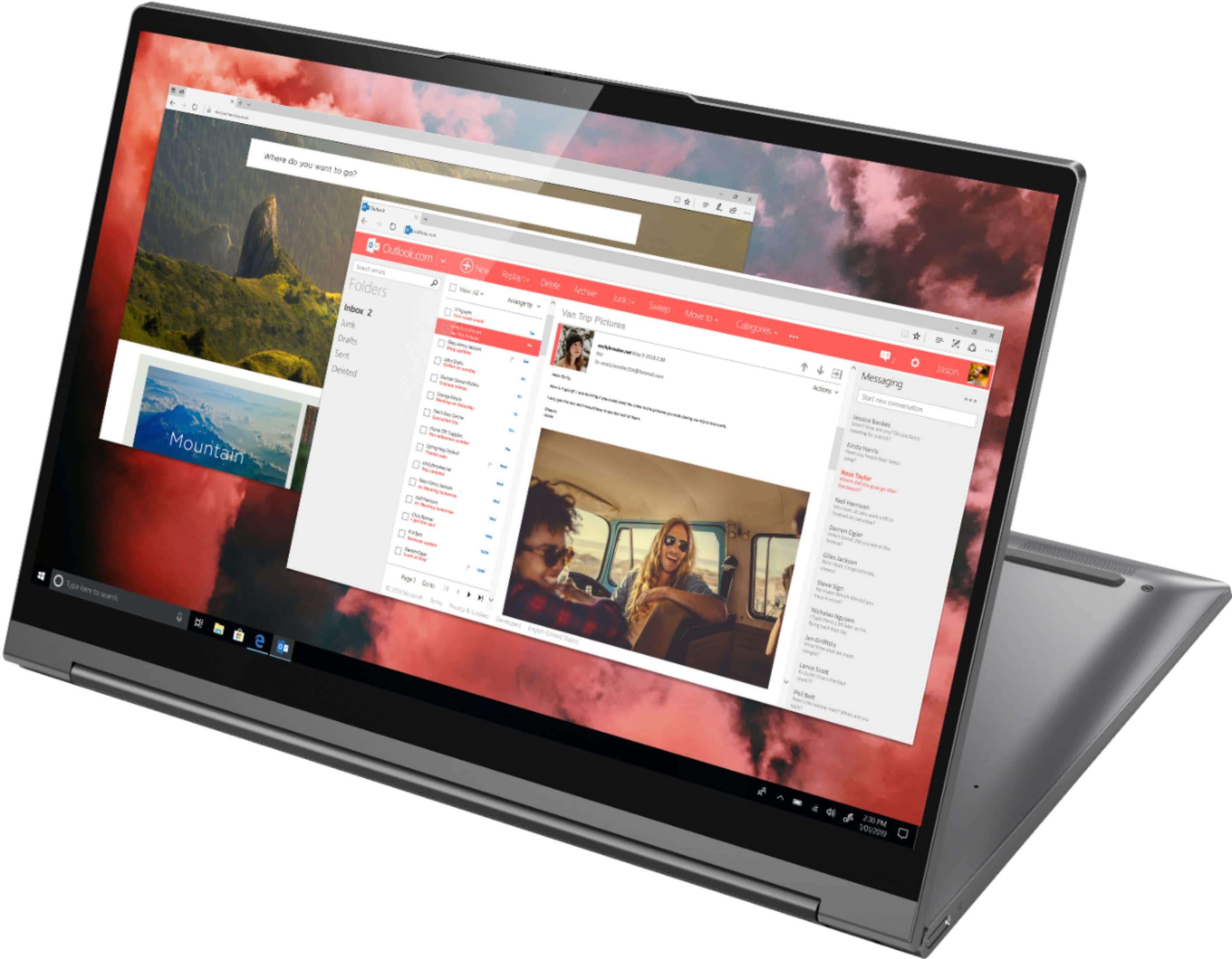
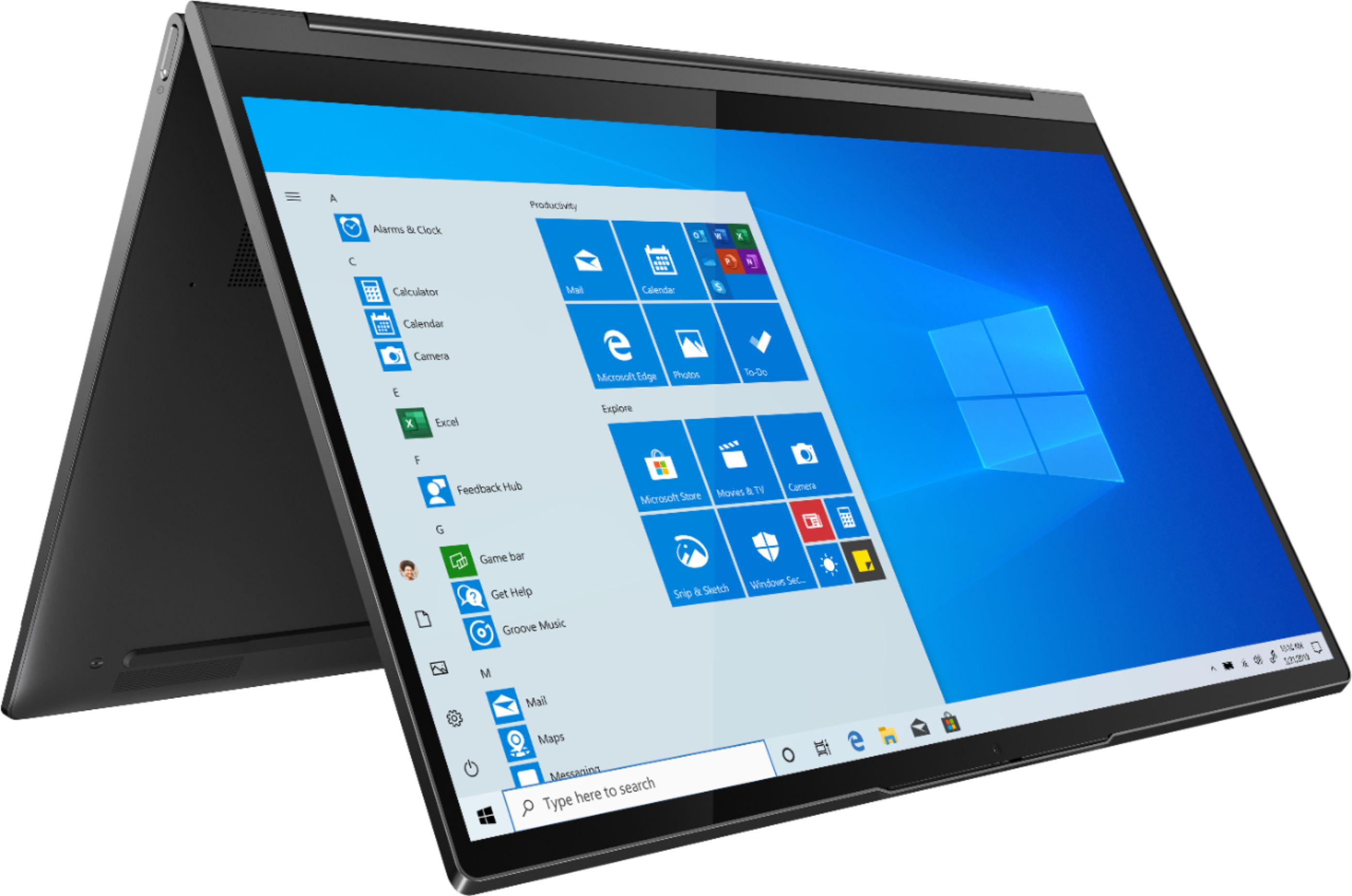

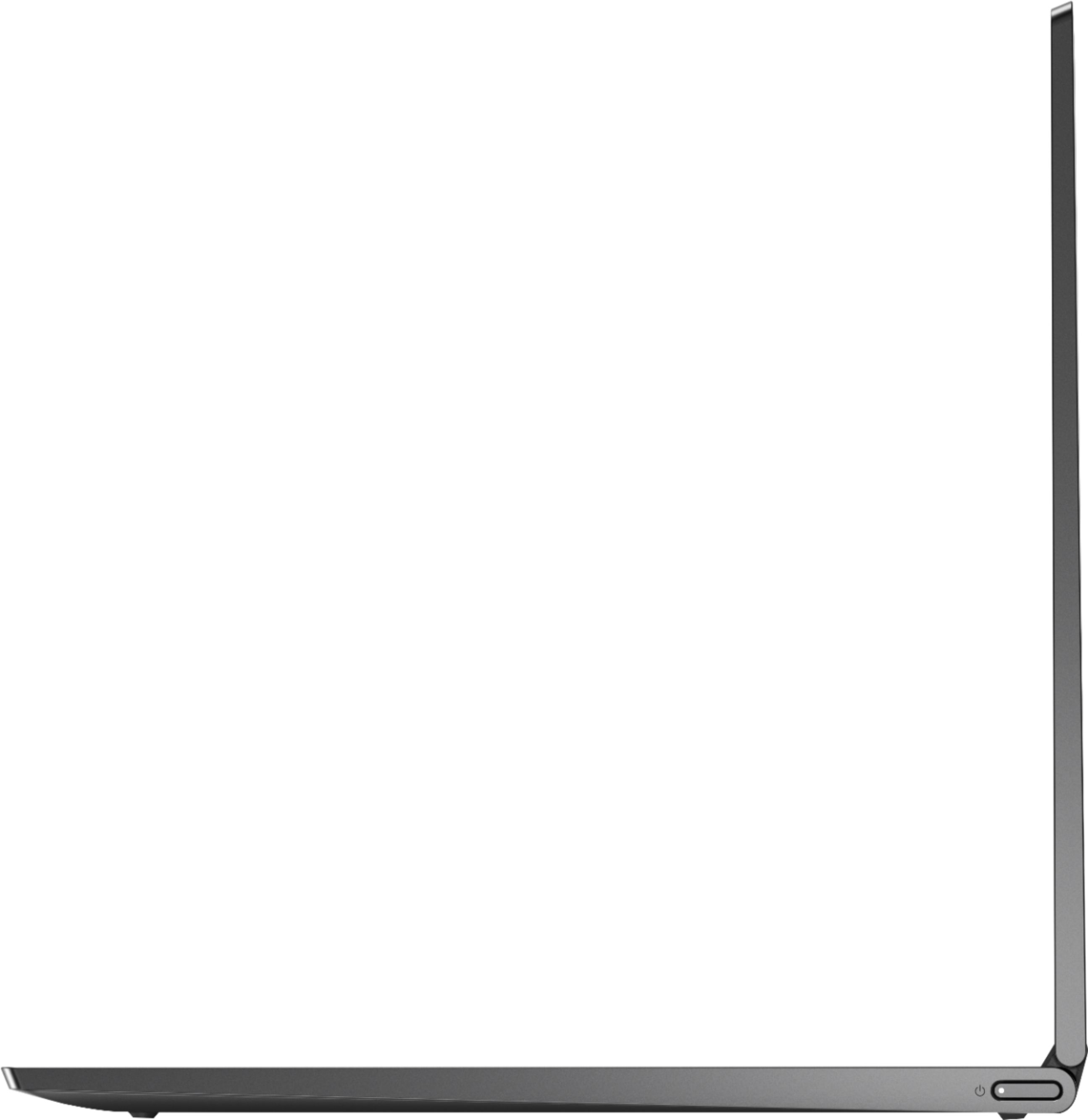




- Model:
- 81Q9002GUS
- SKU:
- 6367799
Rating by feature
- Battery Life
Rating 4.2 out of 5 stars
- Speed
Rating 4.4 out of 5 stars
- Display
Rating 4.5 out of 5 stars
Customers are saying
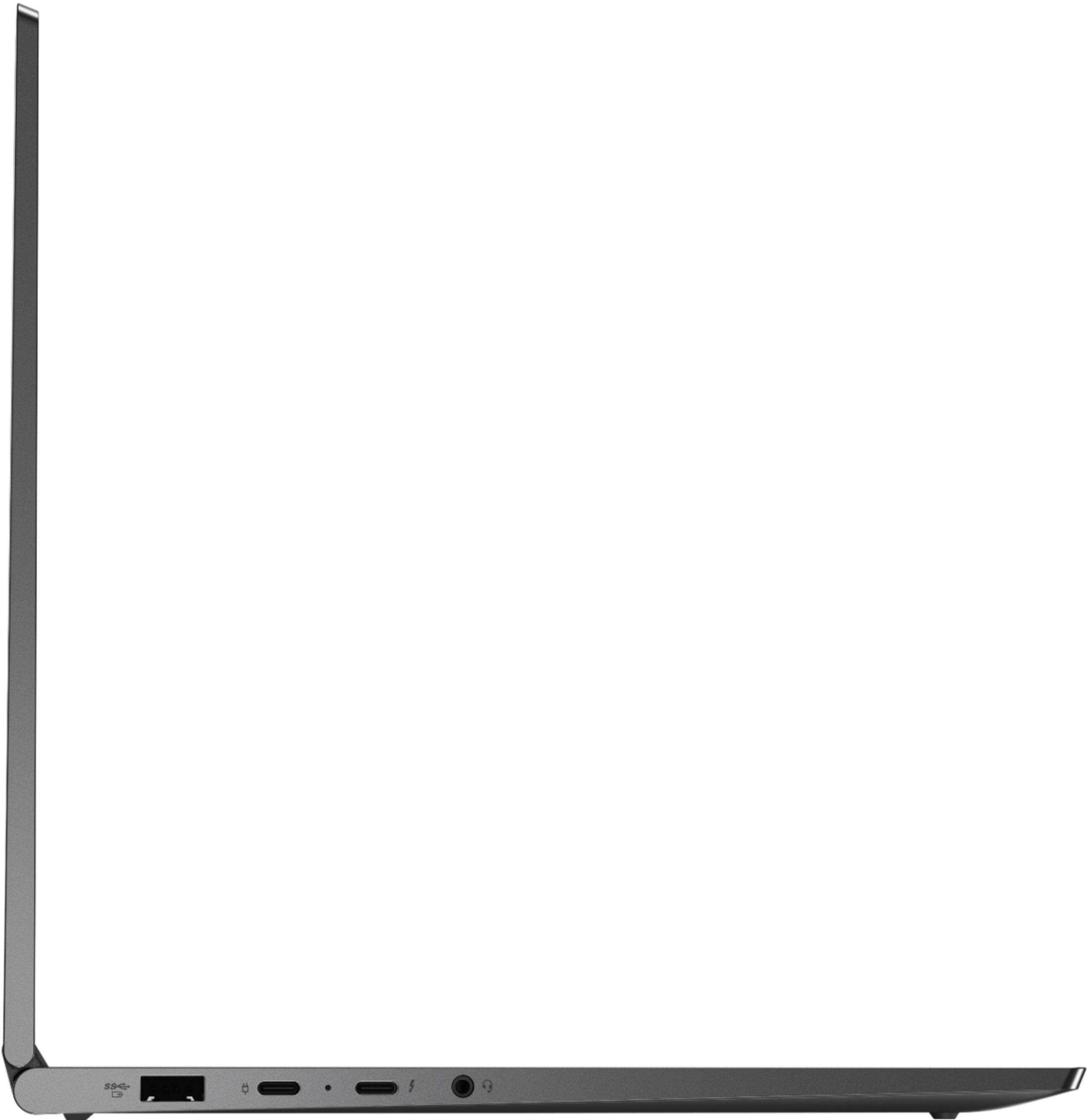
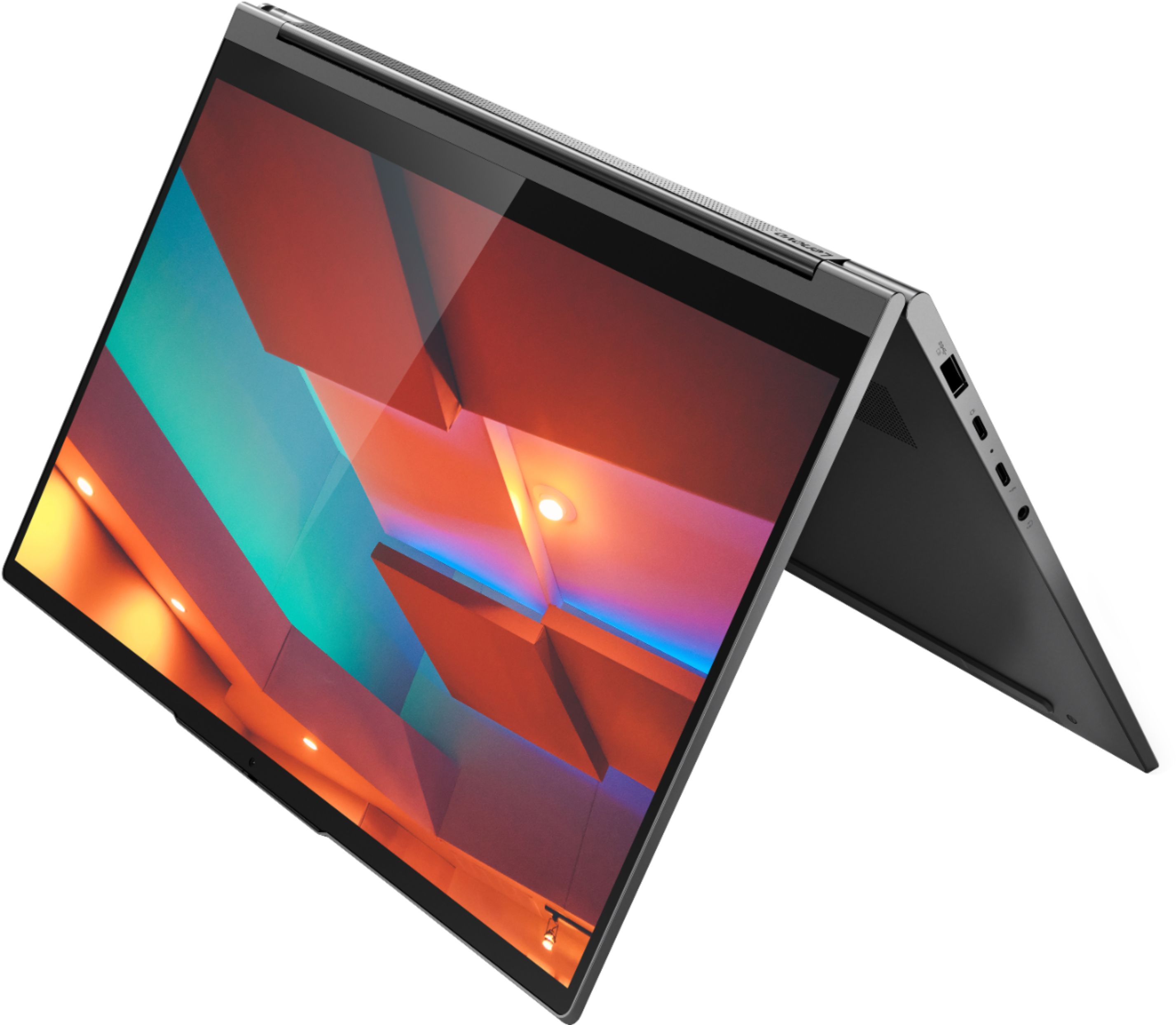
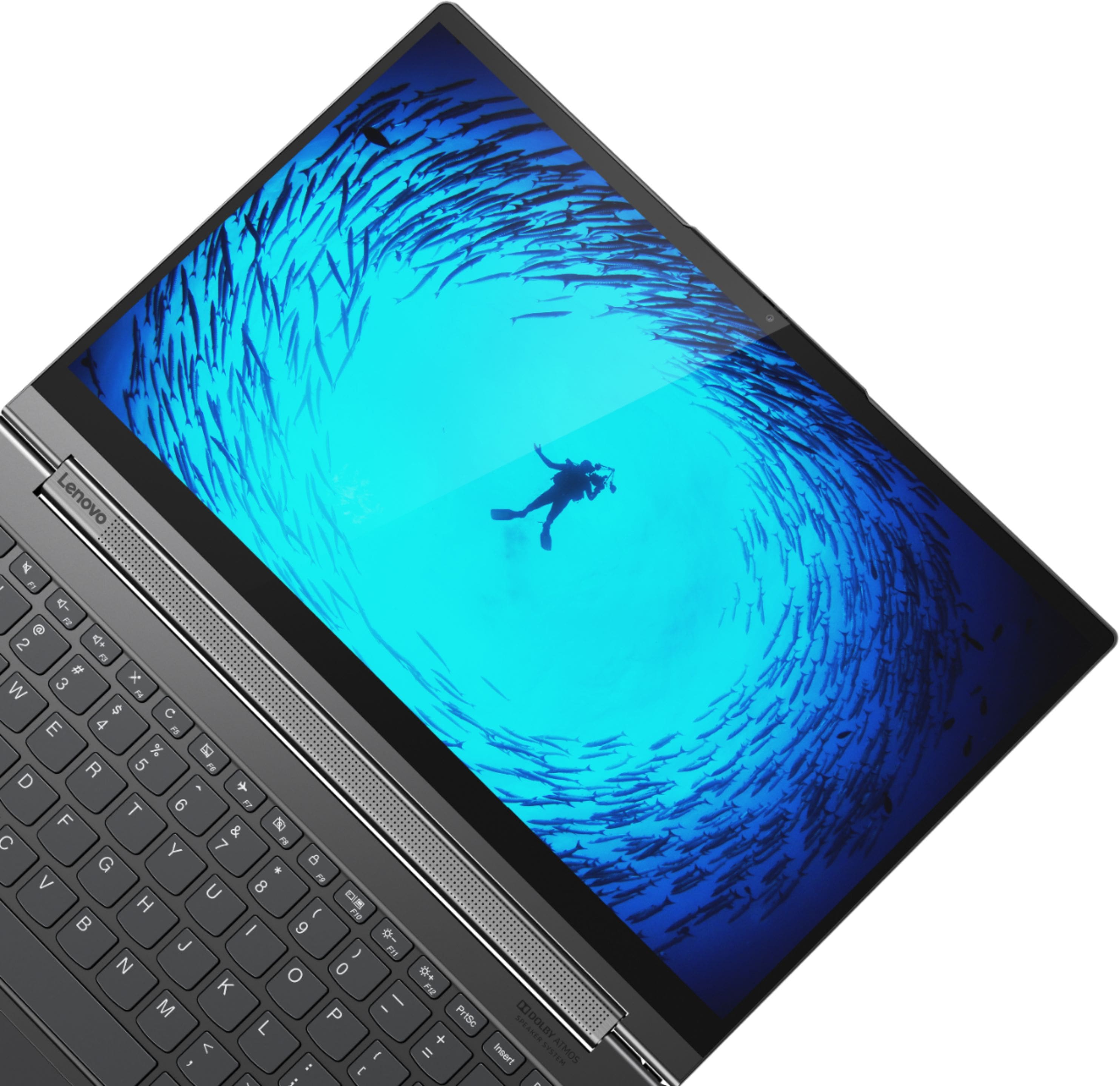
Customers are enthusiastic about the Yoga C940 2-in-1 laptop's fast performance, responsive touch screen, long battery life, and lightweight design. They appreciate the solid build quality and high-quality screen. However, some customers have concerns about the limited number of ports, occasional fan noise, and higher price point.
This summary was generated by AI based on customer reviews.
Pricey but great laptop
||Posted . Owned for 1 month when reviewed.This reviewer received promo considerations or sweepstakes entry for writing a review.My first attempt at a new laptop in a long time, glad I got it. Very responsive, fast and does everything I need it to. Not a gaming laptop but plays videos and music perfectly
I would recommend this to a friendBrand response from Lenovo Product Expert
Posted .Once again, thank you for choosing the Lenovo Yoga C940-14. You can keep your computer running at its best by keeping the Windows 10 Operating System and all supporting BIOS files and drivers up to date. You can easily accomplish this by scanning the computer with the Lenovo Utility software available on this computer. This system has Lenovo utilities installed to help maintain the health of the device and keep the operating system software up to date. Type "Lenovo Vantage" in the Cortana Search window (if Lenovo Vantage is not installed on your device, you can download the APP and install it now). Select Lenovo Vantage from the list. In the window that opens, click on "Health and Support". In the expanded menu, select "Hardware Scan" In the window that opens, select "Run Quick Tests". This will scan your entire system for errors. Follow any directions that may pop up. If the problem continues after this scan, now click on "System Update". First select Windows update from the menu. Scan your system to be sure you have the latest version of Windows 10. Once that scan is complete, select "Additional Updates". This will scan your device to be sure there are no new BIOS/Driver updates needed. Follow any instructions that may pop up. If you ever need additional help with your Lenovo computer, we recommend you call Lenovo Tech Support at: 877-453-6686 for additional help.

Great speakers but battery bad
||Posted .This reviewer received promo considerations or sweepstakes entry for writing a review.This laptop has one of the best sound bar with a very good picture quality but it falls short on battery. After a full charge with a regular browsing the battery dies in less than 5h
I would recommend this to a friendBrand response from Lenovo Product Expert
Posted .The Lenovo Yoga C940-14 ships with a 4CELL_60WH_INTERNAL, Lithium Polymer Battery, with a battery life of up to 15 hours, depending on the work the device is performing. If you are only getting 5 hours on a full charge, first be sure that Battery Saver software is turned off. Battery Saver extends the life of the battery by only allowing the battery to charge to 60-percent. Here is a link to instructions for turning off Battery Saver in Windows 10: https://support.lenovo.com/us/en/solutions/ht117144. If battery Saver is already off, be sure any software you installed is compatible with Windows 10. Incompatible software will drain the battery at a faster rate. There is no need to install Microsoft Office software. The software is already part of the operating system, you just need to activate the software with a purchased product key. If you have installed a copy of Microsoft Office, this is conflicting with the existing copy on the system and this will slow your system down. If you have installed a 3rd party anti-virus program, be sure that Windows Defender is turned off and that the trial version of McAfee Anti-Virus software is uninstalled. There can only be one anti-virus program on the system. You may need to restore your system to original factory default settings if any of the programming errors have occurred. You can do that by typing "restore" in the Cortana search window. Just click on the magnifying glass icon at the bottom left of your Windows 10 Desktop. Click on "Reset This PC" Then click on "Get Started" and follow the on screen directions to restore to factory defaults. If the problem persists, we recommend you contact Lenovo Tech Support at: 877-453-6686.
I love this Ultrabook computer
||Posted . Owned for 3 weeks when reviewed.This reviewer received promo considerations or sweepstakes entry for writing a review.I really like my Lenovo Yoga. The quality is excellent. It is lite and powerful. This my 2nd Yoga. I made this purchase because I really liked my older Yoga and I was not disappointed with the newer model.
I would recommend this to a friendLightweight and durable
||Posted . Owned for 4 months when reviewed.This reviewer received promo considerations or sweepstakes entry for writing a review.This is the perfect size. Lightweight and easy to use. My son uses this for virtual learning and the functionality to view 2 windows at one time is very helpful.
I would recommend this to a friendBrand response from Lenovo Product Expert
Posted .Hello. Thanks for choosing the Lenovo Yoga C940 Laptop. We are pleased to hear the features, performance, and design of the Yoga C940 are meeting your computing needs so well!
Battery
||Posted .This reviewer received promo considerations or sweepstakes entry for writing a review.Laptop is really good, but the battery that i got is somewhat inconsistent in terms of battery life. After a full charge, ill get anywhere between 5vand 15 hrs.
I would recommend this to a friendNew to laptops
||Posted . Owned for 3 weeks when reviewed.This reviewer received promo considerations or sweepstakes entry for writing a review.This computer is very efficient and fast can use multiple apps and windows. T user friendly and has plenty of storage I like the design and after reading up on this brand and model I am very satisfied.
I would recommend this to a friendSolid Laptop
||Posted . Owned for 5 months when reviewed.This reviewer received promo considerations or sweepstakes entry for writing a review.Granted my old laptop was 10 years old, I love it. Slim profile, good battery life, great graphics for home and office use. Very impressed. Occasionally has some delays if running a lot of programs.
I would recommend this to a friendBrand response from Lenovo Product Expert
Posted .Thank you for choosing the Lenovo Yoga C940-14. This configuration is made for multi-tasking and should not lag as you open multiple programs. Be sure any software you installed is compatible with Windows 10. There is no need to install Microsoft Office software. The software is already part of the operating system, you just need to activate the software with a purchased product key. If you have installed a copy of Microsoft Office, this is conflicting with the existing copy on the system and this will slow your system down. If you have installed a 3rd party anti-virus program, be sure that Windows Defender is turned off and that the trial version of McAfee Anti-Virus software is uninstalled. There can only be one anti-virus program on the system. You may need to restore your system to original factory default settings if any of the programming errors have occurred. You can do that by typing "restore" in the Cortana search window. Just click on the magnifying glass icon at the bottom left of your Windows 10 Desktop. Click on "Reset This PC" Then click on "Get Started" and follow the on screen directions to restore to factory defaults. If the problem persists, we recommend you contact Lenovo Tech Support at: 877-453-6686.
Lot's of memory and good speed for the money.
||Posted . Owned for 1 month when reviewed.This reviewer received promo considerations or sweepstakes entry for writing a review.I haven't gotten around to transferring all my files, so I don't have much experience with it to give it a higher rating. But it seems so much faster than my old Yoga.
I would recommend this to a friendExcellent laptop
||Posted . Owned for 1 month when reviewed.This reviewer received promo considerations or sweepstakes entry for writing a review.I am just getting used to my new Yoga 940 but so far it works as advertised. It is much faster and I love not having a moving hard drive. Battery life seems to be very good, but more use is needed to see how it lasts.
I would recommend this to a friendBrand response from Lenovo Product Expert
Posted .Thank you for choosing the Lenovo Yoga C940-14. Every component of Yoga C940 was engineered with your experience in mind. That’s why The Yoga C940 offers the brilliant color and clarity with ultra-narrow bezels. At 400 nits brightness, it’s brighter than standard SDR displays. You’ll enjoy amazing realism that's vivid, nuanced, and powerful. Capture your ideas the moment inspiration hits with a garaged digital pen. Featuring an in-body charging compartment, the Yoga C940 ensures you’ll never lose a thought—or your digital pen—again. The convertible hinge hides a powerful Dolby Atmos Speaker System that immerses you in 3D sound in every mode. Combined with two sets of speakers featuring powerful subwoofers, custom tweeters, and unique vibration buffers that reduce unwanted noise, your audio will sound bigger, deeper, and more accurate. Experience how the Yoga C940 embodies world-class craftsmanship, innovative solutions, and elevated design. Log into your Yoga C940 in less than two seconds with an integrated fingerprint reader. That’s three times faster than the average time it takes to type a password. Forget your password.
Handles programs from Adobe well.
||Posted . Owned for 3 months when reviewed.This reviewer received promo considerations or sweepstakes entry for writing a review.The camera has a privacy window which is cool and the computer has been able to handle the programs I use well. It's light weight and the stylists is my favorite part.
I would recommend this to a friendBrand response from Lenovo Product Expert
Posted .Thank you for choosing the Lenovo Yoga C940-14. We are pleased to hear that the features and performance of the Yoga C940-14 meets your computing needs so well. Every component of Yoga C940 was engineered with your experience in mind. That’s why The Yoga C940 offers the brilliant color and clarity with ultra-narrow bezels. At 400 nits brightness, it’s brighter than standard SDR displays. You’ll enjoy amazing realism that's vivid, nuanced, and powerful. Capture your ideas the moment inspiration hits with a garaged digital pen. Featuring an in-body charging compartment, the Yoga C940 ensures you’ll never lose a thought—or your digital pen—again. The convertible hinge hides a powerful Dolby Atmos Speaker System that immerses you in 3D sound in every mode. Combined with two sets of speakers featuring powerful subwoofers, custom tweeters, and unique vibration buffers that reduce unwanted noise, your audio will sound bigger, deeper, and more accurate. Experience how the Yoga C940 embodies world-class craftsmanship, innovative solutions, and elevated design. Log into your Yoga C940 in less than two seconds with an integrated fingerprint reader. That’s three times faster than the average time it takes to type a password. Forget your password. We always recommend you check the requirements and compatibility of any software you will be installing on your new computer, before you invest in any computer. Be sure your new computer can support the software you will need to use.
Graduation gift forGrandson going off to College.
||Posted . Owned for 3 weeks when reviewed.This reviewer received promo considerations or sweepstakes entry for writing a review.Grandson seems to be quite happy with it so far. College starts soon, so II am hoping it will do all the things he needs it too. Expect it to perform well for him.
I would recommend this to a friendBrand response from Lenovo Product Expert
Posted .Thank you for choosing the Lenovo Yoga C940-14 for your grandson. Every component of Yoga C940 was engineered with your experience in mind. That’s why The Yoga C940 offers the brilliant color and clarity with ultra-narrow bezels. At 400 nits brightness, it’s brighter than standard SDR displays. You’ll enjoy amazing realism that's vivid, nuanced, and powerful. Capture your ideas the moment inspiration hits with a garaged digital pen. Featuring an in-body charging compartment, the Yoga C940 ensures you’ll never lose a thought—or your digital pen—again. The convertible hinge hides a powerful Dolby Atmos Speaker System that immerses you in 3D sound in every mode. Combined with two sets of speakers featuring powerful subwoofers, custom tweeters, and unique vibration buffers that reduce unwanted noise, your audio will sound bigger, deeper, and more accurate. Experience how the Yoga C940 embodies world-class craftsmanship, innovative solutions, and elevated design. Log into your Yoga C940 in less than two seconds with an integrated fingerprint reader. That’s three times faster than the average time it takes to type a password. Forget your password.
Compact and powerful
||Posted . Owned for 3 weeks when reviewed.This reviewer received promo considerations or sweepstakes entry for writing a review.This is a touch screen laptop, a birthday gift for my husband. It’s fast and responsive. Very easy to transport. I love that it articulates so easily. Worth the money.
I would recommend this to a friendBrand response from Lenovo Product Expert
Posted .Once again, thank you for choosing the Lenovo Yoga C940-14 for your husband. This computer can continue running at its best by keeping the Windows 10 Operating System and all supporting BIOS files and drivers up to date. You can easily accomplish this by scanning the computer with the Lenovo Utility software available on this computer. This system has Lenovo utilities installed to help maintain the health of the device and keep the operating system software up to date. Type "Lenovo Vantage" in the Cortana Search window (if Lenovo Vantage is not installed on your device, you can download the APP and install it now). Select Lenovo Vantage from the list. In the window that opens, click on "Health and Support". In the expanded menu, select "Hardware Scan" In the window that opens, select "Run Quick Tests". This will scan your entire system for errors. Follow any directions that may pop up. If the problem continues after this scan, now click on "System Update". First select Windows update from the menu. Scan your system to be sure you have the latest version of Windows 10. Once that scan is complete, select "Additional Updates". This will scan your device to be sure there are no new BIOS/Driver updates needed. Follow any instructions that may pop up. If you ever need additional help with your Lenovo computer, we recommend you call Lenovo Tech Support at: 877-453-6686 for additional help.
Beautiful, but can not handle games.
||Posted . Owned for 1 month when reviewed.This reviewer received promo considerations or sweepstakes entry for writing a review.Love the feel and design! Overall works well, however it is going back. My wife has tried to play Sims 4 on it and after some time it completely locks up!
I would recommend this to a friendgreat for school work
||Posted . Owned for 6 months when reviewed.This reviewer received promo considerations or sweepstakes entry for writing a review.Bought 2 of these for my kids when they started online school. Works great for there school work. Memory is small but everything usually saved on the cloud.
I would recommend this to a friendBrand response from Lenovo Product Expert
Posted .Thanks for choosing the Lenovo Yoga C940 Laptop. We are pleased to hear the features, performance, build quality, included pen, and feather light design of the Yoga C940 are meeting your computing needs so well!
Love my new Yoga!
||Posted . Owned for 1 month when reviewed.This reviewer received promo considerations or sweepstakes entry for writing a review.Had my Lenovo Yoga for 1 month and am feeling much more confident in using it. There are many more features than my old larger and heavier laptop. I would purchase it again if I needed a new laptop.
I would recommend this to a friendBrand response from Lenovo Product Expert
Posted .Hello. Thanks for choosing the Lenovo Yoga C940 Laptop. We are pleased to hear the features, performance, and design of the Yoga C940 are meeting your computing needs so well!
Best price for this laptop at Best Buy
||Posted . Owned for 1 month when reviewed.This reviewer received promo considerations or sweepstakes entry for writing a review.I appreciated the appointment time to look at this computer during Covid. For about the same price, got better hardware than similar Lenovo laptop at Costco.
I would recommend this to a friendBrand response from Lenovo Product Expert
Posted .Thank you for choosing the Lenovo Yoga C940-14. Every component of Yoga C940 was engineered with your experience in mind. That’s why The Yoga C940 offers the brilliant color and clarity with ultra-narrow bezels. At 400 nits brightness, it’s brighter than standard SDR displays. You’ll enjoy amazing realism that's vivid, nuanced, and powerful. Capture your ideas the moment inspiration hits with a garaged digital pen. Featuring an in-body charging compartment, the Yoga C940 ensures you’ll never lose a thought—or your digital pen—again. The convertible hinge hides a powerful Dolby Atmos Speaker System that immerses you in 3D sound in every mode. Combined with two sets of speakers featuring powerful subwoofers, custom tweeters, and unique vibration buffers that reduce unwanted noise, your audio will sound bigger, deeper, and more accurate. Experience how the Yoga C940 embodies world-class craftsmanship, innovative solutions, and elevated design. Log into your Yoga C940 in less than two seconds with an integrated fingerprint reader. That’s three times faster than the average time it takes to type a password. Forget your password.
Love Open Box purchase
||Posted .This reviewer received promo considerations or sweepstakes entry for writing a review.I purchased a Lenovo C940 Yoga laptop. I chose one that had been a floor model because of the steep price discount. I am extremely happy with the purchase. Not a mark on the unit, "as New".
I would recommend this to a friendI really wanted to like this....
||Posted . Owned for 2 weeks when reviewed.This reviewer received promo considerations or sweepstakes entry for writing a review.Overall it’s not a bad laptop. It will likely suffice for most people. However, there were a few things that I did not like. First, the keyboard was not as accurate as I would’ve like for a machine that costs this much. Often times there would be key repeats or I would just miss them altogether. Admittedly, this would probably get better as I got used to the laptop. But that would’ve been a 1k dollar gamble. Second, the touchpad was slightly laggy. That being said, it was very snappy.
I would recommend this to a friendNice product
||Posted . Owned for 1 month when reviewed.This reviewer received promo considerations or sweepstakes entry for writing a review.Overall I like the laptop I just wish it was silver in but it doesn’t come in silver in this model. The price was fair and it’s working good so far
I would recommend this to a friendGreat multipurpose device
||Posted . Owned for 6 months when reviewed.This reviewer received promo considerations or sweepstakes entry for writing a review.I am using this computer as a home tool. Great for basic searching and financial apps. I have office tools on it and they all work great. Sound is excellent and it is good for watching videos.
I would recommend this to a friendBrand response from Lenovo Product Expert
Posted .Thank you for choosing the Lenovo Yoga C940-14. We are pleased to hear that the features and performance of the Yoga C940-14 meets your computing needs so well. Every component of Yoga C940 was engineered with your experience in mind. That’s why The Yoga C940 offers the brilliant color and clarity with ultra-narrow bezels. At 400 nits brightness, it’s brighter than standard SDR displays. You’ll enjoy amazing realism that's vivid, nuanced, and powerful. Capture your ideas the moment inspiration hits with a garaged digital pen. Featuring an in-body charging compartment, the Yoga C940 ensures you’ll never lose a thought—or your digital pen—again. The convertible hinge hides a powerful Dolby Atmos Speaker System that immerses you in 3D sound in every mode. Combined with two sets of speakers featuring powerful subwoofers, custom tweeters, and unique vibration buffers that reduce unwanted noise, your audio will sound bigger, deeper, and more accurate. Experience how the Yoga C940 embodies world-class craftsmanship, innovative solutions, and elevated design. Log into your Yoga C940 in less than two seconds with an integrated fingerprint reader. That’s three times faster than the average time it takes to type a password. Forget your password.