Customer Ratings & Reviews







- Model:
- 81Q9002GUS
- SKU:
- 6367799
Rating by feature
- Battery Life
Rating 4.2 out of 5 stars
- Speed
Rating 4.4 out of 5 stars
- Display
Rating 4.5 out of 5 stars
Customers are saying
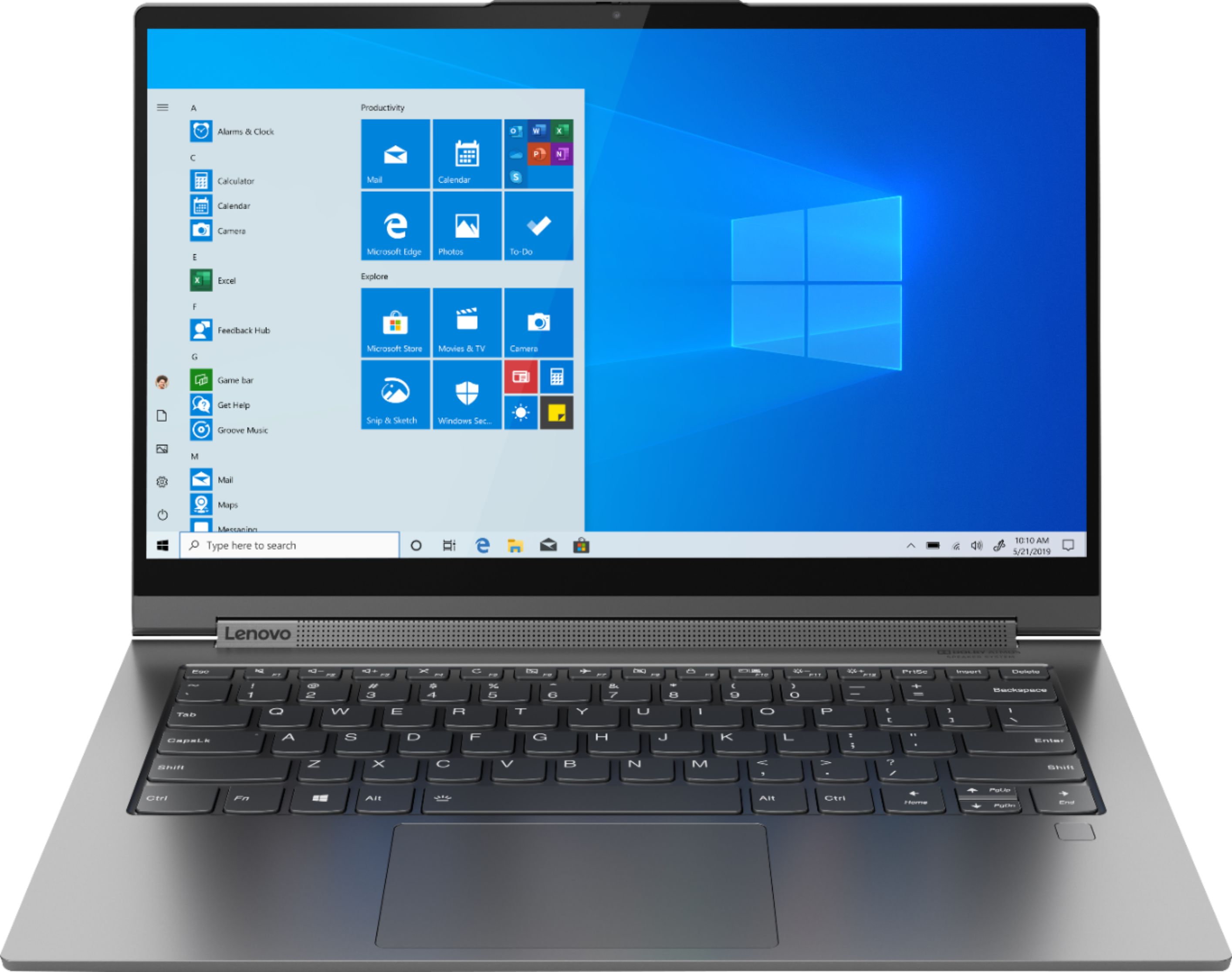
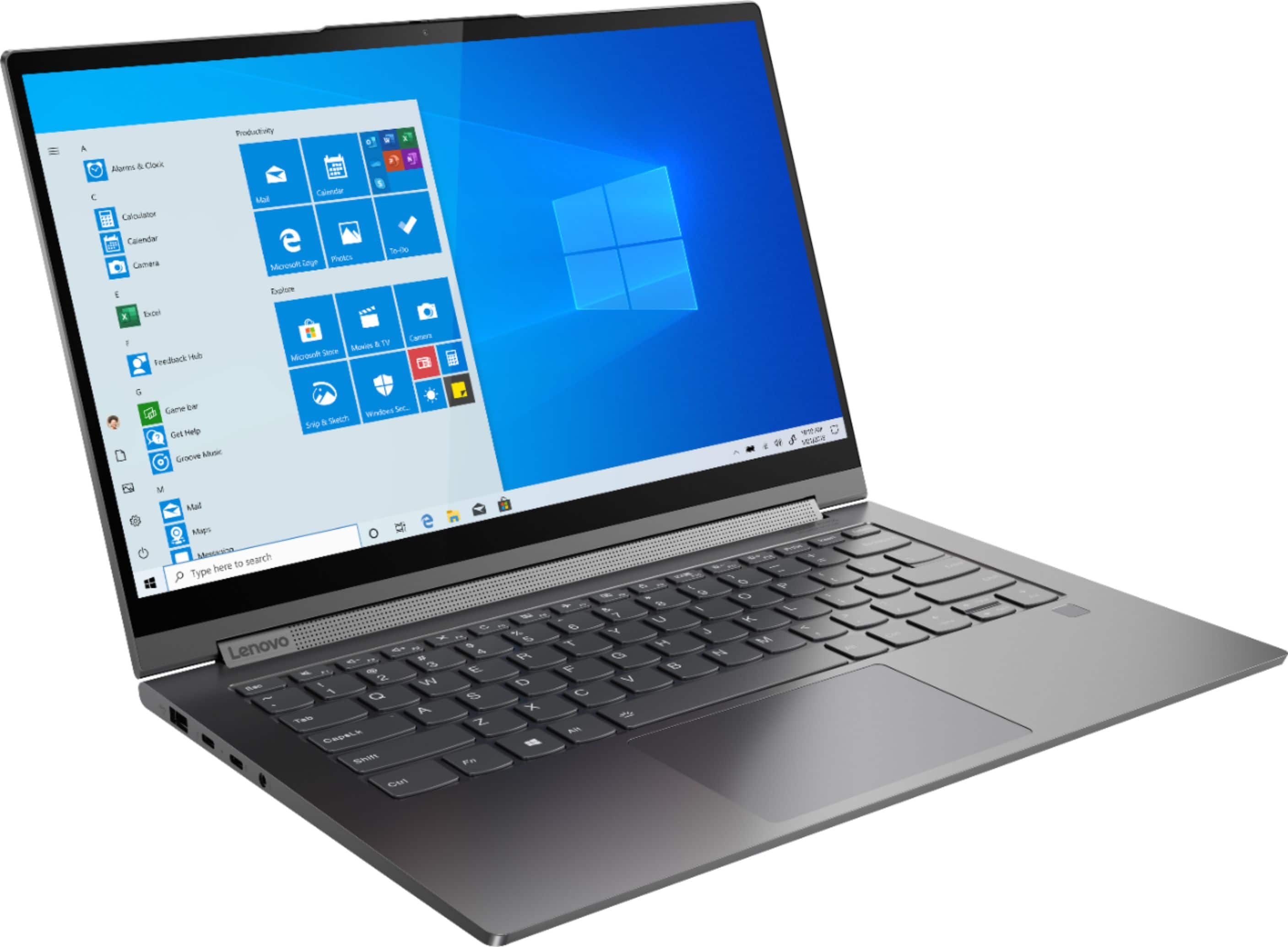
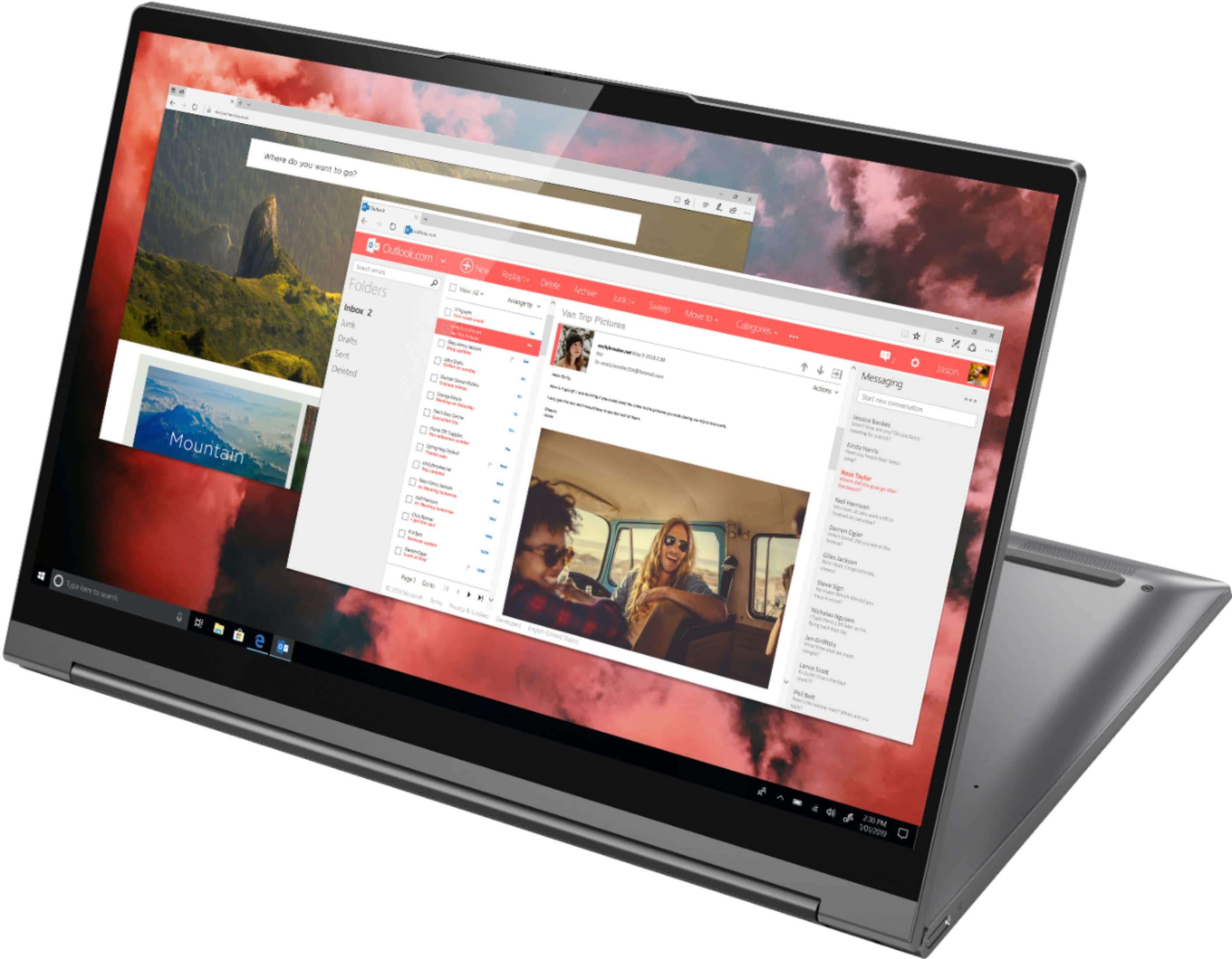
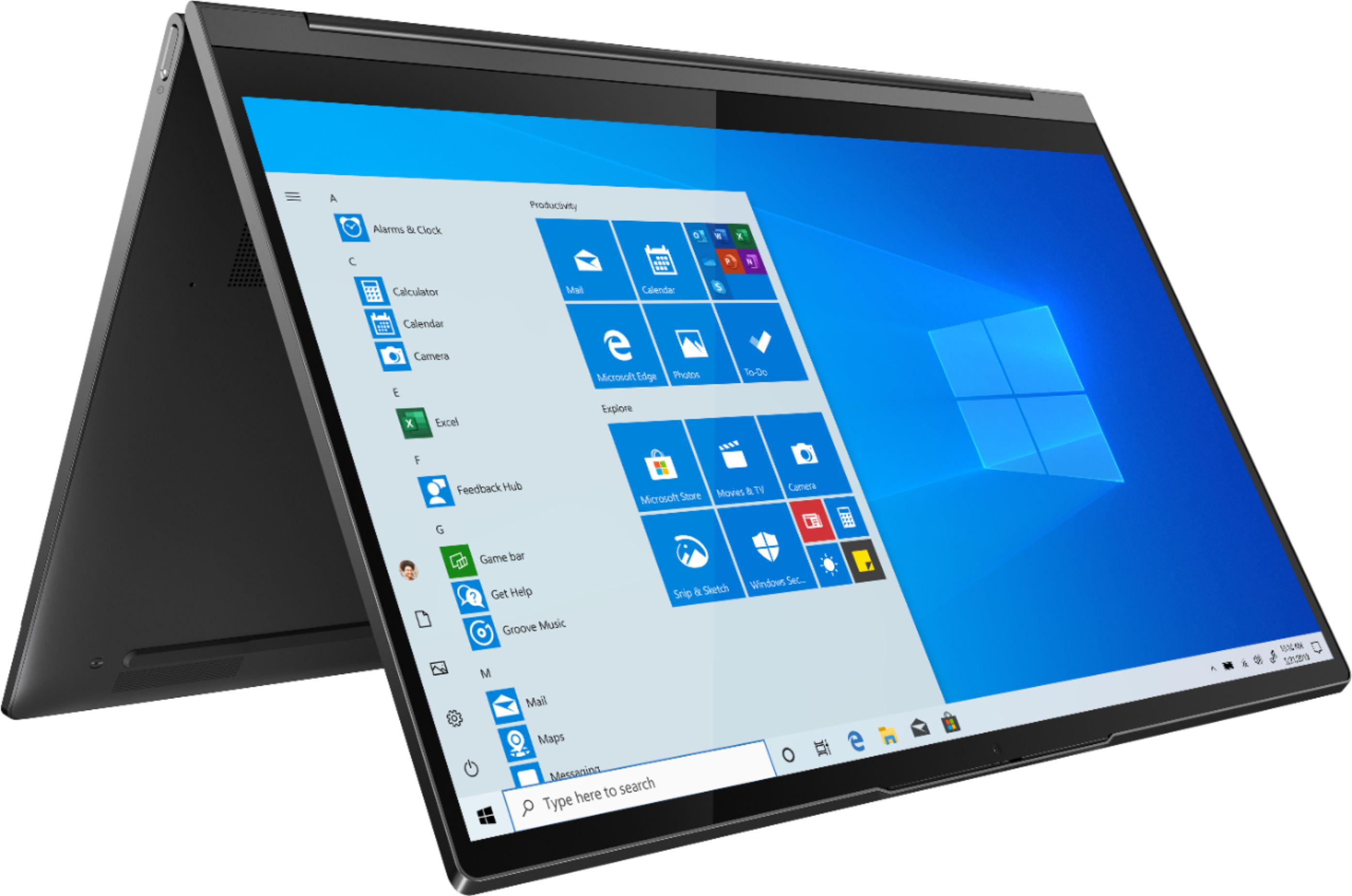
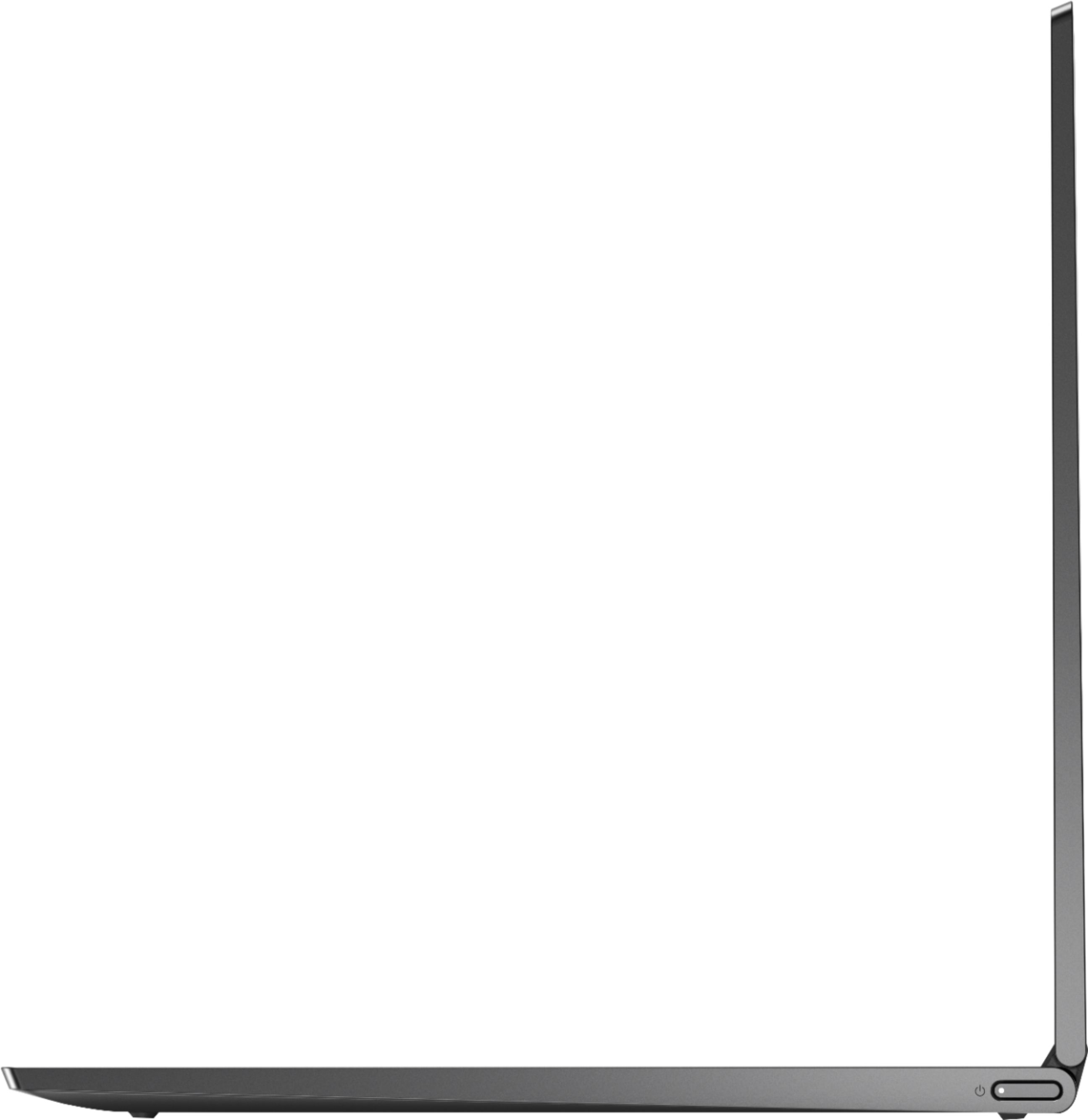
Customers are enthusiastic about the Yoga C940 2-in-1 laptop's fast performance, responsive touch screen, long battery life, and lightweight design. They appreciate the solid build quality and high-quality screen. However, some customers have concerns about the limited number of ports, occasional fan noise, and higher price point.
This summary was generated by AI based on customer reviews.
Solid
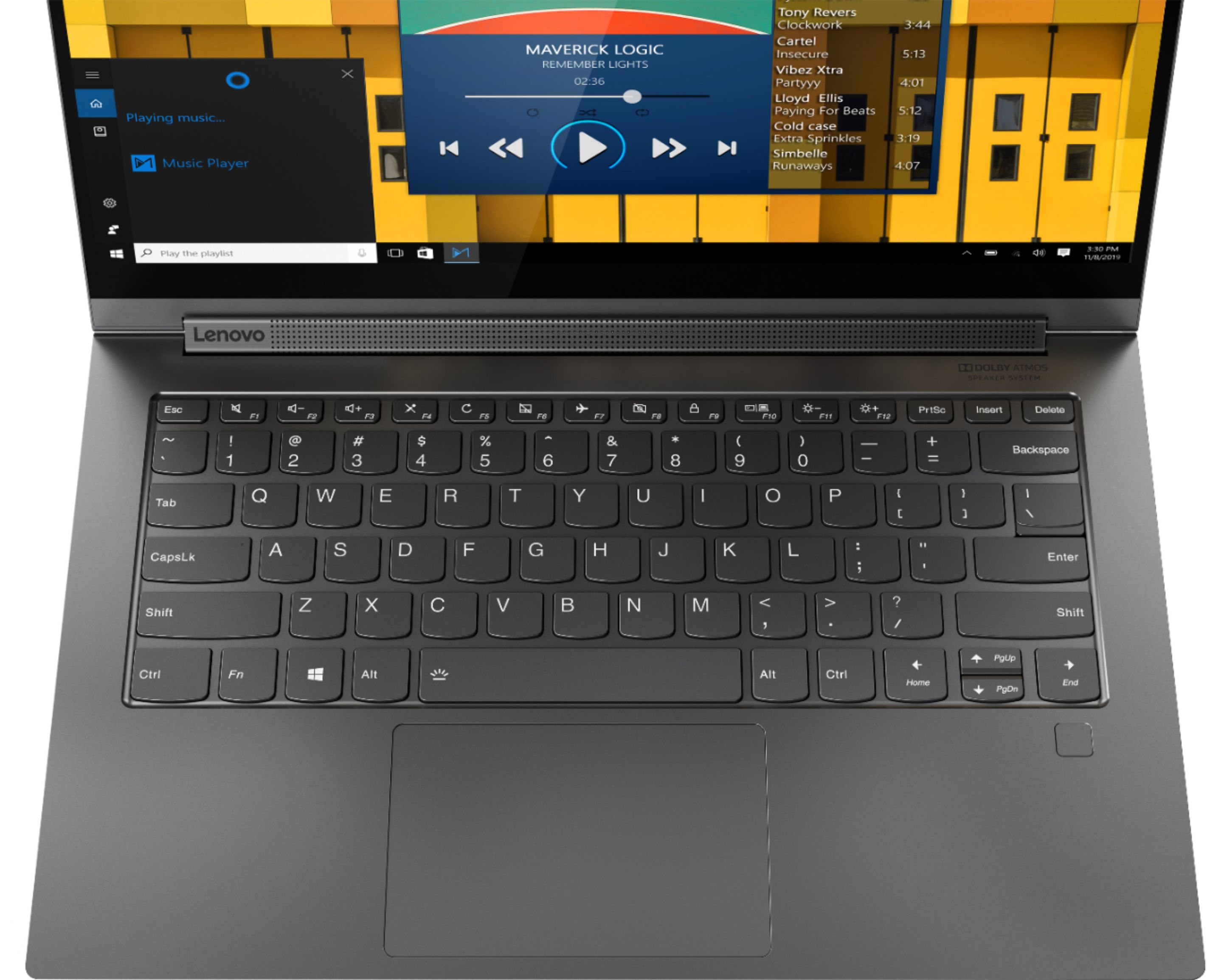
||Posted . Owned for 2 months when reviewed.This reviewer received promo considerations or sweepstakes entry for writing a review.Overall solid laptop, suited my needs well. One mediocre thing though is the keyboard, the key travel is a bit shallow but I got used to it.
I would recommend this to a friendBrand response from Lenovo Product Expert
Posted .Thank you for choosing the Lenovo Yoga C940-14, model number 81Q9002GUS. We are pleased to hear that the Yoga C940-14 meets your computing needs. The Yoga C940-14 provides a thin, light weight form factor but still delivers a great typing experience. The C940's keys are solid, depressing with satisfyingly robust clicks, through a 2mm key travel, that makes for a more comfortable typing experience in an ultra-portable, 2 in 1 convertible design.

Fatal design flaw in hinge.
||Posted . Owned for 1 week when reviewed.This reviewer received promo considerations or sweepstakes entry for writing a review.This is my second unit of this particluar Yoga model from Lenovo. The first unit I purchased about a week prior to this review had a problem with the hinge in which a large gap was present in the left side of the laptop when the lid was shut. I exchanged that unit for the unit i have now, and the hinge problem is even worse than it was before. This unit has several issues: The screen has quite a fair bit of play in the hinge mechanism when opening/closing/carrying the laptop (when carried, this can cause the screen to shake.) There is an apparent gap between the screen and the laptop base on the left side when the screen is closed. The screen does not shut flush on the left side, creating a lip between the base and the screen along the edge of the laptop closest to the touchpad, and allows the screen to move about when the laptop is being carried. In order to close the lid flush, you must push down on the upper-left corner near the hinge to alleviate this issue (this should not-at-all be necessary.) Besides the issues i've mentioned, this laptop performs very well and if it were not for the fatal design flaws centered around the hinge, i'd give this model 5 stars. I am not keeping this unit and am hesitant to try another one. I would not recommend anyone purchase this model until these flaws are fixed. One would assume that a laptop with an all-aluminum body would have hinges sturdy enough to support the heft.
No, I would not recommend this to a friendBrand response from Lenovo Product Expert
Posted .The Lenovo Yoga C940-14 ships with 360-degree hinges on the screen of the device that have been bench tested through 25,000 cycles (8 to 10 years of normal use) without a failure. We recommend you contact Lenovo Tech Support for help with the issues you describe at: 877-453-6686.
Beautiful display, long battery life
||Posted . Owned for 1 month when reviewed.This reviewer received promo considerations or sweepstakes entry for writing a review.Couldn't be happier, no buyers remorse. Love the display, and speakers. The keyboard and mouse pad have excellent responsiveness. The overall package provides a strong secure and sturdy feeling.
I would recommend this to a friendBrand response from Lenovo Product Expert
Posted .Once again, thank you for choosing the Lenovo Yoga C940-14. You can keep your computer running at its best by keeping the Windows 10 Operating System and all supporting BIOS files and drivers up to date. You can easily accomplish this by scanning the computer with the Lenovo Utility software available on this computer. Just type "Lenovo Vantage" in the Cortana Search window (if Lenovo Vantage is not installed on your device, you can download the APP and install it now). Select Lenovo Vantage from the list. In the window that opens, click on "Health and Support". In the expanded menu, select "Hardware Scan" In the window that opens, select "Run Quick Tests". This will scan your entire system for errors. Follow any directions that may pop up. If the problem continues after this scan, now click on "System Update". First select Windows update from the menu. Scan your system to be sure you have the latest version of Windows 10. Once that scan is complete, select "Additional Updates". This will scan your device to be sure there are no new BIOS/Driver updates needed. Follow any instructions that may pop up. If you ever need additional help with your Lenovo computer, we recommend you call Lenovo Tech Support at: 877-453-6686 for additional help.
Amazing laptop!
||Posted . Owned for 1 month when reviewed.This reviewer received promo considerations or sweepstakes entry for writing a review.I can't say enough good things about this laptop. It performs with blazing speed, has an amazing picture, and has all the features you could want. I would highly recommend this laptop to anyone.
I would recommend this to a friendBrand response from Lenovo Product Expert
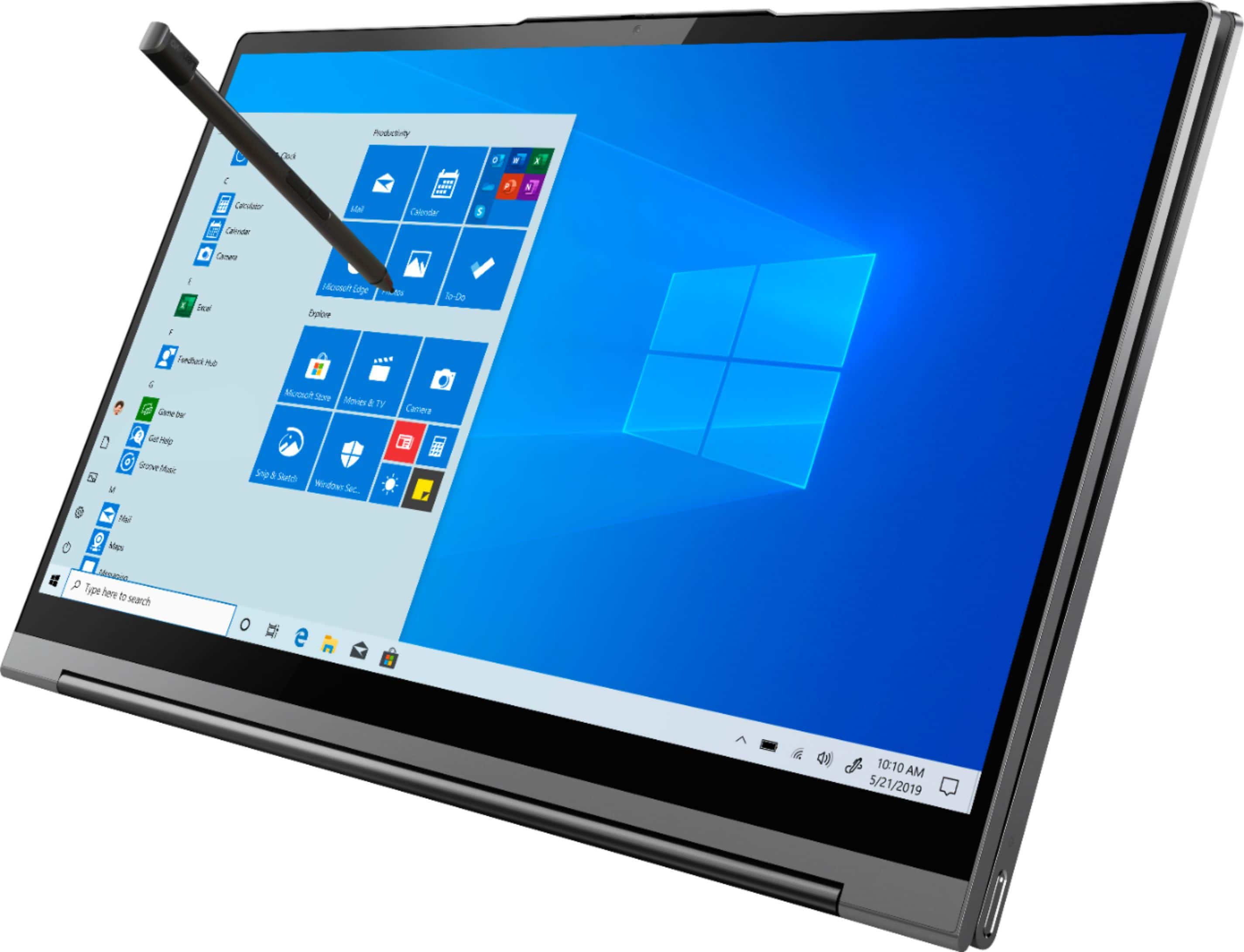
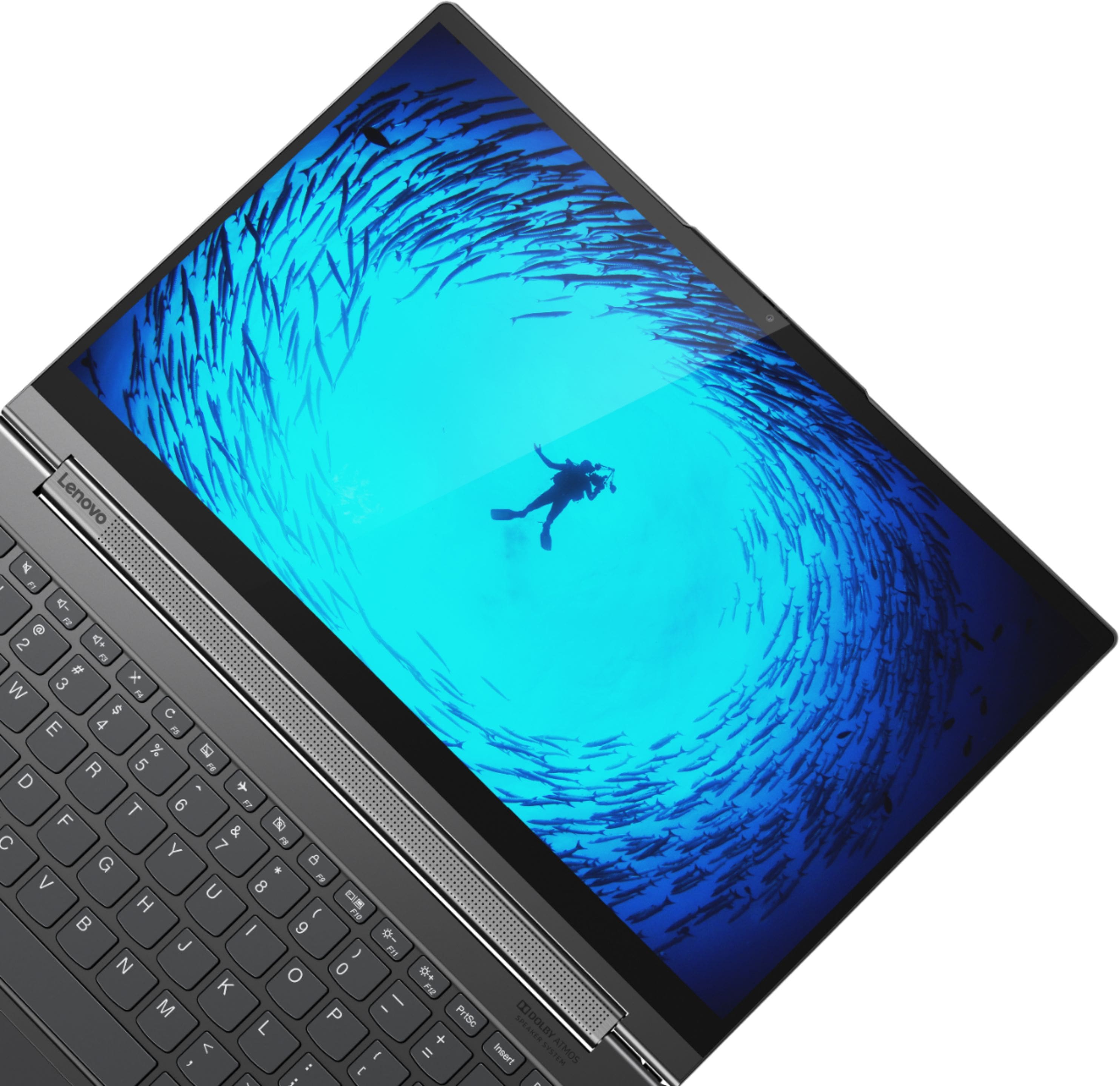
Posted .Thank you for choosing the lenovo Yoga C940-14. We are pleased to hear that the features and performance of the Yoga C940-14 meets your computing needs so well. Every component of Yoga C940 was engineered with your experience in mind. That’s why The Yoga C940 offers the brilliant color and clarity with ultra-narrow bezels. At 400 nits brightness, it’s brighter than standard SDR displays. You’ll enjoy amazing realism that's vivid, nuanced, and powerful. Capture your ideas the moment inspiration hits with a garaged digital pen. Featuring an in-body charging compartment, the Yoga C940 ensures you’ll never lose a thought—or your digital pen—again. The convertible hinge hides a powerful Dolby Atmos Speaker System that immerses you in 3D sound in every mode. Combined with two sets of speakers featuring powerful subwoofers, custom tweeters, and unique vibration buffers that reduce unwanted noise, your audio will sound bigger, deeper, and more accurate. Experience how the Yoga C940 embodies world-class craftsmanship, innovative solutions, and elevated design. Log into your Yoga C940 in less than two seconds with an integrated fingerprint reader. That’s three times faster than the average time it takes to type a password. Forget your password.
Great Ultra Portable Laptop
||Posted . Owned for 1 week when reviewed.This reviewer received promo considerations or sweepstakes entry for writing a review.Ultra portable, very powerful. Great laptop for on-the-go and easy to throw in a bag. Have had several Lenovo laptops and find the quality and durability to be much better than HP.
I would recommend this to a friendBrand response from Lenovo Product Expert
Posted .Thank you for choosing the Lenovo Yoga C940-14. We appreciate your loyalty to the Lenovo Brand and we are pleased to hear that the features and performance of the Yoga C940-14 meets your computing needs so well.
Look towards the upgraded models
||Posted . Owned for 2 months when reviewed.This reviewer received promo considerations or sweepstakes entry for writing a review.I purchased the C940 before the 9i was available. This is a good computer, but look towards the 7i or 9i, as this will soon not be available.
I would recommend this to a friendLaptop Model is good but got defective laptop body
||Posted . Owned for 2 months when reviewed.This reviewer received promo considerations or sweepstakes entry for writing a review.Initially I was very happy with laptop finishing and packaging. I don't often use my laptop because I spend more time on my office laptop. Product which I received was sealed piece but couple of days back, I observed laptop body defect which is visible when you look through the gap between speakers bar and body, one of the net string is broken. After spending 1200 Approx. USD, I got product with defect, this disappointed me a lot. Features wise this laptop is good.
I would recommend this to a friendBrand response from Lenovo Product Expert
Posted .We are sorry to hear that you are having issues with your Lenovo Yoga C940-14. We recommend you call Lenovo Tech Support about your hardware issue at: 877-453-6686.
a lower version to 4k still awesome
||Posted . Owned for 3 months when reviewed.This reviewer received promo considerations or sweepstakes entry for writing a review.I purchased 4k version for myself so I had to get this for my daughter for school and she loves it. It is a awesome laptop/tablet powerful sleek thin beautiful design that can do it all.
I would recommend this to a friendgood one
||Posted . Owned for 1 month when reviewed.This reviewer received promo considerations or sweepstakes entry for writing a review.It has some problem with the screen. I am worried if after months the screen not going to function well. But overall a good laptop for students
I would recommend this to a friendBrand response from Lenovo Product Expert
Posted .Hello, we are sorry to hear you are experiencing an issue with the screen on your Lenovo Yoga C940. We recommend reaching out to Tech Support at 877-453-6686
Great 2 in 1 laptop
||Posted . Owned for 1 year when reviewed.This reviewer received promo considerations or sweepstakes entry for writing a review.This computer has it all. Apps open in a snap and the processor is super quick. I have had for almost 1.5 years and it’s the best laptop I’ve owned.
No, I would not recommend this to a friendGreat lab top
||Posted . Owned for 10 months when reviewed.This reviewer received promo considerations or sweepstakes entry for writing a review.Brought this after having purchased another lab top and having it freeze up. I love this lab top and haven’t had any problems with it at all. I love it-my best buy!
I would recommend this to a friendBrand response from Lenovo Product Expert
Posted .Thank you for choosing the Lenovo Yoga C940-14. We are pleased to hear that the performance of the Yoga C940-14 meets your computing needs so well.
Works good
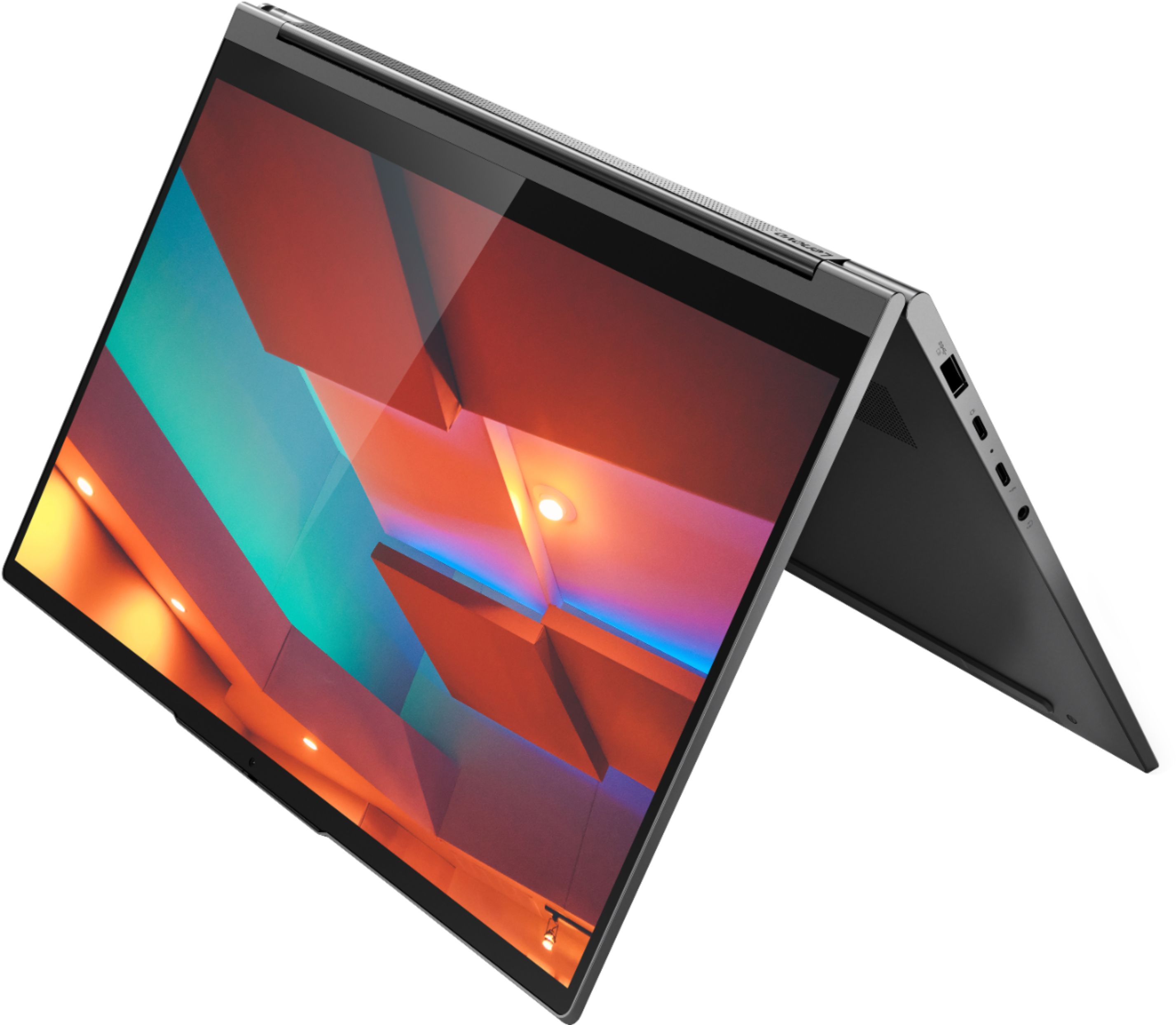
||Posted .This reviewer received promo considerations or sweepstakes entry for writing a review.Like all the features. Using a lot to watch movies in tent mode. Sound is decent too. Surprised that I like edge always used chrome before. Also like finger print log in with myself and wife
I would recommend this to a friendBrand response from Lenovo Product Expert
Posted .Once again, thank you for choosing the Lenovo Yoga C940-14 Laptop. You can keep your computer running at its best by keeping the Windows 10 Operating System and all supporting BIOS files and drivers up to date. You can easily accomplish this by scanning the computer with the Lenovo Utility software available on this computer. This system has Lenovo utilities installed to help maintain the health of the device and keep the operating system software up to date. Type "Lenovo Vantage" in the Cortana Search window (if Lenovo Vantage is not installed on your device, you can download the APP and install it now). Select Lenovo Vantage from the list. In the window that opens, click on "Health and Support". In the expanded menu, select "Hardware Scan" In the window that opens, select "Run Quick Tests". This will scan your entire system for errors. Follow any directions that may pop up. If the problem continues after this scan, now click on "System Update". First select Windows update from the menu. Scan your system to be sure you have the latest version of Windows 10. Once that scan is complete, select "Additional Updates". This will scan your device to be sure there are no new BIOS/Driver updates needed. Follow any instructions that may pop up. If you ever need additional help with your Lenovo computer, we recommend you call Lenovo Tech Support at: 877-453-6686 for additional help.
Not impressed
||Posted . Owned for 4 months when reviewed.This reviewer received promo considerations or sweepstakes entry for writing a review.This laptop freezes more than I would except. Not sure why really. I used to have a 7 series, which was much better than this one.
No, I would not recommend this to a friendGreat Laptop
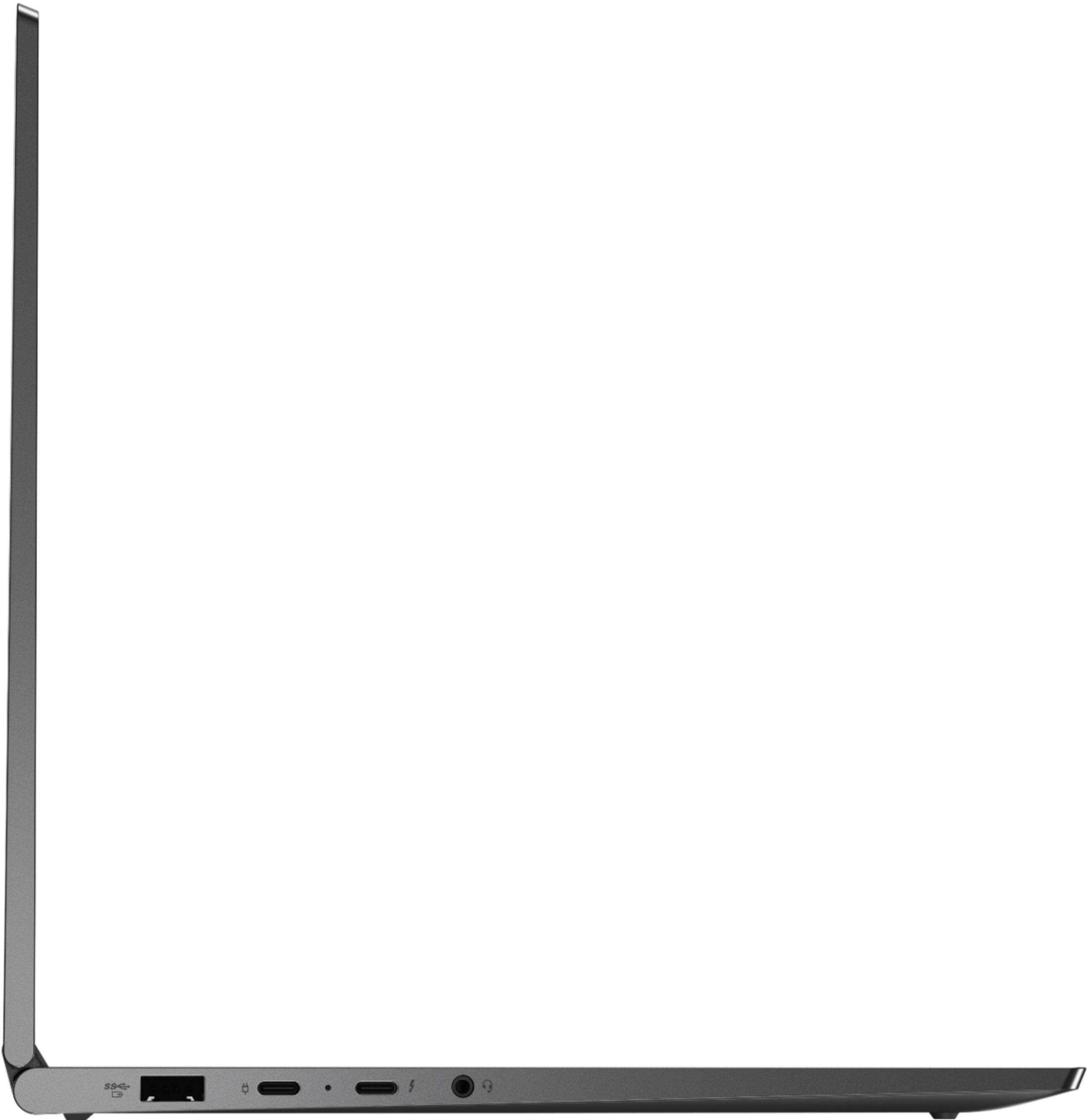
||Posted . Owned for 2 months when reviewed.This reviewer received promo considerations or sweepstakes entry for writing a review.Setup was easy. Works great. Start up is fast. Wish there was a left and right button for the mouse pad. Also, there is no hdmi port and all the ports are on the left side
I would recommend this to a friendBrand response from Lenovo Product Expert
Posted .Thank you for choosing the Lenovo Yoga C940-14. This model ships with a one-piece integrated touchpad with right and left click ability. You can make adjustments to the touchpad in your system settings. You can get there by clicking on the magnifying glass at the bottom left of your Windows 10 screen. Type "touchpad" in the search window. Select "Mouse & touchpad settings" from the list of choices. You can make general adjustments to the touchpad there. You can also select "Additional mouse options" for more detailed adjustments to the touchpad sensitivity by increasing the delay of the touchpad. The Yoga C940-14 ships with a Thunderbolt 3.0 port with video out capability to an external monitor. You can connect an HDMI external monitor to the Yoga C940-14 by using a Thunderbolt 3.0 to HDMI adapter. All ports are on the left side of the Yoga C940-14 to make room for the garage for the Active Pen that is included with the Yoga C940-14.
2 in 1
||Posted . Owned for 1 month when reviewed.This reviewer received promo considerations or sweepstakes entry for writing a review.Nice little touch screen tablet 2 in 1! Speakers are awesome. When you get it make sure the camera works. Some that came out did not have the camera attached/wired etc.
I would recommend this to a friendBrand response from Lenovo Product Expert
Posted .If you are having issues with the webcam on your new Lenovo Yoga C940-14, this model ships with a 720p (HD) webcam with manual Privacy Shutter built in. Be sure the Privacy Shutter is completely open before trying to use the webcam or the webcam will not operate. There is a small slider, directly above the webcam lens. Move the tab to the right to open the Privacy Shutter. There is a red dot over the webcam lens that will disappear when the Privacy Shutter is fully open. This will indicate that the webcam is really to use. You can close the Privacy Shutter when you are done with the webcam for your security, by sliding the tab to the left to close the Privacy Shutter. The Red Dot will appear over the webcam lens when the Privacy Shutter is closed. If the issue continues, we recommend you call Lenovo Tech Support at: 877-453-6686.
Great mid priced latptop
||Posted . Owned for 1 month when reviewed.This reviewer received promo considerations or sweepstakes entry for writing a review.Solid laptop, fast with great graphics I would have rated 5 stars but I was being petty, it’s a bit heavy and colors not as vibrant.
I would recommend this to a friendGreat
||Posted . Owned for 1 month when reviewed.This reviewer received promo considerations or sweepstakes entry for writing a review.This is my second Lenovo. I love the yoga feature. Mostly it's used for word processing and social media. With SIP, I now use it for f2f calls. Clear screen, great for a lip reader.
I would recommend this to a friendBrand response from Lenovo Product Expert
Posted .Once again, thank you for choosing the Lenovo Yoga C940-14. We appreciate your loyalty to the Lenovo Brand. You can keep your new computer running at its best by keeping the Windows 10 Operating System and all supporting BIOS files and drivers up to date. You can easily accomplish this by scanning the computer with the Lenovo Utility software available on this computer. This system has Lenovo utilities installed to help maintain the health of the device and keep the operating system software up to date. Type "Lenovo Vantage" in the Cortana Search window (if Lenovo Vantage is not installed on your device, you can download the APP and install it now). Select Lenovo Vantage from the list. In the window that opens, click on "Health and Support". In the expanded menu, select "Hardware Scan" In the window that opens, select "Run Quick Tests". This will scan your entire system for errors. Follow any directions that may pop up. If the problem continues after this scan, now click on "System Update". First select Windows update from the menu. Scan your system to be sure you have the latest version of Windows 10. Once that scan is complete, select "Additional Updates". This will scan your device to be sure there are no new BIOS/Driver updates needed. Follow any instructions that may pop up. If you ever need additional help with your Lenovo computer, we recommend you call Lenovo Tech Support at: 877-453-6686 for additional help.
For basic, higher end versatility
||Posted . Owned for 3 weeks when reviewed.This reviewer received promo considerations or sweepstakes entry for writing a review.Love this laptop. Nice size and weight. Great battery. Fast. Sound is a great with the sound bar. I do miss the 10 digit number pad. But it's fine with me. Great price and product
I would recommend this to a friendBrand response from Lenovo Product Expert
Posted .Thank you for choosing the Lenovo Yoga C940-14. We are pleased to hear that the features and performance of the Yoga C940-14 meets your computing needs so well. Every component of Yoga C940 was engineered with your experience in mind. That’s why The Yoga C940 offers the brilliant color and clarity with ultra-narrow bezels. At 400 nits brightness, it’s brighter than standard SDR displays. You’ll enjoy amazing realism that's vivid, nuanced, and powerful. Capture your ideas the moment inspiration hits with a garaged digital pen. Featuring an in-body charging compartment, the Yoga C940 ensures you’ll never lose a thought—or your digital pen—again. The convertible hinge hides a powerful Dolby Atmos Speaker System that immerses you in 3D sound in every mode. Combined with two sets of speakers featuring powerful subwoofers, custom tweeters, and unique vibration buffers that reduce unwanted noise, your audio will sound bigger, deeper, and more accurate. Experience how the Yoga C940 embodies world-class craftsmanship, innovative solutions, and elevated design. Log into your Yoga C940 in less than two seconds with an integrated fingerprint reader. That’s three times faster than the average time it takes to type a password. Forget your password.
Highly recommend
||Posted . Owned for 5 months when reviewed.This reviewer received promo considerations or sweepstakes entry for writing a review.Absolutely Love love LOVE this computer. It is perfect for me and for my schooling. I 1000% recommend this computer. The look is absolutely beautiful too, very classy.
I would recommend this to a friendBrand response from Lenovo Product Expert
Posted .Thank you for choosing the Intel Evo-Certified, Lenovo Yoga 9i-14. We are pleased to hear that the features and performance of the Yoga 9i-14 meets your computing needs so well.
Good product
||Posted . Owned for 3 weeks when reviewed.This reviewer received promo considerations or sweepstakes entry for writing a review.The laptop is good except the battery drains fast. You cannot use the laptop at reduced brightness as anything below 80% is almost dark.
I would recommend this to a friendBrand response from Lenovo Product Expert
Posted .Hello. Thanks for choosing the Lenovo Yoga C940 Laptop. We are pleased to hear the features, performance, and design of the Yoga C940 are meeting your computing needs so well! Here is a link to tips for getting more battery life within Windows 10: https://support.microsoft.com/en-us/help/20443/windows-10-battery-saving-tips