Customer Ratings & Reviews







- Model:
- 81Q9002GUS
- SKU:
- 6367799
Rating by feature
- Battery Life
Rating 4.2 out of 5 stars
- Speed
Rating 4.4 out of 5 stars
- Display
Rating 4.5 out of 5 stars
Customers are saying
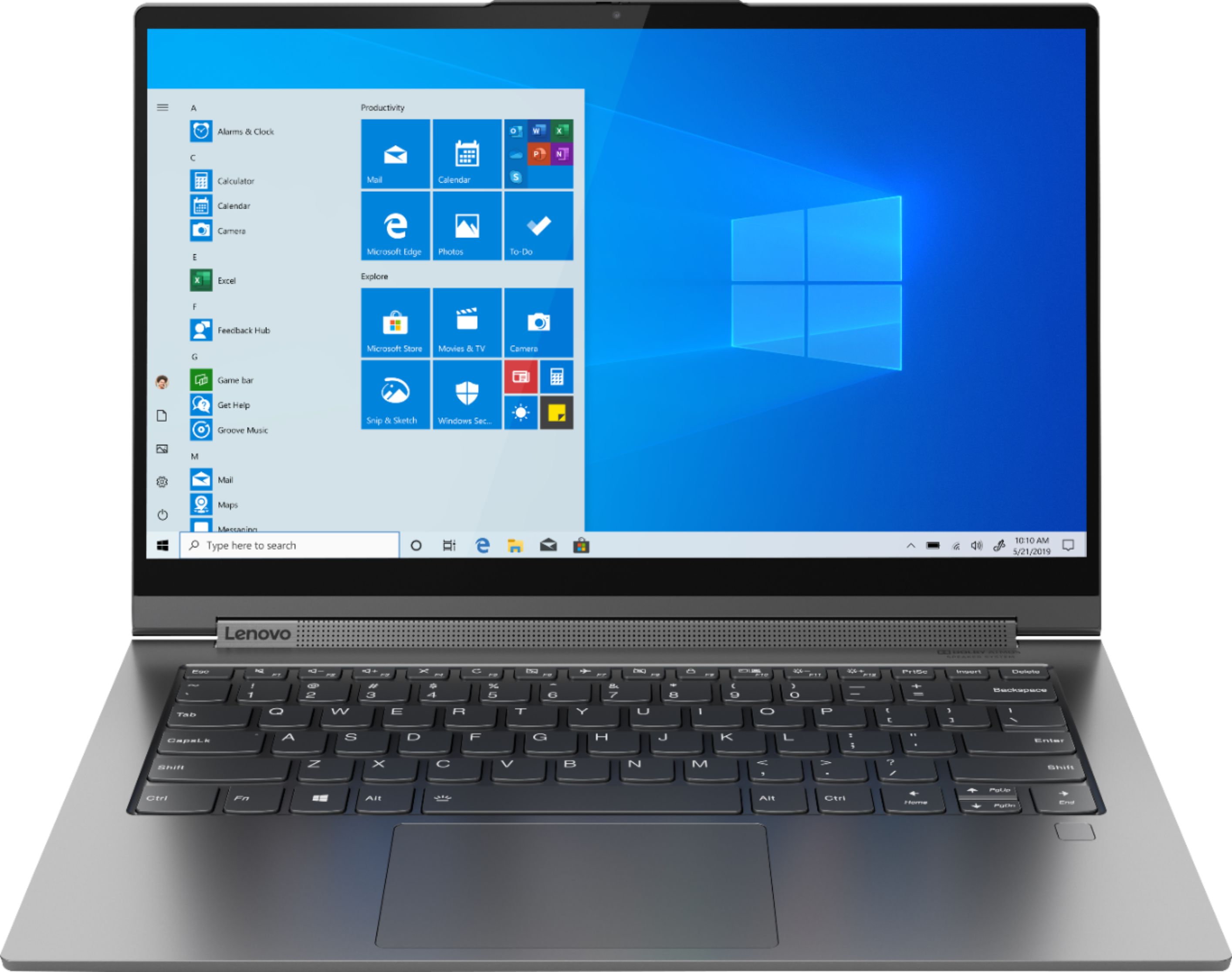
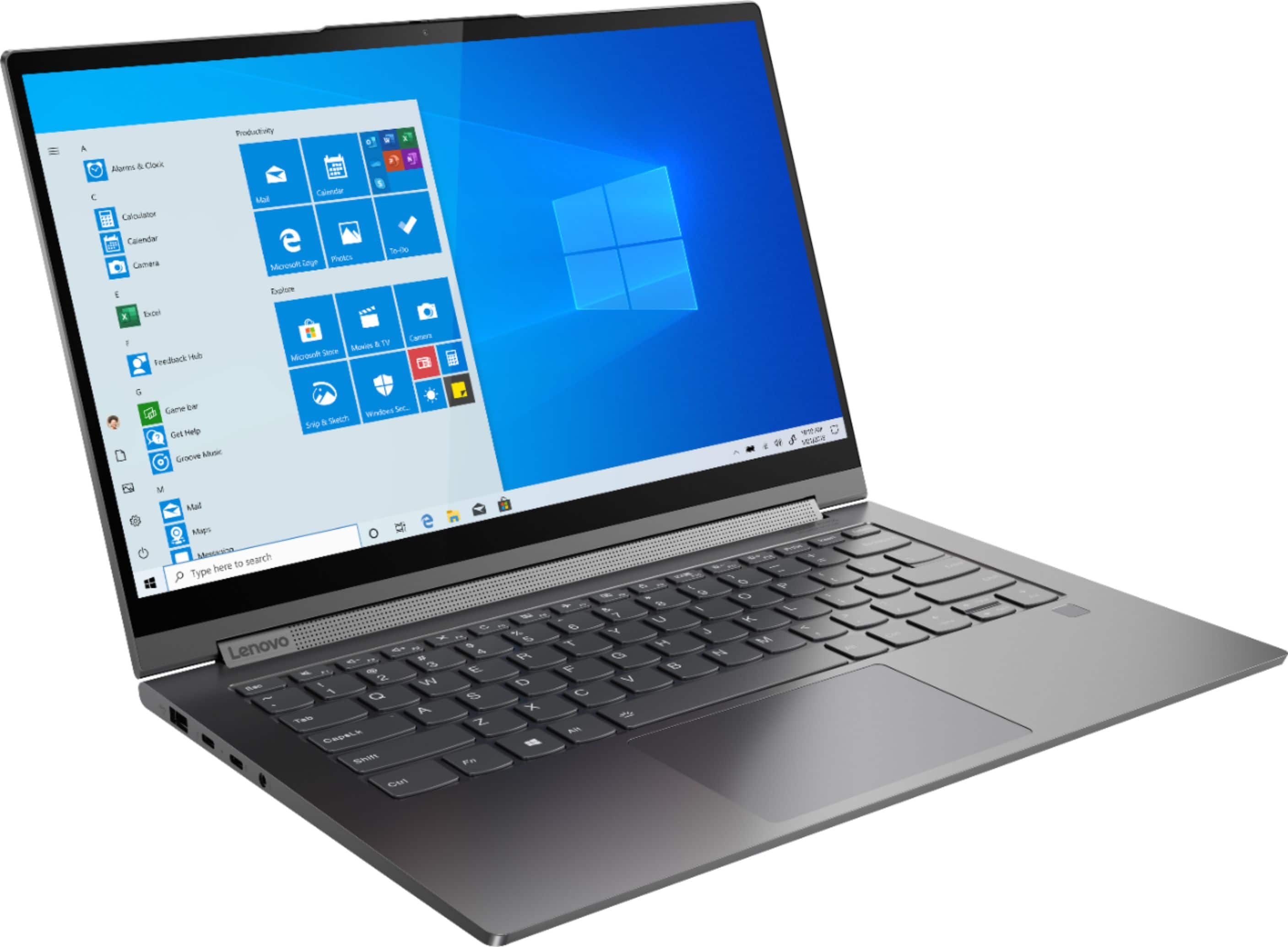
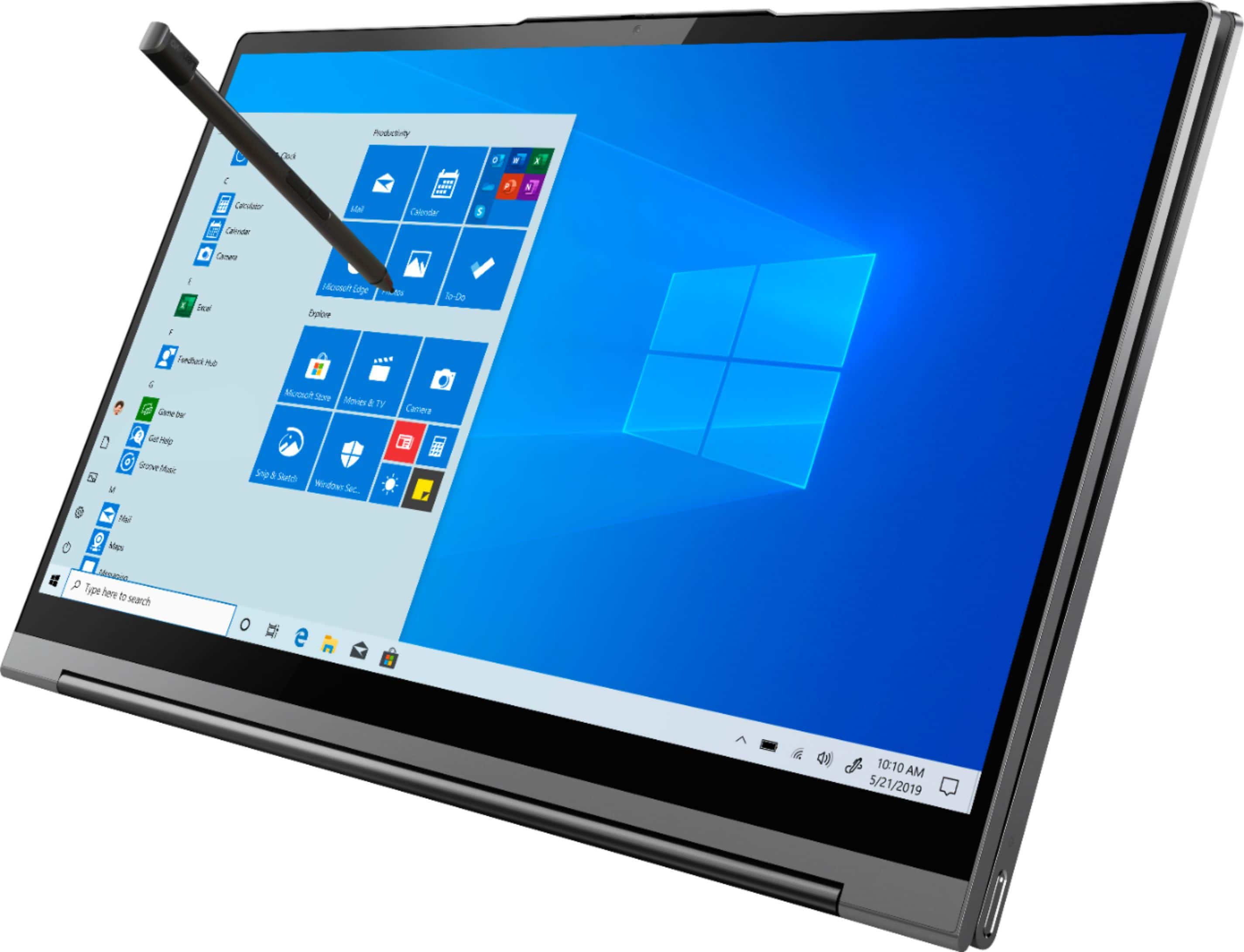
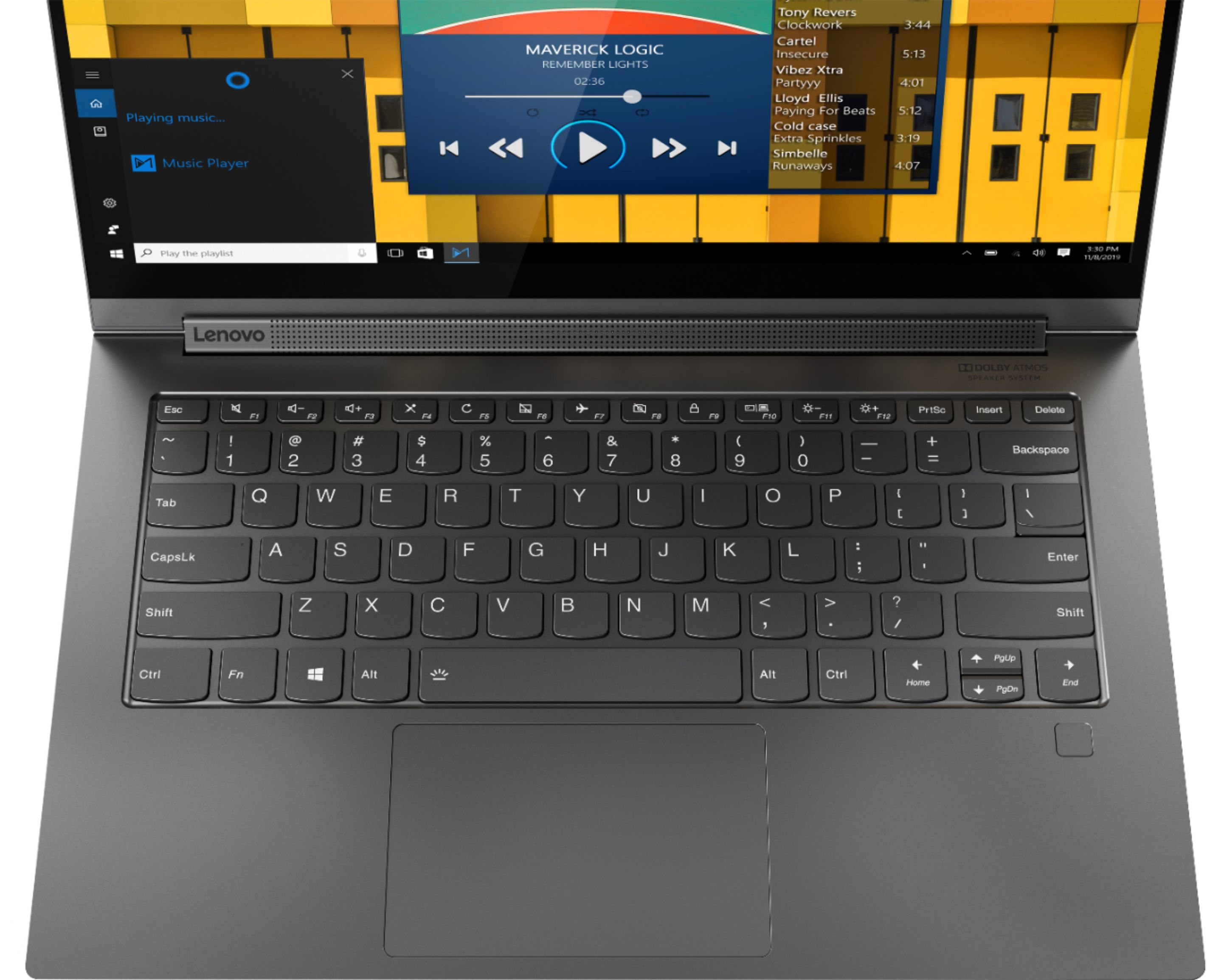
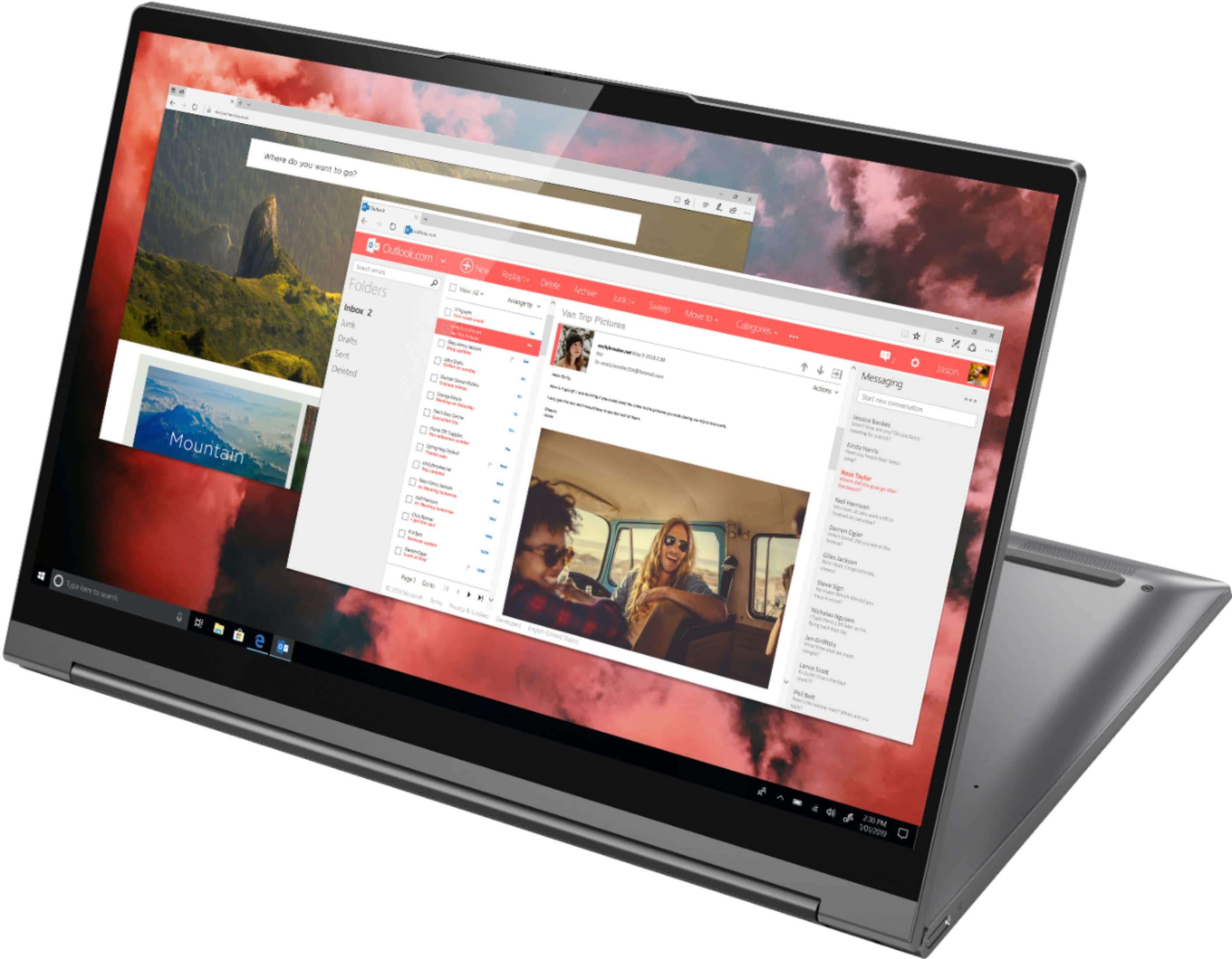
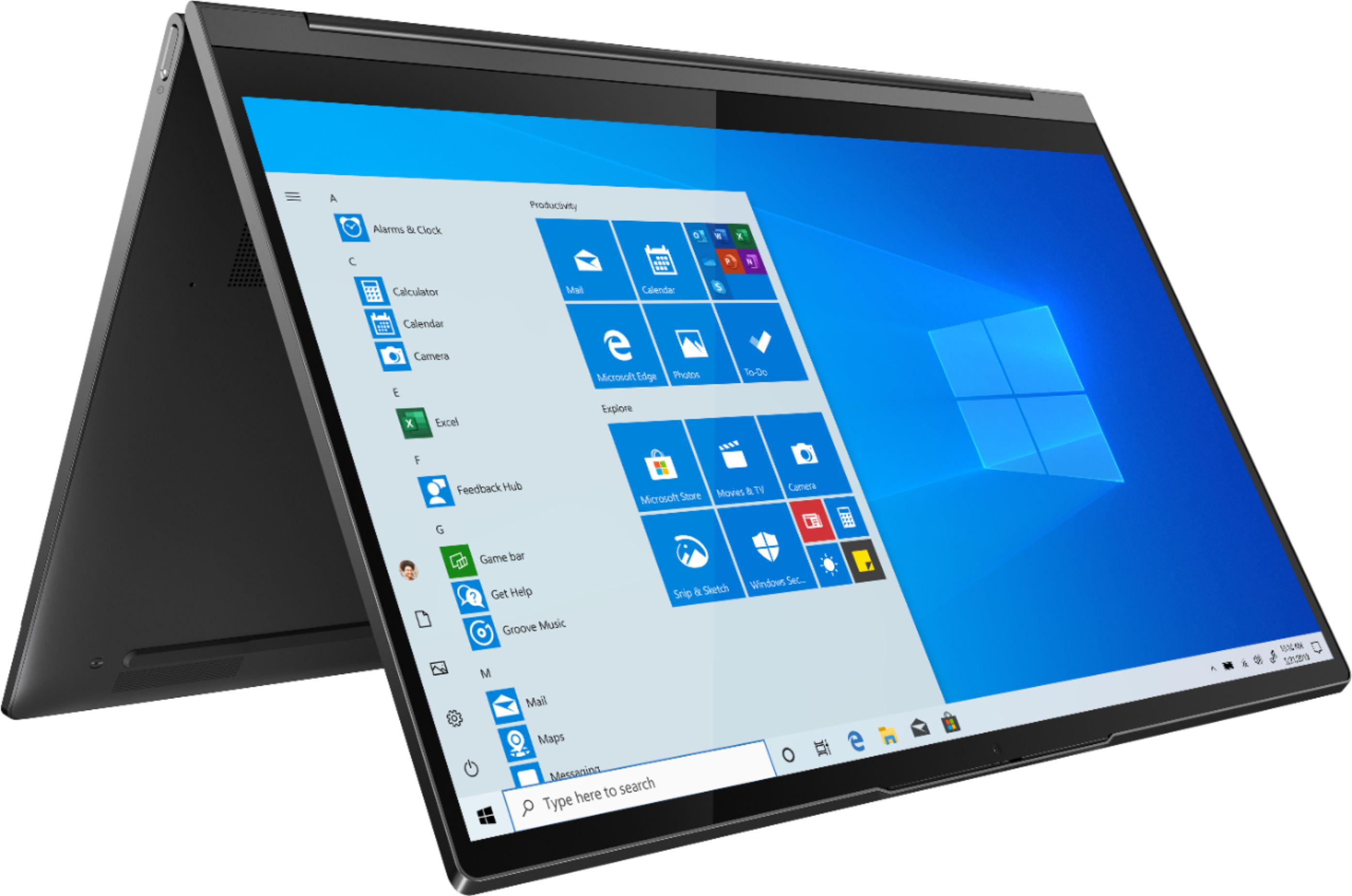
Customers are enthusiastic about the Yoga C940 2-in-1 laptop's fast performance, responsive touch screen, long battery life, and lightweight design. They appreciate the solid build quality and high-quality screen. However, some customers have concerns about the limited number of ports, occasional fan noise, and higher price point.
This summary was generated by AI based on customer reviews.
A Good 2in1 Laptop
||Posted . Owned for less than 1 week when reviewed.This reviewer received promo considerations or sweepstakes entry for writing a review.This laptop is so good. Though it is just FHD, the panel is so bright and vivid. The built in pen is so good. It is totally recommendable to other person.
I would recommend this to a friendBrand response from Lenovo Product Expert
Posted .Thank you for choosing the Lenovo Yoga C940-14, model number 81Q9002GUS. This model ships with a 14-Inch (screen size measured diagonally) FHD (1920x1080) IPS screen, with a brightness level of 400nits, has a Glossy finish and is Dolby Vision Certified. This screen provides 100-Percent of the sRGB color gamut (72-percent NTSC) for excellent color accuracy.

Yoga Laptop on sale
||Posted .This reviewer received promo considerations or sweepstakes entry for writing a review.functions well easy to set up out of the box could use more written set up for features and instructions without having to search for them on the internet.
I would recommend this to a friendgreat computer
||Posted . Owned for 3 weeks when reviewed.This reviewer received promo considerations or sweepstakes entry for writing a review.Overall a great computer. I mostly use it for surfing the web, emails, and light work for my office. The only thing is the battery charge could last a little longer.
I would recommend this to a friendBrand response from Lenovo Product Expert
Posted .The Lenovo Yoga C940-14 ships with a 4CELL_60WH_INTERNAL, Lithium Polymer Battery, with a battery life of up to 15 hours. If you are getting substantially less battery life, be sure Battery conservation Mode is turned off. This power management setting should only be used when the laptop is plugged in all the time. It will prolong overall battery life by only charging the battery to 60-percent of capacity. Here is a link to instructions for turning off Battery Conservation Mode: https://support.lenovo.com/us/en/solutions/ht103159. Also check what programs are running in the background on the computer. Be sure only the programs you want running in the background are. These programs will drain the battery. Here is a link to information about how to find out what programs are running in the background on your Windows 10 computer and how to manage them for better system performance: https://www.windowscentral.com/how-prevent-apps-running-background-windows-10. Then, finally, be sure any software you installed is compatible with Windows 10. Incompatible software will drain the battery at a faster rate. There is no need to install Microsoft Office software. The software is already part of the operating system, you just need to activate the software with a purchased product key. If you have installed a copy of Microsoft Office, this is conflicting with the existing copy on the system and this will slow your system down. If you have installed a 3rd party anti-virus program, be sure that Windows Defender is turned off and that the trial version of McAfee Anti-Virus software is uninstalled. There can only be one anti-virus program on the system. You may need to restore your system to original factory default settings if any of the programming errors have occurred. You can do that by typing "restore" in the Cortana search window. Just click on the magnifying glass icon at the bottom left of your Windows 10 Desktop. Click on "Reset This PC" Then click on "Get Started" and follow the on screen directions to restore to factory defaults. If the problem persists, we recommend you contact Lenovo Tech Support at: 877-453-6686.
Great screen! Very fast !
||Posted . Owned for 1 month when reviewed.This reviewer received promo considerations or sweepstakes entry for writing a review.Even though it a 14” it has plenty of screen -you can sort of game on it at lower settings.Has a solid feel to it and keystrokes are nice Cool ginger print reader
I would recommend this to a friendBrand response from Lenovo Product Expert
Posted .Thank you for choosing the Lenovo Yoga C940-14. We are pleased to hear that the features and performance of the Yoga C940-14 meets your computing needs so well. Every component of Yoga C940 was engineered with your experience in mind. That’s why The Yoga C940 offers the brilliant color and clarity with ultra-narrow bezels. At 400 nits brightness, it’s brighter than standard SDR displays. You’ll enjoy amazing realism that's vivid, nuanced, and powerful. Capture your ideas the moment inspiration hits with a garaged digital pen. Featuring an in-body charging compartment, the Yoga C940 ensures you’ll never lose a thought—or your digital pen—again. The convertible hinge hides a powerful Dolby Atmos Speaker System that immerses you in 3D sound in every mode. Combined with two sets of speakers featuring powerful subwoofers, custom tweeters, and unique vibration buffers that reduce unwanted noise, your audio will sound bigger, deeper, and more accurate. Experience how the Yoga C940 embodies world-class craftsmanship, innovative solutions, and elevated design. Log into your Yoga C940 in less than two seconds with an integrated fingerprint reader. That’s three times faster than the average time it takes to type a password. Forget your password. We always recommend you check the requirements and compatibility of any software you will be installing on your new computer, before you invest in any computer. Be sure your new computer can support the software you will need to use.
- Pros mentioned:Touch screen
good
||Posted .This reviewer received promo considerations or sweepstakes entry for writing a review.Great looking chassis and screen, great keyboard, and good specs for the price.
No, I would not recommend this to a friendBrand response from Lenovo Product Expert
Posted .Hi there! Thank you for choosing the Lenovo Yoga C940. We are so happy to hear the amazing performance, features, premium look, and feel of the Yoga C940 is meeting your computing needs so well.
Great buy
||Posted . Owned for 3 weeks when reviewed.This reviewer received promo considerations or sweepstakes entry for writing a review.I got lucky with an open box! Says it was shelf model but there is not a scratch on it. Seems really well built and a has everything I was looking for.
I would recommend this to a friendBrand response from Lenovo Product Expert
Posted .Hi there! Thank you for choosing the Lenovo Yoga C940. We are so happy to hear the amazing performance, features, premium look, and feel of the Yoga C940 is meeting your computing needs so well.
Excellent laptop!
||Posted . Owned for 3 weeks when reviewed.This reviewer received promo considerations or sweepstakes entry for writing a review.Everything was as described except for the battery life. It advertised 18.5 hour battery life, but it’s actually 5-6 hours.
I would recommend this to a friendBrand response from Lenovo Product Expert
Posted .The Lenovo Yoga C940-14 ships with a 4CELL_60WH_INTERNAL, Lithium Polymer Battery, with a battery life of up to 15 hours, depending on the work the device is performing. If you are only getting 5 to 6 hours of battery life, be sure any software you installed is compatible with Windows 10. Incompatible software will drain the battery at a faster rate. There is no need to install Microsoft Office software. The software is already part of the operating system, you just need to activate the software with a purchased product key. If you have installed a copy of Microsoft Office, this is conflicting with the existing copy on the system and this will slow your system down. If you have installed a 3rd party anti-virus program, be sure that Windows Defender is turned off and that the trial version of McAfee Anti-Virus software is uninstalled. There can only be one anti-virus program on the system. You may need to restore your system to original factory default settings if any of the programming errors have occurred. You can do that by typing "restore" in the Cortana search window. Just click on the magnifying glass icon at the bottom left of your Windows 10 Desktop. Click on "Reset This PC" Then click on "Get Started" and follow the on screen directions to restore to factory defaults. If there is no incompatible software installed, to maximize battery life, first adjust your battery saver settings. Here is a link to instruction for doing this in Windows 10: https://www.digitalcitizen.life/how-use-configure-battery-saver-windows-10. Next, to maximize battery life, be sure there are no unwanted programs running in the background, draining the battery. Here is a link to some tips for finding out what is draining your battery:
https://www.laptopmag.com/articles/battery-saver-windows-10. Also, to maximize battery life, try changing your power management setting to a more conservative one. You can do this in the control panel, in the power management category on your system. Select a more conservative power management setting to extend battery life. Finally, if the battery life does not improve, a battery reset may help. Here is a link to instructions for reconditioning a non-removable battery, using the Battery Management Software installed on the computer. If you need further assistance, we recommend you call Lenovo Tech Support at: 877-453-6686. Here is the link: https://windowsreport.com/laptop-battery-not-charging-windows-10/
Good laptop, but received a defective unit
||Posted .This reviewer received promo considerations or sweepstakes entry for writing a review.I only had the laptop for a few days before returning it due to a defect with the fans. It didn't affect performance, but it would have likely had issues in the future. Overall it felt nice, durable, and premium. I would recommend trying out this device, but be sure to check for any potential defects after purchasing.
I would recommend this to a friendSteve Lap top
||Posted . Owned for 3 weeks when reviewed.This reviewer received promo considerations or sweepstakes entry for writing a review.Easy set up. Audio great. Very good color on monitor. Very happy with the purchase of a Lenovo Yoga Touch Screen.
I would recommend this to a friendGreat Computer
||Posted . Owned for 1 month when reviewed.This reviewer received promo considerations or sweepstakes entry for writing a review.I had an older version of this same computer and it amazingly lasted since 2013 (with the help of the Geek Squad). This computer is solid state. Wonderful computer.
I would recommend this to a friendBrand response from Lenovo Product Expert
Posted .Every component of Yoga C940 was engineered with your experience in mind. That’s why The Yoga C940 offers the brilliant color and clarity with ultra-narrow bezels. At 400 nits brightness, it’s brighter than standard SDR displays. You’ll enjoy amazing realism that's vivid, nuanced, and powerful. Capture your ideas the moment inspiration hits with a garaged digital pen. Featuring an in-body charging compartment, the Yoga C940 ensures you’ll never lose a thought—or your digital pen—again. The convertible hinge hides a powerful Dolby Atmos Speaker System that immerses you in 3D sound in every mode. Combined with two sets of speakers featuring powerful subwoofers, custom tweeters, and unique vibration buffers that reduce unwanted noise, your audio will sound bigger, deeper, and more accurate. Experience how the Yoga C940 embodies world-class craftsmanship, innovative solutions, and elevated design. Log into your Yoga C940 in less than two seconds with an integrated fingerprint reader. That’s three times faster than the average time it takes to type a password. Forget your password.
Excellent Choice
||Posted . Owned for 3 weeks when reviewed.This reviewer received promo considerations or sweepstakes entry for writing a review.We purchased this computer for my son going to university. He is very happy with, comfortable to use and handles the programs he needs for Business School.
I would recommend this to a friendLove the user experience!
||Posted . Owned for 1 month when reviewed.This reviewer received promo considerations or sweepstakes entry for writing a review.I had been using a Lenovo Yoga Notepad for work for the last 3 years and this was the best replacement, as it has the same user experience but a better look!
I would recommend this to a friendBrand response from Lenovo Product Expert
Posted .Thank you for choosing the Lenovo Yoga C940-14. We appreciate your loyalty to the Yoga Product Family and the Lenovo Brand. Combining heavyweight performance with lightweight portability, the Yoga C740’s 10th Gen Intel Core i7 processor enables longer battery life, high-speed connectivity, and ultra-responsive multi-tasking performance in a sleek package. Packing a one-two punch of stunning audio and visual experience, the Yoga C740 is the perfect companion for streaming your favorite videos or playing games. With a 15.6-inch FHD HDR wide-angle display with 500 nits brightness, this laptop delivers millions of colors to your screen. To match the tantalizing visuals, the Yoga C740’s Dolby Atmos speaker system creates an audio experience in which sound flows above and around you. Yoga is committed to protecting your privacy. Log in with your fingerprint or slide the Yoga C740’s TrueBlock Privacy Shutter closed for true peace of mind when you’re not using your webcam.
Great laptop
||Posted . Owned for 3 months when reviewed.This reviewer received promo considerations or sweepstakes entry for writing a review.I like not only the design but also functions that work very well. It is my go to laptop to do just anything.
I would recommend this to a friendBrand response from Lenovo Product Expert
Posted .Thank you for choosing the Lenovo Yoga C940-14. We are pleased to hear that the Yoga C940-14 meets your computing needs so well.
Not for beginners, very nice laptop.
||Posted . Owned for 1 week when reviewed.This reviewer received promo considerations or sweepstakes entry for writing a review.Only had it two weeks, lots to learn. The only complaint I have is the sensitivity of the key board. My computer consultant says it is adjustable, hope so.
I would recommend this to a friendBrand response from Lenovo Product Expert
Posted .The Lenovo Yoga C940-14 ships with a standard QWERTY keyboard, with a 1.5 mm key travel for a comfortable typing experience in an ultra portable format. Every component of Yoga C940 was engineered with your experience in mind. That’s why The Yoga C940 offers the brilliant color and clarity with ultra-narrow bezels. At 400 nits brightness, it’s brighter than standard SDR displays. You’ll enjoy amazing realism that's vivid, nuanced, and powerful. Capture your ideas the moment inspiration hits with a garaged digital pen. Featuring an in-body charging compartment, the Yoga C940 ensures you’ll never lose a thought—or your digital pen—again. The convertible hinge hides a powerful Dolby Atmos Speaker System that immerses you in 3D sound in every mode. Combined with two sets of speakers featuring powerful subwoofers, custom tweeters, and unique vibration buffers that reduce unwanted noise, your audio will sound bigger, deeper, and more accurate. Experience how the Yoga C940 embodies world-class craftsmanship, innovative solutions, and elevated design. Log into your Yoga C940 in less than two seconds with an integrated fingerprint reader. That’s three times faster than the average time it takes to type a password. Forget your password.
thought i was getting a good deal but...
||Posted . Owned for 3 weeks when reviewed.This reviewer received promo considerations or sweepstakes entry for writing a review.randomly get hot, freezes, shuts off. volume buttons only work when holding function key??. key backlight has a self dimming "feature" that makes backlight irritatingly absent at seemingly random times. print reader only took 1 finger?? must be user error/ settings issue... super quiet! but that begs the question of proper heat dissipation... stylus is awesome! keys are ok.
No, I would not recommend this to a friendBrand response from Lenovo Product Expert
Posted .We are sorry to hear that you are having issues with your Lenovo Yoga C940-14. Be sure any software you installed is compatible with Windows 10. There is no need to install Microsoft Office software. The software is already part of the operating system, you just need to activate the software with a purchased product key. If you have installed a copy of Microsoft Office, this is conflicting with the existing copy on the system and this will slow your system down. If you have installed a 3rd party anti-virus program, be sure that Windows Defender is turned off and that the trial version of McAfee Anti-Virus software is uninstalled. There can only be one anti-virus program on the system. You may need to restore your system to original factory default settings if any of the programming errors have occurred. You can do that by typing "restore" in the Cortana search window. Just click on the magnifying glass icon at the bottom left of your Windows 10 Desktop. Click on "Reset This PC" Then click on "Get Started" and follow the on screen directions to restore to factory defaults. If the problem persists, we recommend you contact Lenovo Tech Support at: 877-453-6686.
Great quality
||Posted . Owned for 9 months when reviewed.This reviewer received promo considerations or sweepstakes entry for writing a review.I was skeptical to get a new laptop, as I had had my old Lenovo for almost four years. The new Yoga is amazing. Easy to use and incredibly versatile
I would recommend this to a friendGreat laptop
||Posted . Owned for 6 months when reviewed.This reviewer received promo considerations or sweepstakes entry for writing a review.I bought it opened box fair. Minor problems but overall, it's a great laptop. Would have loved to buy it new.
I would recommend this to a friendMy wife is a happy camper with awesome Laptop
||Posted . Owned for 2 months when reviewed.This reviewer received promo considerations or sweepstakes entry for writing a review.My wife is a happy camper with awesome Laptop, great features, finger print security +++, be able to use as a tablet is a game changer for Her.
I would recommend this to a friendBrand response from Lenovo Product Expert
Posted .We are pleased to hear that the features and performance of the Lenovo Yoga C940-14 are working out so well for your wife.
Fast and light
||Posted . Owned for more than 2 years when reviewed.This reviewer received promo considerations or sweepstakes entry for writing a review.Perfect collage computer for my daughter it did everything she needed.
I would recommend this to a friendgood But
||Posted . Owned for less than 1 week when reviewed.This reviewer received promo considerations or sweepstakes entry for writing a review.this laptop looks great but .. Feel a little bit too heavy and the battery performance is poor i return it after 4 days
No, I would not recommend this to a friendBrand response from Lenovo Product Expert
Posted .The Lenovo Yoga C940-14 weighs just 2.97 lbs. There is a 4CELL_60WH_INTERNAL, Lithium Polymer Battery, with a battery life of up to 15 hours, depending on the work the device is performing. If you are getting significantly less battery life, be sure any software you installed is compatible with Windows 10. Incompatible software can cause the battery to drain at a higher rate. There is no need to install Microsoft Office software. The software is already part of the operating system, you just need to activate the software with a purchased product key. If you have installed a copy of Microsoft Office, this is conflicting with the existing copy on the system and this will slow your system down. If you have installed a 3rd party anti-virus program, be sure that Windows Defender is turned off and that the trial version of McAfee Anti-Virus software is uninstalled. There can only be one anti-virus program on the system. You may need to restore your system to original factory default settings if any of the programming errors have occurred. You can do that by typing "restore" in the Cortana search window. Just click on the magnifying glass icon at the bottom left of your Windows 10 Desktop. Click on "Reset This PC" Then click on "Get Started" and follow the on screen directions to restore to factory defaults. If the problem persists, we recommend you contact Lenovo Tech Support at: 877-453-6686.