Customer Ratings & Reviews
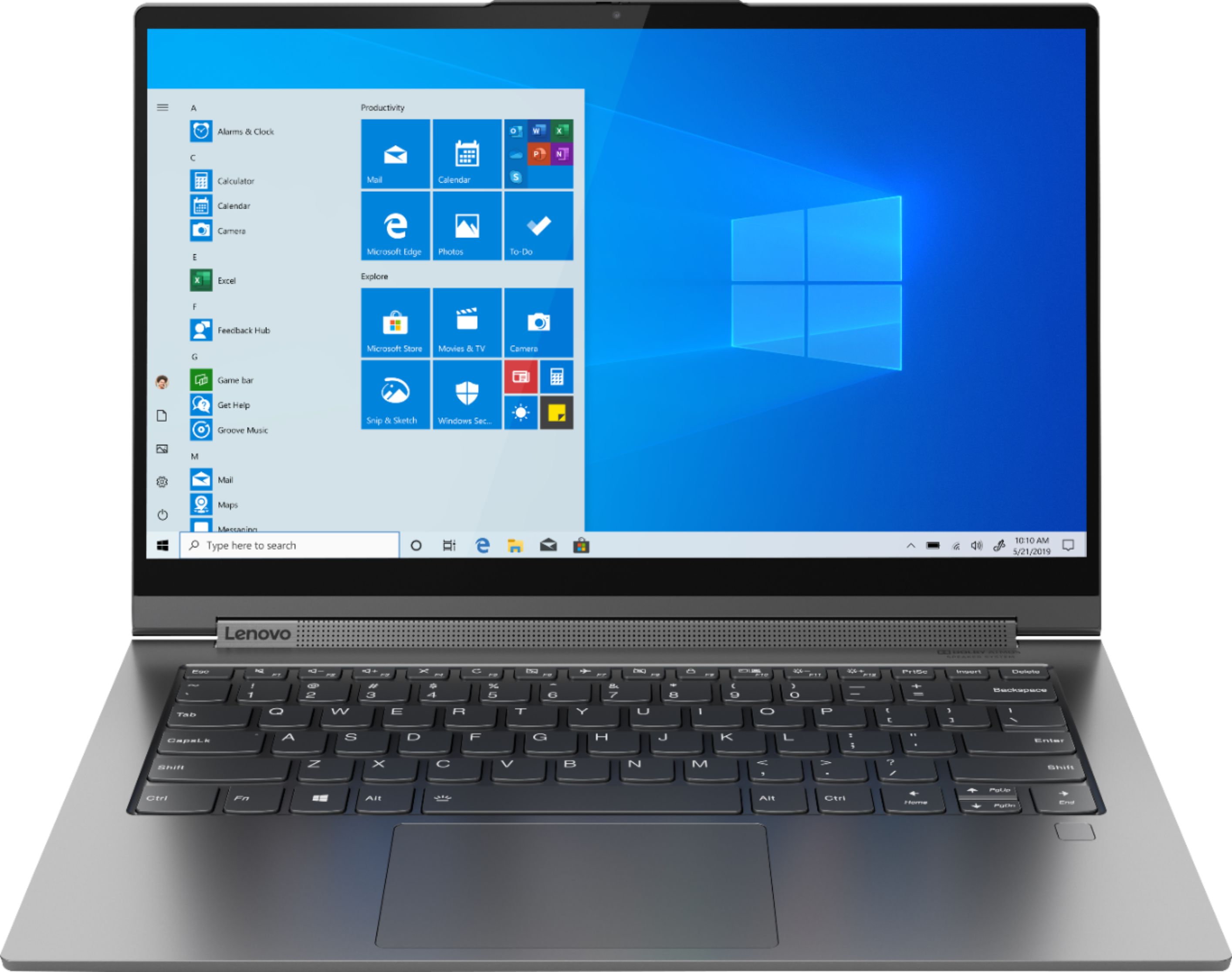
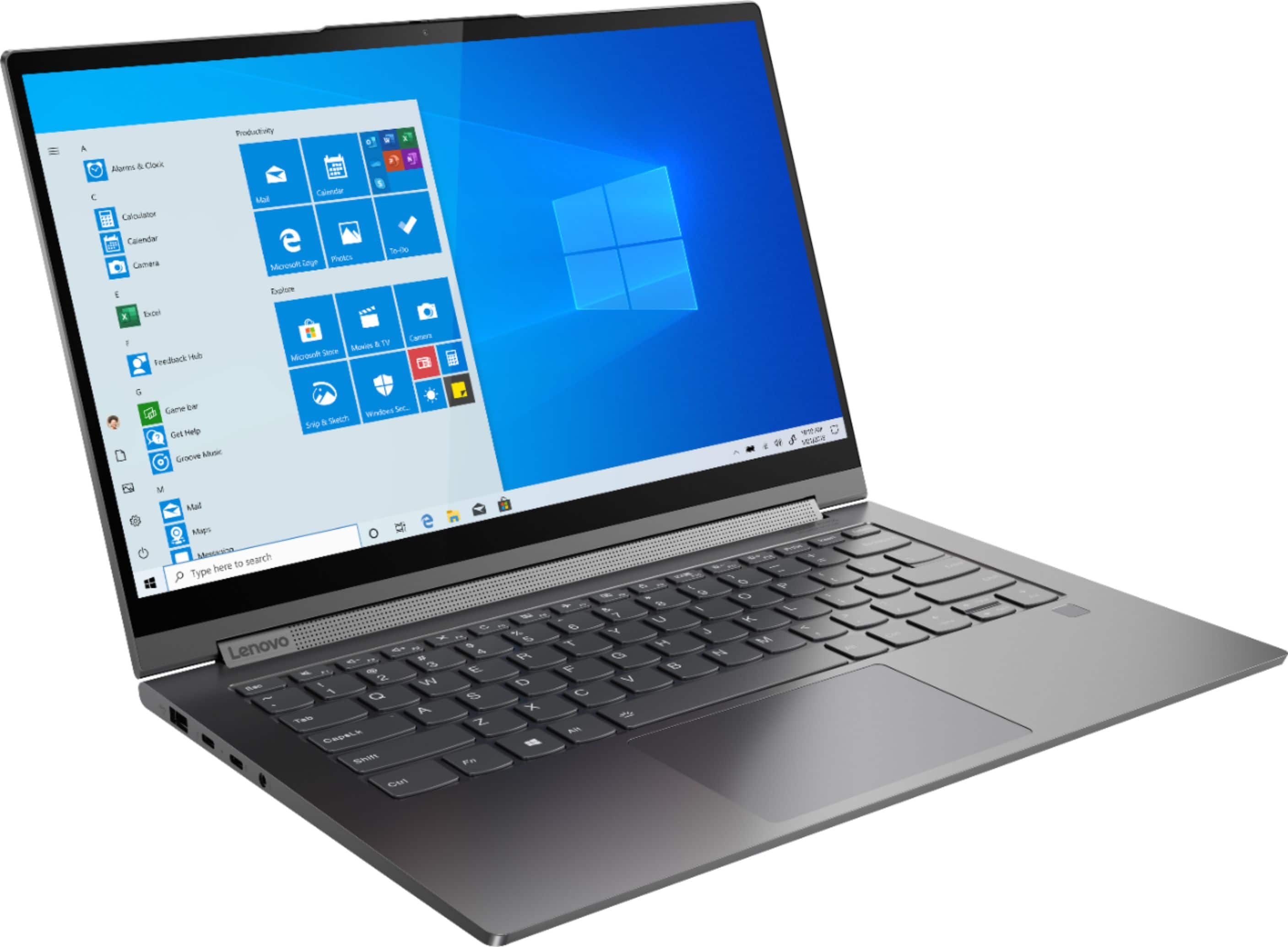
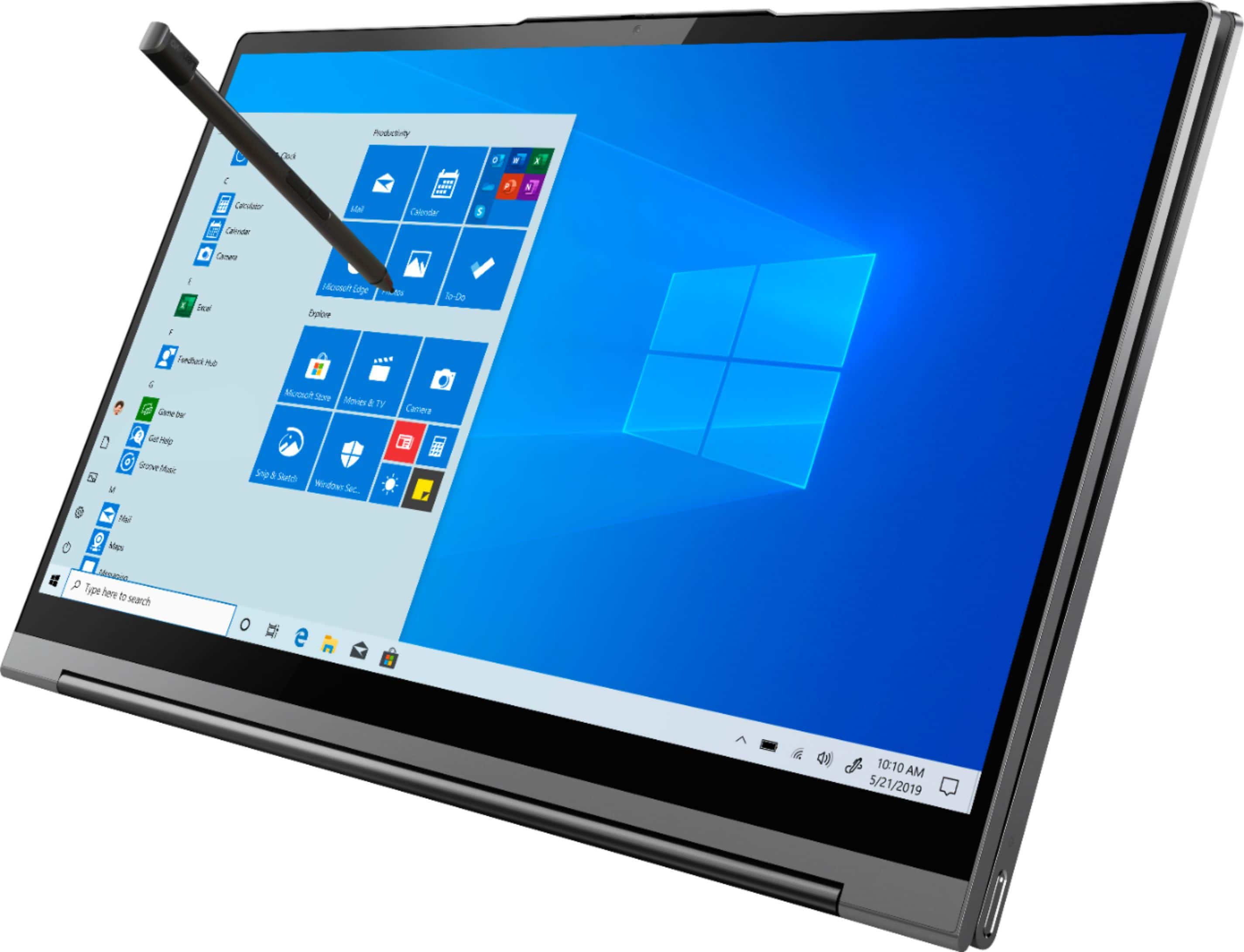

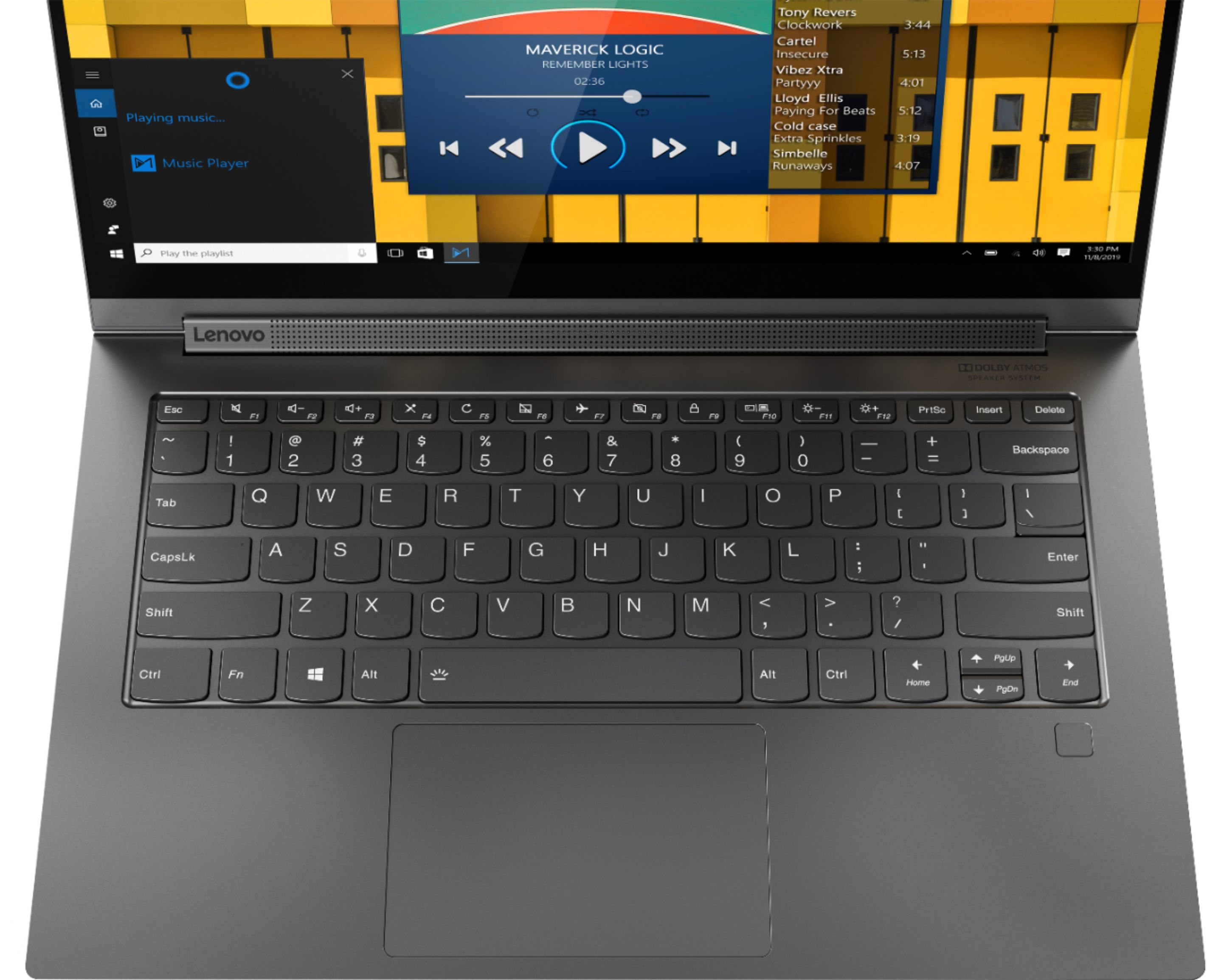






- Model:
- 81Q9002GUS
- SKU:
- 6367799
Rating by feature
- Battery Life
Rating 4.2 out of 5 stars
- Speed
Rating 4.4 out of 5 stars
- Display
Rating 4.5 out of 5 stars
Customers are saying
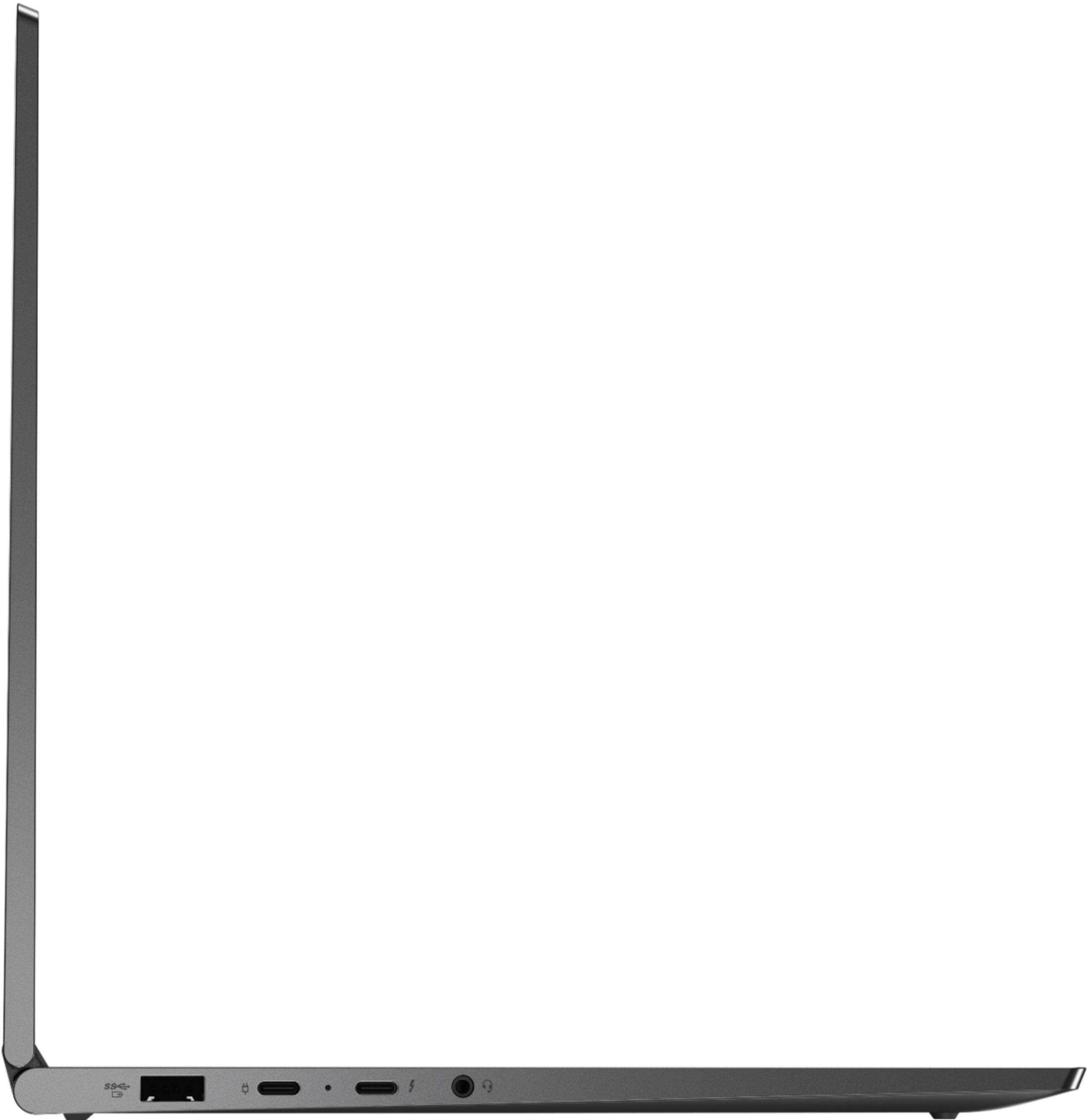
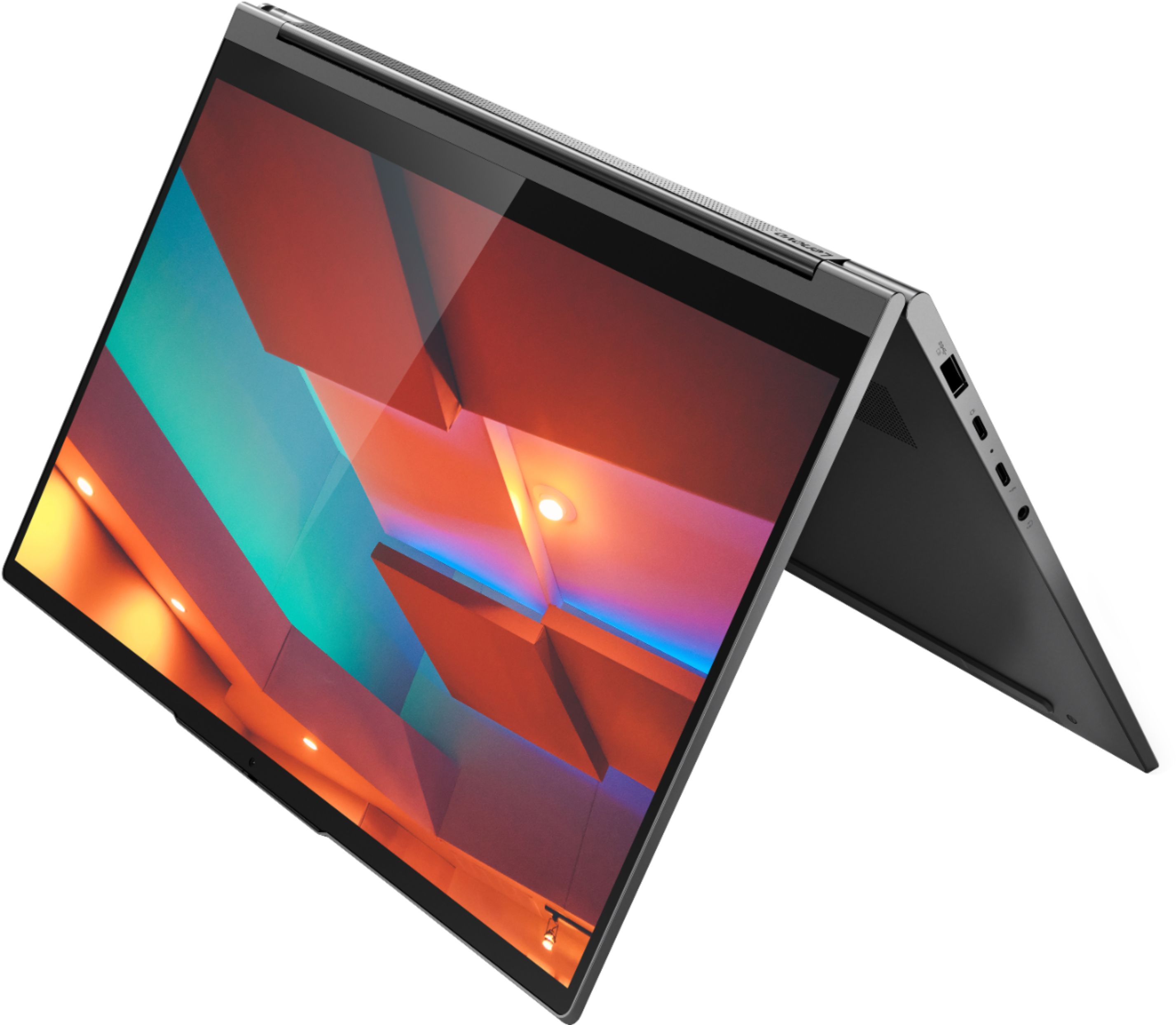
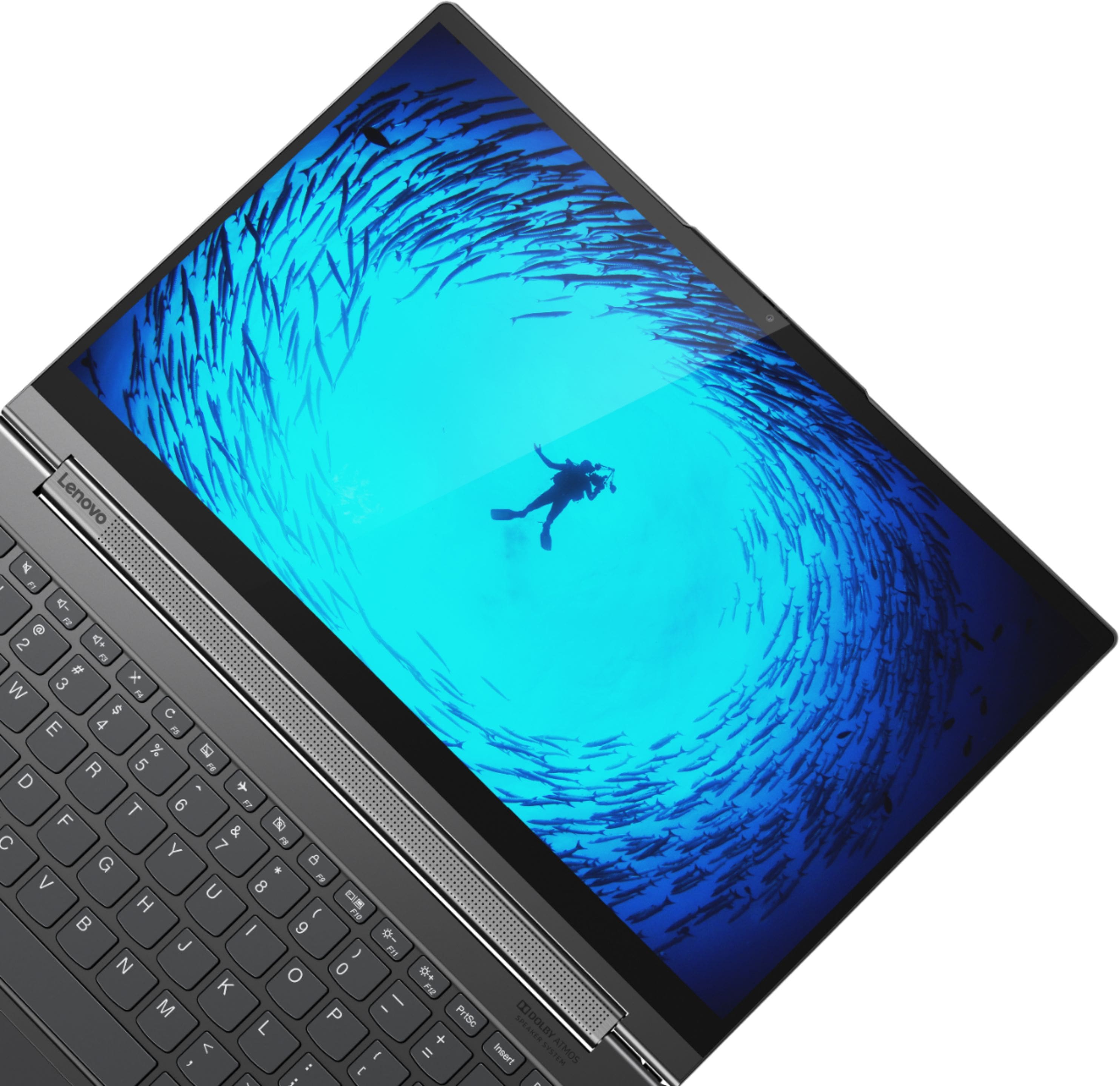
Customers are enthusiastic about the Yoga C940 2-in-1 laptop's fast performance, responsive touch screen, long battery life, and lightweight design. They appreciate the solid build quality and high-quality screen. However, some customers have concerns about the limited number of ports, occasional fan noise, and higher price point.
This summary was generated by AI based on customer reviews.
WiFi connectivity issues
||Posted . Owned for 1 month when reviewed.This reviewer received promo considerations or sweepstakes entry for writing a review.WiFi stopped working and had to return the laptop.
No, I would not recommend this to a friendBrand response from Lenovo Product Expert
Posted .The Lenovo Yoga C940-14 ships with the latest 6G, Intel Wide-Range/High Speed 2x2 802.11AX frequency WiFi, which is also backward compatible with older, b/g/n (2.4GHz and 5.0GHz)/ac frequency WiFi. First, try using your Yoga with another WiFi source at a public WiFi location. If the issue is corrected, contact your internet provider about updating the system software for your internet service. If the issue continues, be sure you have the latest version of Windows 10 on the computer. Then update all of the BIOS files and drivers up to this latest version of Windows 10. You can easily accomplish this by scanning the computer with the Lenovo Utility software available on this computer. This system has Lenovo utilities installed to help maintain the health of the device and keep the operating system software up to date. Type "Lenovo Vantage" in the Cortana Search window (if Lenovo Vantage is not installed on your device, you can download the APP and install it now). Select Lenovo Vantage from the list. In the window that opens, click on "Health and Support". In the expanded menu, select "Hardware Scan" In the window that opens, select "Run Quick Tests". This will scan your entire system for errors. Follow any directions that may pop up. If the problem continues after this scan, now click on "System Update". First select Windows update from the menu. Scan your system to be sure you have the latest version of Windows 10. Once that scan is complete, select "Additional Updates". This will scan your device to be sure there are no new BIOS/Driver updates needed. Follow any instructions that may pop up. If the issue still continues after these updates, we recommend you call Lenovo Tech Support at: 877-453-6686 for additional help.

Laptop
||Posted . Owned for 1 month when reviewed.This reviewer received promo considerations or sweepstakes entry for writing a review.Good product no commmetsssssssssssssssssssssssssssss
I would recommend this to a friendVery disappointing
||Posted . Owned for 2 weeks when reviewed.This reviewer received promo considerations or sweepstakes entry for writing a review.Very disappointing after three prior Lenovo Thinkpad machines. Big problem: does not support an external QHD display in spite of the graphics processing capabilities claimed for this machine's Intel Core i7 processor. Worked on phone for nearly two hours with Geek Squad to try to get this machine do what it's supposed to do. (Geek Squad person was great ... did his best; had first tried Lenovo support via chat and they were useless.) My impression is the Lenovo really botched the processor integration on this one. This machine is going back after two weeks of trying to live with it.
No, I would not recommend this to a friendBrand response from Lenovo Product Expert
Posted .The Lenovo Yoga C940-14, model number 81Q9002GUS, with the Intel Core i7-1065G7 processor and its integrated Intel Iris Plus Graphics, will support 4K resolution through an external monitor. Here is a link to more information about the Intel Core i7-1065G7 processor and the capabilities of integrated Intel Iris Plus Graphics: https://ark.intel.com/content/www/us/en/ark/products/196597/intel-core-i7-1065g7-processor-8m-cache-up-to-3-90-ghz.html. We recommend you consult Lenovo Tech Support for additional help connecting your 4K external monitor at: 877-453-6686.
Returned
||Posted . Owned for less than 1 week when reviewed.This reviewer received promo considerations or sweepstakes entry for writing a review.It was working the first few hours. Then I tried camera, I used facebook messenger it was pixelated, I thought it was the messenger only, then I tried the Skype video and now the video is going up and down. Tried to reset and now the letters from the screen were doubled. I showed the video and pictures I took when I returned it and I was just disappointed that the cust service was just so doubtful about me returning the laptop. After few minutes of explaining that I dont want risking my 1136 dollars for that defective laptop then she then gave me my refund. Not so happy about it.
No, I would not recommend this to a friendBrand response from Lenovo Product Expert
Posted .We are sorry to hear that you had issues while using the web cam on your Lenovo Yoga C940-14, model number 81Q9002GUS. This model ships with a 720p (HD) web cam with a dual array microphone and privacy shutter. Be sure you have the latest version of Windows 10 on the computer. Then update all of the BIOS files and drivers up to this latest version of Windows 10. You can easily accomplish this by scanning the computer with the Lenovo Utility software installed on the computer. This system has Lenovo utilities installed to help maintain the health of the device and keep the operating system software up to date. Type "Lenovo Vantage" in the Cortana Search window (if Lenovo Vantage is not installed on your device, you can download the APP and install it now). Select Lenovo Vantage from the list. In the window that opens, click on "Health and Support". In the expanded menu, select "Hardware Scan" In the window that opens, select "Run Quick Tests". This will scan your entire system for errors. Follow any directions that may pop up. If the problem continues after this scan, now click on "System Update". First select Windows update from the menu. Scan your system to be sure you have the latest version of Windows 10. Once that scan is complete, select "Additional Updates". This will scan your device to be sure there are no new BIOS/Driver updates needed. Follow any instructions that may pop up. If the issue still continues after these updates, we recommend you call Lenovo Tech Support at: 877-453-6686 for additional help
- Cons mentioned:Camera
best buy fail
||Posted . Owned for 1 month when reviewed.This reviewer received promo considerations or sweepstakes entry for writing a review.I gave as a Christmas gift and camera and other things are not working. very disappointed in best buy. I was trusting that this was inspected and good as new, open box not recommended
No, I would not recommend this to a friendBrand response from Lenovo Product Expert
Posted .We are sorry to hear that you are having issues with the webcam on your Lenovo Yoga C940-14. This model ships with a 720p (HD) webcam with manual Privacy Shutter built in. Be sure the Privacy Shutter is completely open before trying to use the webcam or the webcam will not operate. There is a small slider, directly above the webcam lens. Move the tab to the right to open the Privacy Shutter. There is a red dot over the webcam lens that will disappear when the Privacy Shutter is fully open. This will indicate that the webcam is really to use. You can close the Privacy Shutter when you are done with the webcam for your security, by sliding the tab to the left to close the Privacy Shutter. The Red Dot will appear over the webcam lens when the Privacy Shutter is closed. If the issue continues, we recommend you call Lenovo Tech Support at: 877-453-6686.
Problems
||Posted . Owned for 7 months when reviewed.This reviewer received promo considerations or sweepstakes entry for writing a review.Only had for 7 months. 1 day the monitor just doesnt come on. Best bùy has 2 send or out. For over 1300$ this shouldn't b happening
No, I would not recommend this to a friendBrand response from Lenovo Product Expert
Posted .Hello, we are sorry to hear you are experiencing this issue with the display on your Lenovo C940. We appreciate you patience while this issue is resolved. I
Do not buy
||Posted . Owned for 2 months when reviewed.This reviewer received promo considerations or sweepstakes entry for writing a review.This computer has issues. It will freeze up and have to be restarted often. It also occasionally get the screen of death. I do not recommend this computer.
No, I would not recommend this to a friendBrand response from Lenovo Product Expert
Posted .We are sorry to hear that you are having issues with Windows 10 Operating System on your Lenovo Yoga C940-14. Windows 10 will not normally freeze under normal circumstances. Be sure any software you installed is compatible with Windows 10. There is no need to install Microsoft Office software. The software is already part of the operating system, you just need to activate the software with a purchased product key. If you have installed a copy of Microsoft Office, this is conflicting with the existing copy on the system and this will slow your system down. If you have installed a 3rd party anti-virus program, be sure that Windows Defender is turned off and that the trial version of McAfee Anti-Virus software is uninstalled. There can only be one anti-virus program on the system. You may need to restore your system to original factory default settings if any of the programming errors have occurred. You can do that by typing "restore" in the Cortana search window. Just click on the magnifying glass icon at the bottom left of your Windows 10 Desktop. Click on "Reset This PC" Then click on "Get Started" and follow the on screen directions to restore to factory defaults. If the problem persists, we recommend you contact Lenovo Tech Support at: 877-453-6686.
loved the computer except it didn't work
||Posted . Owned for 2 months when reviewed.This reviewer received promo considerations or sweepstakes entry for writing a review.Really liked the computer. Great speakers. Felt solid. Pen was nicely designed. Unfortunately, after 1 day, it started randomly restarting. Would happen with multiple different programs. I reinstalled windows but still kept happening so I think it was a hardware issue. This is the second Yoga I have had to return. I also returned a C930 which had a defective screen out of the box. These are beautiful machines but Lenovo really needs to step up its quality control.
No, I would not recommend this to a friendBrand response from Lenovo Product Expert
Posted .We are sorry to hear that you are having issues with your Lenovo Yoga C940-14. Be sure any software you installed is compatible with Windows 10. There is no need to install Microsoft Office software. The software is already part of the operating system, you just need to activate the software with a purchased product key. If you have installed a copy of Microsoft Office, this is conflicting with the existing copy on the system and this will slow your system down. If you have installed a 3rd party anti-virus program, be sure that Windows Defender is turned off and that the trial version of McAfee Anti-Virus software is uninstalled. There can only be one anti-virus program on the system. You may need to restore your system to original factory default settings if any of the programming errors have occurred. You can do that by typing "restore" in the Cortana search window. Just click on the magnifying glass icon at the bottom left of your Windows 10 Desktop. Click on "Reset This PC" Then click on "Get Started" and follow the on screen directions to restore to factory defaults. If the problem persists, we recommend you contact Lenovo Tech Support at: 877-453-6686.
Bad!
||Posted . Owned for 3 weeks when reviewed.This reviewer received promo considerations or sweepstakes entry for writing a review.I had a previous version of the yoga series for 3+ years with no issues and had to upgrade due to a water spill. This new version was a complete let down and in many ways worse than my 3 year old Lenovo yoga. Using the i7 12 GB version it was unable to handle multiple browser tabs and simple office actions. Any video calls shut down most operations and caused the computer to heat excessively. I returned after two weeks.Not worth the money. Do not buy!
No, I would not recommend this to a friendBrand response from Lenovo Product Expert
Posted .Every component of Yoga C940 was engineered with your experience in mind. That’s why The Yoga C940 offers the brilliant color and clarity with ultra-narrow bezels. At 400 nits brightness, it’s brighter than standard SDR displays. You’ll enjoy amazing realism that's vivid, nuanced, and powerful. Capture your ideas the moment inspiration hits with a garaged digital pen. Featuring an in-body charging compartment, the Yoga C940 ensures you’ll never lose a thought—or your digital pen—again. The convertible hinge hides a powerful Dolby Atmos Speaker System that immerses you in 3D sound in every mode. Combined with two sets of speakers featuring powerful subwoofers, custom tweeters, and unique vibration buffers that reduce unwanted noise, your audio will sound bigger, deeper, and more accurate. Experience how the Yoga C940 embodies world-class craftsmanship, innovative solutions, and elevated design. Log into your Yoga C940 in less than two seconds with an integrated fingerprint reader. That’s three times faster than the average time it takes to type a password. Forget your password.
Everything WAS perfect
||Posted . Owned for 2 months when reviewed.This reviewer received promo considerations or sweepstakes entry for writing a review.Great laptop now it randomly shuts off. I’ve lost many of projects that I’m working on because the screen just goes black and I have to power down to get it back on. I will be contacting Best Buy to return, idc if I’m outside the return policy. Laptop is less than 3 months old.
No, I would not recommend this to a friendBrand response from Lenovo Product Expert
Posted .We are sorry to hear you are experiencing this issue with your Lenovo - Yoga C940 2-in-1 14" Touch-Screen Laptop. We recommend making sure Windows 10 and your system drivers are up to date. You can easily accomplish this by scanning the computer with the Lenovo Utility software available on this computer. This system has Lenovo utilities installed to help maintain the health of the device and keep the operating system software up to date. Type "Lenovo Vantage" in the Cortana Search window (if Lenovo Vantage is not installed on your device, you can download the APP and install it now). Select Lenovo Vantage from the list. In the window that opens, click on "Health and Support". In the expanded menu, select "Hardware Scan” In the window that opens, select "Run Quick Tests". This will scan your entire system for errors. Follow any directions that may pop up. If the problem continues after this scan, now click on "System Update". First select Windows update from the menu. Scan your system to be sure you have the latest version of Windows 10. Once that scan is complete, select "Additional Updates". This will scan your device to be sure there are no new BIOS/Driver updates needed. Follow any instructions that may pop up. If the issue continues after these updates, we recommend you call Lenovo Tech Support at: 877-453-6686 for additional help.
Touchscreen Issues
||Posted . Owned for 1 week when reviewed.This reviewer received promo considerations or sweepstakes entry for writing a review.Amazing laptop but has a defective touchscreen. Brought it to Geek Squad and was recommended to return or exchange. I elected to exchange. Hoping the new one is good to go!
I would recommend this to a friendBrand response from Lenovo Product Expert
Posted .We are sorry to hear that you had issues with your Lenovo Yoga C940-14 and its touchscreen interface. You can keep your computer running at its best, by checking for system errors and available updates regularly. You can easily accomplish this by scanning the computer with the Lenovo Utility software available on this computer. This system has Lenovo utilities installed to help maintain the health of the device and keep the operating system software up to date. Type "Lenovo Vantage" in the Cortana Search window (if Lenovo Vantage is not installed on your device, you can download the APP and install it now). Select Lenovo Vantage from the list. In the window that opens, click on "Health and Support". In the expanded menu, select "Hardware Scan" In the window that opens, select "Run Quick Tests". This will scan your entire system for errors. Follow any directions that may pop up. If the problem continues after this scan, now click on "System Update". First select Windows update from the menu. Scan your system to be sure you have the latest version of Windows 10. Once that scan is complete, select "Additional Updates". This will scan your device to be sure there are no new BIOS/Driver updates needed. Follow any instructions that may pop up. If the issue still continues after these updates, we recommend you call Lenovo Tech Support at: 877-453-6686 for additional help.
Great PC, Poor Customer Service
||Posted . Owned for 1 week when reviewed.This reviewer received promo considerations or sweepstakes entry for writing a review.Open Box Geek Squad Certified (as like new-Complete). Missing charger, pen, & cable. I requested replacement of missing parts and was told by Best Buy Customer Service I had to return the laptop and a complete replacement would be sent out. Expected date of replacement 6 days from now (previous unit 7 days late). What's the benefit of Geek Squad Certified as like new & complete? Laptop looks to be a good one. Hopefully will get complete unit sometime soon. Worst customer experience in a long time for me.
No, I would not recommend this to a friendsupt.
||Posted . Owned for 1 month when reviewed.This reviewer received promo considerations or sweepstakes entry for writing a review.8 round trips to get help with the 940 and yesterday made that 8th trip to simply take it back for a return, could not get the help needed to deal with "stuff", especially the inability to complete a simple gmail. Never able to ascertain what was going on but it caused 15+ days of frustration to simply say, "return to factory default settings and I will go in another direction. detest this 14" laptop.
No, I would not recommend this to a friendPurchased open box. No charger included.
||Posted . Owned for 1 month when reviewed.This reviewer received promo considerations or sweepstakes entry for writing a review.I purchased an open box version of this laptop, which was rated as "Excellent" condition, and with all accessories. Upon receiving the laptop, I realized there was no charger in the box. I contacted support and they told me my only option was to take it back to a store. Unfortunately I'm in Australia and there's no best buy stores here. So I'm left with a new laptop and no way to charge it.
No, I would not recommend this to a friend- Cons mentioned:Camera
not working
||Posted . Owned for 2 months when reviewed.This reviewer received promo considerations or sweepstakes entry for writing a review.not working well. The touch screen sometimes not working. the camera also not working totally waste of money.
No, I would not recommend this to a friendBrand response from Lenovo Product Expert
Posted .We are sorry to hear that you are having issues with your Lenovo Yoga C940-14 model number 81Q9002GUS. First, be sure any software you installed is compatible with Windows 10. There is no need to install Microsoft Office software. The software is already part of the operating system, you just need to activate the software with a purchased product key. If you have installed a copy of Microsoft Office, this is conflicting with the existing copy on the system and this will slow your system down. If you have installed a 3rd party anti-virus program, be sure that Windows Defender is turned off and that the trial version of McAfee Anti-Virus software is uninstalled. There can only be one anti-virus program on the system. You may need to restore your system to original factory default settings if any of the programming errors have occurred. You can do that by typing "restore" in the Cortana search window. Just click on the magnifying glass icon at the bottom left of your Windows 10 Desktop. Click on "Reset This PC" Then click on "Get Started" and follow the on screen directions to restore to factory defaults. If there is no incompatible software installed but the issues persist, check to be sure you have the latest version of Windows 10 on the computer. Then update all BIOS files and drivers up to that latest version of Windows 10. You can easily accomplish this by scanning the computer with the Lenovo Utility software available on this computer. This system has Lenovo utilities installed to help maintain the health of the device and keep the operating system software up to date. Type "Lenovo Vantage" in the Cortana Search window (if Lenovo Vantage is not installed on your device, you can download the APP and install it now). Select Lenovo Vantage from the list. In the window that opens, click on "Health and Support". In the expanded menu, select "Hardware Scan" In the window that opens, select "Run Quick Tests". This will scan your entire system for errors. Follow any directions that may pop up. If the problem continues after this scan, now click on "System Update". First select Windows update from the menu. Scan your system to be sure you have the latest version of Windows 10. Once that scan is complete, select "Additional Updates". This will scan your device to be sure there are no new BIOS/Driver updates needed. Follow any instructions that may pop up. If the issue still continues after these updates, we recommend you call Lenovo Tech Support at: 877-453-6686 for additional help.
Looks good but defective out of box
||Posted .This reviewer received promo considerations or sweepstakes entry for writing a review.At a first glance the item looks good and well-made. But it only lasted a day before the screen would turn on and off when moving the hinge. Because of this defective hinge, we had to return the item. This was our second Lenovo Yoga machine that turned out to be a glitchy mess. Very poor quality assurance.
No, I would not recommend this to a friendBrand response from Lenovo Product Expert
Posted .We are sorry to hear that you had issues with the screen image on your Lenovo Yoga C940-14. Since this happened on two different devices, be sure any software you installed is compatible with Windows 10. There is no need to install Microsoft Office software. The software is already part of the operating system, you just need to activate the software with a purchased product key. If you have installed a copy of Microsoft Office, this is conflicting with the existing copy on the system and this will slow your system down. If you have installed a 3rd party anti-virus program, be sure that Windows Defender is turned off and that the trial version of McAfee Anti-Virus software is uninstalled. There can only be one anti-virus program on the system. You may need to restore your system to original factory default settings if any of the programming errors have occurred. You can do that by typing "restore" in the Cortana search window. Just click on the magnifying glass icon at the bottom left of your Windows 10 Desktop. Click on "Reset This PC" Then click on "Get Started" and follow the on screen directions to restore to factory defaults. If the problem persists, we recommend you contact Lenovo Tech Support at: 877-453-6686.
Track pad problem
||Posted . Owned for 1 month when reviewed.This reviewer received promo considerations or sweepstakes entry for writing a review.Do not purchase one of these computers until you verify that the screen blanking problem has been resolved. Check the Lenovo website and look at their blog. There were 28 pages of complaints about this one issue. The computer screen starts blacking when the track pad is in use. Touching the screen restores the screen but once this problem develops the track pad is useless.
No, I would not recommend this to a friendBrand response from Lenovo Product Expert
Posted .The issue you describe can be fixed by upgrading to the latest version of Windows 10, then update both the BIOS files and drivers up to that latest version of Windows 10. You can easily accomplish this by scanning the computer with the Lenovo Utility software available on this computer. This system has Lenovo utilities installed to help maintain the health of the device and keep the operating system software up to date. Type "Lenovo Vantage" in the Cortana Search window (if Lenovo Vantage is not installed on your device, you can download the APP and install it now). Select Lenovo Vantage from the list. In the window that opens, click on "Health and Support". In the expanded menu, select "Hardware Scan" In the window that opens, select "Run Quick Tests". This will scan your entire system for errors. Follow any directions that may pop up. If the problem continues after this scan, now click on "System Update". First select Windows update from the menu. Scan your system to be sure you have the latest version of Windows 10. Once that scan is complete, select "Additional Updates". This will scan your device to be sure there are no new BIOS/Driver updates needed. Follow any instructions that may pop up. If the issue still continues after these updates, we recommend you call Lenovo Tech Support at: 877-453-6686 for additional help.
Had a big problem
||Posted . Owned for 3 weeks when reviewed.This reviewer received promo considerations or sweepstakes entry for writing a review.I bought Yoga core i7 recently and the whole screen turns to dark for a quite period of time . I did not install software from internet or over used the battery . It is now less than one month and I do know if they will return or exchange for me
No, I would not recommend this to a friendBrand response from Lenovo Product Expert
Posted .We are sorry to hear that you are having issues with your Lenovo Yoga C940-14 and the screen going dim. Check your power management settings to be sure your system is not setup to automatically dim the screen. Here is a link to instructions for turning off this feature: https://www.intel.com/content/www/us/en/support/articles/000033837/graphics.html. If the issue continues, we recommend you contact Lenovo Tech Support at: 877-453-6686.
Lenovo C940
||Posted . Owned for 1 month when reviewed.This reviewer received promo considerations or sweepstakes entry for writing a review.Unfortunately my lap top failed after 35 days. I am having to have the keyboard replaced. Thankfully I purchased extended warranty directly from Lenovo. Had I not had the warranty I would be out of luck. Also if your interested in using this lap top for drawing, Look at another model.
No, I would not recommend this to a friendBrand response from Lenovo Product Expert
Posted .The Lenovo Yoga C940-14 model 81Q9002GUS, ships with its own active pen, stored in its recharging garage, built into the back of the computer. This is an AES Protocol Active pen that recharges itself when stored within the Pen Garage. This active pen works well for writing and drawing directly onto the screen, when used with an Active Pen interface APP.
Too many issues
||Posted . Owned for 2 months when reviewed.This reviewer received promo considerations or sweepstakes entry for writing a review.Have had my C940 for about two months now. Seemed slower than my previous Yoga out of the box but assumed my internet connection was just slow. Now it operates with the speed of a PC running Windows 95. Issues with Wifi constantly dropping as well.
No, I would not recommend this to a friendBrand response from Lenovo Product Expert
Posted .We are sorry to hear that you are having issues with your Lenovo Yoga C940-14. Be sure any software you installed is compatible with Windows 10. There is no need to install Microsoft Office software. The software is already part of the operating system, you just need to activate the software with a purchased product key. If you have installed a copy of Microsoft Office, this is conflicting with the existing copy on the system and this will slow your system down. If you have installed a 3rd party anti-virus program, be sure that Windows Defender is turned off and that the trial version of McAfee Anti-Virus software is uninstalled. There can only be one anti-virus program on the system. You may need to restore your system to original factory default settings if any of the programming errors have occurred. You can do that by typing "restore" in the Cortana search window. Just click on the magnifying glass icon at the bottom left of your Windows 10 Desktop. Click on "Reset This PC" Then click on "Get Started" and follow the on screen directions to restore to factory defaults. If the problem persists, we recommend you contact Lenovo Tech Support at: 877-453-6686.