Customer Ratings & Reviews
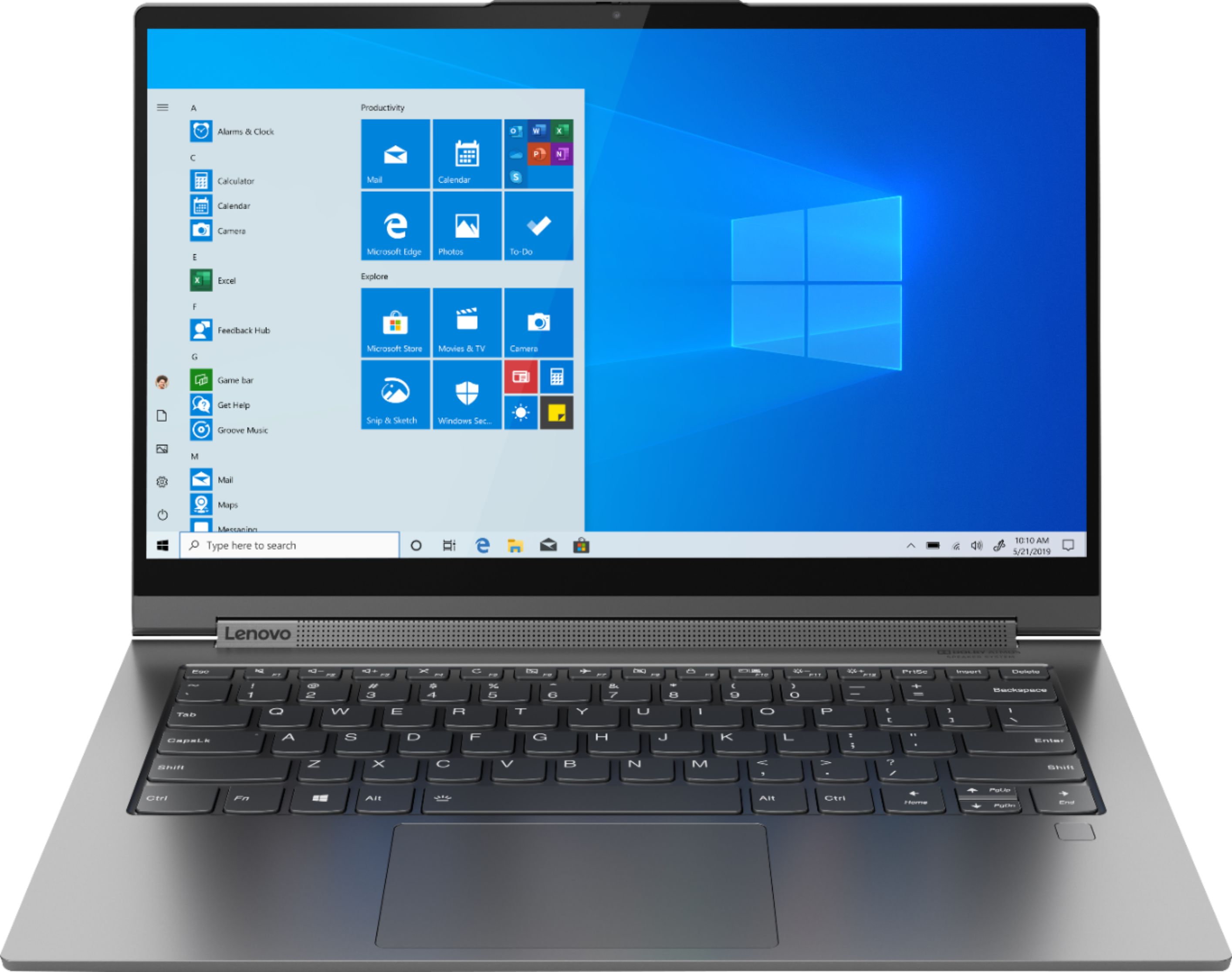
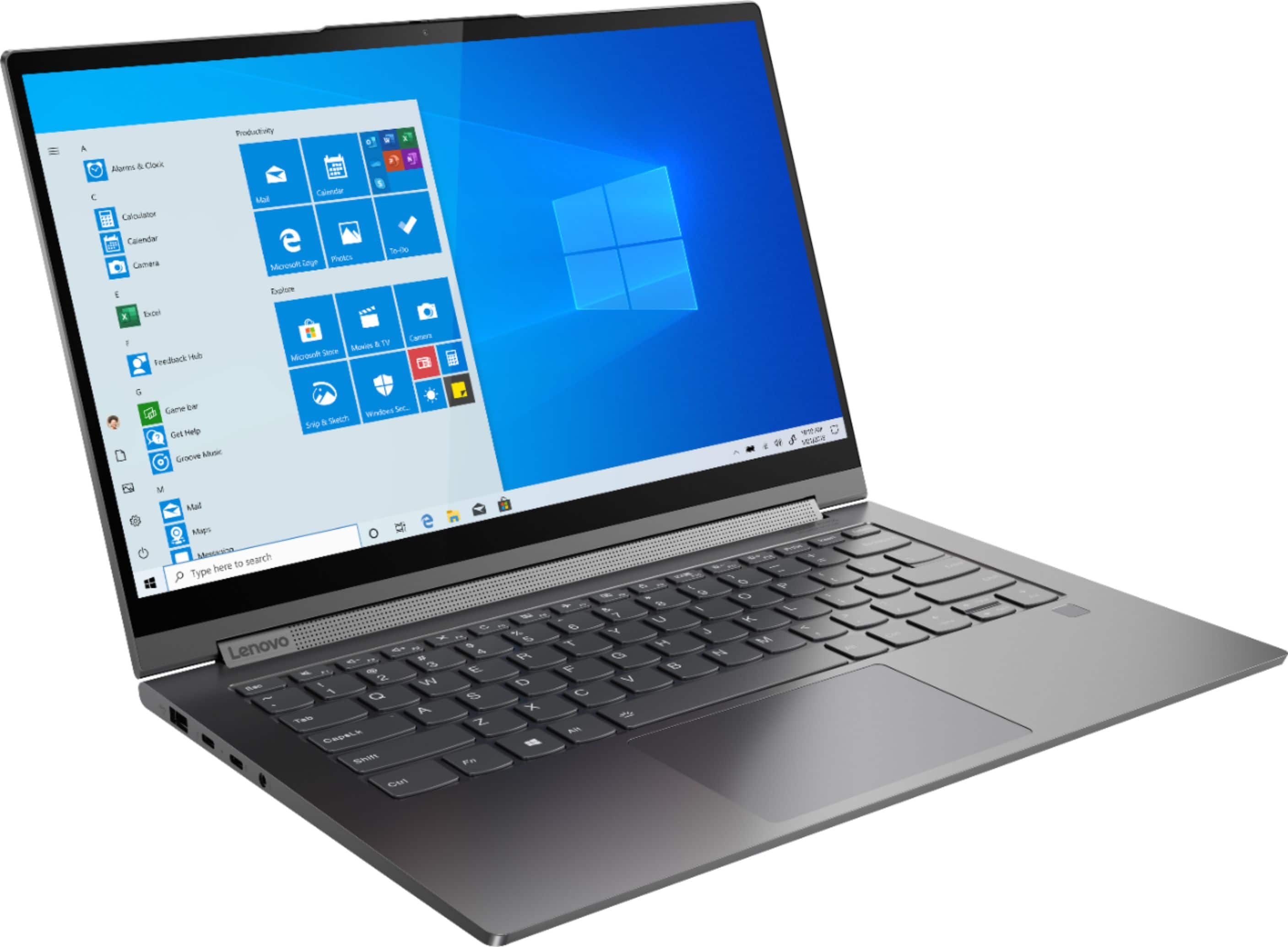
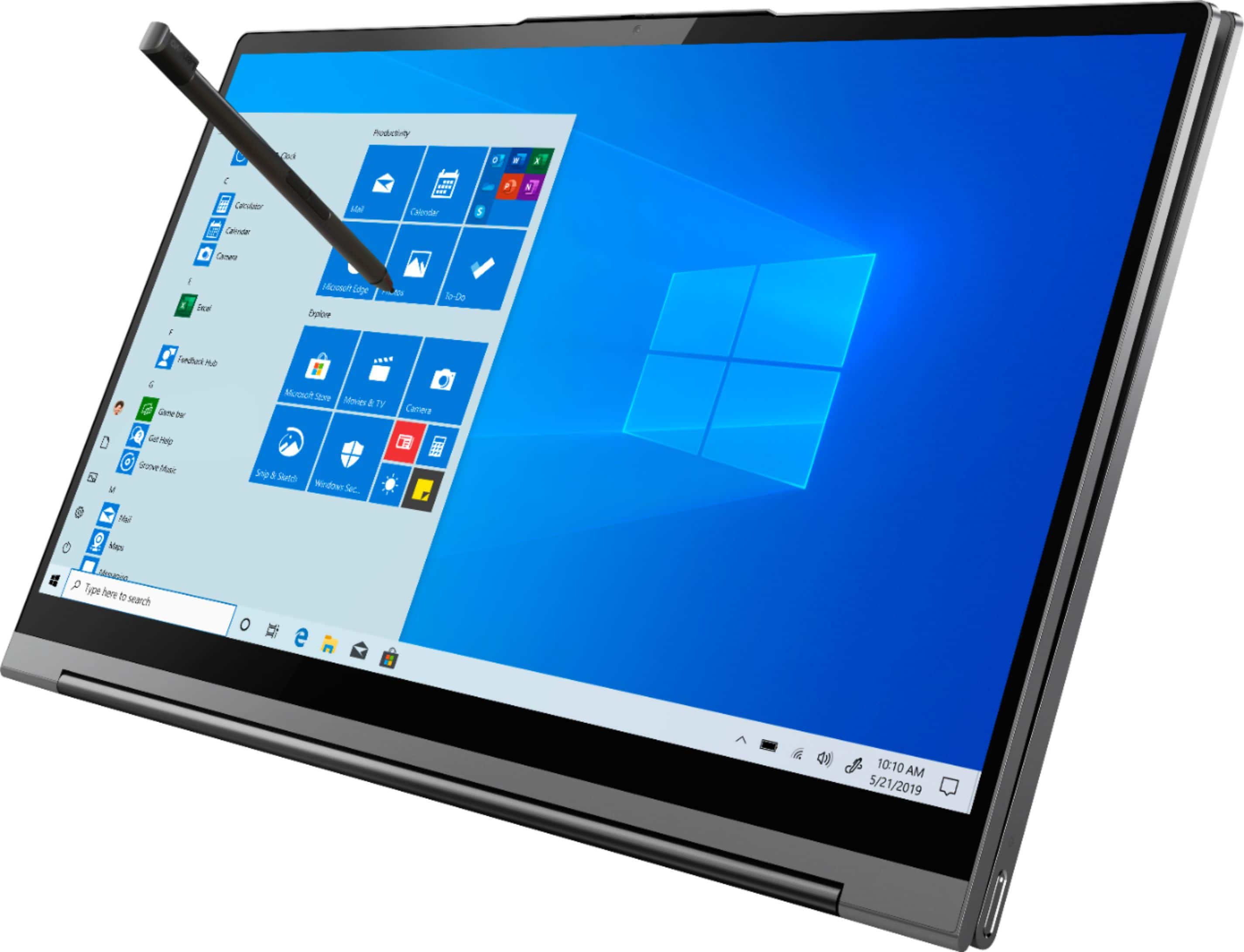

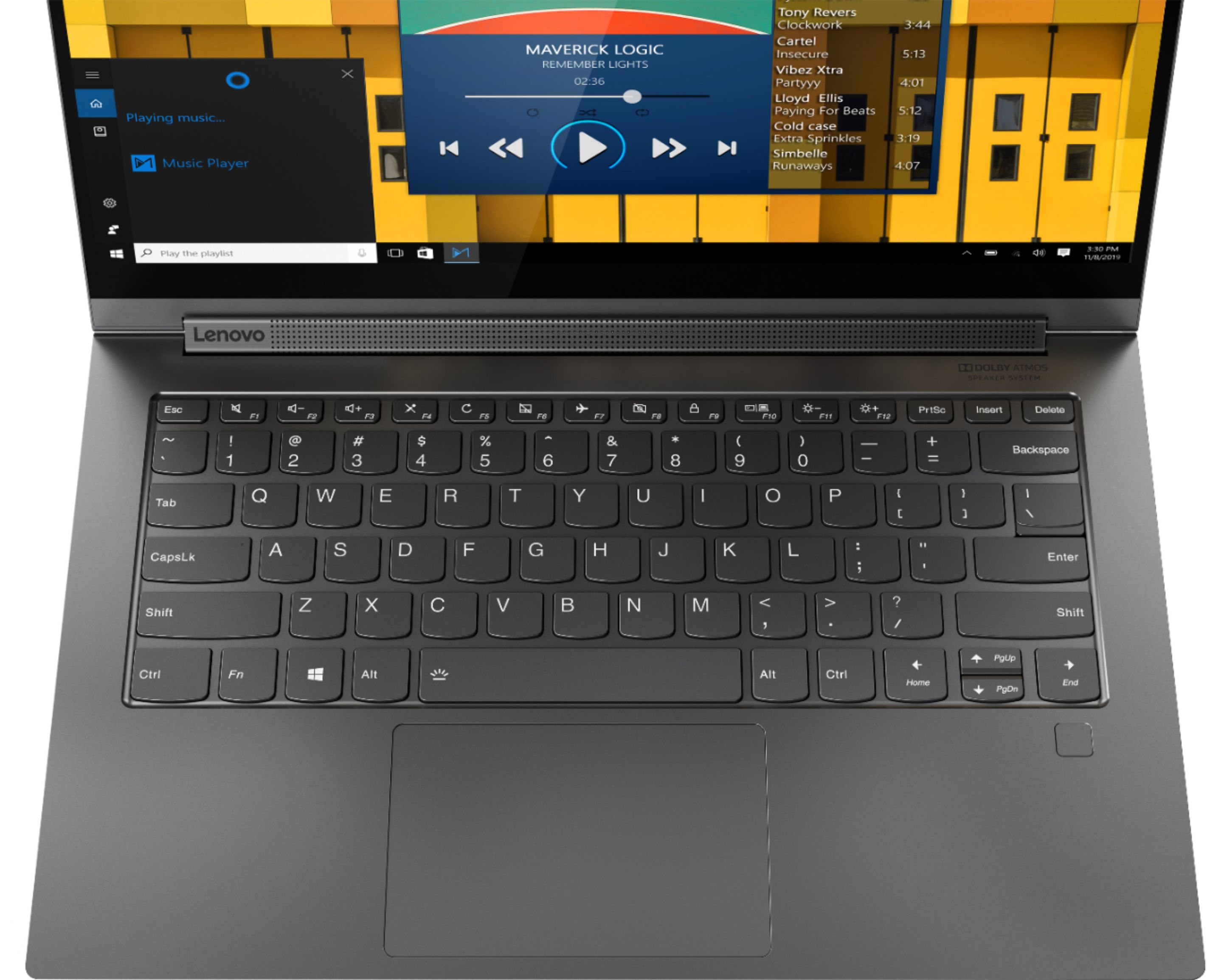






- Model:
- 81Q9002GUS
- SKU:
- 6367799
Rating by feature
- Battery Life
Rating 4.2 out of 5 stars
- Speed
Rating 4.4 out of 5 stars
- Display
Rating 4.5 out of 5 stars
Customers are saying
Customers are enthusiastic about the Yoga C940 2-in-1 laptop's fast performance, responsive touch screen, long battery life, and lightweight design. They appreciate the solid build quality and high-quality screen. However, some customers have concerns about the limited number of ports, occasional fan noise, and higher price point.
This summary was generated by AI based on customer reviews.
Little
||Posted . Owned for 1 month when reviewed.This reviewer received promo considerations or sweepstakes entry for writing a review.Got it in bad condition. It was gift and my brother got upset
No, I would not recommend this to a friend- Pros mentioned:Fast, Touch screen
Great laptop for students.
Posted .This reviewer received promo considerations or sweepstakes entry for writing a review.The only reason I am giving it 4 and not 5 (I wanted to give it 5) because when I was setting up my laptop, it seemed as if someone else had went through the set up process. There seemed to be another individual's name that appeared on the locked screen and then on word. It was off putting. Other than that, this laptop is AMAZING. It works at lighting speed. I am a college student (working towards my masters) so I need something reliable and efficient. I love the clicks of the keyboard. The sleek look is a plus. It is lightweight. The bent and twists of this laptop are with ease. I turn it into a tablet mode if I am in a mood of writing notes, or honestly, just scribbling or surfing the web. I had Lenovo ThinkPad Carbon 6x prior to this and it lasted me 4 years. I am hoping that this one also lasts me this long if not longer. I am happy with my purchase.
I would recommend this to a friendBrand response from Lenovo Product Expert
Posted .Thank you for choosing the lenovo Yoga C940-14. Regarding someone else's name appearing on your login screen, be sure you received a new product, not a returned model. There should be both a sealed, Lenovo Logoed outer box and a shrink wrapped inner box as well. You can call Lenovo Tech Support for additional information at: 877-453-6686.

- Pros mentioned:Light weight
I loved the form factor
Posted .This reviewer received promo considerations or sweepstakes entry for writing a review.great pc fast and reliable. I really enjoyedthe back lit keyboard and its light weight. After a windows updateAnd it was never the same after.
I would recommend this to a friend Love Touch Screen
Posted .This reviewer received promo considerations or sweepstakes entry for writing a review.I love the computer. The touch screen is great. I don't have any complaints. I've had it 4 or 5 years now, still working great.
I would recommend this to a friendLaptop
Posted .This reviewer received promo considerations or sweepstakes entry for writing a review.Laptop performs as expected. Screen is high quality and battery life is alright.
I would recommend this to a friendNice laptop for the price
Posted .This reviewer received promo considerations or sweepstakes entry for writing a review.The laptop runs well. It does get a little hot but that is nothing a cooling pad wouldn’t fix. It was a good value for the price.
I would recommend this to a friendGreat Laptop
Posted .This reviewer received promo considerations or sweepstakes entry for writing a review.Perfect for my needs! It is lightweight, however after carrying it around in a travel backpack it does feel a little "heavy."
I would recommend this to a friendLenovo -Yoga C940
Posted .This reviewer received promo considerations or sweepstakes entry for writing a review.I love my Lenovo- Yoga C940 2-in-1 14" laptop- Intel Corei7
I would recommend this to a friendWork great even after 3 years
Posted .This reviewer received promo considerations or sweepstakes entry for writing a review.Work well even after 3 years of use. No issue in hardware. Have been a heavy to moderate user.
I would recommend this to a friendGood laptop. No complaints
Posted .This reviewer received promo considerations or sweepstakes entry for writing a review.Its a good laptop, the size is good if you dont want a big one. Quality feels good.
I would recommend this to a friendAmazing!!
Posted .This reviewer received promo considerations or sweepstakes entry for writing a review.Best one I've owned so far, 3 years later and still like new
I would recommend this to a friendEdge of Laptop is VERY uncomfortable
Posted .This reviewer received promo considerations or sweepstakes entry for writing a review.This is my 3rd Lenovo Yoga. I've had problems galore with the first two, but things I liked and lack of competition led me to purchase this latest iteration. So far it's working well (which I can't say for the first two Yogas I owned, both of which had problems out of the box). The biggest issue I have with this c940 is the edge of the laptop was very poorly designed and apparently not intended for people that actually use the track pad- it cuts into the palm of my hand, making it very uncomfortable to use. I use the trackpad almost exclusively when browsing or reading my email, so this may be a dealbreaker. My last Yoga (900 13ISK) has a rubberized deck with an outer lip that is angled down, away from the deck, making it very comfortable and unoticeable to use. The 940 has a hard plastic deck and the edge is stupidly angled up, creating a sharp edge. It's like they didn't bother to have anyone actually test out using this thing. When I'm browsing the web, I leave the tips of fingers on the trackpad with palms resting against the edge. With the 940, this causes me pain. I've never had a laptop with such a sharp edge. Very disappointing. One other thing already noticed- the video playback is very dark. I can't make out faces or clothing details of darker toned people or clothing. I compared it side by side (same video) with my Yoga 900, and it's noticeably different. That's with brightness at highest on both machines. While my 900 is a 4k display, I'd think the newest Yoga with HD would at least have display properties decent enough to illuminate a standard video. Not sure if I'll be keeping this or not.
No, I would not recommend this to a friendBrand response from Lenovo Product Expert
Posted .The Lenovo Yoga 940-14 ships with an all aluminum case, with rounded edges for extra comfort. Every component of Yoga C940 was engineered with your experience in mind. That’s why The Yoga C940 offers the brilliant color and clarity with ultra-narrow bezels. At 400 nits brightness, it’s brighter than standard SDR displays. You’ll enjoy amazing realism that's vivid, nuanced, and powerful. Capture your ideas the moment inspiration hits with a garaged digital pen. Featuring an in-body charging compartment, the Yoga C940 ensures you’ll never lose a thought—or your digital pen—again. The convertible hinge hides a powerful Dolby Atmos Speaker System that immerses you in 3D sound in every mode. Combined with two sets of speakers featuring powerful subwoofers, custom tweeters, and unique vibration buffers that reduce unwanted noise, your audio will sound bigger, deeper, and more accurate. Experience how the Yoga C940 embodies world-class craftsmanship, innovative solutions, and elevated design. Log into your Yoga C940 in less than two seconds with an integrated fingerprint reader. That’s three times faster than the average time it takes to type a password. Forget your password.
Fan noise :(
Posted .This reviewer received promo considerations or sweepstakes entry for writing a review.I loved every bits of this machine but I am just astounded by the sound quality. However I am concerned by the durability of this device. Performance is top-notch, amazing touch screen but the tip of the built-in stylus is plastic and I wonder how the screen would hold up to scratches over the time since I write a lot on this 2-1 device. And secondly I knew there might be thermal issues with such sleek design but I never expected fan kicking in while I am browsing the web and doing my assignment. I mean it's a 10th gen i7 I understand but the thermal efficiency is terrible. I hope this gets fixed as soon as possible. I wonder what will happen if I push the device to its max potential. Overall I am satisfied with this device.
I would recommend this to a friendBrand response from Lenovo Product Expert
Posted .The Lenovo Yoga C940-14 ships with the 10th Generation Intel Core i7-1065G7 processor. This processor is extremely energy efficient, with its base speed of 1.3GHz, but delivers maximum computing power when needed, with its Turbo Boost Speed of up to 3.9GHz. If you are experiencing the internal fan running often when the workload is low, there may be programs running in the background driving up the processor workload. Be sure any software you installed is compatible with Windows 10. There is no need to install Microsoft Office software. The software is already part of the operating system, you just need to activate the software with a purchased product key. If you have installed a copy of Microsoft Office, this is conflicting with the existing copy on the system and this will slow your system down. If you have installed a 3rd party anti-virus program, be sure that Windows Defender is turned off and that the trial version of McAfee Anti-Virus software is uninstalled. There can only be one anti-virus program on the system. You may need to restore your system to original factory default settings if any of the programing errors have occurred. You can do that by typing "restore" in the Cortana search window. Just click on the magnifying glass icon at the bottom left of your Windows 10 Desktop. Click on "Reset This PC" Then click on "Get Started" and follow the on screen directions to restore to factory defaults. If the problem persists, we recommend you contact Lenovo Tech Support at: 877-453-6686.
- Cons mentioned:Camera
Long Time Lenovo Customer - Disappointed
Posted .This reviewer received promo considerations or sweepstakes entry for writing a review.The Yoga C940 is an awesome computer...when it isn't being repaired. We've had way too many issues with this laptop which is disappointing because we like the features and speed. It just sucks that we've had to fix the screen, camera didn't work for a while, now it's stuck in some weird Windows problem that two computer engineers couldn't fix. I've had Lenovos for the last 15 years and may not buy another one now. Sad.
No, I would not recommend this to a friend Increasingly Regretful buy from DAY 1.
Posted .This reviewer received promo considerations or sweepstakes entry for writing a review.trouble from Day 1. Lead on by sales team by even though the ram was only 12 GB that it would suffice due to optimization. The selling point of this laptop was the sound bar which turns out to be pretty sub par. The pen is inaccurate and finicky. third party pens were needed to do the job but with loss of features only Lenovo pen had. Through the years, it has been relegated to just be a small desktop pc that a real mouse, keyboard, and monitor which was ok until the decreasing peformance lead to one blue screen of death after another in increasingly smaller intervals. At this point we're lucky to see the login screen at bootup before going BLUE! Never felt like we got what we paid for. the battery seemed non existent within the first year aswell.
No, I would not recommend this to a friendReally wanted to love this laptop
Posted .This reviewer received promo considerations or sweepstakes entry for writing a review.The C940 has great potential as the listed specs are top of the line for the price point but between the lagging performance and the hardware failures, it fails to meet the mark. I have had this system for a little over 30 days and am struggling not to return it. Unfortunately, things like the fingerprint reader not working (well it worked the first 2 days) and the lackluster Lenovo customer support (I was hung up on after being on hold for 22 minutes on the first try and the second tech had me uninstall/reinstall the device and go through the whole Windows Hello setup process again only for it to work for about 5 minutes who then suggested that I talk to "Best Buy" about returning the system...lol) makes this an average buy. Of course, she did spend at least 5 minutes trying to upsell the warranty support (maybe there is a reason they don't try to help you with their standard support model...). On the positive side, I have not had problems with the display yet and the speakers are fine. But for the CPU/Memory config in this machine, it is slow in rendering things like photos and graphic heavy web pages. My Sony laptop running Windows 7 with 8 GB RAM and i7 2.10Ghz CPU is faster than this laptop (I have done side by side testing) which sucks because this is the replacement for my Sony.
No, I would not recommend this to a friendBrand response from Lenovo Product Expert
Posted .We are sorry to hear that you are having issues with your Lenovo Yoga C940-14. First, here's a tip for making your fingerprint reader work every time: Try lightly sliding your finger over the fingerprint reader. No need to press hard on the reader, in fact pressing hard on the fingerprint reader will distort your fingerprint and cause read errors. If this does not fix the fingerprint reader, be sure you have the latest version of Windows 10 on the computer, then update all of the BIOS files and drivers up to this latest version of Windows 10. You can easily accomplish this by scanning the computer with the Lenovo Utility software installed on the computer. This system has Lenovo utilities installed to help maintain the health of the device and keep the operating system software up to date. Type "Lenovo Vantage" in the Cortana Search window (if Lenovo Vantage is not installed on your device, you can download the APP and install it now). Select Lenovo Vantage from the list. In the window that opens, click on "Health and Support". In the expanded menu, select "Hardware Scan" In the window that opens, select "Run Quick Tests". This will scan your entire system for errors. Follow any directions that may pop up. If the problem continues after this scan, now click on "System Update". First select Windows update from the menu. Scan your system to be sure you have the latest version of Windows 10. Once that scan is complete, select "Additional Updates". This will scan your device to be sure there are no new BIOS/Driver updates needed. Follow any instructions that may pop up. If the issue still continues after these updates, we recommend you call Lenovo Tech Support at: 877-453-6686 for additional help. Second, this is a fast configuration with the 10th. Generation, energy-efficient, Quad-Core/Eight-Thread, Intel Core i7-1065G7 processor, with a base speed of 1.3GHz and a Turbo Boost Speed of up to 3.9GHz. This processor is supported by 12GB DDR4-3733MHz RAM and a 512GB M.2 NVMe solid state hard drive. If you are experiencing slower than expected performance, be sure any software you installed is compatible with Windows 10. There is no need to install Microsoft Office software. The software is already part of the operating system, you just need to activate the software with a purchased product key. If you have installed a copy of Microsoft Office, this is conflicting with the existing copy on the system and this will slow your system down. If you have installed a 3rd party anti-virus program, be sure that Windows Defender is turned off and that the trial version of McAfee Anti-Virus software is uninstalled. There can only be one anti-virus program on the system. You may need to restore your system to original factory default settings if any of the programming errors have occurred. You can do that by typing "restore" in the Cortana search window. Just click on the magnifying glass icon at the bottom left of your Windows 10 Desktop. Click on "Reset This PC" Then click on "Get Started" and follow the on screen directions to restore to factory defaults.
- Cons mentioned:Overheating
Very HOT!
Posted .This reviewer received promo considerations or sweepstakes entry for writing a review.I love the laptop overall but it gets so very HOT that I have to stop using it, unplug it and wait for it to cool off. Is there a fix for this?
I would recommend this to a friendBrand response from Lenovo Product Expert
Posted .The Lenovo Yoga C940-14 model number 81Q9002GUS, ships with the Intel Core i7-1065G7 processor, which has a maximum operating temperature of 72 degrees Celsius (161 degrees Fahrenheit) when under heavy workloads and/or the computer is plugged in and charging. If you feel the computer is running hotter than the current workload would produce, first, be sure any software you installed is compatible with Windows 10. There is no need to install Microsoft Office software. The software is already part of the operating system, you just need to activate the software with a purchased product key. If you have installed a copy of Microsoft Office, this is conflicting with the existing copy on the system and this will slow your system down. If you have installed a 3rd party anti-virus program, be sure that Windows Defender is turned off and that the trial version of McAfee Anti-Virus software is uninstalled. There can only be one anti-virus program on the system. You may need to restore your system to original factory default settings if any of the programming errors have occurred. You can do that by typing "restore" in the Cortana search window. Just click on the magnifying glass icon at the bottom left of your Windows 10 Desktop. Click on "Reset This PC" Then click on "Get Started" and follow the on screen directions to restore to factory defaults. If there is no incompatible software installed but the issue persists, check to be sure you have the latest version of Windows 10 on the computer. Then update all BIOS files and drivers up to that latest version of Windows 10. You can easily accomplish this by scanning the computer with the Lenovo Utility software available on this computer. This system has Lenovo utilities installed to help maintain the health of the device and keep the operating system software up to date. Type "Lenovo Vantage" in the Cortana Search window (if Lenovo Vantage is not installed on your device, you can download the APP and install it now). Select Lenovo Vantage from the list. In the window that opens, click on "Health and Support". In the expanded menu, select "Hardware Scan" In the window that opens, select "Run Quick Tests". This will scan your entire system for errors. Follow any directions that may pop up. If the problem continues after this scan, now click on "System Update". First select Windows update from the menu. Scan your system to be sure you have the latest version of Windows 10. Once that scan is complete, select "Additional Updates". This will scan your device to be sure there are no new BIOS/Driver updates needed. Follow any instructions that may pop up. If all operating software is up to date, you can use Lenovo Q-Control to manually control fan and system performance: ( Fn + Q ) option to change the fan by undervolting the processor. If the issue continues, we recommend you call Lenovo Tech Support at: 877-453-6686.
Horrible with docking station - DO NOT BUY
Posted .This reviewer received promo considerations or sweepstakes entry for writing a review.The laptop is fine. However it is a nightmare to use if you want to use a USB C docking station. I got the top of the line Belkin docking station and Lenovo C940 is literally a piece a crap. Keeps losing the monitor screen, doesn't reconnect with the keyboard and mouse connected through the USB port of the docking station. Some forums mention opening the thunderbolt security through Bios, but the C940 Bios is equally horrible and this computer doesn't even have the BIOS options that are shown on the Lenovo forum itself. Absolutely horrible experience. Switching to Microsoft surface forever. At least if THEY sell me a piece of junk I can go to an actual store and throw it in their face.
No, I would not recommend this to a friendBrand response from Lenovo Product Expert
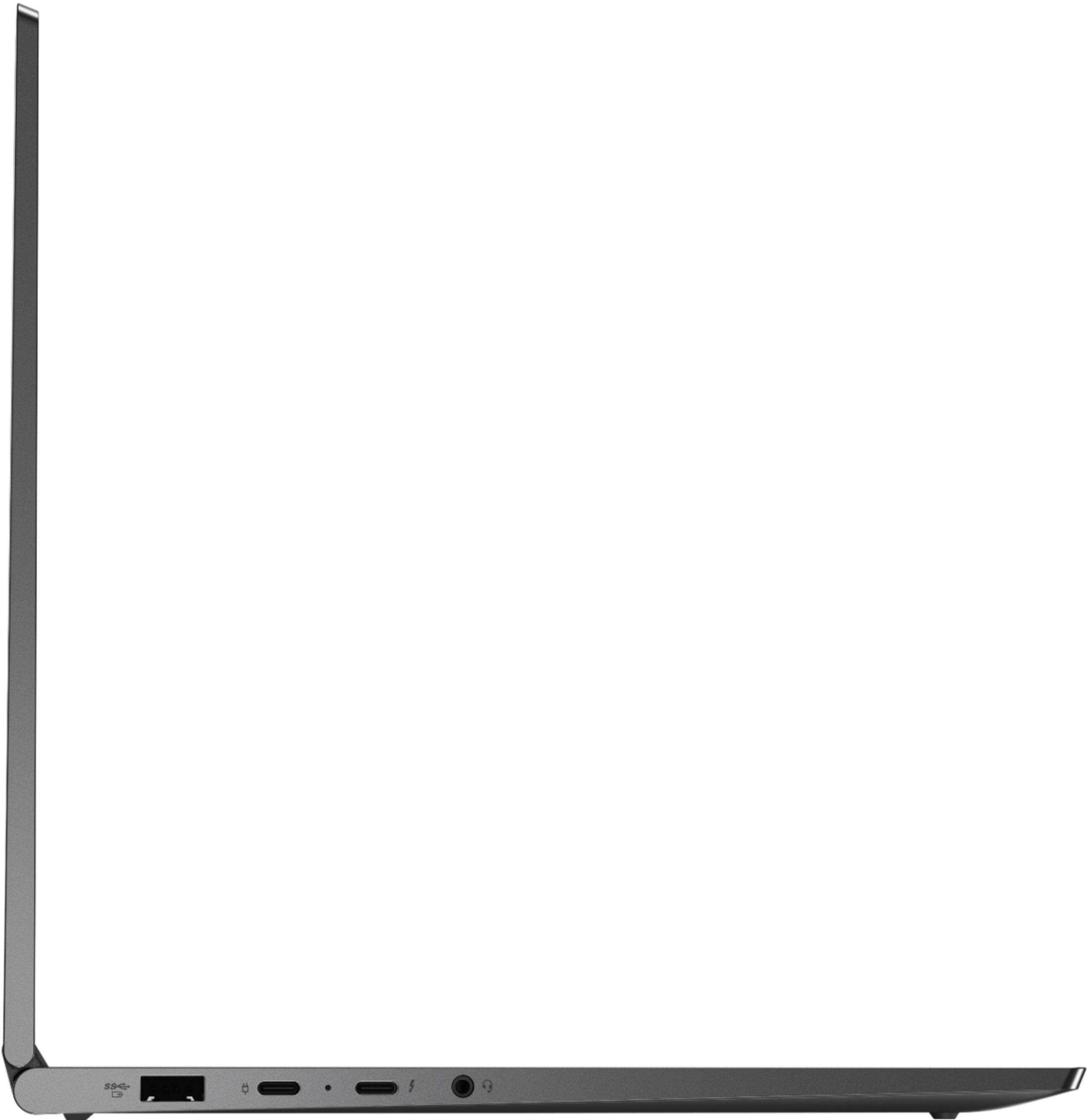
Posted .The Lenovo Yoga C940-14 model number 81Q9002GUS, ships with two Thunderbolt 3.0 ports for connecting external devices like a universal docking station. You will need a universal Thunderbolt 3.0 compatible docking station like this one, there are many varieties available, this is just one example: https://www.bestbuy.com/site/belkin-thunderbolt-3-docking-station/6343826.p?skuId=6343826. If you are using a compatible docking station but you are still having issues, we recommend you contact Lenovo Tech Support for further assistance at: 877-453-6686.
Mr.
Posted .This reviewer received promo considerations or sweepstakes entry for writing a review.Bad laptop no open suddenly stopped not good this laptop
I would recommend this to a friendTrackpad lags and faulty.
Posted .This reviewer received promo considerations or sweepstakes entry for writing a review.I really liked this pc for everything till I came to using the trackpad for simple scrolling. The screen would bounce up a few lines when scrolling down. I tried everything to fix it including updates, drivers, etc. I found that the Lenovo support site had posts in regards to people having the same issue with no fix available. I really tried to ignore the trackpad issue but it was just too annoying to keep using. Returned it. Shame as this pc is great otherwise.
No, I would not recommend this to a friendBrand response from Lenovo Product Expert
Posted .We are sorry to hear that you had issues with the touchpad on your Lenovo Yoga C940-14. With regard to the touchpad, you can make adjustments to the touchpad in your system settings. You can get there by clicking on the magnifying glass at the bottom left of your Windows 10 screen. Type "touchpad" in the search window. Select "Mouse & touchpad settings" from the list of choices. You can make general adjustments to the touchpad there. You can also select "Additional mouse options" for more detailed adjustments to the touchpad sensitivity by increasing the delay of the touchpad.