Customer Ratings & Reviews
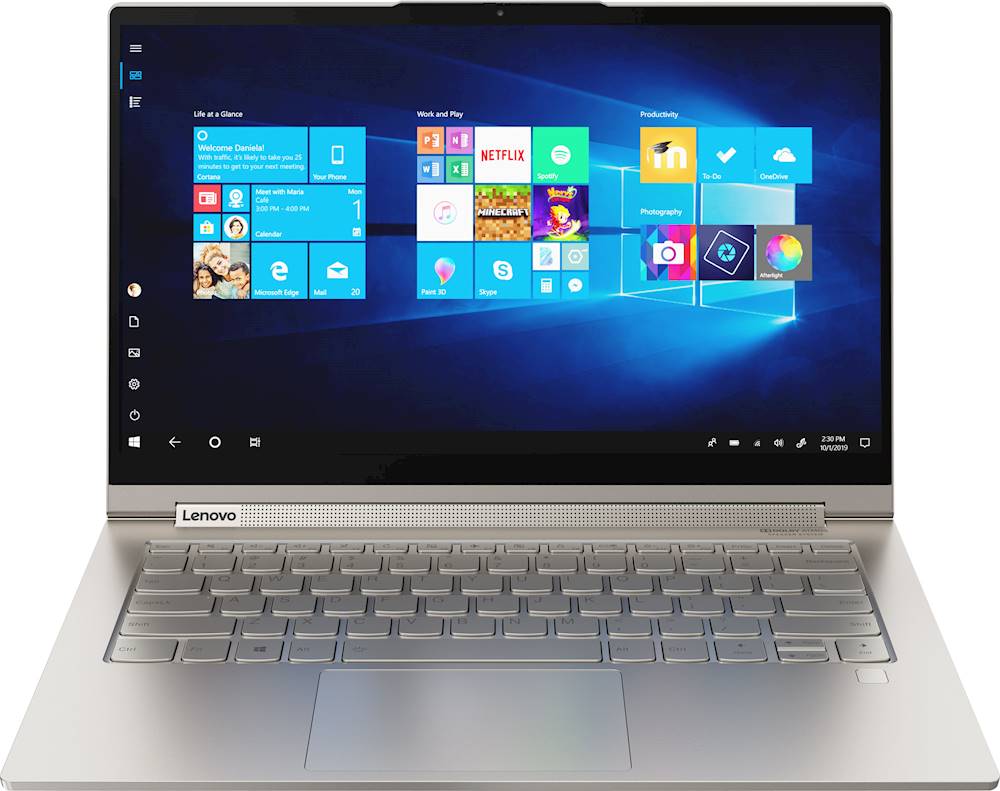
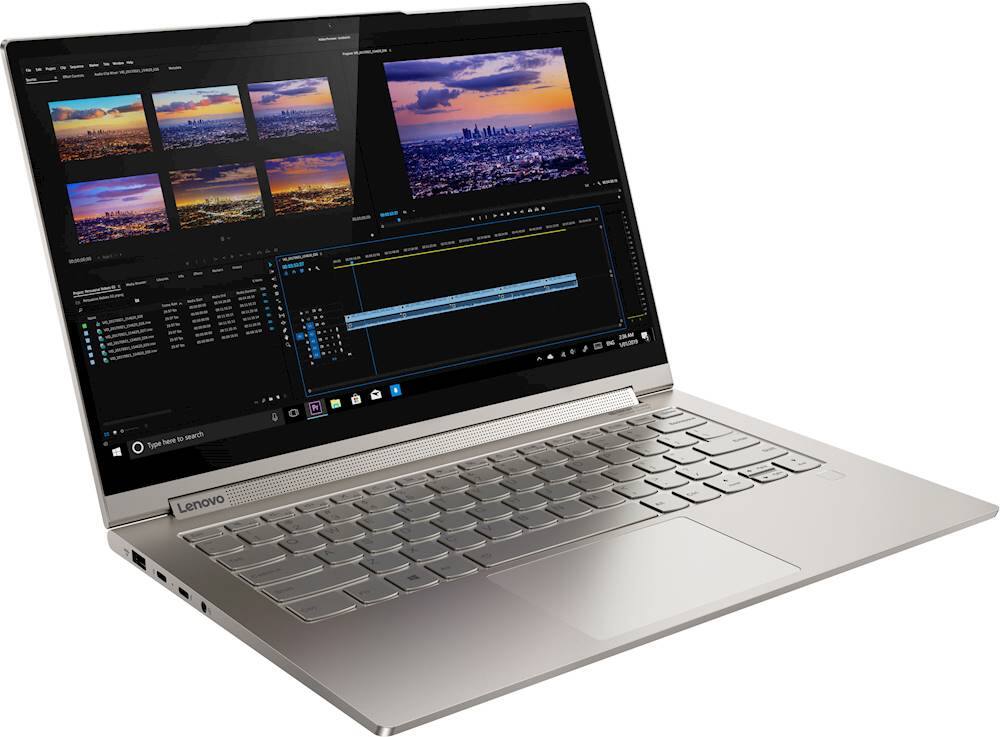
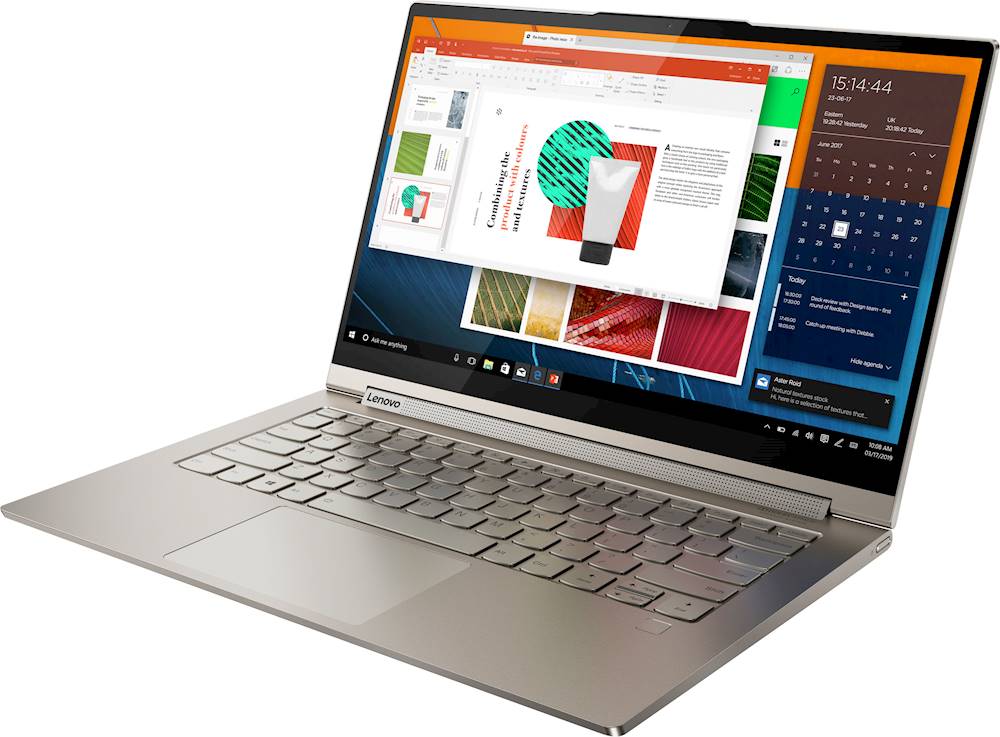

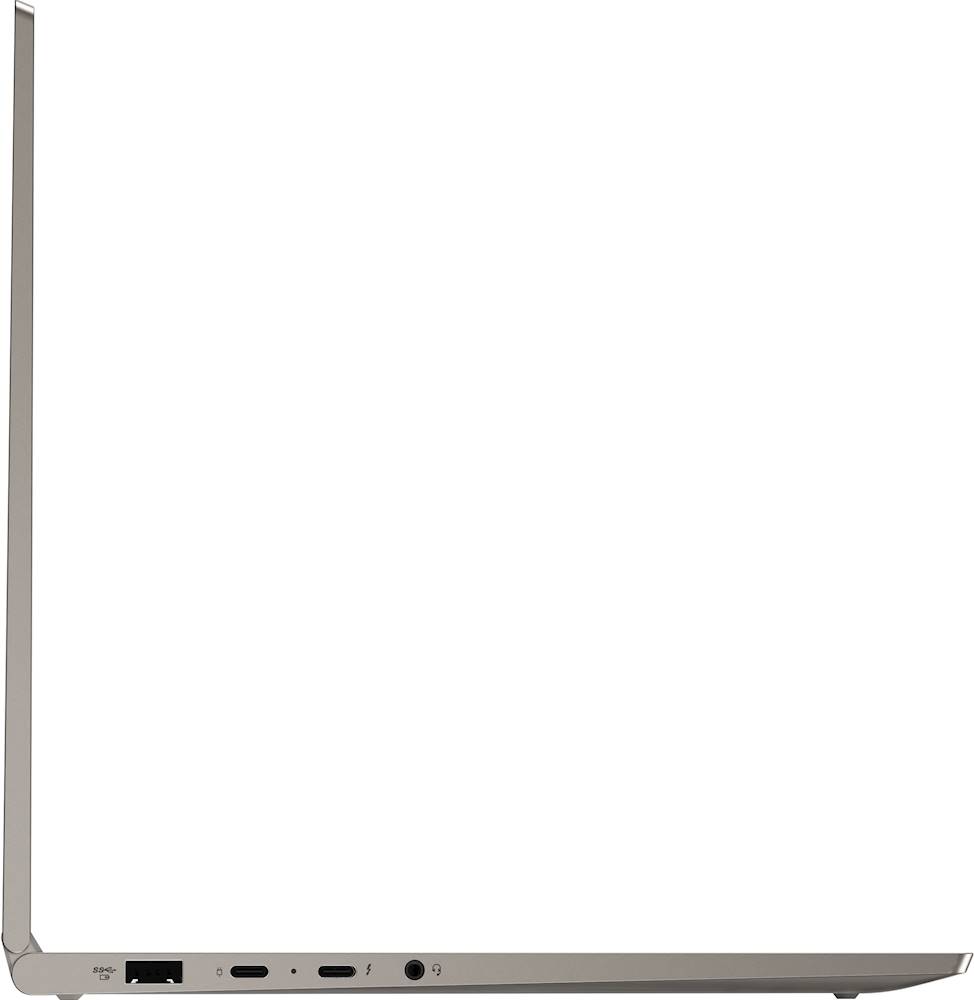




- Model:
- 81Q9003PUS
- SKU:
- 6388042
Rating by feature
- Battery Life
Rating 4.2 out of 5 stars
- Speed
Rating 4.4 out of 5 stars
- Display
Rating 4.5 out of 5 stars
Customers are saying
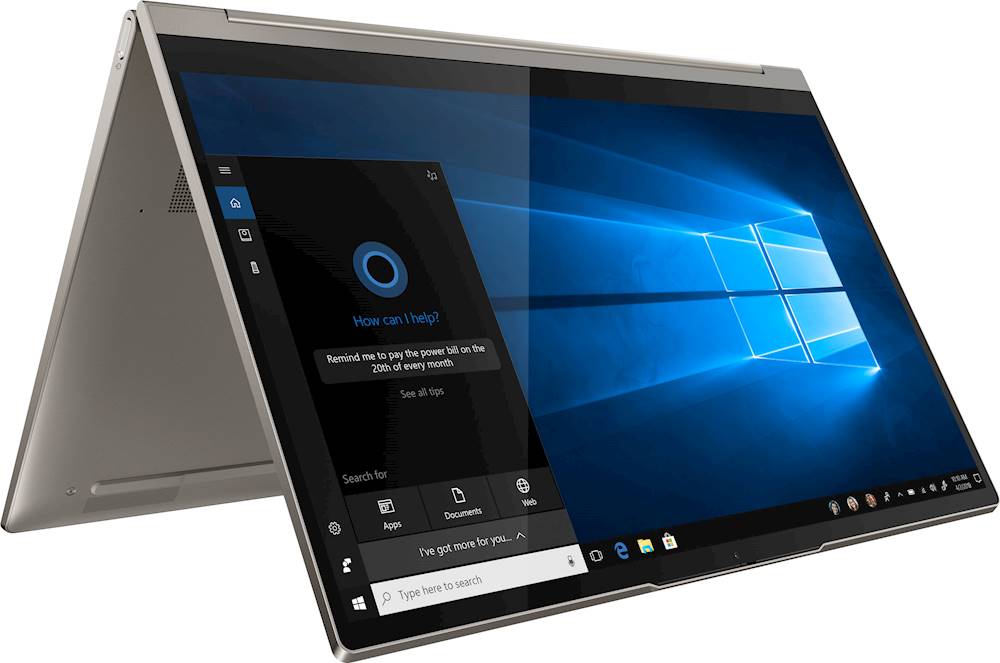
Customers are enthusiastic about the Yoga C940 2-in-1 laptop's fast performance, responsive touch screen, long battery life, and lightweight design. They appreciate the solid build quality and high-quality screen. However, some customers have concerns about the limited number of ports, occasional fan noise, and higher price point.
This summary was generated by AI based on customer reviews.
- Pros mentioned:FastCons mentioned:Price
Great laptop
||Posted . Owned for 3 weeks when reviewed.This reviewer received promo considerations or sweepstakes entry for writing a review.Great laptop. A little pricey but great speeds and capacity.
I would recommend this to a friend Great laptop, except for the wobbly trackpad
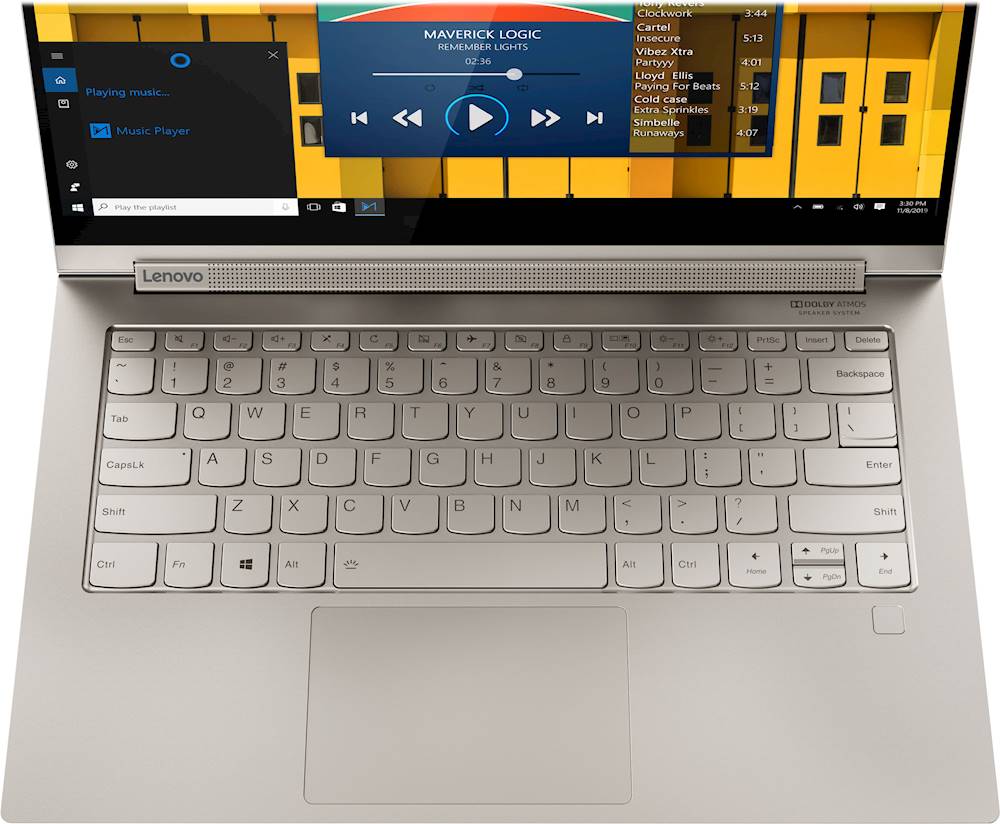
||Posted . Owned for 3 weeks when reviewed.This reviewer received promo considerations or sweepstakes entry for writing a review.The good: Coming from a 15-inch Macbook Pro (2015) this is a very compact and sleek ultrabook. I have a Thinkpad X1 Carbon for work and while that machine is lighter, I like metal better in a laptop. The screen is pretty good, and with the great speaker it makes for a fantastic media consumption device. The keyboard is a little stiffer than what I'm used to but I have no complaints as well. The fingerprint scanner is a nice little bonus that allows for quick log-in. The bad: The track pad is very slightly wobbly in the bottom left corner where you'd normally click, so I docked one star for this. It's wobbly about 80% of the time I use it, strangely enough. 20% of the time it doesn't wobble. I might reach out to Lenovo and see if they can do anything for this.
I would recommend this to a friendBrand response from Lenovo Product Expert
Posted .The Lenovo Yoga C940-14 ships with an integrated, one piece touchpad. The touchpad moves up and down at the bottom left and right corners for the Left Click and Right Click functions. There should be no other movement of the touchpad. If you are experiencing issues with your Yoga C940-14 and the integrated touchpad, we recommend you make an appointment with the Geek Squad at your local Best Buy and have the Geek Squad Agents examine the issue.

- Cons mentioned:Price
Nice computer
||Posted . Owned for 1 month when reviewed.This reviewer received promo considerations or sweepstakes entry for writing a review.was upset to find the 1599.99 lenovo for same price I paid for this(1299.99) after I was past the exchange date. But this computer is nice. Just keep your eye on Best Buy because they won't budge even a day on exchange policy even though I would have spent same amount of money.
I would recommend this to a friend - Pros mentioned:Light weight
Great little laptop for our purposes
||Posted . Owned for 1 month when reviewed.This reviewer received promo considerations or sweepstakes entry for writing a review.We are close to retirement so we aren't gamers and don't need a lot of office abilities. Love the lightness and speed of this model. Easy to set up and use for photos(although a little different than the old one so took some time to get used to) , surfing the web, zoom with relatives or for meetings, etc. Love, love, love this computer.
I would recommend this to a friendBrand response from Lenovo Product Expert
Posted .Once again, thank you for choosing the Lenovo Yoga C940-14. You can keep your computer running at its best by keeping the Windows 10 Operating System and all supporting BIOS files and drivers up to date. You can easily accomplish this by scanning the computer with the Lenovo Utility software available on this computer. This system has Lenovo utilities installed to help maintain the health of the device and keep the operating system software up to date. Type "Lenovo Vantage" in the Cortana Search window (if Lenovo Vantage is not installed on your device, you can download the APP and install it now). Select Lenovo Vantage from the list. In the window that opens, click on "Health and Support". In the expanded menu, select "Hardware Scan" In the window that opens, select "Run Quick Tests". This will scan your entire system for errors. Follow any directions that may pop up. If the problem continues after this scan, now click on "System Update". First select Windows update from the menu. Scan your system to be sure you have the latest version of Windows 10. Once that scan is complete, select "Additional Updates". This will scan your device to be sure there are no new BIOS/Driver updates needed. Follow any instructions that may pop up. If you ever need additional help with your Lenovo computer, we recommend you call Lenovo Tech Support at: 877-453-6686 for additional help
Excellent computer
||Posted . Owned for 3 weeks when reviewed.This reviewer received promo considerations or sweepstakes entry for writing a review.I really have enjoyed using this computer. I love the size, the speed, the weight, the look, and the functionality. It has it all. I am very happy with the purchase. The complaint I have about it are all very minor, but worth pointing out. The fingerprint reader is a bit finicky. If your finger is the slightest bit damp it doesn't seem to recognize it. The keys on the keyboard seem a bit more spread out than they were on my old thinkpad. It has taken me some time to get used to it, but the keyboard is nice and feels good to type on now. I miss the track point ball from the thinkpad. The final small issue is that the edge of the computer feels sharp. I don't notice it when it is on my desk, but when I use it on my lap I have to adjust my hand position because if it rests on it too long it becomes uncomfortable. None of these things are deal breakers for me and it is still by far and away the nicest computer I have ever owned and it is not even close. I really like it and am happy with my purchase. I would probably prefer a Thinkpad x1 Yoga, but that was too far out of my price range. This is a premium laptop and when on sale it is an excellent value.
I would recommend this to a friendBrand response from Lenovo Product Expert
Posted .Thank you for choosing the Lenovo Yoga C940-14. Here's a tip for making your fingerprint reader work every time: Try lightly sliding your finger over the fingerprint reader. No need to press hard on the reader, in fact pressing hard on the fingerprint reader will distort your fingerprint and cause read errors. The Yoga C940-14 ships with a standard QWERTY keyboard. The edges of the Yoga C940-14 are bevelled for comfort. Every component of Yoga C940 was engineered with your experience in mind. That’s why The Yoga C940 offers the brilliant color and clarity with ultra-narrow bezels. At 400 nits brightness, it’s brighter than standard SDR displays. You’ll enjoy amazing realism that's vivid, nuanced, and powerful. Capture your ideas the moment inspiration hits with a garaged digital pen. Featuring an in-body charging compartment, the Yoga C940 ensures you’ll never lose a thought—or your digital pen—again. The convertible hinge hides a powerful Dolby Atmos Speaker System that immerses you in 3D sound in every mode. Combined with two sets of speakers featuring powerful subwoofers, custom tweeters, and unique vibration buffers that reduce unwanted noise, your audio will sound bigger, deeper, and more accurate. Experience how the Yoga C940 embodies world-class craftsmanship, innovative solutions, and elevated design. Log into your Yoga C940 in less than two seconds with an integrated fingerprint reader. That’s three times faster than the average time it takes to type a password. Forget your password.
- Pros mentioned:Battery life
Great Laptop, perfect size
||Posted . Owned for 1 month when reviewed.This reviewer received promo considerations or sweepstakes entry for writing a review.I was debating between the 13" and 15" models, I really wasn't happy with either option, too big, too small. This 14" is the perfect solution, great battery life, slim and sleek. I bought this at regular price and was satisfied, but then it went on sale at best buy soon after and I went back and got $300 returned on my card, just awesome.
I would recommend this to a friendBrand response from Lenovo Product Expert
Posted .Thank you for choosing the Lenovo Yoga C940-14. We are pleased to hear that the value, features and performance of the Yoga C940-14 meets your computing needs so well. Every component of Yoga C940 was engineered with your experience in mind. That’s why The Yoga C940 offers the brilliant color and clarity with ultra-narrow bezels. At 400 nits brightness, it’s brighter than standard SDR displays. You’ll enjoy amazing realism that's vivid, nuanced, and powerful. Capture your ideas the moment inspiration hits with a garaged digital pen. Featuring an in-body charging compartment, the Yoga C940 ensures you’ll never lose a thought—or your digital pen—again. The convertible hinge hides a powerful Dolby Atmos Speaker System that immerses you in 3D sound in every mode. Combined with two sets of speakers featuring powerful subwoofers, custom tweeters, and unique vibration buffers that reduce unwanted noise, your audio will sound bigger, deeper, and more accurate. Experience how the Yoga C940 embodies world-class craftsmanship, innovative solutions, and elevated design. Log into your Yoga C940 in less than two seconds with an integrated fingerprint reader. That’s three times faster than the average time it takes to type a password. Forget your password.
Very nice laptop with one major flaw...
||Posted . Owned for 1 month when reviewed.This reviewer received promo considerations or sweepstakes entry for writing a review.Bought this as an "extra" PC to use around the house or on the road. In the house, I ran into an issue with the wifi where it would not hold onto my 5ghz connection (would default to 2.4ghz or drop completely). The only way was to turn off the wifi and turn it back on. I have three other family laptops and none have this issue. In doing some research, this looks to be a common issue on the C940 that Lenovo and Intel have yet to really address. I ended up returning this to order a new Dell XPS. It was a shame as aside from that it really is a solid laptop (very nice, good value for a Project Athena system).
No, I would not recommend this to a friend- Pros mentioned:Light weight
Perfect for school!
||Posted . Owned for 1 month when reviewed.This reviewer received promo considerations or sweepstakes entry for writing a review.I bought this laptop for my sophomore year at Clemson and I absolutely love it so far! It's super light weight and has an incredible screen. It runs so nicely and I have no fan problems at all. I definitely recommend this laptop to any college student!
I would recommend this to a friend - Pros mentioned:Performance, Touch screen
Outstanding!
||Posted . Owned for 1 month when reviewed.This reviewer received promo considerations or sweepstakes entry for writing a review.Great performance. Brilliant screen colors and sharpness.
I would recommend this to a friendBrand response from Lenovo Product Expert
Posted .Thank you for choosing the Lenovo Yoga C940-14. We are pleased to hear that the features and performance of the Yoga C940-14 meets your computing needs so well. Every component of Yoga C940 was engineered with your experience in mind. That’s why The Yoga C940 offers the brilliant color and clarity with ultra-narrow bezels. At 400 nits brightness, it’s brighter than standard SDR displays. You’ll enjoy amazing realism that's vivid, nuanced, and powerful. Capture your ideas the moment inspiration hits with a garaged digital pen. Featuring an in-body charging compartment, the Yoga C940 ensures you’ll never lose a thought—or your digital pen—again. The convertible hinge hides a powerful Dolby Atmos Speaker System that immerses you in 3D sound in every mode. Combined with two sets of speakers featuring powerful subwoofers, custom tweeters, and unique vibration buffers that reduce unwanted noise, your audio will sound bigger, deeper, and more accurate. Experience how the Yoga C940 embodies world-class craftsmanship, innovative solutions, and elevated design. Log into your Yoga C940 in less than two seconds with an integrated fingerprint reader. That’s three times faster than the average time it takes to type a password. Forget your password.
- Pros mentioned:Fast
Fantastic quality. Super clean, fast and solid.
||Posted . Owned for 1 month when reviewed.This reviewer received promo considerations or sweepstakes entry for writing a review.Love this Lenovo. It is incredibly fast. Screen is crisp and clear. Responds well to touch- enlarging screen as needed. Easy to add a thunderbolt memory card reader- inexpensive from ebay. Love the finger sign on. Very quick boot up. Keyboard backlight very clean and efficient. No complaints. Highly recommend.
I would recommend this to a friendBrand response from Lenovo Product Expert
Posted .Thank you for choosing the Lenovo Yoga C940-14. We are pleased to hear that the features and performance of the Yoga C940-14 meets your computing needs so well. Every component of Yoga C940 was engineered with your experience in mind. That’s why The Yoga C940 offers the brilliant color and clarity with ultra-narrow bezels. At 400 nits brightness, it’s brighter than standard SDR displays. You’ll enjoy amazing realism that's vivid, nuanced, and powerful. Capture your ideas the moment inspiration hits with a garaged digital pen. Featuring an in-body charging compartment, the Yoga C940 ensures you’ll never lose a thought—or your digital pen—again. The convertible hinge hides a powerful Dolby Atmos Speaker System that immerses you in 3D sound in every mode. Combined with two sets of speakers featuring powerful subwoofers, custom tweeters, and unique vibration buffers that reduce unwanted noise, your audio will sound bigger, deeper, and more accurate. Experience how the Yoga C940 embodies world-class craftsmanship, innovative solutions, and elevated design. Log into your Yoga C940 in less than two seconds with an integrated fingerprint reader. That’s three times faster than the average time it takes to type a password. Forget your password.
- Pros mentioned:Touch screen
Great sound
||Posted . Owned for 3 weeks when reviewed.This reviewer received promo considerations or sweepstakes entry for writing a review.This notebook is lightweight and speedy. I needed a laptop with good speakers to stream rehearsal music. The computer has a nice touch screen function as well as a pen. The processor handles everything I have tried to date. The fact that it folds allows the computer to be used in a number of places.
I would recommend this to a friendBrand response from Lenovo Product Expert
Posted .Thank you for choosing the Lenovo Yoga C940-14. We are pleased to hear that the features and performance of the Yoga C940-14 meets your computing needs so well.
- Pros mentioned:Touch screen
Works Great
||Posted . Owned for 3 weeks when reviewed.This reviewer received promo considerations or sweepstakes entry for writing a review.I bought this to bring to college with me since most of my classes are going to be virtual, plus I'll have a lot of notes to take. I prefer to write my notes so I like the tablet mode and touchscreen with the stylus a lot. It works quickly and it looks very clean and high quality. I definitely recommend this laptop.
I would recommend this to a friend - Pros mentioned:Battery life
Recommend
||Posted .This reviewer received promo considerations or sweepstakes entry for writing a review.Does everything I need it to do perfectly. I have had no problems so far with the laptop. The battery life lasts long which is a big plus for me because my last laptop did not. I would definitely recommend this laptop to anyone who is looking for something that gets the job done.
I would recommend this to a friendBrand response from Lenovo Product Expert
Posted .Thank you for choosing the Lenovo Yoga C940-14. We are pleased to hear that the features and performance of the Yoga C940-14 meets your computing needs so well.
- Pros mentioned:Fast
Stretch and speed
||Posted . Owned for more than 2 years when reviewed.This reviewer received promo considerations or sweepstakes entry for writing a review.Great portable laptop. The speed is fast and the screen is bright and sharp. Sometimes the fan can be a bit noisy. My fingers get a great workout while using this laptop, so much so that I have given up on my morning YOGA class.
I would recommend this to a friend - Pros mentioned:Fast
Nice quality
||Posted . Owned for 3 weeks when reviewed.This reviewer received promo considerations or sweepstakes entry for writing a review.Amazing functionality, the fact that it becomes a tablet is perfect, fast and smooth. I will definitely buy another one of this brand. I was very convinced to get an Hp but Im glad the store employee showed me this one, it has everything that I wanted for way less than then one I was going to buy
I would recommend this to a friendBrand response from Lenovo Product Expert
Posted .Thank you for choosing the Lenovo Yoga C940-14. We are pleased to hear that the value, features and performance of the Yoga C940-14 meets your computing needs so well.
- Pros mentioned:Battery life
love it
||Posted . Owned for 3 weeks when reviewed.This reviewer received promo considerations or sweepstakes entry for writing a review.worth getting the i7 for a snappier experience. runs good on battery mode, but the lag usually makes me switch it to high performance. could use 1TB of HDD, I already am 80% full the shell feels slightly flimsy and is very slippery in my hands compared to a more matte/rubberized finish a lot of new laptops have.
I would recommend this to a friendBrand response from Lenovo Product Expert
Posted .Once again, thank you for choosing the Lenovo Yoga C940-14. You can keep your computer running at its best by keeping the Windows 10 Operating System and all supporting BIOS files and drivers up to date. You can easily accomplish this by scanning the computer with the Lenovo Utility software available on this computer. This system has Lenovo utilities installed to help maintain the health of the device and keep the operating system software up to date. Type "Lenovo Vantage" in the Cortana Search window (if Lenovo Vantage is not installed on your device, you can download the APP and install it now). Select Lenovo Vantage from the list. In the window that opens, click on "Health and Support". In the expanded menu, select "Hardware Scan" In the window that opens, select "Run Quick Tests". This will scan your entire system for errors. Follow any directions that may pop up. If the problem continues after this scan, now click on "System Update". First select Windows update from the menu. Scan your system to be sure you have the latest version of Windows 10. Once that scan is complete, select "Additional Updates". This will scan your device to be sure there are no new BIOS/Driver updates needed. Follow any instructions that may pop up. If you ever need additional help with your Lenovo computer, we recommend you call Lenovo Tech Support at: 877-453-6686 for additional help.
Answer to my increasing tech needs!
||Posted . Owned for 3 weeks when reviewed.This reviewer received promo considerations or sweepstakes entry for writing a review.I ❤️ many things about this laptop: weight, keyboard touch, graphics, beautiful colors, touchscreen, speed!, fingerprint access, speaker sound, and battery life. Drawbacks (possibly non-techy user-specific): I am not thrilled with its sound "interface"(?) So often I will join virtual meetings and cannot be heard. I have called Lenovo customer service on more than one occasion and am grateful that they are so helpful. The laptop can be quirky when I am using an external monitor and mouse. (Admittedly, the issue could be me, the user.) I cannot get my wacum drawing tablet to work with this laptop. Overall: I got a certified geek open box deal and am so glad I did!
I would recommend this to a friendBrand response from Lenovo Product Expert
Posted .Hello. Thanks for choosing the Lenovo Yoga C940 Laptop. We are pleased to hear the features, performance, and design of the Yoga C940 are meeting your computing needs so well!
- Pros mentioned:Light weight
Not just a laptop but also a tablet! #winning
||Posted . Owned for 2 weeks when reviewed.This reviewer received promo considerations or sweepstakes entry for writing a review.I've had the same laptop since 2014 so it was time for a new one. I was going to get a surface but I got into photography and started a podcast so I wanted a laptop instead of a tablet then I came across this awesome 2 in 1! It is the best laptop I've ever used. It simple, fast, and light.
I would recommend this to a friend - Pros mentioned:Light weight
Awesome laptop
||Posted . Owned for 1 week when reviewed.This reviewer received promo considerations or sweepstakes entry for writing a review.Best portable laptop, syncs with the other Lenovo desktops we have in the office so everything is at our fingertips for the business. Very light, very bright, and we got open box certified which saved a little money and was totally worth it, product came in the box brand new!!!
I would recommend this to a friendBrand response from Lenovo Product Expert
Posted .Thank you for choosing the Lenovo Yoga C940-14 for your business. We appreciate your loyalty to the Lenovo Brand and we are pleased this new Yoga C940-14 is working out so well for your business.
- Cons mentioned:Fan noise
Great value, premium quality!!
||Posted . Owned for less than 1 week when reviewed.This reviewer received promo considerations or sweepstakes entry for writing a review.overall rating: 9/10 3rd day with this laptop.. Great sound and display quality - beats all within the laptop category Performs well Fan was a bit loud on first start but went away after reboot and never went loud Minor mousepad delay occasionally
I would recommend this to a friendBrand response from Lenovo Product Expert
Posted .Thank you for choosing the Lenovo Yoga C940-14. With regard to the touchpad, you can make adjustments to the touchpad in your system settings. You can get there by clicking on the magnifying glass at the bottom left of your Windows 10 screen. Type "touchpad" in the search window. Select "Mouse & touchpad settings" from the list of choices. You can make general adjustments to the touchpad there. You can also select "Additional mouse options" for more detailed adjustments to the touchpad sensitivity by increasing the delay of the touchpad. The internal fan will vary its speed depending on the workload the computer is experiencing. At first start the computer is updating its system files, this increases the workload, requiring the fan to also increase.