Customer Ratings & Reviews


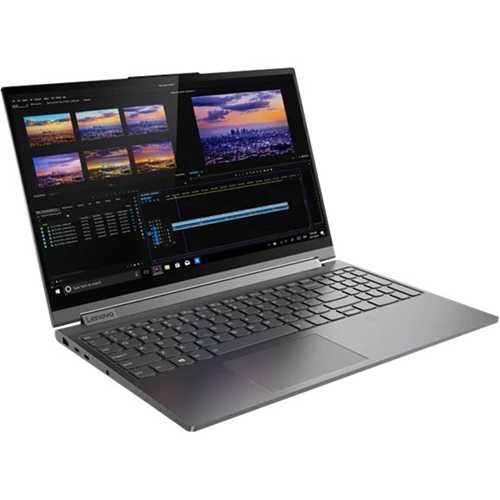
- Model:
- 81TE000DUS
- SKU:
- 6388037
to a friend
Customers are saying
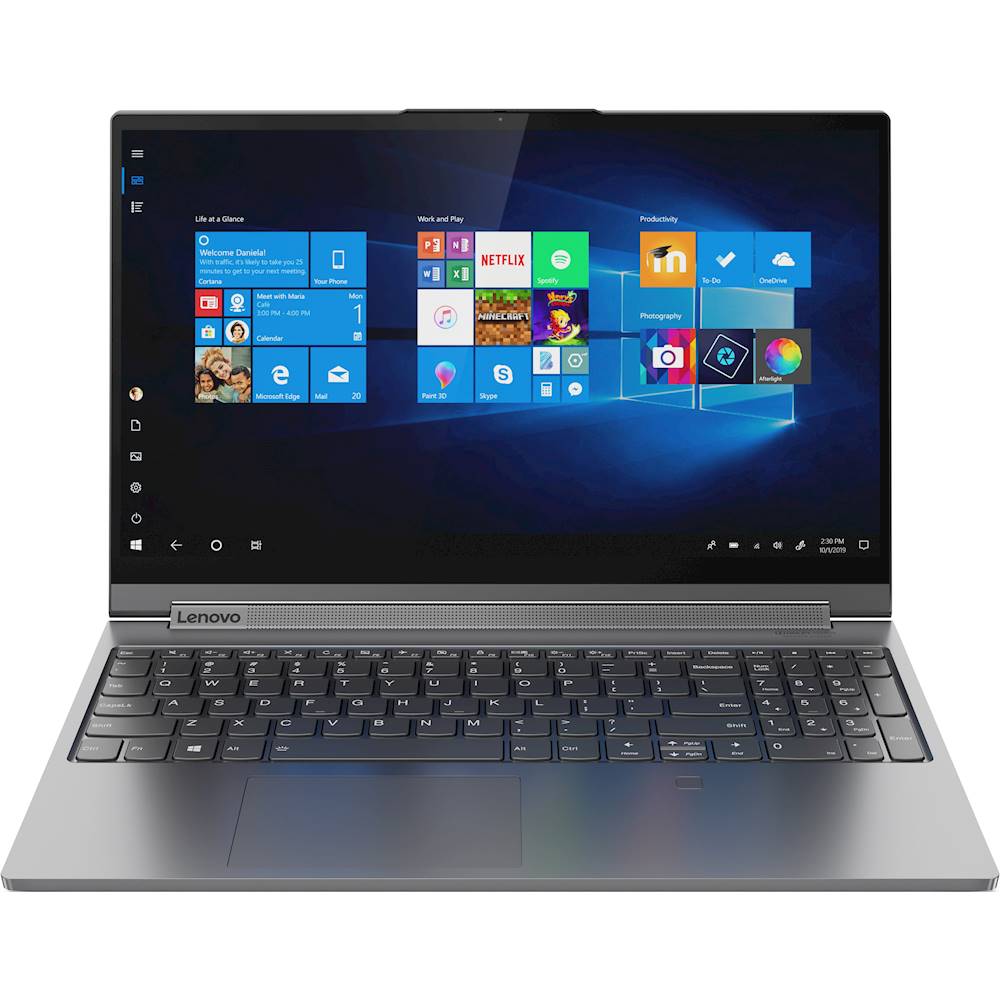
Customers are impressed with the Yoga C940's stunning 4K Ultra HD touch-screen display. However, some customers have expressed concerns about the fan noise.
This summary was generated by AI based on customer reviews.
- Cons mentioned:Fan noise
Its okay
||Posted . Owned for 3 weeks when reviewed.This reviewer received promo considerations or sweepstakes entry for writing a review.I am overall happy with the laptop. The sound is not at all as good as I expected it ito be. Also, the fans are crazy loud and always seem to be running. I kind of wish that I had kept looking around, but with COVID, I kind of had to buy it without actually seeing it. My previous laptop was a Lenovo 730 and I absolutely love it, so i was kind of expecting this one to be amazing. Its just ok.
No, I would not recommend this to a friend - Cons mentioned:Fan noise
Fan keeps turning on
||Posted . Owned for 1 week when reviewed.This reviewer received promo considerations or sweepstakes entry for writing a review.First let me say I love this laptop. I was so happy until today. The fan keeps turning on and it is very loud. I will keep using it and see if this continues. If so I will be returning this.
No, I would not recommend this to a friendBrand response from Lenovo Product Expert
Posted .With regard to the fan running, the fan will automatically start and maintain proper cooling for the Lenovo Yoga C940-15, model number 81TE000DUS, based on the workload the computer is under. Heavy workloads require the fan to run more often and a higher RPM. If the fan is running while the computer is at idle or under light workloads, first be sure you have the latest version of Windows 10 on the computer, then update all of the BIOS files and drivers up to that latest version of Windows 10. You can easily accomplish this by scanning the computer with the Lenovo Utility software available on this computer. This system has Lenovo utilities installed to help maintain the health of the device and keep the operating system software up to date. Type "Lenovo Vantage" in the Cortana Search window (if Lenovo Vantage is not installed on your device, you can download the APP and install it now). Select Lenovo Vantage from the list. In the window that opens, click on "Health and Support". In the expanded menu, select "Hardware Scan" In the window that opens, select "Run Quick Tests". This will scan your entire system for errors. Follow any directions that may pop up. If the problem continues after this scan, now click on "System Update". First select Windows update from the menu. Scan your system to be sure you have the latest version of Windows 10. Once that scan is complete, select "Additional Updates". This will scan your device to be sure there are no new BIOS/Driver updates needed. Follow any instructions that may pop up. Also, you can use Lenovo Q-Control to manually control fan performance: ( Fn + Q ) option to change the fan. If the issue continues, we recommend you call Lenovo Tech Support at: 877-453-6686.
