Customer Ratings & Reviews
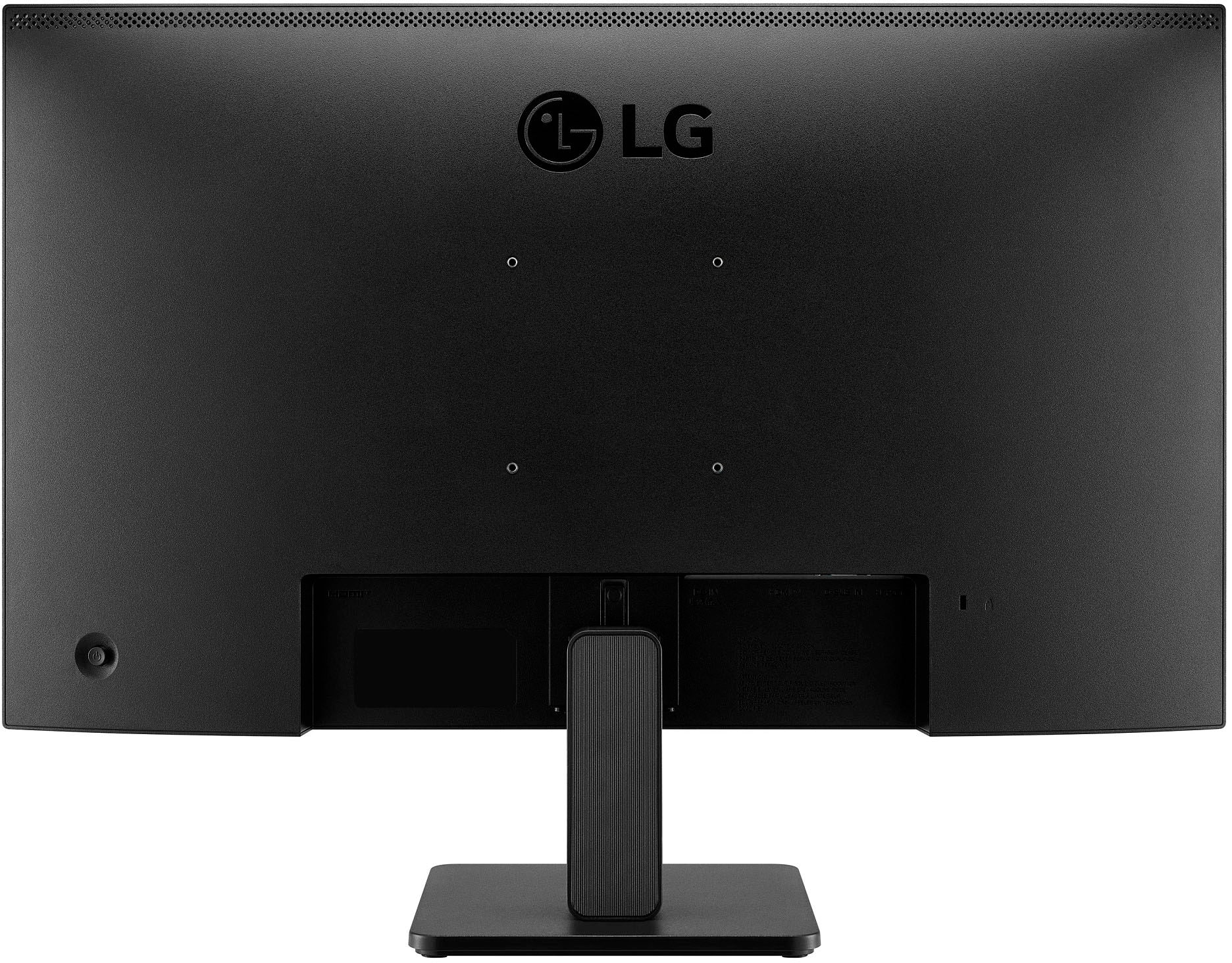
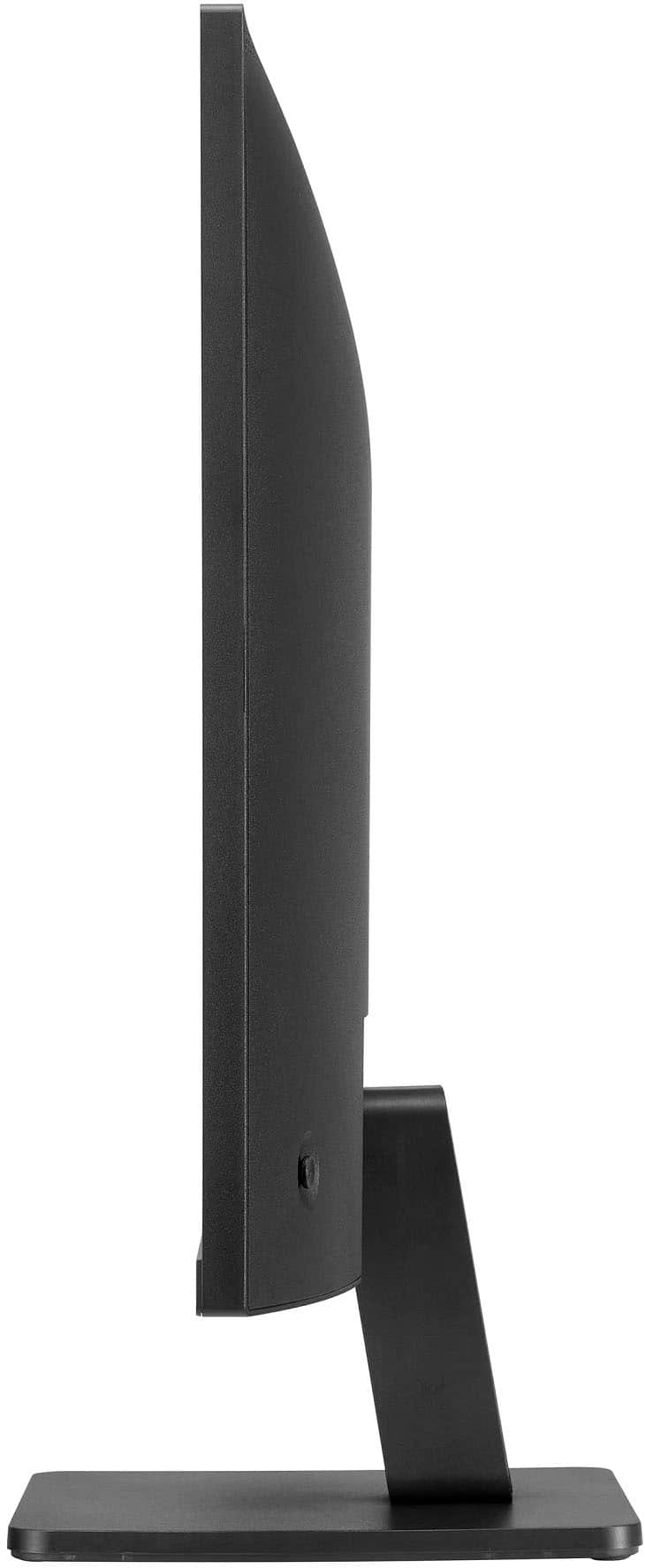
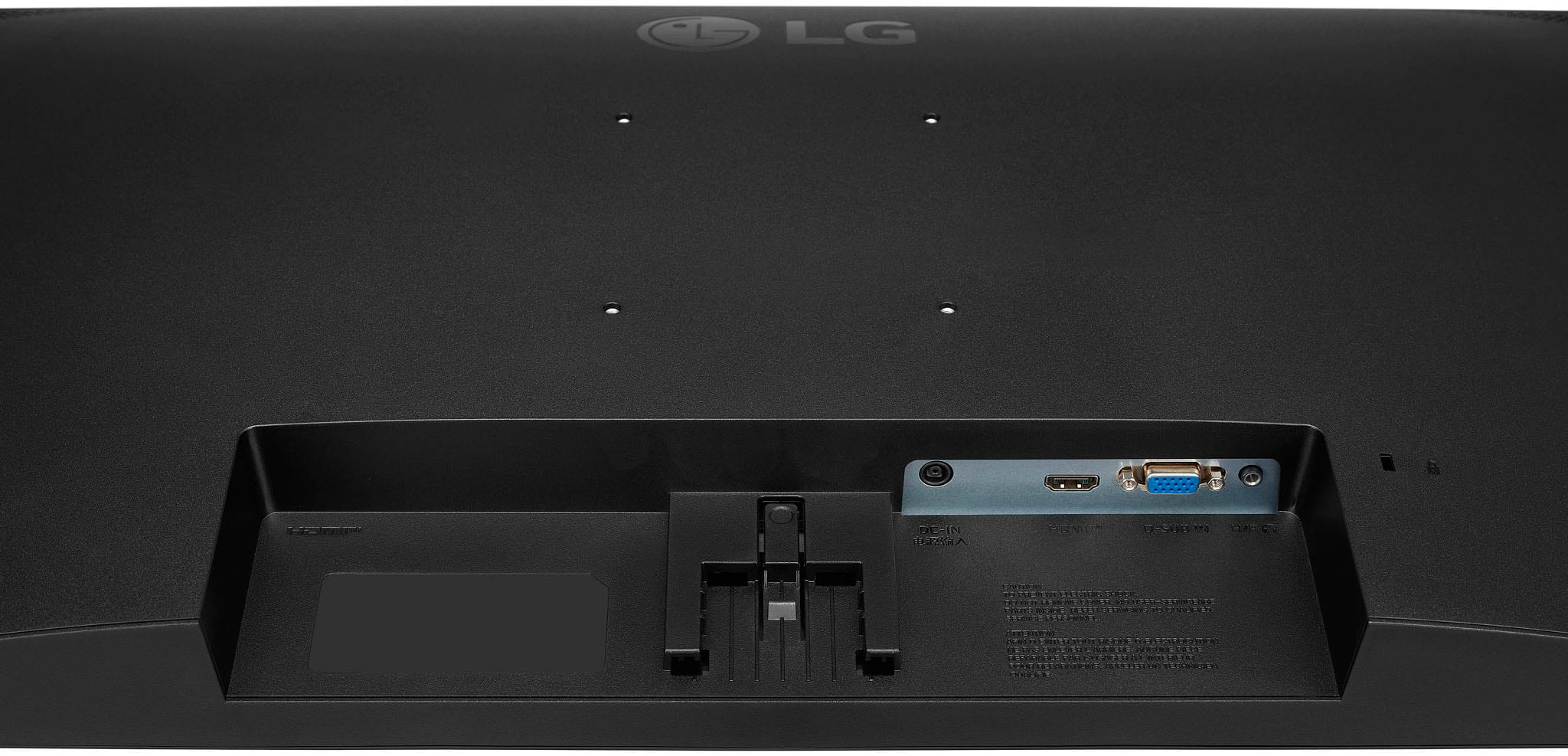
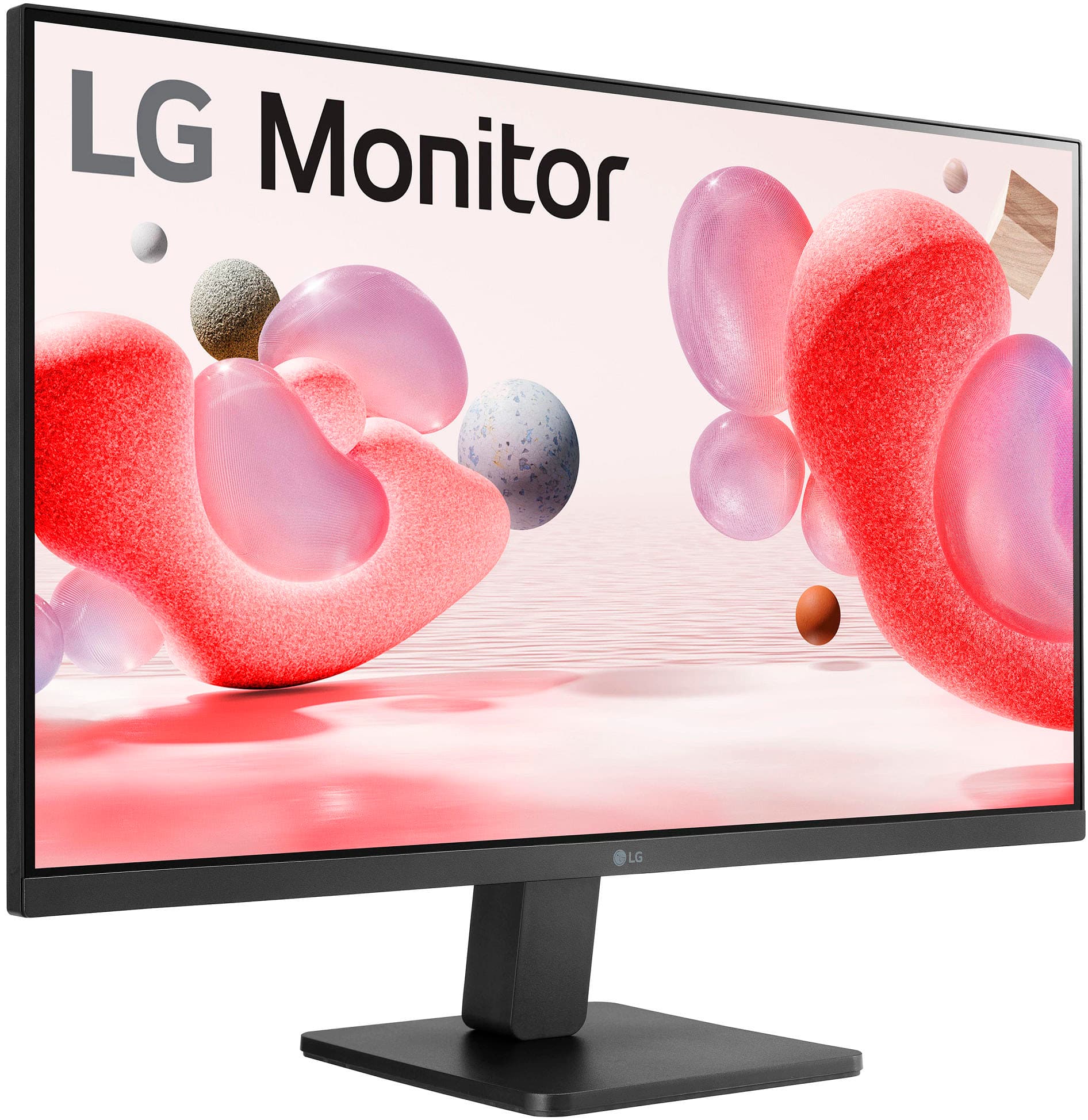
- Model:
- 27MR400-B.AUSQ
- SKU:
- 6560958
Rating by feature
- Display Quality
Rating 4.7 out of 5 stars
- Ease of Use
Rating 4.8 out of 5 stars
- Features
Rating 4.6 out of 5 stars
Customers are saying
Customers are impressed with the monitor's screen size and overall performance, noting its ease of use and good refresh rate. Many also appreciate the monitor's price, resolution, and clarity. Some customers have expressed concerns about the lack of built-in speakers, the stability of the stand, and the limited number of HDMI ports.
This summary was generated by AI based on customer reviews.
Very good monitor
||Posted . Owned for 3 weeks when reviewed.This reviewer received promo considerations or sweepstakes entry for writing a review.Very good monitor, only issue I have is the base isn't adjustable. Otherwise works great.
I would recommend this to a friendGood.
||Posted . Owned for 2 weeks when reviewed.This reviewer received promo considerations or sweepstakes entry for writing a review.Recommended if you don't plan to use it for something that requires high color accuracy.
No, I would not recommend this to a friendIt works
||Posted . Owned for 1 month when reviewed.This reviewer received promo considerations or sweepstakes entry for writing a review.Bright display but is fuzzy at times. Otherwise, it is good for the price.
I would recommend this to a friendGood value
||Posted . Owned for 1 month when reviewed.This reviewer received promo considerations or sweepstakes entry for writing a review.Good value for the price, only con is the limited displays options
I would recommend this to a friendGood product.
||Posted . Owned for 3 weeks when reviewed.This reviewer received promo considerations or sweepstakes entry for writing a review.Nice product but was difficult to adjust the tilt of the monitor.
I would recommend this to a friendThought the picture would look a lil bettee
||Posted . Owned for 1 week when reviewed.This reviewer received promo considerations or sweepstakes entry for writing a review.Not bad for the price thought the quality would be higher
I would recommend this to a friendLg monitor
||Posted . Owned for 1 week when reviewed.This reviewer received promo considerations or sweepstakes entry for writing a review.I got this for my dad who mainly uses desktop for emails and Netflix! I think it was a great deal for Black Friday!
I would recommend this to a friendDoes'nt work long term
||Posted . Owned for 1 year when reviewed.This reviewer received promo considerations or sweepstakes entry for writing a review.After a year, this monitor screen starts to flicker. Now I am looking for a new monitor.
No, I would not recommend this to a friendOk
||Posted . Owned for 1 month when reviewed.This reviewer received promo considerations or sweepstakes entry for writing a review.Resolution is not the best, but if you just need a monitor, this does the job.
No, I would not recommend this to a friendItem came broken
||Posted . Owned for 2 weeks when reviewed.This reviewer received promo considerations or sweepstakes entry for writing a review.The lcd never got light on with power, the product never worked
No, I would not recommend this to a friendGood but not great
||Posted . Owned for 1 year when reviewed.This reviewer received promo considerations or sweepstakes entry for writing a review.Good for starters. Not that great. Screen turns off for few seconds.
No, I would not recommend this to a friendMay return it
||Posted . Owned for 3 weeks when reviewed.This reviewer received promo considerations or sweepstakes entry for writing a review.Startef out great. Then after 2 weeks had these crazy dots. Turned it off for a couple of days. Thinking of returning it
No, I would not recommend this to a friendjust ok
||Posted . Owned for 1 month when reviewed.This reviewer received promo considerations or sweepstakes entry for writing a review.you get what you pay for.. a bit unstable but good
I would recommend this to a friend- Cons mentioned:Stand
Broken and unable to replace
||Posted . Owned for 2 weeks when reviewed.This reviewer received promo considerations or sweepstakes entry for writing a review.The adjustable monitor stand came broken. Unfortunately I wasn't able to get it set up in the first 30 days so I'm stuck with it broken. LG was useless because I bought it at Best Buy. Since I didn't set it up until 32 days after purchase Best Buy won't replace. Try your luck I guess.
No, I would not recommend this to a friendBrand response from LG Digital Customer Care
Posted .Hi, Laura. Thanks for sharing your experience with the LG Monitor (27MR400-B) model. We understand the importance of receiving your new appliance in perfect condition. We strive to ensure that all products are carefully packaged and handled. However, sometimes unforeseen circumstances can lead to issues during transit.
Your feedback is invaluable to us, and we will use it to improve our processes and prevent similar situations from occurring in the future. If there's anything we can do to assist you, please reach out to us on social media @LGUSSupport. ^Juvy
Did not last an entire year.
||Posted . Owned for 1.5 years when reviewed.This reviewer received promo considerations or sweepstakes entry for writing a review.Did not last 1 year. Used only a few times for several hours each time. 6 months later i power on my desktop and it doesnt want to turn on. If it turns on its keeps popping up a menu for volume and maxing it self out . I cannot access the monitor menu when it does want to come on. lg says it is out of warranty.
No, I would not recommend this to a friendBrand response from LG Digital Customer Care
Posted .Hi, Trrravis. Thank you for reaching out and sharing your experience with the LG Monitor (27MR400-B) model. We understand how important it is for your display to perform reliably, especially with limited use over a short period.
If your monitor powers on intermittently and displays erratic volume behavior, we recommend trying the following steps: Disconnect the monitor from power for at least 60 seconds, then reconnect to perform a soft reset.
Check the control buttons on the monitor to ensure none are stuck or being triggered unintentionally.
If possible, test the monitor with a different power cable and input source to rule out external issues. https://www.lg.com/us/support/help-library/lg-monitor-screen-power-is-on-and-off-intermittently--20154629827130. If you'd like us to take a closer look or assist further, feel free to email us at lgdigitalcare@lg.sprinklrsupport.com. We’re here to help. ^Juvy
LG unworthy opt for another unit
||Posted . Owned for 7 months when reviewed.This reviewer received promo considerations or sweepstakes entry for writing a review.Bought two monitors for work. First monitor stopped working within 60 days. We got a replacement unit and everything seemed fine for a while. However, after 6 months or so the back control button started doing stuff on its own with occasional flashing of the screen in different primary colors. When trying to unplug the cable from the back, the whole internal board started moving with it. Bad build quality and best to opt for something else.
No, I would not recommend this to a friendBrand response from LG Digital Customer Care
Posted .Hi, Jeffrey. Thank you for sharing your experience with us. We understand your concern about encountering issues with the LG Monitor (27MR400-B) model. We strive to provide reliable, high-quality products that exceed our customer's needs and expectations. It sounds like there may be an internal connection issue, possibly related to the control button or the internal board. We recommend reaching out to our support team for a more thorough diagnosis and potential repair or replacement options, as this should not be happening with your monitor.
Please send us a private message on social media @LGUSSupport, and our team will be happy to assist you in resolving this matter and exploring a solution. We appreciate your feedback, and we’re committed to ensuring you're satisfied with your LG products. ^Juvy
- Cons mentioned:Hdmi
Came without a power cable and hdmi cable
||Posted . Owned for less than 1 week when reviewed.This reviewer received promo considerations or sweepstakes entry for writing a review.This order came without a power cable and hdmi cable and its pulling teeth to get in touch with Best Buy’s support to get it sent to me. Still havent gotten it yet.
No, I would not recommend this to a friendBrand response from LG Digital Customer Care
Posted .Hi there. We understand the issue you’ve faced with your LG 27MR400-B.AUSQ monitor, especially with the missing power and HDMI cables. It’s important to know when essential components aren’t included, and dealing with support can be challenging. While the retailer is responsible for providing the missing items, we’d like to help however we can. You may access this link related to your concern: https://www.lg.com/us/support/contact Please send us a private message on Social Media @LGUSSupport so we can assist you in resolving this issue with the retailer. We appreciate your patience and hope this gets resolved quickly.
—Avril
Two Broken Monitors in a Row
||Posted . Owned for less than 1 week when reviewed.This reviewer received promo considerations or sweepstakes entry for writing a review.I ordered two of these for a home office setup. One arrived fine, and the second arrived with a broken screen I returned the broken monitor, and had a replacement shipped to me. The replacement simply won’t turn on, not with its own power supply, not with the power supply of the functioning monitor, not with any of a half dozen HDMI cables. Nearly all electronics are garbage, but this is a first for me in back-to-back shipments.
No, I would not recommend this to a friendBrand response from LG Digital Customer Care
Posted .Hi, Vincent. Thank you for sharing your experience with us regarding the LG Monitor (27MR400-B) model. We understand your concern about receiving two faulty monitors in a row—especially when you’re setting up a home office. We strive to provide high-quality products and exceptional services to ensure a smooth experience.
As a first troubleshooting step, we recommend double-checking that the power button is firmly pressed and ensuring the monitor's input settings are correctly configured. For more help, you may visit https://www.lg.com/us/support/help-library/lg-monitor-troubleshooting-no-power--20150893043202. We also recommend contacting Best Buy customer service at 888-237-8289 to address your concerns, offer assistance, and discuss potential solutions. If the issue persists, it could be an internal fault with the monitor itself, and we’d like to help get this resolved for you.
Please send us a private message on social media @LGUSSupport with your order details, and our team will work with you directly to explore possible solutions or help you with a replacement. We’re committed to ensuring you get the working product you expect. ^Juvy
NO Speakers
||Posted . Owned for 2 months when reviewed.This reviewer received promo considerations or sweepstakes entry for writing a review.I like the size of the monitor and the clarity but was very disappointed to find out it didn't have speakers, causing me to have to purchase a pair of speakers.
No, I would not recommend this to a friendBrand response from LG Digital Customer Care
Posted .Hi, Steven. Thanks for sharing your thoughts on the LG Monitor (27MR400-B) model. It’s great to hear you’re enjoying the size and clarity — that IPS panel really does deliver crisp visuals. But we totally get your concern about the lack of built-in speakers, especially when it’s not clearly highlighted in some listings.
Many slim-profile monitors prioritize display quality and design over integrated audio, which can be a surprise if you're expecting an all-in-one setup. If you’re still looking for a clean audio solution, you might consider compact soundbars or USB-powered speakers that sit neatly under the monitor without cluttering your desk. You can find more details about your monitor’s specs and compatible accessories here: https://www.lg.com/us/support/product/lg-27MR400-B.AUSQ. If you’d like help finding speaker options that pair well with your setup, feel free to email us at lgdigitalcare@lg.sprinklrsupport.com. We're here to help. ^Juvy
The power cord is cheap
||Posted . Owned for less than 1 week when reviewed.This reviewer received promo considerations or sweepstakes entry for writing a review.The power cord feels very flimsy, is bulky around the outlet, and just feels cheap. It makes me doubt the rest of the non-visible components.
No, I would not recommend this to a friendBrand response from LG Digital Customer Care
Posted .Hi, there. Thank you for sharing your thoughts on the LG Monitor (27MR400-B) model. We understand that the power cord's quality and design have raised concerns for you. We strive to provide high-quality products that exceed our customer's needs and expectations. The power cord is designed to meet safety and performance standards, if you find it cumbersome, we recommend ensuring that the cord is properly routed and secured to minimize any strain on the connection. This can help improve the overall experience and reduce any concerns about its durability.
If you have further questions or need assistance regarding your monitor, please send us a private message on social media @LGUSSupport. We're here to help you and ensure that you have a positive experience with our products. We appreciate your patience and look forward to assisting you. ^Juvy