Customer Ratings & Reviews
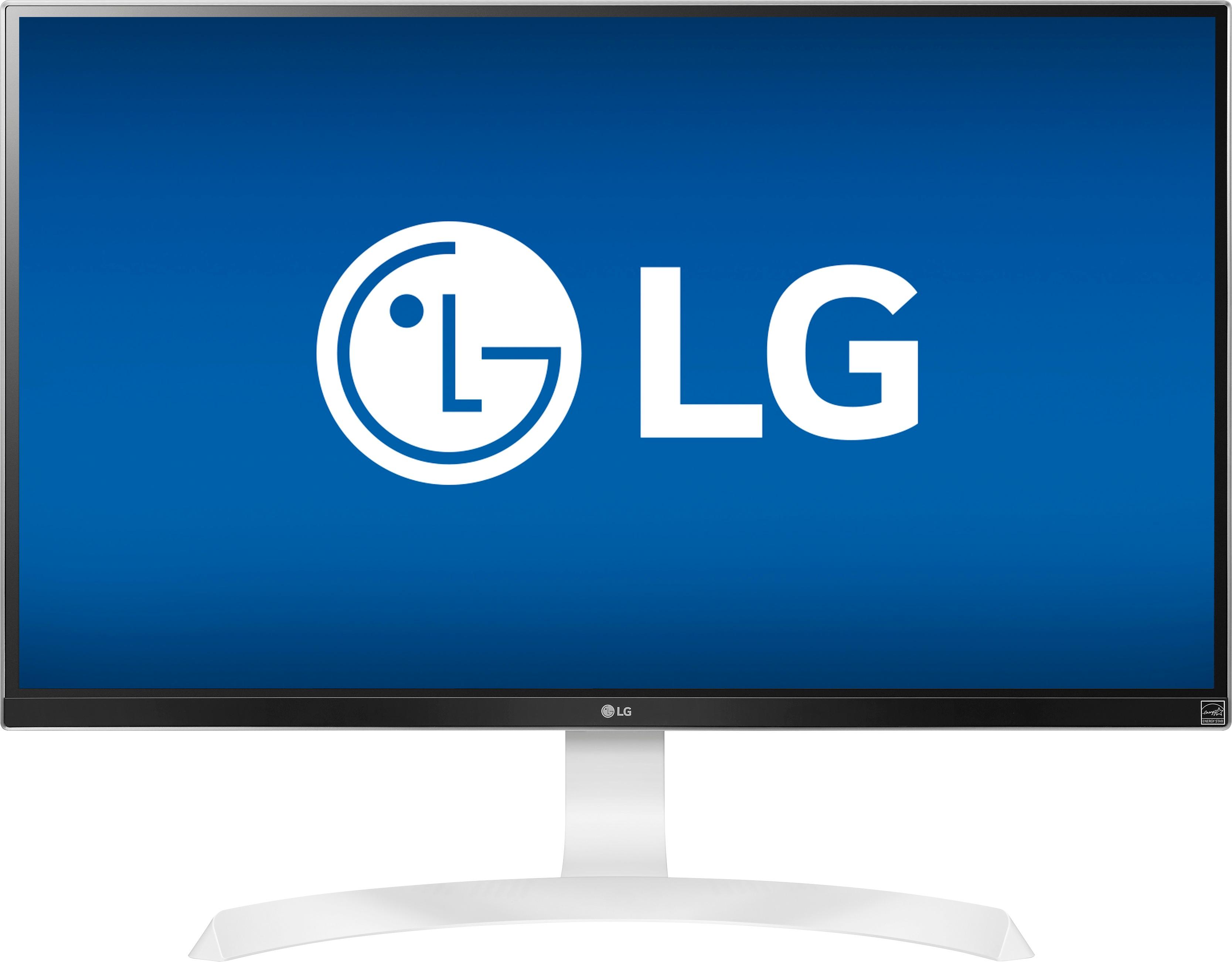
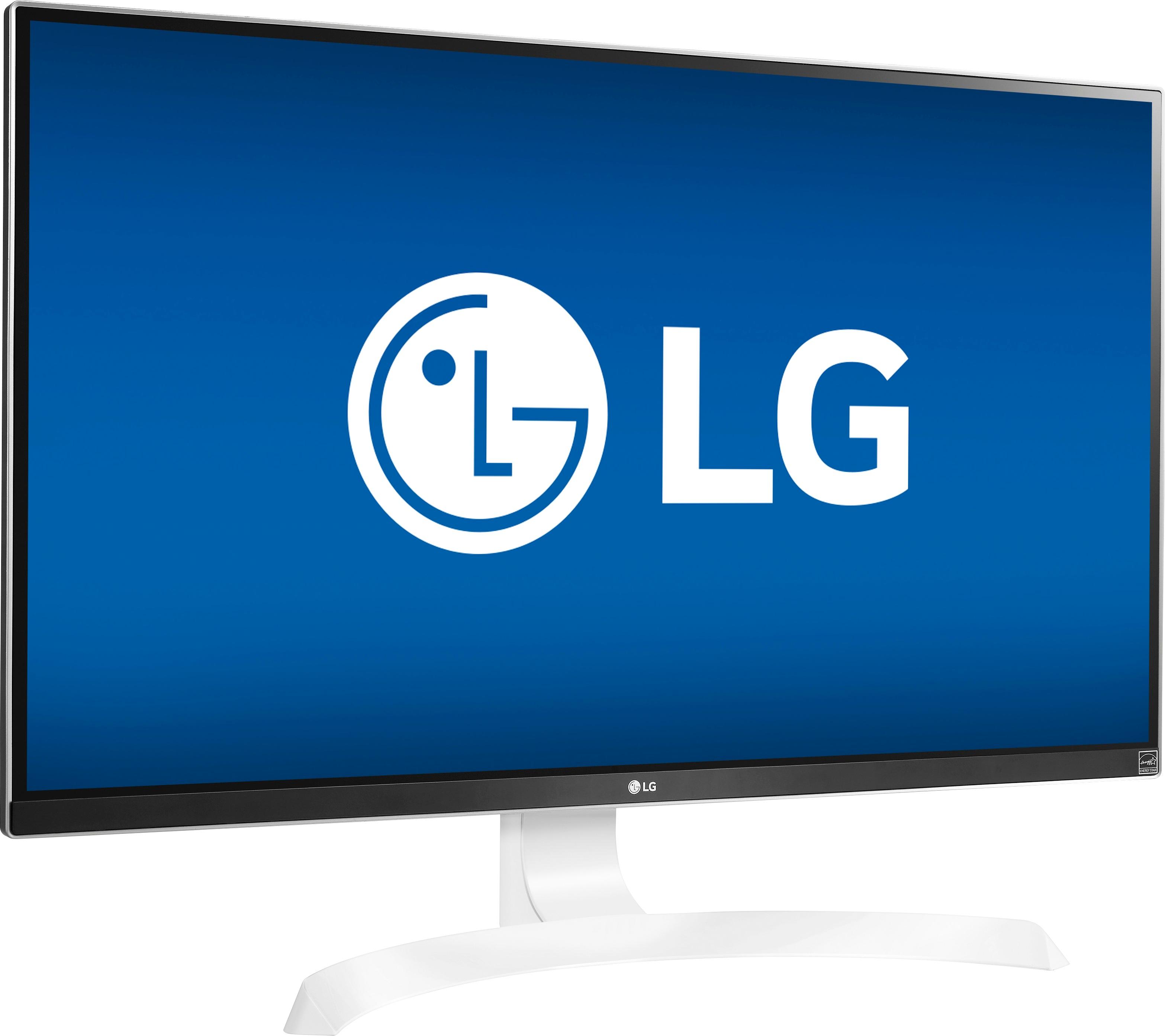
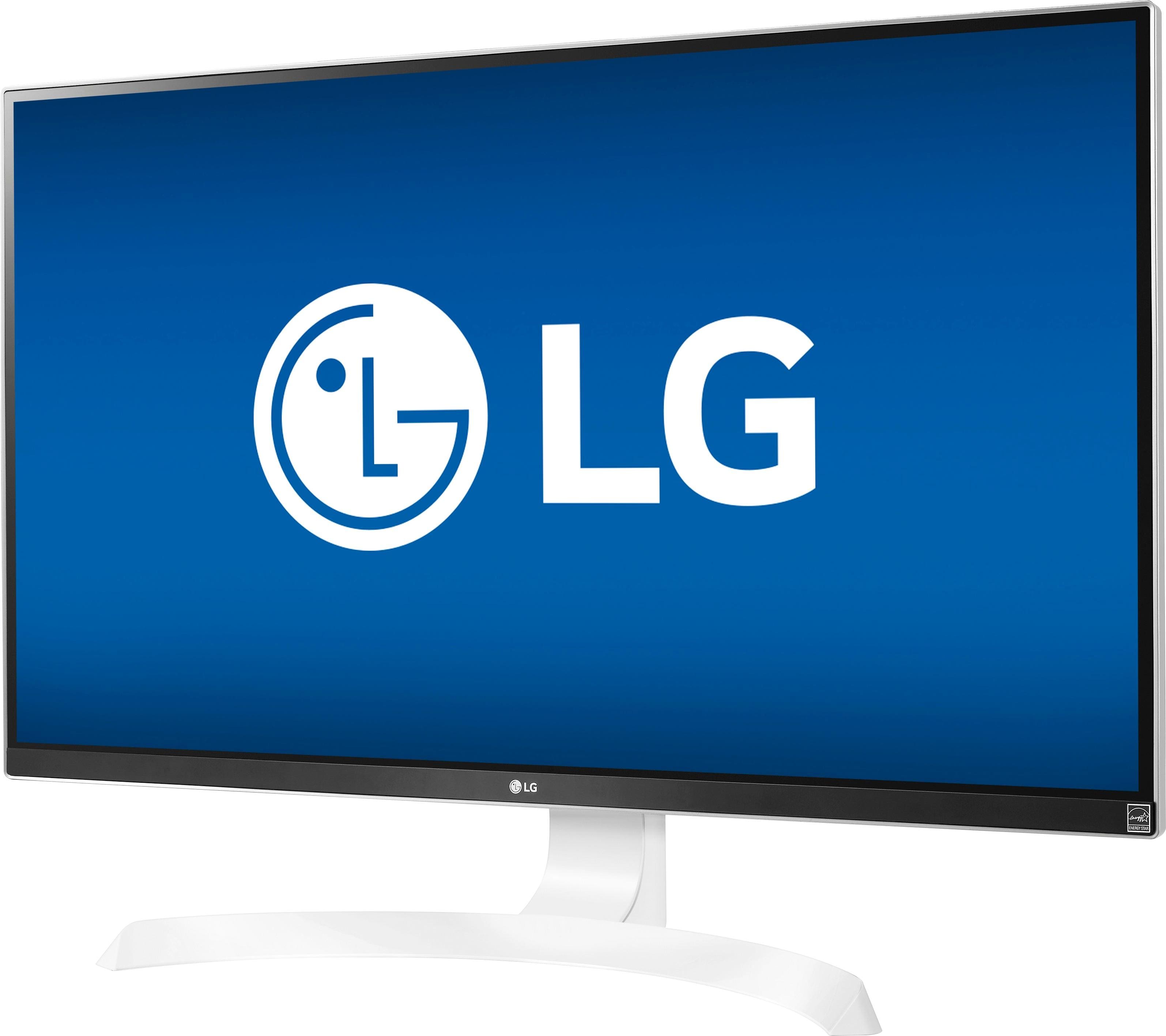
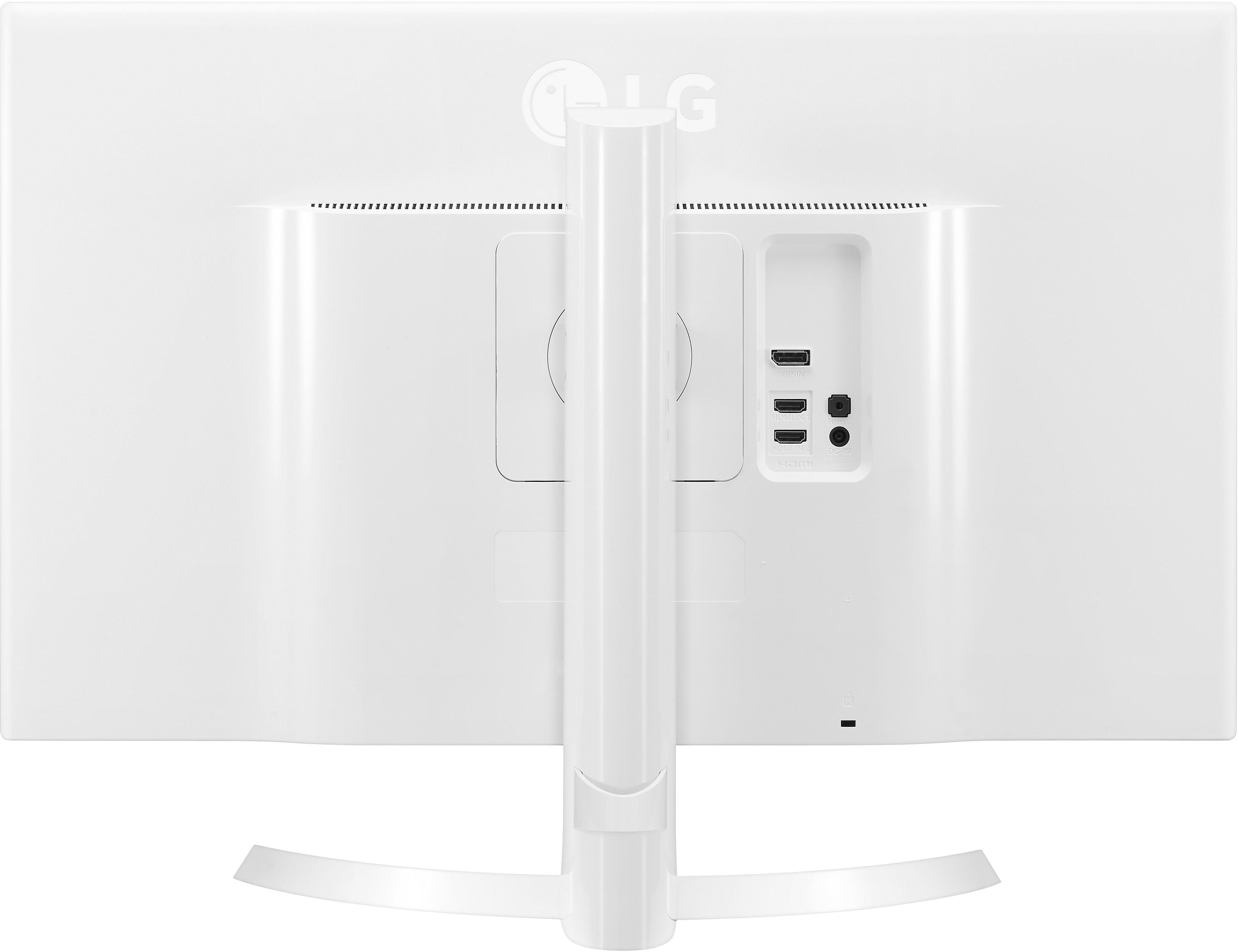

- Model:
- 27UD69P-W
- |
- SKU:
- 5770300
Customer reviews
Rating 4.8 out of 5 stars with 585 reviews
(585 customer reviews)Rating by feature
- Ease of Use4.8
Rating 4.8 out of 5 stars
- Value4.6
Rating 4.6 out of 5 stars
- Quality4.8
Rating 4.8 out of 5 stars
Customers are saying
Customers are delighted by the 4K resolution, picture quality, and price of the 27" IPS LED 4K UHD FreeSync Monitor. They appreciate the adjustable stand and the gaming experience with a FreeSync graphics card. While many customers rave about the monitor, a few wish it had built-in speakers.
This summary was generated by AI based on customer reviews.
Rated 5 out of 5 stars
Great 4K Monitor
Posted .This reviewer received promo considerations or sweepstakes entry for writing a review.Looking for a 4K monitor without spending a ton of money, I first purchased the Samsung UE590. It had great specs - 100% sRGB color, 170 degree horizontal viewing angle, 160 degree vertical viewing angle, 1ms response, etc. And it is $100 cheaper than the LG UD69P. Let's just say you get what you pay for. I returned the Samsung after using it for less than a day, exchanging it for the LG. Colors on the LG are fantastic - which is important for me as I do professional photo and video work. The viewing angle is truly as advertised at 175 degrees both horizontally and vertically. It really is a great monitor. At $500 for a 4K monitor, you really can't beat it.
I would recommend this to a friend- Pros mentioned:Picture quality
Rated 5 out of 5 stars
great 4k monitor
Posted .This reviewer received promo considerations or sweepstakes entry for writing a review.ok, i had the lg ud68, and realliy liked it.. i sold it, needed the money. then i bought the dell u2718q, and it has the borderless sides, and thought it would replace the p2715q. i have not had the p2715q, but its older. i thought the panel in the u2718q did not look at good as the lg ud68, and sent it back..sort of sad, dell had a chance to hit a home run with that monitor...best buy had the lgud69p on sale, $399, and i pulled the tricker. i got it home , set it up, and it looks great. i took a chance with this monitor since i had the ud68, and knew it look nice...thanks best buy, and lg...lg makes great 4k monitors...not sure what is going on with dell, they have seem to not have offered much lately in the 4k terriorty, not like lg
I would recommend this to a friend Rated 5 out of 5 stars
Great upgrade from my 4-year old ASUS PB278Q
Posted .This reviewer received promo considerations or sweepstakes entry for writing a review.This monitor is a replacement for my 4-year-old ASUS PB278Q, which has been rock solid since I bought it. It is connected to a home-built Linux PC running Ubuntu 16.04; the video card is an ASUS Radeon R7 360. I've only had it 24 hours at this point so I'm still getting used to the increased resolution -- I'll be working on upgrading my wallpaper images to 3840x2160 for a while, I suspect. Not an artist or photographer, but the colors seen excellent to me. It comes with a factory color calibration report, which may help explain the good appearance. More than adequately bright for me. The default brightness setting was 70 (on a scale of 0-100); I have switched to the built-in Dark Room 1 profile, which gives a brightness setting of 30. To my eye the display uniformity is excellent. It looks like there may be a minor light bleed in the lower corners, but that is at least in part a function of viewing angle; my normal viewing distance is 16-18", and the apparent bleed disappears if I back out to about 36". It is in any case visible only on very dark screens. Good points: Incredible resolution at good refresh rates. Factory-calibrated color. Good brightness. Lots of color profiles built in for different applications. Single button / joystick menu control much easier to use than the navigation buttons on my old monitor. Stand affords tilt and 90-degree rotatation adjustments. Supports AMD FreeSync (which I have not tested, as it does not matter to me). Weak points: No DVI input, and the owner's manual warns against using a DVI-to-HDMI converter. No Linux version of the monitor-control software; not sure this really matters. The stand is 1" high and sticks out 3" in front of the screen, which interferes with placing the keyboard close to the screen. The power button / menu joystick is dead center on the bottom of the screen, which makes it difficult to reach if the keyboard is directly in front of the monitor; it would be more convenient if it were near an edge. Summary: Great monitor at a decent price if it holds up at all well.
I would recommend this to a friend- Pros mentioned:Picture quality
Rated 4 out of 5 stars
Superb 4K
Posted .This reviewer received promo considerations or sweepstakes entry for writing a review.At first I was hesitant to purchase this monitor when i compared it to other monitors on display at BB. A 1080p can out perform this monitor when i saw it. Upon checking the back, all monitors are connected via HDMI port. I checked the brightness and still was not satisfied. BUT i gave it a try. Believe me, this is a superb 4k monitor, if you have a decent GPU card that has a display port. Just few adjustment and boom! Image and text are so crisp and clear. For the price, grab one now before price goes up again. Dont be fooled by negative reviews. Just make sure you have one best GPU that is capable of 4K.
I would recommend this to a friend - Pros mentioned:Color
Rated 4 out of 5 stars
Great Monitor
Posted .This reviewer received promo considerations or sweepstakes entry for writing a review.This monitor is well worth the price. The colors really pop. It's an IPS panel so the viewing angles are more than ideal. I have been using this for gaming and it has been working out great. Super impressed. Previously had the Samsung E590D, and the LG ud58. This monitor is by far better and only a little bit more. Well worth the extra bucks.
I would recommend this to a friend - Pros mentioned:Picture quality
Rated 5 out of 5 stars
great monitor for xbbox one x
Posted .This reviewer received promo considerations or sweepstakes entry for writing a review.very nice looking monitor, very nice picture made a couple tweaks to picture now is perfect. ive owned the samsung 28e59od and this lg monitor is alot better. very happy with my purchase. speakers would have been a nice addition
I would recommend this to a friend Rated 5 out of 5 stars
You Don't Need 5k
Posted .This reviewer received promo considerations or sweepstakes entry for writing a review.I'm looking at this monitor after about 6 months of use, and I have never regretted pairing this with my new MacBook Pro using a USB-C adapter connection. Close your MacBook, keep it plugged in, and use your Mac keyboard and magic mouse with this monitor. I agonized over whether to get the $1,500 5k LG monitor for quite a few months. Then I got this one and felt like I was settling. But I haven't regretted it at all. It just feels like a great deal every time I look at it. I have a 38" Dell Widescreen at work, which is a great monitor, but this LG is more clear, and I don't mind that it's only a 27".
I would recommend this to a friend- Pros mentioned:Picture quality
Rated 3 out of 5 stars
Picture Quality Good. Color Accuracy Poor
Posted .This reviewer received promo considerations or sweepstakes entry for writing a review.Bought this LG Monitor to use with my Laptop that has 4K display and high end graphics card for Photo Editing. I could not get the colors to accurately display. The colors were always too warm or yellowish. I tried all the tricks I know including contacting the laptop manufacture to get accurate color on this monitor. The monitor has limited color controls which made color calibration almost impossible. I used both HDMI and DisplayPort interfaces on the monitor. In the end I returned the monitor to Best Buy. The Picture quality is decent and it does show good picture details.
No, I would not recommend this to a friend - Pros mentioned:Stand
Rated 5 out of 5 stars
Monitor
Posted .This reviewer received promo considerations or sweepstakes entry for writing a review.Great monitor, graphics are very good and I like the up and down adjustable stand
I would recommend this to a friend Rated 5 out of 5 stars
Very Nice!
Posted .This reviewer received promo considerations or sweepstakes entry for writing a review.I was fortunate enough to get this for $429. It is now $499. The sharpness, detail and response time are simply amazing. In addition, this monitor, with its adjustment features, unlike many others, is able to fit in very tight spaces; and it is built like a sleek battleship. I purchased this primarily for FSX graphics but if I choose to buy a PS 4 Pro gaming console for 4K baseball, football and hockey, this will certainly do the trick.
I would recommend this to a friendRated 5 out of 5 stars
Bye, bye tearing.
Posted .This reviewer received promo considerations or sweepstakes entry for writing a review.My wife uses her computer for a number of things, and she started to experience tearing on some pretty basic apps. Got her a new graphics card that is FreeSync capable and then went for this monitor. Took a minute to realize that you have to get a control program from LG to activate the FreeSync function but smooth sailing after that. Beautiful picture. No tearing yet. She is happy. I am jealous. But she deserves it! Terrific buy and recommend if you have a FreeSync capable card. The $100.00 off didn't hurt, either!
I would recommend this to a friend- Pros mentioned:Picture quality
Rated 5 out of 5 stars
Fantastic display
Posted .This reviewer received promo considerations or sweepstakes entry for writing a review.Easy to set up, great display angles, and crisp, clean viewing experience. For the price, incredibly hard to find a better 4K monitor.
I would recommend this to a friend Rated 5 out of 5 stars
Highly recommended
Posted .This reviewer received promo considerations or sweepstakes entry for writing a review.This monitor looks great, especially using Windows 10 desktop scaling (200% for my taste), and can use 100% on my secondary 1080p monitor. Windows 8.1 only lets you have one value for all monitors which was not good. I love being able to rotate the monitor and look at news articles or my twitter feed in a giant scrolling portrait screen. I originally tried the Samsung 28" 4K monitor, but I didn't like stand not being able to tilt at all or rotate. The display quality is better with this LG model.
I would recommend this to a friendRated 4 out of 5 stars
No PIP big deal for me
Posted .This reviewer received promo considerations or sweepstakes entry for writing a review.Had the Samsung 590 and it was good, it had the PIP, but screen position did not adjust like LG. Also, the power/menu button was in right rear and hard to access and at times totally unresponsive. LG power button is easily accessed in front and center of monitor. The LG is an excellent monitor EXCEPT NO PIP *&^%$#@! which allows you to see both HDMIs inputs simultaneously. You can download a totally useless Onscreen Software called "OnScreen Control" from LG, but it only divides the screens. Something I can do on Windows 10 natively with Snap. This was a serious oversight on LGs engineering team, don't know what is involved to gain that feature? Simple reprogramming or major board redesign? Personally considering on returning it as I need the PIP.
I would recommend this to a friendRated 5 out of 5 stars
Best Monitor based on research
Posted .This reviewer received promo considerations or sweepstakes entry for writing a review.Before I purchased this monitor, I've done a lot of research before making a decision on what I'd like to buy. A lot of the 4k monitors at this price are either 2 years or lacking a feature (either IPS or lacking a vesa mount). This monitor has to be the best one I've researched.
I would recommend this to a friendRated 5 out of 5 stars
Amazing monitor!
Posted .This reviewer received promo considerations or sweepstakes entry for writing a review.What can I say? This is an amazing monitor! Was looking for a good photo/video editing monitor and for the occasional gaming. The IPS is a must for any photo/video editor. Wasn't too concerned about the lack of 144hz refresh rate since I don't need it for hardcore gaming. This fit my needs and budget perfectly.
I would recommend this to a friendRated 5 out of 5 stars
Very good value 4K monitor
Posted .This reviewer received promo considerations or sweepstakes entry for writing a review.This is about the largest you would want a monitor to be for a typical desktop setup. It is plenty bright, has very good contrast ratio, good response time, and of course being 4K it is extremely sharp. Would recommend this monitor.
I would recommend this to a friend- Pros mentioned:Color
Rated 3 out of 5 stars
seems dim
Posted .This reviewer received promo considerations or sweepstakes entry for writing a review.I bought it 7 days go to use as an extended monitor for my 2017 iMac. It seems dim. I connected another HDMI source to it and it is still dim. The colors are accurate. I just wish it were brighter. I will keep playing with it for the next few days in hopes of finding a solution, but as of now i think i will return it
No, I would not recommend this to a friend Rated 5 out of 5 stars
Great Monitor, Great Price, Freesync over HDMI
Posted .This reviewer received promo considerations or sweepstakes entry for writing a review.If you are in the market for a gaming monitor, this is it. Supports freesync through hdmi or displayport, although the website does not state it.
I would recommend this to a friendRated 5 out of 5 stars
Amazing display!
Posted .This reviewer received promo considerations or sweepstakes entry for writing a review.My main use for this display is photo editing. Can't beat a 27" IPS display. The colors are true and the resolution is amazing!
I would recommend this to a friend