Customer Ratings & Reviews


- Model:
- 34WL500-B
- SKU:
- 6329954
Rating by feature
- Display Quality
Rating 4.9 out of 5 stars
- Ease of Use
Rating 4.7 out of 5 stars
- Features
Rating 4.6 out of 5 stars
Customers are saying
Customers enjoy the large screen size and find the monitor easy to use. Many appreciate the price and the improved multitasking capabilities due to the screen size. However, some customers point out that the resolution could be better and that the monitor lacks built-in speakers. A few also mention that the stand could be more adjustable.
This summary was generated by AI based on customer reviews.
Stopped working after less than 3 months
||Posted . Owned for 1 month when reviewed.This reviewer received promo considerations or sweepstakes entry for writing a review.HMDI ports no longer workout connecting to any external devices. Piece of junk, better off spending a few extra bucks and getting something better.
No, I would not recommend this to a friendBrand response from LGAnswers
Posted .We are sorry your unit is not working as designed. Please contact LG Customer Support by direct message via Twitter (@LGUSSupport) or Facebook Messenger (https://www.facebook.com/LGUSA/). Please be sure to provide your name, phone number, address, email, model/serial numbers, and date of purchase and we will be happy to assist you. We apologize for any inconvenience this has caused. ^Daphane

Very disappointing in terms of image quality
||Posted . Owned for 3 weeks when reviewed.This reviewer received promo considerations or sweepstakes entry for writing a review.Disappointing image quality when connected to an HP 13" laptop. Fonts not too bad, but images are poo. Screen is hard to see in brightly lit room. If sun falls on part of the screen, it is completely unreadable. Sent this back and opted for the slightly more expensive Dell 32" curved monitor. This has excellent images and is well worth the increased price
No, I would not recommend this to a friend- Pros mentioned:Hdr, Screen sizeCons mentioned:Resolution

Super value if it meets your needs
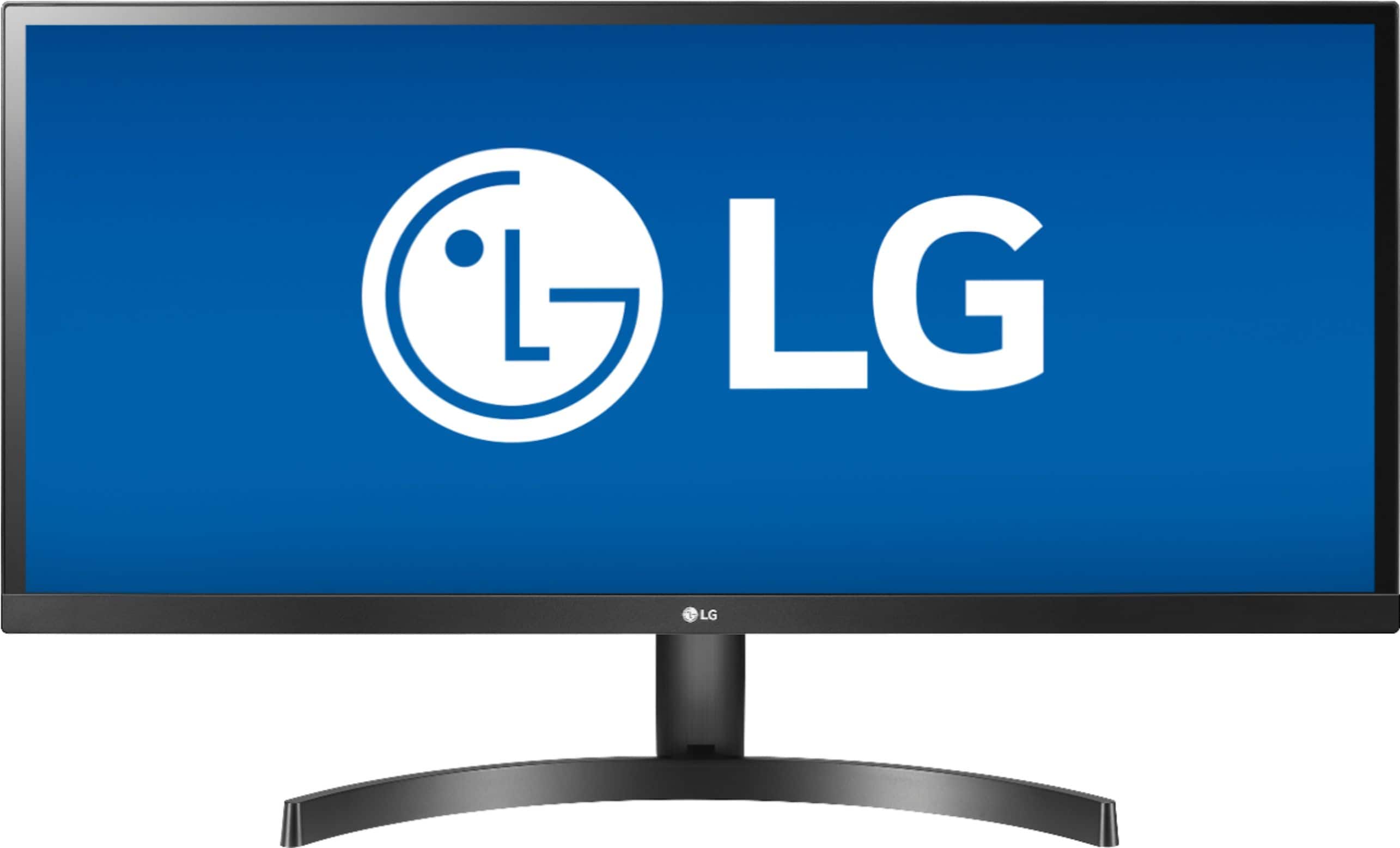
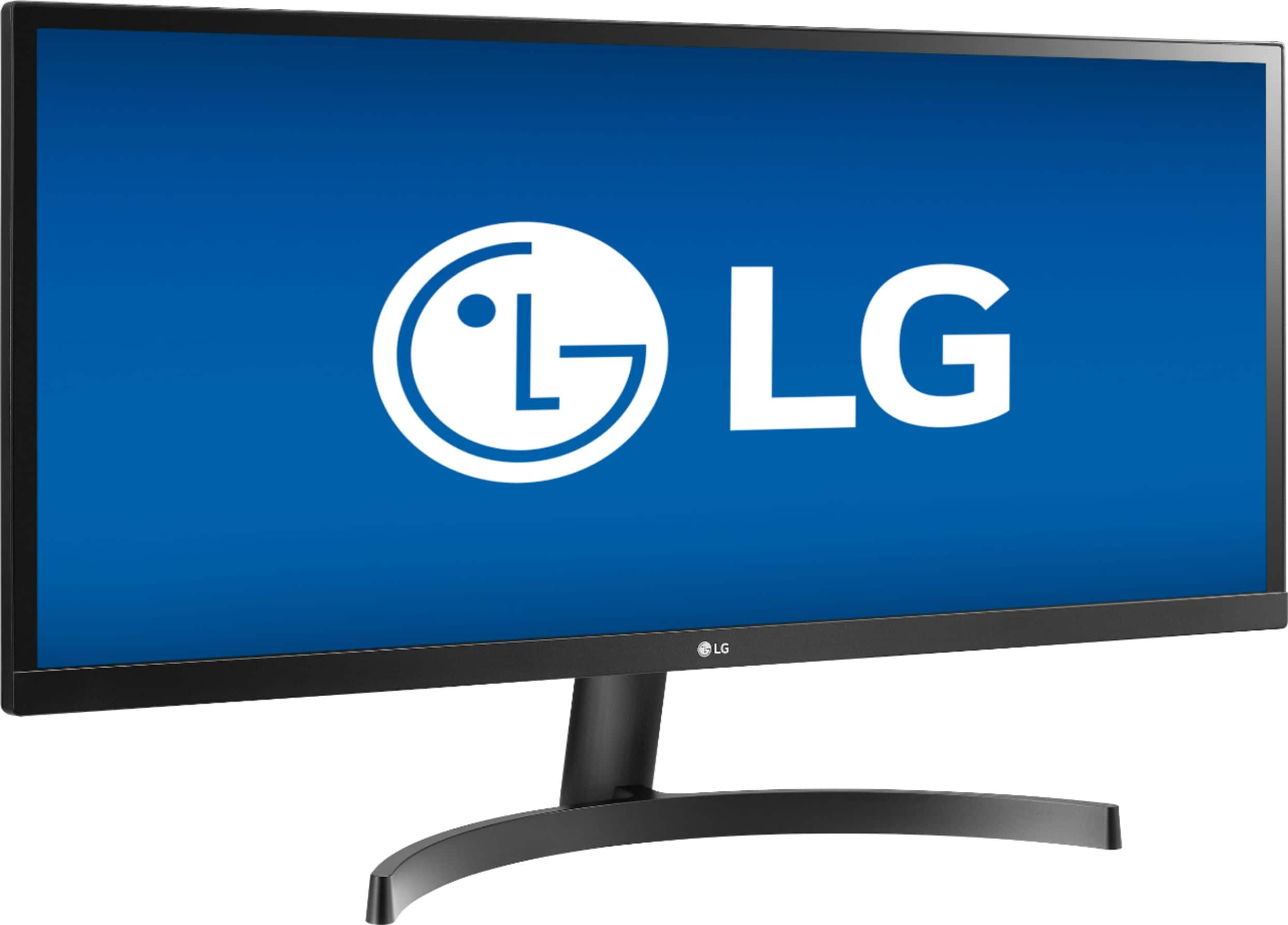
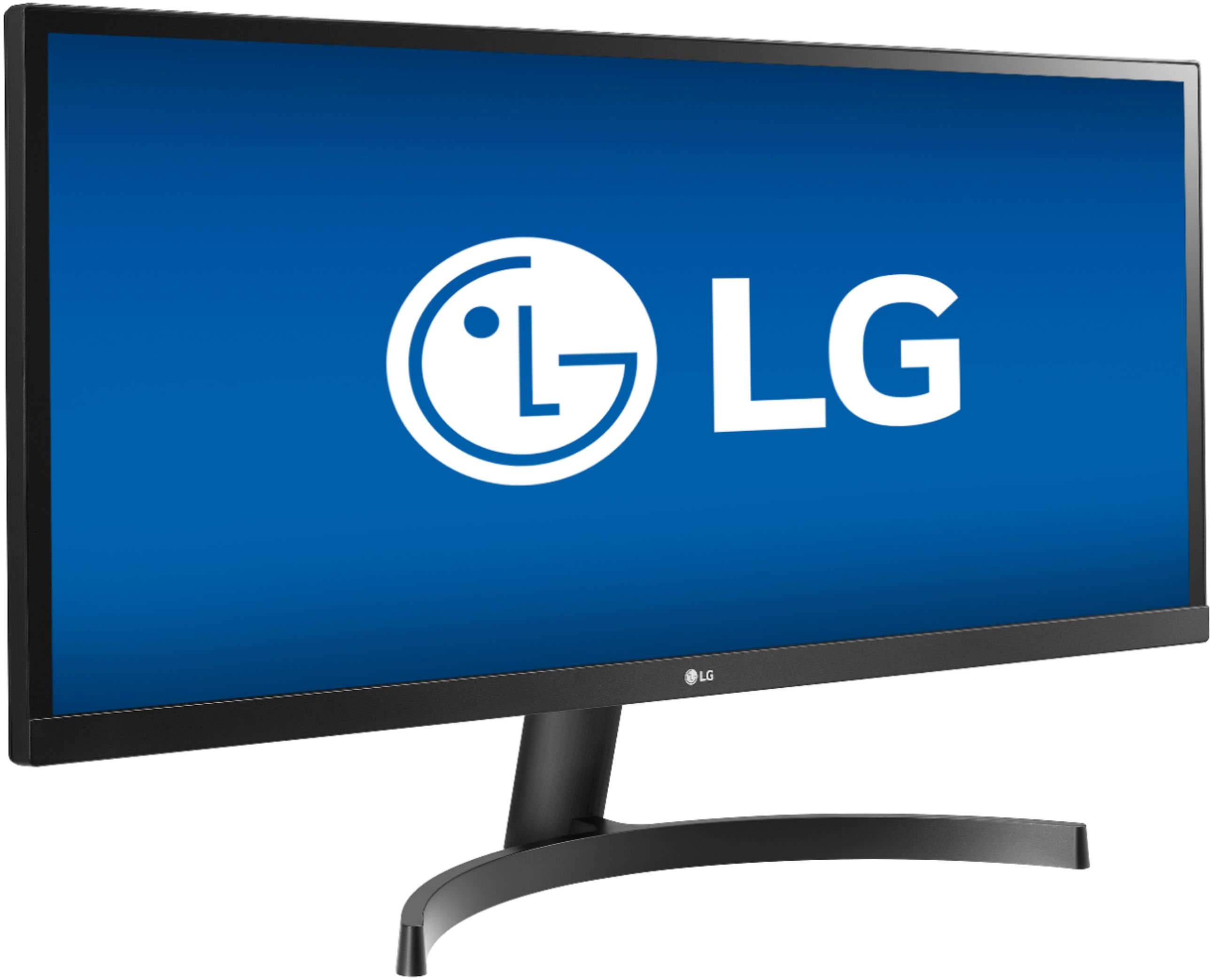
|Posted .This reviewer received promo considerations or sweepstakes entry for writing a review.Even knowing this is a 34” monitor, you’ll still be surprised how big it is. It takes a lot of desk space, so measure first. The screen is clear and bright with great, saturated color. It also has Radeon FreeSync which should help frame rates for gaming if you have an AMD graphics card. Assembly and setup are easy, and it looks impressive and attractive sitting on your desk. For the money, this is one of the least expensive monitors of its size, but keep in mind that the native resolution is 2560 x 1080 with a 21:9 format. If you want QHD or UHD resolution, you’d need to spend at least three times as much. Picture it this way. It’s a stretched 27” FHD screen with 2560 rather than 1920 pixel width. That’s 1.33 times the width. For me, there wasn’t a net gain. I’ve been using dual monitors for years and combined that’s more usable screen turf. The big advantage is you don’t have a break between the two screens or need to worry if your video card supports two monitors. Also, that super width can be pretty nice with video editing programs since you can a long timeline displayed. Its vertical screen dimension is also big at about 14”, so you need to decide if the extra width and size are what you need and want. Lastly, I do agree with a complaint I’ve heard about there being no height adjustment. I found myself needing to look up a bit more than I liked. The bottom line is that this monitor does everything it’s supposed to and does it well. Good build quality, great screen, 2 HDMI inputs, FreeSync, and even HDR display capability. If the size and resolution match your needs, it’s a fantastic buy.
I would recommend this to a friend It Died After 18 Mos.
||Posted .This reviewer received promo considerations or sweepstakes entry for writing a review.I loved this monitor when it worked. Unfortunately, it stopped working after 18 months, right after the one-year warranty ended. :(
No, I would not recommend this to a friendBrand response from LGAnswers
Posted .We are continuously working to improve the quality of our products and anticipate market demands that drive customer satisfaction. Your feedback is especially important to us and your concerns will be shared with our product team. If you have questions or further concerns, please reach out to our support team on Facebook at @LGUSSupport and use #VOC in your first message to our social media support team. We apologize for any inconvenience this caused. ^Venette
Poor quality
||Posted . Owned for 1 year when reviewed.This reviewer received promo considerations or sweepstakes entry for writing a review.Right at a year, two lines formed on the screen. One laterally and one horizontally. Very disappointed with the purchase.
No, I would not recommend this to a friendBrand response from LGAnswers
Posted .Understandably, this is frustrating. We are sorry that your units are not working properly. LG absolutely cares and we confidently stand behind our products. Please reach out to our support team on Facebook at @LGUSSupport and use #VOC in your first message to our social media support team.. To speak with an agent via phone, you can call 800.243.0000. There are policies and procedures in place to ensure resolutions are consistent and fair. I am confident that we will work to provide an agreeable resolution. ^Venette
nope
||Posted . Owned for 2 weeks when reviewed.This reviewer received promo considerations or sweepstakes entry for writing a review.I am not impressed with this at all. Not very clear picture
No, I would not recommend this to a friendBrand response from LGAnswers
Posted .We are continuously working to improve the quality of our products and anticipate market demands that drive customer satisfaction. Your feedback is especially important to us and your concerns will be shared with our product team. If you have questions or further concerns, please reach out to our support team on Twitter via @LGUSSupport or on Facebook at https://www.facebook.com/LGUSA/. We apologize for any inconvenience this caused. ^Venette
LG UlTRAWiDE MONiTOR.
||Posted . Owned for 1.5 years when reviewed.This reviewer received promo considerations or sweepstakes entry for writing a review.Screen broke just a little over #1 year of use which is my reason for 1/5 stars. Regarding it's "open box : excellent" condition though.. it was just like being brand new in the box.
No, I would not recommend this to a friendPower cord requires placement 4 feet from outlet.
||Posted . Owned for less than 1 week when reviewed.This reviewer received promo considerations or sweepstakes entry for writing a review.Power cord requires monitor to be 4’ max from outlet. LG does NOT recommend using an extension cord (can void warranty). LG offers no longer power cords as an option. You are SCREWED!
No, I would not recommend this to a friendBrand response from LGAnswers
Posted .We are continuously working to improve the quality of our products and anticipate market demands that drive customer satisfaction. Your feedback is especially important to us and your concerns will be shared with our product team. If you ever have any questions, please do not hesitate to reach out to our support team on Twitter via @LGUSSupport or on Facebook at https://www.facebook.com/LGUSA/. To speak with an agent via phone, you can call 800.243.0000. We apologize for any inconvenience this caused. ^Daphane
- Pros mentioned:Screen sizeCons mentioned:Speakers, Stand
Decent low-budge option with caveats
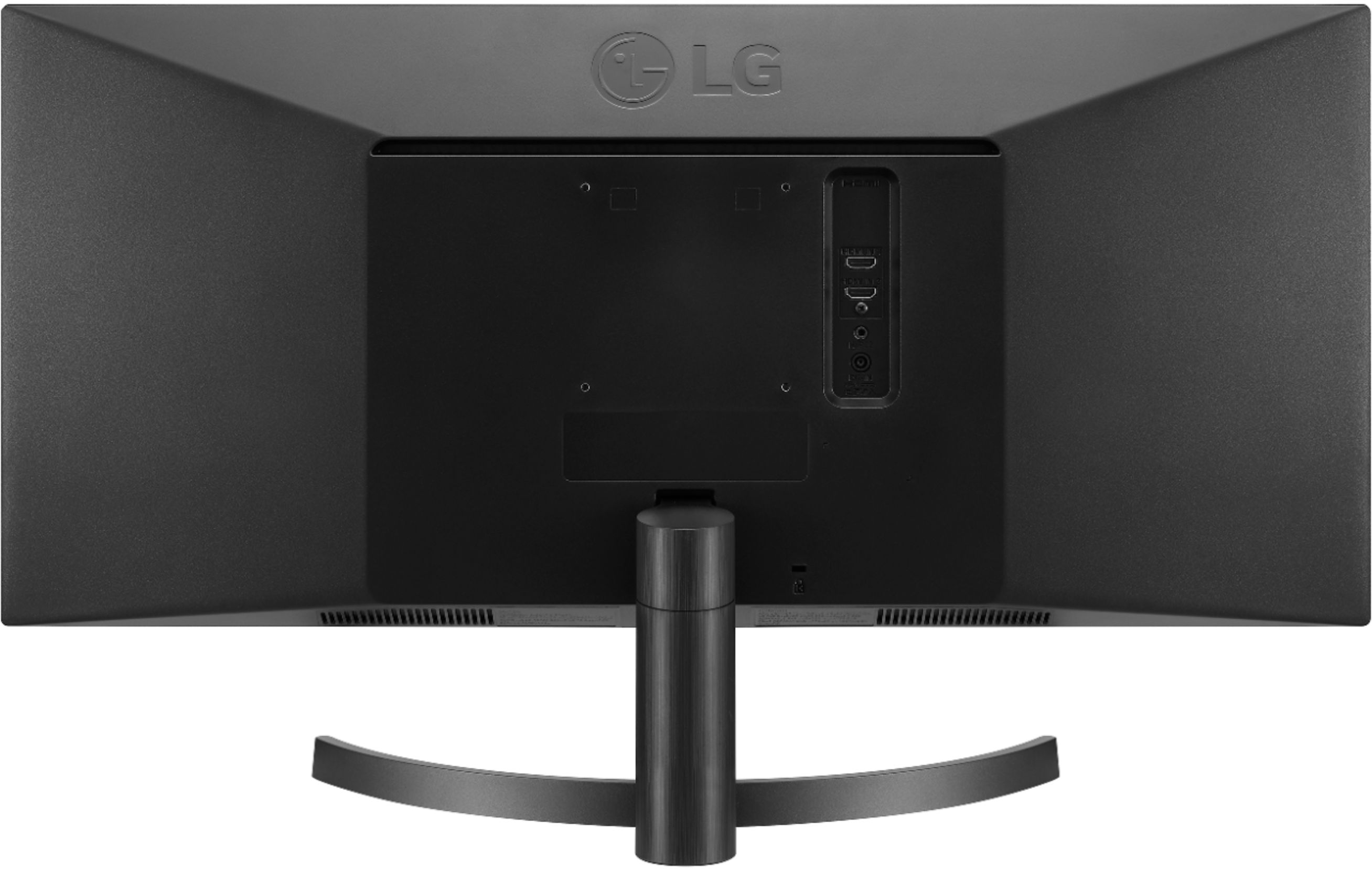
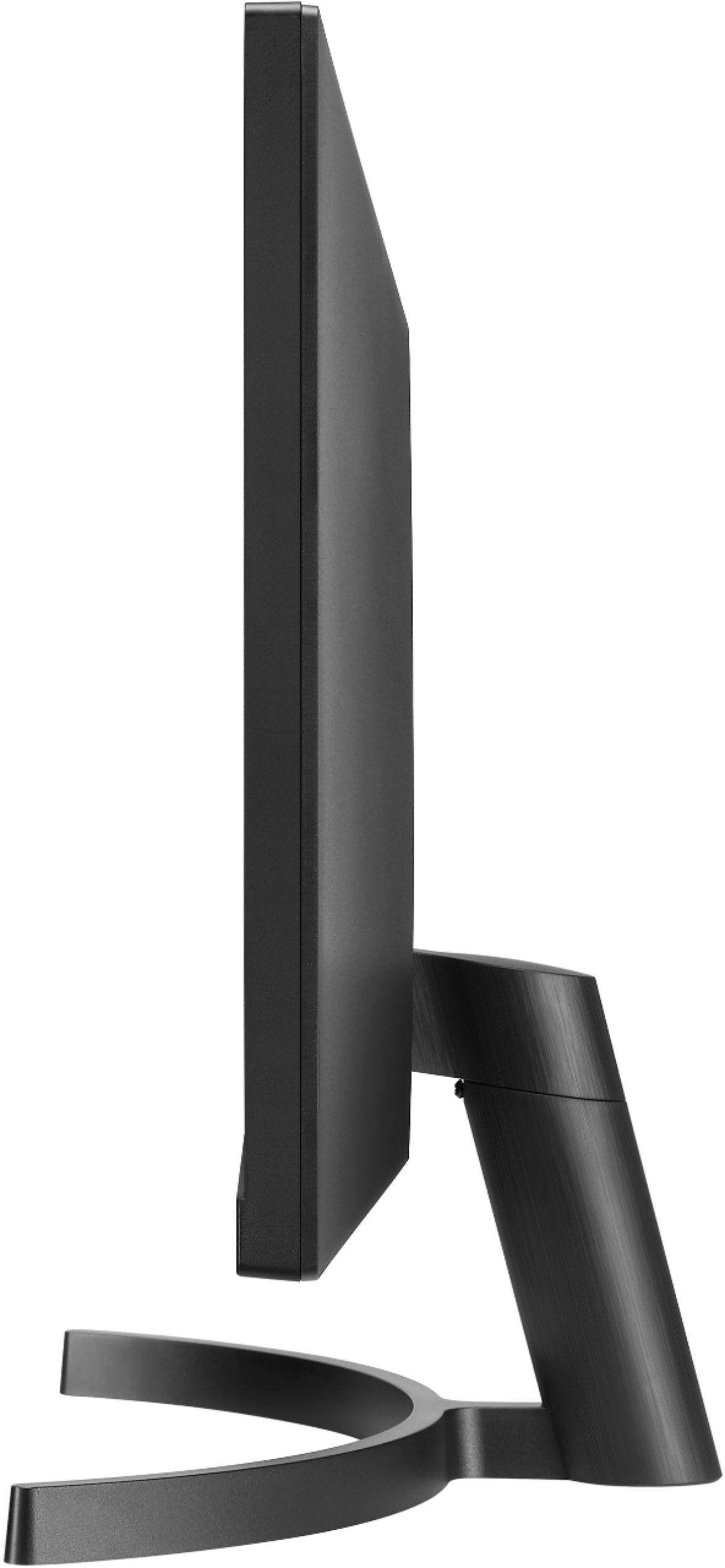
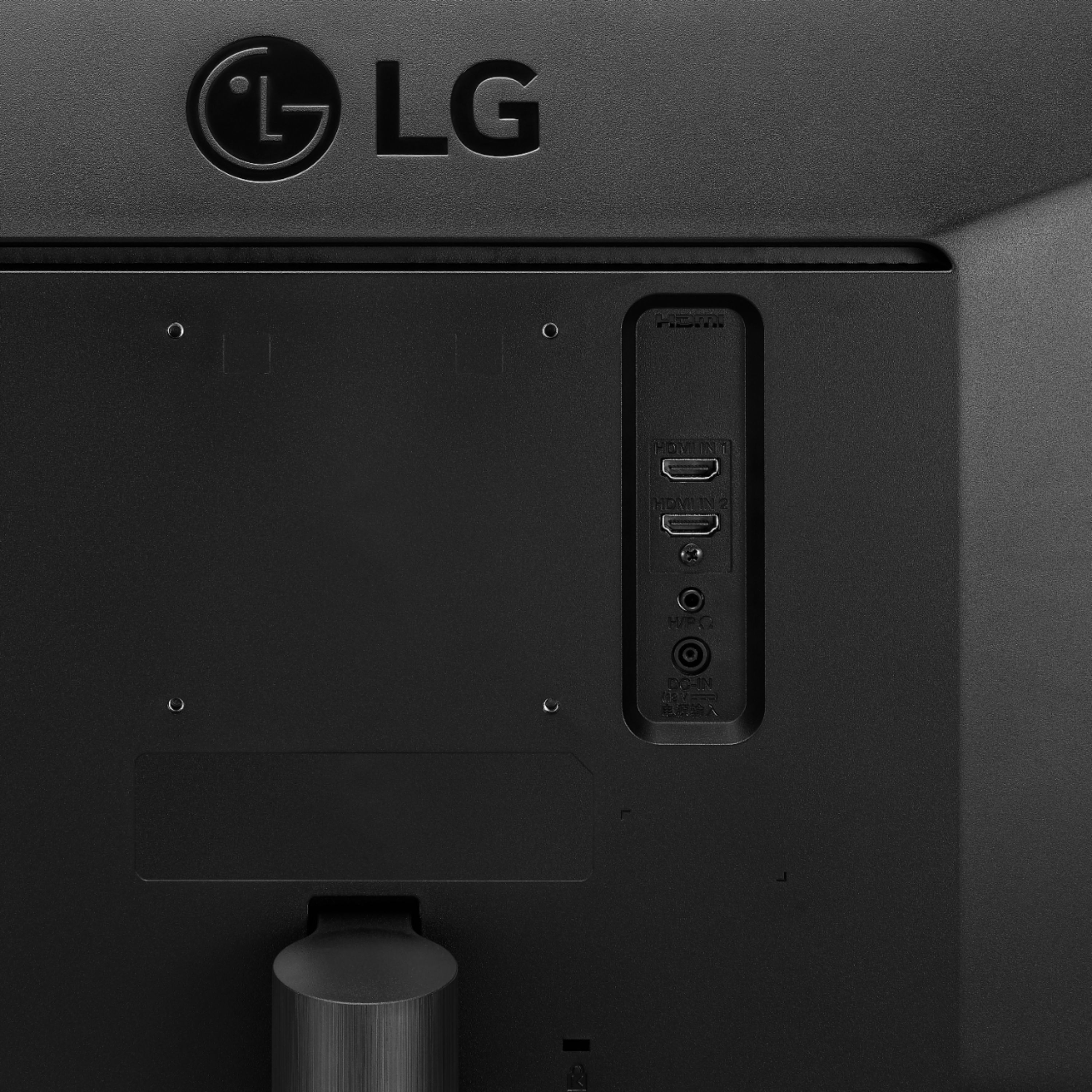
|Posted .This reviewer received promo considerations or sweepstakes entry for writing a review.[ Overview ] The LG 34WL500 offers low-budget entry to an ultra-wide monitor experience at a decent size and with decent display quality. In that role, it serves reasonably well, but with some caveats. [ Display Quality ] The display is reasonably bright and vivid for having an anti-glare matte finish. The colors seemed over-saturated on the preset settings, causing images to look quite unnatural, but there are extensive settings that allow adjustment to suit a wide range of personal preferences. The viewing angles aren’t great, with the side edges having noticeable dimming when the monitor sits at the very rear of my desk. [ Hardware and Design ] I’ll start by comparing this monitor with a slightly different model from LG, the 34BL650, which comes at virtually the same regular/retail price (sans sale) and appears to have the same display hardware. The other monitor includes a stand with adjustable height, while this monitor does not. At this size, having an adjustable height seems almost necessary. While smaller budget monitors with flat stand bases can easily be propped up if needed, the combined size and shape of the stand on this monitor make that much less feasible. This monitor does have VESA-compatible mounting points allowing use of a more flexible stand or arm, but they are slightly recessed which means use of spacers may be required with some products. The other monitor includes two 1-watt speakers, while this monitor includes none. While this monitor has two HDMI ports, the other monitor has an HDMI port and a DisplayPort port which offers slightly better flexibility. This monitor uses a 5-way tactile switch for menu navigation which I found to be much more intuitive to use than the more common configuration of linearly aligned buttons. However, the rear-facing placement of this switch is less convenient to access. Also unfortunate is that LG didn’t implement quick access to video source and picture mode switching, which they could have bound to the up and down parts of the switch which currently serve no particular function (when the menu isn’t being displayed). I noticed that the screen doesn’t seem securely attached to the housing/bezels. Very gentle pressure on three of the four corners, as well as many places along the edges, causes the screen to give way a bit, sometimes accompanied by a clicking noise. I’ve not personally seen this issue with any other monitor--at least not nearly to this level--low-budget or otherwise. [ Application and Gaming Experience ] I really like the ultra-wide aspect ratio for multitasking. When not gaming, I almost always have several or more different application windows up vying for my attention. But there are also plenty of single-task scenarios that benefit greatly as well. My most recent example was editing HTML and CSS while having a reasonably sized live web preview up, which wouldn’t have worked nearly as effectively in a more traditional aspect ratio. I appreciate that I get almost all the benefits of a dual-monitor setup but without the bezel gap, while avoiding some of the software pitfalls that occur with a multi-monitor setup. With gaming in particular, I very commonly ran into problems while using multi-monitor configurations, especially when not wanting to simultaneously use all connected monitors to display full-screen games. However, it’s painfully apparent how uncommon ultra-wide is, and how narrow game developer focus is, when it comes to the number of problems I experienced testing games on this monitor in a single-monitor setup (to no fault of the monitor). Some games (even new ones) failed to support the native resolution, either showing black bars on the sides, or worse, stretching a different aspect ratio of the game world to fit the screen (when the monitor was not setup to stretch display resolutions having different aspect ratios). With games that detected and appeared to support the native resolution, I still experienced a myriad of problems. In one game, even though the HUD elements were displayed correctly, the rendered game world behind the HUD was stretched. In another game, the field of view rendering was completely disorienting regardless of what FOV setting I used; everything looked proportionally fine at the center of the screen, but then things quickly started stretching increasingly more the farther off to the sides of the screen they were. In yet another game, while everything rendered fine, the horizontal mouse scroll speed was virtually halved compared to running the same game on a 16:9 monitor. While playing games that didn’t have problems with the native resolution of this monitor, the ultra-wide aspect ratio afforded increased immersion and situational awareness more often than not, especially in those with first and third-person perspectives. Games with isometric views were a mixed bag, depending heavily on the design and flow of the game worlds. Some games are designed with a particular orientation or scene arrangement where a wide aspect ratio is of no help at all while fullscreened, common among games in the puzzle and card genres. [ Conclusion ] For application use, especially when multitasking, the ultra wide aspect ratio has been broadly and greatly beneficial to me. When it comes to gaming, the relatively poor support for ultra-wide aspect ratio display resolutions can be problematic, but on some games that properly support it, the ultra-wide aspect ratio proved to be quite advantageous. The lack of height adjustment in the stand is a considerable downer unless the monitor is used with a more flexible VESA mounting option. For those who don’t see that as a deal breaker, I can recommend this monitor as a decent budget-level option for an ultra-wide experience.
I would recommend this to a friend Dead pixels
||Posted . Owned for less than 1 week when reviewed.This reviewer received promo considerations or sweepstakes entry for writing a review.Broken / dead pixels on the lower left hand side of screen. Wanted to love the monitor but i could not live this this. decided not to buy another one
No, I would not recommend this to a friendBrand response from LGAnswers
Posted .We are sorry to hear you are having issues with your monitor. We would be happy to help. For assistance, please give our computer specialists a call at 800-243-0000. ^CP
Poor quality
||Posted . Owned for 6 months when reviewed.This reviewer received promo considerations or sweepstakes entry for writing a review.Tried several different screens and like this one the least. Quality of picture was poor and elongated. Exchanged for different brand.
No, I would not recommend this to a friendBrand response from LGAnswers
Posted .We are sorry to hear you were having issues with your monitor. Many times issues with picture quality can be resolved with troubleshooting. If you have any questions regarding our monitors, give our computer specialists a call at 800-243-0000. ^CP
Bad open box
||Posted . Owned for 2 weeks when reviewed.This reviewer received promo considerations or sweepstakes entry for writing a review.I bought this open box and it was in BAD shape. Absolutely no process for checking this to see if the monitor was damaged. Had to go back and return.
No, I would not recommend this to a friendBrand response from LGAnswers
Posted .This is unfortunate. Your feedback is appreciated and important in helping us to identify practices that drive customer satisfaction. We hope that you will consider LG for your product needs in the future. We apologize for any inconvenience this caused. ^Venette
Don’t buy
||Posted . Owned for less than 1 week when reviewed.This reviewer received promo considerations or sweepstakes entry for writing a review.Do not recommend. Design is nice and simple. Capability of the internal electronics do not match the size of the display. Overpriced junk.
No, I would not recommend this to a friendBrand response from LGAnswers
Posted .We are sorry to hear that your unit did not meet your needs/expectations. This is not the quality we expect from our products. We are continuously working to improve the quality of our products and anticipate market demands that drive customer satisfaction. If you ever have any questions please reach out to our support team on Twitter via @LGUSSupport or on Facebook at https://www.facebook.com/LGUSA/. To speak with an agent via phone, you can call 800.243.0000 We apologize for any inconvenience this caused. ^Venette
Unimpressed
||Posted . Owned for 7 months when reviewed.This reviewer received promo considerations or sweepstakes entry for writing a review.I was not impressed by the picture quality. Ended up returning.
No, I would not recommend this to a friendBrand response from LGAnswers
Posted .We are sorry to hear that your unit did not meet your needs/expectations. This is not the quality we expect from our products. We are continuously working to improve the quality of our products and anticipate market demands that drive customer satisfaction. If you ever have any questions please reach out to our support team on Facebook at @LGUSSupport and use #VOC in your first message to our social media support team.. To speak with an agent via phone, you can call 800.243.0000 We apologize for any inconvenience this caused. ^Venette
HDMI connection
||Posted . Owned for 8 months when reviewed.This reviewer received promo considerations or sweepstakes entry for writing a review.Too much trouble with hdmi ports. Not worth wasting this much time.
No, I would not recommend this to a friendBrand response from LGAnswers
Posted .Please reach out to our support team on Facebook at @LGUSSupport. Please be sure to provide your name, phone number, address, email, model/serial numbers, and date of purchase and we will be happy to assist you. There are policies and procedures in place to ensure resolutions are consistent and fair. I am confident that we will work to provide an agreeable resolution.^Venette
Filtered search by curved monitor, and it’s not
||Posted .This reviewer received promo considerations or sweepstakes entry for writing a review.Poor picture. Not compatible with new MacBook. 15 day return is too short. Had to buy another one and stuck with this one
No, I would not recommend this to a friendfailure out of the box
||Posted . Owned for 11 months when reviewed.This reviewer received promo considerations or sweepstakes entry for writing a review.Dead on arrival - had to return the very next day!
No, I would not recommend this to a friendBrand response from LGAnswers
Posted .This is unfortunate. Your feedback is appreciated and important in helping us to identify practices that drive customer satisfaction. We hope that you will consider LG for your product needs in the future. We apologize for any inconvenience this caused. ^Venette
- Pros mentioned:Screen size
size does matter
|Posted .This reviewer received promo considerations or sweepstakes entry for writing a review.If you are looking for a new monitor and don’t want to go to 4K this is a nice option. I was apprehensive about the 21:9 aspect ratio but I was pleasantly surprised as it works very well with most everything I was doing. Spreadsheet’s and file explorer are especially nice as you now have the extra screen real-estate to see/expand many more columns. Some apps did work better than others (mostly around “centering” of page to the screen). In the box are; Monitor and 2-piece stand Minimum Instructions HDMI cable (about 5 feet in length) Positives; Monitor was easily put together. Slide main support into the back of the monitor and screw on the base support. I just plugged in the monitor and turned on PC and Windows 10 had no issues booting/finding monitor. Screen images look great. This is where monitor really excels. I have resolution set to 2560 x 1080 at 75Hz. I tried 2560 x 1440 at 60Hz but that was just not to my liking. I have NVIDIA GeForce GTX 950 video card that has multiple screen adjustments you can access. Movies/videos looked great but depending on their aspect ratio they may not “fill” the screen. You can also install LG’s Onscreen control software. This allows you select different screen “splits”, set different pre-set screen modes by application, game mode setting/adjustments as well as customizing option. I tried setting different screen modes for Firefox, pictures, pdf, word but experienced some very slight “blinking” on some screens so just left settings for VLC and power dvd. Not sure if this is being caused by my machine, my NVIDIA video card or the monitor so I can’t really “ding” monitor for this issue. There are 2 HDMI inputs (can easily switch between them). Virtually no glare on the screen. Power button is on bottom of monitor. It can also be used for navigating thru screen options. Can “split” the screen into 12 preset options from 1 to 8 (mini screens). Also has 4 PIP options. When you select an option, there are little red boxes that appear to show how the screen will look if selected. Unfortunately, it seems you have to reboot the PC to have changes take effect. There is a headphone jack but access is on the back of the monitor. Did not use this as my system has external speakers with headphone attachment. 1-year warranty For me the draw backs are; no touch screen no height adjustment somewhat short power cable large “brick” being part of the plug so it can block other outlets on a power cord. If “splitting” the screen or using PIP - you must restart computer for it took take affect. Somewhat thick bezel and edge compared to some other models Only 1-year warranty This does take up more desk space so make sure you have planned for that. Overall nice option but not 100% perfect.
I would recommend this to a friend Exchanged
||Posted . Owned for 2 weeks when reviewed.This reviewer received promo considerations or sweepstakes entry for writing a review.Didn’t like the quality. Exchanged it for a curved dell
No, I would not recommend this to a friendBrand response from LGAnswers
Posted .We are sorry to hear that your unit did not meet your needs/expectations. This is not the quality we expect from our products. We are continuously working to improve the quality of our products and anticipate market demands that drive customer satisfaction. If you ever have any questions please reach out to our support team on Twitter via @LGUSSupport or on Facebook at https://www.facebook.com/LGUSA/. To speak with an agent via phone, you can call 800.243.0000 We apologize for any inconvenience this caused. ^Venette
No speaker
||Posted .This reviewer received promo considerations or sweepstakes entry for writing a review.not a good monitor; no speaker: only 59 MHz refresh rate. Not clear on the fonts. Not worth any of your money.
No, I would not recommend this to a friendBrand response from LGAnswers
Posted .Thank you for your review of this LG monitor. I am sorry to hear that it did not meet your expectations. Your feedback is very important to us and will be shared with our product team.
We would be happy to look into the issue you are experiencing with the fonts, you can contact our Customer Support by any of the below options:
Phone: 1-800-243-0000
LiveChat: https://www.lg.com/us/support/chatbot
Email: https://www.lg.com/us/support/email-appointment
Facebook Messenger: https://www.facebook.com/LGUSA/
Twitter: @LGUSSupport
The LG Community Forum is also a great resource for getting help from other LG customers: https://lgcommunity.us.com/ ^CP