Customer Ratings & Reviews
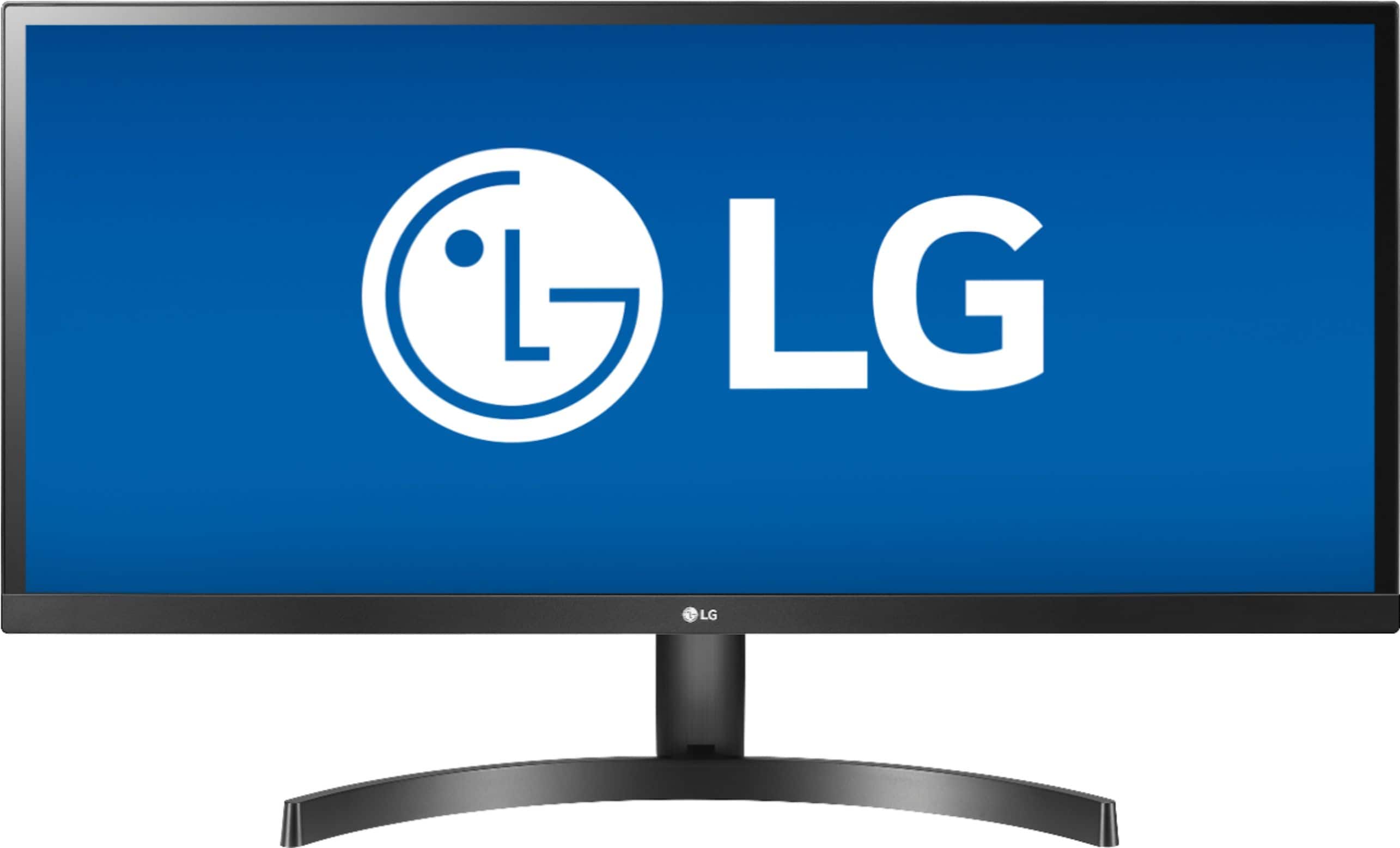
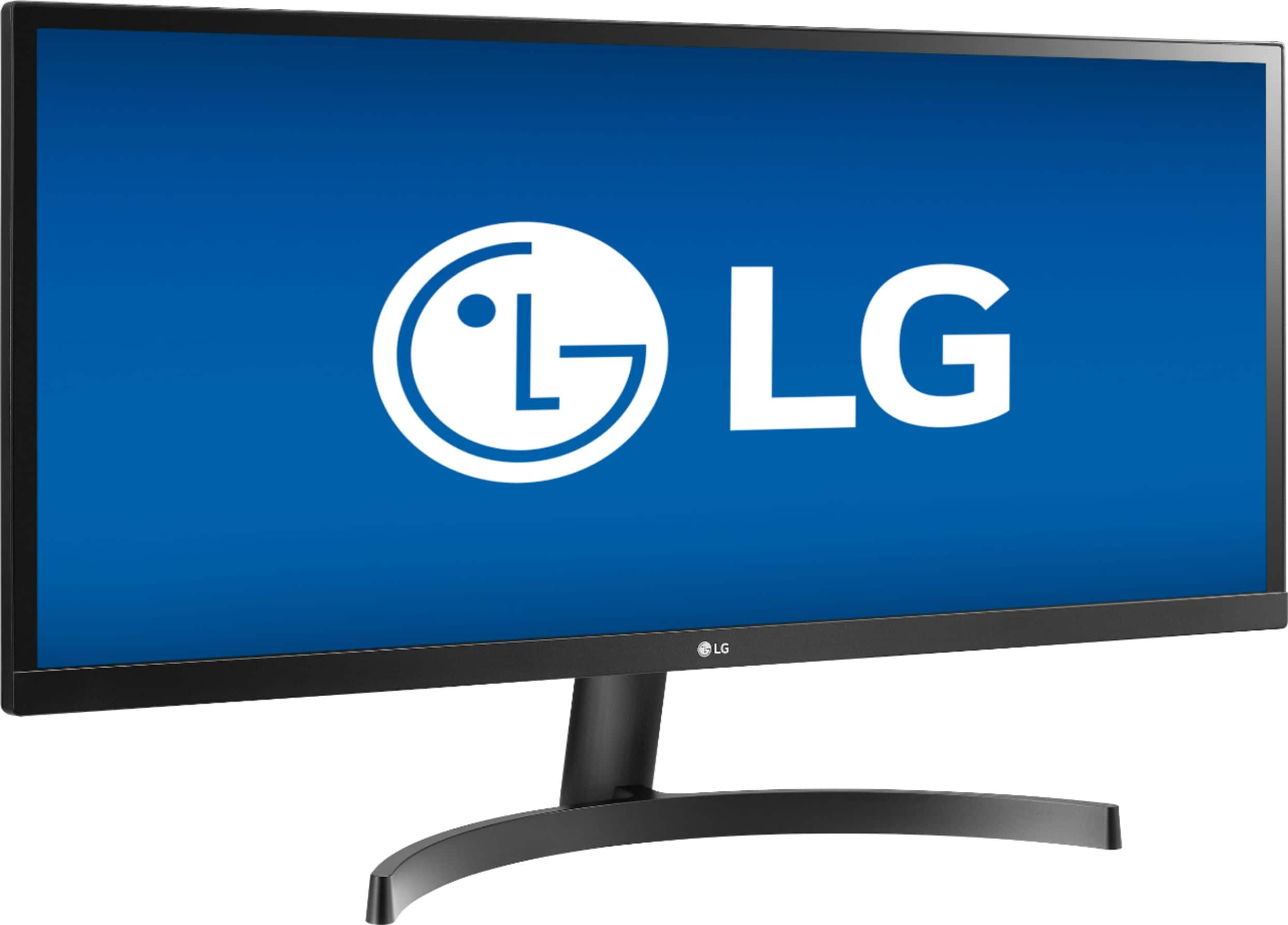
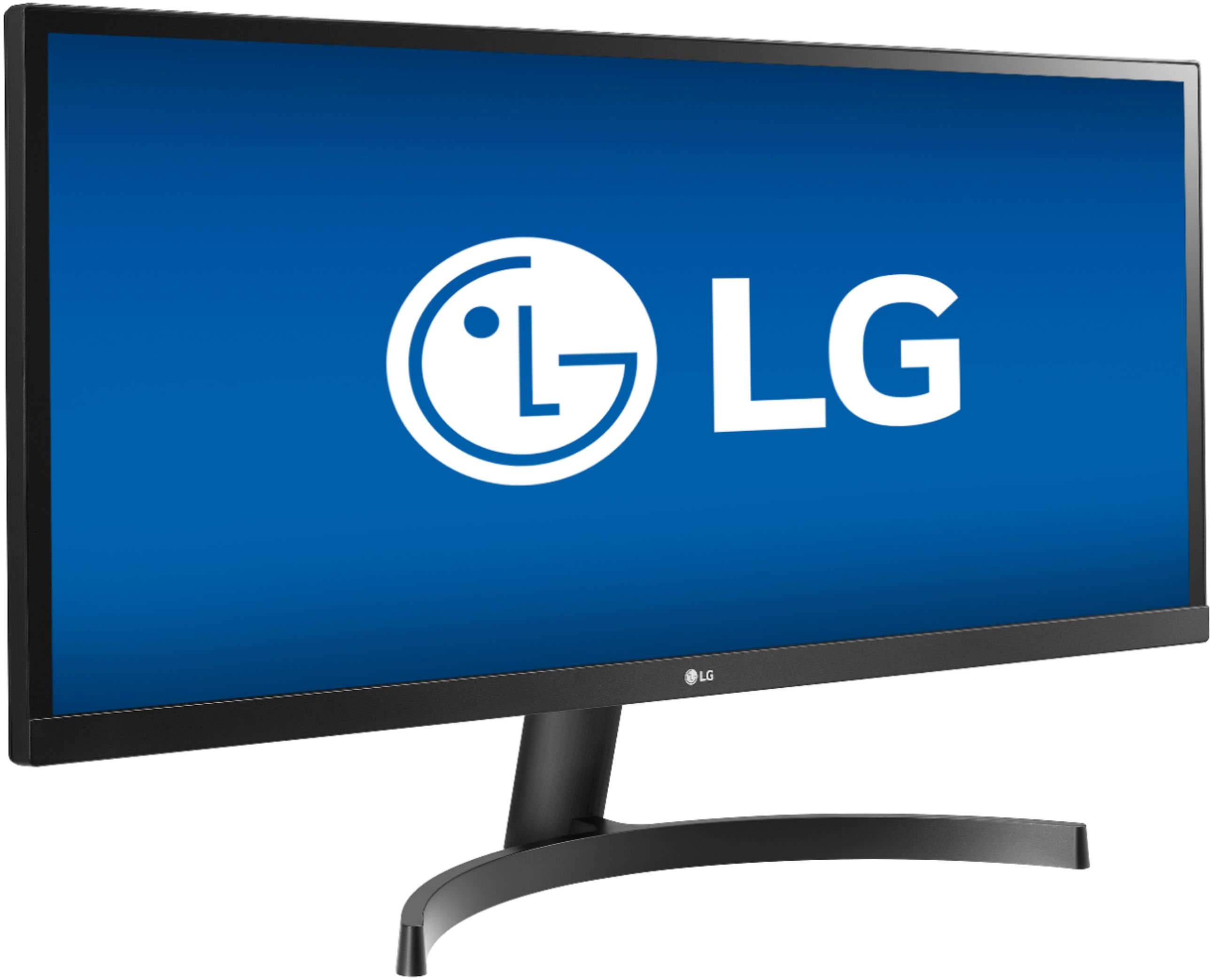


- Model:
- 34WL500-B
- SKU:
- 6329954
Rating by feature
- Display Quality
Rating 4.9 out of 5 stars
- Ease of Use
Rating 4.7 out of 5 stars
- Features
Rating 4.6 out of 5 stars
Customers are saying
Customers enjoy the large screen size and find the monitor easy to use. Many appreciate the price and the improved multitasking capabilities due to the screen size. However, some customers point out that the resolution could be better and that the monitor lacks built-in speakers. A few also mention that the stand could be more adjustable.
This summary was generated by AI based on customer reviews.
Not worth the money
||Posted . Owned for 1 month when reviewed.This reviewer received promo considerations or sweepstakes entry for writing a review.Poor quality does not do well with hospital systems
No, I would not recommend this to a friendBrand response from LGAnswers
Posted .We are sorry to hear that your unit did not meet your needs/expectations. This is not the quality we expect from our products. We are continuously working to improve the quality of our products and anticipate market demands that drive customer satisfaction. If you ever have any questions please reach out to our support team on Twitter via @LGUSSupport or on Facebook at https://www.facebook.com/LGUSA/. To speak with an agent via phone, you can call 800.243.0000 We apologize for any inconvenience this caused. ^Venette

Poor
||Posted . Owned for 1 month when reviewed.This reviewer received promo considerations or sweepstakes entry for writing a review.It would be better as a curved screen. The size doesn’t fit most office desks smartly.
No, I would not recommend this to a friendBrand response from LGAnswers
Posted .We are sorry to hear that your unit did not meet your needs/expectations. This is not the quality we expect from our products. We are continuously working to improve the quality of our products and anticipate market demands that drive customer satisfaction. If you ever have any questions please reach out to our support team on Twitter via @LGUSSupport or on Facebook at https://www.facebook.com/LGUSA/. To speak with an agent via phone, you can call 800.243.0000 We apologize for any inconvenience this caused. ^Venette
meh
||Posted .This reviewer received promo considerations or sweepstakes entry for writing a review.cheaper else where. best buy over priced on everything
No, I would not recommend this to a friendBrand response from LGAnswers
Posted .We are sorry to hear that your unit did not meet your needs/expectations. This is not the quality we expect from our products. We are continuously working to improve the quality of our products and anticipate market demands that drive customer satisfaction. If you ever have any questions please reach out to our support team on Facebook at @LGUSSupport and use #VOC in your first message to our social media support team.. To speak with an agent via phone, you can call 800.243.0000 We apologize for any inconvenience this caused. ^Venette
$400 paper weight
||Posted .This reviewer received promo considerations or sweepstakes entry for writing a review.cant use it unless I buy a new computer with better graphics
No, I would not recommend this to a friendBrand response from LGAnswers
Posted .We are sorry to hear that your unit did not meet your needs/expectations. This is not the quality we expect from our products. We are continuously working to improve the quality of our products and anticipate market demands that drive customer satisfaction. If you ever have any questions please reach out to our support team on Facebook at @LGUSSupport. To speak with an agent via phone, you can call 800.243.0000 We apologize for any inconvenience this caused. ^Venette
Terrible
||Posted . Owned for 2 weeks when reviewed.This reviewer received promo considerations or sweepstakes entry for writing a review.Kept shutting off would flicker and lose picture every few minutes
No, I would not recommend this to a friendBrand response from LGAnswers
Posted .Please contact LG Customer Support by direct message via Twitter (@LGUSSupport) or Facebook Messenger (https://www.facebook.com/LGUSA/). Please be sure to provide your name, phone number, address, email, model/serial numbers, and date of purchase and we will be happy to assist you. There are policies and procedures in place to ensure resolutions are consistent and fair. I am confident that we will work to provide an agreeable resolution.^Venette
Monitor
||Posted .This reviewer received promo considerations or sweepstakes entry for writing a review.It will not stay on or connect to laptop. Can't get support
No, I would not recommend this to a friendBrand response from LGAnswers
Posted .We regret you did not receive support in resolving the issue and we hope that you are willing to
allow us another opportunity to assist. Please contact LG Customer Support by direct message
via Twitter (@LGUSSupport) or Facebook Messenger (https://www.facebook.com/LGUSA/).
You can also call us at 800-243-0000. Please provide your contact information, model/serial
numbers of the TV and date of purchase, and we will be happy to assist you.^Venette
refrigerator
||Posted . Owned for 1 week when reviewed.This reviewer received promo considerations or sweepstakes entry for writing a review.it was very disaster to delivery. I'm not satisficed.
No, I would not recommend this to a friendBrand response from LGAnswers
Posted .We are sorry to hear your experience with the delivery and installation was less than satisfactory. Thank you for bringing this to our attention. It help us continue to work towards improving the overall customer experience. If you have questions or further concerns, please reach out to our support team on Twitter via @LGUSSupport or on Facebook at https://www.facebook.com/LGUSA/. To speak with an agent via phone, you can call 800.243.0000. There are policies and procedures in place to ensure resolutions are consistent and fair. I am confident that we will work to provide an agreeable resolution. ^Venette
Greats for gaming
||Posted . Owned for 1 month when reviewed.This reviewer received promo considerations or sweepstakes entry for writing a review.Trying to read text is horrible. Pixelated&distorted.
No, I would not recommend this to a friendPoor
||Posted . Owned for 1 month when reviewed.This reviewer received promo considerations or sweepstakes entry for writing a review.the image is very poor, the coplicated menu No rec
No, I would not recommend this to a friendBrand response from LGAnswers
Posted .We are sorry to hear you are having issues with your monitor. We would be happy to help. For assistance, please give our computer specialists a call at 800-243-0000. ^CP
- Pros mentioned:Screen sizeCons mentioned:Resolution
Great Monitor, some troubleshooting with Mac Mini
Posted .This reviewer received promo considerations or sweepstakes entry for writing a review.Phew, after 3 horrible days of using this monitor with my late 2014 Mac Mini, I finally resolved the resolution issues. Despite connecting the monitor to my mac mini with a HDMI -> Mini DisplayPort I still couldn't choose a resolution in the display settings over 1080. I tried downloading switchresx to force the display but apps like Slack and Notion were still all stretched and images didn't display properly. It was awful on my eyes. I saw another review on here suggesting an *active* Mini DisplayPort to HDMI adapter and decided to give that a try before returning the monitor. As soon as I connected it to my HDMI->HDMI cable the option to set the resolution to 2560x1080 appeared in the display settings and it was instant relief for my eyes. The monitor is a great size, is replacing my dual 22" monitors to save some desk real-estate and to help me focus on one thing at a time.
I would recommend this to a friend - Pros mentioned:Hdr, Screen size

High Quality Wide Screen HDR Monitor
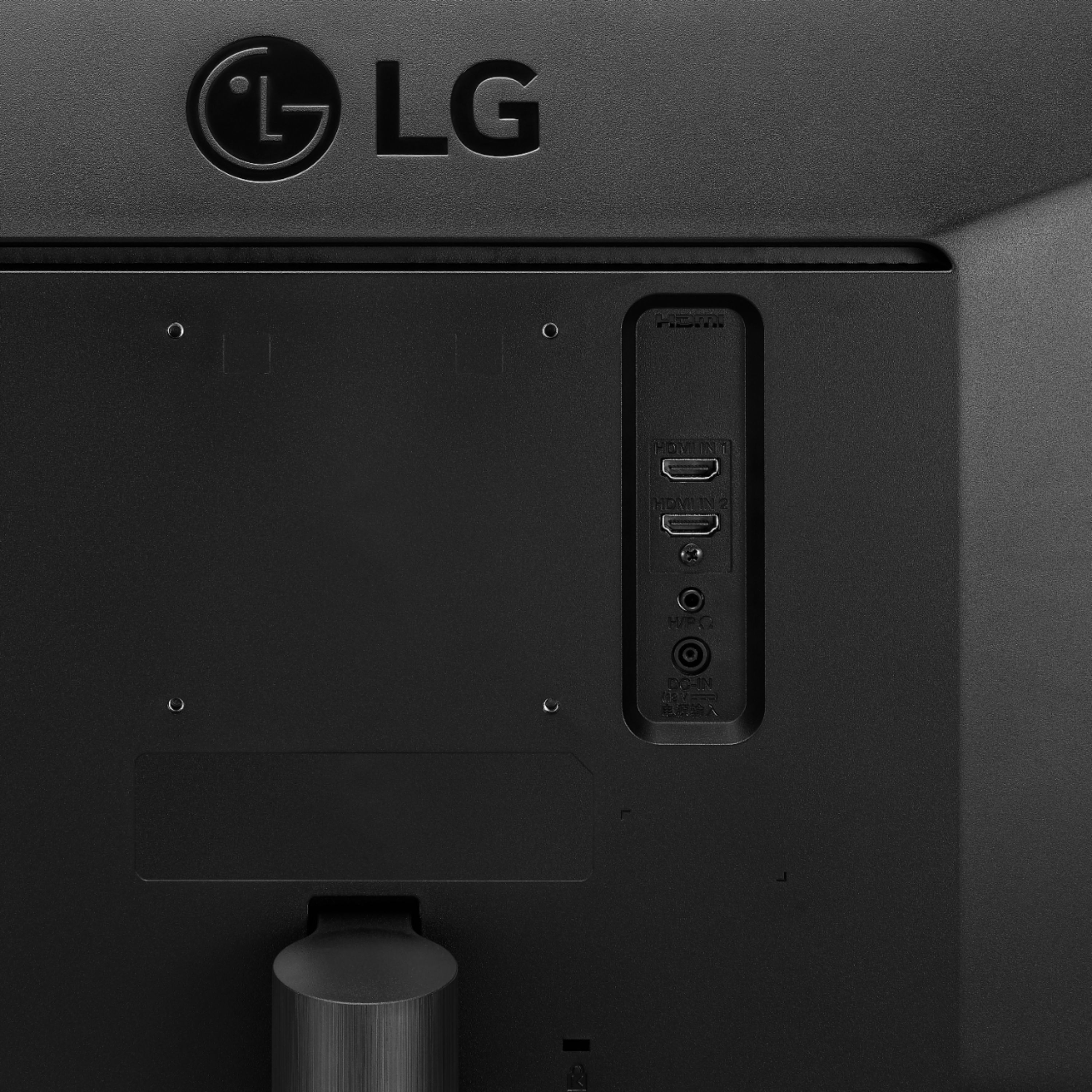
|Posted .This reviewer received promo considerations or sweepstakes entry for writing a review.The LG 34WL500 is a high quality, wide screen, 2560x1080 monitor that features 2 HDMI in ports and supports HDR. It comes with specialized software that divides the screen into sections. It is very easy to setup and with the included stand takes up minimal space on the desktop. I found the monitor to be bright and clear and very useful with the multiple sections. HDR content looks particularly good when an HDR source is applied. I recommend the 34WL500 for those looking for a large, clear, wide screen monitor that supports HDR.
I would recommend this to a friend - Pros mentioned:Screen sizeCons mentioned:Stand
Fantastic monitor, but not vertical adjustement
|Posted .This reviewer received promo considerations or sweepstakes entry for writing a review.This is a fantastic monitor, which is perfectly sized for my corner desk. It's plug and play - all I did was plug it in, then plug the HDMI cable into to my computer and that was it. It works great - it also turns off automatically when you disconnect your computer. The picture quality is also fantastic. My only complaint is that there is no vertical adjustment on the monitor stand - and finding a third party accessory to do this is somewhat difficult and expensive due to the monitor's size. This is the only reason I am giving it four starts instead of five. Overall, it's a great monitor!
I would recommend this to a friend - Pros mentioned:Screen size
Amazingly beautiful monitor
|Posted .This reviewer received promo considerations or sweepstakes entry for writing a review.The monitor looks comical sitting on my desk, ask it's nearly a full twice as long as my other monitor. However, 59 max refresh rate, anti-glare, and minimal bezels that to me are just right for allowing me to grasp and adjust the monitor without actually touching the screen. Games look fantastic, and the screen is wide enough for me to have two excel spreadsheets open side by side and barely have to scroll. With my other monitor, even though it's only a dual-screen setup, I have the working screen sizes of 3 monitors. Monitor comes packed in a super long box, but once you see the screen, you'll appreciate the packing. Speaking of packing, the packaging was very simple and hassle-free. No taped mini boxes holding components that you have to wrestle free. Just two halves of styrofoam that you lift one up to pull the monitor out. The base and stand are easily extractable with minimal fudging.
I would recommend this to a friend - Pros mentioned:Screen size
Been an excellent monitor. 1 year in
Posted .This reviewer received promo considerations or sweepstakes entry for writing a review.this monitor is excellent for all our needs, I bought it on sale about a year ago and was planning on building a desktop then we had a baby and that was put on the back burner so it ended up being connected to a ps4 for a long time, which it worked great for. recently with the pandemic we are having to work from home, so we connected it to the work laptop and its made a world of difference. honestly this thing is so wide I didnt realize how big it is till now. it handles multiple pages open and is literally almost the same as my double screens at work. I love this thing and will purchase another soon to complete a desktop ! if you are thinking of buying I would get this. I did get it on sale so it was like 270, I think I will wait for another sale because I dont want to pay full sticker price tbh.
I would recommend this to a friend A great way to expand your workspace
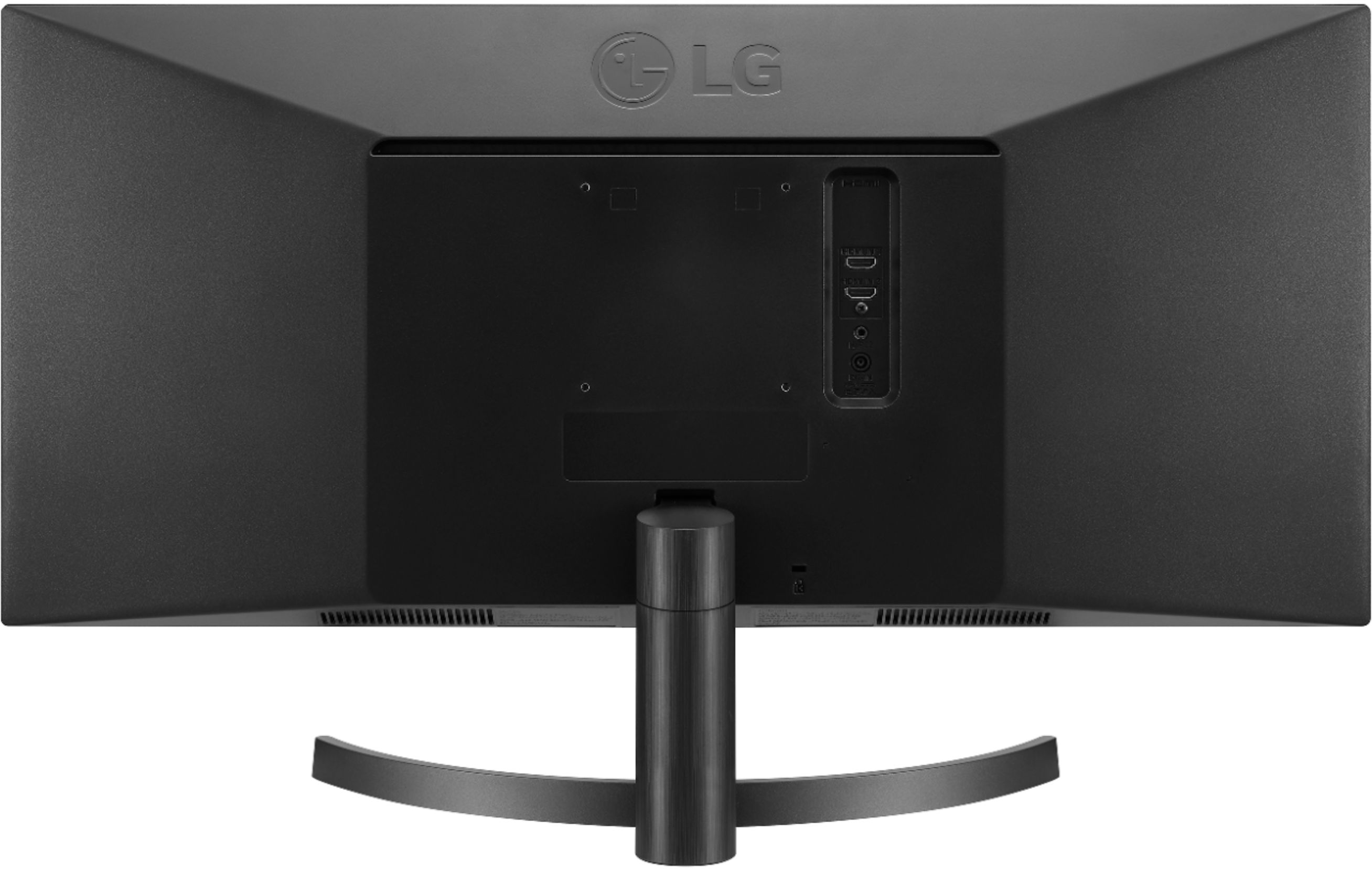
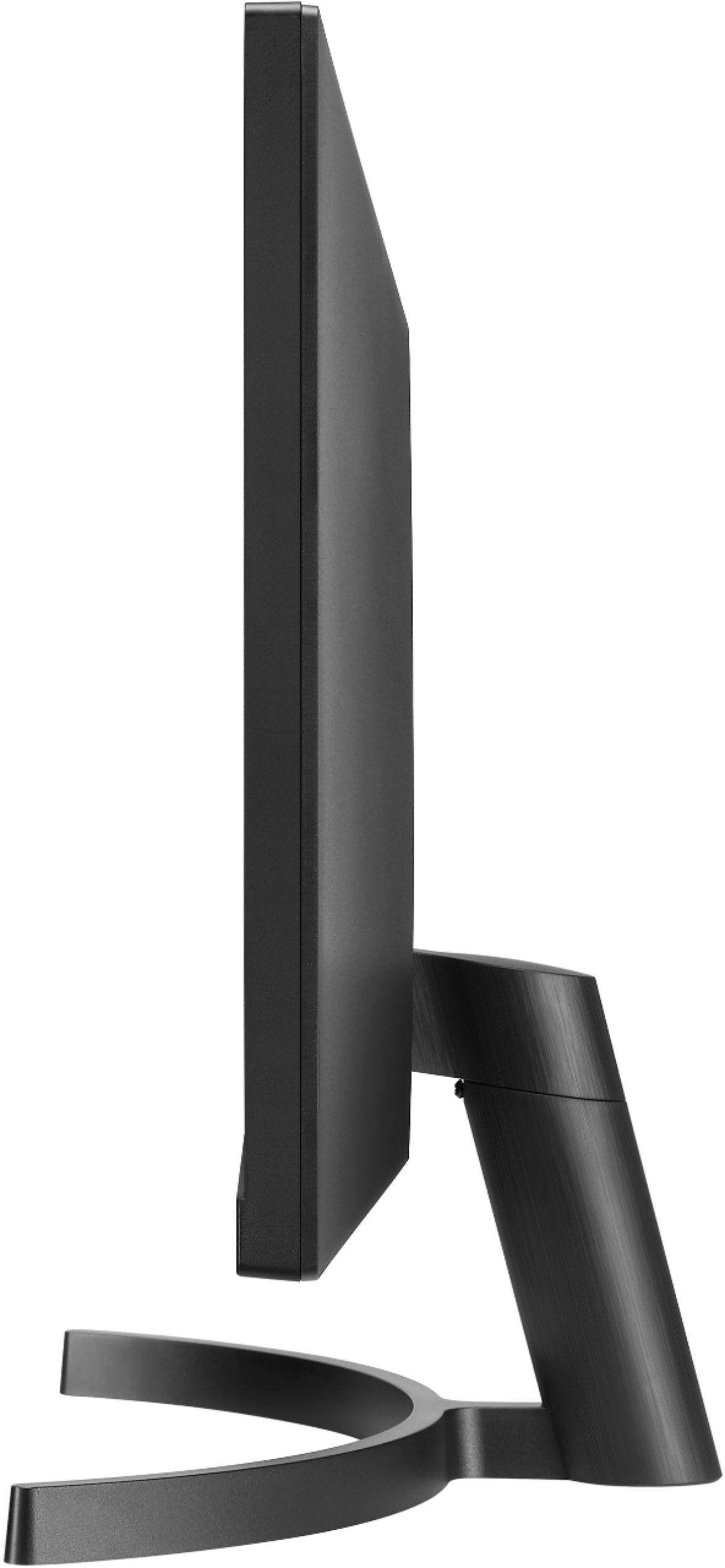
|Posted .This reviewer received promo considerations or sweepstakes entry for writing a review.This is the first time I’ve used a “ultra-wide” monitor, and frankly I’m amazed by how useful it is for especially for work. I do a lot of design works (3D/CAD, PCBs, etc.), and usually have a lot of documents/pdfs are open at the same time. Previously I had to use a dual-monitor setup with my workstation to manage this, but that takes up too much space if you don’t want to invest on a dual-monitor mount. This LG ultra-wide monitor has saved me the trouble. The IPS display has an anti-glare coating which serves its purpose very well in well-illuminated places. FHD is enough for the work I do. My workstation doesn’t support FreeSync/G-Sync so I don’t know how that feature performs. Same story goes for HDR performance. The setup is quite easy - the base is a 2-piece system, which then connects to the back of the display panel. That final connection is not as strong as I’d like - it feels a little wobbly for my taste and I was a bit uneasy with such a large monitor sitting on a loose base. It however tilts a few degrees (-5 to +15 degrees to be precise) which is enough for my particular sitting position - I’d suggest to check if that works for you. The articulation is rather limited in some cases. The bottom of the base is quite slim and looks cool with it’s half-circle like shape, taking up very little space. The monitor has 2 HDMI ports and a 3.5-mm audio out port. The single joystick style button at the bottom edge hides rather well. It’s a multi-function style setup where the on-screen menu helps you to navigate. I found that using the “OnScreen Control” software is more convenient - which surprisingly comes with the package in a CD-ROM! The monitor has some built-in screen placement configuration called “Screen Split” which helps manage the huge workspace easily. Instead of me dragging and docking windows in different sections, screen split takes care of that with a few clicks of the mouse or the joystick. I liked this feature a lot and wish I had it with my previous widescreen monitors. All in all, I’m thoroughly enjoying using this monitor for everyday work. No issues have crept up yet in any manner, and I highly recommend this monitor for anyone who wants an expansive desktop/workspace.
I would recommend this to a friend- Pros mentioned:Screen size
Very good monitor for the price.
Posted .This reviewer received promo considerations or sweepstakes entry for writing a review.The monitor is a pleasure to use and the picture is great. The extra wide screen makes it easy to have two documents side by side etc. The monitor stand is very sturdy and makes a small footprint on our desk. Movies look outstanding. I would buy this product again and absolutely recommend it. Best Buy shipped it very safely with lots of packing. Very good experience all the way around.
I would recommend this to a friend Excellent monitor
|Posted .This reviewer received promo considerations or sweepstakes entry for writing a review.1. IPS screen Great viewing angles. IPS is really a must have for widescreen monitors as the VA variant do suffer from poor viewing angles. this one does not as its the superior IPS display 2. Resolution This is a complicated topic. While on Windows you can change the scale (different from the resolution), this is only supported for certain monitors on a Mac and appears as scale rather than resolution (they munge both together on Mac). That means with a 4k screen if scaling isn't supported for your monitor, everything is insanely tiny and unreadable on a Mac. While you can get some programs that hack to try and support scaling, it seems to be hit or miss and they might stop support in the future. So on a Mac the resolution of this monitor is HD and is actually perfect for me, not too big and not too small being HD resolution. I also got a QHD 34" before this and text also is quite tiny, and if you change the resolution to HD, it looks quite bad since it isn't the monitor's native resolution. This is HD natively, so everything looks good at that resolution. If I had Windows though I might consider going for a higher resolution monitor and use the scaling function, but then the price rises dramatically. Basically HD for this monitor is 2560x1080, QHD for the same size is 3440x1440. They don't seem to make 4k 34" but LG has a 34" 5k that would be 5120x2160. That one does support scaling on Mac however but it is very expensive. 3. Brightness This monitor does 300 cd/m² which is typically brighter than anyone would want to look at. There are a lot of monitors in this price range that only do 250, which may be too dim. 4. Speakers While not a must have, I was surprised to find the speakers to They actually sound ok for monitor speakers 5. Form factor The bezels are thin and the monitor overall has a sleek and minimalist look. the stand is sturdy and easy to connect
I would recommend this to a friendGreat Wide Screen
|Posted .This reviewer received promo considerations or sweepstakes entry for writing a review.I prefer this flat screen over a curved screen for a better understanding of perspective. If you are mostly after cinema you may prefer the more expensive curved type of screens. The setup of the monitor was fast with an easy to assemble base that is attractive, space conserving yet a very stable platform when assembled properly. Assembly is easy with only 3 main parts no screwdriver or wrench required. Height adjustment and tilt are on a par with most desktop monitors. The upper and side bezels are very thin while I did not find the bottom slightly thicker bezel to be aesthetically objectionable. I used the monitor with both Mac and PC systems. The monitor has good software for use on both platform setups (Mac and PC) included on a DVD or CD rom disk. The game play was crisp and the detail good as I sat a little further away from the screen because it is so wide (I love it). The monitor boast HDR which is nice and overall brightness is great even in a bright room. It has minimal connections (2 HDMI), but that is sufficient for my image editing / game play. Very nice easy to set up and use.
I would recommend this to a friend- Pros mentioned:Multitasking
Great Ultra-wide Monitor!
Posted .This reviewer received promo considerations or sweepstakes entry for writing a review.I use this Monitor to buy tickets (Professional Ticket Broker). The monitor is amazing because it allows you to have three different tabs open when buying tickets. The tabs are clearly visible. Coming from dual monitors, I can confidently say I never plan on going back! Match this up with a gaming mouse and you have beast! Only problem I have with it, is that the monitor is not adjustable. Still worthy of a 5 star though given how nice it is to run on drop day!
I would recommend this to a friend Very nice widescreen with lots of options
|Posted .This reviewer received promo considerations or sweepstakes entry for writing a review.This is my first ultra wide monitor and it definitely takes some getting used to. But the more I use it, the more I like it. The colors are crisp and clear. The recommended resolution 2560 x 1080 is perfect for this size. I’ve tried various settings but haven’t settled on a permanent set up yet. I’ve enabled freesync and am using FPS Picture Mode at this point. Still trying to get use to HDR. Seems to look better on everyone else’s stuff than my own so I think I need to play around a bit more with that. The software included on the disc that lets you split windows is a nice touch. It remembers each program that I’ve adjusted for the next time it opens. It’s called “OnScreen Control” and needs to be installed manually from the disc. There is a folder for it and an exe inside. It really helps. I couldn’t find it on LGs website so those with newer PCs that come with no disc drive may have an issue. It must be somewhere though. There are a lot of other option with the software that are also available through the physical controls on the monitor itself as well. 2 hdmi ports but no DisplayPort. No USB ports either. Not a big deal but more options are better nowadays. There is a 3.5mm headphone jack but I didn’t test that. The on/off button/toggle is really cool and the location is perfect right under the center of the monitor. I really like the easy access. Sure beats reaching around the back and trying to remember which button does what by feel like my last monitor. The stand is sturdy enough and snaps right into the back of the monitor. Only took 2 minutes to pull this out of the box and have it sitting on my desk. I still prefer a higher resolution monitor but I do like this one and will use it for some time. The size is impressive enough to keep it around while I get used to it.
I would recommend this to a friend