Customer Ratings & Reviews
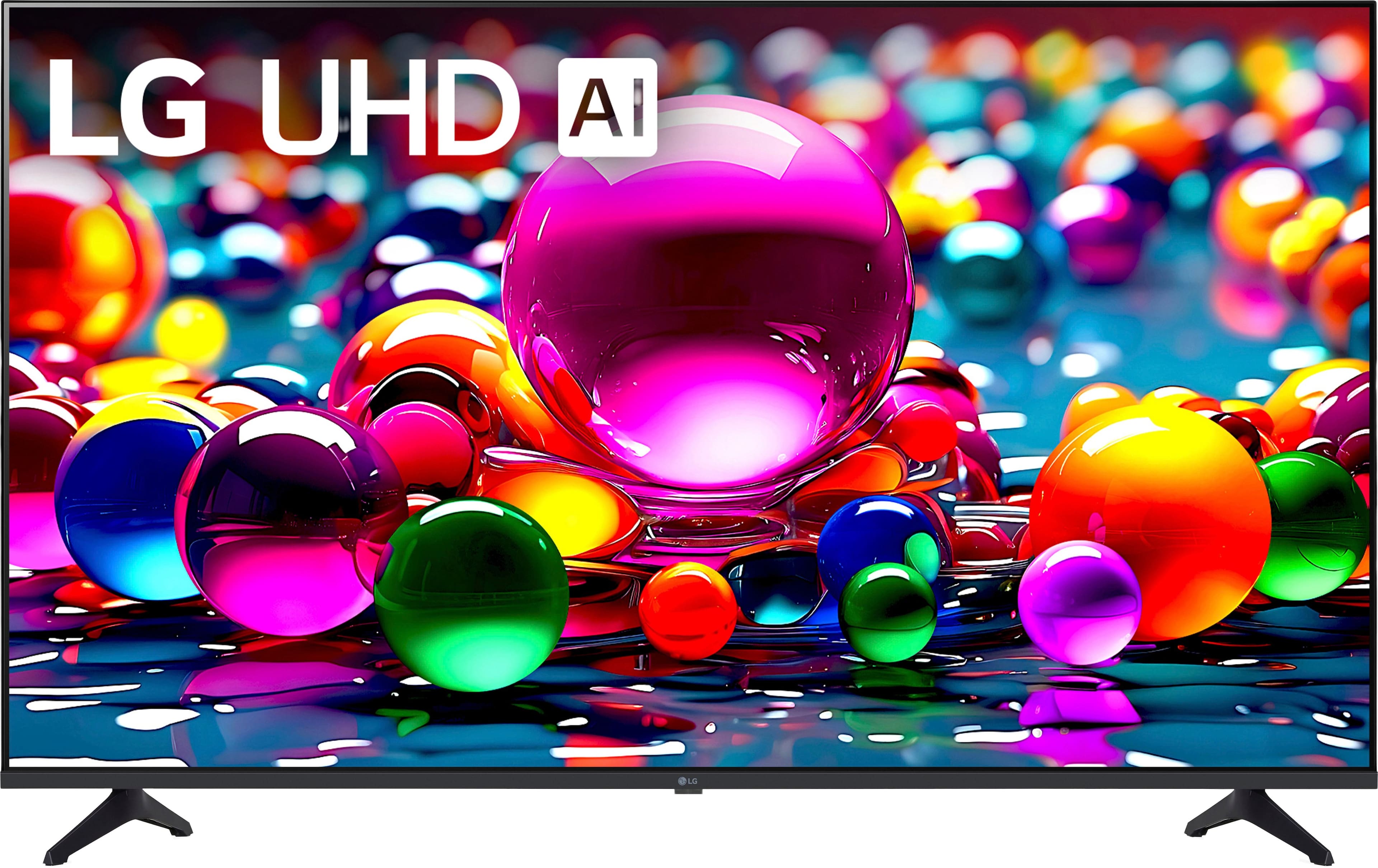
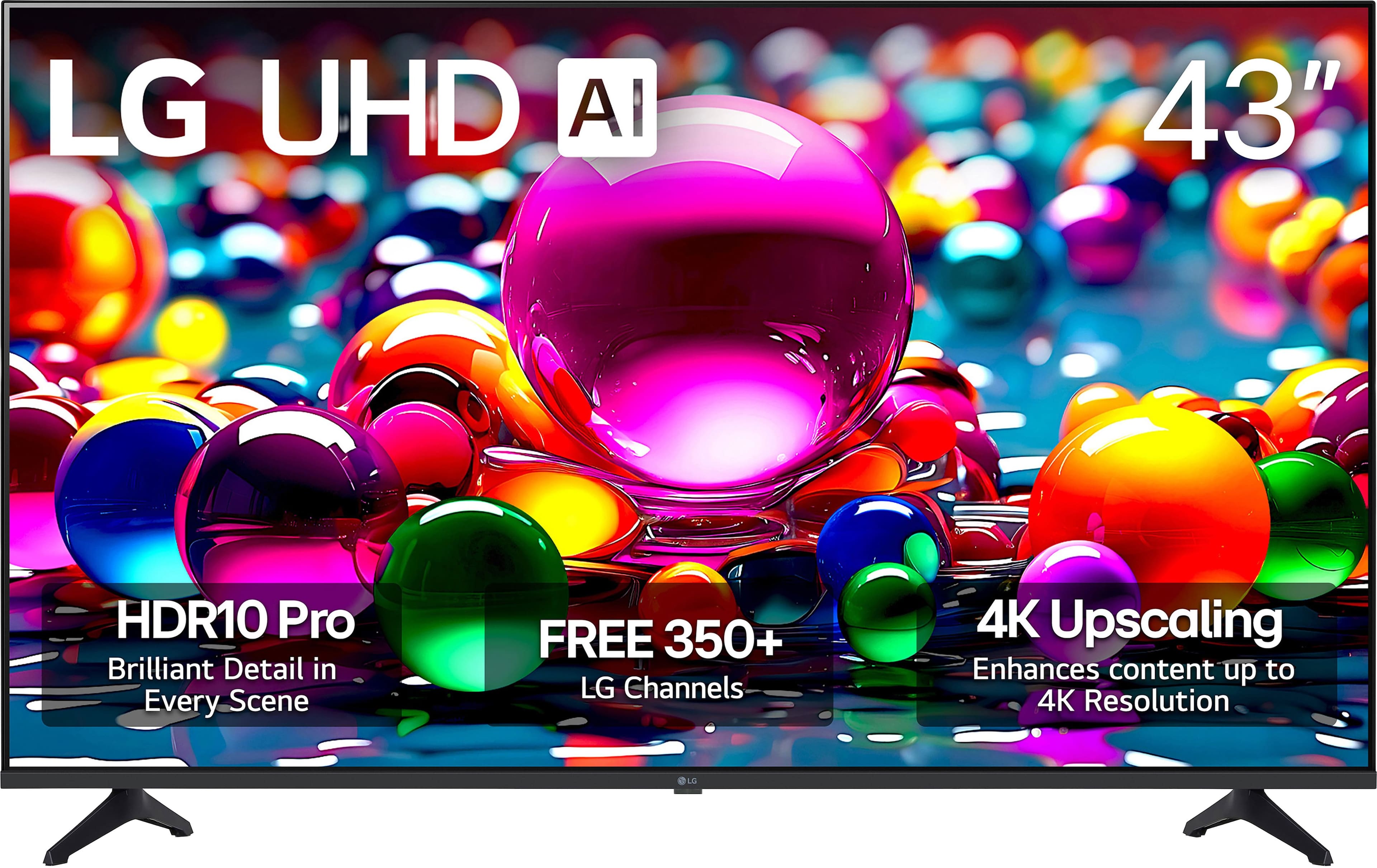
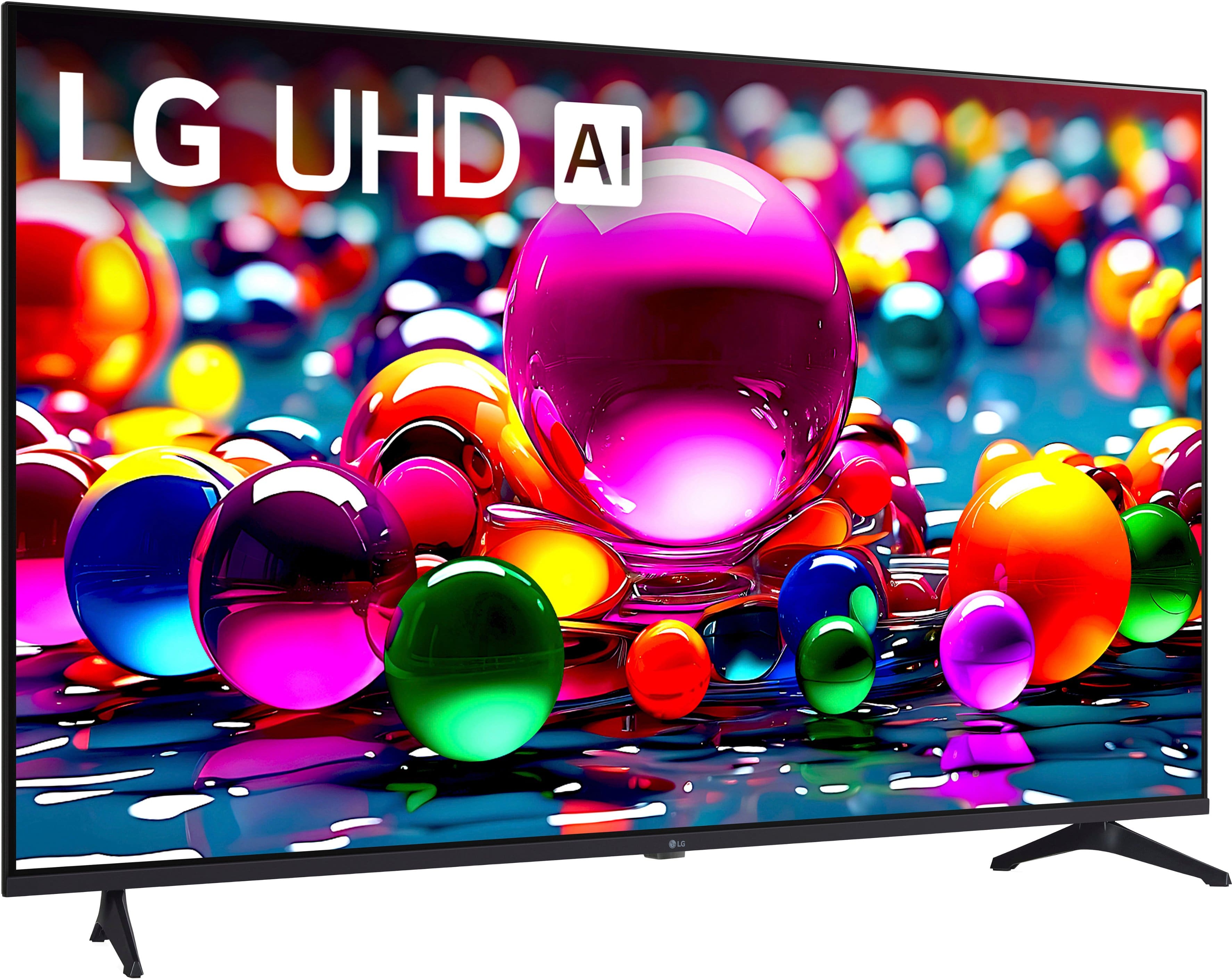

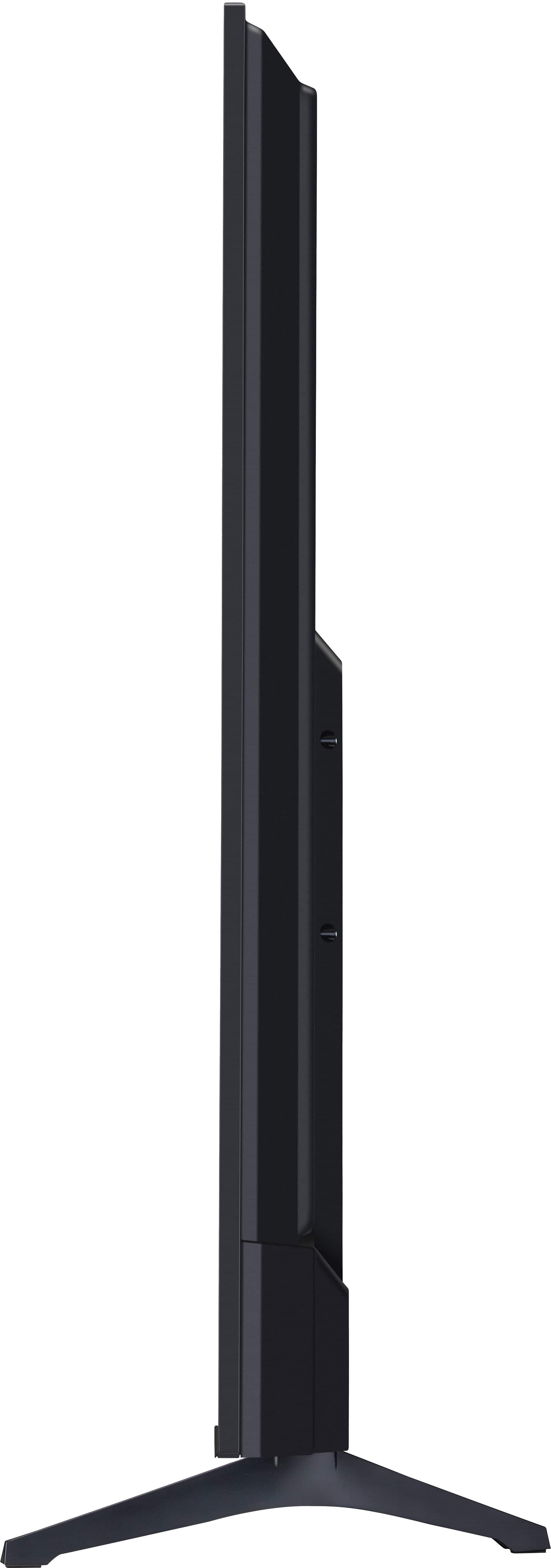





- Model:
- 43UA7700PUB
- SKU:
- 10315588
Rating by feature
- Picture Quality
Rating 4.7 out of 5 stars
- Sound Quality
Rating 4.5 out of 5 stars
- Brightness
Rating 4.7 out of 5 stars
Tea kettle
||Posted . Owned for 2 weeks when reviewed.This reviewer received promo considerations or sweepstakes entry for writing a review.Working really well for hot tea and instant coffee. Need one for chocolate and Christmas
I would recommend this to a friendretired
||Posted . Owned for 3 weeks when reviewed.This reviewer received promo considerations or sweepstakes entry for writing a review.needs instructions to operate remote. at least explain what the buttons are for.
I would recommend this to a friendColor Color Color
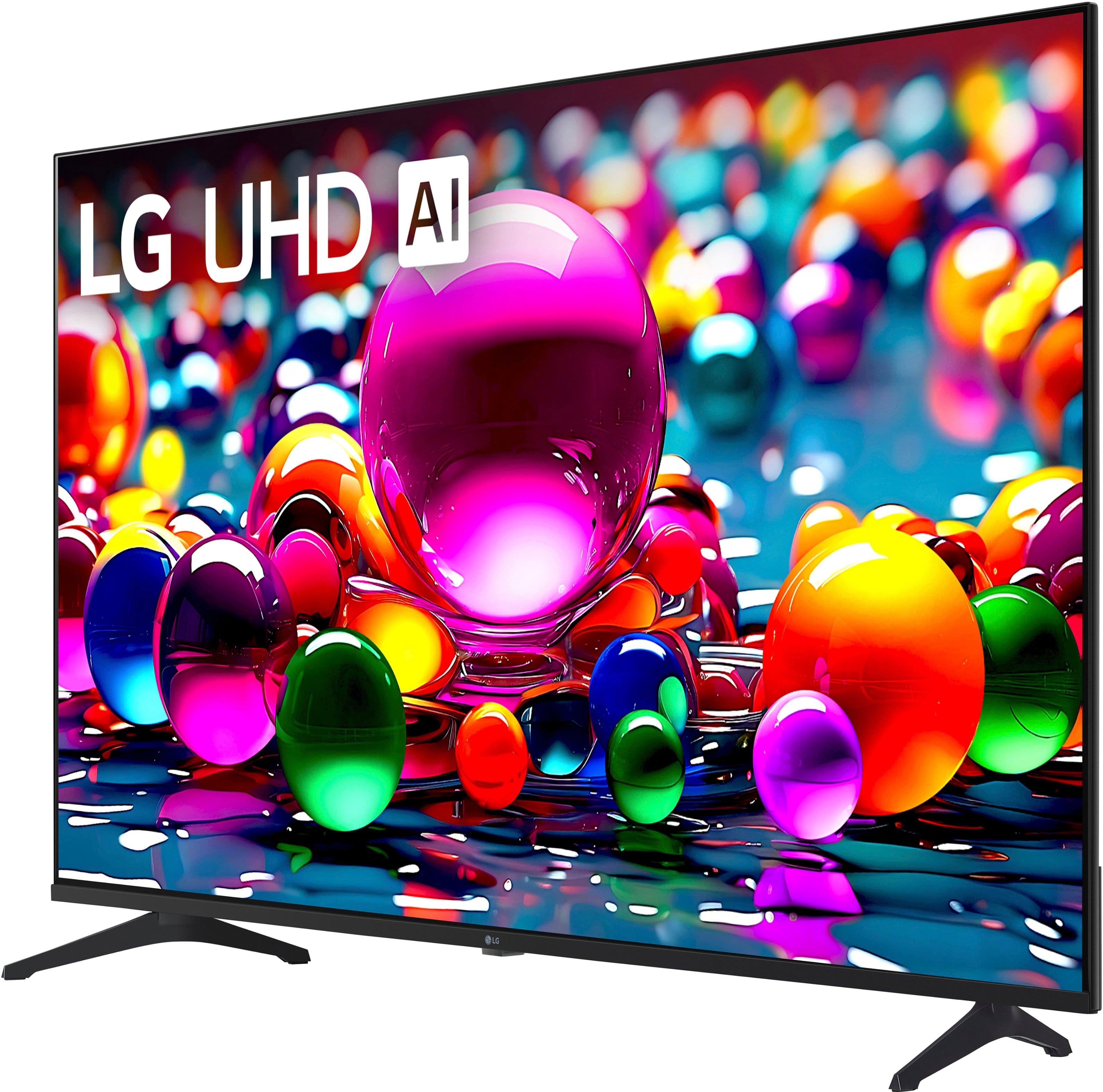
||Posted . Owned for less than 1 week when reviewed.This reviewer received promo considerations or sweepstakes entry for writing a review.We used AI and found this tv and it's a beautiful color palette and easy to watch.
I would recommend this to a friendLG 43 inch TV
||Posted .This reviewer received promo considerations or sweepstakes entry for writing a review.good color resolution, took a little time to set up remote
I would recommend this to a friendGood LG Tv
||Posted . Owned for 1 month when reviewed.This reviewer received promo considerations or sweepstakes entry for writing a review.Good tv for the price, picture isn't as sharp as their OLED but that goes without saying.
I would recommend this to a friendSimple Setup
||Posted .This reviewer received promo considerations or sweepstakes entry for writing a review.Great TV for the price and simple setup another good TV from LG. Would purchase again.
I would recommend this to a friendLG 43" Smart TV
||Posted . Owned for 3 weeks when reviewed.This reviewer received promo considerations or sweepstakes entry for writing a review.Great TV! Brought this for my daughter when her tv stopped working. Good price and nice picture resolution.
I would recommend this to a friendTV review
||Posted . Owned for 1 week when reviewed.This reviewer received promo considerations or sweepstakes entry for writing a review.Great TV! Very good and efficient for the price. Thanks!
I would recommend this to a friendLG UA77
||Posted . Owned for 1 week when reviewed.This reviewer received promo considerations or sweepstakes entry for writing a review.I highly recommend this LG TV for price & quality.
I would recommend this to a friendMy LG TV is the best
||Posted . Owned for 3 weeks when reviewed.This reviewer received promo considerations or sweepstakes entry for writing a review.I love my LG TV. The tech, Donald, who installed my TV was absolutely the best.
I would recommend this to a friendLG 43” tv
||Posted . Owned for 2 weeks when reviewed.This reviewer received promo considerations or sweepstakes entry for writing a review.Great picture but awkward remote buttons and difficult to set up Apps
No, I would not recommend this to a friendgood tv
||Posted . Owned for 3 weeks when reviewed.This reviewer received promo considerations or sweepstakes entry for writing a review.Took some time getting used to the settings and interface but overall a great tv
I would recommend this to a friendDidn’t give me the function I wanted
||Posted . Owned for 1 month when reviewed.This reviewer received promo considerations or sweepstakes entry for writing a review.Good TV but I returned it due to not being able to download the DirecTv app.
I would recommend this to a friendHonest TV review
||Posted . Owned for 5 months when reviewed.This reviewer received promo considerations or sweepstakes entry for writing a review.Not the most user friendly operating system. It seems like a different remote could be helpful
No, I would not recommend this to a friendInteresting
||Posted . Owned for 1 month when reviewed.This reviewer received promo considerations or sweepstakes entry for writing a review.Still learning all the functions. Interestingly different.
I would recommend this to a friendLG 43" tv
||Posted . Owned for 3 weeks when reviewed.This reviewer received promo considerations or sweepstakes entry for writing a review.Nice tv. Need a soundbar as with all flat panel tvsi
I would recommend this to a friendbob ryczek
||Posted .This reviewer received promo considerations or sweepstakes entry for writing a review.great purchase totally satisfied would highly recommend to anyone
I would recommend this to a friendpiece of junk. Does not live up to lgs reputation.
||Posted . Owned for 2 weeks when reviewed.This reviewer received promo considerations or sweepstakes entry for writing a review.Horrible tv. Has taken more than 12 contacts with lg to get it working. They agree the controller also has problems overly sensitive.
No, I would not recommend this to a friendBrand response from LG Digital Customer Care
Posted .Hi, James. Thank you for taking the time to share your experience with your LG TV (43UA7700PUB) model. We understand the importance of having a TV that works reliably without repeated support contacts, and we appreciate you letting us know what you’ve encountered with both the unit and the overly sensitive controller.
One step you can try is resetting the Magic Remote by holding the Home and Back buttons simultaneously until the LED blinks, then re‑pairing it to the TV. This can help resolve sensitivity or responsiveness issues. You can also review helpful troubleshooting guidance here: https://www.lg.com/us/support/help-library/lg-tv-how-to-troubleshoot-your-lg-magic-remote--1427121727809OLT. If you need further assistance, please feel free to email us at lgdigitalcare@lg.sprinklrsupport.com. We're here for you! ^Juvy
Few apps available.
||Posted .This reviewer received promo considerations or sweepstakes entry for writing a review.Disappointed in limited number of apps available with base tv.
No, I would not recommend this to a friendBrand response from LG Digital Customer Care
Posted .Hello there, Edward. Thank you for sharing your experience with us. We understand that your LG - 43 Class UA77 Series LED AI 4K UHD Smart webOS TV didn't meet your expectations regarding the app selection. Your feedback is important, and we understand your inquiry. To explore more options, please ensure you are signed into your LG Account and visit the LG Content Store to download additional third-party applications.
https://www.bestbuy.com/product/lg-43-class-ua77-series-led-ai-4k-uhd-smart-webos-tv-2025/JJ8VPZT652
For further assistance and any specific concerns you may have, please contact us on lgdigitalcare@lg.sprinklrsupport.com, and our team will be more than happy to assist you. We appreciate your patience. —Renzo
Bad placement for power cord.
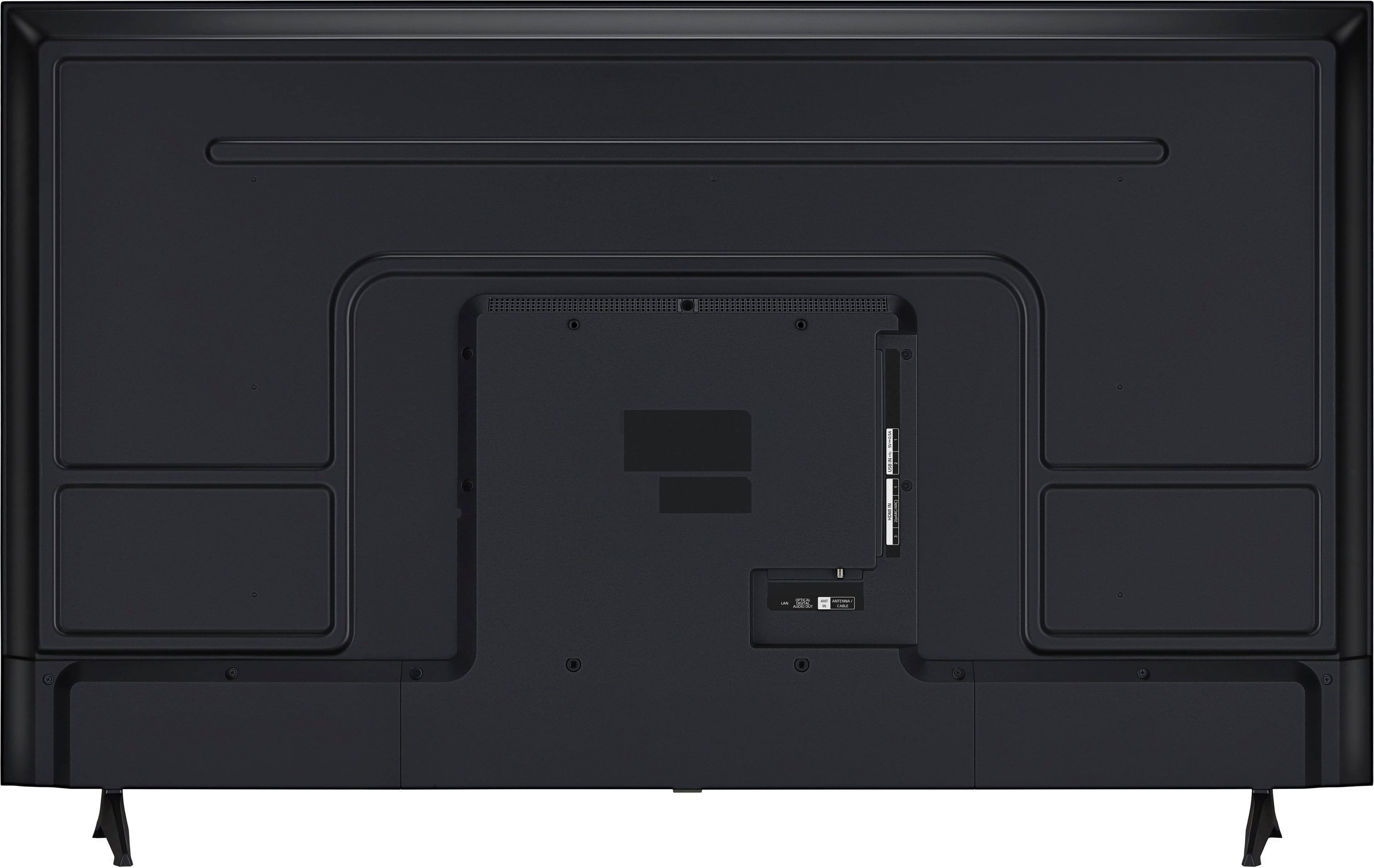
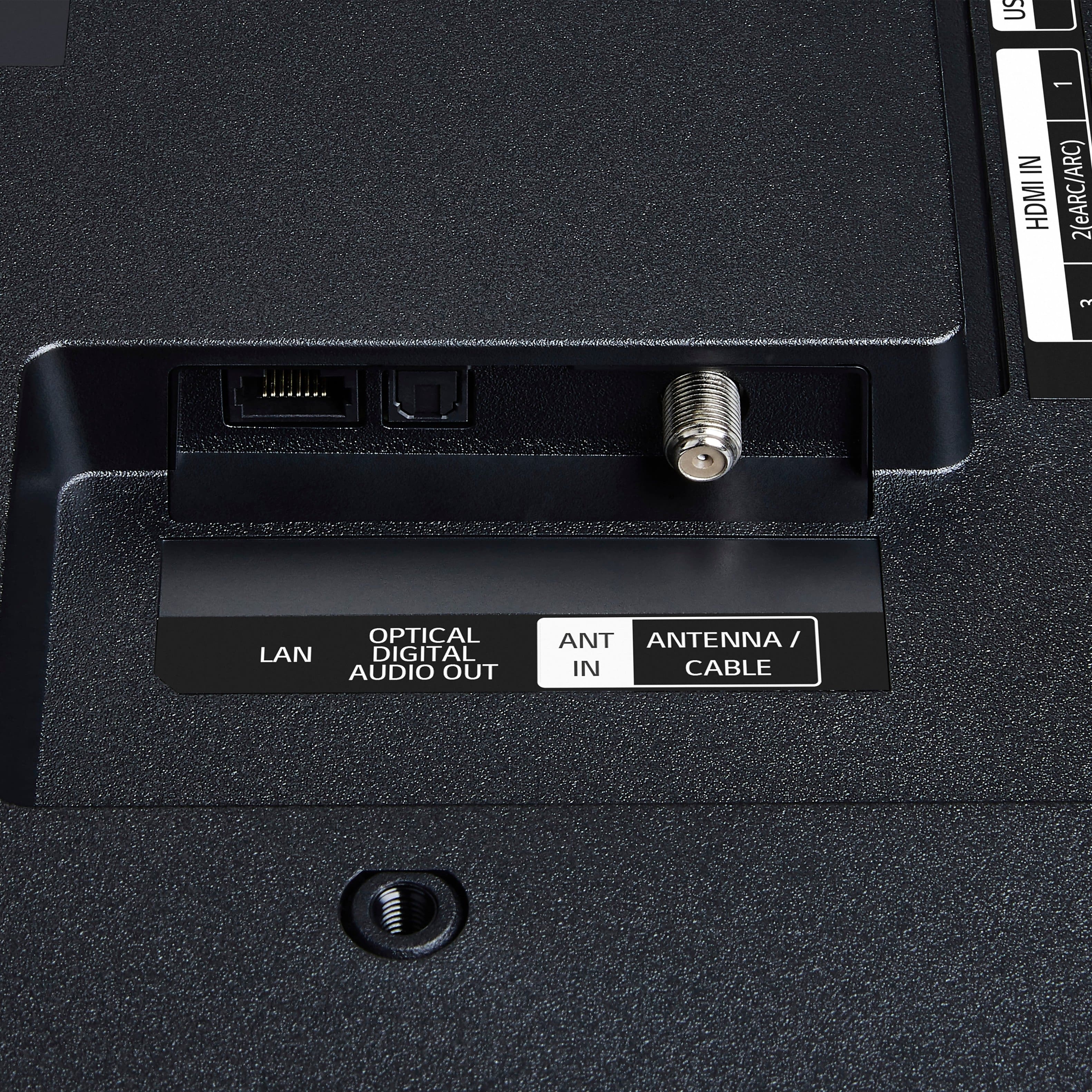
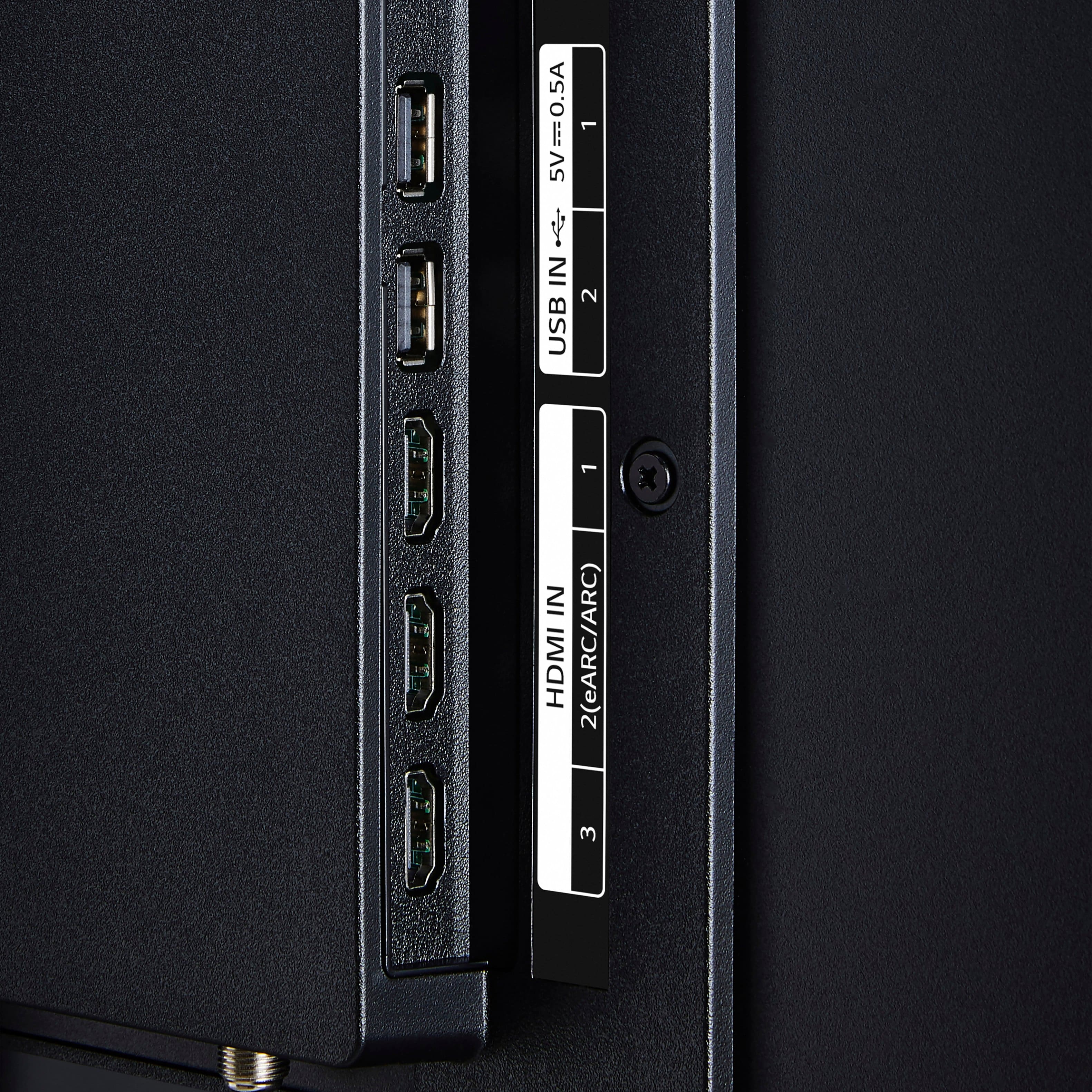
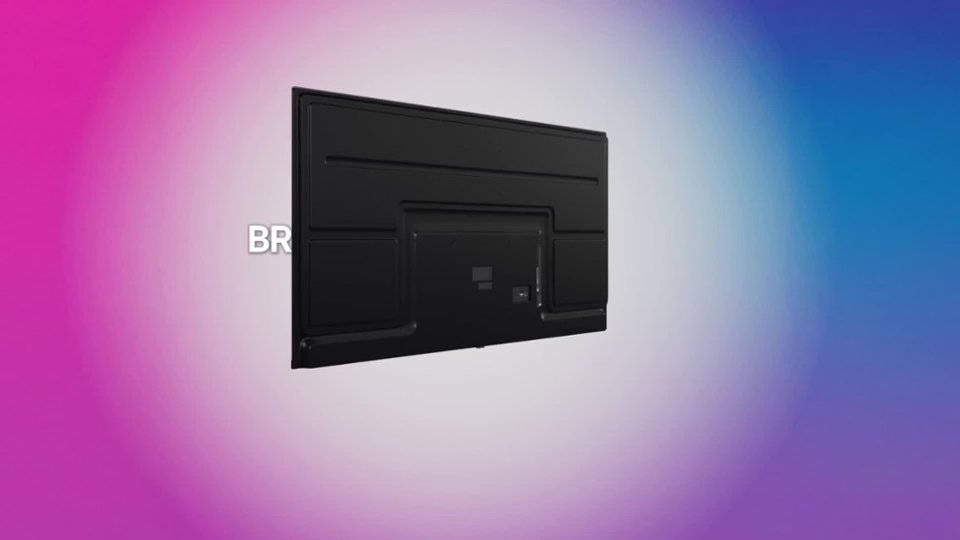
||Posted . Owned for 3 weeks when reviewed.This reviewer received promo considerations or sweepstakes entry for writing a review.The power cord is in a weird place on the back of the TV. If you mount this tv, the mount will cover the place where the power cord goes.
No, I would not recommend this to a friendBrand response from LG Digital Customer Care
Posted .Hi, Jannelle. Thank you for sharing your experience with your LG TV (43UA7700PUB) model. We understand how important it is to have a smooth installation process. On this model, the power cord port placement can sometimes be covered by certain wall mounts. A helpful step is to use a right‑angle power adapter or select a mount with an open back plate design so the cord can fit securely without obstruction. You can find more guidance here: https://www.lg.com/us/support/product/lg-43UA7700PUB.AUSQ. If you’d like further assistance, please send us an email at lgdigitalcare@lg.sprinklrsupport.com with a brief description of the issue so our team can review next steps. ^Juvy