Customer Ratings & Reviews
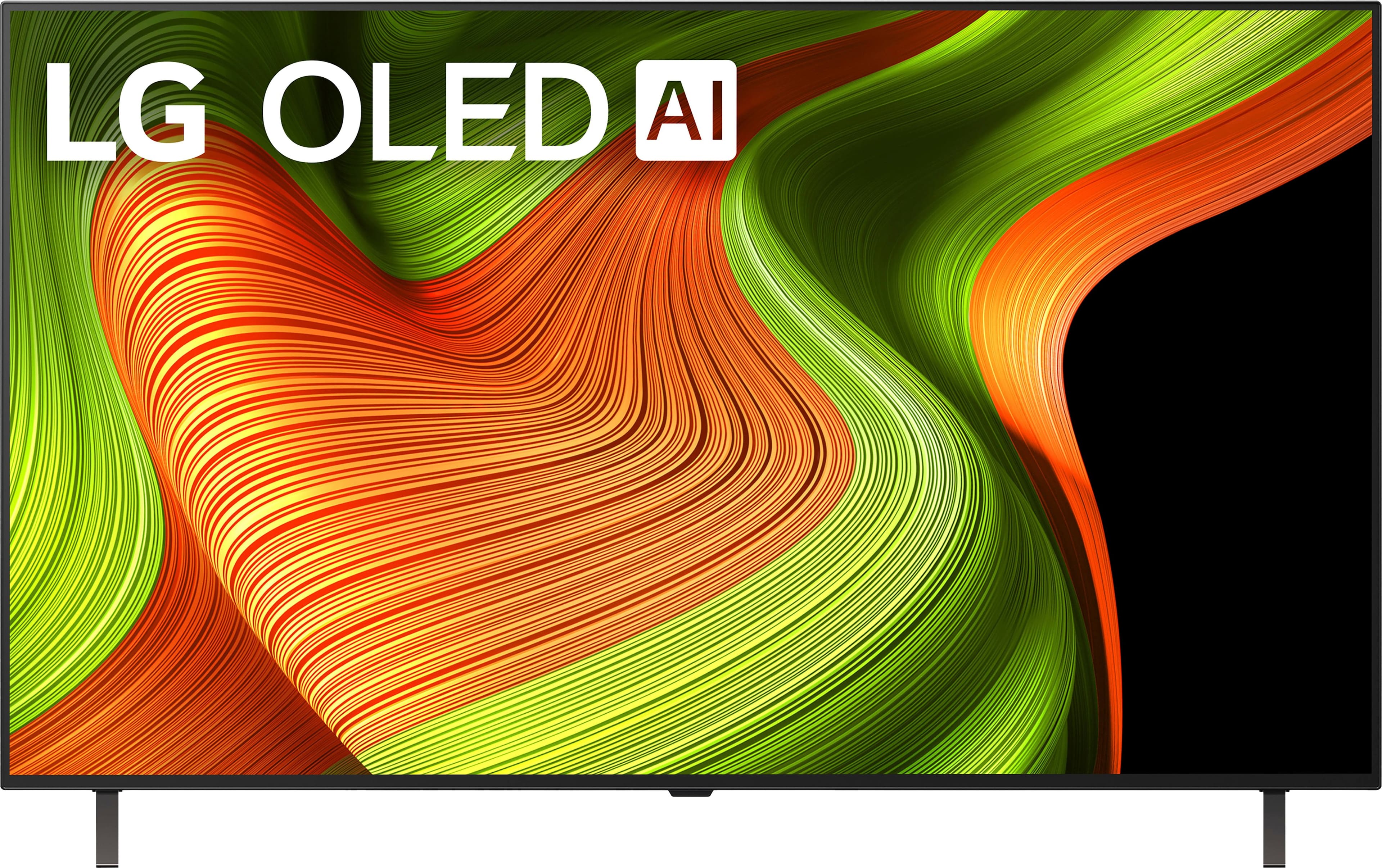
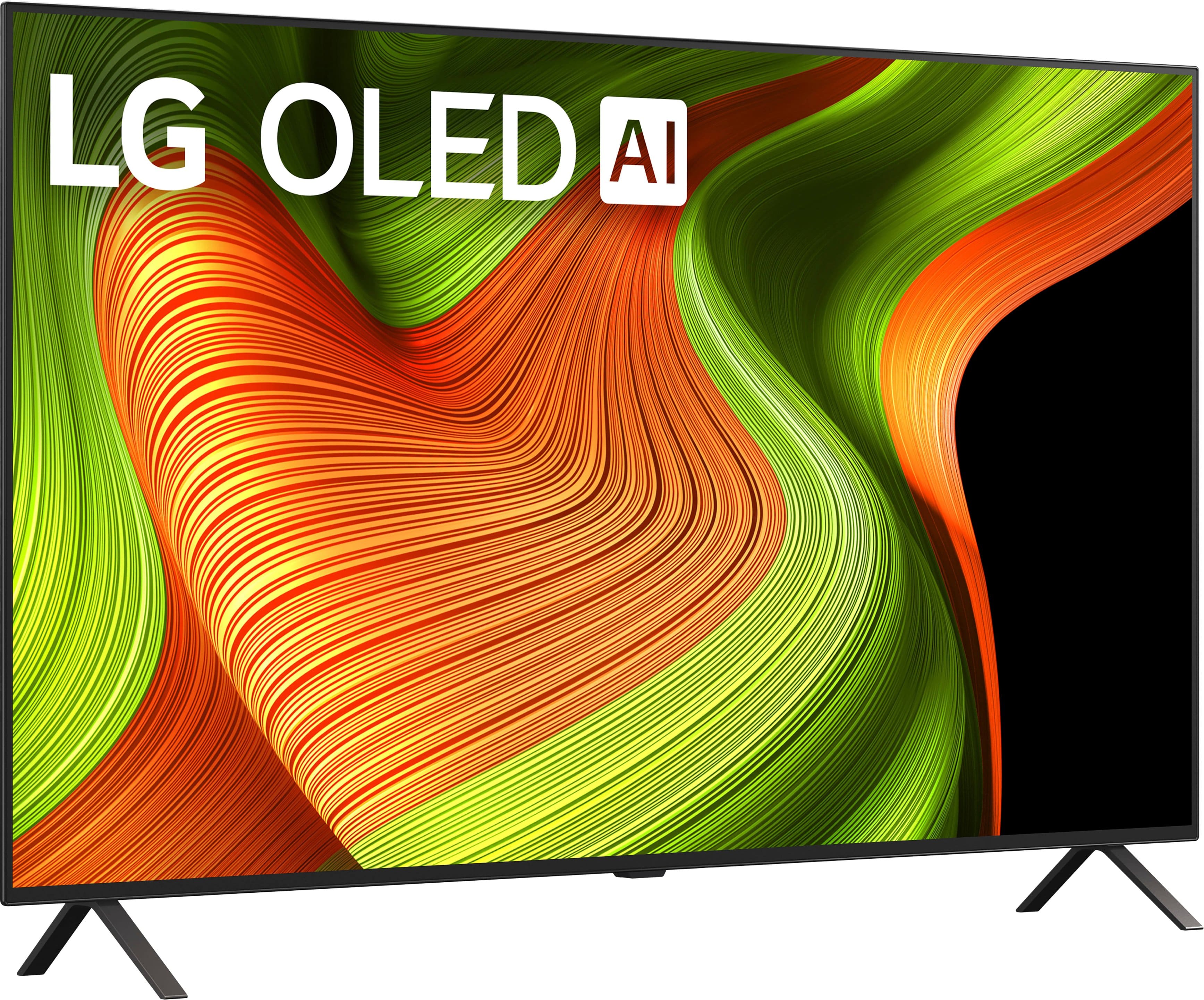
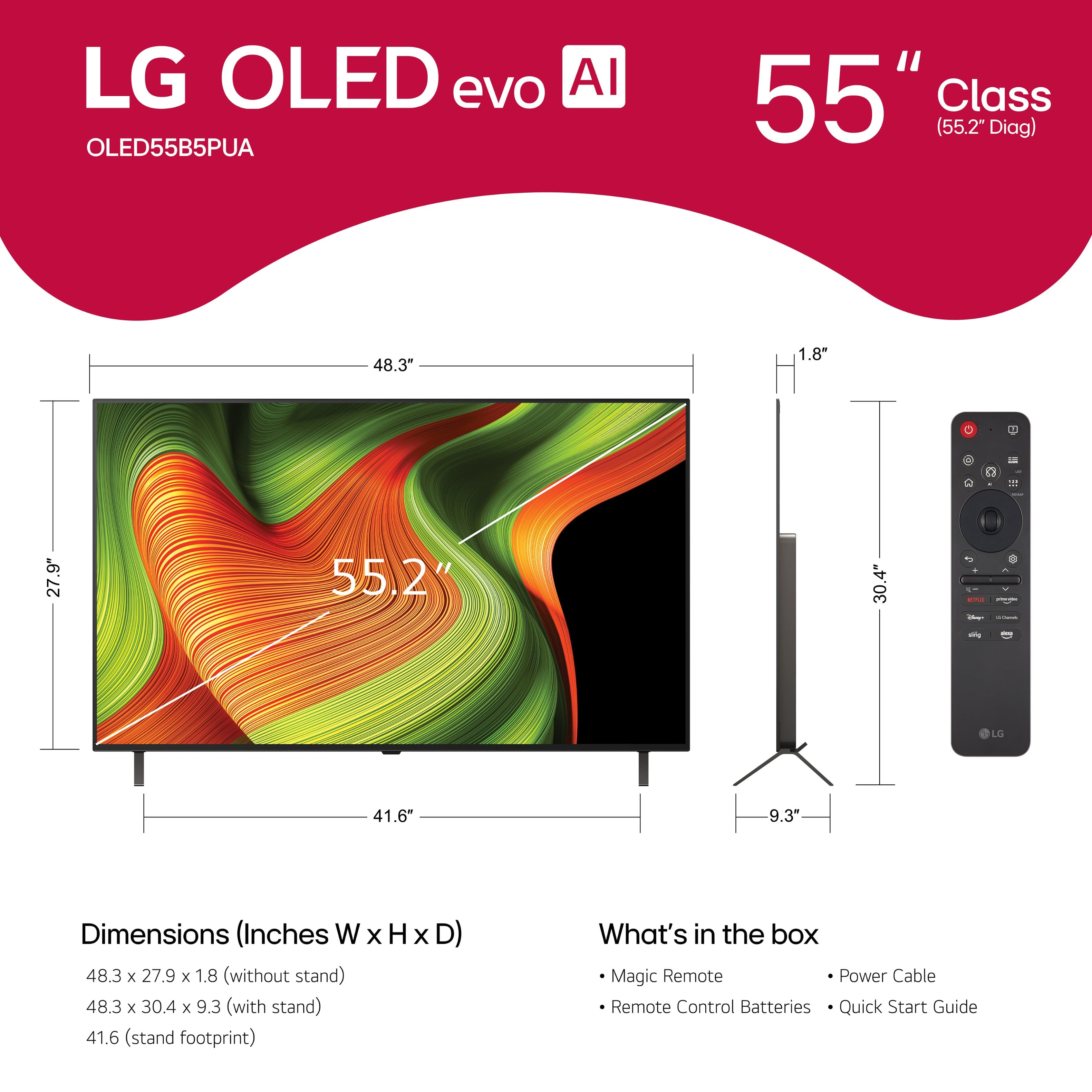

. Independently Tested for Quality and Workmanship CheckPlus: 100 % Color Volume to DCI-P3 oi PSSEANE Intertek [www.IntertekCheck.com](http://www.IntertekCheck.com). 100% Color Fidelity and '100% Color Volume to DCI-P3' applies to 2025 OLED TVs. *LG OLED Display is verified by UL for Perfect Color measured to IDMS 11.5 Ring-light Reflection standards. *100% Color Volume is defined as the performance of display which is equal or greater than the size of DCI-P3 standard color volume as verified independently by Intertek. *The LG OLED Panel is certified by Intertek for 100% Color Fidelity, measured to IDMS 11.5 Ring-light Reflection standards.](https://pisces.bbystatic.com/image2/BestBuy_US/images/products/3661ed5e-8d92-47a9-baef-65aa6eb5dcb9.jpg)











- Model:
- OLED55B5PUA
- |
- SKU:
- 6635751
Customer reviews
Rating 4.7 out of 5 stars with 238 reviews
(238 customer reviews)Rating by feature
- Picture Quality4.9
Rating 4.9 out of 5 stars
- Sound Quality4.6
Rating 4.6 out of 5 stars
- Brightness4.8
Rating 4.8 out of 5 stars
Customers are saying
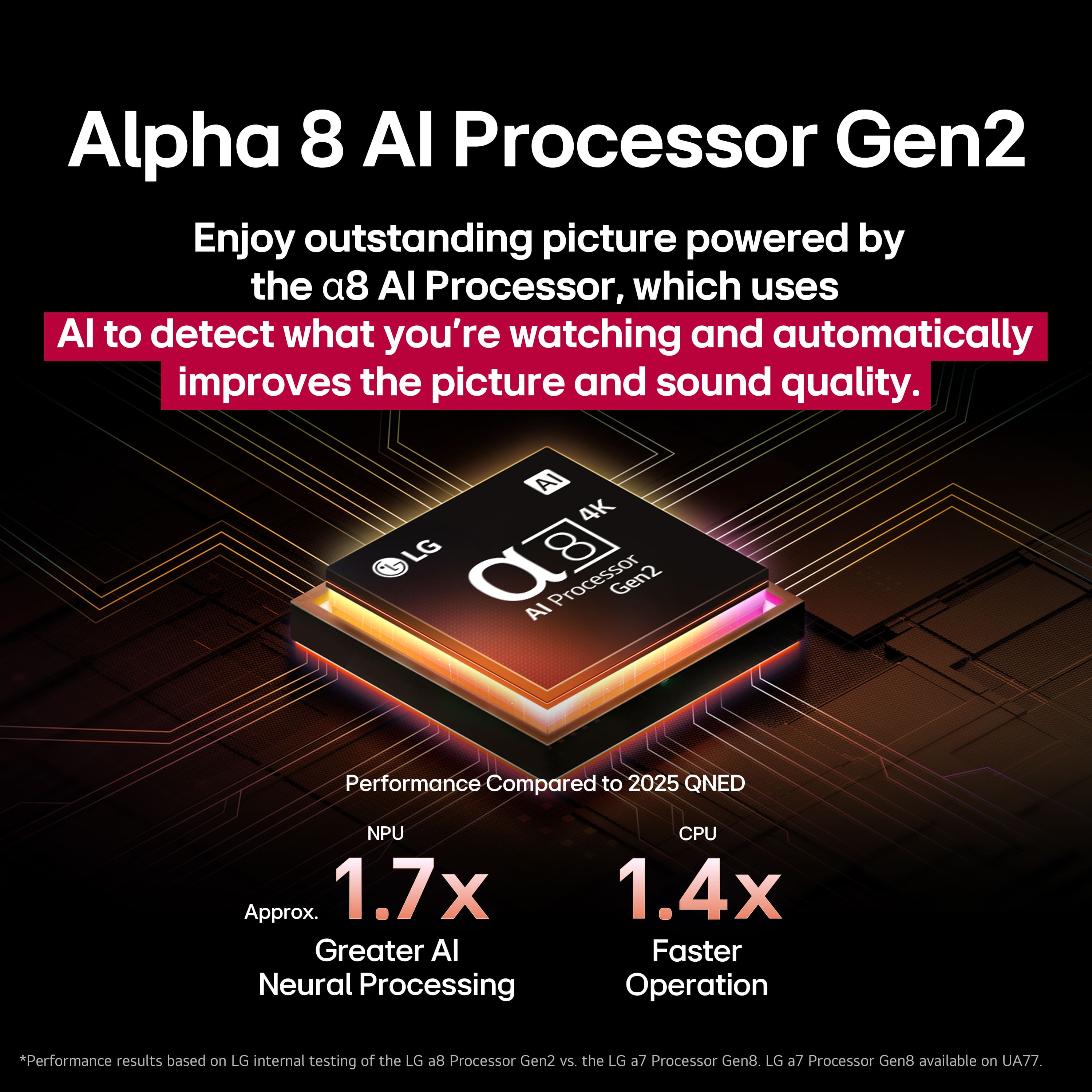
Customers value the exceptional picture quality, especially its OLED capabilities, which many describe as amazing. They also appreciate its good brightness, ease of use, and strong gaming performance. While the design, size, and refresh rate receive positive remarks, a minor concern is occasionally raised regarding the remote control's pointer functionality.
This summary was generated by AI based on customer reviews.
Rated 5 out of 5 stars
Best TV I ever had
||Posted . Owned for 7 months when reviewed.This reviewer received promo considerations or sweepstakes entry for writing a review.I usually use this TV to watch movies and shows and may I say it’s one of the best TVs I had in a while
I would recommend this to a friend- Pros mentioned:Picture quality
Rated 5 out of 5 stars
LG TV
||Posted .This reviewer received promo considerations or sweepstakes entry for writing a review.TV has a beautiful picture and works as expected. Mounting team was quick and efficient. Helped haul the box to the attic for storage.
I would recommend this to a friend - Pros mentioned:Picture quality
Rated 5 out of 5 stars
#besttvever
||Posted . Owned for 2 weeks when reviewed.This reviewer received promo considerations or sweepstakes entry for writing a review.This OLED tv is amazing! The picture is so clear and well defined. Definitely a must have!
I would recommend this to a friend - Pros mentioned:Picture quality
Rated 5 out of 5 stars
Great TV
||Posted .This reviewer received promo considerations or sweepstakes entry for writing a review.The TV is great, all I have to do is figure out how to navigate thru the channels. It has some many channels and options it’s amazing. We love it
I would recommend this to a friend - Pros mentioned:Picture quality
Rated 4 out of 5 stars
Mr. Schmechel
||Posted . Owned for 1 week when reviewed.This reviewer received promo considerations or sweepstakes entry for writing a review.Very nice picture. The only problem I have is how LG put those feet on the bottom of the TV My old LG TV had a single pedestal foot
I would recommend this to a friend - Pros mentioned:Picture quality
Rated 5 out of 5 stars
Very pleased
||Posted . Owned for 2 weeks when reviewed.This reviewer received promo considerations or sweepstakes entry for writing a review.Size and picture is perfect for our Family room. It has been tested by numerous viewers and all comment on the crispness and color.
I would recommend this to a friend - Pros mentioned:Picture quality
Rated 5 out of 5 stars
LG tv rating
||Posted . Owned for 1 week when reviewed.This reviewer received promo considerations or sweepstakes entry for writing a review.Just mounted to wall. Easy to connect to my sound system and Roku. The picture is very bright and clear. The cost was within my budget.
I would recommend this to a friend Rated 4 out of 5 stars
Solid TV
||Posted .This reviewer received promo considerations or sweepstakes entry for writing a review.This TV is pretty solid. The OLED is a very “entry-level” OLED display, but the biggest sell are the features. AI audio enhancement was something I didn’t know too much about, but is game changer. Multi-screen, picture-in-picture and more make this a very convenient TV. For gaming it also has multiple modes you can utilize. Having got this on sale was a fantastic price point and that’s how I recommend it as well. If you can snag it on a deal it is a solid purchase.
I would recommend this to a friendRated 4 out of 5 stars
Great panel, terrible software
||Posted . Owned for 1 week when reviewed.This reviewer received promo considerations or sweepstakes entry for writing a review.The TV itself is beautiful, the colors are vibrant and the blacks are nice and dark like you would expect from an OLED panel. Taking a star away because of the LG webOS. It’s not a great user experience- it’s slow and laggy, it’s riddled with ads, there are many apps missing that you’d find on an Android-based TV (like Steam fame streaming, for example). The internet connection on this TV also seems unreliable, even when wired into a LAN port. Lastly, and the most frustrating for me, is that it does not support subtitle playback via Plex. If you buy this TV, consider saving up an additional $200 to grab an Nvidia Shield Pro along with it.
I would recommend this to a friend- Pros mentioned:Oled quality
Rated 5 out of 5 stars
Love it
||Posted . Owned for 1 month when reviewed.This reviewer received promo considerations or sweepstakes entry for writing a review.Perfect! Vivid and crisp, works very well with Nintendo switch 2
I would recommend this to a friend - Pros mentioned:Oled quality
Rated 5 out of 5 stars
LG Oles
||Posted . Owned for 2 weeks when reviewed.This reviewer received promo considerations or sweepstakes entry for writing a review.I needed a new tv. My Samsung tv went out. I’ve wanted to try an Lg Oled and it didn’t disappoint! Great line of tv’s.
I would recommend this to a friend - Pros mentioned:Picture quality
Rated 5 out of 5 stars
Great picture
||Posted .This reviewer received promo considerations or sweepstakes entry for writing a review.Living this new tv! The picture is incredible! This is the best tv we have ever owned.
I would recommend this to a friend - Pros mentioned:Oled quality
Rated 5 out of 5 stars
Happy with my purchase!
||Posted . Owned for 1 month when reviewed.This reviewer received promo considerations or sweepstakes entry for writing a review.This is the 3rd LG Oled I have purchased. Once you have experienced the bright vivid colors of this tv, no other even comes close for the price.
I would recommend this to a friend - Pros mentioned:Picture quality
Rated 5 out of 5 stars
Happy with the purchase
||Posted . Owned for 3 weeks when reviewed.This reviewer received promo considerations or sweepstakes entry for writing a review.Love the tv, picture is crisp and clear, happy with the purchase
I would recommend this to a friend - Pros mentioned:Picture quality
Rated 5 out of 5 stars
Great picture
||Posted .This reviewer received promo considerations or sweepstakes entry for writing a review.Excellent picture quality. Love playing video games on this and watching sports and movies.
I would recommend this to a friend Rated 5 out of 5 stars
LG 55 OLED
||Posted . Owned for 1 month when reviewed.This reviewer received promo considerations or sweepstakes entry for writing a review.LOVE IT EVERYTHING GOOD !!!! WOULD BUY IT AGAIN BEST BUY WAS GREAT TO WORK WITH
I would recommend this to a friend- Pros mentioned:Picture quality
Rated 5 out of 5 stars
TV review
||Posted . Owned for 2 weeks when reviewed.This reviewer received promo considerations or sweepstakes entry for writing a review.Sales associate was very knowledgeable and helpful. Picture quality is amazing and set was easy.
I would recommend this to a friend - Pros mentioned:Picture quality
Rated 5 out of 5 stars
tv review
||Posted . Owned for 3 weeks when reviewed.This reviewer received promo considerations or sweepstakes entry for writing a review.perfecgt tv for my den. Yields a fantastic picture that can be viewed from anywhere in the room.
I would recommend this to a friend - Pros mentioned:Picture quality
Rated 5 out of 5 stars
Recommend.
||Posted . Owned for 1 month when reviewed.This reviewer received promo considerations or sweepstakes entry for writing a review.Love the TV. Its quality is great and for the price it’s well worth every dollar.
I would recommend this to a friend - Pros mentioned:Picture quality
Rated 5 out of 5 stars
Picture is amazing
||Posted . Owned for 3 weeks when reviewed.This reviewer received promo considerations or sweepstakes entry for writing a review.The picture is amazing. High quality, great sound.
I would recommend this to a friend