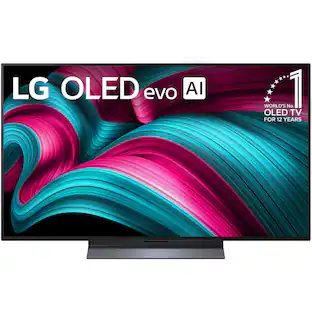
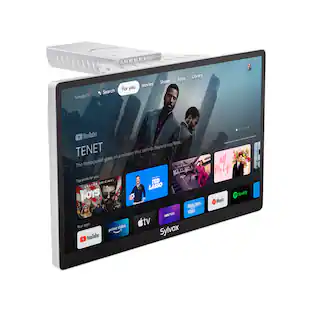
LG - 55" Class B5 Series OLED AI 4K UHD Smart webOS TV (2025)
Customers are saying
Customers are delighted by the exceptional picture quality and the superior OLED performance of this television. Users also appreciate the straightforward setup process, the sleek design, and the impressive gaming capabilities. While the overall experience is highly positive, some users have expressed frustration with the functionality of the remote control.
Highlights
Alpha 8 AI Processor Gen2
Alpha 8 AI Processor Gen2 detects what you're watching and automatically improves the picture and sound quality
Perfect Black & Perfect Color
Over 8.3 million self-lit smart pixels with Perfect Black and Perfect Color technology.
Dolby Vision, Dolby Atmos & FILMMAKER MODE
Enjoy movie magic from home with Dolby Vision, Dolby Atmos¹ & FILMMAKER MODE
Ultimate Game Play
Packed with gaming features like NVIDIA G-Sync and 120Hz refresh rate
AI webOS, LG Channels, webOS & Re:New
LG’s Award winning Smart TV platform powered by webOS. Get access to apps & view over 300 free LG Channels. Plus get up to 5 years of software updates with webOS Re:New.⁴
Personalized Picture / Sound Wizard
The Personalized Picture & Sound Wizard uses AI technology to analyze your favorite images and sound clips to create a personalized picture and audio experiences tailored for you.
- Display TypeOLEDResolution4K (2160p)Screen Size Class55 inchesHigh Dynamic Range (HDR)YesHigh Dynamic Range FormatDolby Vision, HDR 10, Hybrid Log-Gamma (HLG)
Reviews
Rating 4.7 out of 5 stars with 244 reviews
- Picture Quality (156)
- OLED Quality (57)
- Brightness (9)
- Ease of Use (8)
- Gaming Performance (7)
- Remote Control (4)
Customer Images
The vast majority of our reviews come from verified purchases. Reviews from customers may include My Best Buy members, employees, and Tech Insider Network members (as tagged). Select reviewers may receive discounted products, promotional considerations or entries into drawings for honest, helpful reviews.




Compare similar products

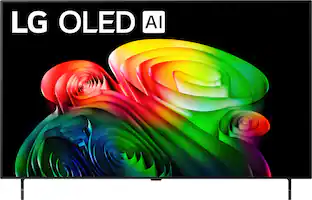
The LG OLED B5 is a premium watching experience that offers more than meets the eye. You'll be able to keep pace with the action with a native 120Hz refresh rate for smoother movement whether you're gaming or watching sports. Entertainment extras like Dolby Vision,* Dolby Atmos¹ and FILMMAKER MODE give you the big-picture experience straight from your couch. Enjoy outstanding picture powered by the α8 AI Processor, which uses AI to detect what you're watching and automatically improves the picture and sound quality of whatever you're watching. Search less and stream more, thanks to the next generation of AI technology from LG webOS 25. With Quick Cards, group your favorite apps into categories and even have instant access to over 300 free channels with LG Channels.² All LG OLED TVs have NVIDIA G-Sync, AMD FreeSync Premium and VRR to further improve gaming quality. And four HDMI 2.1 inputs allow you to plug in all the devices you need for the win. Whether you game on consoles or on the cloud,³ the LG Game Dashboard and Game Optimizer put all the control at your fingertips.


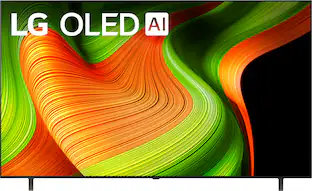
The advanced LG OLED evo C5-Series is better than ever. The LG OLED evo C5 is powered by the next-gen Alpha 9 Gen8 AI Processor —exclusively made for LG OLED—for ultra-realistic picture and sound along with boosted brightness for luminosity and high contrast, even in well-lit rooms. AI-assisted deep learning analyzes what you're watching and uses your preferences to choose the best picture and sound setting for your content. The C5's almost invisible bezel, ensures it blends with your surroundings. When you're finished watching, display art, photos and other content make the C5 a versatile statement piece. Search less and stream more, thanks to the next generation of AI technology from LG webOS 25. Every LG OLED comes loaded with Dolby Vision for extraordinary color, contrast and brightness, plus Dolby Atmos¹ for immersive sound you can feel all around you. FILMMAKER MODE allows you to see films just as the director intended. Packed with gaming features, the LG OLED evo C-Series comes with everything you need to win like a 0.1ms response time, native 120Hz refresh rate, with VRR for PC gaming and four HDMI 2.1 inputs.

The LG OLED B6 is a premium watching experience that offers more than meets the eye. You'll be able to keep pace with the action with a native 120Hz refresh rate for smoother movement whether you're gaming or watching sports. Entertainment extras like Dolby Vision®, Dolby Atmos® and FILMMAKER MODE give you the big-picture experience straight from your couch. Enjoy outstanding picture powered by the α8 AI Processor 4K Gen3, which uses AI to detect what you're watching and automatically improves the picture and sound quality of whatever you're watching. Search less and stream more, thanks to the next generation of AI technology from LG webOS 26. With Quick Cards, group your favorite apps into categories and even have instant access to over 400 free channels with LG Channels and 10,000 movies & shows (on demand).¹ All LG OLED TVs have NVIDIA G-Sync, AMD FreeSync Premium and VRR to further improve gaming quality. And four HDMI 2.1 inputs allow you to plug in all the devices you need for the win. Whether you game on consoles or on the cloud,² the LG Game Dashboard and Game Optimizer put all the control at your fingertips.
| Pros for LG - 55" Class B5 Series OLED AI 4K UHD Smart webOS TV (2025) | |||
|---|---|---|---|
| Picture Quality, OLED Quality, Brightness, Ease of Use, Gaming Performance | Picture Quality, OLED Quality, Brightness, Ease of Setup, Design | Picture Quality, OLED Quality, Brightness, Setup Ease, Black Level | Picture Quality, OLED Quality, Performance |
| Cons for LG - 55" Class B5 Series OLED AI 4K UHD Smart webOS TV (2025) | |||
| Remote Control | User Interface | Remote Control, User Interface | User Interface, Ease of Setup |
Specs
What is the difference between a B5 vs C5 model?
Answered by LG Digital Customer CareThe LG C5 features an evo panel with Brightness Booster technology, achieving peak brightness over 1,000 nits, making it suitable for bright environments and HDR content. This allows for better visibility in well-lit rooms and enhances the viewing experience during the day. It is equipped with the Alpha 9 AI Processor Gen 8, which provides advanced processing capabilities, enhancing picture quality and gaming performance, and it supports 4K at 144Hz, making it ideal for gaming, especially with modern consoles and PCs. The LG B5, while still delivering excellent picture quality, has a standard WOLED panel that is less bright, making it more suitable for controlled lighting environments. It uses the Alpha 8 AI Processor Gen 2, which, while capable, does not match the performance of the C5's processor. Choosing between the LG B5 and C5 OLED TVs ultimately depends on your specific needs and budget. If you prioritize brightness, advanced processing, and gaming performance, the C5 is the better option. However, if you're looking for a more affordable entry into OLED technology and primarily watch in darker environments, the B5 still offers excellent performance and value. Both models share the fundamental advantages of OLED technology, such as perfect blacks and vibrant colors, ensuring a great viewing experience regardless of your choice...^Ivan.
What wall mount kit do I use with the 55" LG tv?
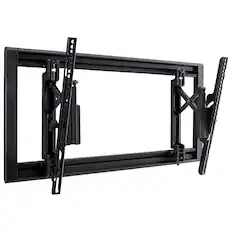
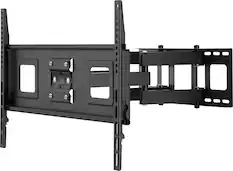
Answered by LG Digital Customer CareAny VESA-compliant wall mount, regardless of type, brand, or manufacturer, that supports the 300 x 200 mm VESA Mount Pattern for the LG - 55" Class B5 Series OLED AI 4K UHD Smart webOS TV (2025), Model # OLED55B5PUA, can be used to mount the TV. Wall mounts come in three types: Fixed, Tilting, and Full Motion (aka articulating) mounts. VESA compliance guarantees that any VESA-compliant wall mount that supports the TV's VESA Mount Pattern can be used to mount the TV. If you are interested in a Full Motion wall mount, the LG EZ Slim Wall Mount for LG TVs (VESA - 300 X 300 / 300 X 200 / 400 X 200), Model # OLW480B, can be used to mount the TV. It is currently out of stock on the company website, but Best Buy carries a variety of VESA-compliant wall mounts of varying types that can also be used to mount the TV...^Ivan.
Is there a headphone jack on this TV?
No, there is no headphone jack on this TV.
This question and answer was generated by AI based on customer and product data.Does this TV have built in speakers?
Yes, this TV has built-in speakers.
This question and answer was generated by AI based on customer and product data.What kind of wireless connectivity does this TV support?
This TV supports Wi-Fi wireless connectivity.
This question and answer was generated by AI based on customer and product data.

Customers often buy these together
Monitor and Television Mounts

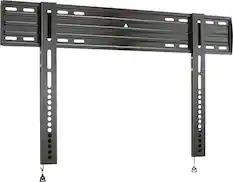
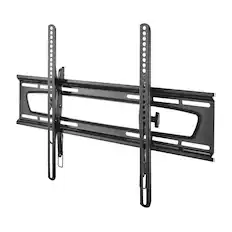
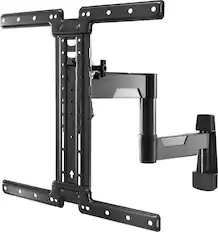
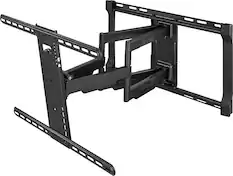
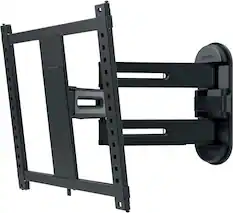
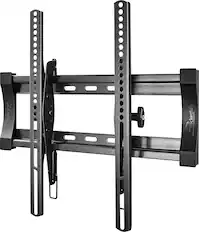
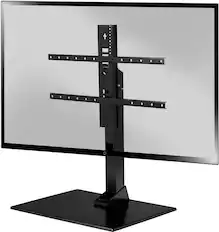
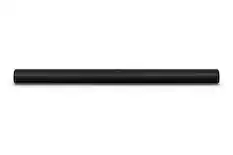
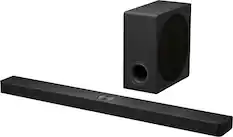
Soundbars
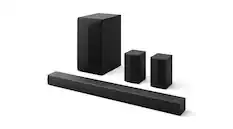
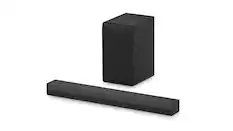
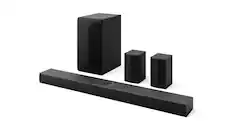
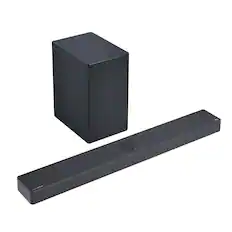
LG - 5.1-Channel S60TR Home Theater Soundbar with Wireless Subwoofer and Rear Speakers, Dolby Audio - Black
$299.99The price was $399.99



More recommended items
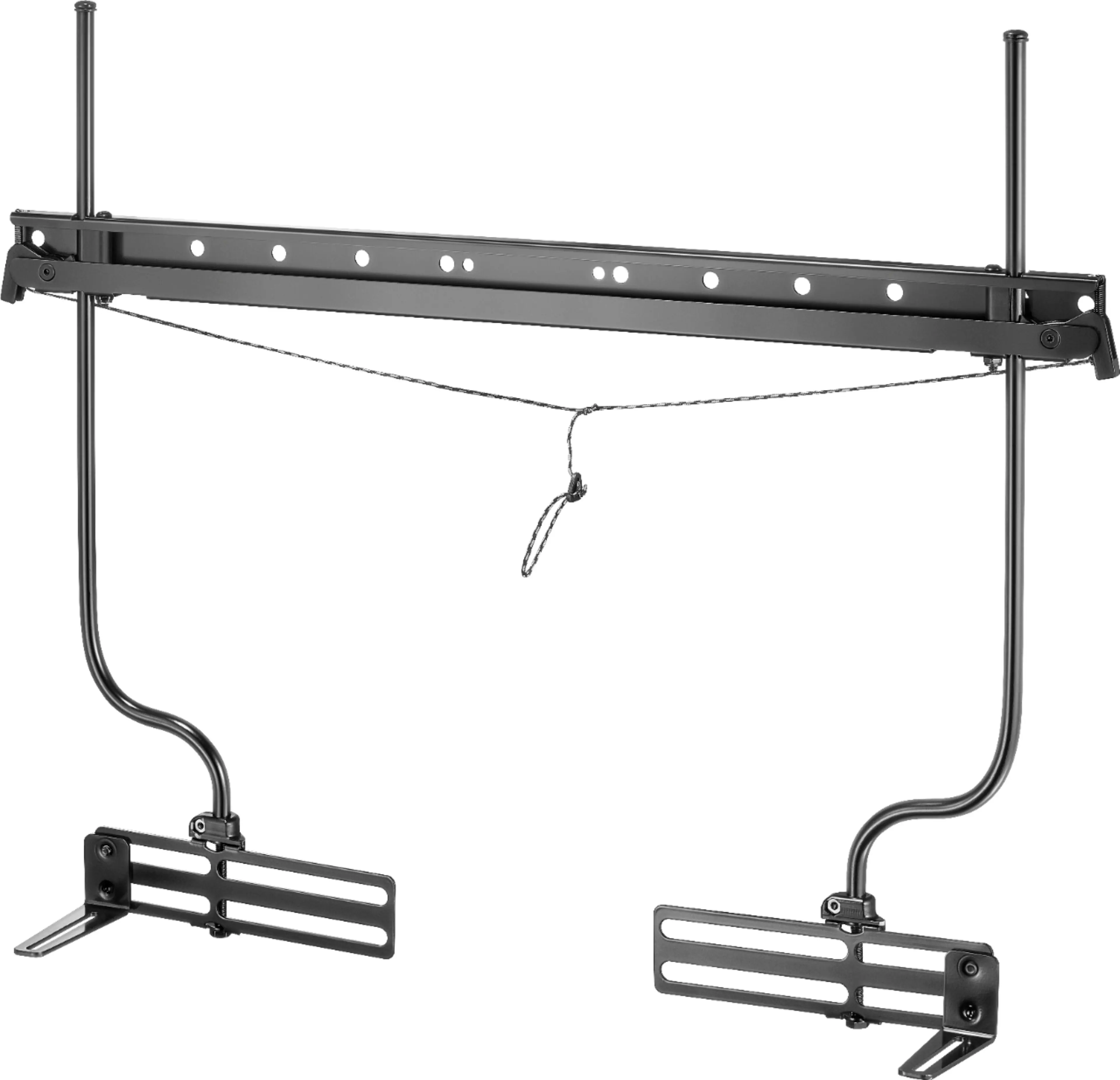 Speaker Mounts
 Surge Protectors
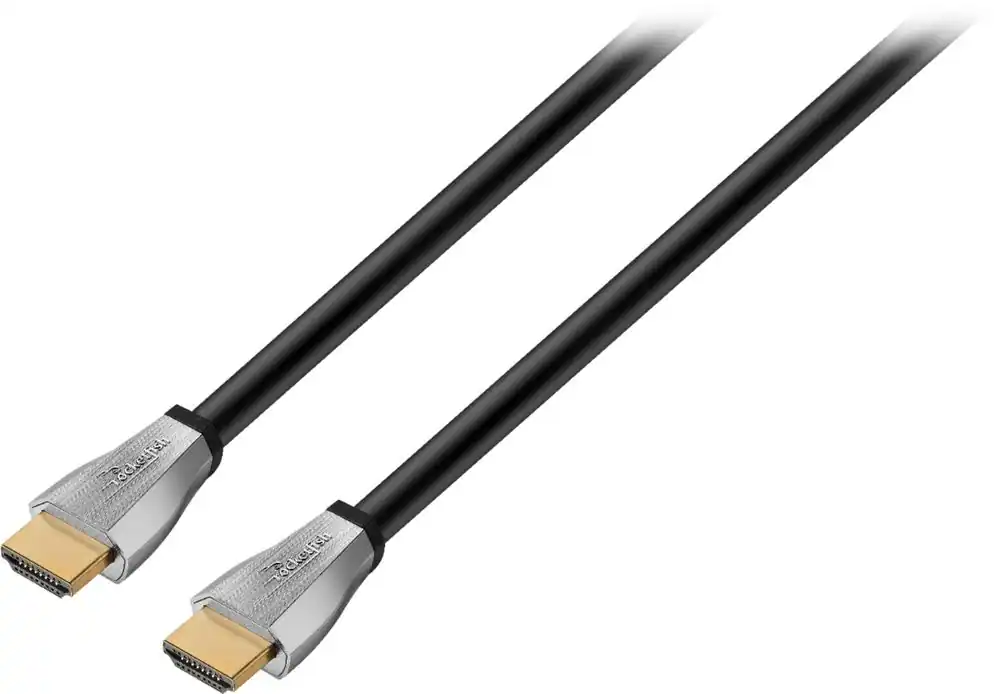 4K HDMI (2.0) Cables
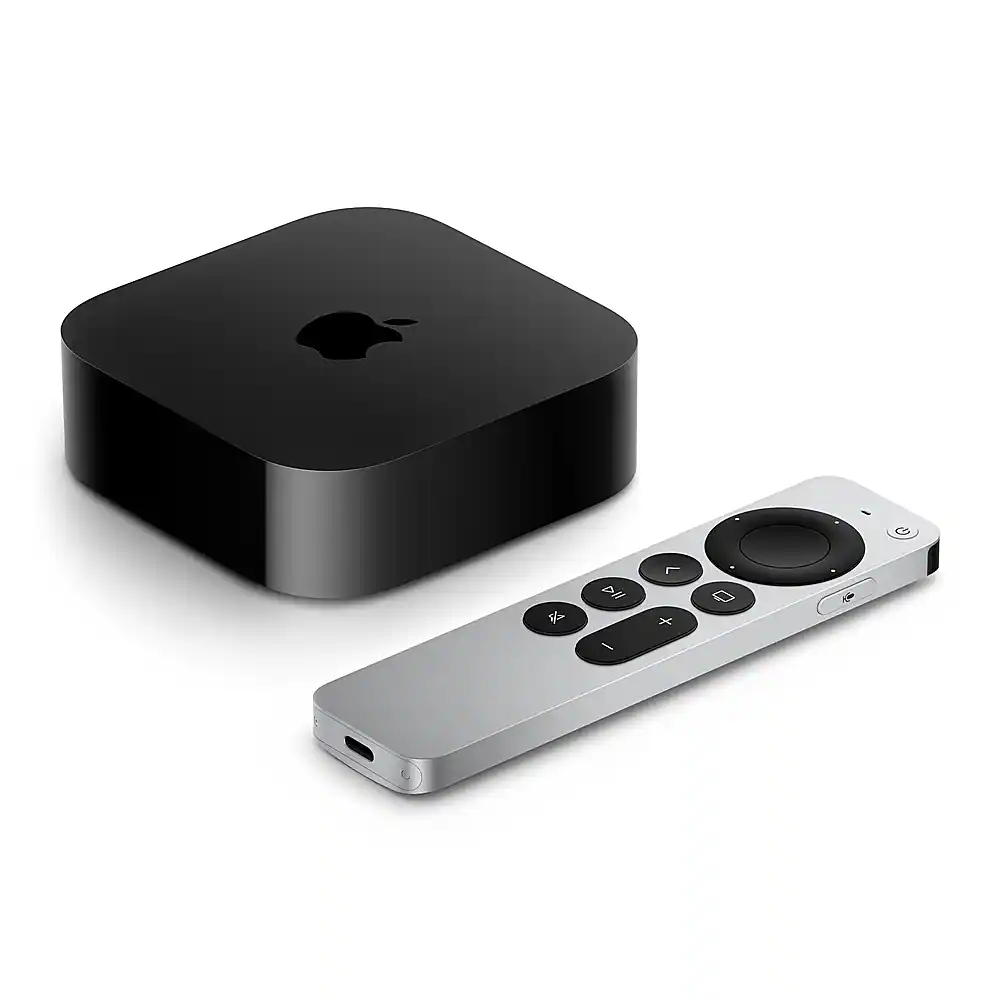 Streaming Media Players
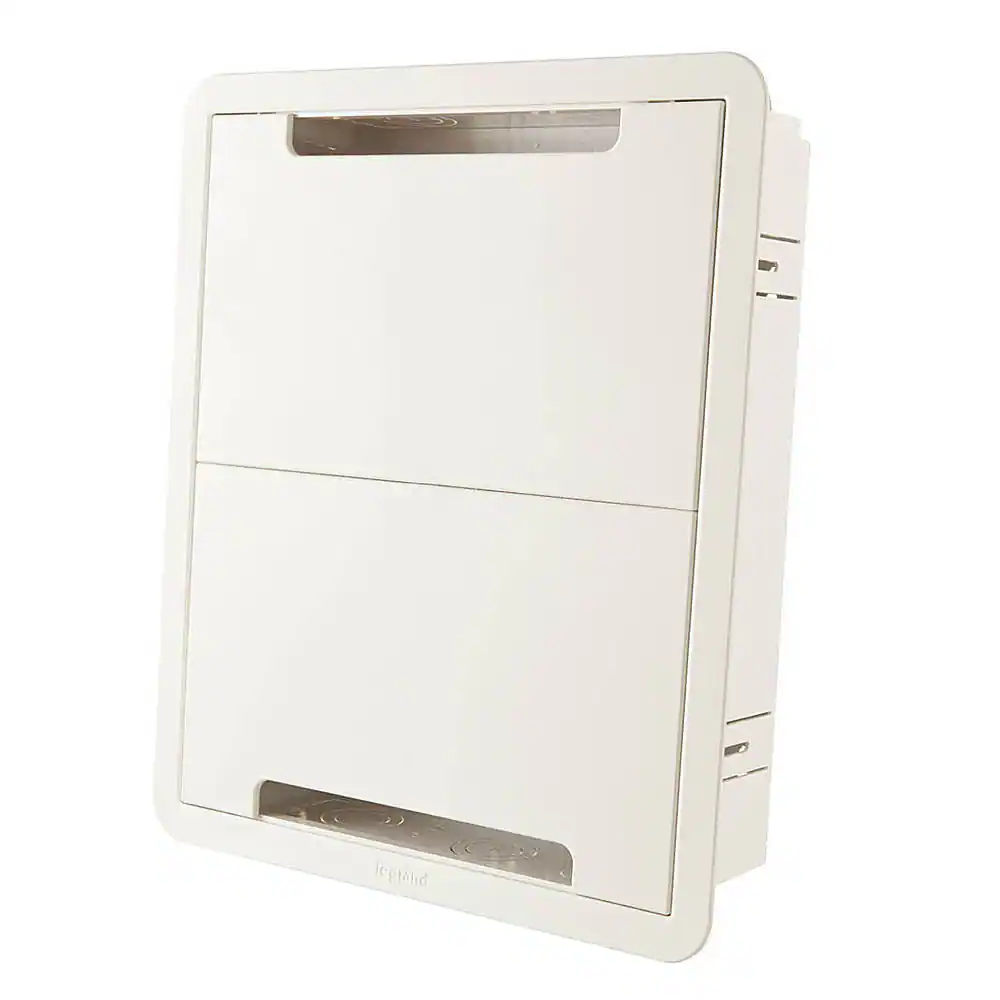 Cable Concealers
More to consider
 Top Deal$1,499.99The price was $1,999.99
 Flash Deal$649.99The price was $1,299.99
 $599.99The price was $799.99
 Top Deal$1,599.99The price was $2,699.99
 $1,397.99The price was $2,499.99

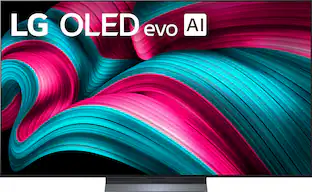


Elevate your entertainment Sponsored
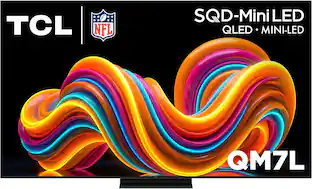 $999.99The price was $1,499.99
- Top Deal$799.99The price was $1,199.99
 Top Deal$1,799.99The price was $1,999.99
Discover related products
 $169.99The price was $175.99
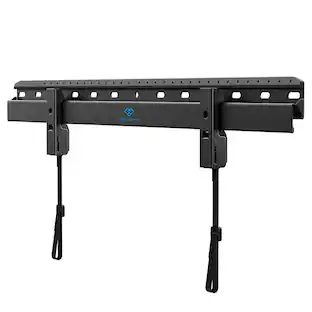 $19.99The price was $39.99
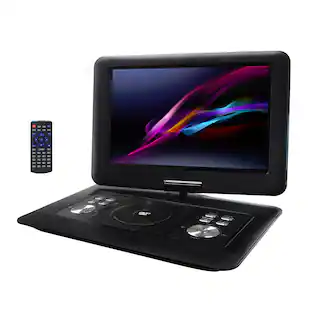 $119.98The price was $179.98
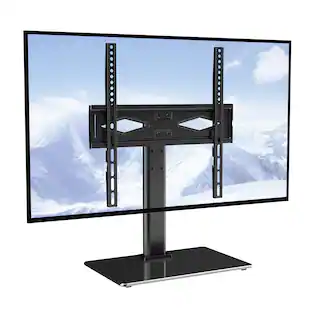





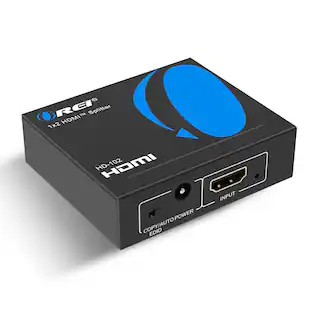
Keep exploring
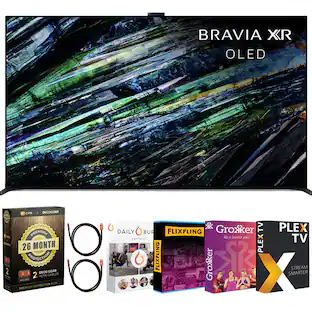 $3,498.00The price was $5,267.92
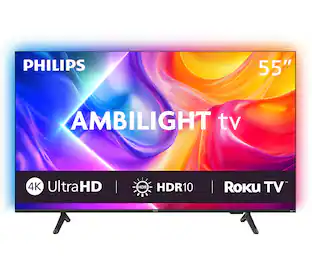 $279.99The price was $349.99
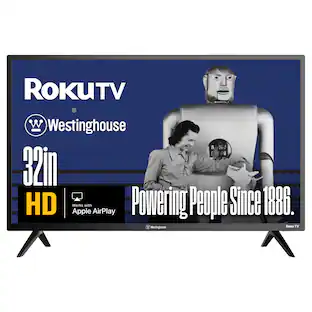 $109.99The price was $139.99
 $1,979.00The price was $2,199.00
 $1,299.99The price was $1,386.49
 $1,499.99The price was $1,599.99