Customer Ratings & Reviews
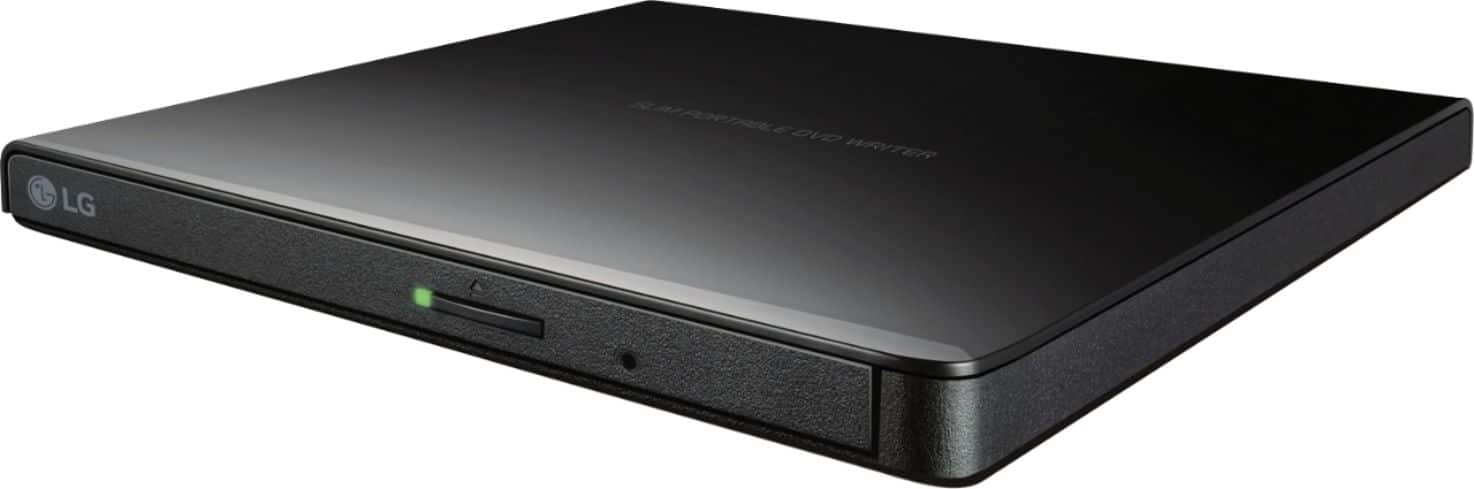
- Model:
- GP65NB60
- SKU:
- 11531772
Rating by feature
- Value
Rating 4.6 out of 5 stars
- Quality
Rating 4.5 out of 5 stars
- Ease of Use
Rating 4.6 out of 5 stars
External Drive
Posted .This reviewer received promo considerations or sweepstakes entry for writing a review.This is exactly what I thought it would be & needed!
I would recommend this to a friendNice.
Posted .This reviewer received promo considerations or sweepstakes entry for writing a review.Have not opened yet...expect to be okay...nice and cheap.
I would recommend this to a friendRIP OFF
Posted .This reviewer received promo considerations or sweepstakes entry for writing a review.After 30 days the LG-#GP65 stopped working. In order for the unit to work I had to join CyberLink and pay $69.99 for a one year license. Disc that was used to install the drive says "OEM version Not for Resale" This license requirement stating a yearly fee should be stated on the box and also on the on the DVD.
No, I would not recommend this to a friendBrand response from LGAnswers
Posted .We want to thank you for taking this time to communicate with us about your experience with your LG DVD Drive. Please send us a private message on Facebook or Twitter using @LGUSSupport, and include your contact info, or reach us at our customer service line at (800) 243-0000, and we will be happy to assist you further. Thank you. ^Jolly

Great for mundane activity
Posted .This reviewer received promo considerations or sweepstakes entry for writing a review.I've actually had no trouble with this device until it came time to create a system restore bootable disk. I'm running Win 10 (1709/16299.125). Using Windows "Create a system repair disk" a disk IS created and the files are in place, but when I try to boot from the disk (including using both this optical drive or different ones) I get "non-system disk or disk error". Bootable disks created with other optical drives work fine.
No, I would not recommend this to a friendBrand response from LGAnswers
Posted .We would love to look into this for you. Please reach out to a computer specialist by calling 800-243-0000. ^CP
pay a bit more for something that works
Posted .This reviewer received promo considerations or sweepstakes entry for writing a review.it is flimsy and worked one time. that was it. too lazy to return it. but i'll never buy anything from Best Buy again. no offense.
No, I would not recommend this to a friendBrand response from LGAnswers
Posted .We are sorry to hear that your unit did not meet your needs/expectations. This is not the quality we expect from our products. We are continuously working to improve the quality of our products and anticipate market demands that drive customer satisfaction. If you ever have any questions please reach out to our support team on Facebook at @LGUSSupport and use #VOC in your first message to our social media support team.. To speak with an agent via phone, you can call 800.243.0000 We apologize for any inconvenience this caused. ^Venette