Customer Ratings & Reviews
- Model:
- 27GS75Q-B
- SKU:
- 12224682
Rating by feature
- Display Quality
Rating 4.8 out of 5 stars
- Ease of Use
Rating 4.8 out of 5 stars
- Features
Rating 4.7 out of 5 stars
to a friend
LG ultra gear
||Posted . Owned for 2 weeks when reviewed.This reviewer received promo considerations or sweepstakes entry for writing a review.My son loved it his first gaming pc no complains at all
I would recommend this to a friendGreat gaming monitor
||Posted . Owned for 1 week when reviewed.This reviewer received promo considerations or sweepstakes entry for writing a review.Great gaming monitor. Fast response. Exceptional image quality.
I would recommend this to a friendJust ok
||Posted . Owned for 1 week when reviewed.This reviewer received promo considerations or sweepstakes entry for writing a review.Decent clarity but could be better wish it was a little bit more steady stand wiggled easy
No, I would not recommend this to a friendPoor Customer Service
||Posted . Owned for 1 week when reviewed.This reviewer received promo considerations or sweepstakes entry for writing a review.Monitor does not work with PS5 VRR mode contrary to what the LG rep's on best buy.com state. Picture quality is good but not great. Mostly disappointed in poor customer service from LG when trying to fix PS5 VRR compatibility issues. Chat service rep kept disconnecting from chat instead of attempting to help answer my questions.
No, I would not recommend this to a friendBrand response from LG Digital Customer Care
Posted .Hi, Raphael. Thank you for sharing your feedback with us. We understand that you’re having issues with your LG Monitor (27GS75Q-B) model and PS5 VRR compatibility and that your experience with our customer service has been less than satisfactory. We strive to provide high-quality products that exceed our customer's needs. For troubleshooting, please ensure that the monitor's firmware is up-to-date, as this can sometimes resolve compatibility issues. Additionally, double-check that the HDMI cable being used is compatible with VRR. For more help, visit https://www.lg.com/us/support/help-library/lg-monitor-how-to-update-monitor-firmware--20153819322140. If these steps don’t resolve the issue, we’d like to assist you further. Please send us a private message on social media @LGUSSupport, and our team will be more than happy to explore possible solutions and address any concerns you might have. ^Juvy

Brightness!!!!
||Posted . Owned for 1 week when reviewed.This reviewer received promo considerations or sweepstakes entry for writing a review.It’s not bright enough but if that doesn’t bother you then it’s a great monitor
I would recommend this to a friendGaming monitor ACE
||Posted . Owned for 1 week when reviewed.This reviewer received promo considerations or sweepstakes entry for writing a review.This is a good gaming monitor. I was using it as a second monitor for my gaming PC. Which rocks a 4080 super and ryzen 7 9800x3d.
I would recommend this to a friendSolid monitor
||Posted . Owned for 1 week when reviewed.This reviewer received promo considerations or sweepstakes entry for writing a review.Overall solid monitor. Good image quality, easy access menu system and easy access ports on the back. Good gaming/work monitor!
I would recommend this to a friendGaming monitor
||Posted . Owned for 1 week when reviewed.This reviewer received promo considerations or sweepstakes entry for writing a review.It’s great gaming monitor I love playing on it will recommend
I would recommend this to a friendSolid
||Posted . Owned for 2 weeks when reviewed.This reviewer received promo considerations or sweepstakes entry for writing a review.Good monitor. HDR I feel is lacking but overall it's great.
I would recommend this to a friendLg ultragear
||Posted . Owned for 1 week when reviewed.This reviewer received promo considerations or sweepstakes entry for writing a review.No sound or cant figure out how to make sound work
I would recommend this to a friendGood Value
||Posted . Owned for 1 week when reviewed.This reviewer received promo considerations or sweepstakes entry for writing a review.Good value for the money. Setup was easy. Only con was that the interface isn't very good.
I would recommend this to a friendgood 2k monitor
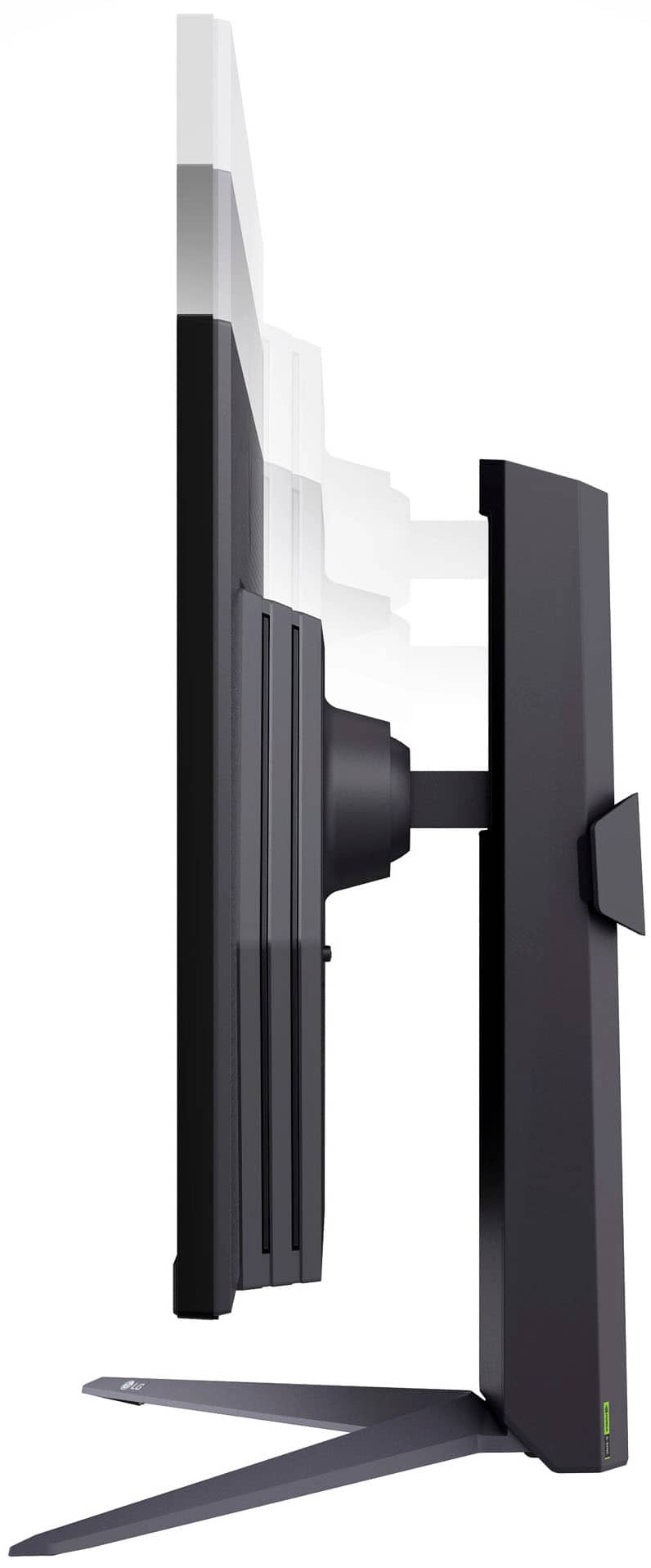
||Posted . Owned for 1 month when reviewed.This reviewer received promo considerations or sweepstakes entry for writing a review.Descend monitor, adjustable height, easy installation
I would recommend this to a friendLg monitor
||Posted . Owned for less than 1 week when reviewed.This reviewer received promo considerations or sweepstakes entry for writing a review.I’m a big lg fan everything I own is lg but this monitor had one joystick type of controll to make adjustments it’s a royal pain in the but can’t believe they didn’t use separate buttons
No, I would not recommend this to a friendThere is a problem with this monitor
||Posted . Owned for less than 1 week when reviewed.This reviewer received promo considerations or sweepstakes entry for writing a review.When I play at 180Ghz screen goes crazy I’ve been trying anything and nothing yet I think I’m returning. I get better results if I swap cables and turn down up to 120hz, otherwhise wont work be careful
No, I would not recommend this to a friendBrand response from LG Digital Customer Care
Posted .Hi, there. thank you for sharing your experience with LG Monitor (27GS75Q-B) model. We understand your concern about encountering issues when trying to play at 180Hz on your unit display. We strive to provide high-quality products that exceed our customer's needs and expectations. It sounds like the screen behavior you're experiencing might be related to either the cable, the refresh rate settings, or even the connection compatibility.
One troubleshooting step we recommend is to ensure that you're using a high-quality cable that supports 180Hz at the resolution you're trying to play at, as not all cables can handle higher refresh rates. Additionally, verify that your graphics card supports 180Hz output, as well as adjusting your display settings to match the optimal configuration for your setup.
If you're still encountering issues, please send us a private message on social media @LGUSSupport, and we’ll be happy to help you further with additional troubleshooting or provide any assistance you need.
We appreciate your feedback and patience, and we’re here to assist you. ^Juvy
DONT BUY
||Posted .This reviewer received promo considerations or sweepstakes entry for writing a review.STAY AWAY. A LOT OF DEAD PIXELS AFTER JUST 3 MONTHS OF USE!!!
No, I would not recommend this to a friendBrand response from LG Digital Customer Care
Posted .Hi, there, thank you for sharing your experience with the 27GS75Q-B.AUS monitor. We understand how important display quality is, especially when it comes to gaming and creative work. LG monitors are designed to deliver high performance, and we want to make sure you have access to the right support and information.
You may access this link related to your concern: https://www.lg.com/us/support/help-library/lg-tv-troubleshooting-pixel-outage-or-colored-dots-on-screen--20150933240306. If you'd like us to look into this further or need personalized assistance, please feel free to email us at lgdigitalcare@lg.sprinklrsupport.com.
-Avril

Quality Performance Gaming Monitor
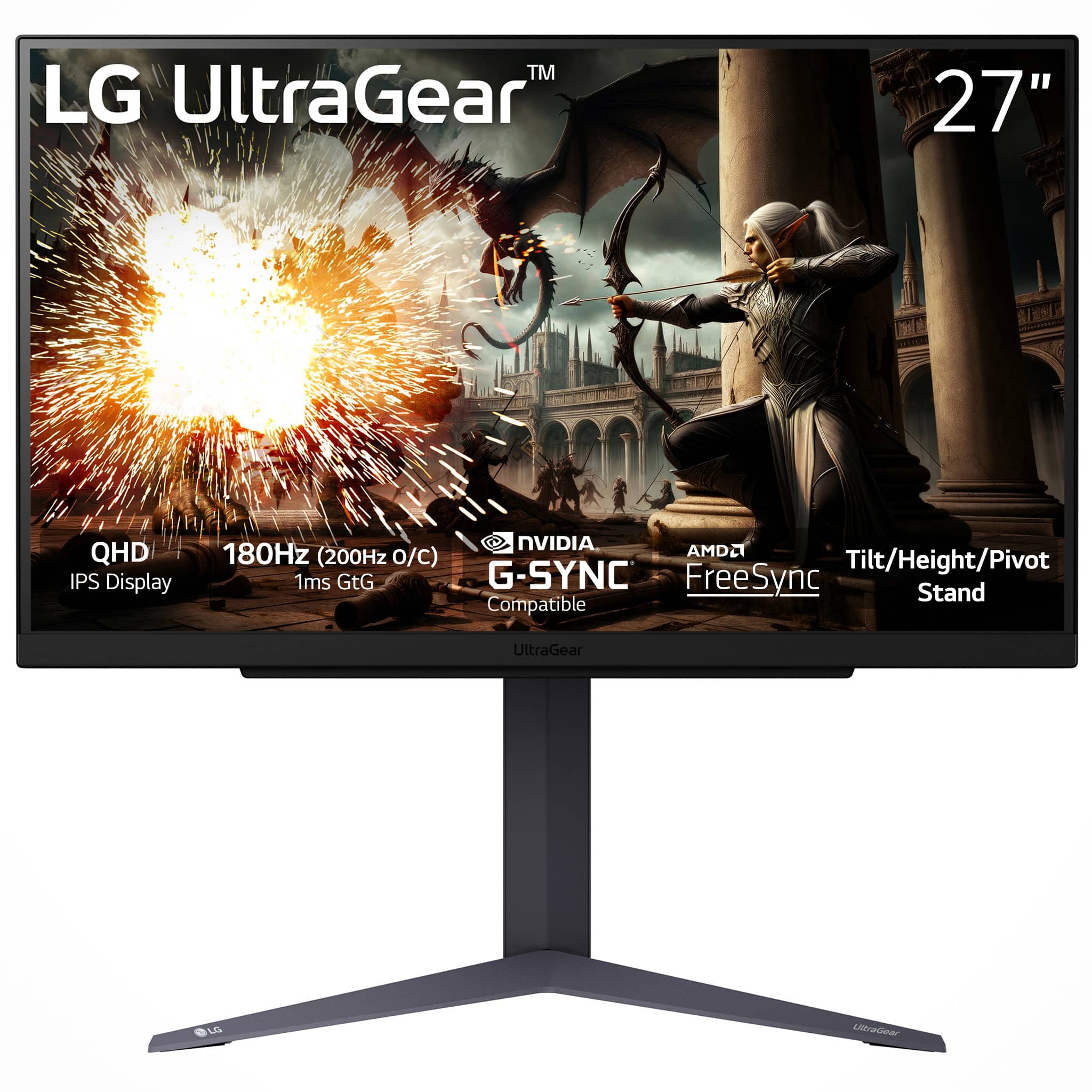
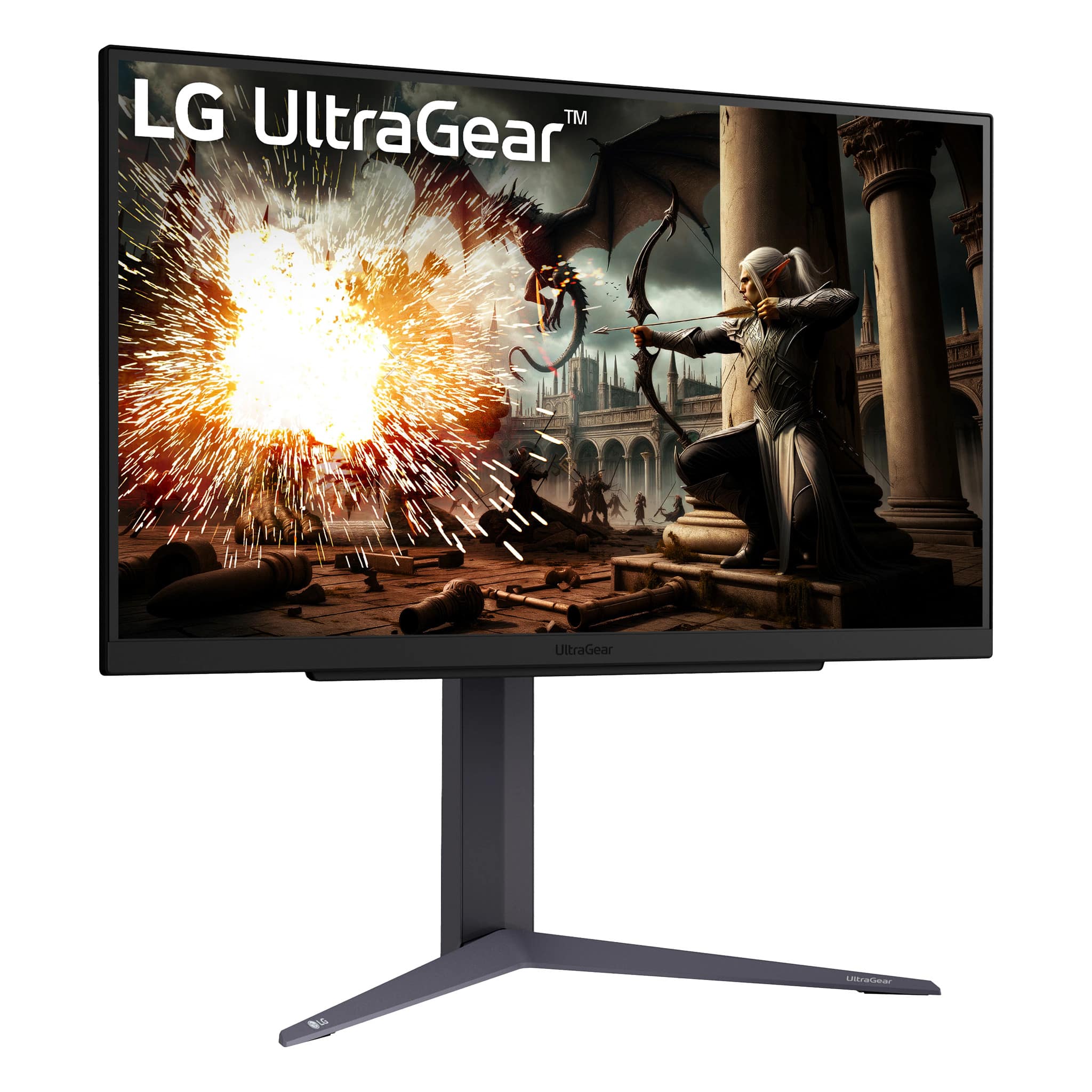
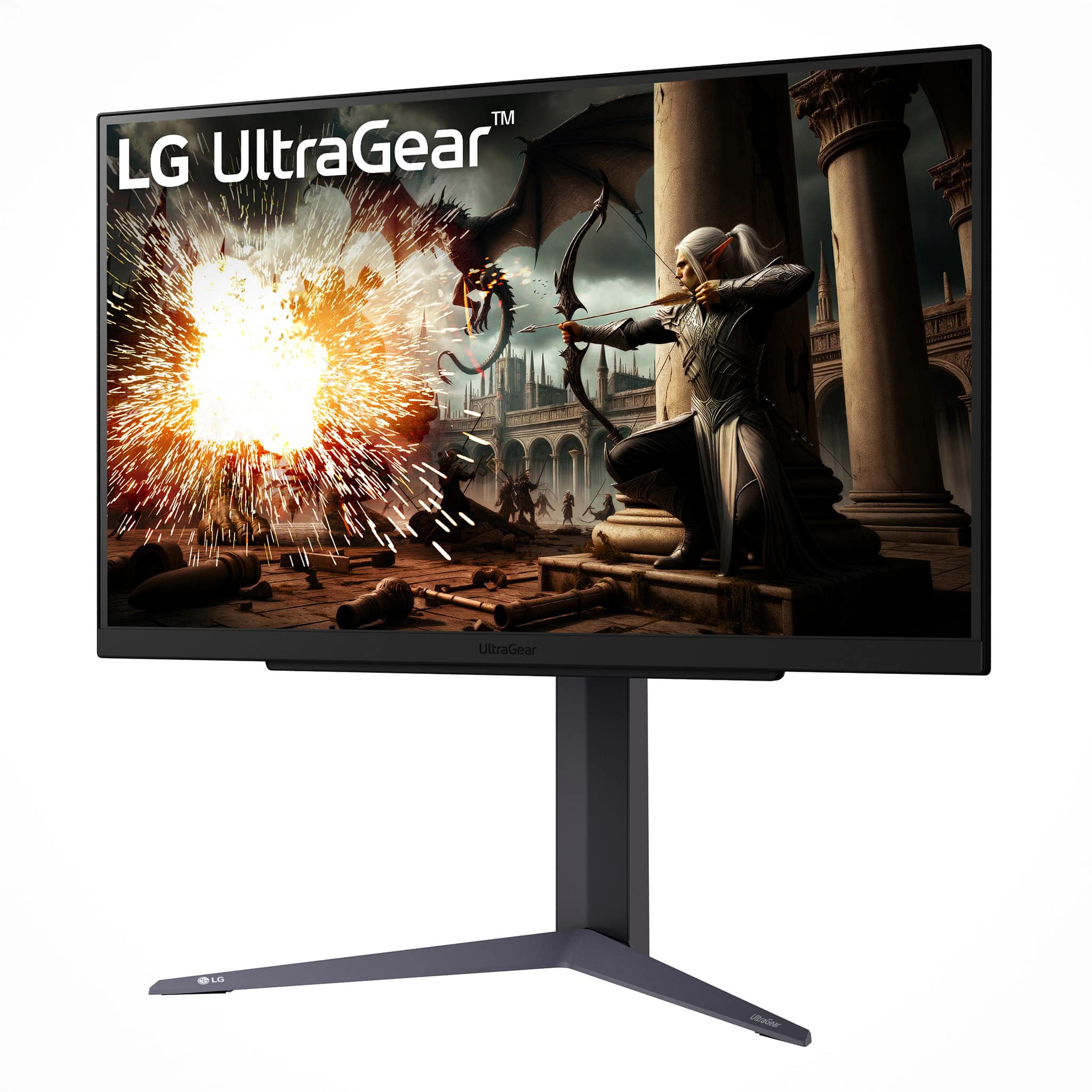
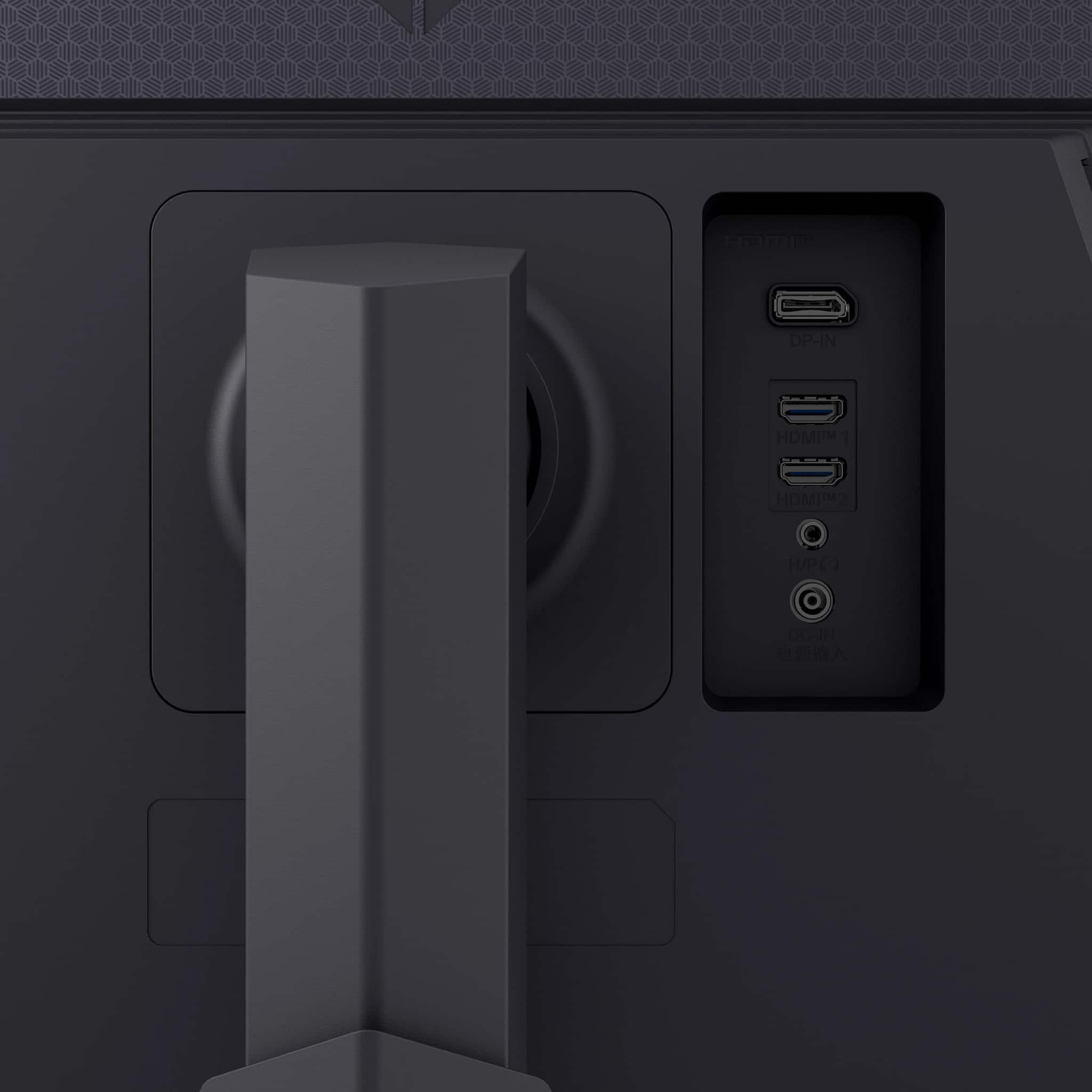
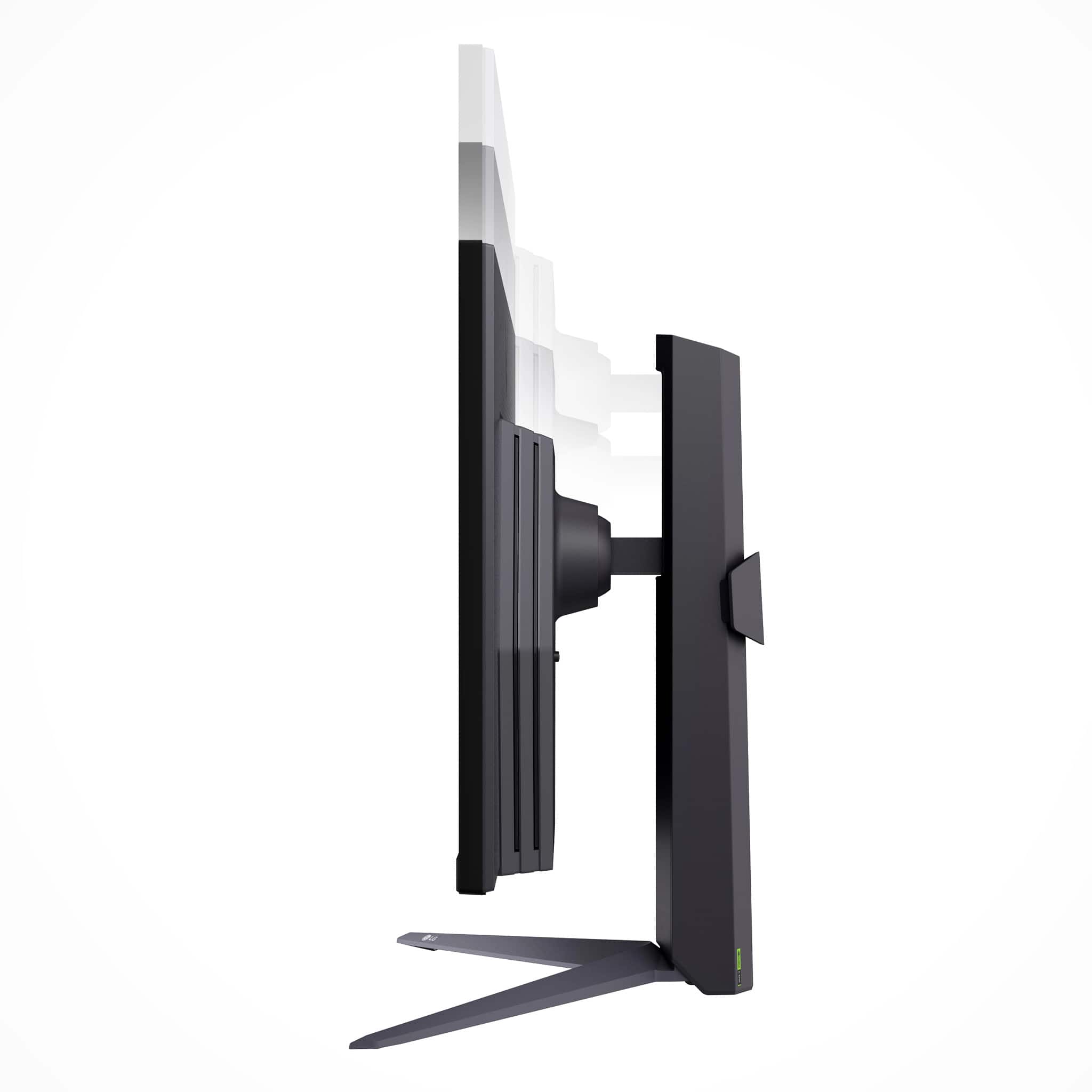
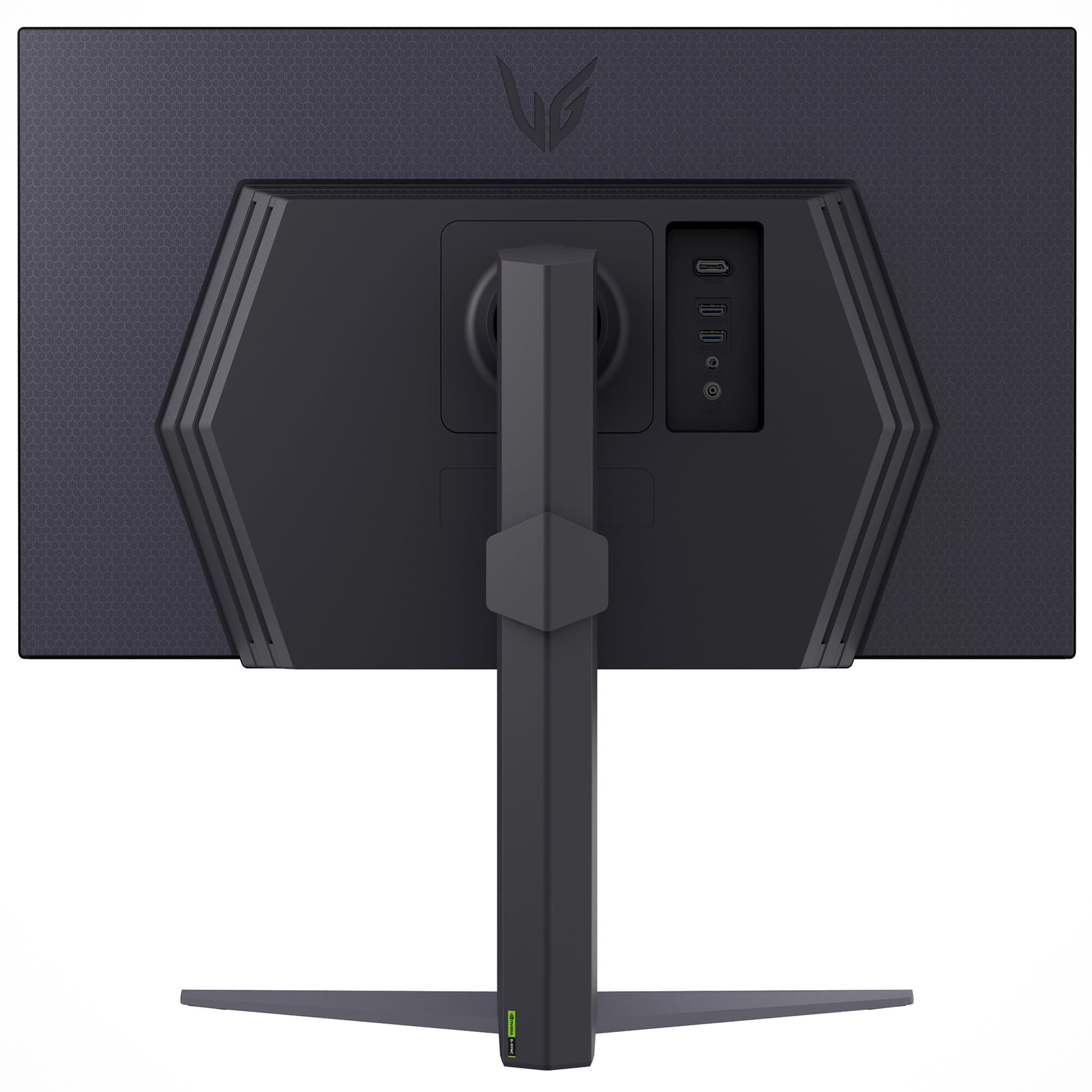
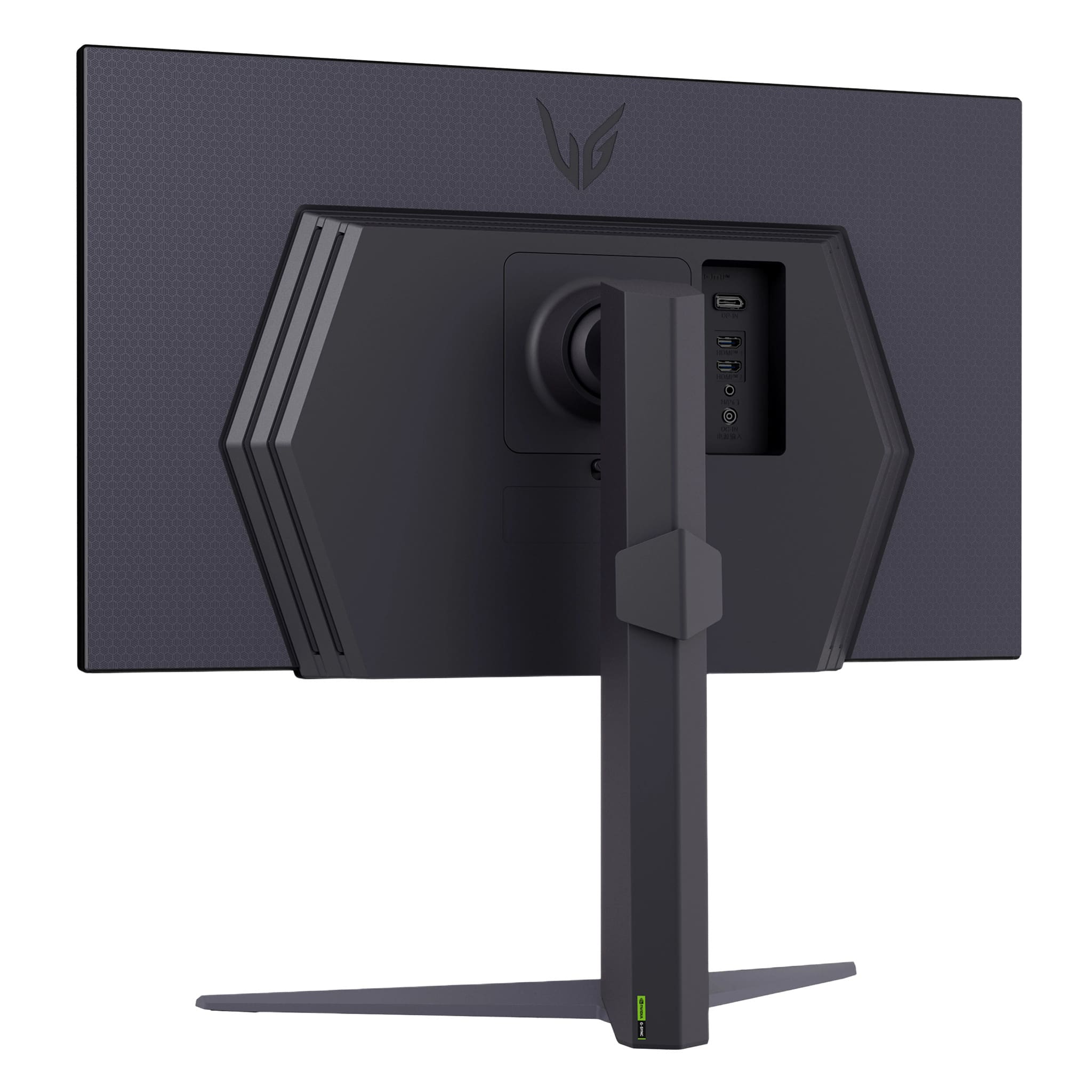
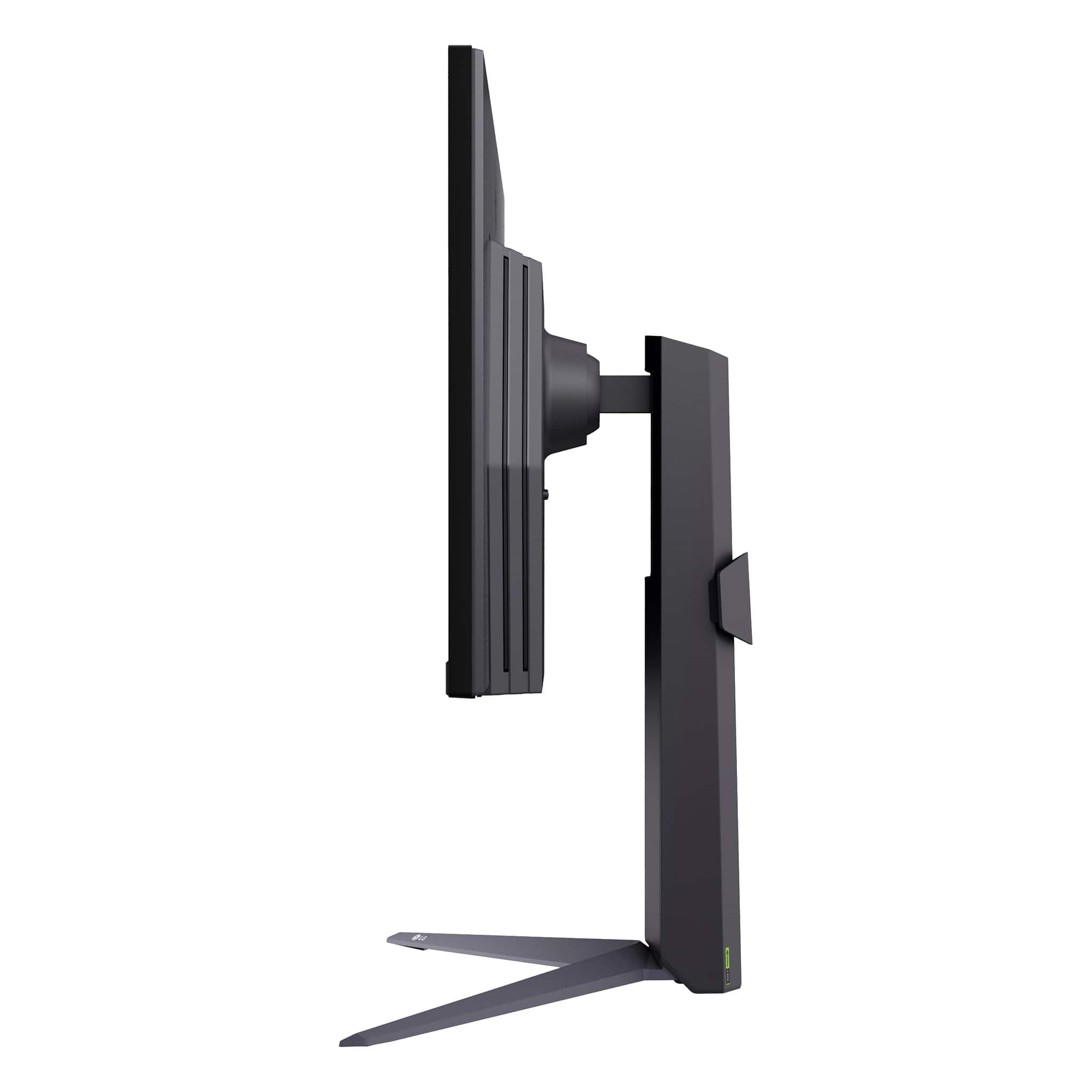
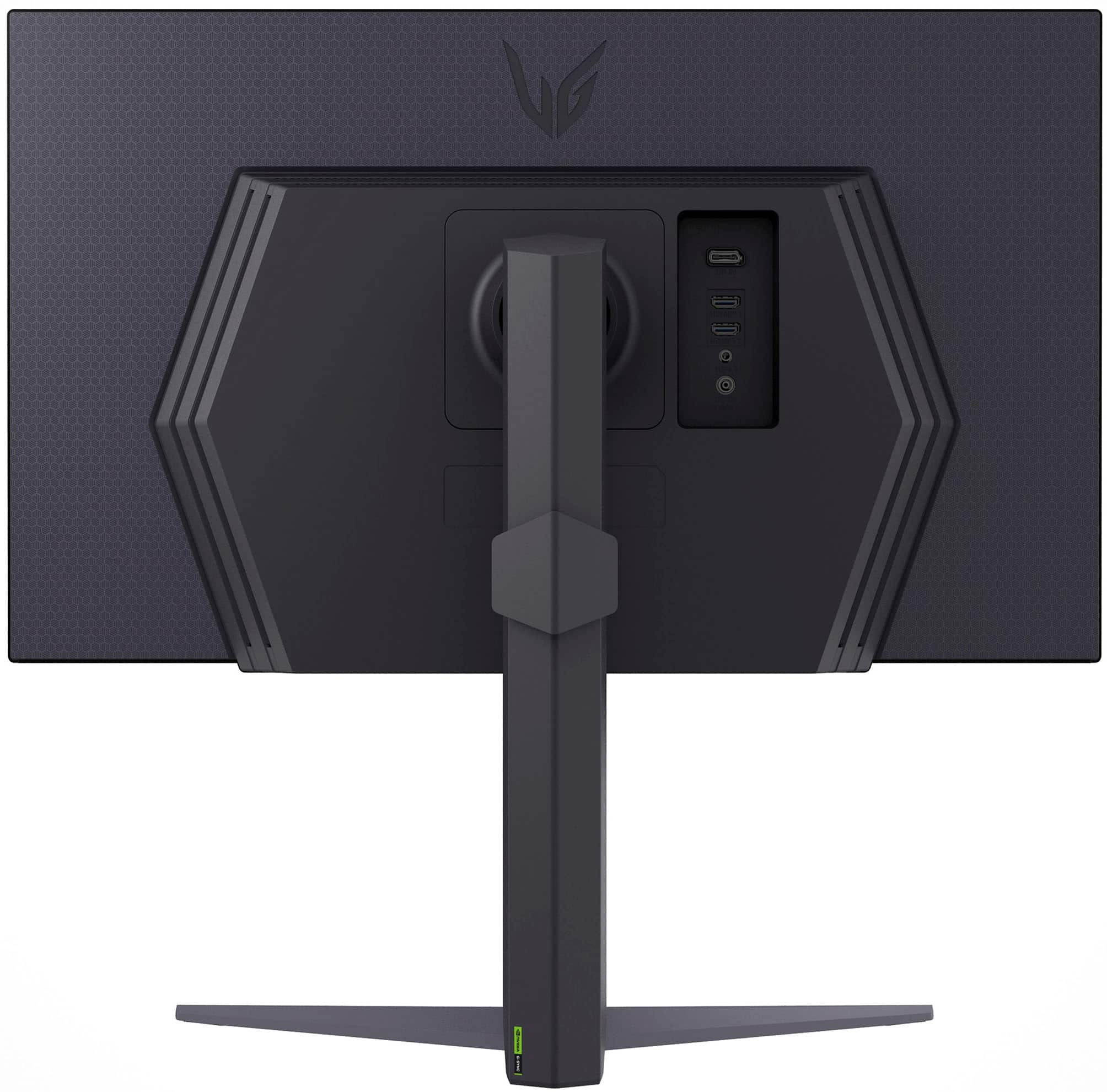
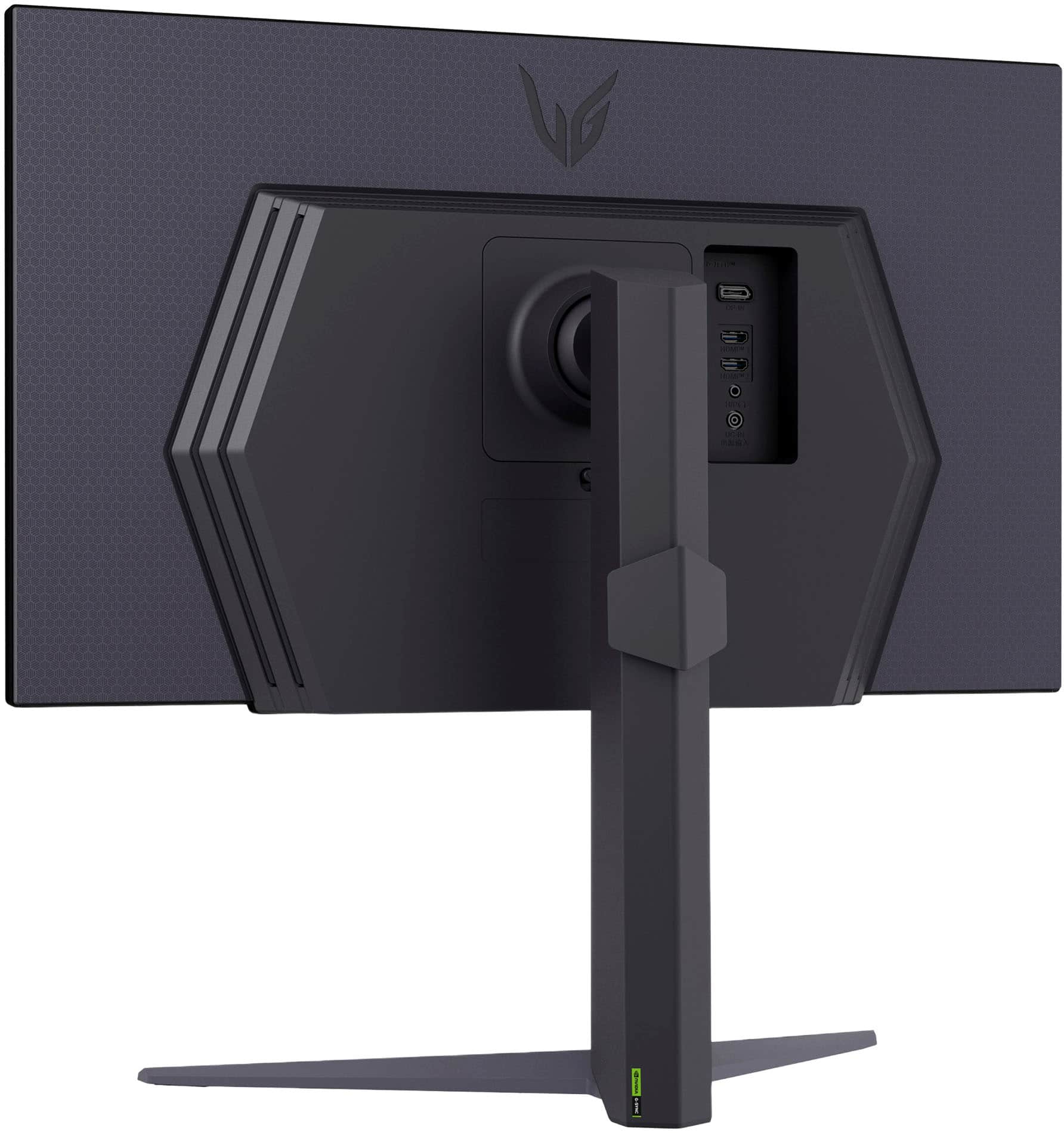
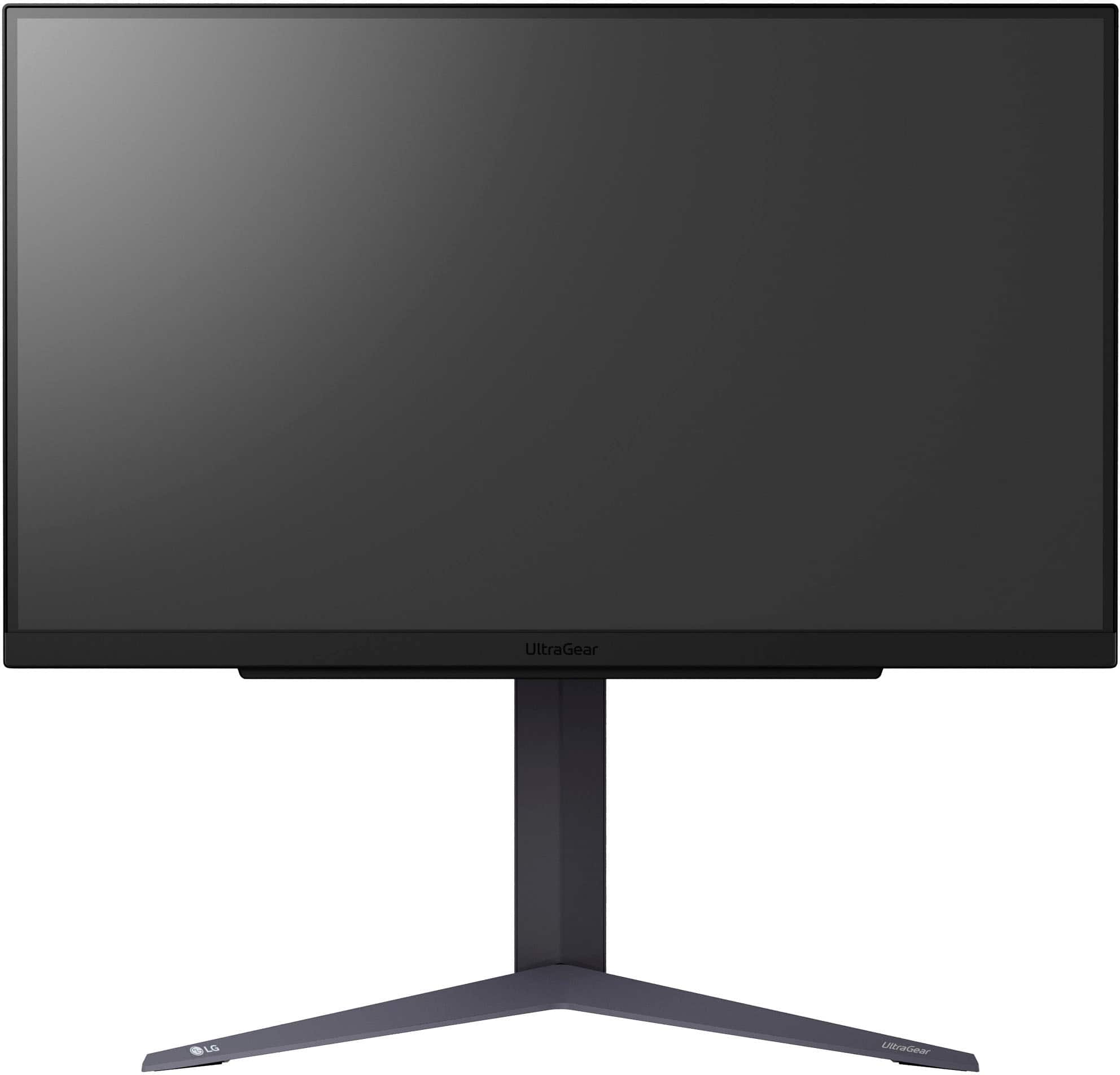
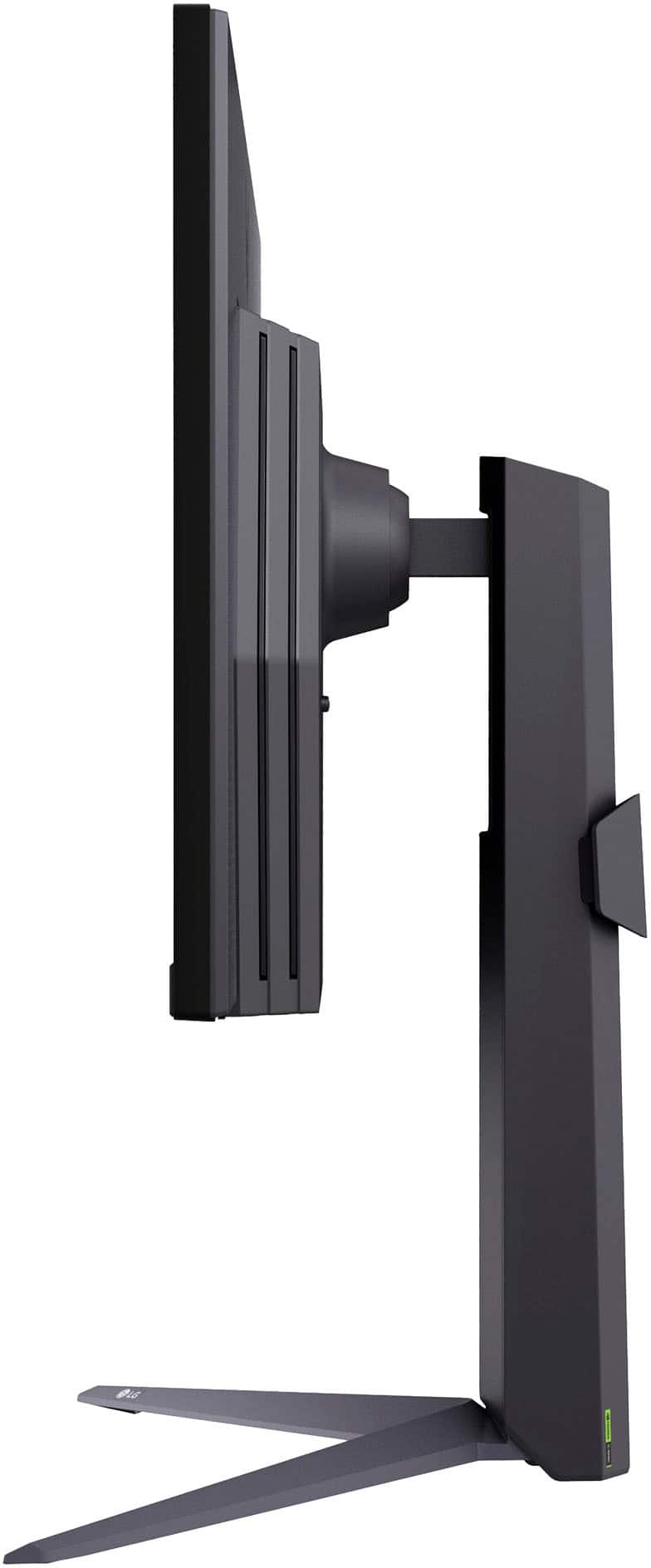
|Posted .This reviewer received promo considerations or sweepstakes entry for writing a review.The LG UltraGear 27GS75Q is made with quality durable plastics. It comes with a stable, sturdy adjustable stand that allows the usual tilt, height, and pivot adjustments. Overall impression is the monitor is well-constructed and will last. The monitor looks modern with an almost borderless display on the top and sides. Rather than the typical buttons on the bottom edge to set the monitor functions, which are often awkward to use, this monitor has a joystick in the center you use to move through menus that you push up on to select. The power is not a standard power cable but AC Adapter with the power conversion done in a box at the plug. The AC Adapter was wide enough to block the neighboring AC sockets on my power strip. I moved plugs around to put it at the end of the strip, so it overlapped just one socket. Depending on the spacing of your power strip, this may or may not be an issue for you. There are 4” extension cables that solve the issue if you run into this. The LG UltraGear 27GS75Q is built for gaming. With a refresh rate of 180Hz that can go up to 200Hz (overclocked), gameplay is ultra-smooth, even with fast-paced games. Screen tearing and stuttering are virtually eliminated. I noticed none using an Nvidia RTX 4090 video card. However, the two HDMI connectors are limited to 144mhz. You must connect using the one Display Port 1.4 connection to utilize the 180mhz 200Hz (overclocked) refresh rate. A Display Port 1.4 cable in included with the monitor. The 1ms (GtG) response time makes motion blur and ghosting nonexistent. Even during rapid movements, the image is crisp and clear. You can plug in a second PC or a streaming box for watching TV or movies into the HDMI ports. This monitor supports both NVIDIA G-SYNC and AMD FreeSync, which synchronizes the monitor’s refresh rate with the graphics card’s frame rate. This results in a smoother fluid gaming experience with even demanding games. The LG UltraGear 27GS75Q covers 99% of the sRGB color spectrum, ensuring accurate and vibrant colors. The HDR10 improves color and contrast, bright scenes are brighter and dark scenes darker. HDR10 adds depth and realism for more realistic and immersive visuals. These features also make the LG UltraGear 27GS75Q great for watching movies. Even fast changing scenes while watching a Fast and Furious movie displayed smoothly, without any noticeable blur or lag. The high refresh rate and quick response time makes this a greet choice for watching action-packed movies and sports. The IPS panel offers wide viewing angles, so you can enjoy consistent colors and clarity from almost any angle. Useful when watching movies with others sitting off to the side. I found the LG UltraGear 27GS75Q to be a well-made, attractive, and versatile high-performance monitor that excels in both gaming and multimedia use. Its impressive features provide smooth gameplay and movie viewing. Whether you’re looking for intense gaming or simply want to enjoy high-quality visuals, the LG UltraGear 27GS75Q is a monitor that delivers on multiple fronts.
I would recommend this to a friendGreat Gaming Monitor
|Posted .This reviewer received promo considerations or sweepstakes entry for writing a review.This is a great choice in monitor. LG has really done a great job. The colors are really great and not saturated at all. The 4k display and 240 refresh rate is great when playing higher end games suck as AAA and ESports titles. I haven’t had any issues with dead pixels like some others, so the quality has been really good to me. This monitor can be easily wall mounted. But the stand allows you to tilt, adjust the height, and pivot. I personally have it on a desk mounting arm next to two other monitors and it looks great! It has a clean black look that fits in well with other brands. The monitor is equipped with two hdmis. I wish it had more but also has a display port that you can get an adapter for hdmi or a hdmi cable to display port. So not a huge problem just more of an inconvenience. Multiple USB ports are also a nice convenience. Overall I have been thrilled with this monitor and it has become my main gaming monitor. I also use of for work but I’m sure you’re here for gaming reasons. The graphics are great and have 0 issues with quality.
I would recommend this to a friendGood All Around Monitor - Smooth Picture
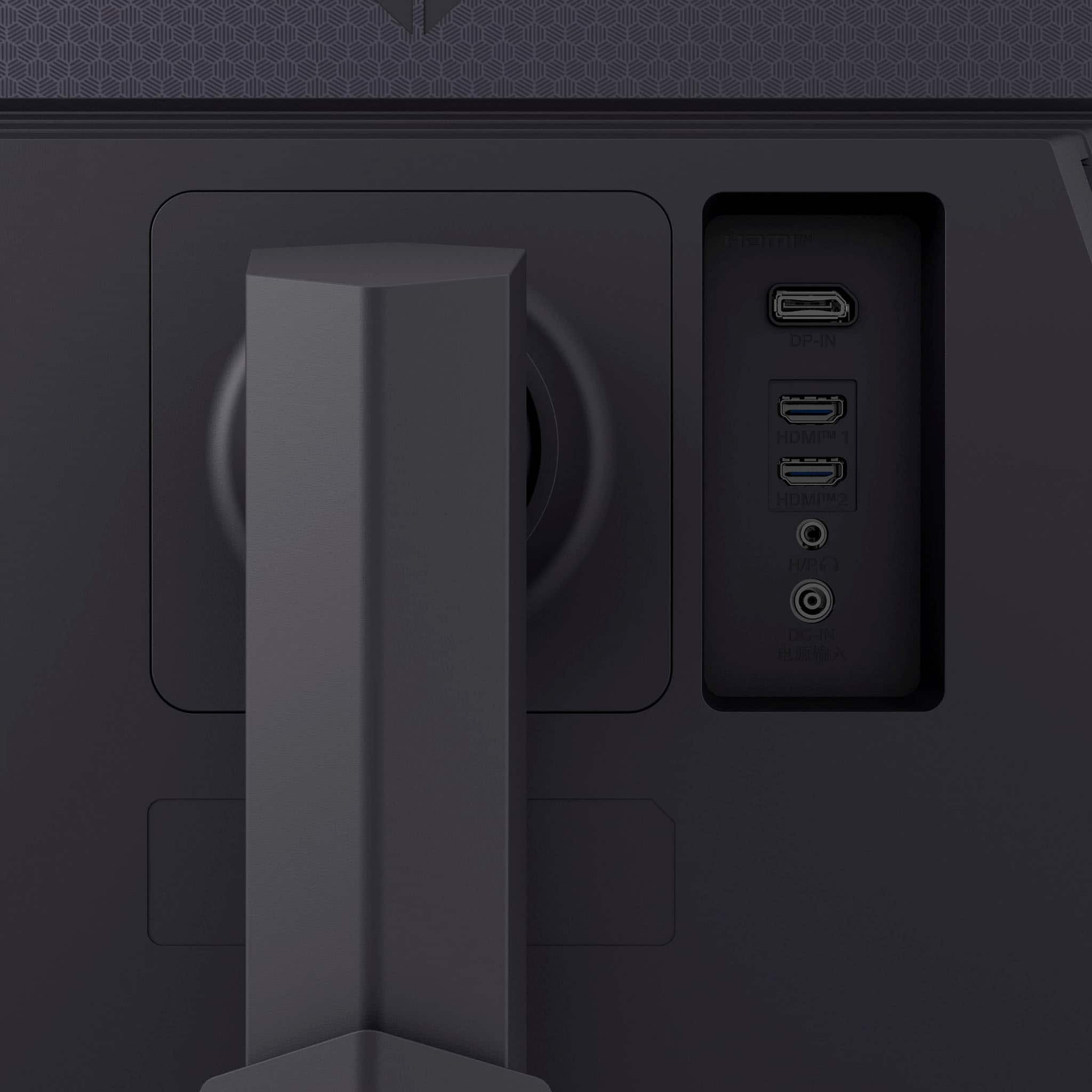
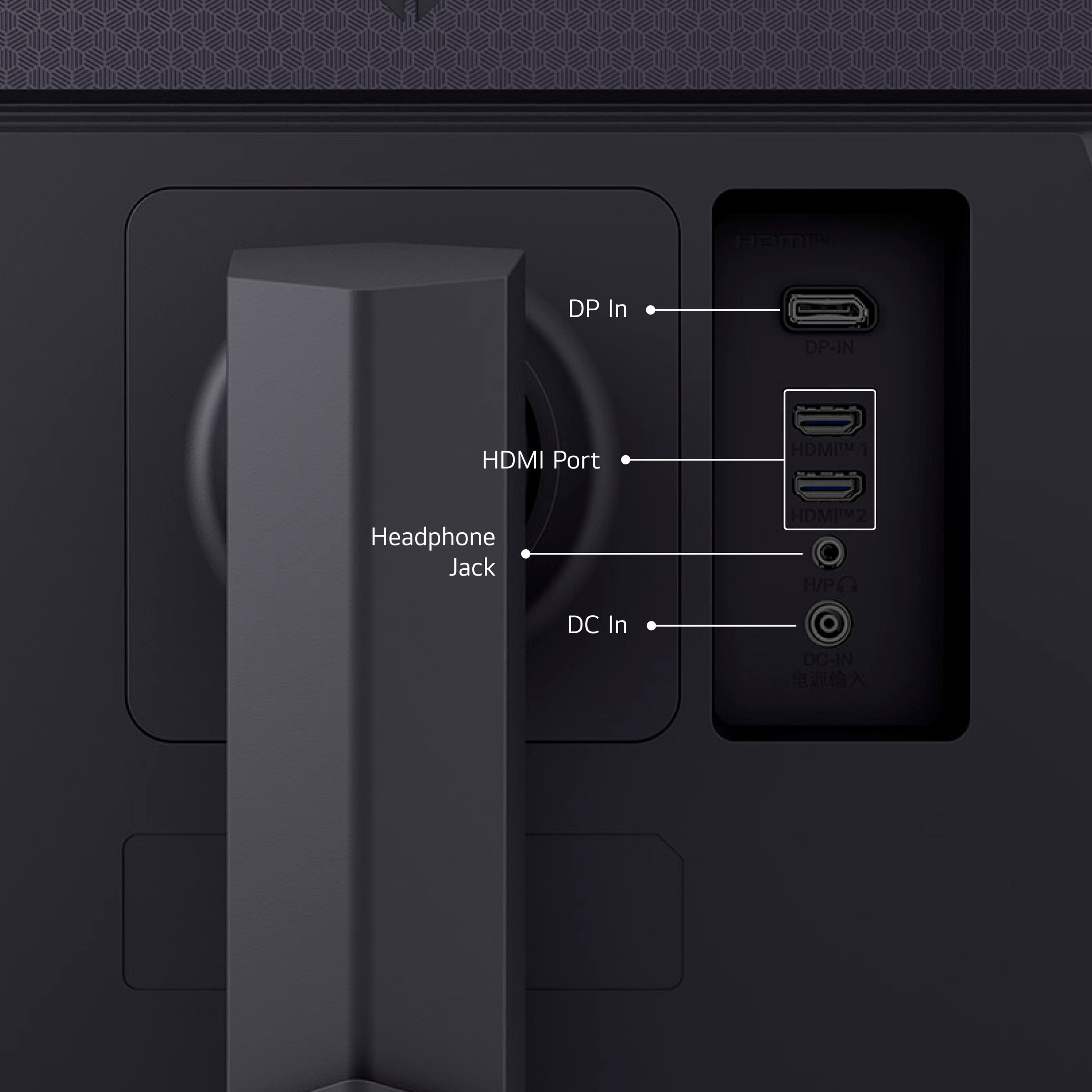
|Posted .This reviewer received promo considerations or sweepstakes entry for writing a review.This review is for the LG UltraGear 27” LED gaming monitor. At 2560 x 1440 pixel resolution, what makes this a gaming monitor beyond the slightly better than 1080p HD resolution is the 180Hz refresh rate, low 1ms latency, NVIDIA G-Sync/AMD Freesync compatibility, and brightness of the LED screen. One loses contrast ratio range compared to OLED, but that’s more key for cinematic/video experience. Setup is pretty straightforward. Connection wise you’ve got 1 display port, a surprising 2 HDMI, 3.5mm audio and the power barrel jack connector. No built-in speakers here and honestly, I’m not sure why monitors continue to use 3.5mm audio versus USB to allow you to get higher quality output. The monitor also comes with a stand where you can adjust the tilt angle. The on-screen menu is accessible via a joystick button on the underside of the front face. You’ve got the typical settings, brightness, contrast, color, inputs, etc but there’s a couple key ones that I’d like to highlight. First, the monitor beeps at you on power up. You can thankfully disable that through the monitor settings. Second, in the game adjust menu, you can actually turn on an FPS counter. This comes in handy if you’re attempting to benchmark a few games or compare monitors. For general use, I was pretty happy. The screen is sharp and looks better than my existing wide screen landscape monitor. I did need to tweak settings to get the color temperature to match my second monitor (4K portrait) but got them to line up pretty well despite being from different manufacturers (and decades!). I ended up not using the stand but the mounting bracketing is VESA compatible so it went onto my existing monitor arm without issue. My wide screen is 2560 x 1080 and it doesn’t seem like much but I appreciated having the additional vertical resolution. It felt a lot more natural with a 27” diagonal. My existing widescreen is truly wide - with a 29” diagonal so the squeezed vertical effect is even more pronounced. I also appreciated being able to drive the monitor at just 1920 x 1080. Sometimes, I remote desktop using a program where it can’t adjust the remote screen to the local screen, but you’re limited to resolutions the physical attached monitor can achieve. The monitor was awesome playing Counter Strike 2 and Hades 2. FPS on the monitor matched what the game was claiming and certainly kept up with my graphics card. While I can't say I was really blown away by comparison to others, one thing that stuck with me was the LG felt really smooth. With Hades 2, there was perhaps one cut scene where the screen seemed a bit bright but the black stabilizer setting seemed to help so playing through again, I didn’t notice at all. It didn’t do as good a job rewatching a Jason Bourne movie but the picture was still great (and honestly, I’ve watched this about 10 times over the past twenty years and no screen has quite gotten it as perfect as when I first watched in the theater). In all, I’m pretty pleased and would highly recommend this screen for gaming or just general purpose office work. Maybe programming as well if like me, you have a primary monitor for your IDE and a secondary one for email, web searches, etc.
I would recommend this to a friendmonitor
||Posted . Owned for 1 week when reviewed.This reviewer received promo considerations or sweepstakes entry for writing a review.It was tripping. It was not what I expected hopefully purchasing something else will be better.
No, I would not recommend this to a friendBrand response from LG Digital Customer Care
Posted .Hi, there. Thank you for sharing your feedback with us. We understand your concern about your LG Monitor (27GS75Q-B) model that doesn’t meet your expectations, especially when you’re looking forward to using it. We strive to provide high-quality products that exceed our customer's needs and expectations. If the unit is tripping or not functioning as expected, it could be due to a power issue or an electrical connection problem. We recommend checking the power cord and outlet to ensure they are both functioning properly and secure. If the unit continues to trip, it may be best to consult an electrician to rule out any electrical issues at the source. For more help, visit https://www.lg.com/us/support/help-library/monitor-powers-onoff-intermittently--20150907918722. If you’d like, please feel free to send us a private message on social media @LGUSSupport, and we’d be happy to assist you further and troubleshoot the issue. We want to make sure you’re satisfied with your purchase, and we’re here to help in any way we can. ^Juvy
A Worthwhile Experience
|Posted .This reviewer received promo considerations or sweepstakes entry for writing a review.[PROS] Hits Benchmark: Playing at 144-165hz allows for a great experience even at 1080p. But breaking the ceiling to hit 180fps at 1440p is awesome. I tested a number of titles with 4080, and can confirm that it is indeed achievable and maintainable. Furthermore, I didn't even have to tweak any settings or overclock it. HDR10: The HDR space can be a confusing area among gaming monitors. Often times we see monitors that say they support HDR but it might be HDR400 or something similar which doesn't match up with consoles like the Xbox Series S or X. Fortunately, being HDR10 certified ensures compatibility with those consoles and produce very vivid colors. Functional Modes: Along with HDR, I found a plethora of options to customize the monitor experience to suit my gaming needs. I have a visual impairment that cause me to struggle with aiming. Features like Crosshair makes playing games so much easier allowing me to improve my accuracy. [CONS] No USB Connections: I'm the person that probably has something plugged into most of the USB slots within my desktop. It would've been nice for the monitor to contain an USB B port that could create hub through the monitor. Awkward Power Cable: So the tip of power adapter is a right angled plug, but the spacing around the port isn't large enough to accommodate the housing around the tip. I have to turn the plug almost upside down to prevent a shortage from occurring within the wire. Also, the base of the adapter that plugs into the outlet is sure to take up a lot of space on a surge protector. [CONCLUSIONS] Gaming with this UltraGear variant has been superb. It's not the ultimate monitor, but has many of the features to make is a great monitor: 180Hz, HDR10, IPS, and a dozen other adjustable settings to make it an enjoyable experience.
I would recommend this to a friend