Customer Ratings & Reviews


- Model:
- 27GR95QE
- SKU:
- 6530357
Rating by feature
- Display Quality
Rating 4.7 out of 5 stars
- Ease of Use
Rating 4.6 out of 5 stars
- Features
Rating 4.6 out of 5 stars
Customers are saying
Customers praise the UltraGear 27" OLED monitor's exceptional picture quality, high refresh rate, and deep blacks, frequently highlighting the impressive OLED technology and HDR capabilities. However, some users note that the monitor's brightness could be improved and express concerns about the price point. A few also mention issues with the remote and the matte coating.
This summary was generated by AI based on customer reviews.
Sad it broke so soon!
||Posted . Owned for 1 year when reviewed.This reviewer received promo considerations or sweepstakes entry for writing a review.Awsome but broke after a year.Turns off goes completly black mid game.
No, I would not recommend this to a friendJust stop working
||Posted . Owned for 6 months when reviewed.This reviewer received promo considerations or sweepstakes entry for writing a review.Very good image quality and very good resolution but after 5 months it stopped working, I do not recommend buying it.
No, I would not recommend this to a friendEarly adopter woes
||Posted . Owned for 1 week when reviewed.This reviewer received promo considerations or sweepstakes entry for writing a review.The display is gorgeous but the anti glare coating is horrible. There was also some issues where it would lock at 120hz and I consult change it
No, I would not recommend this to a friend- Cons mentioned:Brightness
Dead Pixels Out the Box
||Posted . Owned for 1 month when reviewed.This reviewer received promo considerations or sweepstakes entry for writing a review.I gave this product a second chance and exchanged it for the same monitor. I had dead pixels out the box. Also the brightness even with the firmware update isnt great. Recommend you go with the Asus counterpart, more pricey but you get what you paid for.
No, I would not recommend this to a friendBrand response from LG Digital Customer Care
Posted .Hi there, We appreciate you bringing this to our attention. We're sorry to hear about the ongoing issues you've experienced with the exchanged monitor. We understand how frustrating it can be to encounter dead pixels and brightness issues right out of the box, even after giving the product a second chance. Your satisfaction is important to us, and we apologize for any inconvenience this has caused. Please reach out to us on social media @LGUSSupport so we can help you further. ^Cris

Mid
||Posted . Owned for 2 months when reviewed.This reviewer received promo considerations or sweepstakes entry for writing a review.Text looks really rough. Hopefully it will get better on the new version.
No, I would not recommend this to a friendNot Worth the Money.
||Posted . Owned for 2 weeks when reviewed.This reviewer received promo considerations or sweepstakes entry for writing a review.For the money this monitor was not impressive to me. Yes it has new OLED technology but the way LG designed the anti glare coating on the panel itself looked atrocious and the the very noticeable lack of brightness compared to my other tn LG panel was night an day. I returned the monitor and will be anxiously waiting for ASUS to announce their OLED lineup.
No, I would not recommend this to a friendBrand response from LGAnswers
Posted .We appreciate you sending us your feedback. Please know that your thoughts are important to us as it will be shared with our marketing and product teams to meet your expectations moving forward. Meanwhile, if you need further assistance, send us a private message on Facebook or Twitter using @LGUSSupport and include your contact information or call our Customer Service at (800)243-0000. Thank you ~Tanisha
Might work for you
||Posted . Owned for 3 weeks when reviewed.This reviewer received promo considerations or sweepstakes entry for writing a review.A little too small for my taste so I went with the 45 inch curve lg
No, I would not recommend this to a friendWould be good but isn’t
||Posted . Owned for 1 week when reviewed.This reviewer received promo considerations or sweepstakes entry for writing a review.Would be fire if it didn’t have the dumb 4K bug I can’t fix even with the fix people say
No, I would not recommend this to a friendHard pass until the tech develops.
||Posted . Owned for less than 1 week when reviewed.This reviewer received promo considerations or sweepstakes entry for writing a review.Flickering, juddering, and poor performance. The HDR was washed out and looked OK but not the experience I was expecting. I also had a bunch of artifacting in some games that is not present on other monitors. And brightness flickering was super distracting. Maybe a bad unit, IDK, but I returned it
No, I would not recommend this to a friendBrand response from LGAnswers
Posted .Thank you for taking the time to review our product. We take great pride in our work, and our hope is always that it helps each one of our customers accomplish their goals. Clearly this was not your experience, and we apologize. We will be working to fix it so that an incident like this never happens again. Please get in touch with us if you have questions for us by sending us a private message on Facebook or Twitter using @LGUSSupport, or call our Customer Service at (800) 243-0000, and we would be glad to help. ^Jolly
READ BEFORE BUYING
||Posted . Owned for 1 month when reviewed.This reviewer received promo considerations or sweepstakes entry for writing a review.only reason im giving this a 1 star is because, for being "newer" tech and at the time of purchase was 1,000 USD...i should be able to play a background on wallpaper engine without worry about burn in when a TN an IPS can run the same background 24/7 365 .....no issues...this monitor on the otherhand... was completely ruined and very noticable on google chrome not so much in games...but still with a pricetag like this you better back it up! ..luckily im a best buy totaltech member and was able to get a full refund
No, I would not recommend this to a friendBrand response from LG Digital Customer Care
Posted .Hi, there. Thank you for sharing your experience with the LG Monitor (27GR95QE-B) model. We understand your concern about dealing with burn-in issues, especially on a premium product. Your feedback is valuable, and we take these concerns seriously.
It’s great to hear that you were able to get a full refund through Best Buy Totaltech! If you have any further questions or if there's anything else we can assist you with, please feel free to reach out via private message on social media @LGUSSupport.
We appreciate your patience and hope you find a monitor that meets your expectations. ^Juvy
Panel Suffers VRR Brightness Flicker
||Posted .This reviewer received promo considerations or sweepstakes entry for writing a review.Unbeatable contrast. Suffers from adaptive sync flicker in dark games like BG3 or menu/loading screens. I want that OLED contrast and VRR smoothness but tech still buggy. Sticking with Neo G8. Returning this till tech gets better.
No, I would not recommend this to a friendBrand response from LGAnswers
Posted .We would be delighted to delve deeper into the cause of your LG UltraGear Monitor TV's features. Let's start by moving this to a private platform that supports back-and-forth conversation by sending us a private message on Facebook or Twitter using the hashtag @LGUSSupport, including the model and serial numbers of the monitor. We'll be more than glad to assist you! ~Rita
OLED is nice but has obvious tech issues
||Posted . Owned for 3 months when reviewed.This reviewer received promo considerations or sweepstakes entry for writing a review.3 months in and Backlights is out. Best buy wont help which makes it my responsibility to ship to manufacturer. I would say skip oled until they work out the tech and skip best buy until they figure out their customer service. I clicked on support options from my purchase history, talked to a best buy rep who directed me to setup an appointment with geek squad. I wait 4 days for earliest appointment, haul the monitor in just to get told they cant do anything. Use your own discretion however im not buying from them again.
No, I would not recommend this to a friendBrand response from LG Digital Customer Care
Posted .Hi, there. Thank you for sharing your experience with the LG Monitor (27GR95QE-B) model. We understand the frustration when a product experiences technical issues, especially within a relatively short period, and the inconvenience caused by shipping the monitor back to the manufacturer. Please know that this is not the quality, longevity, and service standard we aim to provide. We strive to deliver reliable and high-quality products and excellent customer service. We want to make this right for you. Please reach out to us on social media @LGUSSupport so we can help you further. We're here to assist you and provide any additional support you may need. ^Juvy
Do not buy
||Posted . Owned for 1 week when reviewed.This reviewer received promo considerations or sweepstakes entry for writing a review.Near black flicker is a significant problem with this monitor. Even with the firmware update (which is a 4-hour download with fiber internet so be prepared) the monitor does not pair well with ROG 4080 GPU. The G-sync/VRR is a nightmare. HDR, similarily, is not useable. Even with calibration the HDR setting is washed out. The only bright side is no IPS backlight bleed but for $999.99 this is an absolute waste of money for the product you're getting. For context, I am not using it anymore I haven't had it for more than 2 weeks.
No, I would not recommend this to a friendBrand response from LGAnswers
Posted .Hello there. Thank you so much for your feedback! It helps us continue to improve and provide the best possible service to customers like you. We look forward to serving you always. We're sorry to hear you're having these issues with your LG UltraGear 27" OLED QHD FreeSync and NVIDIA G-SYNC Compatible Gaming Monitor w/HDR10. We would like to make things right. Please send us a private message on @LGUSSupport on Twitter or Facebook or call 800-243-0000. `Jai.
Buyer beware
||Posted . Owned for 1 week when reviewed.This reviewer received promo considerations or sweepstakes entry for writing a review.This review is solely on the panel I purchased open box excellent. Horrible panel, three lines from top to bottom. Not sure how bestbuy can resell as excellent and not check that it was a defect. When I returned it, the employee did not even check the box and refunded me. No wonder
No, I would not recommend this to a friendBrand response from LG Digital Customer Care
Posted .Hi there, Thank you for bringing this to our attention. I'm sorry to hear about your experience with the panel you purchased. It's important to us that our customers receive quality products, and we apologize for any inconvenience this may have caused you. Your feedback is valuable, and we will make sure to address this issue with our team to prevent it from happening again in the future. Please reach out to us on social media @LGUSSupport so we can help you further. ^Cris
- Cons mentioned:Brightness
Don’t recommend for ps5
||Posted . Owned for 3 months when reviewed.This reviewer received promo considerations or sweepstakes entry for writing a review.Brightness was super low, colors were washed on PS5, returned the next day.
No, I would not recommend this to a friendBrand response from LG Digital Customer Care
Posted .Hi, there. Thank you for sharing your feedback on the LG Monitor (27GR95QE-B) model. We understand your concern about the brightness and color issues you experienced, especially while gaming on your PS5. We understand how important vibrant colors and proper brightness are for an optimal gaming experience. If you decide to explore other options, we hope you find a monitor that meets your expectations.
If you have any further questions or need assistance, please feel free to reach out to us via private message on social media @LGUSSupport. We’re here to help.
Thank you for your understanding. ^Juvy
Screan tearinging flickering
||Posted . Owned for 2 weeks when reviewed.This reviewer received promo considerations or sweepstakes entry for writing a review.The monitor started out great ! Then within 3 weeks right after the return period starts terrible screen flashing blninking course 16 days after getting it…
No, I would not recommend this to a friendBrand response from LG Digital Customer Care
Posted .Hi there! We're sorry to hear about the issues you're experiencing with your monitor. We understand that it started out great, but within three weeks, it began flashing and blinking. We can imagine how frustrating that must be.
To address this concern, please reach out to our Social Media Team by sending a private message on our Facebook or X (Twitter) using @LGUSSupport, and we'll make every effort to address your concern promptly. -Francine
- Cons mentioned:Brightness

A great OLED monitor with two interesting choices
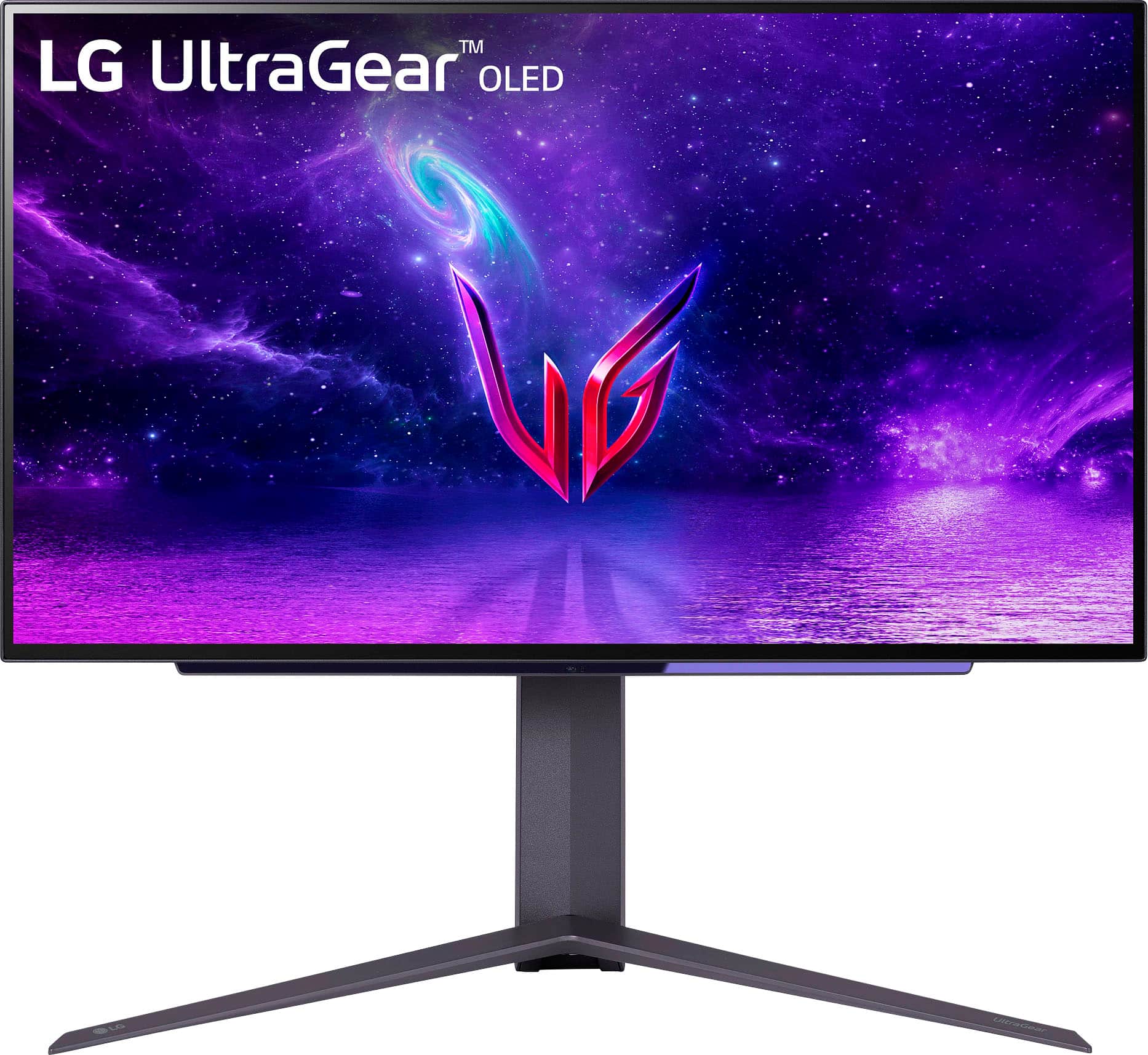
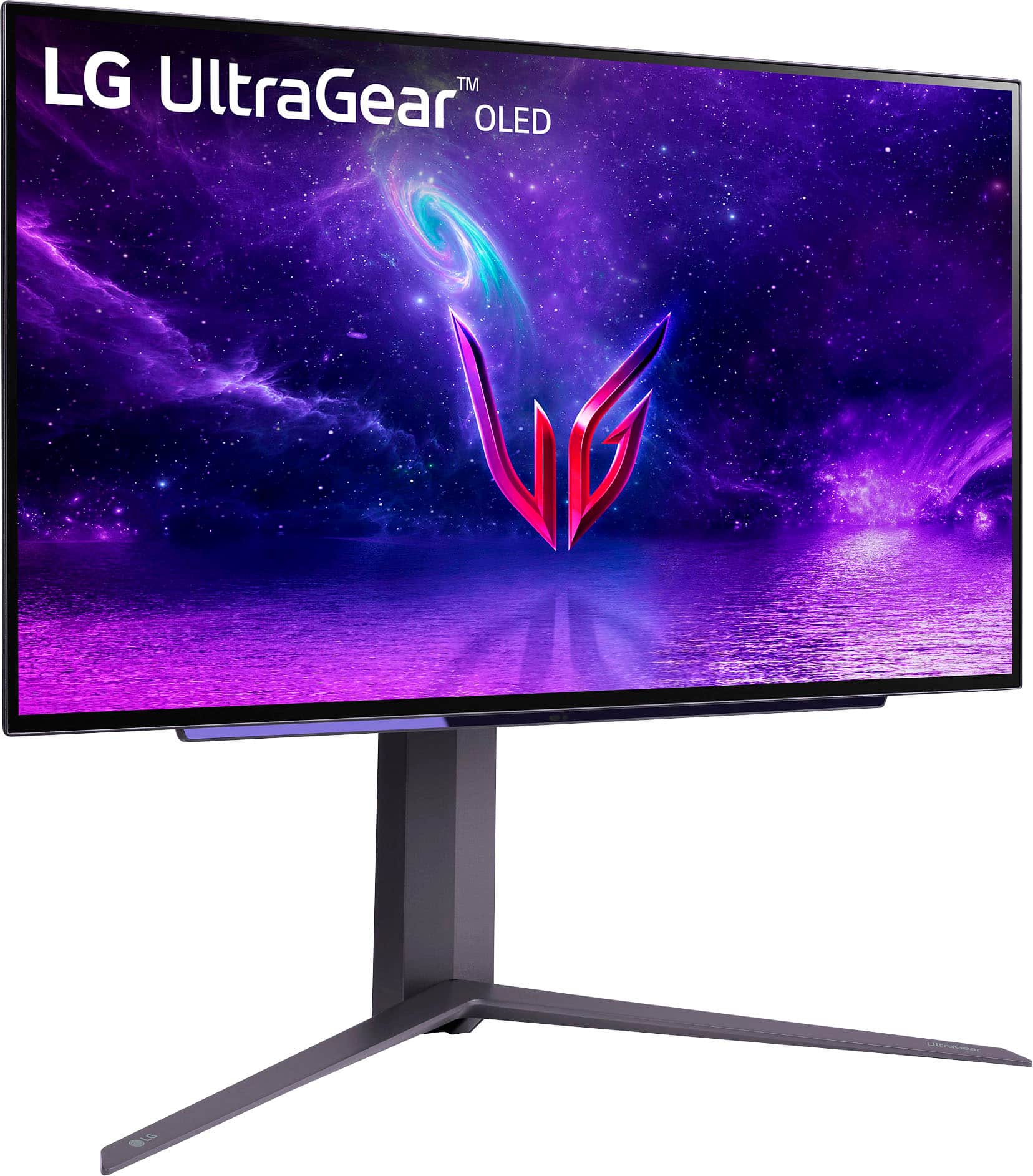
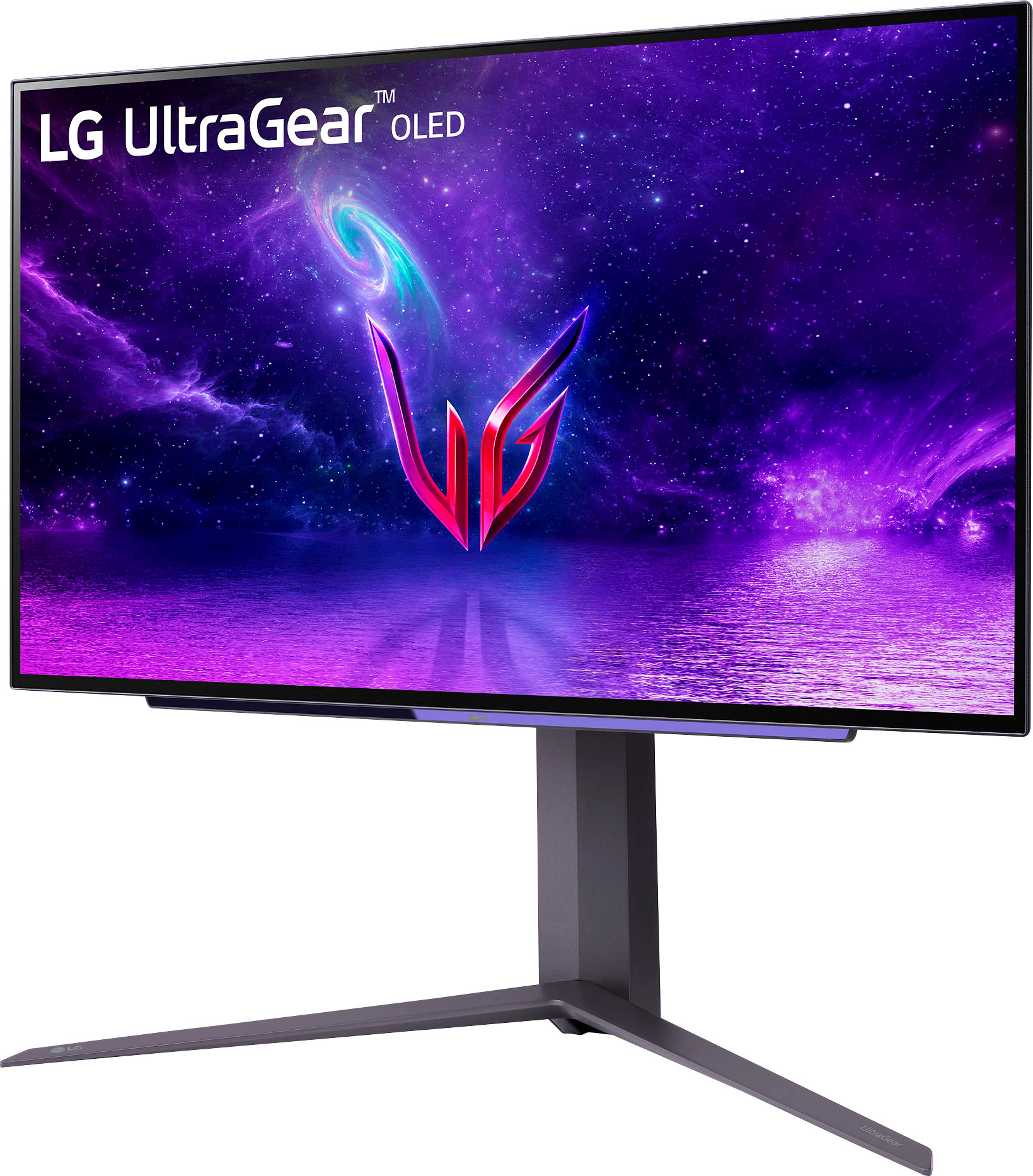
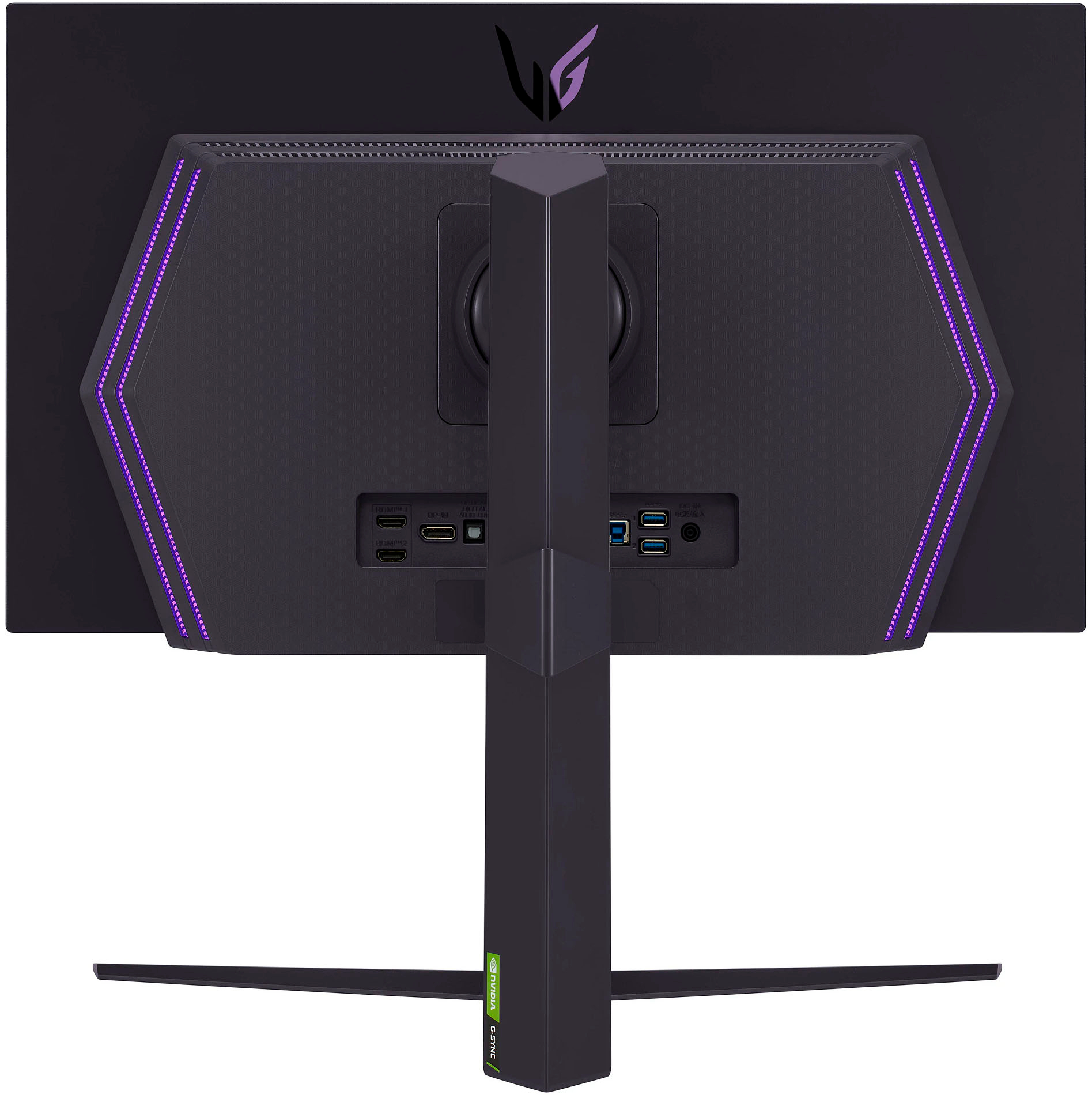
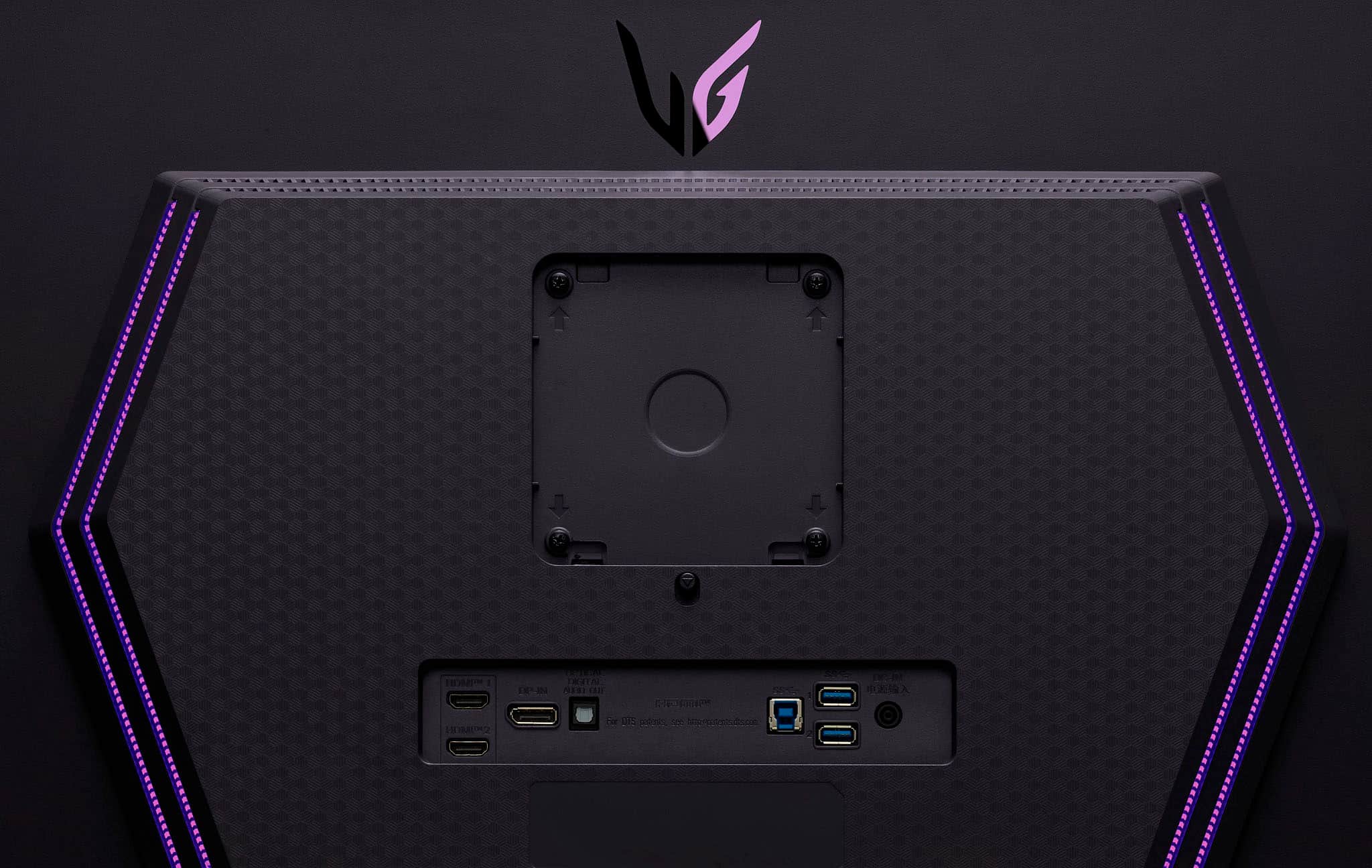
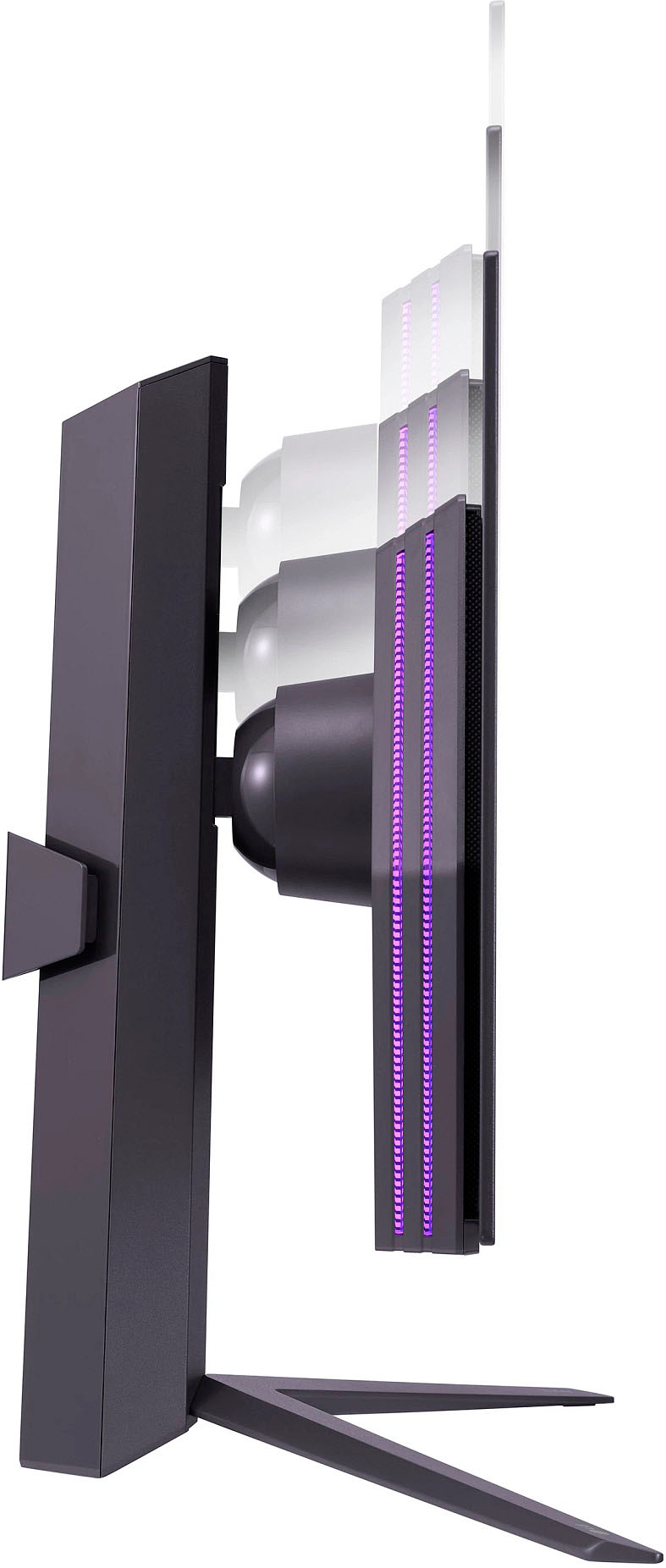
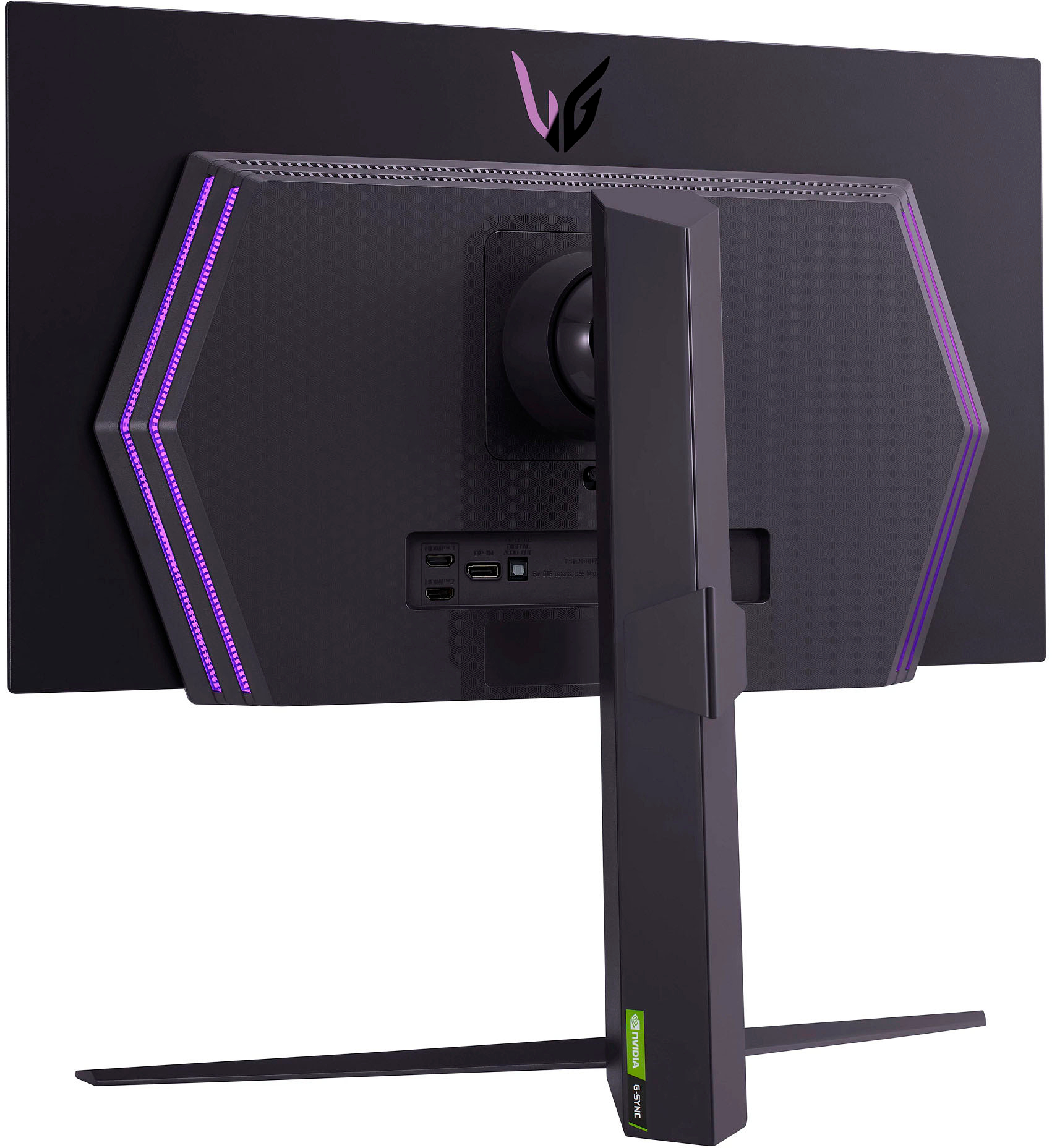
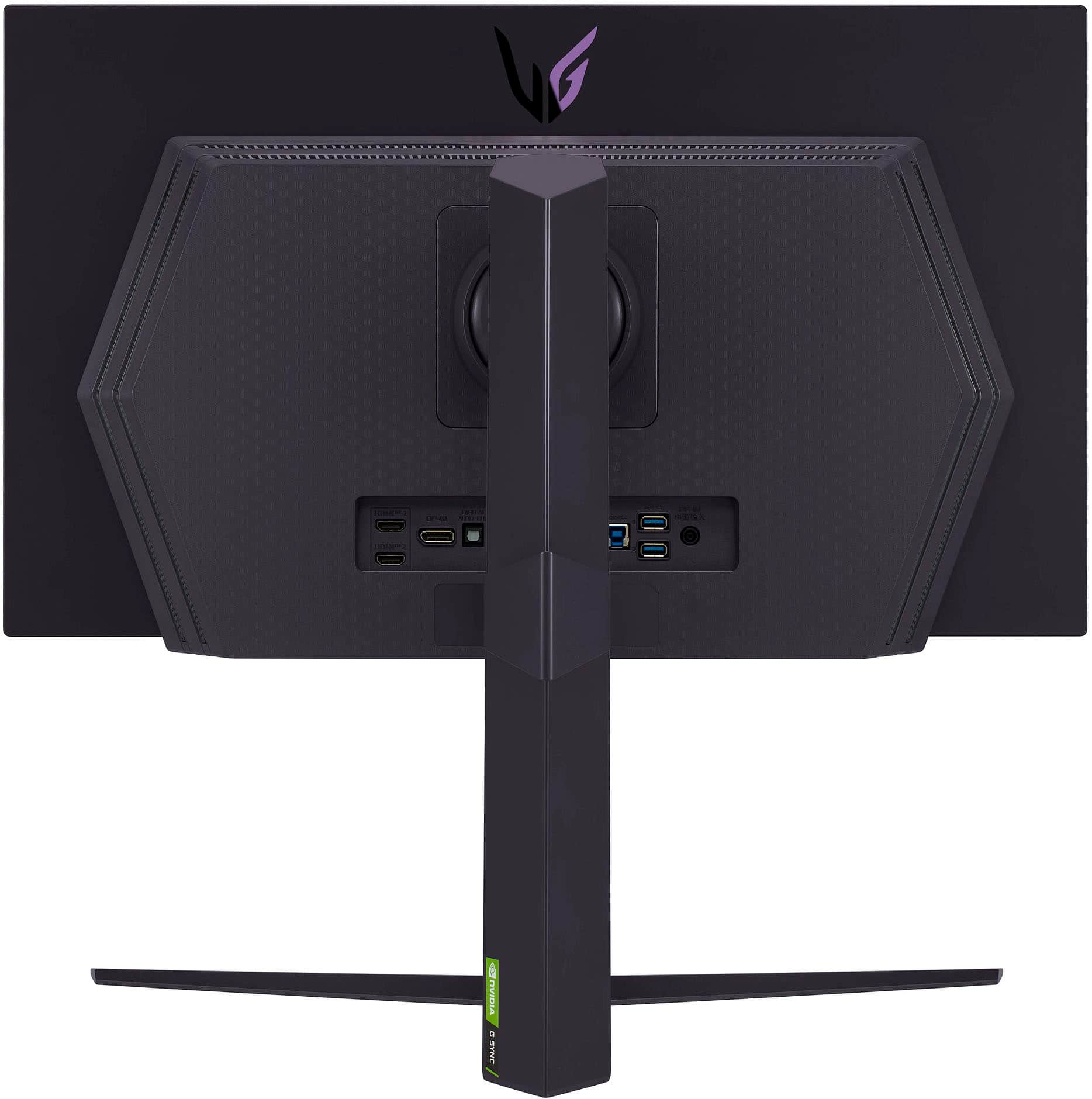
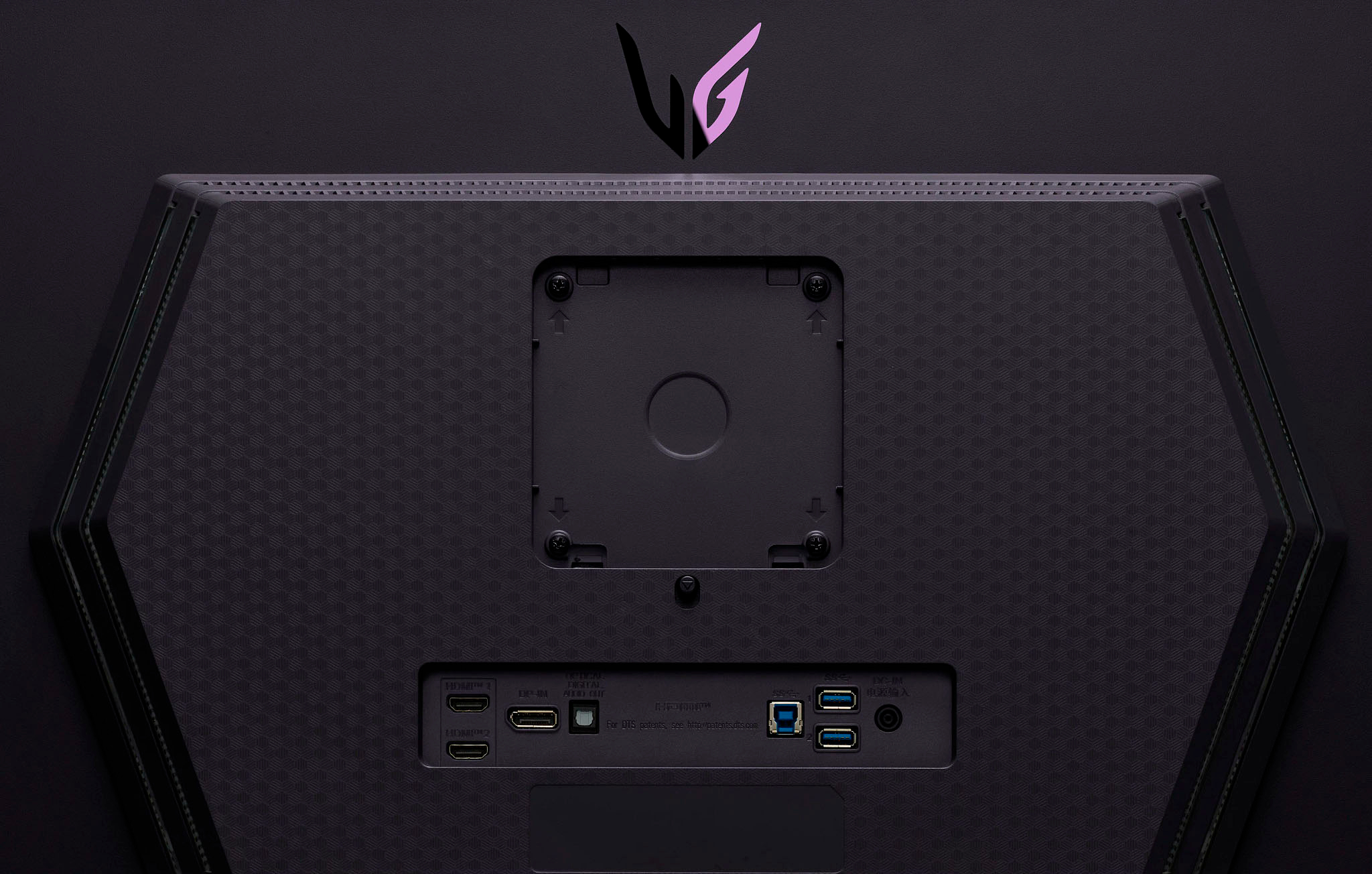
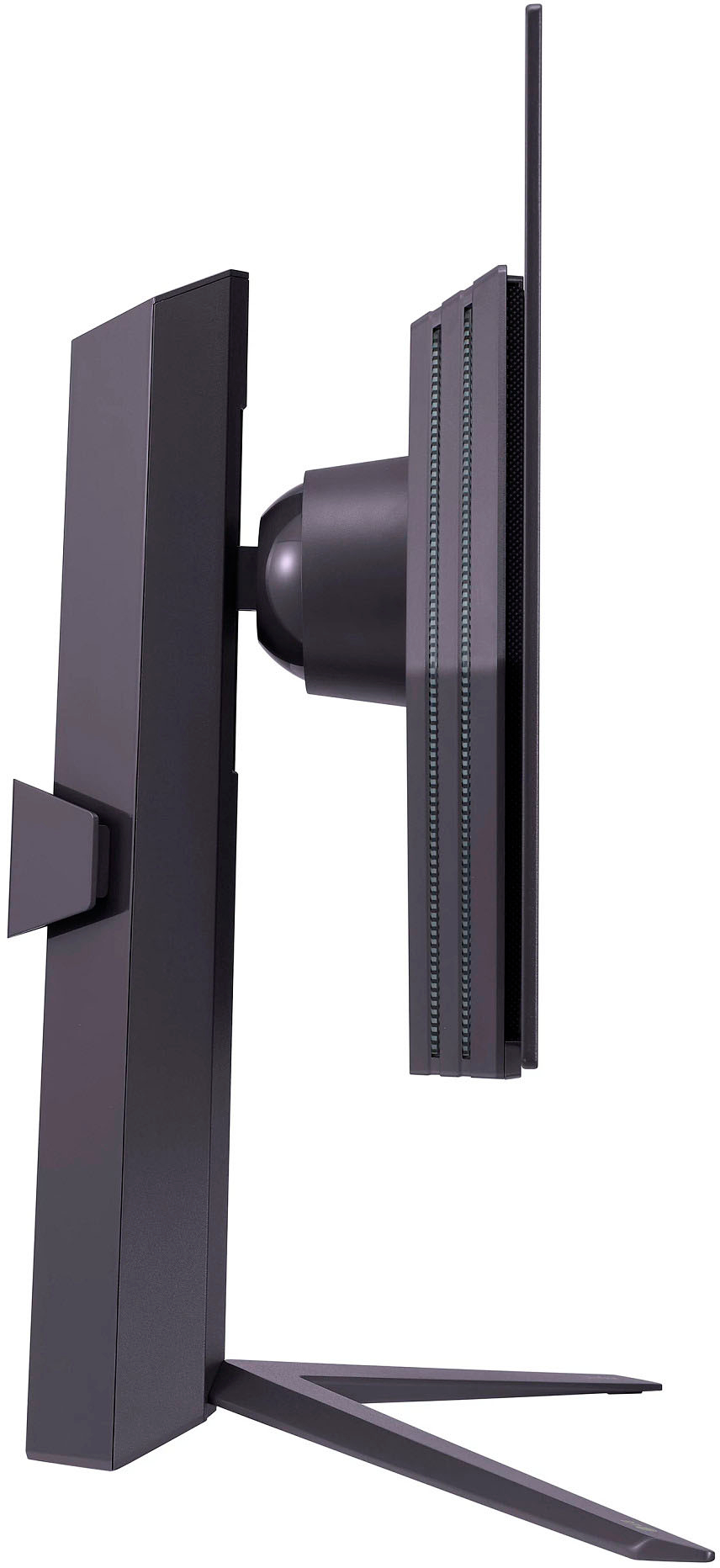
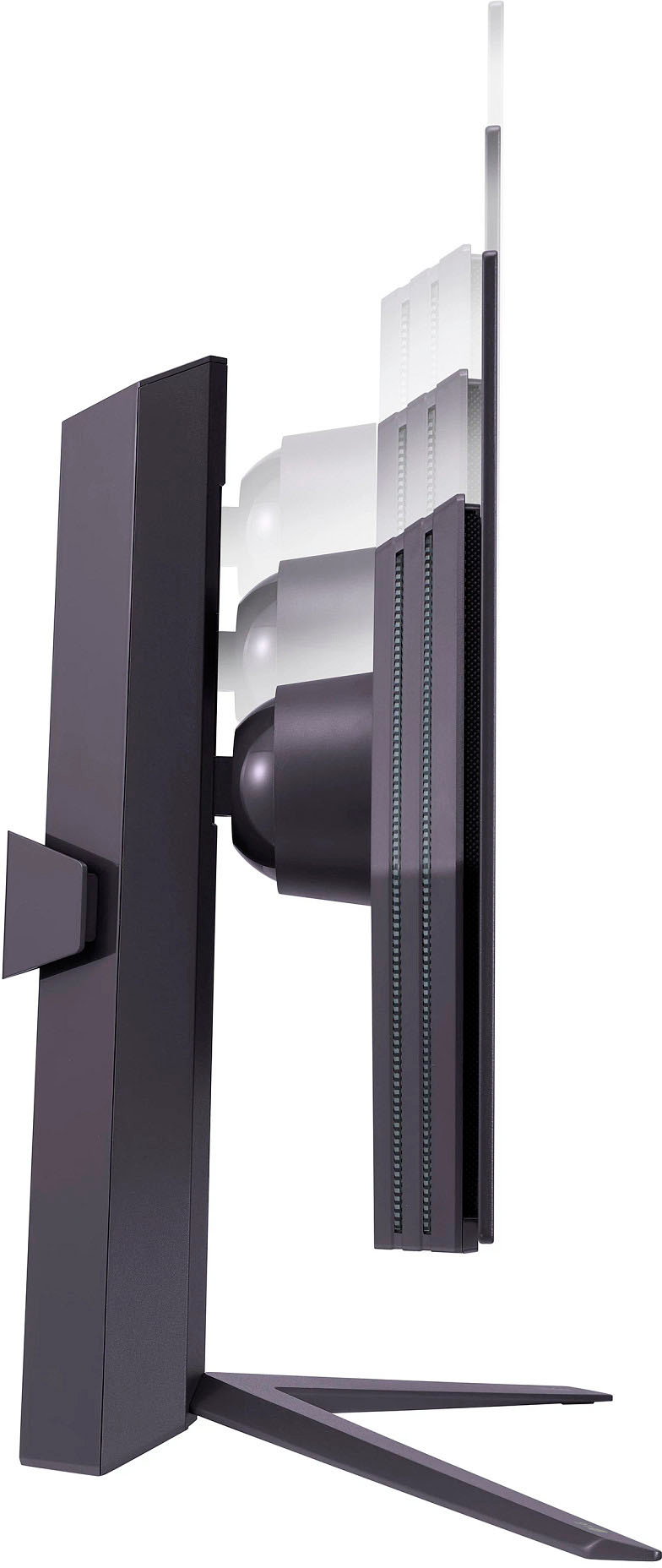
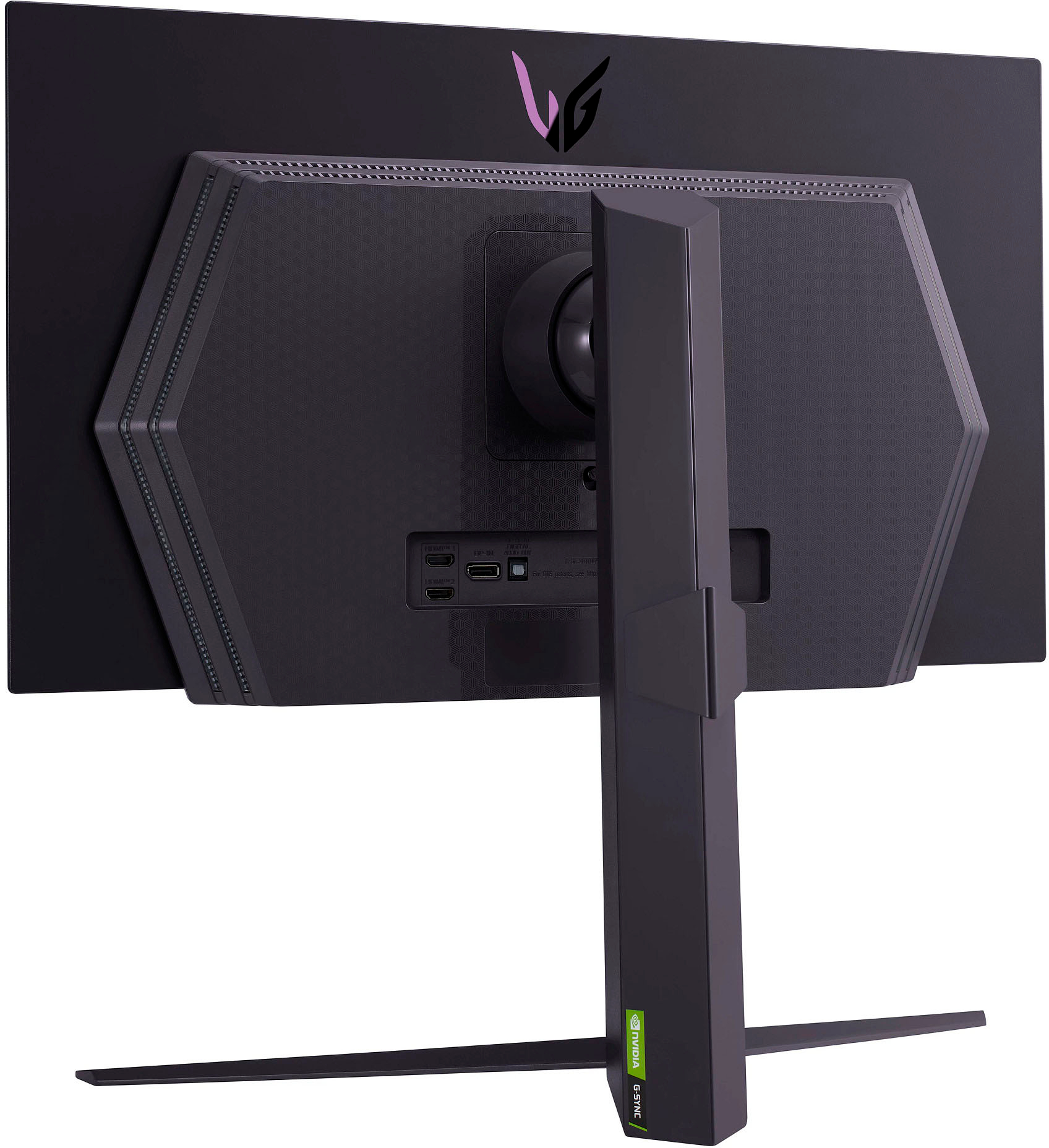
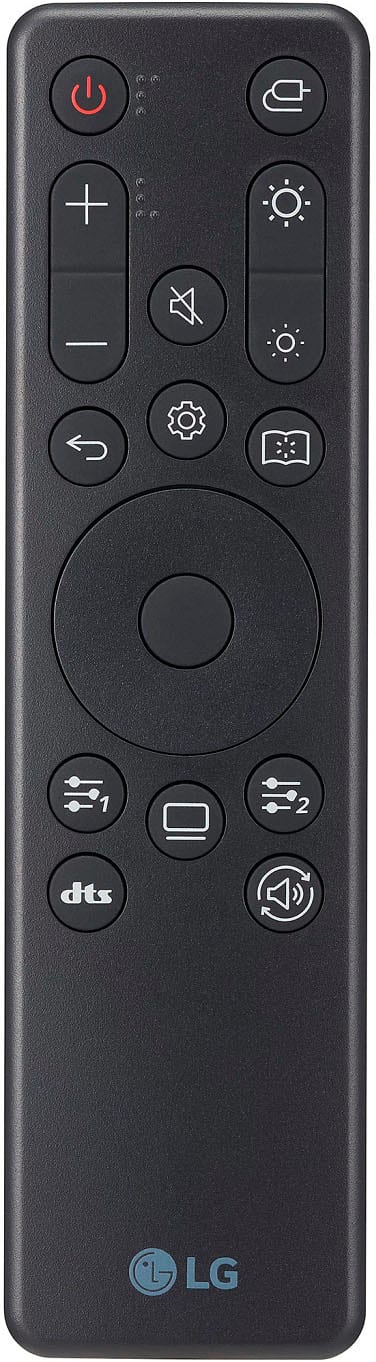
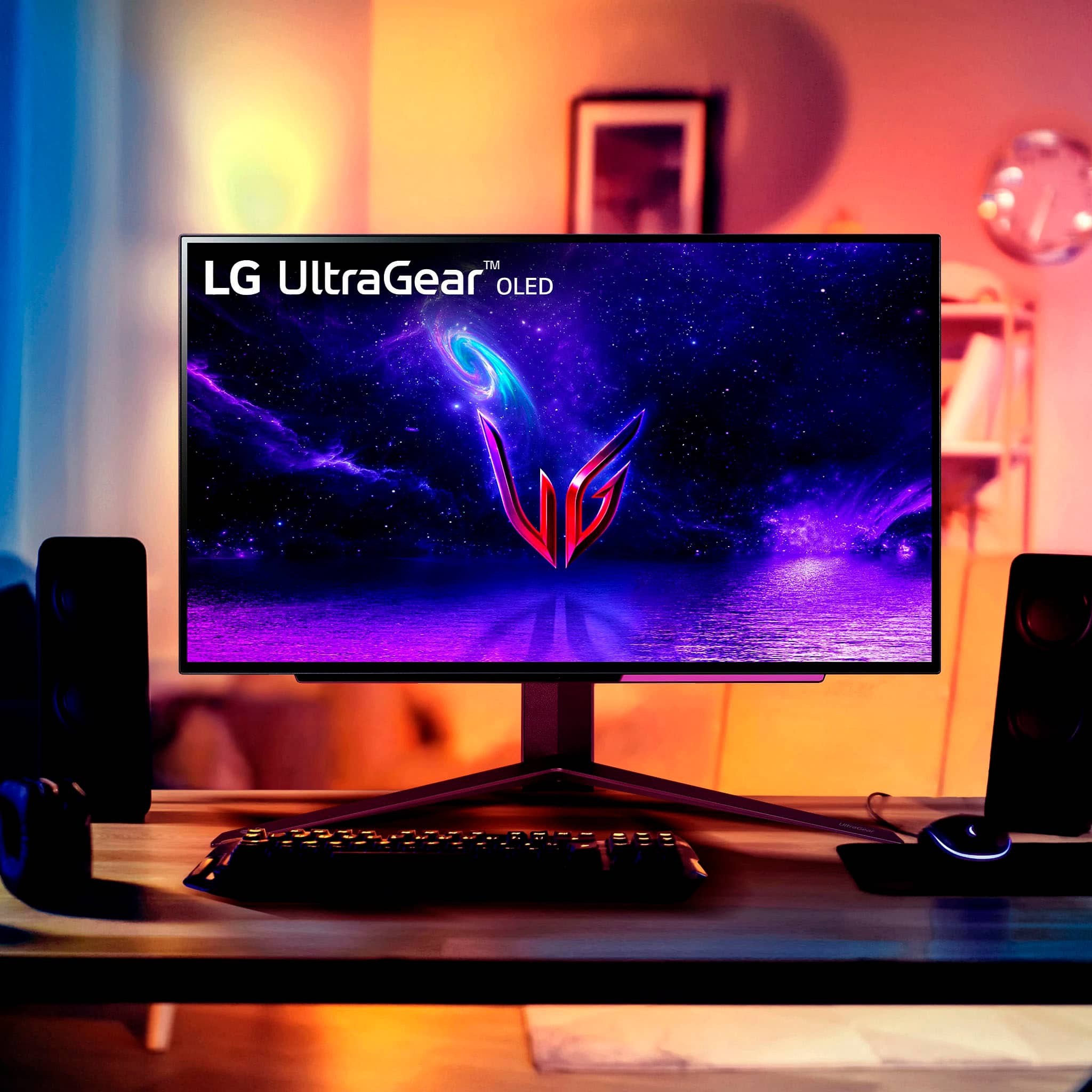
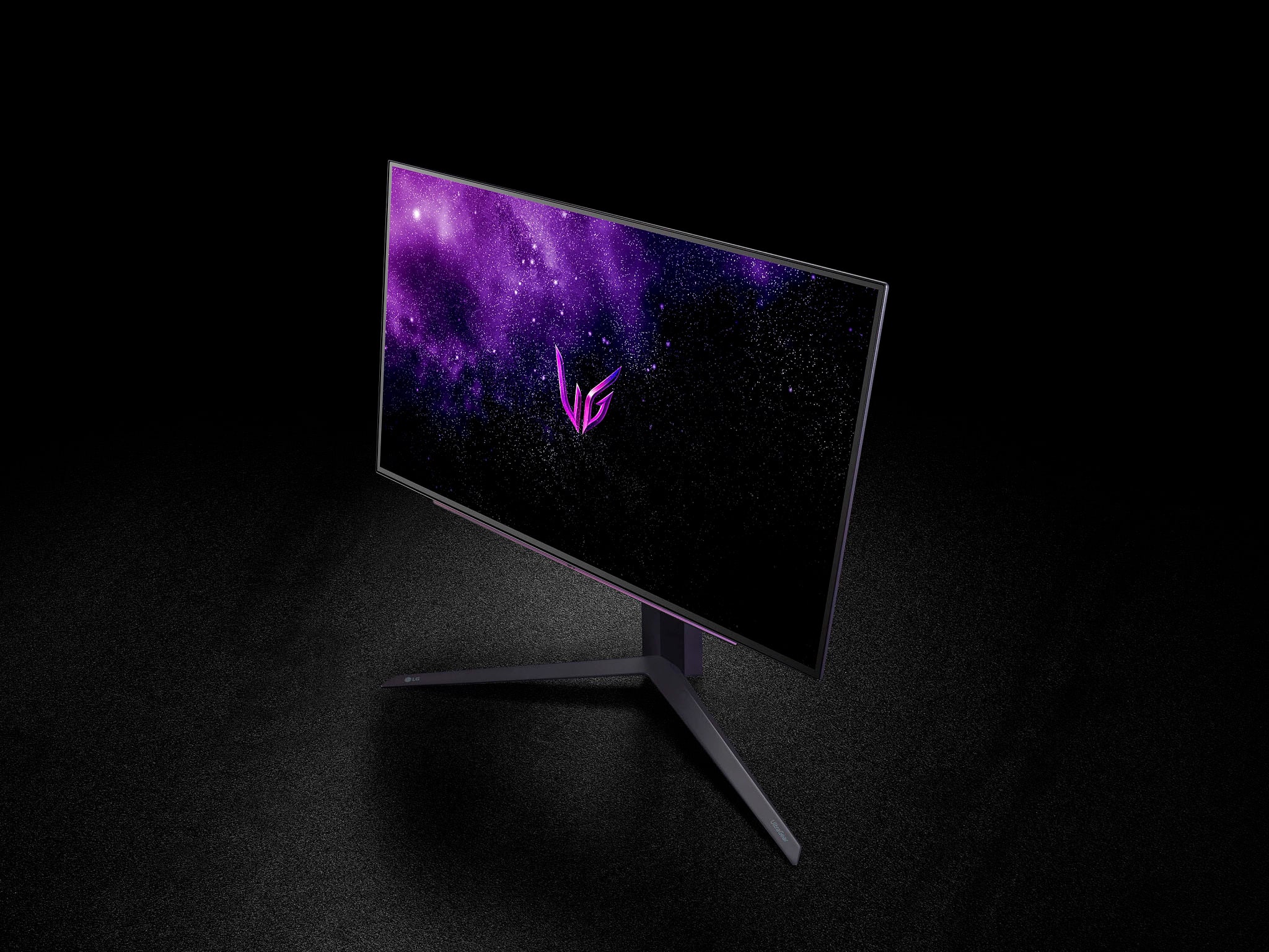
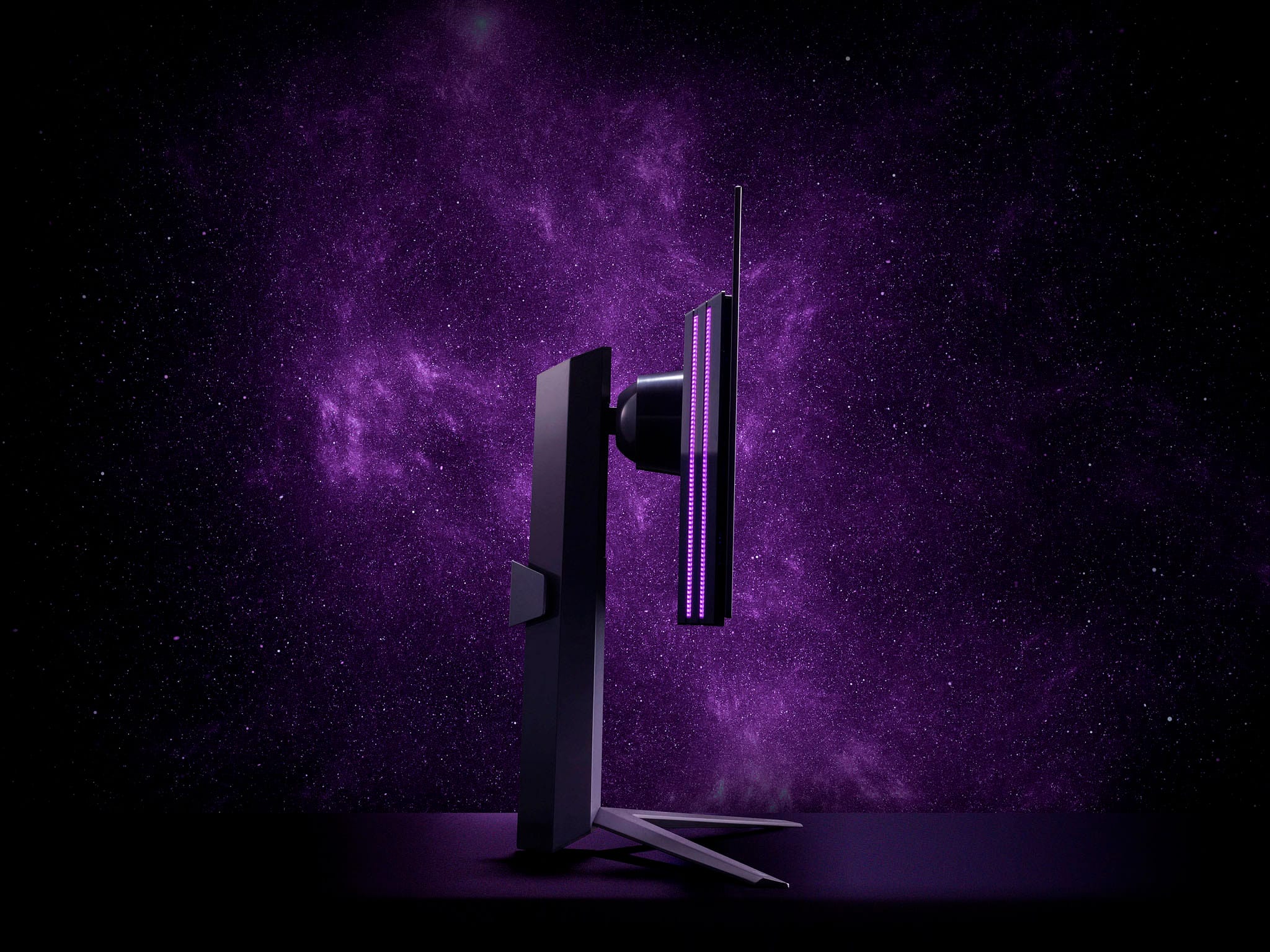
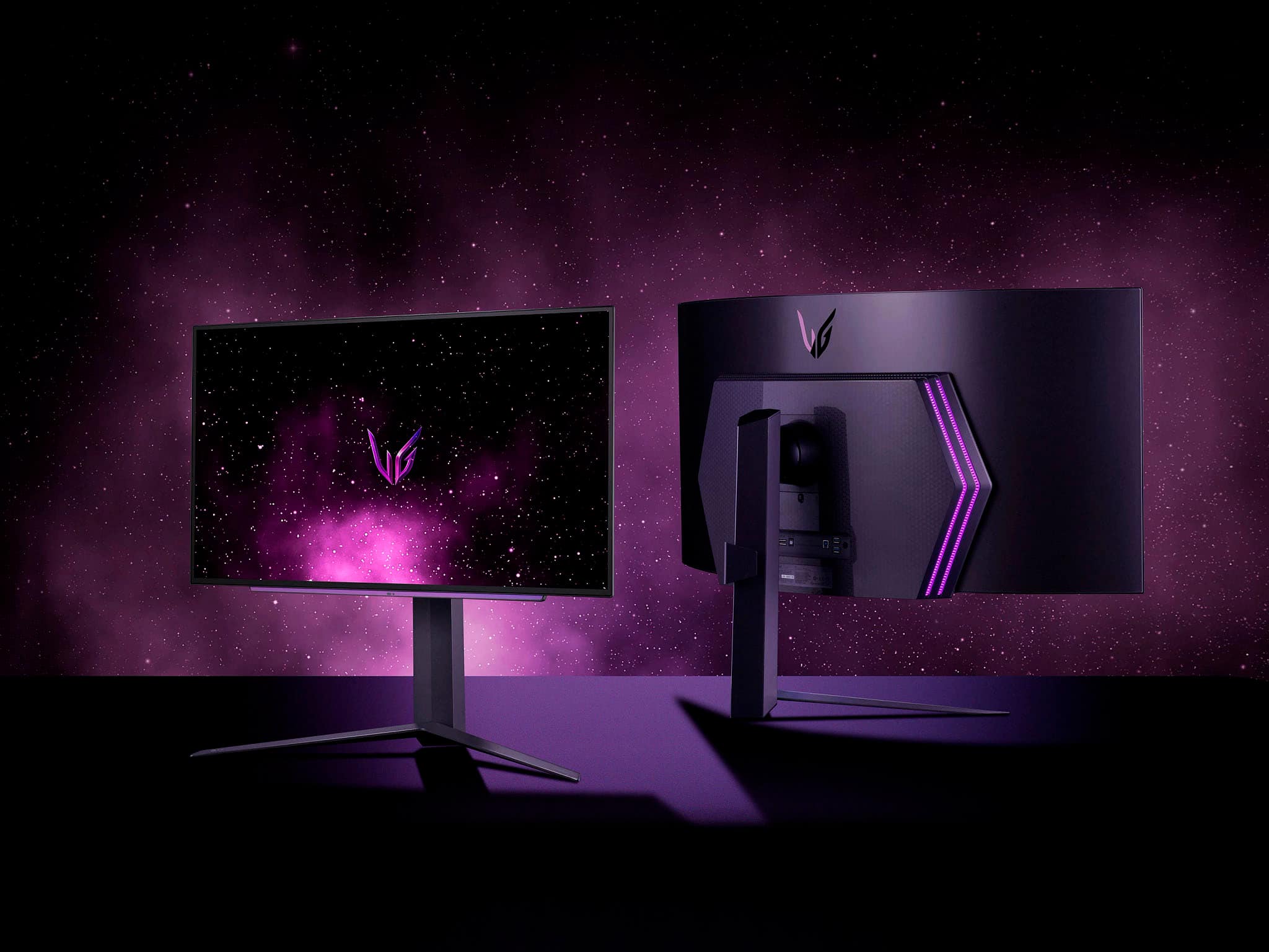
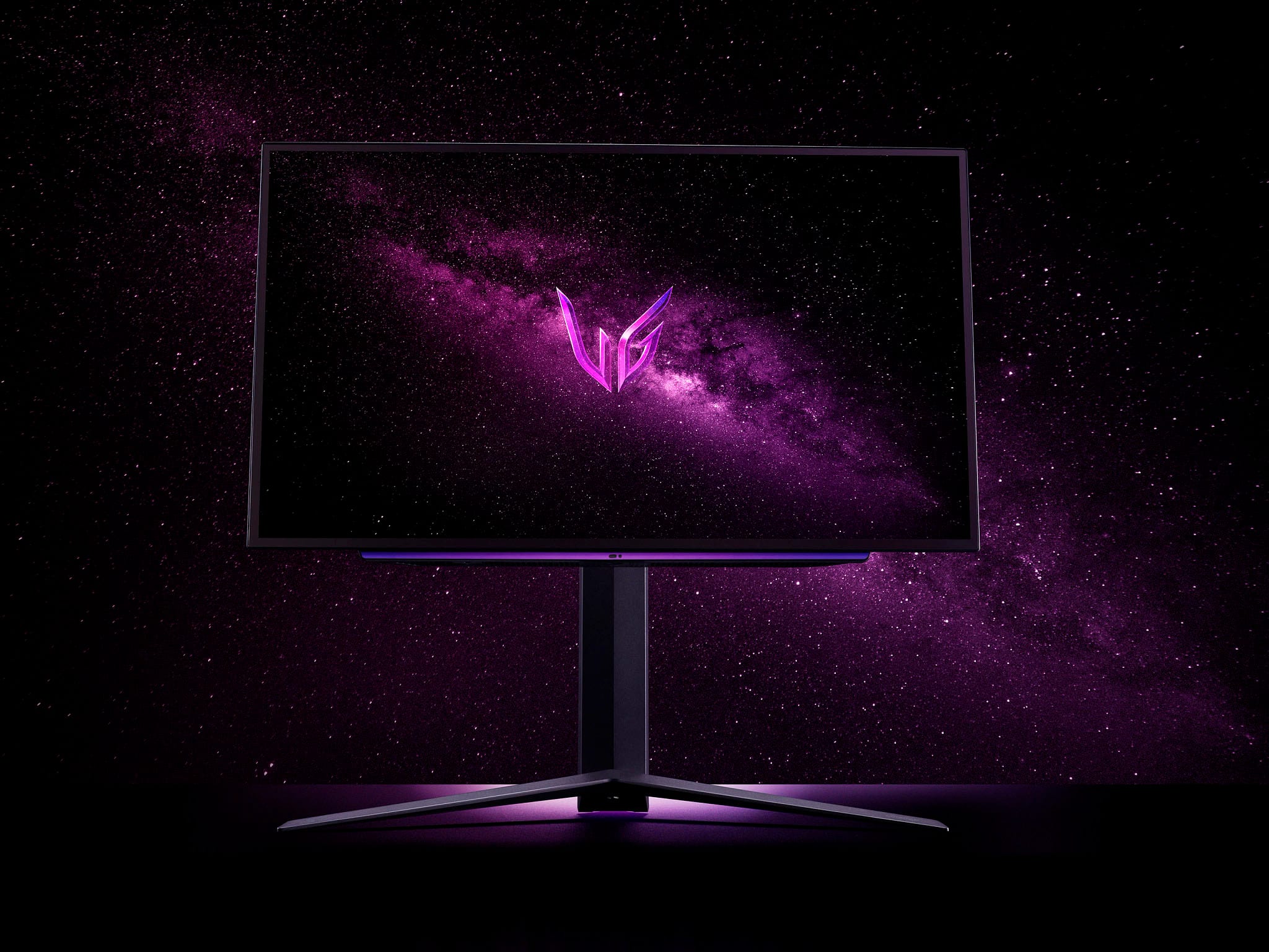
|Posted .This reviewer received promo considerations or sweepstakes entry for writing a review.LG Ultragear 27 OLED QHD monitor is a premium gaming monitor that promises a lot to its users. First of all, the LG Ultragear 27 OLED monitor comes with a 27-inch QHD OLED panel. This is one of the biggest draws to this specific monitor. The monitor has a color gamut that covers 99% of the DCI-P3 color space, which is a standard used in the film industry for digital color grading, which allows for high-accuracy colors, making it ideal for content creation and color-critical applications (in my case, this is helpful for photo and video editing). It’s hard to find both with a gaming monitor, so I was happy to see this. I found it to be better color reproduction-wise than my MBP 16 display, which is upper tier in this regard. Overall, this is much better than IPS or VA panels which have limited color accuracy and viewing angles but can boast higher refresh rates (more on this in a bit). In contrast, OLED panels have wide viewing angles and can display accurate colors at any angle, which the LG does well. It also has a 240hz refresh rate, which can be used since it's “only” QHD vs 4K UHD. Another exciting feature of the LG Ultragear 27 OLED monitor is its compatibility with both AMD Freesync and NVIDIA G-Sync technologies. This is welcome for dual usage reasons, but also for the higher refresh rate; it can take advantage of it easily enough. The monitor also features a variety of connectivity options, including one DisplayPort, 2 HDMI 2.1 ports, and a USB port, which is standard in this tier of the monitor. I appreciated the design of the Ultragear 27 monitor, which is sleek and minimalist, using slim bezels that provide an almost borderless viewing experience. The stand is adjustable, allowing you to tilt and adjust the height of the monitor to your liking. There’s also a little light effect on the back which is a neat touch. All this good stuff is slightly overshadowed by a few main gripes. The biggest one, for me, is the matte finish. Every OLED panel I’ve ever seen or used has featured a glossy, glass finish to it, which allows the colors and black levels to really pop. With the matte finish on the screen, you lose some of this in my opinion. Comparing it to a newer laptop that features a glossy OLED screen, it’s a bit of a bummer. That said, some may find this better at minimizing reflections and hot spots on the screen, and I’d wager LG did this due to the overall brightness being a low 200 nits. Quite frankly, this should be more at this price point. HDR10 content can push it higher, but there are many laptop OLED displays now that have a standard 400-500 nits of brightness. My third main gripe is that to change most of the monitor’s settings you need access to the included LG remote. The remote has many features built-in, including picture-in-picture usage, but to actually toggle specific settings on and off it’s a requirement. So, if you have kids (like me) you better be sure to keep it safely tucked away. Overall, LG’s Ultragear 27 OLED QHD premium gaming monitor promises exceptional color accuracy, a fantastic gaming experience, and premium build quality with good future-proofing. However, the high price and a few odd limitations don’t make this monitor truly exceptional to me.
I would recommend this to a friend Absolute garbage
||Posted . Owned for less than 1 week when reviewed.This reviewer received promo considerations or sweepstakes entry for writing a review.I was coming from a 1080/360hz monitor made by Alienware. Never had issues. This is a buggy mess. There is a weird brightness issue where when you navigate in a browser the bar goes from light to dark over and over. Lots of websites start to get random white lines all over the place, I read about disabling VRR but I do not feel like I should have to disable anything on a monitor that cost nearly a grand. I will be returning and not purchasing LG monitors in the future.
No, I would not recommend this to a friendBrand response from LGAnswers
Posted .We read your feedback, and we’re sorry the LG - UltraGear 27" OLED QHD FreeSync and NVIDIA G-SYNC Compatible Gaming Monitor with HDR10 (DisplayPort, HDMI, USB) - Black didn’t suit your overall needs. Your feedback is very important to us, and it helps us keep a fresh perspective on new ways to improve our services and future product developments. If you need more assistance with your LG product, please send us a private message on Facebook or Twitter using @LGUSSupport and we will be happy to accommodate you. ^James.
- Cons mentioned:Brightness
Over hyped
||Posted . Owned for 1 week when reviewed.This reviewer received promo considerations or sweepstakes entry for writing a review.This monitor is rather dim and has QC problems. Mine died in the first two days of use
No, I would not recommend this to a friendBrand response from LGAnswers
Posted .We highly appreciate your honest feedback regarding your experience. We’re sorry to hear that you weren’t satisfied with your purchase. Should you need any assistance with your unit, please send us a private message on Facebook or Twitter at @LGUSSupport, and we will be happy to accommodate you. ~Bridge
Defect when arrived
||Posted .This reviewer received promo considerations or sweepstakes entry for writing a review.I received this monitor today. When I turned on the monitor, there was a red line going from the top to the bottom on the left side of the screen), and then it would shut itself off. I tried both the HDMI and the DP cable that came with the monitor with the same result. I also tried a few other cables I had of my own with the same result. I returned the monitor, and they are shipping a new one out. I will update this after I receive the replacement.
No, I would not recommend this to a friendBrand response from LGAnswers
Posted .Thank you for sharing your experience with your LG UltraGear Gaming Monitor. This is not the experience we want for you. We would be happy to look further into resolving this. We would like to start by moving this to a private platform that supports back and forth conversation. Please send us a private message on Facebook or Twitter using @LGUSSupport or call customer service line at (800) 243-0000. We'll be more that glad to assist ~Tanisha