Customer Ratings & Reviews

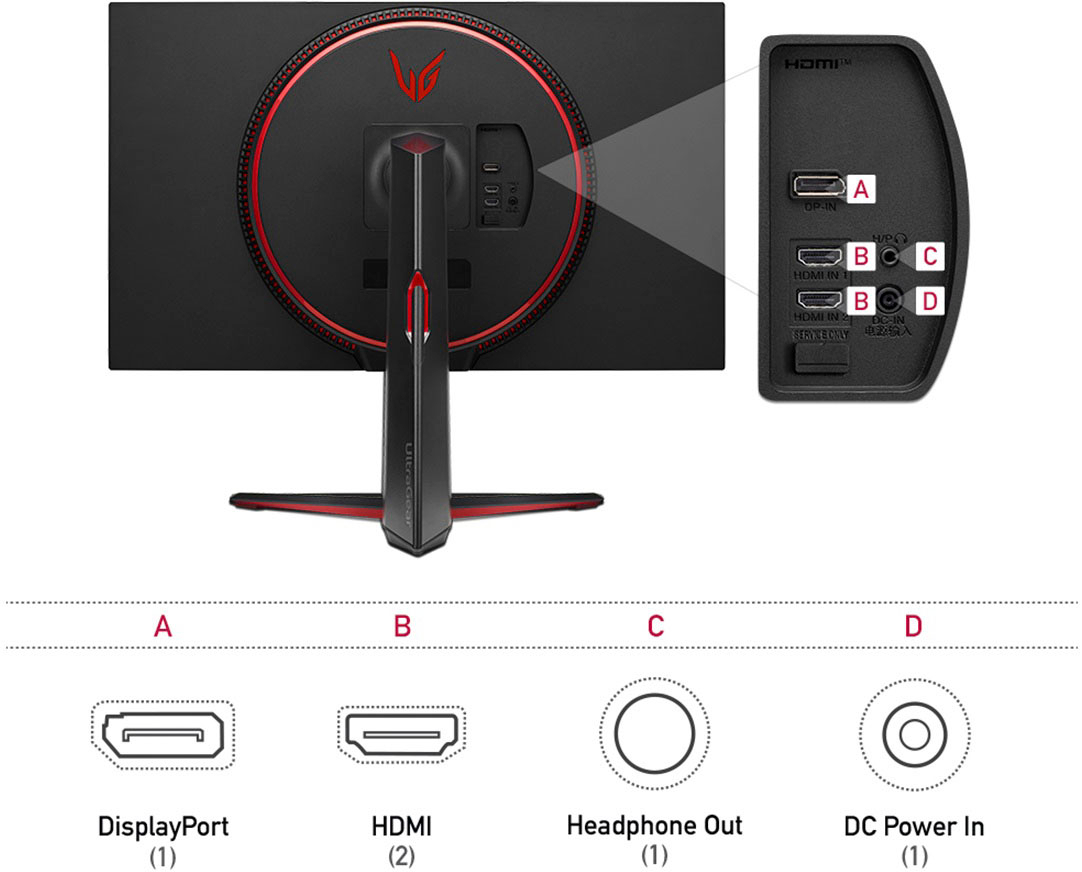
- Model:
- 32GP83B-B.AUS
- SKU:
- 6451080
Rating by feature
- Display Quality
Rating 4.8 out of 5 stars
- Ease of Use
Rating 4.8 out of 5 stars
- Features
Rating 4.7 out of 5 stars
Customers are saying
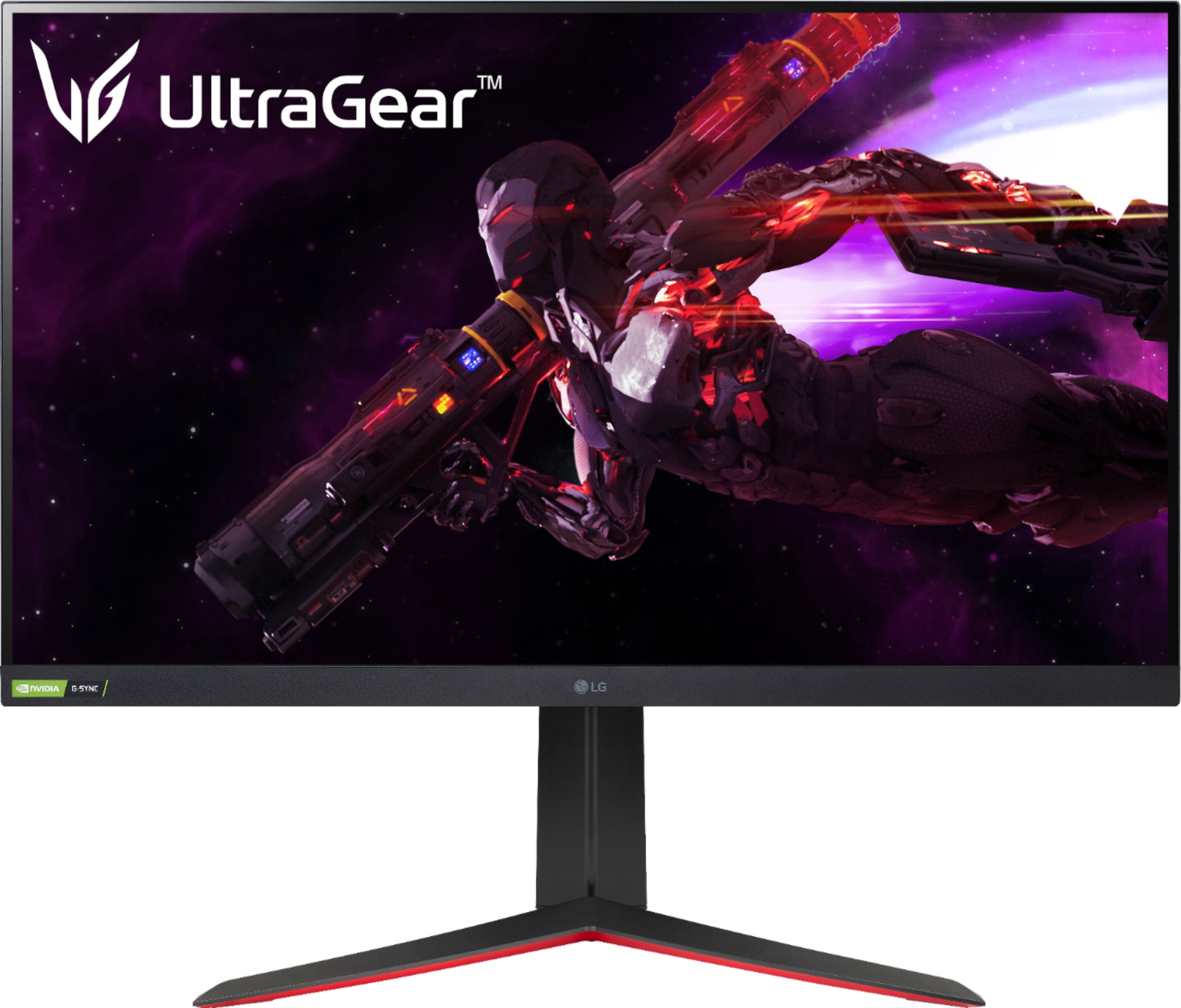
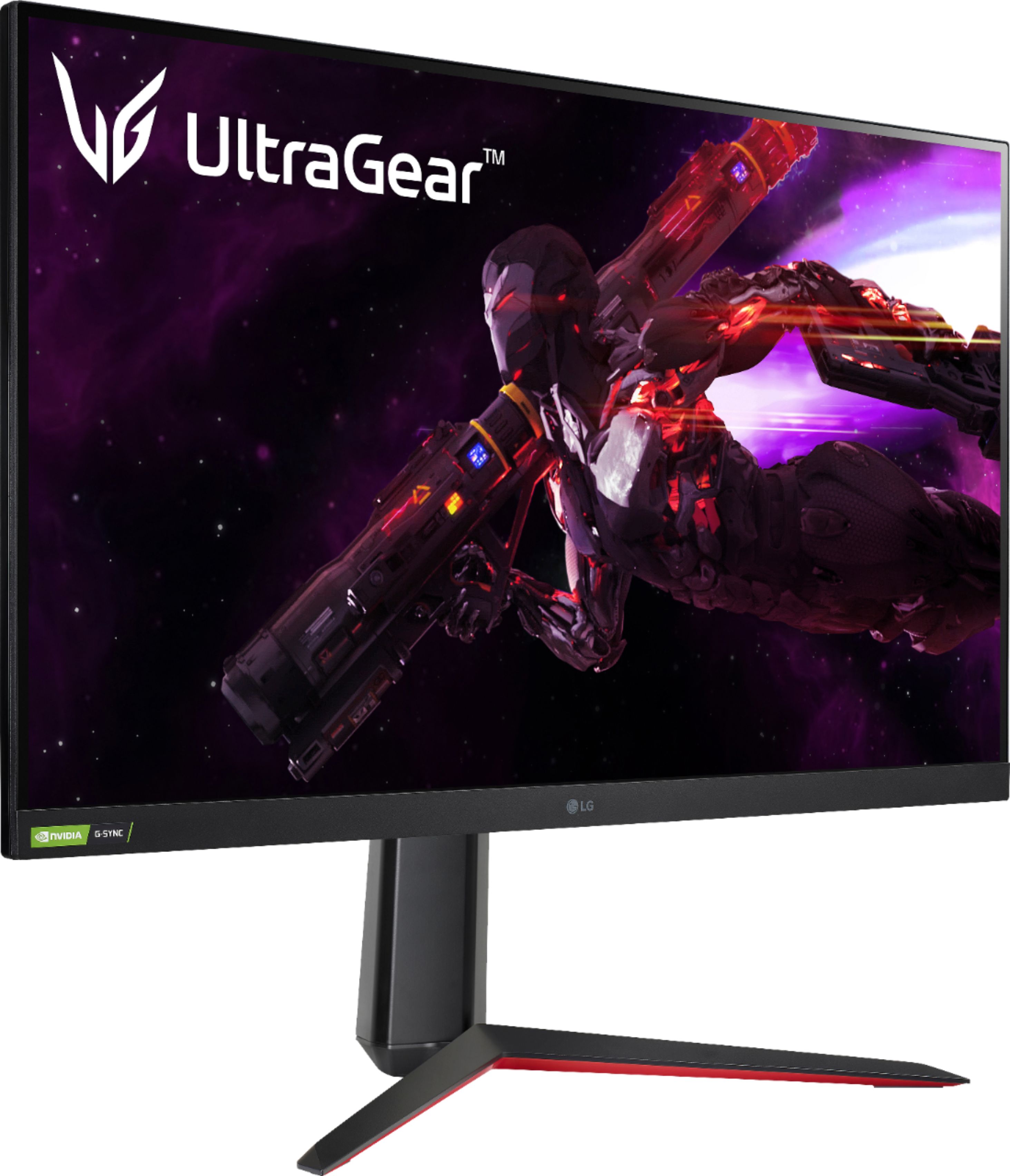
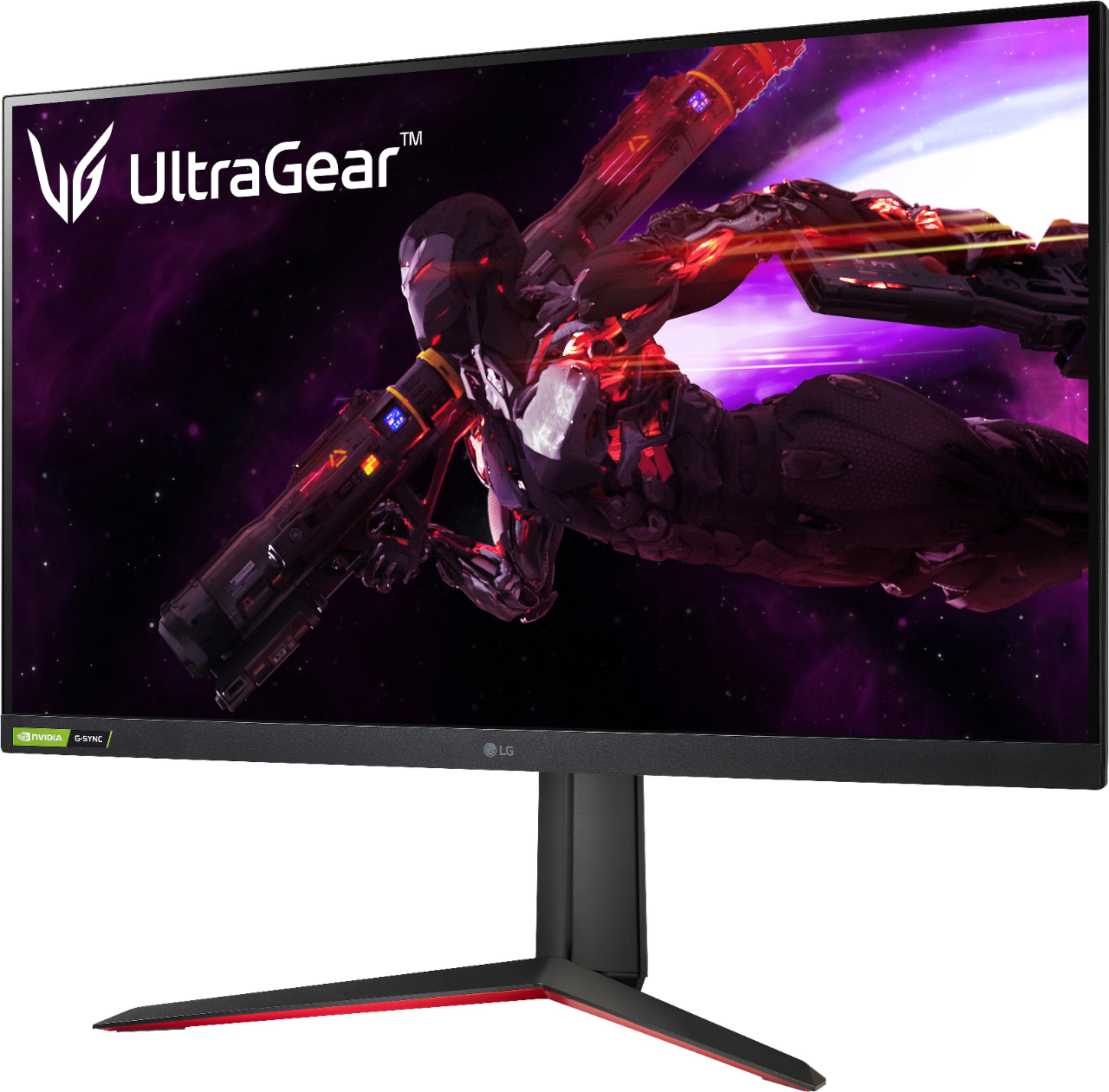
Customers admire the UltraGear 32” Nano IPS monitor's picture quality, refresh rate, and HDR capabilities, frequently praising its vibrant colors and smooth performance. Many appreciate the monitor's value for its price. However, some customers point out the lack of built-in speakers and find the stand somewhat bulky.
This summary was generated by AI based on customer reviews.
not bad
||Posted . Owned for 2 weeks when reviewed.This reviewer received promo considerations or sweepstakes entry for writing a review.Not a bad monitor! unfortunately i had blur issues with it where i had to turn the sharpness all the way up just to be able to see details!
I would recommend this to a friendThis Monitor Is A Peice Of Junk, Don't Buy It.
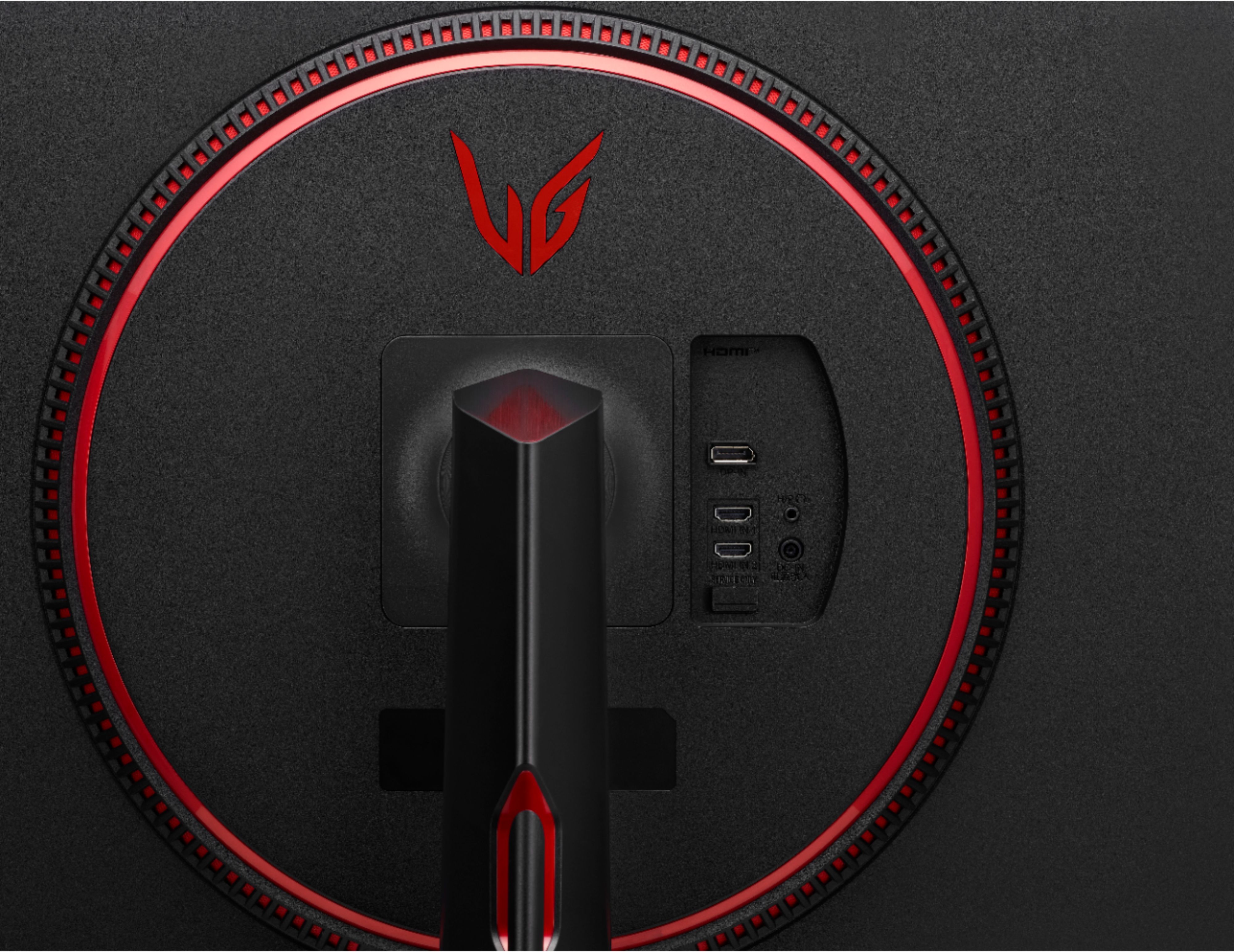
||Posted . Owned for 7 months when reviewed.This reviewer received promo considerations or sweepstakes entry for writing a review.I have tried to tolerate this thing for over six months. I tried everything I could think of in order to get this thing to work like it is supposed to, but after everything I've tried, I am finally giving up on getting this monitor to work. I bought this monitor because Ithought it would be a big upgrade form my previous one. It claims to have G-SYNC compatibility, a responce time of one millisecond, HDR, and a display outputting a resolution of 2560 x 1440 at 165Hz. Let's start with the positives: 1) The motitor is very sturdy, and it was very easy to assemble and attach to the stand. 2)The display is smooth and appears vibrant and clear at its native resolution... when it works. I'll get to that. That is all the positives I can think of; I'm not joking. There are so many thing wrong with this monitor, I wonder if it was even tested before release. Before you assume I just got a defective one, please note that I had actually returned the monitor to get a replacement one, thinking the same thing and the same issues appeared. So, the cons: 1) Using G-SYNC while playing game will crash the monitors built-in software if you play said game for long enough. You will not notice it untill you either attempt to access any of the monitor's settings or menus, attempt to turn of the monitor or you quit the game and witness the display completely panic. The only way to fix this is to disconnect the monitor's power source. This is such a huge oversight, there is no way this product was tested. 2) Setting the display resolution to a slightly lower resolution makes the image significantly blurrier. I have never seen 1080p look so fuzzy, and I owned a 40" 1080p tv that I had for about a decade untill recently. 3) I have had HDR display incorrectly fairly often. I don't know what triggers this to happen. 4) If you want to use G-SYNC, you have to use the Display Port. The HDMI ports swap this out for FreeSync which can only be used if you have an AMD gpu. They should have given us the ability to switch between the two. Unless there is some firmware update for this monitor I haven't seen yet that fixes all these issues, it's safe to say this monitor is not worth it.
No, I would not recommend this to a friendBrand response from LGAnswers
Posted .We are sorry to hear that your unit did not meet your needs/expectations. This is not the quality we expect from our products. We are continuously working to improve the quality of our products and anticipate market demands that drive customer satisfaction. If you ever have any questions please reach out to our support team on Facebook at @LGUSSupport and use #VOC in your first message to our social media support team.. To speak with an agent via phone, you can call 800.243.0000 We apologize for any inconvenience this caused. ^Venette

Bad Pixel
||Posted . Owned for 2 weeks when reviewed.This reviewer received promo considerations or sweepstakes entry for writing a review.One of the pixels is stuck green… other than that, the monitor is fantastic! HDR is worthless tbh but its a big monitor, you cant see any pixels and 165 hz is smooth enough.
I would recommend this to a friendRandom half screen snow
||Posted . Owned for 6 months when reviewed.This reviewer received promo considerations or sweepstakes entry for writing a review.When I first plugged in there was a slight snow on half of the screen. After driver updates, and screwing with the display, nothing worked. I then restarted and it disappeared. It would always return after I had to reset up my computer station. I had to do this 3 times. The snow would get worse, but would go away after a restart or two. Welp, this is the third time I've had to set up and its not gone. This monitor was only in use for 6 months. LG wants it to be sent back, but at my costs ($$$) and Best Buy wont take it back. Worst purchase I have ever had.
No, I would not recommend this to a friendBrand response from LG Digital Customer Care
Posted .Hi, there. Thank you for sharing your experience with the LG Monitor (32GP83B-B) model. We understand your concern about encountering persistent screen issues, especially after only six months of use. We strive to provide reliable, high-quality products that exceed our customer's needs and expectations.
Screen anomalies like the "snow" you described can sometimes be linked to connection or hardware issues. We recommend double-checking the display cable for damage and ensuring it is firmly connected. If you've already updated the drivers and performed resets without success, repair service may indeed be the next step.
We regret that the shipping cost for repair is causing additional frustration. Please send us a private message on social media @LGUSSupport with your model and serial number, proof of purchase, and case details. Our team will work to explore all available options to address your concerns.
Thank you for bringing this to our attention, and we appreciate the opportunity to assist further. ^Juvy
Sound
||Posted .This reviewer received promo considerations or sweepstakes entry for writing a review.A 500$ monitor with no sound!! Plugged in 4 different speakers and the sound is terrible but when plugged in a different device the sound on the speakers is way clearer and louder! Terrible
No, I would not recommend this to a friendLow quality standard
||Posted . Owned for 1 year when reviewed.This reviewer received promo considerations or sweepstakes entry for writing a review.Buyer beware. Low quality standards. Screen will lock up at times and you are not able to power off or access the menu at all… Have to unplug the monitor to reset.
No, I would not recommend this to a friend- Cons mentioned:Stand
stand height too small
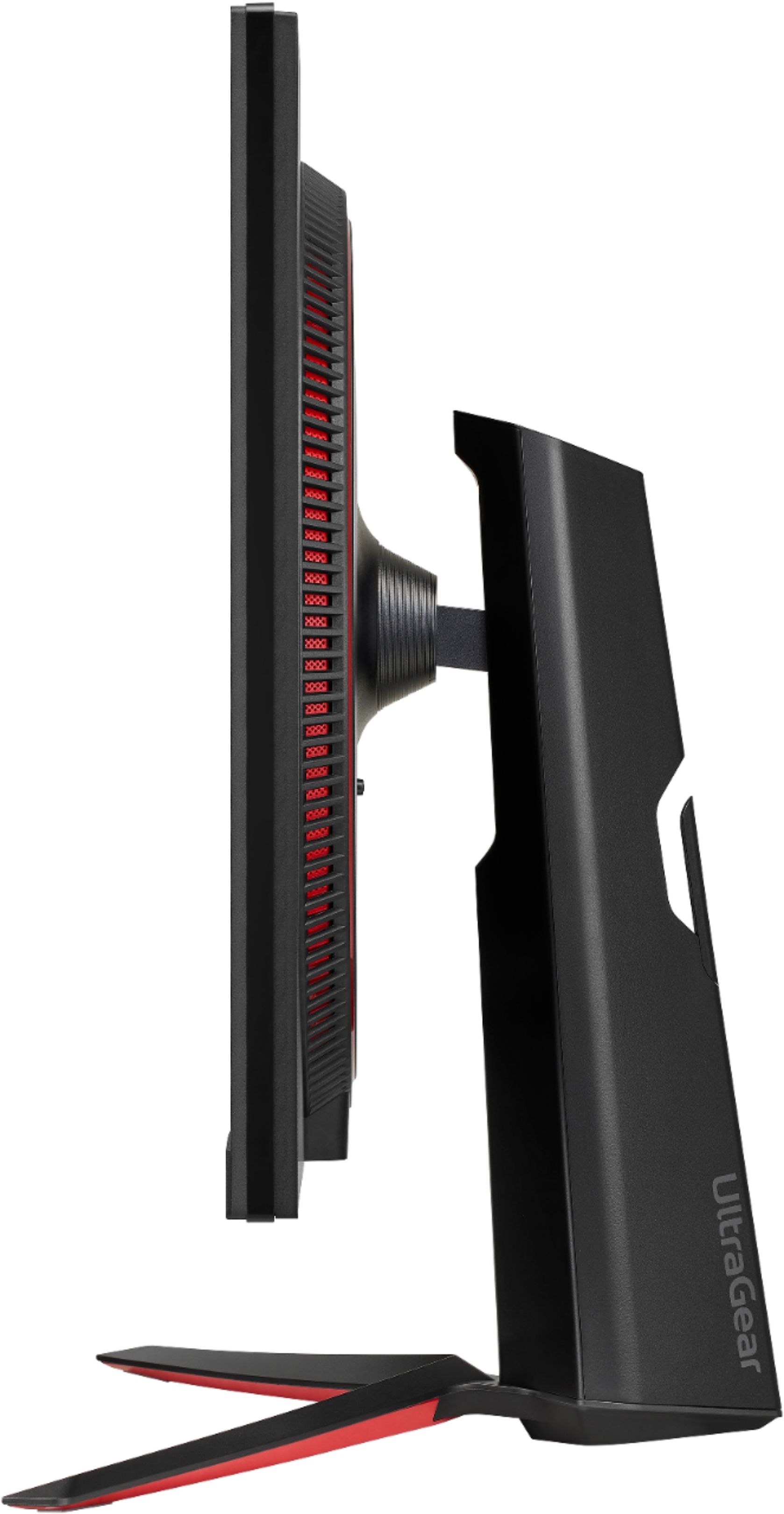
||Posted . Owned for less than 1 week when reviewed.This reviewer received promo considerations or sweepstakes entry for writing a review.its a good monitor but the stand is too small to flip it like it shows you have to lift it up to be able to flip the screen
I would recommend this to a friendBrand response from LGAnswers
Posted .We are continuously working to improve the quality of our products and anticipate market demands that drive customer satisfaction. Your feedback is especially important to us and your concerns will be shared with our product team. If you have questions or further concerns, please reach out to our support team on Facebook at @LGUSSupport and use #VOC in your first message to our social media support team. We apologize for any inconvenience this caused. ^Venette
LG 32in Ultragear monitor
||Posted .This reviewer received promo considerations or sweepstakes entry for writing a review.Dead pixels out of the box, I'd usually ignore it if they weren't right in the middle of the screen. Monitor is super bright and hurts the eyes. Trying multiple settings and the picture is too bright or too dark, leaving details in games and applications looking terrible and washed out. HDR was ok, but not great. Had to return it due to the dead pixel issues. Switching back to a VA panel.
No, I would not recommend this to a friendBrand response from LGAnswers
Posted .We are disappointed to hear that you were not satisfied with your purchase. We strive to provide the best quality products to our customers, and we apologize for any inconvenience that you may have experienced. If you would like to discuss how we could rectify your experience with us, We'd love to hear from you. Please reach out to our Customer Support Team at 800-243-0000. ~Tanisha
Poor quality, doesn't live up to the fancy specs
||Posted . Owned for 1 week when reviewed.This reviewer received promo considerations or sweepstakes entry for writing a review.This monitor says Nvidia G-Sync on it and even has a sticker on the bezel for G-Sync. However when playing games on this at the native resolution of 1440x2560 I get nothing but delay and low fps. I'm running on an Asus ROG laptop with a 2070 8gb video ram, and an i7, 16gb system ram, samsung pro SSD, etc... Not a cheap system. I paid 2k for this laptop a year ago. I'm using HDMI. The delay/laggyness/stuttering gets worse when I select it to only output to the LG monitor. All the resolution options disappear in windows when doing this. If I revert back to displaying on both displays, the stuttering/laggy picture looks fine. Even while typing this text it is delayed and lagging. I've never used a monitor on this laptop until now and it's always been ultra buttery smooth with any task or application I throw at it. Disappointing that even with the latest Nvidia drivers, either the 2070 can't handle 2k gaming or something is wrong with this screen. The only option in the menu settings is for AMD's freesync, nothing for Nvidia. Not sure why this is advertised as a G-Sync monitor just because it can perform up to 165hz. Another kind of pointless feature is the framerate counter. It stays at 144hz when I turn it on. Never fluctuates. 144 is the native screen on my laptop so not sure what's going on here. Lastly considering this thing is 500 bucks, the corners of the screen have such a bright or washed out appearance to them, almost like backlight bleed but if you move your head around, they go away when viewing from a certain angle. When looking at the monitor directly head on though, all 4 corners are not black like the rest of the screen. In my opinion this is just a cheap and poor quality display at an expensive price. I would expect this performance from a monitor in the 99-150 price range. Not at 500 dollars. Getting returned.
No, I would not recommend this to a friendBrand response from LGAnswers
Posted .Hello, we understand your concern. For the G-SYNC issue your PC should be connected via DP, not HDMi and for FPS Counter issue, G-SYNC need to be enabled via DP, so that the monitor can count frame rate from your GPU. If you have any question please contact our Customer Support via direct message at Facebook so we could assist you.^Venette
Me
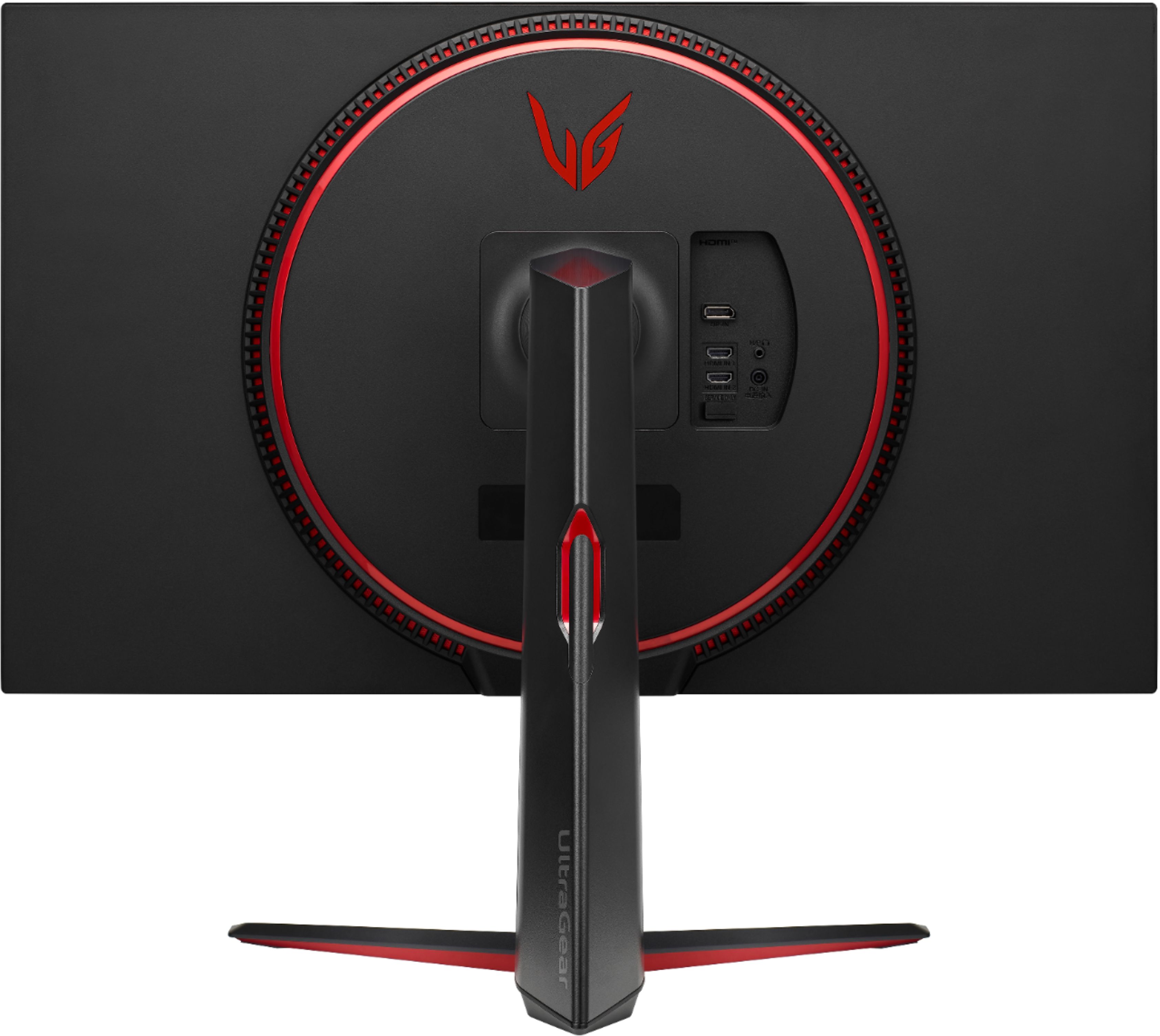
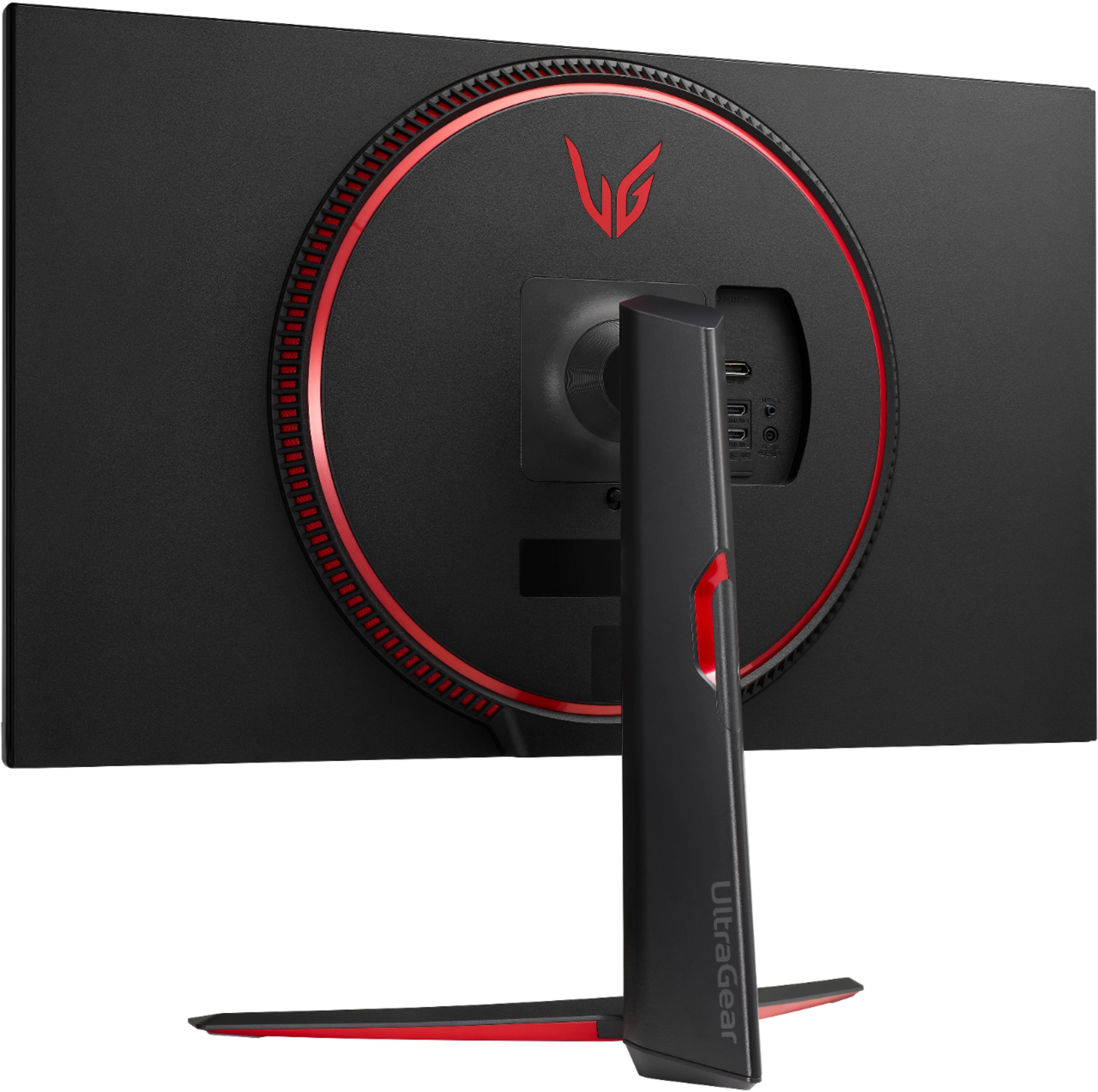
||Posted . Owned for 1 week when reviewed.This reviewer received promo considerations or sweepstakes entry for writing a review.The stand that attaches to the monitor is not very stable. Mine is slightly tilted, can’t seem to find a fix.
I would recommend this to a friendMom
||Posted .This reviewer received promo considerations or sweepstakes entry for writing a review.Beware that it comes with no speakers. And you need them for sound
I would recommend this to a friendBrand response from LGAnswers
Posted .Hi, Kevin! We appreciate your feedback, and we're disheartened to hear about the confusion! If you could please reach out with the link below, it'll be our pleasure to help find the perfect monitor for you. https://www.lg.com/us/support/contact ^Ian
Disappointed.
||Posted . Owned for 1 week when reviewed.This reviewer received promo considerations or sweepstakes entry for writing a review.Not even a full 48 hours and it just died. I loved the quality and other things, but for some odd reason, monitor just completly went blanked. I thought it was my outlet so i tried others and still no power. I took it in for a return and bestbuy even tried and still no power. Luckily it only been a few days so i returned.
No, I would not recommend this to a friendBrand response from LG Digital Customer Care
Posted .Hi there. Thank you for sharing your experience with the LG monitor. We apologize for the inconvenience caused by the issue you faced. Your feedback is valuable to us as we continuously strive to improve our products. We are glad you were able to return the monitor and receive a refund. Rest assured, incidents like this are rare as we prioritize quality control. If you have any further concerns, please reach out to us on Facebook or Twitter @LGUSSupport. We are here to assist you and ensure your satisfaction with our products. ^Dan
Horrible open box experience, but great service
||Posted . Owned for 2 weeks when reviewed.This reviewer received promo considerations or sweepstakes entry for writing a review.Received open box order in what was described as "excellent" condition. No power adapter in box in box, and after buying the power adapter and trying to turn this monitor on....nothing. Tried resetting monitor, checked power adapter (worked fine with different monitor) Returned to BestBuy and traded in for ASUS monitor. BestBuy gets a 5 rating for the trade-in, but I feel they could've done a better job on checking the open box item before declaring it in excellent condition.
No, I would not recommend this to a friendBrand response from LG Digital Customer Care
Posted .Hi, Robert. Thank you for sharing your experience with the LG Monitor (32GP83B-B) model. We understand your concern about an open box item in less than ideal condition, especially when it did not power on even after you purchased a new adapter. We strive to provide top-notch products and exceptional services to ensure a smooth and seamless experience. It’s great to hear that you had a positive experience with the trade-in at BestBuy. If you decide to explore LG products in the future, we recommend checking the warranty options or any available customer support for setup assistance. Please feel free to send us a private message on social media @LGUSSupport if you have any further questions or need assistance. We appreciate your patience and hope to serve you better in the future. ^Juvy
LG 32” 1440p 165hz
||Posted . Owned for 8 months when reviewed.This reviewer received promo considerations or sweepstakes entry for writing a review.I returned this monitor due to having too many dead pixels in the center of the screen and on the edges. There were also better choices for specs from Samsung such as the 1440p 240hx that I went with.
No, I would not recommend this to a friendBrand response from LGAnswers
Posted .This is unfortunate. Your feedback is appreciated and important in helping us to identify practices that drive customer satisfaction. We hope that you will consider LG for your product needs in the future. We apologize for any inconvenience this caused. ^Venette
Great
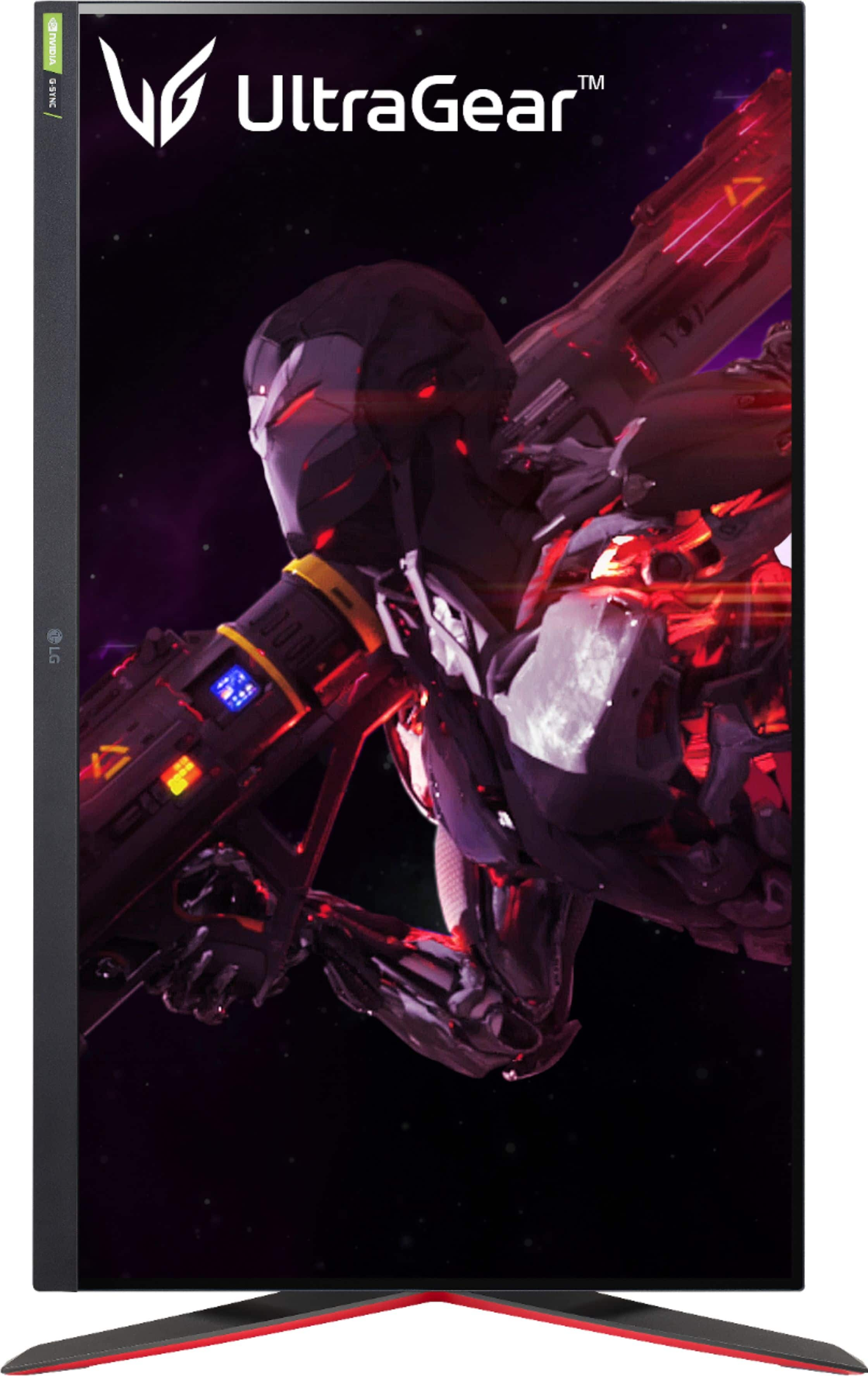
||Posted . Owned for less than 1 week when reviewed.This reviewer received promo considerations or sweepstakes entry for writing a review.Looks good but the screen looks like it’s curved back which is odd
I would recommend this to a friendLG is trash - Defective Model confirmed by LG
||Posted . Owned for 6 months when reviewed.This reviewer received promo considerations or sweepstakes entry for writing a review.Purchased in June, didnt last 6 months. Ended up doing a LG swag through warranty cause BBY didnt allow me to swap in store. LG knows this is a common defect and let me know. BBY is still selling this model in store even when they know they are crap. NEVER BUY ANYTHING LG. I wish I could swap to a 4K ASUS gaming monitor with a smaller screen. 32" is very large. Suggest 27"
No, I would not recommend this to a friendBrand response from LG Digital Customer Care
Posted .Hi, Andito. Thank you for taking the time to share your feedback about your LG Monitor (32GP83B-B) model. We understand your concern about experiencing issues within such a short time frame and we appreciate your honesty. We strive to provide high-quality products and exceptional services to ensure a smooth experience. It's good to know you were able to utilize our warranty program, but we want to ensure you feel supported throughout the process.
For gamers considering different sizes or resolutions, we understand that finding the perfect fit is important. The LG UltraGear lineup includes a variety of options, including smaller 27” models with 4K resolution, to better suit your needs.
If there’s anything further we can do to assist or if you'd like help finding an option that fits your preferences, please feel free to reach out to us on social media @LGUSSupport. We’re here to help and make things right for you.
Thank you for your feedback, and we hope to restore your confidence in LG products. ^Juvy
Good Monitor, dead pixels.
||Posted . Owned for 1 week when reviewed.This reviewer received promo considerations or sweepstakes entry for writing a review.Ive only owned it for 2 weeks and there are already dead pixels. Unfortunately its right in the middle of the viewing area so I cant deal with it so I'll have to return it.
No, I would not recommend this to a friendBrand response from LG Digital Customer Care
Posted .Hi, Joek. Thank you for sharing your experience with us. We're truly sorry to hear about the dead pixels on your LG Monitor (32GP83B-B) model, especially after only two weeks of use. We understand how frustrating this must be, particularly with the affected area being in the middle of the viewing area. For basic troubleshooting, you may visit this link: https://www.lg.com/us/support/help-library/lg-tv-troubleshooting-pixel-outage-or-colored-dots-on-screen-CT10000018-20150933240306. And in regards of the return as you've mentioned, we recommend reaching out to Best Buy customer service at 888-237-8289 for immediate assistance. If you need further assistance on your LG unit, please don't hesitate to reach out to us on Facebook or X (Twitter) through @LGUSSupport, and our dedicated team will be more than happy to assist you further with resolving these issues. ^Juvy
Buyers Beware! Missing Key Items!
||Posted .This reviewer received promo considerations or sweepstakes entry for writing a review.Bought this Openbox monitor. "Excellent Condition"??? Drove 45min each-way. Got home to find that the did not include the Power cable nor the video/HDMI cables. Called the store to see if they missed it when packing. Nope. They said since it's open-box, it will usually have stuff missing. Returning it immediately. There is no way to tell what's missing in an open-box item unless you open it in store and check. Lesson learned.
No, I would not recommend this to a friendBrand response from LG Digital Customer Care
Posted .Hi, Aleksei. Thank you for sharing your experience with the LG Monitor (32GP83B-B) model. We understand your concern about receiving an open-box item missing essential components, especially after a long trip. We are committed to ensuring our products are carefully packaged with all necessary components/parts to provide a seamless experience. To help with this situation, verify the store’s return policy for open-box items to ensure a smooth return process. Documenting the missing parts and keeping any receipts or proof of purchase is often helpful. If you need further assistance or have questions about replacement or refund processes, please send us a private message on social media @LGUSSupport. We’re here to help ensure that your concerns are addressed. ^Juvy
Won’t power off and controls stop working
||Posted . Owned for 3 weeks when reviewed.This reviewer received promo considerations or sweepstakes entry for writing a review.After using for a short amount of time buttons stop functioning and the monitor will not go into power save when computer is shut off. You must unplug the monitor and plug back in after every use. I’ve tread through the reviews and it seems that many others are having this same issue. I will be returning this item. Something that cost almost $500 should not operate like this.
No, I would not recommend this to a friendBrand response from LGAnswers
Posted .We are continuously working to improve the quality of our products and anticipate market demands that drive customer satisfaction. Your feedback is especially important to us and your concerns will be shared with our product team. If you have questions or further concerns, please reach out to our support team on Facebook at @LGUSSupport. We apologize for any inconvenience this caused. ^Venette
Another brand new damaged monitor from bestbuy
||Posted . Owned for 1 week when reviewed.This reviewer received promo considerations or sweepstakes entry for writing a review.2 in a row with dead pixels. Don’t get at bestbuy or it may be damaged
No, I would not recommend this to a friendBrand response from LG Digital Customer Care
Posted .Hi there, Sean. Thank you for sharing your experience with the 32GP83B-B.AUS monitor. We understand the inconvenience of receiving two monitors with dead pixels.
To ensure you receive a product in perfect condition, we recommend contacting Best Buy's customer service to discuss your experience and explore options for a replacement. You may contact Best Buy's Customer service 1 (888) 237-8289. If you have any specific questions or need assistance regarding the monitor itself, please feel free to send us a private message on Social Media @LGUSSupport, and our team will be happy to help.
We appreciate your feedback and understanding!
—Avril