Customer Ratings & Reviews

- Model:
- 32GP83B-B.AUS
- SKU:
- 6451080
Rating by feature
- Display Quality
Rating 4.8 out of 5 stars
- Ease of Use
Rating 4.8 out of 5 stars
- Features
Rating 4.7 out of 5 stars
Customers are saying
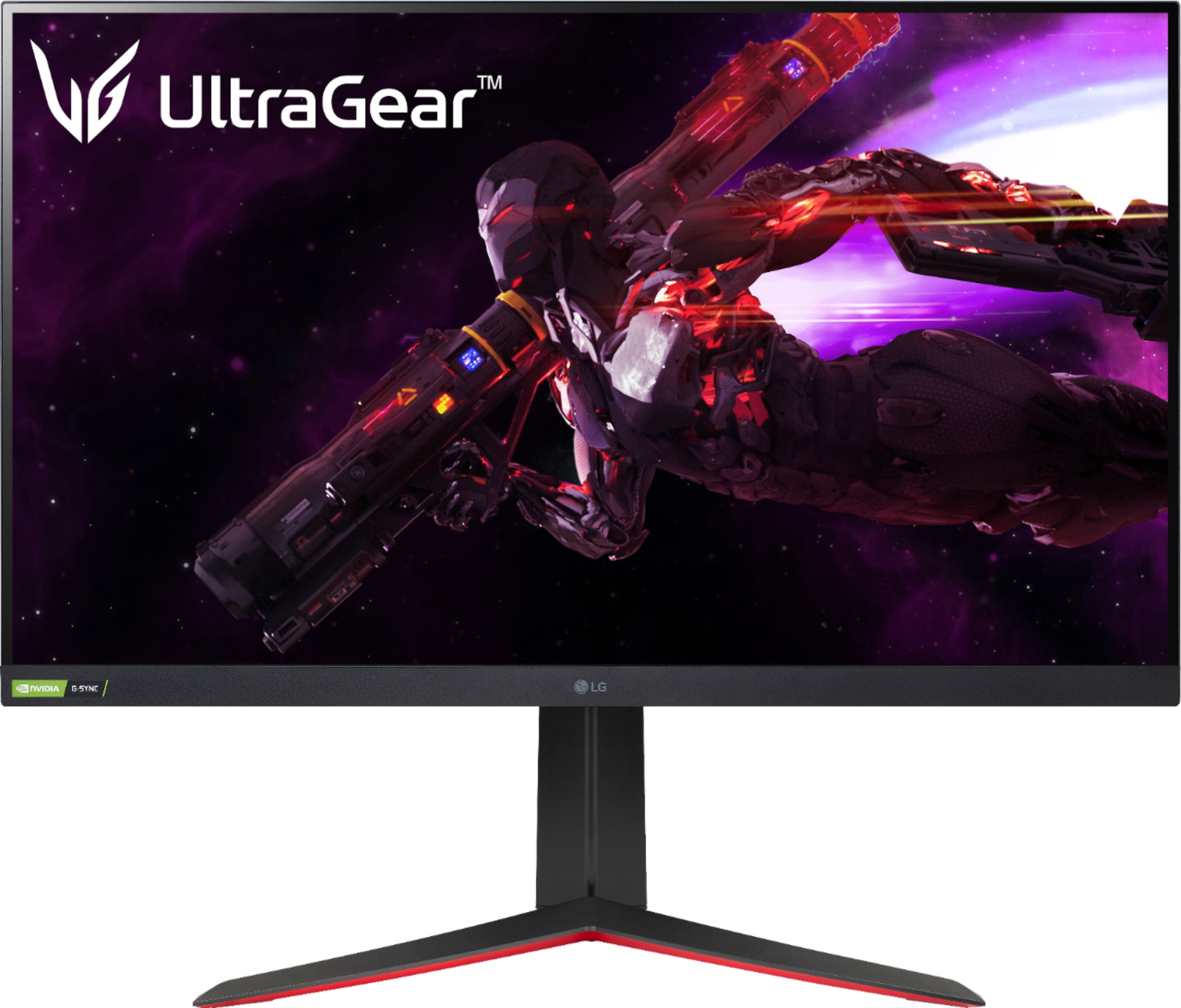
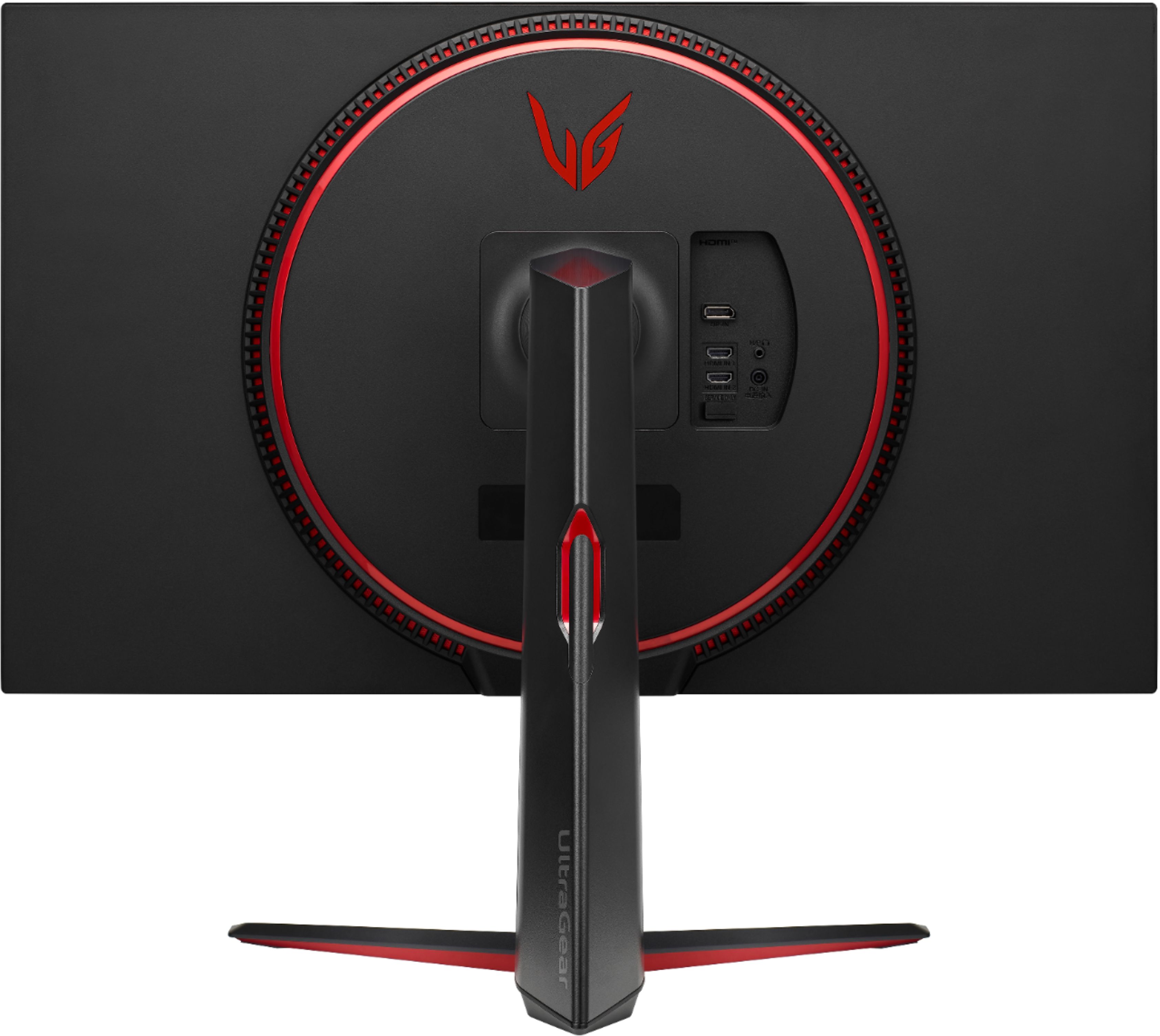
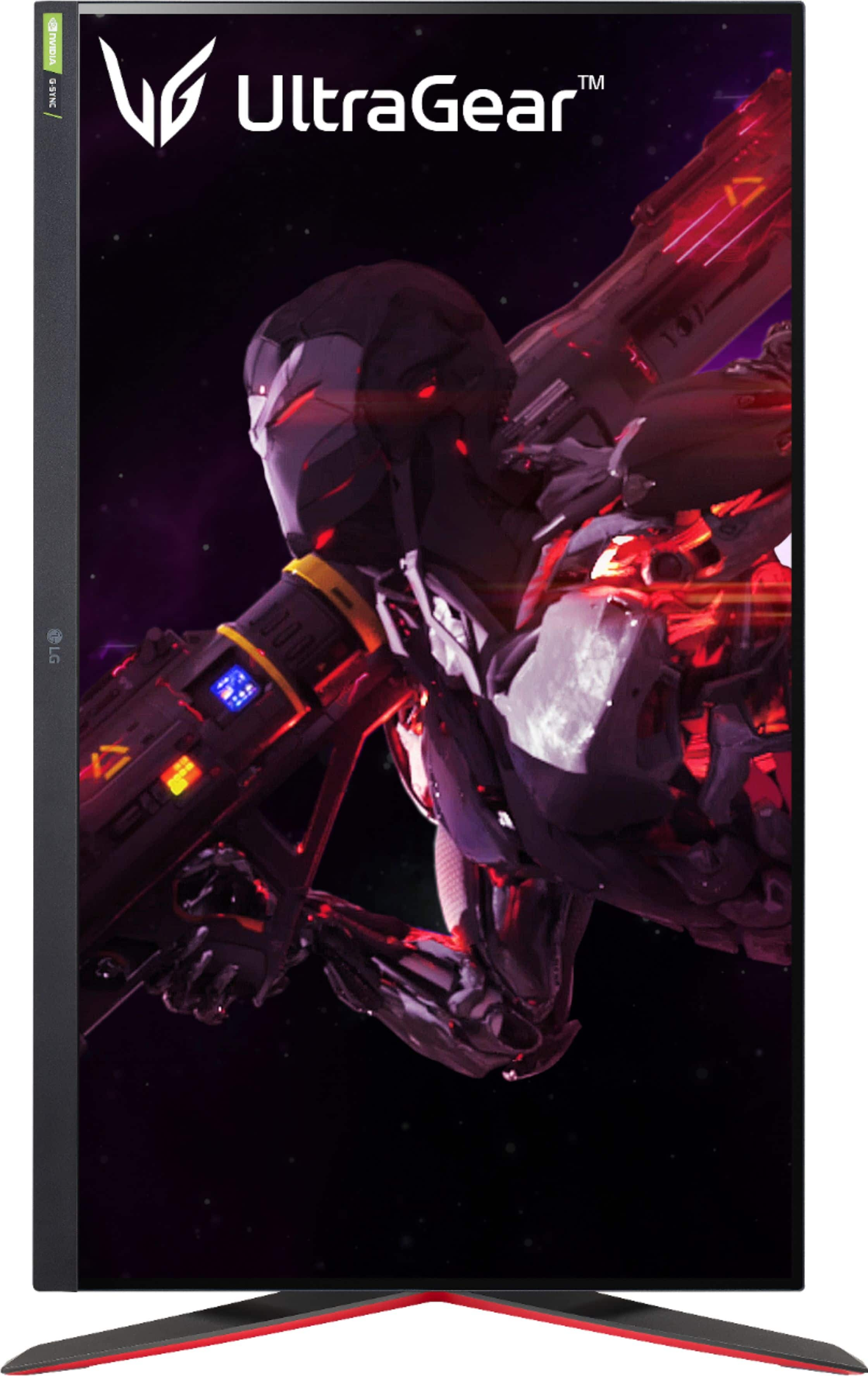
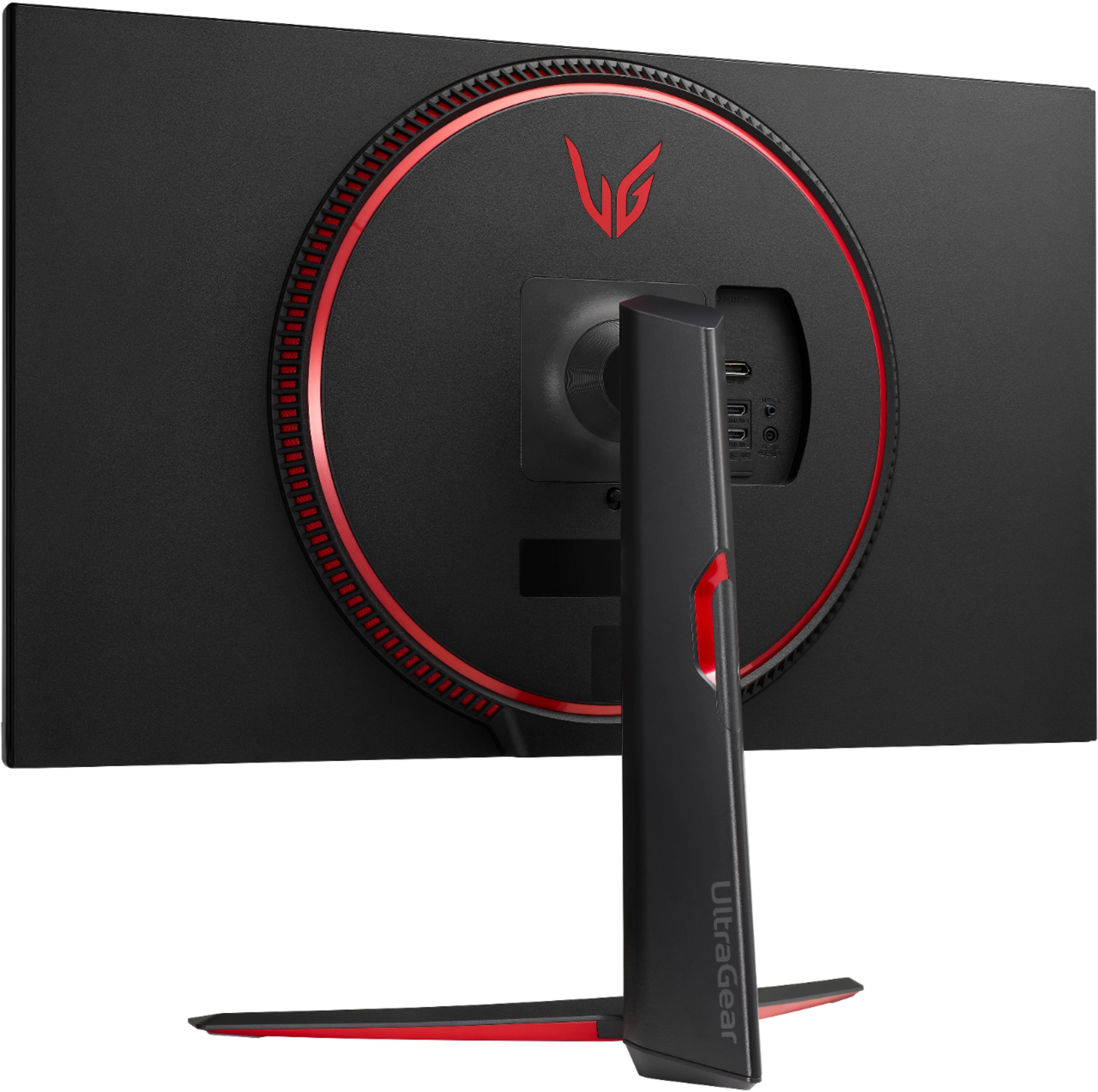
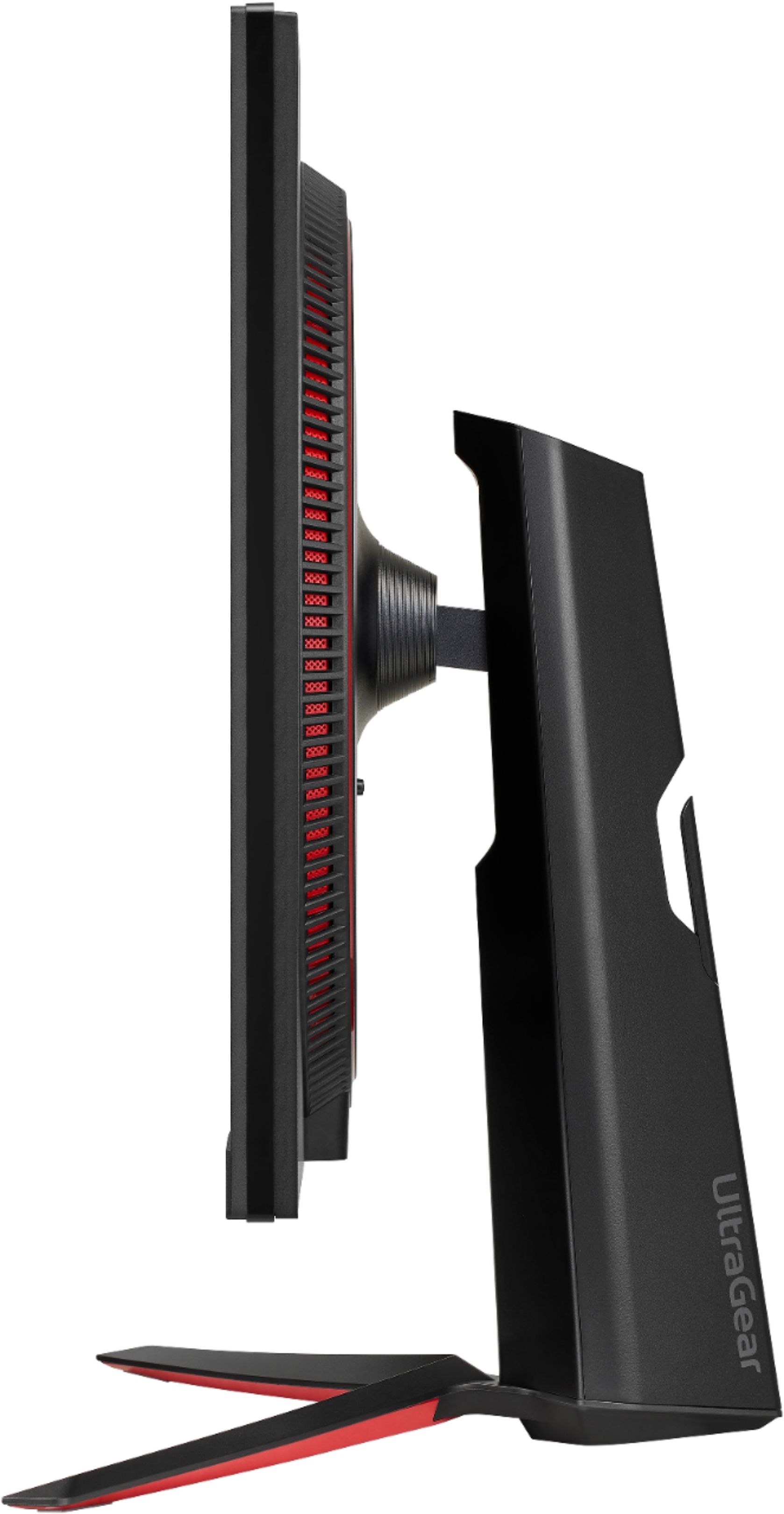
Customers admire the UltraGear 32” Nano IPS monitor's picture quality, refresh rate, and HDR capabilities, frequently praising its vibrant colors and smooth performance. Many appreciate the monitor's value for its price. However, some customers point out the lack of built-in speakers and find the stand somewhat bulky.
This summary was generated by AI based on customer reviews.
Best monitor I've owned
Posted .This reviewer received promo considerations or sweepstakes entry for writing a review.This monitor is the best monitor I've ever owned. Very high clarity and brilliant colors.
I would recommend this to a friendFast
Posted .This reviewer received promo considerations or sweepstakes entry for writing a review.Grabbed it for the ps5 and it is perfect. Huge difference from my old 60 fps hz monitor.
I would recommend this to a friendAmazing screen
Posted .This reviewer received promo considerations or sweepstakes entry for writing a review.Amazing, love everything about the screen. I recommend it.
I would recommend this to a friendG-Sync Goodness
Posted .This reviewer received promo considerations or sweepstakes entry for writing a review.A gamble that paid off — looks phenomenal. Now I just need two more!
I would recommend this to a friendGreat monitor
Posted .This reviewer received promo considerations or sweepstakes entry for writing a review.Great monitor at a good price looks great and works like it should.
I would recommend this to a friendGood monitor if on sale.
Posted .This reviewer received promo considerations or sweepstakes entry for writing a review.Nice picture, good motion. I wish it was a little brighter.
I would recommend this to a friendConsole players IMPORTANT!!!!
Posted .This reviewer received promo considerations or sweepstakes entry for writing a review.This moniter cannot support hdr with 120 frames active i was very disappointed, u can only use hdr if your moniter is at 60 hz i wasted 400 dollars on this just to downgrade my resolution and not even get the 120 frames for xbox series x.
I would recommend this to a friendLots of dead pixels
Posted .This reviewer received promo considerations or sweepstakes entry for writing a review.LG needs better quality control. Lots of dead pixels. This is my second LG monitor in 15 years and both of them had this issue. I haven't had these issues with Samsung. So frustrating paying this much for a monitor only to have it be defective. It was easy to set up I'll say that, but a $500 monitor should have better quality control.
No, I would not recommend this to a friendBrand response from LGAnswers
Posted .We are sorry to hear that your unit did not meet your needs/expectations. This is not the quality we expect from our products. We are continuously working to improve the quality of our products and anticipate market demands that drive customer satisfaction. If you ever have any questions please reach out to our support team on Facebook at @LGUSSupport and use #VOC in your first message to our social media support team.. To speak with an agent via phone, you can call 800.243.0000 We apologize for any inconvenience this caused. ^Venette

Ips glow
Posted .This reviewer received promo considerations or sweepstakes entry for writing a review.All 3 of my monitors has ips glow in less than 2 months. Only visible in dark settings. I would avoid this product.
No, I would not recommend this to a friendBrand response from LG Digital Customer Care
Posted .Hi, Jham. Thank you for sharing your experience with the LG Monitor (32GP83B-B) model. We understand your concern about the IPS glow issue and how it affects your viewing experience, especially in dark settings. We aim to offer top-notch products that exceed our customer's needs and expectations. Here are some steps you might consider: Try adjusting the brightness and contrast settings to reduce the visibility of the IPS glow. Use a screen calibration tool to fine-tune the monitor settings for optimal performance and reduced glow. Ensure that the monitors are placed in an environment with appropriate lighting to minimize the impact of IPS glow. If you need further assistance, please reach out to us on social media @LGUSSupport. We appreciate your feedback and are committed to resolving these concerns. ^Juvy
Blurry text and screen flickering
Posted .This reviewer received promo considerations or sweepstakes entry for writing a review.Text looks blurry despite trying to adjust settings. I have tried the provided HDMI and display port cables. This is running on a GTX 2070. I compared it side by side with my 27in Dell S2719DGF, definitely blurry. Also, there's screen flickering which I could not get rid.
No, I would not recommend this to a friendBrand response from LGAnswers
Posted .Understandably, this is frustrating. We are sorry that your units are not working properly. LG absolutely cares and we confidently stand behind our products. Please reach out to our support team on Facebook at @LGUSSupport. To speak with an agent via phone, you can call 800.243.0000. There are policies and procedures in place to ensure resolutions are consistent and fair. I am confident that we will work to provide an agreeable resolution. ^Venette
Dont know how but i got burn in….
Posted .This reviewer received promo considerations or sweepstakes entry for writing a review.Macbook screen burnt into my monitor and never left :/ after a year… :/
No, I would not recommend this to a friendBrand response from LG Digital Customer Care
Posted .Hello, Kikyo. We're sorry to hear about the burn-in issue you're experiencing with your LG UltraGear 32" Nano IPS QHD G-SYNC Compatible Monitor. Burn-in can occur on OLED displays when static images are displayed for extended periods, and it's a known characteristic of this technology. However, the LG UltraGear 32" Nano IPS QHD G-SYNC Compatible Monitor does not use OLED technology, but rather Nano IPS technology, which is less prone to burn-in.
.
To address your concern, please try the following steps:
1. Run a pixel refresh. This can help reduce the visibility of burn-in. To do this, go to the monitor's settings menu and look for a pixel refresh or screen maintenance option. Follow the on-screen instructions to perform the refresh.
2. Avoid displaying static images for extended periods: If possible, try to avoid leaving static images, such as desktop icons or taskbars, on the screen for long periods. This can help prevent further burn-in.
3. Adjust the brightness and contrast settings: Lowering the brightness and contrast levels may help reduce the visibility of burn-in.
If the issue persists, please send us a private message on Facebook or Twitter using @LGUSSupport, and we'll be happy to assist you further. ~Luisa
Really cool; half the screen goes black.
Posted .This reviewer received promo considerations or sweepstakes entry for writing a review.Perfect size and very bright. Perfect monitor for my system. Half the screen goes black. Restarted the monitor, seems fine. Does it again.
No, I would not recommend this to a friendBrand response from LGAnswers
Posted .We hate hearing you are having an issue with your unit. We’d like to gather more information to see if we can help. Please contact LG Customer Support via private message on Facebook @LGUSSupport and use #VOC in your first message to our social media support team. Please be sure to provide your contact information, model/serial numbers, and date of purchase so that we can better investigate and quickly assist you with a resolution, where possible. We apologize for any inconvenience this has caused. ^Daphane