Customer Ratings & Reviews

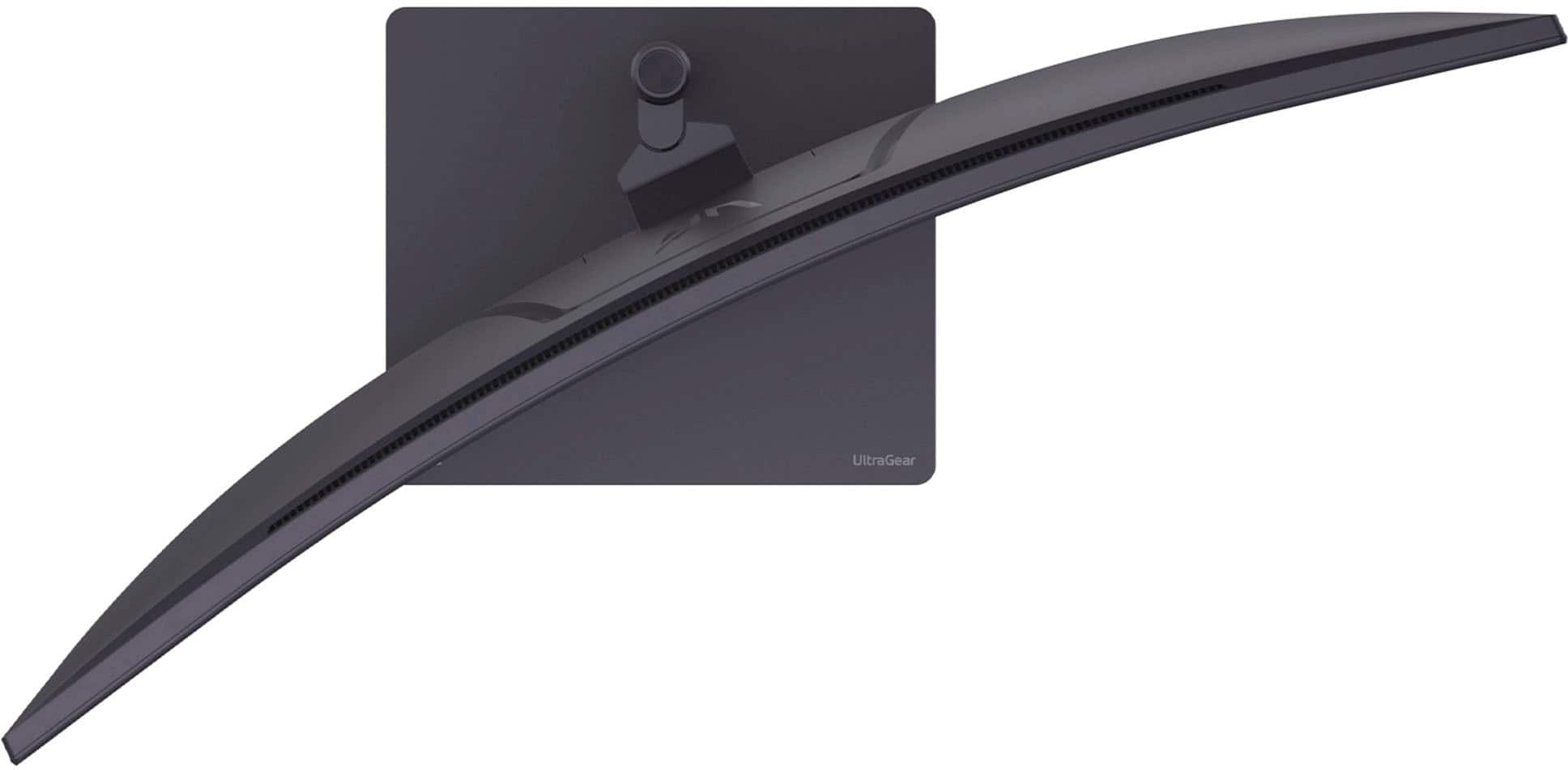
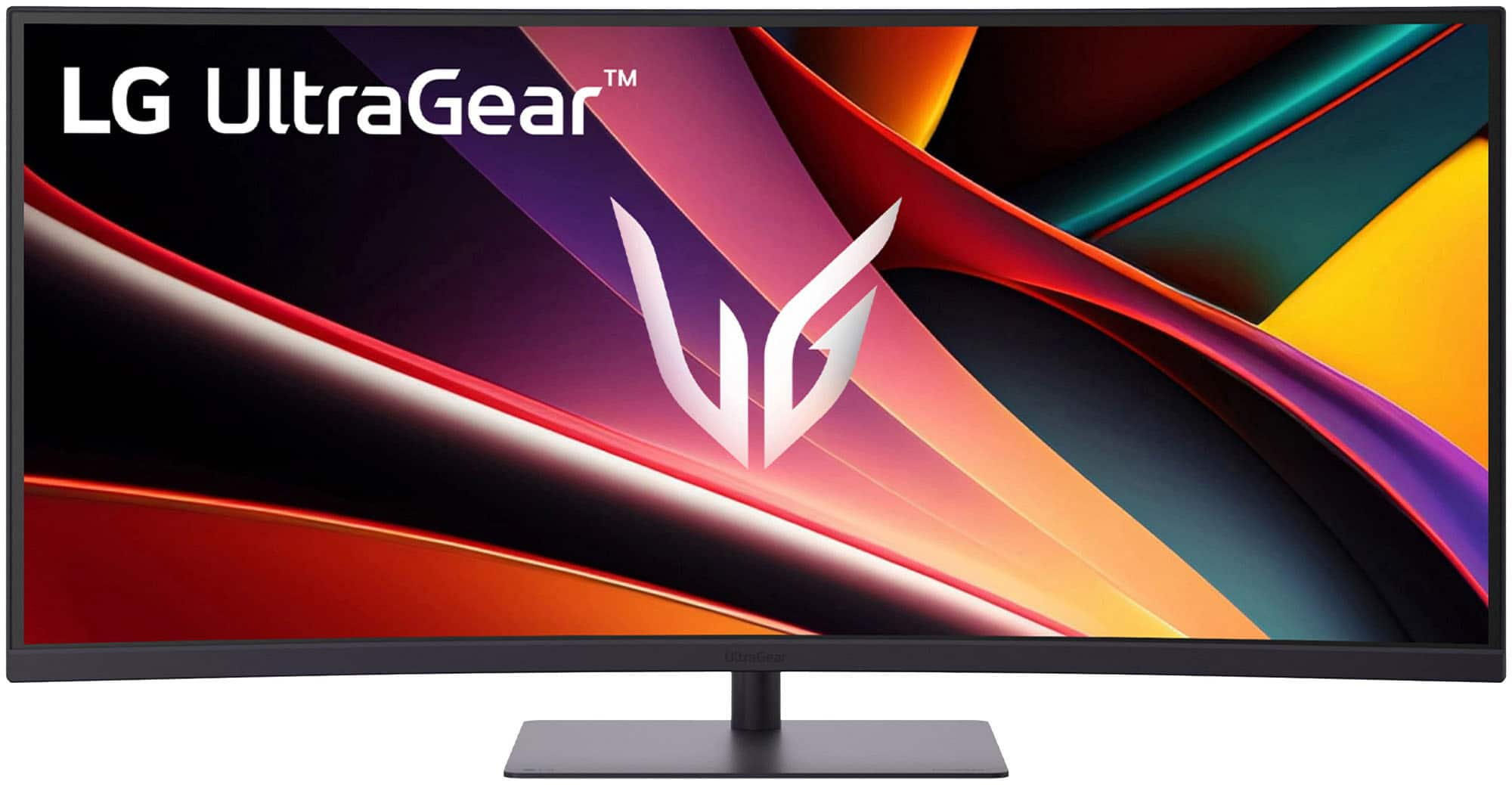
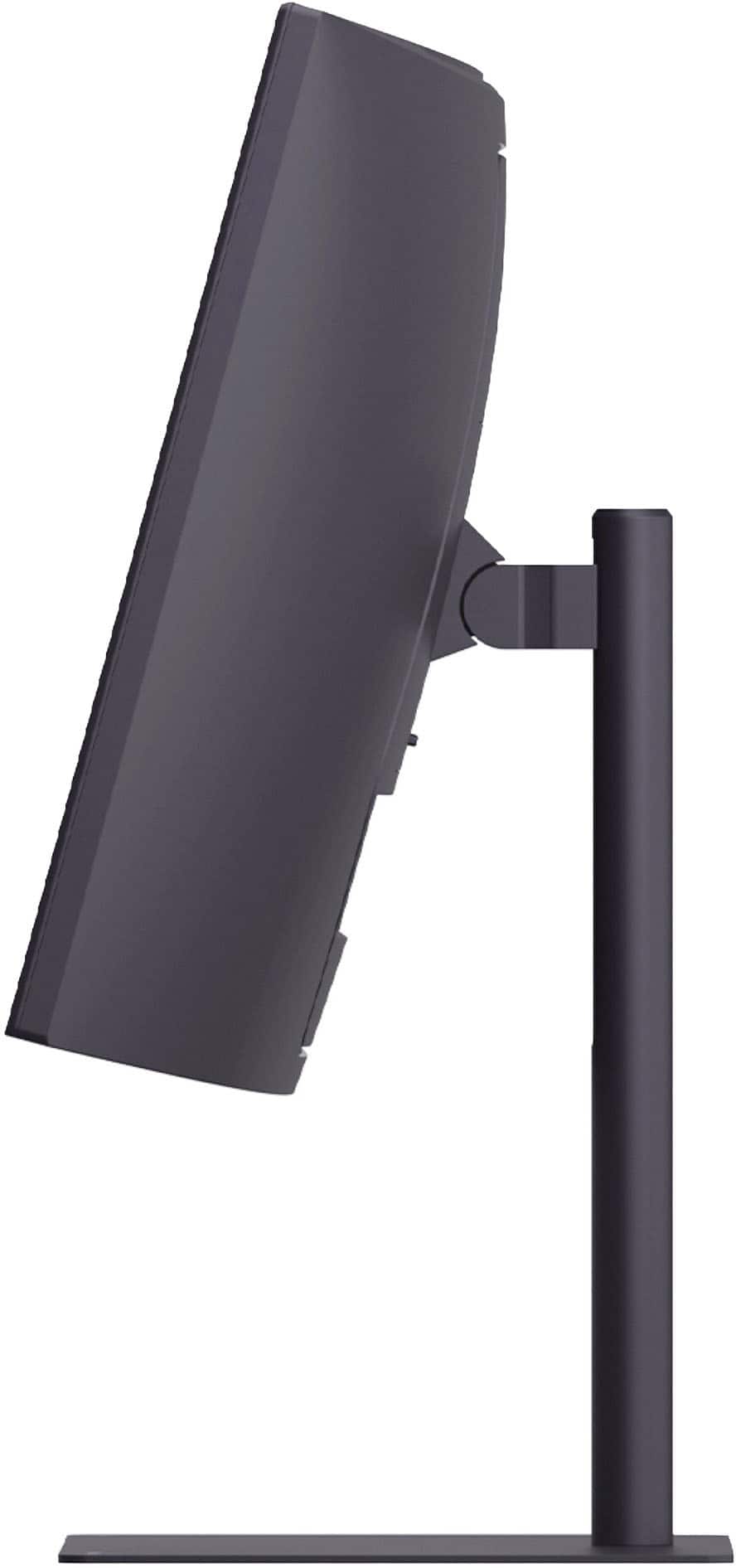
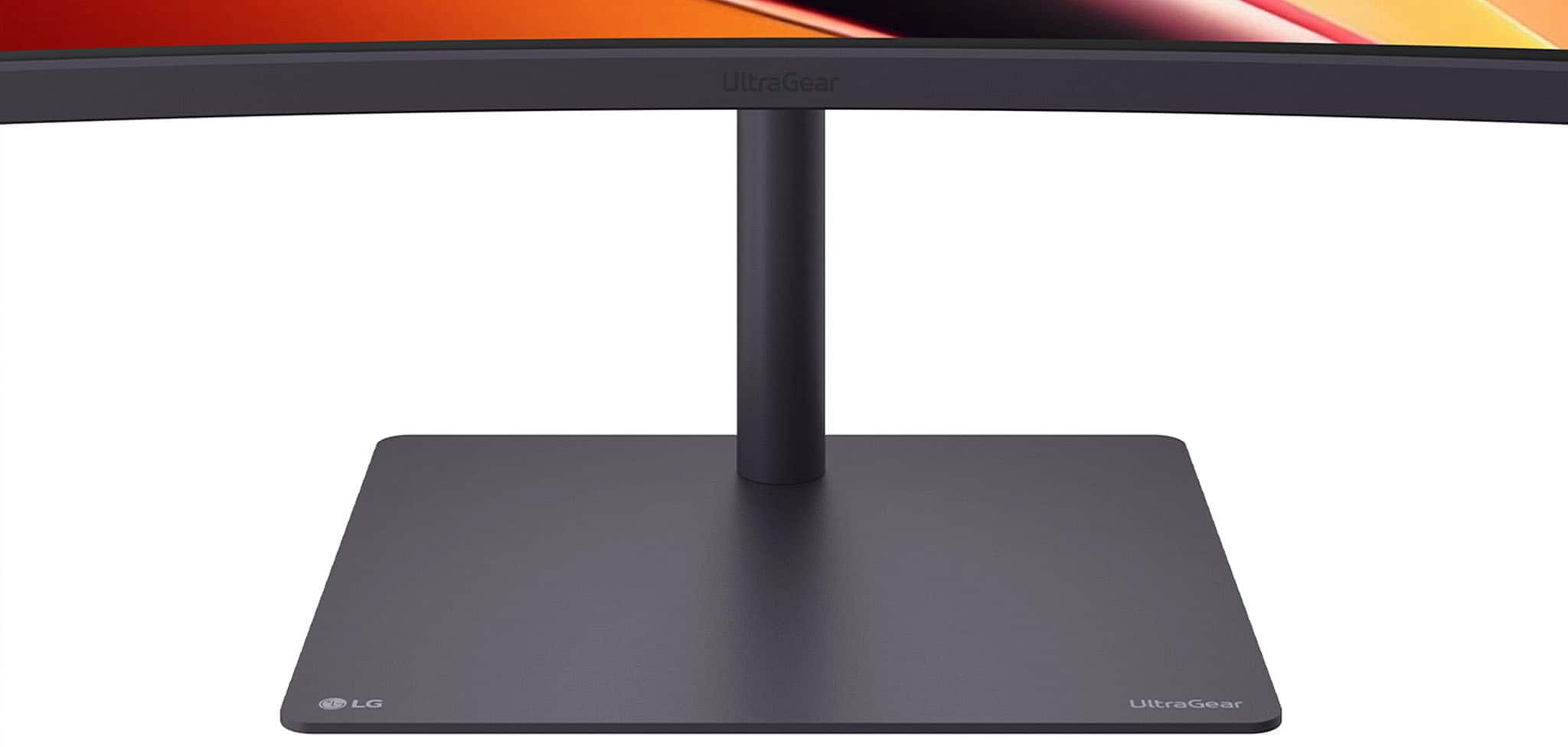
- Model:
- 34G630A-B
- SKU:
- 6638893
Rating by feature
- Display Quality
Rating 4.7 out of 5 stars
- Ease of Use
Rating 4.8 out of 5 stars
- Features
Rating 4.6 out of 5 stars
Customers are saying
Customers praise the product's overall performance, highlighting its very good picture quality, phenomenal refresh rate, and excellent resolution. They also appreciate its sleek and modern design, as well as its perfect size. However, some customers note that users should be mindful of the viewing angles.
This summary was generated by AI based on customer reviews.
- Pros mentioned:Refresh rate
Great Monitor Overall! Dead Pixels, Though.
||Posted . Owned for 1 month when reviewed.This reviewer received promo considerations or sweepstakes entry for writing a review.Ive had the product for about a month and it is very good. High refresh rate and no real noticeable ghosting. Very immersive for gaming and great for productivity. Unfortunately, I did end up finding dead pixels on the left portion of my screen. It was not noticable while gaming but very noticeable while writing a term paper or reading text with a white background. So i will be taking it back to Best Buy for a simple exchange for the same monitor. Because i like it so much. Of course the experience would be 5 stars if i didnt have the mild annoyance of taking it to a best buy store that is 1 hour away. Very good monitor. I would recommend for those who are primarily using for productivity and amature video editing but also want an amazing gaming experience when you decide to play.
I would recommend this to a friend Bestbuyrocks
||Posted . Owned for 1 month when reviewed.This reviewer received promo considerations or sweepstakes entry for writing a review.Better then advertised if you are thinking go with this amazing deal
I would recommend this to a friendRaider Approved!
||Posted . Owned for 2 weeks when reviewed.This reviewer received promo considerations or sweepstakes entry for writing a review.EXCEEDED this raiders my expectations!Watch Out!!!
I would recommend this to a friendGreat Monitor for those who can't use OLED
||Posted .This reviewer received promo considerations or sweepstakes entry for writing a review.Great Monitor for the money HDR is slightly lackluster and better turned off
I would recommend this to a friendGreat monitor
||Posted .This reviewer received promo considerations or sweepstakes entry for writing a review.Great viewing quality. Night mode is particularly nice after dusk. For the money best monitor I’ve ever used.
I would recommend this to a friend- Pros mentioned:Overall performanceCons mentioned:Viewing angle

A Solid Widescreen Gaming Monitor
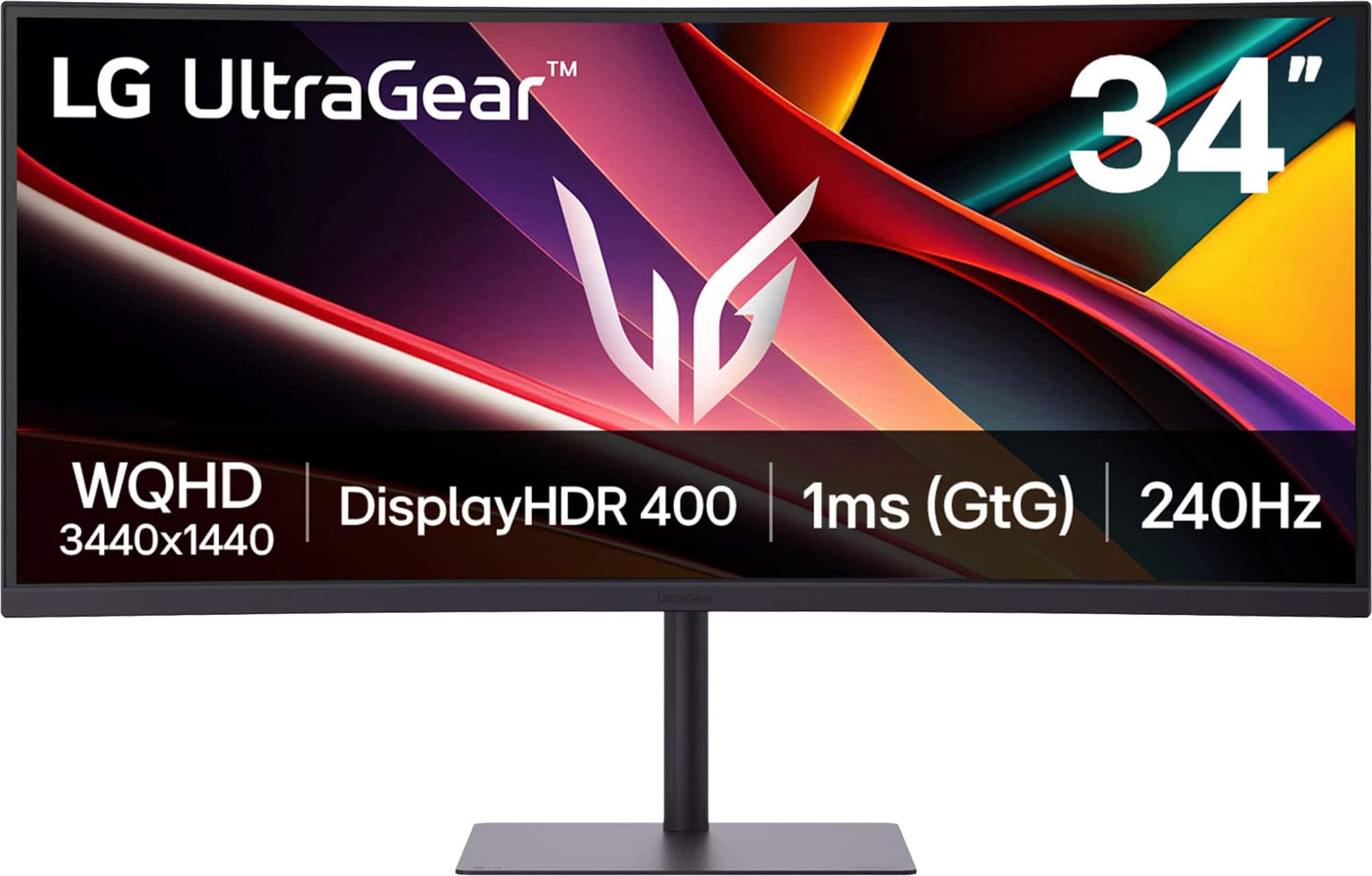
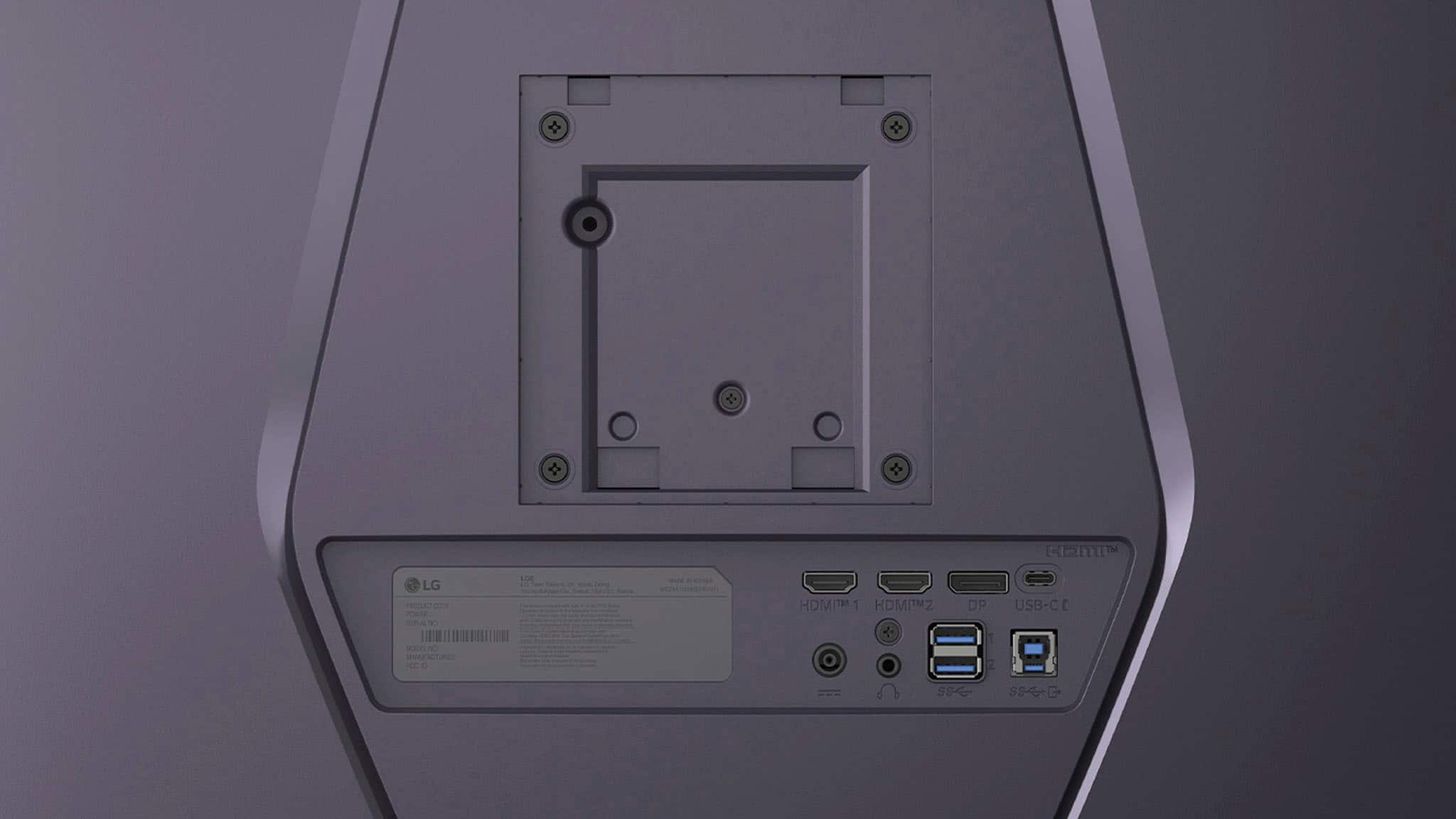
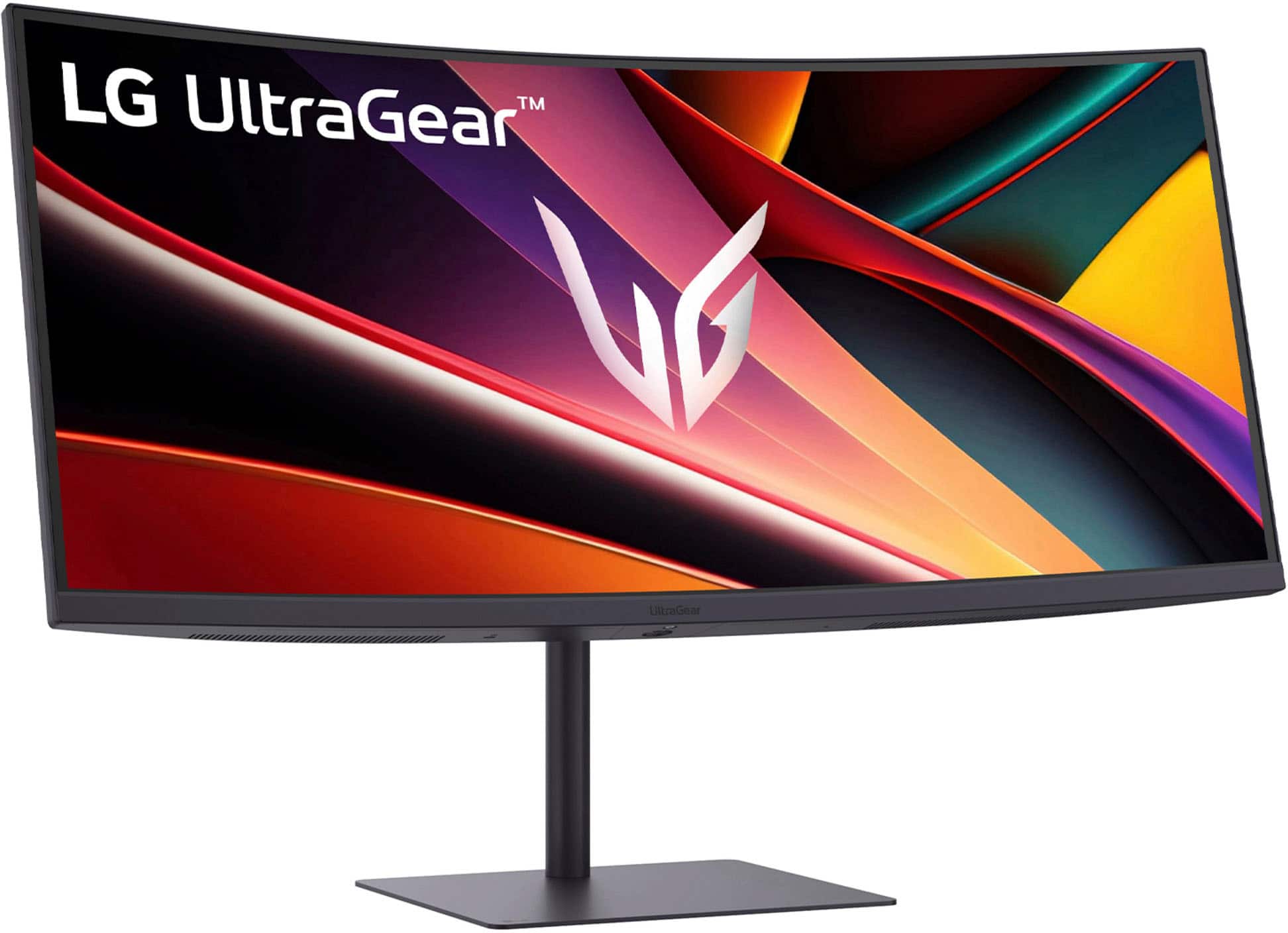
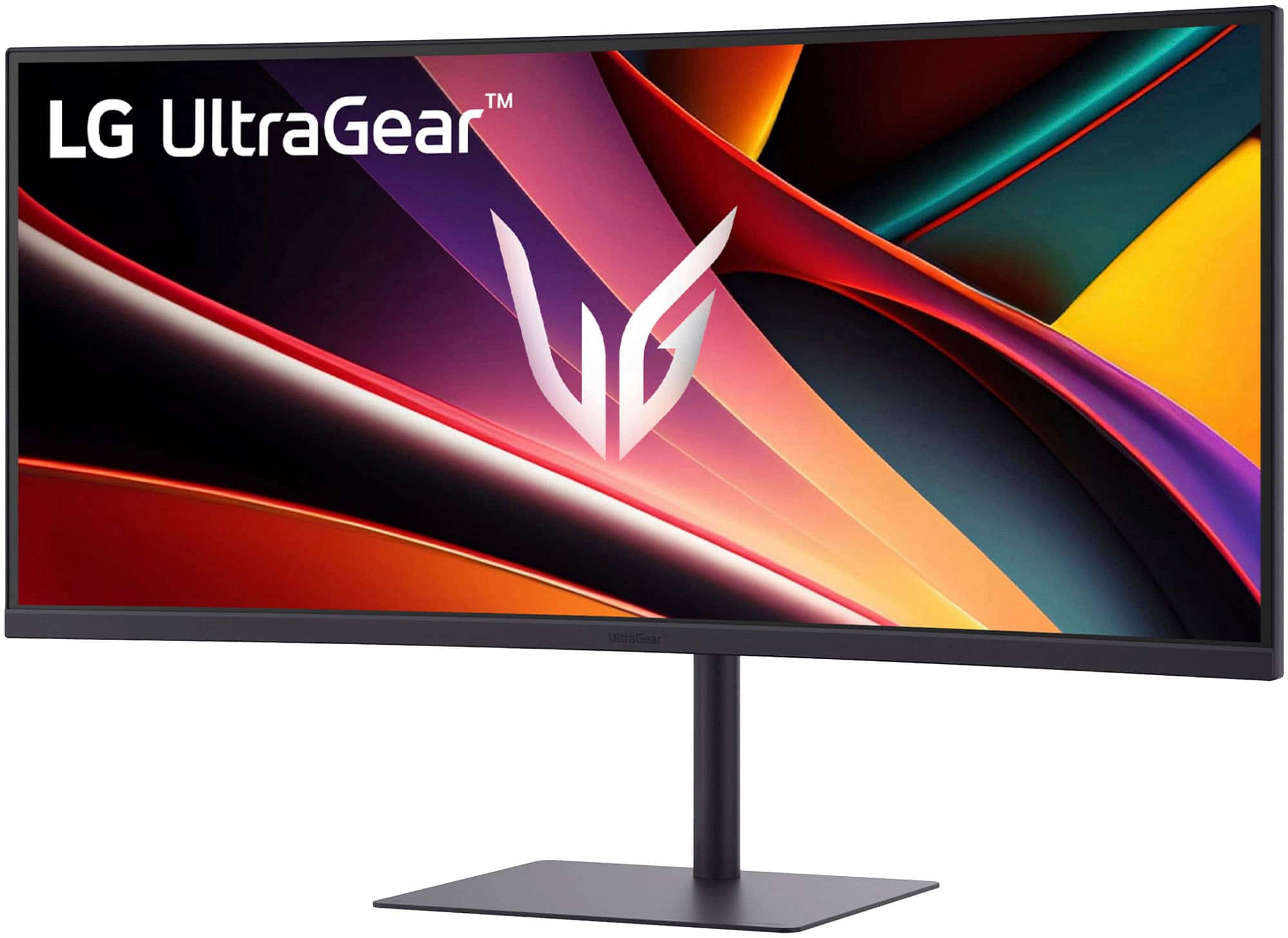
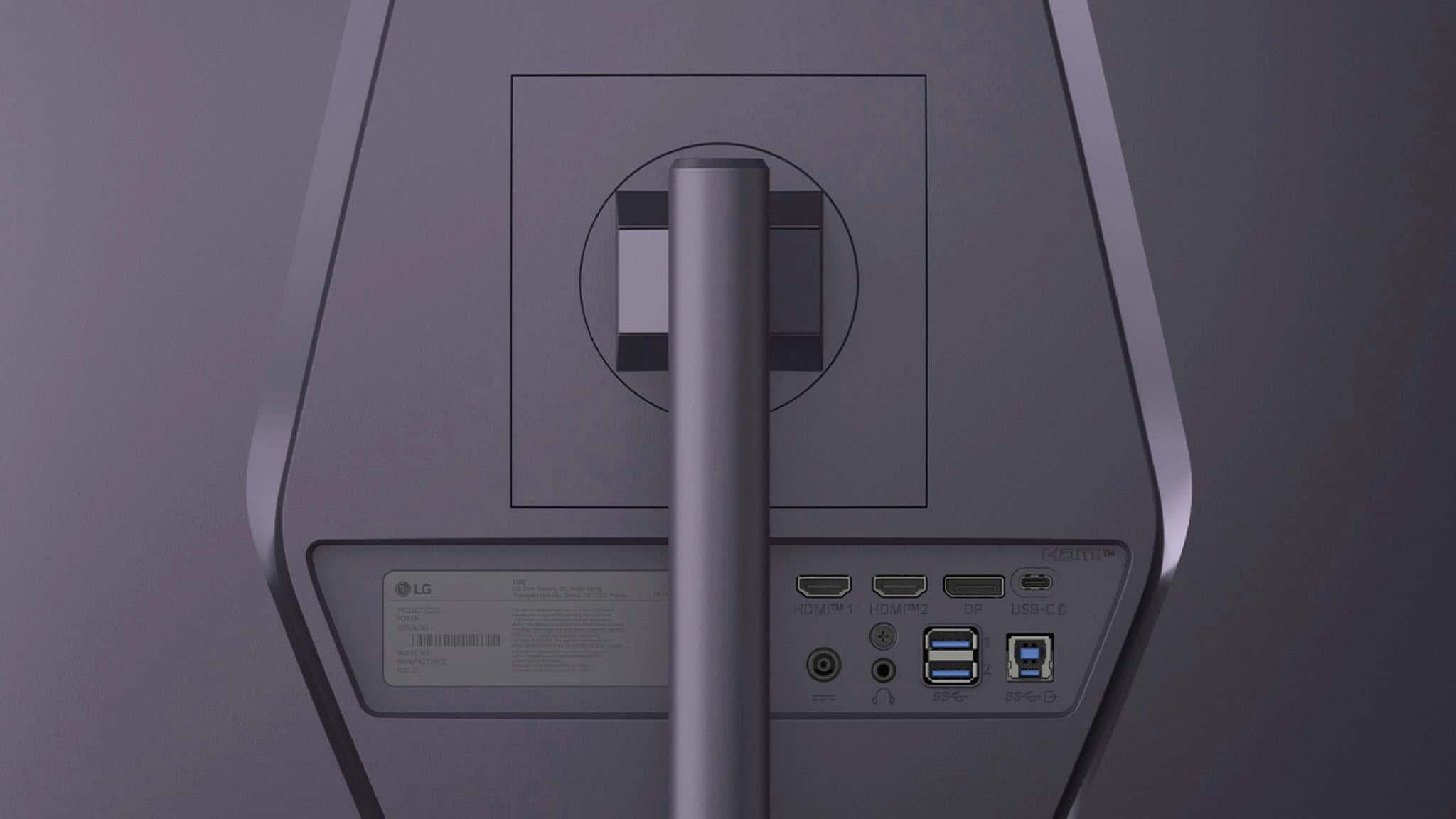
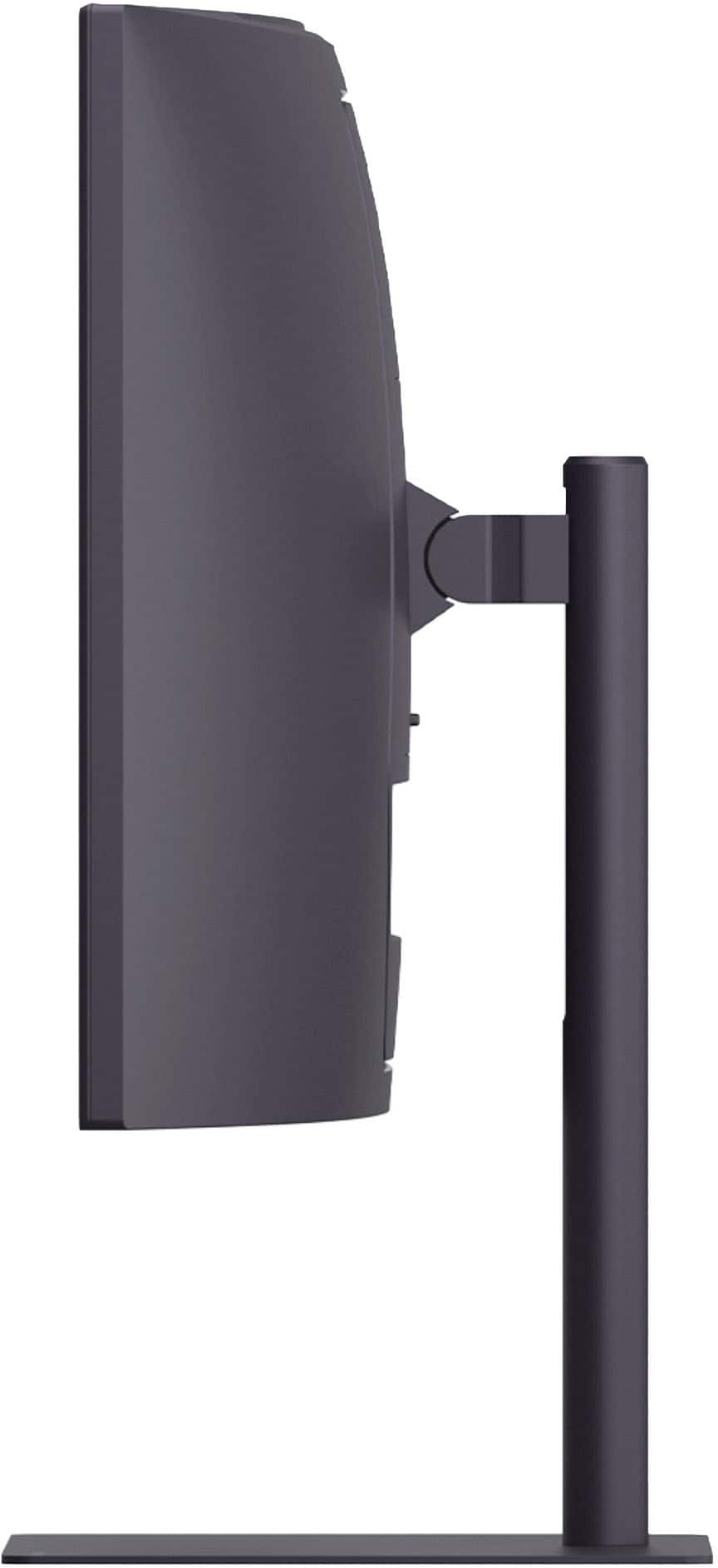
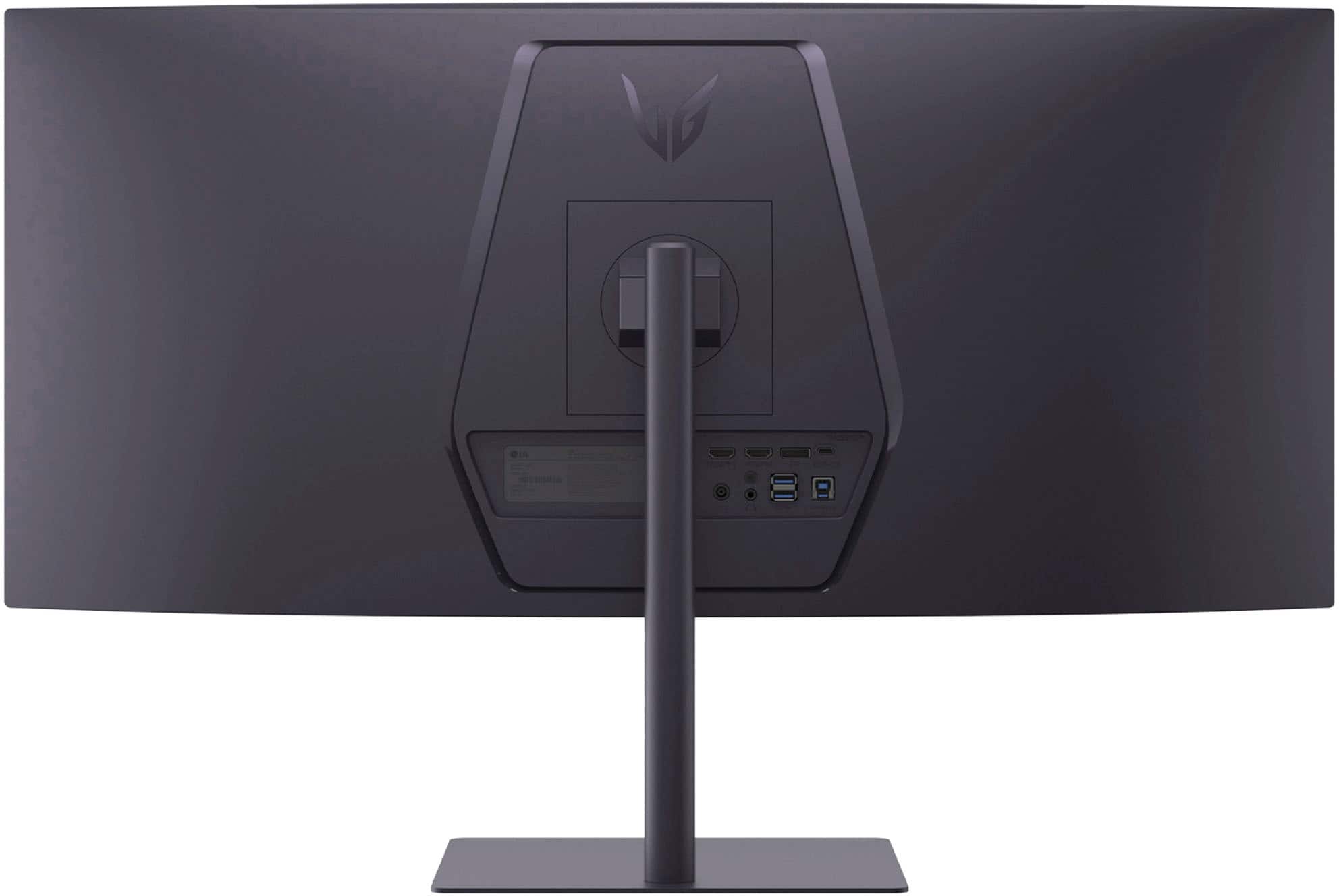
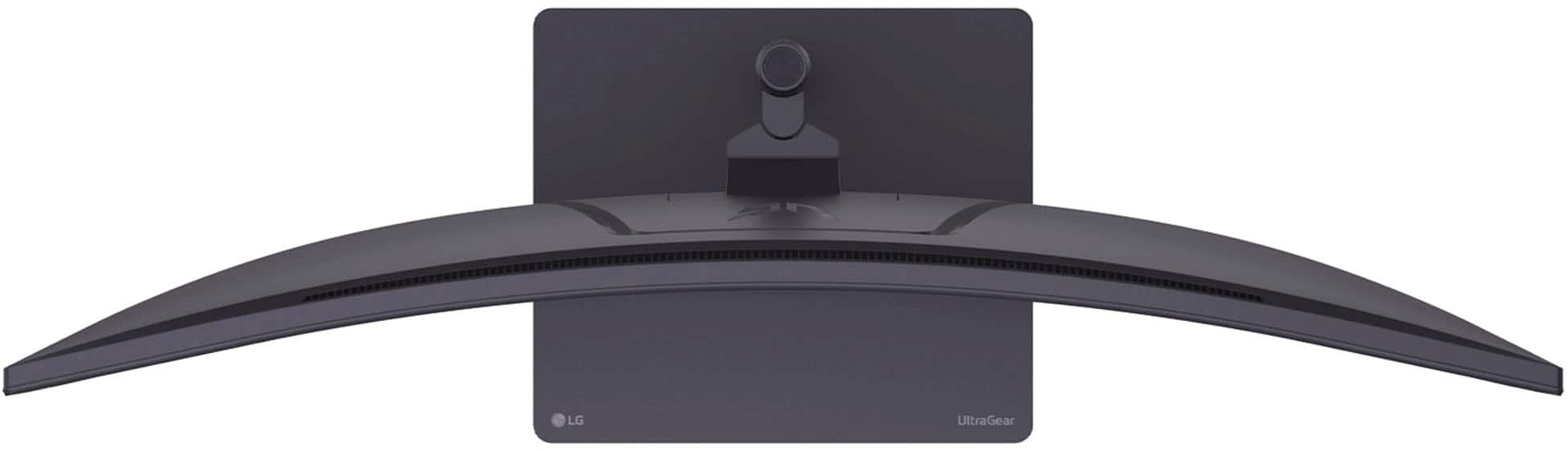
|Posted .This reviewer received promo considerations or sweepstakes entry for writing a review.This LG UltraGear 34” monitor is a solid choice for gaming and productivity. At this price point, you will receive the essentials to help you power through your gaming sessions or finish your work that is due in a couple of hours. The monitor does have some downsides, but if you are looking for an affordable widescreen gaming or office monitor and are on a budget, read on to learn more. This is my review of the LG – UltraGear 34” WQHD Gaming Monitor. Model: 34G630A-B. *TLDR at the bottom ============== IN THE BOX/SET-UP: In the box, you will find an HDMI cable, a DisplayPort cable, stand mounting screws, a power supply, a power cable, and some documentation. Set-up is quick and took about 15 minutes, with cable management involved. The base is made from some heavy metal and needs to be screwed into the monitor arm. This is a minor complaint, but it would’ve been nice if these screws were some of those nonremovable screws. I initially thought LG had forgotten to include the screws, but later found out that they fell out of the bag when taking the documents out. ============== FIRST IMPRESSIONS: You will need plenty of open desk space for this monitor. It is widescreen with a large base, and if you have a second or third monitor, you may have to do some moving around to get all your monitors to fit on your desk. Also, the power supply is on the larger side; ensure there is some space for that as well. This monitor has many ports for all your devices. It has one DisplayPort, 2 HDMI, 1 USB-C, 2 USB-A, and 1 USB-B. Unfortunately, you will be on your own when it comes to cable management. There are no slots or holes to feed all your cables through with the design of the monitor arm. I used some Velcro cable straps to hold the cables down, and they work great! If you’ve never used a widescreen monitor, you will be impressed as soon as you turn this monitor on. It is called wide for a reason. The monitor’s settings can be managed using a small joystick located under the “UltraGear” logo. There is also no vertical monitor support with this stand. I have used 34” monitors before, and the curve on this one is significantly less compared to some other ones. With the curve being less prominent, I recommend placing the monitor farther back on your desk for a more comfortable view. ============== FEATURES: Like I said in the beginning, this monitor has all the essentials one needs to either game or be productive. The widescreen allows multitasking with 2, 3, or even 4 windows. In gaming, the widescreen allows games to be more immersive while increasing your FOV in supported games. There are even built-in speakers. Unfortunately, they are terrible, and all the sound coming out of them is completely flat. I recommend using external speakers or headphones. With the port variety, many of your devices can be used with this monitor. I was able to use a PC, PS5, and even extend the display from my iPad Pro using the USB-C port. It is versatile, and if you have many devices as I do, you will be happy to know that this monitor should support them all. I don’t use this feature very much, but the monitor supports PIP and PBP if you need to display some of your devices at the same time on the same monitor. Like most gaming monitors, there are also built-in display modes that one can switch to depending on what game they are playing. There are only 4, and I found that the first one (Gamer 1) was sufficient for most of the games I played. ============== PERFORMANCE: Now for the good stuff. I mostly tested the monitor with my PC and PS5. I’ll start with the PS5. First, the monitor does support the PS5. The downside is that the PS5 does not support the wide 21:9 aspect ratio of this monitor. You can stretch the image and play on a 21:9 with your PS5, but the image will be stretched and will not look appealing. I played on a 16:9 aspect ratio, which unfortunately shows black bars on both sides. If you are planning to buy this for only your console, I highly recommend looking somewhere else unless you are fine with gaming on a 16:9 aspect ratio. But in terms of performance and quality, the monitor does an excellent job at both. The PS5’s max refresh rate is 120Hz, which is far below the 240Hz that this monitor can do. And most games did look fine. The monitor won’t provide the eye candy graphics that a 4k monitor or a monitor with an OLED screen would provide, but if you prefer performance anyway, you’ll be fine with the quality. For PC, the 21:9 aspect ratio was supported in all the games I played. I played a variety of games, from racing, FPS, to adventure games. I noticed this with the PS5, too, but the monitor does get quite bright(maxes out at 300 candela per square meter), and the colors aren’t quite as vibrant. This monitor also uses a VA panel type, which is best viewed when the monitor is right in front of you. Any other angle, and you will start to notice that the image starts to “gray” out as the viewing angles get more prominent, which is a downside to VA panels. But if this will be your only monitor on your desk and you plan to place it right in front of you, this won’t be a problem. When it comes to performance with a PC, this monitor does an excellent job. I don’t have the beefiest PC, and as a result, in most games, I wasn’t able to get the full refresh rate. But in games like Battlefield 6, I was consistently getting about 130 FPS on medium to low settings. On high settings, I was getting about 60 FPS, which was okay but not ideal for an FPS. On older games like Rise of the Tomb Raider, I was getting a consistent 140 FPS on the highest settings possible. And about 200 FPS on the lowest settings. I prefer eye candy graphics over performance, and honestly, the game looked great, but not excellent. I didn’t dive too much into improving the refresh rate for most games since I am okay with anything above 120Hz, but I am confident I could’ve taken the full advantage of the maximum refresh rate if I tweaked a couple of settings. Overall, if you prefer performance over quality, this monitor should suffice. ============== CONCLUSION/TLDR: Overall, this gaming monitor can be used for both gaming and productivity. As a gaming monitor, this would work great if you prefer performance over quality. As for productivity, the widescreen allows for multitasking like no other, but if you work with a lot of graphics, I recommend looking somewhere else, as the colors aren’t too vibrant compared to some other monitors I have used. While this monitor can be used for console gaming, you will have to play at a 16:9 aspect ratio since consoles do not support the wide aspect ratio of this monitor. If you don’t mind black bars on the side, it will be fine. Otherwise, I recommend looking somewhere else. If you are looking for an affordable PC gaming monitor that also works as a multitasking powerhouse, I wholeheartedly recommend you give this one a shot!
I would recommend this to a friend - Pros mentioned:Design, Refresh rateCons mentioned:Viewing angle
Try Ultra Wide, You Might Love It
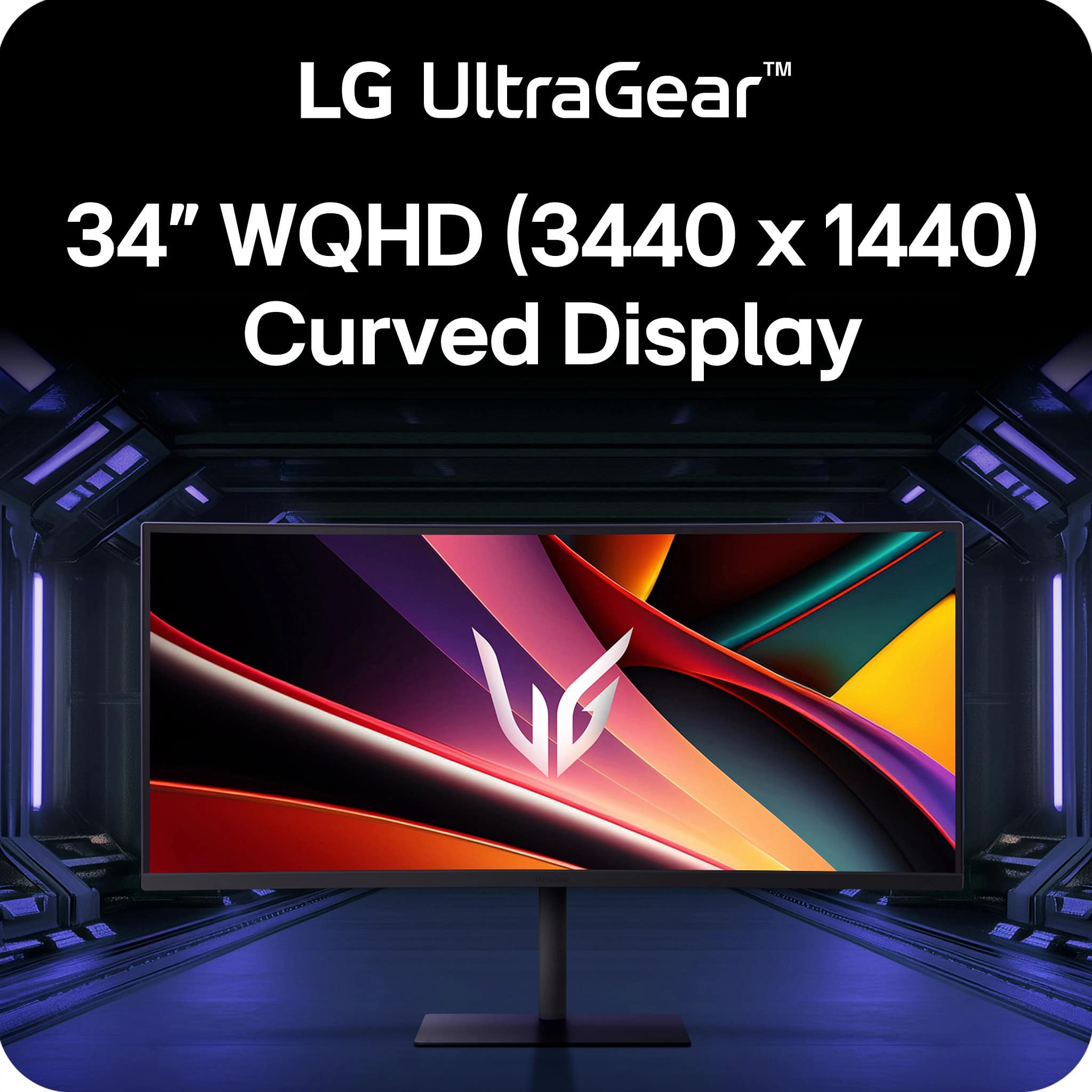
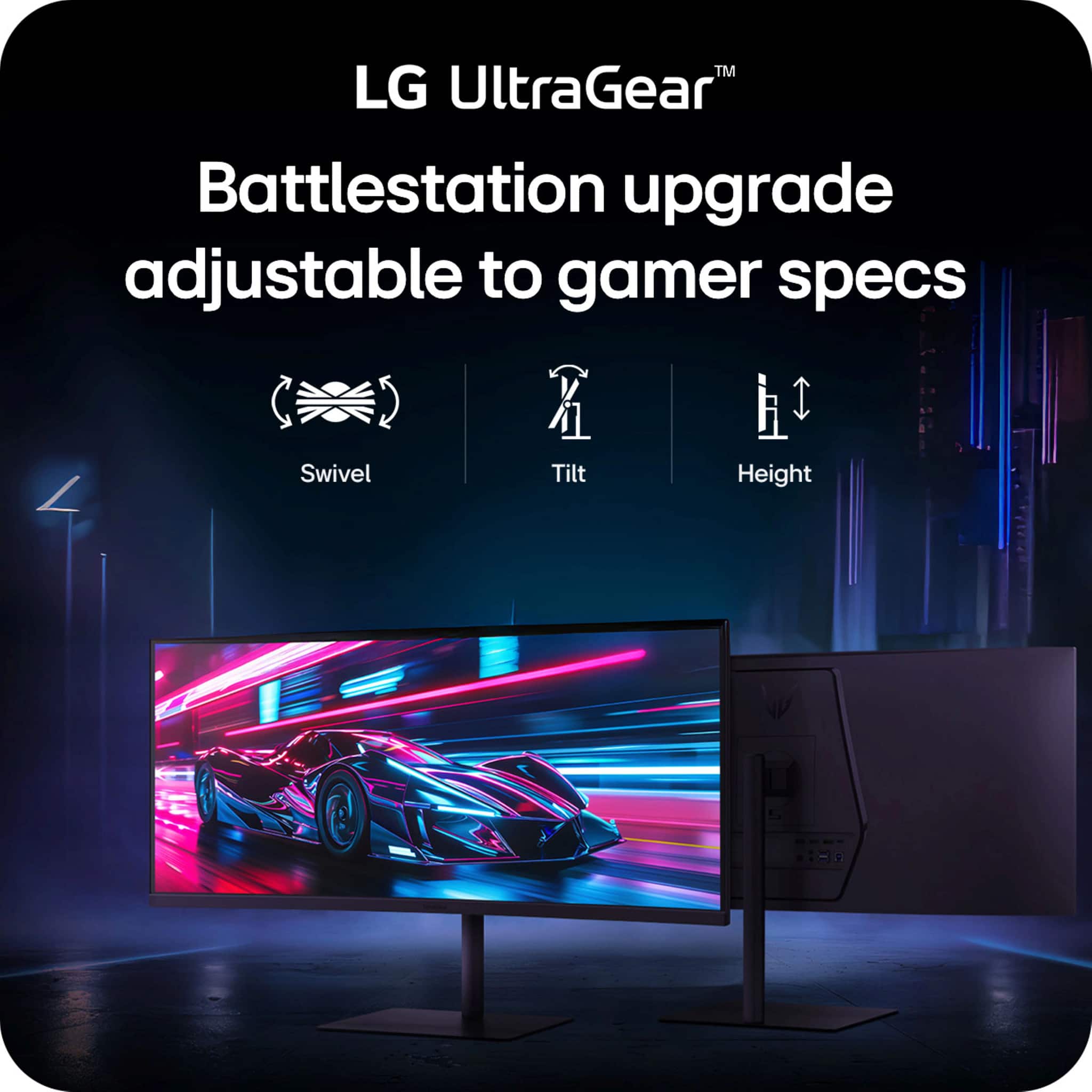
|Posted .This reviewer received promo considerations or sweepstakes entry for writing a review.Introduction: This monitor is a 34” WQHD (3440x1440) VA panel with a 21:9 curved display. Color gamut is 95% DCI-P3, has a contrast ratio of 4000:1, and boasts a refresh rate of 240Hz. Having used it for a good couple of weeks, it has been hard for me to go back to a traditional 2 monitor setup when it comes to gaming. It’s all because of Situational Awareness. If the game supports ultrawide displays, you’ll be given a more immersive environment that can be advantageous to you versus another player using a standard 16:9. 21:9 doesn’t sound like much more than 16:9, but you’d have to see it to believe it yourself. I’m a Diablo 4 guy and this monitor has made me jump back into it again. Thank you, LG. I/O: The monitor does don a single DP1.4 as well as 2xHDMI2.1 It also has a built-in USB hub, which I really love. What was really nice to see was the inclusion of a USB-C connection that can service 15W power and data transmissions. I really love LG’s philosophy on I/O placement. It’s just right there, right behind the monitor where I can see it; I don’t have to feel or guess to try to plug in a cable from underneath. Honestly, this is a huge plus for me. Assembly and Setup: You will need a Phillips screwdriver to attach the base to the stem of the monitor; the panel simply snaps onto the stem without tools. Like my other LG monitors, this one sports its own power brick. It helps keep the monitors’ profile thin, but it is an extra power brick you have to cable manage. Windows immediately recognized the monitors’ aspect ratio and adjusted accordingly. If you’re familiar with LG’s On-Screen Display access, they place a joystick at the center of the south bezel. You pull the joystick towards you to scroll down, and push away to scroll up. Then the joystick left/right gives you access to the monitor settings that you choose. Look and Feel: The monitor is very minimalistic in my opinion, sporting thin bezels at west/north/east and a larger bottom bezel down south to make room for hardware like the speakers and whatnot, and to also sport the UltraGear name. The stand is very flat and simple, yet very stable, and thank goodness for height, tilt and swivel adjustments on this unit. You’d be surprised how many manufacturers don’t have the swivel portion. Performance: So if you’re not familiar with a VA panel (or a Vertical Panel), they shine in their contrast ratios, especially black levels, and color reproduction at a budget cost. VA sits between the TN and the IPS panels. If you’re sitting right smack dab center to the monitor, you’re in the Goldilocks zone. And that should be true for most of us who intend to use this solely for gaming and productivity. VA’s have bad viewing angles as the picture will get washed out. The curvature of the monitor aides with viewing angles, but only for a single user. Otherwise, I love this monitor a lot. It can handle 240Hz with ease and the image quality is very good. AMD FreeSync Premium is marketed here, with the absence of NVIDIA G-Sync branding. Honestly, I can’t tell the difference, and it probably helps with MSRP. Conclusion: The market is flooded with WQHD monitors, marketed with features that are always slightly different from another manufacturer. And things can get confusing. At its MSRP (and probably discounted as I type this review), I think this monitor is worthy and deserves a spot in your gaming room as a gaming monitor. If you’re not a gamer, then you don’t really need 240Hz refresh, or maybe you need to move up to IPS due to color accuracy. Take the time to research what you need before making a decision on this. But for everyone else in my boat, I highly recommend this monitor.
I would recommend this to a friend - Pros mentioned:Design, Overall performance, Refresh rate
A Must-Have Upgrade for Gamers
||Posted . Owned for 2 months when reviewed.This reviewer received promo considerations or sweepstakes entry for writing a review.The LG UltraGear 34" gaming monitor is absolutely incredible and easily one of the best upgrades I’ve made to my setup. The ultrawide display is stunning. Whether I’m gaming or multitasking, the extra screen space makes a huge difference. Performance-wise, it’s outstanding. The high refresh rate and fast response time make gameplay feel unbelievably smooth and responsive - ARC Raiders looks awesome on it. Everything looks fluid and sharp, even during fast-paced scenes. The design is sleek and modern and it's also comfortable to use for long sessions, whether for gaming, work, or watching content. Overall, this monitor delivers on every level—visual quality, performance, and design. I couldn’t be happier with it and would highly recommend it to anyone looking for a top-tier ultrawide gaming monitor that doesn't break the bank like the OLED's.
I would recommend this to a friend - Pros mentioned:Refresh rate
A Smooth Upgrade for Everyday Productivity
|Posted .This reviewer received promo considerations or sweepstakes entry for writing a review.I’ve had a 34-inch ultra wide monitor for a long time. It’s primarily used for standard productivity and creative work for everyday use. It has served its purpose well and still works, but I was ready for an upgrade. I knew that I wanted the same size and close to the same curve rating. Plus, since I don’t use this particular monitor for gaming, I didn’t feel as though I needed more than the UWQHD resolution, I thought this LG would be a great step up without breaking the bank. It was easy to set up and out of the box it was calibrated beautifully. The previous monitor I had only had a 100Hz refresh rate and the LG’s 240Hz refresh rate makes everything look and feel smoother. And even though my old monitor was slightly brighter at 400cd/m, the LG has HDR, which boosts highlights and improves the overall contracts. All visuals appear to be a little more crisp than my older monitor and my eyes feel less tired than they do using the older monitor. I opted to mount the monitor to a monitor arm rather than use the stand and it’s been great to use that way. It was easy to install on the arm and the placement of the power button/toggle is very easy to reach. I’ve always been impressed with LG’s menu system so I knew this would be a great monitor for me.
I would recommend this to a friend - Pros mentioned:Overall performance, Refresh rateCons mentioned:Viewing angle
Great upgrade from no-name monitors
||Posted . Owned for 1 week when reviewed.This reviewer received promo considerations or sweepstakes entry for writing a review.I purchased the LG UltraGear to replace a similarly spec’d no name monitor and the quality is just night and day better. From color accuracy to refresh rate, this isn’t underselling. Keep in mind, this is a VA panel, so if you’re looking to do graphic design or video editing and you need *precise* colors, you’re going have to do tweaking and be mindful of viewing angles. But if you’re using it for gaming or watching movies? It’s fantastic.
I would recommend this to a friend - Pros mentioned:Design, Overall performance, Refresh rate
Great product for a great price
||Posted . Owned for 3 weeks when reviewed.This reviewer received promo considerations or sweepstakes entry for writing a review.It has really clean and sharp display. It has a great overall design and its refresh rate is really incredible for gaming. Going from a tv to this monitor is life changing
I would recommend this to a friend 26 Days - Dead Pixels - Excellent Contrast
||Posted . Owned for 3 weeks when reviewed.This reviewer received promo considerations or sweepstakes entry for writing a review.~~ Pros ~~ • When on sale, Best Bang for You Buck • 60-240hz LED Backlit • Authentic VESA HDR ~~ Cons ~~ • Only made it to Day 26 of ownership before having (1) dead pixel so far... • For any monitor in 2026 to have only (1) DP port is insane. ~~ Verdict ~~ • Overall the monitor was an upgrade from a AOC curved with similar specs. Nothing was wrong but I wanted a more dark toned capable one and also at the least be LED backlit. The color gambit is 95% and very accurate, largest example is playing BF6 and if you're a day 1 player you'll know about the "bloom" issue in game. Well this monitor helped SO MUCH with this and definitely became an advantage! Now I'm dreading having to work with support over this because I know warranties are designed in such a way to make the process for consumers a painstaking headache which usually leads users not further pursuing warranty claims. Sad to know that a lower grade brand was able to withstand quality in the craftsmanship over a larger name-brand who couldn't supply a panel that could make it to 30-days of use without pixels dying.. This will be my first & last LG purchase when it comes to gaming monitors.
No, I would not recommend this to a friendLG Ultragear 34 in curved gaming monitor
||Posted . Owned for 2 months when reviewed.This reviewer received promo considerations or sweepstakes entry for writing a review.Great monitor for gaming with good refresh. The toggle stick for swapping inputs and switching modes is a little tricky to use but after practice you get used to it. Built in speakers are decent but i use gaming headset anyway.
I would recommend this to a friend- Pros mentioned:Overall performance, Size
Monitor
||Posted . Owned for 2 weeks when reviewed.This reviewer received promo considerations or sweepstakes entry for writing a review.Picture quality is very nice and the width is perfect for a smaller desk.
I would recommend this to a friend - Pros mentioned:Overall performance
Great Looking graphics
||Posted . Owned for 3 months when reviewed.This reviewer received promo considerations or sweepstakes entry for writing a review.Great monitor for gaming and everyday use. The picture quality is sharp, colors look great, and everything runs smoothly. Setup was quick and easy, and it works exactly as expected. Very happy with the purchase and would definitely recommend it
I would recommend this to a friend - Pros mentioned:Overall performance, Resolution
Great display
||Posted . Owned for 1 month when reviewed.This reviewer received promo considerations or sweepstakes entry for writing a review.Easy to setup and works great. Ultrawide resolution is crisp and clear - use it mostly for business/work and really enjoy the wide screen
I would recommend this to a friend - Pros mentioned:Overall performance, Size
LG rukes
||Posted .This reviewer received promo considerations or sweepstakes entry for writing a review.It’s great and bigger than I thought it would be awesome graphics
I would recommend this to a friend - Pros mentioned:Refresh rate, Resolution
Awesome upgrade
||Posted . Owned for 1 month when reviewed.This reviewer received promo considerations or sweepstakes entry for writing a review.Came from a 5yr old ultra gear 27”. Love the larger screen, improved resolution and high refresh rate!
No, I would not recommend this to a friend - Pros mentioned:Refresh rate
refresh rate is phenomenal
||Posted . Owned for 3 weeks when reviewed.This reviewer received promo considerations or sweepstakes entry for writing a review.So far I love it! The refresh rate is phenomenal and I think this is a great mid-tier option for those who are looking for a reliable gaming monitor. Would highly recommend.
I would recommend this to a friend - Pros mentioned:Overall performance
Good purchase
||Posted . Owned for 1 week when reviewed.This reviewer received promo considerations or sweepstakes entry for writing a review.I really like the monitor. I use it with my ps5 pro and the picture is pretty good. The one complaint I do have is I can’t utilize the entire screen while playing games. It stretch and makes it look weird. However, it’s a great screen.
I would recommend this to a friend