Customer Ratings & Reviews
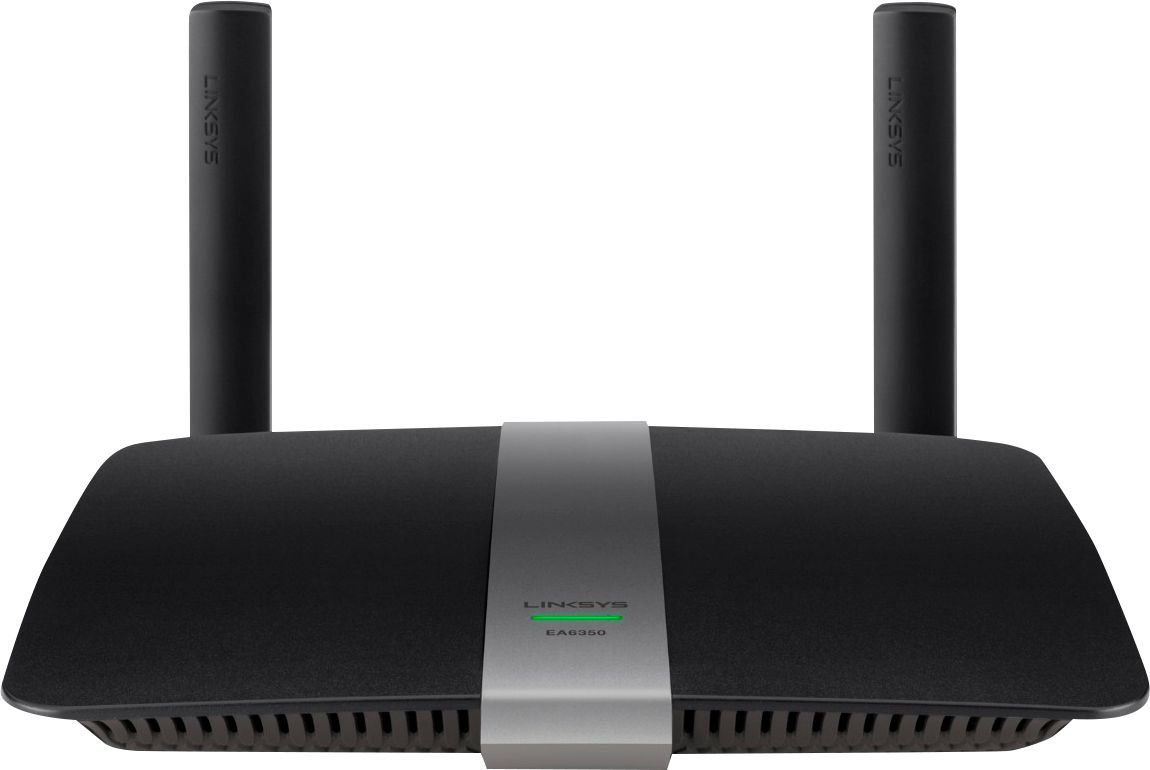
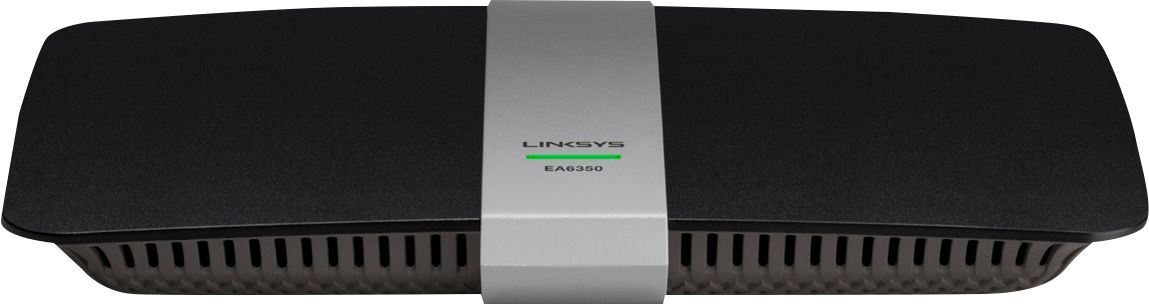

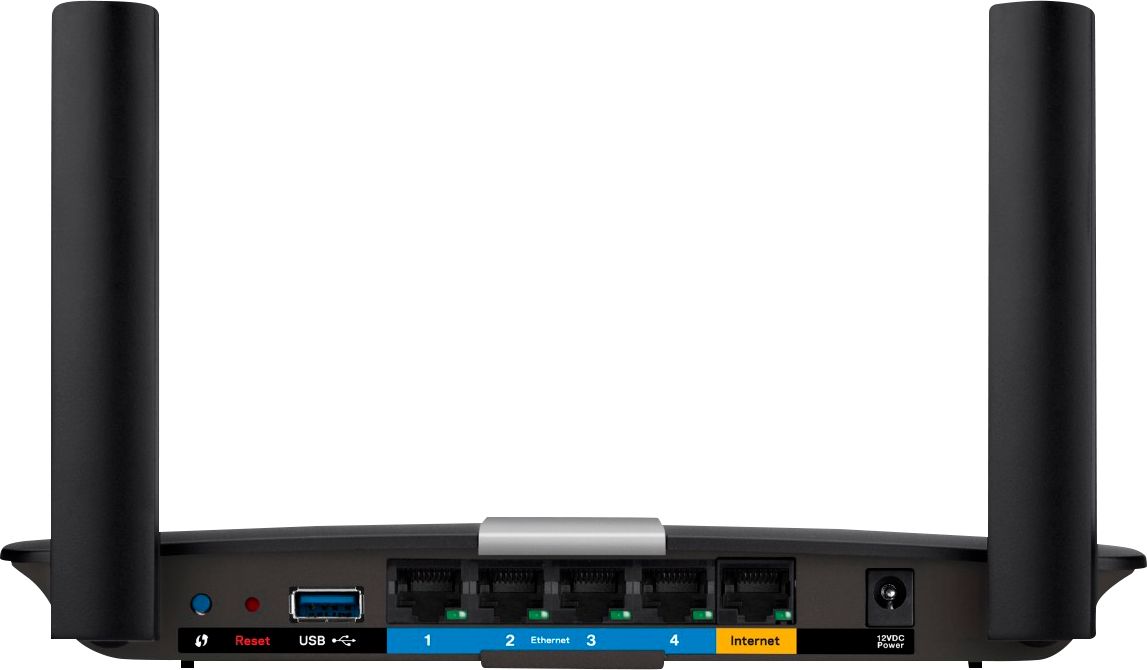


- Model:
- EA6350
- SKU:
- 5124122
Rating by feature
- Setup
Rating 4.8 out of 5 stars
- Range
Rating 4.7 out of 5 stars
- Signal Strength
Rating 4.6 out of 5 stars
Customers are saying
Customers praise the AC1200 Dual-Band WiFi 5 Router for its ease of use, range, and performance, with many citing simple setup and strong signal strength as key advantages. Positive feedback also highlights the router's good value for the price and reliable coverage. However, some users experienced connectivity issues and reported the router may get warm during operation. A few also noted compatibility problems with certain older devices.
This summary was generated by AI based on customer reviews.
Good one
||Posted .This reviewer received promo considerations or sweepstakes entry for writing a review.Once it got installed worked well but when I moved the position lost signal easily. I had to reset all again. Otherwise is a good equipment
I would recommend this to a friendBrand response from Linksys Staff
Posted .Hi, Chapi,
We appreciate your feedback. Losing the signal easily when moving the position of your router is very uncommon. Allow us to take care of this challenge. To achieve stable connection, we recommend to reflash the firmware of your router using a wired PC, followed by doing a factory reset an. Then to fully maximize the wireless performance of your device, we suggest modifying the channels for the 2.4 GHz and 5 GHz wireless networks, to whatever suits best with your existing network environment. Should you need further assistance, get in touch with us at LinksysCares@linksys.com along with your contact details and the link to this review for reference. We would be more than willing to lend a hand.
Regards,
Linksys Support
www.linksys.com
Really amazing performance but...
||Posted .This reviewer received promo considerations or sweepstakes entry for writing a review.I got this router to replace my old $25 Linksys G router. The wireless performance is amazing! High speeds, really reliable until it isn't. I have lately had to reboot this router about once a week to keep the buffering to a minimum. I have 100mb from Comcast and for some reason all of a sudden I can load videos and the speed is at 100kb until I reboot it?? I am really sad because for the first few months it was rock solid.
No, I would not recommend this to a friendBrand response from Linksys Staff
Posted .Hi Nicholas,
Thank you for taking the time in sharing this review. Tweaking the router’s wireless channel is a good move to avoid possible interference in your network. Also, make sure that its firmware is up to date. Please get in touch with us at LinksysCares@linksys.com so one of our Escalation Engineers can go through the necessary steps with you. Include your contact details and the link to this review.
Regards,
Rechel
Linksys Support
Awesome Product
||Posted .This reviewer received promo considerations or sweepstakes entry for writing a review.I purchased this router due to my last router not having enough wifi range. Problem solved after this purchase.
I would recommend this to a friendpowerful router
||Posted .This reviewer received promo considerations or sweepstakes entry for writing a review.this is my second router of the same model. the first one lasted a little over two years. this one is less than half the cost. best i have had
I would recommend this to a friendvery good upgrade for wifi
||Posted .This reviewer received promo considerations or sweepstakes entry for writing a review.we are very pleased with this product. The sales person was very helpful in explaining the difference between products availiable and my specific needs.
I would recommend this to a friendIt works
||Posted .This reviewer received promo considerations or sweepstakes entry for writing a review.Husband didn't have much to say other than he purchased this item based on the salesperson at the store recommended it and it works fine.
I would recommend this to a friendbought on the recommendation of store associate
||Posted .This reviewer received promo considerations or sweepstakes entry for writing a review.This router performs an unsexy job adequately, and it's true rating will only be known on how long it provides service. So far, so good.
I would recommend this to a friendGreat product!
||Posted .This reviewer received promo considerations or sweepstakes entry for writing a review.We had frequent internet connection problems at home. We decided to upgrade our router, and this helped significantly!
I would recommend this to a friendWorks great, no issues
||Posted .This reviewer received promo considerations or sweepstakes entry for writing a review.No more reasons to wait for cox to come out. This has been working great ever since we hooked it up. Went with what the Best Buy salesman recommended
I would recommend this to a friendGreat little router
||Posted .This reviewer received promo considerations or sweepstakes entry for writing a review.This is a great, cost effective router. Not as good as a more expensive router, but fine for our 2000 sq foot house.
I would recommend this to a friendWorks well
||Posted .This reviewer received promo considerations or sweepstakes entry for writing a review.We are using this Linksys in a small ranch house and it works extremely well. We are able to connect several devices at the same time with no problems.
I would recommend this to a friend- Cons mentioned:Compatibility
Compartibility issues
||Posted . Owned for 1 week when reviewed.This reviewer received promo considerations or sweepstakes entry for writing a review.Wasn't able to connect to an older equipment i have. Had to take it back.
I would recommend this to a friendBrand response from Linksys Staff
Posted .Hi, Lenovo,
Your feedback is important and we regret to hear that you've already return the unit. We could have tapped one of our Escalation Engineers to look into the setback and provide better assistance. If you have other Linksys device(s) that you're having challenges with, the team would love to assist for resolution. Send us an email with your contact details and the link to this review for easy reference.
Regards,
Carl
Linksys Support
Router
||Posted .This reviewer received promo considerations or sweepstakes entry for writing a review.Purchased this router after old one stopped working. Does not always work when out o no our deck signal comes and goes. Good value for the money
I would recommend this to a friendGood router for parents
||Posted .This reviewer received promo considerations or sweepstakes entry for writing a review.I bought and set this up at my parent's house. Great range and speeds. My mom is now happy that she can watch Korean TV in HD anywhere in the house.
I would recommend this to a friendit's all right
||Posted .This reviewer received promo considerations or sweepstakes entry for writing a review.You need to use opendns to prevent your child to access bad site. I thought this router has the function for filtering those sites. Signal strength is about average (it may be the internet provider speed - I don't know). I use 1 port for ps4 game, 1 for voip phone, 1 for cellphone and 1 for computer. This router has priority function and filtering function. You can access this router from everywhere using your smart phone.
I would recommend this to a friendBrand response from Linksys Staff
Posted .Hi, Felix,
It is indeed essential to protect your kids from potential malicious websites. With the Parental Control feature of this router, you should be able to limit access to the Internet and block specific websites for individual devices. As for the signal strength, adjusting the wireless channel and repositioning the antennas could help optimize the wireless signal. We can have you contacted by the Support team if you need assistance with the process. Feel free to email us at LinksysCares@linksys.com with your phone number and the link to this post for our reference.
Regards,
Irish
Linksys Support
Good buy!
||Posted .This reviewer received promo considerations or sweepstakes entry for writing a review.We had an older router-it was definately time to buy a newer one. We are happy we bought this router-takes care of our whole house.
I would recommend this to a friendSpeedy
||Posted .This reviewer received promo considerations or sweepstakes entry for writing a review.Many options to choose from with this router. I enjoy running my computer on band and putting everything else on the other band. Makes a big difference.
I would recommend this to a friendGreat router!
||Posted .This reviewer received promo considerations or sweepstakes entry for writing a review.Have used the ones provided by my cable companies in the past but this one is much better and love the fact it has its own app as well
I would recommend this to a friendEasy as pie
||Posted .This reviewer received promo considerations or sweepstakes entry for writing a review.This router couldn't be easier to setup and the backend functionality is intuitive and linksys obviously put some UX work in on this unit. Love it.
I would recommend this to a friendSeemed like a great product.
||Posted .This reviewer received promo considerations or sweepstakes entry for writing a review.Seemed like a great product. However it did not have a plugin for a coax cable. I was forced to return the item.
I would recommend this to a friend