Customer Ratings & Reviews
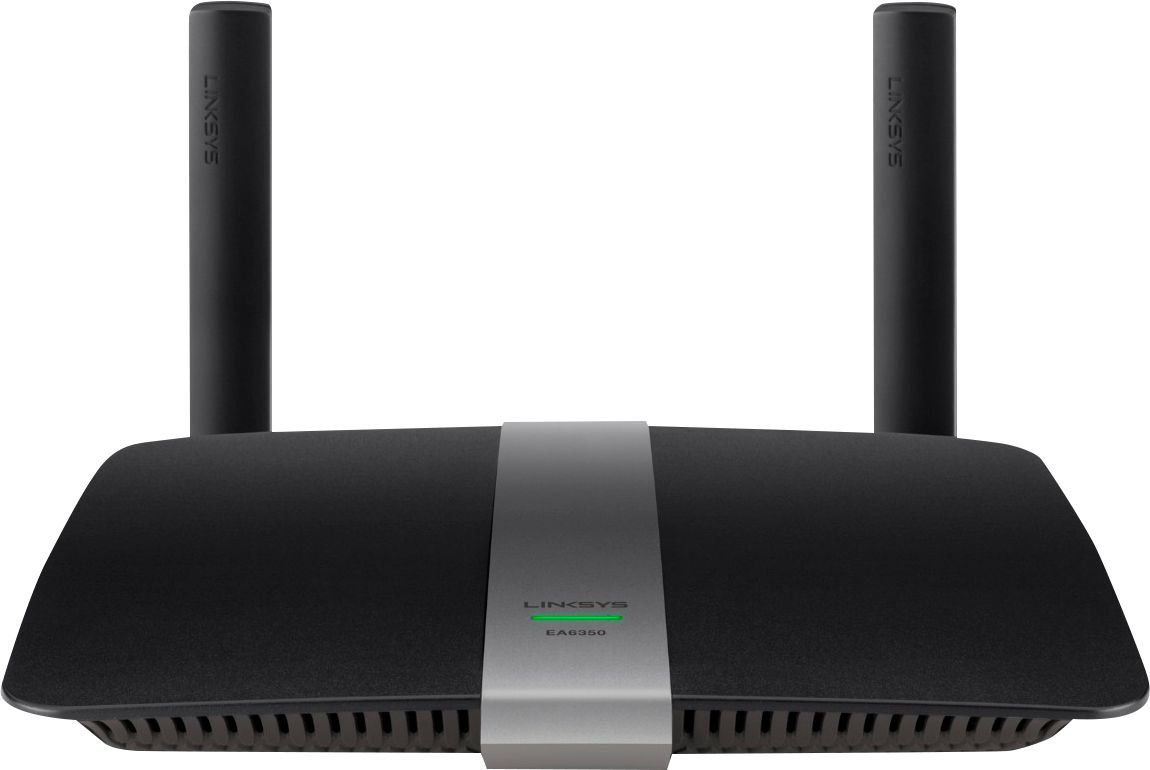

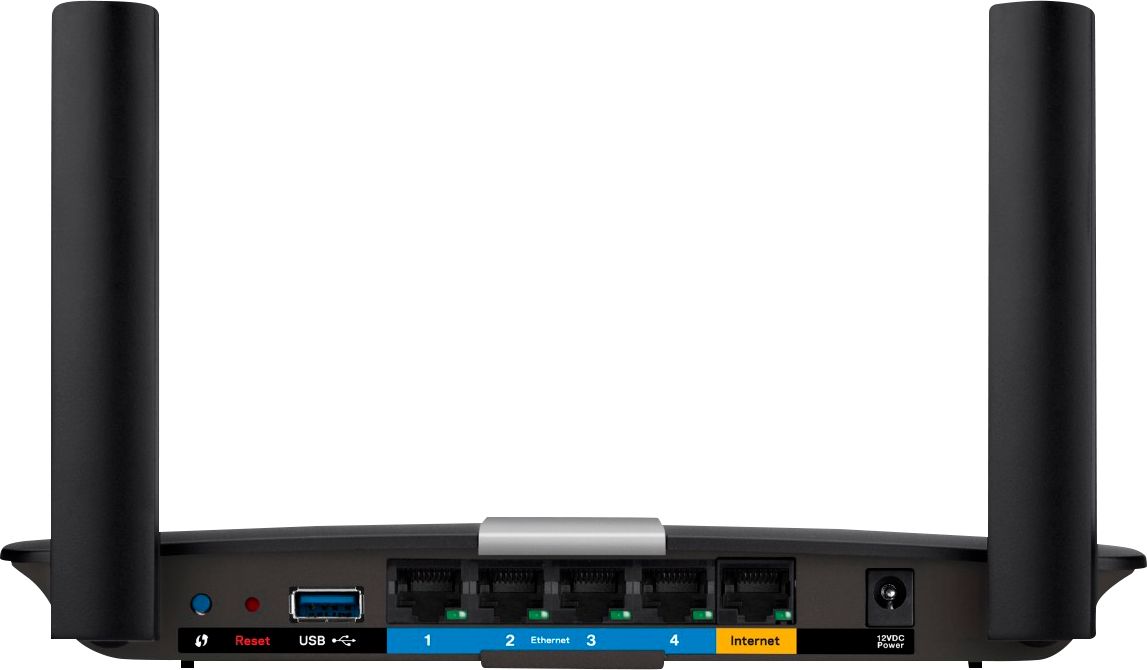


- Model:
- EA6350
- SKU:
- 5124122
Rating by feature
- Setup
Rating 4.8 out of 5 stars
- Range
Rating 4.7 out of 5 stars
- Signal Strength
Rating 4.6 out of 5 stars
Customers are saying
Customers praise the AC1200 Dual-Band WiFi 5 Router for its ease of use, range, and performance, with many citing simple setup and strong signal strength as key advantages. Positive feedback also highlights the router's good value for the price and reliable coverage. However, some users experienced connectivity issues and reported the router may get warm during operation. A few also noted compatibility problems with certain older devices.
This summary was generated by AI based on customer reviews.
Router
||Posted .This reviewer received promo considerations or sweepstakes entry for writing a review.Router works fine & looks good. Purchasing experience with Best Buy was fine. They are very knowledgeable. My internet provider TW stinks
I would recommend this to a friendproduct is good
||Posted .This reviewer received promo considerations or sweepstakes entry for writing a review.instructions are easy but if you have questions customer service is decent. big language barrier. couldn't understand with heavy accent.
I would recommend this to a friendWorks great in some areas
||Posted . Owned for 1 month when reviewed.This reviewer received promo considerations or sweepstakes entry for writing a review.I live in a small place and this really works well in my bedroom, once i leave in can be spotty at times
I would recommend this to a friendBrand response from Linksys Staff
Posted .Hi,
Reasons such as frequency interference from other Wi-Fi devices or outdated firmware may be causing this behavior on the router. Tweaking its wireless channels and making sure the device is running with an up to date firmware will help optimize its performance.
Let us have our Escalation Engineers take a further look at this. Just send in an email at LinksysCares@linksys.com with your contact details and the link to this post as a reference.
Regards,
Rowena
Linksys Support
- Pros mentioned:Ease of use
Defective out of the box
||Posted .This reviewer received promo considerations or sweepstakes entry for writing a review.Although it was easy to set up, the Linksys was defective and wouldn't allow me to access the internet. I've had several Linksys before primarily because they were easy to set up, but it seems like the quality is dissipating. I returned it for an Asus and couldn't be happier. The Best Buy reps were great to work with on the return and of course I had my sales receipt.
No, I would not recommend this to a friendBrand response from Linksys Product Expert
Posted .Hi TerrsTake. We regret to know about your recent experience and never thought of losing a loyal customer like you. We're hoping to serve you again in the future. Thanks for sparing your time in writing this review.

- Cons mentioned:Connectivity
A big mistake
||Posted .This reviewer received promo considerations or sweepstakes entry for writing a review.I was oriented to buy this product to expand the range on my home wireless network. It not only did NOT accomplish the objective (I had the same number of bars and speed than before) but it required me to sign up for support via phone ($25 more) and it keeps losing connection o the internet every 30 seconds. Result I hut it down and I am using the old router.
No, I would not recommend this to a friendBrand response from Linksys Product Expert
Posted .Hi Sergio,
We appreciate your time for letting us know about your experience. Allow us to help you with the challenges.
How's the connection when connected wired to the router? What's the firmware version of the router. If this is happening on both 2.4GHz and 5GHz wireless networks, it might be due to some wireless interference. You may try changing the wireless of the router to 1, 6, 9 or 11 for the 2.4GHz network and 36, 40, 44 or 46 for the 5GHz network. It will help improve the connection.
Tell us the results via email at LinksysCares@linksys.com, indicating your full name, location, email address, phone number and the link to this post. We'd be glad to hear from you.
Sincerely,
Belkin Support
www.belkin.com/support
Basic router
||Posted .This reviewer received promo considerations or sweepstakes entry for writing a review.This is a basic router. If you can snag it on a sale it will serve you well. There are better options at regular price.
No, I would not recommend this to a friendOkay
||Posted .This reviewer received promo considerations or sweepstakes entry for writing a review.Signal strength isn't quite what I expected and signal is intermittent now and again and sometime the 5ghz is nowhere to be found
I would recommend this to a friendBrand response from Linksys Staff
Posted .Hi, Nbh21,
There are a couple of steps that will maximize the performance of your EA6350 router. Aside from manually updating the firmware, we can optimize the wireless settings by setting fixed channels that would match your current network setup. Get in touch with us so we can get this sorted out. Please send us an email at LinksysCares@linksys.com along with your contact details, the review title and the link to this post for reference.
We'll wait for your email.
Regards,
Jay
Linksys Support
Not the best
||Posted .This reviewer received promo considerations or sweepstakes entry for writing a review.It was fine in general but sometimes stopped working for no reason don't need it anymore with different internet
I would recommend this to a friendBrand response from Linksys Staff
Posted .Hi, SpeedyTroy,
We'd like to know more about the challenge that you've experienced with EA6350. Please email us the details at LinksysCares@linksys.com along with your contact details and a link to this review so we can have our Escalation Engineers assist you.
Regards,
Rosalyn
Linksys Support
Meets our needs.
||Posted .This reviewer received promo considerations or sweepstakes entry for writing a review.Haven't had occasion to use it, but it was needed to upgrade our efficiency and we seem to have gotten the best bang for our buck.
I would recommend this to a friendconstant failure
||Posted .This reviewer received promo considerations or sweepstakes entry for writing a review.This thing fails all the time. I am rebooting it almost everyday. Linksys fights to replace it and just tells you to keep rebooting it.
No, I would not recommend this to a friendBrand response from Linksys Product Expert
Posted .Hi Holygeek04,
Our apologies for the inconvenience you have experienced with the Linksys EA6350. We would appreciate it if you could share to us the details of your network and your personal contact information so that the team can get in touch with you and provide possible solutions. You can reach us at LinksysCares@linksys.com anytime.
Regards,
Linksys Support
www.linksys.com
Okay router
||Posted .This reviewer received promo considerations or sweepstakes entry for writing a review.I was hoping for more range in our home. Still have issues with good connectivity, but works well on same floor installed.
No, I would not recommend this to a friendBrand response from Linksys Staff
Posted .Hi, Cyclist67,
The placement of your router is one of the key factors that could affect its performance. We suggest that you place the unit in the center of your home away from walls and other obstructions. Also, we could try setting fixed channels on both networks.
Our Escalation Engineers are eager to help you optimize the product's wireless settings. Please email us your contact information at LinksysCares@linksys.com so that they can contact you as soon as possible. Indicate the link to this review for our reference.
Regards,
Kristine
Linksys Support
Poor range
||Posted .This reviewer received promo considerations or sweepstakes entry for writing a review.Had good features and good speed, if you were in the same room...even in a small condo I was having really bad signal strength
No, I would not recommend this to a friendBrand response from Linksys Staff
Posted .Hi, Ranger,
Your time for sharing your experience is valuable to us. The signal strength is possibly affected by wireless interference. It's best if you'll adjust the wireless channel of the network to stabilize the connection.
You can contact us via email at LinksysCares@linksys.com and indicate your full name, phone number, location, and the link to this post.
Regards,
Linksys Support
Decent overall performance
||Posted .This reviewer received promo considerations or sweepstakes entry for writing a review.Pretty good router. Not recommended for anyone with a split floor plan home. Wifi signal doesn't penetrate walls to well
I would recommend this to a friendBrand response from Linksys Staff
Posted .Hi, Ryan,
Thick walls, metal objects, mirrors and appliances would cause signal interferences. Relocating the router in an open area and tweaking the wireless channels would help in improving the signal. Please reach out to us so we can tap one of our Escalation Engineers to adjust your router's settings to whatever works best with your existing network environment. Send us an email at LinksysCares@linksys.com with your contact details and the link to this review for reference.
Regards,
Jay
Linksys Support
Decent quality
||Posted .This reviewer received promo considerations or sweepstakes entry for writing a review.Having trouble with the speed and range for some reason. Most likely an issue besides the product itself hopefully
No, I would not recommend this to a friendBrand response from Linksys Staff
Posted .Hi, Dswizzle,
Setting a fixed channel on both networks is one of the effective ways to improve the router's wireless performance. Please get in touch with us at LinksysCares@linksys.com so we can get you over to our Escalation Engineers. They'll guide you through the process and help you get the unit to work as expected. Indicate your contact information and the link to this review for our reference.
Regards,
Kristine
Linksys Support
Not that good
||Posted .This reviewer received promo considerations or sweepstakes entry for writing a review.Not that good cause I have to call customer service to manually install the router even if I followed all instructions..
No, I would not recommend this to a friendBrand response from Linksys Staff
Posted .Hi, Lolyn,
Thank you for sharing your experience with us. We understand the difficulty you have encountered in setting up the router. This should not be the case, but we're glad that our support team has assisted you. Just in case you needed to reset and reconfigure the router, this link will be able to guide you in setting it up: http://www.linksys.com/us/support-article?articleNum=140177
Feel free to send us an email at LinksysCares@linksys.com for further assistance. We'd be happy to help.
Regards,
Linksys Support
www.linksys.com
It's okay
||Posted .This reviewer received promo considerations or sweepstakes entry for writing a review.It's okay, doesn't have great range. Lose connection from time to time. For getting it on sale it works decent.
No, I would not recommend this to a friendBrand response from Linksys Staff
Posted .Hi, Bords94,
If the wireless settings for both frequency bands are properly configured and the firmware is updated, you should not experience any connectivity issue with your EA6350 Router. Please get in touch with us at LinksysCares@linksys.com so we can tap one our Escalation Engineers to take care of this matter. Indicate your contact information and the link to this review.
Regards,
Jay
Linksys Support
Average router
||Posted .This reviewer received promo considerations or sweepstakes entry for writing a review.Two channels are nice. Can use 5GHz for Roku TV. But range not any better than my 3 year old router that cost $50.
I would recommend this to a friendBrand response from Linksys Staff
Posted .Hi, Sammy,
There could be factors that affected the wireless range of this router. To optimize it, try changing the wireless channel of both frequencies and reposition the antennas. Provide us your phone number and the link to this post via LinksysCares@linksys.com so that our Escalation Engineers can walk you through the process.
Regards,
Irish
Linksys Support
good
||Posted .This reviewer received promo considerations or sweepstakes entry for writing a review.Does the job adequately but do not feel I got the distance I desired. Had to go back and get a wifi extender.
I would recommend this to a friendBrand response from Linksys Staff
Posted .Hi, Nkdd,
We're glad to know that the router is doing its job as expected. As for the wireless range, this could've been affected by interferences. To optimize it, try adjusting its wireless channel through the web interface and reposition the antennas.
For assistance and inquiries, email us at LinksysCares@linksys.com with your phone number and the link to this post for our reference.
Regards,
Irish
Linksys Support
Adequate, but not much better than the N300 I alre
||Posted .This reviewer received promo considerations or sweepstakes entry for writing a review.Distance capacity somewhat less than anticipated. Was told this would be significant improvement, esp for 5G.
No, I would not recommend this to a friendBrand response from Linksys Staff
Posted .Hi, Mekimo,
There are workarounds that you can try to optimize the coverage of the router. One of those is changing the wireless channel through the web-based interface. To walk you through the process, please email us at LinksysCares@linksys.com with your phone number and the link to the post so we can get you over to our Escalation Engineers.
Regards,
Irish
Linksys Support
Simple effective affordable dual band
||Posted .This reviewer received promo considerations or sweepstakes entry for writing a review.Used this as an access point, and it works fine as expected. Good value, but not overly impressed by the range.
No, I would not recommend this to a friendBrand response from Linksys Staff
Posted .Hi, RussellGio,
Relocating the router and adjusting the antennas could help in optimizing the range. Should you need our assistance, do not hesitate to email us anytime at LinksysCares@linksys.com with your phone number and the link to this post for our reference.
Regards,
Irish
Linksys Support