Customer Ratings & Reviews
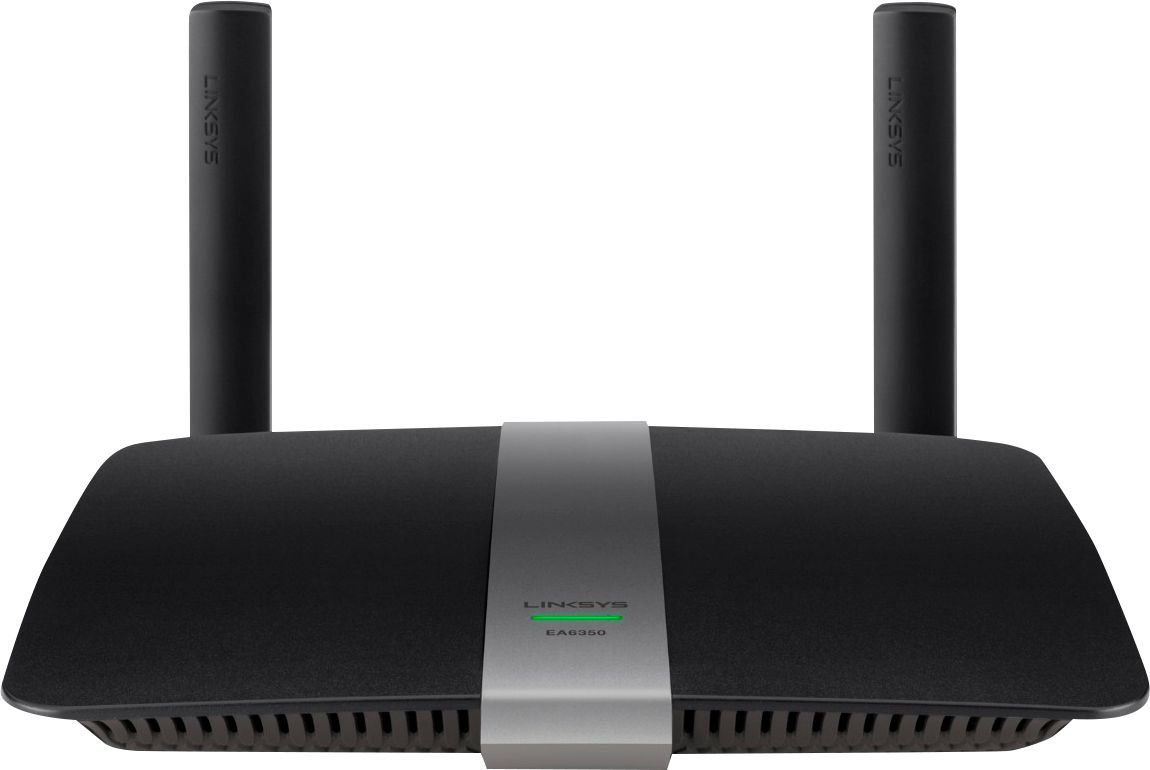
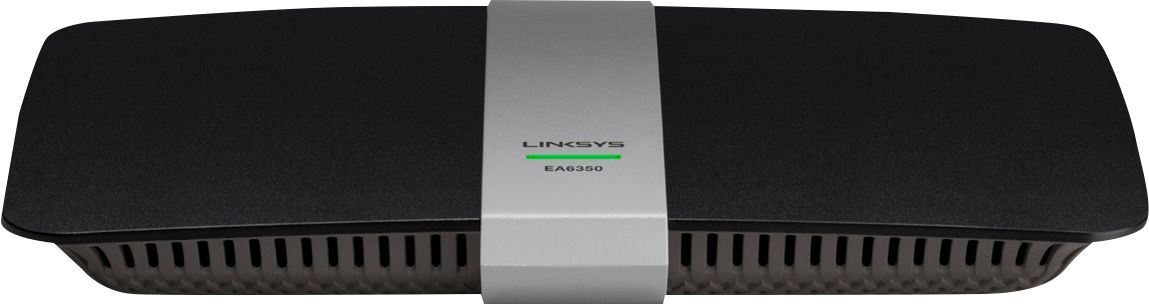

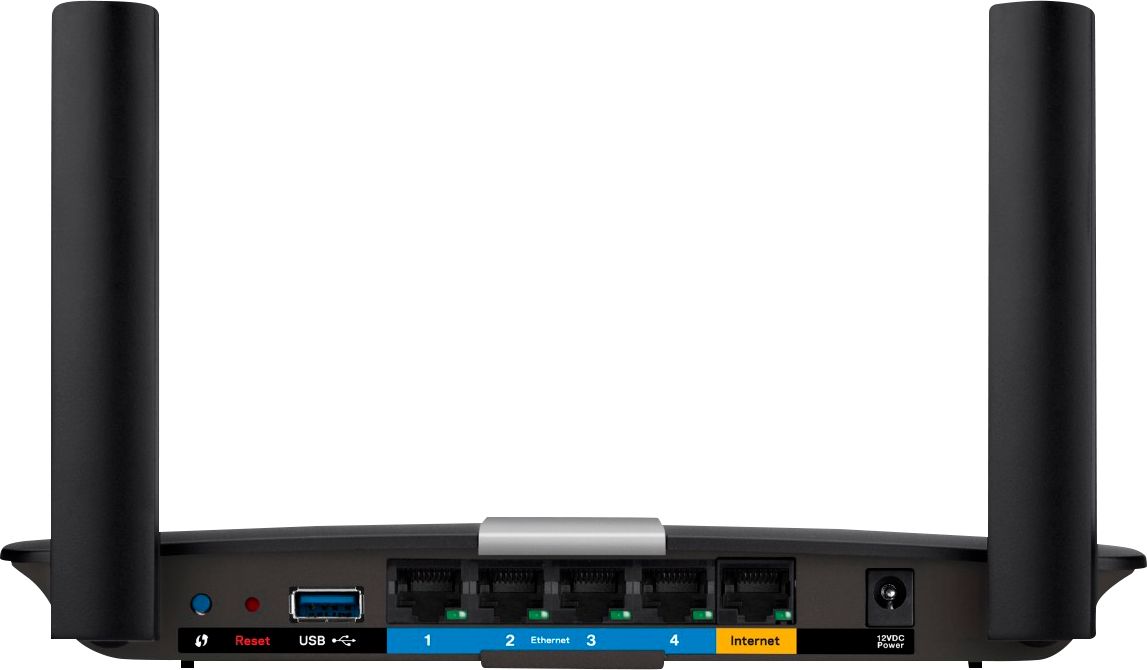


- Model:
- EA6350
- SKU:
- 5124122
Rating by feature
- Setup
Rating 4.8 out of 5 stars
- Range
Rating 4.7 out of 5 stars
- Signal Strength
Rating 4.6 out of 5 stars
Customers are saying
Customers praise the AC1200 Dual-Band WiFi 5 Router for its ease of use, range, and performance, with many citing simple setup and strong signal strength as key advantages. Positive feedback also highlights the router's good value for the price and reliable coverage. However, some users experienced connectivity issues and reported the router may get warm during operation. A few also noted compatibility problems with certain older devices.
This summary was generated by AI based on customer reviews.
didnt cover the adverized area of my house
||Posted .This reviewer received promo considerations or sweepstakes entry for writing a review.didnt work as advetized ----------------------------
No, I would not recommend this to a friendBrand response from Linksys Staff
Posted .Hi, Kimber,
Interference in your area could be one of the factors affecting the router's wireless performance. We can try setting a fixed channel on both networks. Please email us your contact information at LinksysCares@linksys.com so we can get you over to our Escalation Engineers. They'll assist you through the process and help you get the unit to work as expected. Indicate the link to this review for our reference.
Regards,
Kristine
Linksys Support
Not very good
||Posted .This reviewer received promo considerations or sweepstakes entry for writing a review.Does not get very good reception like you said it would
No, I would not recommend this to a friendBrand response from Linksys Staff
Posted .Hi Tree,
Interference from other wireless networks in the area could affect your wireless signal. Change your router’s channel to 1, 6, or 11 as these are considered non-overlapping channels. Please get in touch with us at LinksysCares@linksys.com so we can walk you through the necessary steps with you. Include your contact details and the link to this review.
Regards,
Rechel
Linksys Support
Drops wifi
||Posted .This reviewer received promo considerations or sweepstakes entry for writing a review.I go online and all of a sudden you have been rerouted
No, I would not recommend this to a friendBrand response from Linksys Staff
Posted .Hi Maxie,
An outdated firmware and interference from other wireless devices that operates on the same frequency as your router could affect your wireless signal. Changing channels is one of the best ways to resolve intermittent wireless connection. We're more than willing to walk you through with the process. Please get in touch with us at LinksysCares@linksys.com with your contact details and the link to this review.
Regards,
Rechel
Linksys Support
- Pros mentioned:Speed
Very good value
Posted .This reviewer received promo considerations or sweepstakes entry for writing a review.When I went to Best Buy, I asked the associate which router was best for the money, as I had seen another brand for the same price. He said the Linksys was the best value so I bought it (to replace a 10 year old Linksys router!). He was right. The unit was easy to set up, has worked without a hiccup, has good coverage and is fast. If it holds up, I will change the rating to 5 stars.
I would recommend this to a friend Don't like it!
||Posted .This reviewer received promo considerations or sweepstakes entry for writing a review.There were no instructions included in the box!!!!
No, I would not recommend this to a friendBrand response from Linksys Staff
Posted .Hi DBelle,
The Smart Setup is embedded in the firmware of the latest Linksys Smart Wi-Fi Routers. It allows you to run the setup from a web browser. You can follow the steps on this link: http://www.linksys.com/us/support-article?articleNum=142526
If the set up fails, please email us at LinksysCares@linksys.com so we can help you configure the router manually. Include your contact details and the link to this review.
Regards,
Rechel
Linksys Support
- Pros mentioned:Speed
Upgrading router
Posted .This reviewer received promo considerations or sweepstakes entry for writing a review.I've had a Linksys WRT160Nv3 for years. Recently my Time Warner upgraded my internet speed from 20/2 to 100/10. My old router delivered about 80% of that plugged in and about 40% with a wireless hookup In addition I was having trouble with streaming my music from a NAS. Decided to upgrade. Did some research on line and this was about 1 of 3 I thought would do the job at a reasonable price. Walked over to my local Best Buy and they carried this in stock so I bought it. This was yesterday Was set up in a few minutes. Wired & wirelessly it gives me slightly faster internet speed than 100/20. I Iive in an apartment so i can talk about range.
I would recommend this to a friend - Pros mentioned:Range, Signal strength
Good value
Posted .This reviewer received promo considerations or sweepstakes entry for writing a review.This replaced a different brand which was causing problems. For the price for an AC router and the fact that I don't need too far a reach, it is an excellent buy. I have taken my tablet on wi-fi in the back yard and still received an acceptable signal. So far no problems whatsoever. The problem that I had was my fault (ethernet cable not pushed in all the way) was solved by Lynksys support.
I would recommend this to a friend - Pros mentioned:Performance
BEST I Tested
Posted .This reviewer received promo considerations or sweepstakes entry for writing a review.I bought the top of the line router from Asus and Arris Surfboard. Both units were top rated by C-Net.com, in real life in home use both units were unacceptable. After hours of research I found out the Linksys EA6350 had superb preformance. It also was the last unit designed by Lynksys engineers, before ( Lynksys) the parent company sold them to Belkin. This was the last router in the "EA6300" series that was designed By Lynksys even though Belkin continued producing newer "EA6300" series routers with higher model numbers. Flawless preformance.
I would recommend this to a friend Works like a charm!
Posted .This reviewer received promo considerations or sweepstakes entry for writing a review.After an upgrade to my cable modem, that was a result of boosting my internet speed to 400 MB, I began to have all kinds of issues with my Internet connection. After talking with my service provider I decided my router was probably the culprit. I went to Best Buy and shopped boxes deciding on the Linksys AC1200+. I brought it home, followed the quick start guide and had the internet up and running in about 15 minutes. Everything has worked perfectly and I am quite happy with my choice. An excellent buy.
I would recommend this to a friend- Pros mentioned:Ease of use, Range
Good range easy setup
Posted .This reviewer received promo considerations or sweepstakes entry for writing a review.Setup was easy. It has some kind of setup app I can do from my smartphone but didn't try that. It also has good range.
I would recommend this to a friend - Pros mentioned:Speed
Not bad. Like the coverage
Posted .This reviewer received promo considerations or sweepstakes entry for writing a review.It is a good router for the money. I upgraded from an 8 year old router so I am obviously please with the speed and I like the dual-band features. Only issue is that I had to contact their support desk to update the firmware. The power light would blink constantly. The update was needed even when the router page stated it was up to date. No problems after the forced update.
I would recommend this to a friend BB salesperson made a great recommendation
Posted .This reviewer received promo considerations or sweepstakes entry for writing a review.This Linksys EA6350 router replaced a Belkin router that was only about six months old, but was inconsistent in doing what a router is supposed to do. The Best Buy salesperson recommended this dual band router as a replacement. He explained to us how this one would be a good choice, and it turns out that he was spot on. We have bought TVs, laptops, etc. at BB and find that their personnel are very knowledgeable, friendly, and act like they appreciate our business. You can't ask for more than that.
I would recommend this to a friend- Pros mentioned:Range
Great Router, Great Support
Posted .This reviewer received promo considerations or sweepstakes entry for writing a review.Although I did not purchase mine from Best Buy, I am still very happy with the EA6350 router. I purchased mine used and had a minor setup issue. I was experiencing slow speeds on one computer. After chatting with their EXCELLENT tech support, it was resolved easily by changing on of my settings. It has great range, I can get almost full signal anywhere in our 2 story house, basement included. I can even get signal over 100' away through a steel building. Overall, very happy with my Linksys router.
I would recommend this to a friend - Pros mentioned:Range
Great deal on dual band
Posted .This reviewer received promo considerations or sweepstakes entry for writing a review.This fixed my issue I was having with dropped wifi everyday. I have a surfboard gateway from Arris and it was chronically dropping wifi. I contacted both Arris and my internet provider with no luck. They both said, not an issue with their equipment. Well, installed this with no setting changes under admin except to disable wifi and wifi radio. Do not touch bridging settings if you have the SBG 6400 Surfboard, it works with this router if you leave that setting alone. Lo and behold! Consistent wifi, better range, dual band surfing and the ability to easily switch channels on the go is awesome. The only issue I saw with it was I contacted the help desk and 10:55 PM one night and the tech guy didn't even say bye and just logged off on me leaving me hanging and trying setting after setting til I got it. The trick with mine was to do a series of reboots of the gateway, router and the compute to get a consistent IP address.
I would recommend this to a friend - Pros mentioned:Signal strength
Great Router, 5 times faster than my old N Router
Posted .This reviewer received promo considerations or sweepstakes entry for writing a review.My internet plan is advertised for 100 megabits per sec but I was only getting on average 20 megabits per sec download speed with my old netgear N600 router. Now after upgrading to the Linksys ac1200 router my internet download speeds are constant 117 MEGABITS per sec. A great improvement. Well worth the price to upgrade. Great signal through the house.
I would recommend this to a friend - Pros mentioned:Performance
Solid affordable router
Posted .This reviewer received promo considerations or sweepstakes entry for writing a review.I purchased this router to replace my parents old Linksys. They don't need the latest technologies and fastest speeds but their house is very long and narrow so the coverage area of the router is important. After reading review I narrowed it down to this router and a similar one from another manufacturer. When BestBuy put this one on sale that sealed the deal. They've been pleased with the performance and coverage in their house.
I would recommend this to a friend Excellent Router
Posted .This reviewer received promo considerations or sweepstakes entry for writing a review.Purchased since our old router was not able to handle the internet speeds. Initial set up took a bit longer than expected but that was due to my inexperience & the way our network is set up. I called tech support, very responsive, and once they talked me through set up - it works very well and set up screen is easy to navigate. Would recommend from Tech support alone.
I would recommend this to a friend- Pros mentioned:Signal strength
Slow WiFi, But stable.
Posted .This reviewer received promo considerations or sweepstakes entry for writing a review.I have had this a few days and have worked with it for too many hours trying to get it to have faster WiFi. I tried setting the n channel to 6,911 and actually auto is the best. I downloaded and installed the latest firmware (even though when I click check for update it says no update available). I have Comcast with a Motorola 6141 modem at 50mbs my one computer hooked up with cat5 gets 50-55mbs when I run a speed test. All my wifi equipment gets 16-18mbs no matter how close I get (sitting next to the router). I think it is throttling the speed because there are 3 slots for Media Prioritization and the 3 wireless connections I put in there get much higher wireless speed 30mbs plus (still not full speed). I will be returning this because it is slower than my old Belkin (who owns Linksys). On a good note the signal is very stable and range is a little better than the old Belkin. Also at 10ft away my TV that is on the 5ghz only gets 2 bars of signal and it's pegged out on the 2.4ghz. So back it goes, and my search continues.
No, I would not recommend this to a friend - Pros mentioned:Speed
Great product!!!
Posted .This reviewer received promo considerations or sweepstakes entry for writing a review.I was very pleased the ease of setup for this router. Speed is very good.
I would recommend this to a friend - Pros mentioned:Ease of use, Performance
Solution to my streaming problems
Posted .This reviewer received promo considerations or sweepstakes entry for writing a review.My old Linksys E900 had served me well for a number of years, but my entry into the world of streaming audio (with a Bose SoundTouch wireless system) was kind of frustrating. Getting the wireless streaming and associated app posed a problem with the old single-band router, so this EA6350 seemed like a logical step up. All works perfectly now...the SoundTouch speaker responds instantly, whether I'm accessing it from desktop PC, iPad or Android phone. This router is super easy to set up, though getting the wireless printing was a hassle. As it turned out, that was more of a printer issue than a router issue. If you have only moderate audio streaming needs and want to generally upgrade to dual-band, this router is a great deal.
I would recommend this to a friend