Customer Ratings & Reviews
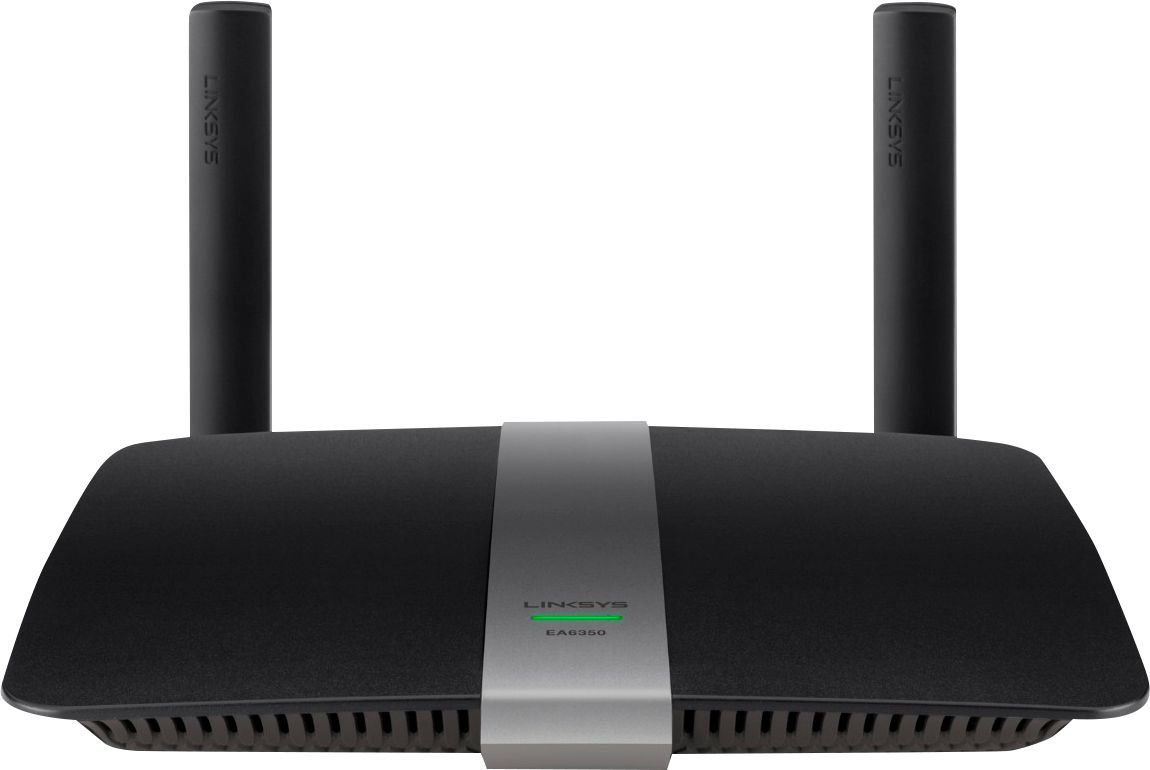
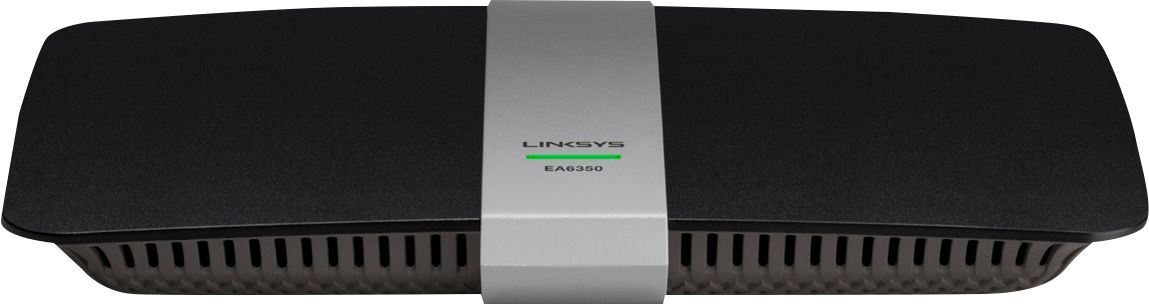

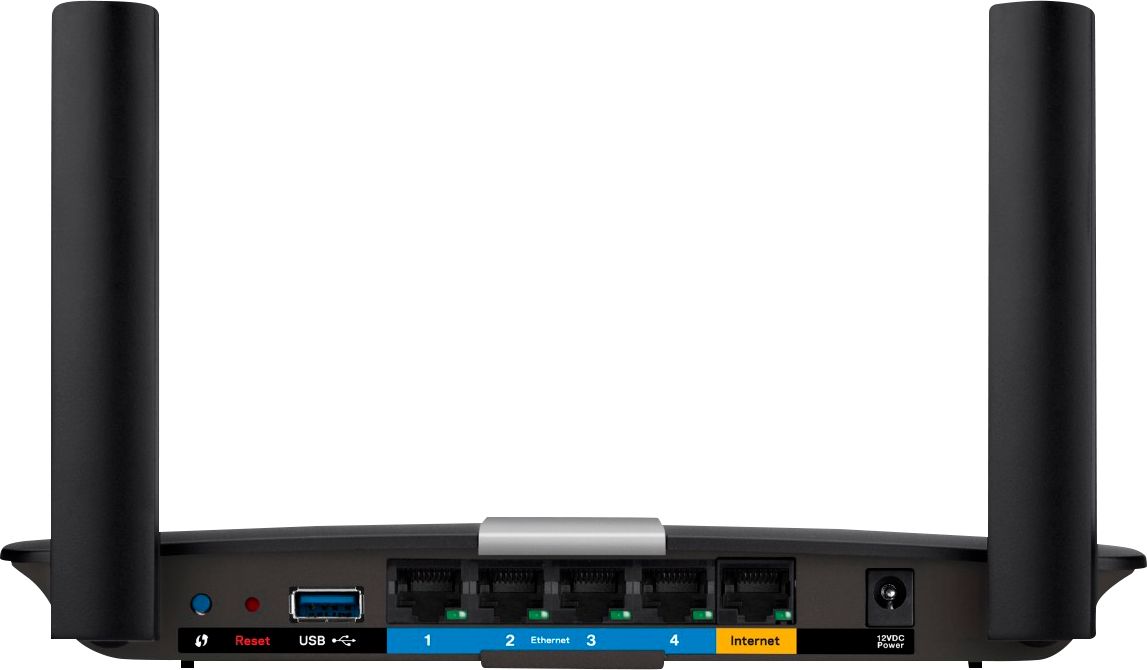


- Model:
- EA6350
- SKU:
- 5124122
Rating by feature
- Setup
Rating 4.8 out of 5 stars
- Range
Rating 4.7 out of 5 stars
- Signal Strength
Rating 4.6 out of 5 stars
Customers are saying
Customers praise the AC1200 Dual-Band WiFi 5 Router for its ease of use, range, and performance, with many citing simple setup and strong signal strength as key advantages. Positive feedback also highlights the router's good value for the price and reliable coverage. However, some users experienced connectivity issues and reported the router may get warm during operation. A few also noted compatibility problems with certain older devices.
This summary was generated by AI based on customer reviews.
Unreliable.
Posted .This reviewer received promo considerations or sweepstakes entry for writing a review.2.4 Ghz channel will not broadcast, 5 Ghz works fine. Makes it useless. Get a more reliable router instead.
No, I would not recommend this to a friendgarbage
Posted .This reviewer received promo considerations or sweepstakes entry for writing a review.found two people hacked in within 1 hr of install and set up not good range would not recommend to anyone booooooo linksys your e1000 is better than this router
No, I would not recommend this to a friendBrand response from Linksys Product Expert
Posted .Hi Maskedm007. Thank you for letting us know of the situation. We'd like to know more about what went on the setup process that caused the router to be vulnerable to hacking. We'd like to take this opportunity to provide assistance to you and the other two users that you mentioned. Please email us your complete contact details, location, receipt of purchase, and the link to this review at LinksysCares@linksys.com. With regard to the wireless signal, you may setup a permanent wireless channel on the wireless settings of the router. Access the setup page, go to wireless and test channels 1, 3, 6, 9, and 11 for 2.4 GHz. For 5 GHz, test channels 157 and 161.

Very poor
Posted .This reviewer received promo considerations or sweepstakes entry for writing a review.Bought today and will return tomorrow. Horrible set up. The signal is almost non existent. I will stick with Netgear.
No, I would not recommend this to a friendBrand response from Linksys Staff
Posted .Hi Duke86,
Before you return the device, allow us to have our Second Level Technicians get in touch with you to assist with further troubleshooting and achieve the performance that you are expecting.
Just send us your contact details at LinksysCares@linksys.com along with the link to this post so that we can escalate your case.
We hope to hear from you soon.
Regards,
Thaddeus
Linksys Support