Customer Ratings & Reviews
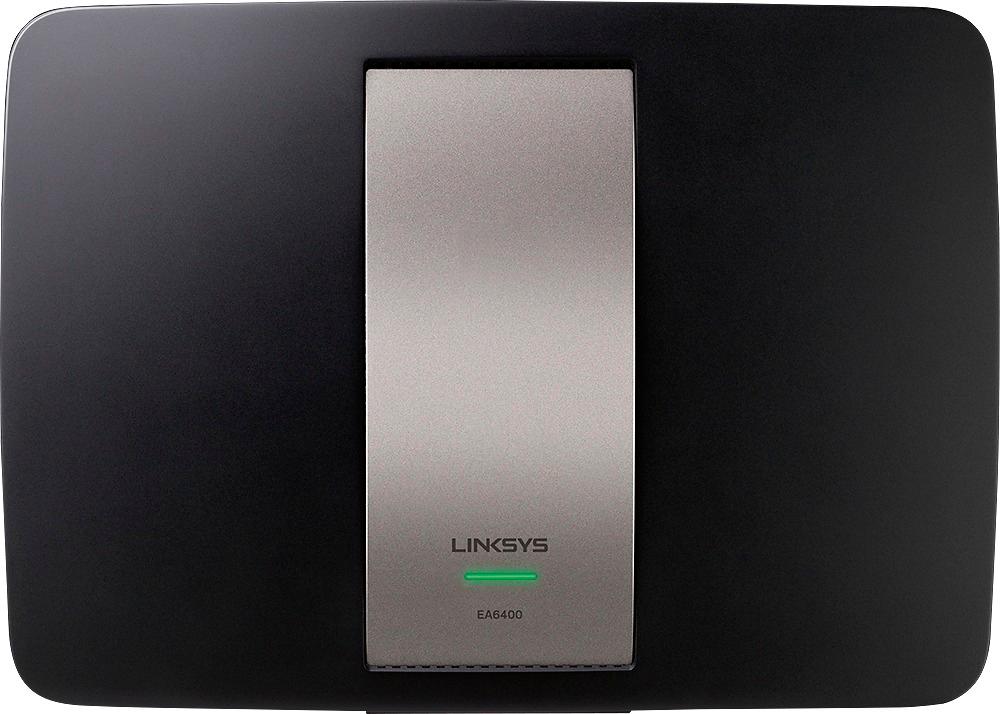
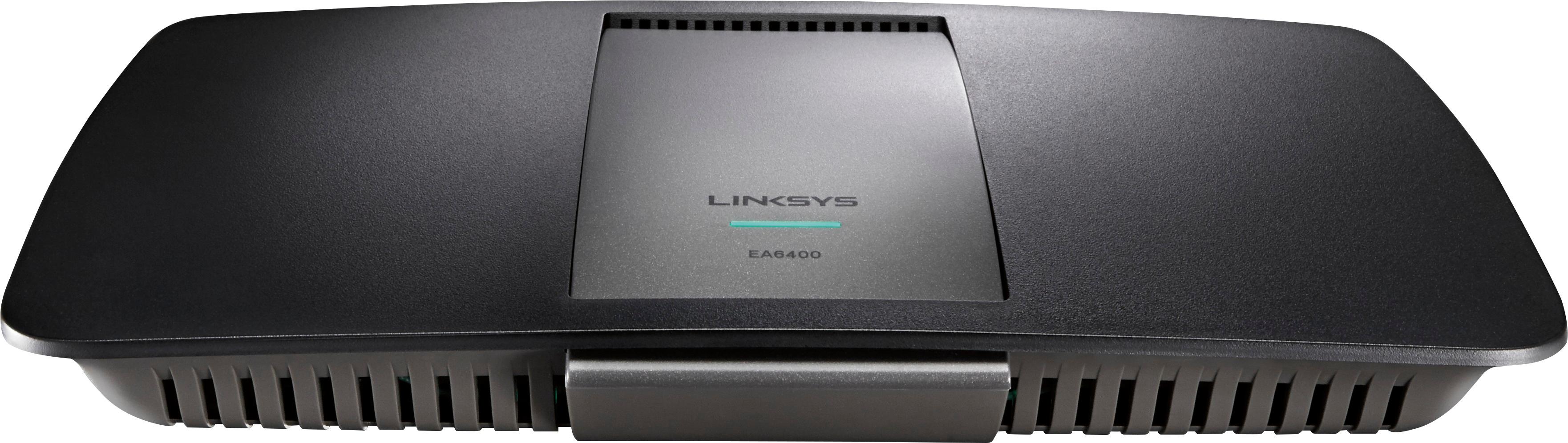
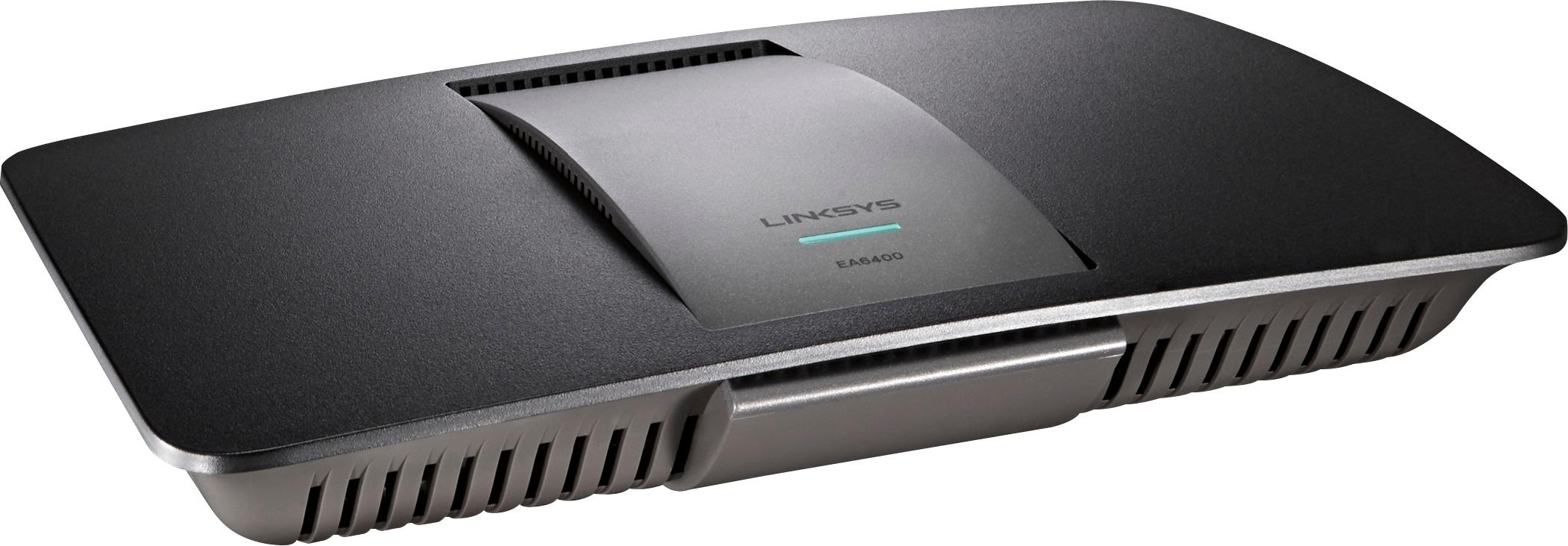
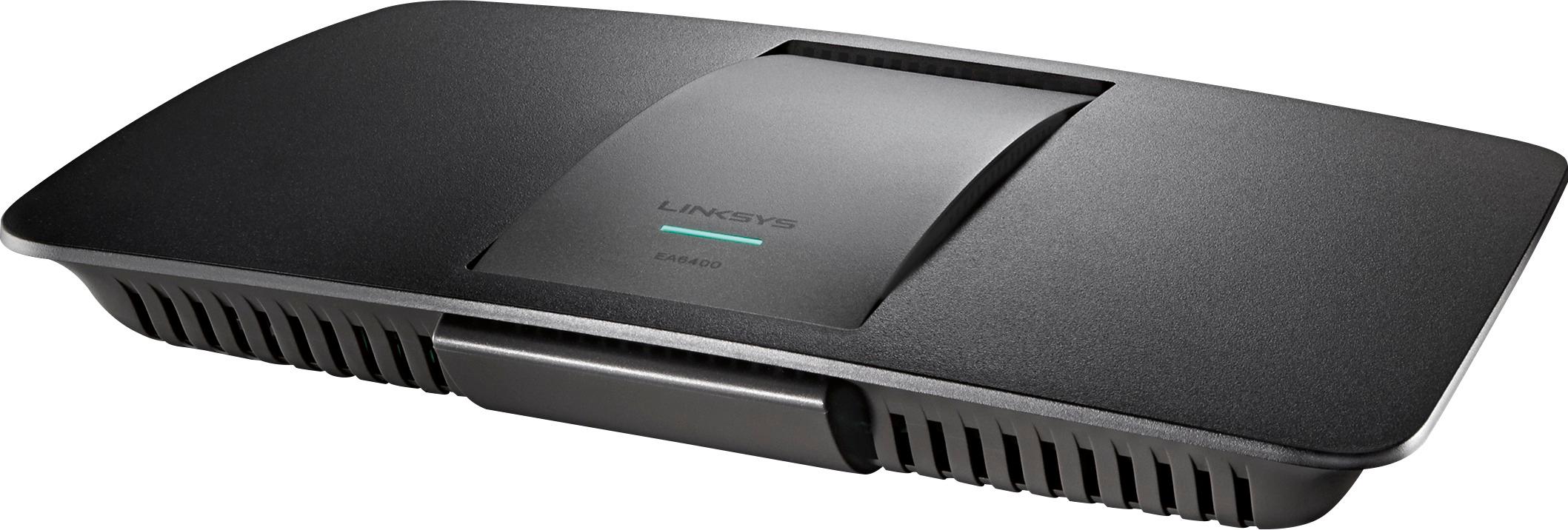




- Model:
- EA6400
- SKU:
- 5015153
Rating by feature
- Value
Rating 4.7 out of 5 stars
- Quality
Rating 4.4 out of 5 stars
- Ease of Use
Rating 4.6 out of 5 stars
Customers are saying
Customers love the AC1600 802.11ac Smart Wi-Fi Router's ease of use, performance, and range. Many appreciate its strong signal and the straightforward setup process, finding it offers great value for the price. While some experienced occasional connection issues or limited coverage, the positive feedback on ease of use and performance is prominent.
This summary was generated by AI based on customer reviews.
- Pros mentioned:Performance
Insufficient Parental Controls
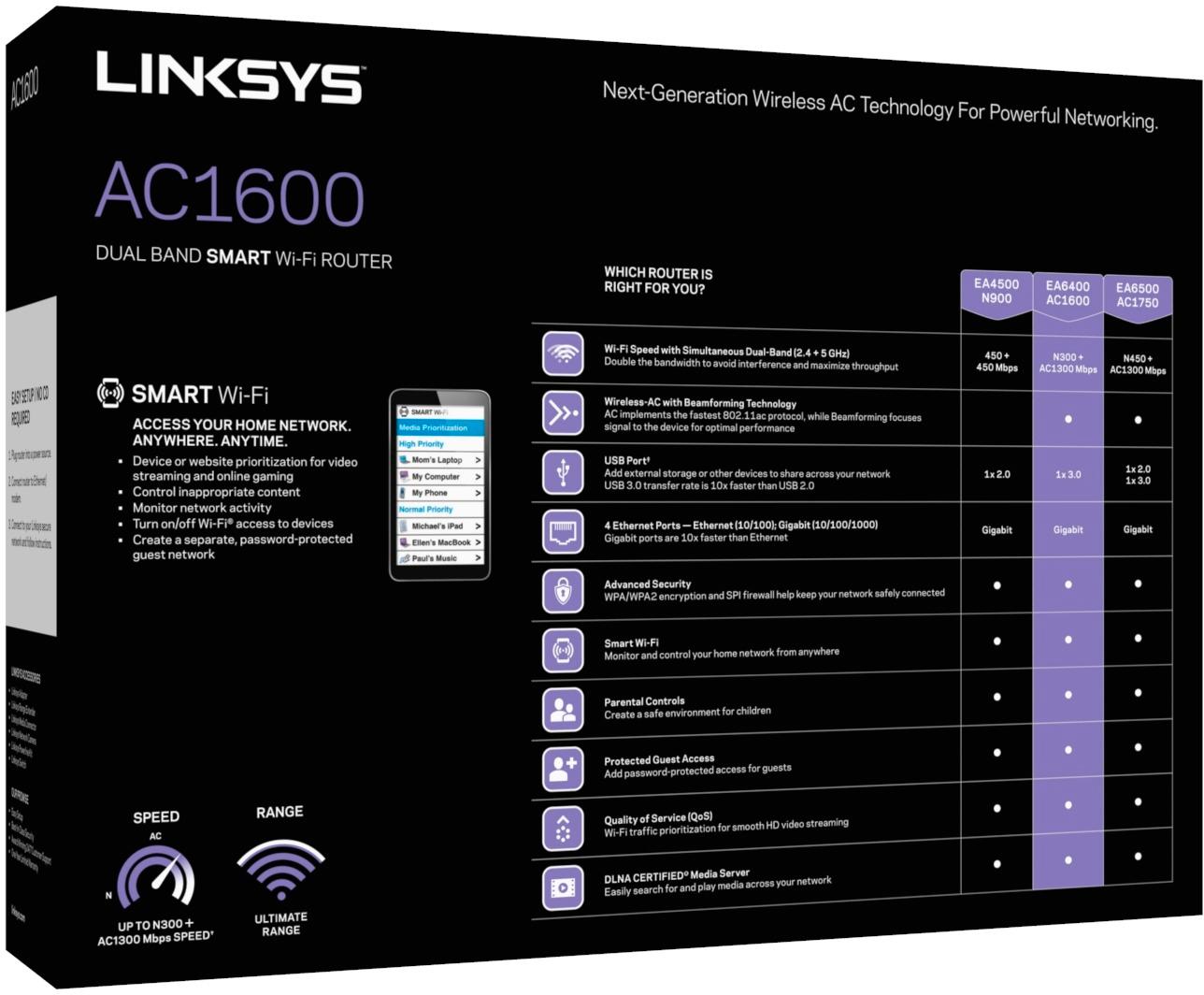
Posted .This reviewer received promo considerations or sweepstakes entry for writing a review.While the router setup and performance as a router was sufficient, the parental controls are not even close to what I would deem a bare minimum. I did try to get this particular part setup and running, but was underwhelmed from the beginning. The only things it had listed were the ability to block access at certain times, and you could input websites you didn't want to allow access to. Really?!!! Would this mean I would have to visit all of them to figure out what to include in this list? There was an indication that I could BUY ($2.99) an app for smartphone access/control. Again - Really!!! I thought such support would be included. Some quick searching online, and I was able to see screenshots for Netgear routers that offered far-more elaborate controls, e.g. a low-medium-high type of blocking action. All the other specs were comparable. Returned this router, bought a Netgear (R6300), and have already configured it to my satisfaction. The Linksys people may write back to indicate they have similar features, but if so, they weren't obvious in the software and to indicate that I had to buy an app to do this is unacceptable. Bottom line: if you are looking for parental controls, skip this router and go with the Netgear instead.
No, I would not recommend this to a friendBrand response from Linksys Product Expert
Posted .Hi Joe,
Your review about the Linksys AC1600 router is highly appreciated. We also respect your decision. We'll take note of your feedback and will make sure that the Team will work harder to improve our products.
In the event that you want to own a Linksys device again, you can always count on us. Just contact us via email at LinksysCares@linksys.com.
Regards,
Linksys Support
support.linksys.com
Dead within 4 months
Posted .This reviewer received promo considerations or sweepstakes entry for writing a review.The interface is suppose to be more user friendly. I purchased this in December and spent some time learning the interface setting up multiple SSID's including guest access and port forwarding rules and it appeared to work pretty well. Much better than my previous models that I had to restart every week or so until month 4. 4 months after purchase the ports in the router died for no reason, no power spikes, no storms, just stopped working. Returning it to the manufacturer has taken about 2 hours of my time so far.
No, I would not recommend this to a friendBrand response from Linksys Product Expert
Posted .Hi Kevin,
Your experience is very important to us and thank you for your time in reviewing this product. We're sorry to hear about what happened but we'll look into this situation in high regard. We'd like to review the steps that you've tried or if you have a case number from the support team, you may email it to us at LinksysCares@linksys.com. In the message, indicate your full name, email address, phone number, location, and the link to this post.
We're hoping to hear from you.
Sincerely,
Linksys Support
http://support.linksys.com
Excellent item for the price!
Posted .This reviewer received promo considerations or sweepstakes entry for writing a review.Saving me lots of money by buying my own router!!!
I would recommend this to a friendUse of USB 3.0 Device Causes Massive Speed Drop
Posted .This reviewer received promo considerations or sweepstakes entry for writing a review.I purchased this router on Black Friday. The overall specifications are fantastic and I especially liked the fact that it featured a USB 3.0 port. Unfortunately, after I added a USB 3.0 external hard drive to the USB port, speeds on the 2.4 GHz frequency plummeted to 10 Mbps. Additionally, wireless users in my household found that connectivity would drop-out for no apparent reason (even after the hard drive was removed from the router). The wireless range in my house was mediocre at best. After a little research, I found that there are potential problems with all wireless routers that have active USB 3.0 ports (try searching for 'usb 3.0 router noise issues' to find out why). It seems that some routers overcome the RF noise caused by USB 3.0 better than others. My experience is that the Linksys EA6400 does not deal with the problem very well. If you are considering this router to double as a NAS server, you might want to consider something else. I have since returned the router.
No, I would not recommend this to a friend- Pros mentioned:Speed
Fast!
Posted .This reviewer received promo considerations or sweepstakes entry for writing a review.Works great as a bridged network access point! Very fast!
I would recommend this to a friend - Cons mentioned:Connection
Constantly dropping connection
Posted .This reviewer received promo considerations or sweepstakes entry for writing a review.I've used this router for the last 2 days, and it's been beyond frustrating. The wireless connection has been disconnecting every few minutes, and I know it is not my internet service because I've resorted to connecting through the actual CABLE! I've changed the wireless channel and upgraded to the latest firmware. This is a consumer product, it shouldn't be THIS hard and frustrating to get it to work!
No, I would not recommend this to a friend It doesn't help with my problem
Posted .This reviewer received promo considerations or sweepstakes entry for writing a review.I bought this router because I read about the good reviews. Regretfully, I had to returned this item because it doesn't help with the WiFi internet.
No, I would not recommend this to a friendSlower than the modem it's connected to
Posted .This reviewer received promo considerations or sweepstakes entry for writing a review.I have an issue with the wired connection of this router. When I connect my computer directly to my cable modem, I get 450mbps. When I connect this router to the modem, and use the same cable to connect my computer to this router, I only get 250mbps. All the cat5e cables are good. It should be capable of 1000mbps, but it's only doing 25% of that. This router is cutting my bandwidth.
No, I would not recommend this to a friendBrand response from Linksys Staff
Posted .Hello, lamename.
The EA6400 router had been engineered for media intense usage such as video streaming and online gaming, so it should provide you with consistent high speeds. Make sure that the device is running on its latest firmware version to maximize its performance. Keep in touch with us via LinksysCares@linksys.com for further assistance and inquiries; we'd be glad to assist you anytime. Please include your contact details and the link to your review for easy reference.
Regards,
Harvey
Linksys Support
Defecive Ethernet Cable, USB port lost power
Posted .This reviewer received promo considerations or sweepstakes entry for writing a review.I've read a lot of the reviews and agree with many of the negative ones, while some are just not accurate. This Linksys EA6400 / AC 1600 was to replace a similar Netgear N600 WNDR3700 (Rev 1# that is now only working in 10/100 mode instead of the faster GB mode. Out of the box the included blue Ethernet cable did not work, had to use the one from my Netgear. Attached a desktop USB 3TB HD to the Linksys USB port and during a file copy to it, power was no longer going thru the router's USB port, Error 0x80070037; the specified network resource or device is no longer available. My HD is connected to a battery backup UPS and have never had a power issue with it. Plugged it back into my Netgear rounter and have not had any problems since. The Best Buy salesman stated this is one of the newest models from Linksys, this was a false statement, its at least 2 years old based on the document copyright stamp. As far as other reviews, I noticed a huge decrease in wireless coverage compared to my 4 yr old Netgear with all factors remaining the same. Yes you can configure the guest account with a password, it comes with one and was able to change it. The Linksys mobile app was free and worked fine. Some of the other avail apps were either no longer avail and the one #I forgot the name# that allowed you to control access to the USB connected HD, well there was a fee for that - I agree just not right as was the case with the parental control app, a feature that is listed on the box of this router. Overall, very disappointed in the quality of this Linksys AC1600. The one advantage Linksys provides over other manufacturers #not including Cisco that owns Linksys) is the 1 year warranty with 90 day free phone support instead of 30-day. There should be free lifetime support of the product like there used to be. I am returning this router to BestBuy and will shop for a new one early next year. MY TV, BD player, cell phones, iTouch all work okay with the Netgear, as does my HP laptop. Just wanted to take advantage of my HP's faster AC wireless module, something my Netgear does not support,
No, I would not recommend this to a friendWas hoping for great....
Posted .This reviewer received promo considerations or sweepstakes entry for writing a review.I ordered this router to replace an older Netgear. Setup was easy....connection on the 5ghz is good. Bad thing is is that 2.4 sucks. I tried switching channels to 1, 6, 9, & 11 but I still can't connect. Trying to log into Smart wifi from computer and it keeps saying "no router connected" any help is appreciated.
No, I would not recommend this to a friendBrand response from Linksys Product Expert
Posted .Hi Swiater4,
We appreciate you in sharing your experience with the Belkin router. We know how frustrating it is. We would like to apologize about what happened. Let us work with you and make sure this gets fixed. What devices are not able to connect to the 2.4GHz network? What error message are you getting when trying to connect? Email us the details at LinksysCares@linksys.com together with the link back to this review so we can properly assist you.
Regards,
Linksys Support
http://support.linksys.com
Horrible experience
Posted .This reviewer received promo considerations or sweepstakes entry for writing a review.After my netgear wndr3300 started giving me issues a week and a half ago(around 6Dec14),i decided to try upgrading from wireless n to ac. After looking at the costs of ac routers decided to give this one a go since it was on sale. It worked great for a week days after getting it delivered but then it started power cycling repeatedly. OK, I thought, I'll factory reset it and see what I did wrong. And throughout that night and today, total of about 14 hours, I kept saying that because after setting it up, within half an hour after resetting it it would start cycling again. I went through the Setup wizard, then configured it myself, tried changing the mac address, different cables, ethernet cable only, wireless only, and nothing would help. I won't be getting another linksys, especially as they're owned by Belkin now.
No, I would not recommend this to a friendMinimal range and slow 2.4Ghz speeds
Posted .This reviewer received promo considerations or sweepstakes entry for writing a review.I just upgraded to this from my old Cisco Linksys E1000. I am now seeing slower download and upload speeds than I did with my E1000 N. I used Ookla speed tests, and when in 2.4Ghz, my speed was cut in 1/4 of what the E1000 was. When in 5 Ghz, it was equal to my E1000. On top of that the range was far less. I will be returning this as it has only made streaming worse and speeds delayed more.
No, I would not recommend this to a friendBrand response from Linksys Product Expert
Posted .Hi BigE,
We appreciate your time in reviewing our product and we hope you’ll give us a chance to be of service to you. If you would reconsider, please send us an email at LinksysCares@linksys.com with your contact details, location, and the link to this review.
We're looking forward to helping you out.
Regards,
Linksys Support
http://support.linksys.com
- Cons mentioned:Heat
Constantly overheats
Posted .This reviewer received promo considerations or sweepstakes entry for writing a review.It works fine before it overheats and loses Internet access. It's out in the open and always runs hot. I tried keeping it cool with a fan but it continues to have problems. based on the other reviews I'm suspecting I got a bad one but I would not recommend this router.
No, I would not recommend this to a friend - Pros mentioned:Speed
Do not waste money
Posted .This reviewer received promo considerations or sweepstakes entry for writing a review.As I stated, setup was fast and easy. The range was horrible. My laptop was 20 ft away and could not even load msn homepage without freezing up. Hooked up ps4 wireless and speed went down. The speed was faster wired than my old router, but wireless was just horrible. Just does not equal out the price.
No, I would not recommend this to a friendBrand response from Linksys Product Expert
Posted .Hi Terry,
We appreciate your feedback on this product. Allow us to help you with this.
What is the internet speed when connected wired to the router? Is the router running with the latest firmware? The situation might be due to wireless interference. We suggest to try changing the wireless channel of the router to 1, 6, 9 or 11.
Email us the result at LinksysCares@linksys.com, indicating your name, location, contact details and the link to this post. We'd be glad to assist you further.
Sincerely,
Linksys Support
http://support.linksys.com
Not worth the money
Posted .This reviewer received promo considerations or sweepstakes entry for writing a review.I purchased this to replace a net gear n600 that was experiencing issues with inconsistent signal. The linksys took about an hour on the phone with tech support to install on a windows 7 machine. Even then it had a weaker signal than the n600 and kept dropping devices. After 12 hours of being installed no Apple devices would connect at all. It is going back for a different brand.
No, I would not recommend this to a friendGood Performance
Posted .This reviewer received promo considerations or sweepstakes entry for writing a review.Contacted technical support several times with a website connection issue. It was clear they could not understand my issue. Never got the issue resolved ended up returning the product and hooked my netgear router back up
No, I would not recommend this to a friendBricked after 4 months
Posted .This reviewer received promo considerations or sweepstakes entry for writing a review.Belkin won't help. They only give support for 3 months. Buyer beware. Most router companies give support for at least a year. Stay away.
No, I would not recommend this to a friendBrand response from Linksys Product Expert
Posted .Hi Dave,
Apologies for the inconvenience. Please allow us to help you and check your Linksys router. When you mentioned that the router was bricked, did you update the router using a 3rd party firmware? Please send us an email at LinksysCares@linksys.com with the case number given by our Support. If you don't have the case number, you may instead send us your name, contact number, location, the link to this review and your username.
Regards,
Linksys Support
http://support.linksys.com