Customer Ratings & Reviews
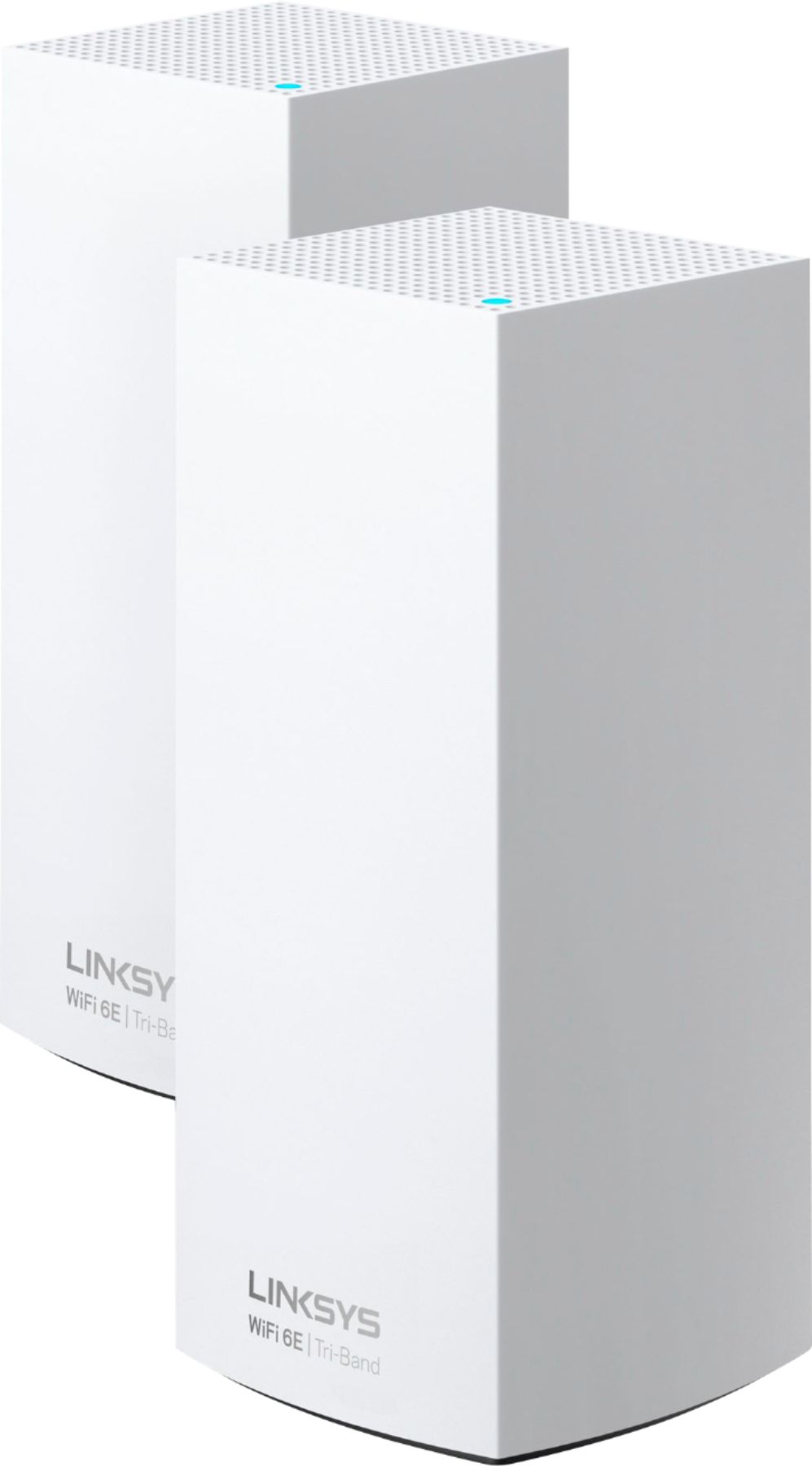
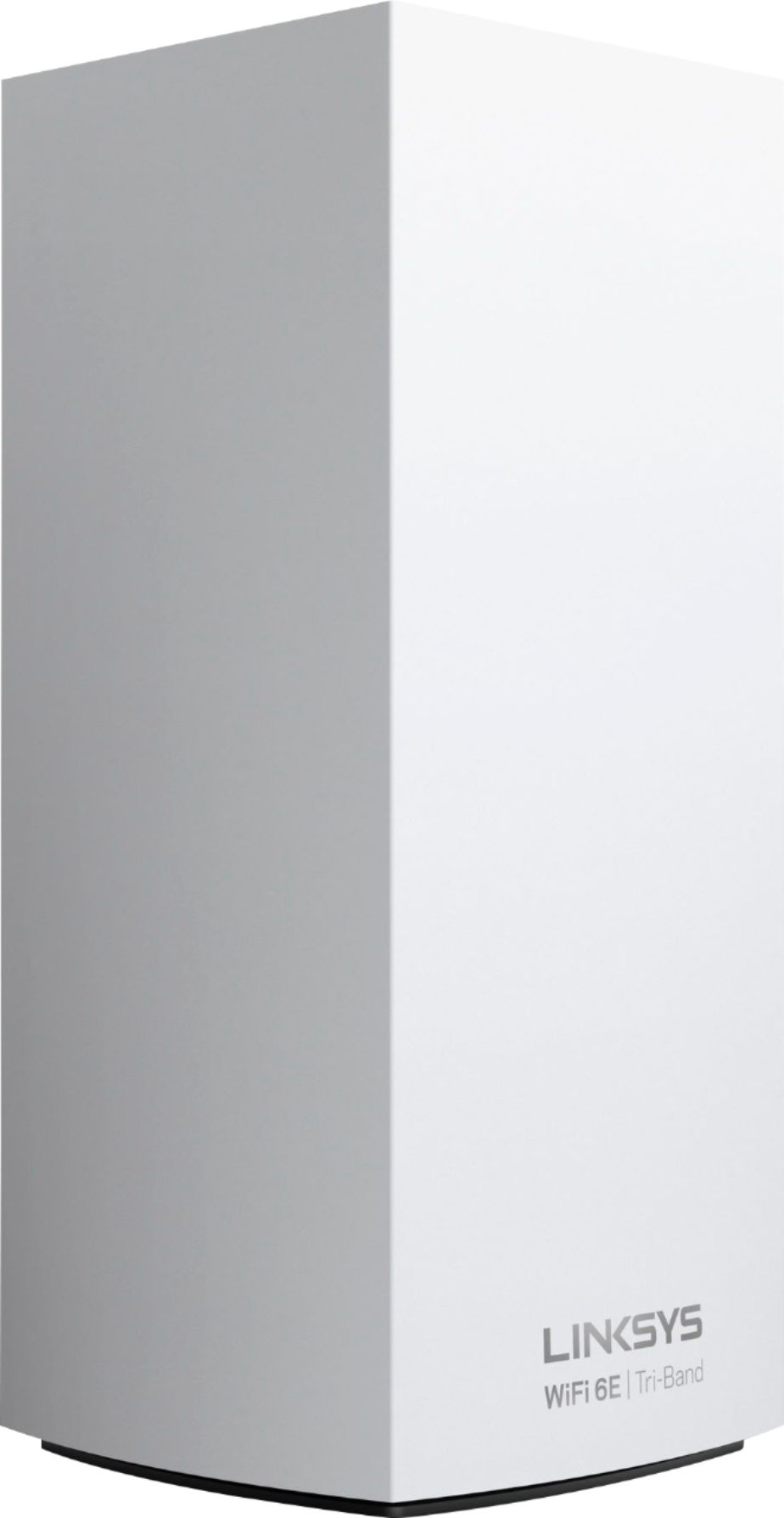


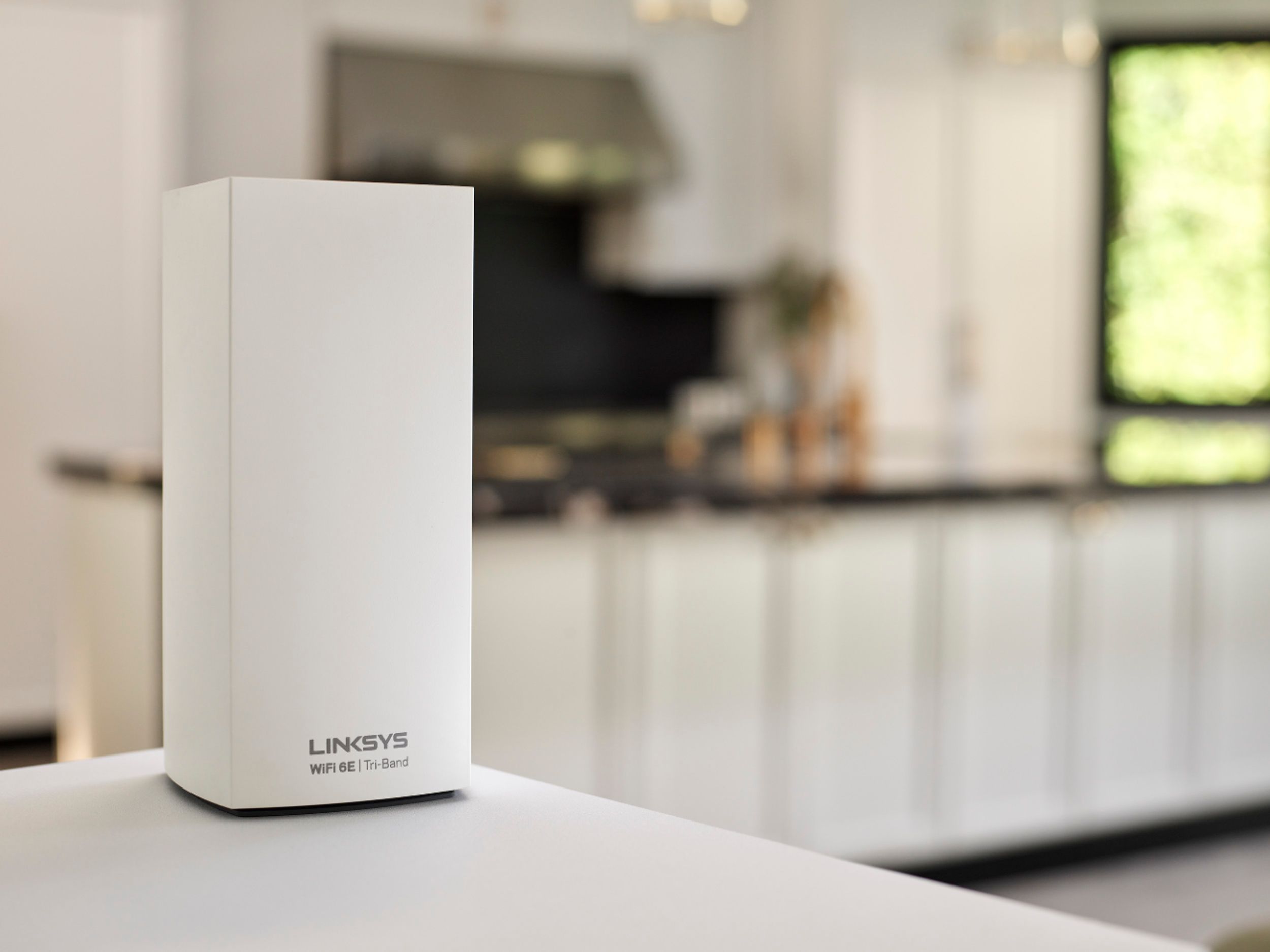


- Model:
- MX8502
- SKU:
- 6464509
Rating by feature
- Setup
Rating 4.3 out of 5 stars
- Range
Rating 4.2 out of 5 stars
- Signal Strength
Rating 4.2 out of 5 stars
Customers are saying
Customers regard the Atlas Max AXE8400 Tri-Band Mesh Wi-Fi 6E System as easy to use and set up, with many praising its performance and extended range. Positive feedback frequently highlights strong signal strength and excellent coverage throughout their homes. However, some customers find the price to be high and have reported occasional connectivity issues with certain nodes.
This summary was generated by AI based on customer reviews.
- Pros mentioned:Ease of use

Impressive!
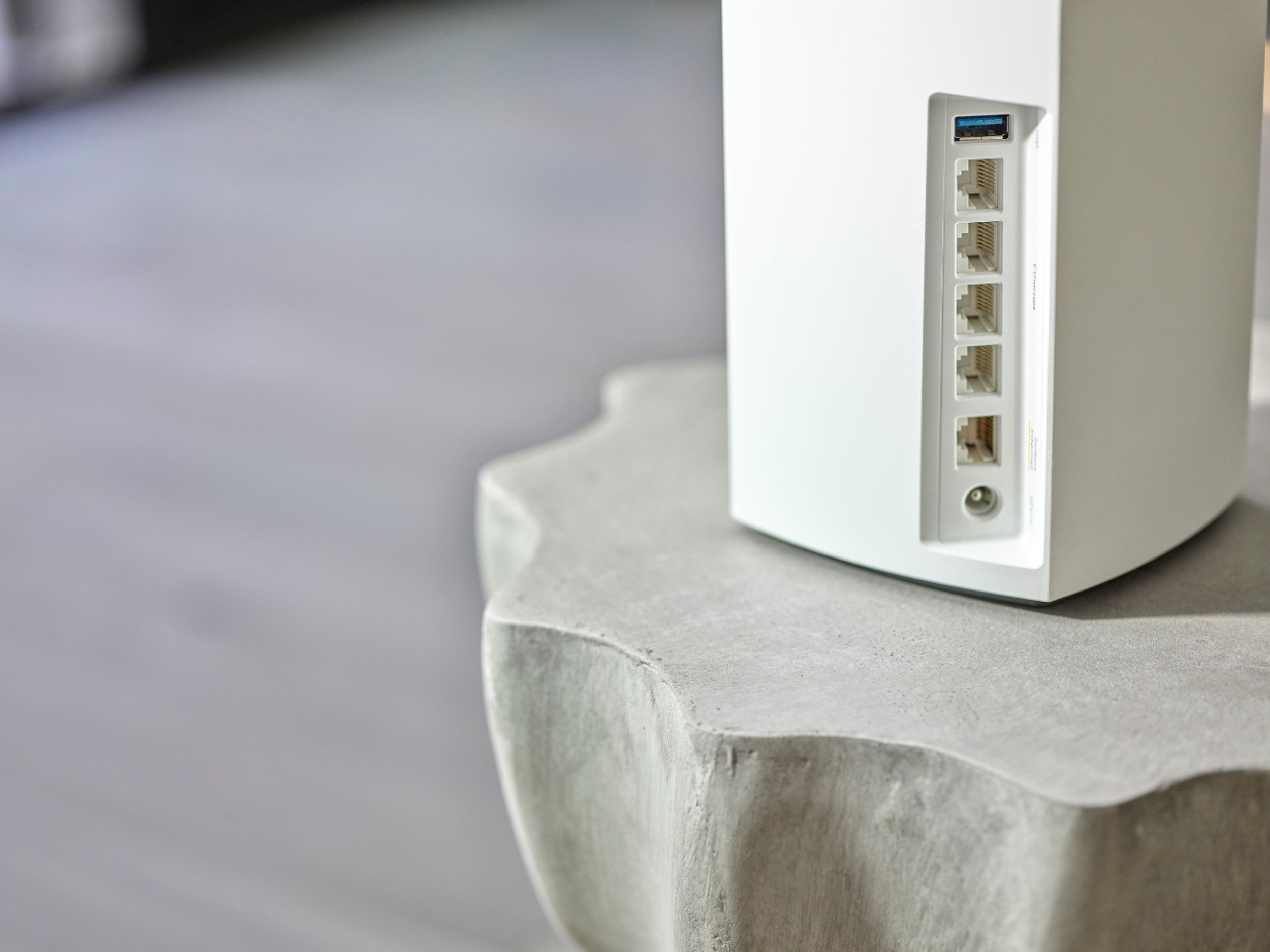
|Posted .This reviewer received promo considerations or sweepstakes entry for writing a review.The Atlas Max 6E is an impressive looking device. It's not at all like your typical router - looks more like a portable speaker making them blend in anywhere. If you're someone who needs paper instructions, forget it. However, it's SO easy to set up using the phone app. Simply download the Linksys app, and follow the instructions. I set up the "parent" node on the top floor of my house, closest to my modem. The remaining "children" nodes were on the main floor, and basement. The only one that took more than a few minutes was the one farthest from the parent but it turns out that my phone disconnected from the WiFi which was the reason for the delay, After reconnecting, the process went smoothly. It took less than an hour to set up all three nodes. I then began the process of ethernet connections for some devices. This is my first time using a mesh system so I was amazed that even though the nodes communicate via wireless, when a device is plugged into a node, it recognizes it as a "wired connection". (maybe they all do this - this was my first experience). I then began the process of resetting all of my wireless devices. If you get nothing else from this review, please remember this - start making a list a couple days ahead of time of all of the items that are connected to your router. I'm still finding devices that I had forgotten about! My only complaint (and it's minor) is that the power blocks are a little large for outlets and/or power strips and the power cord is relatively short. This was only a problem with one node as my power strip was full and the nearest outlet was too far away. There is no mention of using/not using extension cords, but I simply moved the node closer to the outlet. Signal strength is great throughout the house (about 3100 sq ft). My internet speed is only 300mbps but I was able to achieve that speed on all three floors. Overall, I'm incredibly impressed. Although expensive, I see the benefit in the mesh system plus the anticipated benefit of 6 ghz speed. The system sets up easily, looks good, and performs even better!
I would recommend this to a friend Awful wifi
||Posted . Owned for 2 months when reviewed.This reviewer received promo considerations or sweepstakes entry for writing a review.Would STRONGLY discourage anyone from buying this if your house is on the older side. We bought this, it didn't work so we needed to add another 2 pack. All said, we have much worse wifi than we ever had with our Google mesh system from 3 years ago. We have spoken w customer service several times. Wish we can go back and un-buy this product.
No, I would not recommend this to a friendBrand response from Linksys Staff
Posted .Hi, Matt71.
This is not the experience we want you to have with our product. We can have our Escalation Engineers check this further. Send us an email at LinksysCares@linksys.com with your contact details and a link to your post for our reference.
Regards,
Linksys Support
Nothing but aggravation. Returning
||Posted . Owned for less than 1 week when reviewed.This reviewer received promo considerations or sweepstakes entry for writing a review.Very unstable, nodes kept dropping randomly, even had an IT consultant come out to the tune of $125/hr. No luck. These can't be set up as wired backhaul which makes them garbage. They have to be daisychained
No, I would not recommend this to a friendBrand response from Linksys Staff
Posted .Hi, Jdc981,
If you still have the Linksys Atlas Max system, we’d like to have our Escalation Engineers help you instead as the nodes might just need to be optimized for a more stable connection. Just tap us anytime at LinksysCares@linksys.com should you change your mind. Don’t forget to include relevant details and your contact information as our reference when you reach out.
Regards,
Rosalyn
Linksys Support
- Cons mentioned:Connection
A hiccup at the beginning, but then wow!
|Posted .This reviewer received promo considerations or sweepstakes entry for writing a review.Opening the Linksys Atlas Max 6E Tri-Band Mesh Wi-Fi 3 pack and I find 3 Wi-Fi Routers, 1 ethernet cable, 3 power adapters, legal documents, and a quick start guide. I need to expand on a few of the included items. The routers are self-explanatory except that they each have 4 Gigabit LAN ports on the back…nice! The cable is, well a cable, I think about 3 feet long. The brick on the end of the power adapter is huge. I plugged it in a power block, and it covers the left bottom and center bottom sockets. The legal docs are something nobody reads, but they are such a small font, I couldn’t read them if I wanted to. Lastly, the quick start guide is nothing but 3 steps. If you were looking for anything else, good luck. Now starting with the last part. This is my 3rd Velop setup, so not my first rodeo. I knew from the first two that connecting the nodes is a pain. I connected one of them between my Surfboard Modem/Wi-Fi Router. I downloaded the Linksys app to my Moto G7Play and started the setup. It did great until the last step, and it stalled. The bar was fully blue, and it was well over 10 minutes, so stupid me not remembering how bad it gets when you turn the app off, did just that. I fired up the app again and it asked if I wanted to continue. I tried that a few times, but the software couldn’t find the node. I then did a reset on it and started over. This time I got the periscope looking for the node and after 3-4 tries, I got it to work. If you find yourself here, make sure to do the 3 steps and check each box after you do so. Once you do that, a blue rectangle button will appear at the bottom of your phone and allow the node to turn blinking purple again. Then it’s back to trying to connect to your network. This time I had patience in mind, but it only took about 5 minutes and it asked to finalize the node. From there it asked if I wanted to finish or install another. I did the other two and they both connected easily. You do need patience though. Also, it’s a good idea to turn your phone screen on for about 10-15 minutes so it doesn’t keep going dark. You can set it back when you’re done. Now the system is set up. I already have a Linksys account and a bridged router in the den, so security was already done. I first connected my desktop to the network, which worked great. The PC is about 5’ away from the main node, lol. Then I went to my problem child, my bedroom tv. I have an Insignia 1080p tv that’s about 4 years old. It’s been great, but lately, the network has kept cutting out or taking a bit of time to connect. I was blaming the tv because it’s just down 15’ down the hall from my office. Even so, I was hoping this mesh network would help. I installed a node in my master bedroom and when I connected the tv to that network, I got an excellent connection. I’ve always had good, but never full bars. I fired up the YouTube app and on this tv, the thumbnails were fixed. On my den 4k tv, they play a snippet of the video as you move from one to the next. Well, now this tv does too! The lag is gone firing up the app and loading all the window panes/video choices. I gotta say I’m impressed with the new network. Once you’re fully connected, you get a Linksys dashboard on the phone app. It shows you the status of each node and has parental lock options should you need those. The app also asks if I want phone notifications if the network goes down. For me, that’s a good feature since I have one network with the Surfboard router, this new network as well as the network from the bridged Linksys router in the den. In between that, I have 3 switches for the garage, my printers, and the entertainment center. Now that these nodes have Gigabit ports in them, I may try deleting a switch or two depending on location and how many I have plugged into the switch. What else? Oh yeah, each node has one USB 3.0 port for direct storage access on the network. You do need an Android or Apple device to download the app from the appropriate store for install. And that’s about it. I think I’m going to be happy with the setup for years to come, as it has the latest Wi-Fi 6E and speeds of up to 8.4Gbps. Lastly, I know it sounds like it started a bit rocky and maybe it did, but once that first one was installed, it was a breeze. The system works great and I’d recommend it to anyone that needs the latest for gaming or in my case, streaming.
I would recommend this to a friend Wifi 6e
||Posted .This reviewer received promo considerations or sweepstakes entry for writing a review.Speed it’s faster and easy to install, the range it’s bad , the mesh wifi it’s down for no reason many times at day. It’s not a stable network
No, I would not recommend this to a friendBrand response from Linksys Staff
Posted .Hi,
Optimizing the router might help as well as making sure that it’s on a proper placement. Let’s have our Escalation Engineers assist you in doing so. Just email us at LinksysCares@linksys.com along with the relevant details, your contact information, and a link to this review as our reference when you reach out.
Regards,
Rosalyn
Linksys Support
Worthless
||Posted . Owned for 1 week when reviewed.This reviewer received promo considerations or sweepstakes entry for writing a review.Had geek squad come and set it up, it gave them/us nothing but problems throughout the attempted install
No, I would not recommend this to a friendBrand response from Linksys Staff
Posted .Hi, Shepski,
Certainly not the kind of product experience we want for you. The setup should be easy especially when there is an active internet connection from the source and the latest Linksys App version. We recommend factory resetting a newly purchased system to make sure that there are no pre-configured settings that might affect its functionality.
Moreover, our 2nd Level Team is always ready to assist. Please email LinksysCares@linksys.com with the link to your review for our reference.
Regards,
Mara
Linksys Support
Piece of shxt
||Posted . Owned for 3 weeks when reviewed.This reviewer received promo considerations or sweepstakes entry for writing a review.Terrible product, I’m replacing it back with my old Linksys Velop units
No, I would not recommend this to a friendBrand response from Linksys Staff
Posted .Hi, JayMan,
We hear you. We could have had our 2nd level support team assist you with the issue that you had. Feel free to email us at LinksysCares@linksys.com should you need further assistance with your other Linksys device in the future.
Regards,
MJ
Linksys Support
Doesn’t link with Fios
||Posted . Owned for 3 weeks when reviewed.This reviewer received promo considerations or sweepstakes entry for writing a review.This product would be great if it was compatible with Fios for Verizon users
No, I would not recommend this to a friendBrand response from Linksys Staff
Posted .Hi LadyL,
We appreciate you taking the time to write this review. Our routers are compatible with the majority of internet service providers. If you’re open to discussing your experience further, just drop us an email at LinksysCares@linksys.com, and our Escalation Engineers would love to assist you from there.
Regards,
Chu
Linksys Support
- Pros mentioned:Setup, Speed
Pricey - but well worth it
Posted .This reviewer received promo considerations or sweepstakes entry for writing a review.Great product, very easy to install and get running - Installed this to replace an older Linksys single point unit, signal is now much better throughout the house and speed test on all machines increased 2-3x.
I would recommend this to a friend Not Blown Away
|Posted .This reviewer received promo considerations or sweepstakes entry for writing a review.I’ve owned, and set up myself, several modems, and routers, and modem/router combo devices. The Linksys brand is one I’m well acquainted with, and consider to be one of the better ones on the market. So I approached trying out this Linksys Atlas Max 6E Tri-Band Mesh WiFi System with great expectation. Only a very simple ‘setup’ guide is included in the box. You must install the Linksys app to set up and use this WiFi system. The setup procedure went smoothly, and was pretty straightforward; simply a matter of following the prompts step-by-step as the app guides you through the process. This part was almost ‘fun.’ After setting up the entire WiFi system, I did have to call Linksys customer support and they were able to assist me (with what turned out to be a simple “fix”). Then I was ‘good to go.’ Placement of the 3 Nodes is super important, so consider the most optimal areas of the house to position them in order to reach devices both inside and those located outside, such as security cameras. Here’s where the app also assists in helping you choose where to put the nodes. Although each of the 3 router nodes are rather large in size, this Linksys set just plain looks good! Modern and stylish. Sure to compliment most home decors. Now compared to my previous router’s app, this Linksys dashboard seems severely lacking. Sure, the basics are there, and maybe they are going for simplicity of use, but for me, there were features missing I’d grown used to using which limited my ability to customize and monitor my network in a more comprehensive way. One feature in particular that was absent from the Linksys app, was being able to create separate profiles for members of the household. That said, what you will need from the app is there, and for the most part, is easy to figure out and navigate. Two features this Linksys app has which stood out to me was Device Prioritization, and the Speed Test function. Prioritizing which devices I want to get the most bandwidth comes in handy with gaming on my laptop, or when I’m working on my writing using my tablet and have many open browser tabs while doing research. It’s also good to know this WiFi system can handle all the various devices being used at any given time in my household. The only rather “monotonous” thing for me was having to update the WiFi settings on all the devices accessing my home’s new network. This is to be expected every time you change out a router, but once that’s done, it’s done, until next time. I do, however, consider this Linksys Atlas Max 6E Tri-Band Mesh WiFi System to be overpriced. Don’t get me wrong, the brand’s reputation and build quality is definitely there. Comparing this Linksys to the previous system it replaced, so far there’s been no noticeable difference in network connectivity, and I’m not experiencing a huge performance boost, as of yet. But we’ll see if this improves as time goes on.
I would recommend this to a friendBrand response from Linksys Staff
Posted .Hi, Janine,
Some settings that are not available from the Linksys App may be accessible on the router’s user interface. Let’s have our Escalation Engineers discuss this with so they can also offer you suggestions that may help to improve the device’s overall performance. Just email us at LinksysCares@linksys.com with your contact information, other relevant details, and a link to this review as our reference.
Regards,
Rosalyn
Linksys Support
- Pros mentioned:Ease of use
Decent system and fast
Posted .This reviewer received promo considerations or sweepstakes entry for writing a review.The 3 node system is easy to use. Took a few calls to support for set up assistance…like separating channels as there is no information on how to do this. Did have some node drop issues but got them resolved and now the system is rock stable.
I would recommend this to a friend This is fast!
|Posted .This reviewer received promo considerations or sweepstakes entry for writing a review.I will start with the unboxing which was very simple, it is just a matter of removing the router a little documentation and that's all, it doesn't have an installation guide, but the app will be necessary for the installation and that is where you have to follow the instructions step by step. At first I made the connection correctly but it didn't work so I decided to call customer service of my internet service, they asked me to disconnect everything and wait a few minutes, after removing cables and restarting the modem then the router worked correctly. Once the router has been connected, the app gives you options to customize and manage your internet. The increase in internet speed and stability can be noticed in the first minutes but as the days go by the improvement is more noticeable, I did tests with the most common apps using an iPhone, a PC, a smart TV, security cameras and a tablet in all cases, the connection is very stable and the internet is at its maximum capacity. Talking about gaming, I tested it playing Fortnite, go from having a ping of +60ms to a ping of 25ms-45ms, it is good considering that it is a Wi-Fi connection not wired. It is important to mention that the speed of the internet that you have will depend to a greater extent, but in cases where you have high speeds, this router is undoubtedly one of the best options and with this pack of 3 a whole house can have a true high speed internet connection, even connecting different devices to the same network at the same time. Linksys delivers in most of its products solutions that are truly remarkable and necessary for today's needs, I can definitely recommend this high speed router.
I would recommend this to a friend- Pros mentioned:Range
Great product so far
Posted .This reviewer received promo considerations or sweepstakes entry for writing a review.Product works as advertised. All three nodes are wired connected in a large 3 story home about 748 sq. feet. No issues so far. Good customer service if needing help setting up the other nodes and connecting older Wi-Fi computers.
I would recommend this to a friend - Pros mentioned:Speed
Exceptional performace. Why some have low speeds
Posted .This reviewer received promo considerations or sweepstakes entry for writing a review.I like the the tri band solution mostly because most IoT devices use 2.4 ghz frequency. Further more most home automation devices and things like roomba s7 or 9, cant recall, are also only able to operate on that 2.4 band. This frees up the other two bands for assets, like, ipads/tablets, phones, and etc avoiding a coke bottle effect. Essentially, tri band solutions with more than two antennas perform MIMO and that is how speeds are increased. In order to see substantial speed enhancement. Youll need a device with more than two antenna. A mesh solution with 4 antenna will absolutely yield more bandwidth obviously depending on you device’s internal wifi antennas. If the router and ap’s have four antenna, you should have four antennas internal to your computer. Then, MIMO uses all antennas to transmit a higher bandwidths. Simpflifying more, without antennas to match the router and AP’s you will not fully utilize the potential of the MIMO function. New iPads have two antenna, and you can expect 600-700 Mbps, approx. Using a an AP’s single 5 or 6 ghz band with four antennas communciating to a laptop or expansion card with 4 antennas too will transfer on each antenna until the limit/threshold is met. Next, MIMO would swap antennas when the first is densley used. A familar number for bandwidth for one antenna being in your laptop, the normal 300-480 transfer rate. If all four antenna are working as expected in your laptop and AP you should see the 1Gbps or kore. That number can be derived based on your ISP provided bandwith and separting each antenna enabled you to get maximum performanxcecontributing 300-480 Mbps bandwodth on each antenna resulting in approx bandwidth of 300-480 Mbps on four antennas resulting in the advertised 1 Gbps + advertised. If you are getting 300-480 then most likely your asset has only one antenna or asset is only using 1 of the AP antenna. For those getting 600+ but not a full gig, most likely your asset does not have four antennas to be be used with MIMO. This results in max speeds matching aa number close to 300-480 for each antenna, and if all four are used you should see the potential 1.2 Ghz speeds. For anyone receiving less than 300-480 Mbps I recommend ensuring that your wireless standard is not G or maybe even N. Additinally identify the WIFI NIC number of antennas, you may require an expansion slot or more to get the full potential. Anything 850-900 Mbps is pretty quick honestly, and ensure youre using the MU MIMO feature and captilizing on the potential speed increase. Further lmore slower bandwidth would be indic of less than optimal usage. Every antenna needs to marry to an AP antenna transferring at maximum throughput to get gig speeds. If you are not getting close my first recommendation would be to ensure yiur asset has the 4 antennas, and further research would be towards laptop or device WIFI NIC design and/or configuration. Speds of 150 Mbps would make me expect a legacy wifi standard being used. Hope this helps someone
I would recommend this to a friend Wi-Fi mash
Posted .This reviewer received promo considerations or sweepstakes entry for writing a review.Was very happy with the product did not have any Wi-Fi issues covered my home as it was supposed to
I would recommend this to a friend- Pros mentioned:Performance
The "mainframe" of Mesh systems, Atlas Max
Posted .This reviewer received promo considerations or sweepstakes entry for writing a review.I used to have a 3 node Velop 2200 triband setup. It served me well for 5 years and was still going strong. I recently upgraded my internet speed to Gigabit. I replaced the 2200 system with this product (Atlas Max AXE8400). Only needed two nodes with the Atlas, so i have a spare node if ever needed. Needless to say, the Atlas hardware outperforms the older 2200. I'm guessing the amount of RF coming out of these nodes will probably keep your coffee warm. The only downside is the app. During setup, if the app loses track of what step it's on during setup (it keeps track of what step it's on by sending info to Linksys.com), you will need to contact Linksys support and finish the setup through their web interface. Linksys needs to fix their app so it can figure out where to restart the setup process, in the event of a previous failure. I'm still giving their tech 5 stars even though the setup process from the app is not rock solid. I never had a setup issue with my 2200 system.
I would recommend this to a friend - Cons mentioned:Price
Good Choice but Expensive
Posted .This reviewer received promo considerations or sweepstakes entry for writing a review.Once we got it set up, the Linksys mesh router works well. Two items lost it the final star. (1) It's very expensive. (2) We had to call their excellent tech support because the installation app said to plug the incoming internet signal into any ethernet port. But it has to be put into the port labeled "5Gbps Internet". (We have 1 Gbps internet, so we thought this didn't pertain to us.)
I would recommend this to a friend Great system, garbage support
Posted .This reviewer received promo considerations or sweepstakes entry for writing a review.Had this system for a year now. Support from Linksys is nowhere to be found on this product. Considering that it launched in 2021, you'd expect SOME firmware update to fix vulnerabilities etc, right? Bad news, Linksys released the product and forgot to hire engineers to maintain it. Absolute ZERO support on the product. Still runs v 1.0 firmware from 2021. Also if you ever find the need to manually set the channels on the units, you literally have to find the hidden menu for that. Overall, the support from Linux ruins an otherwise great product!
No, I would not recommend this to a friendBrand response from Linksys Staff
Posted .Hi, Alex,
Our support is here if you’re encountering challenges with the router. You may contact our support hotline, or email us at LinksysCares@linksys.com, so we can assist you properly. Don’t forget to include a link to this review as our reference when you reach out.
Regards,
Rosalyn
Linksys Support
- Pros mentioned:Performance
Great New Linksys Product
Posted .This reviewer received promo considerations or sweepstakes entry for writing a review.Atlas Max 6E has great WiFi coverage & performance
I would recommend this to a friend - Pros mentioned:Speed
Disappointing wired speed
Posted .This reviewer received promo considerations or sweepstakes entry for writing a review.Quite literally doubled WiFi speed throughout a 2,400sq ft. house. Wired speed seems capped at 600mbps? Support said they had a different team for this product, still heard nothing. I have an Orbi RBK852 that I just unplugged to plug in the Atlas Max. Wired speed on the Orbi is 950mbps but on the Atlas Max I cannot get over 600mbps.
No, I would not recommend this to a friend