Customer Ratings & Reviews
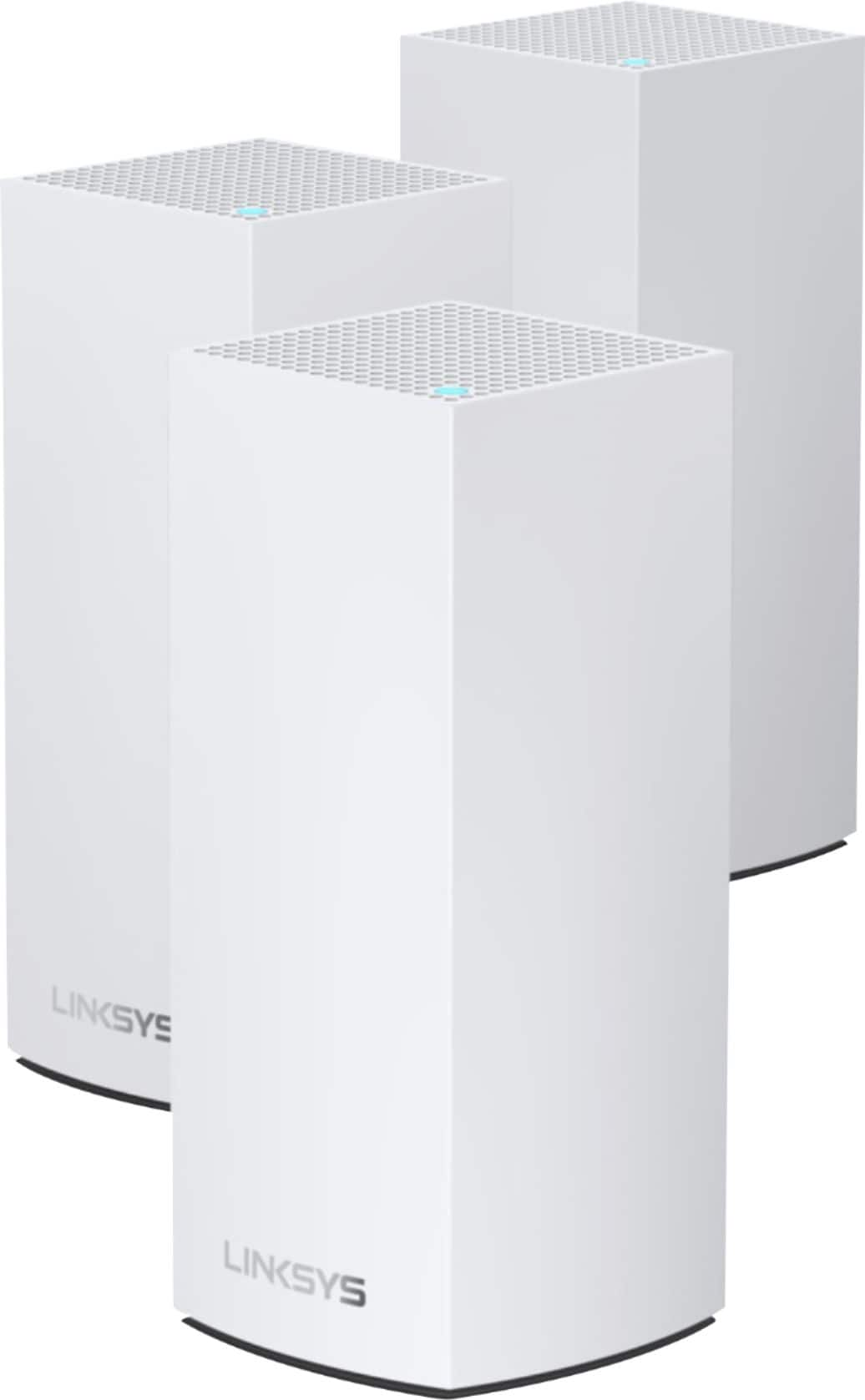


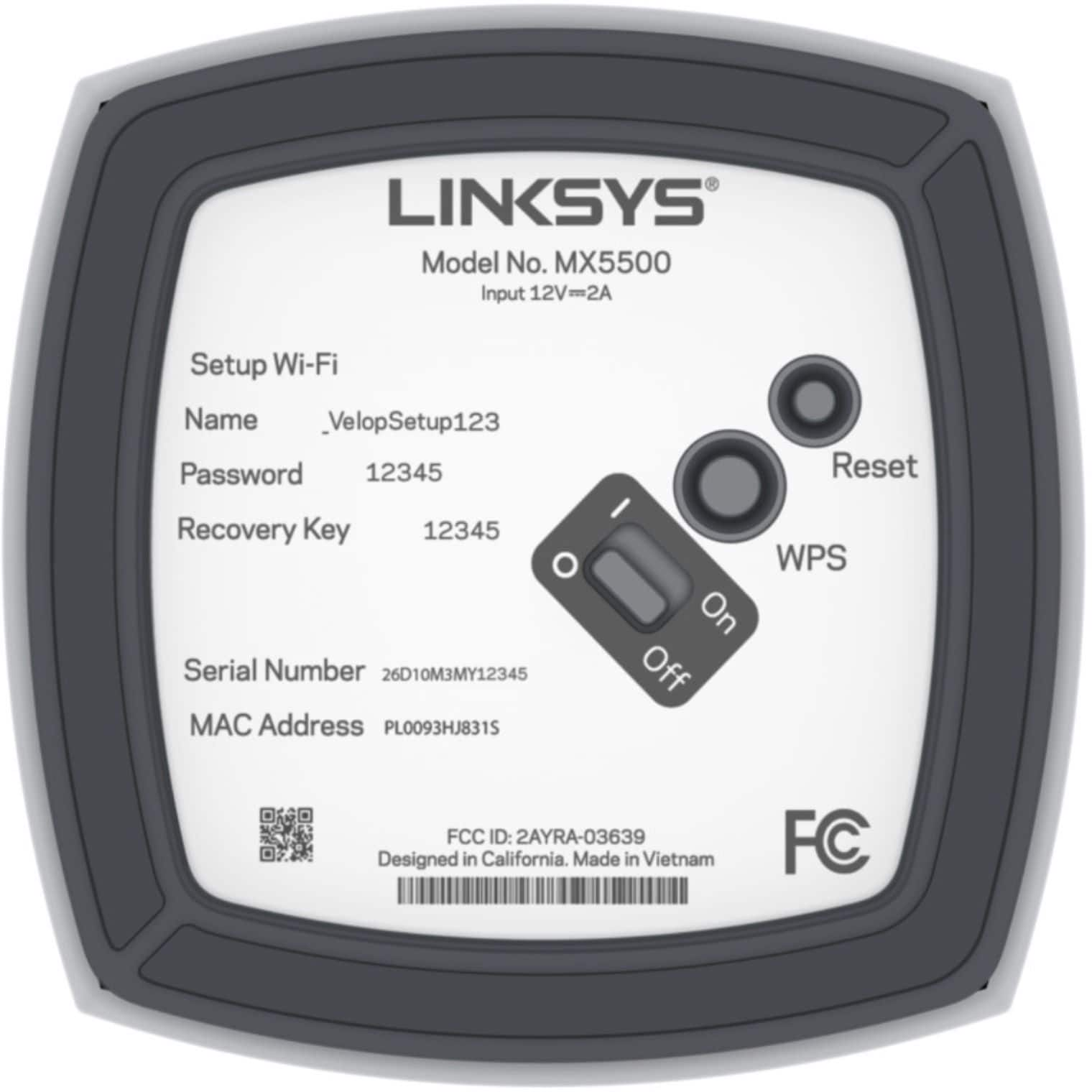
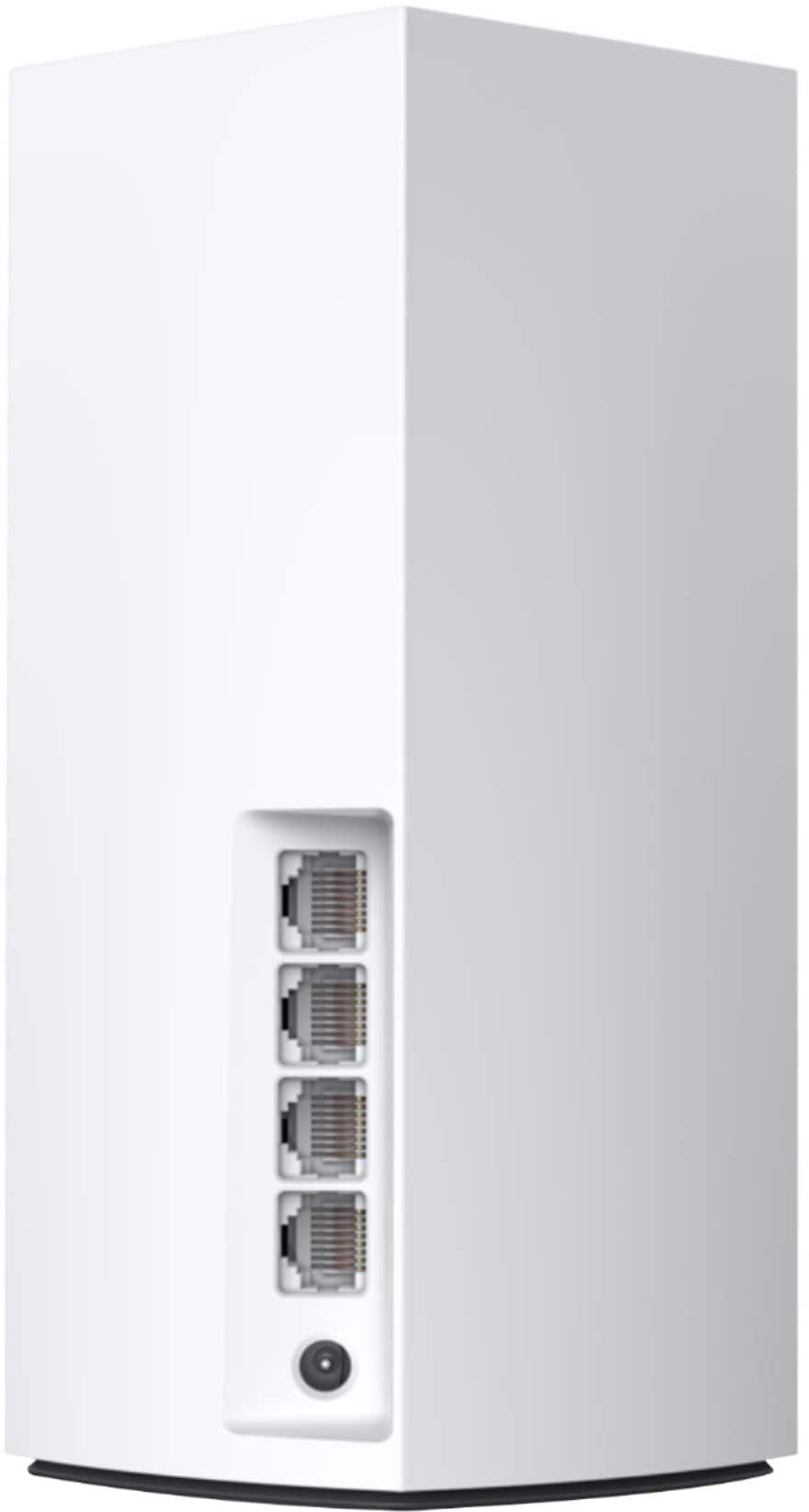
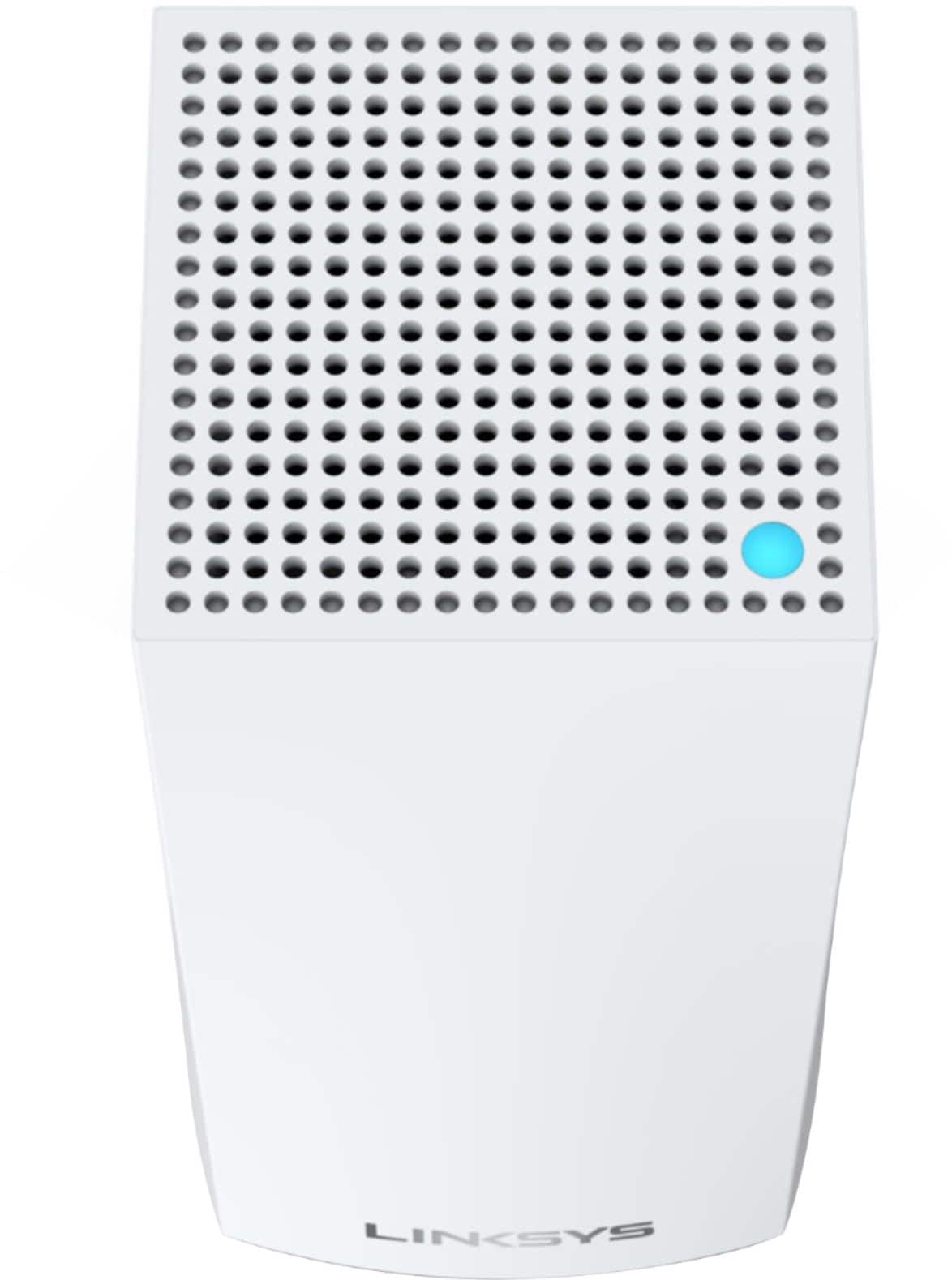
- Model:
- MX5503
- SKU:
- 6467755
Rating by feature
- Setup
Rating 4.3 out of 5 stars
- Range
Rating 4.4 out of 5 stars
- Signal Strength
Rating 4.4 out of 5 stars
Customers are saying
Customers praise the Atlas Pro 6 WiFi 6 Router for its ease of use, impressive range and coverage, and strong signal strength, leading to great performance. Many found setup to be straightforward and the system reliable. However, some customers expressed concerns about the system's cost and occasional connectivity issues. A few also commented negatively on the user app experience.
This summary was generated by AI based on customer reviews.
Signal Improvements
||Posted . Owned for 1 month when reviewed.This reviewer received promo considerations or sweepstakes entry for writing a review.They helped a little, however we still do not get a strong signal all of the time.
No, I would not recommend this to a friendLinksys
||Posted . Owned for 1 month when reviewed.This reviewer received promo considerations or sweepstakes entry for writing a review.Geek squad couldn’t connect and make work. Tried for 30 minutes and couldn’t get it to work
No, I would not recommend this to a friendBrand response from Linksys Staff
Posted .Hi, DavidL,
If resetting the unit to factory defaults will not help, allow us to lend you a hand instead. Just email us at LinksysCares@linksys.com, so we can assist you properly. Feel free to include the steps you’ve tried with the tech, other relevant details, and a link to this review as our reference.
Regards,
Rosalyn
Linksys Support
Not worth the money
||Posted . Owned for 3 months when reviewed.This reviewer received promo considerations or sweepstakes entry for writing a review.The only reason it got two stars is that it works a little. It does not work great and for the price it should work great. Without the system at all I can connect just as good with only one exception. When I get to the furthest range without the system the speed at that range is slower. The only thing it did to help was that furthest point.
No, I would not recommend this to a friendBrand response from Linksys Staff
Posted .Hello Chip,
Your feedback is very important to us. If you're open to discussing your experience further, feel free to send us an email at LinksysCares@linksys.com along with your contact details and the link to this review for reference. Our Escalation Engineers would be more than willing to help improve your system's overall performance
Regards,
Chu
Linksys Support
Linksys Atlas Pro 6
||Posted . Owned for 8 months when reviewed.This reviewer received promo considerations or sweepstakes entry for writing a review.Good mesh wireless set, good value when purchase on sale.
I would recommend this to a friend- Cons mentioned:Connectivity
Expensive
||Posted . Owned for 1 month when reviewed.This reviewer received promo considerations or sweepstakes entry for writing a review.Not a great product still have problems with the internet My ring cameras keep shutting off I have a set like a triangle till the front one in the back that it would be better than that ERRO which also did not connect any of my Google products reason why I switch.
No, I would not recommend this to a friendBrand response from Linksys Staff
Posted .Hi, Raul,
We truly understand your sentiments. Power cycling the Linksys Atlas as well as your cameras might do a trick. Please send us an email at LinksysCares@linksys.com with the following details so that our email team can assist you accordingly.
• Serial number and firmware version of the Linksys MX5503
• Distance of the camera from the Atlas
• Your complete name
• Your phone number
• Link of this post as reference
Regards,
MJ
Linksys Support
Harder to set up than advertised
||Posted . Owned for less than 1 week when reviewed.This reviewer received promo considerations or sweepstakes entry for writing a review.I purchased this mesh system yesterday. After trying to get it to work for over 2 hours, I pretty much gave up. I had all the units in one room, so they were all close to the one that was being established as the router. I've worked with computers and networking for many years and have never had an issue setting up my modems and routers before. I followed the in app steps and they just never seemed to finish setting up.
No, I would not recommend this to a friendBoost for in-house Wifi Service
||Posted . Owned for 1 month when reviewed.This reviewer received promo considerations or sweepstakes entry for writing a review.Yes we need a booster for our home wifi but still not sure if it's working properly. GeekSquad has been out and confirmed OK but did say there is a better system. We're monitoring ...
No, I would not recommend this to a friendVerizon Fios Gigabit Customers Beware
||Posted . Owned for less than 1 week when reviewed.This reviewer received promo considerations or sweepstakes entry for writing a review.I spent at least 2 hours on the phone with Linksys support and they even recommended returning this product. There is a known issue that some Linksys mesh routers have that they do not work with Verizon Fios Gigabit, check some of the reviews for the Linksys Atlas Max 6e, same troubles being reported by Verizon Fios Gigabit customers. Right now I own the Linksys Velop 3-pack AX4200 and I only can get up to 500Mbps up/down on a good day, I was hoping to return the AX4200 for this new AX5400, but it looks like I will need to keep what I have and just get half of what I am paying for in internet costs. Linksys keeps promising to fix these known issues with a firmware update, but can't deliver just yet. On paper this new router seems like cutting edge balzing fast speeds, but in reality it is just as good as a paper weight.
No, I would not recommend this to a friendBrand response from Linksys Staff
Posted .Hi, JCintron,
We appreciate your honest review towards the AX4200 router. Feel free to tap us at LinksysCares@linksys.com should you want to discuss more around the challenge. Our team would gladly lend you a hand.
Regards,
Rosalyn
Linksys Support
Buy an eero pro 6.
||Posted . Owned for 2 months when reviewed.This reviewer received promo considerations or sweepstakes entry for writing a review.This system is garbage. Get an eero pro 6. Spent 8 hours to setup, manually configuring each node through a static IP because the firmware that was pre installed was obsolete. Did an update 2 months later and had to do the same process. 3 calls to Linksys, each cut off after an hour due to dropped calls. When I tell them it’s defective they have to go through every step each time to confirm just to have the call to drop. Biggest waste of money on a network.
No, I would not recommend this to a friendBrand response from Linksys Staff
Posted .Hi,
Allow us to check what happened instead as we can have our Escalation Engineers offer you advanced troubleshooting for further checking. Just email us the case number at LinksysCares@linksys.com so we can pull up your records. Don’t forget to include a link to this review as our reference when you reach out.
Regards,
Rosalyn
Linksys Support
- Pros mentioned:Range
Great
||Posted . Owned for 3 weeks when reviewed.This reviewer received promo considerations or sweepstakes entry for writing a review.Works like expected has great range works good in any house
I would recommend this to a friend - Pros mentioned:Setup, Speed

Velop Evolves with More WiFi 6 Features
|Posted .This reviewer received promo considerations or sweepstakes entry for writing a review.I have been a very satisfied user of a Linksys Velop dual-band 802.11ac (WiFi 5) system for a few years. As I'm beginning to add devices with WiFi 6 (802.11ax) support to my home network, I've been interested in upgrading to a WiFi 6 (802.11ax) mesh system to future-proof my network a bit. So, I eagerly accepted the opportunity to test and review this new Atlas Pro 6 system, since it's based on the Velop technology that I've found to be reliable and set-it-and-forget-it easy to use. (Linksys did provide this system to me in exchange for a review containing my honest thoughts and opinions.) Mes WiFi systems seem to be pretty commonplace now, with a wide range of models from pretty much every consumer network equipment vendor. These systems allow multiple compatible WiFi access points to work together as a single, seamless network. By placing the individual access point "nodes" in different areas of a residence, it makes it easy to eliminate deadzones or areas of weak 5 GHz coverage to keep speeds higher. Although these systems are typically more expensive than stand-alone routers of the past were, I would never go back to a non-mesh WiFi system. (And for anyone not ready to jump in to a full 3-node system like this one, it's possible to grow a Velop network by starting with one device and adding more. Other brands probably also support this, but I can vouch for this working in practice with Velop.) Linksys' Atlas series of mesh WiFi devices are not their first to support WiFi 6, but they do add newer features that WiFi 6 enables. In some ways, the Atlas Pro 6 is not as advanced as the Atlas Max 6e - for instance, the Pro 6 is only dual-band (2.4/5 GHz) instead of tri-band (2.4/5/6 GHz), and its "Internet" (WAN) port is 1 Gbps instead of 5 Gbps on the Max 6e. However, the Pro 6 features one big differentiating factor: support for 160 MHz-wide channels on its 5 GHz radio. The wider 5 GHz channels of the Pro 6 have the potential to support faster speeds to a single device, while the additional 6 GHz band support on the Max 6e would be more useful to support more total devices in the future. (Very few devices that connect to WiFi seem to support 6 GHz yet, presumably this will become common.) One thing to be aware of with these 160 MHz channels is that from what I can tell, the DFS channel support also needs to be enabled, and that setting needed to be manually enabled. (DFS allows use of frequencies that can disrupt radar, but must dynamically switch if it detects radar. If you live near enough to a major source of radar, like an airport or weather radar, you may find DFS never get used.) Considering the Pro 6 is coming in at a slightly lower price, I think it represents a good choice in trade-offs fpr the near future. My WiFi 6 laptop doesn't support 6 GHz, but is already negotiating connection speeds of 2400 Mbps after enabling DFS, probably due to the 160 MHz channel. (Real-world speeds are still lower, but clearly faster than WiFi 5 - around 200-300 Mbps higher, as measured by iperf3.) Beyond the new WiFi 6 features, the Atlas Pro 6 carries over the good aspects of the Velop system. It was pretty easy to set up, including support for interconnection for the mesh devices via network cables (good if you have run network cabling in your home). Bridge mode (where the Atlas units act purely as access points and the router features are disabled) is still supported, which is how I set up our WiFi. Our devices have been connecting with no issues, and the signal has been rock solid. The individual units are larger than our previous ones (although we were using an AC dual-band system that was smaller than most of the Velop line-up), but they are not an eyesore (or too bulky to hide), though that's quite subjective. The Atlas Pro 6 also carries over a few things from the Velop models that I wish Linksys would improve. It's quite dependent on using an app to set up - there is a Web admin interface, but it seems to be missing some of the features, such as the automatic channel finder. The app also has very few advanced features. While I think most people will appreciate the simplicity of the available settings, I would be pleased if Linksys would make some more settings accessible (like the ability to manually set channels). It would also be great if it tracked connected devices in Bridge mode to provide performance information for each connected device (like what WiFi capabilities it supports). I'm not docking my overall rating over these issues, since I have little complaint about the set-up and performance. Howver, if you like getting into the nuts and bolts of your home network configuration, you may find the simplistic app and admin Web page of the Atlas Pro 6 disappointing. All-in-all, I think mesh WiFi systems are worth the price premium because they provide such robust wireless networking for your home. My Linksys Velop system has worked well for us, and the Atlas Pro 6 seems set to work just as well, if not much better as we replace our remaining WiFi 5 devices. It's easy to get going (though perhaps a bit limiting afterwards for power users), and I would definitely recommend the Atlas Pro 6 (and indeed, the rest of the Velop line) to anyone that wants simple, robust WiFi.
I would recommend this to a friend - Pros mentioned:Coverage
Wifi
||Posted .This reviewer received promo considerations or sweepstakes entry for writing a review.Great product whole house covered and the outside to
I would recommend this to a friend dont buy this absolutely horrible
||Posted . Owned for 1 year when reviewed.This reviewer received promo considerations or sweepstakes entry for writing a review.this is the worst router i ever had. need to reboot every week.. cannot connect to 300 mbs modem .. buyer beware . so many issues w this router. id give less than zero rating if i could
No, I would not recommend this to a friendI hope this was a defective set
||Posted . Owned for 3 weeks when reviewed.This reviewer received promo considerations or sweepstakes entry for writing a review.The Linksys system is a terrible router but with decently fast WiFi. However, after a day the router would just mark some devices as "offline" and drop them off the network. I replaced the routing function with a dedicated router but even using these devices in AP/Bridge mode, devices just kept being dropped from the network.
No, I would not recommend this to a friendBrand response from Linksys Staff
Posted .Hi, Mike,
We'll need to narrow down the issue to better understand what's causing it. If the problem occurs with all devices, there's a possibility that the router isn't configured correctly or isn't running on the latest firmware. Meanwhile, ensure there are no external factors, such as electronic devices, appliances, or physical obstructions, causing interference with the Wi-Fi signal. Additionally, consider using the channel finder tool to see if it helps improve the connection.
If you require further assistance, please feel free to contact us at LinksysCares@linksys.com, and we'll be happy to help. Just provide your contact information and include a link to this review for our reference.
Regards,
Rosalyn
Linksys Support
Linksys mesh
||Posted . Owned for 4 months when reviewed.This reviewer received promo considerations or sweepstakes entry for writing a review.After being in the phone with tech support for 48 hours, the recent firmware messed up the routers and I have exchanged this 3 times and they all have the same problem
No, I would not recommend this to a friendBrand response from Linksys Staff
Posted .Hi alxvncuver,
This greatly concerns us and we'd like to dive deep into this with the help of our Escalation Engineers. With the link to this review and your previous support case number, please send us an email at LinksysCares@linksys.com. We'd like to make things right and provide your best possible options regarding this matter.
We'll wait for your updates.
Regards,
Carl
Linksys Support
Requires configuring for a solid connection.
||Posted . Owned for 3 months when reviewed.This reviewer received promo considerations or sweepstakes entry for writing a review.This is not an out of the box mesh system. Auto configuration does not work. I would suggest buying another system.
No, I would not recommend this to a friendBrand response from Linksys Staff
Posted .Hi RoyM,
We’re so sorry to hear that your experience with our Atlas Pro 6 Dual-Band AX5400 Mesh WiFi 6 System didn’t match your expectations. We’re constantly striving to provide a secure, seamless, and simple setup process for our devices. Feel free to let us know if we can help in any way with any Linksys product by reaching us at LinksysCares@linksys.com or if you have any questions, concerns, or comments that you would like us to pass along.
Regards,
Chu
Linksys Support
Do not buy
||Posted . Owned for 2 months when reviewed.This reviewer received promo considerations or sweepstakes entry for writing a review.Did not work well at 2 Locations. Took back and replaced with Omni. Spent hours on tech support trying different things. Very frustrating
No, I would not recommend this to a friendBrand response from Linksys Staff
Posted .Hi, Martin,
We could’ve had our Escalation Engineers lend you a hand. Feel free to tap us anytime at LinksysCares@linksys.com should you decide to use another Linksys product in the future. The team would be happy to help you figure out what’s causing the challenge.
Regards,
Rosalyn
Linksys Support
WORST MESH System
||Posted . Owned for less than 1 week when reviewed.This reviewer received promo considerations or sweepstakes entry for writing a review.BUYER BEWARE. The setup software is garbage and very unstable. Had to reset the three unit five times, and then gave up. I have setup 30 Mesh systems and this one like TP Link is crap. Go with a more reliable WIFI extender. Make sure you keep the receipt
No, I would not recommend this to a friendBrand response from Linksys Staff
Posted .Hi,
We genuinely value your feedback and are dedicated to addressing any concerns you may have. If you could provide additional details, kindly reach out to us at LinksysCares@linksys.com and include your contact information and the link to this post for our reference. Our Escalation Engineers are committed to resolving this issue to ensure you have a seamless and reliable experience with our products.
Regards,
Rhea
Linksys Support
- Pros mentioned:Coverage
Poor signal
||Posted . Owned for 1 month when reviewed.This reviewer received promo considerations or sweepstakes entry for writing a review.I was getting a better coverage with a single router.
No, I would not recommend this to a friendBrand response from Linksys Staff
Posted .Hi Cristian,
It's important that we're fully addressing your issue. Our Escalation Engineers are eager to look into this further. Just email us at LinksysCares@linksys.com with your contact details and the link to this review as our reference.
Meanwhile, here are some actions you can take that may resolve the problem:
1) Make sure that all the nodes are running with its latest firmware and are placed away from physical obstructions such as thick walls, fixtures, furniture, and metal appliances.
2) Have your network select a channel with the least amount of traffic by running a channel finder. https://www.linksys.com/support-article?articleNum=216447
Regards,
Chu
Linksys Support
- Pros mentioned:Range, Setup, Speed
Excellent Speed and Reliability
|Posted .This reviewer received promo considerations or sweepstakes entry for writing a review.In summary: I have had zero issues with this system and it is the best I have ever had. Setup is simple. All I had to do was plug in one of the nodes to my modem and power it up. Then I logged into the Linksys app on my phone. It automatically found the node without me having to play with WiFi or Bluetooth settings. The app just makes it work. I told it what I wanted to name the network and what password I wanted to use. The app programmed the node and then asked if I wanted to setup another node. Once powered up, the app linked the additional nodes. Everything was seamless. Since I went through the process, I have had zero downtime. To test network speeds, I used third-party testers on my phone, my desktop both via WiFi and via ethernet connection, and my best notebook. The speed was not only as expected, but it is the same anywhere in my home. I tested the range by purposely getting far enough away from the main node to the point that I was on the opposite end of my home, in my garage, in my closed vehicle. There was no change in speed. My phone had to have been running through one of the remote nodes, yet it was still exactly what I get five feet away from the router. Even more impressive for me is that I struggled to even get a connection in that scenario with my previous mesh network. It tells me the overall footprint of the network is not only much larger, but the speeds are perfect. I no longer have any spots in my home where the signal drops or slows down. My desire for home WiFi is for it to just work without me having to think about it. This system does exactly that and it does it really, really well. When I say that everything is seamless, I mean it. Even the bands are one single SSID. If a device has 5 MHz capability, they connect at 5 MHz. If they only have 2.4, they connect at 2.4 MHz. For devices in need of an ethernet connection, each node has three 1000 Mbps ethernet ports. It would be nice to have more than three ports on the base, but I just plugged in a switch and got the ports I need. My desktop plugged in via ethernet connects at 1000 Mbps. My notebook connects via WiFi at 1201 Mbps. Those speeds exceed my internet bandwidth, so I have no need for anything better. I have over thirty devices connected to my WiFi network. That includes multiple streaming devices, a smart TV, and smart speakers in every room. There are also multiple security cameras, including one in my garage which had an intermittent connection at best, which is kind of useless for a camera. These new nodes provide enough range for it to have no problem connecting. For more advanced configuration, the Linksys app and webpage are simple to access and navigate. I can easily identify every device connected to the network by name. If I want to add a WPS device, it can be done via a device PIN, router PIN, WPS button in the app, or a WPS button on the bottom of any node. There is a simple to use guest network, which I really appreciate. As someone who is pretty security conscious, I do not like giving people my network key or allowing random devices on my network. If someone visits and needs network access, I can give them access without compromising my standards. What I especially like about this guest network setup is that it acts just like any other network with an SSID and key. My previous experience with guest networks has been open networks that required the person to open a browser window and enter a password. This restricted the types of devices able to connect to it. Under this new setup, any device that can connect to a secure network with a key can connect to the guest network. Without any hesitation, I would recommend this system to a friend.
I would recommend this to a friend