Customer Ratings & Reviews
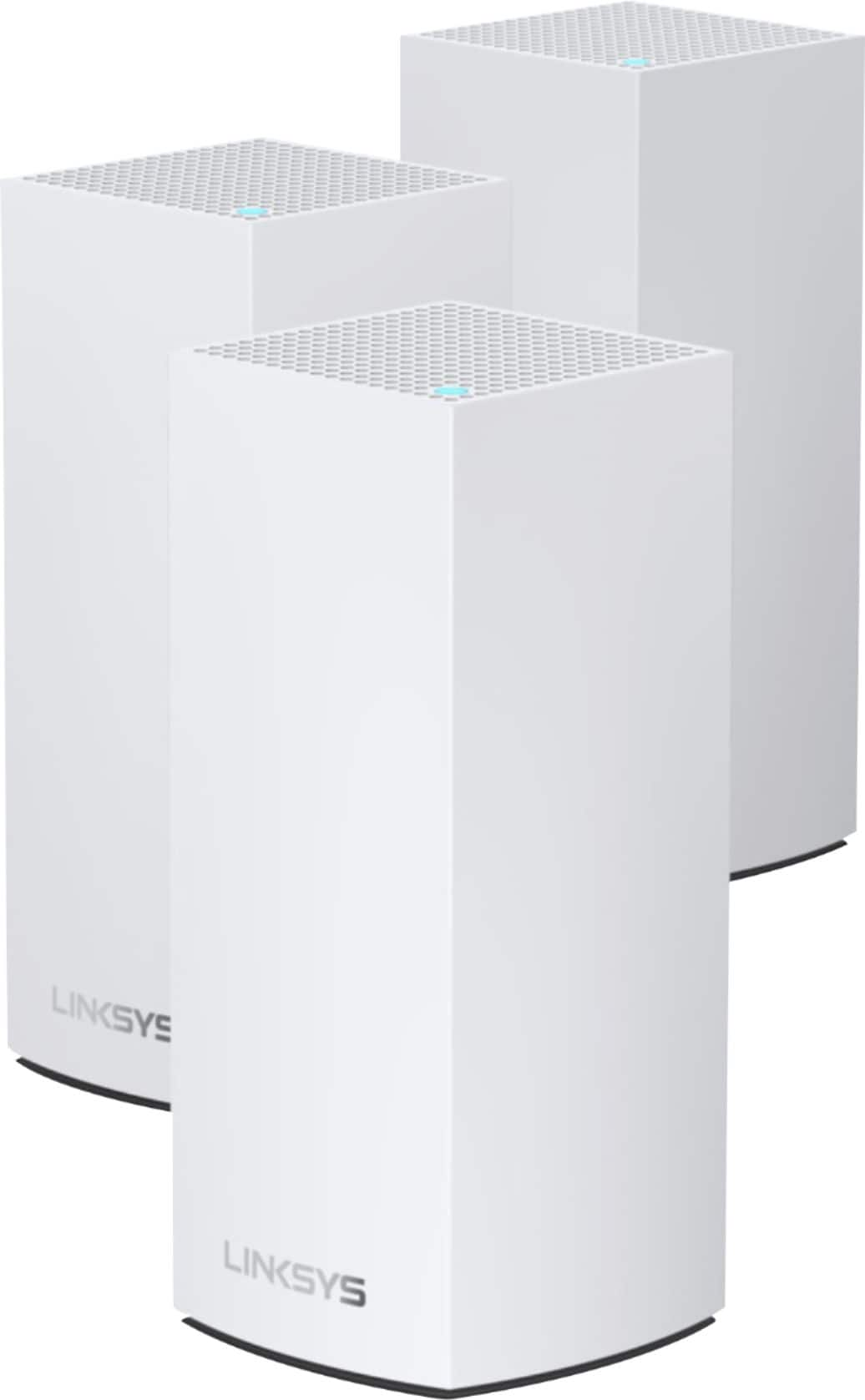


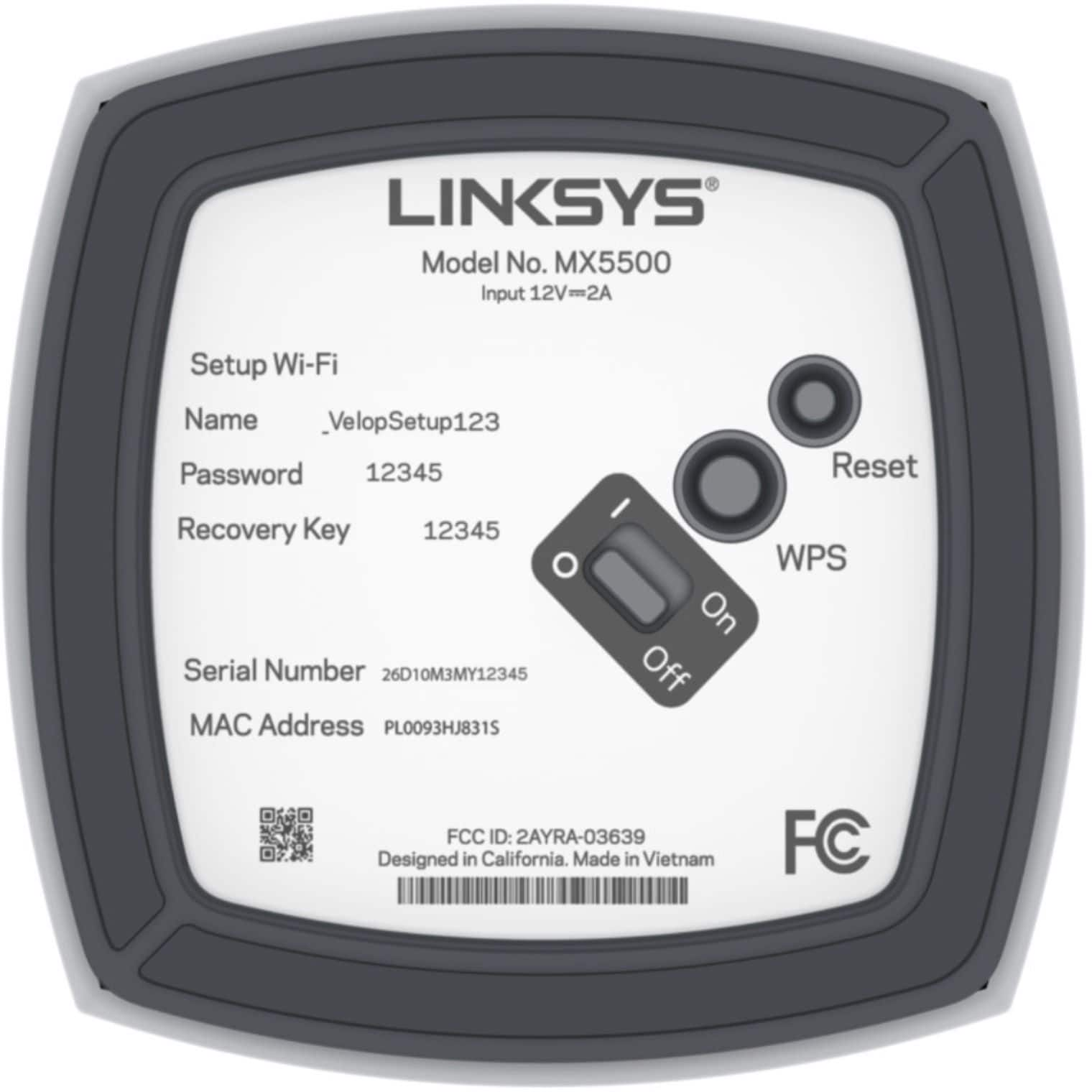
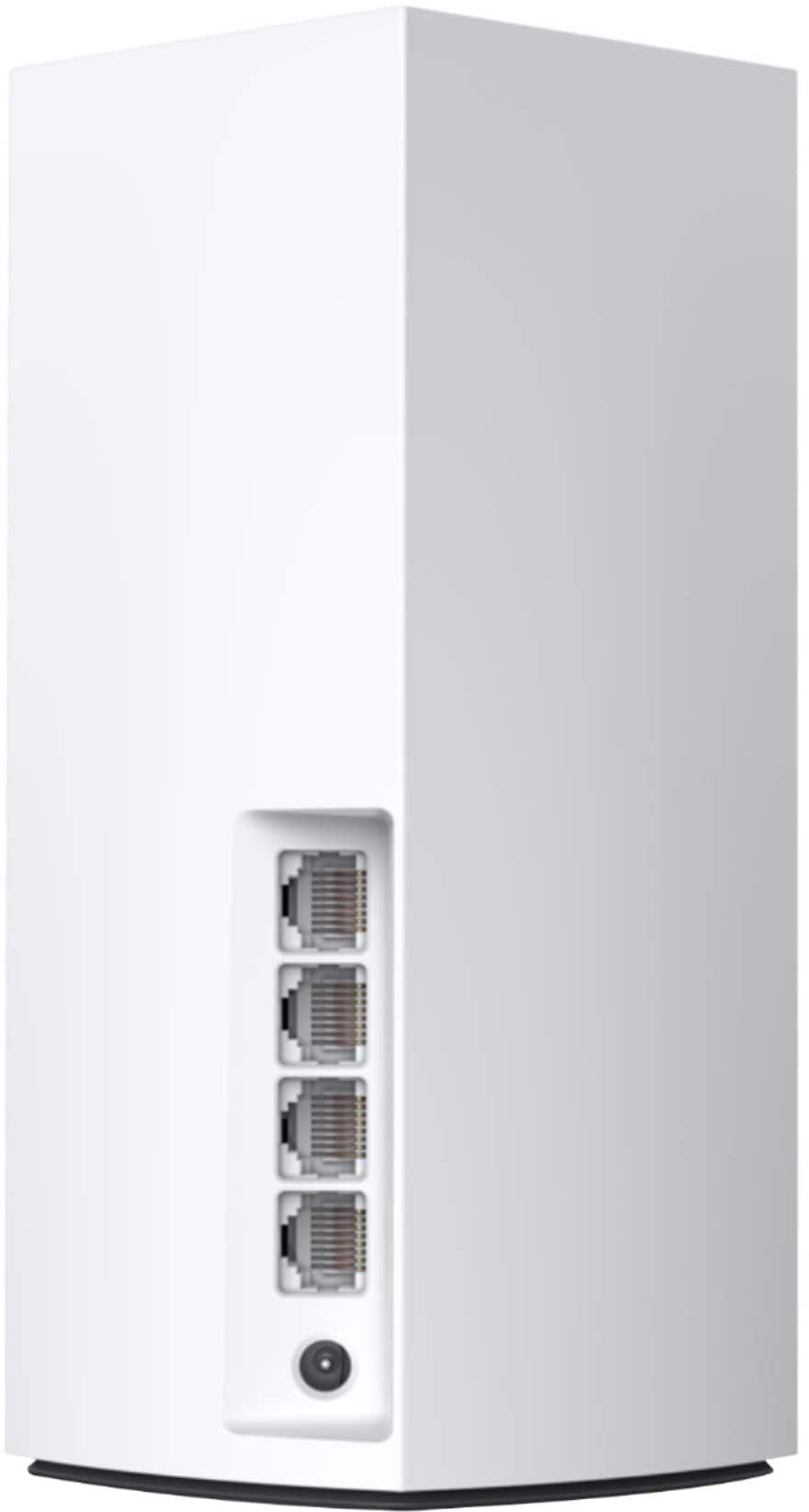
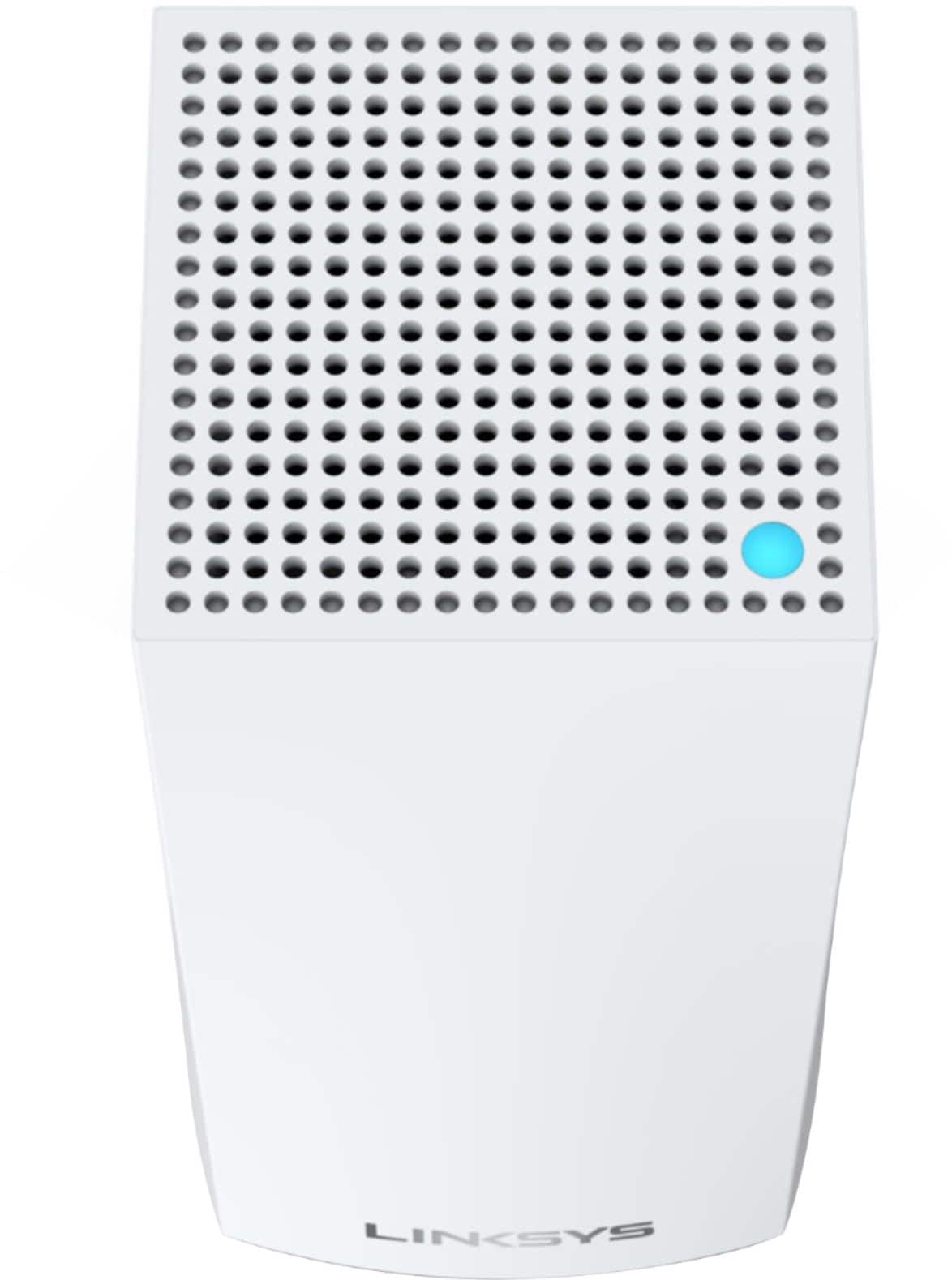
- Model:
- MX5503
- SKU:
- 6467755
Rating by feature
- Setup
Rating 4.3 out of 5 stars
- Range
Rating 4.4 out of 5 stars
- Signal Strength
Rating 4.4 out of 5 stars
Customers are saying
Customers praise the Atlas Pro 6 WiFi 6 Router for its ease of use, impressive range and coverage, and strong signal strength, leading to great performance. Many found setup to be straightforward and the system reliable. However, some customers expressed concerns about the system's cost and occasional connectivity issues. A few also commented negatively on the user app experience.
This summary was generated by AI based on customer reviews.
- Cons mentioned:Connectivity
! Moderate issues with iphones but otherwise works
Posted .This reviewer received promo considerations or sweepstakes entry for writing a review.This mesh router system works well overall. And it should for the high price. Iphones, however, seem to have problems staying connected over time. Sometimes I notice that I am not connected to wifi and settings will show that the iPhone is in a state of connecting and disconnecting off and on, blocking access to internet. After many calls to Linksys and extensive troubleshooting I have had to use irritating work arounds for myself and others in the household. We have to press "forget this network" on our iphones and then connect using the password. It is a long password and my dad is very busy with his job, needs reliable connectivity, and does not know how to fix this issue when I am not around. For $500 it should be a fixable problem. Also, Linksys requires turning off an iphone security feature (mac address privacy) for the phones to connect.
I would recommend this to a friend - Pros mentioned:Setup
Linksys Roocks in Set Up
Posted .This reviewer received promo considerations or sweepstakes entry for writing a review.Got a hand it to Linksys!!! I am not a nerd tech but I enjoy setting up things at home. While I am not by any means a certified tech but I know how to trouble shoot, build PC or set up network. I had issue with my previous router (Netgear) which was less than 2 years old, so I decided to switch and set up this as the router. The set up was a breeze and connection to multiple devices were BREEZE. Time will tell if this is a stable system but the set up process was very easy.
I would recommend this to a friend - Cons mentioned:App, Connectivity
JUNK. Stay away from Linksys
Posted .This reviewer received promo considerations or sweepstakes entry for writing a review.Absolute JUNK. The signal sucks and it drops A LOT. I bought this brand new two days ago. It's going back tomorrow. The App is THE WORST. I disconnected some devices (Unplugged and powered off) and two hours later it was saying they were still connected. Multiple devices show up multiple times in the app also. if you want to know what's going on with your network, the app is absolutely useless. devices that are connected will say they're not and vice versa. it flat out makes up the connection strength also. I bought these to replace a Linksys router and extender that I had just purchased and returned because the range and connection were garbage on those too. THOSE were to replace a different Linksys router that wasn't performing well but that I have had for two years. ALL the items mentioned were high end Linksys products. I have an RE1000 range extender that also loses connections so much that it is also useless. it said it didn't have signal 20 feet fro the router with clear line of sight. My point is, I've spent more money than I care to admit to on Linksys products and they have ALL BEEN A LETDOWN. I'm moving on from Linksys. I will NEVER give them another dime. Absolute GARBAGE.
No, I would not recommend this to a friendBrand response from Linksys Staff
Posted .Hi there,
We are sorry that your experience didn’t quite match your expectations. This is totally not the kind of behaviour the unit is expected to deliver. Before setting it aside, our Escalation Engineers would like to take a closer look at your experience and help you figure out what's causing this to happen. With the link to this review and your contact details, please send an email at LinksysCares@linksys.com.
We'll wait for your updates.
Regards,
Carl
Linksys Support

I never thought I needed it
|Posted .This reviewer received promo considerations or sweepstakes entry for writing a review.I never thought I needed an “upgraded” router. I have about 23 devices connected to my Linksys EA9500. (laptops, tablets, phones, TV’s smart home devices, etc). For the most part the Linksys EA9500 was doing the job. With a few hiccups and slow speeds. But after upgrading to the Linksys Atlas Pro 6 Dual band Mesh Router I can see the difference in my home network. The Linksys Atlas setup is made simple on your phone. The apps works well and is easy to follow. Mesh network technology has been around for a few years now and its huge improvement. I like the fact there is only one SSID/Wifi network.On the older router you had to choose between 2.4ghz and 5ghz. The mesh technology syncs with your device and chooses the best channel and frequency to use. This apart has made my network more stable and I’ve gotten faster download/upload speeds on my laptop in different areas of my house. Overall highly recommend
I would recommend this to a friend- Pros mentioned:Setup
Great for a medium to large home
|Posted .This reviewer received promo considerations or sweepstakes entry for writing a review.I've used a mesh system before and I highly recommend this one. It has all the things you are going to need for current devices and none of the things that will be years down the road before you need. Setup is really easy as the app walks you through everything.
I would recommend this to a friend Set it and forget it.
Posted .This reviewer received promo considerations or sweepstakes entry for writing a review.Past the initial setup hurdles which could be worked upon, this is a reliable system. I had fears from moving from my trusty and reliable Apple AirPort Extreme setup because of my past experiences with many other router brands before, including Linksys. They were truly a low-maintenance setup that was up and running reliably since 2013. Understandably I was apprehensive to shake things up but once I set them up they have been as reliable as the AirPort Extremes I had. The setup could use some work though.
I would recommend this to a friendBest mesh I've tried so far
Posted .This reviewer received promo considerations or sweepstakes entry for writing a review.Excellent coverage, incredible speed and solid uptime. The only downside to this item is the application which is slow and lacking in metrics.
I would recommend this to a friendGreat basic wifi. Airplay/chromecast = !NO
Posted .This reviewer received promo considerations or sweepstakes entry for writing a review.The wifi works fine for ** basic** tasks. If you want to use multiple airplay speakers or sonos speakers. FORGET about it. There is not a millisecond delay but a 2-3 second delay between speakers. I reboot the mesh routers and it gets better for a few hours and gets delayed again. Setup is easy but takes a long time for each node to get ready. You have look at loading screens/wait. I setup this in a 1200 SF small house so distance is not an issue. Firmware is up to date. Software seems polished in use but in reliability is half baked. No way will this compete to the likes of eero or nest wifi. It will be on the forgotten model number list in 3-6 months....
I would recommend this to a friendBrand response from Linksys Staff
Posted .Hi stevo1352,
We appreciate the detailed feedback you have provided us and we want to make sure that everything runs smoothly on your end at all times. Allow our Escalation Engineers to examine your set up so they can further isolate this setback. Please contact us directly through email at LinksysCares@linksys.com along with the link to this post and your contact details and we’ll take things from there.
Regards,
Lance
Linksys Support
- Pros mentioned:Range
OUTSTANDING!
Posted .This reviewer received promo considerations or sweepstakes entry for writing a review.Outstanding! Solved our issues with a big home running so much products via wifi
I would recommend this to a friend must use 2+ on every floor
Posted .This reviewer received promo considerations or sweepstakes entry for writing a review.Expensive. Easy to use. (Advised) Still use a regular router. (Main problem) only good for immediate area. Up/down or next room. ***If going past 2 walls/floors*** its REQUIRED to place another node to maintain "MAX" signal strength and speed. Ideal placement = furthest point on same floor = middle point on multifloor regular house)
I would recommend this to a friend- Pros mentioned:Speed
Linksys Atlas Pro 6,just great!!!
Posted .This reviewer received promo considerations or sweepstakes entry for writing a review.Had an Orbi rbk750 2 unit that was great,bought an Orbi rbk 752 as a wifi 6 upgrade,was not satisfied,slower speeds and shorter coverage area.Looked at&bought the 2 pack of this,wow,what a difference faster&with waaayyy better coverage than the rbk752.Have been using this for close to a year now,no problems of any type at all,love that it has a webpage login also,the ones that only use a phone app(like eero)are very limited,so glad I switched to this.
I would recommend this to a friend Great connection
Posted .This reviewer received promo considerations or sweepstakes entry for writing a review.This is game changer what a big difference with internet connection, I have a metal building away from the house now I have internet.
I would recommend this to a friendLimited to now support
Posted .This reviewer received promo considerations or sweepstakes entry for writing a review.I was with the product for one year and no problema. That one mark hit and it has been a nightmare. Node lossing configuration Apple productos not connecting to specific Nodes. Cant use channel finder since one some node do not change. Last firmware upgrade was in 2022, so no bug or security fixes for more then 2 years. I have other Mesh productos from other companies that last me 3 years or more and I replaced them just because because i wanted to upgrade but this obligated me to to change just because it stoped working
No, I would not recommend this to a friendBrand response from Linksys Staff
Posted .Hi Richard,
We understand how important it is to have your Linksys device perform reliably, and we're eager to offer additional assistance in addressing the challenges you've faced. We recommend adjusting the security type of your mesh network to WPA2 only and attempting to reconnect your Apple devices. Additionally, our Escalation Engineers are keen to delve deeper into your concerns to find a resolution. Just send us an email at LinksysCares@linksys.com, including your contact information and a link to this post for our reference. We're here to help.
Regards,
Chu
Linksys Support
- Cons mentioned:Connectivity
Returned to store
Posted .This reviewer received promo considerations or sweepstakes entry for writing a review.The setup app is garbage. Reset everything several times. Wasted hours of my weekend trying to make it work. It hangs in setup forever. Router will work and connect to the nodes, but then drop them immediately when they’re sitting right next to eachother. Troubleshooting leaves much to be desired. I recommend you steer clear of this one.
No, I would not recommend this to a friendBrand response from Linksys Staff
Posted .Hi Sean,
We understand the importance of having your Linksys device perform as expected. Our aim is to deliver a secure, seamless, and straightforward setup process for all our users.
To ensure a smooth setup experience, we recommend verifying that all setup requirements are met. Please ensure that the nodes display a solid purple light, position them in close proximity to each other, utilize the latest version of the Linksys app, and consider restarting the modem to refresh the connection.
If you encounter any challenges or have further inquiries during the setup process, our dedicated support team is here to assist you. You can reach out to us at LinksysCares@linksys.com, and we'll be more than happy to help address any concerns you may have.
Regards,
Chu
Linksys Support
Spotty
Posted .This reviewer received promo considerations or sweepstakes entry for writing a review.Signal keeps dropping and my phone keeps throwing up an error "Couldn't get IP Address". If this system can truly support 90 devices then this shouldn't ever happen. Definite dead zones and requires resetting the nodes once a day.
No, I would not recommend this to a friendBrand response from Linksys Staff
Posted .Hi, Amit,
The Linksys Atlas Pro 6 should deliver reliable connectivity and support more than 30 devices per node. We could try to use the channel finder to optimize the nodes and perform a firmware update. But, allow us to have our Escalation Engineers investigate your mesh system further. Please reach out to us at LinksysCares@linksys.com with the link to this review for our reference.
Regards,
Jan
Linksys Support
Great for 6 months, then trash
Posted .This reviewer received promo considerations or sweepstakes entry for writing a review.This system was amazing for about 6 months. From that point forward, we never go more than 48 hours without having to do a reboot, even after resetting, making sure updates are made, etc. Ridiculous results for something so expensive.
No, I would not recommend this to a friendBrand response from Linksys Staff
Posted .Hi,
We're keen to delve deeper into this issue. Conducting proper isolation could aid in uncovering the root cause. Since you've already attempted resetting and ensuring the router's firmware is up-to-date, it might be beneficial to inspect the physical connections as well. You could try using a different Ethernet cable to connect the router and modem, then observe if it yields any changes.
Please keep us updated at LinksysCares@linksys.com so we can offer further assistance. Kindly include your contact information and a link to this review for our reference.
Regards,
Rosalyn
Linksys Support