Customer Ratings & Reviews
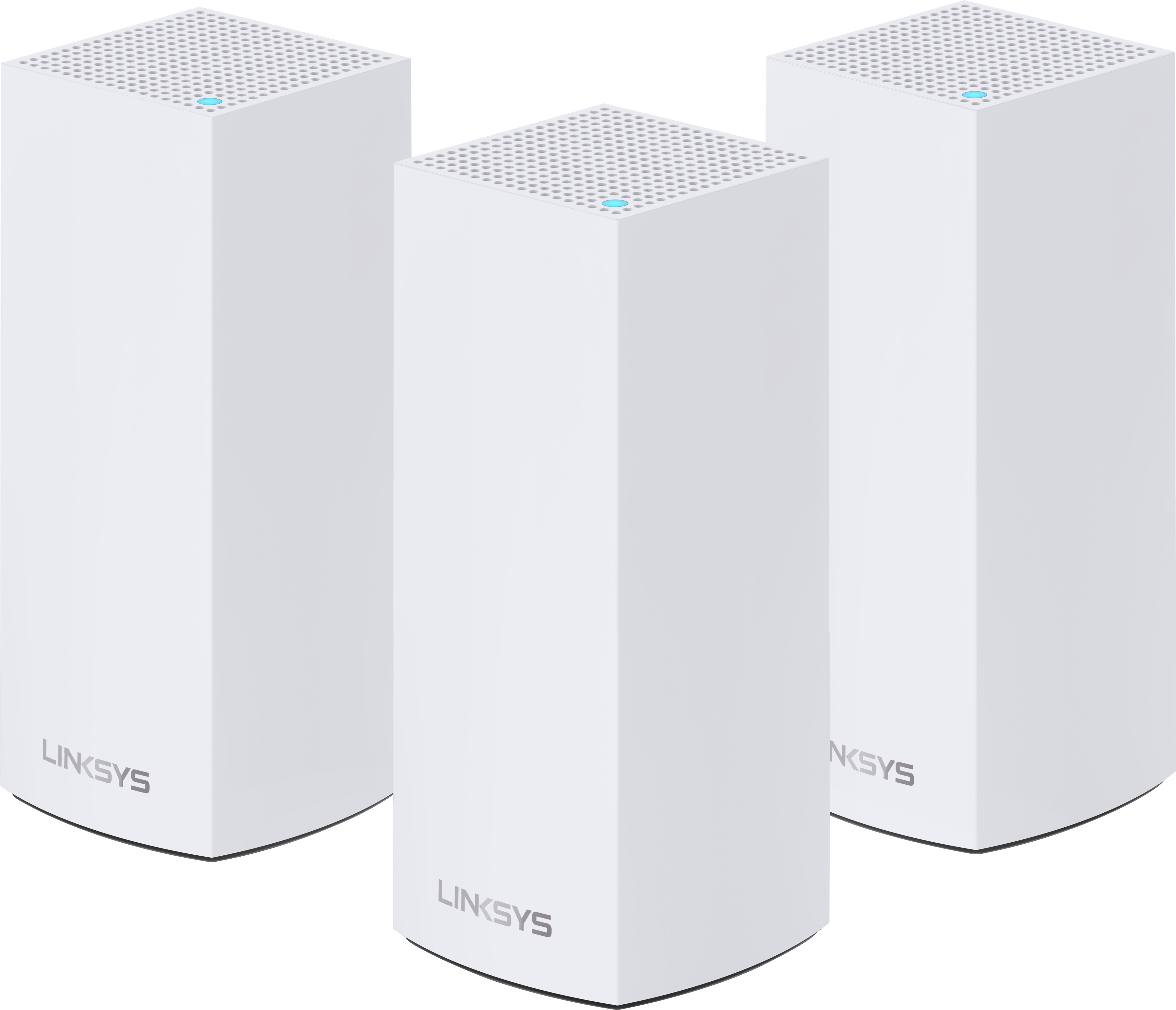


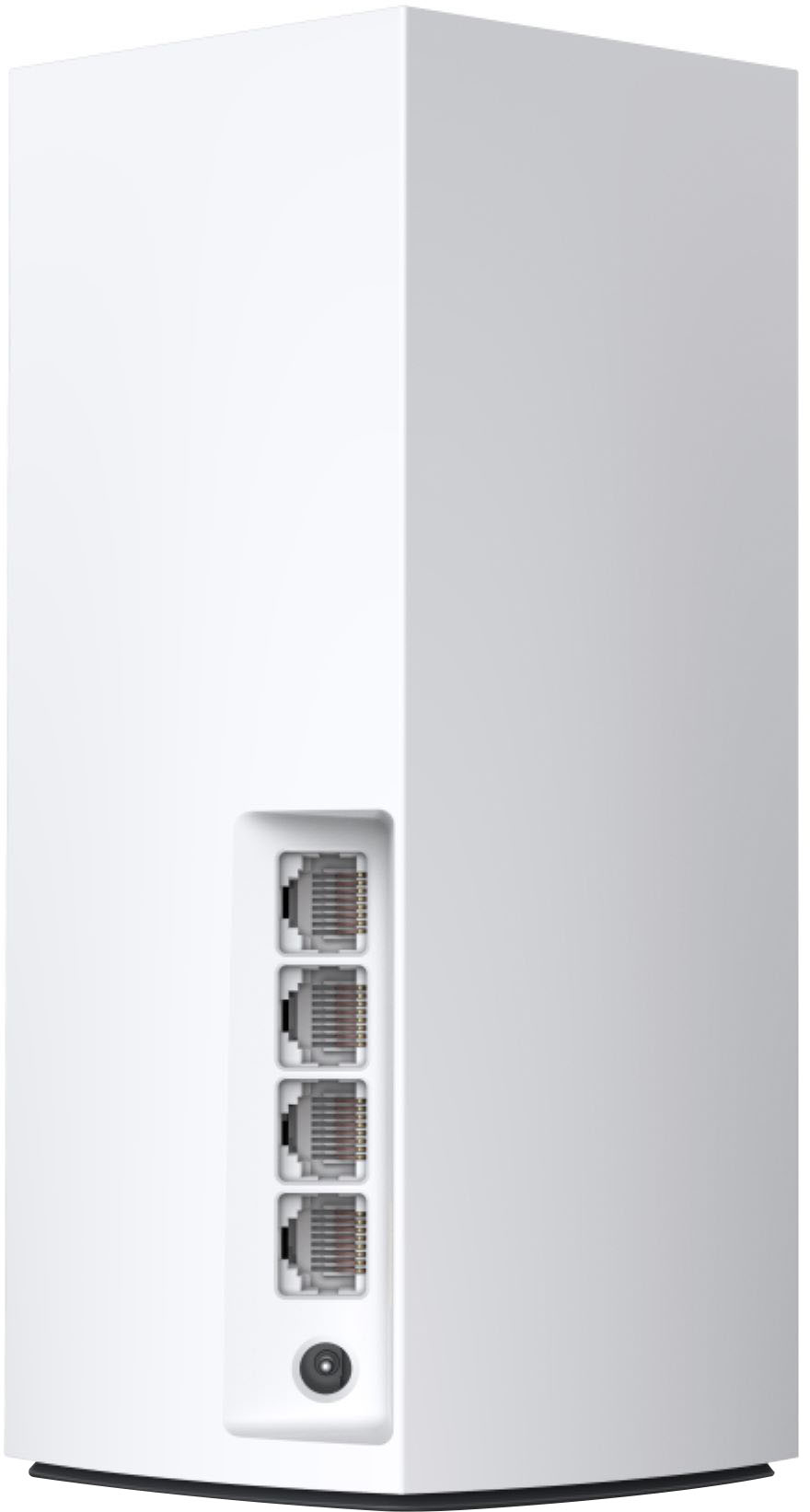
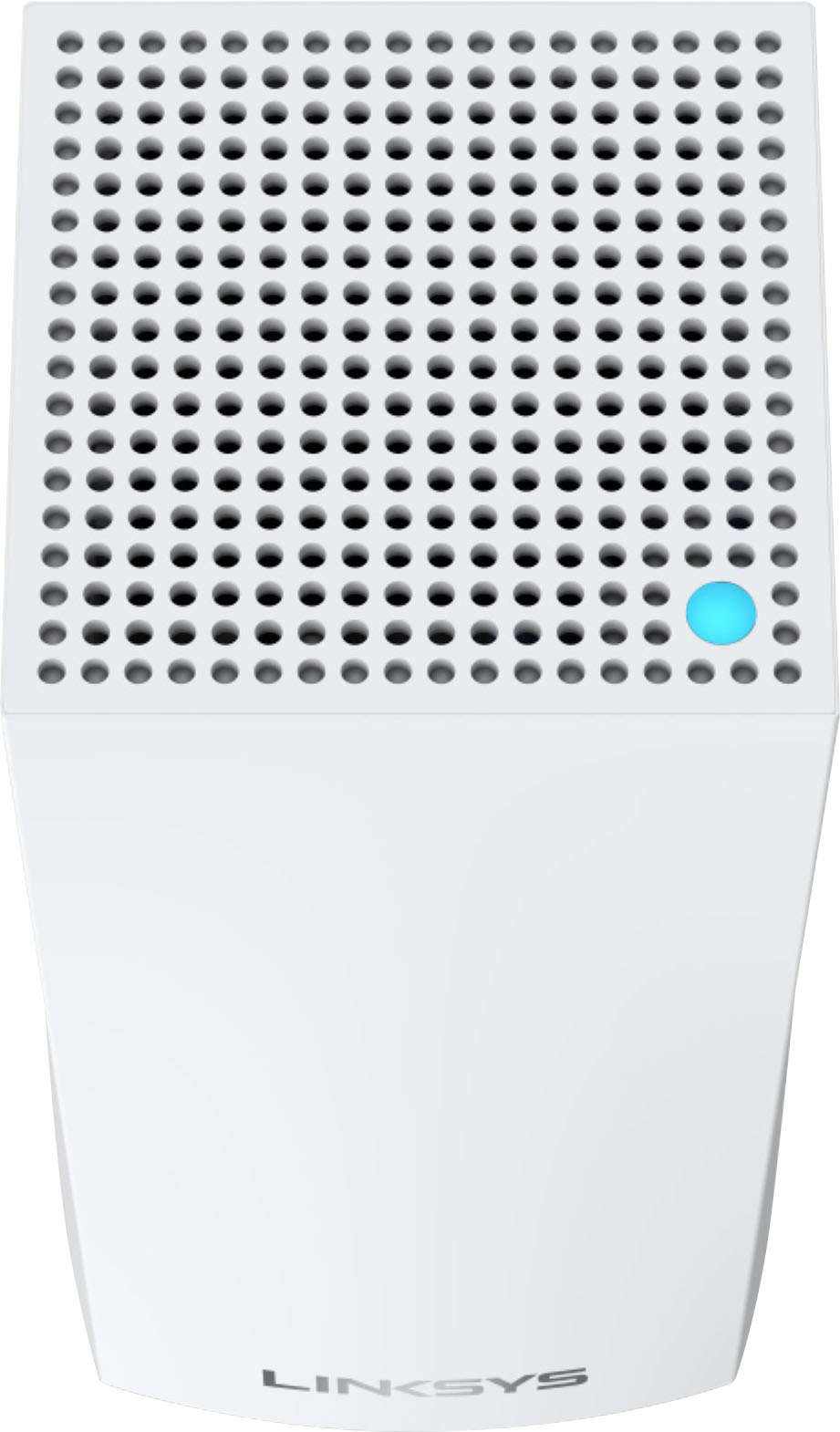
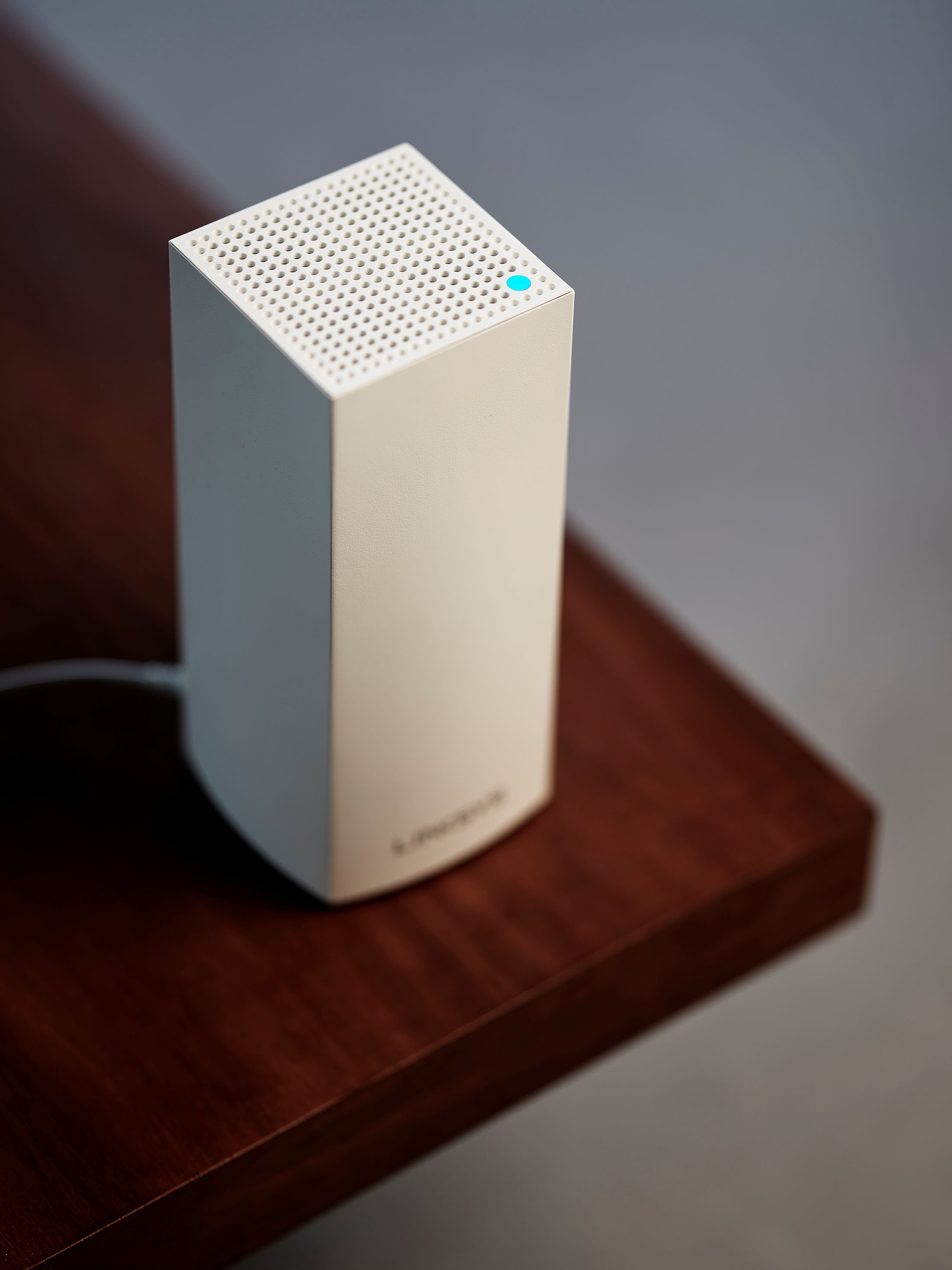
- Model:
- MX55EC3
- SKU:
- 6474691
Rating by feature
- Setup
Rating 4.5 out of 5 stars
- Range
Rating 4.4 out of 5 stars
- Signal Strength
Rating 4.3 out of 5 stars
Customers are saying
Customers love the Atlas Pro AX5300 Wi-Fi 6 System's ease of use, extensive coverage, and strong signal strength, resulting in improved Wi-Fi range and performance. Many appreciate the straightforward setup and the increased number of Ethernet ports. However, some users experienced occasional connection drops and found the app could be improved.
This summary was generated by AI based on customer reviews.
Bad experience
||Posted . Owned for 5 months when reviewed.This reviewer received promo considerations or sweepstakes entry for writing a review.This is the worst system I've ever owned. Devices frequently lose connection, TVs buffering, etc. Linksys tech support is worthless. I bought this as an upgrade from the original Eero pro system and it was FAR better than this, yet like 7yrs old.
No, I would not recommend this to a friendBrand response from Linksys Staff
Posted .Hi there,
This is totally unexpected as we designed the Velop MX55EC3 to provide a dual band connectivity speeds up to a gigabit. Make sure that the connection behind the main modem is stable, use another Ethernet cable in connecting the main node from the modem, relocate, swap the child nodes if connected wirelessly, or check if they are equipped with the latest firmware. Our Escalation Engineers would love to assist and aid in experiencing the best out of the unit. Please drop us an email with your contact details and the link to this review for reference at LinksysCares@linksys.com.
We'll wait for your updates!
Regards,
Carl
Linksys Support
DO NOT WASTE YOUR MONEY
||Posted . Owned for 1 month when reviewed.This reviewer received promo considerations or sweepstakes entry for writing a review.This has been by far the biggest waste of nearly 500.00 I have ever spent. This system is constantly dropping wifi signal. On average 20 times a day I am either restarting this junk or scanning for channels. It has without fail dropped signal every single time I am in the middle of doing something very important, rather it be uploading, downloading, or video conferencing. There is always a reason something is marked down. Always. Now I know why.
No, I would not recommend this to a friendBrand response from Linksys Staff
Posted .Hi WarEagleJim,
We appreciate your sharing your feedback on the Linksys. Let’s have our 2nd Level Support team assist you with the troubleshooting of your router.
You can email us at LinksysCares@linksys.com with the relevant details and the link to this review for our reference. We look forward to hearing from you.
Regards,
Kyla
Linksys Support
Linksys-Atlas Pro AX5300
||Posted .This reviewer received promo considerations or sweepstakes entry for writing a review.Linksys-Atlas Pro AX5300 Wifi 6 System-3-pack does a fair job.
I would recommend this to a friendNot so great Linksys wifi 6
||Posted . Owned for 7 months when reviewed.This reviewer received promo considerations or sweepstakes entry for writing a review.I absolutely love Linksys products...when they're working. I've had this problem with Linksys's wifi packages before. They work great when they're actually working, but too often it requires rebooting. Like, several times a week.
No, I would not recommend this to a friendBrand response from Linksys Staff
Posted .Hi Eric,
We have taken noted of your feedback on the Linksys Atlas Pro. Please make sure that the device is running on the latest firmware to ensure its proper functionality.
Furthermore, let’s have our Product Experts help you isolate this issue. Send us an email at LinksysCares@linksys.com with the link to this post and other relevant info, for our reference.
Regards,
Kyla
Linksys Support
- Cons mentioned:Connection
Go for the Eero instead.
||Posted . Owned for 3 months when reviewed.This reviewer received promo considerations or sweepstakes entry for writing a review.Poor connectivity and poor app support combine for a product that doesn’t stack up to the competition.
No, I would not recommend this to a friendBrand response from Linksys Staff
Posted .Hi, monoply11.
We'd like to discuss this further. Please email us at LinksysCares@linksys.com with your contact details and a link to your post for reference.
Regards,
Linksys Support
Not Worth It
||Posted . Owned for 3 months when reviewed.This reviewer received promo considerations or sweepstakes entry for writing a review.Setup was easy but other than that this item is not very good. The first month it seemed to work well. After that the 2 extra routers constantly disconnect and the whole system has to be reset. The routers are not very far from each other so there shouldn’t be an issue with the range. We have 1 gig fiber internet and this only displays 200-300 mbps on any given speed test. Went back to my old router I got from my internet provider. Too bad I’m passed the return period because this was an expensive set up and now I’m out the money I spent.
No, I would not recommend this to a friendBrand response from Linksys Staff
Posted .Hi, AustinD,
We suggest checking if there are new firmware updates as it’ll greatly help to stabilize the overall performance of the routers. Optimizing the settings may also help to improve the speed and connection. Please get in touch with us at LinksysCares@linksys.com, so we can look further into this and assist you properly. Don’t forget to include the relevant details, your contact information, and a link to this review as a reference.
Regards,
Rosalyn
Linksys Support
Unhappy
||Posted . Owned for 1 week when reviewed.This reviewer received promo considerations or sweepstakes entry for writing a review.Poor speeds. About 7megs slower than my previous mesh. Upgraded because of supposedly stronger Wi-Fi signal. Found to be worse.
No, I would not recommend this to a friendBrand response from Linksys Staff
Posted .Hi,
We've taken note of your feedback. The actual data throughput may depend on your wireless device's WiFi standard, the mix of wireless products used, and other factors such as outdated firmware and the stability of connection from where it is connected to. We suggest checking these factors and giving the system a quick reboot for isolation. Furthermore, our 2nd Level Team is always ready to discuss this with you. Just email LinksysCares@linksys.com with your contact details and the link to your review for reference.
Regards,
Mara
Linksys Support
Absolute garbage
||Posted . Owned for 3 weeks when reviewed.This reviewer received promo considerations or sweepstakes entry for writing a review.My choice to get this router was because Apple sells this system as their only router option. I have many Apple devices so assumed it would be the best option. With Apples private wifi system it kicks me off wifi after only a few minutes of use. I have reset network settings on my phone, iPad etc but in order to forget the device from the router you have to do a factory reset. DO NOT BUY. It took a few weeks to figure out the issue. By then I was outside the return period. Several hundred wasted.
No, I would not recommend this to a friendBrand response from Linksys Staff
Posted .Hi,
We hear you, and we'd like to improve your experience with the product. Please email us at LinksysCares@linksys.com with your contact details and the link to this review. Our Escalation engineers would love to know more about the setback. Hope to hear from you soon!
Regards,
JC
Linksys Support
Limits on MAC addresses in MAC filter
||Posted .This reviewer received promo considerations or sweepstakes entry for writing a review.This system only allows 32 MAC addresses to be included in the MAC address filter. In a Smart Home world where people will have many more WiFi devices that need to connect, this is a severe limit and makes this system virtually useless for a Smart Home.
No, I would not recommend this to a friendRandom node failures
||Posted . Owned for 2 weeks when reviewed.This reviewer received promo considerations or sweepstakes entry for writing a review.Since the 2nd day after installing, the child nodes disconnect from the parent at random times and do not repair the connection with either resetting the entire setup. Linksys support walked me through placement signal testing. Even after adjusting and testing, the issue still occurs randomly. I cannot rely on this product.
No, I would not recommend this to a friendBrand response from Linksys Staff
Posted .Hi, Knovice.
We completely understand how you are feeling as the Linksys MX55EC3 should have stable connection once set up properly. We can always have our Escalation Engineers assist you further with the setback. Email your contact details at LinksysCares@linksys.com and the links to this post for our reference.
Regards,
Rhea
Linksys Support
Soso
||Posted . Owned for 2 months when reviewed.This reviewer received promo considerations or sweepstakes entry for writing a review.Easy to use. But when doing wifi soeed test. I wasnt getting true wifi speeds. Only one third of my plan
No, I would not recommend this to a friendBrand response from Linksys Staff
Posted .Hi, Chris1,
This is totally unexpected as we designed the Linksys MX55EC3 to provide a dual band connectivity speeds up to a gigabit. Make sure that the connection behind the main modem is stable, use another Ethernet cable in connecting the main node from the modem, relocate or swap the child nodes if connected wirelessly, or check if they are equipped with the latest firmware. Our Escalation Engineers would love to assist and aid in experiencing the best out of the unit. Please drop us an email with your contact details and the link to this review for reference at LinksysCares@linksys.com.
Regards,
Carl
Linksys Support
Worse than my free wireless system
||Posted . Owned for less than 1 week when reviewed.This reviewer received promo considerations or sweepstakes entry for writing a review.I setup two of the three nodes. I was hoping to set this up in a three story home. I placed the second node on the floor directly below the first node. After getting both nodes setup, I tested the speed. The speeds were faster with the free wireless aystem that I get from my cable provider than from the Lynksys Atlas pro 6. I’m taking it back.
No, I would not recommend this to a friendBrand response from Linksys Staff
Posted .Hi Mike,
We understand your decision, but we’d be more than glad to provide further assistance. If you still have the Linksys MX or any Linksys devices, please don’t hesitate to reach out to us at LinksysCares@linksys.com with the link to this post and your contact details. Our Escalation Engineers would love to help.
Regards,
JC
Linksys Support

Extremely poor setup experience
|Posted .This reviewer received promo considerations or sweepstakes entry for writing a review.Sitting on my shelf are seven viable wireless router systems from a wide range of brands, including two multi-node mesh systems, all of which I’ve had set up in my home at one time or another. I’ve set up more beyond that, and among all of them, I’ve never come close to matching the horrendous experience I had setting up the Linksys Atlas Pro 6 AX5300. I wasted an utterly ridiculous number of hours stuck in failure loops before I managed to get things working. This may not be indicative of the typical user experience, but keep in mind I have to rate the product based on my personal experience. Because of the problems I encountered during the setup of this process, I would not recommend this product. [ Setup Experience ] I already had a 4-node mesh Wifi system in place, a Velop-enabled Linksys host/master router downstairs with the Internet connection, then 3 mesh child nodes upstairs, one back-hauled over Ethernet to the router downstairs. For my first round of setup, I decided to keep the downstairs router in place and simply replace the child nodes upstairs with the new Atlas Pro 6 nodes. When attempting to add the first child node I was stuck with the setup continually failing at various stages in a loop until I brought the node downstairs within very close proximity to the host router, where then the process succeeded. I moved the node back into its place upstairs, and it was able to connect fine. This first child node is positioned almost directly above the host router downstairs, and I know from testing and experience there should have been a strong signal between these two spots, so I have absolutely no idea what was causing this malfunction. When trying to add the second child node upstairs, I initially had it very close to the first child node. The process failed a few times before succeeding, and I moved it into its normal position. When attempting to add the third and final node upstairs, I simply could not get it to connect regardless of where I positioned it. I had to bring it downstairs next to the host router in order for it to be added successfully. Placing it into its normal position upstairs, it connected fine. When examining the mesh nodes in the Linksys App, at first all nodes were indicated as being ‘connected’ to the host/master router downstairs, which makes me think the setup process was refusing to daisy-chain the wireless connections upstairs causing some of the problems for the second and third node setup. Sometime after connecting the back-haul Ethernet to the first child node upstairs, the second and third child nodes automatically reconfigured to connect to the first (back-hauled) child node instead of the host router downstairs. As if I hadn’t endured enough abuse, I decided to factory reset the third node from upstairs and configure it as a new independent network downstairs. Again, hours went by as I cycled repeatedly through the setup process, with failures apparently happening at every conceivable point along the way, even at the very end where it looked like it had succeeded. I tried different Ethernet cables, different phones, different durations of holding in the reset button for factory resetting the node, and more... everything I could think of, until randomly, as if passing a high difficulty saving throw, it finally succeeded. On another day, I performed a factory reset and independent network setup of the ‘third’ node again, without making any changes, and this time the setup succeeded without a hitch. I didn’t change anything beyond the time of the procedure, so I have no idea what could possibly account for this huge disparity between the two experiences. [ The App ] Though the Linksys app allowed me to add nodes to my existing router ‘offline’ (without a Linksys account), it required me to sign into a Linksys account to configure a new network which strikes me as unfortunate and inappropriate. The ‘Network Management’ section of the app is lackluster. At a minimum, I’d like to see the signal strength of the mesh nodes (which I didn’t see indicated anywhere), how many devices are connected to each node (I can see what each client device connects to in a different screen, but not aggregate per node), and whether back-haul mode is engaged (which is automatic after an Ethernet cable is plugged into the Internet port). The WiFi settings are lacking, with an inability to configure different BSSIDs (names) for the 2.4GHz and 5GHz bands (which is important for some client devices that only support 2.4GHz and get choked up with both bands being under the same name), antenna power, and channel selection. The firmware lacks many other features that can be found in some competing products, such as VPN server, traffic shaping (QoS), bandwidth monitoring, SSH/shell access, and so on. This is worsened by the fact that Linksys, since around the introduction of the Velop line, became hostile to the idea of third-party firmware being put on their devices and removed the option in the web interface to select and upload a firmware image. [ Wireless Performance ] I did some testing of device hand-off between nodes around the house and that worked smoothly. The signal strength over distance outside the house was good, beating out one of my previous mesh systems, but roughly matching another. I left a ping test running on a laptop for about an hour while connected to the farthest node with an interior wall and about 8 feet distance between and managed reliably low latency with no packet loss. I intended to perform iperf network benchmarking, but between the expected turn-around time for this product review and the vast amount of time spent just trying to get the system up and working, I wasn’t able to fit that in. [ Physical Design ] I like that the units are interchangeable, with any being able to act as a master/host, that they all have three available Ethernet ports for devices, and especially all having an ‘Internet’ Ethernet port with back-haul support. Using backhaul support when possible is extremely important for maximizing the overall performance of the mesh system, but this feature isn’t universally available among competing products on the market. Also convenient is a WPS button and a reset button that I can actually press with my finger. The tall and slender shape of the unit reduces table/stand real-estate taken up compared to many other mesh Wifi units. The only downside I can come up with here is the lack of a USB port for mass storage support.
No, I would not recommend this to a friendBrand response from Linksys Staff
Posted .Hi, Gerbil,
We appreciate our sharing a detailed review towards the Atlas Pro 6 WiFi system. Indeed, your setup experience is very inconvenient which is far from how it’s designed. Please know that our Escalation Engineers are always ready to lend you a hand should you encounter another challenge with the nodes. Just tap us anytime at LinksysCares@linksys.com along with the relevant details, your contact information, and a link to this review as our reference.
Regards,
Rosalyn
Linksys Support
- Pros mentioned:Coverage, Speed
Sleek and fast
|Posted .This reviewer received promo considerations or sweepstakes entry for writing a review.First off, I love the sleekness and simplicity of the nodes, or vases. The set up was a piece of cake, using the app and Bluetooth makes it so quick. I have a 2 story home that is 2400 square feet and I have zero connection or speed issues with this system. I have a ton of devices as well, cameras, locks, google speakers everywhere, smoke detectors, computers, switches, appliances, home theater, game systems, cell phones, garage door, irrigation, smart blinds and more, and everything works without a hiccup. So far so good, with no drops, no resetting to restore connection issues, nothing what so ever. I don't do speed tests but I can say everything is as fast as I need and no lagging issues. If you have a larger home or a brick home and have many devices then this is for you. I also like that there are 3 connections on each node for hard wiring to free up wireless points for other devices. Specially when you have a smart home that has tons of devices.
I would recommend this to a friend Linksys - Atlas Pro
||Posted . Owned for 2 months when reviewed.This reviewer received promo considerations or sweepstakes entry for writing a review.This did not work good in my brick house. The signal was weak throughout multiple rooms. This might be set up to be used in newer homes and could possibly work better there. I ended going with the Netgear Nighthawk.
No, I would not recommend this to a friendBrand response from Linksys Staff
Posted .Hi Steele,
We understand your decision, but we’d be more than glad to provide further assistance. If you still have the Linksys MX55EC3, please don’t hesitate to reach out to us at LinksysCares@linksys.com with the link to this post and your contact details. Our Escalation Engineers would love to help.
Regards,
Marie
Linksys Support
Slow...
||Posted . Owned for 2 months when reviewed.This reviewer received promo considerations or sweepstakes entry for writing a review.Slow. Slow. Slow. Drops devices routinely. Slow. App isn't that useful, nor is the web based dashboard.
No, I would not recommend this to a friendBrand response from Linksys Staff
Posted .Hi, CurtP.
We appreciate your time spent writing the review. We regret hearing about your negative experience with the Linksys Atlas Pro system. As long as it has a stable internet connection and is properly configured, this is not expected behavior. Once the system is up and running, the Linksys App and web UI should be up and running as well. Please try rebooting the system, checking the Ethernet cable, and ensuring you have the most recent Linksys App version. Furthermore, our 2nd Level Team is always available to help you. You can send us an email at LinksysCares@linksys.com with the link to your review for our records.
Regards,
Mara
Linksys Support
Confused
||Posted .This reviewer received promo considerations or sweepstakes entry for writing a review.I can’t get them to work!!!!!!!!!!!!!!!!!!!!!!!!!!!! Please help!!!!!!!!!!!!!!!!!!!!!!
No, I would not recommend this to a friendBrand response from Linksys Staff
Posted .Hi.
We'd like to look into this further. Email us at LinksysCares@linksys.com with your contact details and a link to your post for reference.
Linksys Support
I DONT LIKE
||Posted . Owned for 6 months when reviewed.This reviewer received promo considerations or sweepstakes entry for writing a review.I COULD NOT CONNECT IT TO MY NETWORK IT IS EXTREMELY DIFFICULT. DONT WORK FOR ME
No, I would not recommend this to a friendBrand response from Linksys Staff
Posted .Hi, Case,
We got you on this, and our Escalation Engineers would love to hear more about the setback. Just send us an email at LinksysCares@linksys.com with your contact details and the link to this review. Hope to hear from you soon!
Regards,
JC
Linksys Support
Bad/spotty service
||Posted . Owned for 1 month when reviewed.This reviewer received promo considerations or sweepstakes entry for writing a review.Garbage. Poor quality service with a large price tag.
No, I would not recommend this to a friend- Pros mentioned:Setup, Speed
One of the best
Posted .This reviewer received promo considerations or sweepstakes entry for writing a review.I got these to replace my older first gen Linksys Velop model. I have been extremely happy to say the least since setting these up. I pay for gigabit speeds with FiOS and was experiencing speeds as low as 100up/100down with very high ping. These came in and completely turned it around and now I'm back to 1000/1000 speeds with sub-10 ping (varies with location in relation to server). Setup was VERY easy, I completed setup for all three nodes in 15 minutes. PRO TIP: New users should create a profile on the Linksys app BEFORE doing first time setup. During first time setup, the app stops your progress to create one, if you've already done this, you just sign in and continue from that point with not much of an interruption. Would reccomend to ANYONE who streams, games, or uses the internet more than the average person.
I would recommend this to a friend