Customer Ratings & Reviews
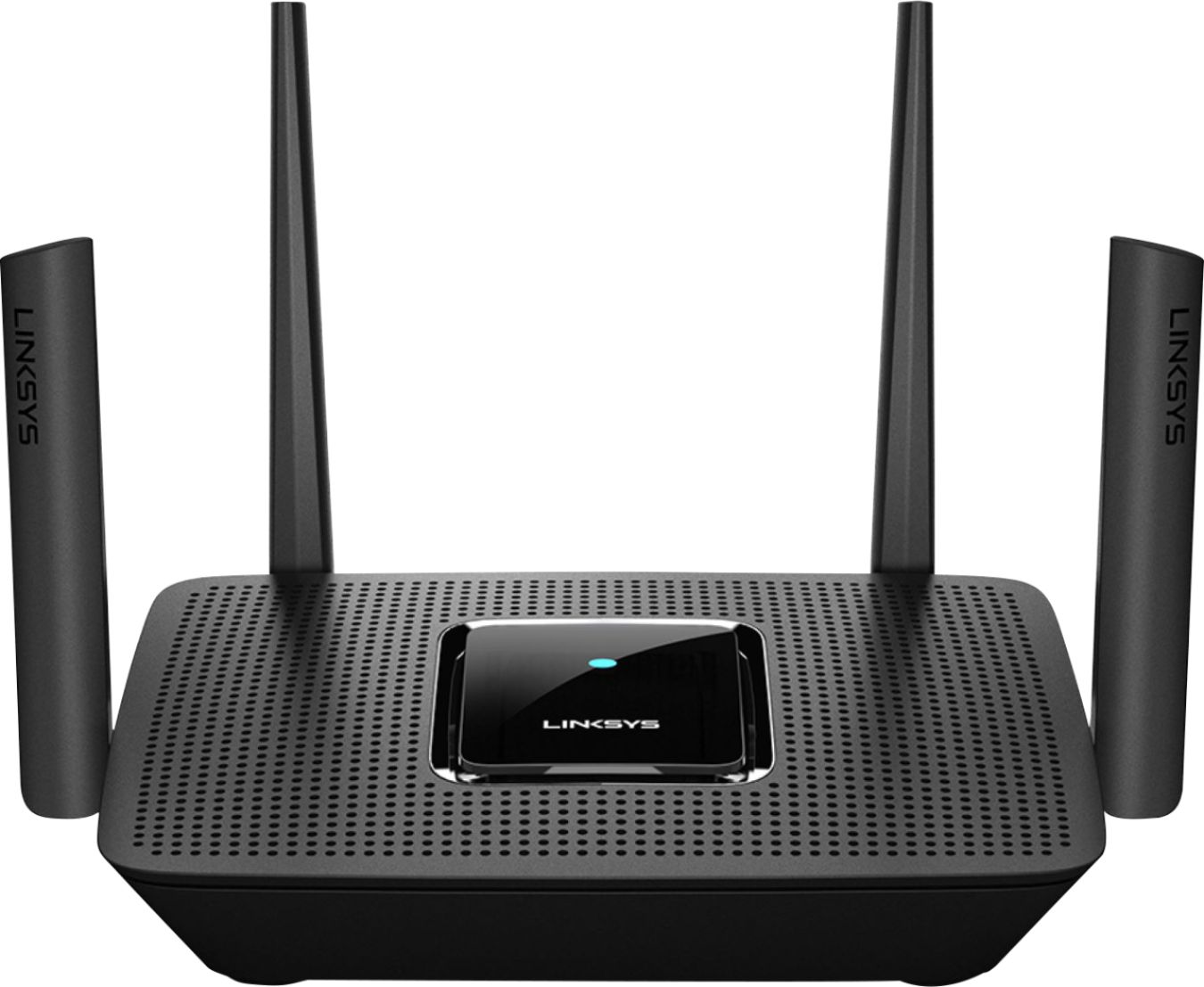
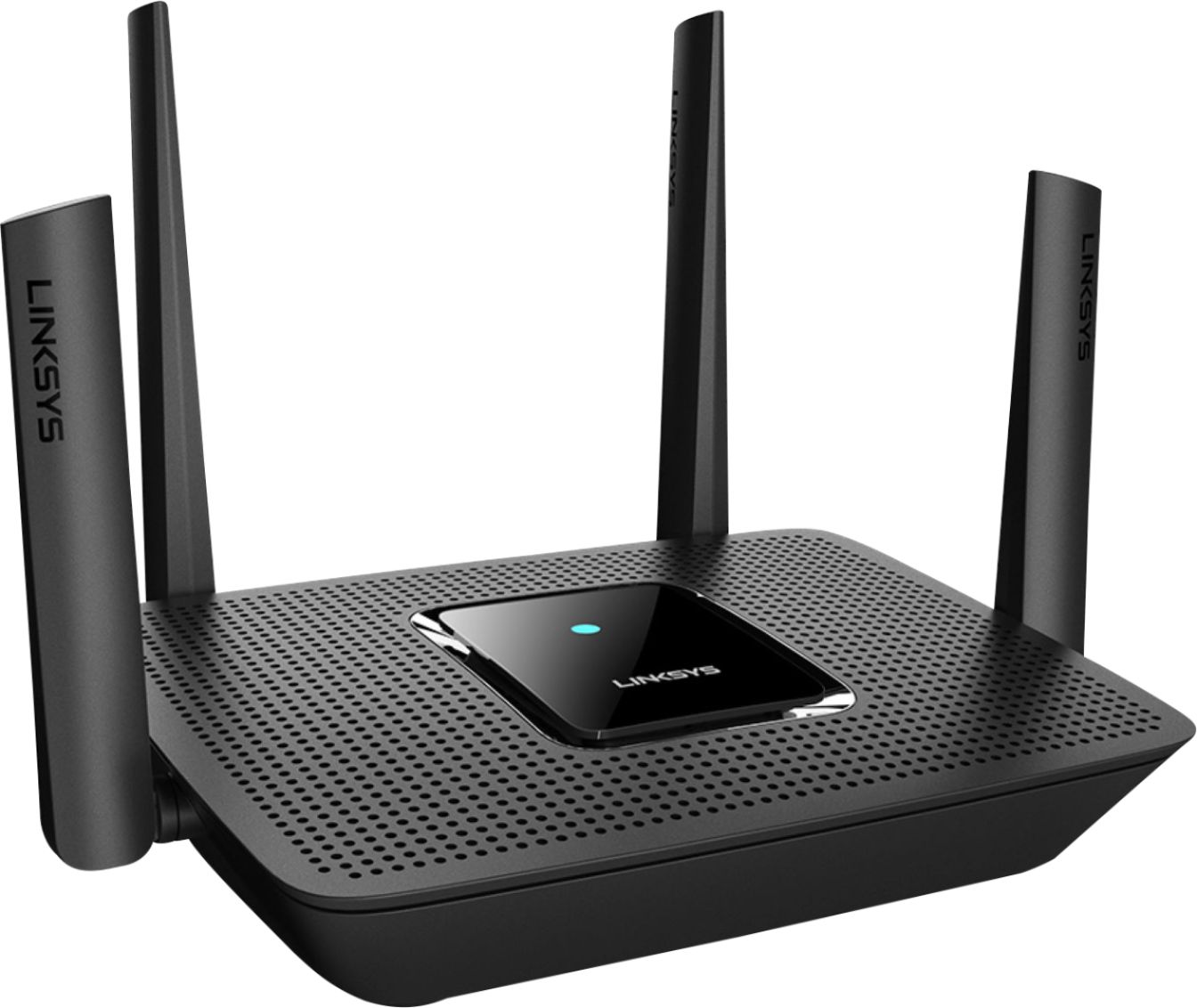
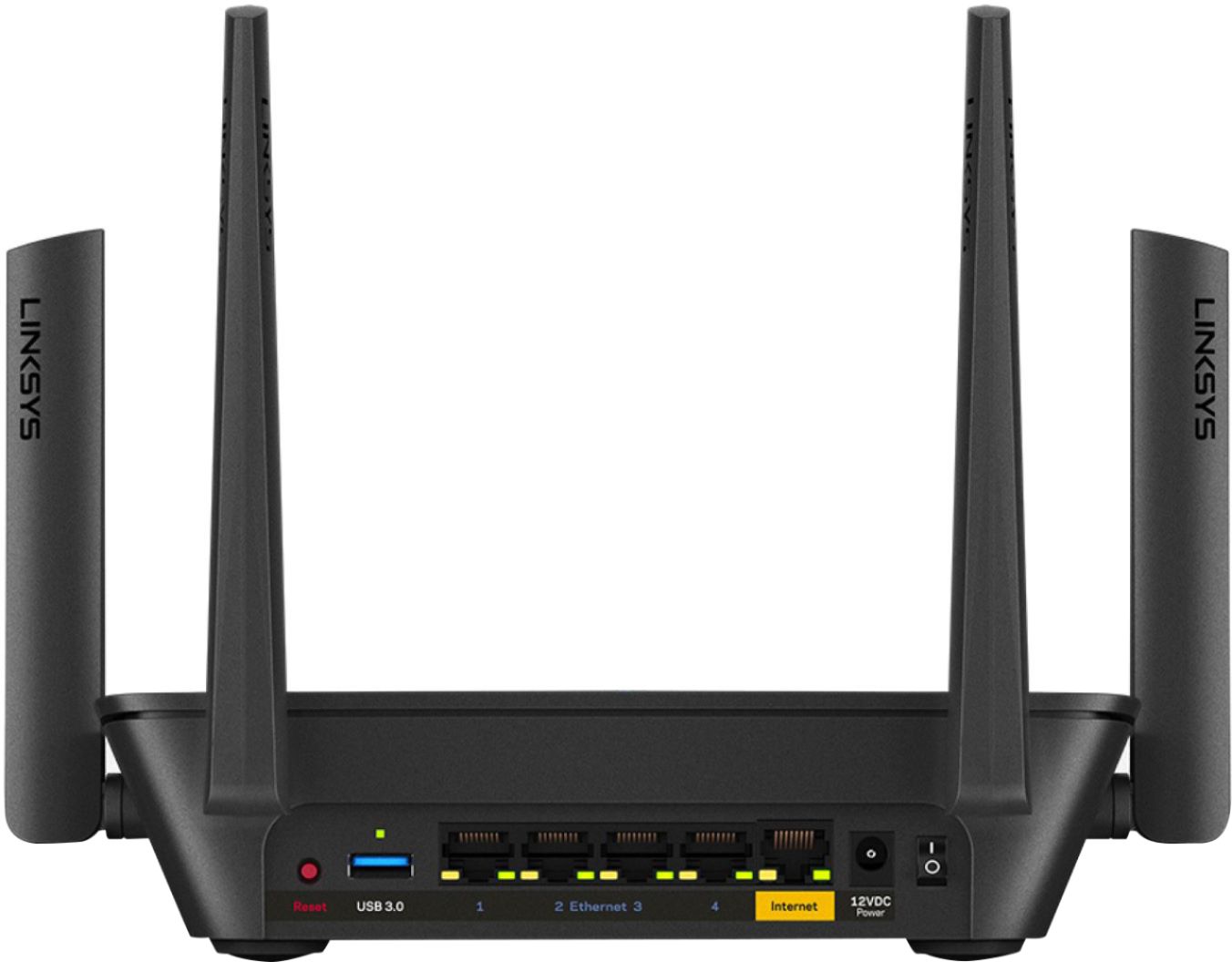
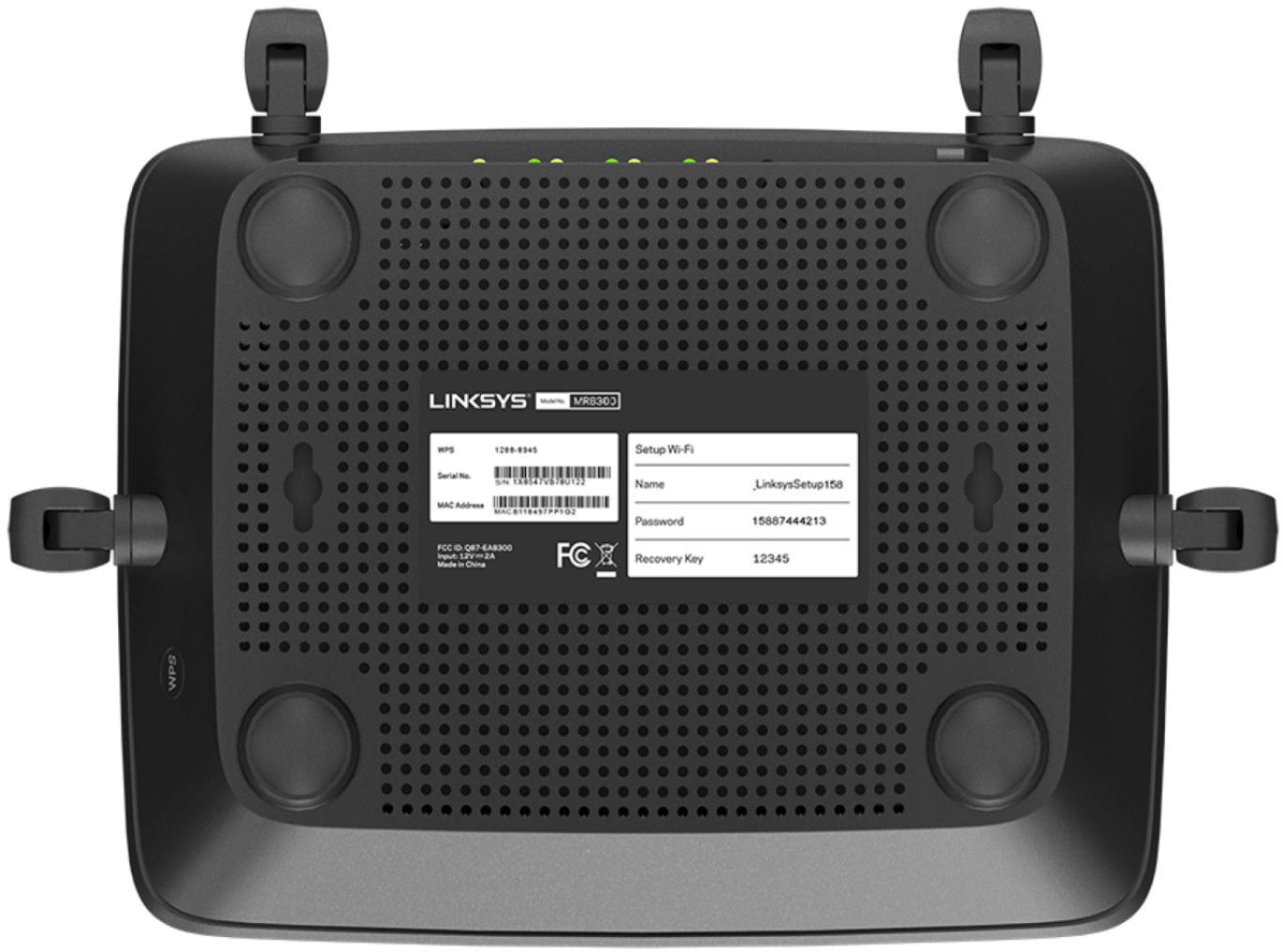


- Model:
- MR9000
- SKU:
- 6370647
Rating by feature
- Setup
Rating 4.6 out of 5 stars
- Range
Rating 4.6 out of 5 stars
- Signal Strength
Rating 4.7 out of 5 stars
Customers are saying
Customers have good things to say about the Max-Stream AC3000 Tri-Band Mesh Wi-Fi 5 Router's ease of use, performance, and range. Many appreciate the straightforward setup and reliable signal strength, with positive feedback also given to the app for managing the router. However, some users experienced connection issues and occasional lag. A few comments mentioned the router's size, with some finding it unexpectedly large or small.
This summary was generated by AI based on customer reviews.
- Cons mentioned:Connection
Absolutely waste of time and money!
||Posted . Owned for 1 month when reviewed.This reviewer received promo considerations or sweepstakes entry for writing a review.I was trying to upgrade my current Linksys equipment thinking is going to be faster and better. However, it turned to be a nightmare the router kept cutting out and reconnecting for no reason every 3-4 hours for about 30-60 seconds. (annoying when working) I called support many times and they kept saying is the Internet provider issue which was totally not true because I reinstalled the old equipment and its working perfectly. I would not recommend it.
No, I would not recommend this to a friendBrand response from Linksys Staff
Posted .Hi,
The Linksys MR9000 delivers WiFi speed up to 400 (2.4GHz) + 867 (5GHz) + 1733 (5GHz) Mbps, and up to 3,000 sq ft of WiFi coverage. However, we would like to investigate your support experience, and we'll have our Escalation Engineers assist you further. You can reach out to us at LinksysCares@linksys.com, and share your case number or phone number with the link to this review for our reference.
Regards,
Jan
Linksys Support
AC3000 Wi-Fi router as a repeater
||Posted . Owned for 1 month when reviewed.This reviewer received promo considerations or sweepstakes entry for writing a review.Sort of ok. I am using it as a repeater from my high-speed modem. The packaging implied that it would work, but it took a bit of effort and was not much better than the modem alone...
No, I would not recommend this to a friendBrand response from Linksys Staff
Posted .Hi, Chris12,
The Linksys MR9000 Mesh WiFi 5 Router in bridge mode should extend your existing network and allows you to connect more devices via Ethernet cable. You can try to swap the Ethernet cable between the modem and router for isolation.
For further assistance, feel free to reach out to us at [email protected] with the link to this review for our reference.
Regards,
Jan
Linksys Support
Really want to like it.
||Posted . Owned for 3 months when reviewed.This reviewer received promo considerations or sweepstakes entry for writing a review.Setup was simple, when you’re close to it it’s great, the further away you get the worse it is. I hate Fios equipment so I bought this to bypass it and unfortunately it has not met my expectations.
I would recommend this to a friendBrand response from Linksys Staff
Posted .Hi Ipeeontress,
We regret to hear that the unit did not work as expected. Allow us to check this out further and provide diagnosis with the help of our Escalation Engineers. With the link to this review and your contact details, please send us an email at [email protected] so they can lend you a hand on this matter. Indicate a small but brief description of your network topology when you reach out.
Regards,
Carl
Linksys Support
Too many dead spots for expensive router
||Posted . Owned for 1 year when reviewed.This reviewer received promo considerations or sweepstakes entry for writing a review.Bought this expensive router becuz my old router gave me “dead spots” on our 2nd floor. However, this new expensive router, also gave me the same “dead spots” as my old router. I want to return it, but it’s outside Best Buy 2 week return period. My house is not metal or brick, it’s some wood and drywall, a average sized 3 bedroom home. And my new expensive router can’t get thru. Maybe I need to buy even more expensive one, idk.
No, I would not recommend this to a friendBrand response from Linksys Staff
Posted .Hi David,
Thank you for the feedback. The router's actual performance may vary from the network capacity, data rate, range, and coverage. We have to make sure that the connection from the source is stable, the router is properly configured, running on the latest firmware, and is in a strategic location away from large objects and other wireless devices. Furthermore, email LinksysCares@linksys.com with the link to this post and we'll have our 2nd Level Team assist you.
Regards,
Mara
Linksys Support
- Pros mentioned:Speed

Fast router with mesh support
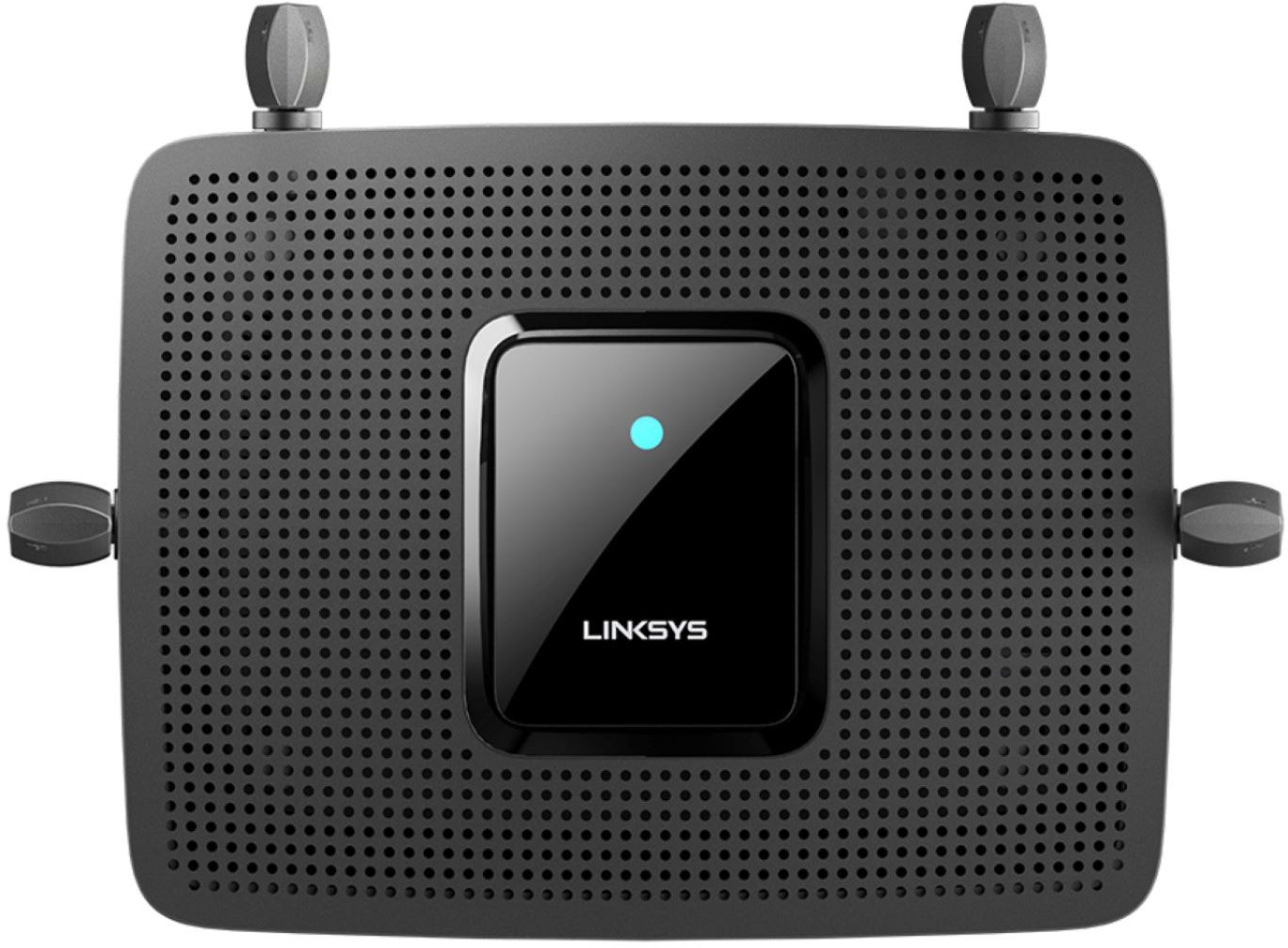
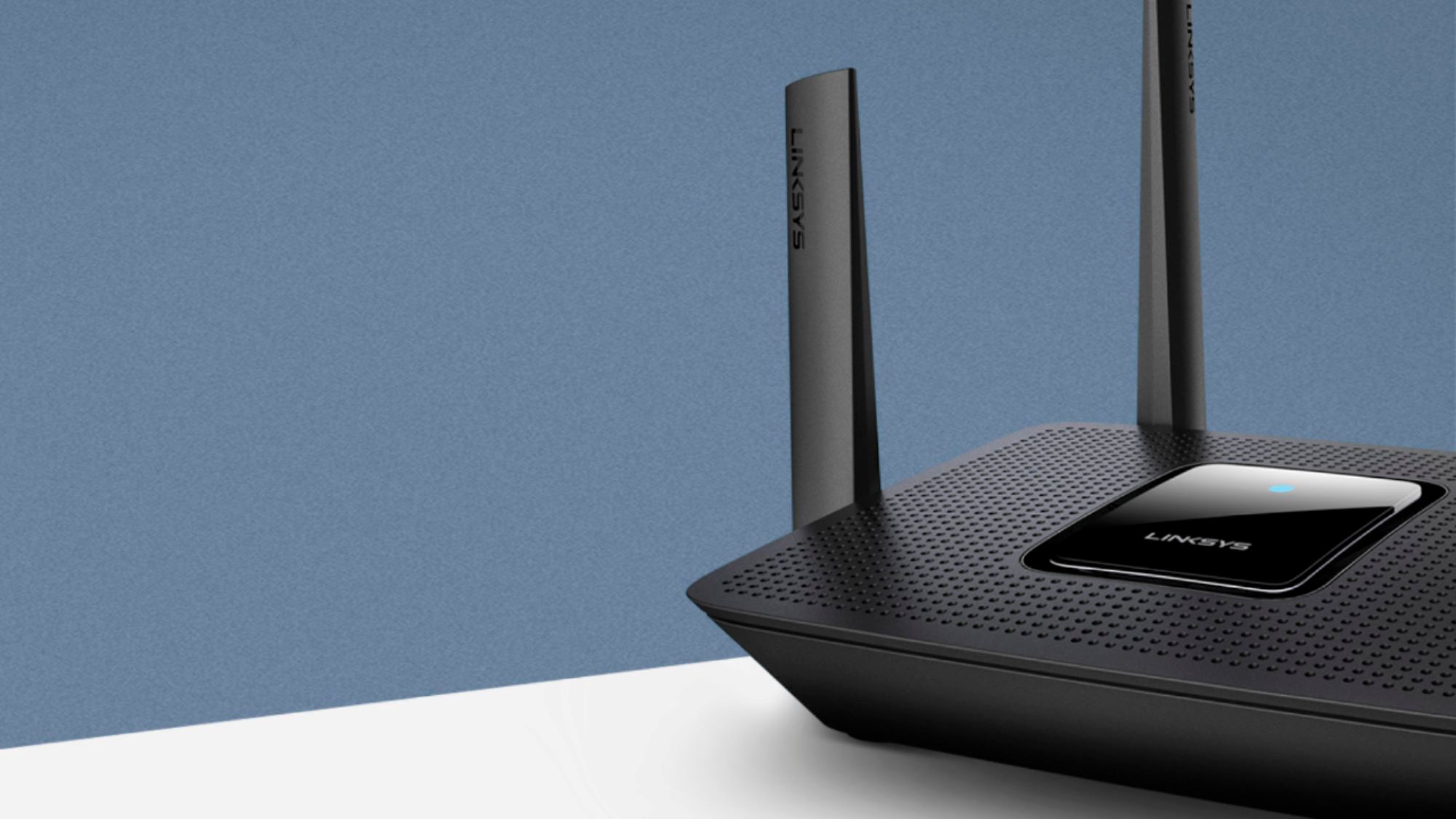
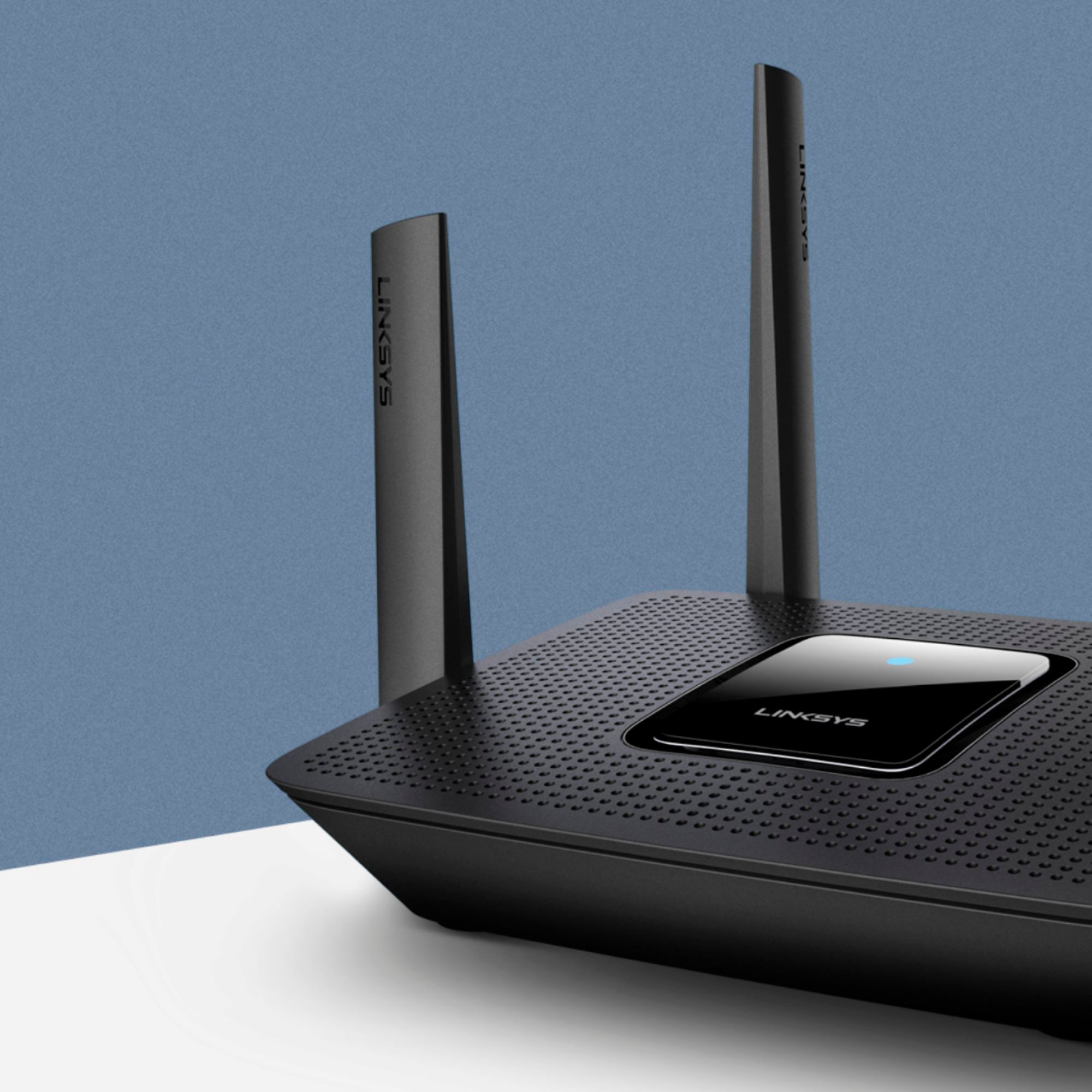
|Posted .This reviewer received promo considerations or sweepstakes entry for writing a review.This Linksys MR9000 is the upgraded version of the MR8300 which was already a fantastic router/mesh system. The 8300 was a AC2200 and this model is a AC3000 so the difference here is the overall added up speed. Visually the only difference is that the two antennas in the back are a bit taller on this newer model. Other than that they look identical. Software from what I can tell is also identical. What makes these specific MR models special is that they are a true home router that also supports Mesh. If you need more area coverage you can just connect up a Velop mesh nodes to the router for better coverage. So basically it becomes a modular system that you can add onto if needed. And if your not sure just get the router and add on later if needed. I personally didn't find the need to add any nodes do to the router already having great coverage. Below are a list of pros and cons based on my personal experience and usage. Pros: Has 4 external antennas Tri band and MU-MIMO Supports Velop mesh nodes for even better coverage Great area coverage for both 2.4 and 5 GHz Great wifi speeds Can use the mobile app or web browser to configure Nice overall size 4 ethernet ports and they are all gigabit 1 usb3 interface Firmware auto updating Cons: You cannot manually configure the which channel to use for both 2.4 and 5 GHz. The app can scan and change if it feels its needs to due to interference but there is no way of manually setting which channels to use. You cannot disable specific frequencies. For example if I wanted to disable 2.4 all together or maybe just disable wireless G so it only uses N I cannot do this. Firmware doesn't allow this. It has a usb3 port on the back but as of the time of writing this it is not yet functional. If you manually configure from the web interface you have to login with the mobile app to get the light on the top to change from purple to blue. I have a LOT of devices connected to this thing and I've been throwing a LOT at. HD/UHD streaming, gaming, mobile devices, desktops, laptops, robot vacuums, smart home devices, etc. It hasn't failed me at all so looks to be very solid in terms of stability. As for speed I've been running some tests on different devices and I'm seeing great speeds for both single band and dual band devices on both frequencies. This router has officially replaced and become my main home router.
I would recommend this to a friend - Pros mentioned:Performance
Online NEED
||Posted . Owned for 1 month when reviewed.This reviewer received promo considerations or sweepstakes entry for writing a review.In today's world where most things are going electronic, you NEED a solid router to share your internet connection with multiple devices. I got caught using a low-grade, cost-efficient device that was not able to support all the devices I had in my small home. SO I went to Best Buy and purchased this one at a still decent price, and I now am able to use ALL of my devices very well!
I would recommend this to a friend - Pros mentioned:Ease of use, Speed
Fast router with capability of expansion
|Posted .This reviewer received promo considerations or sweepstakes entry for writing a review.I've owned Linksys products, including routers, before and have always liked them. This router was very easy to set up, though it requires you have use the Linksys app on your smartphone. If you don't have a smartphone, I'm assuming you won't want to get this router. That said, the app made setup very quick and easy. Speed is very good, much better than my old router. Though I was able to use my old router in bridge mode to use as an access point to make my wireless signal go further through the house. Linksys makes "nodes" that are compatible with this router to spread around your house to make your signal stronger (good for large houses and/or multilevel houses).
I would recommend this to a friend Average router- did not speed up things
||Posted .This reviewer received promo considerations or sweepstakes entry for writing a review.I expected it to be faster and better than Linksys EA 7300. But no difference and hence to return. Setting up was easy. Disappointed with performance-
No, I would not recommend this to a friend- Pros mentioned:Performance, Range, Setup
Best WiFi Router I've ever owned!
|Posted .This reviewer received promo considerations or sweepstakes entry for writing a review.Setup was real easy following one page setup guide. Download the Linksys app and it walks you through the setup process, naming your WiFi connections and setting your password. Performance is excellent! I no longer have dropped connections and no dead spots in the 2000 sqft house. Have connection out to the end of the driveway. will put the range to the test when we move to a 3000 sqft house. I'm sure it will have excellent coverage and the fact that you can expand the range with velop nodes. This is a WiFi router that will grow with you. Handles all our WiFi devices with ease. 4 cell phones, laptops, tablets, iPads, and many Amazon Firesticks and cube streaming.
I would recommend this to a friend - Pros mentioned:Speed
Simple, fast, router with very detailed controls
|Posted .This reviewer received promo considerations or sweepstakes entry for writing a review.I have been testing the Linksys - Max-Stream AC3000 Tri-Band Mesh Wi-Fi Router – Black and so far I am very pleased with the results. I have owned several Linksys routers and wi-fi extenders and have always found them to be top-notch systems. This is no exception. The box includes the router, a communication cable, the antennas (to be attached to the router) and a power cord, along with a ‘manual’ that basically covers the connections. The set up from there can be as simple or detailed as you’d like it to be. Like virtually everything now you must have the app downloaded on your phone or a local tablet in order to get the router running. Linksys claims very proudly their system works with any internet provider. I have AT&T, which is famous for only having proprietary routers and not working well with others. I’m happy to say that, so long as you have the ‘bridge’ feature activated on your AT&T router, you’ll have no issues with the Linksys router. I set this up as a ‘gaming’ exclusive router for my office use, and have it set up to limit the devices that can connect to it and have some of Linksys higher security features activated as well. Having owned many other Linksys products, I have had their app for a while. Like most of their products set up is a breeze. The app walks you through it, and should detect your router right away so long as it’s plugged in. The app then walks you through the set up from there. You can be connected in five minutes out of the box if you’ve owned Linksys before, and only a few minutes more than that if you haven’t (however long it takes you to download the app and set up an account basically). You can be very basic or detailed with your set up, and you can adjust your settings in seconds anytime from anywhere with the app. I don’t know much about the technology involved, but I get very fast speeds on every device I’ve connected so far. I keep the number of connections limited so the speed is mainly reserved for gaming. My ping is extremely low on every game I’ve played. Linksys claims the net technology is future-proofed—this has proven to be true with older devices I’ve used, so I imagine it will be true here. The security features and parental controls are nice—and included, when there are several devices out now that charge extra for what the Linksys can do automatically and with very little effort and no extra cost. The parental controls include controlling screen time (“schedule a pause” on the app) and blocking specific websites—both are very easy to do with the app. You can also prioritize your devices for speed (very cool for gamers, or for streaming 4k content to a TV), and you can turn ‘guest access’ to your router on or off with a toggle on the app. There is also a WPS connection mode, which is the easiest way to connect enabled devices (basically one button push on each device). The claim is coverage up to 3000 square feet—my home isn’t that large, but I’ve been able to connect to it in my yard with a surprisingly strong connection—though it fades fast the farther away I get. You can also use this with a Linksys Velop mesh node extender for even farther coverage. Linksys has delivered another technologically advanced yet incredibly simple to use router. Highly recommended.
I would recommend this to a friend - Pros mentioned:Ease of use, Range, Speed
Super Easy Set Up
|Posted .This reviewer received promo considerations or sweepstakes entry for writing a review.Set up is through the Linksys app on your smart phone. Downloading the app and creating the account took more time than setting up the device did. It provides great range, but if you need a bit more it is easily expandable with the VELOP mesh system which we have previously used. Speeds received were as advertised from our ISP. Range was adequate for our 4 bedroom home. No dead spots that I found so far. Through the Linksys app you can pause or enable the network to certain devices and restrict specific websites. The only thing that would make it better would be an easy way to filter types of sites (adult, etc.) rather than specific ones.
I would recommend this to a friend No USB support? Why?
||Posted . Owned for 2 months when reviewed.This reviewer received promo considerations or sweepstakes entry for writing a review.This is a strange product. It’s fine as a WiFi router, but it does the job as well as products have this price. Also, it’s fairly standard to allow external hard drives or printers to be attached via usb for network access. However, this product simply skips usb support when products further down their product line support this. Strange choice.
No, I would not recommend this to a friendBrand response from Linksys Staff
Posted .Hi, Brick,
We understand where you’re coming from. However, the USB port is for future use. Feel free to drop us a word or two at [email protected] should the need arise. We’d be glad to give you a hand.
Regards,
Rosalyn
Linksys Support
Not Worth My Money
||Posted . Owned for 1 month when reviewed.This reviewer received promo considerations or sweepstakes entry for writing a review.Router, to me was difficult to setup. Then I could create static IPs for my wired equipment. Returned and got a Netgear.
No, I would not recommend this to a friendBrand response from Linksys Staff
Posted .Hi,
Setting up the Linksys MR9000 Mesh WiFi 5 Router should be simple using an Android or iOS device. But, we could have tried to set up the router by hardwiring a computer to one of its Ethernet ports.
If you need assistance with other Linksys devices, feel free to reach out to us at [email protected] with the link to this review for our reference.
Regards,
Jan
Linksys Support
- Pros mentioned:RangeCons mentioned:Connection
Solid Mesh Router. Expand Your Network
|Posted .This reviewer received promo considerations or sweepstakes entry for writing a review.I’ve been using Linksys routers for nearly 20 years. Along the way I’ve tried a few from their competitors but I’ve always returned to Linksys due to their exceptional quality and performance. For the last few years I’ve been using the Linksys Velop mesh router system which blankets my home with a WiFi signal. In an effort to even further improve my home network I got the Linksys MR9000 AC3000 Max-Stream Tri-Band mesh WiFi 5 router with MU-MIMO support. What’s that all mean? Well summed up tri-band means that there are basically 3 lanes for your WiFi traffic and MU-MIMO means multiple users can effectively access solid router connectivity without congestion. Combined the two make for a very strong connection that supports lots of devices at once. Unboxing the MR9000 was simple. Included is the router, power adapter, ethernet cable, and setup guide. The guide simply directs you to download the Linksys app to start setup. Here you can setup the MR9000 as a regular router but the MR9000 supports mesh technology setup too. Here I opted for the mesh setup which would add the MR9000 as an additional mode to my Velop system. Upon powering on the router the light on top glowed pink meaning that it was ready for setup. Within the app I simply selected add a node. The process of adding the router as a node began and took several minutes. The pink light started flashing to denote that setup was in progress. The light briefly turned red and then flashed blue. It next appeared that the router was restarting and once complete the light turned solid blue and the app showed that the MR9000 was connected. Here the app also lets you know if the location of the router is ideal in relation to your other nodes. This is great to make sure that you have the best network coverage. Setup took approximately 10 minutes and I was up and running. The MR9000 supports coverage for up to 3,000 square feet and can support 25+ devices. My house was previously a commercial space with thicker than average wall and floor construction. I also have nearly 30 devices connected to my network throughout my home. As a result I would at times experience less than ideal connectivity in some more distant rooms. This can be frustrating when trying for instance to stream content to only have it sometimes buffer. The addition of the MR9000 quickly solved this frustrating issue. The MR9000 effectively improved the range and connectivity of my network. Highly recommended.
I would recommend this to a friend I don’t recommend this router
||Posted .This reviewer received promo considerations or sweepstakes entry for writing a review.Even though is supposed to be very fast is not what you get when you install this router
No, I would not recommend this to a friendBrand response from Linksys Staff
Posted .Hi, Eddy.
Keeping the router's firmware updated May help in resolving the issue. Also, check if you are getting a stable connection from your ISP. Please send us an email at LinksysCares@linksys.com with your contact details and a link to your post for our reference.
Regards,
Linksys Support
- Cons mentioned:Lag
Works great then locks up
||Posted . Owned for 2 months when reviewed.This reviewer received promo considerations or sweepstakes entry for writing a review.Easy install, worked awesome. No lag with multiple devises streaming. After a week it locked up. Had to restart and worked great for another week and then same thing. It locks up and I have to restart.
No, I would not recommend this to a friendBrand response from Linksys Staff
Posted .Hi, rayala3,
The Linksys MR9000 should be stable if the firmware is updated. You can try to update its firmware and see if the same issue occurs. Let us know the result at [email protected], with the link to this review for our reference and we'll provide further assistance.
Regards,
Jan
Linksys Support
Worked for a short time
||Posted . Owned for 2 weeks when reviewed.This reviewer received promo considerations or sweepstakes entry for writing a review.Worked for a short time the it had to be reset twice a day. Tech support was non existent due to corona virus.
No, I would not recommend this to a friendFrustration
||Posted . Owned for less than 1 week when reviewed.This reviewer received promo considerations or sweepstakes entry for writing a review.Have wasted most of my Sunday on phone to Linksys tech support getting my 3 velop nodes working. I only bought this brand of router as I was replacing an older model and already had the three velop nodes. I should have tossed them all out and returned the router to the store and purchased a Netgear router but already had too much invested with this Linksys lousy equipment. this type of installation should be seamless but Linksys software made it difficult at best. App kept crashing on my phone and still took hours on laptop talking to tech support to get it going at all. Next time I need networking gear, it's good bye Linksys. it's 2021 but felt like trying to get a network going in 1980 with a phone modem.
No, I would not recommend this to a friendBrand response from Linksys Staff
Posted .Hi, Earthone,
We'd like to investigate on your case as well as the issues that you encounter with the Linksys MR9000 by sharing it with to our email at LinksysCares@linksys.com with your case number or phone number and the link of this review, for reference.
Regards,
Elyza
Linksys Support
Worked good for 6 months
||Posted . Owned for 6 months when reviewed.This reviewer received promo considerations or sweepstakes entry for writing a review.Bought this back in Sept. I work from home so I need a fast and reliable router. Last few days I have had to reset the router, even do a factory reset. Was only getting minimal wireless speeds. At first thought it was just my cable modem but turned out to be my router. Hooked up my old linksys router, and all is well.
No, I would not recommend this to a friendBrand response from Linksys Staff
Posted .Hello, NeoTrader,
We appreciate the time in writing us a review. Please make sure that the firmware of the device is up to date to optimize its performance. We can also try changing the Wireless Channels and check if the issue is still the same. Our Escalation Engineers would be more than willing to further check the device. Please email us at LinksysCares@linksys.com with your contact details and the link to this post.
Regards,
Gregory
Linisys Support
returned as we found something better
||Posted . Owned for 3 weeks when reviewed.This reviewer received promo considerations or sweepstakes entry for writing a review.bought it on advise from one of the store reps. did not like it had to return!
No, I would not recommend this to a friendBrand response from Linksys Staff
Posted .Hi, almalena,
The Linksys MR9000 Mesh WiFi 5 Router provides a high-speed connection to multiple devices simultaneously and Wi-Fi coverage of up to 3,000 sq ft. However, if you need assistance with other Linksys devices, feel free to reach out to us at LinksysCares@linksys.com with the link to this review for our reference.
Regards,
Jan
Linksys Support