Customer Ratings & Reviews
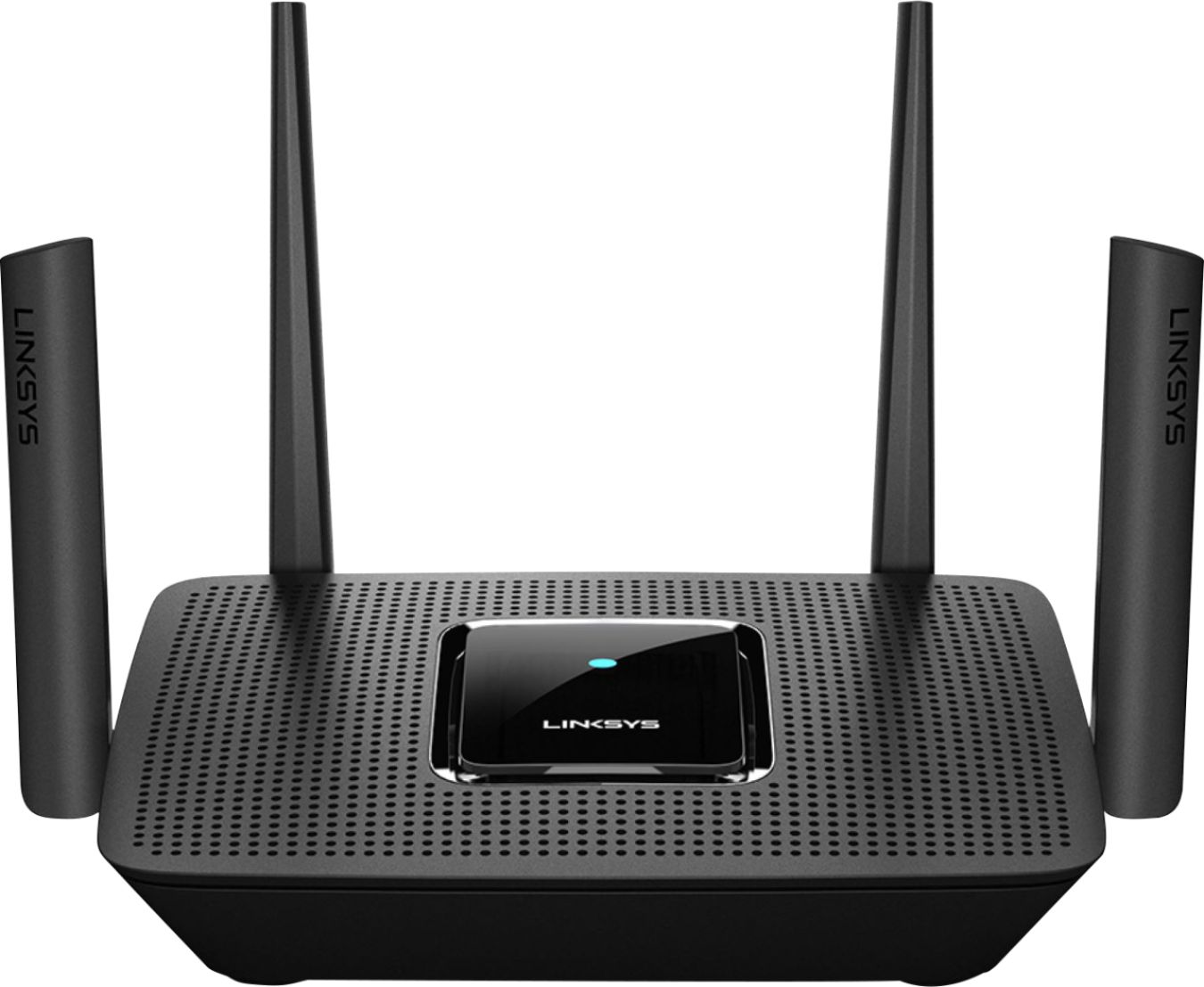
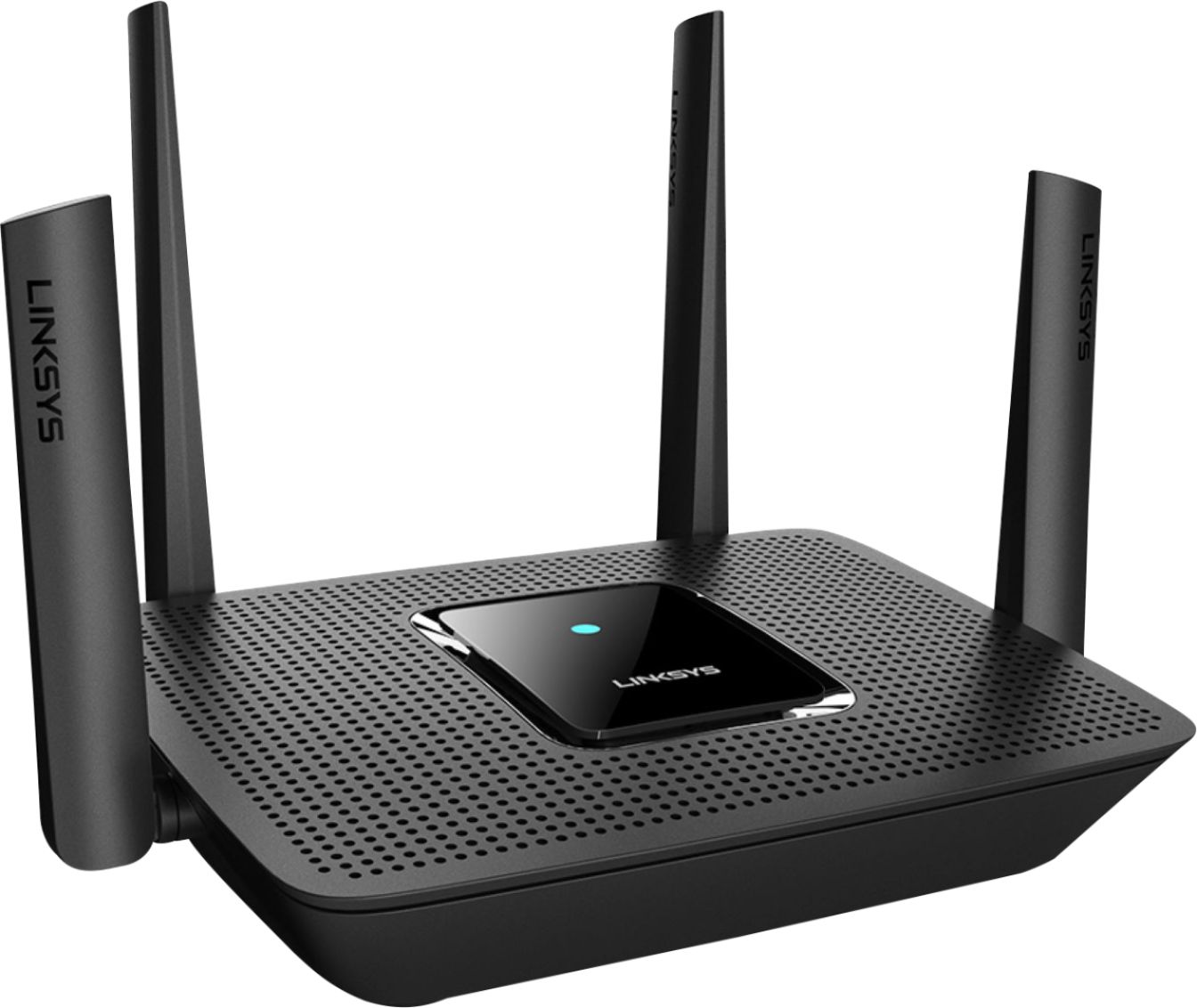
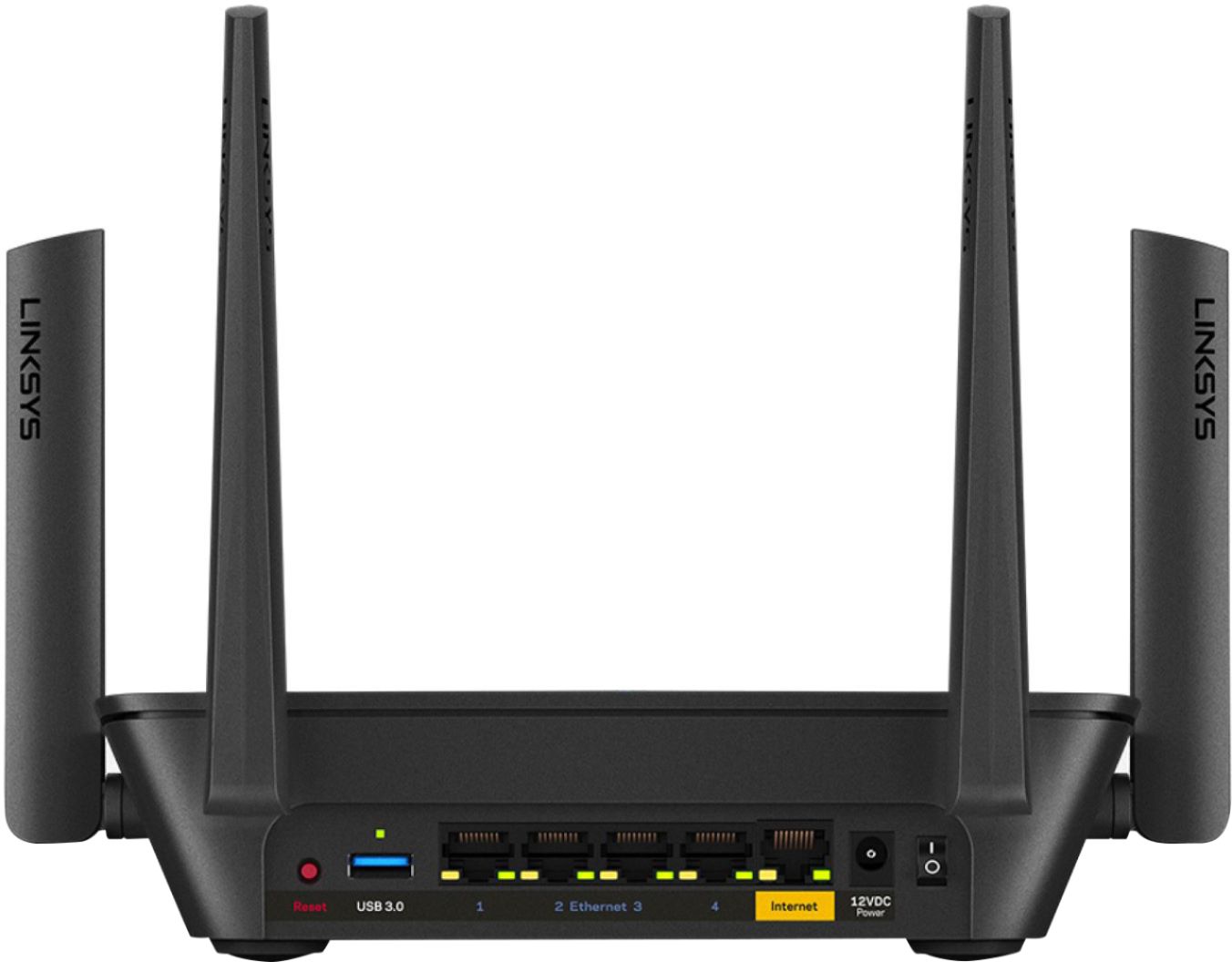
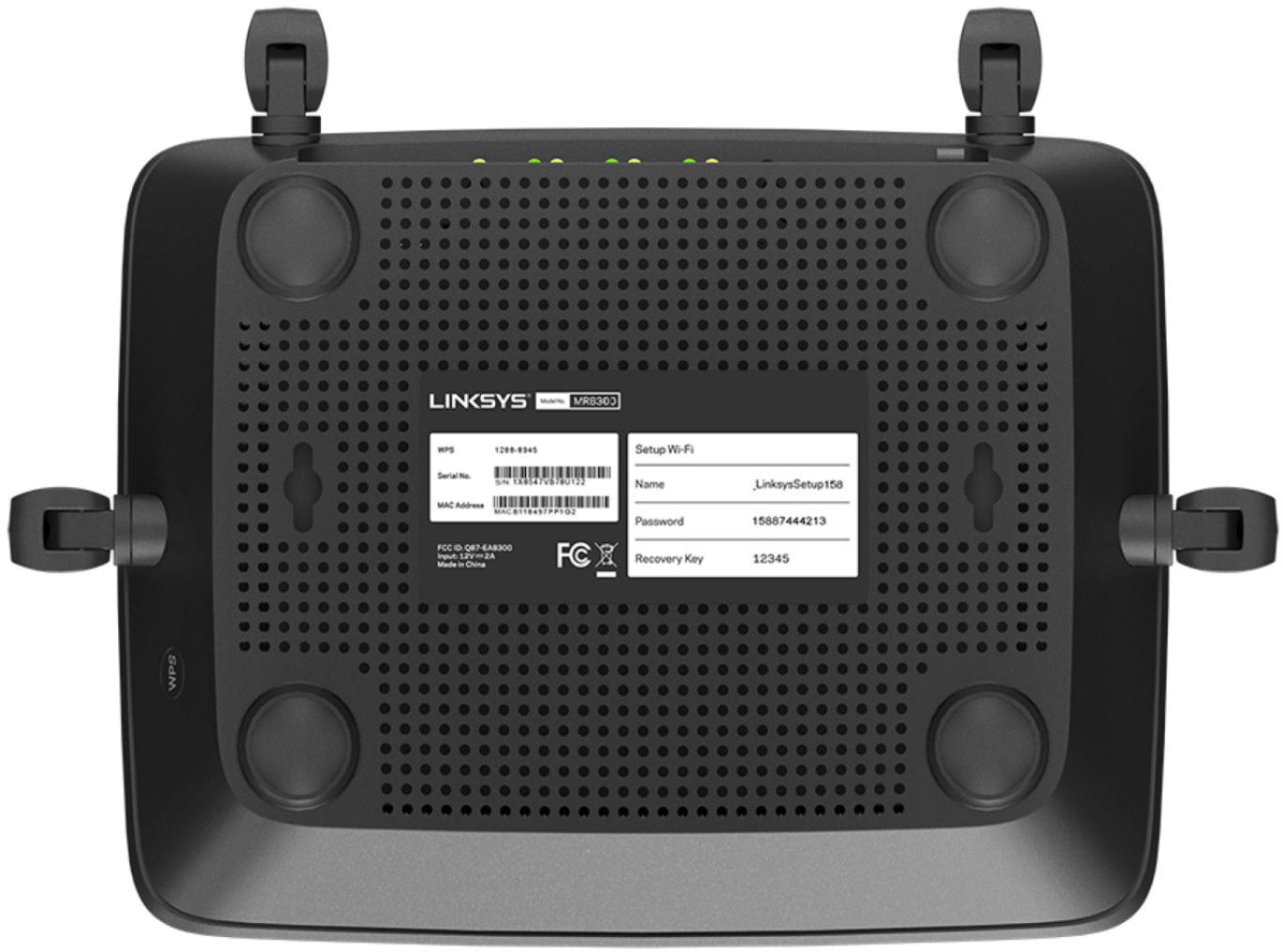
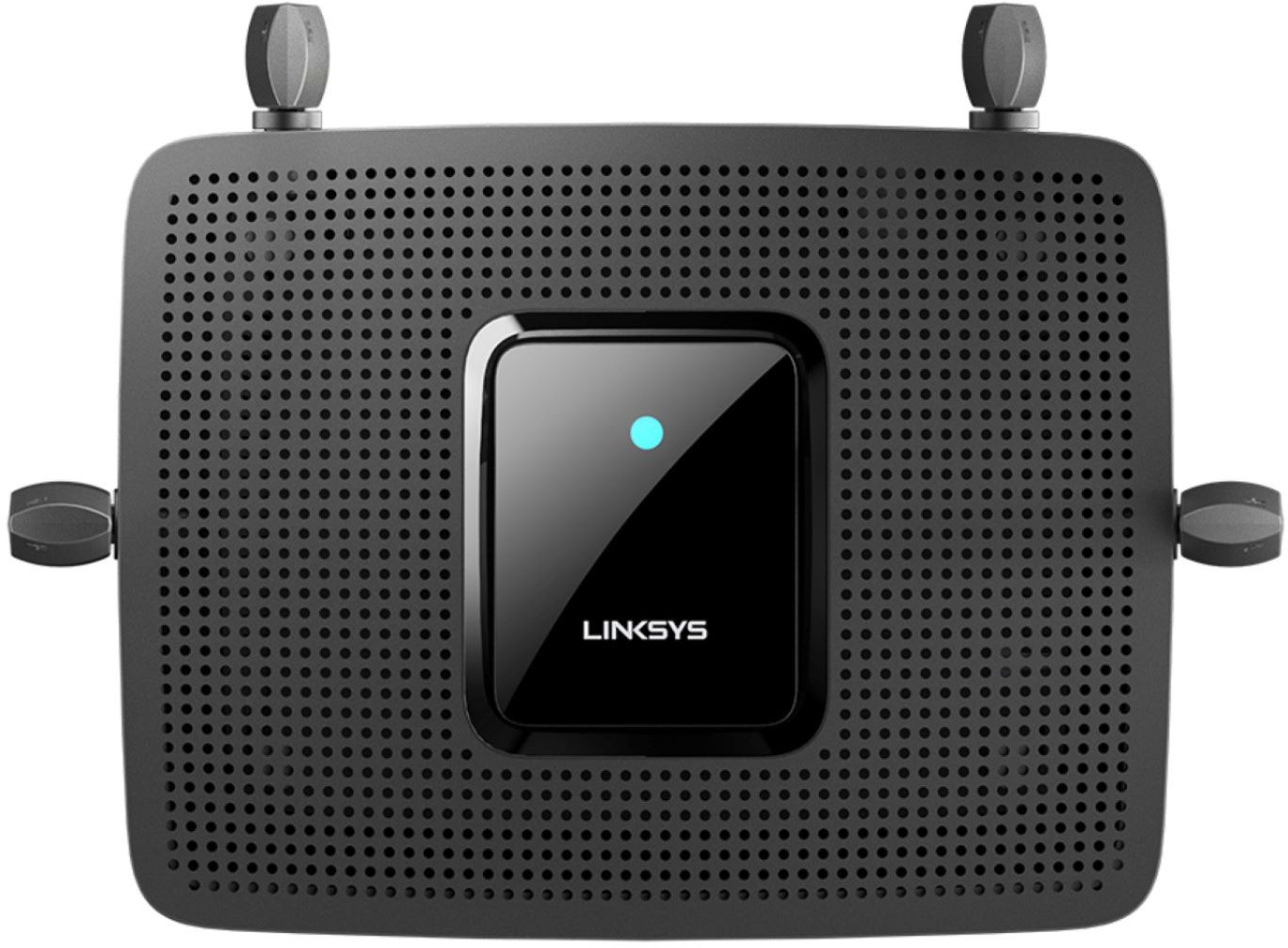


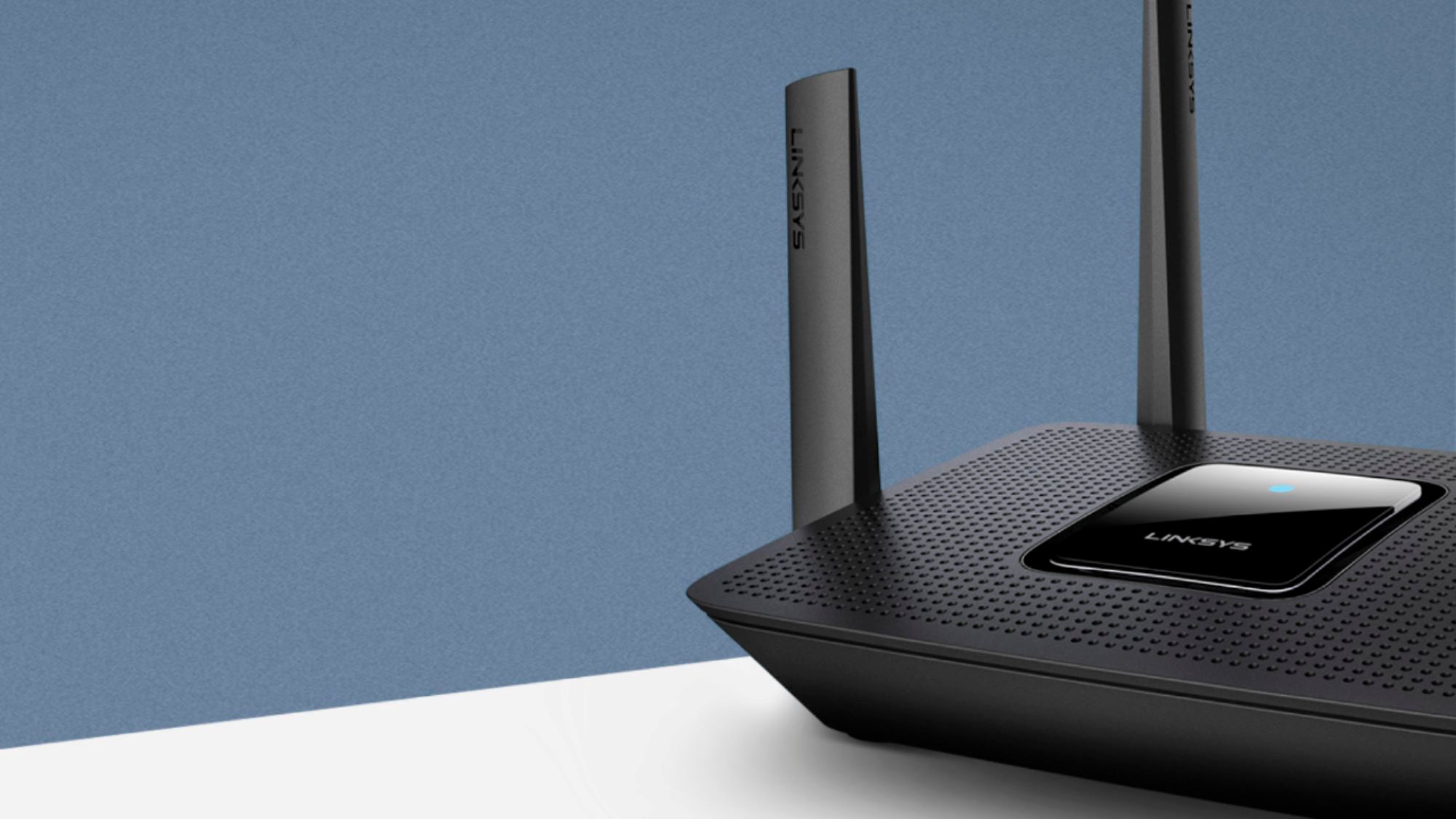
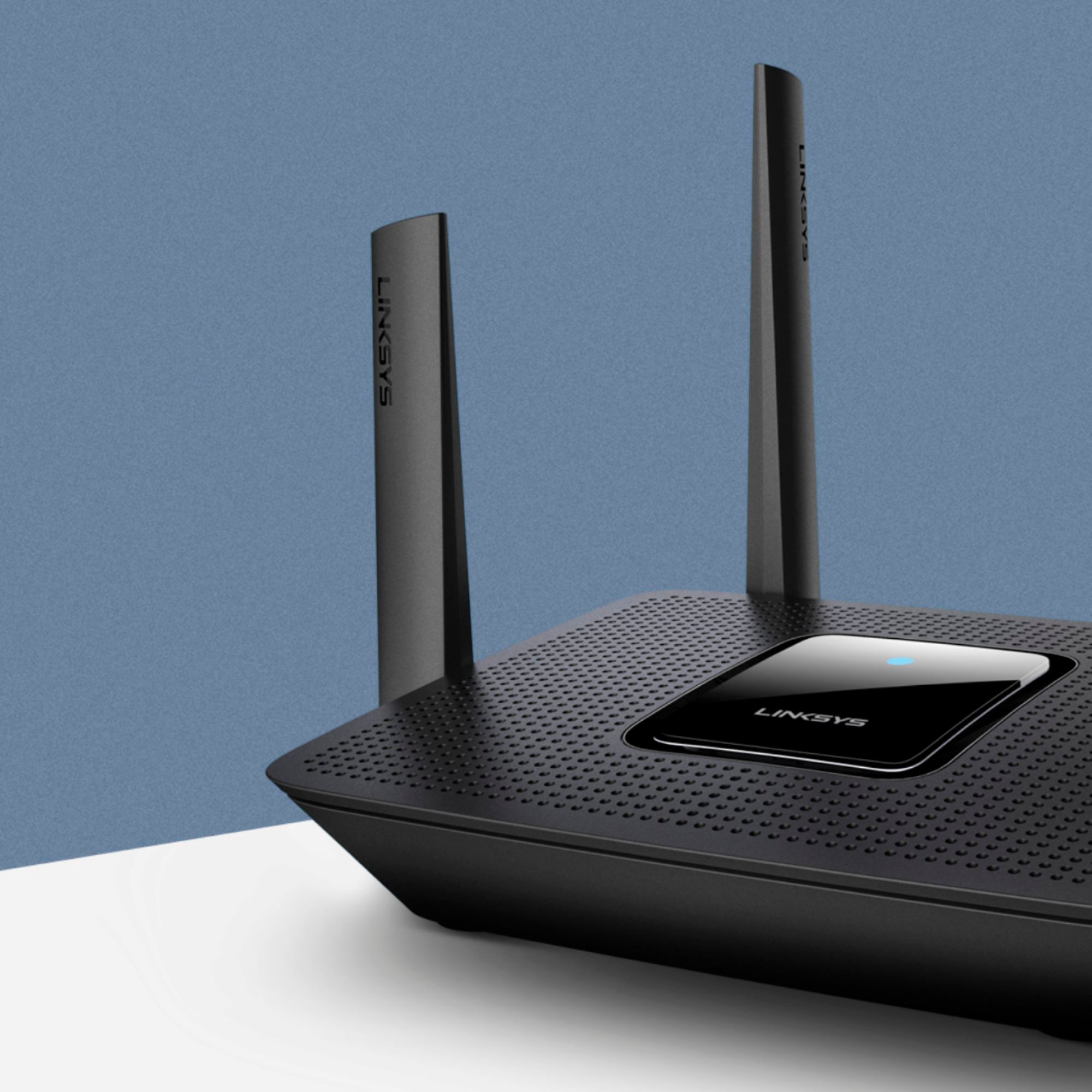
- Model:
- MR9000
- SKU:
- 6370647
Rating by feature
- Setup
Rating 4.6 out of 5 stars
- Range
Rating 4.6 out of 5 stars
- Signal Strength
Rating 4.7 out of 5 stars
Customers are saying
Customers have good things to say about the Max-Stream AC3000 Tri-Band Mesh Wi-Fi 5 Router's ease of use, performance, and range. Many appreciate the straightforward setup and reliable signal strength, with positive feedback also given to the app for managing the router. However, some users experienced connection issues and occasional lag. A few comments mentioned the router's size, with some finding it unexpectedly large or small.
This summary was generated by AI based on customer reviews.
Great Router with a BIG FLAW!
||Posted . Owned for 3 weeks when reviewed.This reviewer received promo considerations or sweepstakes entry for writing a review.I brought this router to upgrade my EA6500. I spent 2 hours setting this new router up, only to find out Linksys removed the best feature from the software. The backup /restore button! No one wants to have their router fail and have to spend hours re-configuring a router, when your old router has the backup /restore button! That one feature will save you hours of your time, that you can't get back. Long story short, I returned the router after waiting on the phone with Linksys support for over an hour to be told, that feature was removed. I said, Thank you and returned the router to Bestbuy. I will keep using my EA6500, until it dies or I find a new router with the backup /restore feature.
No, I would not recommend this to a friend- Pros mentioned:Range, Setup

Good router for the average user
|Posted .This reviewer received promo considerations or sweepstakes entry for writing a review.This linksys Max Stream AC3000 replaced a Asus RT-AC87U as my primary router recently and it has been solid. Still waiting on additional Wifi 6 products to hit the market before taking that plunge. AC3000 speed with the tri-band set-up (1x 2.4ghz, 2x 5ghz bands) provides some of the fastest wifi 5 speeds you can get today. I have quite a few "smart" devices throughout the house and I could tell it was starting to take its toll on my previous router. Tri-band is as good as it gets for wifi 5 systems currently when it comes to handling a high number of concurrent connections. The linksys offers a core hardware upgrade as well going from a dual core on my old router to the quad core on the new linksys. As usual these days it also has a integrated 4-port gigabit switch for hooking up your wired goodies. Their range prediction seems fairly correct at 3000sq/ft. My home is about 4000sq/ft so I still had some dead spots to deal with, which was no different than my asus router. This is compatible with the Linksys mesh network system so you can add a velop node or one of their other range extenders if needed. It has 4 external antennas so not quite as pretty as their velop nodes if that is something you are concerned with (it shouldn't be if you want the best performance). I decided to simply set-up my old asus router as an accessport in conjunction with the new linksys. Speed and coverage has never been better. Setup was very easy, although I would honestly have preferred a more traditional set-up and user interface. I do have more of a background in network configuration than most, so likely not a complaint others will have. Overall I would certainly recommend to friends and family.
I would recommend this to a friend Not worthy
||Posted . Owned for 3 months when reviewed.This reviewer received promo considerations or sweepstakes entry for writing a review.Signal strength is good but there will be frequent internet disconnect
No, I would not recommend this to a friend- Pros mentioned:Speed
Great tri band mesh router
|Posted .This reviewer received promo considerations or sweepstakes entry for writing a review.Upgraded from a R6400 Netgear dual band router. Setup was very simple and easy all done through the linksys app on your preferred app store. I was up and running within minutes of plugging it in, setting up my wifi network. Once setup you can access the tools from an internet browser but the app is very intuitive. I like how it combines the 2.4/5ghz bands into a single SSID for simple easy setup. It has 4 antennas which in my 1800 sq ft home doesn't really leave me with any dead spots. I actually set up my old router as an AP and it seems to working well with this router. I've had it up and running for a few days now and haven't had to restart it or mess with it in anyway since setting up. I haven't seen any outages running multiple speed tests my phones and tablets are pulling their full speed from my ISP 100/10. One nice thing about this being a mesh router is you can easily add it into an existing mesh network if you have the nodes already, the setup wizard walks you right through the process. The router itself boasts 3000 sq feet coverage but my home isn't quite that large so I can't say for sure if it meets this. It is AC 3000 so when faster speeds come to my area I feel confident I won't need to upgrade for a long time, the quad core processor in this feels snappy as well on a short boot up time. I am very satisfied with this router and highly recommend it. It might seem pricey but this router is the one you want. I'm a home enthusiast and gamer.
I would recommend this to a friend - Pros mentioned:Ease of use, Range
Surprisingly Great!
|Posted .This reviewer received promo considerations or sweepstakes entry for writing a review.Okay so Ive had some time to spend with this router and in fact I even did a video unboxing/setup on my YouTube channel: AluzionTV So give it a look to see how easy it is to setup and manage with the Linksys APP. Okay so From the Setup using the APP was just so easy. You just open the APP and it basically takes you through a guided setup that is effortless. It basically does everything by itself. Once the setup is complete you can use the APP to see in realtime from anywhere even outside of your house the status of your home network and what devices are connected to it. You can also set device prioritization as well as parental controls which will allow you to set curfew schedule on certain devices! Super useful if your a parent... The speeds have been great, I have used every device I own at the same time ( multiple tvs streaming HD content, phones, game systems ) and couldn't slow down the network if I tried. (depending on your ISP allowable speeds of course) you may have different results. The router also switches your devices from 2.4ghz to 5ghz as needed to ensure your device either has the fastest speeds and the most range at any given time, so that's really innovative also. All in all its an amazing peace of tech that I am enjoying even as I write this review and I highly suggest you give it a look if your in the market for a fast, intelligent and easy to manage home router.
I would recommend this to a friend - Pros mentioned:Speed
good speed and easy setup
|Posted .This reviewer received promo considerations or sweepstakes entry for writing a review.I am using the MR9000 to replace an older 9500 router from linksys that has had an issue with dead lan ports. So far I have been very happy with this new replacement router. setup was easy using the same app that I used on the old router. Once you sign into your account on the app, you simply scroll down to setup a new product and follow the instructions. I haven't noticed any issues with speed or congestion on either the 2.4 or 5ghz bands, even though I do have a number of devices connected wireless and my kids are huge streamers on netflix and youtube. My house is 2400 sq ft on the main level and 2200 sq ft. in the basement and signal strength is good almost all the way to the far corners, but it does drop off the last several feet. The old router had the same coverage, so I was pleased that this router could match the previous one. I don't have anything to say bad about the mr9000 from linksys. it has been able to accomplish everything I need from my router and do it with a simple setup and an app that gives you good control over all of your settings. I can honestly recommend this product to anyone who is like me and needs a router than can handle lots of connections and video streaming and not get bogged down.
I would recommend this to a friend Linksys Max-Stream Router
||Posted . Owned for 1 month when reviewed.This reviewer received promo considerations or sweepstakes entry for writing a review.Linksys was bought out by Cisco. I trained in Cisco routing. The Linksys router is the worst networking router I have ever purchased. Hooked it up and it was supposed to be seamless. It was not. It dropped my printer, my Ipad, my Camera system as well as other devices. I returned it to Best Buy and bought the Netgear Blackhawk router. Linksys is worthless. Do not waste your money. Buy the Blackhawk router by Netgear. Thankfully, Best Buy exchanged the Linksys router for the Blackhawk router. I have been buying products from Best Buy for years and I have never been dissapointed with Best Buy.
No, I would not recommend this to a friendBrand response from Linksys Staff
Posted .Hi, Kimmy,
We could’ve had our Escalation Engineers check what caused the challenge as your experience is clearly not what is expected form the router. Feel free to tap us anytime at LinksysCares@linksys.com should you want to try another Linksys device. Our team would happily lend you a hand.
Regards,
Rosalyn
Linksys Support
- Pros mentioned:Range, Setup
Easy to setup, great range, and expandable
|Posted .This reviewer received promo considerations or sweepstakes entry for writing a review.I got this router to replace an older one that was one of the first 5GHz models. The setup for this was much easier than the old one, hiding most uncommon options under "advanced features" so you can get right to getting things set up. Setup took about 5 minutes, and most of that time was spent during router restarts (which took a surprising amount of time). I can't get over how much the range has improved on this model compared to my old one - I can stay on my wifi outside of my home now, which before was spotty at best. Also, this model is part of the Velop family which means I can expand it if necessary - although I have to admit I don't think it will be necessary. The device itself is very light (especially relative to its wifi power) and can be easily mounted on a wall. My only nit-picks would be that I like to forward certain ports to help support games, and that is quite buried in the phone app's UI - although it can still be somewhat easily accessed via a full web browser on a laptop. It also only has 4 ports for ethernet - which I still prefer where I can to improve latency/lag for online gaming.
I would recommend this to a friend App for phone
||Posted . Owned for 1 week when reviewed.This reviewer received promo considerations or sweepstakes entry for writing a review.The application for your phone to control all atice devices never seemed to work. I decided to return and by a different one.
No, I would not recommend this to a friendBrand response from Linksys Staff
Posted .Hi, Qman10,
Downloading the latest version of the Linksys app allows you to control your Linksys Smart WiFi Router, but we could have tried to use the app on a different mobile device.
Should you need assistance with Linksys devices, feel free to reach out to us at [email protected] with the link to this review for our reference.
Regards,
Jan
Linksys Support
Sales rep mislead me
||Posted . Owned for 1 month when reviewed.This reviewer received promo considerations or sweepstakes entry for writing a review.This did not solve my problem and it performed worse than the 3 year old net gear router. My internet keeps shutting down at the same time each day and the sales person told me this would take care of my problem and that it was good for a 3000 sq ft home. It it does not take work in the far room of my 2100 sq ft single story home. It took care of my disconnect issue but I could not stream videos in my master bedroom. I returned it for another router.
No, I would not recommend this to a friendBrand response from Linksys Staff
Posted .Hi, Jaytaylor,
The Linksys MR9000 can support a wireless range up to 3,000 sq ft. However, we may need to consider physical obstructions and frequency interference that may cause connection issues. Updating its firmware and running the channel finder could help us isolate the concern, as well as power cycling the unit, and have our Escalation Engineers help/ Thus, we respect your decision and if in case you have future inquiry with our products, please feel free to reach out over email at LinksysCares@linksys.com so we can assist you accordingly. Include upon sending with your contact info and the link of this review, for our reference.
Regards,
Elyza
Linksys Support
Pass
||Posted . Owned for 2 months when reviewed.This reviewer received promo considerations or sweepstakes entry for writing a review.While it has good speeds, it constantly drops the WiFi signals. It’s past our return period so we are stuck with it. I would not recommend this router.
No, I would not recommend this to a friend- Pros mentioned:Setup
returned it
||Posted . Owned for 3 weeks when reviewed.This reviewer received promo considerations or sweepstakes entry for writing a review.got the same speed out of a $70 router. the quality is great and it was easy to set up but was not any faster
No, I would not recommend this to a friendBrand response from Linksys Staff
Posted .Hi, CaveMan1000000,
We’re sorry to hear that you already returned the device as we could’ve had our Escalation Engineers help you optimize the device to improve its overall performance. Should you decide to use a Linksys product again, please don’t hesitate to tap us anytime at [email protected] so we can give you a hand.
Regards,
Rosalyn
Linksys Support
Constant connectivity issues
||Posted . Owned for 1 month when reviewed.This reviewer received promo considerations or sweepstakes entry for writing a review.Had an old Linksys router and the speed was slow but no connectivity drops. I upgraded to this MEsh one and the speed was a bit faster but it continually dropped multiple times a day. (Usually 10+). I work from home with clients so this is unacceptable. I put back my old router and no connectivity issues. I will deal with the slow speed. Sadly I am outside the return period so I am stuck with this product
No, I would not recommend this to a friendBrand response from Linksys Staff
Posted .Hi, Sharon,
The Linksys MR9000 Mesh Router should provide a stable connection but, wireless interferences or faulty cables can cause connectivity issues. You may try to use the channel finder on the Linksys app to optimize the router or swap the Ethernet cable and see if that will make any difference.
For further assistance, please reach out to us at LinksysCares@linksys.com, and share more details with the link to this review for our reference.
Regards,
Jan
Linksys Support
Die to quick this router.
||Posted . Owned for less than 1 week when reviewed.This reviewer received promo considerations or sweepstakes entry for writing a review.Only having the router less then Thirty days it just stop working. It would not come out of the setup color after a reboot, restart, unplugging the cord for sixty seconds it just stop working.
No, I would not recommend this to a friendOk but not great
||Posted . Owned for 1 month when reviewed.This reviewer received promo considerations or sweepstakes entry for writing a review.Poor coverage in the home of 2,000 square feet. I was also disappointed to find it 50.00 less on Amazon.
No, I would not recommend this to a friendBrand response from Linksys Staff
Posted .Hi, Vikings51,
By design, the Linksys MR9000 can cover up to 3,000 sq ft in a perfect environment. Thus, please know that we have to consider physical obstruction and frequency interference from the other devices as it may cause connection concern. Running the channel finder, power cycling the unit and relocating it may help us isolate the concern. Our Escalation Engineers wants to help you with this too by sharing this over email at LinksysCares@linksys.com with your contact info and the link of this review, for our reference.
Regards,
Elyza
Linksys Support
Dissapointed
||Posted . Owned for less than 1 week when reviewed.This reviewer received promo considerations or sweepstakes entry for writing a review.I did extensive research for hours on routers. I was hesitant because some people were getting this and then it would reboot itself non stop (faulty). I went through Linksys Support Engineers and after an hour they determined it was faulty and could not be saved. It shuts off by itself and reboots constantly every 20 min or so.... Not even 8 hours of ownership... will be returning it.
No, I would not recommend this to a friendBrand response from Linksys Staff
Posted .Hi,
The Linksys MR9000 Tri-Band Mesh WiFi 5 Router should work properly out of the box. Allow us to investigate what happened to your case, and should you need assistance with other Linksys devices, feel free to share your case number or phone number at [email protected] with more details and the link to this review for our reference.
Regards,
Jan
Linksys Support
- Cons mentioned:Lag
Not great for gaming.
||Posted . Owned for 1 month when reviewed.This reviewer received promo considerations or sweepstakes entry for writing a review.I do live stream as often and keep lagging so bad.
No, I would not recommend this to a friendBrand response from Linksys Staff
Posted .Hi.
By making sure that the Linksys MR9000 has an up to date firmware normally does the trick, as it optimizes its performance. You can also set the 'Device Prioritation' to your Live Streaming device. Email us at [email protected] so we can have our Escalation Engineers to further assist you. Include your contact details and the link to this post for our reference.
Best Regards,
Gregory
Linksys Support
- Pros mentioned:Performance
Awesome
||Posted . Owned for 3 weeks when reviewed.This reviewer received promo considerations or sweepstakes entry for writing a review.Worked great . Loved this product so much . Totally recommend to friend
I would recommend this to a friendBrand response from Linksys Staff
Posted .Hello, Tbaila,
Thanks for writing us a review, and we appreciate your positive feedback. Please feel free to tap us anytime should you need our help in the future. You can send us an email at LinksysCares@linksys.com with your contact details and the link to this post. Our Escalation Engineers would be glad to further assist you.
Regards,
Gregory
Linksys Support
Easy setup but overall terrible router
||Posted . Owned for 3 months when reviewed.This reviewer received promo considerations or sweepstakes entry for writing a review.Easy setup but overall terrible router. All but forces you to use the mobile app for administration rather than an actual computer. Router has also decided to lose connection to the modem once per day which necessitates a restart of the router (can connect PC to modem directly and internet works, so problem is the router). Would not recommend.
No, I would not recommend this to a friendBrand response from Linksys Staff
Posted .Hi, Connor,
Using the Linksys App to set up and access the router's settings is one of the features of all our Smart Wi-Fi routers and mesh systems. This is an added feature for your convenience, nonetheless, it can still be configured via the web browser. As per the connectivity issue, make sure that the router is running on the latest firmware. Using a CAT5e or better ethernet cable is also advised. Also, we can have our 2nd Level Team take a closer look as well. Email us the link to this review at LinksysCares@linksys.com for reference.
Regards,
Mara
Linksys Support
Lackluster Performance without Additonal Hardware
|Posted .This reviewer received promo considerations or sweepstakes entry for writing a review.HIGHLIGHTS AC 3000 Router with MU-MIMO support Velop Mesh Network Compatible Linksys Automatic Firmware Updating Beam Forming Quad Core Processor 4 External Antennas 4 Gb Ethernet Ports and 1 USB 3.0 Port Automatic Channel Scanning & Selection INSTALLATION & SET-UP As you can see above, this router is packing a bunch of bells and whistles. This is one of the newest and most versatile Wi-Fi 5 (802.11ac) devices. As an added feature, this router includes the ability to serve as the primary node on a whole home, self-healing mesh network. What a great feature! Placing multiple nodes throughout your home to form a mesh network would eliminate slow downs and any hiccups you should encounter from poor signal coverage. Linksys’ Tri-Band nodes feature the ability to use the spare 5GHz band as a backhaul to their primary node or use a hardwired ethernet backhaul. Outstanding, and well thought out. Linksys has done a fantastic job streamlining the installation and configuration of their routers. Gone are the days of needing a networking degree. You no longer need to unhook your computer from your existing network and change its IP Address and subnet, just to add a new router on your existing network. There is no more guesswork or a ton of Googling at what each function of the router does, DHCP Client, DHCP Server, Wireless Bridge, etc. Linksys changed the game with their new Linksys app. Available for both Android and iOS, the app makes setting up a Linksys product super simple and stress free. The app walks you through every step involved with router configuration, from plugging in the power adapter, to plugging in the ethernet cable, to how you want the router to be used in your network. Still not sure how you want the router to function on your network? Simple. The app gives you a brief description of what each mode does and how it would typically be installed in your network. AWESOME!! Great Job Linksys. I used the iOS app to configure the router and the installation went without any issues. PERFORMANCE As excited as I was with the Linksys app, my excitement quickly got tempered when I put the router into service. I installed this Linksys router directly underneath my existing 2015 era Asus router (RT-AC87U) and unplugged the Asus to prevent interference. I used the recommended Linksys settings during installation to get an accurate assessment of the new router’s abilities. Included with that, is utilizing Linksys’ recommended setting of band steering. This function automatically selects the 5GHz or 2.4GHz band based on client and signal strength, dynamically changing between the bands, if necessary. I used multiple computers (along with a 2017 model iPad) to test throughput and help eliminate any advantage one machine may have over another. Each computer was running Windows 10 with all the latest updates and had a 2x2 wi-fi card installed (All were Intel based Wi-Fi cards from various generations). My tests were conducted in my home office, approximately 60ft from the router (the furthest interior spot from the router installation) with 4 walls separating the computers from the router. Here are some real-world performance results between the 2 routers (These are download speeds obtained using Speedtest and Firefox: ASUS 2.4GHz Computer 1 - 44Mbs Computer 2 - 34Mbs Computer 3 - 48Mbs Computer 4 - 81Mbs iPad 102Mbs ASUS 5GHz Computer 1 - 142Mbs Computer 2 - 180Mbs Computer 3 - 108Mbs Computer 4 - 273Mbs iPad 268Mbs Linksys Computer 1 - 20Mbs Computer 2 - 92Mbs Computer 3 - 31Mbs Computer 4 - 214Mbs iPad 116Mbs At the time of testing my network had a total of: 39 Devices connected via Ethernet, 20 Devices connected via Wi-Fi and a wired download speed measured at 886Mbs. As you can see, I have a fairly busy and congested network. Sadly, the overall throughput of the Linksys router was only about 50% of my Asus router in identical conditions. Undoubtedly, the addition of a Velop node and thus the creation of a mesh network, would significantly improve my network speeds. But, I do not have a secondary node to place into the system to test the improvements. This review is focused solely on the performance of the router itself. I did not limit my testing strictly to one location in my house. I conducted additional tests throughout, including tests on the 2nd story and closer to the router. I only included the test scores from the office, as they indicated the worst case scenario for both routers. In the end, my Asus RT-AC87U consistently outperformed the Linksys router in my environment, regardless of my location in the house. CONCLUSION Linksys should be commended for the their well-designed and simple set-up process. It made getting the new network configured and running, a quick and pain free process. It was honestly the easiest set-up I have ever experienced. The app worked flawlessly. If you find networking intimidating, this could very well be your best bet for a whole home networking solution. It is simple to set-up and maintain and even gives the buyer the ability to manage the network remotely via the app. Furthermore, if your environment or home layout makes it challenging to get a decent Wi-Fi signal and you could benefit from a mesh network, that is quick and easy to set-up and deploy, this is a viable option. However, should you be even a little network savvy, I could not recommend this product to you. The overall performance of the router, with all the latest and greatest tech still falls short of my current 4 -5 year old Asus. I have used my Asus router in my home without issue for years and feel no need to add to it. It is a different story with the Linksys. The overall throughput is low and noticeable enough that I need to add at least one extra node to maintain the current levels of performance offered by the Asus alone. As easy as the Linksys was to set up with its well-designed app, it is also a negative. The app does not give you the ability to make any significant changes to the system once it is up and running. The web portal gives you a little more control, but for those of us that like to get into the nitty gritty of configuration, this is not the device for you. Your ability to make changes is significantly limited. Lastly, the lack of any real form of malware protection is quite sad. Even my old Asus has malware protection built-in. I find the lack of this feature in today’s world inexcusable. This router has a bunch of RAM and a quad core processor. There is no reason that it wouldn’t be able to handle the additional duties of real-time malware protection. The other manufacturers have this option built-in and with Linksys wanting to be the center of your whole home network, it’s an oversight. Hopefully, they will be able to enable something by a firmware update. Based on the mediocre Wi-Fi performance and the lack of built-in malware protection, I cannot recommend the product at this time.
No, I would not recommend this to a friend