Customer Ratings & Reviews
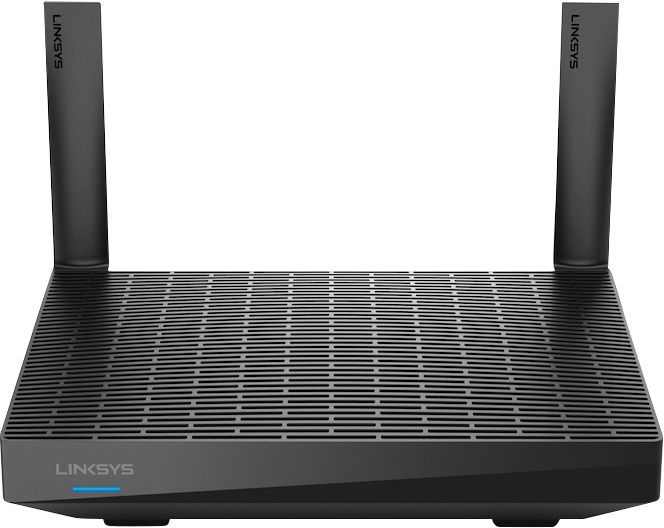
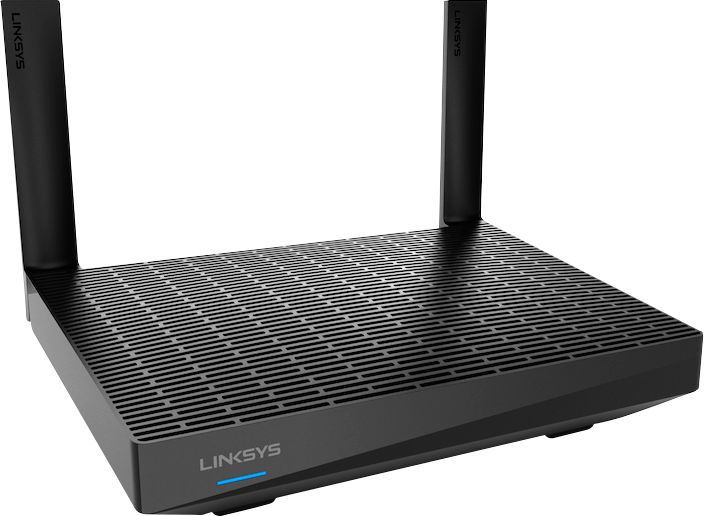
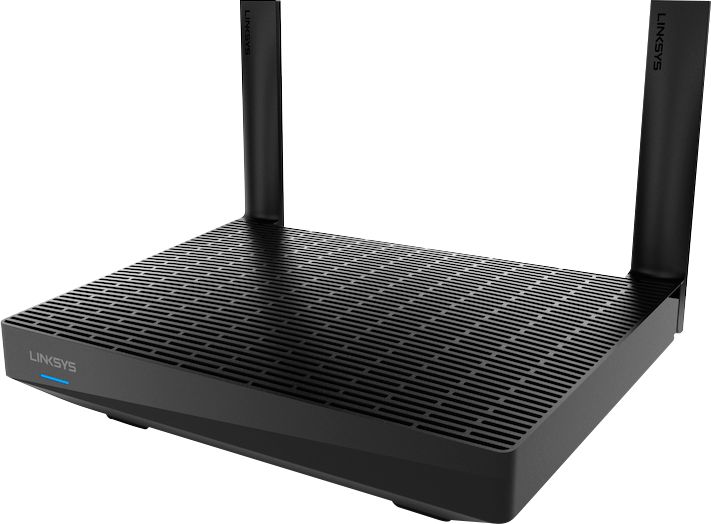
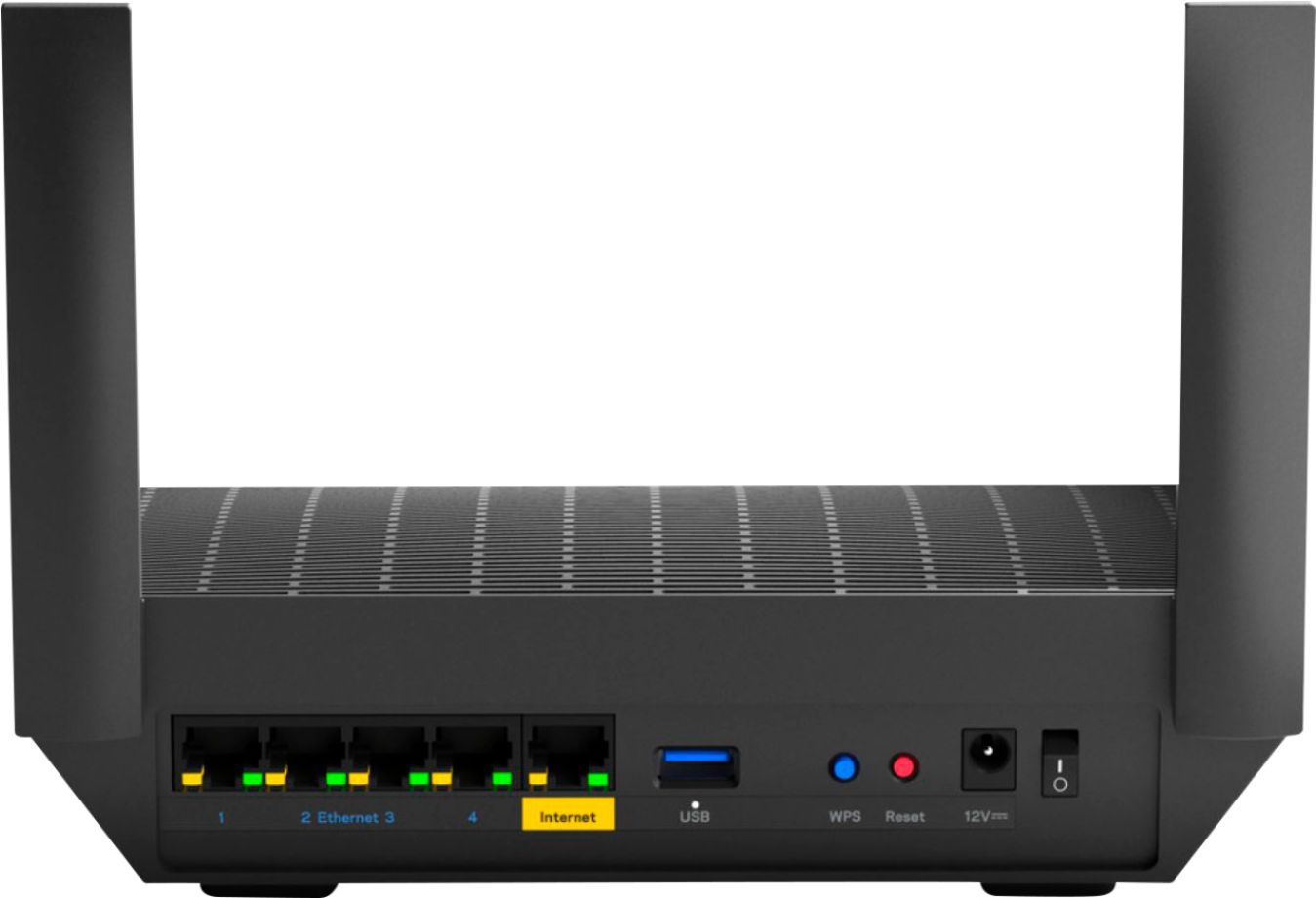
- Model:
- MR7350
- SKU:
- 6408416
Rating by feature
- Setup
Rating 4.6 out of 5 stars
- Range
Rating 4.7 out of 5 stars
- Signal Strength
Rating 4.7 out of 5 stars
Customers are saying
Customers are delighted by the Max-Stream AX1800 Dual-Band Mesh Wi-Fi 6 Router's ease of use, strong performance, and wide range. Many appreciate the improved signal strength and extensive coverage it provides, finding setup quick and straightforward. While some experienced connectivity issues, the positive feedback on performance and ease of use outweighs these concerns.
This summary was generated by AI based on customer reviews.
- Pros mentioned:Performance
Beez-kneez
Posted .This reviewer received promo considerations or sweepstakes entry for writing a review.this thing functions at a whole different level compared to the one i was renting prior. i cant express enough, that the upgrade is well worth it.
I would recommend this to a friend Great product
Posted .This reviewer received promo considerations or sweepstakes entry for writing a review.Great priduct for the price. Highly recommend. Setup was easy.
I would recommend this to a friend- Pros mentioned:Ease of use
Linksys - Max-Stream AX1800 Dual-Band Mesh Wi-Fi 6
Posted .This reviewer received promo considerations or sweepstakes entry for writing a review.Does the job at a great cost! Easy setup and web access.
I would recommend this to a friend - Pros mentioned:Performance
Very fast
Posted .This reviewer received promo considerations or sweepstakes entry for writing a review.Good working anybody purchase this router I hope not disappointed
I would recommend this to a friend Good router
Posted .This reviewer received promo considerations or sweepstakes entry for writing a review.It works very reliable and signal is so strong. Definitely worth to spend some more money to buy this one.
I would recommend this to a friendJoe koberstein
Posted .This reviewer received promo considerations or sweepstakes entry for writing a review.Love the product great picture ok setup experience. Store pickup was slow because I had to go to the front of the store with printed receipt and then drive to the warehouse to pick it up.
I would recommend this to a friend- Cons mentioned:Connectivity
Dropped Connections
Posted .This reviewer received promo considerations or sweepstakes entry for writing a review.Was excited to upgrade but the router appears to drop connection sometimes like others mentioned although not often. I hope this will be addressed in a firmware upgrade. Not really a fan of the smartphone app. I wish it would just bring you to the routers settings.
No, I would not recommend this to a friendBrand response from Linksys Staff
Posted .Hi, MattS,
If the router is already running on the latest firmware, and you’ve also tried utilizing the channel finder but didn’t help, let’s have our Escalation Engineers take a look at this instead so they can help you investigate. Just email us at LinksysCares@linksys.com with your contact information, other relevant details, and a link to this review as our reference.
Regards,
Rosalyn
Linksys Support
Great choice
Posted .This reviewer received promo considerations or sweepstakes entry for writing a review.Best Buy next day delivery (with free delivery) saved me from having to deal with the last minute shopper traffic.
I would recommend this to a friendGood wifi 6 router
Posted .This reviewer received promo considerations or sweepstakes entry for writing a review.My wifi got improved and having wifi 6 for mor stable connection
I would recommend this to a friendLinksys Router
Posted .This reviewer received promo considerations or sweepstakes entry for writing a review.You can depend on Linksys. I buy all of my electronic needs at Best Buy.
I would recommend this to a friendGood service
Posted .This reviewer received promo considerations or sweepstakes entry for writing a review.Only had it for day, but they asked. Had a trouble setting up but the service line was really good
I would recommend this to a friendNew router
Posted .This reviewer received promo considerations or sweepstakes entry for writing a review.I needed a new router. So i bought this one. IT works. Setting it up for me required step by step on the phone with tech support.
I would recommend this to a friendAmazing
Posted .This reviewer received promo considerations or sweepstakes entry for writing a review.Twenty stars!! Tech support is top notch. Very good products.
I would recommend this to a friendOWNER
Posted .This reviewer received promo considerations or sweepstakes entry for writing a review.GREAT ROUTER GREAT HELP FROM LINKSYS GETTING IT SET UP
I would recommend this to a friendsetup requires phone app
Posted .This reviewer received promo considerations or sweepstakes entry for writing a review.Can only be set up with a phone app. good luck in a few years when they stop supporting the app.
No, I would not recommend this to a friendBrand response from Linksys Staff
Posted .Hi,
While it's advisable to configure the router using the Linksys app, you can also perform the setup by accessing its default IP address through a web browser. Please email us at LinksysCares@linksys.com so we can guide you through this process. Just include a link to this review as our reference.
Regards,
Rosalyn
Linksys Support
wifi low speed and constantly fails
Posted .This reviewer received promo considerations or sweepstakes entry for writing a review.I have a verified 1 gigabyte ISP connection. The wired connection from this linksys router to the PC delivers 1gig, verified. But the wifi is a joke. This linksys wifi constantly drops off. It is down 90% of the time. Constantly resetting the router but this rarely helps. When (very seldom) it is working, the max wifi speed is 200 even though linksys guarantees 1 gig. Do not buy this unit. Have much better performance with an Amped router and linksys velop units. Very hard to reach linksys tech support and when we do they blame every part of the system except the router, for example the modem, ISP, PC, etc. Also their tech support is overseas and their technicians just work off scripts which are designed to enable them to blame other parts of your system. Avoid this unit. Avoid linksys routers altogether.
No, I would not recommend this to a friendBrand response from Linksys Staff
Posted .Hi,
The Linksys MAX-STREAM Mesh WiFi 6 Router (MR7350) can provide WiFi speeds of up to 574 (2.4GHz) + 1201 (5GHz) Mbps and a total of up to up to 1.8 Gbps. But allow us to have our Escalation Engineers investigate the router further.
Feel free to share more details at [email protected] with the link to this review for our reference.
Regards,
Jan
Linksys Support
Poor Lynksys AX1800 router & Customer service
Posted .This reviewer received promo considerations or sweepstakes entry for writing a review.I've used my Linksys AX1800 router for a couple years & then it stopped routing Dec 2024; so did my previous Linksys WHW01 after a similar length of time. Dec 2024, I bought a new AX1800 & it did not route either--my internet direct connection works. Linksys customer service was poor and never returned to help me with new router. I returned it to store and purchased different brand.
No, I would not recommend this to a friendWireless is intermittent
Posted .This reviewer received promo considerations or sweepstakes entry for writing a review.Wireless is intermittent. We bought these routers brand new in December of 2020, and have experienced varying levels of problems ever since. It seems to be that the wireless traffic is intermittent. Apps like Netflix that buffer for a long time are fine. The most concrete example I have is an Ethernet connected Desktop connecting with an Wireless connected Laptop. In this setup I have the wireshark traces to show the networking problem. I thought I would give Linksys a chance, but it seems their chat support is too busy or down, and am unable to start a chat.
No, I would not recommend this to a friendBrand response from Linksys Staff
Posted .Hi, pthomas,
We can stabilize the connection from the unit by making sure that it is equipped with the latest firmware, and the router is placed on a spot away from physical obstructions. Our Escalation Engineers would like to take a closer look at your experience and help you figure out what's causing this to happen. With the link to this review and your contact details, please send an email at LinksysCares@linksys.com. Let us have them aid in experiencing the best out of this device.
Regards,
Carl
Linksys Support
For why?????
Posted .This reviewer received promo considerations or sweepstakes entry for writing a review.Need a technician to install. No fricking instructions.
No, I would not recommend this to a friendBrand response from Linksys Staff
Posted .Hi user406327,
We continuously strive to deliver a secure, smooth, and straightforward setup experience for our devices. Inside the product packaging, you'll find a Quick Start Guide detailing how to set up the router.
If you encounter any challenges or have further inquiries during the setup process, our dedicated support team is here to assist you. You can reach out to us at LinksysCares@linksys.com, and we'll be more than happy to help address any concerns you may have.
Regards,
Chu
Linksys Support
Terrible Software
Posted .This reviewer received promo considerations or sweepstakes entry for writing a review.The user settings are garbage. It requires you to create an account to access the router 192.168.1.1 page, and it's impossible to disable 5G wifi. Completely useless.
No, I would not recommend this to a friendBrand response from Linksys Staff
Posted .Hi,
Using the router's IP address should allow you to access the Linksys MR7350 web interface. You can use the default IP address 192.168.1.1 or check your router's IP address using the Linksys app. For further assistance, you can reach out to us at LinksysCares@linksys.com and share more details with the link to this review for our reference.
Regards,
Jan
Linksys Support