Customer Ratings & Reviews
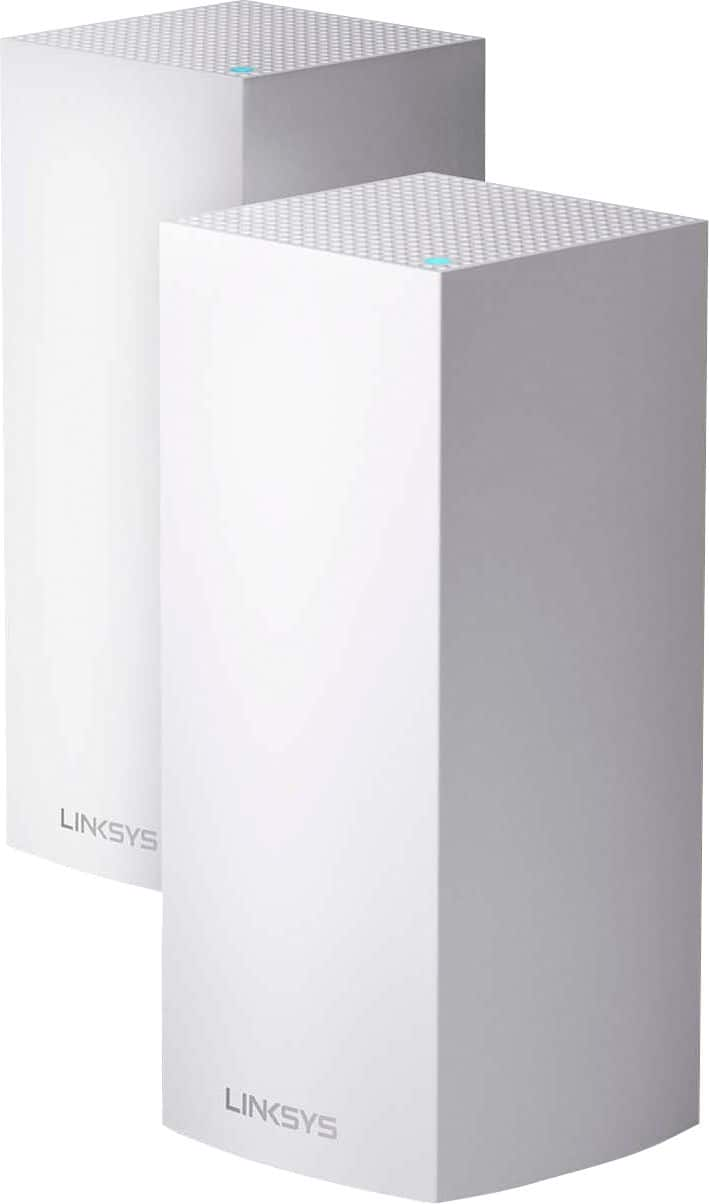
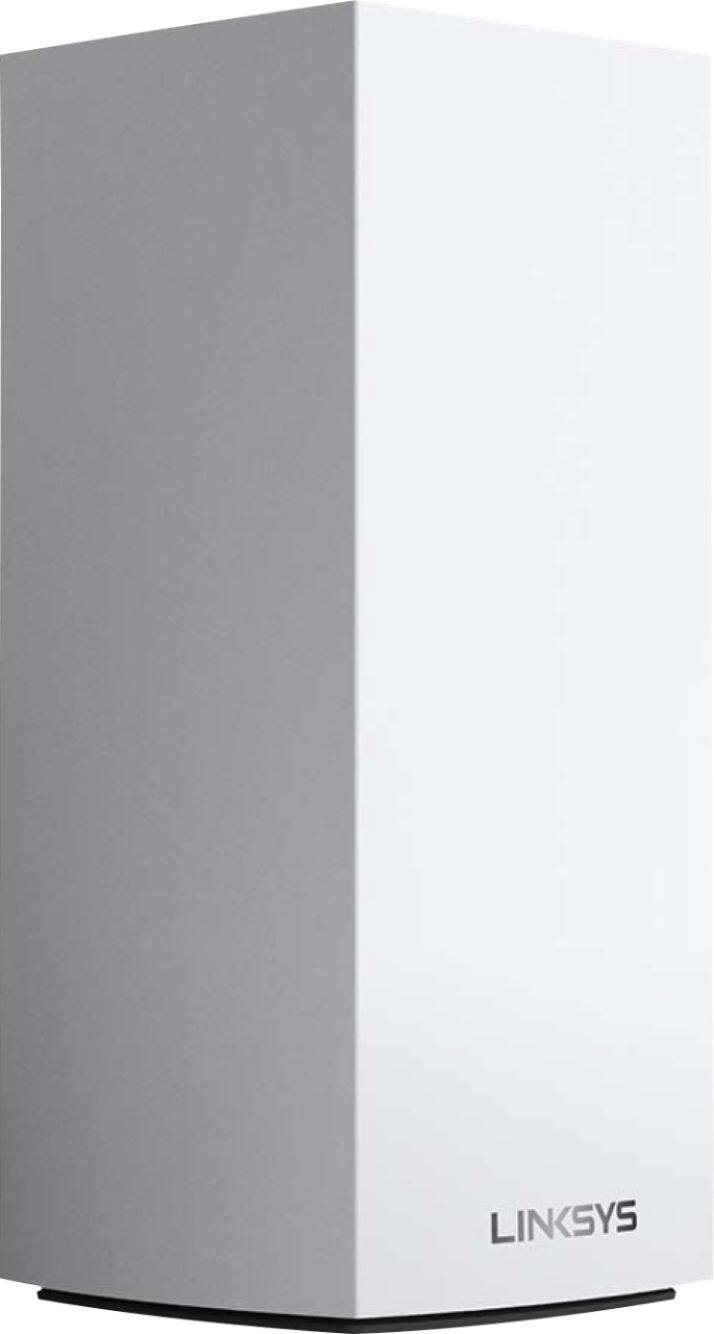
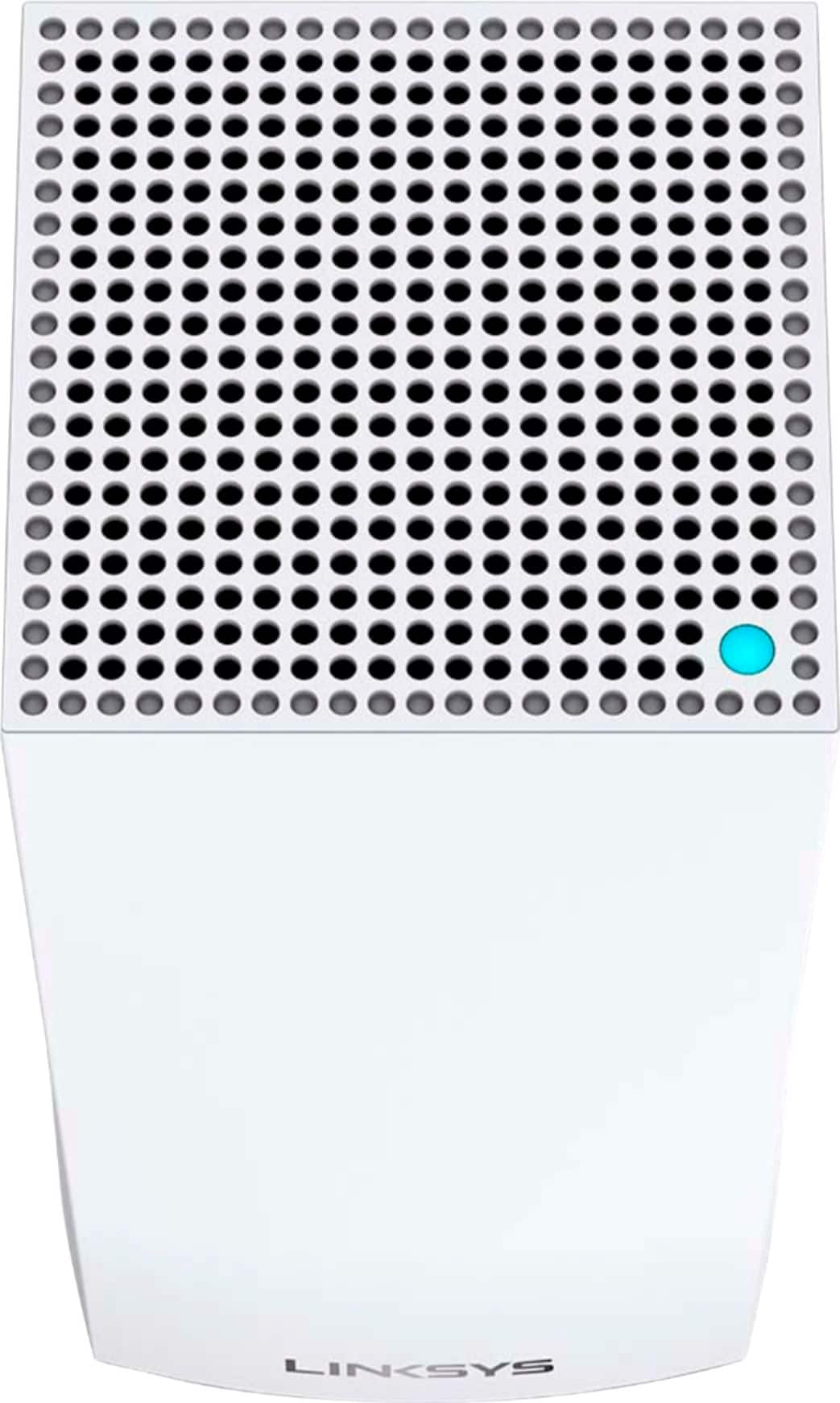
- Model:
- MX10600
- SKU:
- 6373231
Rating by feature
- Setup
Rating 4.5 out of 5 stars
- Range
Rating 4.8 out of 5 stars
- Signal Strength
Rating 4.7 out of 5 stars
Customers are saying
Customers are satisfied with the MX10 Velop AX5300 Mesh Wi-Fi 6 System's ease of use, coverage, and setup, with many praising its improved range and signal strength. Positive feedback also highlights the system's performance and the inclusion of Ethernet ports. However, some customers expressed concerns about the system's price and size, while others mentioned occasional connectivity issues and app-related frustrations.
This summary was generated by AI based on customer reviews.

Great and solid build quality.
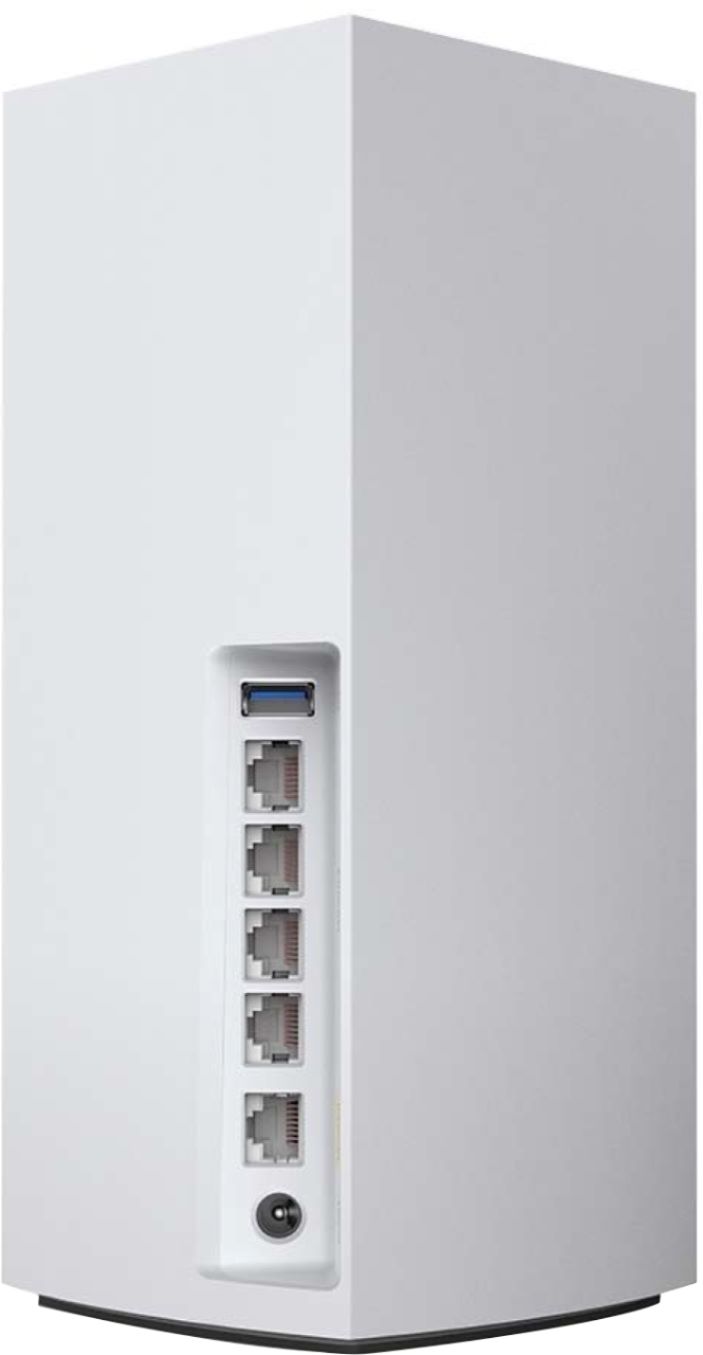
|Posted .This reviewer received promo considerations or sweepstakes entry for writing a review.So I am coming from a linksys EA9500, a beast of a device with 8 gigabyte lan ports and I already averaged about 35-40 wired and wireless device. The only issue is I get dropped WiFi coverage sporadically but due to the auto switching from 2.4ghz to 5ghz bands. The AX5300 is solidly built, great design, and blends into my home without issue. The ability to have two bases or a secondary node as is the case each with 4 lan ports is great. I am able to have lan connected devices in other areas than just where the main base is, which is currently the case with my EA9500. Setup with the apps is a bit time consuming not in the initial setup which is a breeze but rather as the units get get “acclimated” with all your interconnected devices, about 36-72 hours. This is true I think of all linksys routers as was the same when I migrated from EA9300 to EA9500 and now the AX5300. So my overall review is 4 to 4.5 stars. Router firmware upgrades with all my prior linksys system routers are far and few and no reason to doubt any difference with this new flagship. Dropped WiFi continues to be an issue and I feel this more to do with linksys routers having a “hiccup” as you move about your house and the auto band steering drops from one band to another. My iOS devices seem the most sensitive to this momentarily loss. My overall speeds connections remain about the same as with my EA9500, so no real wow moments. Overall it is a great device and much more aesthetically pleasing than the EA9500 with better coverage, so yes buy but this is more for future devices that will be able to take advance of the advanced features of the AX system, I have none so far. Another issue is the two piece unit is to me pretty expensive! So solid 4 to possibly 4.5 stars, I would get it if you haves very speedy internet speed from your ISP (I have only 100 mbps down and 10 mbps up), devices that can utilize the new format fully and need better coverage which can be gotten with this mesh system.
I would recommend this to a friendVery disappointed
||Posted . Owned for 9 months when reviewed.This reviewer received promo considerations or sweepstakes entry for writing a review.Have a 3 unit setup.. for a 2500 sqft area, yet get unreliable speeds and frequent disruptions..
No, I would not recommend this to a friendBrand response from Linksys Staff
Posted .Hello, Thevaibhav,
We appreciate your writing us a review. This is not the experience we want you to feel. Please make sure that the location of the Velop nodes are far from physical obstructions and the firmware of the device is up to date. Please email us at LinksysCares@linksys.com with your contact details and the link to this post. We'd like to have our Escalation Engineers to further assist you.
Regards,
Linksys Support
www.linksys.com
Horrible
||Posted . Owned for 2 weeks when reviewed.This reviewer received promo considerations or sweepstakes entry for writing a review.Let’s see I have 6 in my house and Still bad WiFi. Replaced my airport WiFi set up, save me apple......
No, I would not recommend this to a friendBrand response from Linksys Staff
Posted .Hi Cristo,
This is definitely not the experience we want for our customers. Allow us to have our Escalation Engineers to get in touch with you for further isolation and troubleshooting.
Just send us your contact details at [email protected] so that we can escalate your case. Don't forget to include the link to this post as a reference.
We hope to hear from you soon.
Regards,
Thaddeus
Linksys Support
En”Velop” your entire house with strong wireless
|Posted .This reviewer received promo considerations or sweepstakes entry for writing a review.The Linksys Velop AX5300 Mesh system is great for blanketing your house or office with strong reliable Wi-Fi. In the box you get the 2 MX5 routers, power adapters for each, ethernet cables for each, and a quick start guide. The routers themselves are built very well and are a nice white that will match and fit in with most homes décor. The set up was fairly straight forward. Placed one of the nodes near my modem, plugged in, connected one of the nodes to my modem. Placed the other node on the other side of the house near all the rooms that will need the stronger Wi-Fi. Initial set up is a cinch with the Linksys app. After launching app and allowing a Bluetooth connection the app searches for the nodes. Found with no issues. Immediately was connected to the internet. Then created a new Wi-Fi connection and password. Found the other node and named it based on location. Easy. Wish other routers, modems, etc. were so easy with no errors or app issues. This was on Android with a Galaxy S10 plus. Once set up I tested my phone in a few of the normal dead or slow spots in the house. Prior to this despite our house being fairly small there were several spots that would either be very slow, drop connection, or not even show up as a connection. The Linksys mesh system eliminated this completely. In almost every spot in the house Id have full bars, maybe 4 bars in some spots. But no more dead spots or disconnects. And even in those normally slow spots I was pulling 40-50 mb/s or more. This is plenty fast for anything Ill be doing on my devices. But when in a good spot I averaged just under 200 mb/s down and about 5 up. Another issue it solved was completely dropping off my old Wi-Fi the second I walked out the house. Prior to the Linksys it would try to stay connected to Wi-Fi despite the connection being basically lost. And I wouldnt have Wi-Fi or LTE when this happened. So in order to get a connection I would have to toggle Wi-Fi off so it would force an LTE connection. This is also a thing of the past. Even outside I get a good connection which is awesome. No longer have to even remember to turn off Wi-Fi. One less thing in the day to deal with. There was also no interference with 2.4ghz devices like phones, etc. either although I never had this issue before. Overall I am very pleased with this system. Super easy, quick, and straight forward set up. The nodes themselves look great and have plenty of ports to connect via ethernet or USB 3.0 for wired set ups. And most importantly the house (and even outside my house) is now blanketed with strong reliable Wi-Fi. I always know that I have a great connection without having to think about it, or tinker with my phones settings to get a connection. If you want a system where you can set it up then basically forget about your Wi-Fi knowing its just going to work I highly recommend this system.
I would recommend this to a friendNot so great
||Posted .This reviewer received promo considerations or sweepstakes entry for writing a review.I bought this and brought it home but it’s didn’t even make a difference
No, I would not recommend this to a friendDisappointing
||Posted . Owned for 3 weeks when reviewed.This reviewer received promo considerations or sweepstakes entry for writing a review.Terrible. I had to reboot them every day. Returned.
No, I would not recommend this to a friendBrand response from Linksys Staff
Posted .Hi there,
Your feedback is of great value. We could have tapped our Escalation Engineers to check the unit and provide further diagnosis before returning it. Should you have any Linksys products in the future and need a helping hand, please don't hesitate to get in touch with us at LinksysCares@linksys.com. We're eager to help.
Regards,
Carl
Linksys Support
Poor quality.
||Posted . Owned for 2 months when reviewed.This reviewer received promo considerations or sweepstakes entry for writing a review.These worked fine for almost one year, then quit working.
No, I would not recommend this to a friend- Pros mentioned:Speed
Great Speed & Coverage
|Posted .This reviewer received promo considerations or sweepstakes entry for writing a review.My home internet is delivered by fiber providing a Ping of 2ms having a download speed of 938 Mbps and upload speed of 940 Mbps utilizing the speed check utility within the Linksys app. My home is a ranch style, wood construction, and measuring in at 1575 sq. feet. The two nodes are approximately 25-feet apart. Now for testing the Linksys Tri-Band Mesh Wi-Fi System, I am using a Samsung Galaxy S10+ with a Ping of 7ms having a download speed of 417 Mbps and upload speed of 579 Mpbs utilizing the Speedtest app. I couldn't ask for better throughput on this device on this Wi-Fi network. Currently there are 12 devices actively running on my Wi-Fi network and do not experience any lag or buffering in any video or music streaming. I highly recommend this Linksys - Velop AX5300 Tri-Band Mesh Wi-Fi System and give it 5-stars.
I would recommend this to a friend Very high quality units
|Posted .This reviewer received promo considerations or sweepstakes entry for writing a review.OK, took awhile to test these as it required customer service at Linksys to assist in initial setup (did several different types of setups which a normal user would never do). Customer service is first class BTW and available 24/7. I had to uninstall and reconnect 30 smart devices which is typical when you take down a complete network. I did test this in a dual type configuration at first. I plugged my first node into my present router LAN port and ran a complete separate system. It worked fine in this configuration and did not require me to take down my Network and all devices stayed connected. At that point I needed to do a clean install. Internet transfer rates were at the maximum (100MBPS) of my Spectrum service so I cannot comment on any additional speeds. 5 bars everywhere including through concrete walls, back and front yards, garage, and down the street 100 feet. No dropped connections of any kind. System automatically connects to the best signal for your device. This unit is very high end Tri-Band units that cover all known frequency combinations. First units to never drop my Nest security cameras. I placed the second wireless mode at a remote bedroom (40 feet) and connected my new XBOX and 43" smart TV. I used the LAN cables and wireless connections and test results were the same. No drops, drips, or errors of any kind. Connected to the WEB UI that was in an email that Linksys automatically sent. In this menu driven interface, you can do anything you want with the product including checking and setting up individual connections. I left mine in auto as it repeatedly resulted in 5 bars on all devoces. You get what you pay for and this versus a $80 product is no comparison. Quality does count for your everyday needs. 3 year warranty with outstanding US based customer service with knowledgeable folks that speak clear English in California. Canon printers is the only other brand that had this kid of service that I have encountered.
I would recommend this to a friend- Pros mentioned:Speed
Excellent router with on BIG caveat
Posted .This reviewer received promo considerations or sweepstakes entry for writing a review.I purchased this from BestBuy but thought to help potential buyers here. I went from an Orbi system to this. I have over 80 wifi devices and my Orbi system was having issues. Installation of the main router and the node could not be any easier! It was such a pleasant experience. The router immediately recognized all devices before I even set up the child node! Signal is powerful to blanket a big three level place. The problem: I was getting around 200 mbps on wifi with Orbi (ISP delivers around 600 mbps through wired). With Velop I was getting around 90 mbps no matter what I did (reset the router and the node, mess with settings, etc.) I was pretty disappointed at that point. Solution: It just occurred to me of a similar problem I had with a router in the past and a post on a forum that the problem was the cat cable provided in the box for Velop to connect the router to the cable modem. I switched it to Cat6 cable and wifi speed jumped to over 450 mbps!! I don't know why they supply a cheap and inferior cable but if you have the same issue, try using a Cat6 or better cable to connect the main Velop to your cable modem/router. Also, I noticed that not using a backhaul wired connection between the main router and the node provides better speed. Odd but true. So I just left the node as is to communicate with the main router via wireless. All in all, this is fantastic mesh router minus the issue above.
I would recommend this to a friend - Pros mentioned:Speed
Best Mesh Wifi System
|Posted .This reviewer received promo considerations or sweepstakes entry for writing a review.Received my system this week late one day. Opted to install it the next day and it was easy. Used the app on my phone to do it all. 1st the main unit and my phone and computer,then the second unit was even easier. Now I have TV's Phones Tablets all running on WIFI 6 and wow this system is so fast. My phone has been connected up 1200mbps. I have checker my tablet and computer both are twice as fast as my other router. This is such a nice feature to have now and use. Now when I want to see what is going on with my network I just go to the app on my phone and all the info is there. I love this system.
I would recommend this to a friend - Pros mentioned:Speed
It's okay, not easy to set up
|Posted .This reviewer received promo considerations or sweepstakes entry for writing a review.I received the nodes and while normally I set things up myself, my one roomie is the network admin and wouldn’t exactly give me access. So I had to set it up with them. We have a pre-existing Velop tri-band mesh system in play, and we decided to use my one node as the parent node on the main level of the townhouse, and the second node sits in my room. The set up was far from easy, and my roomie is a system admin for a college… and even he was getting annoyed by it. To make mine a parent node, we had to reset ALL of the nodes, and it’s not something you can do from the app, we had to go to each node and reset them. Once we had the parent node established. My second node was not finding the parent node, despite resetting it and sitting it RIGHT next to the node. It continues to glow red, with no wireless capability. The node is basically a large network switch on my bookcase, and trying to get my roomie to correct it is like pulling teeth. So we are using them, not quite as intended. As for the wi-fi speed, we have noticed improved connection over wifi, things don’t hang up and the network seems to be stable. If you’re looking for a wireless mesh network… don’t write it off, but certainly check around. It’s not very easy to set up.
No, I would not recommend this to a friendBrand response from Linksys Staff
Posted .Hi RAK9008,
It is recommended to use one the nodes of the Linksys MX10600 as a parent node so you can make use its features. However, if you encounter other challenges with it or with any of our products in the future, don't be shy to email us at [email protected] with your contact info and the link of this review, for our reference.
Regards,
Elyza
Linksys Support
- Pros mentioned:Ease of use
Future-proof mesh WiFi
|Posted .This reviewer received promo considerations or sweepstakes entry for writing a review.Very quick to set up using the smartphone app. All the standard features you expect in a mesh WiFi system plus it has the new WiFi 6. It also has 4 wired ports on each unit for things that need a network cable. I connected to a 8 port switch to plug in my desktop computers and Xbox to make sure I have a solid connection. I happened to have 1 thing that is already able to use WiFi 6 and I think it made the connection a bit more robust.
I would recommend this to a friend Best purchase
Posted .This reviewer received promo considerations or sweepstakes entry for writing a review.I purchased this to support several of my smart devices as my previois router was always kicking divices off the network due to the high volume. I have owned this router for a year and it has not failed me yet. In addition, I recently switched modems and my ISP was less than compitent on getting my new modem linked properly. I assumed my router had been the issue after getting off the phone with my ISP and decided to call linksys support. They not only got my router back up and running but helped troubleshoot my modem (a product that is not linksys) which helped me determined the issue was a missed step by the ISP. Had it not been for linksys support, I would still be trying to figure out why I was getting no connection.
I would recommend this to a friend- Pros mentioned:Range, Speed
powerful router!
Posted .This reviewer received promo considerations or sweepstakes entry for writing a review.the velop mesh systems don't have the most features out of all the mesh systems, but they do do exactly what you're expecting them to do: give wifi to non-tech sophisticated relatives in every corner of your house. perfect for iphone users on a guest network with crazy fast speeds. I don't mean that as a dig, I mean that as a compliment- it simply works at what it's supposed to do, which is make a network across every inch of the house.
I would recommend this to a friend - Pros mentioned:Speed
No More Calls From Mom and Dad About No Internet!
Posted .This reviewer received promo considerations or sweepstakes entry for writing a review.I had a Nighthawk AX router before this. It was a nightmare. After having it less than 2 months both WiFi bands, the 2.4 and 5GHZ went out. It was a logistical nightmare. You didn’t come here to read about the Nighthawk though. After that ordeal I was just done. Enter the Velop. I’d heard good things about Linksys and their mesh system, so I decided to give the Velop a try, and I’m so glad I did. It’s excellent. Setting up the Velop was a breeze. After plugging it in, both the router and it’s child mode were up and running blanketing my whole home in glorious gigabit speed WiFi in less than ten minutes. The advantage with this system over most others is the WiFi AX capability. If you have fiber internet, or another fast connection, and an AX device like a newer iPhone or Android phone, this will deliver speeds to you faster than you ever imagined. With this router, you’re not limited by the speed of your internet, you’re limited by the speed of the websites you visit! Another dimension of owning any high end router is customer service and tech support. Inevitably with a system this high end, there are more things to finesse than you would find on your regular $65 router. My internet provider while capable on the speed side, has a modem that has issues with any router or device wired into it. Remember the Nighthawk? My modem ate its lunch and sent it home. When I got the Velop I was shocked to run into some of the same issues with the nighthawk. Where is it that Linksys went right where Netgear failed? Tech support. The Linksys CSR and technicians that helped me were great. Where Netgear simply lost patience with me and told me the product was defective, Linksys took the time to fully investigate my unique problem, address all my concerns, and helped get my network operating at 100% 24/7. Too long, didn’t read? This is a great mesh system, with great tech support. It may have a premium price tag, but the Linksys Velop AX mesh system is without question a premium product you won’t regret splurging on.
I would recommend this to a friend - Pros mentioned:Range, Setup
Fast, simple, easy
Posted .This reviewer received promo considerations or sweepstakes entry for writing a review.The AX/WiFi 6 support means even a single node is fast with great range, but the mesh allows seamless coverage of a house where a very good AC router couldn’t reach. The setup was extremely simple, newbie friendly, and reassuring. I had my entire house switched over to a new SSID in about 30 minutes, but getting a working WiFi setup took less than 10 minutes. This was the easiest setup I’ve ever had.
I would recommend this to a friend - Pros mentioned:Setup, Speed
Wifi Calling Does Not Work
Posted .This reviewer received promo considerations or sweepstakes entry for writing a review.The setup, speed and stability were great. I have replaced my Apple Airport Extreme roaming network over Ethernet with this system using three nodes using Ethernet back-haul and AT&T fiber gateway (which I had for years). We have four iPhones in my household (AT&T and Verizon) and with all of them I get repeated dropped calls when wifi calling is on, and had to eventually turn it off. I had no issues with wifi calling when I had my Apple Airport Extreme network. From forums I have discovered that wifi calling is a known issue for prior Velop systems. I just thought that before rolling out this latest system Linksys will figure out how to fix this problem, - I spent almost $1k for three nodes and disappointed that I can no longer use wifi calling in my house.
No, I would not recommend this to a friendBrand response from Linksys Staff
Posted .Hi, RomanB,
As long as the system is already running on the latest firmware, WiFi Calling should work fine along with the other features of the router. Let’s get you to our Escalation Engineers so they can check if the settings are optimized. Just send us an email at [email protected] so we can assist you accordingly. Don’t forget to include your contact information and a link to this review as our reference.
Regards,
Rosalyn
Linksys Support
- Pros mentioned:Range, Speed
Velop Router System
Posted .This reviewer received promo considerations or sweepstakes entry for writing a review.Very nice unit. It is FAST! I also have six of the smaller nodes all thru the house, and one OUTSIDE in the camper. All work very well. Velop is the best I've ever used or installed. And the Velop Tech Support is Excellent!
I would recommend this to a friend Fantastic whole house WiFi network
|Posted .This reviewer received promo considerations or sweepstakes entry for writing a review.This system was easy to setup. You download the app and follow directions. Once up and running it ran perfect and in areas where I used to have dead spots it was a full signal there. It provided a signal about 3 houses down. I was thinking of getting another node but I don’t need one. I had 9 people streaming games and movies and no one lagged. Linksys did a great job.
I would recommend this to a friend