Customer Ratings & Reviews
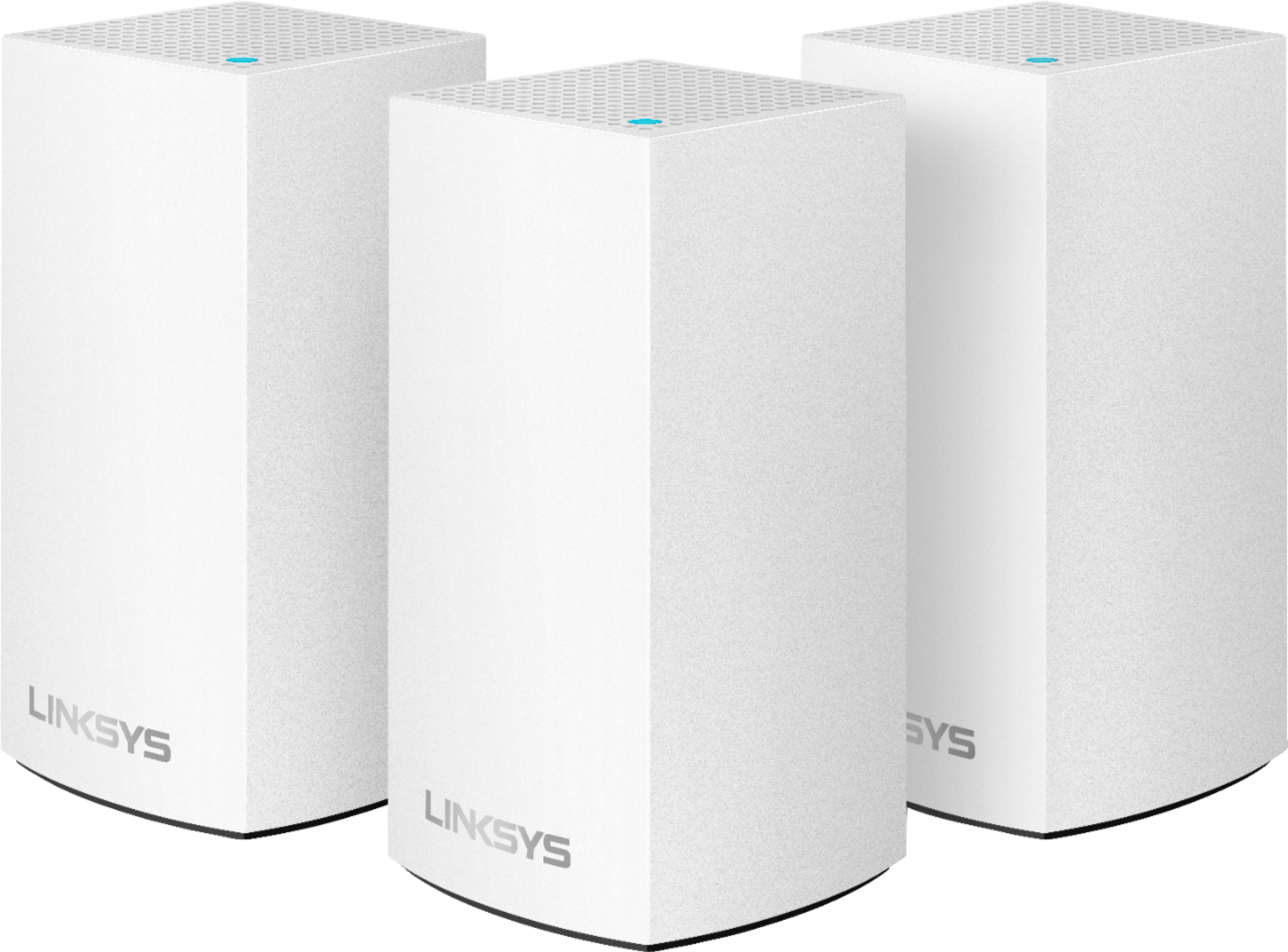
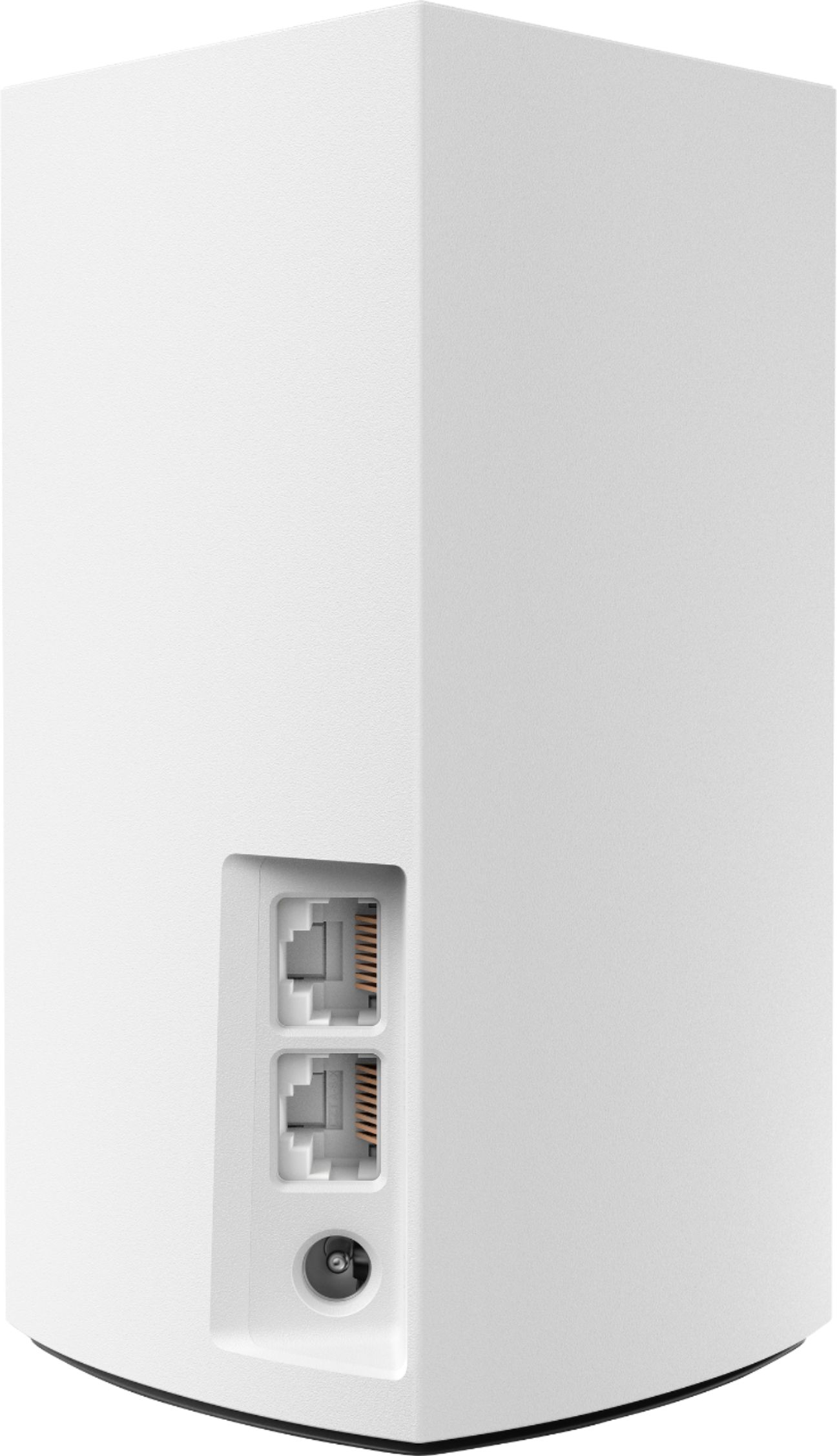
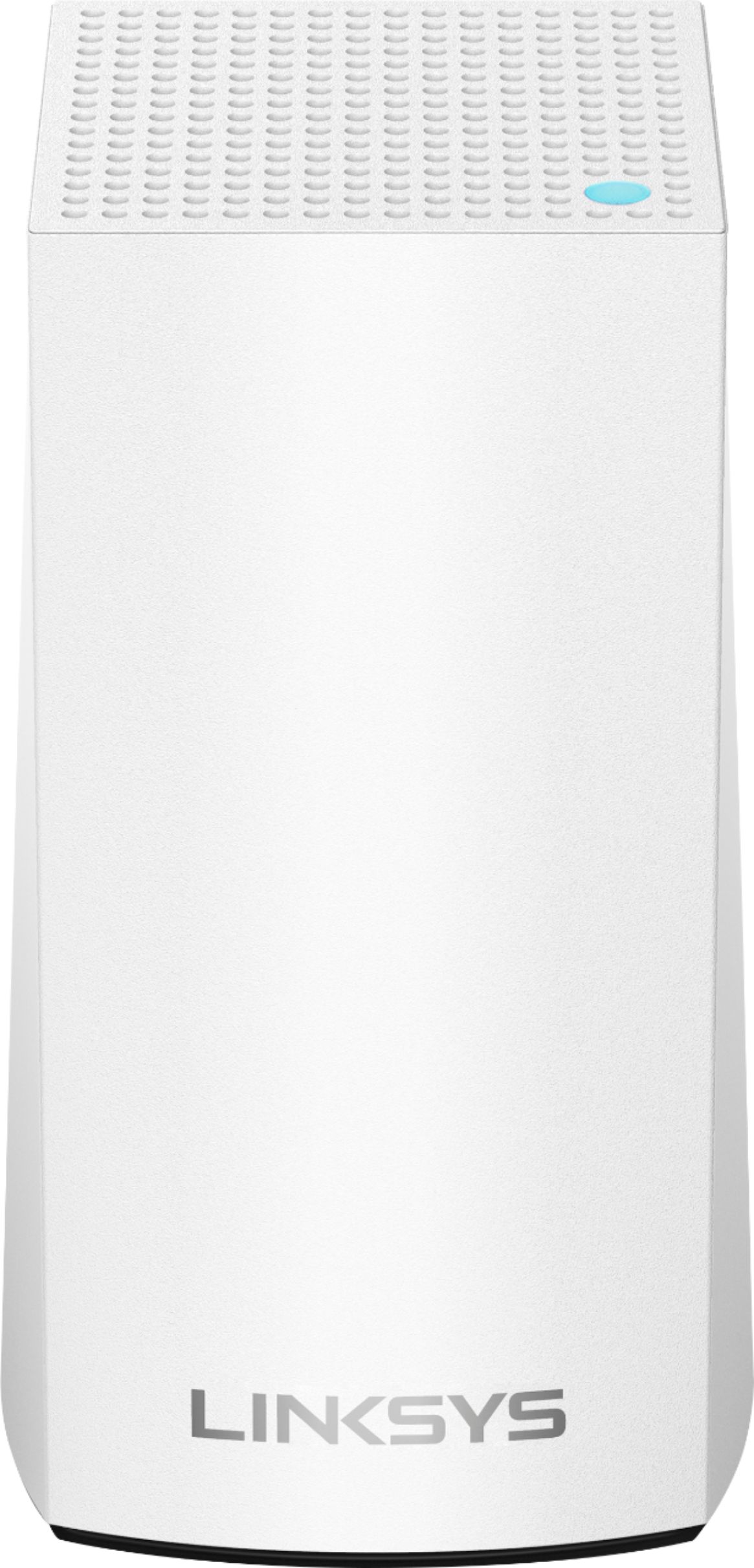






- Model:
- WHW0103
- SKU:
- 6215341
Rating by feature
- Setup
Rating 4.2 out of 5 stars
- Range
Rating 4.1 out of 5 stars
- Signal Strength
Rating 4.1 out of 5 stars
Customers are saying
Customers enjoy the Velop AC1300 Dual-Band Mesh Wi-Fi 5 System's ease of use, expanded Wi-Fi coverage, and strong signal. Many appreciate the improved range and performance compared to single routers, finding setup straightforward. A common concern, however, is the relatively high cost.
This summary was generated by AI based on customer reviews.
Linksys mesh
||Posted .This reviewer received promo considerations or sweepstakes entry for writing a review.this is an amazing system. Solved all my wifi issues
I would recommend this to a friendworks well in most of the house
||Posted . Owned for 1 month when reviewed.This reviewer received promo considerations or sweepstakes entry for writing a review.Works well in most rooms in the house, but not all. App works well for initial set-up, but not for changes in the configuration.
I would recommend this to a friendBrand response from Linksys Staff
Posted .Hi, sjs18017,
If you have challenges with the wireless connection, you may try to use the channel finder on the Linksys app for isolation. For further assistance, please share more details at [email protected] with your contact details and the link to this review for our reference.
Regards,
Jan
Linksys Support
okay
||Posted . Owned for 1 year when reviewed.This reviewer received promo considerations or sweepstakes entry for writing a review.i did not see much improved performance (a little but not much). The real trick is to hard wire as many devices as you can.
No, I would not recommend this to a friendBrand response from Linksys Staff
Posted .Hi dmoney72,
Thank you for sharing your feedback. We can have our Escalation Engineers assist you with further adjustments to improve its coverage.
Just send us your contact details at [email protected] so that we can escalate your case. Don't forget to include the link to this post as a reference.
We hope to hear from you soon.
Regards,
Thaddeus
Linksys Support
I was unhappy with this product
||Posted . Owned for 3 weeks when reviewed.This reviewer received promo considerations or sweepstakes entry for writing a review.I was unhappy with my purchase of this product which I ultimately returned 3 days later. I followed the directions to the best of my ability and kept on getting messages "No Internet". I followed the directions at least 3 times with no other outcome of no internet. I have so many computers and other devices requiring a Google account. I also was upset with the setup process requiring getting a Google account I have problems keeping the passwords memorized and having to stop everything to change passwords to keep my devices working. I was so upset with this requirement it stopped the installation process . I bought this device which was similar to the router that was issued by my internet provider(Glo Fiber) but it did not work. When I reinstalled my eero I had no problems accessing the internet. I was unhappy with the directions that where issued with Linksys and the support on the website. there was no good trouble shooting section in the directions and the no good trouble shooting directions on the website. Linksys did a very bad job of helping its customers resolving this issue. they need to resolve these issues before I buy another one of Linksys products.
No, I would not recommend this to a friendBrand response from Linksys Staff
Posted .Hi, Trclary,
Thanks for writing us a review. We could've had our Escalation Engineers to assist you with the installation process. Should you have other Linksys devices that may need our assistance in the future, feel free to email us at [email protected] with your contact details and the link to this post for reference.
Best Regards,
Gregory
Linksys Support
Annoying and Awful Mesh Functionality
||Posted . Owned for 3 weeks when reviewed.This reviewer received promo considerations or sweepstakes entry for writing a review.Was excited to get this, until I did. As a mesh system, it should hand off devices as you go through the house. But the system constantly steers devices to nodes on the other side of the house. A device in my bedroom, 10 feet from a child node, will connect to the parent node 100 feet away, skipping over the one in between the two. The system does not allow you to control this. What this means is that, in the middle of watching a show or making a web call, your device may be pushed to another node and lose the connection. Looking online, the last ditch fix is to turn off the setting that steers it. I tried this, then went through and dis/re-connected over 20 devices in the home. It seemed to be ok, but then it started again, even with the settings off. I tried doing a “device clear,” which is supposed to keep the custom names and reboot the system. After spending time identifying and naming each device since it’s not always clear what a device is, the system cleared the custom names and erased all my work.
No, I would not recommend this to a friendBrand response from Linksys Staff
Posted .Hi, tommie113,
You may try to power cycle your Linksys WHW0103 and make sure to run the current firmware version of the nodes. Thus, we can have our Escalation Engineers assist you with this by sending us an email at LinksysCares@linksys.com with your contact info and the link of this review, for our reference.
Regards,
Elyza
Linksys Support
so so product
||Posted . Owned for 1.5 years when reviewed.This reviewer received promo considerations or sweepstakes entry for writing a review.Worked ok for about 18 months and then one of the nodes died.
No, I would not recommend this to a friendBrand response from Linksys Staff
Posted .Hi PamC,
It's important that we're fully addressing your issue. Feel welcome to email us at LinksysCares@linksys.com along with the serial number of your Velop node, contact details, and the link to this review as our reference. Our Escalation Engineers would love to assist from there.
Regards,
Chu
Linksys Support
Daily connection issues
||Posted . Owned for 4 months when reviewed.This reviewer received promo considerations or sweepstakes entry for writing a review.These were good at first but now all 3 nodes go red every night and disconnect for a while. It’s very frustrating....sometimes I end up just unplugging them and connect directly to my modem/router and that defeats the whole point of even having them. They also don’t keep up with moving devices like a phone moving from room to room. I shouldn’t have to disconnect and reconnect frequently. I’ll probably switch to orbis soon.
No, I would not recommend this to a friendBrand response from Linksys Staff
Posted .Hi KyleN,
If the LED will turn blinking red, then it means that the Linksys WHW0103 has lost connection from the modem. Make sure to connect the primary node to the modem firmly. Allow us to have our Escalation Engineers assist you with this matter further. Send us an email at [email protected] with your contact info and the link of this review for our reference.
Regards,
Elyza
Linksys Support
We’ll see
||Posted . Owned for 2 weeks when reviewed.This reviewer received promo considerations or sweepstakes entry for writing a review.Well I’ve unboxed this item, but I had a little issue connecting them. So much so that I gave up!
No, I would not recommend this to a friendBrand response from Linksys Staff
Posted .Hi, Anna,
Setting up the Linksys Velop system should be easy using the Linksys app but, we could try to set up the nodes using the Velop Simple Setup in the Web UI. You may follow the steps on this link for the Web UI setup: https://www.linksys.com/us/support-article?articleNum=226218. However, if you need further assistance, feel free to reach out to us at LinksysCares@linksys.com with the link to this review for our reference.
Regards,
Jan
Linksys Support
Waste
||Posted .This reviewer received promo considerations or sweepstakes entry for writing a review.Not as advertised, very finicky and keeps dropping offline. Spend the money on another brand and better quality
No, I would not recommend this to a friendIts Okay
||Posted .This reviewer received promo considerations or sweepstakes entry for writing a review.Purchased this product. I have to keep resting two of the components, and sometimes it takes a while to pick up a signal, but overall it works.
I would recommend this to a friendBrand response from Linksys Staff
Posted .Hi Jayjerkinz,
For a stable connection, make sure that the child nodes are properly positioned and the firmware is up-to-date. Should you encounter any connectivity issue, don't hesitate to contact us directly at [email protected] so we can have you assisted by one of our Escalation Engineers. Just indicate your contact details and the link to this review for easy reference.
Regards,
Jay
Linksys Support
Didn’t work out great for us
||Posted . Owned for 3 weeks when reviewed.This reviewer received promo considerations or sweepstakes entry for writing a review.Overall we tried this product for a week. It was more spotty then we expected. We ended up going with a different product.
No, I would not recommend this to a friendBrand response from Linksys Staff
Posted .Hi Mike,
Thank you for sharing your feedback. This is an unusual behavior for the Velop system. We could have had our Escalation Engineers contact you for further troubleshooting to get it working as expected. We respect your decision in returning the device.
If you have questions regarding a Linksys device, feel free to email us at [email protected].
Have a good day!
Regards,
Thaddeus
Linksys Support
5
||Posted . Owned for 1 month when reviewed.This reviewer received promo considerations or sweepstakes entry for writing a review.Couldn’t get it to work out of the box call and it took about 2 hours to get it hooked up still have one node not staying on
I would recommend this to a friendBrand response from Linksys Staff
Posted .Hi Jinxed2,
Setting up the Velop nodes should be a breeze provided that all system requirements are met. Let us sort this out and let an Escalation Engineer work with you to hook up the nodes. Please send us an email at [email protected] with your contact details and the link to this post for reference. They'll help you out in experiencing the best out of this product.
Regards,
Carl
Linksys Support
Could not connect
||Posted . Owned for 3 weeks when reviewed.This reviewer received promo considerations or sweepstakes entry for writing a review.Was hard to get to connect to my Internet and then when I did I did not notice a difference.
No, I would not recommend this to a friendBrand response from Linksys Staff
Posted .Hi,
Thank you for the feedback. Let's make sure that the firmware of the extender is up-to-date. Nonetheless, our Escalation Engineers would like to have this setback further checked. Just send us an email at LinksysCares@linksys.com with your contact details and the link to this review.
Regards,
JC
Linksys Support
Ok for three stories??
||Posted . Owned for 3 weeks when reviewed.This reviewer received promo considerations or sweepstakes entry for writing a review.We live in a three story house because we live at the beach. The first floor doesn’t get great coverage but the RING still works.
I would recommend this to a friendBrand response from Linksys Staff
Posted .Hello Mifflin52,
We'll check on this matter. Email us at [email protected] your current network topology so we can isolate your case. Please include the link to this review and your phone number. We'll have our Escalation Engineers lend you a hand.
Regards,
Princes
Linksys Support
Limited coverage in multi level home.
||Posted . Owned for 1 month when reviewed.This reviewer received promo considerations or sweepstakes entry for writing a review.I expected there to be better coverage with three nodes but in my multi level home it wasn’t as good as expected.
No, I would not recommend this to a friendBrand response from Linksys Staff
Posted .Hi Riggs,
We can isolate the setback by making sure that all nodes are running the latest firmware and placed away from physical obstructions. Let's have our Escalation Engineers help in checking your network and aid in experiencing the best out of the Velop WHW0103 Mesh System. With the link to this review and your contact details, email us at [email protected] so they can lend you a hand.
Regards,
Carl
Linksys Support
Linksys
||Posted .This reviewer received promo considerations or sweepstakes entry for writing a review.Very hard to set up. Had to have help from customer service. Didn't really work all that well in the house.
No, I would not recommend this to a friendNot Consistent
||Posted . Owned for 1 month when reviewed.This reviewer received promo considerations or sweepstakes entry for writing a review.Not quite the boost I expected for the money. I don’t see much speed/availability improvement.
No, I would not recommend this to a friendBrand response from Linksys Staff
Posted .Hi, Jonesy5,
The Linksys Velop WHW0103 Mesh System can deliver WiFi speeds up to 867 Mbps for 5 GHz radio and 400 Mbps for 2.4 GHz. You may try to use the channel finder on the Linksys app to optimize the nodes and verify if the modem is providing the expected speed.
For further assistance, you can reach out to us at LinksysCares@linksys.com with the link to this review for our reference.
Regards,
Jan
Linksys Support
Complete disappointment
||Posted . Owned for 1 month when reviewed.This reviewer received promo considerations or sweepstakes entry for writing a review.A complete disappointment. Since using this system, we have more buffering more lost internet connections than before. I also think this is affecting our access to certain sites that think we are from outside the US. So disappointing. We wanted a wifi booster but was talked in to this system. If I could return this system and go back to Spectrum wifi - I would.
No, I would not recommend this to a friendNowhat I thought
||Posted . Owned for 1 month when reviewed.This reviewer received promo considerations or sweepstakes entry for writing a review.I've only had it a month, and I every now then I my internet go out.....so, still have the same issue, but not as much
I would recommend this to a friendBrand response from Linksys Staff
Posted .Hi Kitten,
Thank you for sharing your feedback. There could be multiple factors that are causing this intermittent connection. Make sure that the firmware is up to date, and also check if your connection from the modem is stable.
We can have our Escalation Engineers contact you for further isolation and troubleshooting if you continue to experience this behavior.
Just send us your contact details at [email protected] so that we can escalate your case. Don't forget to include the link to this post as a reference.
We hope to hear from you soon.
Regards,
Thaddeus
Linksys Support
- Pros mentioned:Ease of use

Excellent supplemental Wi-Fi at a great price
|Posted .This reviewer received promo considerations or sweepstakes entry for writing a review.As the product description states, the Velop Dual-Band Mesh system is an excellent mesh coverage wireless internet system for BASIC internet plans. The performance is NOT going to WOW you even on mobile devices and certainly not on PC devices that can get 600-800Mbps speeds. This Wi-Fi system should be viewed as a supplement for wireless devices but for demanding systems, you should still try to run a home run from your main ISP router or switch for the full Gigabit throughput. That said, the way this mesh system extends your wireless internet is FAR superior than using multiple routers or using hacky extenders and bridges throughout the house due to ease of use and the mesh technologies that will aggregate bandwidth and give you maximum bandwidth when in range of more than 1 node in the mesh network because it seamlessly distributes bandwidth or hands your device off to other nodes in the mesh network. When you use multiple devices from different mfgs, you have to worry about deadspots, SSIDs, and channel frequencies. Set-up was simple, but make sure to upgrade the firmware on each node as soon as possible. Finding each node takes 10-20 seconds Connecting to the node can take 1-3 minutes Checking the speed takes another few minutes Firmware updates can take awhile per node as well. Setup was simple using a smartphone on the same network as the original node (connected to ISP router), so I would highly recommend using the app to configure everything. You will get the best performance by connecting each node to a cat5e cable directly from the main router or switch, but this mesh network will still work daisy-chained wirelessly from the last node. Keep in mind, while this will amplify the original bandwidth of the source node to extend coverage throughout the house, you will NOT get the full advertised bandwidth of AC3900, you will get a repeated bandwidth of AC1300 since that node is just sending to each node in a serial configuration. While this is a great single solution for extending wi-fi coverage throughout the house, it is not a solution for high performance demanding users who should consider a hybrid environment as well as the more powerful tri-band Velop nodes that can do AC2200 for a single node as well as AC6600 for the entire network. You will still want to focus high bandwidth and ethernet connections to devices that need them the most, but this is more than enough for your smartphones, tablets, and smart home devices scattered through the house.
I would recommend this to a friend