Customer Ratings & Reviews






- Model:
- WHW0103
- SKU:
- 6215341
Rating by feature
- Setup
Rating 4.2 out of 5 stars
- Range
Rating 4.1 out of 5 stars
- Signal Strength
Rating 4.1 out of 5 stars
Customers are saying
Customers enjoy the Velop AC1300 Dual-Band Mesh Wi-Fi 5 System's ease of use, expanded Wi-Fi coverage, and strong signal. Many appreciate the improved range and performance compared to single routers, finding setup straightforward. A common concern, however, is the relatively high cost.
This summary was generated by AI based on customer reviews.
difficult to sync with modem
||Posted . Owned for less than 1 week when reviewed.This reviewer received promo considerations or sweepstakes entry for writing a review.took me an hour to get everything synced up, and lights to go to Blue.
I would recommend this to a friendBrand response from Linksys Staff
Posted .Hi there,
To isolate, make sure that each node are getting a strong signal from each other. An updated firmware will also help optimize the performance of your Velop System. Should you encounter a setback, our inbox is open 24/7. You can send us an email at [email protected] along with your contact information and the link to this review for our reference.
We look forward to hearing from you soon.
Regards,
Lizette
Linksys Support
Can connect
||Posted . Owned for 7 months when reviewed.This reviewer received promo considerations or sweepstakes entry for writing a review.Had return it, so difficult to connect to to each other
I would recommend this to a friendWork well if you don’t have shiplap walls
||Posted . Owned for 2 months when reviewed.This reviewer received promo considerations or sweepstakes entry for writing a review.I have an old house with shiplap walls and the signal isn’t all that great
I would recommend this to a friendBrand response from Linksys Staff
Posted .Hello Lennym,
Physical obstructions and interference may affect the connection from the Linksys Velop. Email us your network topology at [email protected] and we'll have our Escalation Engineers provide you assistance over this matter. Include your phone number and the link to this review for our reference.
Regards,
Princes
Linksys Support
Compatibility issues
||Posted . Owned for 3 weeks when reviewed.This reviewer received promo considerations or sweepstakes entry for writing a review.Is not compatible with the ATT gateway. Had to return it
No, I would not recommend this to a friendBrand response from Linksys Staff
Posted .Hi, Turtle,
The Linksys Velop Mesh WiFi System (WHW0103) is compatible with most ISP. You can try to swap the Ethernet cable between the modem and Velop node to see if that will make any difference.
For further assistance, feel free to reach out to us at [email protected] with the link to this review for our reference.
Regards,
Jan
Linksys Support
Average wifi
||Posted . Owned for 1 week when reviewed.This reviewer received promo considerations or sweepstakes entry for writing a review.Not that strong of a signal wifi does not go to far
No, I would not recommend this to a friendEasy to install
||Posted . Owned for 1 week when reviewed.This reviewer received promo considerations or sweepstakes entry for writing a review.Easy to install but I had connectivity issue upon installing
I would recommend this to a friendBrand response from Linksys Staff
Posted .Hi, Jose,
Try updating the firmware of the nodes, run the channel finder and ensure proper node placement. If you’ll still encounter challenges, please get in touch with us at [email protected] so our Escalation Engineers can check the root cause of the setback and provide you with recommendations. Don’t forget to include your contact information and a link to this post as our reference.
Regards,
Rosalyn
Linksys Support
- Pros mentioned:Ease of use, Speed

It keeps getting better!
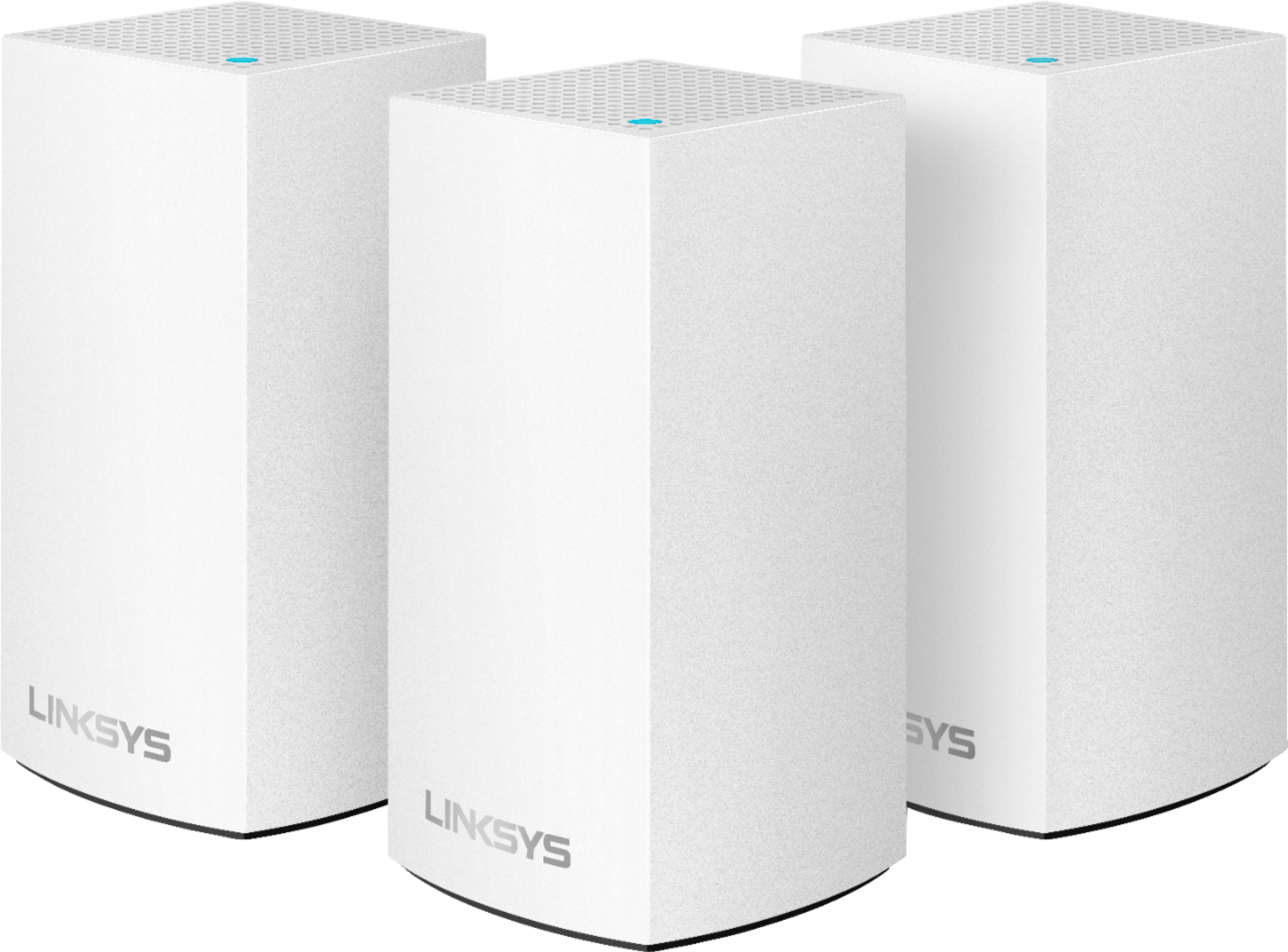
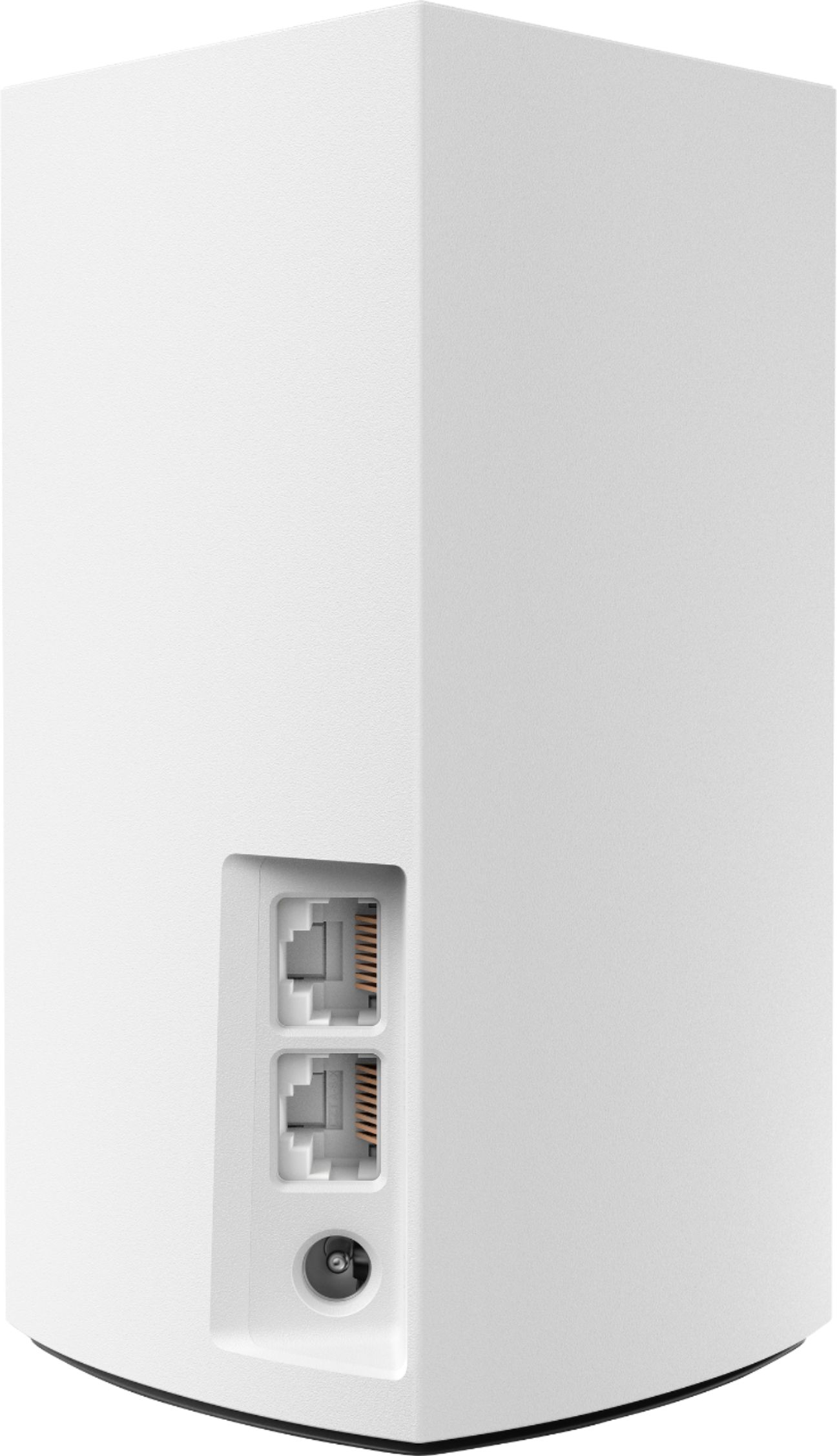
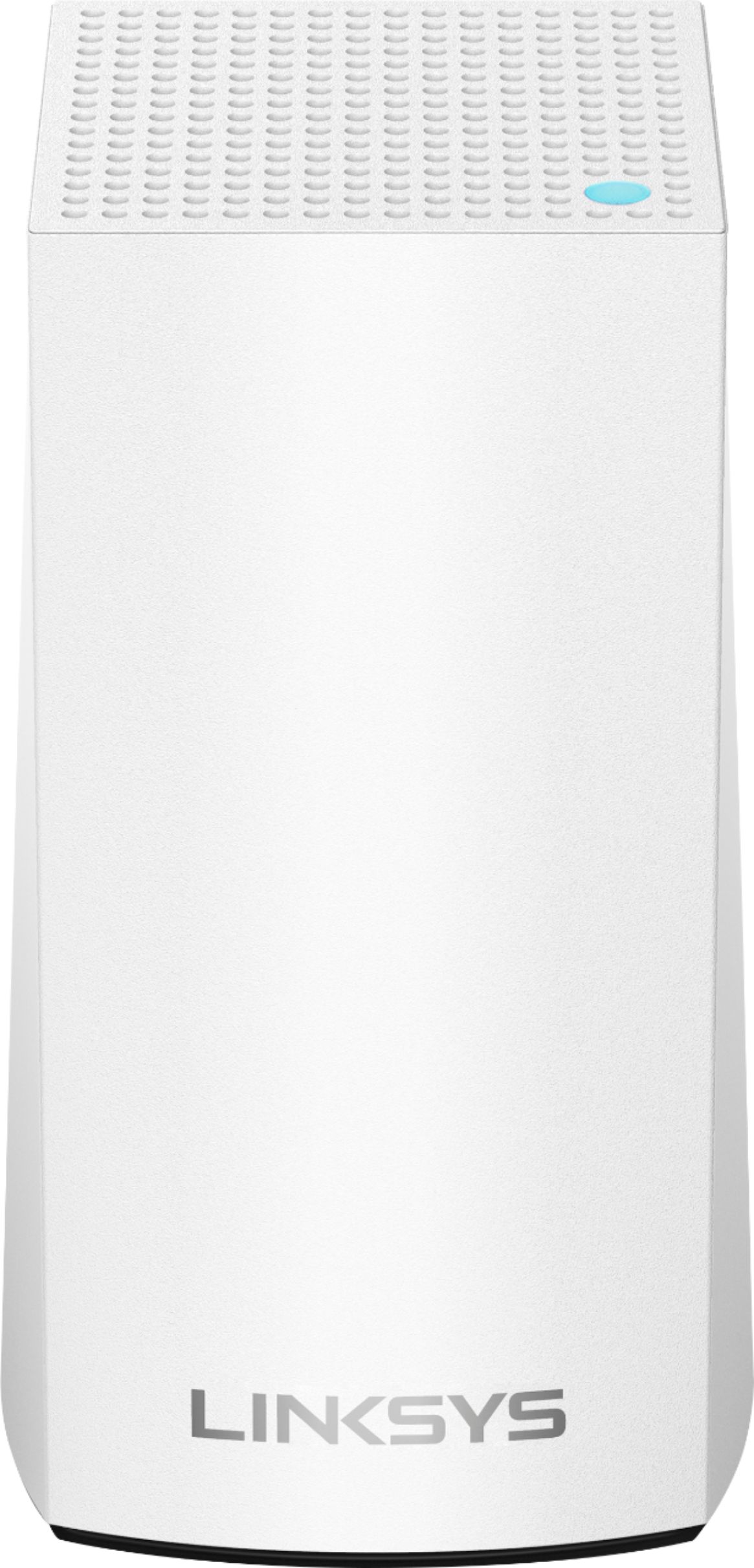
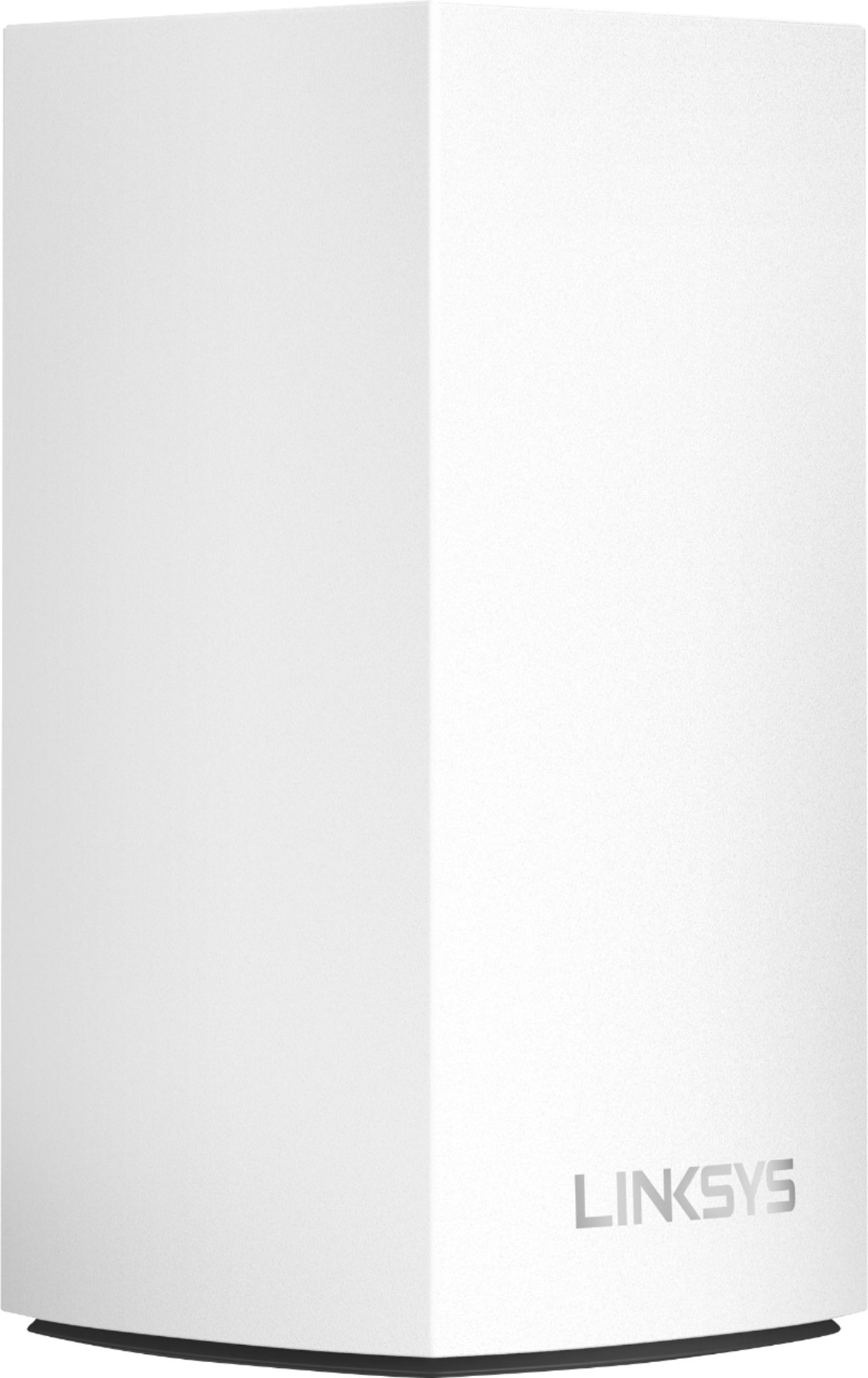
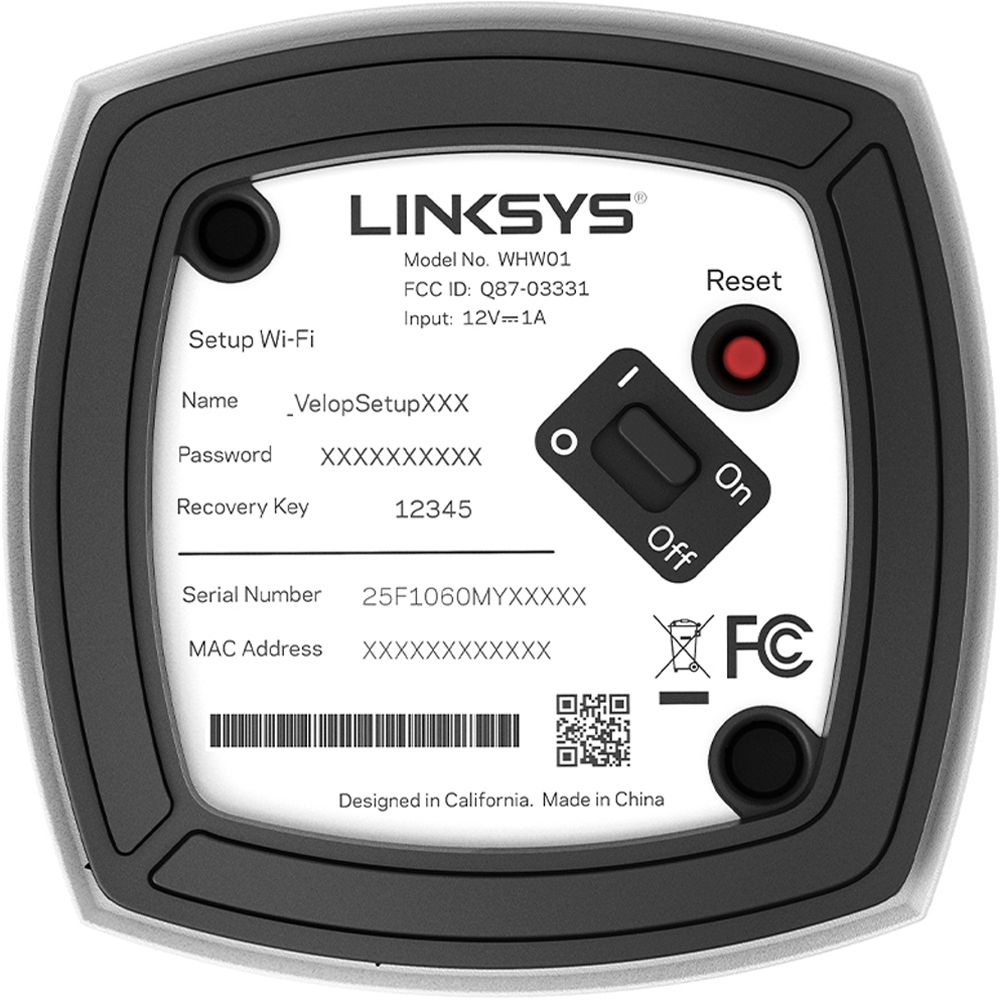
|Posted .This reviewer received promo considerations or sweepstakes entry for writing a review.If you have a large home, Wi-Fi systems provide an easy way to install a far-reaching wireless network in your home without the need for range extenders, access points, or additional wiring. This is where the linksys Velop shines, The Velop 3-Pack consists of three identical, sleeking-looking glossy-white tapered mini towers (nodes) that are placed around your home . There's a tiny LED status light on the top of each node, and the base holds two Gigabit LAN ports, a power jack, an On/Off switch and a red reset button. The LED light shines blue when connected, red when it loses its Internet connection, yellow when it is out of range, and purple during setup. Each of the three nodes covers up to 2,000 square feet, which means that the 3-Pack will provide Wi-Fi coverage for homes up to 6,000 square feet. Yes I said 6,000 square feet, and if that is not enough you can purchase additional units (node) for an additional cost. The setup is super easy, The Velop system is configured and managed using Linksys free iOS or Android app. The app is easy to navigate, and offers helpful tips for changing settings. It opens to a dashboard screen that displays the name of the network, how many devices are connected, and buttons to turn Guest Access, Parental Controls, and Device Prioritization on or off. Once you have the main unit plugged in to modem via Cat5 or Cat6 you are good to start configuring to you hearts content. Overall, I love the speed, the coverage area, the nice design and the ability to place the units where I need them the most. Currently, I don't have any negative feedback because the product works great! Would I recommend to friends and family? Yes, because when you live in a bigger home or you prefer better coverage, this is the product for you.
I would recommend this to a friend Did not increase coverage
||Posted . Owned for less than 1 week when reviewed.This reviewer received promo considerations or sweepstakes entry for writing a review.Did not increase coverage from previously installed router.
No, I would not recommend this to a friendBrand response from Linksys Staff
Posted .Hi Maddog,
By design, each node is capable of providing 1,500 square feet of Wi-Fi coverage so having 3 nodes should be enough for your network environment. If the unit is equipped with the latest firmware, email us your contact details and the link to this review for reference at [email protected]. Our Escalation Engineers would like to take a closer look at your experience and help you figure out what's causing this to happen.
Regards,
Carl
Linksys Support
- Pros mentioned:Speed
Junk
||Posted . Owned for 1 month when reviewed.This reviewer received promo considerations or sweepstakes entry for writing a review.Test hard line getting 890 Mbps test it on node get 470 Mbps, called Bestbuy 29 days after I got it and they tell me I can not exchange it for a new one, I will not buy any thing form Bestbuy again.
No, I would not recommend this to a friendBrand response from Linksys Staff
Posted .Hello, Mike,
This is not the experience we want you to feel with our Linksys routers. Please make sure that the firmware of the Velop is up to date to optimize its performance. Please email us at LinksysCares@linksys.com with your contact details and the link to this post. We'd like to have our Escalation Engineers to further assist you.
Regards,
Linksys Support
www.linksys.com
Had to return
||Posted . Owned for 3 weeks when reviewed.This reviewer received promo considerations or sweepstakes entry for writing a review.I had this system for three weeks. It started out fine and then after a week it was giving me issues downloading photos off of the internet and streaming movies/videos. I just returned it and bought another mesh system which has been working fine so far.
No, I would not recommend this to a friendBrand response from Linksys Staff
Posted .Hi,
The Linksys Velop Mesh WiFi System (WHW0103) can provide a stable connection and WiFi speeds of up to 867 (5GHz) + 400 (2.4GHz) Mbps. We could have tried to use the channel finder to see if will make any difference.
Feel free to reach out to us at [email protected] if you need further assistance with other Linksys device.
Regards,
Jan
Linksys Support
Not worth the price imo but not bad
||Posted .This reviewer received promo considerations or sweepstakes entry for writing a review.Doesn't stay connected at all always disconnecting. When it does work the coverage is great the boost isn't actually great at all. I noticed a gain of 4-17mbps (dowload) but actually no gain if not a loss in upload speed of no more than 3 mbps.
No, I would not recommend this to a friendBrand response from Linksys Staff
Posted .Hi AvgUser,
We can stabilize the speed and connection of the Velop system by making sure that the connection behind the modem is stable, and running the latest firmware. Our Escalation Engineers would like to take a closer look at your experience and help you figure out what's causing this to happen. With the link to this review and your contact details, please send us an email at LinksysCares@linksys.com so they can lend you a hand on this matter. Indicate a small but brief description of your network topology and their LED statuses when they lost connection from the network.
Regards,
Carl
Linksys Support
Linksys Velop dificulty
||Posted . Owned for 1 month when reviewed.This reviewer received promo considerations or sweepstakes entry for writing a review.This item didn't operate as indicated. Worked with Linksys for many hours but couldn't get them operational. Linksys tech support and Geek Squad was great, but maybe just a lemon. Was returned and looking into other options.
No, I would not recommend this to a friendBrand response from Linksys Staff
Posted .Hi, GoldWinger,
Your product and support experience are important to us! We could have tapped our Escalation Engineers to check the unit and provide further diagnosis before returning it. Should you have any Linksys products in the future and need a helping hand, please don't hesitate to get in touch with us at LinksysCares@linksys.com. We're eager to help.
Regards,
Carl
Linksys Support
Terrible.
||Posted . Owned for 1 week when reviewed.This reviewer received promo considerations or sweepstakes entry for writing a review.You would think the great comments, and the description makes it great, but I bet a lot of you are thinking "How could it be good so small?" and it isn't good. Just like it seems its to small to actually do anything good for your internet connection, I looked up gaming internet, it popped up, I clicked on it and read the reviews which made it seem impossibly great. But what you don't think about it how many bots are in there making it seem good, it doesn't help with gaming, honestly it slowed my internet down, terrible product, I wouldn't buy if I were you.
No, I would not recommend this to a friendBrand response from Linksys Staff
Posted .Hi Cdean,
It's odd that the Velop system is giving you such challenges when it comes to speed and gaming stability. Make sure to run the latest firmware and check if the same speed results you'll get on both wired and wireless connections. Our Escalation Engineers would like to take a closer look at your experience and help you figure out what's causing this to happen. With the link to this review and your contact details, please drop us an email at [email protected] so they can check this out and provide diagnosis.
Regards,
Carl
Linksys Support
Works sometimes
||Posted .This reviewer received promo considerations or sweepstakes entry for writing a review.Its great when it works. Signal comes and goes. Blah blah blah.
No, I would not recommend this to a friendBrand response from Linksys Staff
Posted .Hi,
To ensure a stable connectivity, we recommend keeping the firmware up-to-date. If your Velop System is already running on its latest firmware version, then there might be other factors why it behaves erratically. We truly appreciate your posting this product review so we can help you diagnose the possible cause of your issue and provide you with a fix.
Hope to hear from you soon at [email protected] with your contact details and the link to this post for easy reference.
Best regards,
Jay
Linksys Support
I expected more
||Posted .This reviewer received promo considerations or sweepstakes entry for writing a review.I ran a speed test before installing this system, after the installation the speed was actually slower than with my comcast router. I have posted this before, and saw that a service rep from Linksys often wrote back on other reviews to offer help. I have heard nothing.
No, I would not recommend this to a friendBrand response from Linksys Staff
Posted .Hi, GaryM,
We might need to adjust some settings in order to fully optimize the Velop's performance. Running the channel finder as well as updating the firmware might be of help. Get in touch with us at LinksysCareslinksys.com so we can have Escalation Engineers investigate the cause of the setback. Indicate your contact information and a link to this review for reference.
Regards,
Rosalyn
Linksys Support
Buy something else.
||Posted . Owned for less than 1 week when reviewed.This reviewer received promo considerations or sweepstakes entry for writing a review.These are garbage. I've got a one unit one floor away (~8 feet) from the primary unit. It consistently cannot stay connected. As soon as any virtual meeting starts the packet loss begins. From then on it's a garbage connection. I've called and worked with Linksys support, they have nothing. At best they say "run the channel" or blame my ISP. My device connected to the ISP modem has zero packet loss; this is entirely the Linksys nodes failing to stay connected or provide a consistent signal. I wish I knew all of this before I spent the money.
No, I would not recommend this to a friendBrand response from Linksys Staff
Posted .Hi,
We understand that you’ve already been with the support, however, we’d like to have our Escalation Engineers take a second look at your setup for a more in depth investigation. Just email us at LinksysCares@linksys.com along with your case number and a link to this review as our reference when you reach out.
Regards,
Rosalyn
Linksys Support
Garbage. Avoid.
||Posted . Owned for 1 month when reviewed.This reviewer received promo considerations or sweepstakes entry for writing a review.The unit connected to the modem works fine. The two "child nodes" placed throughout the house work terribly. They regularly lose connection and have slow speeds despite being about 20 feet from one other. The signal report from the app indicates no issues with signal. Restarting the system doesn't do anything. Really disappointed with this purchase and cannot recommend it. If I could return it, I would, but sadly outside the return window.
No, I would not recommend this to a friendBrand response from Linksys Staff
Posted .Hi, Wade,
The nodes on the Velop Dual-band System (WHW0103) should have a stable connection. You can try to use the channel finder on the Linksys app to optimize the nodes and, try to update the firmware and see if that made any difference.
For further assistance, please reach out to us at [email protected] with your contact details and the link to this review for our reference.
Regards,
Jan
Linksys Support
Meh
||Posted . Owned for 3 months when reviewed.This reviewer received promo considerations or sweepstakes entry for writing a review.I honestly had had many issues with this mesh system. The network seems to always go down when both wifi bands share the same SSID. Since changing it the system seems a bit more stable but still.
No, I would not recommend this to a friendBrand response from Linksys Staff
Posted .Hi,
It seems the system is experiencing interference. Running the Channel Finder should set the nodes to the best-uncongested channels, and keeping the firmware updated also helps.
For further queries or assistance, email us at LinksysCares@linksys.com with a link to your post for reference.
Regards,
Linksys Support
Ok
||Posted .This reviewer received promo considerations or sweepstakes entry for writing a review.This works okay just not all the time.............
I would recommend this to a friendBrand response from Linksys Staff
Posted .Hi Omgbothered,
Thank you for sharing your product review. If your Velop Nodes are properly configured and the firmware is up-to-date, then they should be able to provide you a reliable connection all the time. Should you encounter again any challenge with your Wi-Fi connectivity, don't hesitate to drop us an email at [email protected] so we can have you assisted by one of our Escalation Engineers. For easy reference, include the link to this post and your contact details.
Best regards,
Jay
Linksys Support
Save your time and money. Buy something else.
||Posted . Owned for 11 months when reviewed.This reviewer received promo considerations or sweepstakes entry for writing a review.If I could give this a negative rating, I would. Since purchasing this in April of 2021, each of the three nodes has died, necessitating a two hour plus call to Linksys support to convince them that the node in question is dead & convince them to replace the dead node. I even purchased an extra node for when one dies I can substitute in for the dead node. No other router or router wifi combo I have ever owned in 15 years has provided poorer performance. I only wish I had purchased an extended warranty.
No, I would not recommend this to a friendBrand response from Linksys Staff
Posted .Hi, Yenni.
This is not the experience we want you to have with our product, and we appreciate the effort you made to contact our Support Team. Should you require further assistance, email us at LinksysCares@linksys.com with your contact details and a link to your post for reference.
Linksys Support