Customer Ratings & Reviews
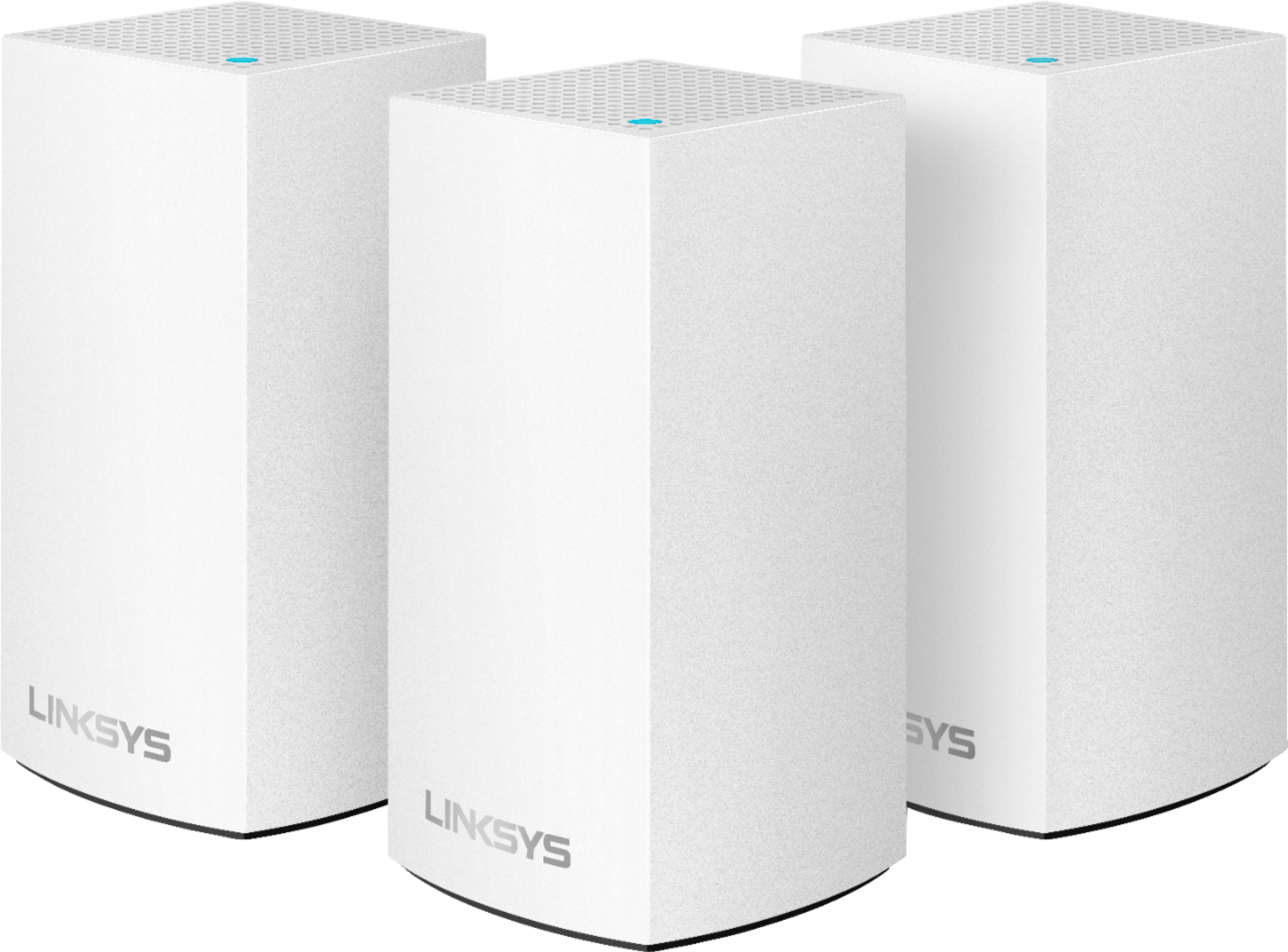
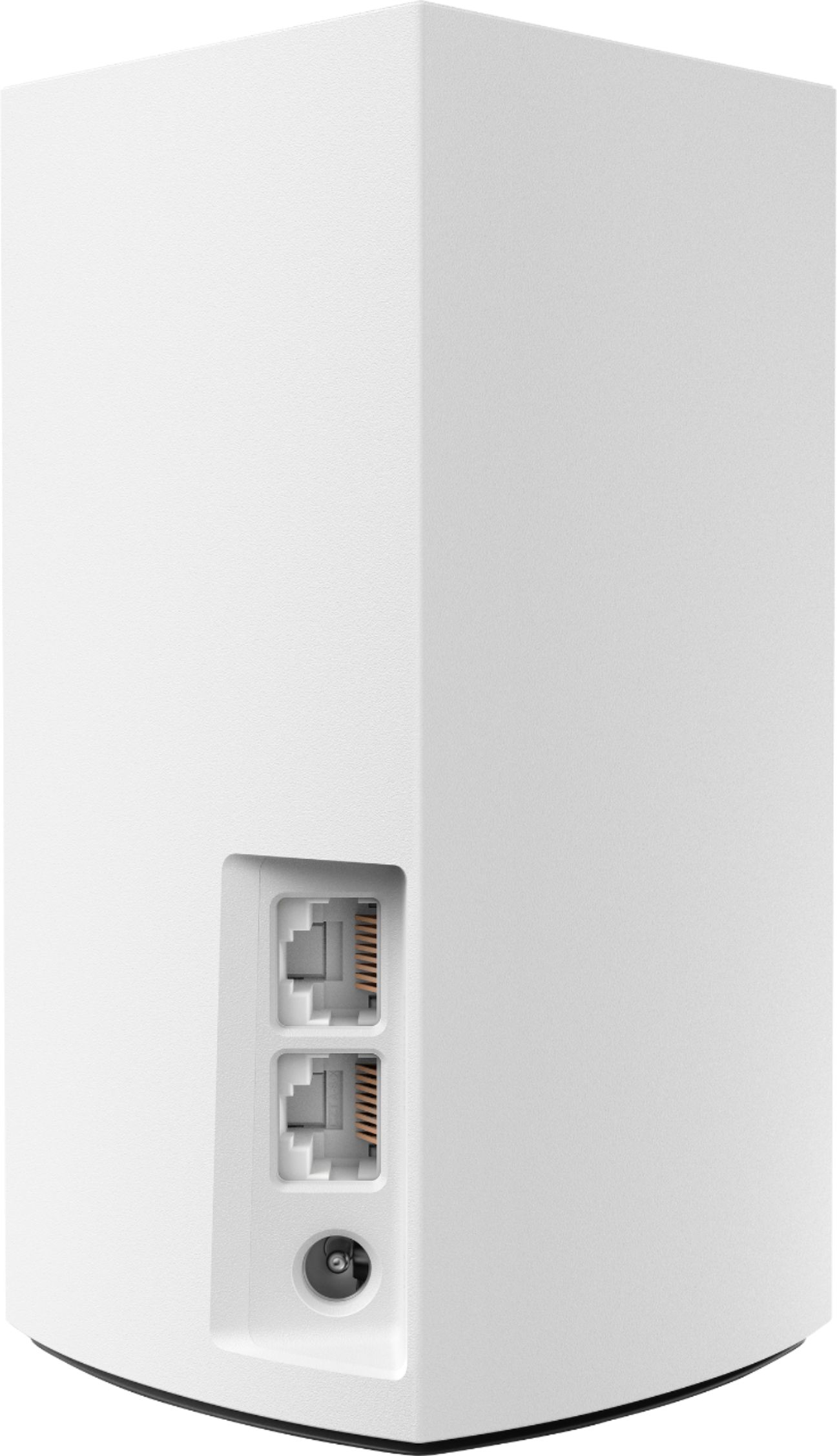
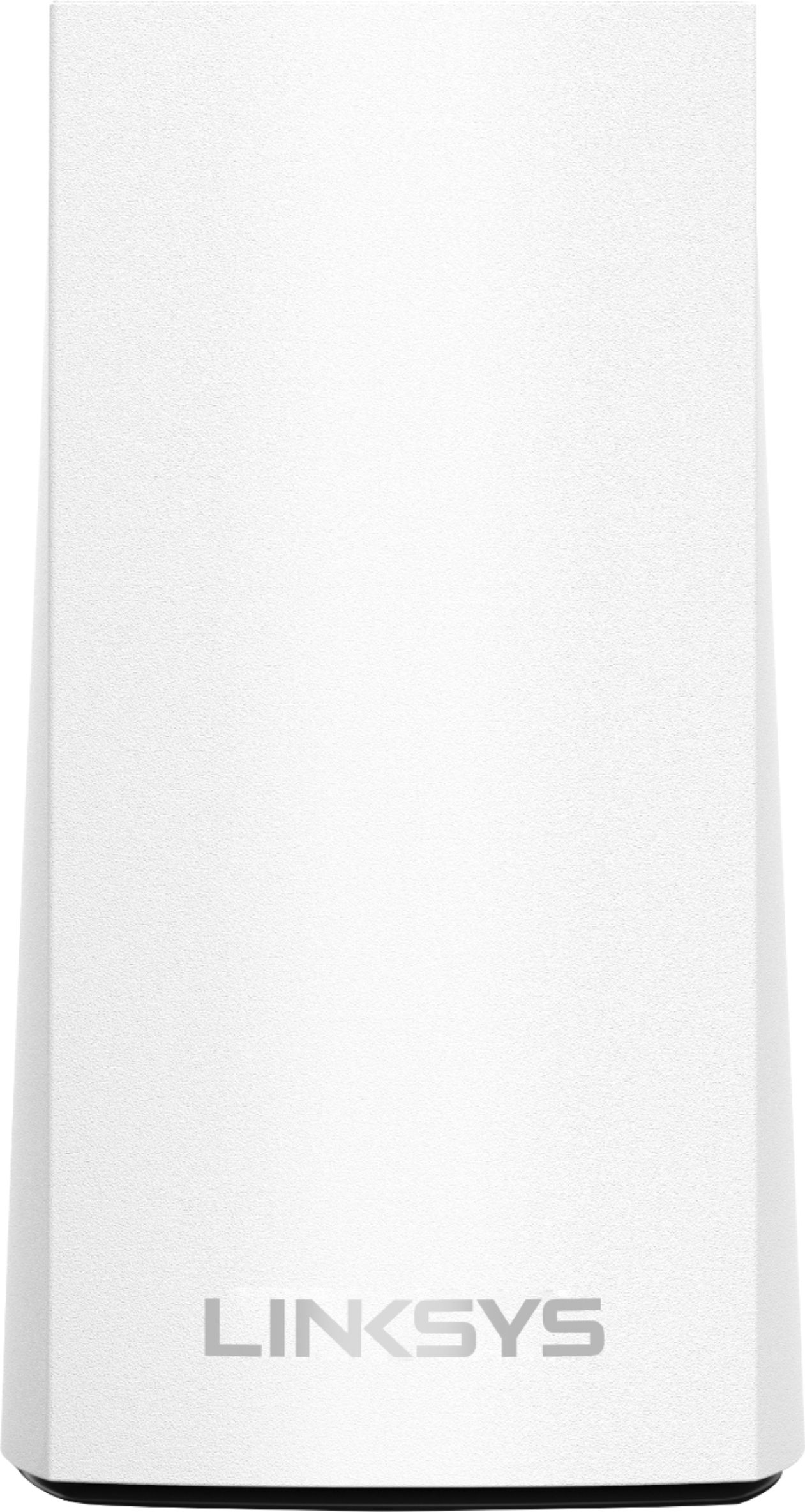
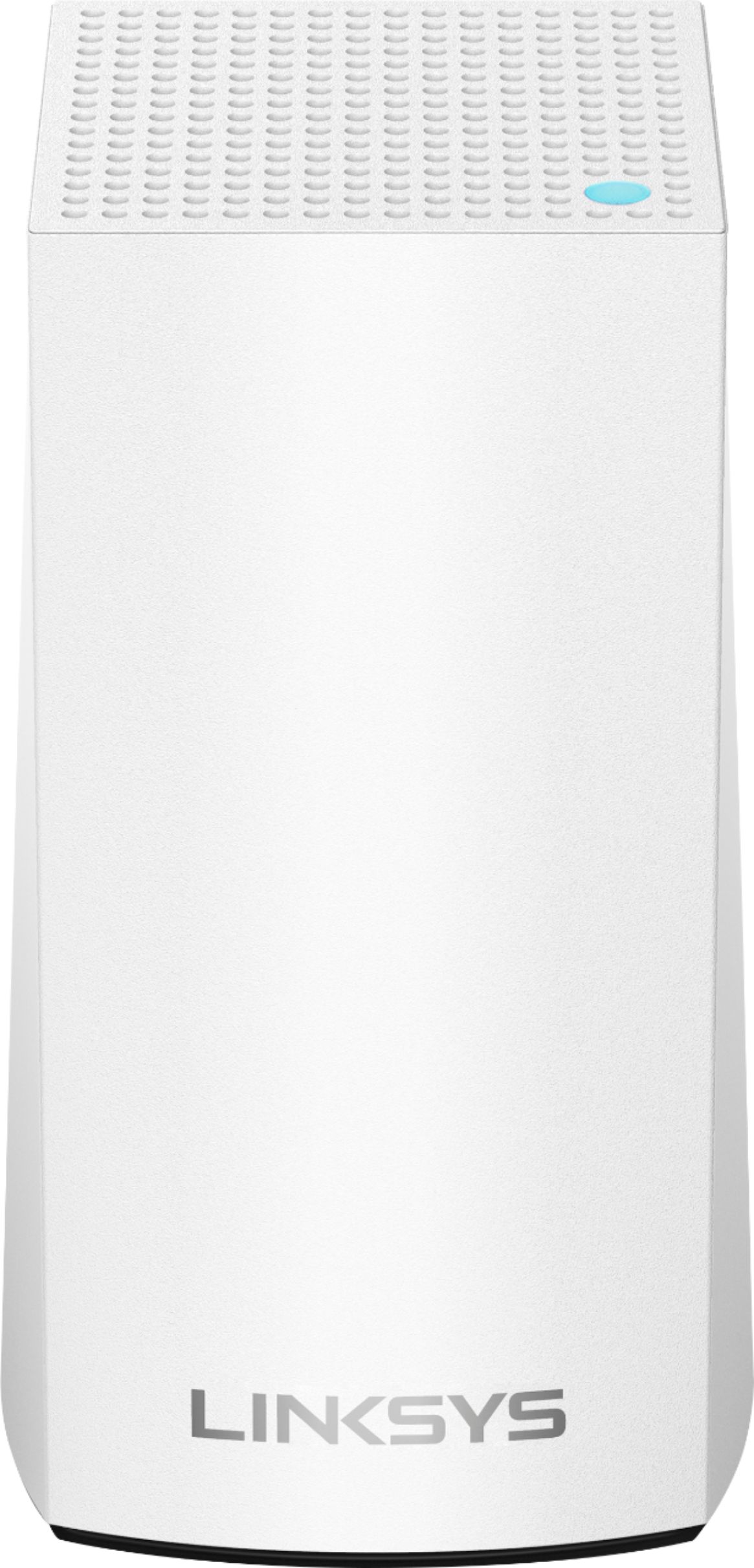






- Model:
- WHW0103
- SKU:
- 6215341
Rating by feature
- Setup
Rating 4.2 out of 5 stars
- Range
Rating 4.1 out of 5 stars
- Signal Strength
Rating 4.1 out of 5 stars
Customers are saying
Customers enjoy the Velop AC1300 Dual-Band Mesh Wi-Fi 5 System's ease of use, expanded Wi-Fi coverage, and strong signal. Many appreciate the improved range and performance compared to single routers, finding setup straightforward. A common concern, however, is the relatively high cost.
This summary was generated by AI based on customer reviews.
Nothing but problems with this system
||Posted .This reviewer received promo considerations or sweepstakes entry for writing a review.I have been a Best buy customer for many years and I have purchased all electronics and appliances from Best buy based upon Best buy employee recommendaions. This is the first time that I have been very dissatisfied. My wifi continuously drops and I have to trun it off and on only for it to go off again. I would hesitate to trust an employee again and may not go to Best buy in the future because of this. Extremely unhappy. Spent a lot of money for a system that I cannot depend on.
No, I would not recommend this to a friendBrand response from Linksys Staff
Posted .Hi Paula,
We understand your sentiments regarding the Velop system. You should have been provided with reliable and consistent connectivity right off the bat. Make sure that your system is running on the latest firmware for a maximized performance. For further assistance, we can have our Escalation Engineers evaluate your setup and verify what's happening. Email your full contact info with the link of your review as reference to [email protected]
Hoping to hear from you soon.
Harvey
Linksys Support
Does not work as advertised
||Posted . Owned for 2 months when reviewed.This reviewer received promo considerations or sweepstakes entry for writing a review.These units are advertised (on the packaging) that it provides wifi coverage for a 4500 sq ft house. Internet was much slower than what my old wireless "n" router provided. I experienced dropped signals frequently on my smart devices and 2 wifi TVs. My house is 1300 sq ft. Total waste of money...
No, I would not recommend this to a friendBrand response from Linksys Staff
Posted .Hi Lucasquinonez,
There could be multiple factors that is causing the challenges that you are experiencing with the Velop system. It is possible that the nodes are too far from each other which is causing the slow internet access, or the firmware is not up to date.
Allow us to have our Escalation Engineers to get in touch with you for further troubleshooting.
Just send us your contact details at [email protected] so that we can escalate your case. Don't forget to include the link to this post as a reference.
We hope to hear from you soon.
Regards,
Thaddeus
Linksys Support
not that Good
||Posted . Owned for 1 month when reviewed.This reviewer received promo considerations or sweepstakes entry for writing a review.Did not work at all for gaming. Smart tv would not work well even with the pod next to tv. PS2 didn’t work either when wired to pod.
No, I would not recommend this to a friendBrand response from Linksys Staff
Posted .Hi, Jesse,
Proper node placement, an up to date firmware and utilizing the channel finder might help. If not, please get in touch with us at [email protected] so our Escalation Engineers can help you isolate the challenge. Don’t forget to include your contact information and a link to this review as our reference.
Regards,
Rosalyn
Linksys Support
Unreliable junk....dont do it
||Posted . Owned for 4 months when reviewed.This reviewer received promo considerations or sweepstakes entry for writing a review.Absolute garbage...hands down the worst router I've ever owned or used. One of three units replaced....lots its setup twice without warning....every setup or correction option required Minium 1 hour with tech support (and I work in an IT field....so this should tell you something). Dont even get me started on the phone app. Garbage right along with the router.
No, I would not recommend this to a friendBrand response from Linksys Staff
Posted .Hi, TammyBBuy,
This is definitely not what is expected from the Velop system. If you encounter the same challenge next time, please get in touch with us at LinksysCares@linksys.com so our Escalation Engineers can help you check what cause it to recur. Just include your case number and a link to this review as our reference when you reach out.
Regards,
Rosalyn
Linksys Support
doesn't work well
||Posted . Owned for 1 month when reviewed.This reviewer received promo considerations or sweepstakes entry for writing a review.Been on and off since I bought it. Wireless disconnects and will not re set and re start properly. At least 2-3 times a day
No, I would not recommend this to a friendBrand response from Linksys Staff
Posted .Hi, home1,
Have you checked if the nodes are running on the latest firmware? We might also need to check if the nodes’ placement is alright and try to utilize the channel finder. If that won’t help, let’s have our Escalation Engineers help you sort this out. Just send us an email at [email protected] along with your contact information and a link to this post as reference.
Regards,
Rosalyn
Linksys Support
Not Impressed
||Posted . Owned for 1 month when reviewed.This reviewer received promo considerations or sweepstakes entry for writing a review.It works fine when it works. We have had to call technical support three times so far for this product.
No, I would not recommend this to a friendBrand response from Linksys Staff
Posted .Hi there,
We'd like to learn more details about the challenges that you have with the Linksys Velop WHW0103. With the link to this review and your contact details, please get in touch at LinksysCares@linksys.com so our Escalation Engineers can lend a hand and help you figure out what's causing this to happen.
Let's continue from there.
Regards,
Carl
Linksys Support
- Pros mentioned:Setup

Good but Could Be Better
|Posted .This reviewer received promo considerations or sweepstakes entry for writing a review.I have last year’s model and although this new Linksys Velop looks even bette with a smaller footprintr, it is not tri-band. As I just confirmed again, dual-band-only affects performance. Most users will not notice that but I do because I have a 1Gb fiber connection to the internet and transfer huge video to/from work. In addition, the family plays video games that require the best performance possible to the internet. Again, this is an issue for people in these situations only. Video streaming and browsing will perform great in most cases and the average user will be happy with it since it outperforms older, non-mesh repeaters by far. Just for a quick comparison, with the older tri-band model, at close proximity of the first unit, I got 552 Mbps with an iPad. I got 512 with this new model. Not bad at all but when connecting to one of the satellite nodes I got 270 with the old and 80 Mbps with the new at the same exact location. That’s less than 1/3 of the performance. Still good for normal browsing and most YouTube videos but beyond that you’d rather go with the tri-band model. Setting it up was very easy. You don’t even need a computer to do it. All you need is the Linksys app and Bluetooth on your smartphone. The app will guide you. You can select a name for each unit: Living Room, Master Bedroom; or create one such as Entertainment Room, etc. Being able to control access per device has been on Linksys products for a while but one thing that it is still missing is antivirus. Please Belkin, add that to all Linksys models. Not everybody has anti-virus on his or her device and when they do, they are not always up-to-date. Besides, another layer of protection is never too much, especially if it is right at the edge of the home network. The speed check feature is very useful, especially because it is at the router level. When you test speed on your device, you cannot be sure whether the performance is due to your internet or because you are experiencing an issue with the device itself. When you do from your router, you know exactly how good or bad the internet connection is. It is a good feature that I think should be in every wireless router/modem. Thumbs up for Belkin. Parental control is limited but useful, especially the scheduling part: no internet for the elementary students after 8pm. Device prioritization is a good tool if you have a VOIP phone at your home or you just want to give the best experience to your Playstation or Xbox; just be prepared for the rage of the other members of the family. :) It does work with Alexa as everything else in the world should by now. The commands are limited but I found it useful when enabling or disabling the guest network and asking for the credential for it. Friends of the family do not even have to ask me anymore. Just ask Alexa. As to coverage, it covers every corner of my house which is bigger than average. No issues there. In summary, it is a good mesh system but if you are looking for the best performance, go with a Linskys tri-band model. Even last year’s is better. I would recommend it but not to everyone..
I would recommend this to a friend Worst Product
||Posted . Owned for 3 weeks when reviewed.This reviewer received promo considerations or sweepstakes entry for writing a review.Very worst mesh Wi-Fi system, and it is waste of money. The coverage itself is garbage compared to this products price point, and any "high speed WiFi" is no where to be seen. Talk with ISP and increase your speed that will solve your problem. Sum it all up, don't buy this, save yourself the money and headaches that comes with this product.
No, I would not recommend this to a friendBrand response from Linksys Staff
Posted .Hi, Gennex,
This is definitely not what is expected. We might just need to adjust some settings to fully optimize the system. We’ll have our Escalation Engineers assist you. Just email us at LinksysCares@linksys.com with the relevant details, your contact information, and a link to this review as our reference.
Regards,
Rosalyn
Linksys Support
Poor reception
||Posted .This reviewer received promo considerations or sweepstakes entry for writing a review.Our Wi-Fi is not so good with this product. Our speed is supposed to be 300 and on our tablets the signal drops all the time.
No, I would not recommend this to a friendBrand response from Linksys Staff
Posted .Hi,
Once properly installed and configured, your Velop System should provide reliable connections. Try relocating each node and utilizing the Channel Finder feature. Nonetheless, please reach out to us at [email protected] instead with the link to this post and your contact information. Our Escalation Engineers will assist you from there.
Regards,
Klaudette
Linksys Support
Coverage was not what I needed
||Posted . Owned for 1 year when reviewed.This reviewer received promo considerations or sweepstakes entry for writing a review.I have a 3600 sq ft house and these did not cover enough of the house to be able to use the wi-fi thru out.
No, I would not recommend this to a friendBrand response from Linksys Staff
Posted .Hi there,
We'd like to check this out further as we designed the unit for large a large household (up to 4, 500 Square Feet) and should provide fast, reliable WiFi coverage for 4K streaming, gaming and more. Please email us your contact details at [email protected] along with the link to this review for our reference. We'll have our Escalation Engineers work with you to achieve the unit's full potential.
Regards,
Carl
Linksys Support
Didn't work as advertised.
||Posted . Owned for 1 month when reviewed.This reviewer received promo considerations or sweepstakes entry for writing a review.spent 7 hours with customer support and could not get to work at the capability advertised on the box
No, I would not recommend this to a friendNot recommended
||Posted .This reviewer received promo considerations or sweepstakes entry for writing a review.This appears to be nothing more than a range extender. Example...security cams don’t connect to nearby Velop unit, instead connect to distant main Velop at modem with a poor RSI level. (This is under control of Velop software.) Result is very poor frame rate on security camera, total failure. Appears to not “switch” to a better Velop unless the RSI is very poor (RSI is signal level). Returned.
No, I would not recommend this to a friendBrand response from Linksys Staff
Posted .Hi Cookie,
If your Velop Nodes are properly configured and positioned, we expect that your wireless devices will pick up the best node to achieve maximum performance. We regret to hear that you already returned the item as we could have endorsed your case to one of our Escalation Engineers for a fix. Should you wish to give it another chance in the future, we'd be more than happy to serve you at [email protected].
Regards,
Jay
Linksys Support
Go with google instead
||Posted . Owned for 2 weeks when reviewed.This reviewer received promo considerations or sweepstakes entry for writing a review.Had to return them and get google instead. These things just cut out way too much and my devices would constantly drop connection when moving between rooms. Set up is always hit or miss too, sometimes it’s smooth and easy and other times a real pain. I also didn’t care much for the app it was also unstable at times.
No, I would not recommend this to a friendBrand response from Linksys Staff
Posted .Hi, KyleN,
Your feedback is of great value. However, having this challenges with our Velop WHW0102 is far from expected. The unit should've provide a stable connection if equipped with the latest firmware and the connection behind the modem is stable. We could have tapped our Escalation Engineers to check the unit and provide further diagnosis before returning it. Should you have any Linksys products in the future and need a helping hand, please don't hesitate to get in touch with us at LinksysCares@linksys.com.
We're eager to help.
Regards,
Carl
Linksys Support
Nodes lose connection often
||Posted . Owned for 1 month when reviewed.This reviewer received promo considerations or sweepstakes entry for writing a review.I had heard about the wonder of mesh networks and decided to invest in this product. Set up was fairly easy. I didn’t notice any speed improvement at all. In fact the nodes lose connection often. My family has asked me to disconnect them because they can’t get WiFi signal. Terrible product.
No, I would not recommend this to a friendBrand response from Linksys Staff
Posted .Hello, dicovery,
Power-cycling the Linksys Velop nodes - WHW0103 may solve the connectivity issue. If the LED of your node lights as Solid Yellow, then it means that the node is too far from another node connected to the Velop System. You may also try moving it closer and observe the connection. Send us an email then at [email protected] so we can have you taken care by our Second Level Support Team. You may send along with your contact info and the link of this review, for our reference.
Regards,
Elyza
Linksys Support
- Pros mentioned:Range, Speed
Meh.. Skip dual-band and get tri-band
|Posted .This reviewer received promo considerations or sweepstakes entry for writing a review.Basic setup of this set is easy. Basic setup means getting all the nodes connected to my router and being able to access the internet through the system. Getting network resources like printers and scanners to work seamlessly afterward is harder. When I was unable to access my printer after setup, I checked the settings and noticed my Velop connected devices were on a completely different network (10.X.X.X) than my devices connected to the router. The Velop system establishes itself as an independent network by default. It can share the same internet resource but that's it. I realized I'd either have to switch everything completely to the Velop network or switch to bridge mode. Bridge mode isn't enabled by default as I initially believed. I switched to bridge mode. That allowed me to connect my devices to either the nodes or the router and still have them all be able to access each other. The Velop system still has a separate SSID that I have to connect to if I want to use a node but it passes directly through to the router's network. Performance of this set is okay but it doesn't boost wifi speeds, even on devices close to the router. With a node sitting within three feet of my laptop and a clear line of sight to the primary router, I get roughly the same wifi speeds through either device. The value in this set is extending range, not boosting speed. If one of my machines has a weak signal, these provide a signal boost which improves overall performance but computers already receiving a moderate to strong signal do not see any noticeable improvement. I only utilize wifi on two floors and don't have a very large area to cover. I also use an ISP supplied MoCA wifi range extender via coax on the second level of the house. The router is on the first level. We were getting decent performance with that setup and adding this dual-band Velop only marginally improved it. The biggest difference is noticed in the farther away areas. We subscribe to gigabit service, so I feel that this set is not a good option for my situation. It even says on the box that this is for basic internet. That's because this set isn't very robust due to the hardware limitations of the dual band option. It offers 1/3 the speed of the tri-band and it shows. If considering a Velop system, skip the dual-band and go with tri-band if you subscribe to speeds faster than 100Mbps. It's definitely worth the extra cost. That's why I can't recommend this knowing the much faster tri-band is also available for slightly more.
No, I would not recommend this to a friend WiFi System
||Posted . Owned for 3 weeks when reviewed.This reviewer received promo considerations or sweepstakes entry for writing a review.We are still experiencing WiFi issues and the nodes go offline without internet issues
No, I would not recommend this to a friendEasily cover your home with WiFI
|Posted .This reviewer received promo considerations or sweepstakes entry for writing a review.(I was provided this 3-unit Velop kit for review.) For anyone struggling to cover all areas of a home with a reliable WiFi signal, I cannot recommend enough a "whole home WiFi" system, like the Linksys Velop. I've set up and used a few of these systems, and while they've all worked well, the Velop has a few unique features. I will mostly compare it to my normal WiFi system (a 2-node Netgear Orbi). First off, let me mention a bit about the Velop hardware itself. Linksys has a few types of Velop nodes. The biggest difference is between their dual-band and tri-band nodes. This kit consists of 3 dual-band nodes. The tri-band nodes are technically better, but you will need devices that support the most advanced 802.11ac features to get all of the benefits. In practice, it's uncommon for most people to have many - if any - such devices, so you're not losing much with these dual-band devices. This dual-band kit represents a pretty good price/performance value in that regard. (The higher-end models can still theoretically provide a more reliable signal, and may be more future-proofed.) It should be possible to replace, or add on to, the nodes in this kit with piecemeal tri-band nodes in the future if you're considering a future upgrade path should dual-band not satisfy your needs. Compared to the Orbi system, these dual-band Velop nodes are significantly more compact. I am able to locate one of my nodes in a better place than the Orbi node it replaces due to this. The smaller form factor could be partly obtainable because the Velop nodes each have only 2 Ethernet ports, which doesn't quite match the Orbi (which has 3 or 4 Ethernet ports, depending on whether a node is a router or satellite). Personally, I did not need more than 2 per node. Speaking of Ethernet, the Velop system supports inter-node communication over Ethernet ("Ethernet backhaul") if you are able to physically connect them. Netgear added this feature to Orbi fairly recently, so it's no longer a standout feature of the Velop, but nice to have nonetheless. That said, the Orbi was definitely fussier about how the ports needed to be connected to each other and my other networking equipment, so I'd still give the Velop a small advantage here. Depending on whether you can take advantage of Ethernet backhaul or not also really determines the practical advantages of some other differences between the dual-band Velop and Orbi. One of biggest differences between these dual-band Velop nodes and Orbi nodes is that Orbi is a tri-band system. Unlike the higher-end tri-band Velop, however, the Orbi dedicates the third radio to inter-node communication. If you're using the Ethernet backhaul, this third radio is unused on the Orbi and there's really no advantage over the Velop. On the other hand, if you cannot physically connect all your WiFi nodes with Ethernet, then the Orbi's third radio gives it an advantage as it will do inter-node communication with that radio and keep the other two dedicated to WiFi communication with your wireless devices. The dual-band Velop, in contrast, would have to congest the WiFi traffic with node communication (and be a reason to consider a tri-band Velop system in this situation). The Velop system, both dual- and tri-band, is a true mesh-network system, where the nodes act as peers of each other and can talk to each other to chain the WiFi signal in the best manner possible. In contrast, the Orbi has specialized router and satellite units, and the satellites must talk directly to the router, so centralized placement of the router unit is key. This is an advantage for the Velop, though less so if you're using Ethernet backhaul. Even in that case, Velop may provide more seamless WiFi handoff between nodes (though that is not a problem I've had with my Orbi system). As far as the user experience with Velop goes, beginning with set-up, it was all quite easy. Linksys recommends using their smartphone app for this, which is what I did (iOS version). I found the step-by-step instructions to be quite clear. Each node does take several minutes to start up and be discovered by the app, but once "joined" I had no issues shutting them down and moving them to their final locations where they reconnected seamlessly after turning them back on. Other systems had similarly easy set-up, in my opinion, but the Velop certainly does it just as well as any of the competing products I've used. After set-up, the app also serves as the main management tool. There is not a ton of functionality to manage - it generally "just works". Home-networking nerds might be underwhelmed, but I think for most people this is just fine (and probably even a benefit). There are some rudimentary features when using the Velop as your primary Internet router, such as being able to prioritize traffic from certain devices to guarantee the best network/Internet performance for them. These might be useful, though dedicated routers typically have a much richer feature set in this regard. I switched my system over to bridge mode to integrate my wireless devices with the rest of my home network that's managed by an existing router. Netgear's Orbi did not have a rich set of router features either, so Velop is really no worse in this regard. However, if you're a power-user with a non-bare-bones router, I'd suggest hanging onto it and using Velop in bridge mode just for WiFi. By the way, although Linksys seems determined to draw attention away from it, the Velop nodes do support local Web-based configuration systems that provide equivalent functionality. I did not try this until after initial set-up, so the app may still be required for that much. But I'm glad to know that I can still do basic management from any computer on my network. (I also registered with Linksys' Smart Wi-Fi remote-management portal, though I'm not sure how often I'll need to remotely change any of the spartan Velop features.) I tested performance with a variety of devices on both my Orbi-based WiFi as well as the new Velop system and found pretty much identical performance in terms of network transfer speeds (both over Ethernet and WiFi). Of note is that I am using the Ethernet backhaul feature on both systems. Both the Velop and Orbi supported identical feature sets on all my wireless devices (namely, 867 Mbps theoretical 802.11ac speeds). Personally, my favorite feature of the Velop over the Orbi was its more compact size. For my usage, the systems are otherwise virtually identical in performance, with the Velop providing additional flexibility to increase WiFi coverage due to its third included node. If I was not using Ethernet backhaul, I would prefer and recommend the Orbi system, all else being equal. However, since this Velop 3-pack generally sells for a bit less and comes with 1 additional node, it seem like a very reasonable decision to save a bit of money if you value broader WiFi coverage rather than absolute best theoretical WiFi speeds for your devices.
I would recommend this to a friendDon’t buy this product
||Posted . Owned for 10 months when reviewed.This reviewer received promo considerations or sweepstakes entry for writing a review.DONT BUY THIS PRODUCT!! I purchased them and they came defective, their costumer support the worst!!!!! They will give you the run around and won’t stand behind their product!!! It looks like they are trying for the warranty to run out!!! Since I purchased it Jan 19 and now is Nov 30th
No, I would not recommend this to a friendBrand response from Linksys Staff
Posted .Hi,
We completely understand how you are feeling towards this experience. Allow us to further check on this. Please share more details and reach out to us at LinksysCares@linksys.com so our Escalation Engineers can further assist you. Include your contact information and the link to this post for our reference. We hope to hear from you soon.
Regards,
Rhea
Linksys Support
Needed to increase WiFi strength throughout my hom
||Posted . Owned for 4 months when reviewed.This reviewer received promo considerations or sweepstakes entry for writing a review.Purchased this at the advice of a Best Buy sales rep, was hoping to increase the signal strength throughout my home. Doesn't work.. AT ALL.. basically a waste of $200. Wish I could return. Our modem/router is in the family room in the basement, my son is an online gamer and both my wife and I work frequently from home. This didn't help.
No, I would not recommend this to a friendBrand response from Linksys Staff
Posted .Hello, Drknyt1,
Running the Channel Finder feature of the Velop System may help us improve the speed as it will automatically find a channel with less internet traffic. Make sure as well that your system is running on its latest firmware version. Please send us an email then so we can investigate on what’s causing the concern, and so we can also have our Escalation Engineers assist you further at [email protected] with your contact info and the link of this review, for our reference.
Regards,
Elyza
Linksys Support
Works, but not as well as promoted
||Posted .This reviewer received promo considerations or sweepstakes entry for writing a review.The WiFi is extenddd but with 100 mpb it only connects one or at most two devices at a time. Coverage is poor
No, I would not recommend this to a friendBrand response from Linksys Staff
Posted .Hi LRry,
If properly configured and the nodes are rightly positioned, your Velop System is capable of providing a strong Wi-Fi signal and a stable connectivity to all devices. We truly appreciate your posting this product review so we can have one of our Escalation Engineers help you achieve the best Wi-Fi experience that you deserve. Please shoot us an email at [email protected] with your contact details and the link to this post for easy reference.
Regards,
Jay
Linksys Support